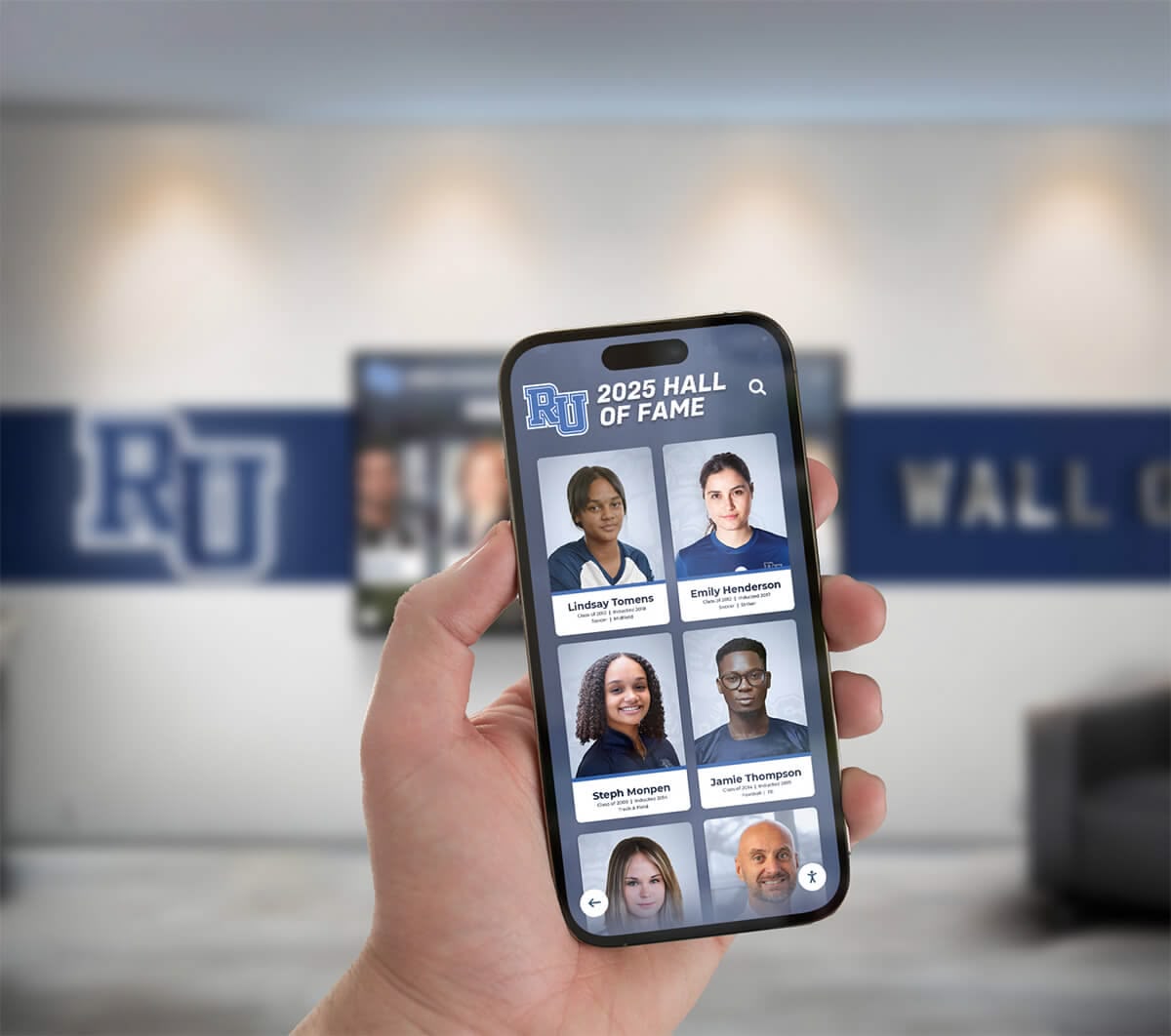
Mobile Yearbook Access: Designed for How Students Actually Browse
Intent: Define — Understand how mobile-optimized yearbooks increase engagement.
65% of yearbook traffic comes from mobile devices. That’s why our digital yearbooks are built mobile-first — fast, touch-friendly, and designed for the way students actually use their phones.
Mobile Experience Features
| Feature | Desktop | Mobile |
|---|---|---|
| Navigation | Mouse + keyboard | Swipe + tap |
| Image Loading | Full resolution | Optimized for screen |
| Video | Autoplay optional | Tap to play |
| Search | Type + enter | Voice or type |
| Sharing | Copy link | Native share sheet |
Performance Metrics
| Metric | Industry Average | Our Yearbooks |
|---|---|---|
| Page Load | 3.7 seconds | Under 2 seconds |
| First Paint | 2.5 seconds | Under 1 second |
| Interaction Ready | 4.2 seconds | Under 2 seconds |
| Lighthouse Score | 55-70 | 85+ |
Mobile-Specific Features
Touch Gestures
- Swipe between pages
- Pinch to zoom on photos
- Pull to refresh
- Long-press to save images
Offline Access
- Core content cached automatically
- Works without internet after first load
- Syncs when connection returns
Native Integration
- Add to home screen
- Share via text, email, social
- Save photos to camera roll
- Scan QR codes with camera
Device Compatibility
| Device Type | Support Level |
|---|---|
| iPhone (iOS 14+) | Fully optimized |
| Android (8+) | Fully optimized |
| iPad/Tablets | Fully optimized |
| Older phones | Basic support |
Mobile Usage Patterns
When students access yearbooks on mobile:
| Time | Activity | % of Mobile Traffic |
|---|---|---|
| Morning | Quick browse at school | 15% |
| Afternoon | After school check-in | 25% |
| Evening | Deep browsing at home | 40% |
| Weekend | Sharing with family | 20% |
Optimizing for Mobile
Best Practices for Content
| Element | Recommendation |
|---|---|
| Photos | Portrait orientation displays better |
| Text | Keep captions short (under 100 chars) |
| Videos | Vertical or square format preferred |
| Buttons | Large touch targets (44px+) |
QR Code Integration
QR codes + mobile = instant access:
| Use Case | Implementation |
|---|---|
| Graduation Programs | QR on every program |
| Event Signage | Large QR on banners |
| Business Cards | Admissions/alumni staff cards |
| Email Signatures | Staff email footers |
Mobile Analytics
Track mobile-specific engagement:
| Metric | What It Tells You |
|---|---|
| Device Breakdown | iOS vs Android, phone vs tablet |
| Session Length | Mobile vs desktop engagement |
| Bounce Rate | Is mobile experience working? |
| Conversion | Actions completed on mobile |
| Peak Times | When mobile users are active |
Accessibility on Mobile
Mobile accessibility features:
- Screen reader compatible (VoiceOver, TalkBack)
- Dynamic text sizing support
- High contrast mode support
- Reduced motion options
- Focus indicators for navigation
Link to Hub Pages
See Mobile Experience First-Hand
We’ll show you exactly how your yearbook looks on mobile during your demo.































