
Athletic Archive Write-Blocker Workflow for Safe Legacy Media Ingest
Athletic departments accumulate decades of irreplaceable history on removable media — floppy disks from the early 1990s holding team rosters, CD-Rs containing championship game highlights, USB drives stuffed with coaching photos, and external hard drives that last spun up during a different administration. When it comes time to pull that content into a modern digital archive, the single biggest risk is accidental modification: a careless copy job, an auto-indexing system writing metadata to the source disk, or a malware scan that tags files on the original media.
Read More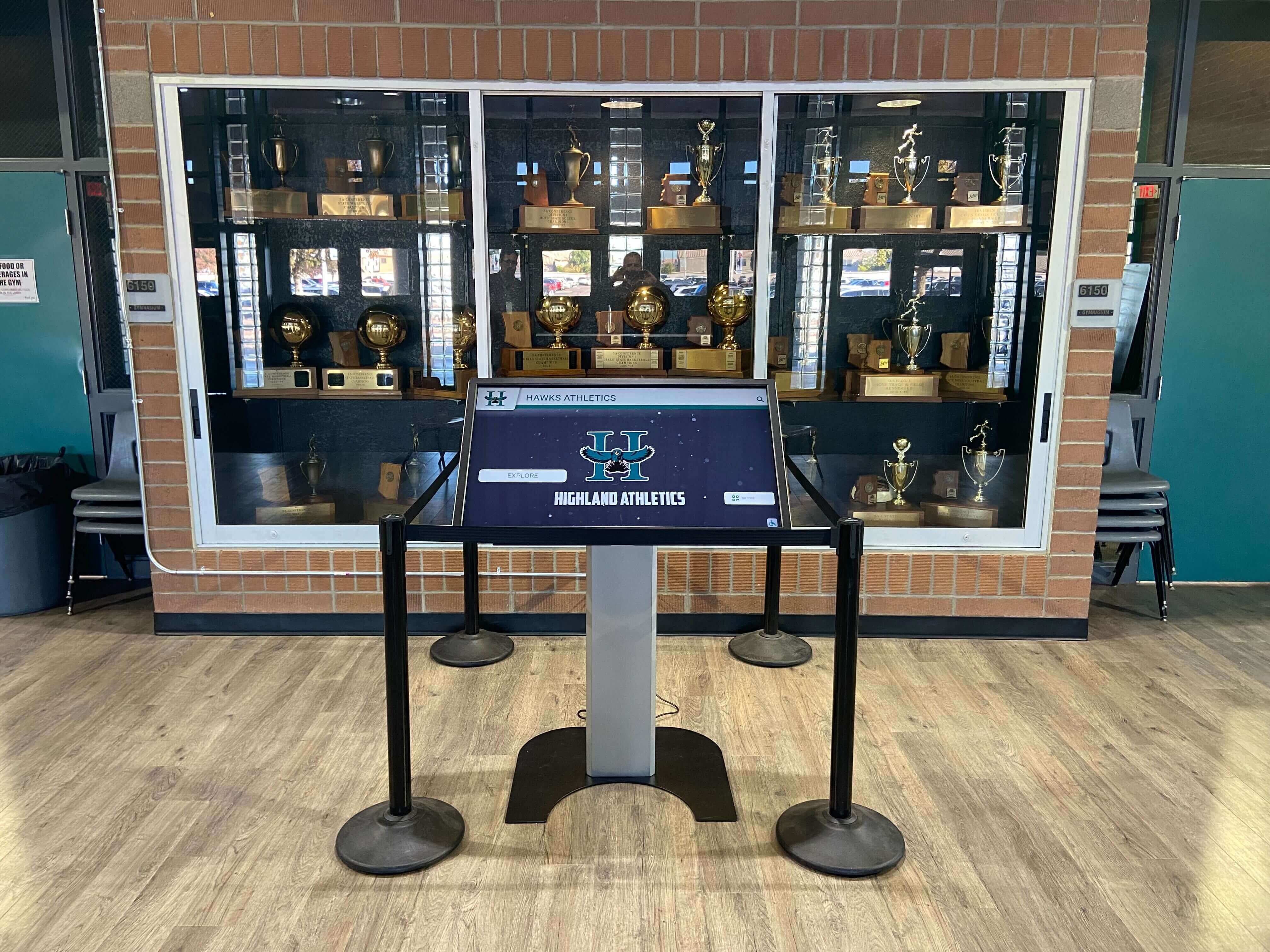
School Sports Photo Scan Resolution Checklist for Digital Archives
The right scan resolution for school sports photos depends on intended use: 600 DPI for archival masters and hall-of-fame displays, 300 DPI for standard print reproduction, and 150–200 DPI for web-only or digital display output. Scanning at the wrong resolution wastes storage on files you can’t use, or produces pixelated images that embarrass a program when displayed on a trophy-case touchscreen or a banquet slideshow.
Read More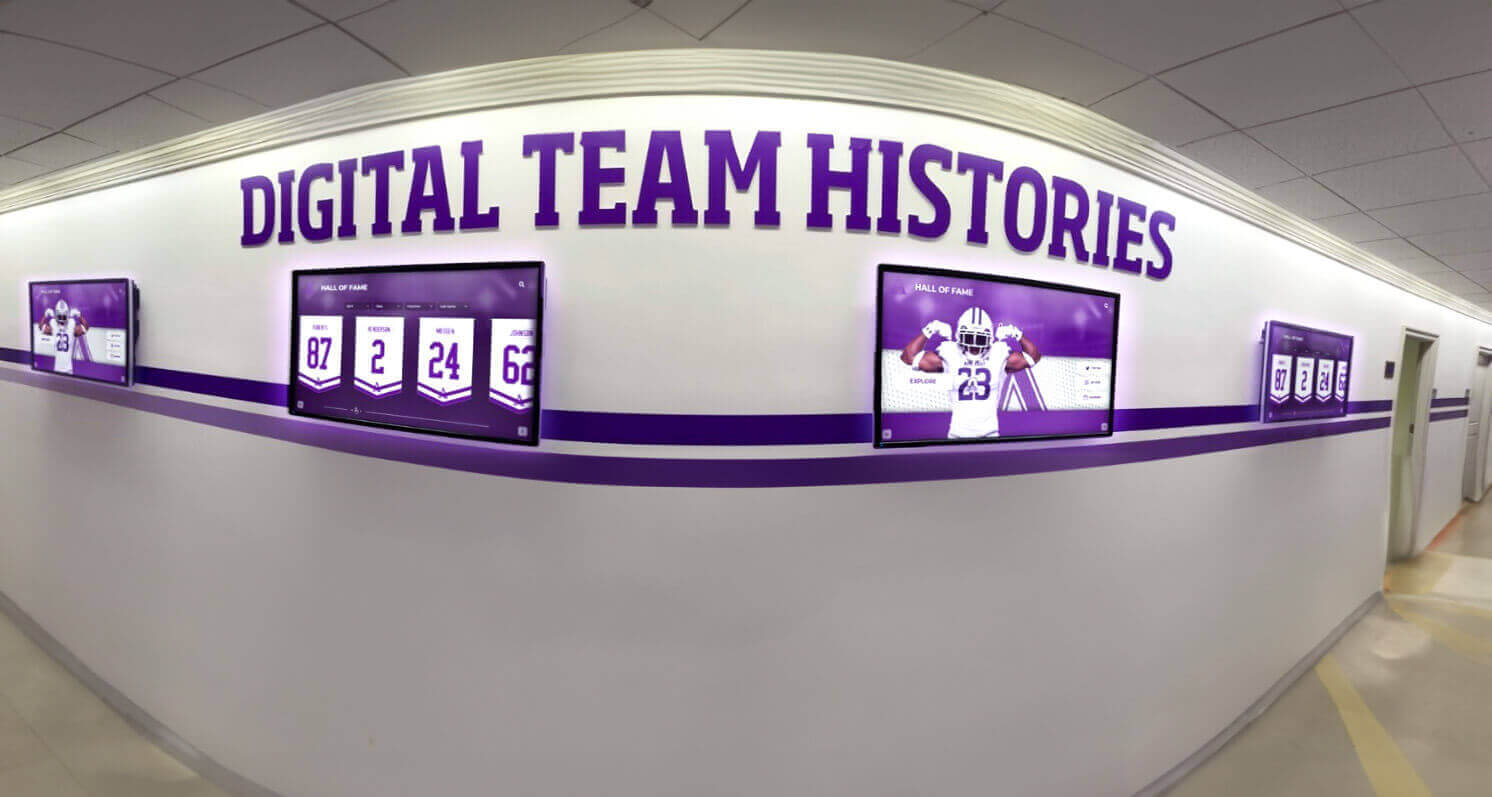
Athletic Archive Storage Capacity Forecast: Plan for Photos, Video, and Records
A school that runs out of storage does not lose old files immediately—it stops collecting new ones. Photos from this season go unarchived. Championship video sits on a coach’s phone. Season statistics never get deposited. The result is a gap in the historical record that becomes permanent once the equipment changes hands or the staff member moves on.
Read More