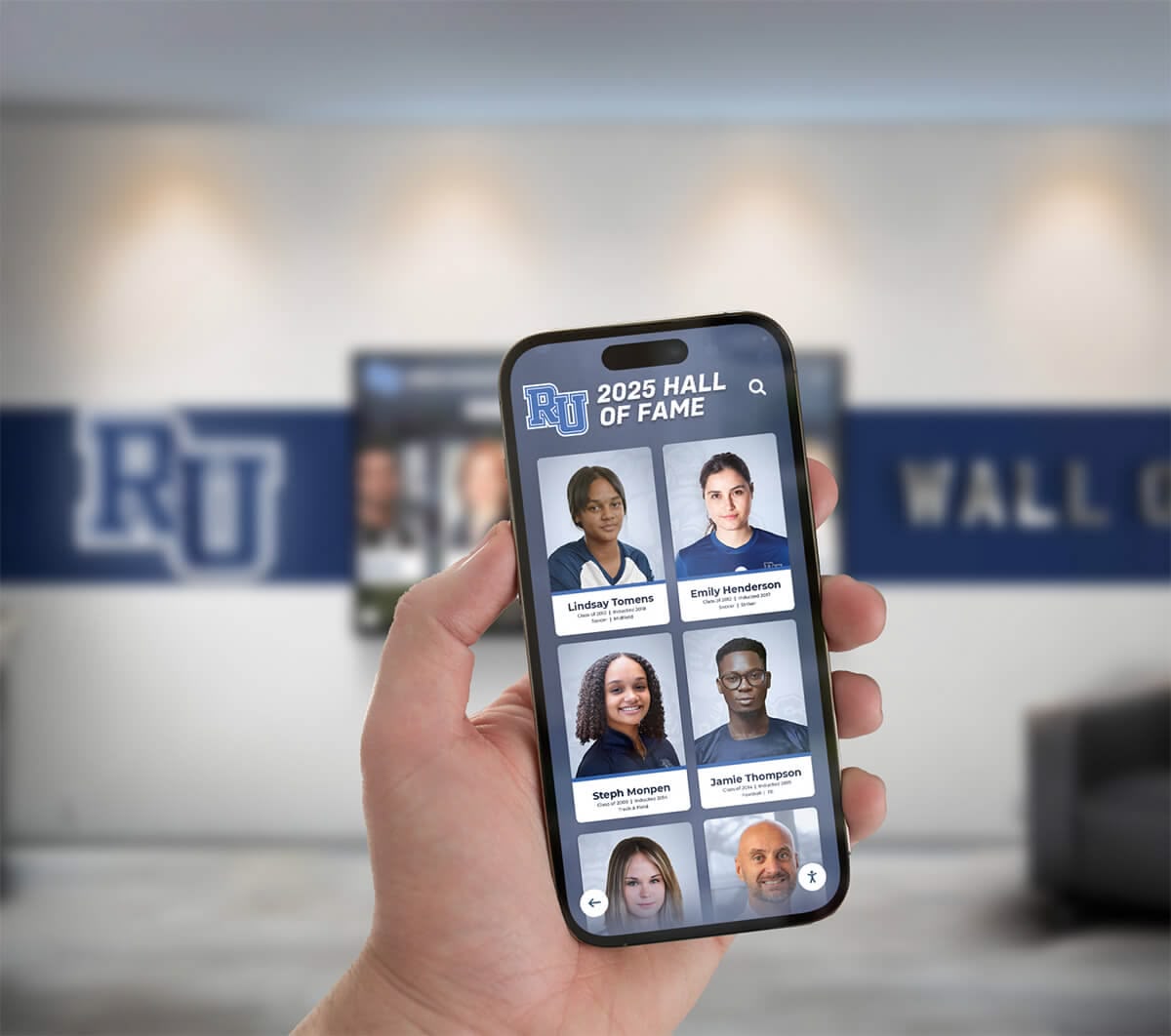
QR Code Yearbook Access: The Complete Guide
Intent: Define — Learn how QR codes transform yearbook distribution and engagement.
QR codes solve one of the biggest problems with digital yearbooks: getting people to actually use them. Instead of sharing URLs or login instructions, you generate a simple scannable code that instantly opens your yearbook on any smartphone.
How QR Code Yearbook Access Works
| Step | What Happens |
|---|---|
| Generate | Create QR codes from your dashboard (takes seconds) |
| Print/Display | Add to programs, banners, posters, screens |
| Scan | Visitors point their phone camera at the code |
| Access | Yearbook opens instantly in their browser |
Where Schools Use QR Codes
Graduation
- Programs given to every family
- Banner behind the stage
- Digital slideshow between ceremonies
Athletic Events
- Game programs
- Concession stand signage
- Banners in the gym/stadium
Campus Displays
- Next to touchscreen kiosks
- Lobby posters
- Trophy case signage
Communications
- Email newsletters
- School website
- Social media posts
- Business cards for admissions
QR Code Implementation Checklist
| Task | Details | Owner |
|---|---|---|
| Generate QR codes | Create codes for different access points | Yearbook Advisor |
| Design print materials | Programs, posters, banners | Communications |
| Test scanning | Verify codes work on iOS and Android | IT/Yearbook |
| Train event staff | Show them how to direct visitors | Admin |
| Track analytics | Monitor scans and engagement | Yearbook Advisor |
Best Practices for QR Yearbook Codes
Size Matters
- Minimum 1" x 1" for close scanning (programs)
- 4"+ for distance scanning (banners)
- Test from the expected scanning distance
Placement Tips
- Eye level when possible
- Good lighting (avoid shadows)
- Include a call-to-action (“Scan to view yearbook”)
Technical Considerations
- Use high-contrast colors (dark code on light background)
- Don’t stretch or distort the code
- Leave white space around edges
Analytics: Track Your QR Performance
Monitor engagement with built-in analytics:
| Metric | What It Tells You |
|---|---|
| Total Scans | Overall engagement |
| Unique Visitors | Individual people accessing |
| Time on Site | How engaged visitors are |
| Popular Pages | What content people view most |
| Device Types | iOS vs Android split |
| Scan Locations | Which codes get used most |
Sample Results: What Schools See
Schools using QR codes for yearbook access typically see:
- 300-500% increase in yearbook views on event days
- 4-6 minute average session time per visitor
- 40% of visitors return within 30 days
- 65% mobile traffic (vs 35% desktop)
Link to Hub Pages
Get QR Codes for Your Yearbook
Ready to make your yearbook instantly accessible? Request a demo and we’ll show you how QR codes work with your yearbook.































