
Every school collects roster data at the start of each season—but most schools collect it differently every time. The yearbook adviser asks for one set of fields. The athletic director needs another. The communications team builds a separate spreadsheet for the website. When the archive needs a complete player profile three years later, the information is scattered, incomplete, or was never collected at all.
A well-designed team roster template solves this permanently. One form, gathered once, supplies every downstream use: the printed yearbook team page, the hallway digital display, the athletics department website, the season program, and the long-term archive that eventually feeds your school’s hall of fame. This guide gives you the complete field list—organized by context—so you can build or refine a single roster form that serves every purpose your school will ever have for it.
Roster collection is one of those tasks that feels simple until you realize how many different people need the same data in slightly different shapes. Coaches want position and jersey number. Yearbook editors want a headshot and a grade level. Archive staff need graduation year and career statistics. Digital display software requires photos at specific resolutions. The list of downstream uses grows every season—and every gap in your original collection creates extra work later.

A consistent team roster template ensures every profile across digital displays, yearbooks, and athletics pages captures the same core information from the start
Why a Standardized Team Roster Template Matters
Schools that have gone through the process of building a hall of fame, a digital archive, or a multi-year athlete recognition system almost always arrive at the same conclusion: information collected consistently from the beginning is infinitely more useful than information assembled retroactively.
The cost of a missing field shows up in predictable ways:
- Yearbook team pages where some players have photos and others are listed by name only
- Digital display profiles that show position but no statistics, or statistics but no photo
- Hall of fame nomination packets that require coaches to estimate career statistics from memory
- Athletics pages where different sports use different roster formats, creating an inconsistent visitor experience
A single sports team roster template eliminates these gaps by creating a universal collection standard. Once your staff—coaches, athletic department assistants, yearbook editors—know which fields are required, gathering complete data becomes routine. The template also protects athletes: consistent documentation means every player on every team is recorded with equal care, not just the standouts.
Who Benefits from a Standardized Roster Form
Yearbook advisers stop chasing missing photos and grade levels weeks after picture day. Every player who filled out the roster form already gave them what they need.
Athletic directors get a single source of truth for the athletics department website, media guides, and coaching staff rosters without maintaining separate spreadsheets.
Communications staff can pull player information for game previews, social media content, and press releases without contacting coaches for basic details.
Archive and alumni staff build a permanent record of every athlete, every season—the foundation for a future hall of fame or digital athletic archive.
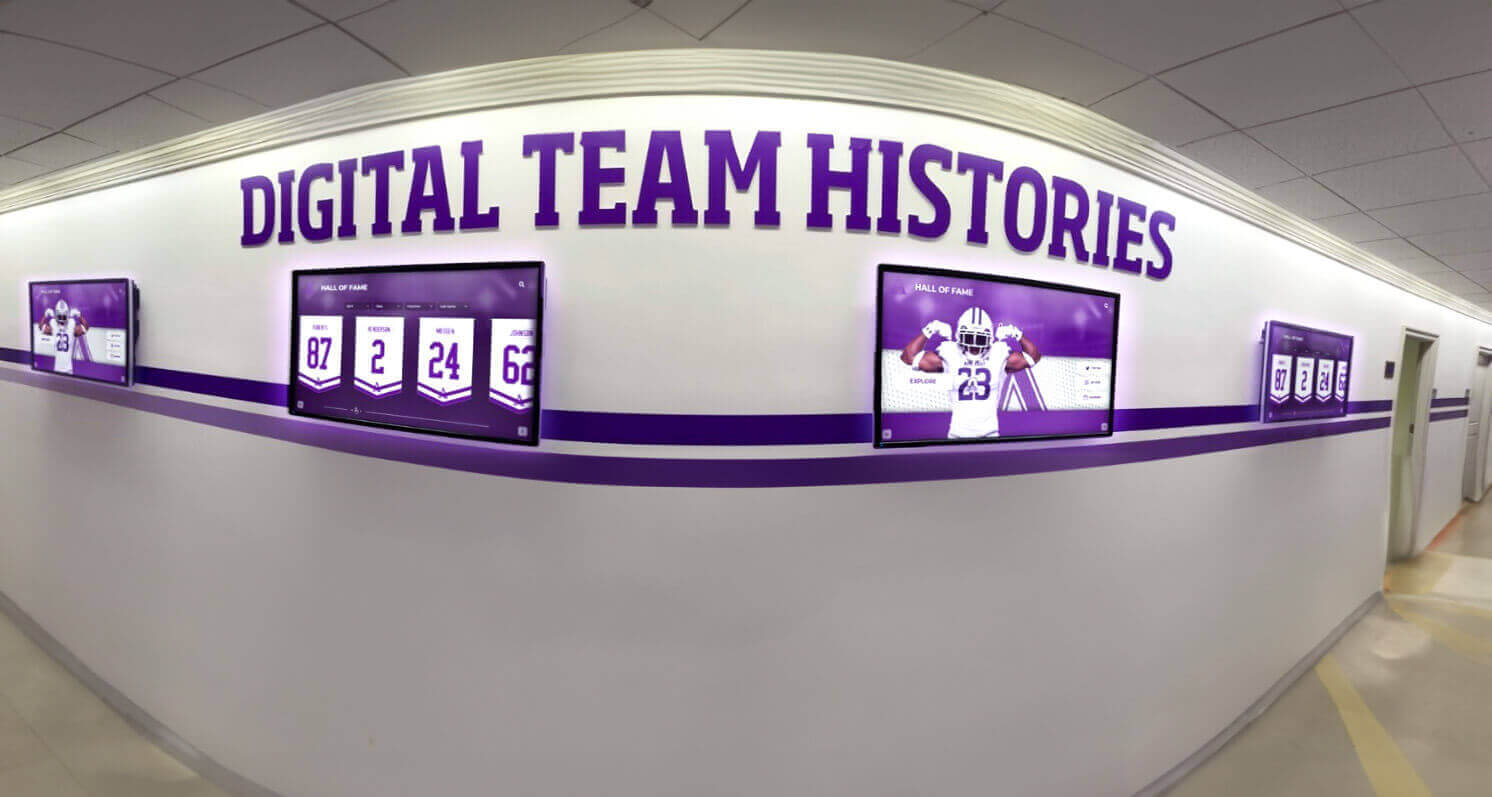
When roster data is collected consistently, it populates hallway digital displays, yearbook pages, and athletics archives without any additional collection effort
Explore hall of fame display tools for athletics programs to see how consistent roster data feeds long-term recognition systems.
The Master Team Roster Template: Every Field You Need
The table below represents the complete team roster template. Not every field appears in every context—the table identifies which downstream uses each field serves so you can decide which to mark as required on your collection form.
Field Checklist and Context Guide
| Field | Required For | Notes |
|---|---|---|
| Full Legal Name | All contexts | Use school-record spelling; note preferred name separately |
| Jersey / Uniform Number | Yearbook, Display, Media Guide | Required for team photo captions |
| Sport | All contexts | List all sports for multi-sport athletes |
| Team Name | All contexts | Include varsity/JV/reserve designation |
| Season Year | All contexts | e.g., “2025–2026 Season” |
| Position / Event / Role | Yearbook, Display, Media Guide | Event for track, weight class for wrestling |
| Grade Level | Yearbook, Display | Fr/So/Jr/Sr or numeric grade |
| Graduation Year | Archive, Hall of Fame | Single most critical archival field |
| Hometown (City, State) | Media Guide, Display | City and state only; avoid full address |
| Height | Media Guide (select sports) | Feet/inches; sport-dependent |
| Weight | Media Guide (select sports) | Pounds; sport-dependent |
| Headshot Photo | All contexts | Minimum 1000px wide; consistent background |
| Action Photo | Display, Yearbook | In-game or competition; at least one per athlete |
| Season Statistics | Archive, Display, Media Guide | Sport-specific; season totals and career totals |
| Awards and Honors (this season) | All contexts | All-conference, MVP, team captain, etc. |
| Career Record on Team | Archive, Hall of Fame | Years lettered; seasons on varsity |
| School Records Held | Archive, Hall of Fame, Display | Category, record value, year set |
| Coach Quote or Comment | Display, Yearbook, Archive | Collect at season end while memories are fresh |
| Athlete Quote / Statement | Display, Yearbook, Archive | Optional for current athletes; valuable for alumni |
| Post-Graduation Plans | Yearbook, Archive | College commitment, career field |
| Academic Honors | Yearbook, Archive | Honor roll, NHS, academic all-state |
| Emergency Contact | Internal only | Never publish; for coaching staff use only |
Roster Fields for Yearbook Team Pages
The school yearbook has specific constraints that shape which roster fields are most important. Page space is limited. Production deadlines are fixed. And the audience—students, families, alumni—wants to recognize faces and names at a glance.
Required fields for yearbook team pages:
- Full name as it will appear in print
- Jersey number (for team photo caption matching)
- Grade level and graduation year
- Position or event
- Headshot photo at print resolution (300 DPI minimum)
- Season awards and honors
Recommended fields for richer yearbook profiles:
- Hometown (adds personality, especially for recruited athletes at the collegiate level)
- Action photo (one per feature spread or spotlight profile)
- Brief quote from the athlete or coach
The yearbook benefits most from consistency in headshot photography. When your team roster template specifies photo requirements—background, framing, minimum resolution—production staff can use every submitted photo without requesting reshoots. A single team picture day with clear standards produces a uniform yearbook spread far more efficiently than collecting photos ad hoc throughout the season.
For schools building a team roster template with pictures as a core deliverable, the photo requirements section of your form is as important as the statistical fields. Define the standard once and enforce it every season.
Roster Fields for Athletics Department Pages
The athletics department website and printed media guide serve a different audience than the yearbook. Coaches at opposing schools, local media, and college recruiters use these pages to understand who your athletes are and what they have accomplished.
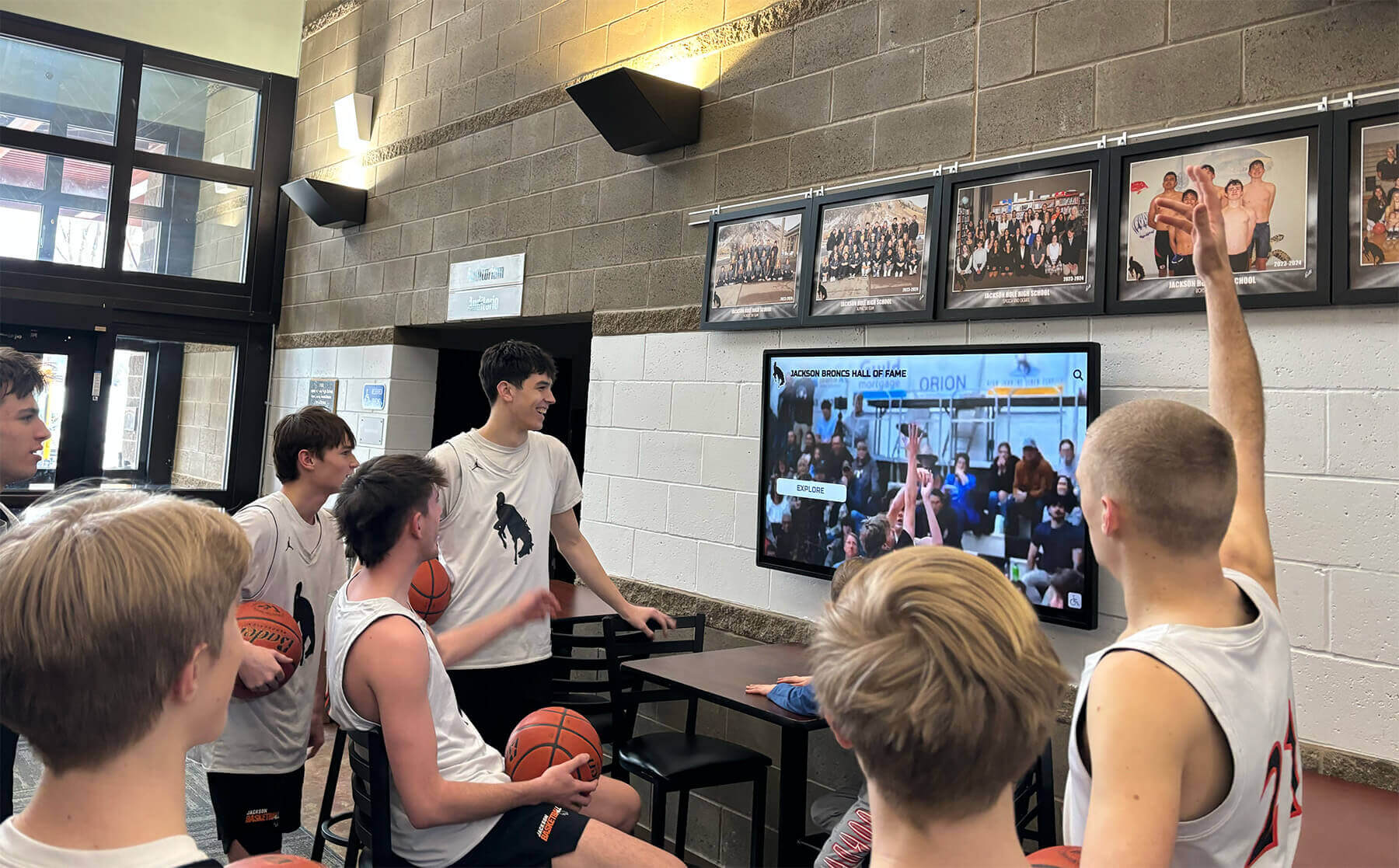
Athletics pages and lobby displays serve coaches, media, and recruiter audiences who need complete statistics alongside the photos and names most yearbook formats prioritize
Required fields for athletics department pages:
- Full name and jersey number
- Position, event, or role
- Grade level or class year
- Hometown (city, state)
- Height and weight (sport-dependent)
- Season statistics (sport-specific)
- Previous season statistics or career totals
- Awards and conference honors
Optional but high-value fields:
- Pronunciation guide for difficult-to-pronounce names (standard practice in media guides)
- Parents’ names (common in high school programs)
- Academic honors such as GPA designations and academic all-conference
- Intended field of study (college programs)
- Social media handles (college media guides only; not appropriate at the K-12 level)
Athletics pages also benefit from coach and staff profiles collected within the same roster template system. A consistent form for coaching staff—name, title, years at school, coaching background, photo—keeps the full athletic department directory current without requiring a separate collection process.
For printable team roster templates used in media guides, building the form in a spreadsheet that maps directly to the media guide’s section structure saves significant production time. Each row is one athlete; columns correspond directly to the page layout fields.
Discover sports award ideas that connect to end-of-season recognition to see how roster information feeds banquet planning and athlete celebration.
Roster Fields for Digital Displays and Touchscreen Systems
Digital hallway displays and interactive touchscreen kiosks have different requirements than print. They hold unlimited information—no page constraints—but they require specific technical specifications for photos and data formatting that printed rosters do not.
Required fields for digital display profiles:
- Full name
- Jersey number
- Sport and season year
- Position or event
- Headshot at screen resolution (1500px wide recommended)
- Action photo (digital displays are visual—one action photo per athlete is the minimum)
- Season statistics
- Awards and honors
Fields that add significant value on touchscreen displays:
- Multi-season career statistics (touchscreens support depth that print cannot)
- Coach quote (displayed alongside the player profile)
- Athlete personal statement
- Team championship history
- Links to video highlights (supported by some platforms)

Interactive touchscreen displays can surface every field in your roster template—statistics, photos, quotes, and career histories—without the space limitations of printed yearbooks
Photo specifications for digital displays differ from print. Where yearbook production requires 300 DPI images sized for print dimensions, digital displays need pixel dimensions matched to screen resolution. Most school hallway display systems work best with headshots at 1500×1500 pixels and action photos at 1920×1080 pixels. Including both specifications in your roster form’s photo section ensures submitted photos work for print and digital uses without any reshooting.
When a digital display platform is part of your recognition system, the roster template also needs to capture data that enables filtering and search. Visitors browsing a touchscreen hall of fame might filter by sport, by year, or by award type. If graduation year was never collected, the system cannot sort chronologically. If award categories were entered inconsistently—some records say “All-State,” others say “All State” or “1st Team All-State”—search results will be fragmented. Consistent field formatting is as important as collecting the fields at all.
Learn how touchscreen hall of fame tools connect roster data to lasting interactive recognition that students and visitors can browse for years.
The Roster Collection Checklist: What to Gather and When
Timing matters as much as the fields themselves. The best team roster template is useless if the data collection process is too burdensome for coaches or arrives too late for yearbook production deadlines. Splitting collection into four phases keeps each phase manageable.
Collect at Roster Formation (Pre-Season)
These fields are available before the first game and should be locked in immediately:
- Full legal names (from school enrollment records; do not rely on coaches for correct spelling)
- Jersey numbers (assigned by coach at roster formation)
- Grade levels and graduation years
- Positions, events, or roles
- Hometown information
- Height and weight where applicable
- Headshot photos (coordinate with picture day; set specs in advance)
- Emergency contacts (internal only; never published)
- Academic honors as of enrollment (honor roll, National Honor Society)
Collect During the Season
These fields require at least some season play to populate:
- Mid-season statistics snapshot (for displays updated during the season)
- Action photos (assign a photographer early or designate a photo day)
- Team captain designations (if determined mid-season)
Collect at Season End
These fields are only complete once the season concludes:
- Final season statistics
- Awards and honors (all-conference, MVP, academic awards)
- Coach quotes—collect while memories are fresh; this is the field most often missed
- Athlete quotes or personal statements (send a brief email prompt)
- Post-graduation plans for seniors (coordinate with guidance office)
- School records set or broken this season
Collect for Alumni and Hall of Fame Profiles
These fields extend the standard roster into archival territory:
- Career statistics compiled from all seasons of varsity participation
- Post-graduation athletic career (college, professional, coaching)
- Current occupation and community role
- Contact information for future alumni communications (optional; not published)
Adapting the Template for Different Sports
Not all fields apply equally across sports. A wrestling roster template needs weight class and win-loss-pin record. A swimming template needs event specialties and qualifying times. A basketball template needs points, rebounds, and assists per game. The master template accommodates all sports through sport-specific statistics sections.
Sport-Specific Statistics Fields
Basketball: Points per game, rebounds per game, assists per game, steals, blocks, field goal percentage, three-point percentage, free throw percentage
Football: By position — QBs: passing yards, touchdowns, completion percentage; RBs: rushing yards, touchdowns; WRs/TEs: receptions, yards, touchdowns; Defense: tackles, sacks, interceptions
Baseball / Softball: Batting average, home runs, RBI, stolen bases; Pitchers: ERA, wins/losses, strikeouts, innings pitched
Track and Field: Events competed, personal best times or distances, qualifying marks (regional, state)
Swimming: Events, personal best times, qualifying standards, relay team memberships
Soccer: Goals, assists, saves (goalkeepers), clean sheets
Volleyball: Kills, digs, assists, service aces, blocks
Wrestling: Weight class, win/loss record, pins, tournament placements
Cross Country / Golf: Average times or scores, tournament placements, team scoring contributions
For schools fielding many sports, the most practical approach is a single roster form with a sport selector at the top. The sport selection reveals the appropriate statistics section while keeping all other fields—identity, photo, awards, quotes—identical across every team. This ensures every athlete, regardless of sport, receives the same core documentation.

Consistent roster documentation across all sports builds a comprehensive school athletic history that can be displayed and celebrated for decades
Building out sport-specific award categories follows the same logic. Review youth sports awards ideas for school programs to align your roster template’s awards fields with the recognition categories your school presents at end-of-season banquets and ceremonies.
From Roster Form to Interactive Athletic Archive
A team roster template is the starting point, not the end point. The real value of consistent data collection compounds over time as seasons stack on top of each other and your athletic program builds a complete institutional history.
Schools that have maintained consistent roster documentation for five or more seasons can typically assemble a full athletic hall of fame archive without hiring a researcher or launching a major retroactive data collection project. The seasons are already documented. The photos already exist. The award records are complete.
The transition from paper roster forms to a digital recognition system is straightforward when the underlying data is well-organized.
Step 1 — Centralize roster records. Move historical roster data from coaches’ filing cabinets and yearbook archive boxes into a single spreadsheet or database. Use the master field checklist above as your column headers.
Step 2 — Fill gaps systematically. Identify which seasons have complete photo records and which do not. Address the most recent seasons first; recent alumni are easier to reach than those who graduated decades ago.
Step 3 — Connect the template to your display system. Modern digital recognition platforms allow bulk import from spreadsheets. When your roster data uses consistent field names and formatting, importing it into a display platform takes hours rather than weeks.
Step 4 — Keep the template current. Add each new season’s roster data at the pre-season and season-end phases described in the checklist above. After two or three seasons of consistent collection, the process becomes routine for coaching staff.
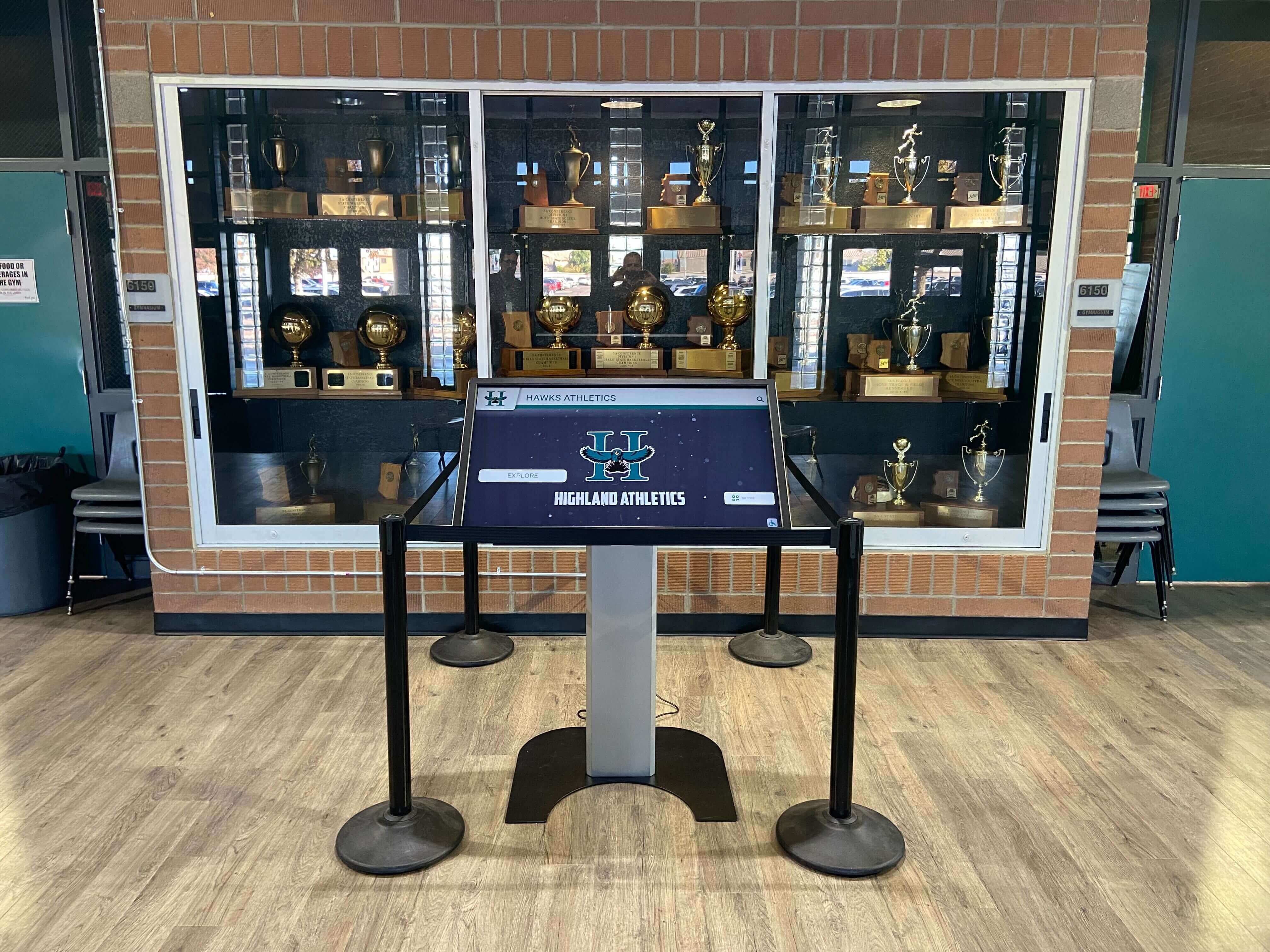
When roster data is collected consistently season after season, it becomes the foundation of a permanent athletic archive that powers interactive kiosk displays alongside physical trophy cases
Platforms like Rocket Alumni Solutions allow schools to import roster data and display it on touchscreen hallway installations, lobby kiosks, and web-based athletic archives—all fed from the same underlying structure your roster template captures.
See how athletic record board tools build on consistent roster data to recognize team milestones alongside individual athlete profiles.
Explore hall of fame recognition tools for schools that integrate with roster archives to create comprehensive athletic recognition systems.
Frequently Asked Questions
What is the most important field in a team roster template?
Graduation year. It is the single field that anchors every other piece of information in time and makes historical records searchable and meaningful. Schools that collect player names and statistics without graduation year often cannot reconstruct which season a record came from when they try to build an archive years later.
How do I handle athletes who play multiple sports?
Collect a separate roster form for each sport each season. Use the same identity fields—full name, graduation year, grade level, photo—and reference them consistently. The headshot photo can be shared across sports, but statistics and position fields should be sport-specific records. Multi-sport athletes should be explicitly noted so archives reflect their full athletic contribution.
What photo specifications should I include in the roster form?
For print yearbook use: minimum 1000×1000 pixels, 300 DPI when printed, JPEG or PNG format, consistent background. For digital display use: 1500×1500 pixels for headshots, 1920×1080 pixels for action photos, JPEG format. Specifying both sets of requirements in the same roster form ensures photos collected once are usable in every context without reshooting.
Should coaches or athletes fill out the roster form?
A shared process works best. Coaches or athletic department assistants complete identity and position fields using enrollment records. Athletes fill in personal fields—hometown, quote, post-graduation plans—via a short information sheet distributed on picture day. Statistical fields are completed by athletic staff at season end. Splitting the form this way prevents coaches from doing work students should contribute and keeps the process efficient for everyone.
How long should I retain team roster records?
Indefinitely. Schools with complete roster records going back 20 or 30 years hold an extraordinary institutional asset—one that supports hall of fame programs, reunion events, alumni engagement, and community storytelling. Digital storage makes indefinite retention practical, and the habit of consistent annual collection is what makes that archive possible.
Can I use one template for both middle school and high school rosters?
Yes, with minor adjustments. Middle school rosters typically omit height and weight, recruiting information, and post-graduation plans. The core fields—name, photo, sport, position, grade, statistics, awards—apply at every level. A unified template with clearly marked optional fields for high school additions is more sustainable than maintaining two entirely separate systems.
Building Your Team Roster Template: Where to Start
The fields in this guide give you everything you need to build a team roster template that serves yearbook advisers, athletic directors, communications staff, and archive teams simultaneously. Start with the master field checklist, identify the fields your school currently collects, find the gaps, and add the missing fields to your collection process this season.
Consistent data collection is what separates schools that produce rich athletic archives from those that scramble to reconstruct history when a hall of fame project arrives. Every season you collect data completely is a season you will never have to rebuild.
Schools that connect their roster data to digital recognition platforms gain an additional long-term benefit: the ability to display complete team histories on hallway touchscreens, update profiles remotely throughout the season, and share athlete records with the broader community through web-based archives.
Explore hall of fame wall tools for athletics programs to see how consistently collected roster data powers permanent recognition installations that honor every team and every athlete.
See How Your Roster Data Powers a Digital Athletic Display
Rocket Alumni Solutions helps schools transform consistently collected roster records into interactive touchscreen displays, digital yearbooks, and hall of fame archives that celebrate every team and every season.
Request a Demo






























