A well-organized team archive is one of the most undervalued assets in a school athletic program. Rosters confirm who played and when. Season photos document the moments that define each year. Recap narratives transform raw scores into stories that alumni still talk about decades later. Yet in most schools these materials are scattered across coach spreadsheets, shared drives, cardboard boxes in the equipment room, and long-forgotten email threads—making genuine historical preservation nearly impossible.
Building a structured team archive serves far more than nostalgia. It fuels recognition programs, powers hall-of-fame nominations, supports booster fundraising, satisfies media requests, and gives current athletes visible proof that their program has a legacy worth extending. Athletic directors, yearbook advisers, communications teams, and advancement staff who invest in systematic archiving consistently report that the work pays dividends every time a milestone anniversary, reunion, or championship celebration arrives.
This guide walks through exactly how to organize a team archive from scratch—what to collect, how to structure it, where to store it, and how to connect those records to the recognition displays, digital yearbooks, and sponsor acknowledgments that keep a program’s history alive and visible.
Schools that treat archiving as a continuous workflow rather than a periodic scramble end up with richer, more accurate records—and far less panic when someone asks for the 1998 state championship roster at 4:00 pm on a Friday.

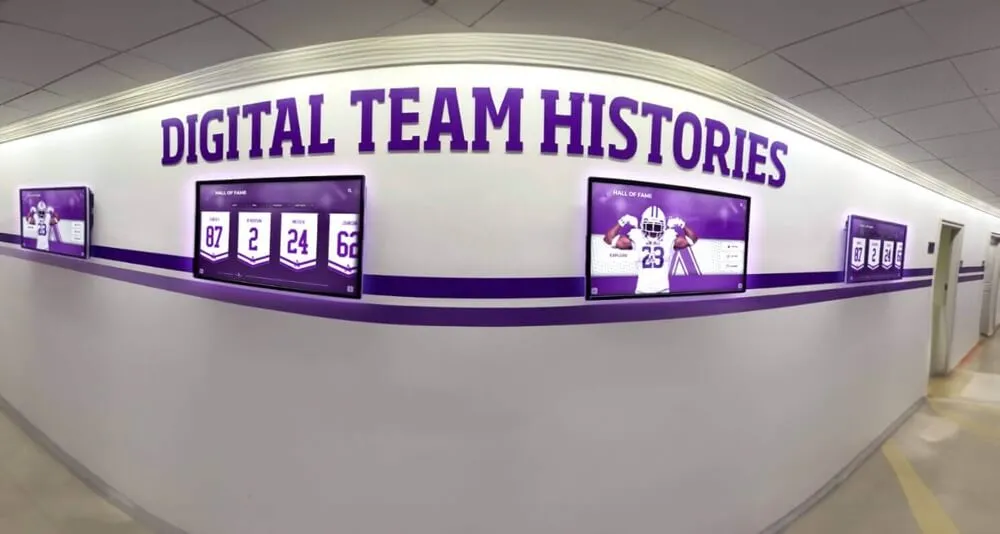
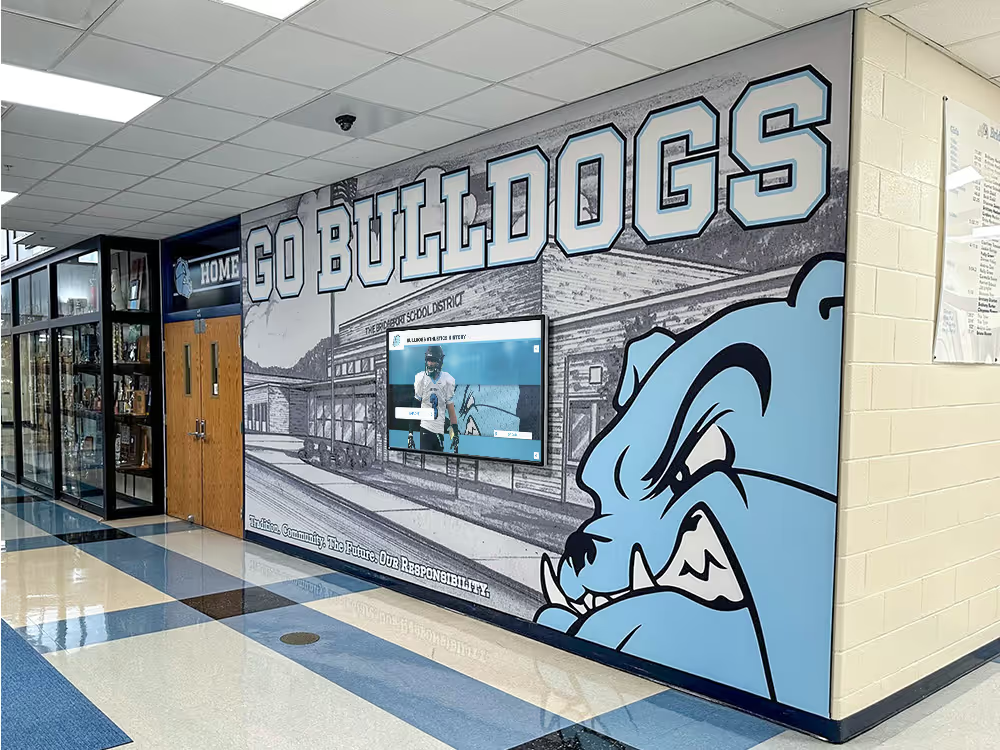
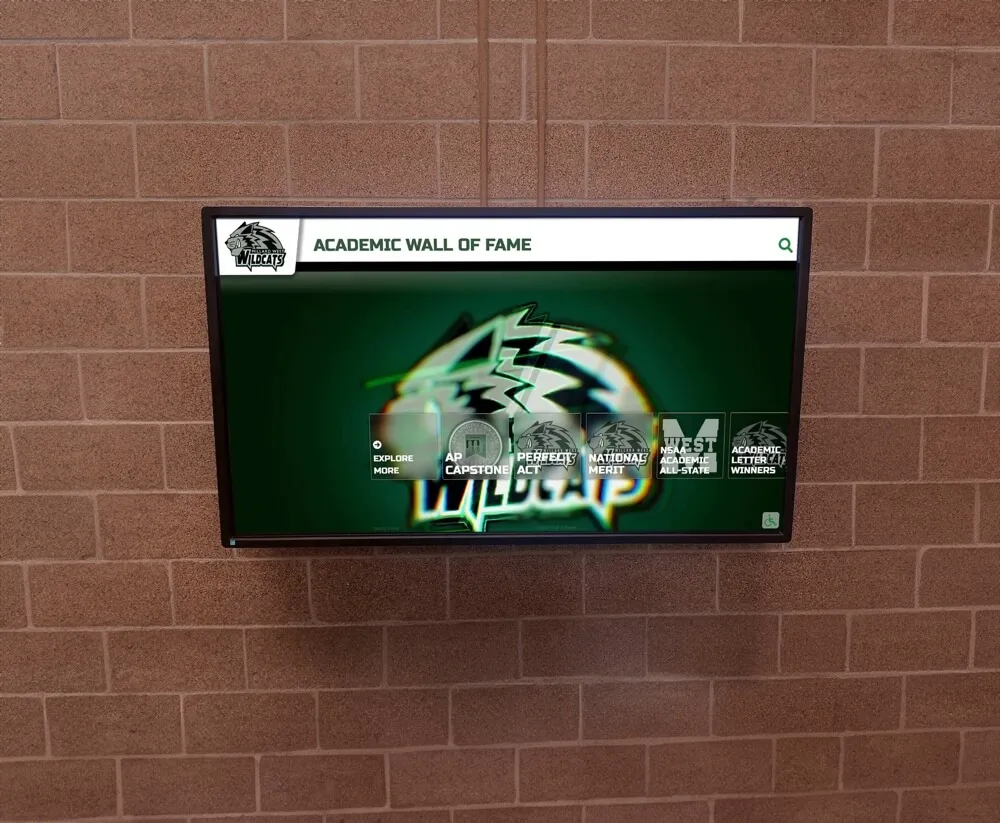
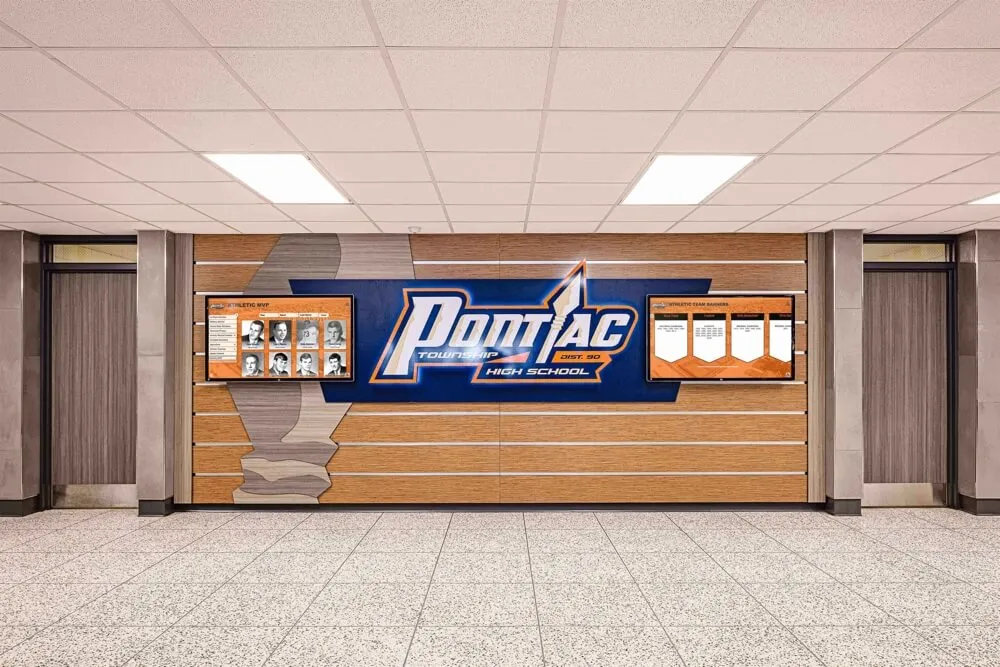
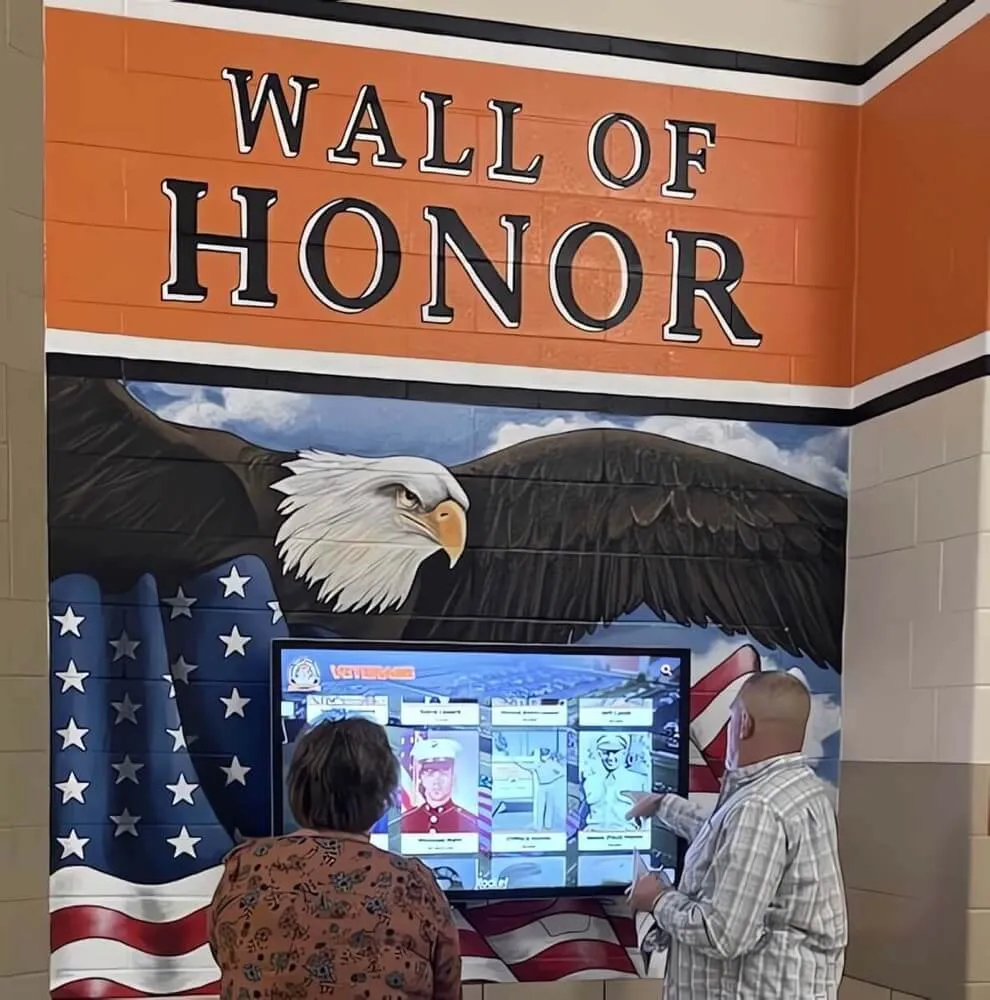
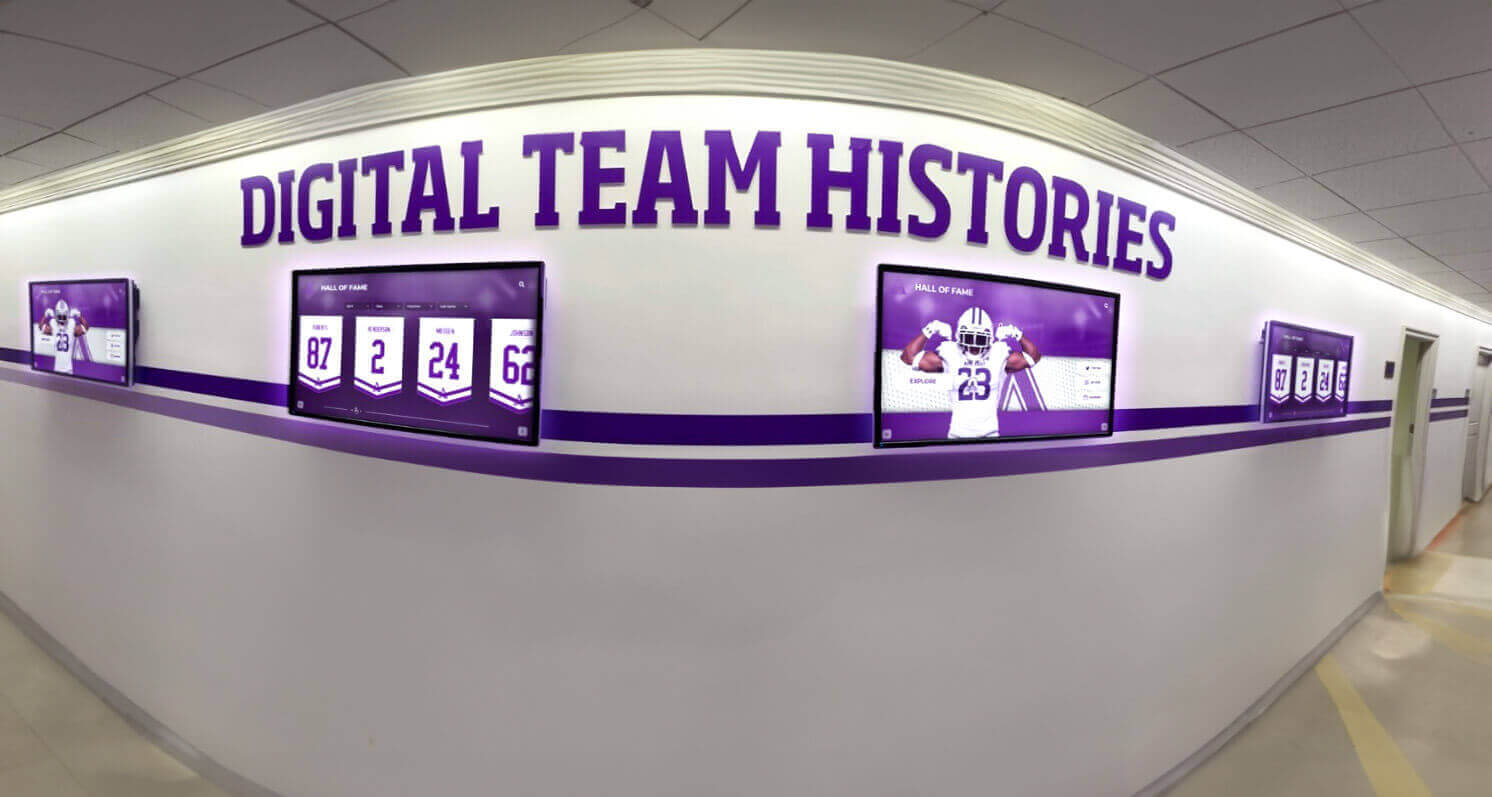
Digital team history displays in school hallways give every passing student and visitor a window into the program's full legacy
What Belongs in a Team Archive
A complete team archive covers four core categories: roster data, visual assets, season records, and narrative recaps. Each serves a distinct purpose and requires a slightly different collection strategy.
Roster Data
Rosters are the backbone of any team archive. At minimum, record the following for every varsity, junior varsity, and freshman team each season:
| Field | Notes |
|---|---|
| Player full name | Match spelling to school enrollment records |
| Graduation year | Enables long-term alumni lookup |
| Jersey number | Critical for display and memorabilia matching |
| Position | Sport-specific; use consistent vocabulary |
| Captain/co-captain designation | Flag separately for recognition purposes |
| Coaches and staff | Head coach, assistants, trainers |
| Season year and sport | Never assume context will be preserved |
Export roster data in at least one plain-text format (CSV works well) alongside any formatted PDF version. Plain text survives software changes; formatted versions serve immediate display needs.
Visual Assets
Photographs are the most emotionally resonant part of any team archive—and the most frequently mismanaged. Establish clear collection practices at the start of each season:
Team photos: Commission or schedule at least one official team photo per season with consistent framing (coaches seated, players standing, jersey numbers visible). Store the original high-resolution file, not just a web-optimized copy.
Action photography: Collect a representative sample of in-game action shots. You do not need every photo from every game, but each season should have at least 20–30 images documenting the sport in motion.
Award and milestone photos: Capture trophy presentations, all-conference announcements, signing days, senior nights, and any moment the program marks as significant.
Headshots: Individual player headshots—either yearbook portraits or sport-specific headshots—allow later use in hall-of-fame nominations, program retrospectives, and digital recognition systems.
For file naming, use a consistent convention: YYYY_SportName_TeamPhoto_V1.jpg. Avoid spaces and avoid relying on folder context to explain what a file contains.
Season Records
Season records establish the objective performance history of the team:
- Final win-loss record (and conference record separately)
- Tournament or playoff results with round-by-round detail
- Individual statistical leaders (points, goals, yards, etc.)
- All-conference, all-district, and all-state selections
- Team records broken during the season
- Awards received (coach of the year, sportsmanship awards, etc.)
Maintain these in a structured format—a shared spreadsheet organized by sport and year—rather than burying them inside game-by-game scorebooks that no one outside the coaching staff can interpret.
Season Recaps
A season recap is a 300–600 word narrative summary of the year: how the team started, key moments that shaped the season, how it ended, and what defined that group of athletes. Written close to the season’s end while memories are fresh, recaps become invaluable when producing anniversary retrospectives, hall-of-fame citations, or yearbook features years later.
Assign recap writing to a consistent author—a team manager, the athletic director’s assistant, the school newspaper staff, or a designated coaching staff member. The key is consistency across years so future readers can compare seasons in similar terms.
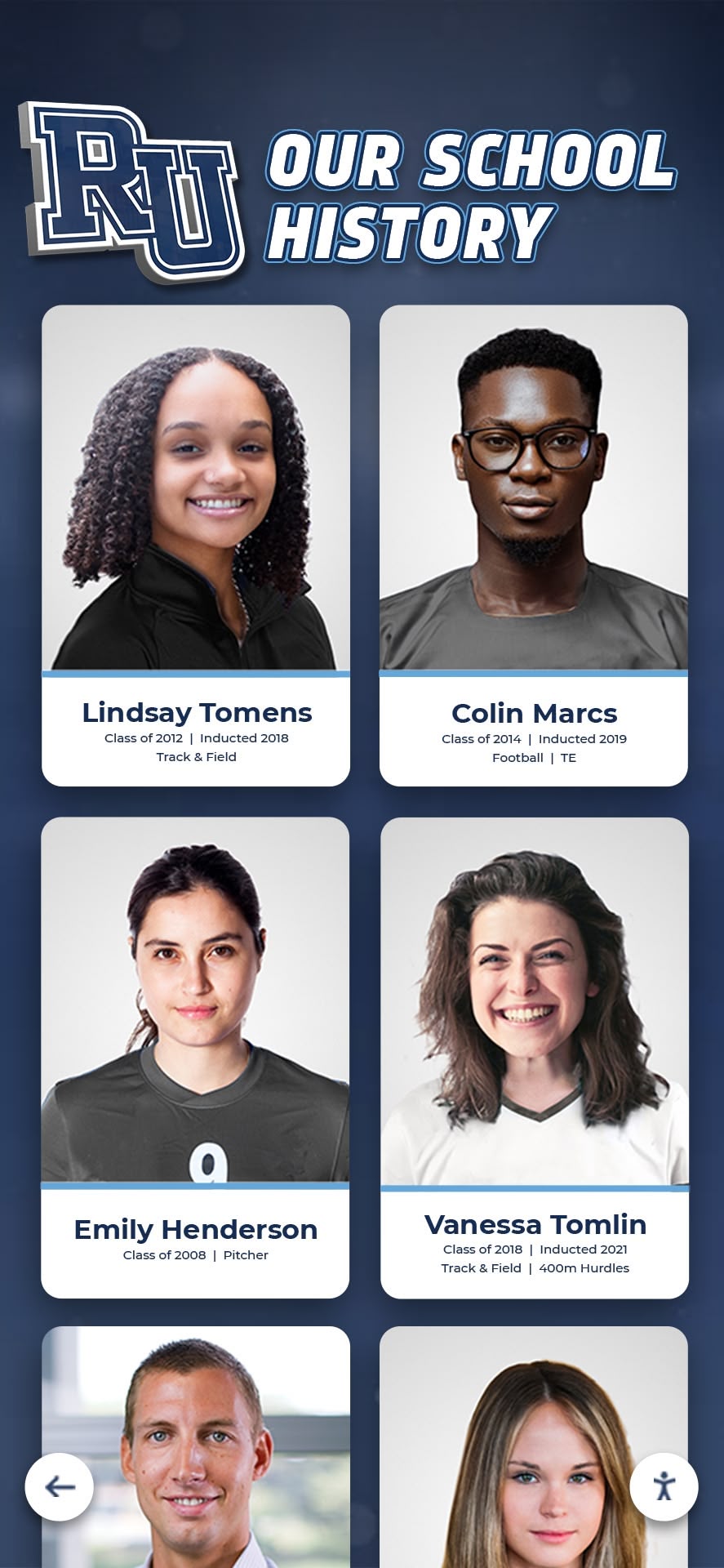
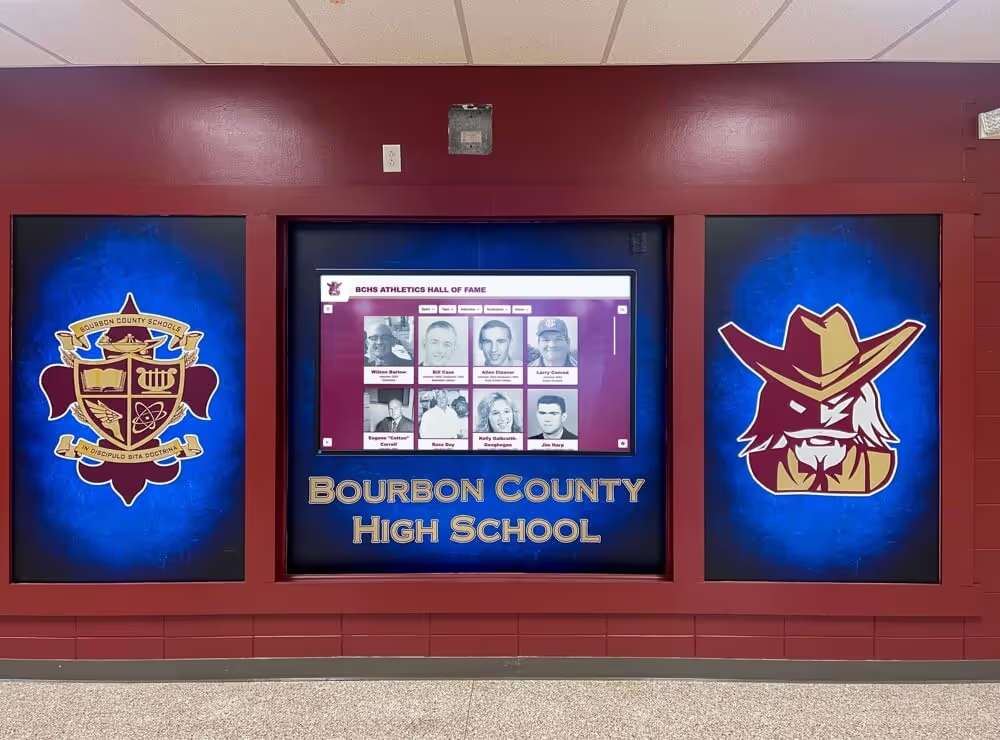
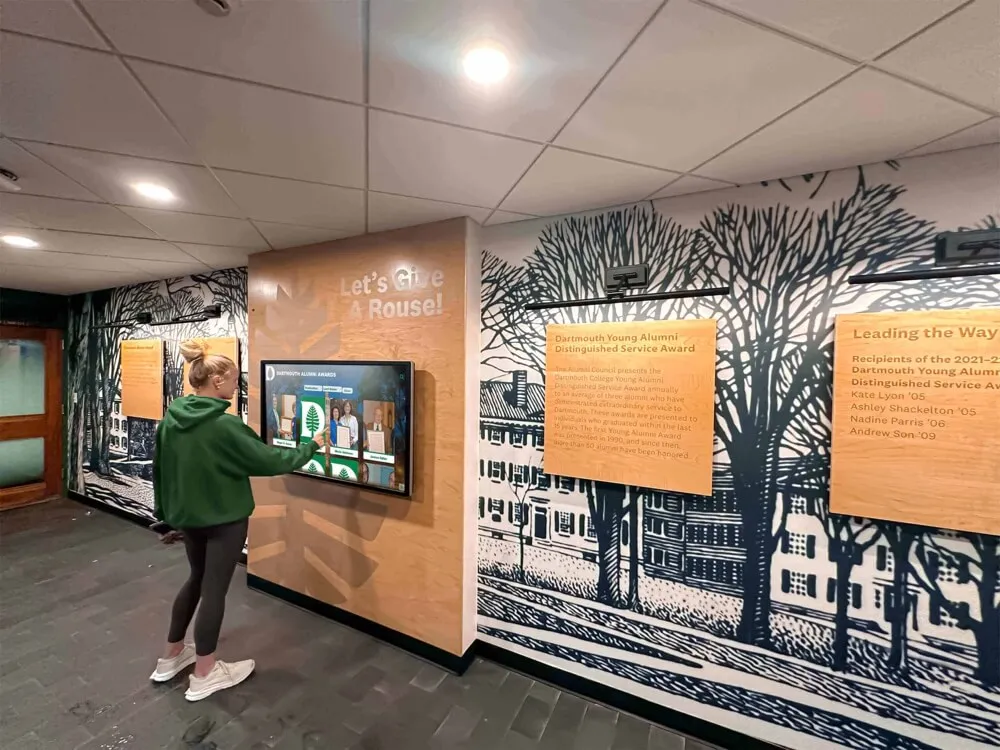
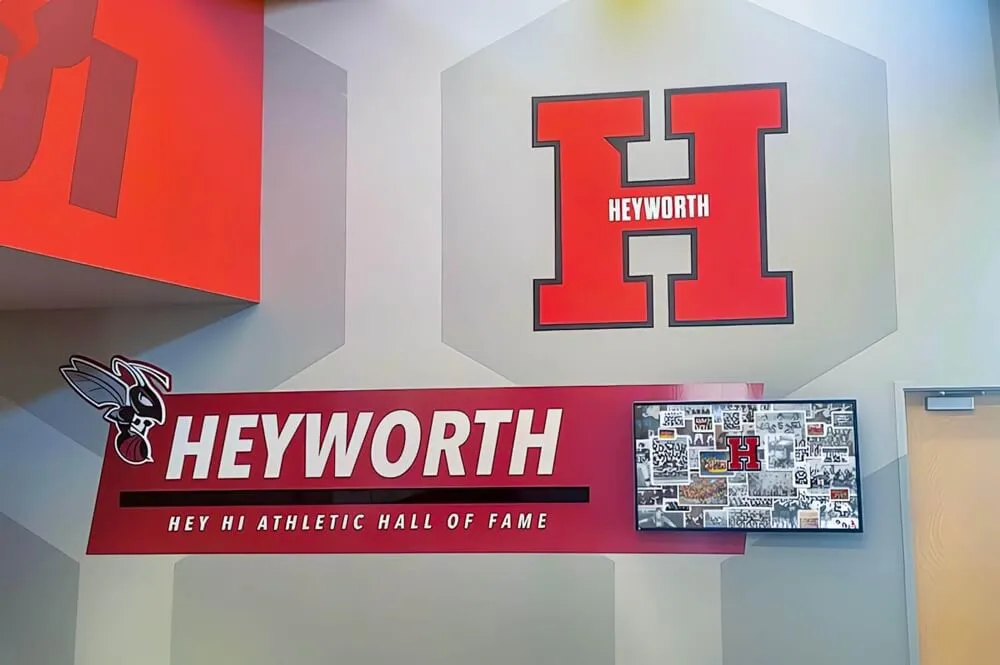
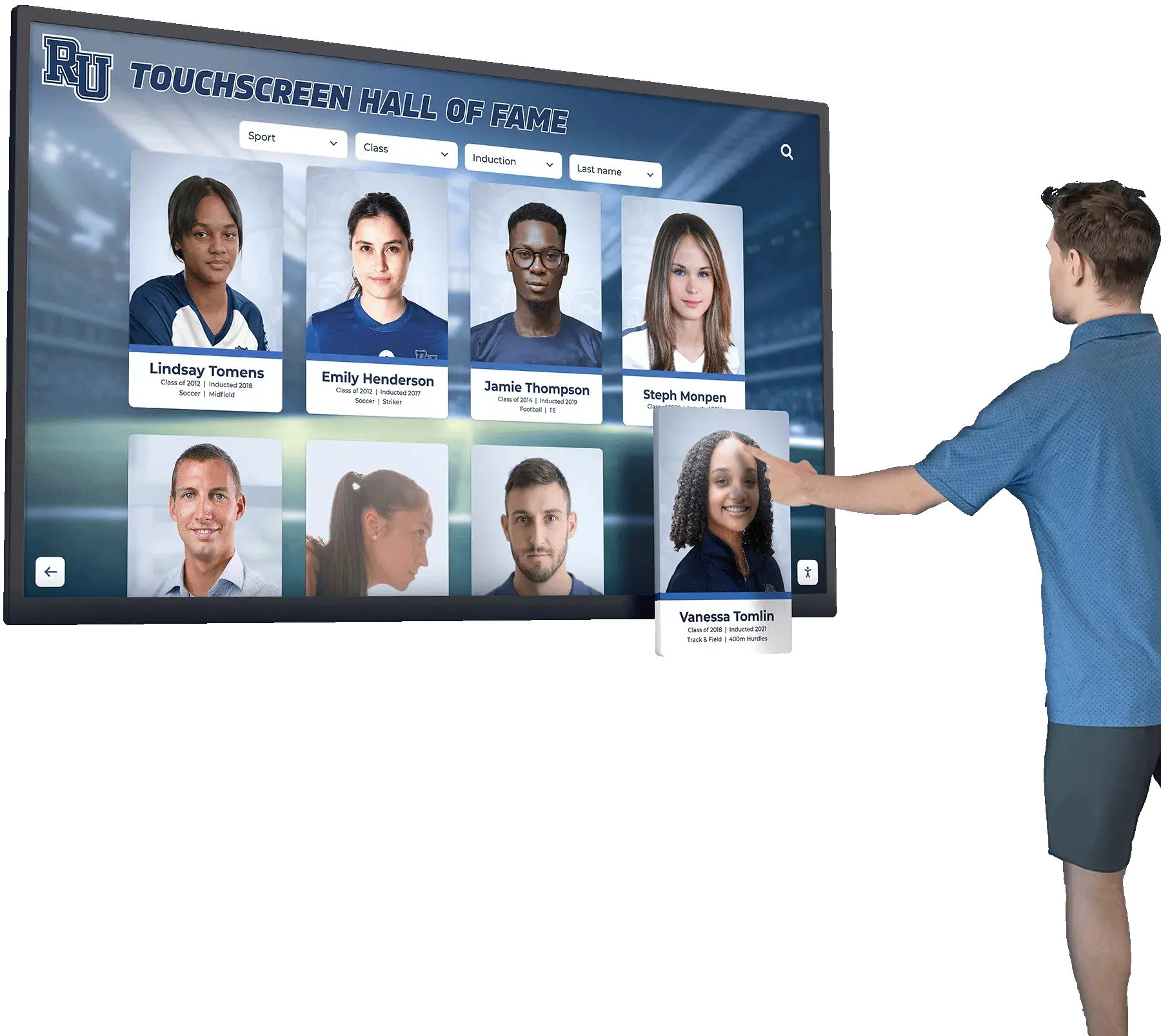
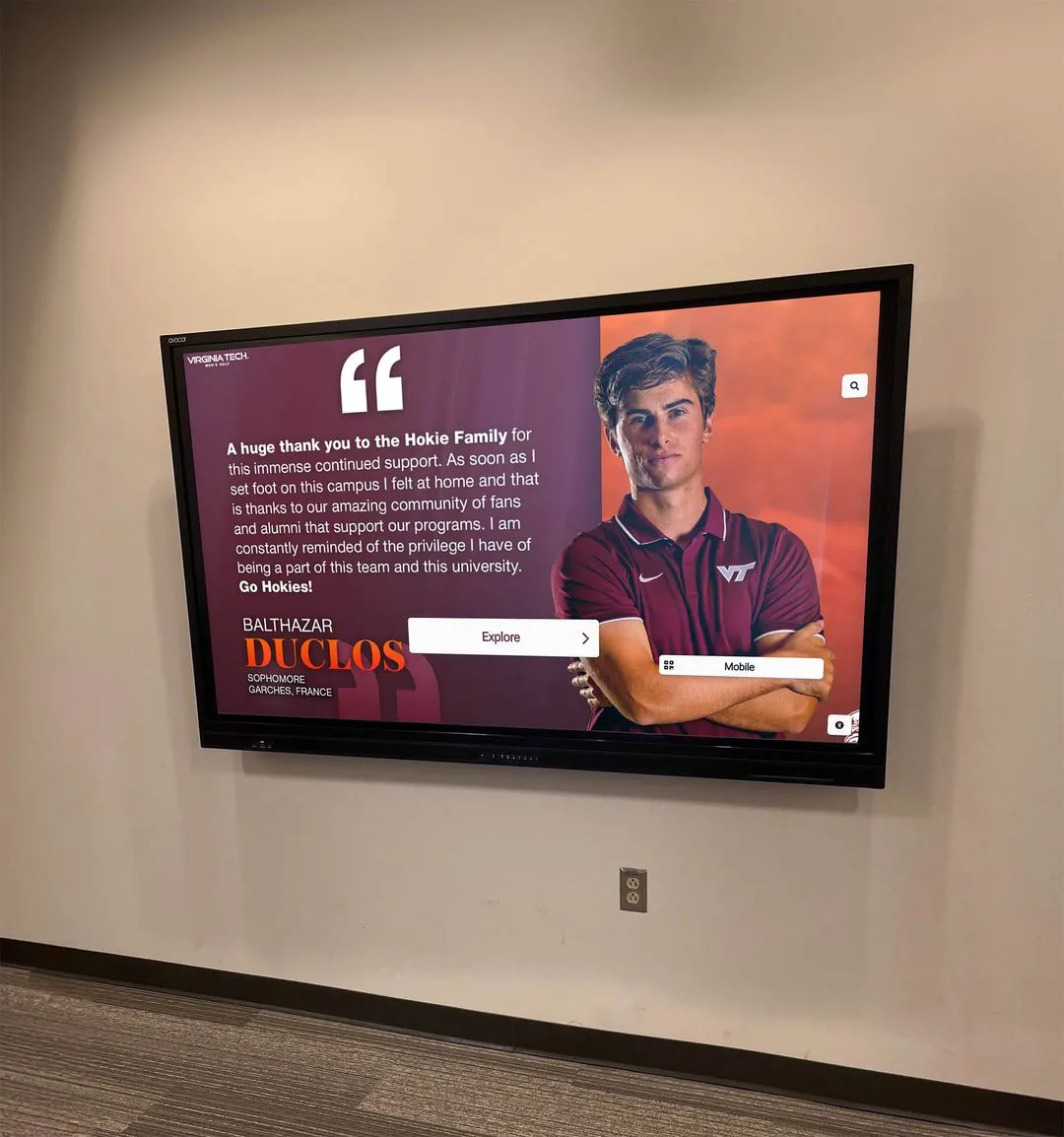
Archiving individual athlete portraits alongside season records creates the foundation for powerful recognition displays and alumni engagement tools
How to Structure Your Team Archive System
Choosing the right organizational structure prevents the archive from becoming another unnavigable file dump. Two approaches work well for most schools: the folder hierarchy model for simpler programs, and the database-backed model for larger athletic departments managing dozens of teams across decades.
Folder Hierarchy Model
For programs getting started, a clear folder hierarchy in a cloud storage platform (Google Drive, SharePoint, or a similar tool) provides immediate gains with minimal overhead:
Athletics Archive/
  ├── Baseball/
  │    ├── 2024-2025/
  │    │    ├── Roster_Baseball_2024-2025.csv
  │    │    ├── Season_Recap_Baseball_2024-2025.docx
  │    │    ├── Records_Baseball_2024-2025.xlsx
  │    │    └── Photos/
  │    │         ├── TeamPhoto_Baseball_2024-2025.jpg
  │    │         └── ActionShots/
  │    └── 2023-2024/
  ├── Basketball_Boys/
  ├── Basketball_Girls/
  └── ...
This structure makes it easy to answer “where is the 2019 girls soccer roster?” in under 30 seconds. Apply it retroactively when digitizing historical records—consistency back in time matters as much as consistency going forward.
Database-Backed Model
Larger programs or those integrating with recognition displays benefit from a structured database approach. Spreadsheet databases (Airtable, Google Sheets with rigid schemas, or purpose-built athletic management platforms) allow cross-sport queries: “which athletes earned all-state honors between 2010 and 2020?” becomes answerable without opening 40 individual season folders.
Key tables in an athletic archive database:
| Table | Primary Key | Key Fields |
|---|---|---|
| Athletes | AthleteID | Name, GradYear, Sports |
| Seasons | SeasonID | Sport, Year, Record |
| Rosters | RosterID | AthleteID + SeasonID |
| Honors | HonorID | AthleteID, SeasonID, Award |
| Photos | PhotoID | SeasonID, Subject, FilePath |
Even a well-maintained Google Sheets database following these relationships gives staff the ability to generate recognition content—hall-of-fame nomination packets, anniversary retrospectives, sponsor impact reports—in a fraction of the time required when searching unstructured files.
Learn how recognition-focused organizations structure their records in this guide to hall-of-fame inductee bios and school profile formats for practical field-by-field examples.
Step-by-Step: Building the Archive Each Season
A repeatable end-of-season workflow prevents gaps from forming in the archive. Run these steps within 30 days of the season’s final contest:
Step 1 — Collect the roster. Pull the final roster from the coach or athletic management software. Verify player names against enrollment records. Add jersey numbers from the game program or equipment room logs. Confirm coaching staff names and titles.
Step 2 — Gather official statistics. Request final stat sheets from the coach or scorekeeper. Enter win-loss records, conference standing, and playoff results into the season records spreadsheet. Note any team or individual records broken.
Step 3 — Collect and organize photos. Request the official team photo file from the photographer. Pull action photos from school photo drives, the student newspaper, or parent booster photo pools. Select 20–30 representative shots, rename them using the filing convention, and move them to the correct season folder.
Step 4 — Write the season recap. Using stat sheets, game programs, and notes from the coach, draft the 300–600 word narrative. Have the head coach review for accuracy before filing.
Step 5 — Document awards and honors. Log all-conference, all-state, coach of the year, and sportsmanship designations. These feed directly into recognition display updates and future hall-of-fame nominations.
Step 6 — Back up and confirm access. Verify the season folder is complete, accessible to authorized staff, and backed up. If your school uses a cloud platform with version history, confirm that redundancy is in place.
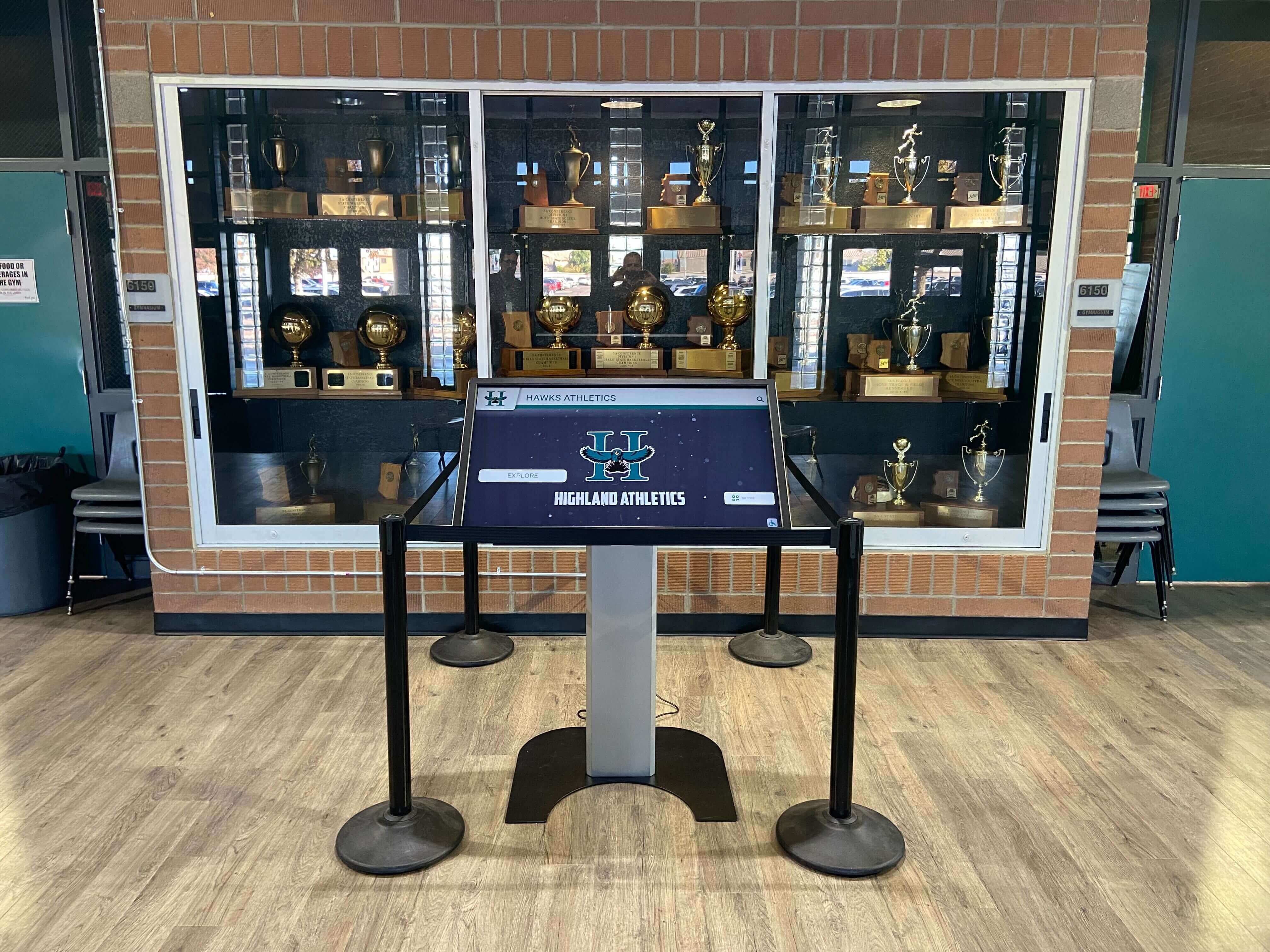
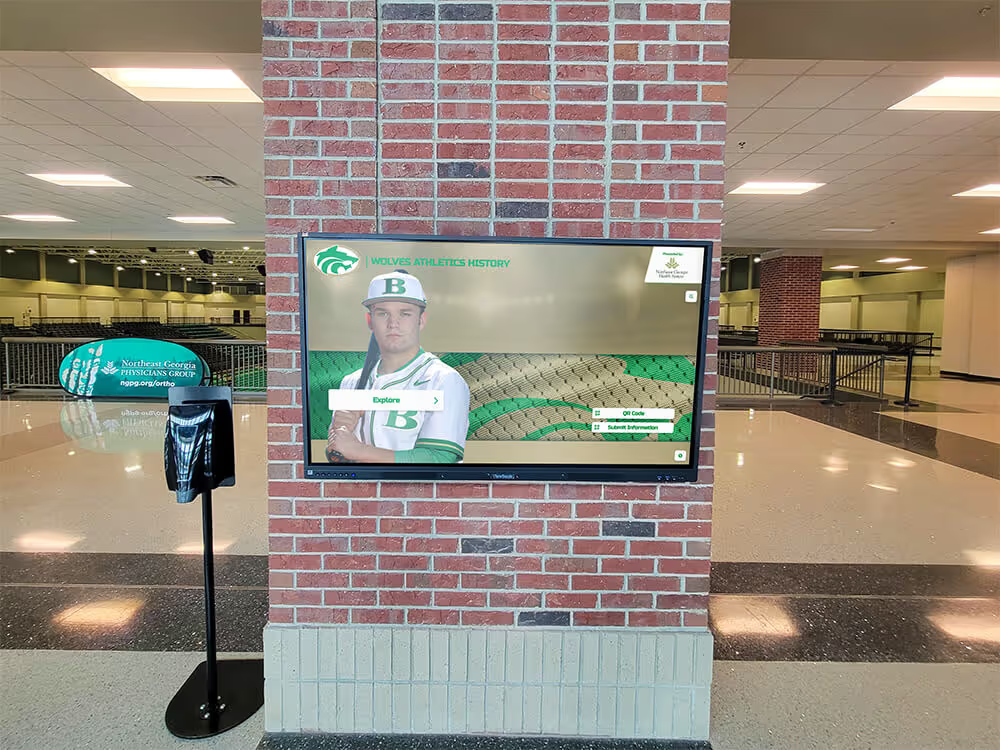
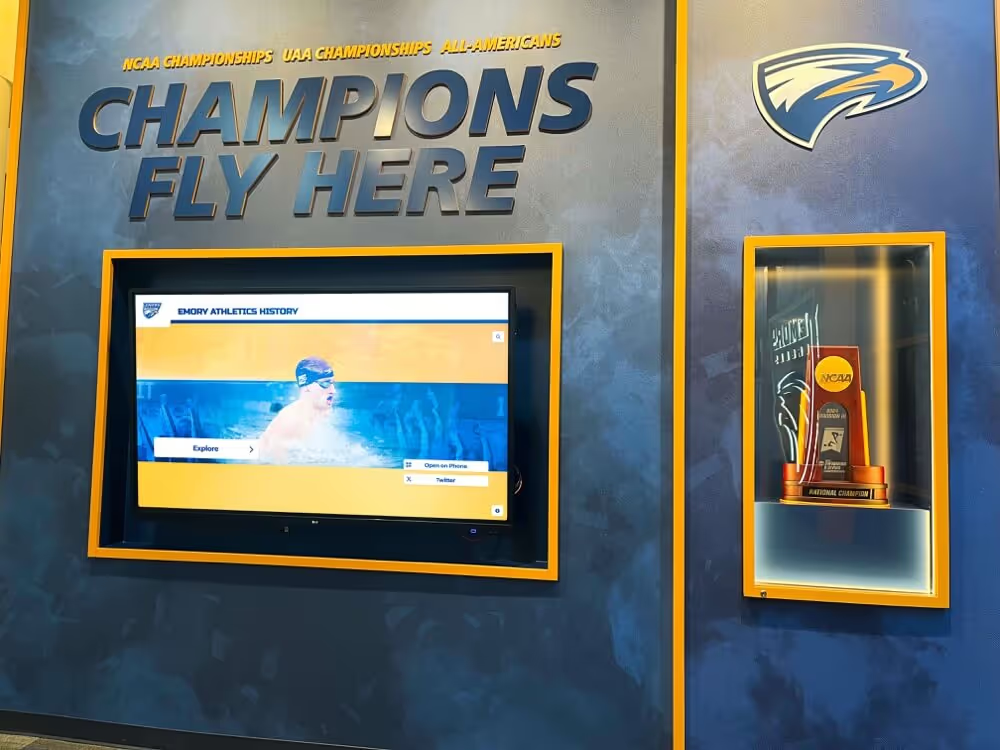
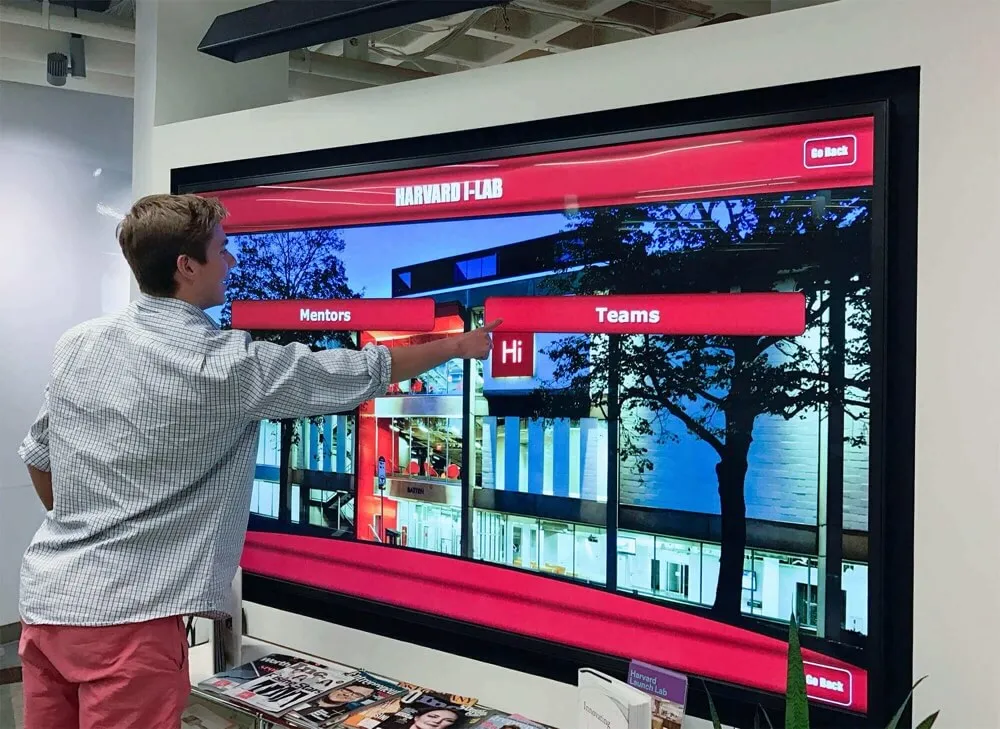
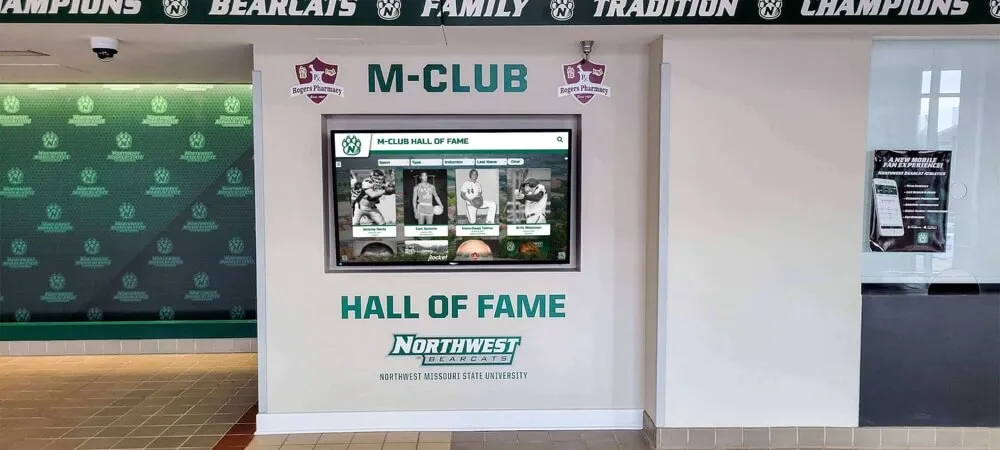
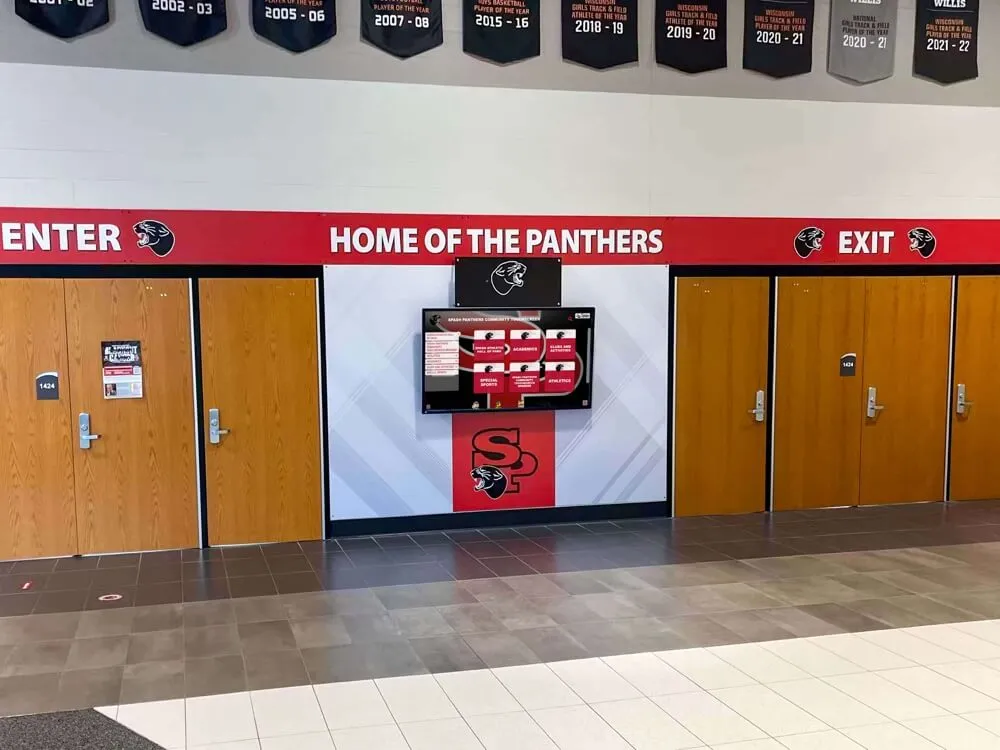
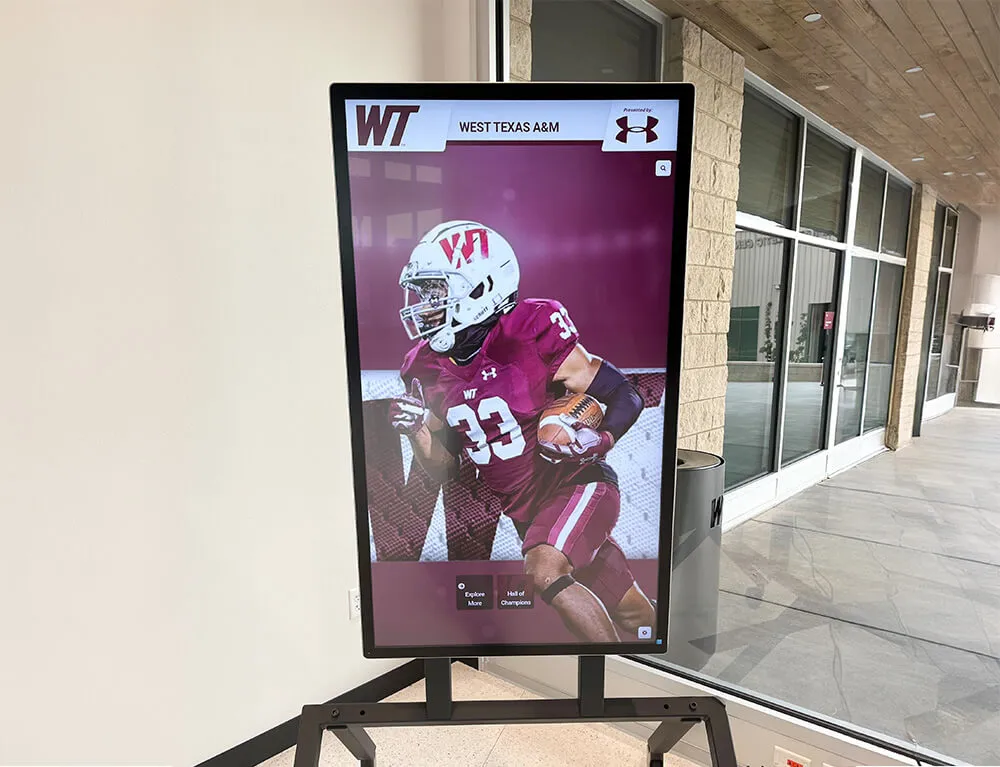
Interactive kiosks inside trophy cases let students and visitors explore team archives without requiring staff to retrieve physical records on demand
Connecting the Team Archive to Recognition Displays
A team archive locked in a shared drive serves archivists. A team archive connected to recognition displays serves the entire school community. The bridge between the two is a consistent, structured content pipeline.
Feeding Hall-of-Fame Systems
Hall-of-fame nominations require exactly the data a team archive collects: athlete name, sport, graduation year, season stats, awards, and a narrative. Programs with clean archives can complete a nomination packet in a single afternoon. Programs without them spend weeks hunting for information—and sometimes conclude nominations simply aren’t worth the effort, leaving deserving athletes unrecognized.
Explore digital wall-of-fame design ideas and content planning to understand how archived content translates into compelling recognition layouts for school hallways and lobbies.
Powering Digital Yearbooks
Season archives are the raw material of athletic yearbook spreads. Photos, statistics, recaps, and roster lists feed the pages that every team wants to see in the annual publication. A structured archive means yearbook staff can pull accurate information directly rather than relying on coaches to re-supply the same data that already exists somewhere in the building.
Digital yearbook platforms extend this further: where print yearbooks offer a fixed number of pages, digital platforms can host complete season records for every sport going back decades—creating an institutional memory that grows richer each year without running out of room.
Supporting Sponsor Recognition
Team archives document sponsor acknowledgment in a form that matters to donors: visibility records. If your archive includes game programs, banners, and signage logs alongside athletic records, you can show a sponsor exactly where their name appeared during a given season—powerful evidence when renewing commitments or cultivating new partnerships.
See how structured donor acknowledgment programs work in practice with this overview of matching gift donor recognition strategies that can complement athletic archive workflows.
Linking to Athletic Records Displays
Digital record boards pull directly from historical data. If your archive records season wins, individual statistical leaders, and team records broken each year, that information can populate a digital display that updates automatically as new records fall—turning the archive from a passive storage system into a living showcase.
Learn how schools design comprehensive donor walls and recognition systems that integrate athletic history with broader institutional recognition programs.

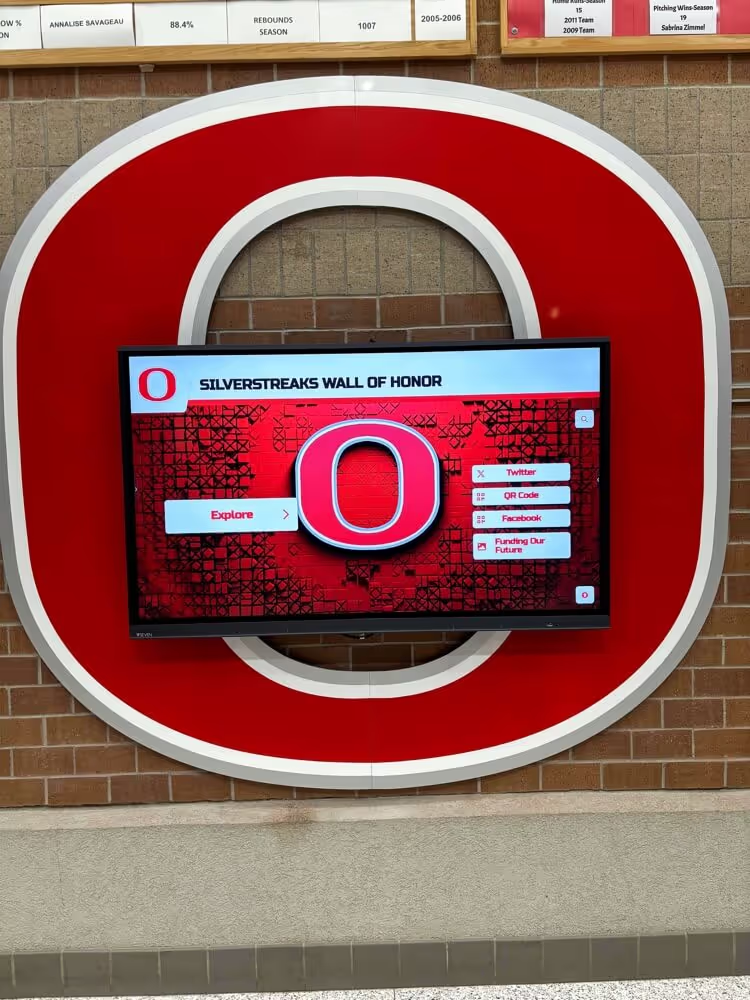
A well-maintained team archive becomes the content engine behind responsive recognition websites that alumni can access from any device
Managing Photos: Rights, Quality, and Long-Term Access
Photography is the most legally complex part of team archiving. Schools that handle it well avoid headaches down the road when using images in publications, displays, or alumni outreach.
Establishing Photo Rights at the Source
The simplest approach: include a photo release clause in the annual athletic participation paperwork families sign at the start of the year. The clause should cover use in school publications, displays, websites, and alumni materials. Keep signed copies on file.
For professional photographers hired by the school, confirm in writing that the school receives unlimited internal-use rights for archival and recognition purposes. “Internal use” should explicitly cover yearbooks, hallway displays, recognition platforms, and digital archives.
Resolution and Format Standards
Archive the original high-resolution file—never compress or downsize your archival copy. Set minimum standards for contributed photos:
- Team photos: minimum 3000 pixels on the long side
- Action shots accepted for archive: minimum 1500 pixels on the long side
- Headshots: minimum 1000 pixels on the long side, square crop preferred
Store in JPEG or TIFF format. Avoid platform-native formats (Lightroom catalogs, Apple Photos libraries) that become inaccessible if software changes.
Naming and Tagging for Findability
Consistent naming prevents the “mystery folder of unlabeled JPEGs” problem that plagues most school photo archives. Apply the naming convention at the moment photos are imported into the archive, not later. Use a batch renaming tool if processing large volumes.
Add descriptive metadata (IPTC tags or a separate CSV index file) identifying sport, year, depicted athletes by name, and photographer credit. This makes photos findable by name search years later—critical when a former athlete contacts the school looking for their own game photos.
Digitizing Historical Archives
Most schools have at least some historical records in physical form: printed rosters in binders, photo albums in storage, game programs in boxes, VHS tapes on shelves. Digitizing these materials extends the archive’s value dramatically.
Prioritizing What to Digitize First
With limited time and budget, sequence digitization by impact:
- Championship and milestone seasons — these generate the most alumni interest and recognition requests
- Decades with no digital records — typically anything before 2000 for most schools
- Records of hall-of-fame-eligible athletes — fills gaps in nomination packets
- Team photos — highest reuse potential for displays and publications
Scanning Standards for School Archives
Use at least 600 DPI for printed photographs and 300 DPI for text documents (rosters, programs, stat sheets). Higher resolution archives serve future uses you cannot predict today—large-format printing, interactive touchscreen displays, and broadcast-quality video graphics all demand source files well above web resolution.
Review equity considerations when deciding which sports and eras to prioritize for digitization. The high school athletics equity checklist provides a practical framework for ensuring historical preservation efforts reflect the full breadth of your program, not just flagship sports.
Handling Fragile Physical Materials
Older yearbooks, photo albums, and printed programs require careful handling during scanning:
- Never force flat a bound document with a fragile spine
- Use a book scanner or flatbed with a V-cradle for bound materials
- Wear cotton gloves when handling original photos to prevent oil transfer
- Store originals in acid-free sleeves after scanning; do not discard originals even after digitizing
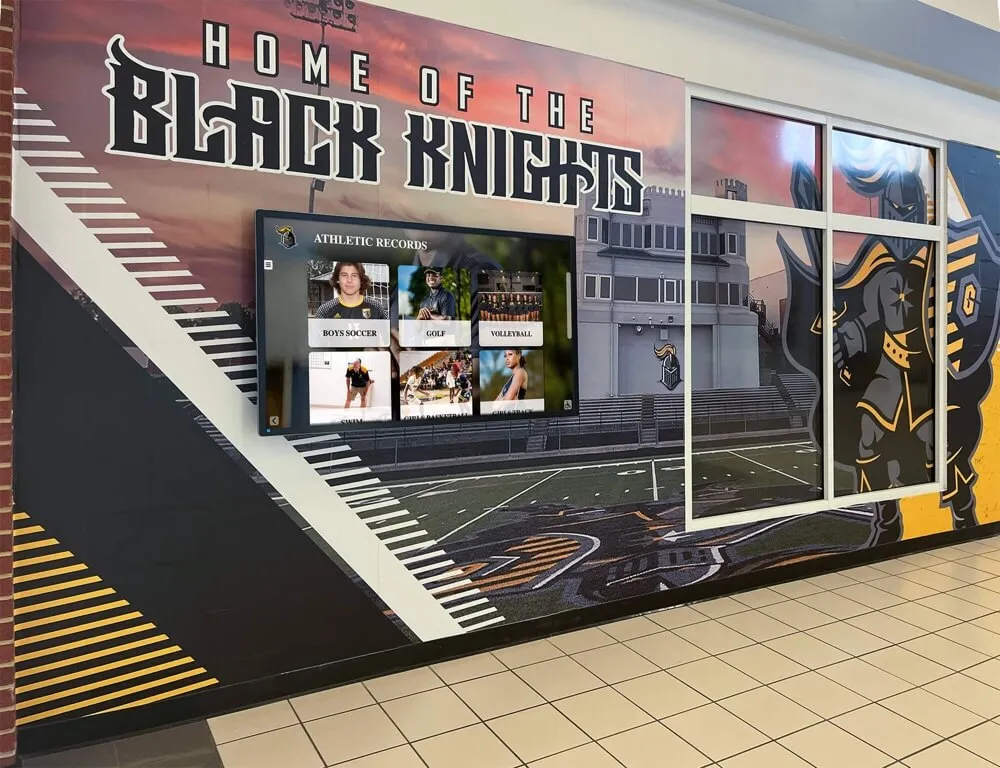
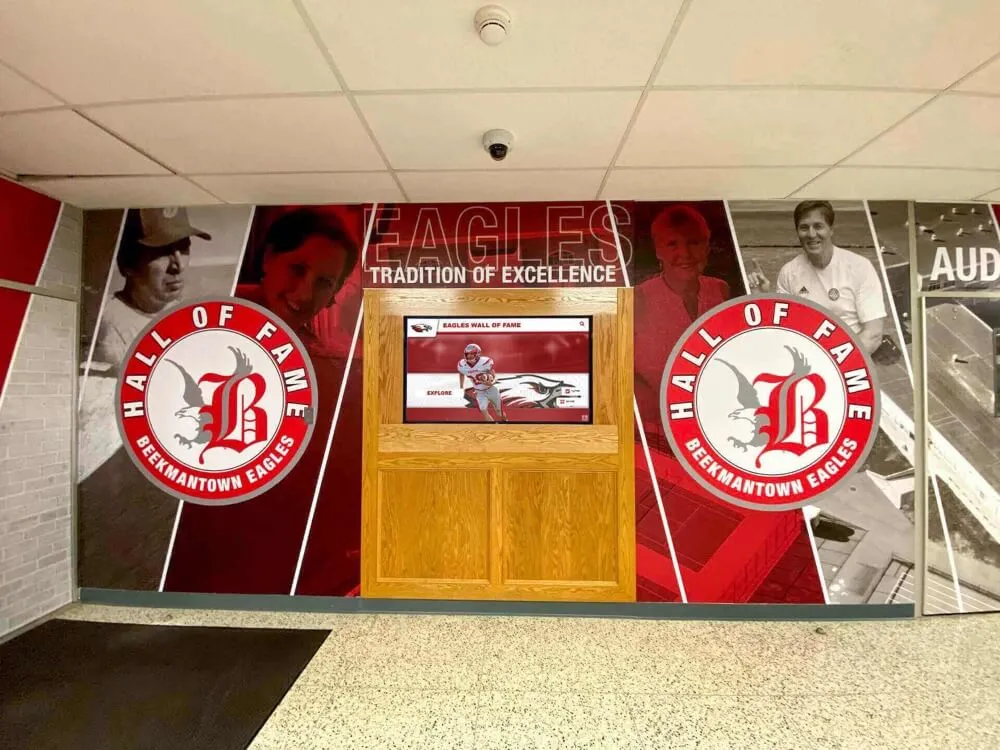
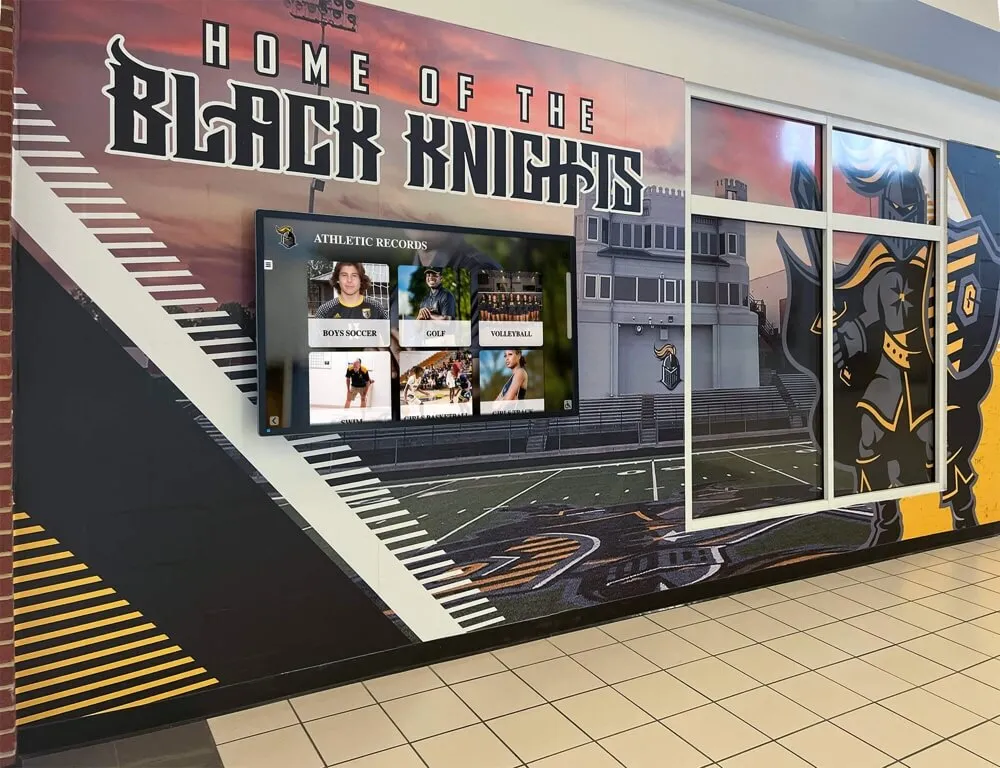
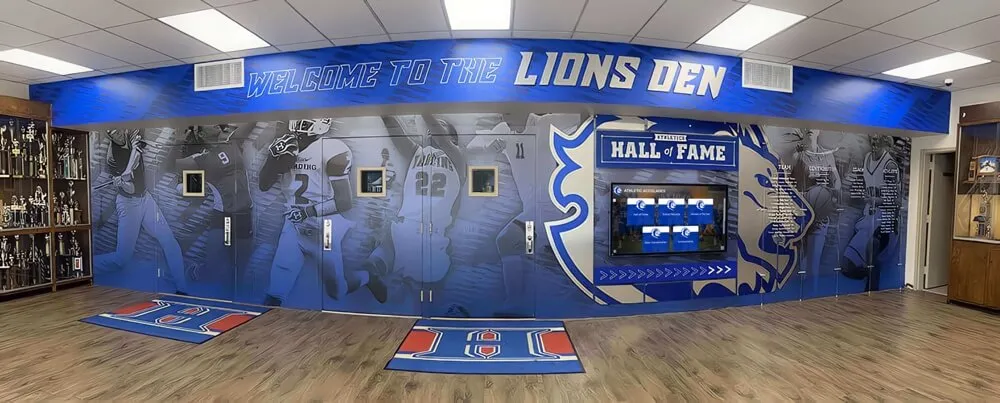
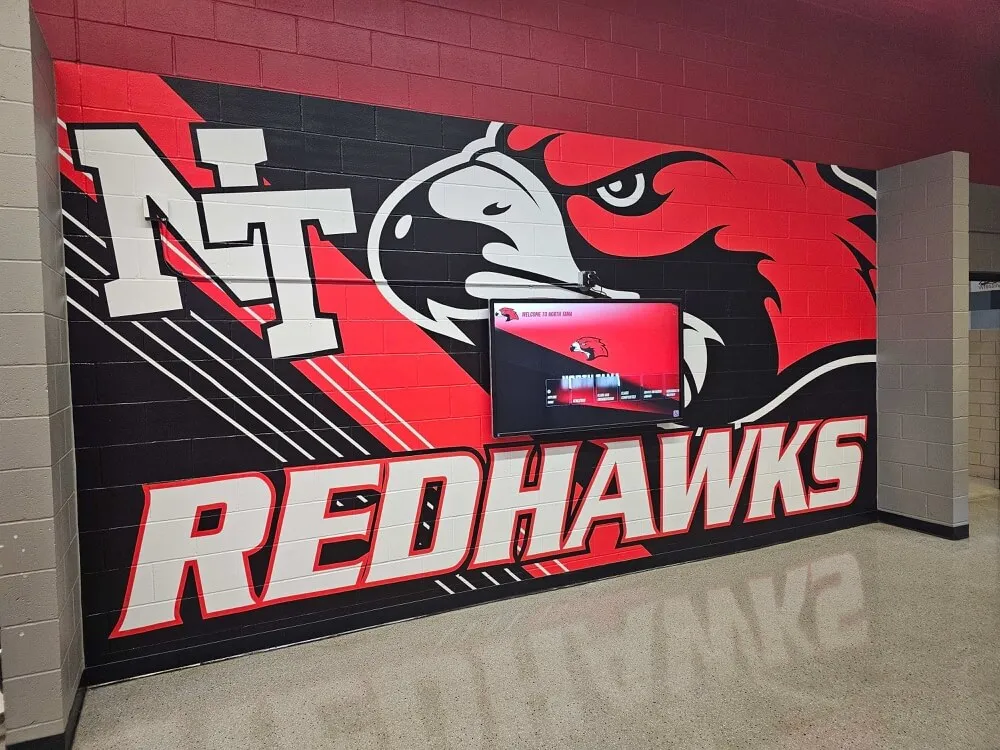
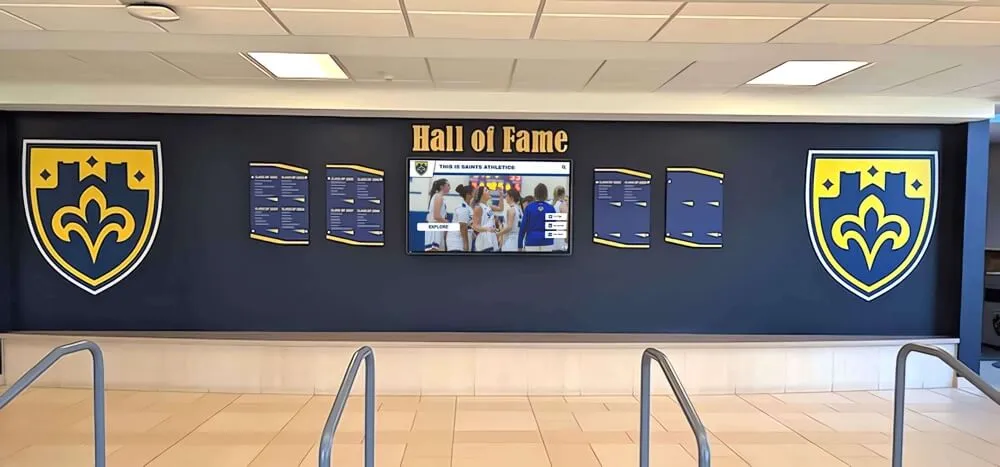
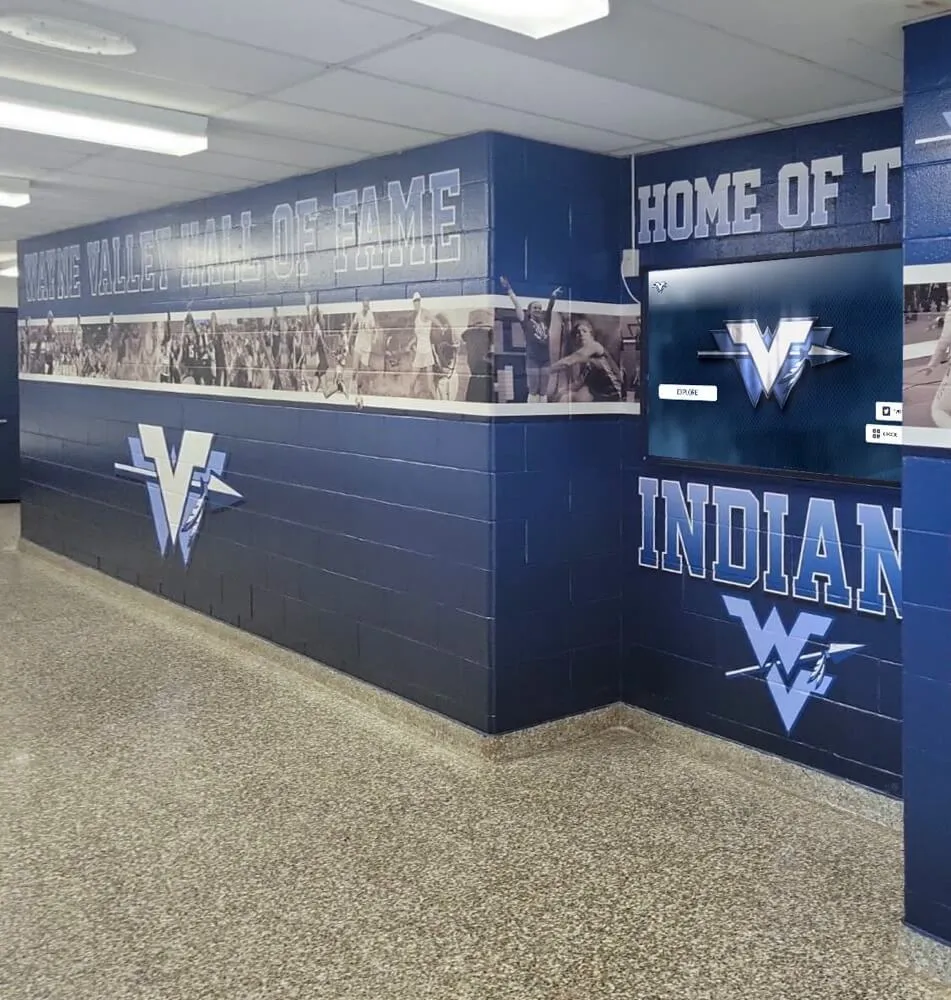
Physical murals and digital record displays work together to create immersive athletic history environments that honor every era of the program
Season Recap Writing: A Practical Template
A consistent recap format makes writing faster and the resulting archive more useful. Use this template as a starting point:
[Sport] Season Recap — [Year]
Record: [W-L overall] ([W-L conference])
Coaching staff: [Head coach], [assistants]
Team summary: [2–3 sentences describing the team’s identity—their strengths, their style of play, the character of the group.]
Key moments: [3–5 bullet points describing the most significant games, comebacks, upsets, or milestones of the season.]
Individual highlights: [List athletes who earned honors: all-conference, all-state, team MVP, records broken, etc.]
Season-ending performance: [Description of how the season concluded—playoff run, tournament finish, or final regular-season result—and what it meant for the program.]
Looking ahead: [One sentence about what carries forward—returning players, new coach, facility changes, etc.]
Keeping recaps to this structure means a future staff member can read 20 years of recaps in a single sitting and understand each season clearly without hunting for context elsewhere in the archive.
For programs using game-day graphics to complement written recaps, explore game day graphic templates that can be archived alongside season files for complete visual documentation.
Frequently Asked Questions
How far back should a team archive go? Go back as far as records exist, prioritizing completeness over perfection. A partial roster from 1975 is more useful than no record at all. Start with what you have and fill gaps opportunistically—alumni reunions, coaching hall-of-fame ceremonies, and anniversary events often surface materials schools didn’t know still existed.
Who owns the team archive? Typically the athletic department in partnership with the school’s records office. Establish a written ownership and access policy so that staff turnover does not result in archives migrating to personal devices or being lost when a long-tenured coach retires.
How should schools handle photos of minors in historical archives? Review your district’s records retention and media release policy. Photos included in published school materials (yearbooks, game programs) at the time of original publication generally remain within scope for archival and recognition use. When in doubt, consult district legal counsel before using historical photos in new public-facing contexts.
What tools work best for small athletic departments with no dedicated staff? Google Drive or SharePoint with a clear folder structure, a single shared Google Sheet for roster and honors data, and a consistent seasonal workflow delegated to whoever has the most organizational bandwidth—often a team manager, athletic secretary, or senior student worker—can sustain a quality archive without a dedicated archivist.
How does a team archive support fundraising? Donors and sponsors respond to demonstrated impact. An archive that documents a program’s history—championships won, athletes developed, academic achievements alongside athletic ones—provides the narrative evidence that makes fundraising asks compelling. Scholarship recognition materials, in particular, benefit from well-documented program history; see how scholarship recipient certificates connect to institutional recognition for practical applications.
How does archiving connect to wrestling tournament brackets and other bracket-based sports? For tournament sports, bracket documentation is part of the season record. Preserve the final bracket alongside the recap. See how high school wrestling state tournament brackets are structured for archiving and display in recognition programs.
Checklist: Annual Team Archive Workflow
Use this checklist at the end of each season to confirm your archive is complete:
Roster
- Final roster collected with full names and jersey numbers
- Graduation years verified against enrollment
- Coaches and staff listed with titles
- Exported as CSV and filed in correct season folder
Records and Stats
- Final win-loss record (overall and conference) recorded
- Playoff results documented by round
- Individual statistical leaders captured
- Individual and team records broken noted
- All honors and awards logged
Photos
- Official team photo in high resolution filed
- Action photo selection (20–30 images) filed and named
- Award and milestone photos filed
- Photo rights confirmed in writing
Recap
- Season recap narrative written (300–600 words)
- Reviewed by head coach for accuracy
- Filed in season folder alongside records
Backup and Access
- All files confirmed accessible to authorized staff
- Cloud backup verified
- New season folder structure created for next year
Build Recognition-Ready Archives with Rocket Alumni Solutions
Running a team archive that feeds directly into hall-of-fame systems, digital yearbooks, and recognition displays requires tools built for school programs—not repurposed general-purpose software. Rocket Alumni Solutions gives athletic departments a platform that connects historical archive data to interactive hallway displays, yearbook-style profile pages, and alumni engagement tools in one unified system.
Schedule a demo with Rocket Alumni Solutions to see how your team archive data can power recognition experiences your athletes, alumni, and community will engage with for decades.
Conclusion: An Archive Is a Promise to Future Athletes
Every athlete who suits up for your program deserves to know that someone will remember. A well-organized team archive makes that promise institutional rather than personal—the record persists regardless of staff turnover, storage cleanouts, or budget cycles.
The work is not glamorous. Naming files consistently, filling in graduation years, writing a 400-word recap at the end of a long season—none of it feels urgent in the moment. But the programs that do this work build something rare: a genuine institutional memory that enriches recognition ceremonies, strengthens alumni relationships, supports fundraising, and gives current athletes a visible legacy to aspire to.
Start with this season. Create the folder, collect the roster, write the recap. Then do the same next year. Compound interest applies to archives just as it does to investments—and the schools that have been archiving consistently for a decade understand exactly how valuable that history becomes.
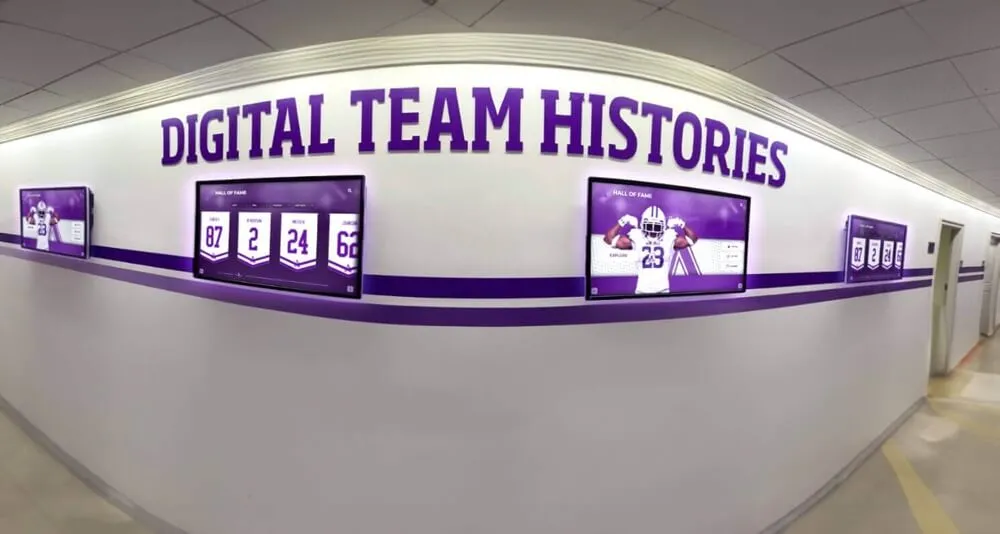
When team archives are connected to hallway displays, every student who walks by becomes part of an unbroken chain of athletic history
Turn Your Team Archive Into a Living Recognition System
Rocket Alumni Solutions helps schools connect historical rosters, photos, and season records to interactive recognition displays, digital yearbooks, and alumni engagement platforms—so your archive becomes a resource the whole community can explore, not just a folder on a shared drive.
Request a Demo