Somewhere in your school’s storage closet, administrative wing, or library back room, there are stacks of old school newspapers quietly deteriorating. Issues from decades past — student journalists who covered championship seasons, profiled legendary teachers, or broke campus stories that became part of school lore — are turning yellow and brittle, their paper growing more fragile with every season that passes. Once newsprint reaches a certain stage of deterioration, the content is simply gone.
The good news is that digitizing an old school newspaper collection is a manageable project, even for schools without dedicated archival staff. The right process — applied systematically across even a modest collection — can transform a deteriorating stack of publications into a searchable, shareable digital archive that becomes one of the most visited resources in your school’s institutional memory.
This guide walks through every phase of the process: assessing what you have, gathering the right equipment, executing scans that capture newsprint well, organizing files with useful metadata, and ultimately making the archive accessible in ways that engage current students, alumni, and the broader community. Whether you’re preserving fifty years of issues or just trying to rescue the last decade before they’re lost, these steps will help you do it right.
Why Every Old School Newspaper Deserves Preservation
Before diving into the how-to, it’s worth establishing why this work matters — because digitization projects require sustained effort, and teams need to understand the value before committing resources.
Student Publications as Primary Historical Sources
Yearbooks get most of the archival attention, but school newspapers often contain richer, more granular documentation of campus life. Where a yearbook captures a curated snapshot of the year, a newspaper runs week after week, covering:
- The contested elections for student government that yearbooks glossed over
- The behind-the-scenes debates that led to policy changes in school culture
- Game-by-game coverage of sports seasons, not just championship photos
- Opinion pieces capturing what students actually thought about major events
- Faculty profiles and retirements in staff members’ own words
- Letters to the editor expressing community friction and consensus alike
These are primary sources. Future historians, current alumni tracing their own experiences, and students studying their school’s past all benefit from access to this longitudinal record that no other document provides.
Much like artifacts living in storage — trophies and memorabilia that lose their meaning when no one can see them — old school newspapers stored in boxes fulfill none of their archival purpose until they’re accessible.
The Deterioration Clock Is Running
Standard newsprint uses highly acidic paper designed for low cost, not longevity. The lignin content in wood-pulp paper reacts with oxygen and moisture over time, producing acids that yellow paper, make it brittle, and eventually cause it to crumble when handled. Issues from the 1960s through 1990s are often at or approaching this critical stage. Even issues from the 2000s can show significant deterioration if stored in non-climate-controlled spaces.
The Library of Congress and Society of American Archivists both note that acidic newsprint has a significantly shorter lifespan than higher-quality paper stocks, and that preservation actions taken later yield progressively less complete results as original materials continue to degrade. Every year a digitization project is delayed is a year of compounding deterioration.

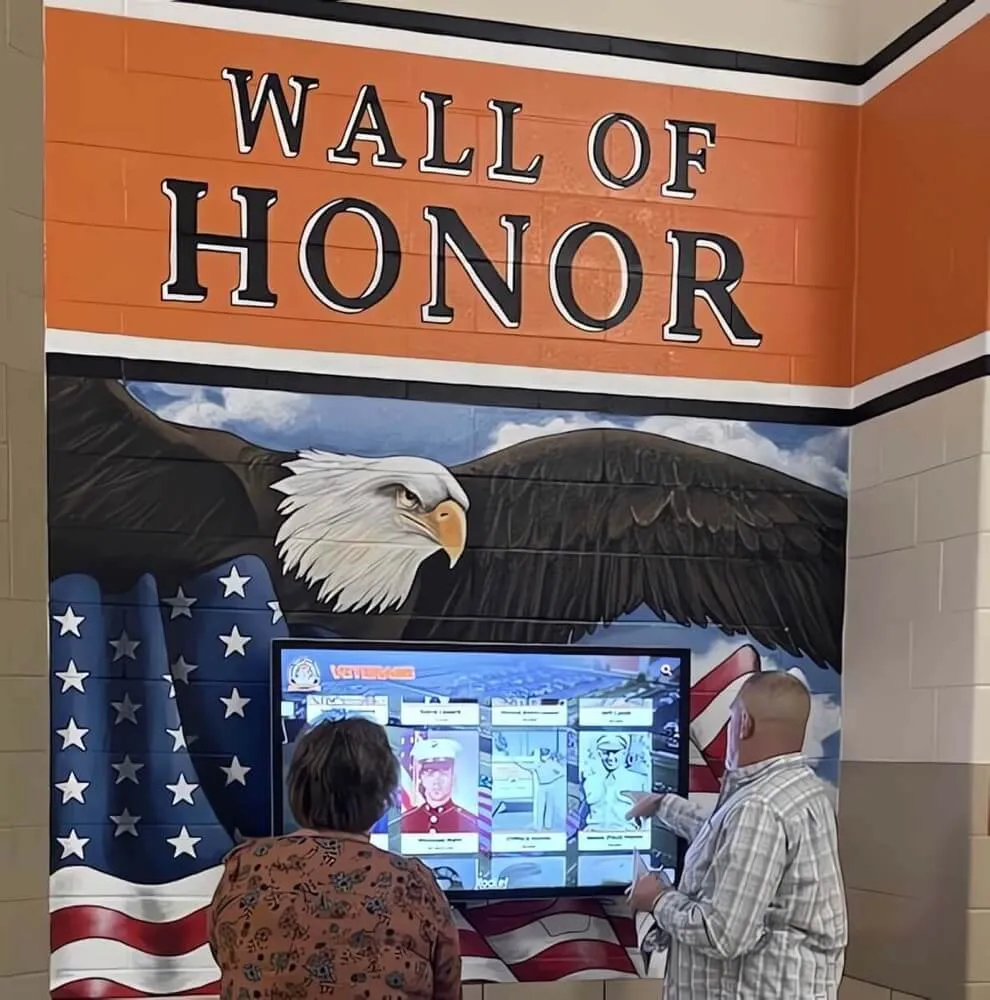
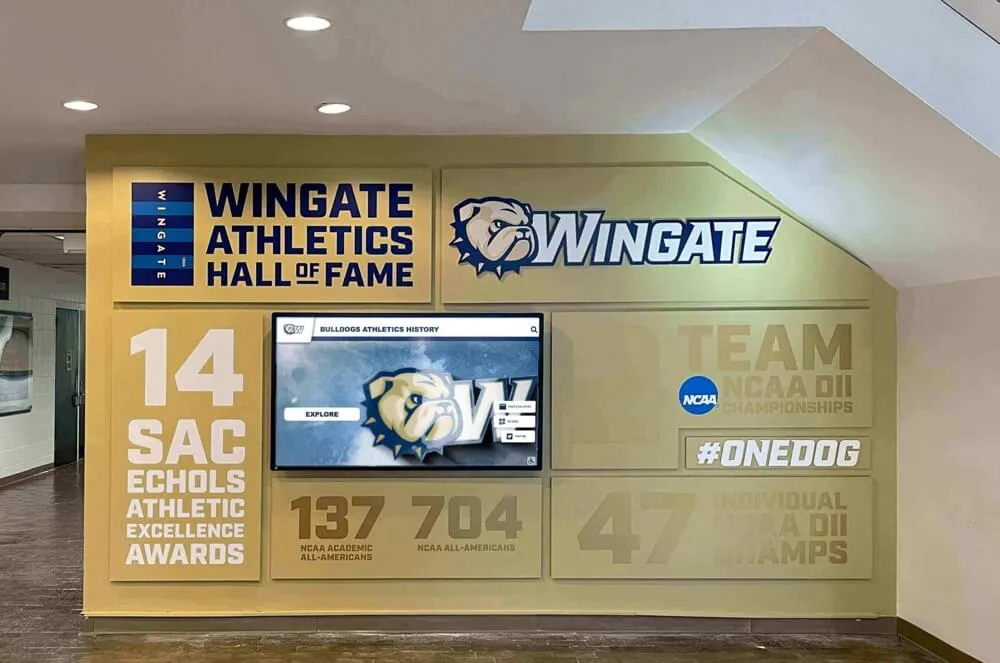
Digitized publications come to life when surfaced on interactive hallway displays — transforming stored archives into living content current students and alumni can engage with
Phase 1: Assess Your Collection
Every digitization project begins with a thorough assessment. You can’t plan the work without knowing what you’re working with.
Locate All Existing Issues
Start by tracking down every physical copy of the school newspaper still in existence. Common locations include:
- Library storage rooms or archive cabinets
- Former journalism advisers’ offices or home collections
- Athletic department files (for issues covering championship seasons)
- Administrative storage shared with yearbooks and other publications
- Alumni who may have saved issues from their student years
Document what exists by year and, where possible, by issue number and date. Create a simple spreadsheet tracking: volume number, issue number, date, condition (excellent / good / fair / fragile), and current location.
Evaluate Condition
Not all issues will be in equal shape. Grade each issue using a simple condition scale:
Excellent: Paper still flexible, minimal yellowing, no tears or losses Good: Some yellowing, minor brittleness at edges, fully legible Fair: Moderate yellowing and brittleness, some edge losses, still legible Fragile: Significant brittleness, tears or losses affecting content, requires very careful handling
Fragile issues should be scanned first — before additional handling causes further damage. This is the same principle used when digitizing fragile historical artifacts of any kind: the most vulnerable materials demand immediate attention.
Identify Gaps
Note which issues appear to be missing from the collection. Some gaps may be filled by:
- Contacting alumni who graduated during those years
- Checking with public libraries that may have clipped or filed issues
- Reaching out to former journalism advisers who may have kept personal copies
- Searching the school’s own attic storage, which often contains materials separated from primary archives
A gap log helps you pursue missing issues over time without losing track of what the complete collection should look like.
Phase 2: Gather the Right Equipment
Scanning newsprint well requires different equipment and settings than scanning photographs or standard documents.
Flatbed Scanners: The Right Tool for the Job
For old school newspaper preservation, a high-quality flatbed scanner is the essential tool. Key specs to prioritize:
Optical resolution: Look for scanners with true optical resolution of at least 600 DPI (dots per inch). Newspaper pages scanned at lower resolutions often lose the finer text in captions, headlines, and column text.
Scan bed size: Full-size newspaper pages (typically 11×17 inches for tabloid-format student papers) require either an 11×17 flatbed or a scanner with an automatic document feeder that accommodates that size. Many student newspapers used a smaller tabloid format (roughly 11×14), which fits most letter/legal flatbeds.
Scanning software: Look for scanners with software that allows you to set color profiles, DPI, and file output format independently. You’ll want to save archival masters as uncompressed TIFF files and create separate access copies as high-quality PDFs.
Recommended Scan Settings for Newsprint
| Content Type | Resolution | Color Mode | File Format |
|---|---|---|---|
| Text-only pages | 400 DPI | Grayscale | TIFF (master), PDF (access) |
| Pages with photos | 600 DPI | Grayscale or RGB | TIFF (master), JPEG/PDF (access) |
| Color issues (if any) | 600 DPI | RGB | TIFF (master), PDF (access) |
| Detail crops | 800+ DPI | RGB | TIFF |
For archival purposes, always save the highest-quality master file regardless of what access format you’ll publish. Masters can be used to produce new access copies later; compressed files cannot be upgraded.
Handling Fragile Issues
Before scanning fragile issues, let them acclimate to room temperature if they’ve been stored in different conditions. Use cotton or nitrile gloves to prevent skin oils from accelerating deterioration. A foam book cradle can help support very fragile issues during scanning without forcing them flat.
If an issue is too fragile to scan safely with a flatbed, consider a planetary scanner (which photographs rather than contacts the page) or engaging a professional digitization service for the most damaged issues.
Phase 3: The Scanning Workflow
A consistent, documented workflow prevents errors and ensures your archive is complete and usable.
Set Up Your Workspace
Create a dedicated scanning station with:
- Flatbed scanner connected to a dedicated computer
- External hard drive or network storage for file output
- Clean, dry surface for handling physical issues
- Supply of lint-free gloves
- Labeling materials (sticky notes, not adhesive labels on the originals)
Before beginning each session, clean the scanner glass with a lint-free cloth. Dust on the glass appears as artifacts on scanned images and requires time-consuming cleanup.
Scan Each Page as a Separate File
Rather than scanning full spreads as a single image, scan each page individually. This simplifies metadata assignment, makes searching by page easier, and allows individual pages to be served digitally without exposing adjacent content.
File naming convention: [school-abbreviation]-[publication-name]-[YYYY]-[MM]-[DD]-p[##].tiff
Example: WHS-Gazette-1987-11-15-p01.tiff
Consistent naming makes it far easier to manage the archive as it grows. Proper digital asset management for schools depends on naming structures that remain logical as collections scale to thousands of files.
Quality Check Every Scan
After completing each issue, open each file and verify:
- No significant skew (pages should be level within 1-2 degrees)
- Text is legible at 100% zoom
- No dust spots or artifacts on the scan glass
- Complete page edges captured, including page numbers and dates
- No pages missed or duplicated
Building quality checks into the workflow is faster than discovering errors after the physical issues have been returned to storage.
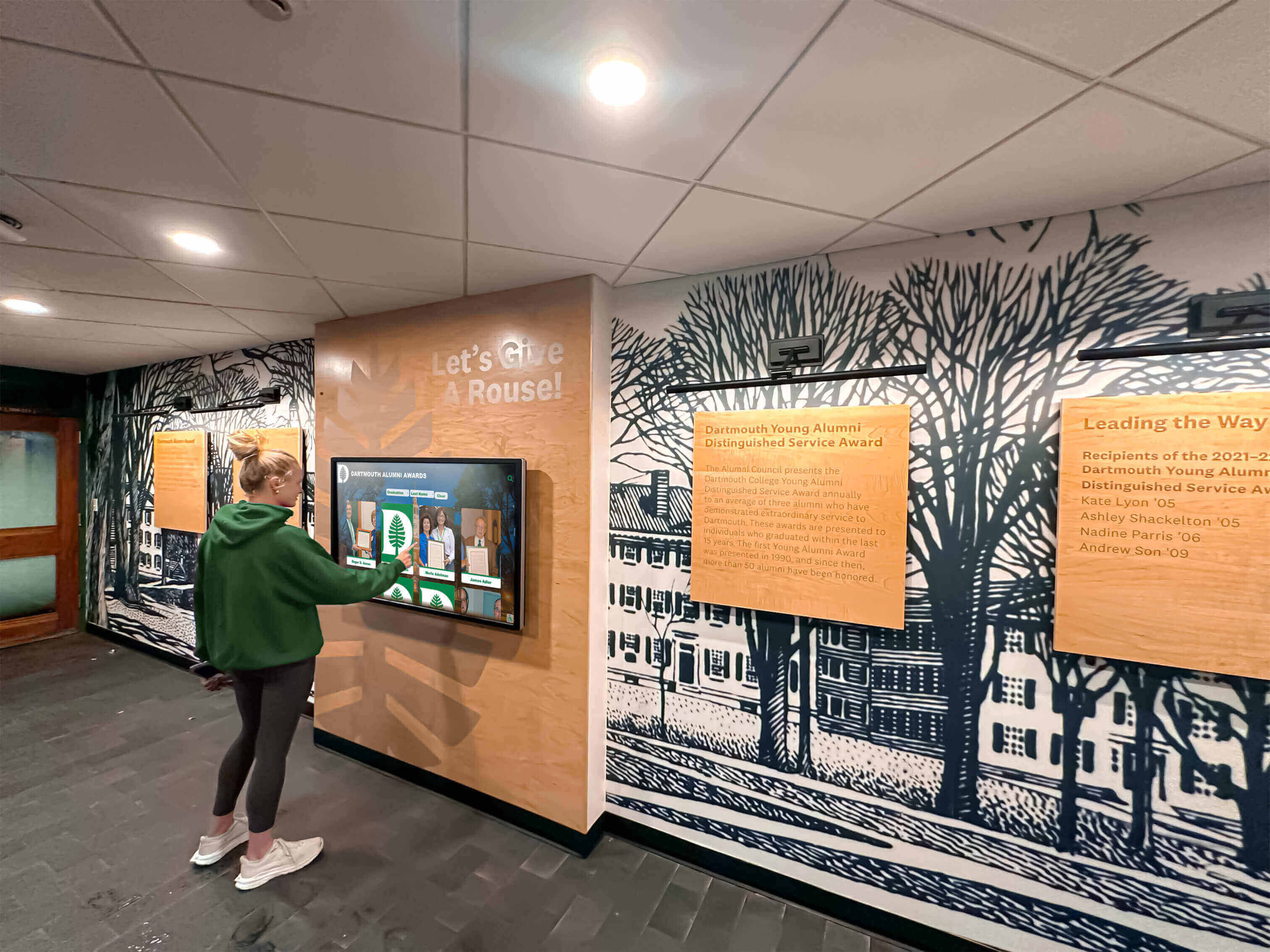
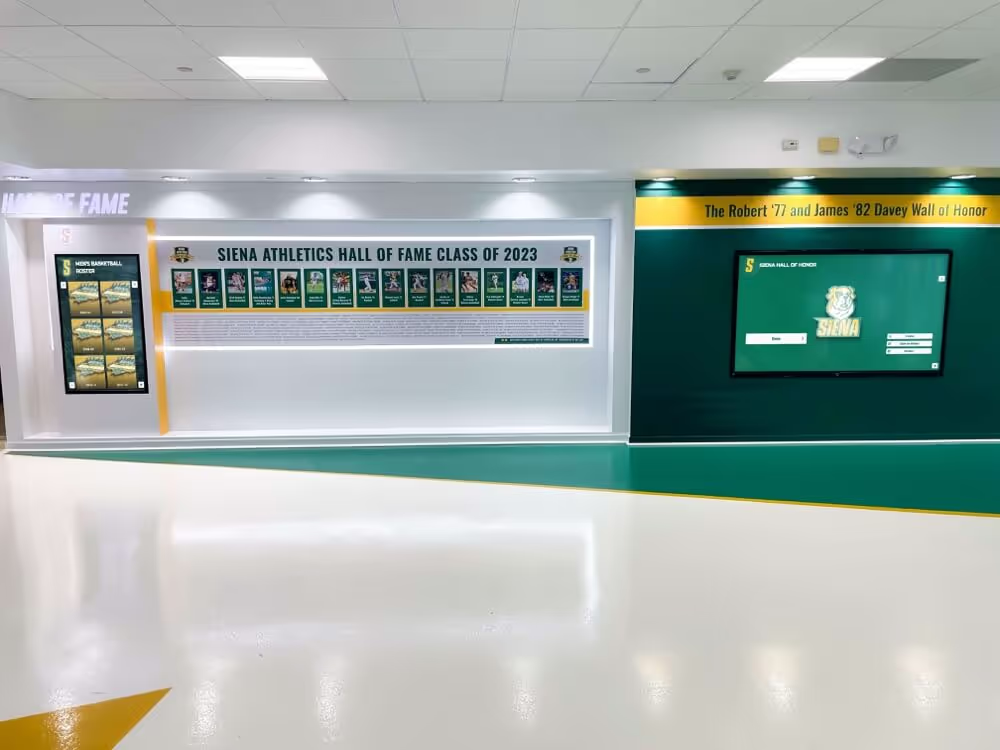
When digitized archive content is surfaced through accessible interfaces, students engage with institutional history on their own terms
Phase 4: Metadata and Organization
A scanned file with no metadata is almost as inaccessible as a physical issue in a storage box. The metadata you attach to each file — or to each issue as a whole — is what makes the archive searchable and useful.
Minimum Metadata Fields for Each Issue
At the issue level, record:
- Publication name (and any name changes over the years)
- Volume and issue number
- Publication date (exact date if known; month/year if not)
- Number of pages
- Format (broadsheet, tabloid, magazine-style)
- Condition of original at time of scanning
- Digitization date
- Scanner and settings used
At the page or article level, add where resources allow:
- Article headline and subheadline
- Author/byline
- Section (news, sports, features, opinion, arts)
- Subject tags (names of people, events, teams mentioned)
The Dublin Core Metadata Initiative provides a widely adopted standard for archival description that works well for school publication archives and integrates with most archive management systems.
Use a Consistent Folder Structure
Organize your files hierarchically:
/archives/school-newspaper/
  /1985-1986/
    /vol-12-issue-01-1985-09-15/
    /vol-12-issue-02-1985-09-29/
  /1986-1987/
    ...
  /masters/        (TIFF originals)
  /access-copies/  (PDF/JPEG for sharing)
Keep masters and access copies in separate folder trees. This protects originals from accidental compression or overwriting when preparing files for sharing.
Phase 5: Storage, Backup, and Long-Term Preservation
Digital files need thoughtful preservation infrastructure — “it’s on a computer somewhere” is not a preservation strategy.
The 3-2-1 Backup Rule
Archive professionals widely recommend the 3-2-1 backup framework:
- 3 copies of every file
- On 2 different media types (e.g., hard drive and cloud storage)
- With 1 copy stored off-site
For most schools, this means: a working copy on a local server, a second copy on an external hard drive stored separately, and a third copy in cloud storage (Google Drive, Dropbox for Education, or institutional cloud storage).
Schedule quarterly backup verification — actually opening and checking a sample of files from each backup location, not just confirming that backups ran.
Storage Format Considerations
Archival masters in TIFF format provide the highest quality and widest compatibility. While TIFF files are large, storage costs have dropped dramatically, and the investment in capturing high-quality masters is only worthwhile if you preserve those masters.
For long-term access, also maintain PDF/A format copies — a PDF variant specifically designed for long-term archival use, defined by ISO 19005. PDF/A files embed all fonts, color profiles, and metadata within the file itself, ensuring files remain readable without external dependencies decades into the future.
Protect Physical Originals
Digitization supplements physical preservation; it doesn’t replace it. After scanning, store original issues in:
- Acid-free archival boxes or folders
- Climate-controlled storage (50-65°F, 30-50% relative humidity if possible)
- Away from light, water pipes, and exterior walls
- In a location documented in your school’s disaster response plan
Original issues, even in poor condition, have historical value that digital copies don’t fully replicate.
Phase 6: Making Your Archive Accessible
A digital archive that lives on a server no one accesses serves the same archival function as boxes in a closet — which is to say, none. The preservation work pays off only when people can find and use the content.
Online Archive Options
Several platforms are designed for hosting digitized publication collections:
JSTOR Global Plants / Internet Archive: Free hosting for cultural heritage materials. The Internet Archive’s Archive.org accepts uploaded newspaper collections and makes them publicly searchable. Many school archives have been donated here successfully.
CONTENTdm (OCLC): A professional digital asset management platform used by libraries and universities, with robust metadata, search, and access controls.
School intranet or website: For collections where access control matters (due to FERPA-related concerns about naming current students in issues from recent years), hosting on school-controlled infrastructure gives administrators oversight of who can access what.
Privacy Considerations for Recent Issues
Old school newspapers from decades past typically don’t raise significant student privacy concerns — the students named are now adults, and the content was publicly distributed. However, issues from the past 15-20 years may contain coverage of students who are still minors or who have not consented to broader digital circulation.
Review student photo privacy compliance guidelines before publishing recent issues broadly. A practical approach: make pre-2000 issues publicly accessible and restrict more recent issues to authenticated access for alumni and staff.
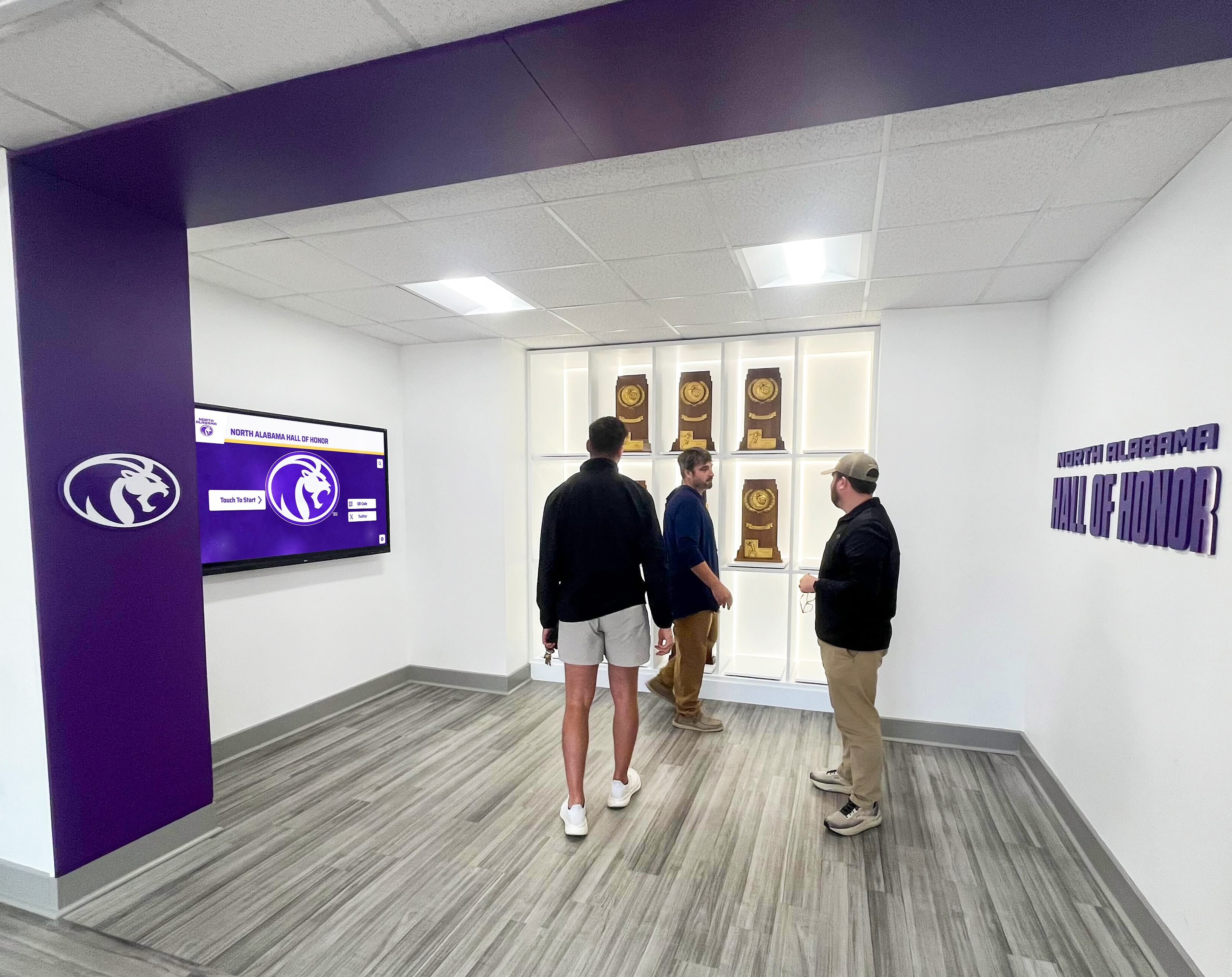
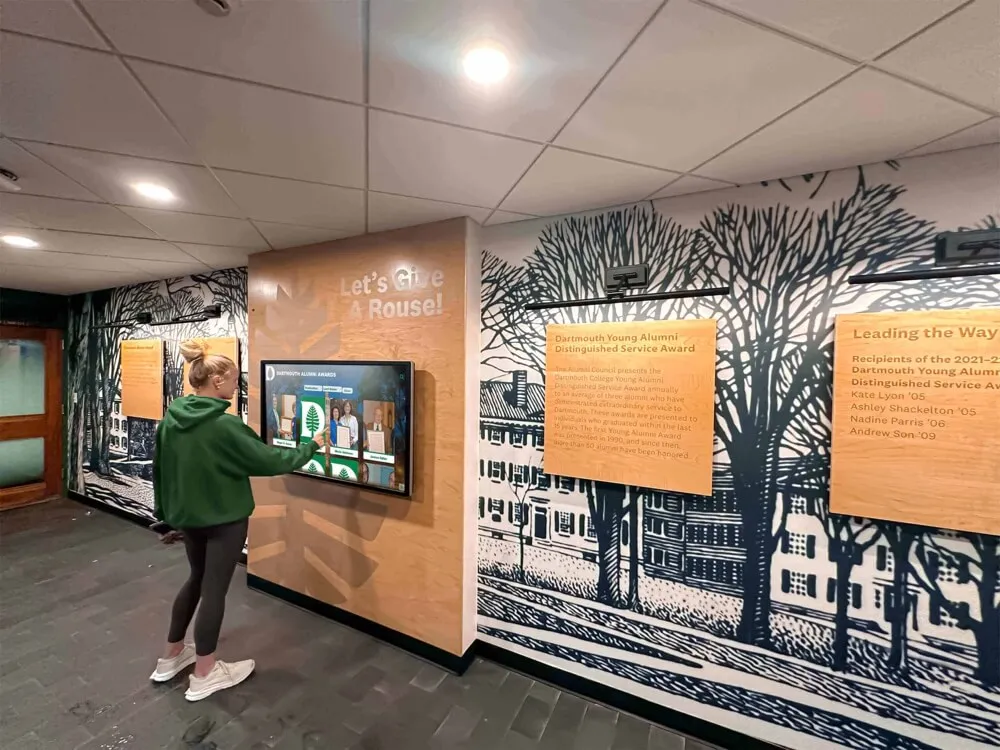
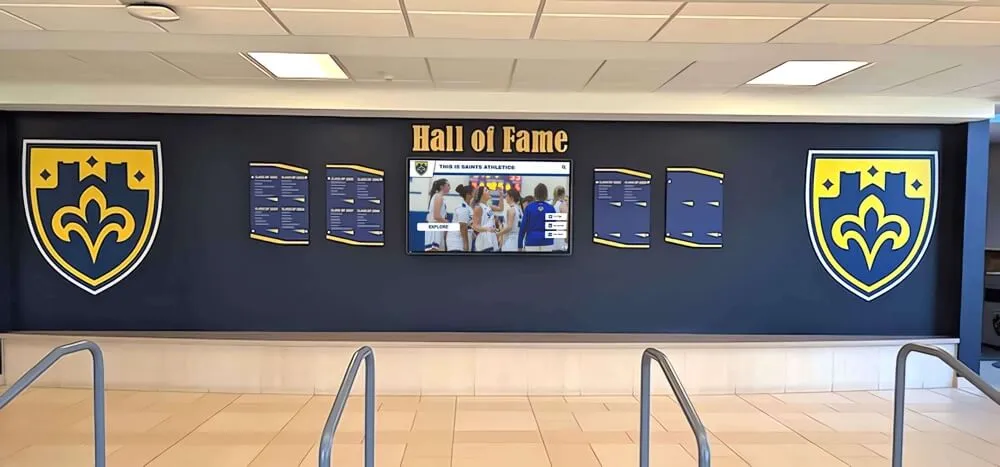
When archived content is made accessible, community members — alumni, parents, students — engage with institutional history in meaningful ways
Displaying Digitized Newspaper Content Beyond the Archive
The highest-impact use of digitized old school newspaper content often isn’t the online archive itself — it’s the way digitized content gets surfaced in physical spaces that alumni and community members actually visit.
Touchscreen Archive Kiosks
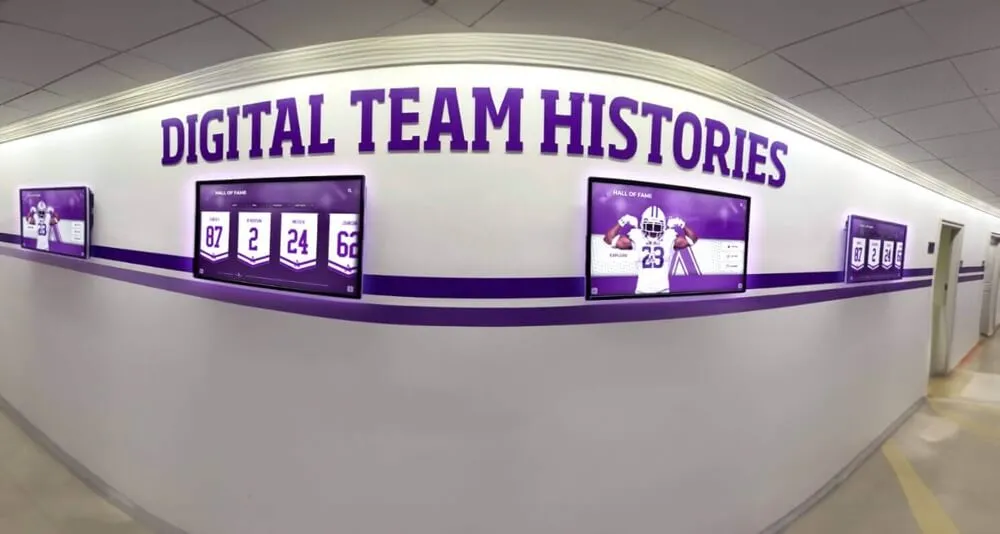
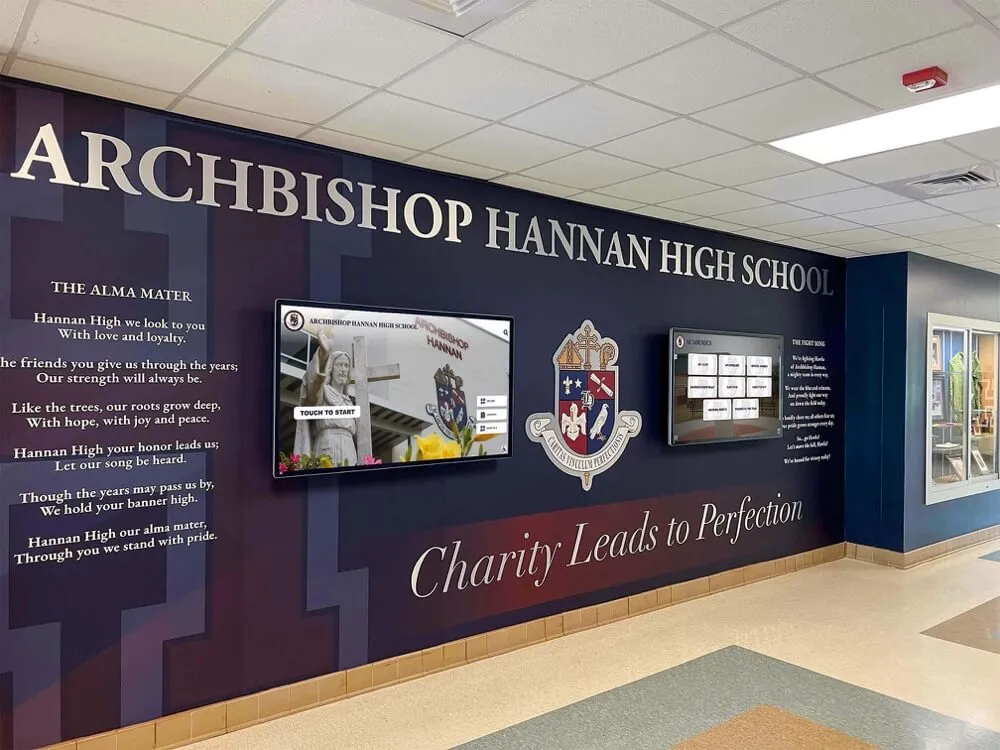
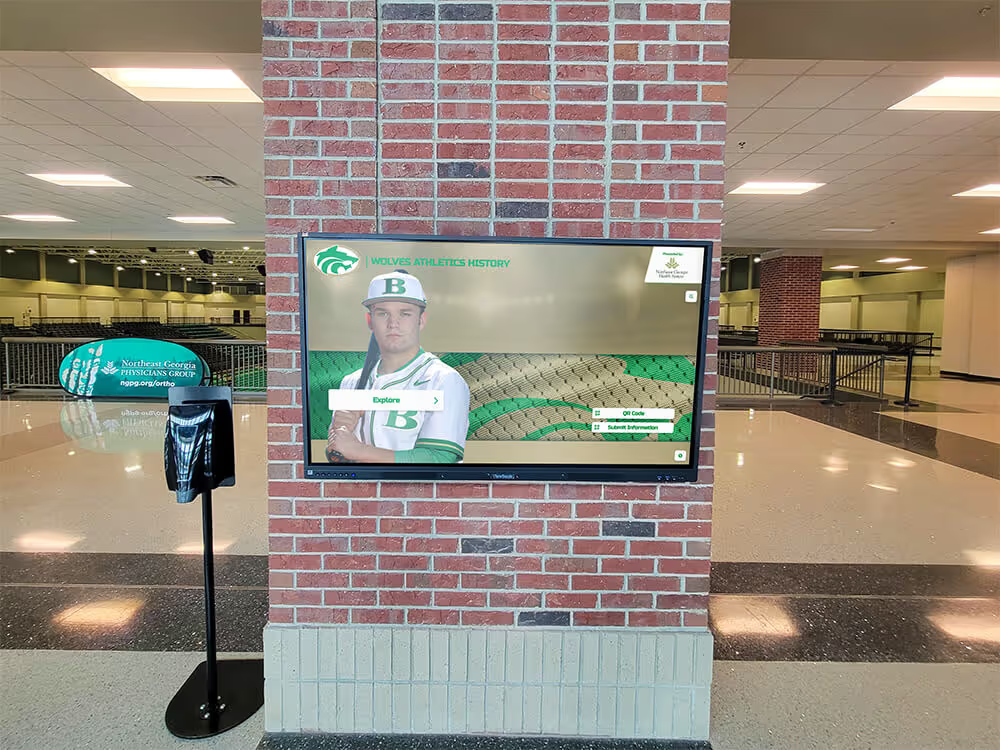
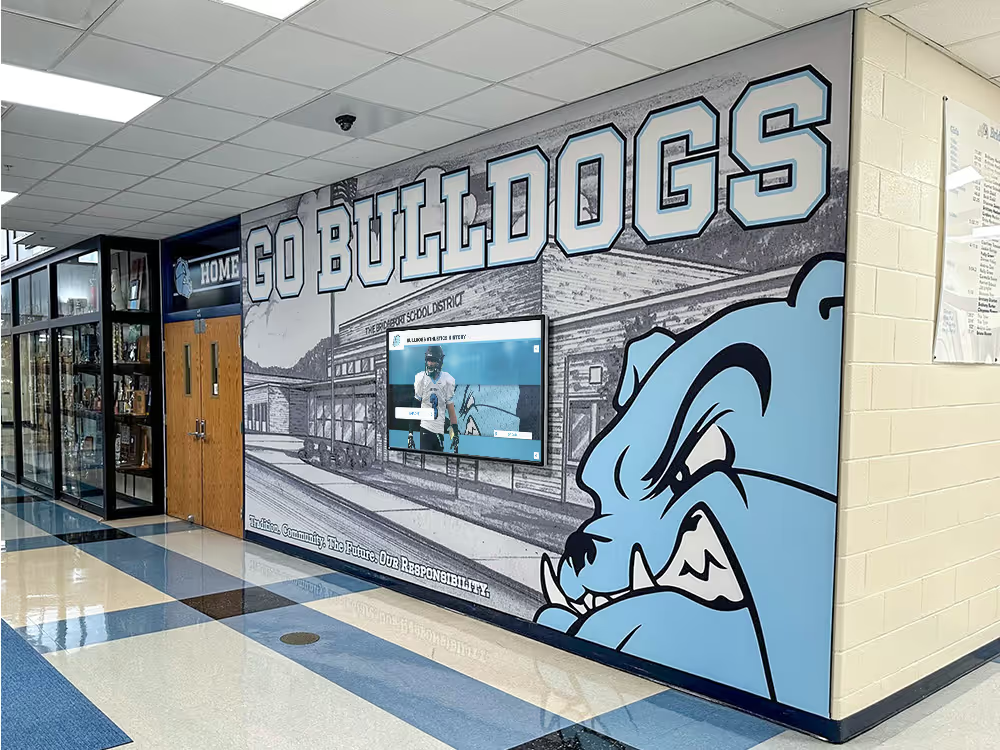
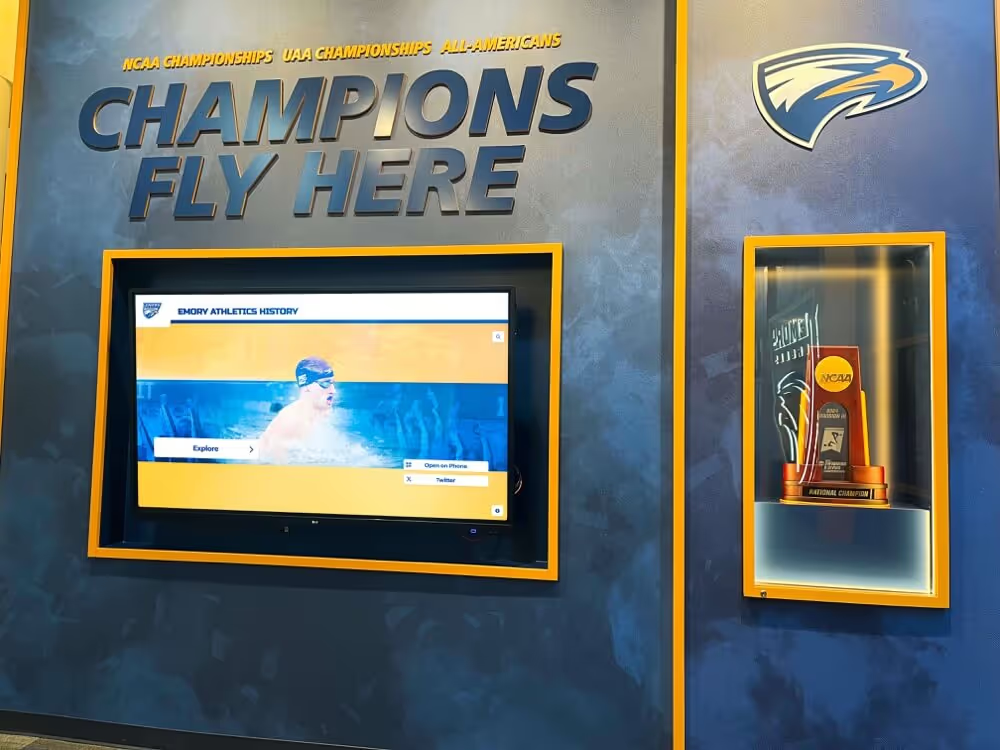
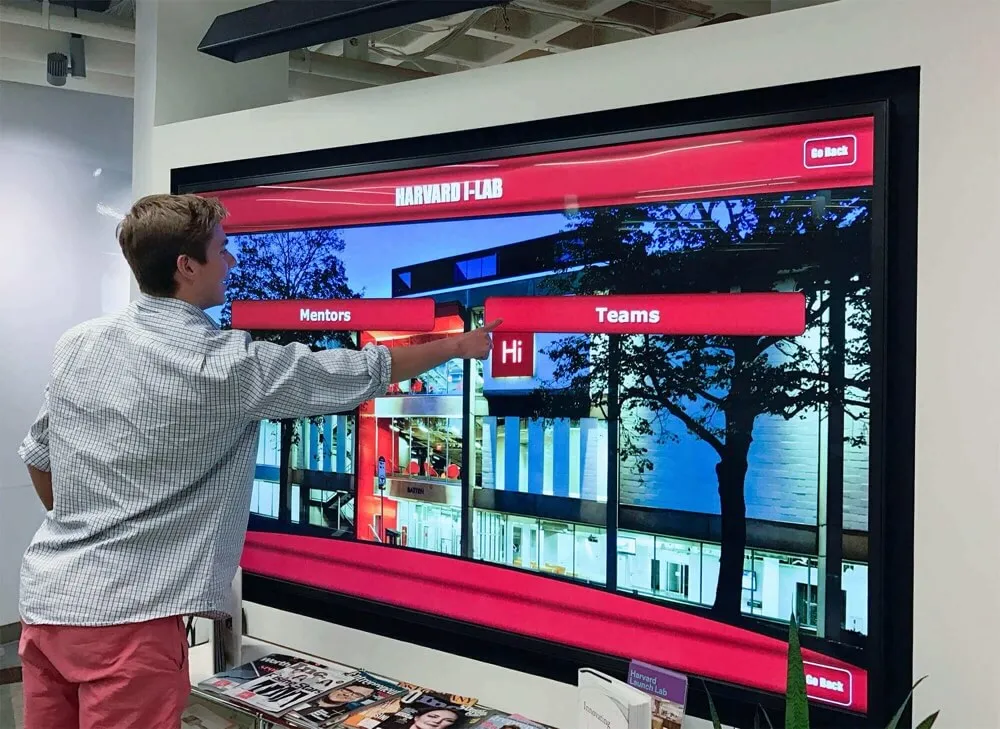
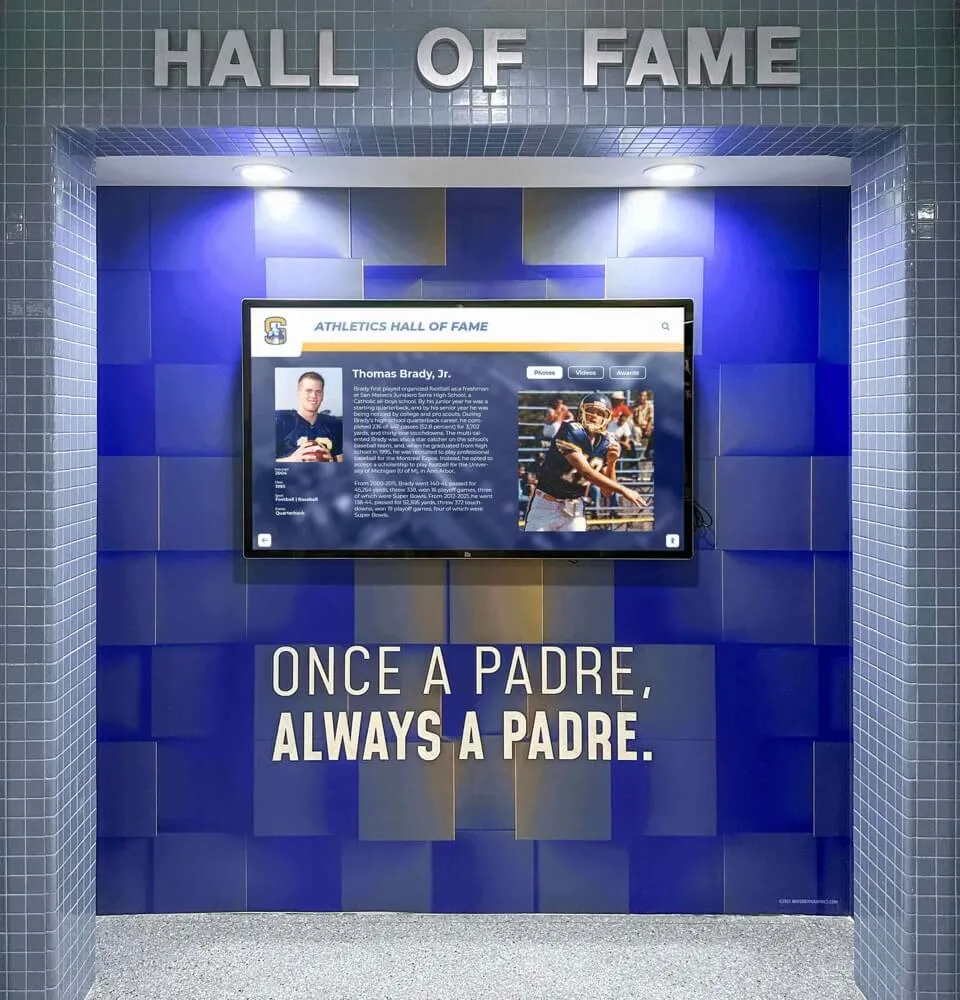
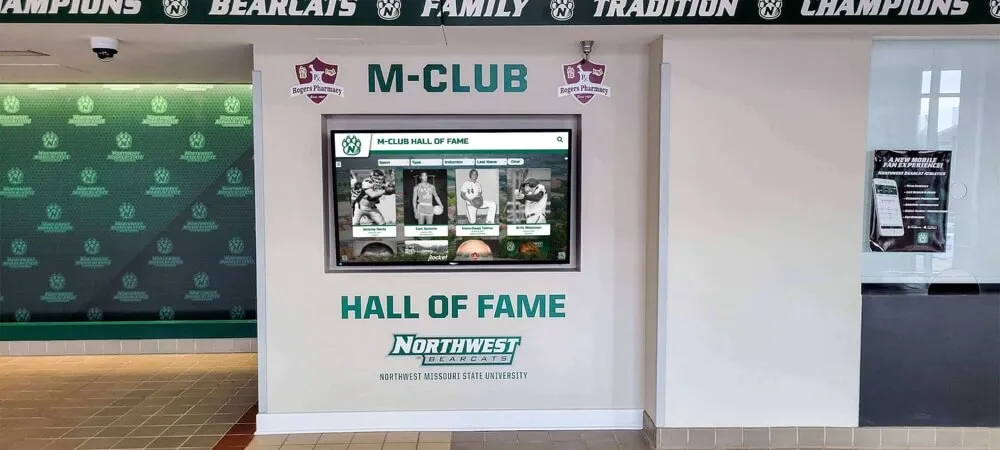
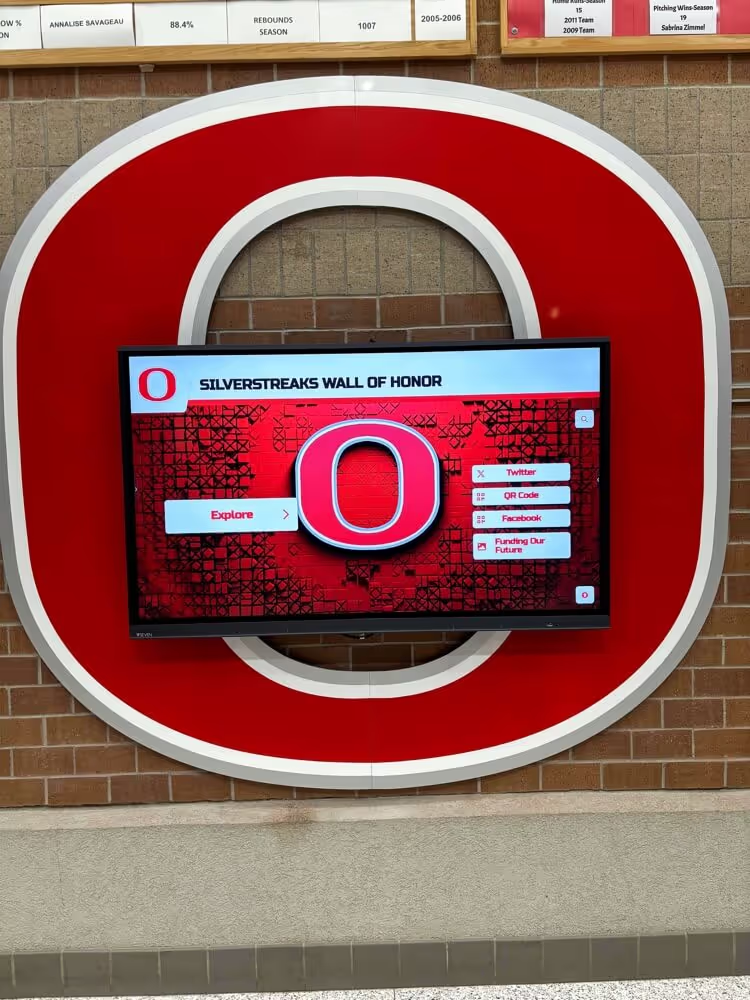
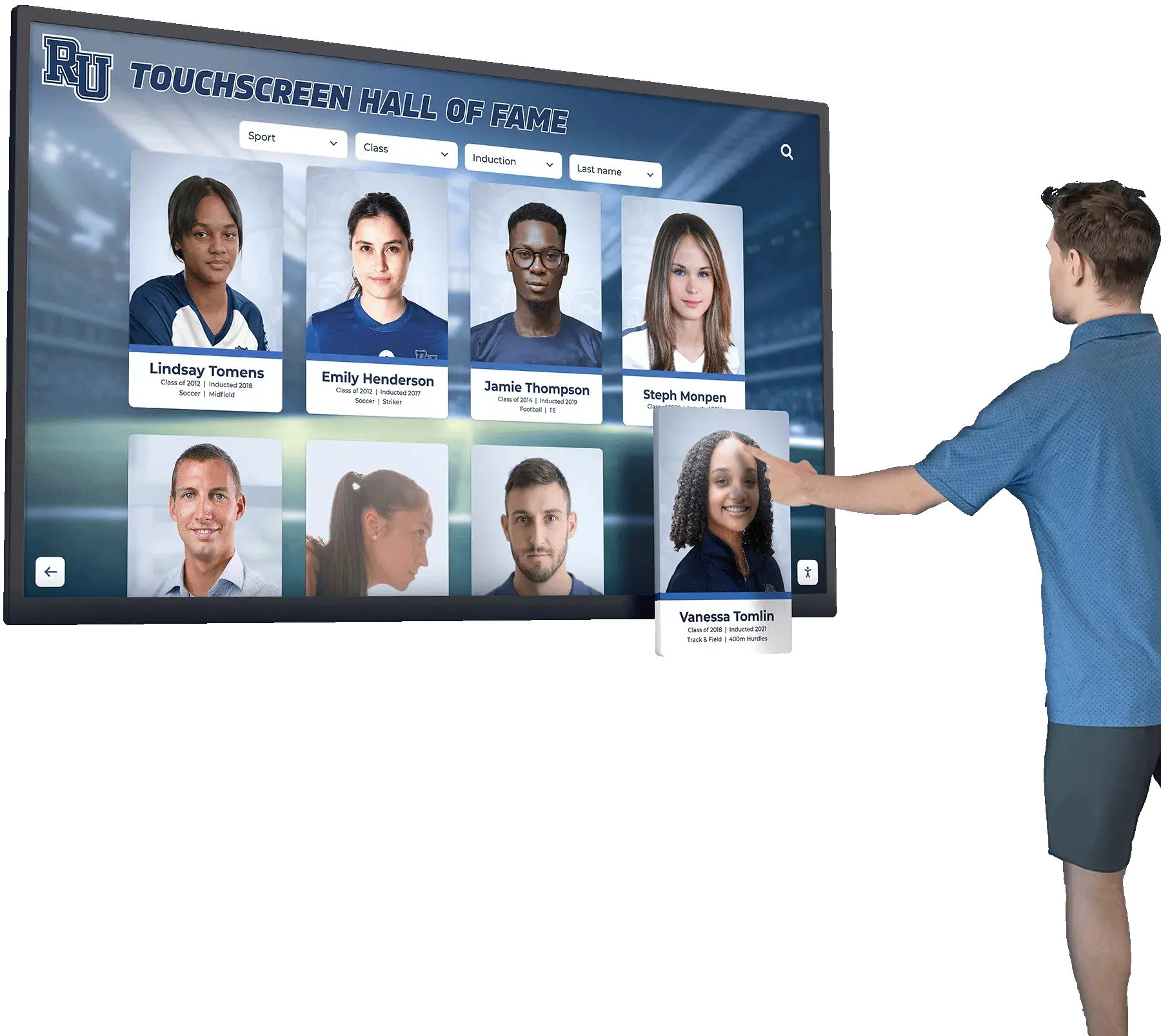
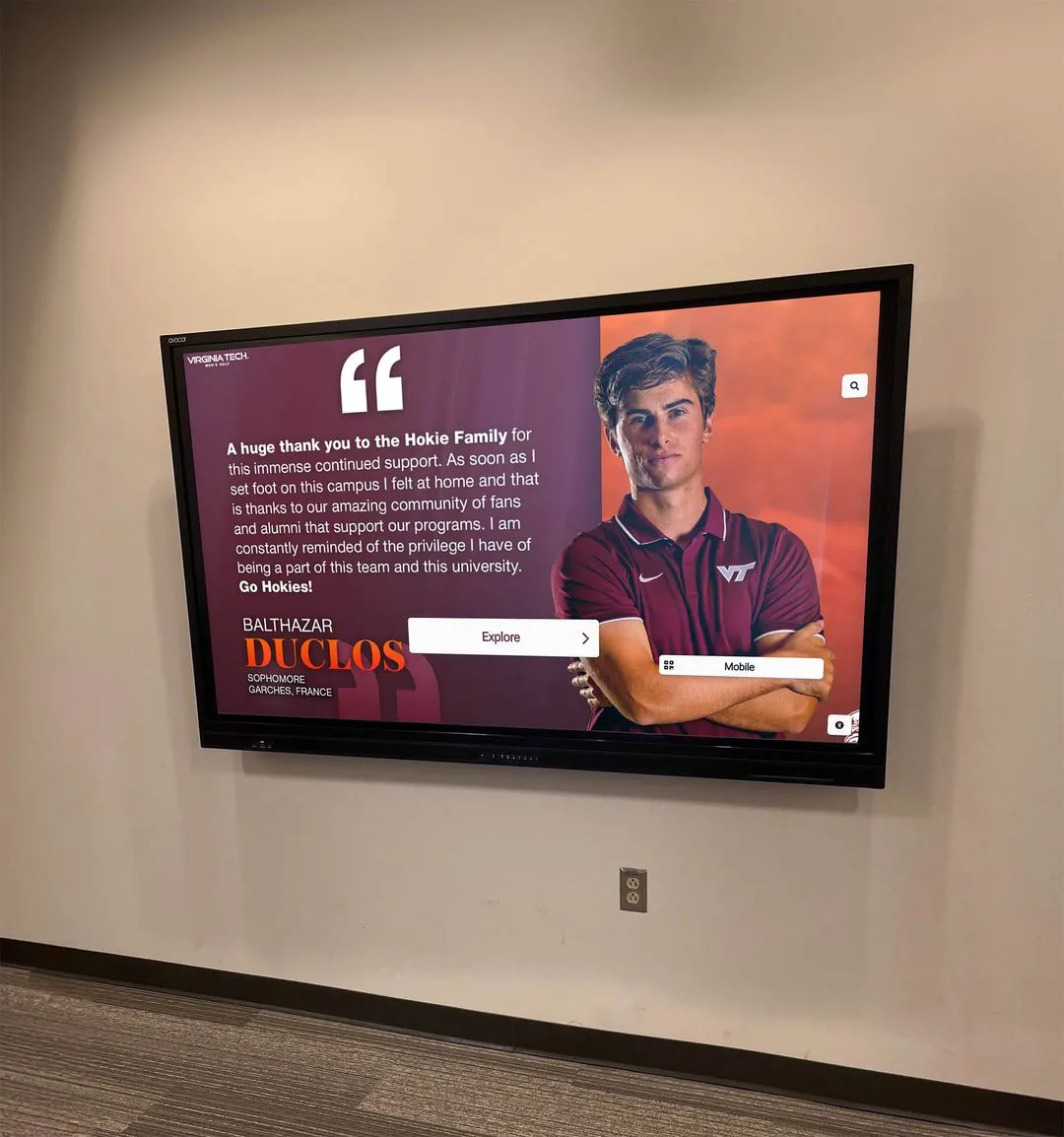
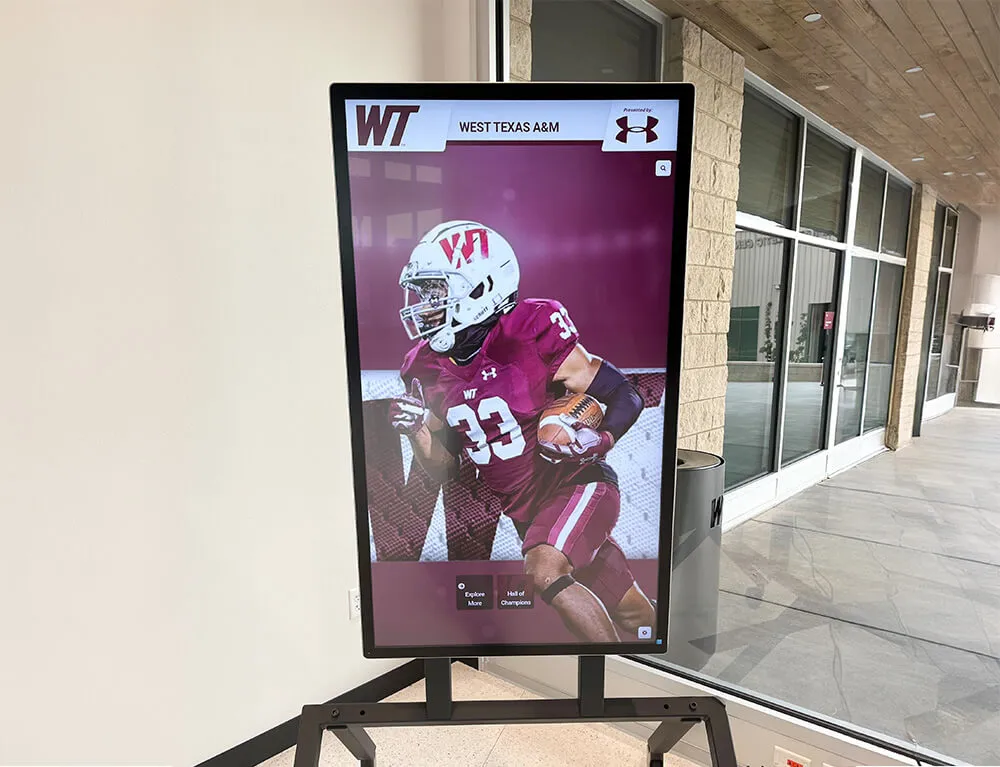
Schools that have installed interactive touchscreen displays in lobbies, libraries, or hallways can integrate digitized newspaper content into browsable archives. Preserving history through interactive displays allows community members to explore decades of coverage in ways that feel engaging rather than archival.
A touchscreen kiosk displaying headlines and front pages from past issues — searchable by year, by topic, by well-known alumni — turns a digital archive into a conversation piece. Alumni visiting for reunions, prospective families touring the school, and current students doing research projects all use these installations when they’re thoughtfully designed.
Historical Timeline Displays
Digitized newspaper front pages make compelling content for interactive historical timelines — touchscreen installations that let visitors navigate decades of school history through contemporary documentation. A well-chosen front page from a championship year, a campus-changing event, or a beloved faculty member’s retirement can anchor a timeline in authentic primary-source material that manufactured historical summaries can’t match.
Legacy Recognition Walls
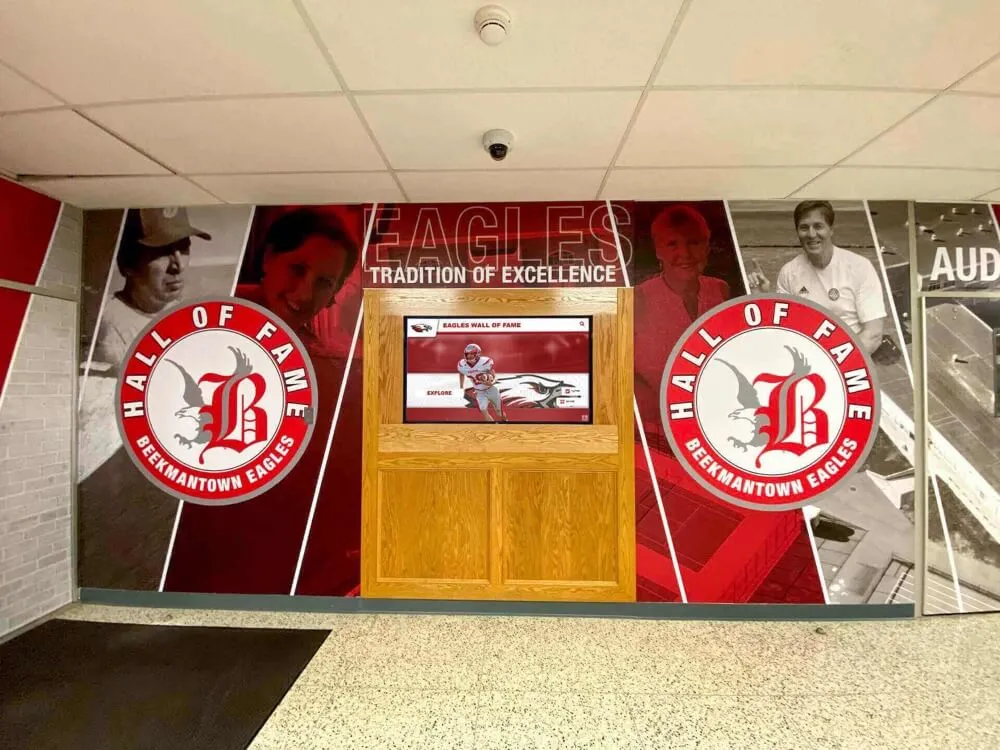
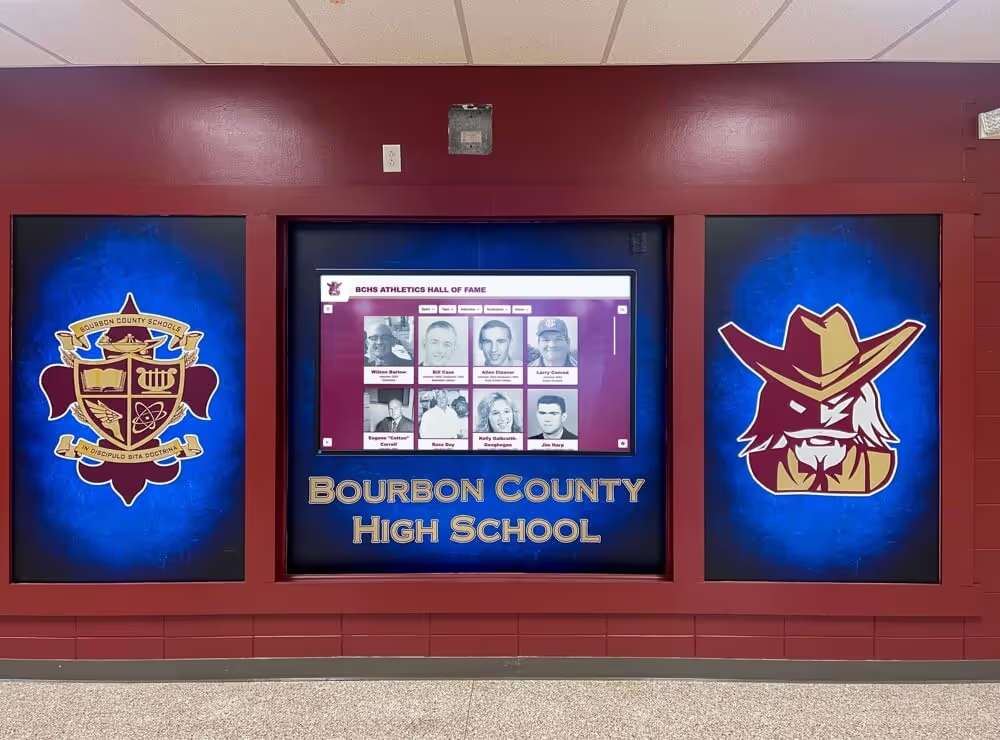
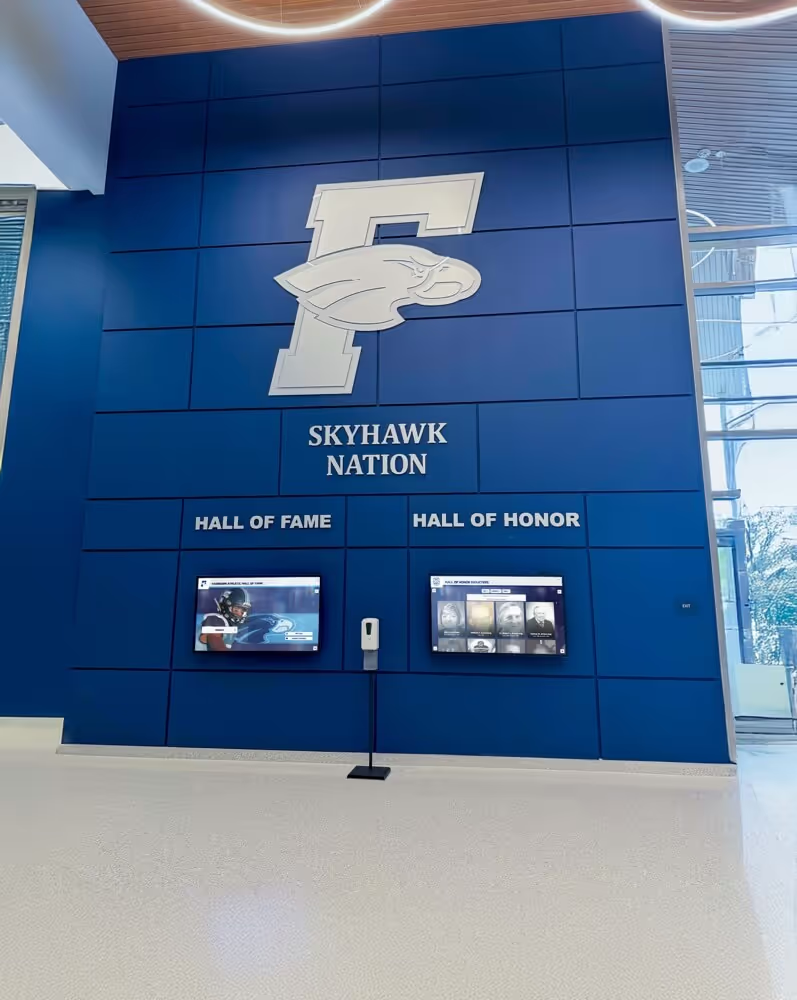
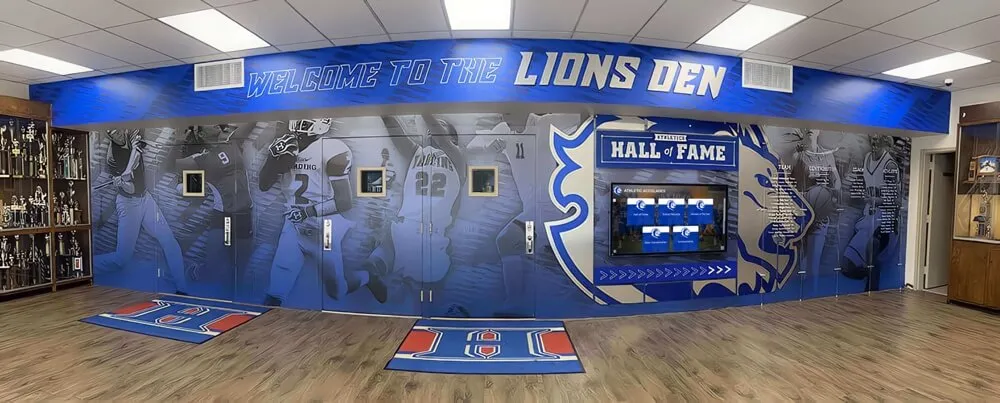
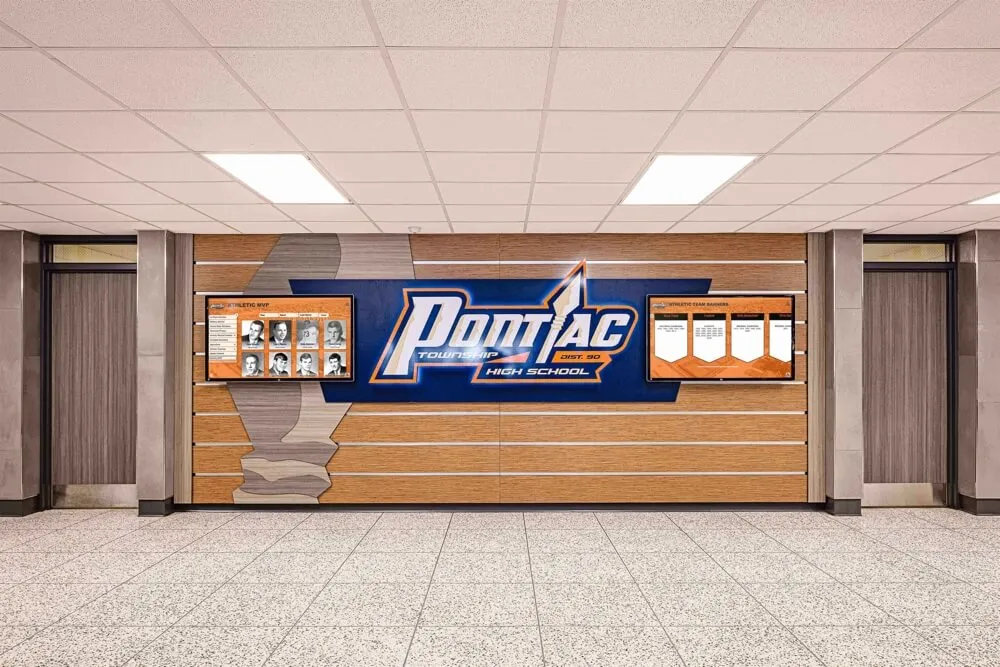
Newspaper archives intersect naturally with recognition infrastructure. Designing legacy walls that incorporate digitized newspaper coverage alongside traditional recognition content creates a richer, more narrative experience for visitors. A wall of fame inductee’s profile that pulls in the original newspaper coverage of their athletic career tells a much fuller story than a photo and a stat line alone.
Digital Signage Rotations
Digitized newspaper content can feed digital signage systems throughout a campus. Front pages from significant years, historical weather stories from the archive, opinion pieces that predicted the future accurately — this is the kind of content that makes people stop in hallways and actually read. Displaying old school photos and publications on digital screens creates ambient institutional memory that builds school culture passively over time.
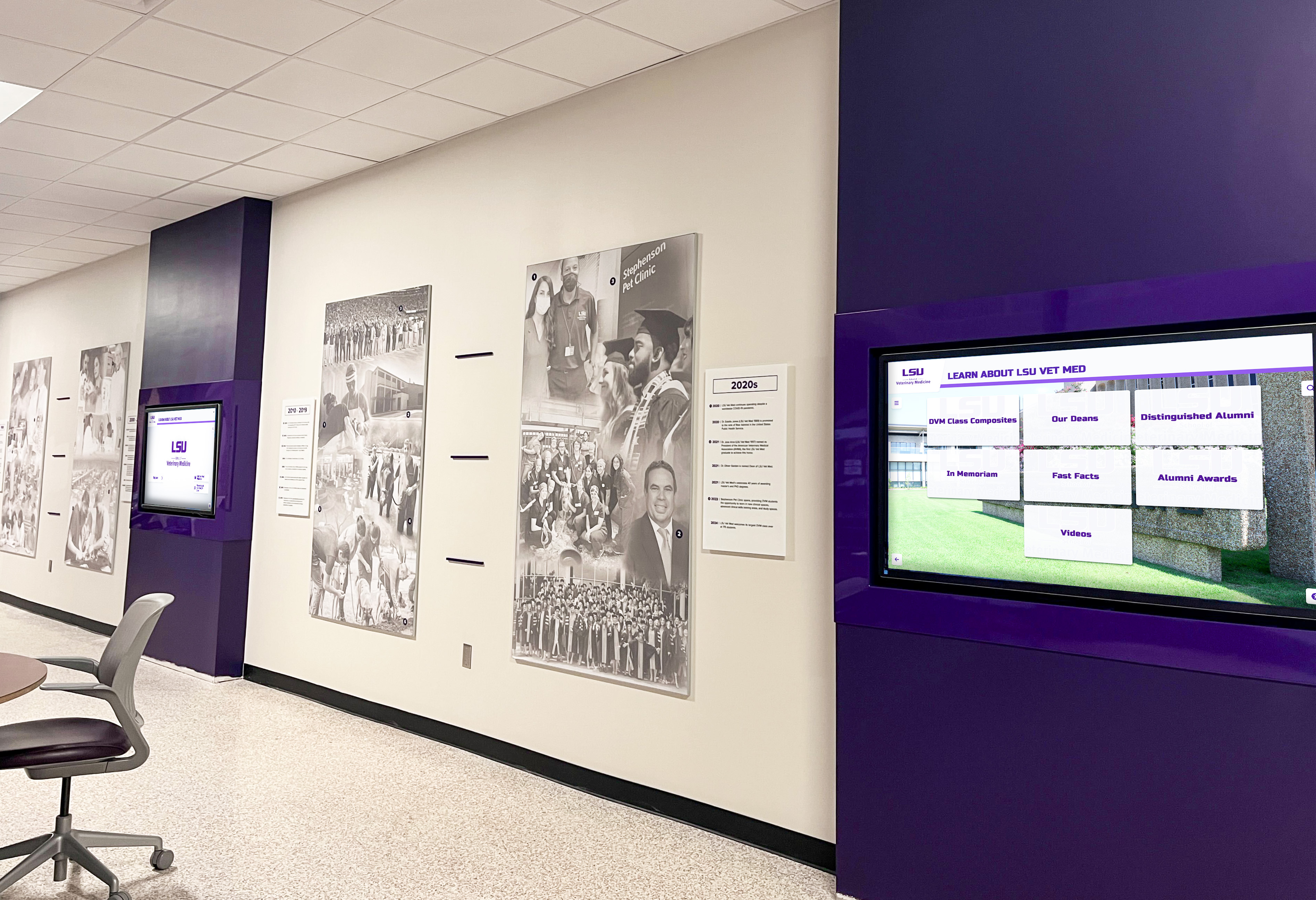
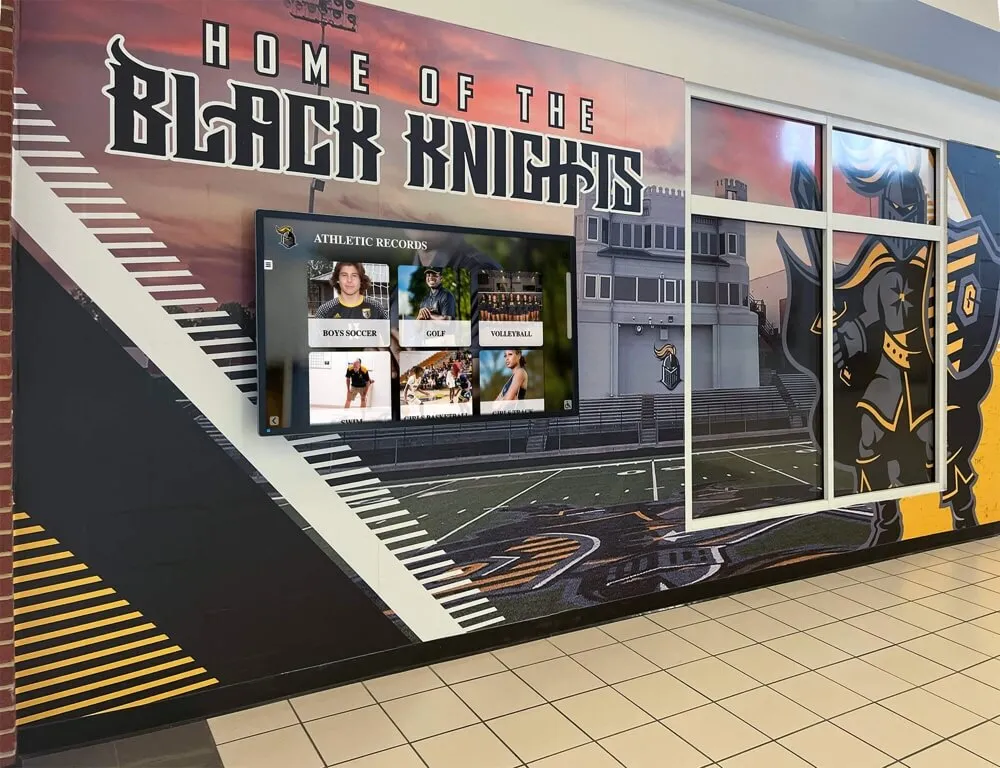
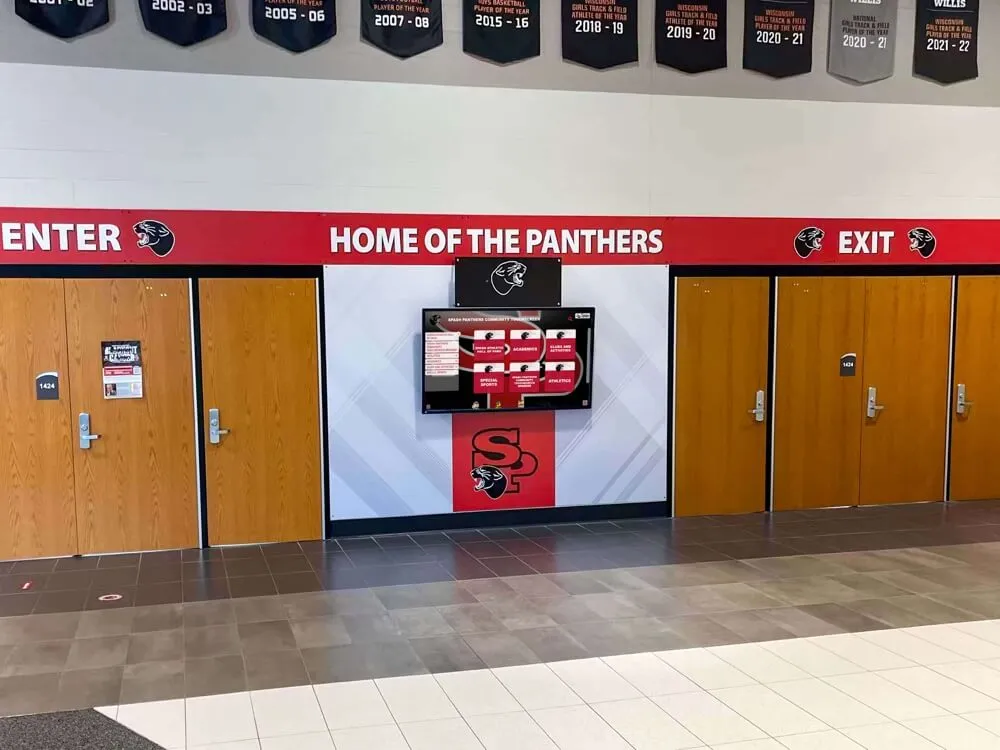
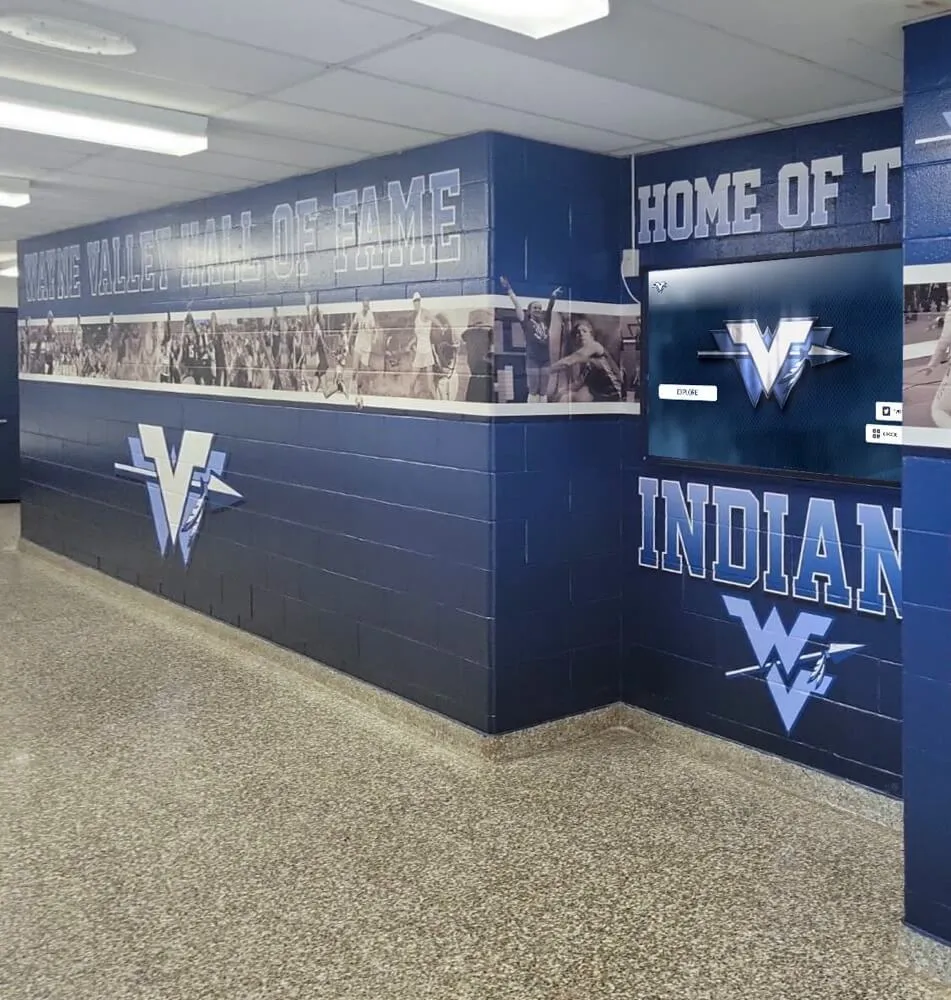
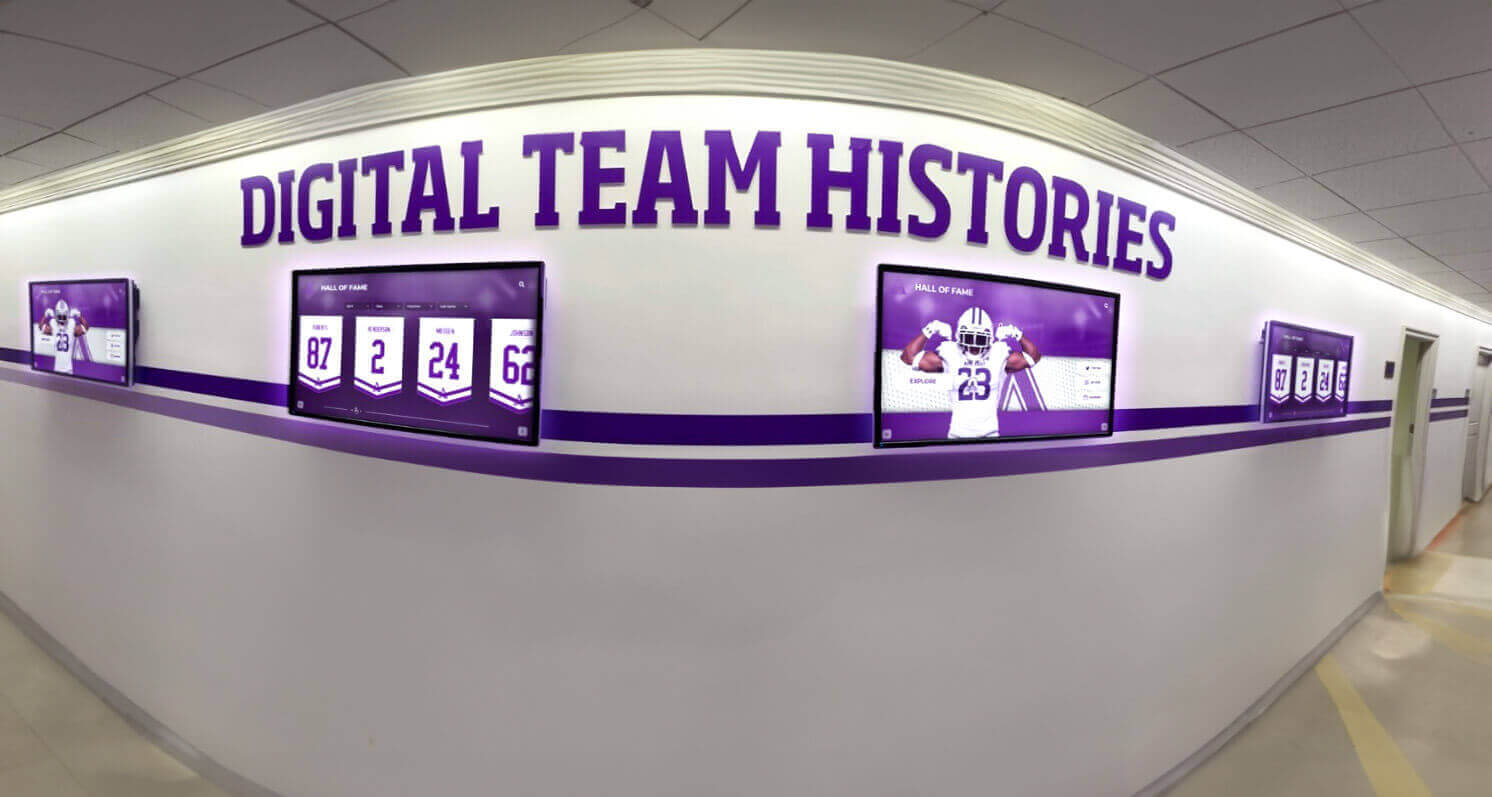
Campus hallway digital displays can surface digitized newspaper content as rotating historical features, giving the archive ongoing visibility
Alumni Engagement Campaigns
Digitized old school newspapers are uniquely powerful for alumni engagement. Nostalgia-driven engagement strategies consistently outperform generic institutional messaging because they connect to specific personal memories. An email to alumni that includes a digitized front page from their graduation year, or a social media post featuring a student newspaper prediction that came true, generates dramatically higher engagement than standard alumni outreach.
Building on Your Archive: Going Beyond Newspapers
Old school newspaper digitization often serves as the entry point for broader archival ambitions. Once a school has established the workflow, equipment, and storage infrastructure for newspaper preservation, extending that system to yearbooks, athletic records, student government minutes, and faculty publications becomes much simpler.
Building museum-quality archive experiences that draw on multiple archival sources — newspapers, yearbooks, official records, athletic records — creates the kind of institutional memory infrastructure that supports admissions, alumni relations, development campaigns, and community pride simultaneously.
The schools and universities doing this work most effectively aren’t treating it as a one-time digitization project. They’re building ongoing archival practices that capture new publications as they’re produced, layer in historical materials as they’re located, and surface archive content through multiple channels as a regular part of school communications.
Old School Newspaper Digitization Checklist
Use this checklist to track your project from assessment through publication:
Assessment
- Located all physical newspaper issues in institutional possession
- Surveyed alumni and former advisers for additional copies
- Created issue inventory spreadsheet with condition ratings
- Identified fragile issues requiring priority scanning
- Documented collection gaps and pursued gap-filling
Equipment & Setup
- Flatbed scanner with 600 DPI optical resolution acquired
- Scanning software configured for TIFF masters and PDF access copies
- File naming convention established and documented
- Folder structure created for masters and access copies
- Backup system (3-2-1) set up and tested
Scanning
- Scanner glass cleaned before each session
- Each page scanned individually at target resolution
- Quality check completed for each issue scanned
- TIFF masters saved to archival storage
- PDF access copies generated from masters
Metadata & Organization
- Issue-level metadata recorded for each scanned issue
- Files renamed according to established convention
- Files organized in documented folder structure
- Metadata exported or recorded in spreadsheet format
- Page-level article indexing completed for priority issues
Access & Display
- Access platform selected and configured
- Privacy review completed for recent issues
- Collection published or made accessible to target audience
- Digital display integration planned or implemented
- Alumni notification and engagement campaign developed
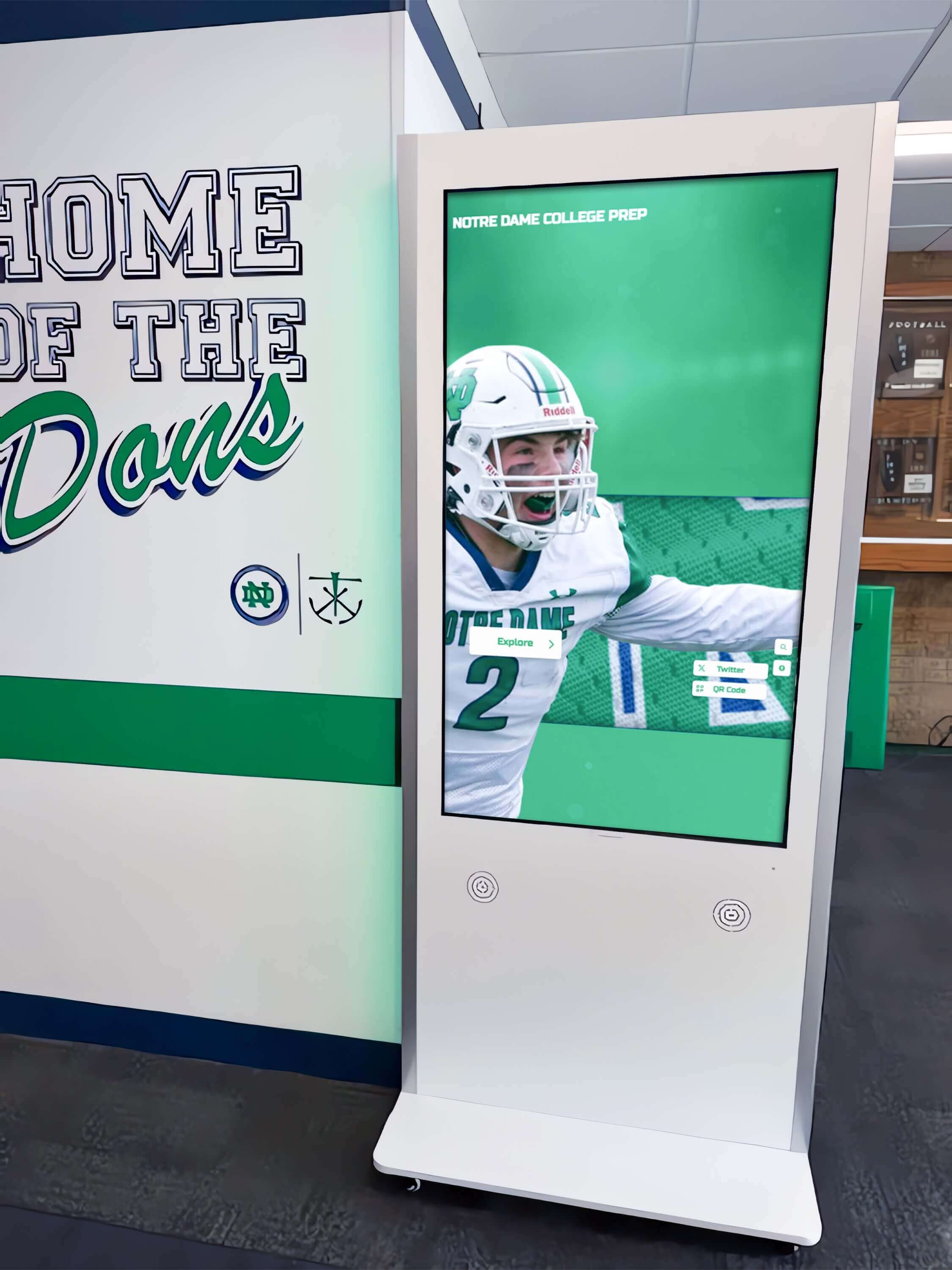
Schools that invest in accessible archive infrastructure create resources their communities return to repeatedly — for research, for reconnection, and for pride
From Preservation to Presentation
Digitizing your old school newspaper collection is a preservation act, but it’s also a storytelling act. Every issue you rescue from deterioration is a piece of institutional identity made permanent — student voices, covered events, and documented history that would otherwise be lost.
The most forward-thinking schools don’t stop at digitization. They use their archives as active communication tools, building recognition walls and interactive displays that surface this content in the physical spaces where community happens. When a prospective student’s family tours your building and pauses to read a front page from forty years ago, when an alumnus at a reunion recognizes their own senior quote in the archive, when a current student researches for a history project using primary sources from your own institution — that’s when the preservation work pays its fullest dividend.
If you’re ready to take your school’s historical content beyond the storage closet and into a modern recognition and display system that brings your institutional story to life, Rocket Alumni Solutions works with schools and universities to build digital display infrastructure that integrates archived content — newspapers, yearbooks, athletic records, and alumni recognition — into interactive installations that engage every generation of your school community.
The stories are there. The technology to share them has never been more accessible. The question is whether your school takes the step to make them visible.