
Managing multiple digital screens across different locations creates operational challenges for schools, businesses, and organizations. You need consistent messaging, diverse content sources, flexible layouts, and—most importantly—the ability to update everything without relying on technical staff or programmers. Whether coordinating screens in different buildings, managing split-screen displays showing multiple content types simultaneously, or embedding live data feeds from weather services, news outlets, and social platforms, the right digital signage service transforms these complex requirements into manageable workflows.
Traditional digital signage often forces organizations into rigid templates or requires custom programming for every layout change. Modern digital signage services solve this problem through visual editors, pre-built widgets, and cloud-based management platforms enabling non-technical users to create sophisticated multi-screen experiences. These systems handle the technical complexity of data integration, screen synchronization, content scheduling, and layout management while presenting users with intuitive drag-and-drop interfaces.
This comprehensive guide explores digital signage services specifically designed for multi-screen management with no-code widget capabilities, comparing platforms, features, pricing models, and implementation approaches to help you select the solution matching your technical resources, content requirements, and budget constraints.
Organizations implementing digital signage face two distinct challenges: managing hardware infrastructure and creating engaging content. While hardware concerns—screen selection, mounting, connectivity—represent one-time decisions, content management persists as an ongoing operational requirement. Digital signage services addressing both challenges while eliminating programming requirements deliver the greatest long-term value and adoption success.

Modern digital signage services combine professional hardware with intuitive management platforms enabling non-technical users to create sophisticated displays
Understanding Multi-Screen Digital Signage Architecture
Before selecting a digital signage service, understanding how multi-screen systems function helps clarify which features matter most for your specific requirements.
Centralized vs. Decentralized Management
Digital signage platforms employ different architectural approaches affecting how you manage multiple displays:
Cloud-Based Centralized Management Modern platforms store content, schedules, and configurations in cloud infrastructure, with individual screens pulling updates over internet connections. This architecture enables managing hundreds of screens from a single dashboard, instant content updates across all locations, and remote troubleshooting without physical access to screens.
Benefits include simplified deployment to new locations, consistent branding across distributed facilities, real-time content changes responding to events, centralized user permission management, and comprehensive analytics aggregating data from all screens. Cloud platforms typically charge monthly per-screen fees covering software, hosting, and support.
On-Premise Server Systems Some organizations prefer hosting digital signage software on local servers, particularly when security policies restrict cloud dependencies or locations lack reliable internet connectivity. This approach requires more IT involvement for installation and maintenance but provides complete data control and can function without external network access.
Hybrid Approaches Sophisticated platforms offer hybrid deployment where content management occurs in the cloud but screens cache content locally, ensuring displays continue functioning during network outages while still benefiting from centralized management when connectivity is available.
Content Player Technology
Individual screens require player devices—small computers running software that fetches content from the management system and displays it according to schedules and rules:
Common Player Types
- Dedicated media players: Purpose-built hardware designed for 24/7 operation
- System-on-chip (SoC): Players built directly into commercial displays
- Consumer devices: Fire TV Stick, Chromecast, or similar streaming devices
- Computer-based: Windows or Mac computers running player software
- Android players: Affordable Android-based devices supporting most digital signage apps
Player selection affects capabilities, reliability, and long-term costs. Budget players may lack processing power for complex animations or high-resolution video, while enterprise players support advanced features like video walls, portrait/landscape rotation, and proof-of-play monitoring.
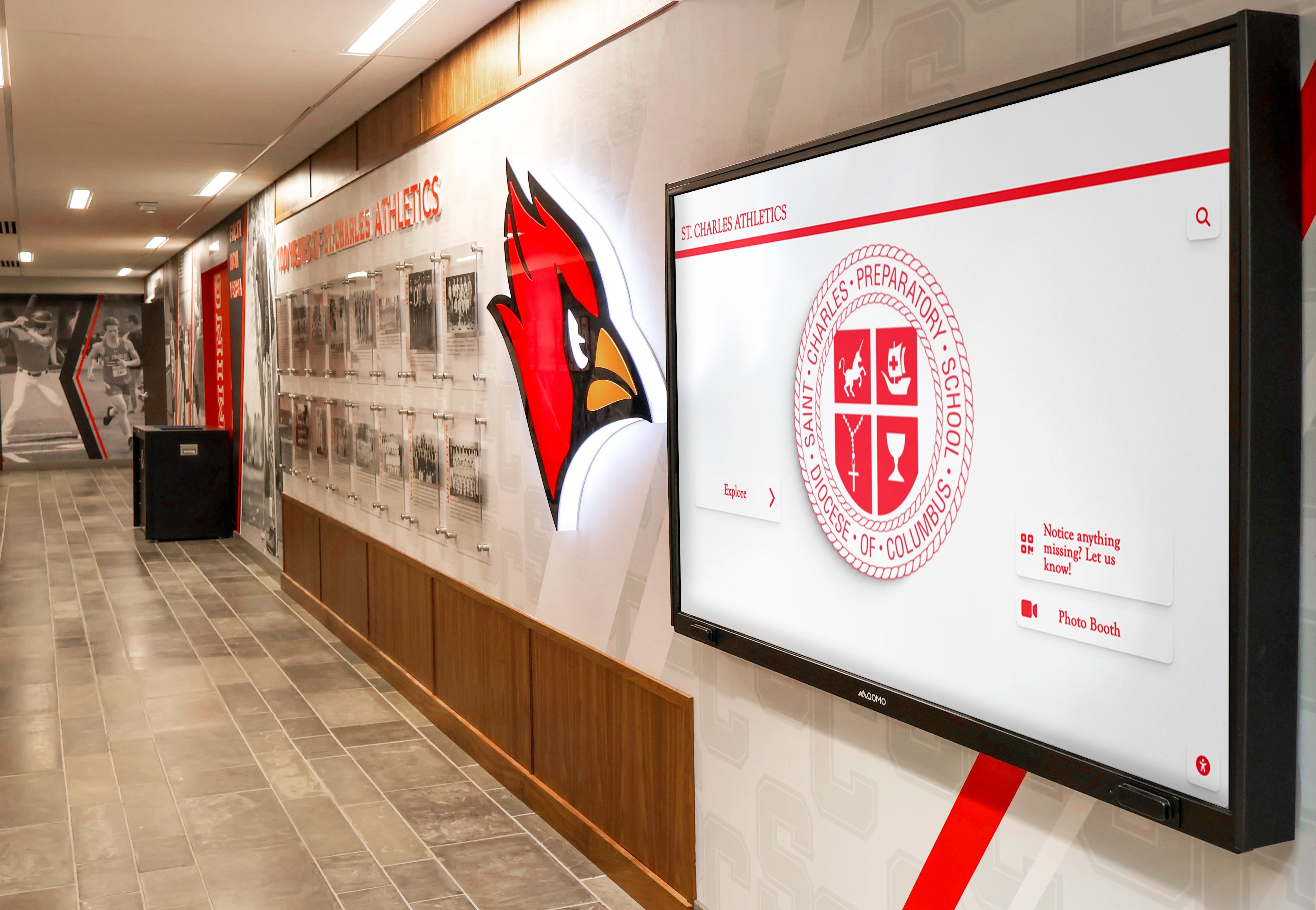
Educational institutions deploy digital signage in high-traffic areas to communicate with students, staff, and visitors effectively
Essential Features for Multi-Screen Digital Signage Services
When evaluating digital signage platforms for managing multiple screens with widget-based content, specific capabilities determine whether the system meets your operational needs.
Split-Screen and Layout Management
Split-screen functionality divides displays into multiple zones showing different content simultaneously—weather in one corner, news headlines across a ticker, social media feed in a side panel, and announcements in the main area.
Key Capabilities to Evaluate
- Visual layout editors enabling drag-and-drop zone creation without coding
- Flexible zone sizing supporting custom dimensions, not just preset templates
- Independent zone scheduling where different regions update on separate schedules
- Dynamic content assignment allowing the same layout with varying content per screen
- Responsive layouts automatically adjusting to different screen orientations and resolutions
- Layer management controlling which content appears on top when zones overlap
- Template libraries providing starting points for common layout patterns
Quality platforms offer pixel-level control over zone positioning while also providing quick templates for common configurations like “main content + weather widget” or “video + scrolling text.” The balance between flexibility and ease-of-use distinguishes user-friendly services from overwhelming professional tools.
Schools implementing interactive kiosk solutions often start with simple split-screen layouts before adding complexity as staff become comfortable with the platform.
Pre-Built Widgets and Data Integration
The core value proposition for no-code digital signage services lies in pre-built widgets connecting to external data sources without programming.
Weather Widgets Integrate current conditions, multi-day forecasts, radar maps, and severe weather alerts from services like The Weather Channel, Weather Underground, or OpenWeatherMap. Configuration typically requires only a location (ZIP code or city name) and appearance preferences.
Look for widgets supporting:
- Multiple location display for organizations spanning regions
- Customizable update intervals balancing freshness with API usage limits
- Metric and imperial unit options
- Icon style customization matching your branding
- Alert prioritization that interrupts regular content for warnings
News Feed Widgets Display headlines, articles, and video content from RSS feeds, news APIs, or specific publisher partnerships. Common sources include AP, Reuters, CNN, BBC, ESPN for sports, and local news outlets.
Evaluation criteria:
- RSS feed compatibility accepting any valid RSS/Atom source
- Content filtering by keyword, category, or custom rules
- Headline rotation timing and transition effects
- Thumbnail image display alongside text
- Auto-scrolling ticker implementations
- Source attribution and branding controls
Social Media Widgets Embed content from Instagram, Twitter, Facebook, LinkedIn, and other platforms either from specific accounts or hashtag searches. This capability keeps content fresh while displaying community engagement.
Important features:
- Multi-platform aggregation in single widgets
- Moderation queues for pre-approval before display
- Profanity filtering and content screening
- Automatic refresh intervals
- Media display (photos, videos) not just text
- Custom hashtag campaigns specific to your organization
Organizations hosting events can create hashtags encouraging attendees to share photos appearing on displays throughout venues—turning visitors into content contributors. Schools feature student social media posts celebrating achievements, building pride while maintaining appropriate content through moderation features.
Data Visualization Widgets
Beyond consuming third-party content, specialized widgets display your internal data:
Common Data Widget Types
- Charts and graphs: Bar, line, pie charts visualizing metrics from spreadsheets or databases
- Counters and metrics: Large number displays for goals, fundraising totals, safety records
- Calendars: Event schedules, room bookings, academic calendars
- Directories: Staff listings, organizational charts, facility maps
- Live streams: Embed video from security cameras, event broadcasts, or webcams
- Forms and QR codes: Collect feedback or direct viewers to digital resources
Data widgets typically connect to sources through:
- Direct spreadsheet imports (Excel, Google Sheets)
- Database queries (SQL connections)
- API integrations with business systems
- Manual entry through web dashboards
- CSV file uploads on schedules

Campus digital displays serve multiple purposes from wayfinding to recognition to real-time information delivery
The sophistication of data integration separates basic digital signage platforms from comprehensive solutions. Professional services offer direct API connections to popular platforms (Salesforce, HubSpot, Google Analytics) enabling real-time dashboards, while simpler services rely on manual updates or scheduled file imports.
Scheduling and Automation
Managing multiple screens across locations requires powerful scheduling capabilities ensuring the right content appears at the right times without manual intervention.
Time-Based Scheduling
- Day-parting: Different content for morning, afternoon, evening periods
- Day-of-week variations: Weekday vs. weekend content differences
- Date ranges: Holiday themes, seasonal content, campaign periods
- Time zone awareness: Automatic adjustment for distributed locations
- Playlist rotation: Content cycling through defined sequences
Condition-Based Triggers Advanced platforms trigger content based on external conditions:
- Weather-responsive content (umbrellas for rain forecasts, activities for sunny days)
- Emergency takeovers interrupting regular content for critical alerts
- Occupancy-based activation (screens turn on when motion detected)
- Inventory-driven displays (menu items unavailable when sold out)
- Calendar integration (room availability tied to booking systems)
Content Expiration Automatic removal prevents outdated information from lingering:
- Event announcements disappear after event dates pass
- Job postings expire per HR policies
- Promotional content ends with campaign completion
- Seasonal messages rotate with calendar
Effective scheduling reduces administrative burden while maintaining content relevance—critical for multi-screen deployments where manually updating dozens of displays becomes unmanageable.
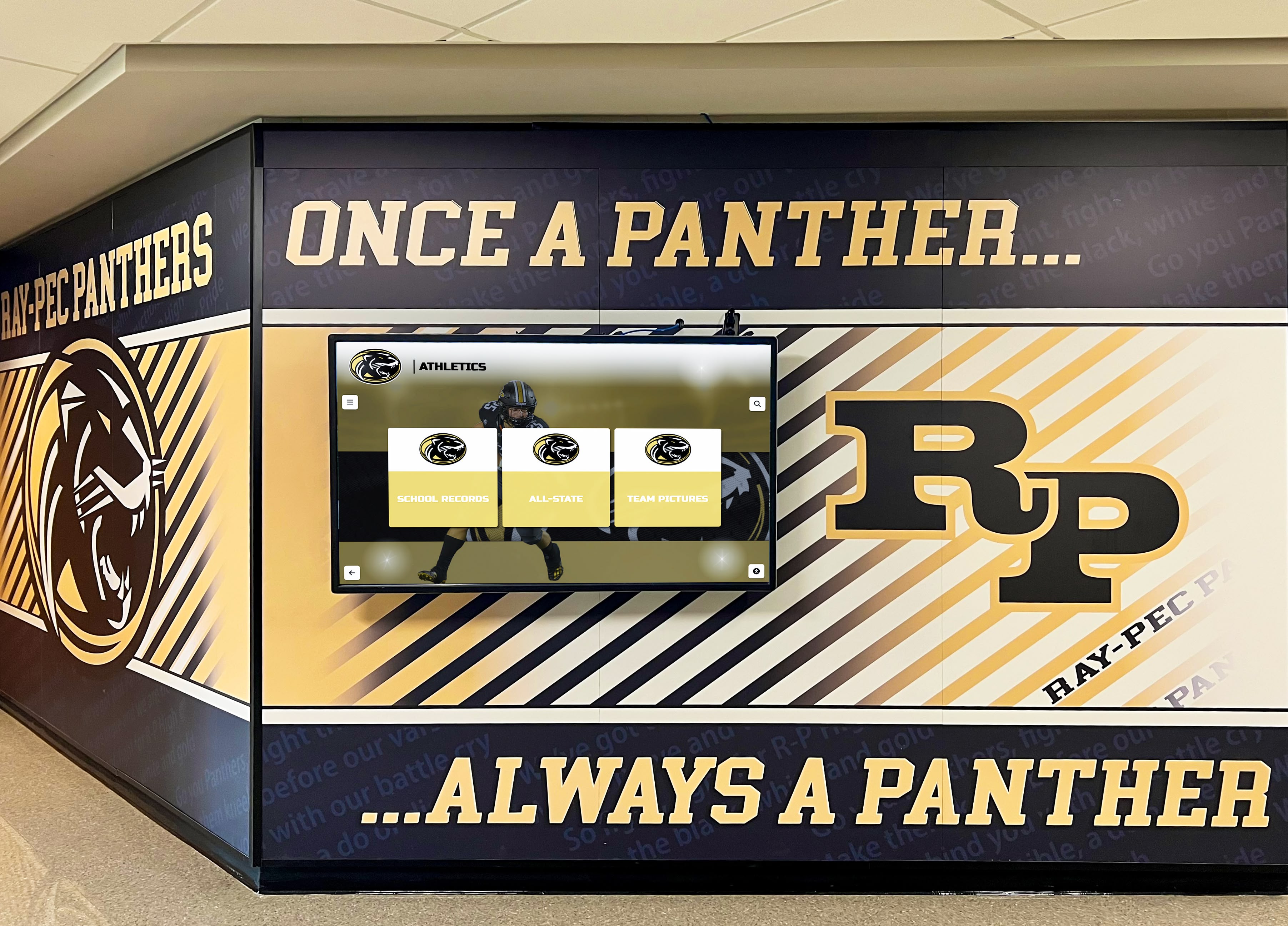
Athletic programs benefit from digital displays featuring team achievements, upcoming events, and real-time information
Comparing Leading Digital Signage Services for Multi-Screen Deployment
The digital signage market offers numerous platforms with varying capabilities, pricing structures, and ideal use cases. This comparison focuses on services specifically supporting multi-screen management, split-screen layouts, and no-code widget integration.
Enterprise Digital Signage Platforms
ScreenCloud ScreenCloud provides cloud-based digital signage emphasizing ease of use through extensive app integrations and pre-built templates.
Key Features
- 100+ pre-built app integrations including social media, news, weather, productivity tools
- Visual screen designer with drag-and-drop zone creation
- Multi-screen playlist management from centralized dashboard
- User roles and permissions for distributed content management teams
- Proof-of-play reporting confirming content display
- Global screen synchronization for consistent messaging
- Works with most hardware including Amazon Fire TV, Chromecast, and dedicated players
Pricing Starts around $20-30 per screen per month with volume discounts. Hardware sold separately or bring-your-own-device.
Best For Organizations needing quick deployment with minimal technical resources, teams familiar with app-based workflows, and situations where pre-built integrations cover required data sources.
Raydiant (formerly Mira) Raydiant targets retail and hospitality but serves any industry requiring professional displays with real-time content updates.
Key Features
- Split-screen templates designed for common layouts
- Social media aggregation with moderation tools
- Menu board capabilities with pricing and inventory integration
- Emergency alert system overriding regular content
- Mobile app enabling on-the-go content updates
- Analytics tracking viewer engagement and display health
- All-in-one pricing including hardware, software, and support
Pricing Bundled packages starting around $85-125 per screen per month including hardware, software, and support on managed services agreements.
Best For Organizations preferring turnkey solutions with bundled hardware and support, retail environments needing menu boards, and teams without IT resources for troubleshooting.
For organizations implementing digital signage content strategies, these platforms provide libraries of proven content approaches beyond basic widgets.
Education-Focused Digital Signage Services
Rise Vision Specifically designed for schools and educational institutions with content templates matching common school communication needs.
Key Features
- Pre-built templates for announcements, emergency alerts, event calendars
- Google integration (Slides, Sheets, Calendar, Drive)
- Student information system connections for automatic roster updates
- School-appropriate content filtering
- Simple scheduling for class periods, passing periods, after-school hours
- Free pricing tier for qualifying schools
- Chromebook and Chrome OS player support
Pricing Free tier available for schools; paid plans start around $10 per screen per month for premium features.
Best For K-12 schools, districts managing multiple buildings, educational institutions prioritizing budget-friendly solutions, and environments already using Google Workspace.
Rise Vision implementations commonly appear in school lobby designs replacing static bulletin boards with dynamic digital communication.
ScreenBeam Engage Wireless presentation and digital signage hybrid designed for classrooms and meeting rooms supporting both interactive use and passive display.
Key Features
- Dual-mode operation: digital signage when idle, screen sharing during presentations
- Calendar integration showing room schedules and availability
- Emergency notifications interrupting presentations when needed
- Minimal learning curve for non-technical users
- BYOD screen sharing from any device
- Cloud management for distributed deployments
Pricing Typically $300-600 per screen annually depending on licensing model, with hardware costs separate.
Best For Educational institutions wanting multipurpose displays, corporate meeting rooms combining presentation and signage needs, and environments where screens serve multiple functions.
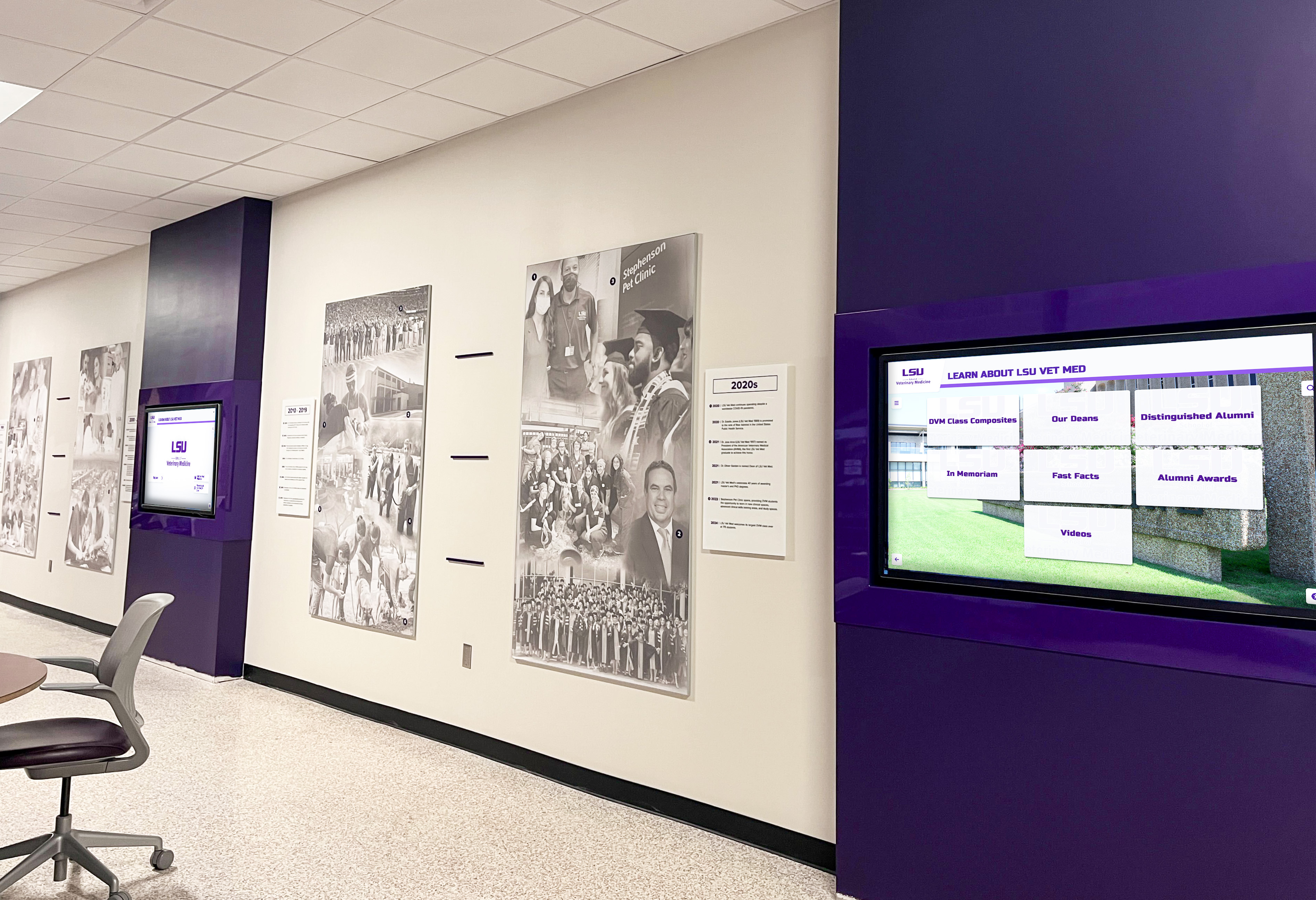
Universities deploy digital displays throughout campus communicating with students, faculty, and visitors while reinforcing institutional identity
Specialized and Industry-Specific Solutions
Rocket Alumni Solutions Digital Recognition Displays While not traditional digital signage, Rocket Alumni Solutions provides purpose-built platforms for recognition content combining touchscreen interactivity with passive display modes.
Key Features
- Pre-built templates for athletic halls of fame, academic recognition, donor walls, alumni displays
- Searchable databases enabling visitors to find specific individuals
- Multimedia integration (photos, videos, documents, achievements)
- Automatic content organization by year, sport, category, achievement type
- Slideshow mode for passive viewing when not actively touched
- QR code generation for mobile access to recognition content
- Zero programming required—content managed through web dashboard
Pricing Custom pricing based on content volume, display count, and feature requirements. Includes both software platform and optional hardware packages.
Best For Schools, universities, athletic facilities, nonprofits, and organizations prioritizing recognition and heritage preservation. Solutions like Rocket Alumni Solutions’ touchscreen kiosk systems excel when the primary goal involves celebrating achievements rather than general communications.
While different from typical digital signage services focused on announcements and marketing, recognition-focused platforms address specific needs that general-purpose solutions handle poorly. Organizations often deploy both: general digital signage for operational communications and specialized recognition displays for heritage content requiring database structure, search functionality, and long-term content preservation.
Yodeck Affordable cloud-based digital signage emphasizing simplicity and cost-effectiveness for small to medium deployments.
Key Features
- Visual layout designer with multi-zone support
- Weather, social media, news widgets included
- Google Slides, Sheets, Calendar integrations
- Scheduling with day-parting and date ranges
- Raspberry Pi player support for low hardware costs
- Multi-user accounts with permission levels
- Mobile app for remote management
Pricing Free single-screen plan; paid plans $7.99 per screen per month. Hardware costs extra but supports affordable Raspberry Pi devices.
Best For Budget-conscious organizations, small businesses with limited screens, nonprofits, and anyone wanting to experiment with digital signage before larger investments.
NoviSign Mid-market platform balancing features and affordability with strong template library and widget ecosystem.
Key Features
- 50+ pre-designed templates for common use cases
- Extensive widget library (weather, news, social media, live data)
- Split-screen and multi-zone layouts
- Video wall support for tiled displays
- Interactive touchscreen support with call-to-action buttons
- Playlist and scheduling with conditional triggers
- White-label options for agencies and resellers
Pricing Plans start around $20-25 per screen per month. Free trial available.
Best For Medium-sized organizations needing professional features without enterprise pricing, agencies managing signage for multiple clients, and deployments requiring mix of standard displays and interactive touchscreens.
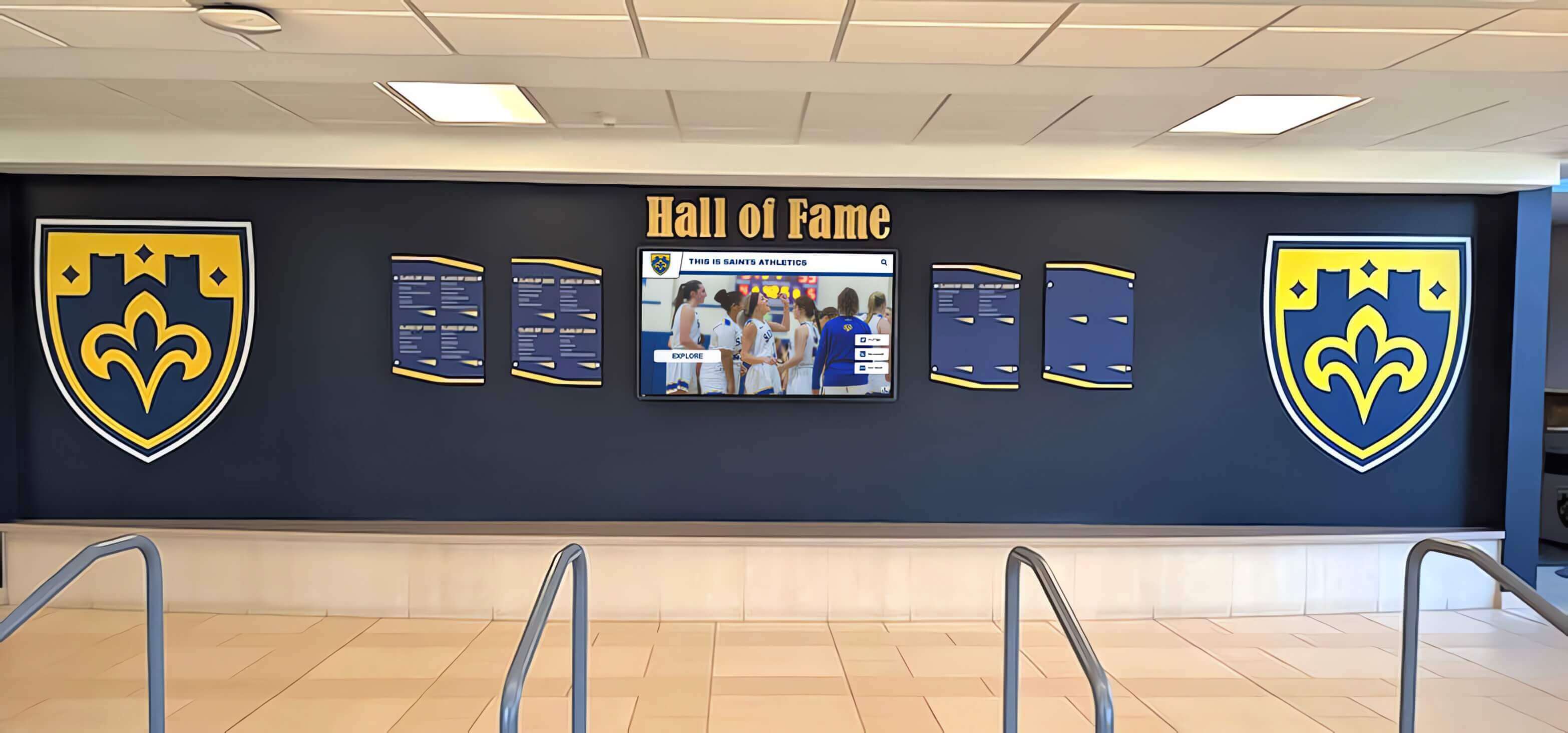
Multi-screen installations create visual impact while enabling different content types to display simultaneously
Implementation Considerations for Multi-Screen Digital Signage
Selecting a platform represents only the first step. Successful multi-screen digital signage deployments require planning network infrastructure, content strategies, governance policies, and maintenance procedures.
Network and Infrastructure Requirements
Digital signage systems depend on reliable network connectivity for content delivery and remote management.
Bandwidth Considerations Individual screens typically consume 1-5 Mbps bandwidth when actively downloading content, with higher requirements for video-heavy displays. Calculate total bandwidth by multiplying per-screen requirements by simultaneous screens updating.
Most platforms cache content locally on player devices, meaning bandwidth usage spikes during content updates but drops to minimal levels (only management communications) during normal operation. Schedule content updates during off-peak hours to avoid impacting other network activities.
Network Segmentation Best practices recommend placing digital signage players on separate VLANs from primary business networks, improving security and network performance. This segmentation prevents compromised signage devices from accessing sensitive systems while enabling network-wide policies specific to signage (firewall rules, bandwidth allocation, update schedules).
Power and Physical Installation Commercial-grade displays require reliable power, proper mounting, and appropriate viewing angles:
- Dedicated electrical circuits prevent outages from other devices
- Surge protection safeguards expensive displays from power spikes
- Professional mounting ensures displays remain secure and properly positioned
- Cable management maintains professional appearance and prevents hazards
- Ambient light consideration affects screen brightness requirements and placement
Organizations managing digital displays across multiple locations benefit from standardizing hardware, simplifying support, replacement, and troubleshooting. Maintain spare players and basic replacement parts for quick repairs minimizing downtime.
Content Governance and Workflow
Multi-screen systems require clear policies defining who can publish content, approval processes, content standards, and update procedures.
Content Approval Workflows Establish whether content requires approval before publication or if users can publish directly:
Centralized Approval Model Single administrator or small team reviews and approves all content before it appears on screens. This approach ensures consistency and prevents inappropriate content but creates bottlenecks and slower response to time-sensitive information.
Distributed Publishing with Guidelines Multiple users across locations can publish content directly, following documented standards and templates. Faster and easier to expand, but requires clear guidelines, training, and occasional quality audits ensuring compliance.
Hybrid Approaches Certain content types (emergencies, official announcements) publish immediately while others (promotional content, event announcements) require approval. Role-based permissions determine which users can bypass approval processes.
Style and Brand Standards Create templates, color palettes, font specifications, and layout guidelines ensuring all screens maintain consistent professional appearance regardless of who creates content. Leading platforms support template locking where users can change content within pre-defined zones but cannot alter layouts, fonts, or colors.
Documentation should cover:
- Approved logo usage and positioning
- Font families, sizes, and text color combinations
- Background colors and image styles
- Animation and transition guidelines
- Photo quality and resolution standards
- Content tone and language style
- Accessibility requirements (contrast ratios, text size minimums)
Content Calendar and Scheduling Develop content calendars planning themes, campaigns, and seasonal content months in advance. Coordinate digital signage with other communication channels (email, social media, website) for consistent messaging.
Schools implementing academic recognition programs through digital displays benefit from calendar planning that schedules honor roll announcements, standardized testing dates, and achievement celebrations well before each semester begins.
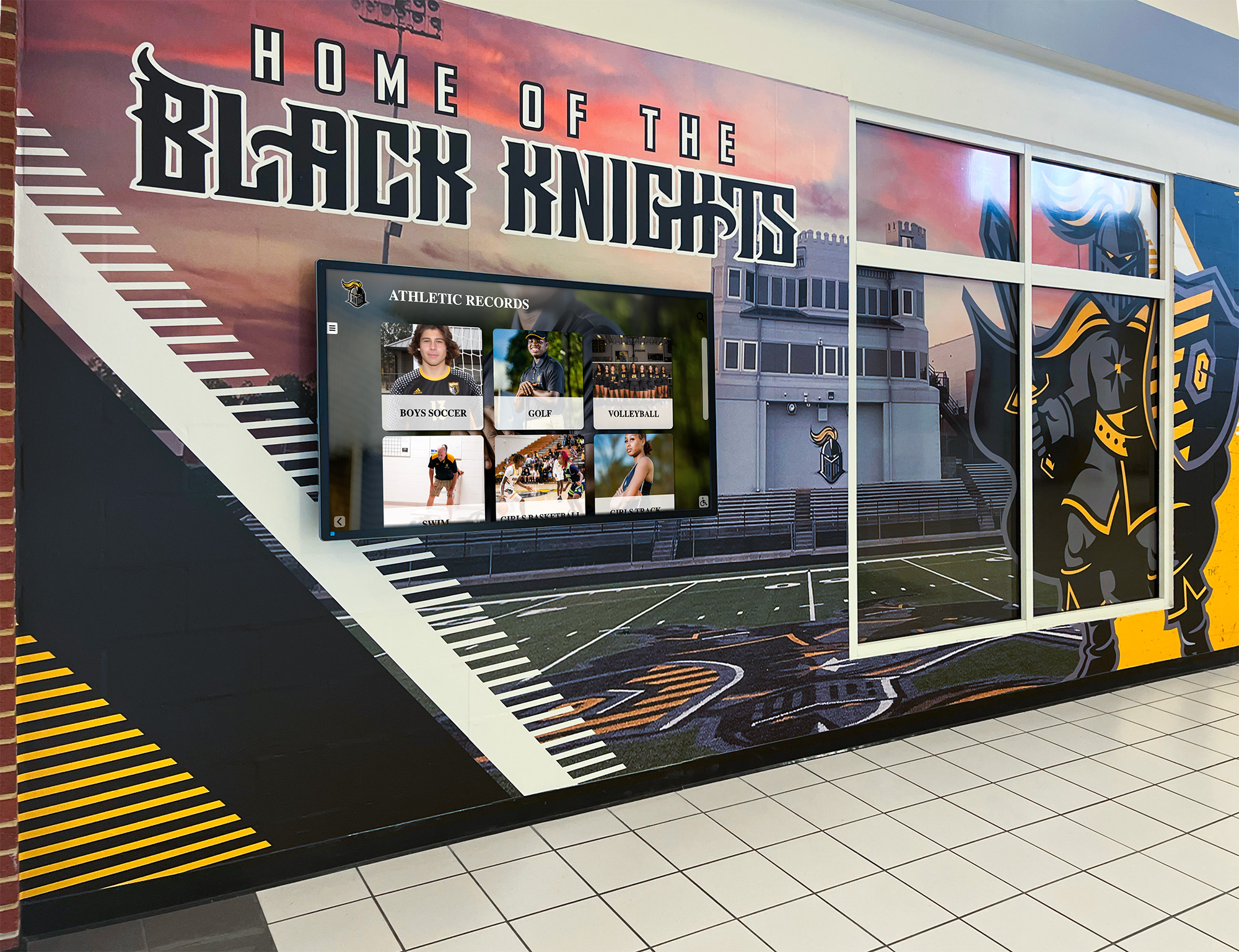
Thoughtful integration of digital displays into physical spaces creates cohesive environments where technology complements rather than disrupts design
Analytics and Performance Monitoring
Track digital signage effectiveness through built-in analytics measuring content performance and viewer engagement.
Key Metrics to Monitor
- Proof-of-play reports: Confirm content displayed at scheduled times across all screens
- Player health monitoring: Track online/offline status, storage capacity, software versions
- Content interaction data: For touchscreens, measure which elements users tap most
- Dwell time: Estimate how long viewers remain in front of displays
- Impression counts: Calculate estimated viewers based on foot traffic data
- Content performance: Compare engagement across different content types and formats
Advanced platforms integrate with people-counting systems, security cameras, or mobile device detection estimating actual audience size and demographics. While privacy concerns limit some tracking approaches, anonymous aggregated data provides valuable insights for content optimization.
Maintenance and Support Procedures Establish procedures handling common issues:
Remote Troubleshooting Cloud-based platforms enable diagnosing and often fixing problems remotely:
- Restart frozen players without physical access
- Push software updates resolving bugs
- Adjust content schedules responding to unexpected events
- Monitor system health through dashboards
- Review error logs identifying persistent problems
Local Support Requirements Some issues require on-site intervention:
- Display hardware failures requiring replacement
- Network connectivity problems needing IT involvement
- Physical damage to screens or mounting
- Player device malfunctions
Designate local contacts at each location who can perform basic troubleshooting, report issues, and provide physical access when technicians need to address hardware problems. Maintain documentation with display locations, network information, hardware serial numbers, and support contacts for efficient problem resolution.
Security and Access Control
Digital signage systems connected to networks present potential security vulnerabilities requiring attention:
Platform Security Features
- User authentication with strong password requirements
- Two-factor authentication for administrative accounts
- Role-based access controls limiting who can modify what content
- Audit logs tracking all system changes with user attribution
- Automatic session timeouts preventing unauthorized access from unattended computers
- Content versioning enabling rollback if inappropriate content appears
Network Security Measures
- VLAN segmentation isolating signage from critical systems
- Firewall rules restricting player device communications to necessary services
- Regular security updates for player software and firmware
- VPN connections for remote management when accessing systems outside networks
- Physical security measures preventing unauthorized access to player devices
Educational institutions need particular attention to student privacy regulations (FERPA in the United States) when displaying student information, photos, or achievements. Obtain appropriate permissions before featuring individuals on displays, and implement moderation for user-generated content appearing through social media widgets.

Interactive capabilities transform passive displays into engagement tools enabling self-service information access
Strategies for Effective Multi-Screen Content Without Programming
Technology provides capabilities, but compelling content drives engagement. These strategies help non-technical teams create effective digital signage without programming skills.
Content Variety and Rotation
Viewers tune out repetitive content. Maintain engagement through diversity:
Content Type Mixing Rotate between different content categories throughout the day:
- Recognition content (achievements, milestones, featured individuals)
- Informational content (announcements, schedules, directories)
- Educational content (tips, facts, historical information)
- Engagement content (polls, contests, social media)
- Promotional content (events, programs, opportunities)
A general guideline suggests no single content type should exceed 40% of display time. Schools might show 25% recognition content, 25% announcements, 20% event promotions, 20% schedule information, and 10% student social media.
Refresh Frequency Planning Different content types warrant different update frequencies:
- Emergency alerts: Immediate
- Weather: Every 15-30 minutes
- News: Every 1-2 hours
- Announcements: Daily
- Recognition content: Weekly
- Seasonal themes: Monthly
- Heritage content: Quarterly
Visual Variation Even when showing similar content types, vary presentation styles:
- Alternate between full-screen images and split-screen layouts
- Rotate through different color schemes and templates
- Mix static content with videos and animations
- Vary text-heavy slides with image-focused displays
- Change transition effects between content items
Leveraging User-Generated Content
The most engaging content often comes from your audience rather than administrators:
Social Media Integration Display content from Instagram, Twitter, Facebook, and LinkedIn using:
- Branded hashtags for events and campaigns
- Account follows displaying official channels
- Geo-tagged posts from your location
- Mentions of your organization
- Curated collections combining multiple sources
Always implement moderation—automatic or manual review before content appears—preventing inappropriate material from displaying. Most platforms offer profanity filtering, keyword blocking, and approval queues specifically for user-generated content.
Student and Staff Submissions Create submission processes where community members contribute:
- Photo submissions from events
- Achievement nominations
- Birthday and milestone announcements
- Quote of the day suggestions
- Student artwork displays
- Staff spotlight nominations
Provide clear submission guidelines, templates, and deadlines. Designate someone managing the submission queue, ensuring reasonable response times so contributors see their content displayed promptly.
Corporate environments implementing employee recognition programs through digital displays report increased engagement when peer nominations appear alongside formal awards.
Widget Configuration Best Practices
Pre-built widgets offer powerful capabilities, but configuration determines effectiveness:
Weather Widget Optimization
- Use local locations relevant to viewers, not headquarters addresses for distributed organizations
- Display extended forecasts (3-7 days) helping viewers plan ahead
- Configure severe weather alerts with prominent visual indicators
- Select icon styles matching your brand aesthetic
- For multi-location organizations, rotate between locations or use split-screen showing multiple regions
News Feed Curation
- Start with broad news sources, then narrow based on audience interests
- Filter by keywords relevant to your industry, community, or mission
- Exclude categories generating inappropriate content (politics, controversial topics)
- Balance local and national news for relevance
- Include industry-specific news sources for professional environments
- Set appropriate refresh intervals avoiding repetition while maintaining freshness
Social Media Best Practices
- Create specific event hashtags rather than displaying generic feeds
- Moderate content before display to prevent embarrassment
- Rotate between platforms rather than overwhelming viewers with one source
- Display visual content (photos, videos) prominently while limiting text-only posts
- Show attribution (usernames) encouraging participation
- Limit displayed posts to recent content (last 24-48 hours)
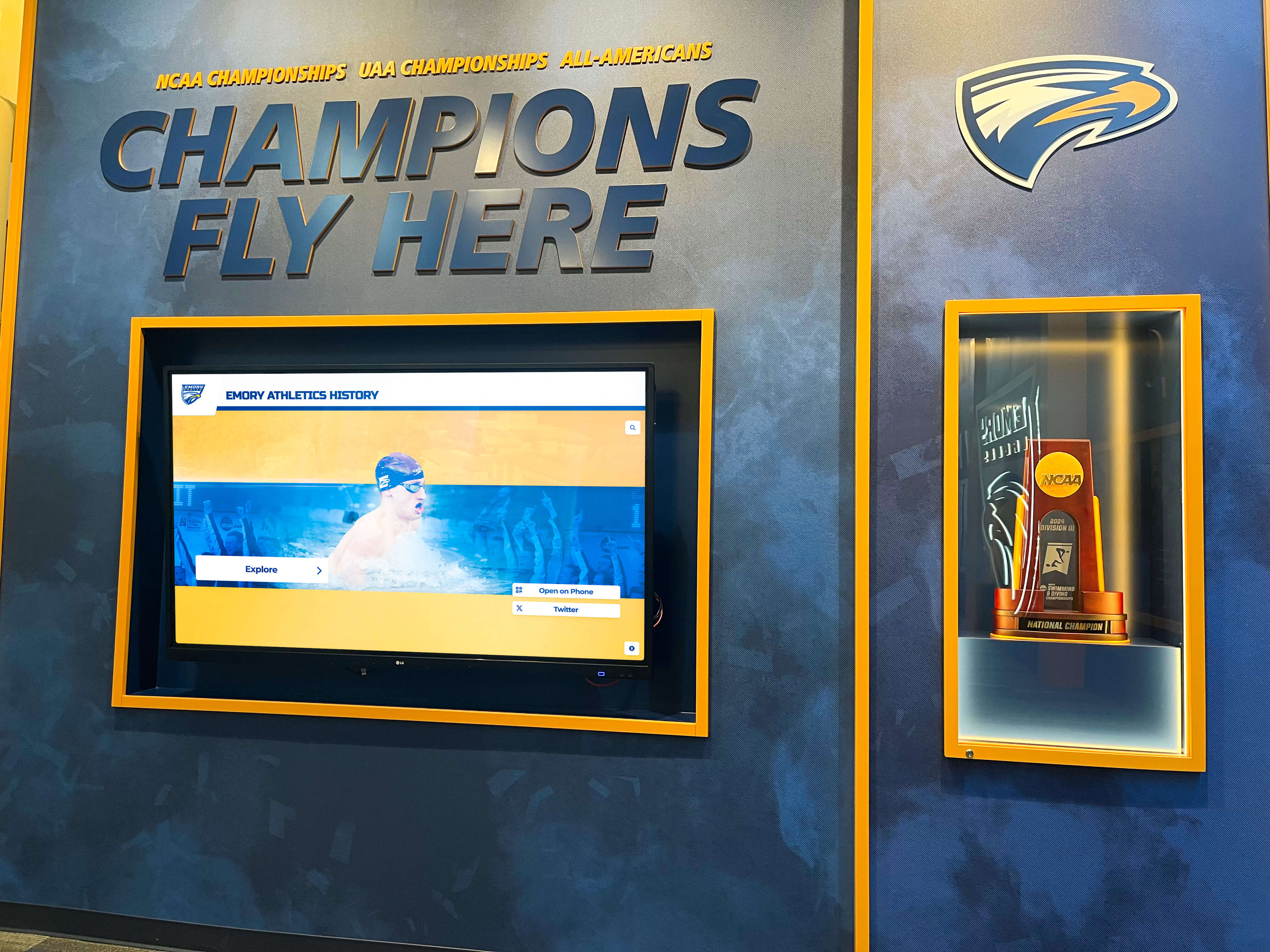
Athletic facilities use digital displays celebrating program history while providing current information and building pride
Cost Considerations for Multi-Screen Digital Signage Services
Understanding total cost of ownership helps budget appropriately and compare platforms fairly.
Software and Service Costs
Subscription Models Most cloud-based digital signage services charge monthly or annual per-screen fees:
Typical Pricing Tiers
- Budget platforms: $5-15 per screen per month
- Mid-market solutions: $15-35 per screen per month
- Enterprise platforms: $35-100+ per screen per month
- All-in-one managed services: $75-150+ per screen per month (includes hardware and support)
Volume discounts typically begin at 10-20 screens (10-20% discounts) with deeper discounts for 50+ screen deployments (20-40% discounts). Annual prepayment commonly yields 10-20% savings compared to monthly billing.
Feature-Based Pricing Some platforms charge base rates for basic features with add-ons for advanced capabilities:
- Interactive touchscreen support: +$5-15 per screen
- Advanced analytics: +$10-20 per screen
- White-label branding: +$50-200 monthly
- Priority support: +20-50% of base cost
- API access for custom integrations: +$100-500 monthly
Evaluate which features you need now versus future requirements. Starting with basic plans and upgrading later works well for organizations learning digital signage, while established programs benefit from comprehensive plans avoiding piecemeal expansion.
Setup and Training Costs Beyond recurring fees, consider one-time expenses:
- Implementation services: $500-5,000+ depending on complexity
- Content template creation: $500-2,000 for custom templates
- Training sessions: $500-1,500 for on-site or virtual training
- Custom integration development: $2,000-10,000+ for specialized requirements
Many vendors include basic setup and training in contracts, particularly for larger deployments. Negotiate these services during procurement.
Hardware Investment
Player devices and displays represent significant upfront costs:
Display Hardware
- Consumer TVs (basic option): $300-800 for 43-55" displays
- Commercial displays (recommended): $500-1,500 for 43-55" displays
- Large format displays (70"+): $2,000-5,000+
- Outdoor displays (weatherproof): $3,000-10,000+
- Interactive touchscreens: $2,500-8,000 depending on size
Commercial displays warrant premium costs through:
- 24/7 operation ratings versus consumer displays designed for occasional use
- Longer warranties (3-5 years versus 1 year)
- Remote management capabilities
- Heat dissipation designs for enclosed installations
- Landscape and portrait orientation support
Organizations replacing displays every 5-7 years should budget for commercial-grade products avoiding frequent consumer TV replacements.
Player Devices
- Consumer streaming devices: $30-70 (Fire TV Stick, Chromecast)
- Android media players: $100-300
- Dedicated digital signage players: $300-600
- High-performance players: $600-1,200+ (video walls, 4K content)
- Computer-based players: $400-1,000
Budget players suffice for simple content (images, videos, basic widgets) while complex layouts, high-resolution content, and interactive applications require powerful hardware. Match player capabilities to content requirements avoiding both overpaying for unnecessary performance and underspecifying devices that struggle with your content.
Installation and Infrastructure
- Professional mounting: $150-400 per display
- Electrical work: $200-800 per location
- Network drops: $150-500 per location
- Cable management and accessories: $100-300 per display
- Optional: Protective enclosures, brightness sensors, audio systems
Factor installation costs early—they often equal or exceed display hardware costs for professional installations.
Ongoing Operational Costs
Electricity Modern displays consume 100-300 watts during operation. Calculate annual electricity costs:
- 200-watt display × 12 hours daily × 365 days = 876 kWh annually
- 876 kWh × $0.12 per kWh = $105 annually per display
Large deployments should evaluate power management features (automatic on/off schedules, motion-activated displays) reducing consumption during low-traffic periods.
Content Creation While digital signage platforms eliminate programming requirements, someone must create and manage content:
- Internal staff time (hours per week managing content)
- Photography and videography (internal or contracted)
- Graphic design for custom templates and visuals
- Copywriting for announcements and communications
Organizations commonly underestimate ongoing content management time. Realistic estimates range from 2-5 hours weekly for small deployments to full-time positions for organizations managing 50+ screens with frequent updates.
Maintenance and Support
- Software subscription renewals (annual costs)
- Hardware repairs and replacements (budget 10-15% of hardware cost annually)
- Support contracts or help desk services
- Network and infrastructure maintenance
- Periodic content refreshes and redesigns
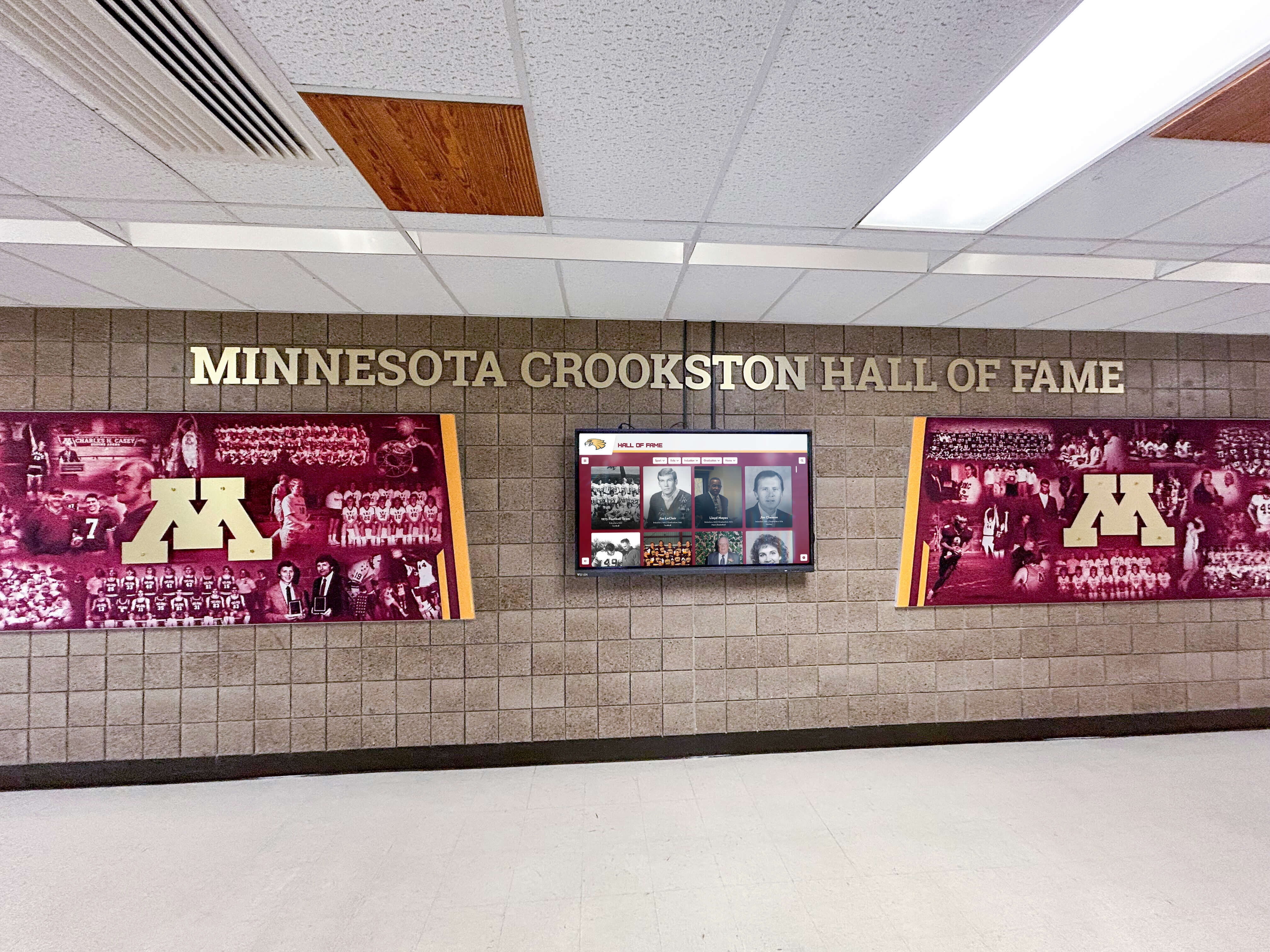
University lobbies transform into dynamic communication hubs combining heritage displays with current information delivery
Selecting the Right Digital Signage Service for Your Needs
With numerous platforms offering similar features at various price points, decision frameworks help identify optimal solutions.
Requirements Assessment
Before evaluating vendors, document specific requirements:
Technical Requirements
- Number of screens in initial deployment
- Planned expansion over 1-3 years
- Screen locations and network connectivity
- Content types (static images, video, live data, interactive)
- Update frequency and who will manage content
- Existing hardware or new purchase requirements
- Integration needs (existing systems, databases, APIs)
Organizational Constraints
- Available budget (initial and annual recurring)
- Technical expertise of content management team
- IT department involvement and support capacity
- Approval processes and decision timelines
- Security and privacy policies
- Accessibility requirements
Content Priorities Rank content types by importance:
- Recognition and achievement displays
- Operational information (schedules, directories, wayfinding)
- Emergency communications
- Event promotion and marketing
- Social media and community engagement
- News and weather information
- Entertainment and ambient content
This prioritization guides platform selection—some excel at recognition content, others at operational communications, while general-purpose platforms handle diverse needs adequately but lack specialization.
Vendor Evaluation Process
Request Demonstrations All major platforms offer demos and free trials. Prepare specific scenarios testing capabilities:
- Create sample split-screen layout matching your intended use
- Configure widgets for weather, news, and social media
- Test scheduling features with your typical update patterns
- Evaluate content approval workflows
- Review analytics and reporting interfaces
- Assess mobile apps for remote management
Invite team members who will use the system daily to participate in evaluations. Their feedback regarding interface usability matters more than administrator perspectives.
Reference Checks Ask vendors for customer references, particularly organizations similar to yours (same industry, size, use case). Inquire about:
- Implementation process and timeline
- Ongoing support quality and responsiveness
- Hidden costs or unexpected expenses
- Platform reliability and uptime
- Evolution of platform (feature improvements, price changes)
- Satisfaction with decision in retrospect
Organizations can learn about donor recognition approaches from nonprofits and educational institutions that have implemented digital displays for fundraising recognition.
Total Cost of Ownership Comparison Calculate 3-year TCO for shortlisted platforms including:
- Software subscriptions for all screens
- Hardware purchases or leases
- Installation and setup costs
- Training and implementation services
- Annual maintenance and support
- Estimated content creation time and costs
- Electricity and infrastructure expenses
The platform with lowest subscription fees may not offer the best value when hardware requirements, implementation complexity, and ongoing management time are considered.
Pilot Programs For large deployments, negotiate pilot programs installing 2-5 screens testing platforms in real environments before committing to full deployments. Pilots reveal issues not apparent during demos:
- Network infrastructure adequacy
- Content creation workflow efficiency
- End-user reception and engagement
- Support responsiveness with actual problems
- Platform performance at scale
Budget 60-90 days for meaningful pilots allowing time for initial learning curves, addressing technical issues, and gathering feedback before expansion decisions.
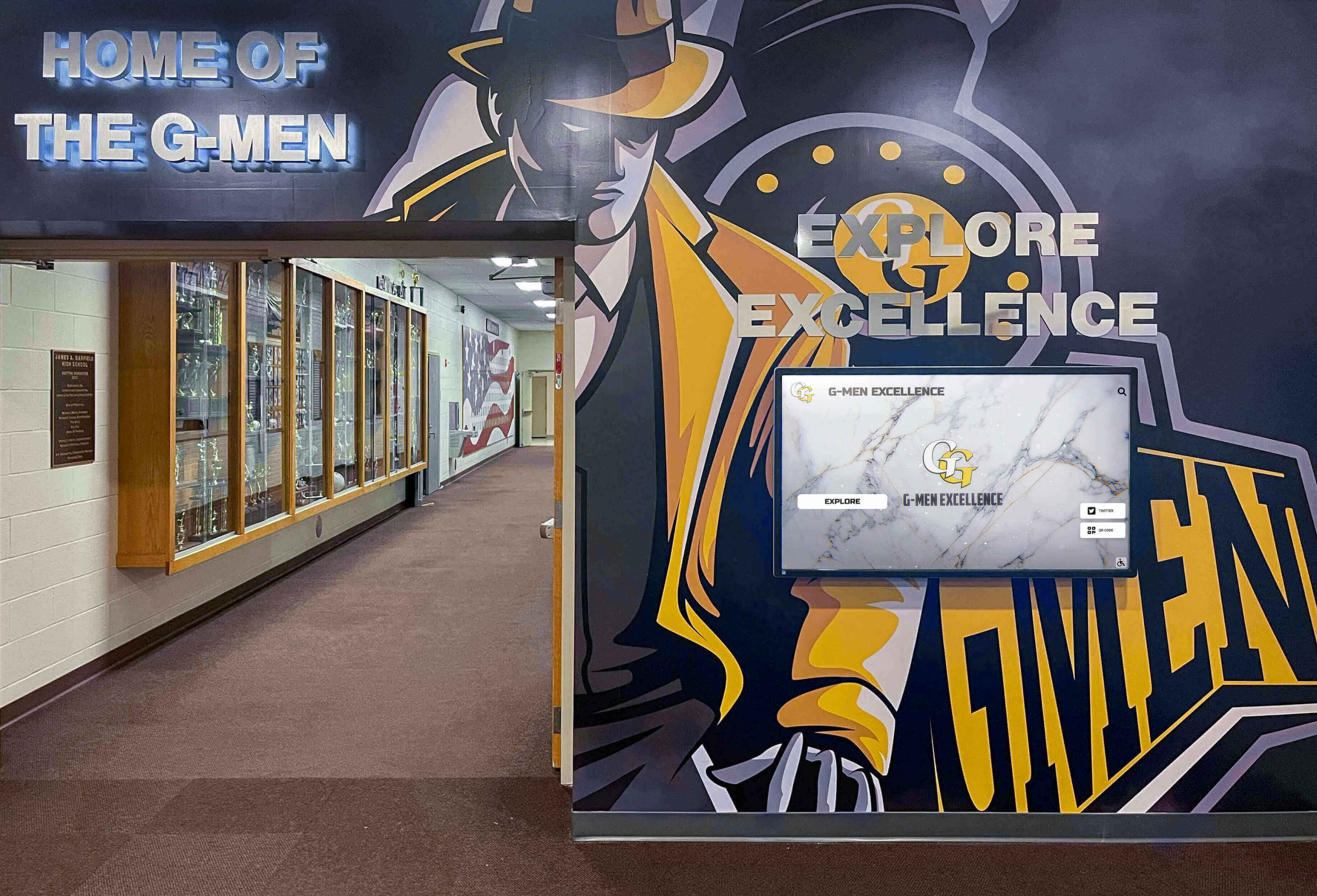
Effective digital signage integrates with existing environments enhancing spaces rather than competing with established design elements
Future Trends in Multi-Screen Digital Signage
Understanding emerging trends helps future-proof digital signage investments and anticipate evolving capabilities.
Artificial Intelligence and Automation
AI technologies increasingly automate content creation and optimization:
Automated Content Generation AI tools can generate signage content from source materials:
- Converting text documents into visual slides
- Creating social media posts from event photos
- Generating video content from static images
- Writing headlines and captions from source articles
- Designing layouts based on brand guidelines
While not replacing human oversight, AI reduces time creating routine content, freeing teams for strategic work.
Audience Analytics and Adaptation Computer vision and sensor technologies enable displays adapting content to viewers:
- Demographic detection adjusting content for current audience (though privacy concerns limit adoption)
- Attention measurement identifying which content captures interest
- Traffic pattern analysis optimizing content schedules
- Automated A/B testing comparing content performance
Predictive Content Optimization Machine learning analyzes historical engagement data recommending:
- Optimal content types for specific times and locations
- Layout configurations generating highest engagement
- Content rotation frequencies maximizing attention
- Playlist compositions balancing information types
Integration with Mobile Devices
Digital signage increasingly connects with personal smartphones:
QR Code Interactions Displays show QR codes enabling viewers to:
- Access detailed information on personal devices
- Share content to social media
- Provide feedback through surveys
- Save calendar events and contact information
- Continue experiences on mobile devices
Schools implementing digital yearbook programs often pair lobby displays with QR codes directing students to full yearbook content on their phones.
Bluetooth and Proximity Marketing Displays detect nearby smartphones via Bluetooth, enabling:
- Personalized content based on viewer profiles
- Push notifications directing attention to displays
- Loyalty program integration
- Location-based experiences
Privacy regulations require opt-in consent for personal data collection, limiting some applications while still enabling valuable proximity-based features with anonymous detection.
Augmented Reality Extensions Mobile devices scan displays triggering AR experiences:
- 3D models appearing above static displays
- Video content playing on smartphones when viewing displays
- Interactive games combining physical displays with mobile apps
- Virtual try-on and product visualization
While still emerging, AR-enhanced digital signage creates memorable experiences differentiating organizations from competitors.
Sustainability and Energy Efficiency
Environmental concerns drive signage technology evolution:
Energy-Efficient Displays
- LED backlighting reducing power consumption 30-50% compared to older technologies
- Automatic brightness adjustment based on ambient light
- Motion-activated displays turning off when no viewers present
- Power management scheduling displays off during closed hours
Long-Term Hardware Support Quality platforms support displays for 5-7+ years through:
- Backward compatibility with older hardware
- Software updates extending device lifespan
- Upgrade paths avoiding complete replacements
Content Delivery Optimization
- Content caching reducing bandwidth usage
- Efficient media encoding minimizing file sizes
- Delta updates transmitting only changed elements
- Scheduled updates during off-peak hours
Organizations increasingly evaluate vendors’ sustainability commitments, seeking platforms minimizing environmental impact while reducing operating costs.
Conclusion: Implementing No-Code Multi-Screen Digital Signage Successfully
Digital signage services offering multi-screen management with split-screen widgets, weather integration, news feeds, and social media display—all without programming requirements—transform how organizations communicate with audiences. These platforms democratize sophisticated visual communication previously requiring dedicated technical teams and custom development.
Successful implementations start with clear objectives defining what you want to accomplish: Are you primarily communicating operational information? Recognizing achievements? Promoting events? Engaging community? Different platforms excel at different priorities, and understanding your primary goals guides selection toward optimal solutions.
Balance ease of use with capabilities—simpler platforms enable faster deployment and broader team participation in content creation, while more sophisticated solutions provide flexibility and scalability supporting evolving needs. Most organizations benefit more from platforms their teams will actually use consistently rather than feature-rich systems requiring technical expertise limiting who can create content.
Consider total cost of ownership beyond subscription fees, including hardware, installation, training, ongoing management time, and periodic refreshes. The platform with lowest monthly costs may ultimately cost more when implementation complexity and management requirements are factored.
Start focused, then expand. Deploy to a few high-visibility locations first, establish content workflows, train teams, and develop governance policies before scaling across dozens of screens. Early successes build organizational knowledge and enthusiasm supporting larger deployments.
For organizations specifically focused on recognition content—celebrating achievements, preserving heritage, featuring student accomplishments, or honoring donors—specialized platforms like Rocket Alumni Solutions provide purpose-built tools that general digital signage handles poorly. These systems combine database structure, search capabilities, and multimedia integration specifically designed for recognition applications while remaining accessible to non-technical users.
Ready to transform your communication spaces with professional digital signage? Explore Rocket Alumni Solutions for recognition-focused digital displays or research the general-purpose platforms discussed above for broader digital signage needs. The right solution combines technical capabilities with organizational realities, delivering communication systems that teams embrace and audiences engage with daily.































