Digital signage is now a standard part of how schools communicate, recognize students, guide visitors, and build culture — but the market for school signage software is crowded, pricing models vary widely, and what one vendor calls “unlimited” often comes with asterisks. This guide covers what K-12 schools actually need from a digital signage platform, how device management (MDM) factors into the decision, what content performs best across different campus locations, and why Rocket Alumni Solutions’ $50-per-year unlimited digital signage plan represents a serious option for budget-conscious athletic directors, yearbook advisers, and communications staff alike.
Whether your school wants to run scrolling announcements in the main hallway, rotate sports schedules near the gym, or display a living hall of fame in the lobby, the deployment decisions you make at the start — software platform, device management approach, content strategy — shape how much staff time the system consumes for the next several years.

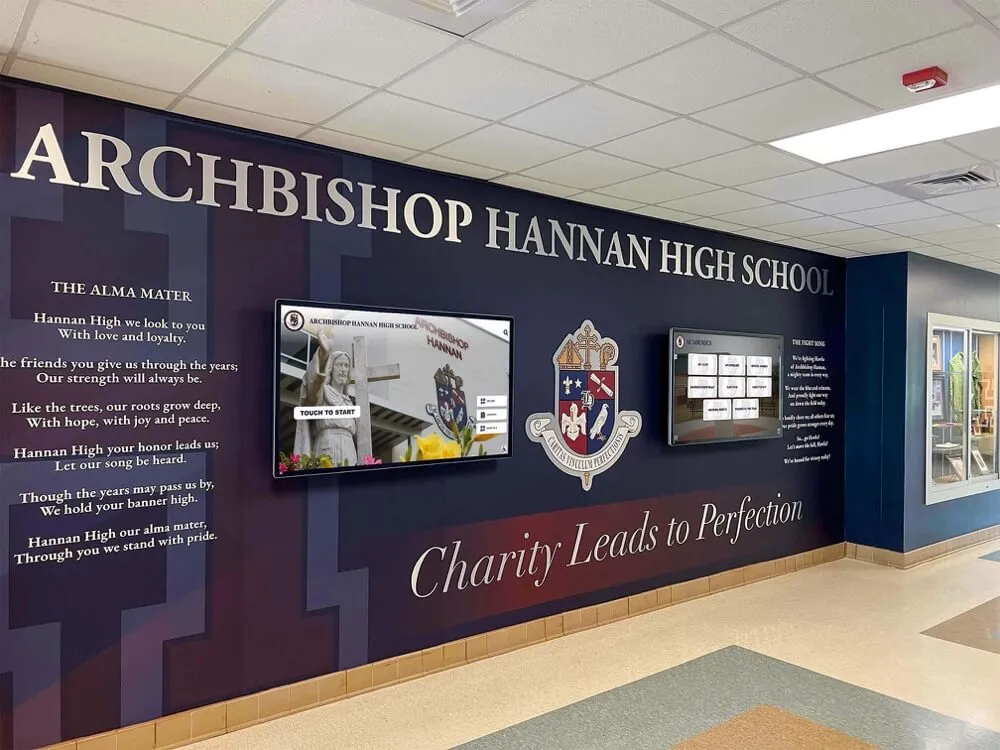
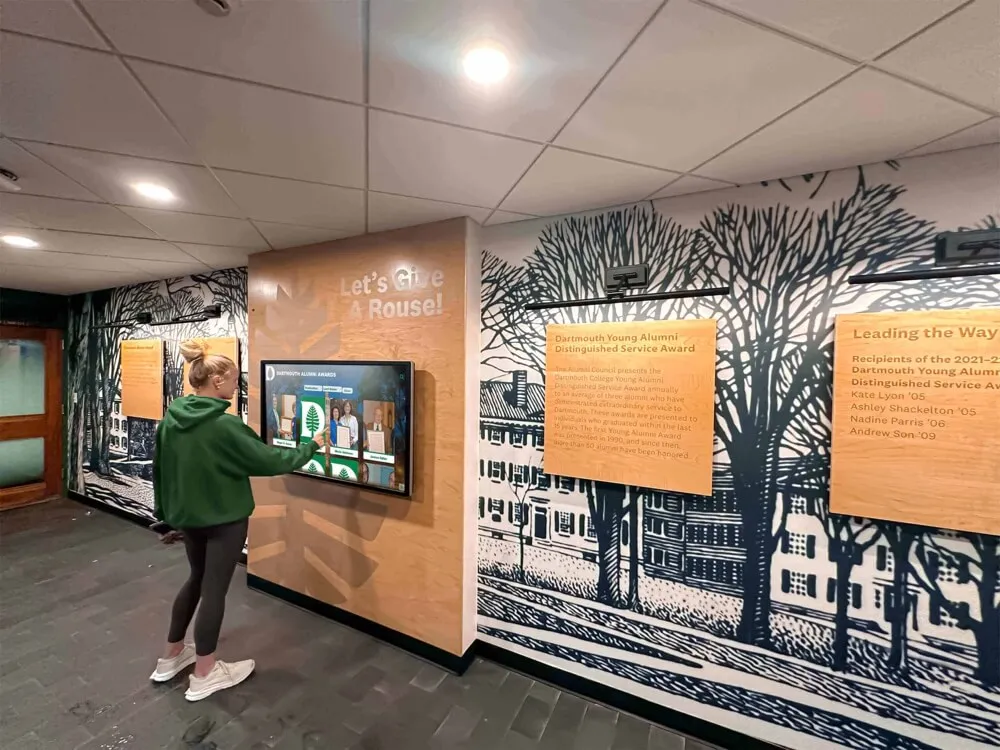
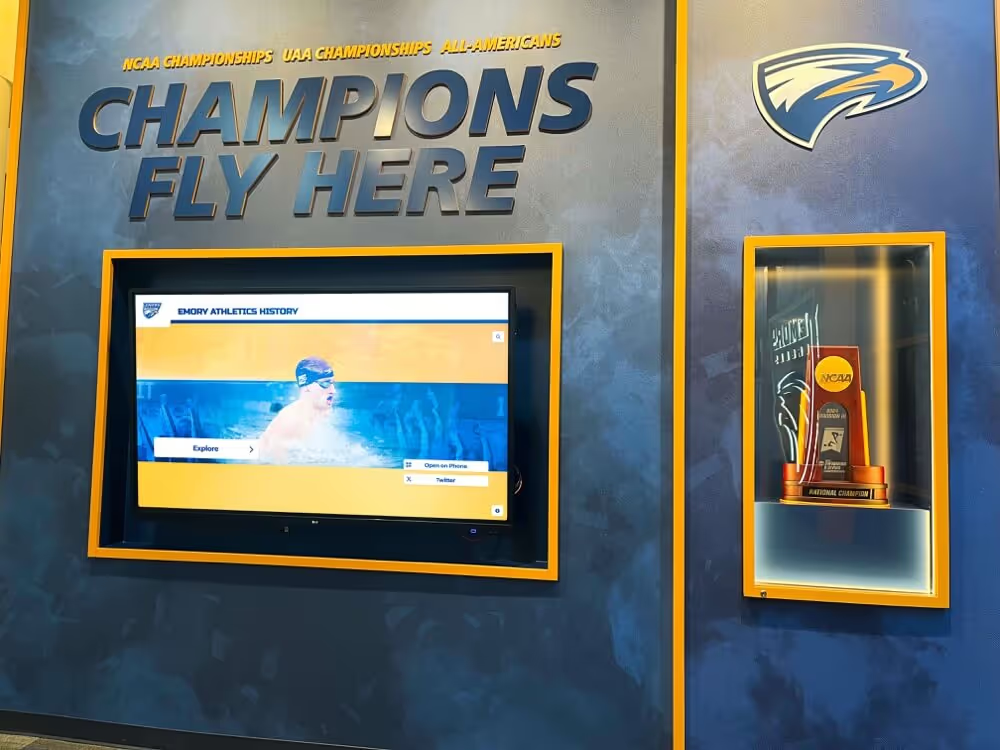
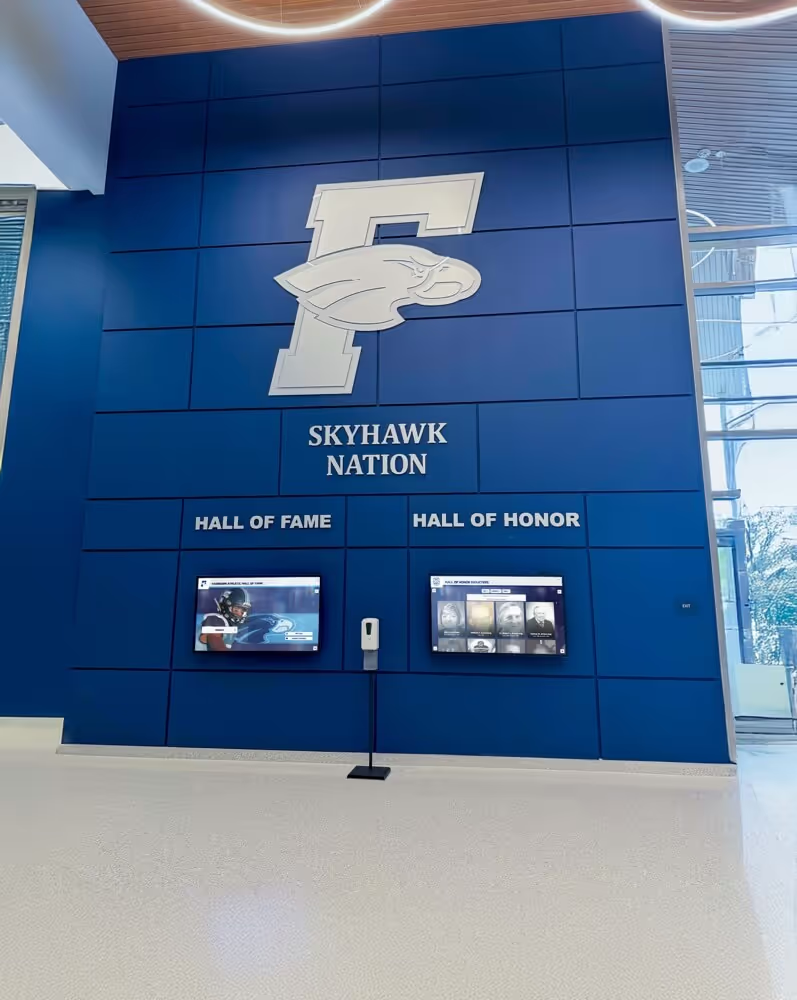
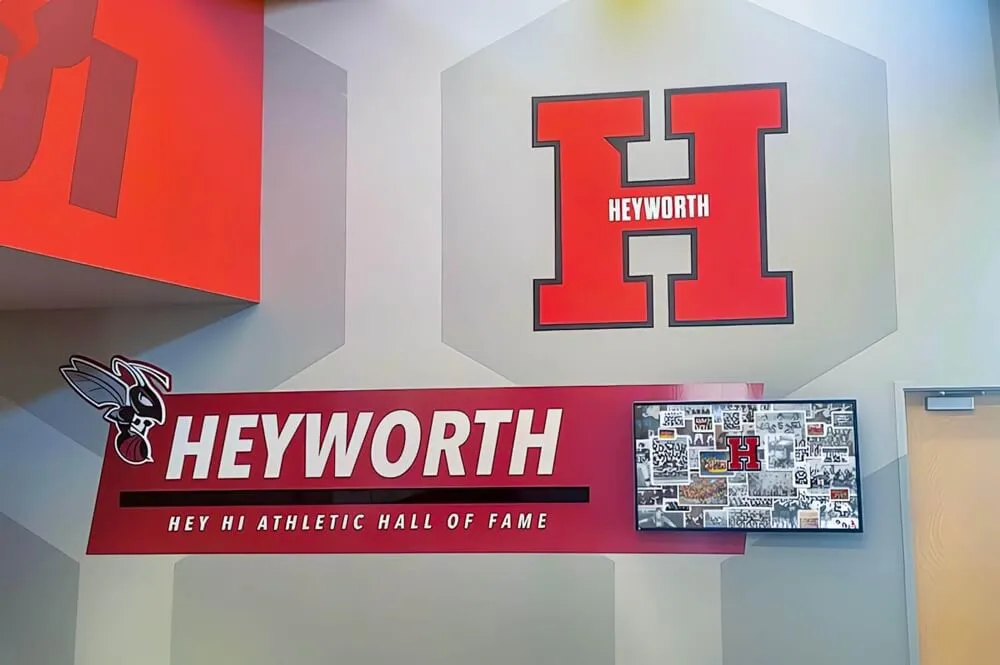
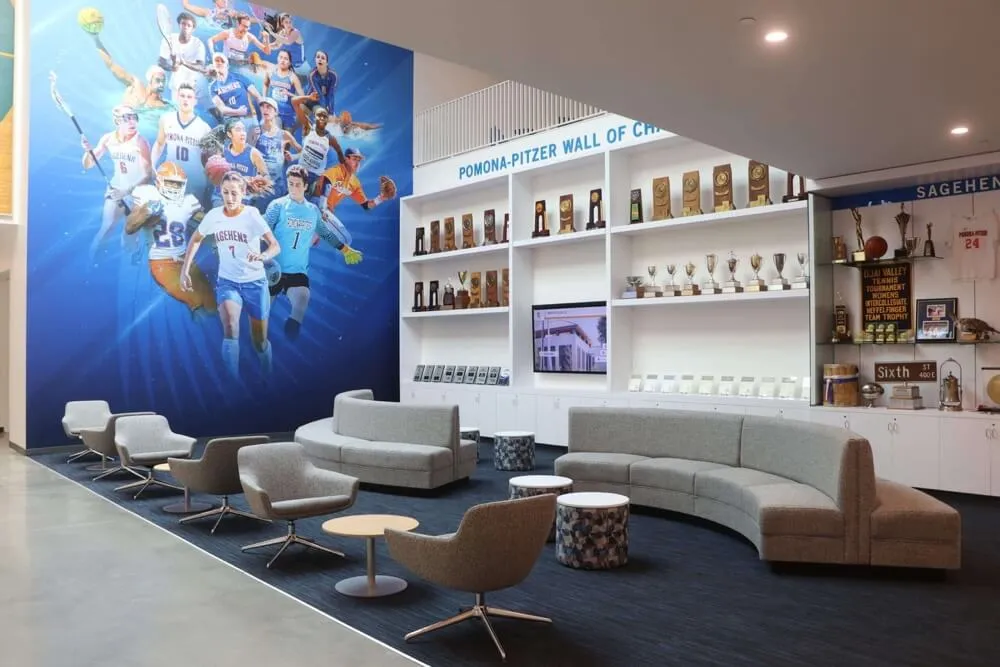
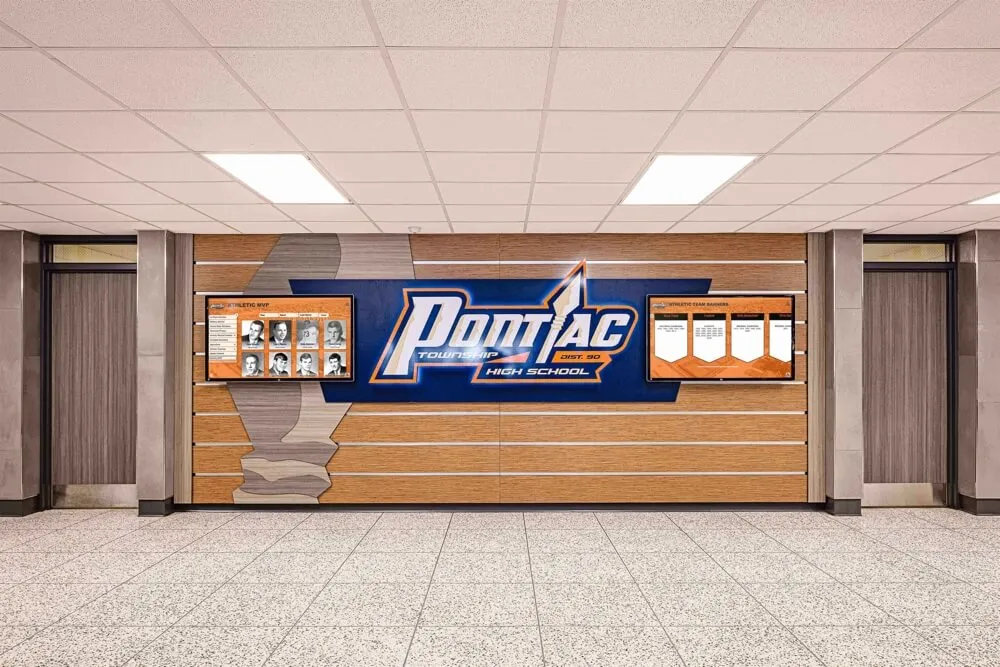
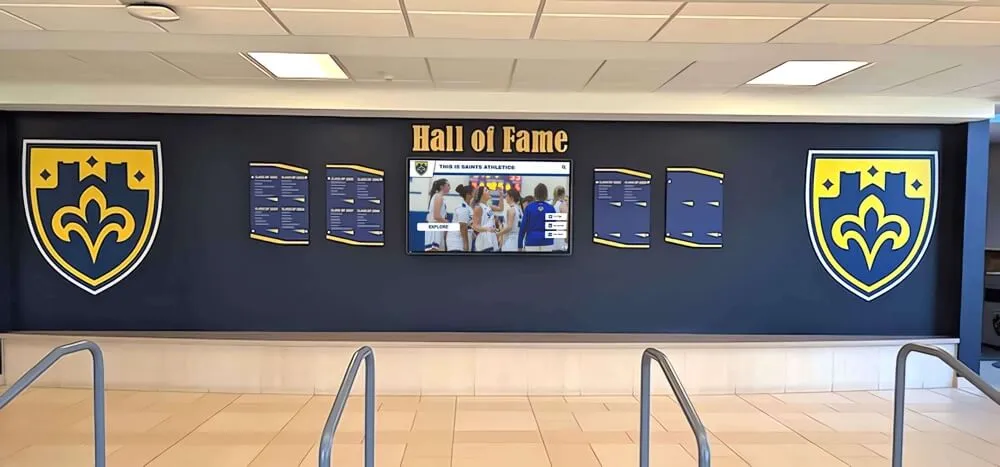
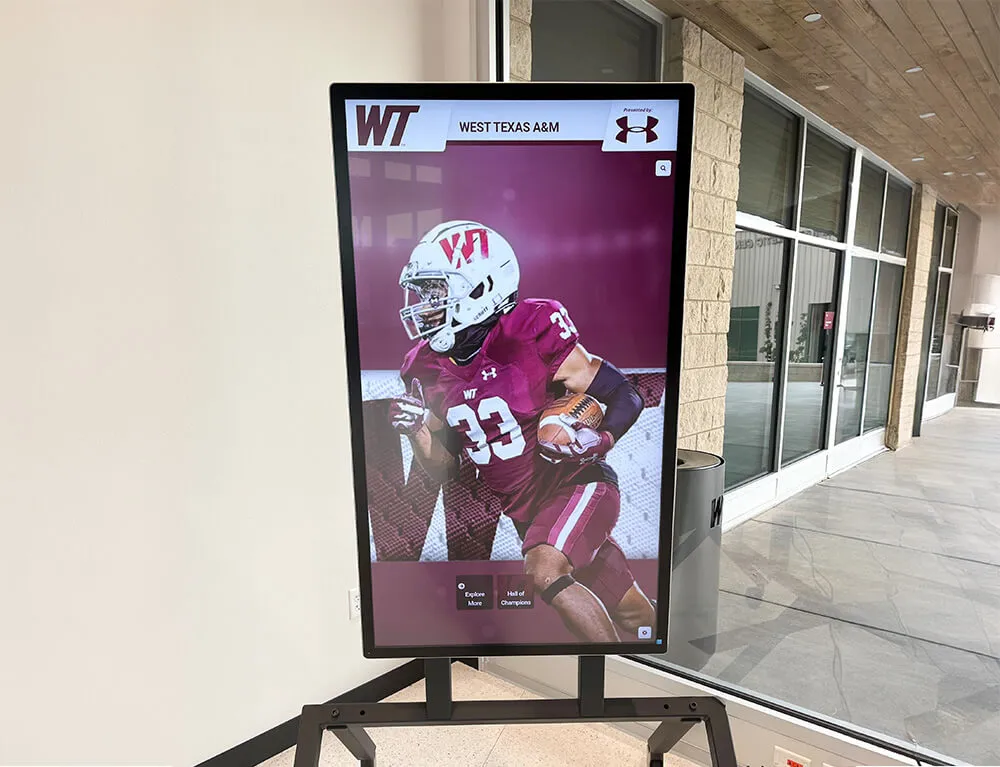
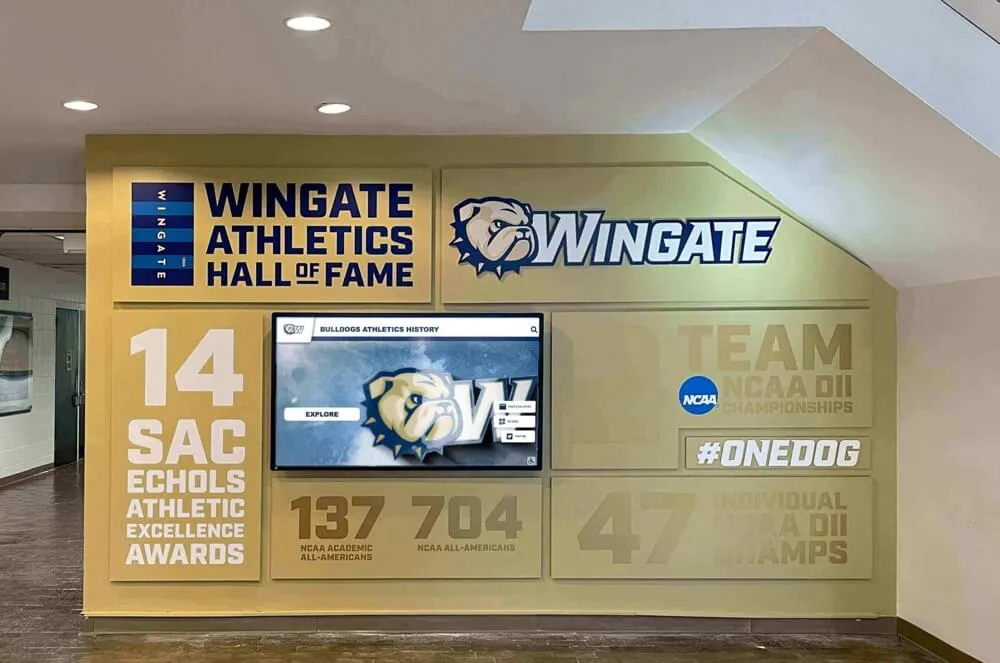
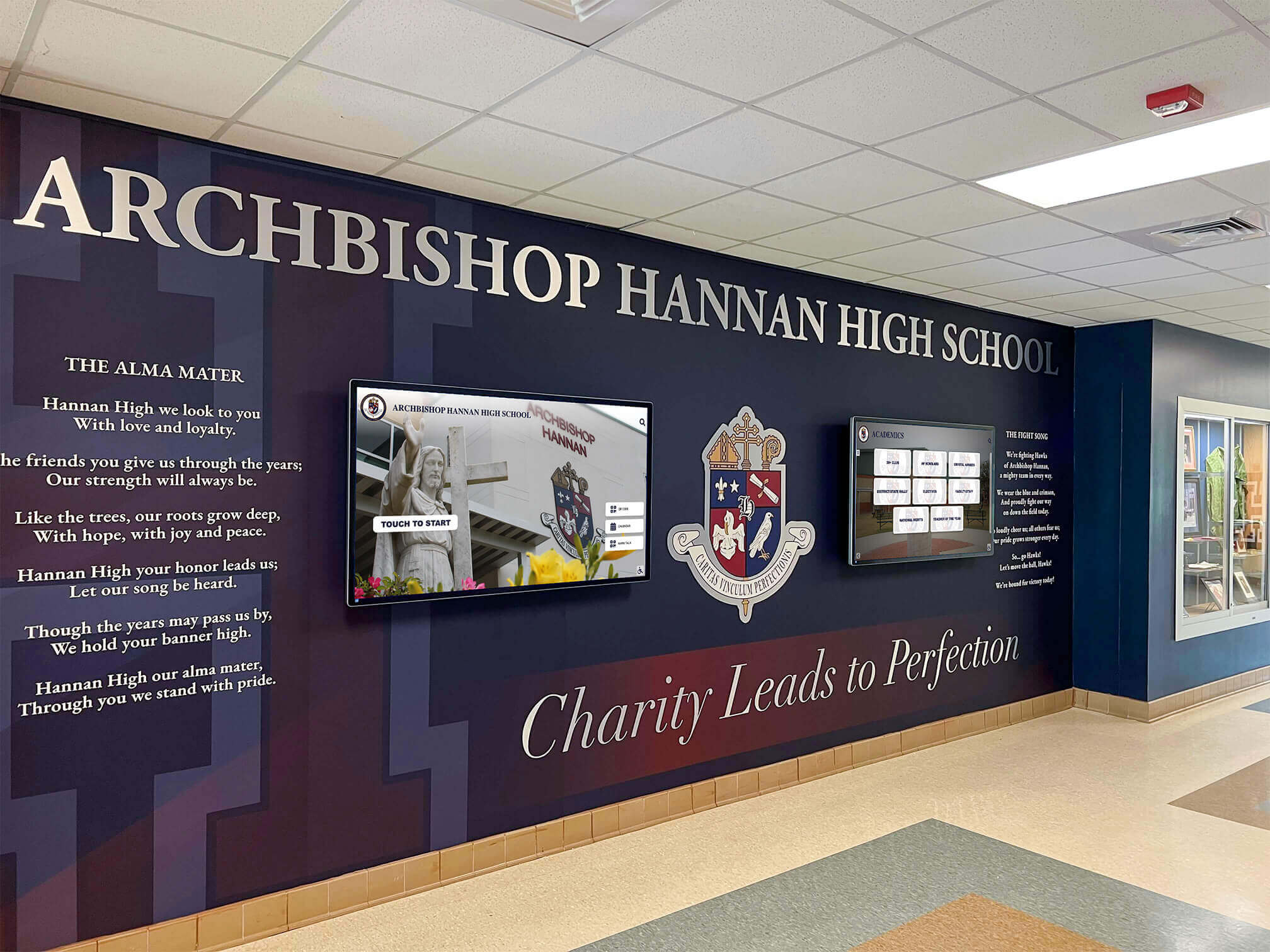
Schools increasingly pair branded environmental graphics with digital signage screens — creating lobby and hallway experiences that communicate actively rather than sitting static on a wall
What Schools Actually Need from Digital Signage
General-purpose digital signage platforms are built for retail, restaurants, and corporate lobbies. Schools have a distinct set of requirements that many platforms treat as afterthoughts.
Content That Changes on a School Calendar, Not a Business Calendar
Retail signage refreshes content around promotions. School signage refreshes around bell schedules, athletic seasons, semester breaks, testing windows, spirit weeks, and graduation timelines. A platform that handles marketing campaigns well may still require workarounds to publish a rotating daily announcement that pauses over summer break or changes automatically on early-release days.
Schools benefit from platforms that support:
- Time-based scheduling tied to the academic calendar rather than just day-of-week patterns
- Event-triggered content that rotates based on athletic seasons or academic periods
- Multiple zone layouts so a single screen can show announcements in one region, the lunch menu in another, and a countdown to homecoming in a third
- Bulk content updates for situations like snow-day messaging that needs to reach every screen at once
Recognition Content That Connects to Real Records
School digital signage frequently needs to display recognition content — honor rolls, athletic records, student-of-the-month profiles, college commitments, hall of fame inductees. General signage platforms treat this as custom graphic design work: someone on staff builds a slide for each honoree, uploads it, and schedules it.
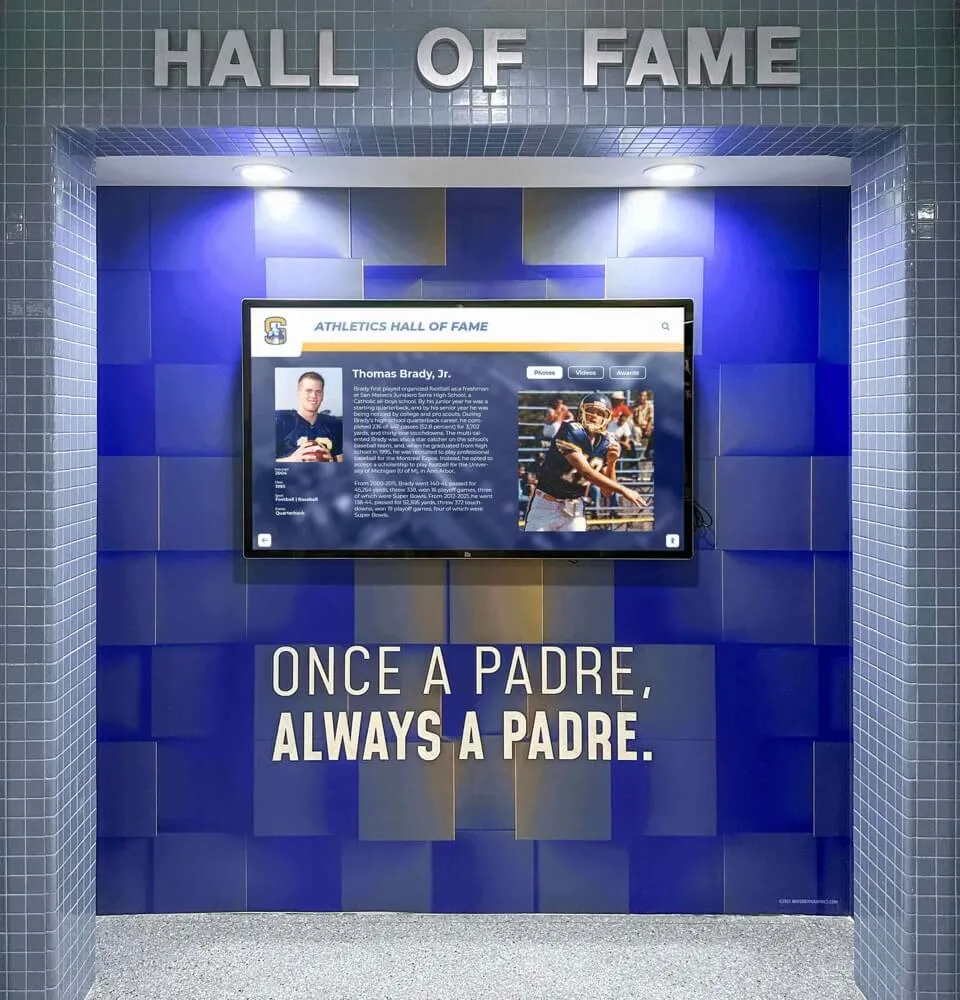
Purpose-built platforms, including Rocket Alumni Solutions, treat recognition content as structured data. You enter a student’s name, sport, year, and achievement once; the platform generates the formatted display automatically. That distinction reduces staff time substantially and makes it practical to recognize every athlete at every level rather than just the varsity stars.
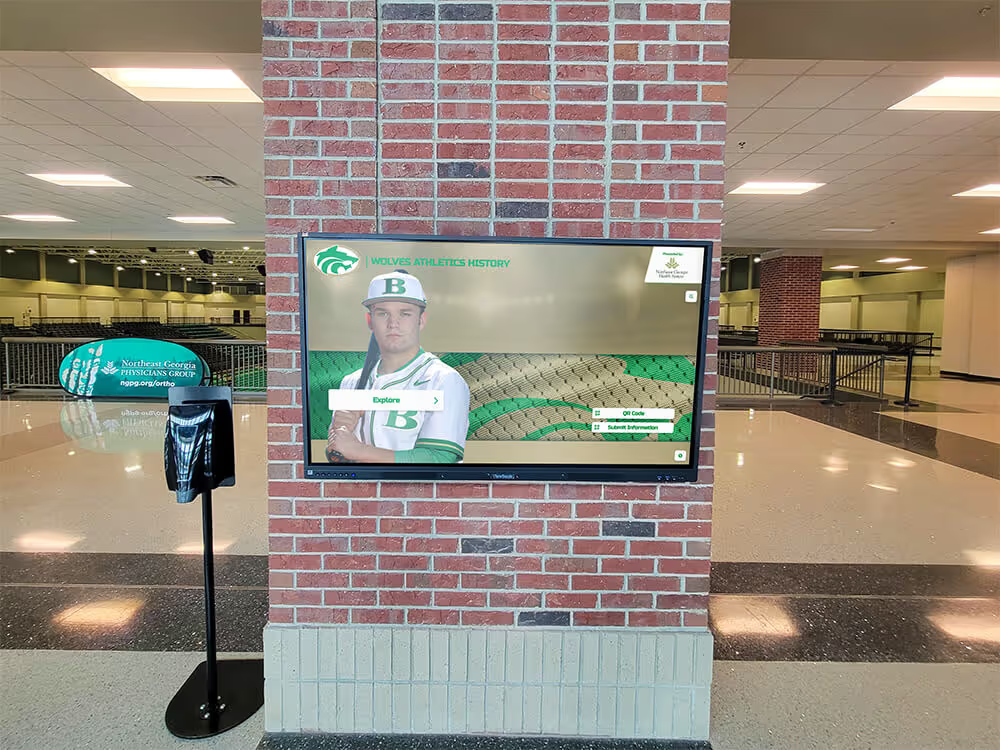
School sports display boards built on structured data are far easier to maintain than those built on uploaded image slides — a distinction that matters when rosters change mid-season or a record gets broken during the playoffs.
Network Infrastructure That Matches What Schools Already Have
Schools typically run filtered networks with firewall rules, content restrictions, and IT policies that make it difficult to add cloud-connected devices without approval cycles. Digital signage platforms vary considerably in how they handle this:
- Some require open outbound ports to content delivery networks
- Others depend on software that conflicts with endpoint protection tools schools already run
- A few require dedicated VLANs or static IPs to function properly
The smoothest deployments are platforms that publish through standard HTTPS on port 443, operate within standard browser runtimes, and require minimal firewall exceptions. MDM (Mobile Device Management) compatibility is directly related to this — if the platform’s player software can be deployed and managed via your existing MDM system, it fits into the school’s infrastructure rather than requiring a parallel management layer.
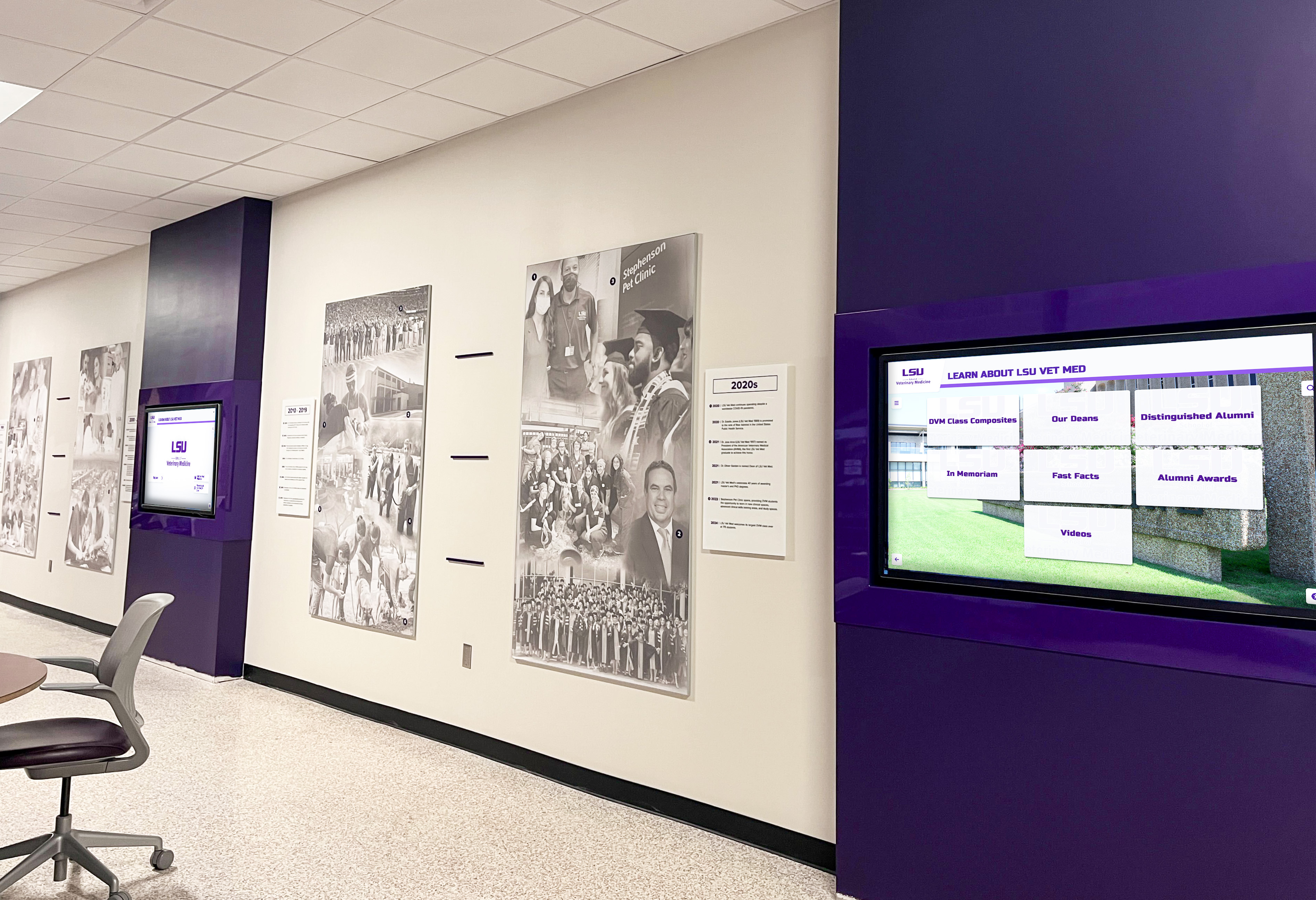
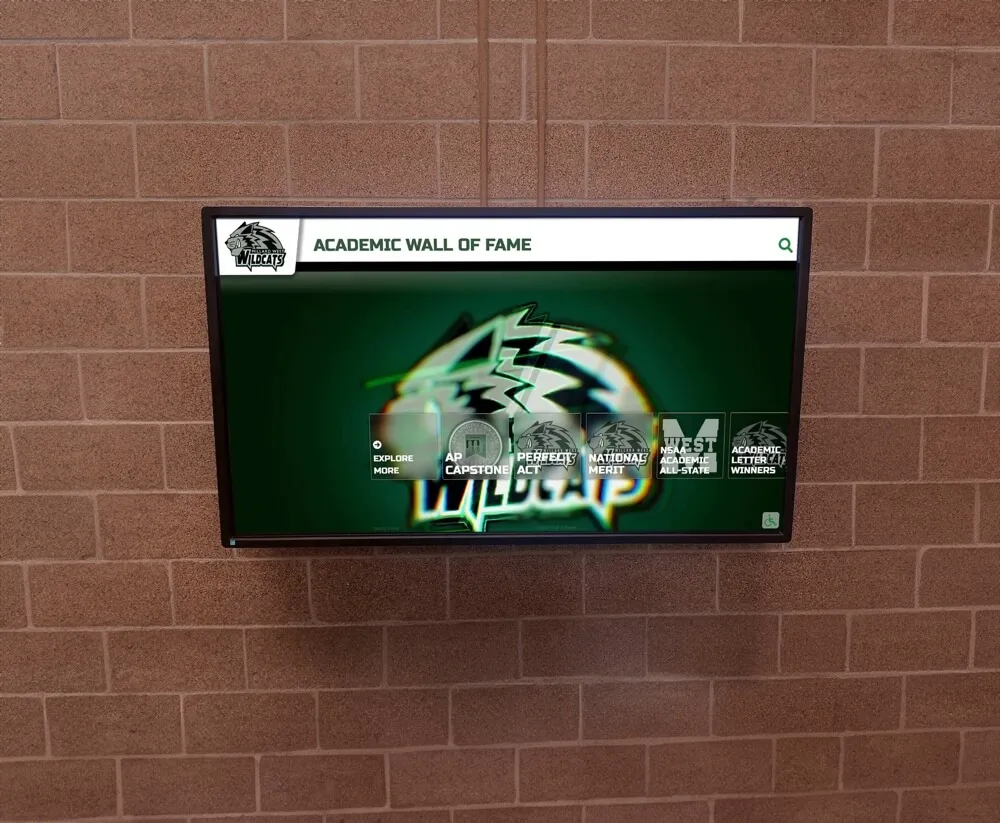
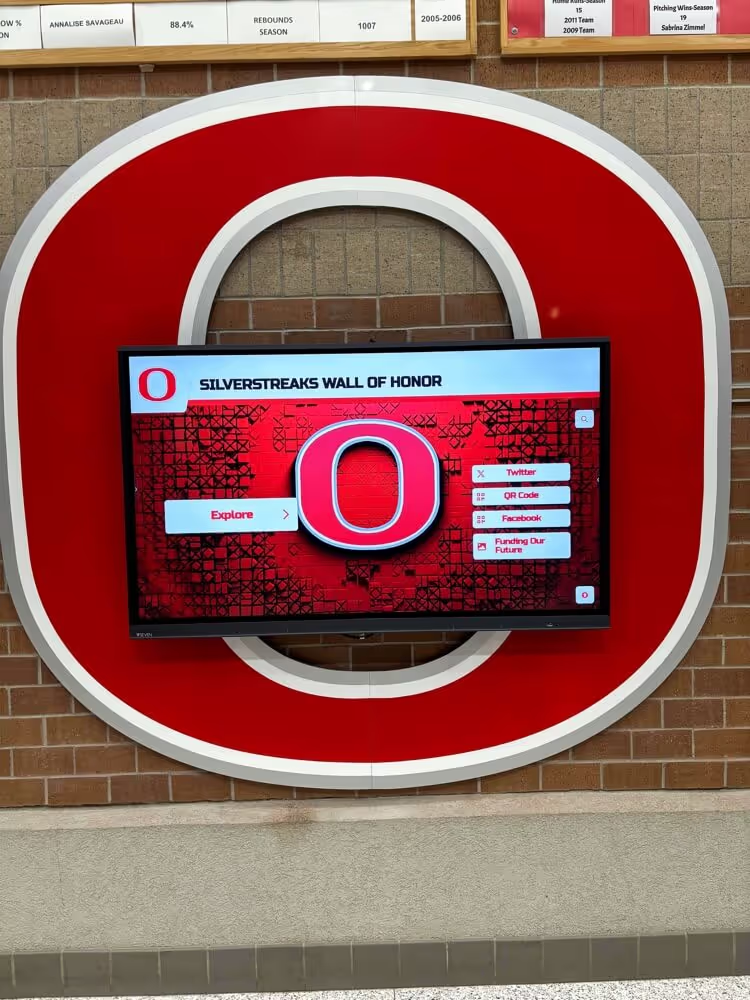
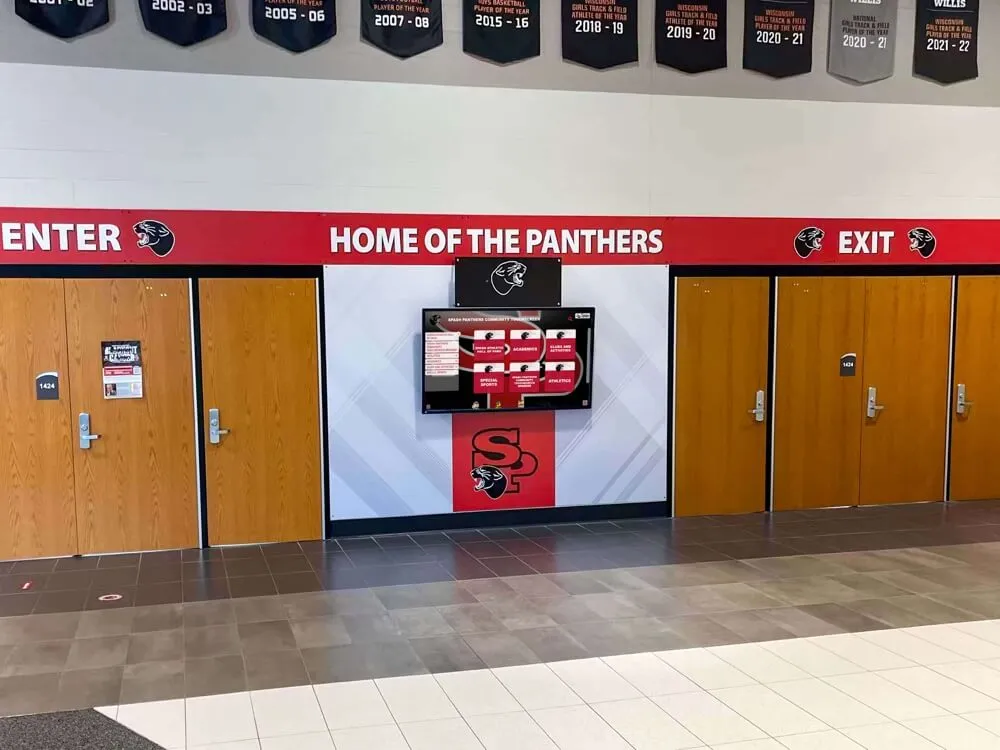
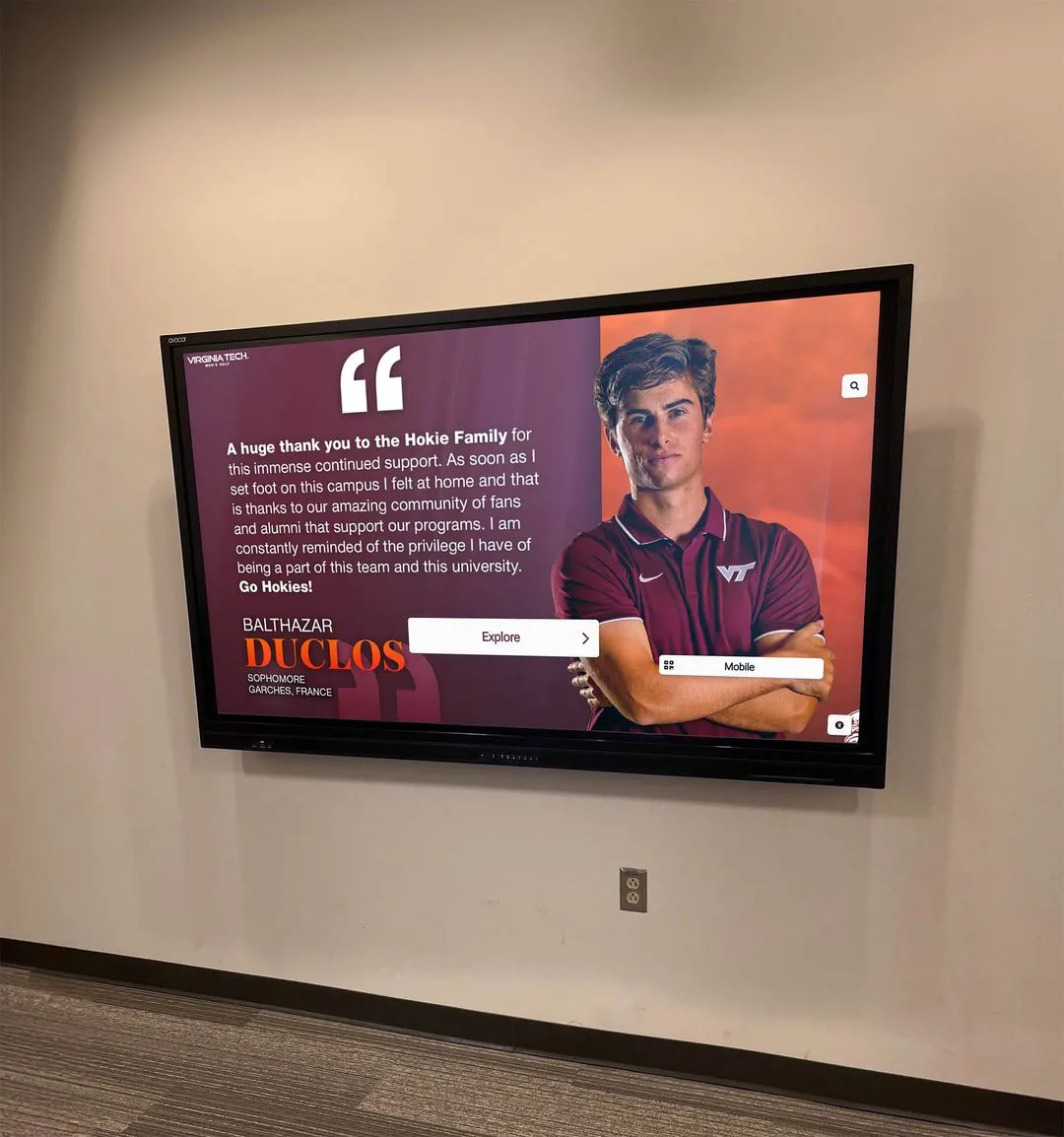
Hallway digital signage systems in educational institutions require reliable network integration and consistent content delivery — core requirements that vary significantly across platforms
The MDM Device Management Question
MDM stands for Mobile Device Management — software that controls, monitors, and updates devices centrally. In a school context, MDM tools like Jamf, Microsoft Intune, or Google Admin manage laptops, tablets, and classroom devices. The question for digital signage is whether the display players on your signage screens can also be managed through the same MDM infrastructure.
Why MDM Matters for School Digital Signage
Centralized control. Without MDM integration, each signage screen is essentially an unmanaged endpoint. Screens fall offline, software updates don’t get applied, or a student figures out how to break out of kiosk mode — and your IT team has to physically visit the screen to fix it. MDM-compatible signage means IT can push updates, lock down devices, and troubleshoot remotely.
Security compliance. Many districts require that all network-connected devices enroll in district MDM before joining the school network. If a signage platform’s player doesn’t support MDM enrollment, districts either exempt it (creating a security exception) or block it entirely (making deployment impossible).
Scalability. Managing five screens manually is inconvenient. Managing fifty is genuinely untenable without MDM. Any school planning to expand digital signage across multiple buildings or multiple campuses needs MDM compatibility from the start.
Software lifecycle. Operating system updates, player software patches, and security fixes need to reach every screen reliably. MDM tools handle this automatically; manual updates to dozens of screens consume IT hours that could go elsewhere.
Rocket Alumni Solutions includes MDM device management as part of its platform — a feature that many standalone digital signage vendors charge separately for or exclude from entry-level pricing tiers. For schools that already run district MDM, this means signage screens can enroll in the same management infrastructure rather than requiring a separate tool.
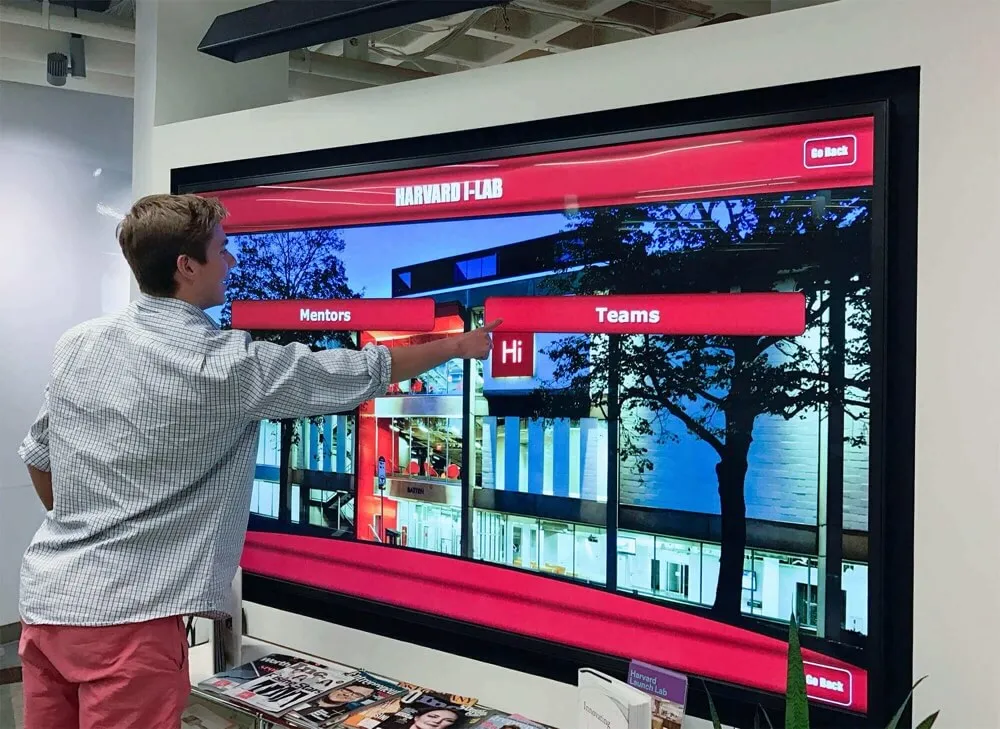
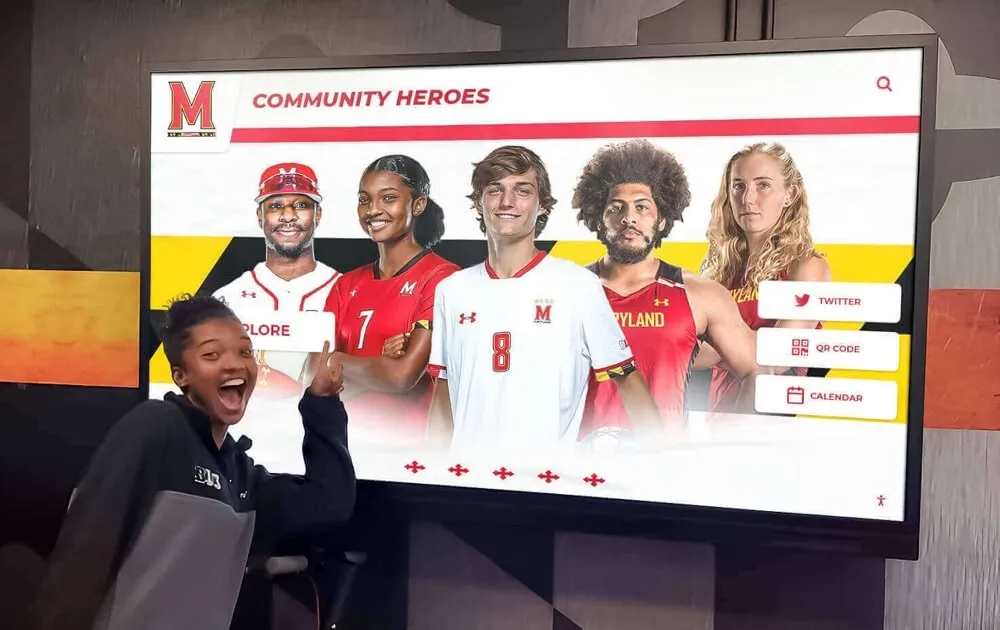
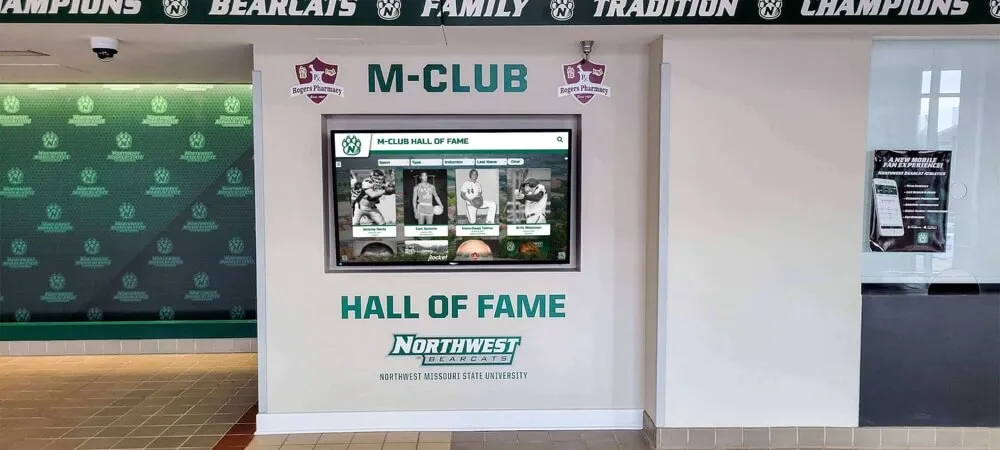
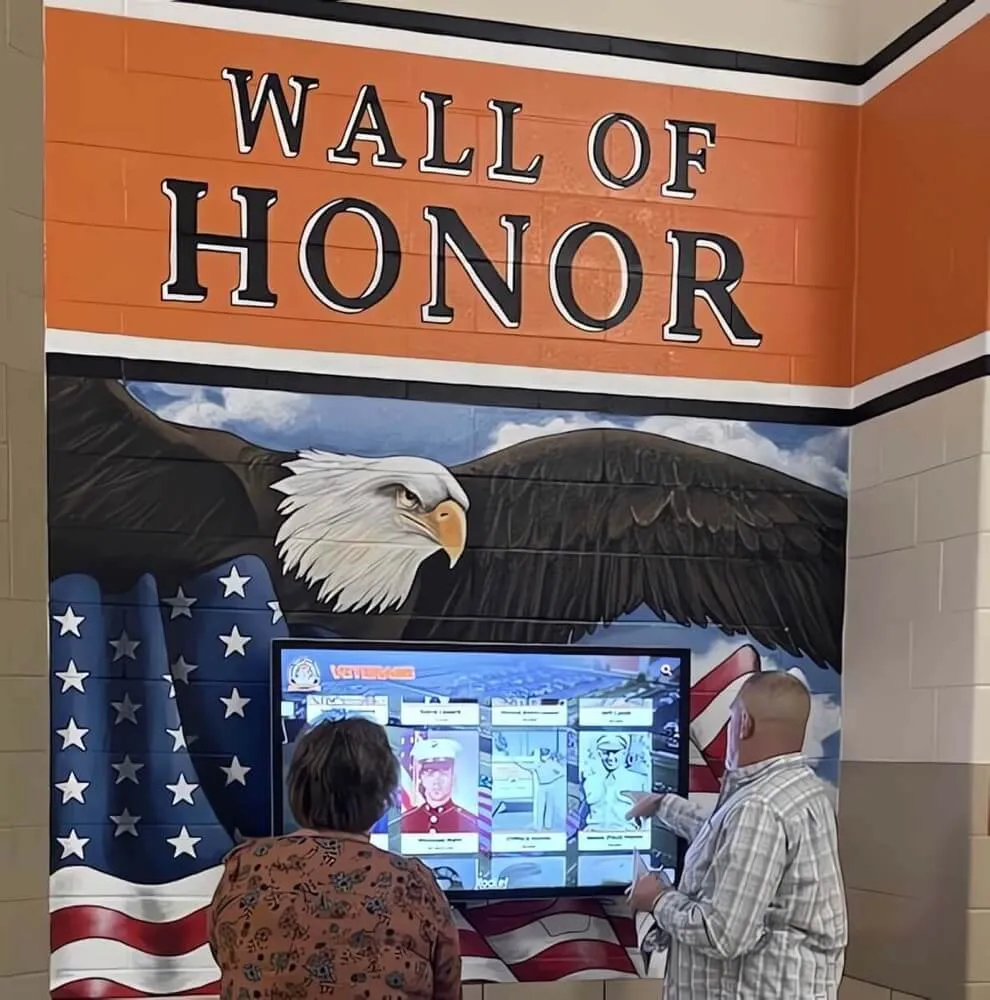
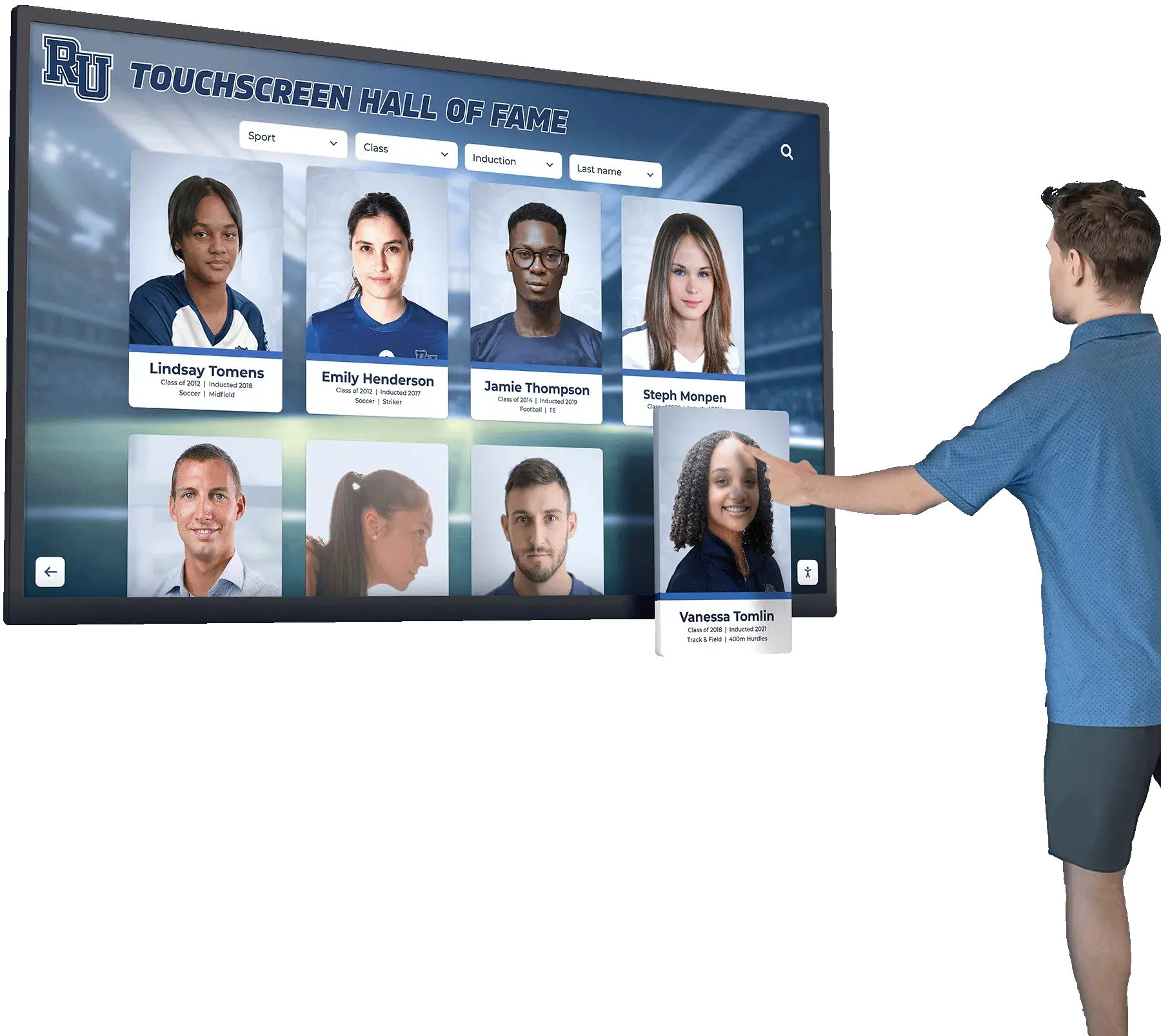
Interactive touchscreen solutions for school recognition are increasingly expected to integrate with existing school IT infrastructure — and MDM compatibility is a significant part of that.
Where Schools Deploy Digital Signage: Location-by-Location Breakdown
Effective digital signage placement matches content type to the audience at each location and the time they spend there.
Main Lobby and Entrance
The main entrance is where first impressions form — for students arriving, parents visiting, and community members attending events. Content here typically runs in a passive display mode (no touch required) and should make a strong visual statement at a glance.
High-performing content for lobby screens:
- Welcome message with school name and mascot
- Upcoming events with dates and times
- Recent achievements and recognition
- College commitment announcements
- Hall of fame spotlights
- Visitor wayfinding (especially for multi-building campuses)
The lobby is also where interactive touchscreen kiosks perform well. Rather than displaying a passive slide rotation, a kiosk lets a visitor search for the staff directory, explore the hall of fame by sport or year, or find their meeting room — turning a one-way display into a useful tool.
Hallways Near the Gym and Athletic Facilities
Traffic near the gym is concentrated around arrival, dismissal, and event times. Athletic hallway signage serves a different audience than the main lobby — it’s primarily students, coaches, and parents who already know the school well.
High-performing content for athletic hallway screens:
- Practice schedules and cancellations
- Game schedules with opponent and location
- Roster highlights and athlete profiles
- Sports records and all-time leaders
- Team photo galleries and season recaps
- Championship banner archives
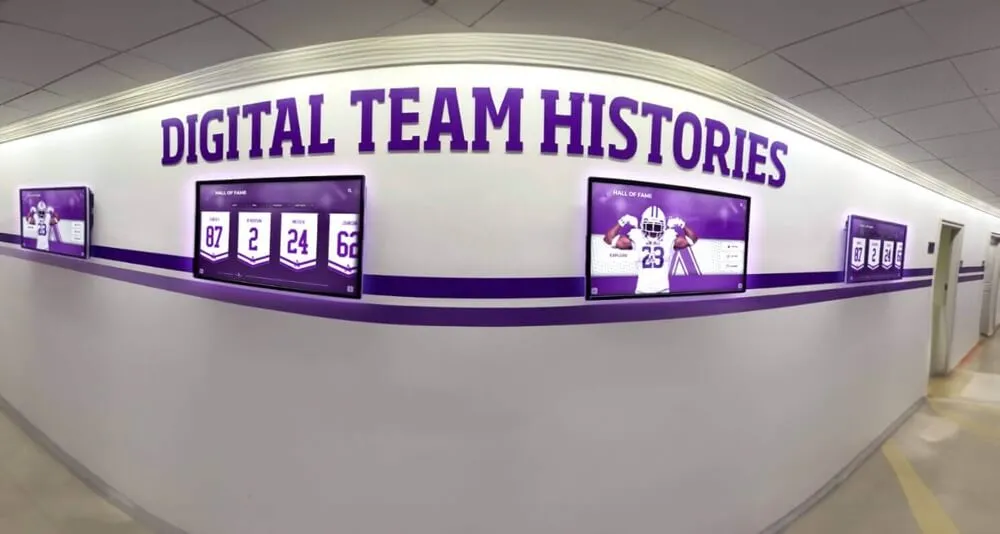
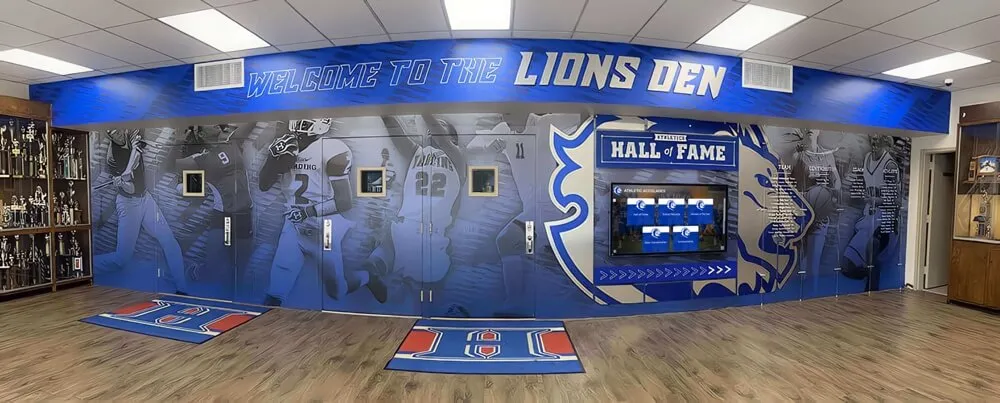
Athletic locker room and hallway signage doubles as motivational décor when it regularly features current athletes alongside historical champions — connecting today’s teams to the school’s athletic legacy.
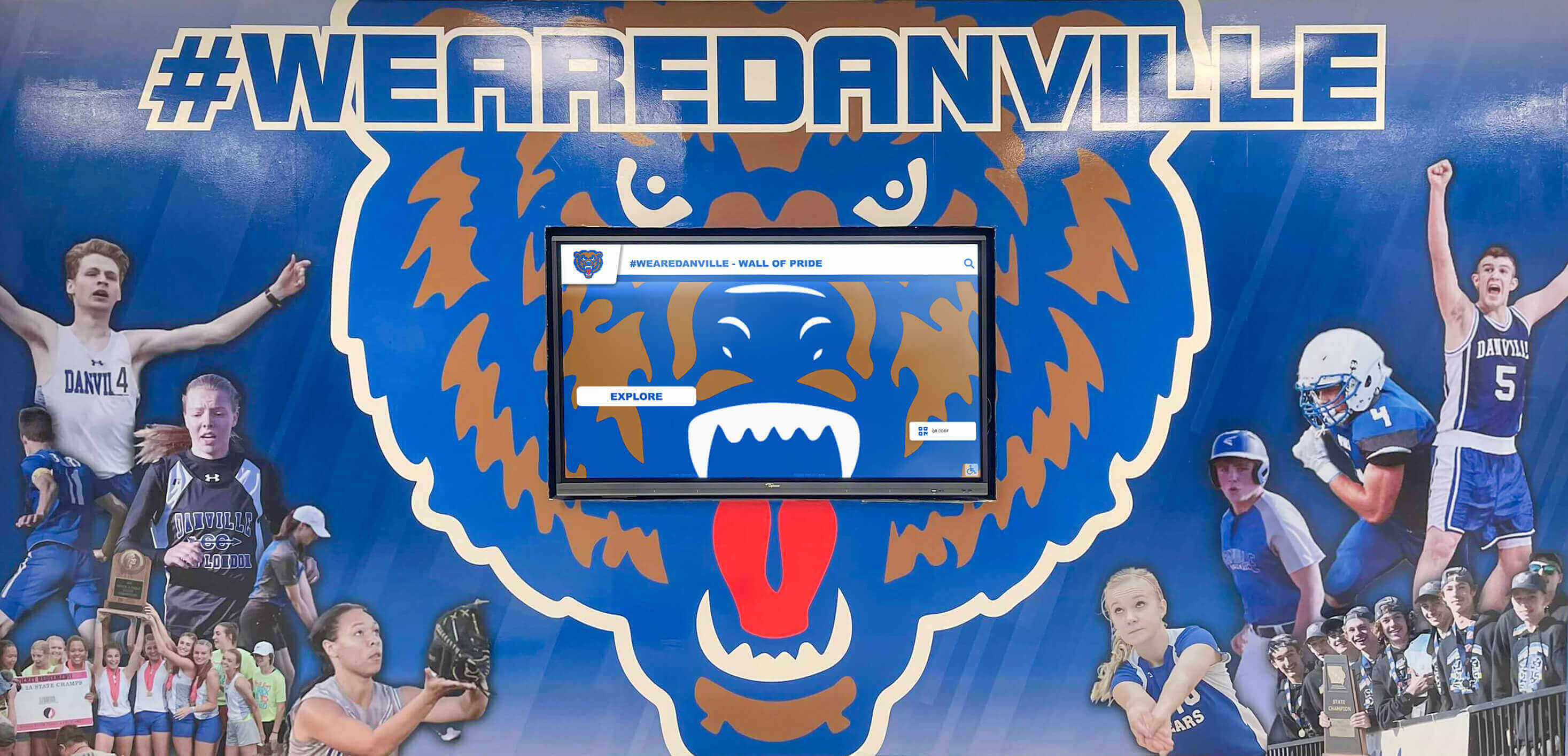
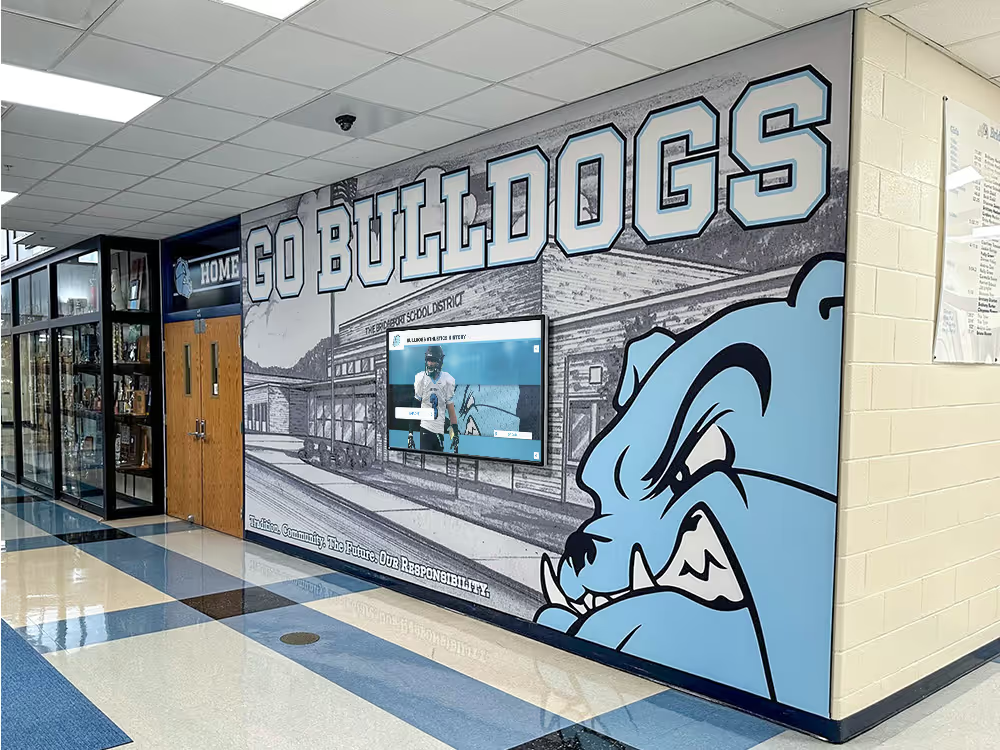
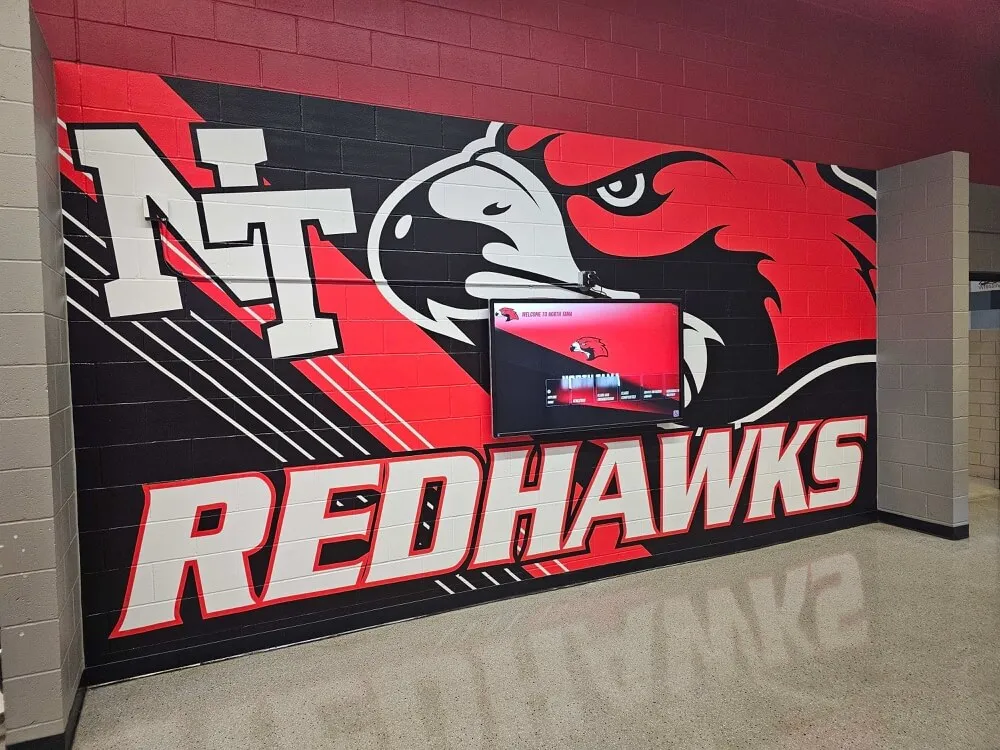
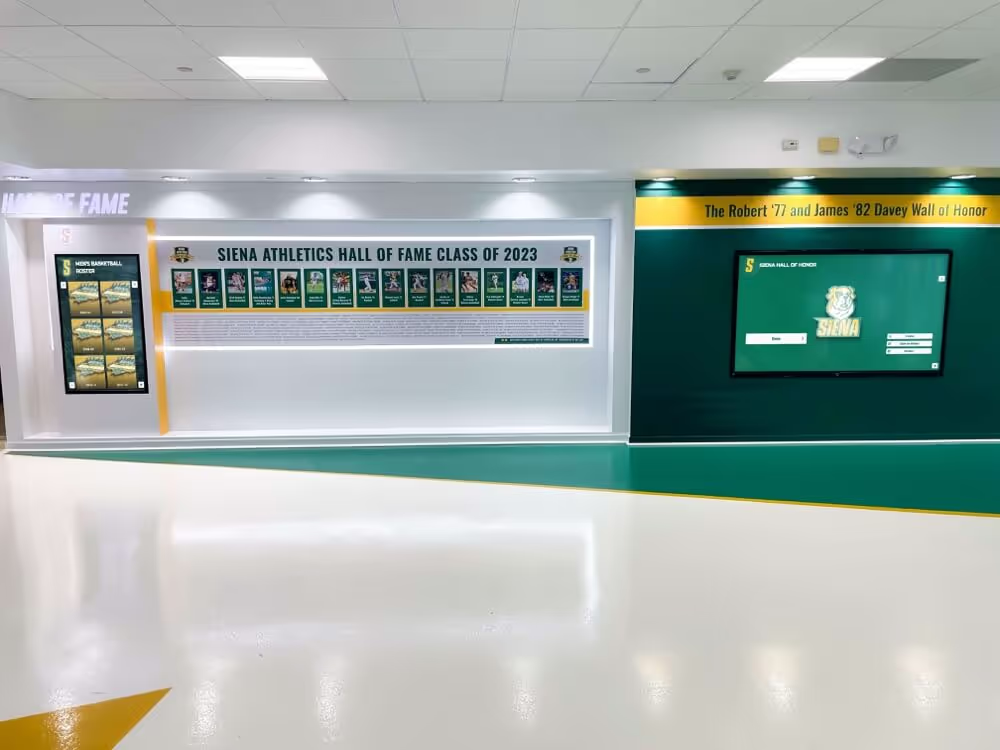
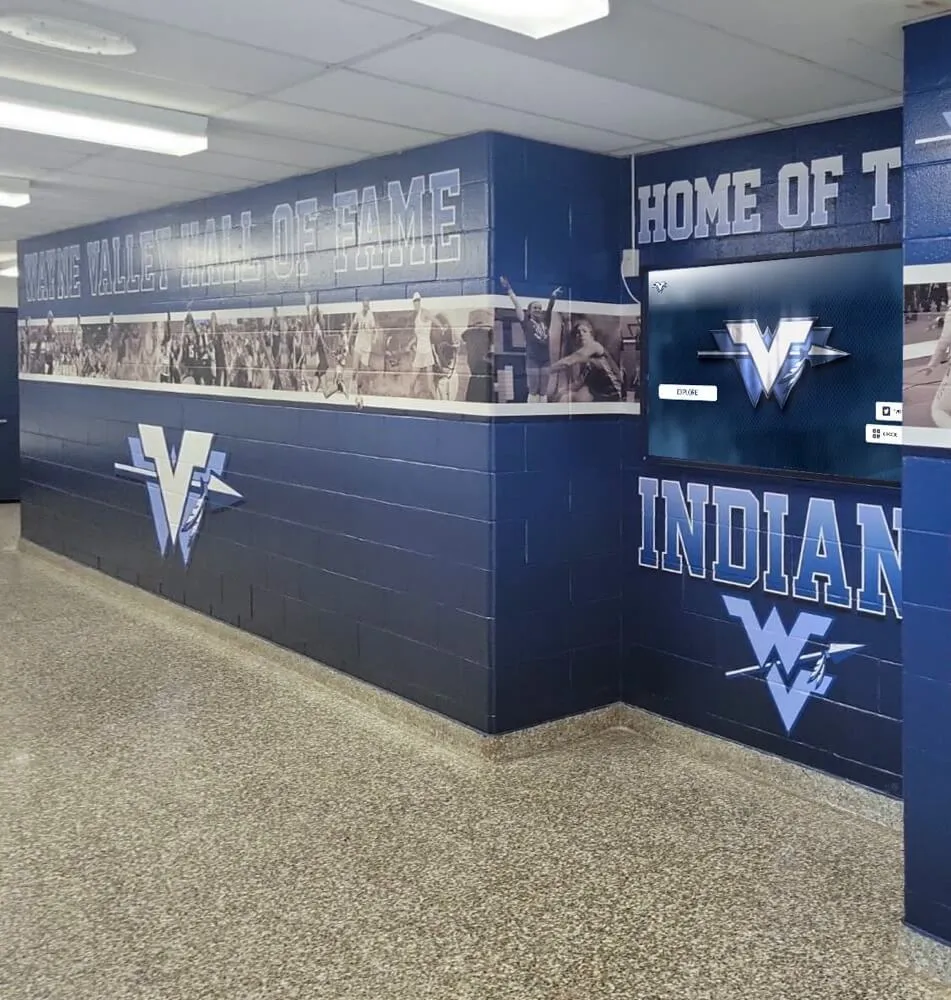
Athletic hallways that pair branded murals with active digital screens can display schedules, records, and athlete recognition in the same visual environment
Cafeteria
The cafeteria is one of the highest-dwell-time locations in any school building. Students sit there for 20-30 minutes at a stretch, which makes it an opportunity for richer or rotating content that wouldn’t work in a 5-second passing glance in a hallway.
High-performing cafeteria content:
- Today’s menu (and the rest of the week)
- Nutritional information and allergen notices
- Club and organization announcements
- Upcoming event calendar
- Student recognition and shoutouts
- Spirit week themes and participation reminders
The cafeteria is also where full-motion video works — something that’s less appropriate in a hallway where it can distract students trying to get to class.
Main Office and Administrative Areas
Office-area screens serve visitors, parents, and staff members who are waiting. Content here should be informative and calm in tone — not flashy or distracting.
High-performing office content:
- School mission and values
- Staff directory
- Office hours and contact information
- Board meeting dates and agendas
- Community information and partner organizations
- Recognition content (honor roll, employee anniversaries)
School kiosk and touchscreen systems for campus navigation work particularly well in office waiting areas, where visitors benefit most from self-service information access.
Library and Media Center
Libraries benefit from content that supports learning rather than competing with it. Passive displays in quiet zones should cycle slowly and avoid high-contrast animations.
High-performing library content:
- New book arrivals and featured titles
- Database access instructions
- Research support hours
- Academic competition announcements
- Study session schedules
- Quiet reading hour reminders
Content Strategy for School Digital Signage
Having screens in the right places only works if those screens display content people actually find useful. The most common failure mode in school digital signage programs is content that goes stale — slides from September still rotating in April, or a sports schedule that hasn’t been updated since last season.
Building a Sustainable Update Workflow
The schools that maintain fresh content consistently are those that distribute content ownership rather than concentrating it. One person cannot stay on top of content for eight screens across multiple locations and multiple departments. A functional model distributes publishing rights by department:
- Athletic director publishes sports schedules and athletic recognition
- Main office publishes announcements and calendar events
- Library publishes academic resources
- Yearbook or communications staff curates hall of fame and student recognition content
Most enterprise digital signage platforms support role-based permissions that make this distribution possible. Rocket Alumni Solutions builds on this with content templates — department staff can update their assigned sections without needing design skills, because the platform handles formatting automatically.
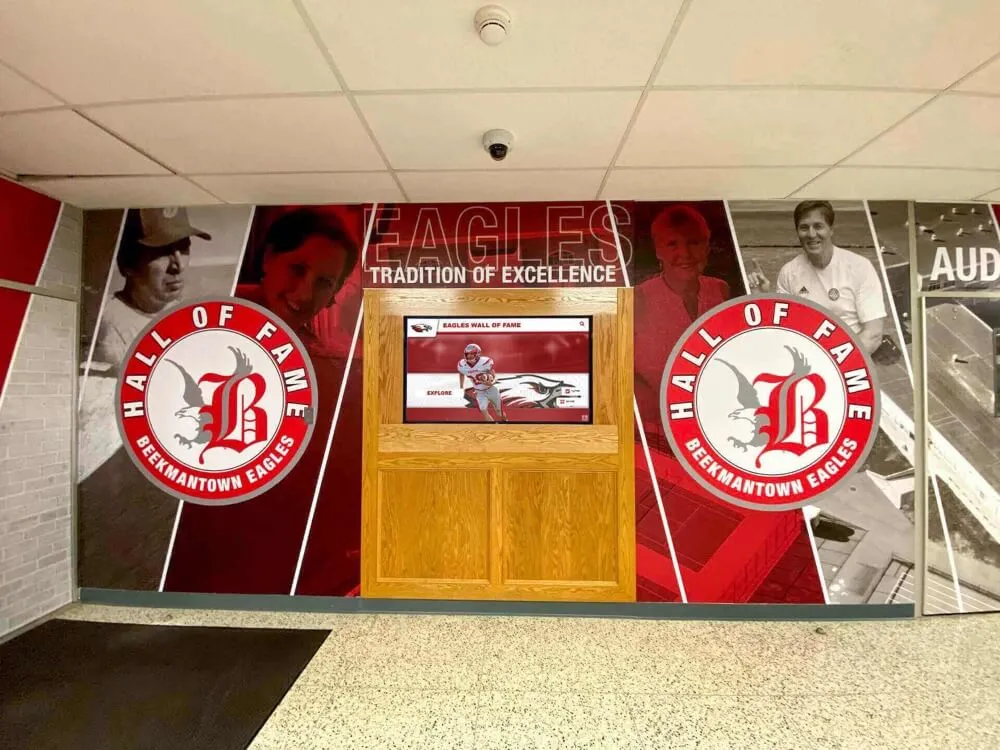
Lobby digital signage for schools requires a clear content ownership model to stay relevant — lobbies with stale content send a different message than the one most schools intend.
Content Types That Perform Best
Not all content performs equally on digital screens. These formats consistently draw attention and remain relevant over time:
Countdowns and timers. Countdown to homecoming, days until spring sports start, time until end of the school year — these update automatically and stay current without staff effort.
Rotating recognition spotlights. Rather than a static honor roll posted once per semester, a digital platform can spotlight a different student each day from the same list. Each student gets a moment of recognition; content stays fresh.
Live data integrations. Some platforms integrate directly with student information systems or athletic databases to pull live data — current standings, GPA thresholds for honor roll, or today’s bell schedule — eliminating manual entry.
Event countdowns paired with schedule context. “Next game: Friday vs. Jefferson, 7pm” is more useful than a raw calendar. Content that synthesizes information into a clear answer gets read; raw schedules get ignored.
Avoiding Content Debt
Content debt accumulates when content is added without a plan for removing or updating it. A screen that shows expired events erodes trust — viewers stop reading because they’ve learned the content can’t be trusted.
Basic hygiene to prevent content debt:
- Set expiration dates on all time-sensitive slides at creation
- Assign content review responsibilities by quarter
- Use evergreen content (hall of fame, mission statement, values) as default filler between current content
- Audit screen content at the start of each semester
Connecting Digital Signage to School Culture
The schools where digital signage has the most impact are those that use it as a reflection of school culture rather than just an announcement tool. Recognition content is particularly effective here — when students see their peers and predecessors celebrated on screens throughout the building, the displays become part of the culture rather than infrastructure in the background.
How interactive displays transform school communication covers the difference between passive signage deployments and active engagement strategies that connect digital content to school identity.
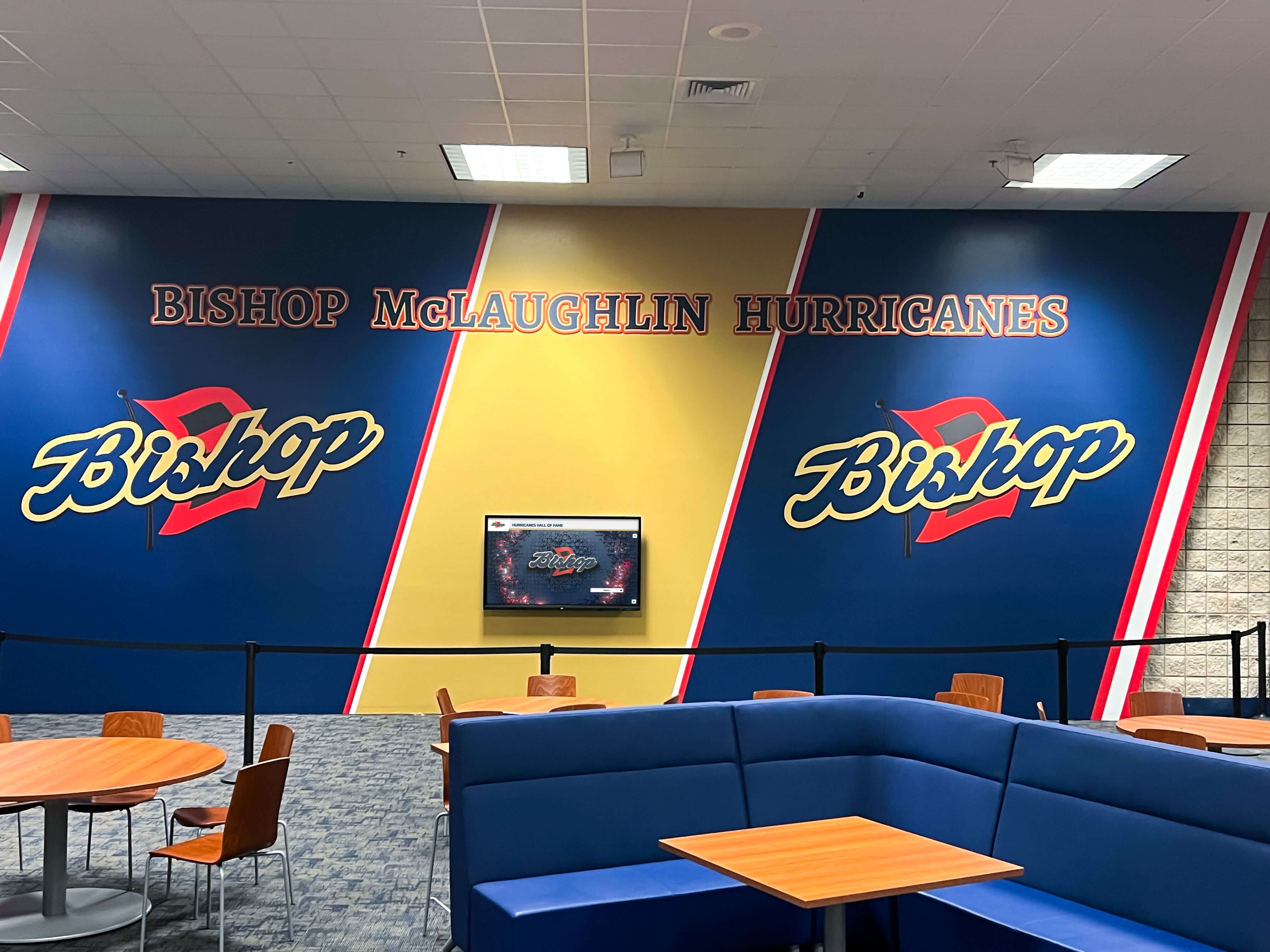
Cafeteria and common area signage benefits from content that serves students during dwell time — menus, recognition, upcoming events, and school culture content all work well in this setting
Pricing: What Schools Actually Pay for Digital Signage
Digital signage pricing varies more than almost any other school technology category. Understanding the pricing model before committing is essential — the sticker price on a platform often looks very different from the total annual cost once hardware requirements, per-screen fees, support contracts, and setup fees are added up.
Common Pricing Structures
Per-screen licensing. Many platforms charge a monthly or annual fee for each active screen. This model works reasonably when a school runs two or three screens, but scales poorly for districts or larger schools with signage in every hallway and facility. A school running 20 screens at $15/screen/month pays $3,600 per year in software alone — before hardware.
Per-player licensing. Some platforms distinguish between the software license (the player software installed on each device) and the content management subscription. Both may carry separate fees.
Enterprise flat-rate. Some vendors offer flat-rate pricing for unlimited screens above a certain threshold — often bundled with support, training, and content services — but these plans typically start at thousands of dollars per year and are designed for districts, not individual schools.
Hardware bundling. Vendors sometimes bundle player hardware (small form-factor computers or media players) with software at a discounted rate, which simplifies procurement but locks schools into that vendor’s hardware ecosystem.
What Rocket Alumni Solutions Charges
Rocket Alumni Solutions offers digital signage for schools at $50 per year for unlimited screens. That flat rate covers:
- Unlimited digital signage displays across the campus
- MDM device management included in the platform
- Recognition and hall of fame content tools
- Content management with scheduling and zone layout support
- Feature parity with the major digital signage platforms in categories like content scheduling, remote management, and multi-zone display
For a school with 10 screens, that’s $5/screen/year. For a school with 30 screens, it’s under $2/screen/year. At that price point, the software cost becomes a rounding error in the overall signage budget — which is primarily hardware and installation.
This pricing model is particularly relevant for schools that have been told they need to choose between a basic, low-feature platform or an expensive enterprise solution. Rocket Alumni Solutions positions itself as the option with full feature depth at the price point that fits a school athletics budget.
Why Rocket compares favorably to general digital signage platforms covers how purpose-built school signage software differs from retrofitted commercial platforms.
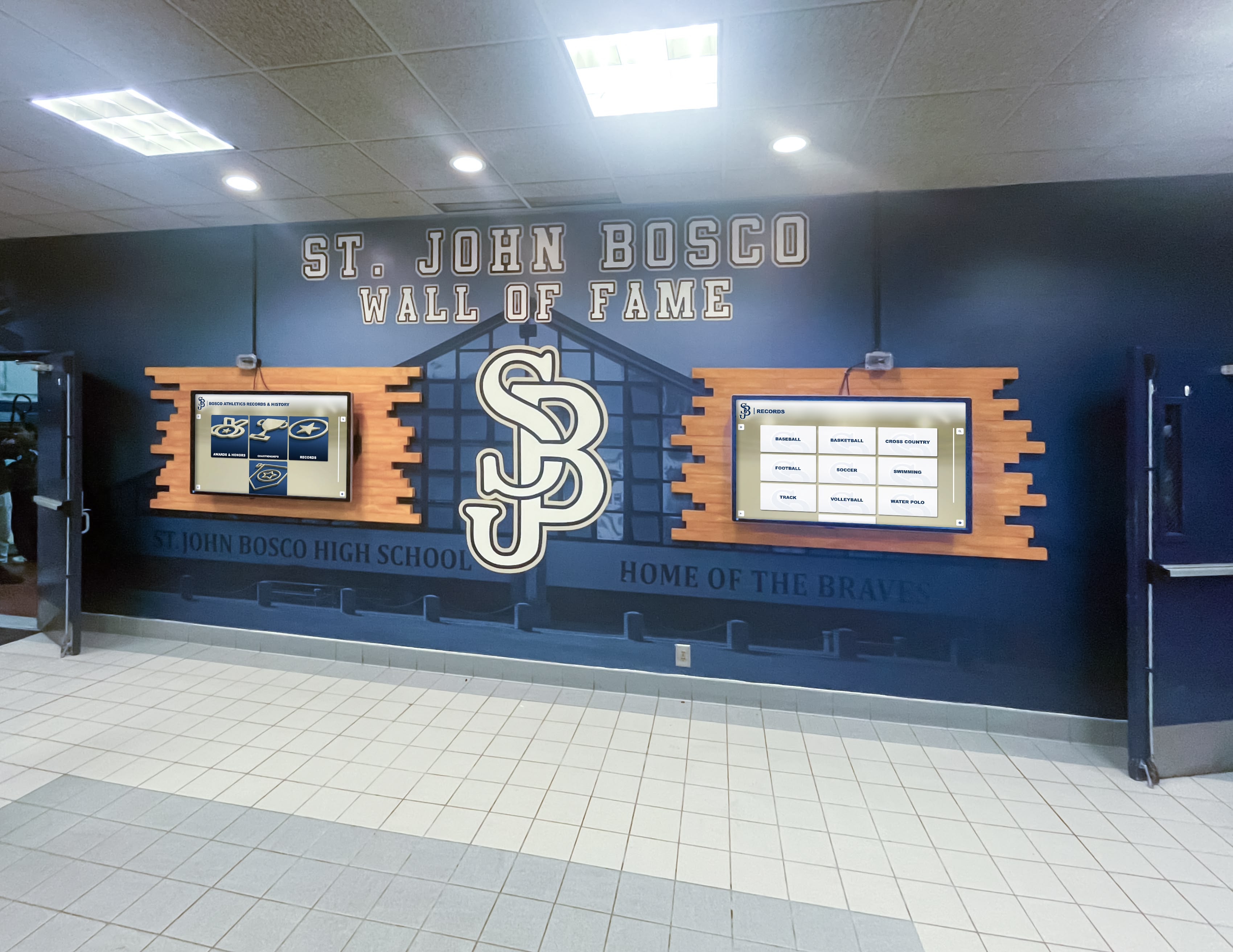
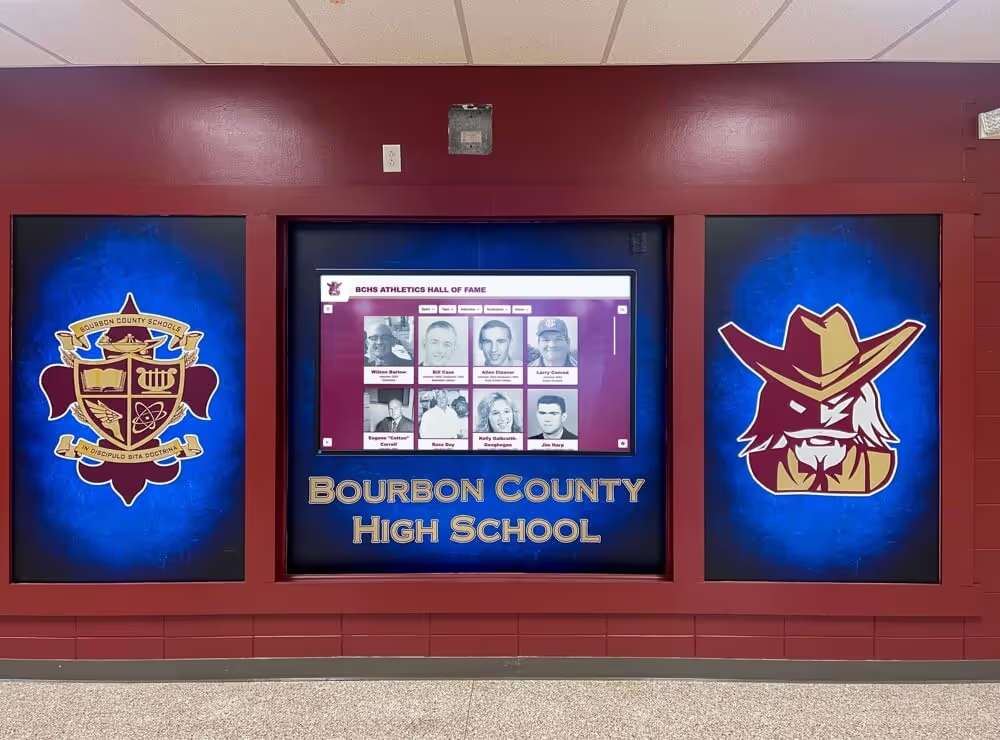
Schools frequently deploy multiple screens in key hallways — pricing models that charge per screen become significant costs as deployments expand beyond a few displays
Hardware Considerations for School Digital Signage
Software pricing is only part of the equation. Hardware — the screens themselves and the computing devices that drive them — is usually the larger budget line.
Display Hardware Options
Commercial displays vs. consumer TVs. Commercial displays (rated for 16/7 or 24/7 operation) carry a significant price premium over consumer TVs, but they’re engineered for continuous use and typically include better warranty coverage for installation environments. Consumer TVs can work in lower-use settings, but may not hold up to 12-hour daily operation over multiple years.
Brightness and viewing angle. Lobby and hallway screens may face direct sunlight from windows or doors. Displays rated at 400-500 nits or higher perform better in high-ambient-light environments than standard 250-nit screens.
Mounting options. Wall-mount, ceiling-mount, pedestal, and recessed configurations each have different structural and electrical requirements. Wall-mounted screens in historic buildings or concrete-block construction require more installation planning than a simple drywall mount.
Player Devices
The player is the computer that connects to the screen and runs the signage software. Options include:
- Dedicated media players (small form-factor devices designed for signage use)
- Mini PCs running full Windows or Linux operating systems
- Smart TV platforms (some signage software runs directly on the TV’s operating system without a separate player)
- Single-board computers (Raspberry Pi and similar devices, often used in lower-budget deployments)
MDM compatibility varies significantly by player type. Mini PCs running Windows enroll in Intune or similar tools easily. Smart TV platforms may require proprietary management tools. Choosing player hardware that matches your existing MDM infrastructure saves IT staff significant time during deployment and over the system’s lifetime.
A digital signage buyer’s guide for schools in 2026 covers hardware selection criteria in detail for K-12 environments.
Connectivity and Network Requirements
Digital signage requires reliable internet connectivity to receive content updates and report device status. The connectivity requirements vary by platform but generally include:
Outbound HTTPS (port 443). Most cloud-based platforms communicate over standard HTTPS. This is usually already open on school networks.
Content delivery network access. Platforms that host content on CDNs (for faster delivery of images and video) may require whitelisting specific domains. Get a list of required domains from any vendor before committing.
Local caching. Well-designed platforms cache content locally on the player device so screens continue operating during network outages or slow periods. Without local caching, a network interruption causes screens to go blank.
Bandwidth estimation. Video content is bandwidth-intensive. A school network running 20 screens that each refresh video content frequently may generate meaningful additional network load during content update windows. Most platforms allow scheduling update downloads during off-peak hours (overnight) to avoid competing with instructional traffic.
Design and content best practices for digital lobby signage includes recommendations on content format selection to minimize bandwidth consumption while maintaining visual quality.
Implementation: Getting from Purchase to Active Displays
The gap between signing a software contract and having content live on screens is where many school signage projects stall. A realistic implementation plan addresses hardware procurement, physical installation, software configuration, content development, and staff training — in roughly that order.
Phase 1: Planning and Procurement (4-8 weeks)
- Identify screen locations with facilities and IT
- Confirm power and network availability at each location
- Select display hardware and player devices
- Confirm MDM compatibility with IT department
- Establish content ownership by department
- Draft initial content for each screen location
Phase 2: Physical Installation (1-4 weeks)
- Mount displays and run cabling
- Install player devices and connect to network
- Enroll players in MDM
- Verify network connectivity at each location
- Test display output and resolution
Phase 3: Software Configuration and Content Launch (2-4 weeks)
- Configure content management platform accounts and roles
- Build initial content playlists and schedule rotations
- Train department content owners on the publishing workflow
- Soft-launch with initial content
- Gather feedback from staff and iterate
Phase 4: Ongoing Operations
- Quarterly content audits to remove outdated slides
- Annual review of screen placement and content strategy
- MDM maintenance and software updates
- Expansion planning as program matures
Building school pride through recognition displays covers how schools sustain engagement with recognition content over multiple years of signage operation.
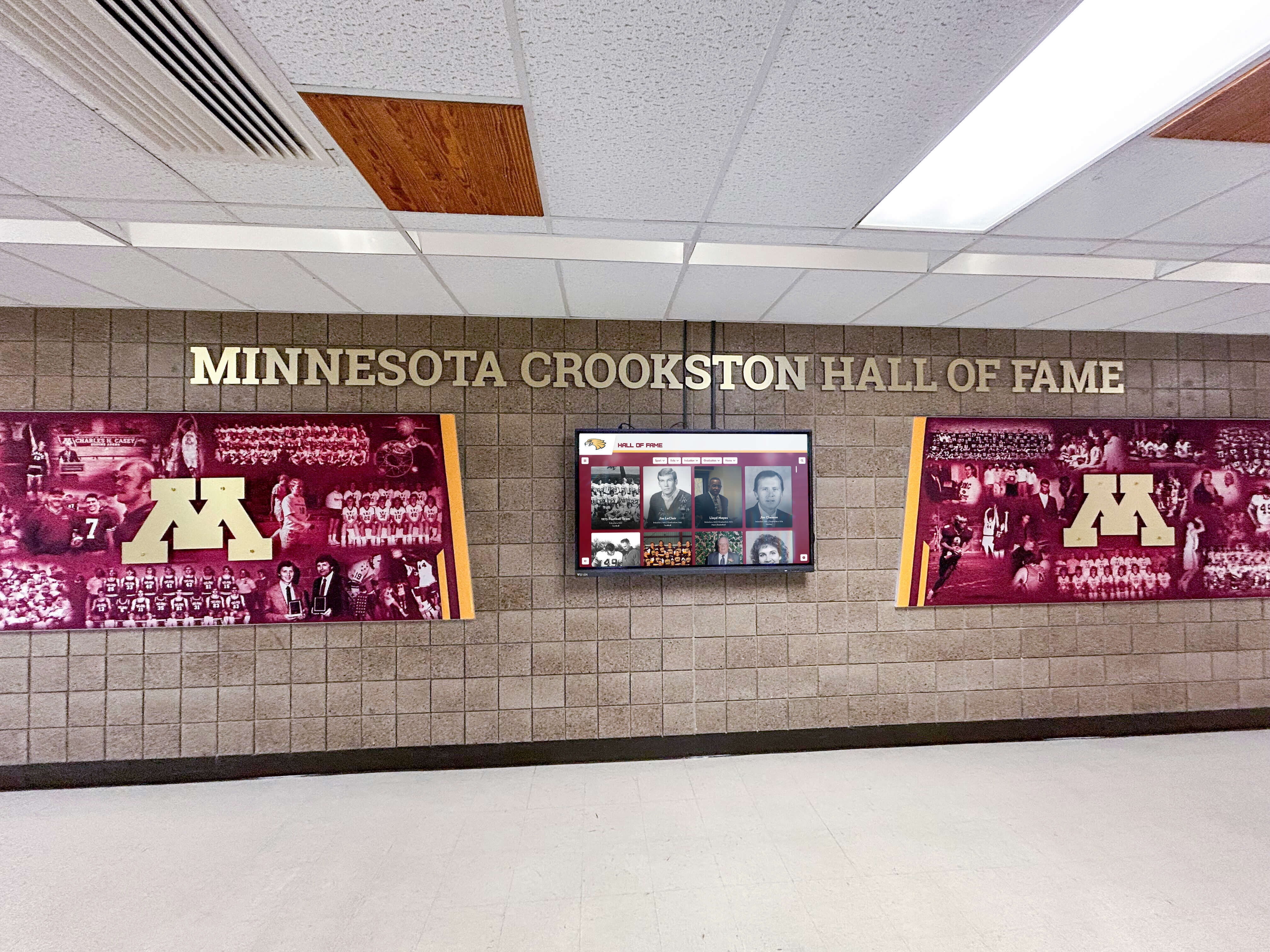
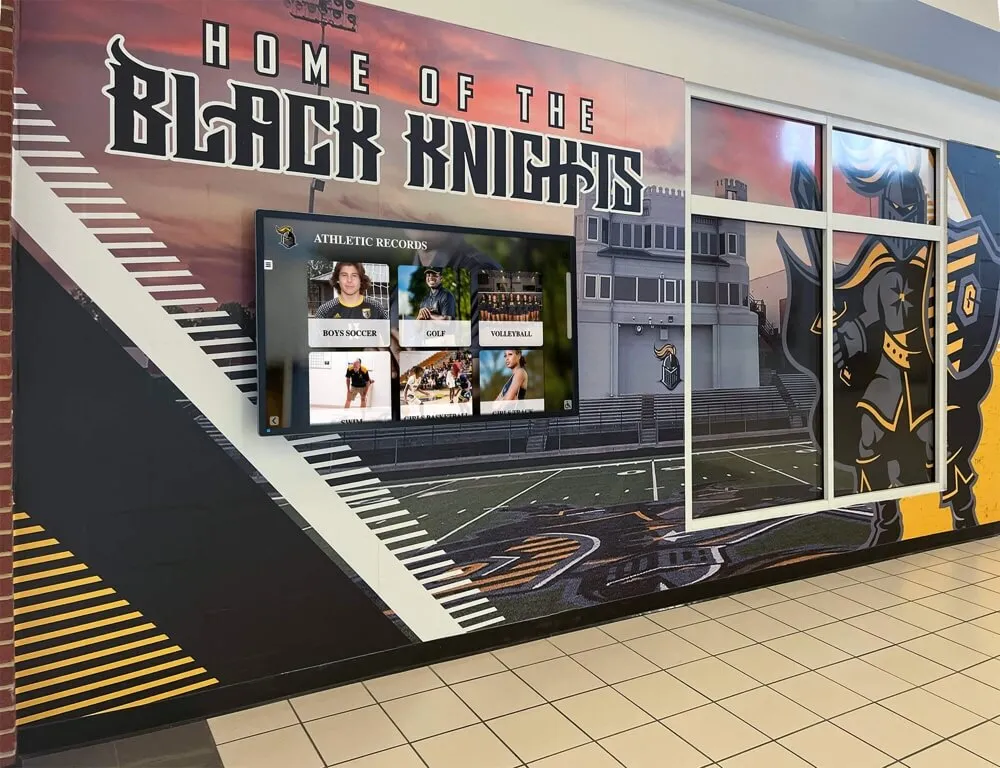
Well-planned installations integrate digital screens into the existing visual environment rather than treating them as afterthoughts — a distinction that affects both aesthetics and long-term content engagement
How Rocket Alumni Solutions Differs from General Signage Platforms
Most commercial digital signage platforms were built for retail, hospitality, or corporate environments and then adapted for education. Rocket Alumni Solutions was built with school recognition and communication as the starting point.
The practical differences show up in several areas:
Recognition content is native. Where general platforms require staff to design individual slides for each honored student or athlete, Rocket treats recognition as structured content — enter data once and the platform formats it correctly for display automatically. This makes it practical to maintain living hall of fame entries, honor roll displays, and athlete profiles at scale without disproportionate staff time.
Pricing designed for school budgets. At $50 per year for unlimited screens, Rocket’s pricing model doesn’t penalize schools for expanding their signage programs. A school that starts with two lobby screens and grows to fifteen hallway displays throughout the building pays the same annual fee.
MDM included, not add-on. Device management is built into the platform rather than offered as an upgrade. For schools already running district MDM, this means signage devices can enroll in the same management infrastructure rather than requiring a separate tool or vendor relationship.
Feature depth without enterprise pricing. Rocket’s platform delivers the content scheduling, multi-zone layouts, remote management, analytics, and display controls that comparable enterprise platforms offer — at a price point that fits a single-school athletic or communications budget.
How Rocket Alumni Solutions compares to general digital signage platforms examines the specific feature and pricing distinctions in detail.
Common Questions Schools Ask Before Deploying Digital Signage
How many screens does a typical school need? There’s no universal answer, but a common starting point is one screen per major traffic zone: main lobby, gym hallway, cafeteria, and main office. That’s four screens for most K-12 buildings. Schools with athletic complexes, performing arts wings, or multiple entry points typically expand from there.
What happens if the internet goes down? Platforms with local content caching continue displaying the last-downloaded content during outages. If your school has unreliable connectivity, ask vendors specifically about offline operation before purchasing.
Can student staff manage content? Yes, in most platforms. Yearbook students, student government members, or communications class students can serve as content creators with appropriate permission levels — a good way to give students real-world media production experience.
How long do digital displays last? Commercial displays rated for continuous operation typically carry 3-5 year warranties and last longer with reasonable use. Consumer TV panels used as signage displays may not hold up as well under continuous operation. Plan hardware refresh cycles into your long-term budget.
Does digital signage replace the PA system? Not typically. Digital signage complements the PA system — visual content for non-urgent information, PA for immediate announcements and emergencies. Some schools run digital displays as a primary channel for non-emergency communication, reserving PA for time-critical announcements.
Summary: Key Decisions Before You Buy
Digital signage for schools comes down to four decisions that affect everything downstream:
Platform selection: Purpose-built for education vs. adapted commercial platform. Feature depth, content workflow, and recognition tools differ significantly.
Pricing model: Per-screen licensing scales poorly. Flat-rate unlimited models fit schools planning to expand.
MDM strategy: Confirm device management compatibility with your IT department before purchasing. Enrolling signage devices in district MDM is far easier to plan before deployment than to retrofit after.
Content strategy: Identify who owns content for each screen location before launch. Signage without a clear content workflow goes stale quickly.
For schools evaluating their options, solutions like Rocket Alumni Solutions offer a practical combination: full-featured digital signage software with MDM device management, recognition content tools, and unlimited screens — all at $50 per year. That combination addresses the cost and feature trade-off that many schools find frustrating about the broader signage market.
Explore the Rocket Alumni Solutions platform to see how the pricing, features, and recognition tools apply to your school’s specific signage goals — or talk to our team to walk through a deployment plan for your campus.