School history, shared
Athletic Archive Video Field-Dominance Detection for Interlaced Game Footage

Athletic archive video field dominance detection is the process of identifying which interlaced video field — upper or lower — was recorded first, so that deinterlacing software can reconstruct full frames in the correct temporal order before footage is encoded and published to school recognition displays. When legacy game footage is deinterlaced with the wrong field order, every moving object — a sprinting athlete, a thrown ball, a goalkeeper diving — develops a characteristic saw-tooth fringe called combing, and motion becomes choppy and uneven in a way that makes even championship-quality footage look like a technical failure.
The problem is endemic to school athletic archives assembled over the broadcast era. Coaches and AV staff recorded VHS game tapes, MiniDV sideline footage, Hi8 interview sessions, and Betacam SP broadcast copies across three decades, each format encoding interlaced fields in its own order. When those tapes are digitized years later — often by volunteers or general IT staff unfamiliar with interlaced video — the capture software frequently applies a default field order that matches the digitizer’s assumptions rather than the source tape’s actual recording. The resulting file carries the wrong field-dominance tag, and every downstream export, social cut, and touchscreen display clip inherits that error permanently unless someone identifies and corrects it.
This guide explains what field dominance means, why getting it wrong destroys motion quality in archived game footage, how to detect the correct field order for any tape in your collection, and how corrected footage integrates cleanly with school athletic recognition programs.

Legacy game footage filmed on broadcast cameras uses interlaced encoding — detecting and matching the correct field order before deinterlacing is the critical first step before any clip enters a school recognition archive
What Interlaced Video and Field Dominance Actually Mean
Standard-definition broadcast video — NTSC in North America, PAL in Europe — was never designed to record and transmit complete frames all at once. Instead, each frame is split into two alternating sets of horizontal scan lines called fields. The first field contains the odd-numbered lines (1, 3, 5, 263, and so on) and the second field contains the even-numbered lines (2, 4, 6, 264, and so on). The two fields arrive 1/60th of a second apart in NTSC video, which means a 29.97 fps interlaced file actually contains 59.94 fields per second — nearly twice the temporal resolution of a progressive-scan file at the same frame rate.
Field dominance (also called field order) specifies which field was captured first in time:
- Upper field first (UFF) — the odd-numbered scan lines represent the earlier moment; this is the native order for Betacam SP, most Hi8, most S-VHS broadcast recordings, and PAL DV.
- Lower field first (LFF) — the even-numbered scan lines represent the earlier moment; this is the native order for NTSC MiniDV, DVCAM, and many DVCPRO recordings.
When both fields are combined into a single display frame, the two fields describe two distinct instants separated by 1/60th of a second. A player’s foot is in one position in the first field and a slightly different position in the second field. If the fields are assembled in the wrong order, the foot appears to move backward within the frame before moving forward again — and the display device, trying to interpolate or blend that impossible motion, produces the combing artifact that makes interlaced footage look degraded.
Why Field Dominance Matters More for Game Footage Than Studio Video
Athletic footage presents the worst-case scenario for field-order errors precisely because it contains the most motion. A school portrait session captured on an interlaced camera may show only marginal combing because subjects move slowly. A volleyball rally captured at the same setting shows extreme combing on every fast-moving element — the ball, the players’ hands, the net vibration — because every pixel that moved more than a few positions between the two fields will be rendered as a jagged double image.
For schools archiving decades of game footage to integrate with touchscreen athletic hall-of-fame displays, the visual impact of undetected field-order errors is immediate and difficult to explain to athletic directors who simply see blurry, unprofessional-looking video on a lobby screen that cost thousands of dollars to install.
Common Formats in School Athletic Archives and Their Field Orders
The following table summarizes the native field dominance for the video formats most commonly found in school athletic archives accumulated between the mid-1970s and the mid-2010s. These values represent correct encoding for properly functioning decks recording in their native mode; individual tapes may differ if they were dubbed from a format with a different field order.
| Format | Era | Region | Native Field Order | Notes |
|---|---|---|---|---|
| VHS / S-VHS (broadcast dub) | 1980–2005 | NTSC (USA) | Upper Field First | Native NTSC broadcast standard |
| VHS / S-VHS (consumer camcorder) | 1985–2005 | NTSC (USA) | Upper Field First | Matches broadcast UFF |
| Betacam SP | 1985–2010 | NTSC | Upper Field First | Professional broadcast standard |
| 3/4" U-matic | 1975–1995 | NTSC | Upper Field First | Legacy broadcast / ENG |
| Hi8 / Video8 | 1990–2005 | NTSC | Upper Field First | Consumer analog |
| MiniDV (NTSC) | 1996–2012 | NTSC | Lower Field First | DV codec encodes LFF in NTSC |
| DVCAM (NTSC) | 1998–2012 | NTSC | Lower Field First | Sony professional DV, same codec |
| DVCPRO 25 (NTSC) | 1995–2012 | NTSC | Lower Field First | Panasonic professional DV |
| DVD-Video recording | 2000–2015 | NTSC | Upper Field First | MPEG-2 standard specifies UFF |
| HDV 1080i (NTSC) | 2004–2012 | NTSC | Upper Field First | High-definition interlaced |
| PAL VHS / Betacam SP | 1980–2010 | PAL | Upper Field First | PAL broadcast standard |
| PAL MiniDV / DVCAM | 1996–2012 | PAL | Upper Field First | DV encodes UFF in PAL |
The single most important takeaway from this table: MiniDV, DVCAM, and DVCPRO footage shot in NTSC is Lower Field First, while almost every other analog format from the broadcast era is Upper Field First. An archive that holds both VHS dubs and MiniDV sideline recordings — extremely common in schools that transitioned their camera inventory in the early 2000s — will contain footage with opposite field orders in the same collection, and capture software that applies a single default setting to all files will get at least half of those tapes wrong.
How to Detect the Correct Field Dominance
Method 1: Read the Format Metadata
The fastest detection method for files that have already been captured is to query the container metadata using a command-line inspection tool. ffprobe, which ships with FFmpeg, reports the field order as stored in the file header:
ffprobe -v error -select_streams v:0 \
  -show_entries stream=field_order \
  -of default=noprint_wrappers=1 \
  input_file.mov
The output will be one of: tt (top/upper field first), bb (bottom/lower field first), tb (top coded first, bottom displayed first — rare), or unknown. MediaInfo provides the same information under Scan order in its video stream details panel.
A metadata-only check has one important limitation: it tells you what field order the capture software wrote into the file, not necessarily what field order the source tape used. If the capture was made with incorrect settings, the metadata will be wrong and you need Methods 2 or 3 to find the ground truth.
Method 2: Step-Frame Visual Inspection
This is the most reliable detection method and requires no specialized software beyond a video player or non-linear editor capable of displaying individual fields.
Step 1. Import the clip into a timeline in your editing application (DaVinci Resolve, Adobe Premiere Pro, Final Cut Pro, or VirtualDub all support this workflow).
Step 2. Find a segment showing fast lateral motion — a player sprinting across the frame, a ball in flight, or a goalkeeper diving. Avoid slow-moving or stationary scenes; the artifact is invisible on static content.
Step 3. Step forward one field at a time using the application’s field-display mode, or export a single frame from a high-motion moment and zoom into a moving edge.
Step 4. Look at the leading edge of any fast-moving object. If the field order is correct, the leading edge of motion will appear clean on the temporally earlier field and slightly behind on the later field — consistent with progressive motion through space. If the field order is wrong, the two fields will show the object in reversed temporal positions, producing a comb-like fringe where alternating scan lines represent motion in opposite directions simultaneously.
Step 5. Apply a deinterlace filter set to the opposite field order and repeat the inspection. The configuration that produces clean edges on moving objects is the correct field dominance for that clip.
Method 3: Apply Both Settings and Compare Exports
For the most definitive test — and the best evidence to document in your archive — export a 5-second clip from a high-motion scene twice: once deinterlaced as Upper Field First, once as Lower Field First. View both exports on the display system where the content will ultimately appear. The export that shows smooth, comb-free motion on fast-moving subjects is the correct setting.
This method requires no expertise in reading waveforms or interpreting field displays, which makes it practical for school IT staff who manage the archive without a dedicated AV background. It also produces an asset you can keep as a documented reference file alongside the corrected master.
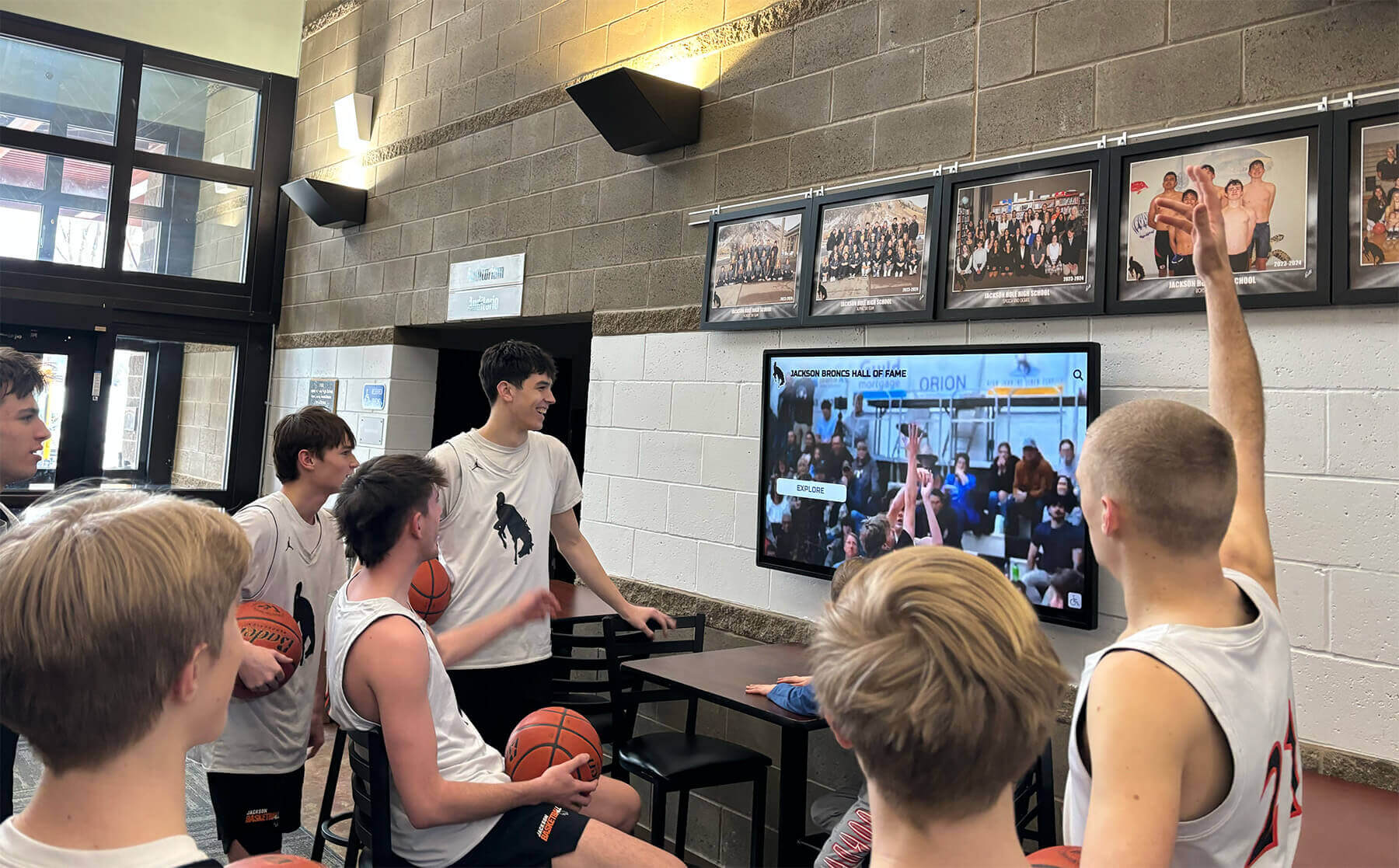
When field dominance is detected and corrected before archiving, game highlights play with the smooth, broadcast-quality motion that athletes and families expect on school lobby displays
A Scannable Field-Dominance Detection Workflow for School Archives
Use this checklist when processing any interlaced tape-sourced file before it enters your permanent archive or recognition display system.
Before you begin
- Confirm the source format (VHS, MiniDV, Betacam SP, etc.) using your intake log
- Cross-reference the format table above to identify the expected native field order
- Note the capture software and settings used, if the tape was captured by a third party
Metadata check
- Run
ffprobeor open the file in MediaInfo; record the reported field order - Compare the reported field order to the expected native order for this format
- Flag any mismatch for visual confirmation — metadata errors are common when consumer capture devices are used
Visual inspection
- Locate a 5–10 second high-motion segment in the clip
- Display the segment field-by-field in your editing application or export a single frame from peak motion
- Look for combing artifacts on fast-moving objects (saw-tooth edges on player limbs, ball trajectories, or rapidly panning backgrounds)
- If combing is present, apply the opposite field order in your deinterlace filter and re-inspect
Export test (when visual inspection is inconclusive)
- Export a 5-second test clip using Upper Field First deinterlacing
- Export the same 5-second clip using Lower Field First deinterlacing
- View both exports on the target display device (lobby screen, kiosk monitor, or desktop)
- Select the export showing clean motion with no combing as the correct setting
Documentation
- Record the confirmed field order in your archive database alongside tape ID, format, and capture date
- Tag the digital master file with correct field-order metadata using ffmpeg’s
setfieldfilter if the embedded metadata was incorrect - Note any clips that required correction versus clips where the original capture was accurate
Consistent documentation means that every staff member or future contractor working with your archive can see the confirmed field order without re-running the inspection — an important safeguard when archives span multiple decades and dozens of formats, similar to how a recognition display color fringing test documents display calibration state so that the next technician starts from a verified baseline rather than guessing.
Correcting Field-Order Errors in Existing Archive Files
When inspection reveals that a captured file was tagged with the wrong field order, correction is a lossless metadata operation — the video data itself does not need to be re-encoded. FFmpeg provides the setfield filter specifically for this purpose:
ffmpeg -i input_wrong_field_order.mov \
  -vf setfield=tff \
  -c:v copy -c:a copy \
  output_corrected.mov
Use setfield=tff for Upper Field First or setfield=bff for Lower Field First. Because -c:v copy is specified, the video stream is passed through without re-encoding, preserving original quality. The operation changes only the flag in the container that downstream decoders use to interpret field order.
If you need to simultaneously re-encode for a target delivery format — for example, converting to H.264 for a touchscreen display system — combine the setfield filter with the deinterlace filter in the same FFmpeg pass:
ffmpeg -i input_wrong_field_order.mov \
  -vf setfield=tff,yadif=mode=1:parity=tff \
  -c:v libx264 -crf 18 -c:a aac \
  output_display_ready.mp4
The yadif filter deinterlaces the corrected field order using motion-adaptive interpolation, producing a progressive output suitable for any modern display device. Processing in a single pass avoids generation loss from intermediate encodes.
For schools working with Adobe Premiere Pro or DaVinci Resolve, field order correction is applied in the clip’s Interpret Footage dialog (Premiere) or Timeline Properties (Resolve) before any export. Both applications allow you to override the embedded field-order metadata on a per-clip basis without modifying the source file, which preserves the original capture while delivering corrected output to the timeline.
Ready to Display Your Athletic Archives With Confidence?
Rocket Alumni Solutions builds interactive touchscreen recognition systems that showcase your school's athletic history — including video highlights from your archive. Our team helps schools prepare legacy footage for modern display systems so every championship moment looks as sharp as the day it was recorded.
See a Live Archive Display DemoField Dominance Detection for Mixed-Format Collections
The most challenging scenario in school athletic archives is the mixed-format collection — a common situation in schools whose video program spanned the analog-to-digital transition of the late 1990s and early 2000s. A single football season from 2001 might contain:
- VHS broadcast dubs from the local cable access channel (Upper Field First)
- MiniDV sideline footage shot by the coaching staff (Lower Field First)
- S-VHS copies of game film from a competing school (Upper Field First)
- Early DVD recordings from a parent volunteer (Upper Field First, but often re-encoded from a different source)
When all four types land in the same capture project and the operator applies a single field-order setting, the MiniDV clips will be captured incorrectly even if every analog tape is processed correctly — or vice versa. The only reliable defense is to run the detection workflow on a representative sample of each tape before batching an entire season together, documenting the field order for each format type so the batch can be split into separate capture passes with appropriate settings.
For collections large enough to warrant a dedicated digitization project, consider processing by format rather than by season. All VHS tapes in one capture session with Upper Field First settings; all MiniDV tapes in a separate session with Lower Field First settings. This approach eliminates per-clip field-order decisions during capture and reduces the number of corrective passes needed after the fact.

Systematic format-by-format processing — with field dominance confirmed before each capture batch — produces a digital archive where every clip is correctly tagged and ready for recognition display integration
Integrating Corrected Footage with School Recognition Displays
Field-dominance correction is not the final step in preparing athletic archive footage for display. Once the correct field order is confirmed and any necessary metadata corrections are applied, the progressive-scan export needs to meet the technical specifications of the display system where it will play.
Frame rate normalization. NTSC interlaced footage runs at 29.97 fps after deinterlacing. Modern touchscreen kiosk systems typically accept 30 fps progressive video; the 0.03 fps difference is handled transparently by most delivery encoders. If your display system requires a specific frame rate, use FFmpeg’s -r flag to set it during the delivery encode without altering playback speed.
Resolution scaling. Standard-definition footage digitized from VHS at 720×480 or 720×486 pixels will need to be upscaled for any HD or 4K display panel. Use a high-quality scaling filter (lanczos in FFmpeg, or the equivalent in your NLE) and encode at the display’s native resolution. Avoid letterboxing if the display system applies its own aspect-ratio correction; deliver the video at the native 4:3 aspect ratio and let the kiosk software handle presentation layout.
Container and codec. Most school touchscreen recognition kiosk systems accept H.264 or H.265 video in an MP4 container. H.264 at a constant rate factor of 18–22 produces visually lossless quality from standard-definition source material at manageable file sizes. Avoid highly compressed presets when the source material has already been through one analog digitization stage; the archive copy should use a conservative CRF value even if display clips are re-compressed at higher CRF for streaming or web delivery.
Audio normalization. Legacy game broadcasts frequently have inconsistent audio levels — a quiet interview segment followed by a loud crowd sequence from a different tape. Normalize audio to –14 LUFS integrated loudness before delivery to prevent jarring level jumps in a kiosk display environment where visitors control volume through a touchscreen interface. The loudnorm filter in FFmpeg handles this in a single pass.
Coaches and athletic directors evaluating digital hall-of-fame touchscreen systems frequently ask whether old game footage will “look good” on a new display. The honest answer is that correctly processed footage — with field order confirmed, deinterlacing applied, and delivery encoding optimized — looks significantly better than expected on modern HD panels, often matching or exceeding the quality of the original broadcast playback from a consumer VHS deck. Incorrectly processed footage looks worse than expected, which is why field-dominance detection belongs at the beginning of every archive digitization project rather than as an afterthought during the display integration phase.
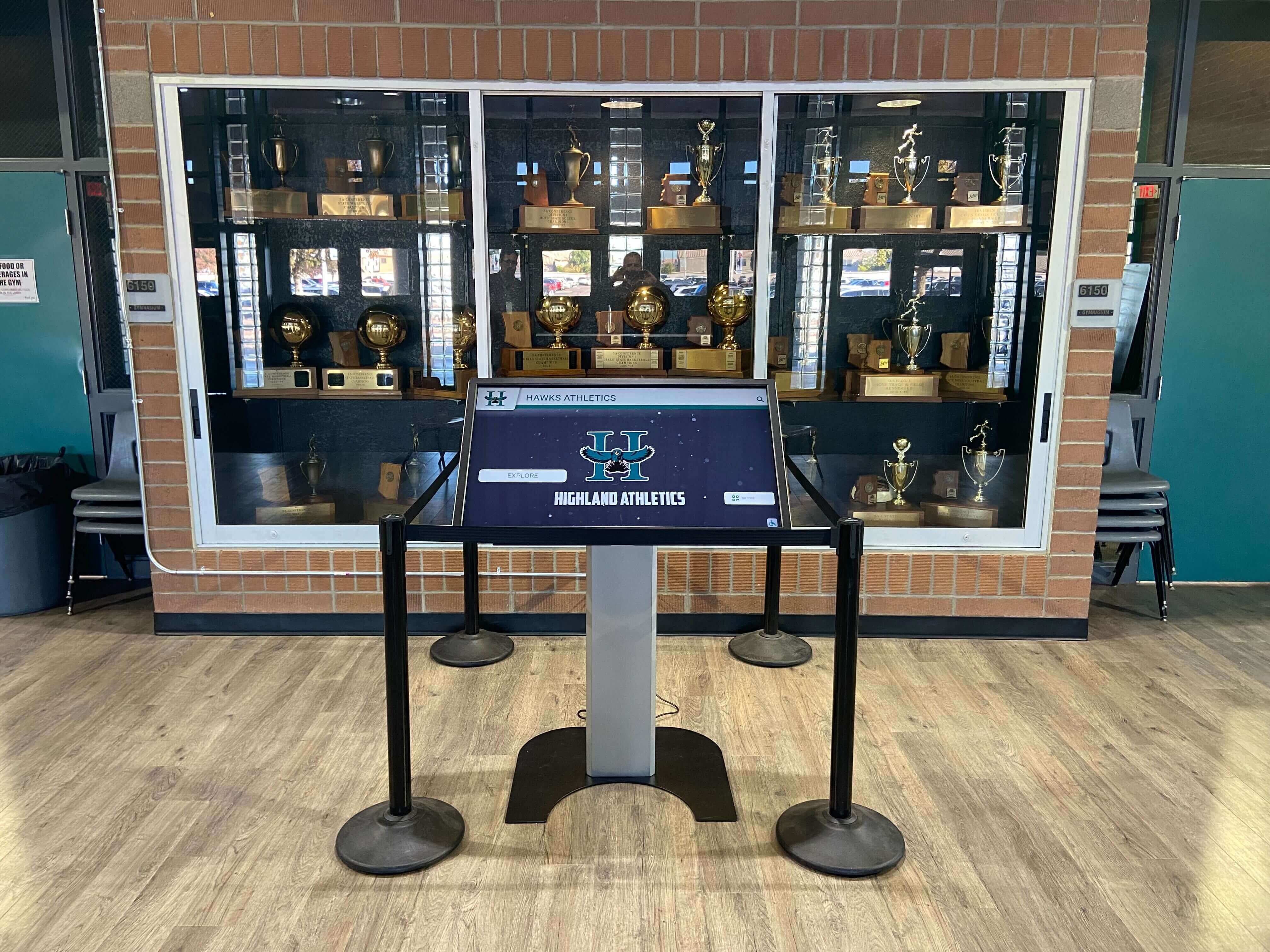
Touchscreen kiosks integrated into athletic trophy cases provide the ideal display environment for correctly processed game video — field-dominance errors are immediately visible to visitors on high-resolution screens in quiet lobby settings
Preventing Field-Dominance Errors in Future Digitization Projects
The most efficient way to manage field-dominance detection in large archive projects is to establish default capture settings by format and enforce them through documented procedures rather than relying on individual operators to make correct per-tape decisions.
Create a Format Reference Card
Document the confirmed field order for each format type in your collection as a laminated reference card posted at the digitization station. Include:
- Format name and tape type
- Expected native field order
- Correct capture software setting
- Any known exceptions (e.g., “MiniDV shot by Coach Williams on the Sony VX2000 is Lower Field First; MiniDV from the school’s Canon GL2 has been confirmed Upper Field First — verify any new Canon MiniDV tapes before assuming”)
Configure Capture Software Profiles by Format
Most professional capture applications support preset profiles. Create separate profiles named by format — “VHS-NTSC-UFF,” “MiniDV-NTSC-LFF,” “Betacam-SP-UFF” — with the field order and other format-specific settings pre-configured. Operators select the correct profile from a menu rather than entering settings manually, eliminating the most common source of field-order errors.
Run a QC Sample Before Each Batch
Before committing to a full-day digitization session on a particular format, capture a 60-second test segment from the first tape, run the visual inspection from this guide’s workflow, and confirm that the output shows correct motion. Document the test result. If the test reveals a field-order discrepancy, investigate the cause before capturing any additional material.
Maintain a Clip-Level Field-Order Log
Your archive database should include a field-order column for every clip alongside format, date, subject, and condition fields. This makes it possible to run a query that surfaces any clips tagged as “unconfirmed” or “pending correction” without reviewing every file in the collection manually — a meaningful efficiency in archives holding thousands of hours of footage from dozens of seasons.
Schools that treat field-dominance detection as a per-tape workflow step rather than an afterthought produce archives where every clip is correctly tagged, searchable, and display-ready — the foundation for recognition display programs that can pull game highlight clips on demand without requiring a technician to re-inspect footage before every use.

Arena and lobby athletic displays are viewed at close range on high-resolution screens — field-dominance errors that appear marginal on a small monitor become unmistakable on a 55-inch display panel in a quiet corridor
Field Dominance and Archival Video Standards
National archival standards for moving-image preservation align with the workflow described in this guide. The Federal Agencies Digital Guidelines Initiative (FADGI) and the Society of American Archivists both recommend documenting format-specific technical properties — including field order — at the point of capture rather than inferring them from container metadata alone. The PREMIS metadata standard, widely used in institutional archives, includes a dedicated field-order element in its technical metadata schema for video objects.
For schools developing formal athletic archive programs aligned with institutional memory practices, embedding field-order documentation in PREMIS or Dublin Core metadata alongside capture resolution, bit depth, codec, and capture device information creates a complete technical record that supports long-term format migration. When the archive is migrated to a new delivery format a decade from now, the preserved field-order metadata ensures that the migration can be performed correctly without requiring a new round of visual inspection on every clip.
Schools developing recognition programs that honor athletes across multiple eras benefit from the same systematic approach applied to end-of-season award recognition — a consistent framework applied to each season produces a cumulative record far more useful than a collection of one-off decisions made under time pressure. Field-dominance documentation is the video equivalent of a consistent nomination rubric: it makes the archive coherent and navigable for everyone who works with it after the original digitization team has moved on.

Hall-of-fame touchscreen systems pair static athlete profiles with dynamic video highlights — when field dominance is correctly detected and documented for every clip in the archive, any profile can link to a highlight without requiring per-clip review
Conclusion
Athletic archive video field dominance detection is the quality-control step that determines whether decades of game footage can be displayed with the motion fidelity those recordings actually captured. An incorrect field-order setting does not reduce quality subtly — it introduces visible combing and judder that make professionally shot footage look technically broken on any modern screen. Detecting the correct field order costs a few minutes per format type; correcting an incorrectly tagged archive after the fact may cost weeks.
The workflow is straightforward: cross-reference the source format against its known native field order, confirm the setting visually by inspecting a high-motion segment, document the result in your archive database, and correct any metadata errors before delivering the clip to your recognition display system. For mixed-format collections, process by format rather than by season, and maintain a laminated reference card at the digitization station so that every operator applies consistent settings without guessing.
Schools that invest in this level of technical care in their athletic archives produce recognition programs where the video component stands up to scrutiny — on lobby screens, trophy-case kiosks, and hall-of-fame touchscreen systems — as confidently as the photography and statistics displayed alongside it.
Display Your Athletic Archive With Professional Results
Rocket Alumni Solutions partners with schools to build interactive touchscreen recognition systems that showcase athletic heritage — including game video, champion profiles, and program history — through engaging lobby and trophy-case installations. See how a purpose-built recognition platform transforms archive quality into lasting community pride.
Request Your Athletic Archive Display DemoFrequently Asked Questions
What is the difference between field dominance and field order? The terms are used interchangeably. Both describe which interlaced field — upper (odd scan lines) or lower (even scan lines) — was captured first in time and should be displayed first during playback. “Field dominance” is the term preferred by most broadcast and post-production documentation; “field order” appears more frequently in software interfaces and codec specifications.
Can I fix field-dominance errors in files that have already been uploaded to a cloud platform or CMS?
Yes, but you will need to download the original file, apply the setfield correction and re-encode if necessary, and re-upload the corrected version. The platform’s cached thumbnail and preview versions will also need to be regenerated. For this reason, correcting field order before the first upload is significantly more efficient than correcting it afterward.
Does field dominance matter for progressive-scan video (1080p, 4K, files from modern cameras)? No. Field dominance is a property specific to interlaced video. All progressive-scan video formats — including any video captured on a modern smartphone, DSLR, mirrorless camera, or action camera — record complete frames without any field structure. Progressive files do not have a field order and do not exhibit combing regardless of how they are encoded or displayed.
What if the source tape recorded with one field order but was dubbed to a format with the opposite field order? The field order of a dubbed copy reflects the recording device’s native field order, not the original source’s. A MiniDV dub of a VHS master will have Lower Field First field order even though the VHS original was Upper Field First. If you are uncertain whether a tape is an original or a dub, treat the detection workflow as authoritative and document the confirmed field order of the file you actually have rather than assuming it matches the source.
How do I handle interlaced footage in clips where the field order changes mid-clip? Field order should never change mid-clip in a correctly recorded and dubbed tape. If you observe different field orders in different segments of a single file, the most likely cause is that two tapes with different field orders were captured into a single file by mistake, or the file was created by concatenating clips without checking field order consistency. Split the file at the transition point and process each segment independently.
Will field-dominance errors appear on all display devices, or only some? Modern televisions and monitors typically apply their own deinterlacing when they detect an interlaced signal. If they apply a deinterlace algorithm that does not match the file’s tagged field order, the errors become visible. Progressive displays that receive a progressive output file (produced by software deinterlacing during encoding) apply no deinterlacing of their own — the errors are baked into the output file at the deinterlace step and appear on every device that plays the file. Correcting field order before software deinterlacing is the only reliable fix.
Is field-dominance detection relevant for schools that are just beginning to collect athletic video, not digitizing legacy tapes? Any school that accepts video donations from parents, alumni, or media organizations should confirm the field order of contributed files before ingesting them into the archive. Donated files may have been processed with incorrect settings before the school received them. Running the metadata check and visual inspection on contributed content at intake is a low-cost safeguard against inheriting someone else’s field-order errors.
Where does field-dominance detection fit relative to other archive quality checks? Field-dominance detection belongs at the beginning of the digitization workflow — before the file enters permanent storage — alongside checks for audio sync, aspect ratio correctness, codec compatibility, and digital awards display asset requirements. It is most efficiently run as part of a format-specific capture profile rather than as a separate post-capture step. Schools that establish intake checklists covering all of these properties produce archives that require significantly less remediation work when content is pulled for display use.
Ready to see this for your school?
Picture your collection in a custom mockup
Start with your yearbook collection and digitization goals, then request a custom digital mockup for your school.