School history, shared
Athletic Archive Video-Dropout Compensation Workflow for Legacy Game Tapes
Athletic archive video dropout compensation is the process of identifying and correcting the brief signal losses — appearing as horizontal white or black streaks across one or more scan lines — caused by missing or degraded magnetic oxide on analog game tapes before those defects are permanently encoded into an archive master file. Analog tape formats common in school athletic collections, including VHS, S-VHS, Betamax, and Hi8, record video by aligning microscopic magnetic particles on a flexible polyester backing coated with a metallic oxide layer. When that oxide layer sheds particles, develops voids from repeated playback, or accumulates contaminants, the playback head loses contact with the recorded signal for one or more scan lines. The playback device produces no usable video information for those lines, and the result on screen is the characteristic bright or dark horizontal band that archivists call a dropout.
Uncompensated dropout embedded in an archive master is a permanent defect. Every derivative — clip exports, highlight reels, hall-of-fame lobby displays, and digital yearbook highlight segments — inherits the same streak on the same frame. Dropout compensation, applied at the point of capture using hardware processing or immediately after using software filters, replaces the missing line with the corresponding data from the preceding video field — a concealment technique that makes the defect invisible while preserving documentation of where it originally occurred. This guide gives school athletic directors, AV coordinators, IT staff, and volunteer archivists a step-by-step workflow for identifying dropout severity, applying compensation, logging occurrences, and setting intake standards that prevent new acquisitions from entering the archive without proper evaluation.

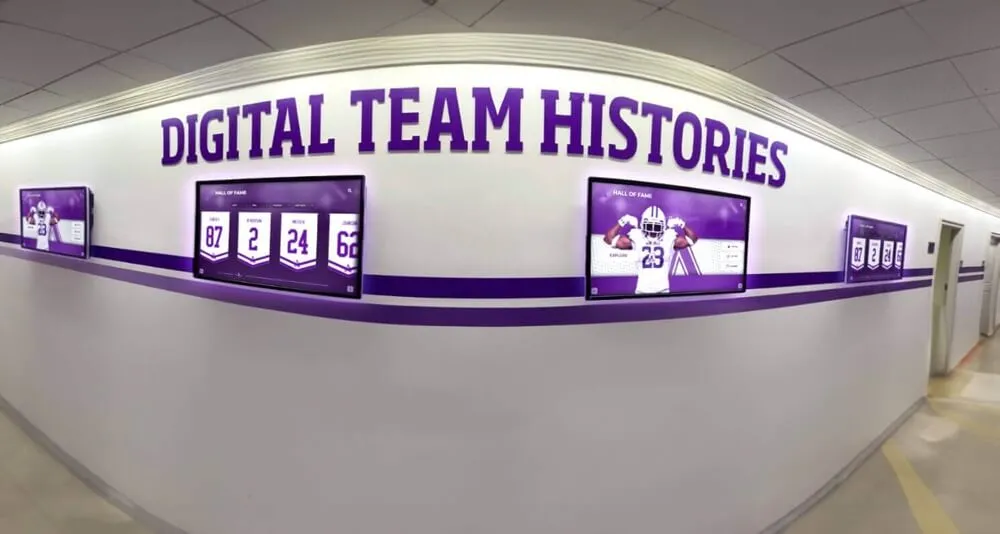
Historic game footage reaching lobby displays and team history screens looks only as good as the source file from which it was drawn — dropout compensation performed at capture determines whether the archive master enters the collection clean or carries permanent streak defects
What Video Dropout Is and Why Athletic Archives Are Vulnerable
Video dropout in analog tape is a momentary loss of the recorded RF signal during playback. Analog video decks record each horizontal scan line of the picture as a narrow, diagonal track written across the tape by a spinning record head. Each track represents one field of interlaced video — roughly 262 lines for NTSC. When the playback head passes over a section of tape where the oxide layer is absent, contaminated, or delaminated, the head reads no signal for that portion of the track. The deck has no usable data for those scan lines.
What the viewer sees depends on whether the playback deck includes an internal dropout compensator circuit. Without one, the missing lines appear as brief white flashes (no signal) or black bands (muted signal), often lasting one to three lines per occurrence, though severe oxide loss can produce bands spanning dozens of lines across multiple fields. With an internal compensator, the deck substitutes the corresponding line from the immediately preceding field — the line from 1/60th of a second earlier that occupied the same vertical position on screen. On a still or slowly moving subject, this substitution is invisible. On fast-moving game action, it may produce a brief soft blur on the substituted line, which is still far less disruptive than a white streak.
Why school athletic tape collections are particularly vulnerable:
- Decades of playback accumulation. Each pass of the playback head against the tape surface is a physical abrasion event. Game tapes that were rewound and replayed for coaches’ review, scouted by recruiting staff, or screened at sports banquets accumulated dozens or hundreds of playback cycles — each one slightly wearing the oxide layer along the most-played track positions.
- Consumer-grade tape stock. Most school-recorded VHS tapes used standard-grade consumer formulations rather than archival or broadcast-grade stock. Consumer oxide coatings have lower binder durability and shed particles sooner under repeated playback stress.
- Long-term storage without climate control. Athletic archive tapes stored in equipment rooms, concession closets, or unheated storage areas experienced wide temperature and humidity swings. High humidity accelerates binder hydrolysis, softening the oxide layer and increasing particle shedding. Low humidity causes tape to become brittle and increase oxide cracking during transport.
- Rewinding without tension control. Consumer VCRs rewind at high speed with minimal tension regulation. High-speed rewinding can produce cinching — transverse wrinkles in the tape that create localized contact loss with the playback head on the next pass.
- Mixed-format playback. A tape recorded on one brand of VHS deck, played back on a different manufacturer’s deck with a slightly different head geometry, can exhibit elevated dropout rates even on tapes that played cleanly on the original recording equipment.
The practical consequence is that a significant portion of game tape footage in a typical school athletic archive — particularly tapes from the 1980s and 1990s — will show observable dropout on playback. The question is not whether dropout is present but whether it is compensated before the file enters the permanent archive.
Dropout Susceptibility by Source Format
| Source Format | Era in School Archives | Dropout Risk Level | Primary Dropout Cause | Hardware DOC Available |
|---|---|---|---|---|
| VHS (standard play) | 1980s–2005 | High | Oxide shedding; binder hydrolysis; head wear | Consumer decks: varies; professional VCRs: typically yes |
| VHS (EP/LP long-play) | 1980s–2005 | Very high | Thinner oxide track per line increases head-tape contact loss | Same as SP; EP mode is more susceptible |
| S-VHS | 1987–2005 | High | Higher-frequency Y signal requires tighter oxide contact; shedding more impactful | Professional S-VHS decks typically include DOC |
| Betamax / Beta Hi-Fi | 1975–1988 | Moderate | Slower tape speed in Beta I/II modes provides better head-tape contact | Most Betamax decks include internal DOC |
| Hi8 / Video8 | 1989–2005 | High | Thin 8mm tape width concentrates wear on a narrow track | Consumer Hi8 decks: internal DOC standard |
| 3/4" U-matic | 1970s–1990s | Moderate | Wider tape and professional deck quality reduce oxide contact irregularities | Professional decks include DOC; LP mode less stable |
| Betacam SP | 1986–2000s | Low | Component oxide track layout reduces per-track failure impact | Professional decks include robust DOC |
| MiniDV / Digital8 | 1995–2010 | Very low | Digital error correction replaces dropout concealment; ECC covers most oxide loss | Not applicable; digital ECC handles correction |
| HDV / AVCHD | 2003–present | Very low | Digital recording; ECC handles minor data loss | Not applicable |
The formats that cover most school athletic game footage from the 1980s through the late 1990s — VHS, S-VHS, and Hi8 — are precisely the formats with the highest dropout risk and the longest storage histories. Any school digitization project that begins with this era of footage should treat dropout assessment and compensation as a mandatory workflow step, not an optional quality measure.
Step 1: Visual Inspection and Severity Logging Before Capture
Before connecting any tape to capture hardware, establish a dropout severity level for each tape through a visual inspection pass. This assessment determines whether the tape requires hardware compensator adjustment, software post-processing, or specialist intervention before it is captured to a master file.
Set up a dedicated inspection playback station:
Use a playback deck with a known-working internal dropout compensator and connect its video output to a monitor — not directly to a capture card. The goal of the inspection pass is to observe the tape’s dropout characteristics at playback speed, not to produce a capture file. If the deck has a DOC disable switch or service menu option, temporarily disable compensation so you can see the raw dropout level before any concealment is applied. This gives the most accurate picture of the tape’s actual condition.
What to log during the inspection pass:
Play through the full tape at normal speed and note:
- Dropout frequency: how many times per minute a white or black streak appears on screen
- Dropout duration: whether individual events last one scan line, three to five lines, or entire bands spanning more than 10 lines
- Dropout distribution: whether events cluster in specific portions of the tape (often the first and last few minutes experience the most handling wear) or are distributed throughout
- Affected content: whether dropout events fall during critical moments — a final score display, a championship play, an award ceremony — or during less significant transitions
- Severity category: assign each tape a severity rating using a consistent scale
| Severity Level | Dropout Frequency | Line Span per Event | Recommended Action |
|---|---|---|---|
| Level 1 — Minimal | Fewer than 2 events per minute | 1–2 lines | Hardware DOC during capture; no additional processing required |
| Level 2 — Moderate | 2–10 events per minute | 1–5 lines | Hardware DOC during capture; software filter pass after capture |
| Level 3 — Significant | 10–30 events per minute | Up to 10 lines | Hardware DOC; software concealment; consider baking for SSS before capture |
| Level 4 — Severe | More than 30 events per minute | 10+ lines; some continuous bands | Specialist consultation before capture; possible wet-gate transfer |
| Level 5 — Critical | Continuous or near-continuous signal loss | Multi-line bands throughout | Do not attempt standard capture; refer to professional preservation vendor |
Log severity level, tape label, estimated total play time, and any notes about content priority in a pre-capture intake record. Tapes at Level 3 or higher warrant a pause-and-consult decision before proceeding to the capture station.

Signal chain decisions made at the capture station are permanent for the archive file — dropout compensation enabled during capture prevents white-streak artifacts from becoming a fixed defect in every derivative display, clip, or highlight reel drawn from the master
Step 2: Enable Hardware Dropout Compensation During Capture
Hardware dropout compensation is the most effective form of correction because it operates in real time on the live video signal before analog-to-digital conversion. The compensated signal — with the missing lines already substituted — is what reaches the capture card and gets encoded into the archive file.
Locating the DOC setting on your playback deck:
Most professional and prosumer VHS, S-VHS, and Hi8 decks manufactured from the mid-1980s onward include an internal dropout compensator circuit that is enabled by default. Verify its status before capture:
- Check the deck’s service manual or front-panel menu for a DOC enable/disable toggle
- On decks without a user-accessible DOC control, the compensator is typically active whenever the deck is in playback mode — consult the service manual to confirm
- Consumer-grade decks may have simpler DOC circuits that compensate for single-line events but not extended multi-line bands; severity Level 3 and above may require external processing even when the deck’s internal DOC is active
Using a standalone dropout compensator for Level 3+ tapes:
Standalone external dropout compensators — separate from time base correctors, though some units combine both functions — are available from professional video equipment sources. These units accept the raw playback signal from the deck, apply field-based dropout detection and substitution, and output the compensated signal to the capture card. For tapes with moderate to significant dropout, an external compensator adds a second layer of concealment that supplements or replaces less capable internal circuits.
Signal chain with external dropout compensator:
The correct signal flow is: playback deck video output → external dropout compensator input → compensator output → capture card input → computer.
Route audio directly from the deck to the capture card’s audio input, bypassing the compensator (which processes video only). If you are also using a time base corrector in the chain, position the TBC after the dropout compensator: playback deck → external DOC → TBC → capture card. The dropout compensator should operate on the raw deck output before TBC stabilization.
Deck playback speed matching:
Confirm that the playback deck is set to the same speed at which the tape was originally recorded. A tape recorded in EP (six-hour) mode played at SP speed produces severe signal errors that mimic dropout but are not correctable by compensation. If the original recording speed is unknown, play the first 60 seconds of the tape at each speed setting and listen for audio sync issues — correct speed produces intelligible speech and natural audio pitch.
Step 3: Post-Capture Software Concealment
Even with hardware dropout compensation active, some events — particularly those spanning four or more lines or occurring on tapes with significant oxide loss — may survive the hardware stage and appear in the captured file. Software-based concealment, applied as a post-processing filter on the captured file, provides a second correction pass.
Identifying residual dropout in the captured file:
After capture, play the file in a video player that supports frame-by-frame stepping (VLC Media Player is suitable) and examine sections of the tape that showed dropout during the inspection pass. Look for:
- Single white or light-colored horizontal streaks that appear for one to three frames
- Dark horizontal bands that coincide with known oxide-loss locations on the source tape
- Localized brightness anomalies along a single scan line that appear briefly and disappear
These are residual dropout events that the hardware compensator did not fully address.
Applying software dropout concealment:
Video processing applications that support frame-by-frame or field-based correction can apply line substitution filters to captured files. Common approaches include:
- AviSynth/VapourSynth filter chains: Open-source frame processing environments that support custom dropout detection and concealment scripts. These are the most flexible software options but require scripting familiarity.
- VirtualDub2 with dropout filters: VirtualDub2 supports filter plugins designed for analog video restoration, including line interpolation filters that detect anomalous brightness values and replace them with averaged data from neighboring lines.
- DaVinci Resolve noise reduction: For light to moderate residual dropout, the temporal noise reduction tools in DaVinci Resolve (free version) can reduce the visual prominence of brief line defects by averaging adjacent frames.
When software concealment is not sufficient:
Software concealment works best on single-line, brief events — the cases where hardware compensation nearly succeeded. Extended multi-line bands, continuous dropout zones, or events accompanied by audio interruption are unlikely to be fully addressed by software filtering. Tapes in this category should be flagged as Level 4 or Level 5 in the severity log and escalated to a professional preservation vendor with wet-gate or specialist transfer capability before the archive master is considered complete.
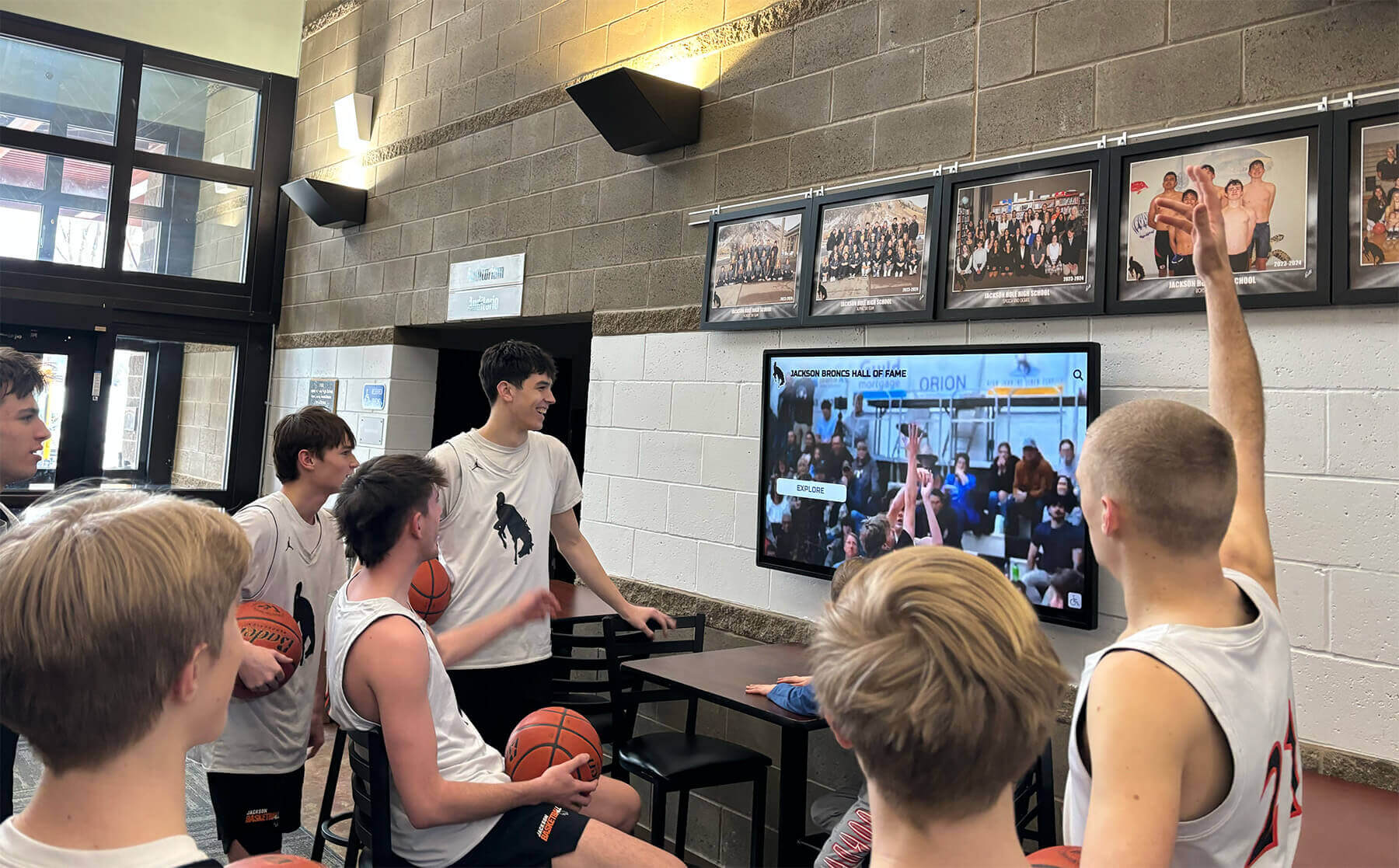
Game highlights displayed in school lobbies and recognition areas are only as clean as the archive master file they originate from — a dropout compensation workflow at digitization determines whether those displays show pristine footage or carry permanent streak artifacts
Step 4: Document Dropout Locations in the Archive Record
Compensation conceals dropout artifacts from viewers, but the archive record should preserve complete information about where they occurred, what was done to address them, and what original defects the source tape contained. This documentation serves multiple purposes: it allows future archivists to understand the provenance of the footage, it supports decisions about whether to re-digitize a tape if better equipment becomes available, and it provides an honest account of the source material’s condition.
What to record for each tape:
Create a dropout log entry in the archive’s intake record system for each tape, including:
- Tape identifier and content description
- Severity level assigned during pre-capture inspection
- Hardware compensator used: deck model, compensator make/model if external, whether compensation was enabled
- Software post-processing applied: filter name, version, settings used
- Time codes or approximate timestamps for Level 3+ events that were not fully concealed
- Notes on any content-critical moments that contained dropout (championship plays, award presentations, score displays)
- Final assessment: whether the captured file is accepted as archive-quality or flagged for re-digitization
Retention of pre-compensation reference clips:
For tapes at Level 3 or higher severity, capture a short uncompensated clip (30–60 seconds) from a representative section of the tape before applying any compensation, and retain it alongside the compensated master. Label it clearly as a condition reference file, not a display master. This clip documents the tape’s actual condition at the time of digitization — information that may be valuable if questions arise about the source material’s integrity during future recognition projects.
Schools that document athletic history through recognition awards programs, hall-of-fame inductions, and athletic banquets often need to verify the provenance of footage used in official recognition displays. A dropout log and condition reference file provide that verification in a reviewable, auditable form.
Ready to put your preserved game footage to work in a recognition display?
Rocket Alumni Solutions builds digital hall-of-fame displays, touchscreen kiosks, and lobby recognition platforms for schools — designed to showcase the verified, well-preserved athletic footage your archive workflow produces.
Step 5: Validate the Compensated Output
Validation confirms that the compensation workflow produced an archive-quality file and that no unintended artifacts were introduced during processing.
Frame-by-frame verification of flagged timestamps:
Using the timestamps recorded in the dropout log, step through the compensated file frame by frame at each noted location. Verify that:
- White or dark streak artifacts are no longer visible on the compensated frame
- The substituted line (from the previous field) does not introduce an obvious discontinuity — a sharp-edged band of mismatched color or brightness that draws attention
- Audio remains synchronized throughout the flagged section — dropout processing should not alter audio timing
- No new artifacts appear in the frames immediately before or after each compensated event
Full-length playback review:
After verifying flagged timestamps, play the entire compensated file from beginning to end at normal speed, monitoring for:
- Any dropout events not captured in the pre-capture inspection log (events that appeared minor on inspection may be more visible in the captured file at full resolution)
- Encoding errors introduced by the capture hardware or software — these appear as digital blocking artifacts or frame drops and are distinct from dropout
- Color instability or chroma noise that may indicate a signal chain problem independent of dropout
File integrity verification:
Generate a checksum for the validated compensated master file and record it alongside the dropout log entry. This checksum becomes the fixity baseline for the file — a value that can be compared in future verification runs to confirm the file has not been altered or corrupted since validation. Checksum generation using SHA-256 is appropriate for archive master files.
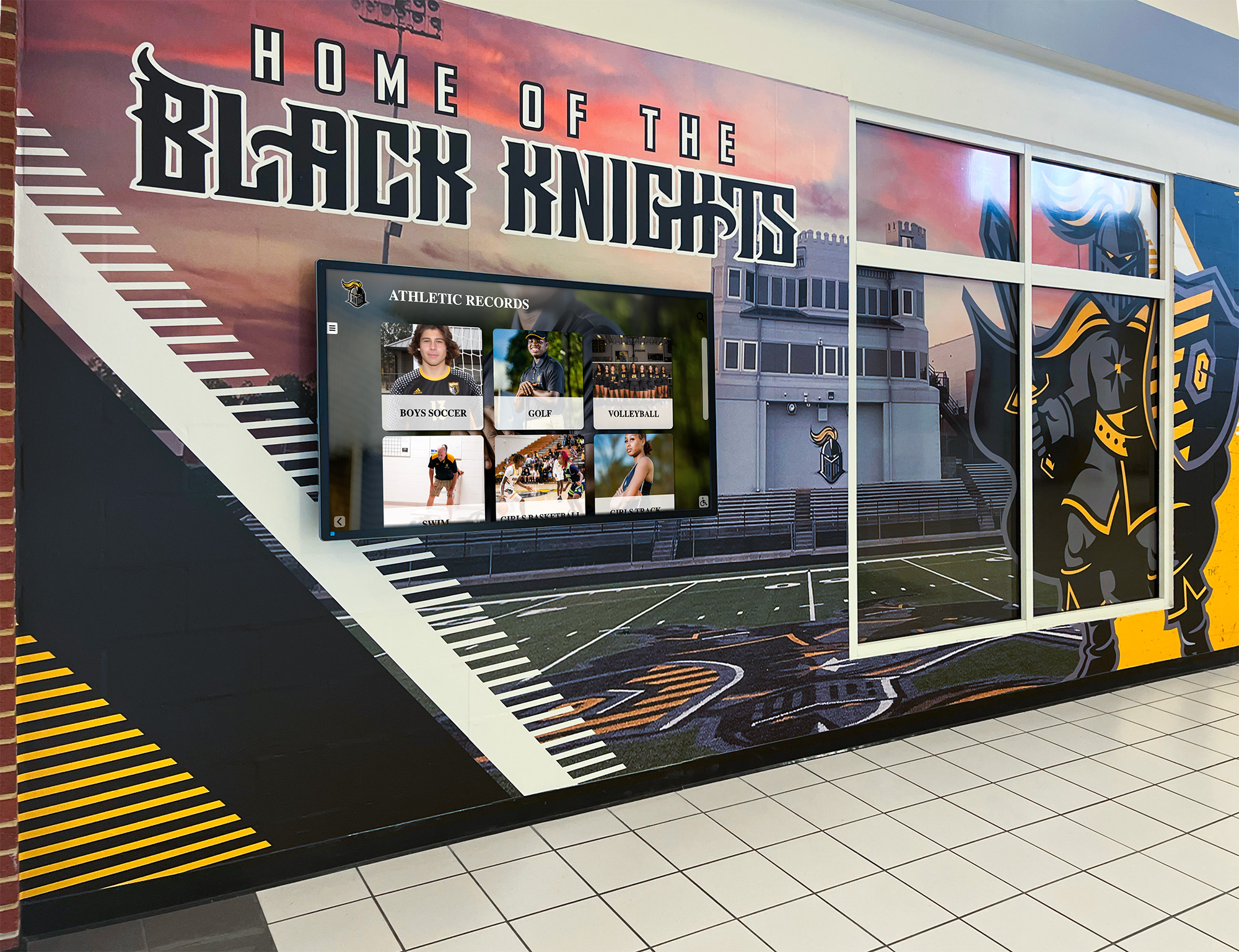
Athletic record displays in school hallways pull content from the archive — a dropout compensation workflow ensures that the footage reaching these displays is clean enough for permanent public display in a school's highest-visibility recognition spaces
Step 6: Set Intake Standards for New Acquisitions
The dropout compensation workflow applies not only to existing archive materials but to any new tape acquisitions — donated game recordings from alumni, tapes transferred from retired staff, or footage received from community members who recorded school events on their own equipment.
Intake inspection requirements:
Establish a written intake policy that requires all donated or newly acquired analog tapes to complete a pre-capture dropout inspection before entering the compensation workflow. Key intake standards include:
- Every tape receives a severity level assessment before capture begins
- Tapes at Level 4 or Level 5 are held for specialist consultation rather than captured with standard equipment
- All tapes are logged in the intake record with the donor’s name, stated content description, and estimated date range of the footage
- The intake log documents whether the donor retains ownership of any copyright in the footage — a separate but related question that affects how the archive may display or share the content
For schools building recognition programs that include youth athlete of the year archives or athletic hall-of-fame footage libraries, establishing a consistent intake standard prevents a two-tier archive in which legacy materials have been carefully compensated while new acquisitions enter without evaluation.
Playback equipment maintenance standards:
A dropout compensation workflow is only as reliable as the playback equipment executing it. Establish maintenance intervals for the archive’s playback deck fleet:
- Video head cleaning on a usage-based schedule (approximately every 20–40 hours of playback, or per the deck manufacturer’s recommendation)
- Head replacement when dropout frequency measured on a known-good reference tape increases beyond baseline
- Tape path cleaning to remove oxide debris that accumulates from playback of deteriorated tapes
- Annual calibration check for decks with adjustable internal dropout compensators
Multi-sport programs — including swimming and aquatics programs — often have footage spread across several different tape formats, since YMCA swim teams and similar programs recorded events on whatever consumer formats were available at the time. Maintaining playback decks for each format used in the collection is a prerequisite for a complete compensation workflow across the full archive.
How Dropout Affects Recognition Displays
The practical reason to prioritize the athletic archive video dropout compensation workflow is not abstract archival principle — it is the direct impact that uncompensated dropout has on the recognition displays and lobby installations that present game footage to students, staff, and visitors.
Recognition installations — touchscreen kiosks, digital hall-of-fame walls, and lobby video displays — typically display game footage at resolutions of 1080p or higher, on screens ranging from 55 to 85 inches in diagonal. At that scale, a single-line dropout event that appeared as a barely noticeable flicker on a 27-inch monitor becomes a clearly visible bright streak that crosses the full width of the screen. A moderate-severity tape with 5 dropout events per minute produces one visible artifact every 12 seconds on every display where the footage plays — an artifact that becomes associated in viewers’ minds with poor-quality preservation rather than the athletic achievement the display is intended to honor.
Schools investing in digital trophy case installations and lobby recognition systems depend on archive-quality source files to justify the display investment. A recognition wall built around compensated, validated archive masters produces the consistent, professional presentation these installations are designed to deliver. One built from unprocessed captures of deteriorated tapes will show the defects of those tapes at every viewing.
For athletic recognition programs that celebrate achievement across multiple sports — including wrestling programs where proper fundamentals and historical achievement are part of the school’s recognized heritage — game footage shown in recognition contexts carries the full weight of institutional pride. Dropout artifacts visible in that context undermine the presentation no matter how strong the underlying content.
Programs that present youth athlete of the year honors or sports banquet recognition events using archival footage as part of the celebration format have a direct audience-facing reason to ensure that the footage shown is free of dropout artifacts. Parents, alumni, and community members who attend these events will notice visible defects in displayed footage — a detail that a systematic dropout compensation workflow addresses before it becomes a visible problem at a high-profile event.
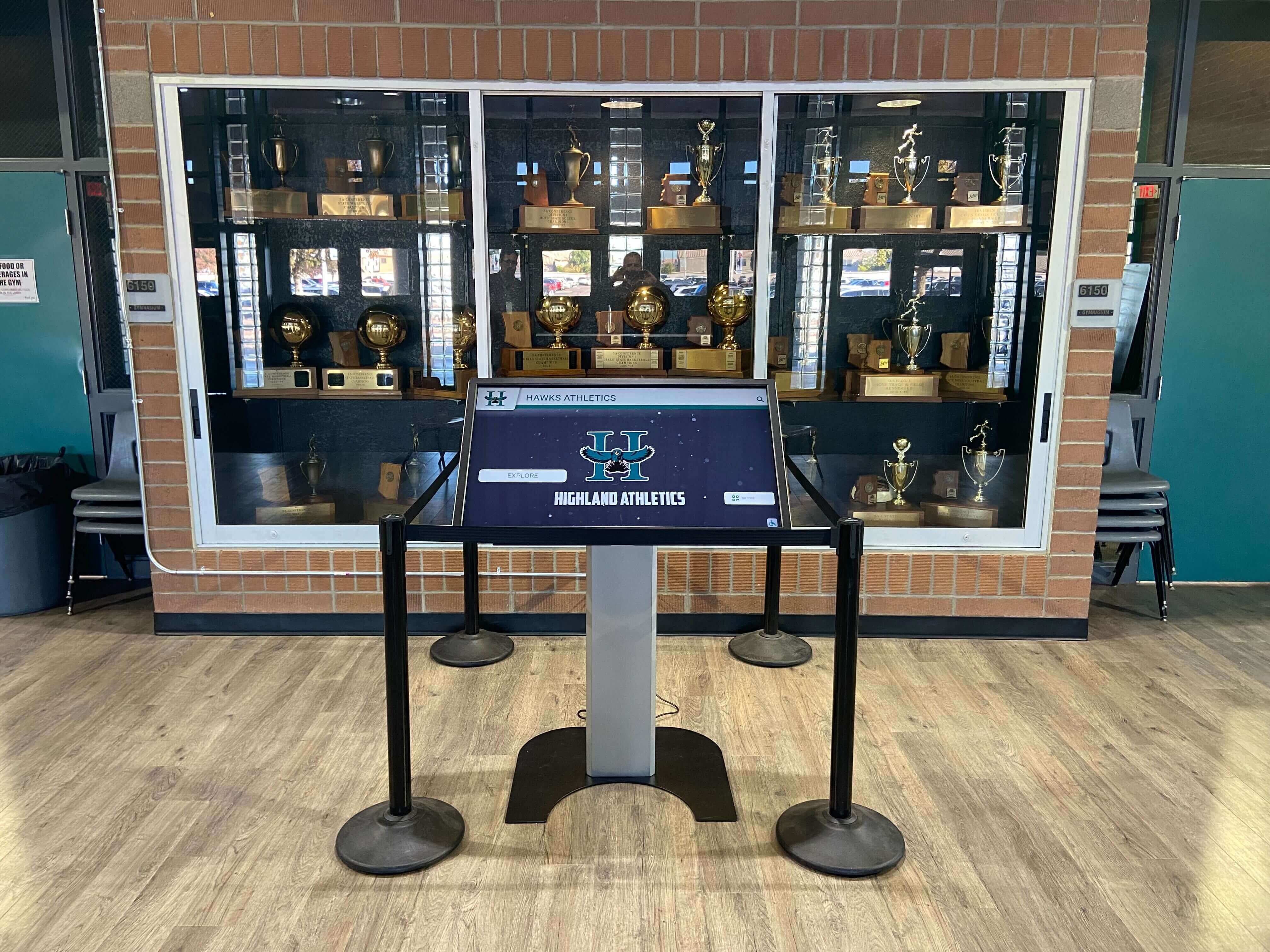
Interactive touchscreen kiosks in trophy cases and hallway recognition areas display archived footage at scales where dropout defects are impossible to overlook — compensation performed before the archive master is created ensures the kiosk always shows footage that matches the quality of the recognition context around it
Dropout Compensation Readiness Checklist
Use this checklist to confirm that your athletic archive video dropout compensation workflow covers all essential elements before beginning a capture project.
Pre-Capture Preparation
- Playback deck verified to have internal dropout compensator or external DOC unit available
- Deck video heads cleaned within the last 20–40 hours of playback
- Reference tape available for baseline dropout measurement
- Inspection monitoring station set up with DOC temporarily disabled for raw observation
- Intake log template ready with severity level scale documented
Tape-by-Tape Assessment
- Each tape visually inspected at full playback speed
- Severity level assigned and recorded for each tape
- Level 4 and 5 tapes flagged for specialist consultation before capture
- Content priority noted — tapes with championship or induction footage given priority scheduling
- Condition reference clips captured for Level 3+ tapes
Capture Station Setup
- Hardware DOC confirmed enabled on playback deck
- External compensator connected and tested for Level 3+ tapes
- Signal chain verified: deck → DOC → TBC (if used) → capture card
- Audio routed directly from deck to capture card, bypassing video processing chain
- Recording format and codec selected for archive master (lossless or high-bitrate intraframe codec preferred)
Post-Capture Processing
- Captured file reviewed frame-by-frame at logged dropout timestamp locations
- Software concealment filter applied where residual dropout events remain visible
- Full-length playback completed to check for unreported events
- Audio-video synchronization verified throughout the compensated file
Documentation and Validation
- Dropout log entry completed for each tape with severity, equipment used, and processing applied
- Content-critical dropout events noted with timestamps in the archive record
- SHA-256 checksum generated for the validated compensated master file
- Checksum recorded in the intake log alongside the tape identifier
- Donor copyright notes and content rights documentation filed with the tape record
Intake Standards
- Written intake policy defines inspection requirement for new acquisitions
- Playback equipment maintenance schedule posted and assigned to responsible staff
- Staff trained on severity scale and escalation procedure for Level 4–5 tapes
- Archive record system updated to include dropout log fields as standard fields
Building a Dropout-Compensated Archive That Recognition Displays Can Trust
The athletic archive video dropout compensation workflow exists to close the gap between what is recorded on aging analog tape and what a school’s recognition infrastructure actually needs to display. Legacy game footage from the 1980s and 1990s represents events — state championships, hall-of-fame athletes’ defining moments, coach retirement ceremonies — that cannot be rerecorded. The tapes that hold that footage are deteriorating, and the window for compensated digitization narrows with each year of continued storage.
A systematic approach — severity assessment before capture, hardware compensation at the point of digitization, software concealment for residual events, thorough documentation, and validated archive masters — produces a file collection that recognition programs, lobby displays, and digital yearbook highlight segments can draw from with confidence. The compensation work happens once, at capture. The benefit appears on every screen that plays from the archive for as long as those files are used.
Schools that have completed this foundational digitization step are positioned to integrate game footage into the recognition installations and interactive displays that bring athletic history forward — from a storage shelf where it is inaccessible to a lobby kiosk where it is visible to every student, parent, and visitor who walks through the building.
Ready to connect your compensated game footage archive to a recognition display that does it justice?
Rocket Alumni Solutions designs and installs digital hall-of-fame displays, touchscreen kiosk systems, and athletic recognition walls for schools — built to showcase the clean, archive-quality footage a proper dropout compensation workflow produces.
Request a demo from Rocket Alumni Solutions to see the platform in action →
Ready to see this for your school?
Picture your collection in a custom mockup
Start with your yearbook collection and digitization goals, then request a custom digital mockup for your school.