The athletic archive VHS control-track error workflow is the process of identifying unstable-playback symptoms caused by a damaged or missing control track on a VHS tape, performing a non-destructive diagnosis sequence to measure severity, and selecting the appropriate capture strategy before the recording enters a school’s permanent digital archive — all without introducing additional wear to an already fragile tape. The control track is a continuous longitudinal signal recorded at the bottom edge of every VHS tape during original recording. It carries a series of sync pulses — one per frame, at approximately 30 Hz in NTSC — that tell the VHS deck’s drum servo motor exactly how fast to spin relative to the tape passing beneath it. When the deck reads a healthy control track during playback, its servo locks to the pulse rate and the spinning head drum sweeps each video field at the precise angle and timing needed to read the diagonally recorded video tracks cleanly. When the control track is absent, partially erased, dropouts-corrupted, or recorded at an irregular rate, the servo cannot lock, and the playback image shows the consequences: rolling, tearing, herringbone noise patterns, color instability, or complete picture failure.
For school athletic archives, the practical consequence is that a historic championship game, a recorded scouting session, or a coach interview that survived physical storage for thirty years may fail to play back correctly the first time a staff member threads it into a deck for digitization — not because the video information on the tape is destroyed, but because the control track that coordinates its playback is degraded. Understanding how to diagnose control-track errors before digitization is the workflow step that determines whether that footage can be recovered at all, and whether the capture session produces a stable file ready for a recognition display or a rolling, unwatchable recording that must be re-digitized with specialized equipment at additional cost.
This guide gives school administrators, athletic directors, AV coordinators, and IT staff a systematic, non-destructive workflow for recognizing control-track error symptoms, inspecting and preparing the playback deck, testing tracking stability, classifying severity, choosing the right capture approach, stabilizing video in post-capture software, and documenting findings in the archive record so that every downstream use of the footage — in hall-of-fame installations, lobby displays, and athletic recognition programs — benefits from the diagnosis performed at intake.

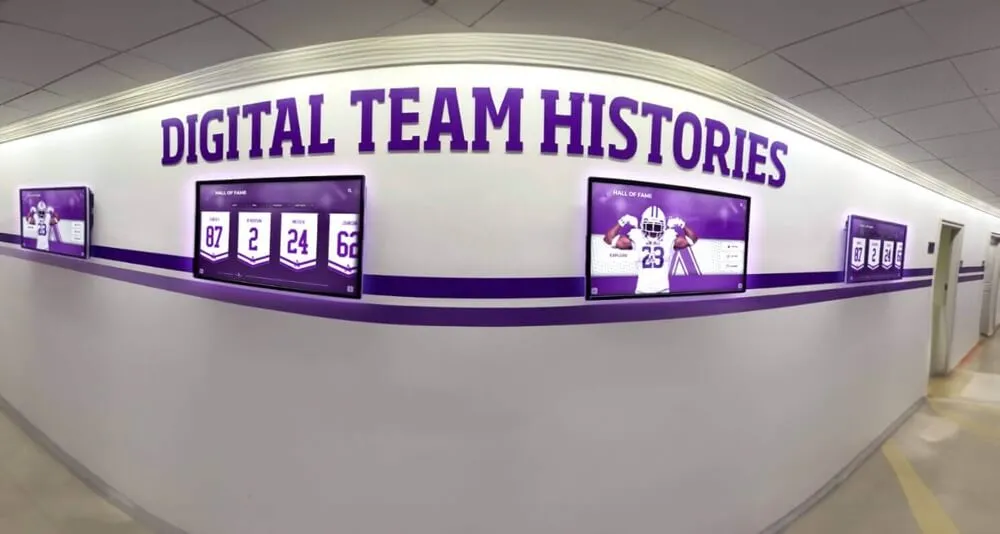
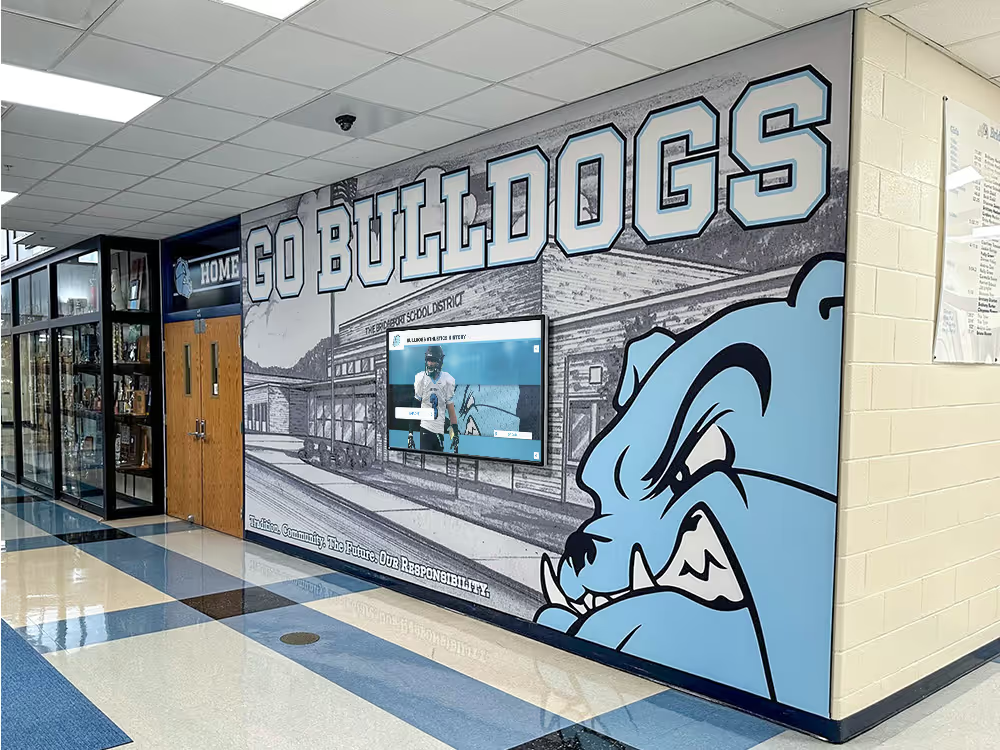
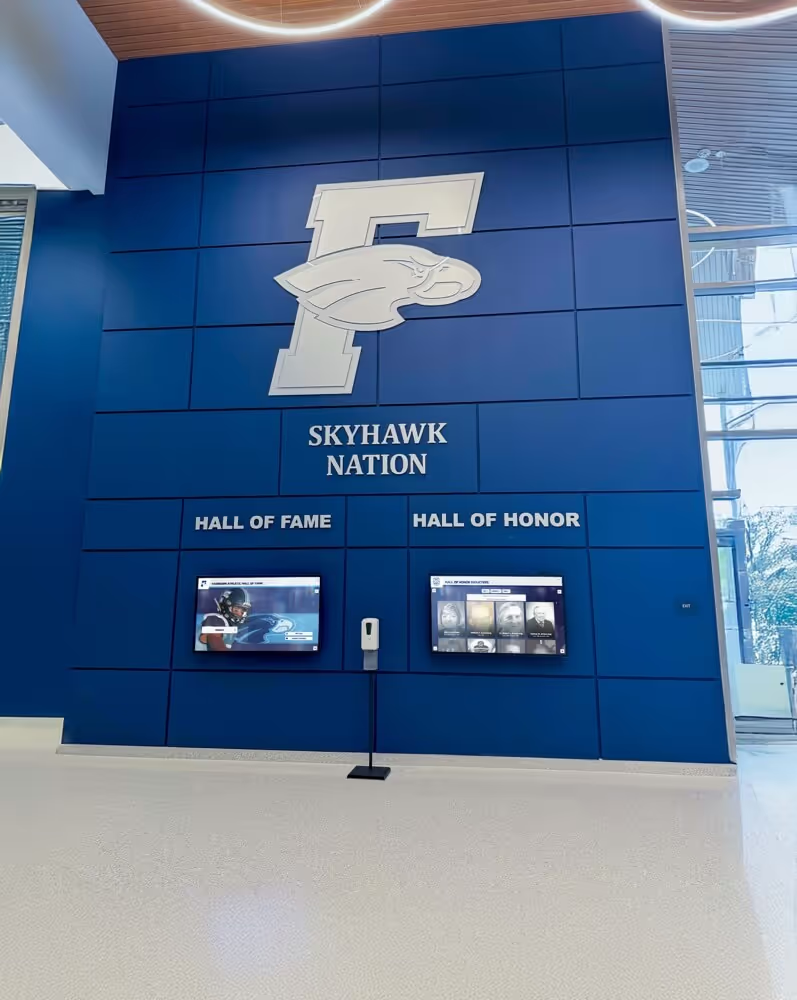
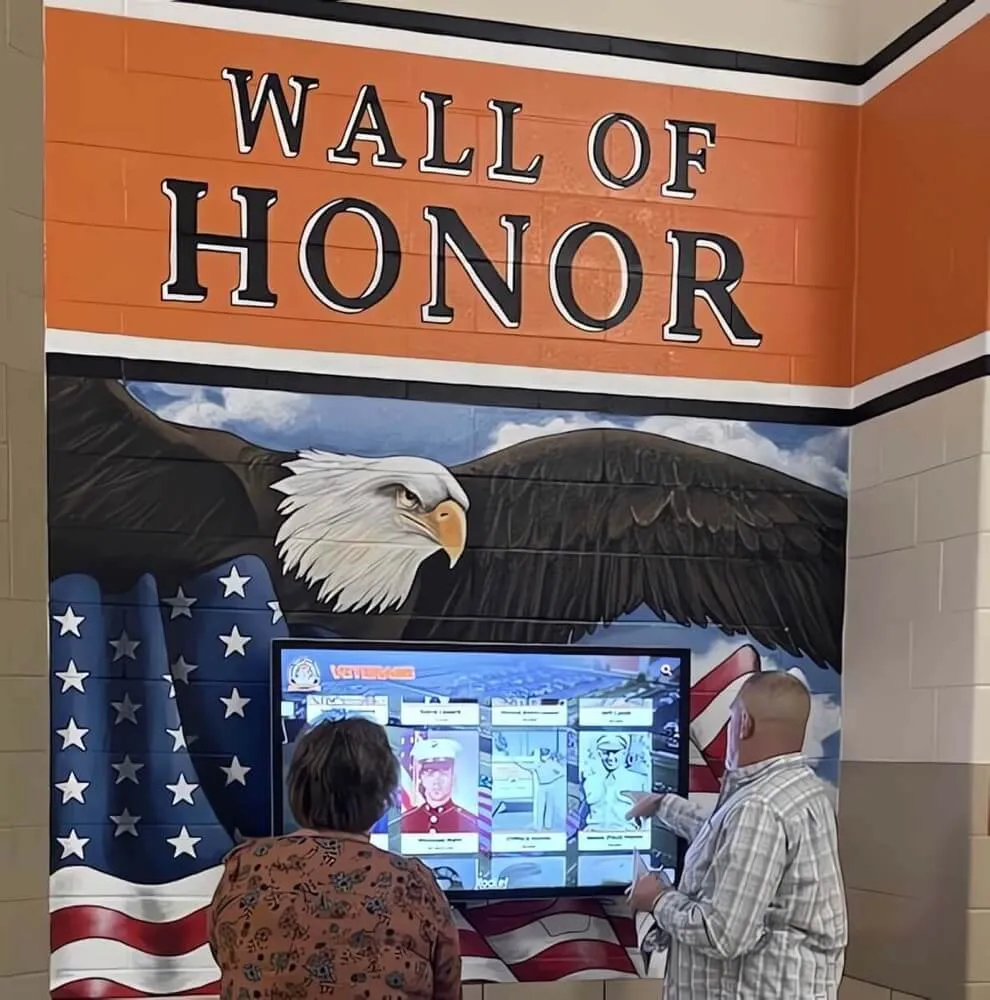
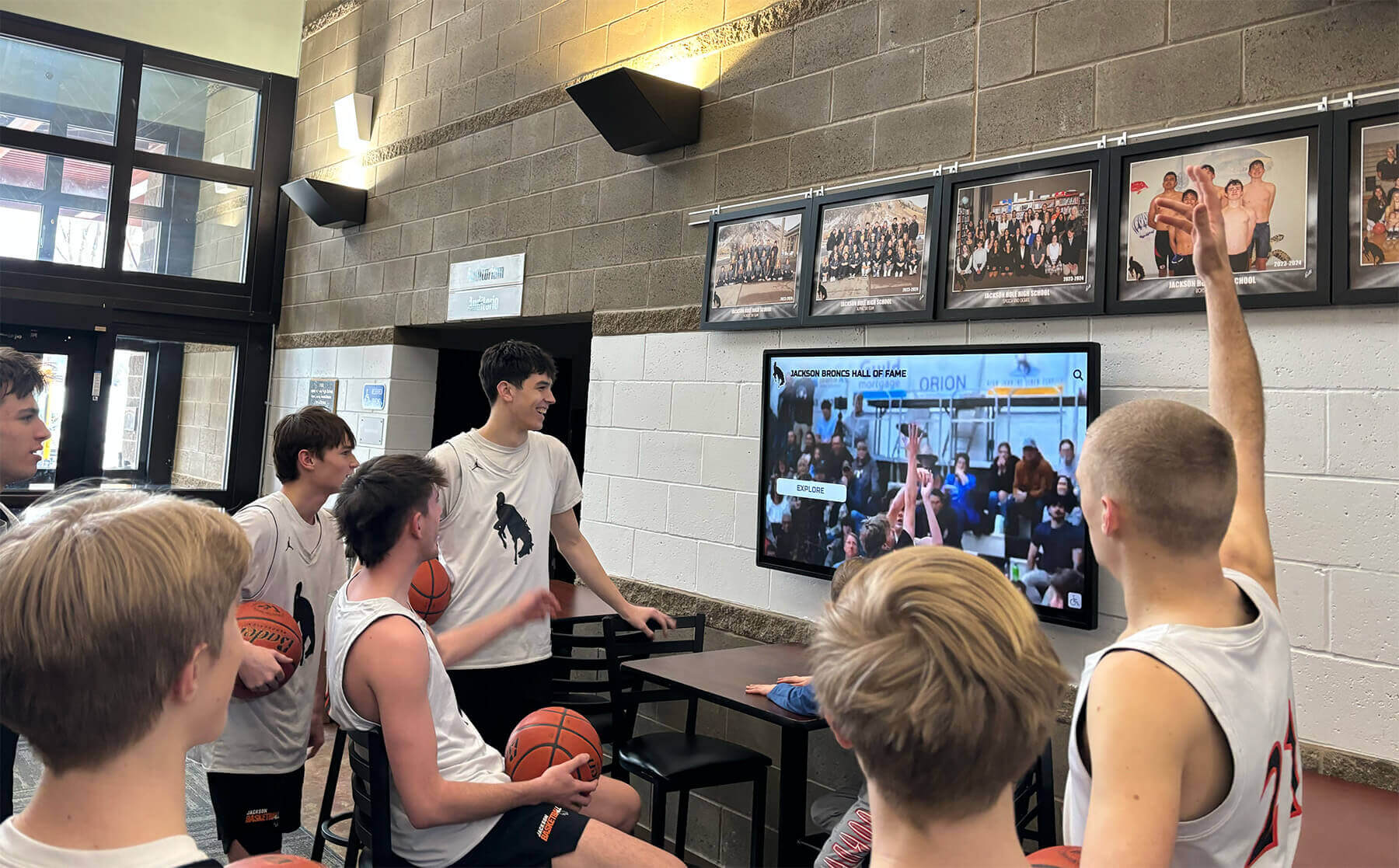
Lobby recognition screens source their game footage from the archived VHS recordings a school has preserved — a control-track error in a source tape produces rolling, tearing, or unstable video at every playback and capture session until the error is diagnosed and a corrective capture strategy is applied
What the VHS Control Track Is and Why School Archives Are Vulnerable
The VHS format records video on diagonal tracks laid across the tape surface by a spinning head drum. Unlike a film reel, which frames content by a regular physical perforation, VHS has no physical frame boundary. Instead, the control track provides the electronic equivalent of film perforations: a series of 30 Hz sync pulses running continuously along a dedicated longitudinal track at the tape’s lower edge, each pulse marking the boundary between successive video frames.
During playback, the deck’s capstan servo reads these pulses in real time and adjusts the tape transport speed to keep the drum’s head sweeps aligned with the recorded diagonal tracks. A healthy control track allows a deck to maintain servo lock within microseconds of the original recording’s frame cadence. A damaged control track forces the servo to hunt for synchronization, produces irregular hunting behavior, or causes it to lose lock entirely.
Why school athletic archives are particularly vulnerable:
- Stop-start recording patterns. Game footage recorded by sideline camera operators who paused and restarted the deck at every timeout, substitution, and quarter break created a control track with dozens of splice points. Each splice is a point where a brief control-track discontinuity — a pulse dropout, a slightly irregular interval — was written into the tape at the moment of recording. Decades later, these splice points are the locations where servo hunting first appears.
- Head switching noise overlap. Consumer VHS decks placed the head-switching point at the bottom of the active picture area. In recordings where the drum speed was even slightly unstable during original recording, the head switching line appears as a horizontal disturbance at the bottom of the frame — a symptom that overlaps with and can mask control-track instability until both defects appear simultaneously during digitization.
- Tape stretch and deformation. VHS polyester base film stretches slightly under heavy tension or repeated fast-forward and rewind cycles. A stretched tape delivers control track pulses to the read head at a slightly different rate than they were recorded — a rate mismatch the servo compensates for within a normal tolerance range, but which exceeds that range on tapes that have been significantly deformed by years of storage or play cycles.
- Oxide shedding on the control track area. The control track is recorded at a fixed, relatively low level in a narrow band at the tape edge. Oxide shedding from the control track area — a degradation mechanism that affects edge areas before the main video surface on many binder-failure tapes — erases segments of control track without visibly damaging the diagonal video tracks above them.
- Consumer recording equipment at original capture. Many school athletic recordings from the 1970s through the 1990s were made on consumer decks whose drum servo and capstan motor tolerances were substantially wider than broadcast equipment. A control track recorded on a worn consumer deck in 1987 was irregular from the moment of recording; it becomes more problematic when read on a different model deck with a different servo tuning.
- Long storage without playback. VHS tapes stored for ten or more years without playback may exhibit stiction — a temporary adhesion between tape layers caused by plasticizer migration — that causes uneven tape tension on first play. Uneven tension produces momentary transport speed variations that the servo registers as control track irregularities, even on a tape whose control track is otherwise intact.
Recognizing Control-Track Error Symptoms Before You Capture
The first stage of the workflow is visual identification during a brief supervised playback session. Threading a suspect tape and allowing two to three minutes of monitored playback gives the deck’s servo time to reveal stability problems without committing to a full unattended capture run that would waste digitization time on an unstable file.
| Symptom During Playback | What It Indicates | Severity |
|---|---|---|
| Picture rolls continuously | Control track signal absent or severely degraded; servo cannot lock | Severe |
| Picture rolls periodically at splice points | Control track discontinuities at original recording pauses; servo loses lock briefly then reacquires | Moderate to severe |
| Horizontal tearing at bottom of frame | Servo hunting around an irregular control track; head switching line displaced | Moderate |
| Herringbone pattern across full frame | Complete servo loss; head sweeps misaligned with recorded tracks | Severe |
| Jerky or stuttering motion | Intermittent control track dropouts causing momentary speed variation | Moderate |
| Color bleeding or desaturation in bands | Servo instability displacing color-under subcarrier relative to luminance | Moderate |
| Stable picture with visible noise at frame bottom only | Minor control track irregularity; servo locked but head switching slightly displaced | Mild |
| Stable picture throughout | Control track intact; proceed to standard capture | None |
Distinguish control-track symptoms from other VHS defects during this observation session. A control-track error produces symptoms that affect the entire frame geometry — rolling, tearing, or displacement of the whole image — because the servo cannot correctly position the heads relative to the recorded tracks. By contrast, a video dropout produces isolated white or black streaks that do not displace the surrounding frame; azimuth misalignment produces a uniformly soft or low-contrast picture without rolling or tearing; and a clogged head produces a uniform horizontal band of noise or a fully blue or blank screen without the frame-position instability that marks control-track failure.
Step 1: Inspect and Clean the Control Track Head
Before applying any tracking adjustment or making capture decisions, clean the deck’s playback transport. Oxide from the tape surface and contamination from previous plays accumulates on the control track head, the capstan, and the pinch roller — all components in the tape path that affect the control track signal quality and the transport’s speed stability.
Control track head cleaning:
The control track head is a stationary head assembly located at the lower edge of the tape path, past the rotating drum. It reads the longitudinal control track signal in real time and feeds it to the capstan servo circuit. Clean this head with a foam-tipped applicator or lint-free swab moistened with 91% isopropyl alcohol. On most consumer and prosumer VHS decks, the control track head is located in the tape path between the rotating drum assembly and the take-up reel guide. The head surface is a small gap assembly flush with the tape path — apply cleaning solvent to the swab, not directly to the head gap, and wipe across the gap surface in a single direction.
Allow the head to dry for at least 30 seconds before threading a tape. A head wet with isopropyl at the moment of tape contact is not a cleaning defect risk but will affect the control track signal level momentarily if the tape is threaded before the solvent evaporates.
Capstan and pinch roller cleaning:
The capstan is the rotating metal post that drives the tape at a controlled speed. The pinch roller presses the tape against the capstan to maintain grip. Both accumulate oxide residue that causes irregular tape tension — a mechanical contributor to apparent control-track error symptoms. Clean the capstan with a swab moistened with isopropyl alcohol, rotating it by hand to expose the full circumference. Clean the pinch roller surface similarly, and inspect it for glazing (a smooth, shiny surface where friction has been reduced by heat and oxide accumulation). A glazed pinch roller is a physical defect that cleaning will not correct; a glazed pinch roller should be replaced before using the deck for archive capture.
Verifying head block assembly:
While the tape path is accessible, visually inspect the head drum for visible oxide buildup and the tape guides for corrosion or rough surfaces. Any guide that shows rust, oxidation, or rough edges should be evaluated by a technician before the deck is used for archival capture — rough guides abrade the tape edge, potentially damaging the control track area on tapes that are already marginal.
Step 2: Test Playback Stability with Tracking Adjustment
After cleaning the tape path, thread the suspect tape and perform a controlled tracking test. The tracking control on a VHS deck adjusts the relationship between the control track pulse the deck reads and the drum servo’s response — effectively shifting the position where the heads sweep relative to the recorded tracks to compensate for recordings made at slightly different servo positions.
Manual tracking procedure:
- Thread the tape and allow it to reach normal play speed — approximately 10 seconds from the play command — before evaluating the picture.
- Observe the picture for the full symptom set from the observation table above.
- If rolling or tearing is present, turn the tracking adjustment knob slowly in one direction while watching the monitor. On most VHS decks the tracking control rotates through a range; the center position is the deck’s default servo lock point.
- If the picture stabilizes at a non-center tracking position, note the direction and approximate degree of adjustment required. A tape that stabilizes with mild tracking adjustment has a borderline control track that the deck’s servo can lock when manually guided — a good candidate for standard capture with a tracking preset.
- If no tracking position stabilizes the picture, or if the picture rolls continuously regardless of tracking position, the control track signal is too degraded for the servo to lock through manual adjustment.
Using decks with wider servo tolerance:
Some VHS deck models include automatic tracking systems that continuously measure and correct servo position, providing a wider effective tracking range than manual adjustment alone. Prosumer decks with this feature — including the JVC HR-S9911U, the Panasonic AG-1980P, and the Sony SVO-5800 — are better suited to playing tapes with borderline control track signals than consumer decks whose servo systems are tuned more narrowly. If a consumer deck cannot stabilize a tape through manual tracking adjustment, routing the tape through a prosumer deck with enhanced servo circuitry is the next hardware step before concluding that the control track is non-recoverable through standard playback.
Schools building or upgrading archive capture stations should consider the servo tolerance of the deck as a primary selection criterion for athletic archive digitization, rather than features aimed at consumer convenience. A prosumer deck’s superior servo system is the most reliable single improvement available for collections that include recordings from multiple source decks made over several decades.
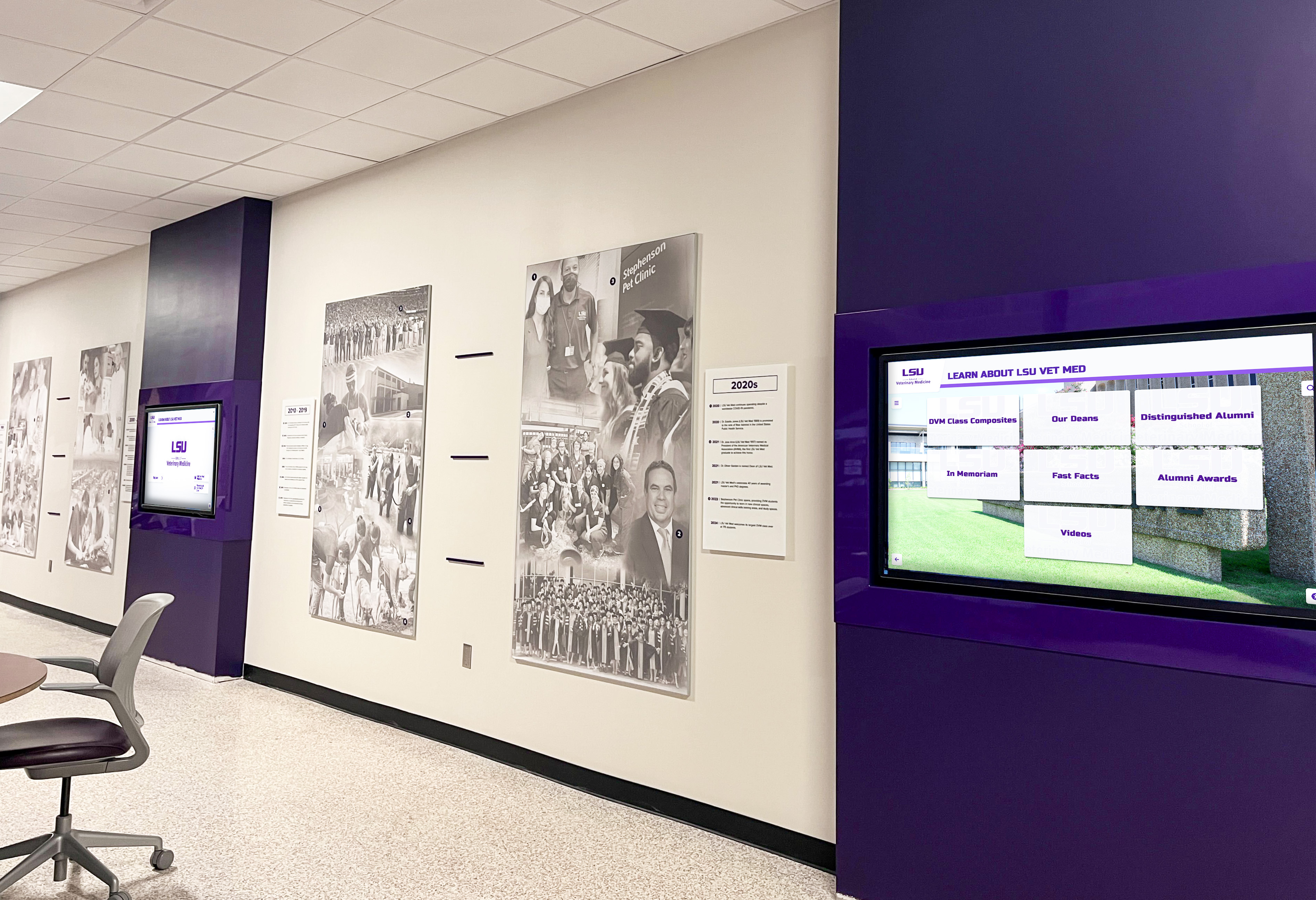
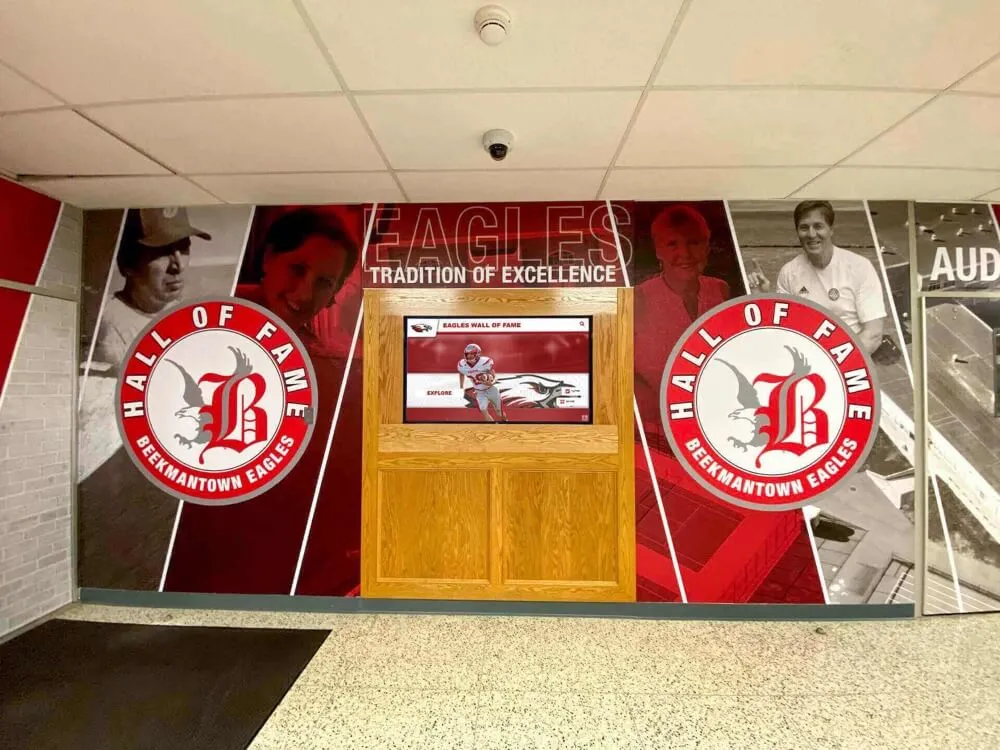
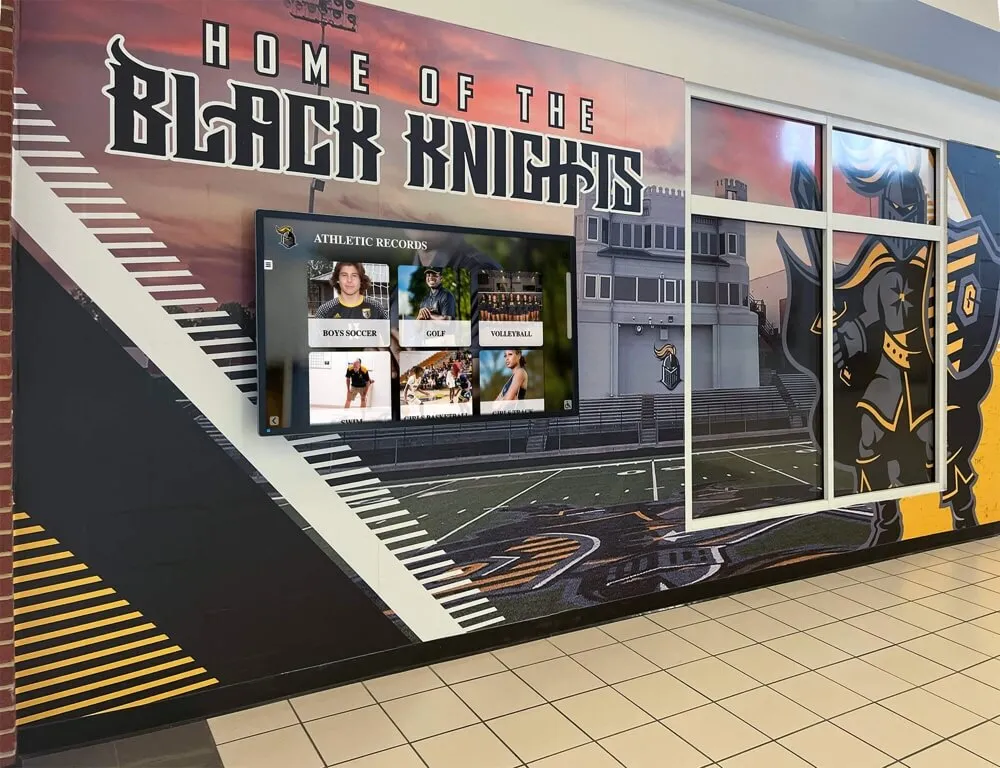
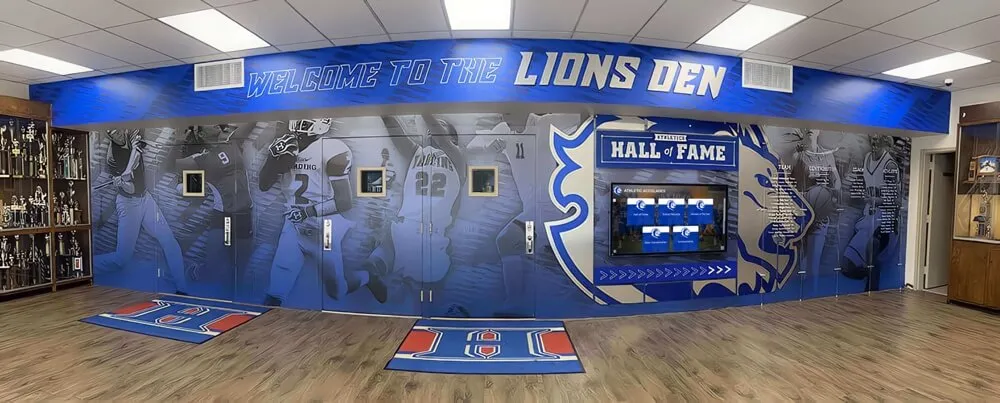
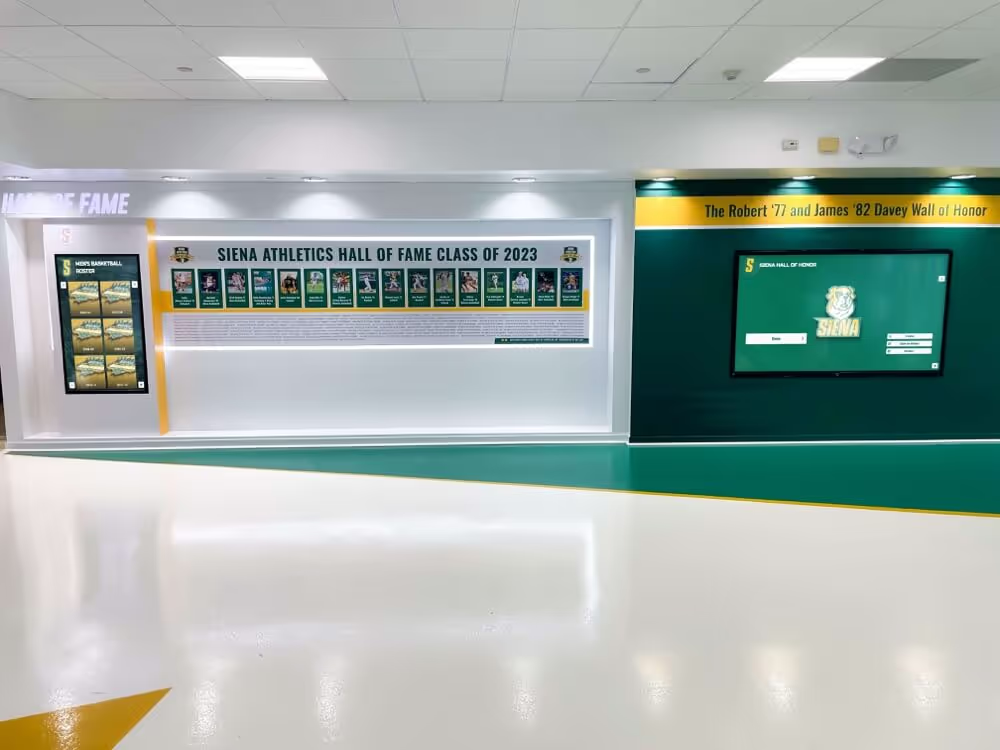
Recognition corridor displays that incorporate historic game footage and program highlight video require stable, artifact-free source recordings — diagnosing and resolving control-track errors before digitization is the intake step that determines whether footage from the archive can appear on recognition screens without rolling or tearing
Step 3: Measure Control Track Signal Integrity
When visual observation and tracking adjustment do not produce a clear picture of severity — or when a stable picture during manual tracking still shows bottom-of-frame instability — measuring the control track signal directly provides objective data for the capture decision.
Using deck metering:
Many prosumer and broadcast VHS decks include RF-level metering or audio/control-track level displays accessible through a service menu or front-panel display. On decks with this capability, the control track signal level appears as a bar-graph or numeric readout during playback. A nominal control track level registers at or near the deck’s reference mark; a degraded control track reads below reference, with the severity of degradation proportional to the measured shortfall. A control track measuring more than 6 dB below the deck’s reference level in a sustained region indicates degradation significant enough to affect servo stability under typical playback conditions.
Observing servo hunting behavior:
A deck’s servo hunting behavior during playback is itself a diagnostic instrument. A locked servo produces a steady tracking indicator (where decks provide one) and a stable picture. A hunting servo — one that cannot maintain lock on the control track pulse — produces a visible oscillation in the picture position: the picture drifts slowly in one direction, then snaps back, then drifts again. The period and amplitude of this hunting cycle reflects the control track’s signal strength. A slow, small-amplitude hunt indicates a borderline signal; a rapid, large-amplitude hunt or continuous roll indicates a severely degraded or absent signal.
Identifying localized versus global damage:
Play the tape through at normal speed while monitoring the picture continuously. Note whether instability is:
- Global — present throughout the tape from beginning to end, indicating a systematic issue with the control track signal level across the entire tape length
- Localized at splice points — instability appears briefly at specific moments in the recording, coinciding with the recording pauses where the original camera operator stopped and restarted, then the picture re-stabilizes
- Progressive — instability worsens as the tape advances, suggesting increasing oxide shedding or stretching toward a region of physical tape damage
This characterization determines the capture strategy. Global damage requires a different approach than localized splice-point instability, which can often be captured with automatic tracking enabled and post-capture stabilization applied only to the affected frames.
Step 4: Classify Severity and Select a Capture Strategy
With symptom observation, tracking test results, and signal measurement complete, classify the tape’s control track condition and map it to the appropriate capture approach.
| Control Track Condition | Symptom Profile | Recommended Capture Strategy |
|---|---|---|
| Intact | Stable picture at default tracking; no rolling or tearing | Standard capture: normal play speed, automatic tracking enabled, no special intervention |
| Borderline — deck-dependent | Stable at non-default tracking position; minor bottom-frame instability | Capture with manual tracking preset at confirmed stable position; post-capture TBC recommended |
| Splice-point instability | Stable globally, brief rolls at original recording pause points | Standard capture with automatic tracking; apply post-capture frame stabilization at flagged timecodes |
| Degraded — signal present | Intermittent servo hunting; stabilizes partially with optimal deck and tracking | Prosumer deck with wide-range automatic tracking; TBC required at capture; reduced capture speed if deck supports |
| Severely degraded | Continuous rolling or herringbone; no tracking position produces stable picture | Frame-synchronizer capture using TBC with external sync lock; professional evaluation recommended |
| Control track absent | Complete picture failure regardless of tracking adjustment | VHS deck with advanced electronic tracking (EIS/ATF simulation) or professional frame-by-frame capture; specialist referral for irreplaceable recordings |
A time base corrector (TBC) — either a standalone unit inserted between the VHS deck’s composite output and the digitization card, or a TBC built into a prosumer deck — is the most effective single hardware addition for control-track-degraded capture sessions. A TBC digitizes the incoming analog video signal on a line-by-line basis, stores each line in a frame buffer, and re-outputs it referenced to a stable, internally generated sync signal rather than the VHS deck’s unstable servo output. The result is a digitized signal whose sync is electronically corrected regardless of the source tape’s control track condition, allowing capture cards to accept and encode the video without the frame-position errors that control-track instability would otherwise produce.
Schools planning to digitize large collections of historic athletic footage and connect them to varsity letter digitization and recognition programs should treat a TBC-equipped capture station as a baseline requirement rather than an optional upgrade, given that a significant proportion of any large collection will include tapes with borderline control tracks.
Step 5: Execute the Capture with Control-Track Error Mitigation
With the tape’s condition classified and the capture strategy selected, the capture session proceeds with specific hardware and software settings matched to the severity level.
TBC connection and configuration:
Connect the VHS deck’s composite video output to the TBC input, and the TBC’s processed composite output to the capture card or ADC input. Set the TBC to internal sync mode, which replaces the incoming sync with a stable internally generated reference. Most standalone TBC units include a tracking or stability control that adjusts how aggressively the unit corrects incoming sync errors; for severely degraded control tracks, increase this correction range to its maximum. For borderline control tracks where the picture is mostly stable, a moderate correction range preserves the original tape’s timing characteristics better than full correction.
Capture card and software settings:
Disable any automatic gain control in the capture software that is triggered by frame sync loss — some capture applications drop frames or stop recording when they detect sync errors, which causes gaps in the digitized file at the exact moments when the tape’s instability peaks. Configure the software to record continuously without frame-drop interruption, even if individual frames are corrupted during periods of severe servo hunting. A continuous file with some corrupted frames is recoverable in post-capture; a file with gaps from dropped recording is not.
Set the capture to the archive file format appropriate for preservation: uncompressed or lightly compressed video (ProRes, DNxHD, or FFV1) at full resolution, rather than a delivery-compressed format like H.264. Control-track instability produces luminance and chroma errors in affected frames that compress poorly with predictive codecs and produce visual artifacts that are more damaging in compressed form than in lossless encoding.
Capture speed considerations:
Standard VHS playback at SP (Standard Play) speed applies normal tape tension and drum speed. If a deck supports it, playing tapes at slightly reduced transport speed through the deck’s service settings can reduce the moment-to-moment tension variation on a tape with stretch-related control track instability — but this approach is deck-specific and not available on most consumer units. For all standard captures, play at SP speed to minimize mechanical stress on already-fragile recordings.
Programs building athletic recognition systems that will draw on historic football and basketball footage — including schools building football recognition award programs that incorporate game footage alongside individual player honors — benefit from capture sessions that prioritize complete file coverage at a correctable quality level over clean but incomplete captures that miss key moments because recording was interrupted by sync errors.
Step 6: Stabilize Video in Post-Capture Processing
After capture, apply software stabilization to files that contain residual control-track artifacts — frame-position instability visible as remaining roll, horizontal displacement, or bottom-of-frame tearing that the TBC could not fully correct.
Using VirtualDub with DeDup and Deshaker filters:
VirtualDub (free, Windows) provides a Deshaker plugin that analyzes inter-frame motion and applies a correction transform to stabilize frame position. For control-track-induced instability — where the entire frame shifts vertically relative to its correct position — Deshaker’s vertical stabilization setting is the primary correction parameter. Set the stabilization mode to “motion with rolling shutter correction” disabled (control-track instability is a full-frame displacement, not a rolling shutter artifact), and limit the correction range to the measured peak frame-position error from the captured file.
Using FFmpeg with vidstabdetect and vidstabtransform:
FFmpeg’s vid.stab filter pair (vidstabdetect followed by vidstabtransform) performs a two-pass stabilization process suited to control-track error correction in batch processing workflows. The detection pass analyzes the captured file and writes a motion log file; the transform pass applies per-frame corrections referenced to that log. For control-track-induced rolling, set the shakiness parameter to 8–10 (the maximum range) to capture the full displacement range of severely degraded frames.
Frame-by-frame review of stabilized output:
After stabilization, review the output file at 1x speed on a monitor large enough to reveal residual frame-position errors. Frames captured during periods of complete servo loss — where the video content itself was unreadable, not merely unstably positioned — will not be recoverable through stabilization; they appear as brief black frames, noise frames, or visually garbled output. Log the timecodes of these unrecoverable frames in the archive processing record. They represent genuine data loss from the control track failure that no software processing can restore.
Schools that document these gaps in the processing record provide future archivists with accurate information about the completeness of the captured file — the same data-integrity discipline that digital hall-of-fame data integrity standards apply to recognition program records and athlete roster data.
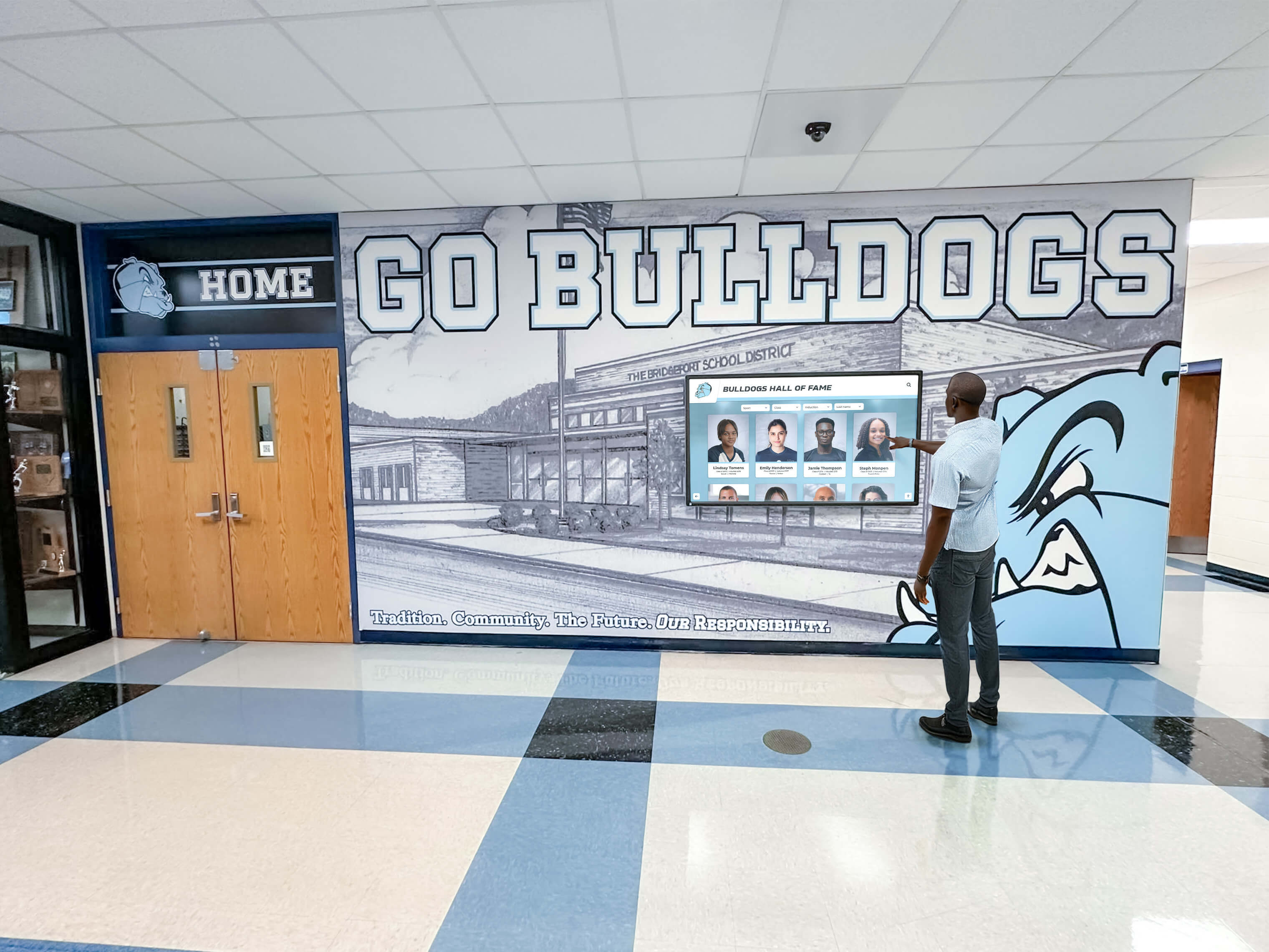
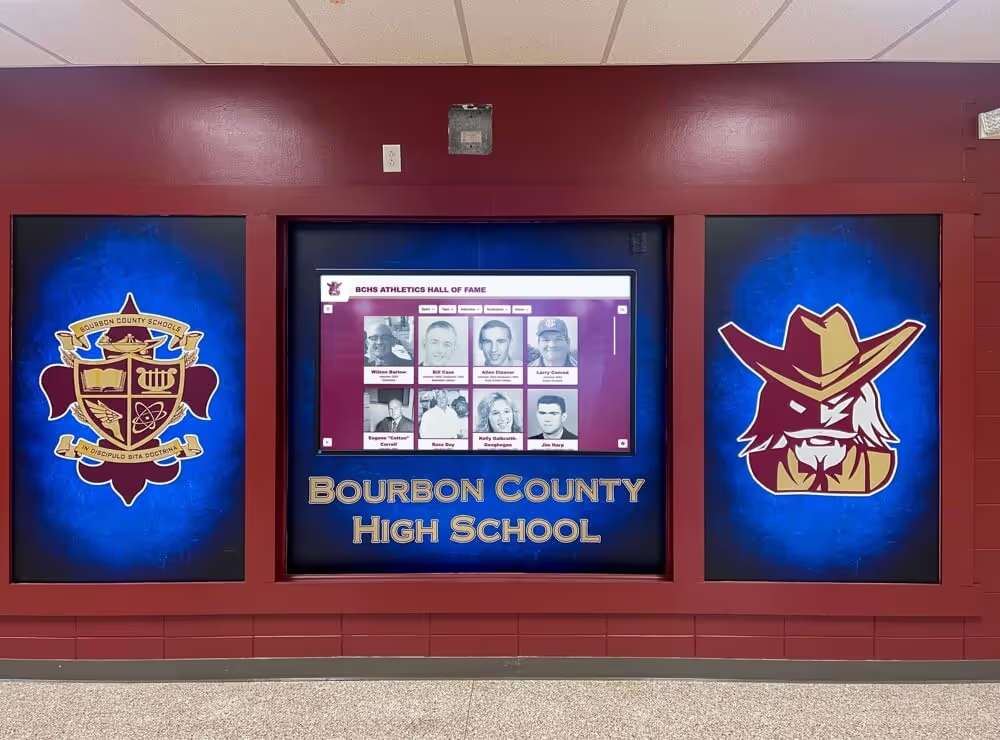
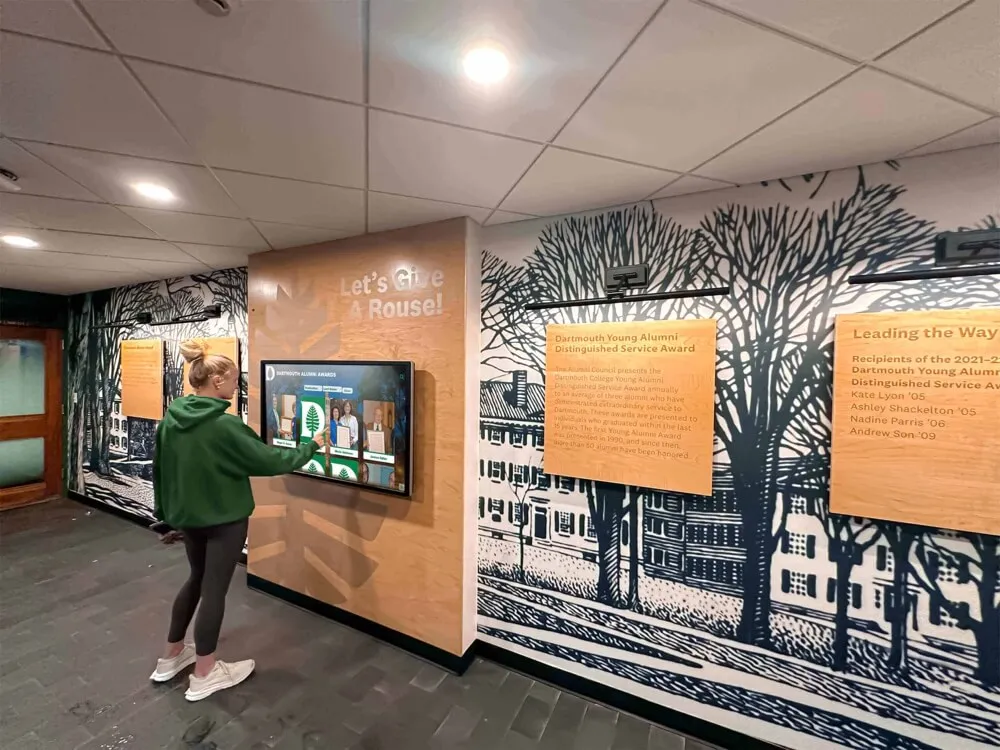
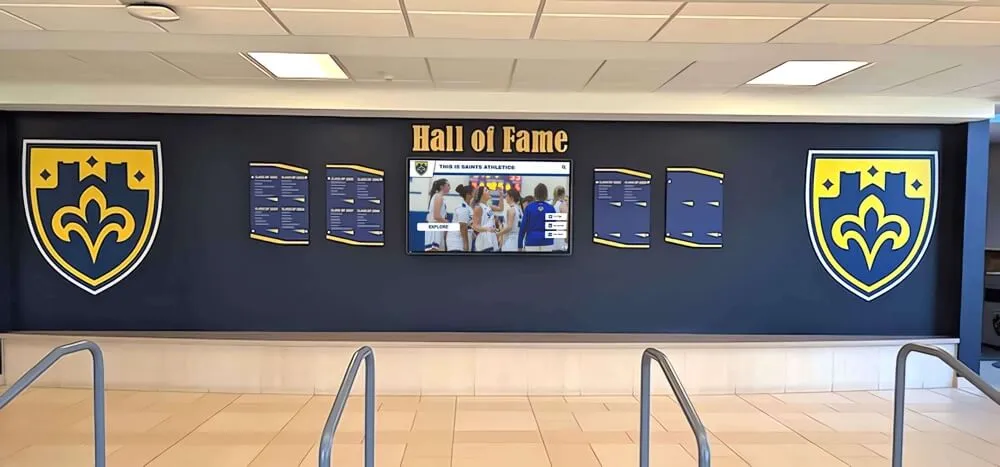
Touchscreen hall-of-fame installations display archived game footage and program history to students, alumni, and visitors — footage that originated on control-track-degraded VHS tapes requires a pre-digitization diagnosis and stabilization workflow before it can appear on recognition screens without rolling or tearing artifacts
Step 7: Document Control-Track Findings in the Archive Record
Every tape processed through the control-track error workflow should generate a processing record that travels with the file from intake through archive storage. This record prevents duplicate diagnostic work if the file is re-evaluated later, provides a quality history for the archive collection, and ensures that downstream display systems and recognition programs receive accurate metadata about the footage they incorporate.
Required processing record fields:
| Field | Content |
|---|---|
| File identifier | Archive accession number or unique file ID |
| Source format | VHS SP/EP, S-VHS, VHS-C, etc. |
| Tape condition classification | Intact / Borderline / Splice-point instability / Degraded / Severely degraded / Absent |
| Symptom description | Rolling / tearing / herringbone / localized at splice points / bottom-frame only / none |
| Deck used for diagnosis | Make and model |
| Head cleaning performed | Yes/No; date |
| Tracking adjustment required | None / manual preset / prosumer wide-range servo |
| TBC used | Make, model, and sync mode setting |
| Capture card and software | Make, software version, file format, codec |
| Post-capture stabilization applied | Tool name, settings, pass count |
| Unrecoverable frame timecodes | List or range of frames with complete data loss |
| Processing operator | Name or initials |
| Date of capture | ISO 8601 format (YYYY-MM-DD) |
| Preservation master path | Full path to archive master file |
| Access copy path | Full path to stabilized access file |
Store the processing record as a sidecar text or CSV file alongside the master in the archive directory, and embed key fields in the file’s metadata where the codec supports it (XMP fields in MXF or MOV containers). Schools that implement a consistent accession numbering system for their athletic archive — applying the same identifier to the tape, the capture file, and the processing record — maintain a reliable chain of provenance from the original recording through every downstream use.
Programs planning recognition events that incorporate historic footage alongside academic and athletic award materials — including athletic award ceremonies coordinated across multiple programs — benefit from archive records that accurately describe the completeness and quality of available footage before program planning begins, rather than discovering gaps in content coverage during the event preparation phase.
Connecting Stabilized Footage to Recognition Programs and Display Systems
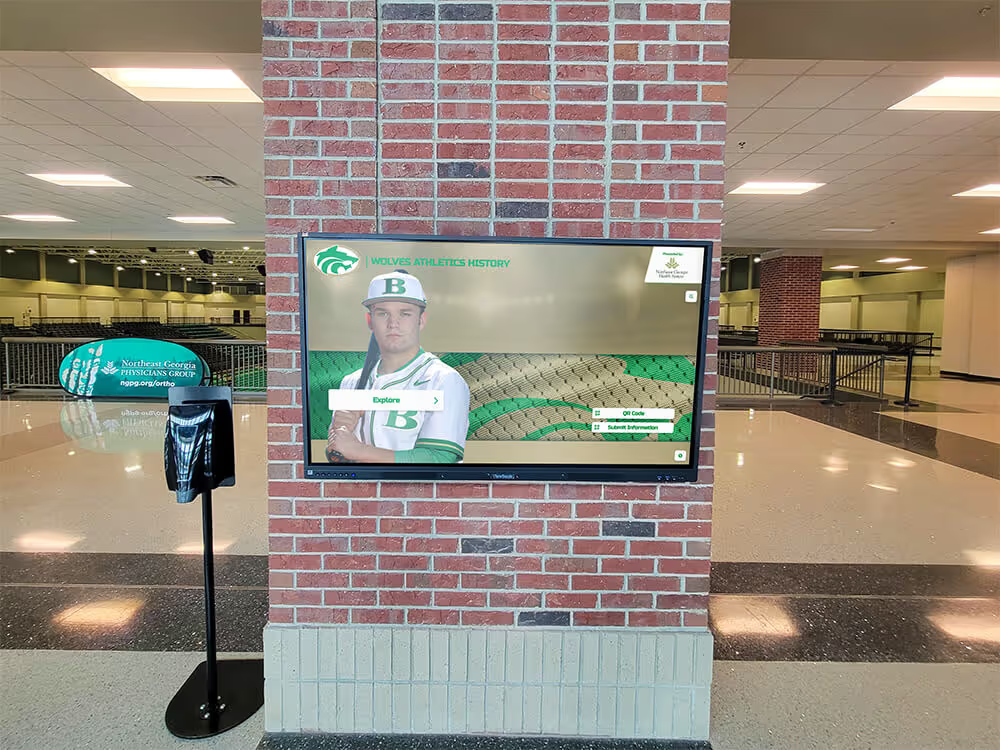
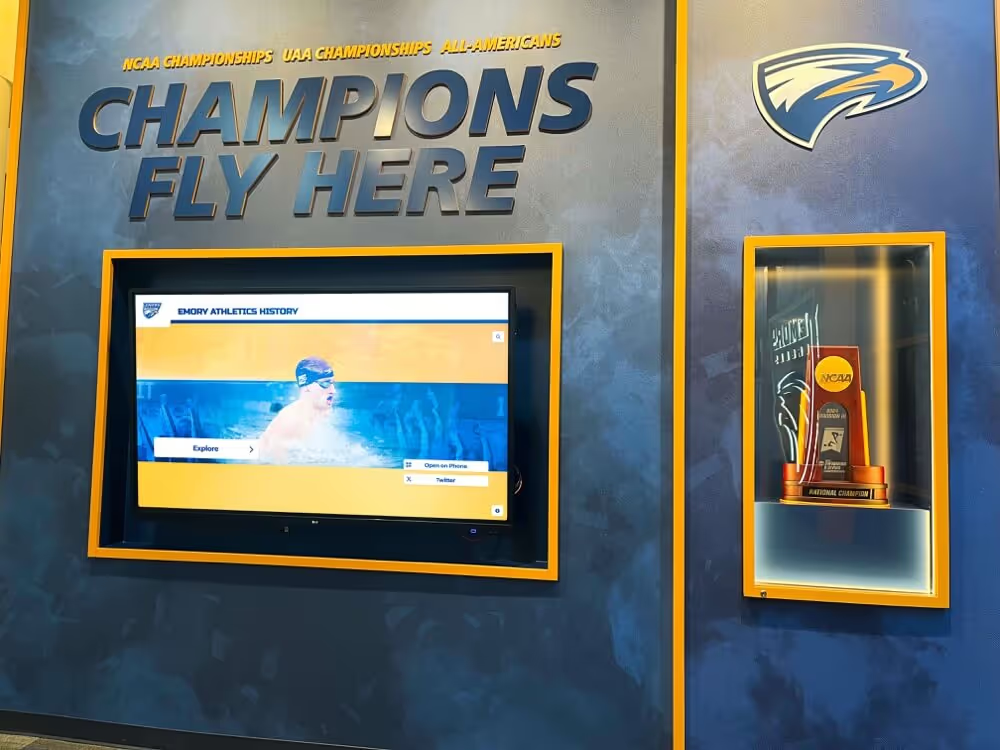
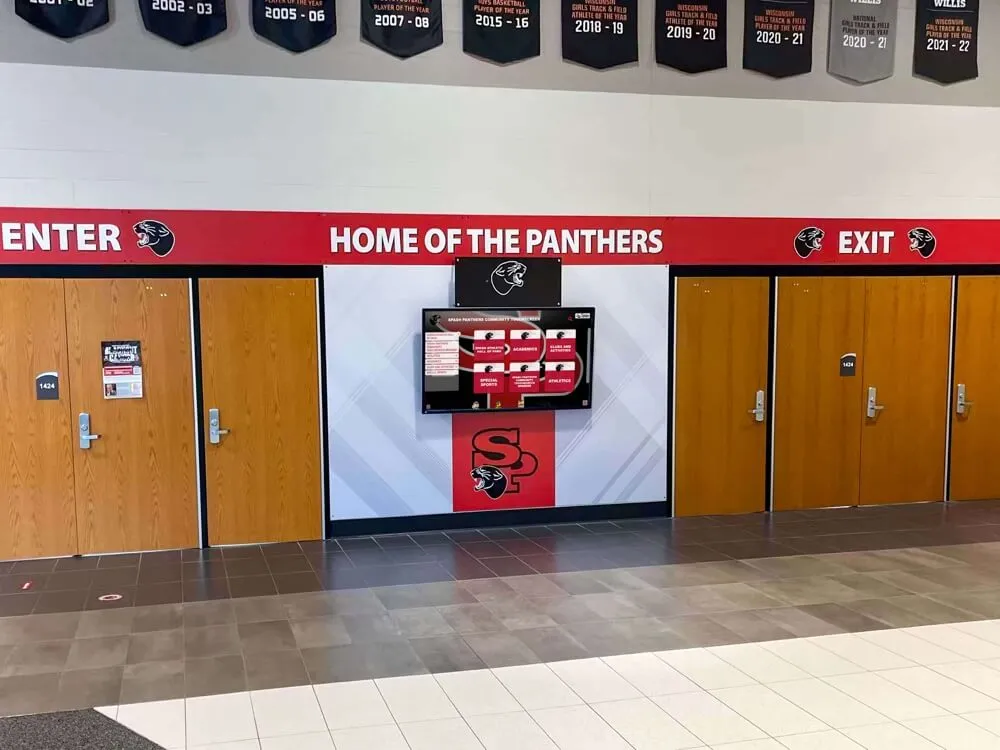
The return on the control-track error workflow is realized when stabilized, documented archive footage can be published to the recognition systems that make a school’s athletic history visible. A game recording captured from a severely degraded VHS tape — correctly diagnosed, captured with TBC correction, and stabilized in post-processing — can appear on a lobby touchscreen display, a hall-of-fame screen, or a digital trophy case without exposing visitors to the rolling picture that the original tape would have produced on an unprepared capture station.
Schools building comprehensive athletic recognition programs that will draw on decades of archived footage should consider the control-track error workflow part of the intake protocol for every VHS tape in the collection, not a special-case measure applied only to tapes that visibly fail on first play. Many tapes with borderline control tracks play acceptably on one deck and fail on another — a condition that makes the borderline classification important to document before the tape’s future behavior on different equipment introduces quality inconsistencies into the archive.
Recognition programs that connect corrected video archives to digital hall-of-fame display link systems benefit from stable source files: display systems that deep-link to specific archived segments by timecode require files with consistent, accurate frame timing — a property that TBC-corrected, stabilized files provide and that control-track-degraded raw captures cannot guarantee.
Historic athletic footage is most meaningful when it can be placed in the context of the full program history — the seasons, the athletes, the championships, and the coaching staff whose contributions the archive preserves. Schools that surface this footage alongside broader school tradition and community program records create recognition programs whose depth reflects the full scope of what the school’s community has built over decades.
Programs planning to invest in athletic archive digitization should approach the project as the one-time opportunity it is: the VHS tapes holding this footage are degrading continuously, and the equipment capable of playing them is becoming harder to maintain. A control-track error workflow applied systematically at intake preserves more footage than a workflow applied only when visible failure occurs — because borderline tapes that barely play today will fail entirely in five years.
Frequently Asked Questions
Q: Can a tape with a completely absent control track be digitized?
In some cases, yes, but the result depends on the deck’s capabilities and the footage’s importance. A VHS deck that supports automatic frequency control (AFC) or a cassette with detectable video on the helical tracks but no control track can sometimes be played using a professional deck’s service mode, which allows the servo to lock on the video content’s sync pulses rather than the control track. The result is typically an unstable picture that requires a TBC and post-capture stabilization to be usable. For irreplaceable recordings — a championship game, a founding year practice session, the only recording of a coach who has since passed — professional tape recovery services have equipment specifically configured for this scenario. For recordings with duplicates or partial duplicates in the collection, the cost and complexity of full professional recovery may not be justified.
Q: How long does the control-track diagnosis workflow take per tape?
The observation and cleaning steps take approximately 10 to 15 minutes per tape. A tracking test and signal assessment add another 5 to 10 minutes. For tapes classified as intact or borderline, the full diagnosis is complete in under 30 minutes before capture begins. For tapes requiring a prosumer deck trial or TBC calibration, add 15 to 30 minutes of setup per capture session — though the setup applies to the session, not to each additional tape if multiple tapes of similar condition are captured in the same session. Post-capture stabilization processing time is file-length-dependent: a 2-hour game recording may take 30 to 60 minutes of software processing time, running unattended.
Q: We have tapes that play stably on one deck but roll on another. Which deck is correct?
Both decks are showing correct behavior for their respective servo tuning. VHS tapes recorded on one deck play most reliably on a deck whose servo is tuned to a compatible control track level and timing. Consumer decks from different manufacturers had different default servo positions, and a tape recorded on one manufacturer’s equipment may fall outside another manufacturer’s default lock range. The practical answer: use the deck on which the tape plays most stably for capture, document that deck’s make and model in the processing record, and consider that deck the reference playback unit for that tape if re-digitization is ever needed.
Q: Does fast-forwarding or rewinding a degraded tape before capture help?
Sometimes, for a specific reason: a tape that has been stored wound for years may have uneven layer tensions that cause speed irregularities on first play. A complete fast-forward followed by a complete rewind — using the deck’s internal transport without removing the tape — redistributes the pack tension and can reduce tension-related tracking irregularities on the first play after rewinding. This step is worth performing on any tape that has been in long-term storage before the controlled playback test. It adds no mechanical stress beyond what normal play would produce and occasionally eliminates what appeared to be a control track problem that was actually a tension distribution artifact.
Q: Should we prioritize control-track diagnosis over other pre-digitization checks?
Control-track stability determines whether the video signal can be read at all — without servo lock, no other quality improvement is meaningful. Apply control-track diagnosis before azimuth correction, color space adjustment, or audio cleanup. A tape that fails servo lock cannot be corrected for any other defect until playback is stabilized. In a triage workflow across a large collection, a rapid initial observation pass — two to three minutes of monitored playback per tape — sorts the collection into stable, borderline, and failed categories, allowing the full diagnosis workflow to be applied selectively to the borderline and failed tapes while stable tapes proceed directly to standard capture.
Building the Control-Track Workflow Into Your Archive Practice
The athletic archive VHS control-track error workflow is not a specialized intervention reserved for obviously damaged tapes — it is a standard intake step for every VHS recording entering the permanent archive. A school that applies this workflow at the beginning of its digitization project reduces the probability of discovering unusable captures late in the process, when the original tapes may have deteriorated further or the capture equipment may no longer be available.
The game footage, sideline recordings, coach interviews, and practice sessions held on VHS tapes in school athletic archives represent the primary visual record of programs that shaped communities. These recordings document athletes who are now alumni, coaches who have since retired, and seasons whose outcomes are remembered in halls of fame and trophy cases across the country. The control-track error workflow is the step that determines whether those visual records can be preserved at a quality level that allows them to serve the recognition programs, the alumni events, and the school communities that care about them.
Programs that connect stabilized archive footage to digital hall-of-fame installations, lobby recognition displays, and athletic heritage programs — the systems that make a school’s history visible and meaningful to each new class — are exactly the programs that benefit from every minute invested in pre-digitization diagnosis. The athletes whose careers are documented on those tapes deserve to be seen, not lost to a preventable capture error.
Ready to connect your stabilized athletic video archive to a recognition display that honors your program’s full history?
Rocket Alumni Solutions designs digital hall-of-fame systems, lobby touchscreen kiosks, and athletic recognition walls for schools — built to showcase archive-quality footage from programs that preserved their history with care.
Request a recognition display demo from Rocket Alumni Solutions →