The athletic archive VHS capstan-speed check is the pre-digitization inspection process that confirms whether a legacy game cassette was recorded at Standard Play, Long Play, or Extended Play speed, verifies that the playback deck’s capstan is transporting the tape at the matching rate, and identifies any speed variation caused by a worn capstan motor or degraded pinch roller before that instability is encoded into a permanent digital archive file. The VHS capstan is a precision-machined metal shaft — typically 1–3 mm in diameter — driven by a servo-controlled DC motor and pressed against the tape strand by a rubber pinch roller. Together, the capstan and pinch roller regulate the exact rate at which tape travels past the rotating head drum during playback. In NTSC VHS, the capstan servo locks to the approximately 30 Hz control track pulses recorded at the tape’s lower edge, maintaining the transport speed within the tolerance that allows the spinning video heads to sweep each helical-scan track at the precise angle and position needed to recover the recorded signal. When the capstan delivers the tape at the speed matching the original recording — Standard Play at approximately 33.35 mm/s, Long Play at approximately 16.67 mm/s, or Extended Play at approximately 11.12 mm/s — the captured video plays back at the correct frame rate and the audio reproduces at the correct pitch. When the speed does not match, the result ranges from subtle pitch shift and mild color instability to a visibly slow- or fast-motion picture and audio that is immediately and obviously wrong.
For school athletic archives, the practical stakes of getting the speed right are substantial. A game recording captured at Extended Play speed — a mode sometimes chosen by coaches or camera operators to fit an entire tournament on a single T-120 cassette — plays at an obviously abnormal audio pitch and reduced color saturation if the capture deck is set to Standard Play. A capture session that runs unmonitored on a mismatched speed setting produces a digital file whose audio pitch is permanently shifted by several semitones and whose video timing does not correspond to the original game’s running time. Unlike a physical tape that can be rewound and re-captured, a digitized file encoded at the wrong speed requires reprocessing at best and re-digitization from the source tape — if the tape survives — at worst.
This guide gives school athletic directors, AV coordinators, IT staff, and archive volunteers a systematic capstan-speed check workflow for identifying a VHS tape’s recording speed before digitization begins, verifying the playback deck’s transport accuracy, detecting capstan-related speed instability that requires hardware attention, and documenting the confirmed speed in the archive record so that every downstream use of the captured footage — in hall-of-fame displays, lobby screens, and digital yearbook archives — reflects the correct speed at which the original recording was made.

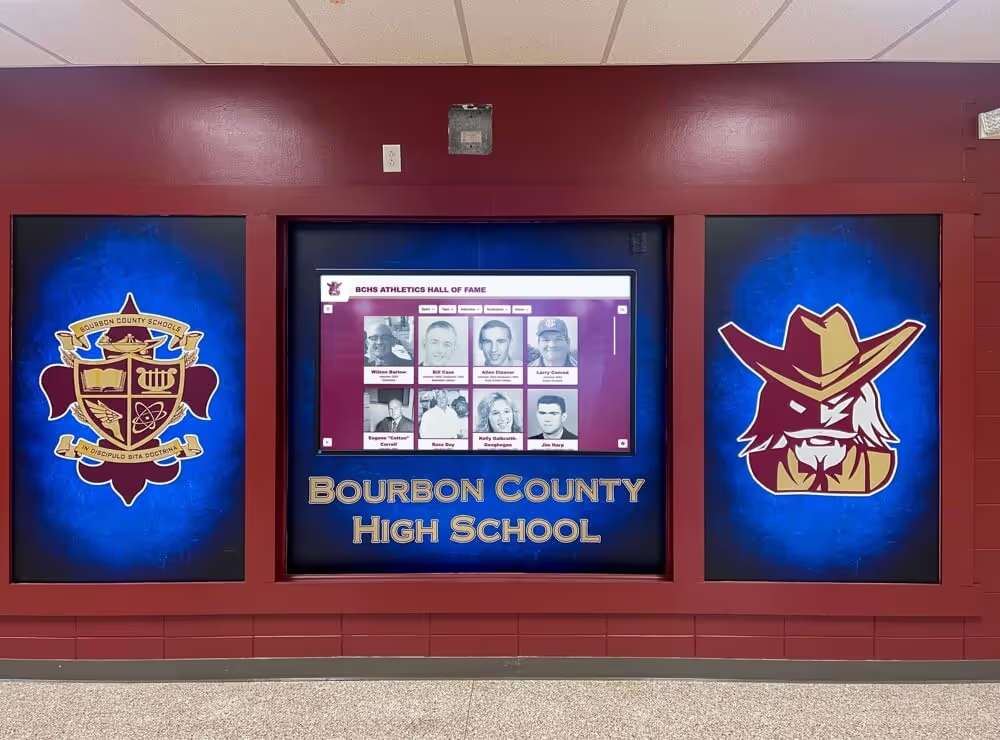
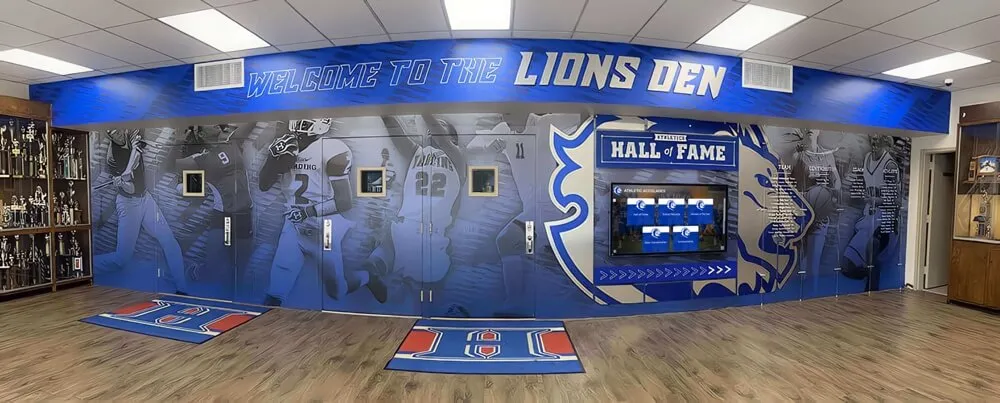
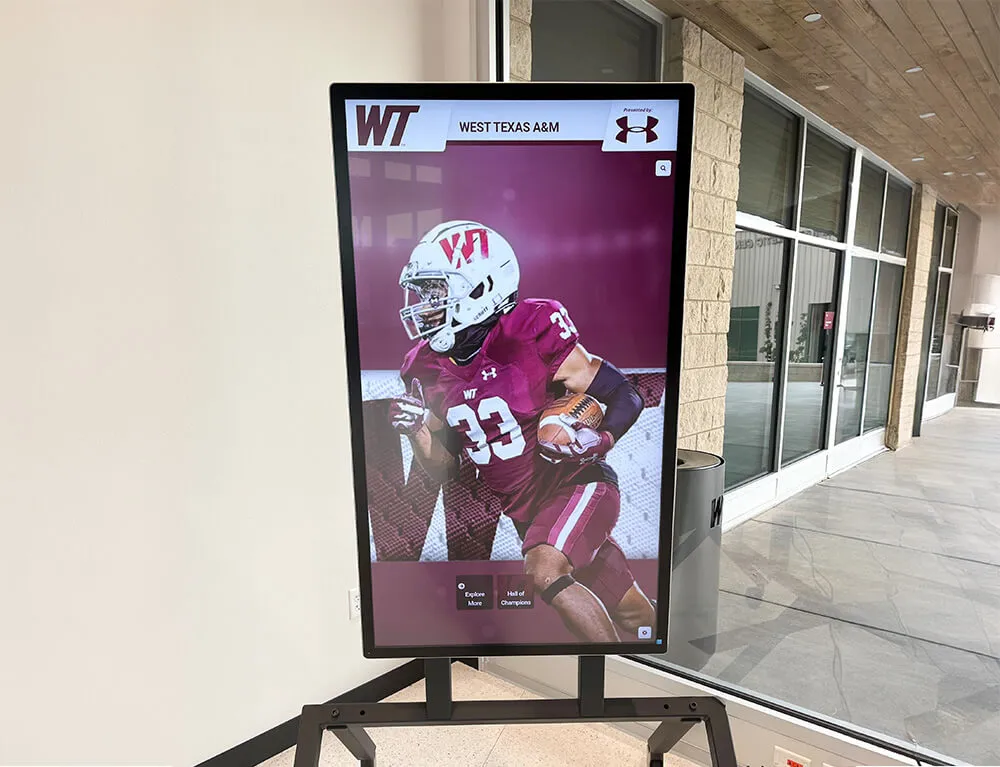
Lobby recognition screens and hall-of-fame displays source their game footage from archived VHS recordings — a capstan-speed mismatch during digitization permanently encodes wrong audio pitch and incorrect video timing into the file, affecting every downstream presentation of that footage
What the Capstan Does and Why Speed Accuracy Determines Capture Quality
The VHS transport moves tape through the deck along a carefully engineered path: the tape leaves the supply reel, wraps around the rotating head drum at a prescribed helix angle, passes the stationary control track head, and is drawn forward at a constant speed by the capstan and pinch roller before winding onto the take-up reel. Every component of the recorded signal — the helically recorded video fields, the longitudinal control track pulses, and the linear audio track — was written at the exact tape speed of the original recording session. Recovering that signal accurately during playback requires matching that speed precisely.
The capstan servo accomplishes this by reading the recorded control track pulses and comparing their arrival rate to an internal reference. In NTSC VHS Standard Play, the servo expects to see control track pulses at approximately 30 Hz — one per video frame — as the tape travels at 33.35 mm/s. If the tape was recorded at Extended Play, the same number of pulses are present but packed into one-third the tape length: the servo reads them at approximately 30 Hz only when the capstan moves at 11.12 mm/s. A deck that interprets an EP recording as SP will attempt to play the tape at triple the correct speed, and the servo will read control track pulses arriving at approximately 90 Hz rather than 30 Hz — a rate mismatch the servo will attempt to compensate for until the speed error is corrected by the operator or until the servo circuit gives up and allows the picture to destabilize.
Why school athletic archives are particularly susceptible to speed-mode problems:
- Missing or illegible tape labels. Consumer VHS cassettes used for game recording frequently had hand-written labels that became illegible over decades of storage. When the speed mode is not legible on the label, a capture operator working through a large collection may default to Standard Play for all tapes — correctly for most, but incorrectly for any tape recorded at LP or EP, producing a permanently mismatched capture for each affected recording.
- EP recording for tournament coverage. Game videographers covering multi-day tournaments on a limited number of cassettes sometimes recorded entire tournaments at EP speed on a single T-120 tape. EP speed was a deliberate field choice, not a labeling error, but if the label does not indicate EP, the speed choice is undetectable without a guided inspection.
- Consumer deck auto-selection of LP. Some consumer VHS decks automatically selected LP speed for recordings that exceeded the Standard Play capacity of the inserted tape, without providing any on-screen confirmation of the speed change. A recording that began at SP and shifted to LP at the two-hour mark produces a tape where the first half is captured correctly at SP and the second half is permanently pitch-shifted when captured at that same SP setting.
- Worn capstan motors in aging consumer decks. A consumer VHS deck used continuously for capture without servicing may have a capstan motor whose bearing preload has increased with age, introducing speed variation — wow (slow, periodic speed drift) and flutter (rapid, irregular speed changes) — into the playback transport. Speed variation in the capstan manifests as audio wavering and subtle luminance banding even when the speed mode is correctly matched.
- Mismatched capstan and control track after tape stretching. A tape that has been physically stretched by heavy rewind tension, high-speed rewind cycles, or temperature cycling may deliver control track pulses to the stationary head at a slightly different rate than a reference tape, requiring the servo to operate at the edge of its tracking range to maintain lock.
The Library of Congress Sustainability of Digital Formats program and the International Association of Sound and Audiovisual Archives (IASA) both identify tape speed accuracy as a foundational parameter for analog video transfer — a precondition that must be verified before any other signal-processing or quality assessment step produces meaningful results.
Symptom Recognition — Capstan Speed Errors During Supervised Playback
A brief supervised playback session — two to three minutes of monitored output — reveals the majority of capstan speed problems before a capture session commits to a mismatched recording. The symptom profile of a speed error differs from the profiles of control track failure, azimuth misalignment, and oxide shedding, making it identifiable without specialized instrumentation.
| Symptom During Playback | Likely Cause | Severity |
|---|---|---|
| Audio pitch obviously too high (voices sound rapid and unnatural) | Deck playing at SP while tape was recorded at LP or EP | Severe — wrong speed mode; correct immediately |
| Audio pitch obviously too low (voices sound sluggish and deep) | Deck playing at LP or EP while tape was recorded at SP; rare but occurs with service-mode errors | Severe — wrong speed mode; correct immediately |
| Audio wavering at a slow, periodic rate (1–2 Hz “wobble”) | Capstan motor wow — low-frequency speed variation from bearing wear or motor imbalance | Moderate — hardware attention required before archival capture |
| Audio wavering at a rapid, irregular rate | Capstan motor flutter — high-frequency speed variation from worn pinch roller or degraded capstan shaft | Moderate — hardware attention required |
| Color saturation visibly wrong relative to expected content | Capstan speed error disrupting the color subcarrier’s relationship to the luminance signal | Moderate-severe — accompanies pitch error in speed-mode mismatches |
| Video playing in apparent slow motion | Deck transport operating significantly below the correct speed; rare except in severe capstan motor failure | Severe — transport fault; stop playback |
| Stable video; correct pitch; no audio wavering | Capstan operating at correct speed and within normal wow/flutter tolerance | None — proceed to capture with TBC |
| Stable video; correct pitch; occasional brief pitch flutter | Minor pinch roller wear; within tolerance for consumer-grade capture | Mild — document in processing record; use TBC |
The distinction between a speed-mode mismatch and capstan motor wear is important for triage: a speed-mode mismatch requires selecting the correct speed setting on the deck, while capstan motor wear requires hardware intervention — cleaning, lubrication, or deck replacement — before the speed error it introduces affects the captured file.
Step 1: Identify the Recording Speed from the Tape Label and Program Duration
The first step in the capstan-speed check workflow is establishing the expected speed before any tape is threaded into the deck. Two sources of information allow this without playback.
Reading the tape label:
Examine the cassette label for any speed notation. Consumer recording practice was inconsistent, but tapes labeled for athletic events sometimes include a speed notation from the era of recording. Common label notations for speed mode include “SP,” “LP,” “EP,” “SLP,” “2H,” “4H,” or “6H” (indicating program duration at the recorded speed on a T-120 cassette). If a speed notation is present and legible, document it in the archive processing record and set the deck to that mode before supervised playback begins.
Estimating speed from program duration and tape capacity:
When a label does not include a speed notation, the expected duration of the content provides a secondary indicator. A T-120 VHS cassette records approximately 2 hours at Standard Play, 4 hours at Long Play, and 6 hours at Extended Play. A cassette labeled as containing a single varsity basketball game — typically 90 to 100 minutes of recorded content including warmups, timeouts, and post-game — almost certainly used Standard Play. A cassette labeled as a full tournament day — four or more games totaling six or more hours — is a candidate for Extended Play. A tape holding a single Friday night football game at approximately 3 to 3.5 hours of recorded time is consistent with either LP or EP recording on a T-120.
When no speed information is available:
If neither the label nor the expected content duration provides a definitive speed indicator, treat the tape as requiring an audio pitch verification during supervised playback in Step 4. Begin with Standard Play — the most common school athletic recording mode — and listen to the first two minutes of voice content. A clearly recognizable voice at an obviously wrong pitch is an immediate and reliable speed-mode indicator that requires no additional instrumentation.
Schools building formal accession records for their athletic archives — applying consistent identification and vocabulary standards of the kind described in systematic athletic archive cataloging frameworks — will find that documenting the confirmed recording speed as a standing metadata field for each accession prevents repeated speed investigation on tapes that are re-examined or re-captured in the future.
Step 2: Inspect and Clean the Capstan Shaft and Pinch Roller
Even with the correct speed mode identified, a contaminated capstan shaft or degraded pinch roller introduces speed variation that the servo cannot fully compensate for — producing wow and flutter in the captured audio and subtle timing errors in the video signal. Cleaning the capstan transport before every archive capture session is a foundational practice, not an optional refinement.
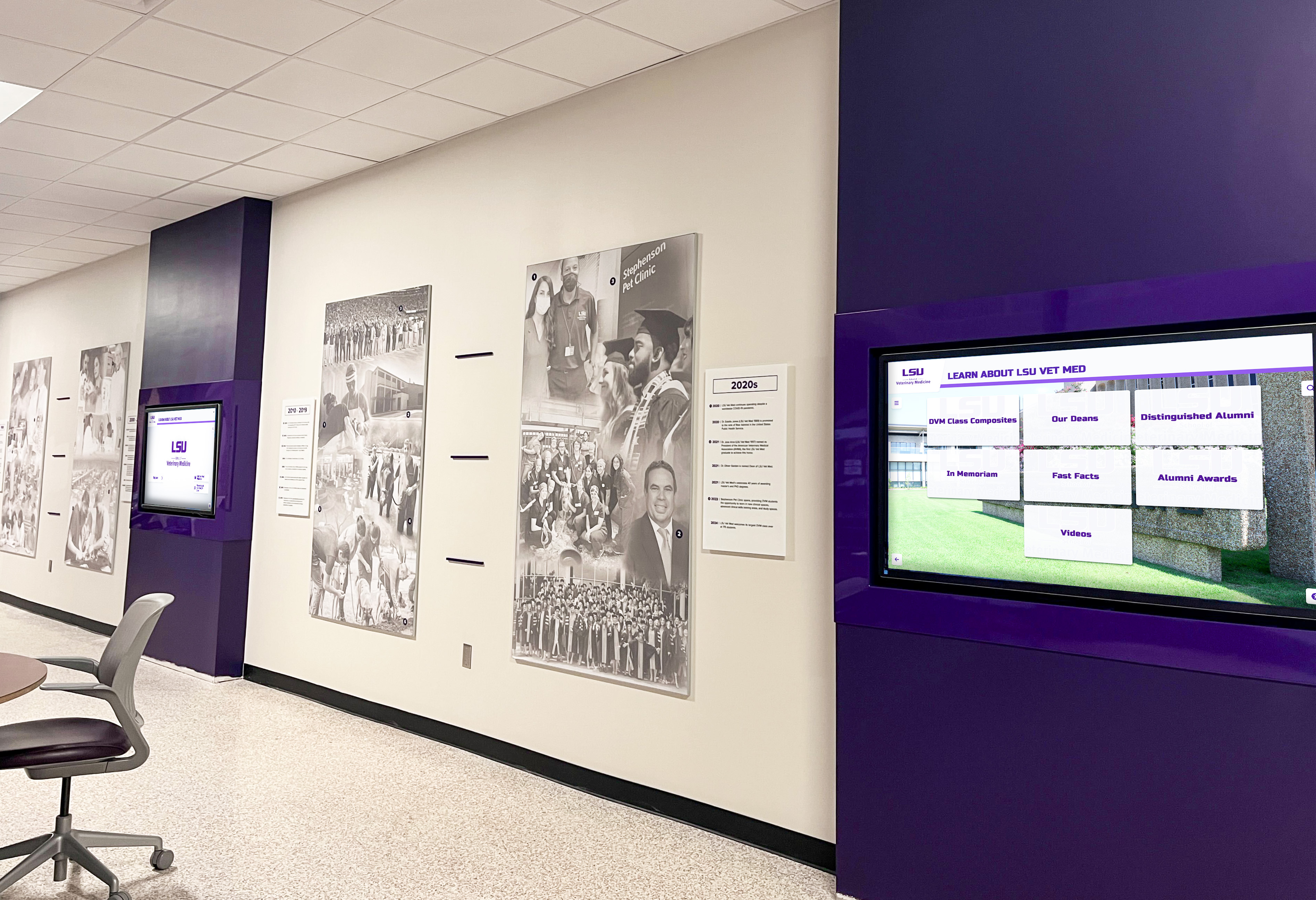
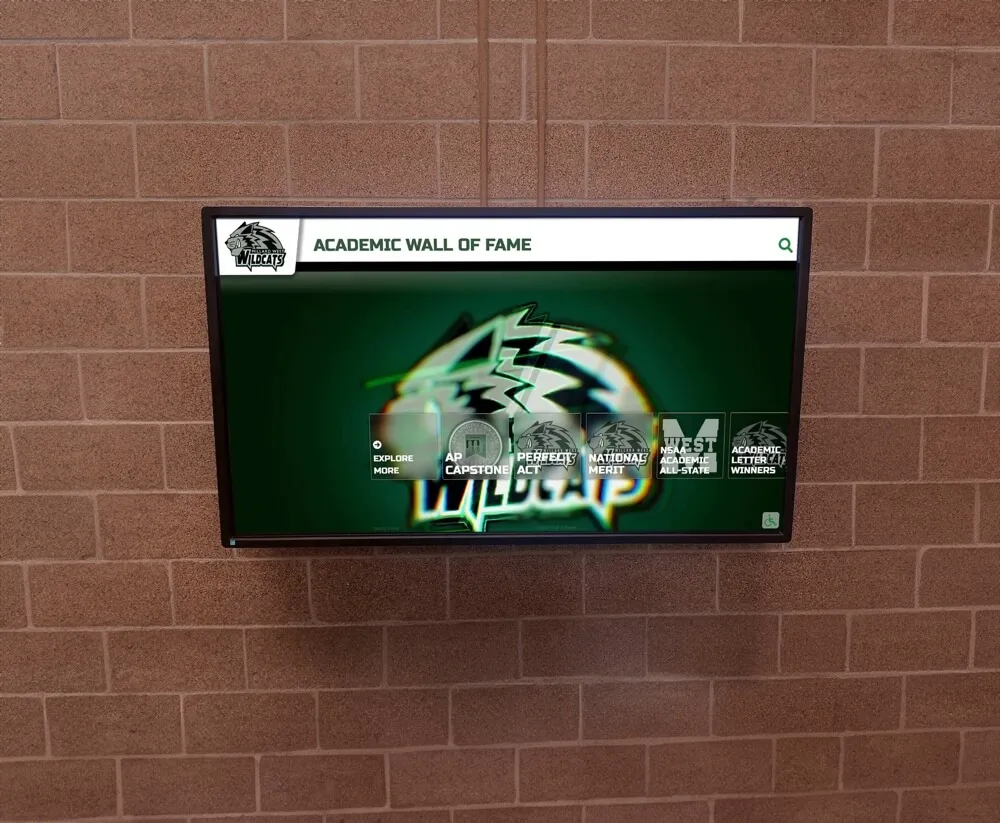
Recognition hallway displays that incorporate historic footage and athletic program history depend on archive recordings captured at the correct tape speed — capstan and pinch roller cleaning before each capture session is the mechanical step that makes speed accuracy achievable
Capstan shaft cleaning:
With the deck powered off and no tape loaded, access the capstan shaft — the metal post visible in the tape path, located adjacent to the pinch roller assembly. Moisten a lint-free foam-tipped applicator with 91% or higher isopropyl alcohol. Wipe the capstan shaft surface with a single light stroke along its length, then rotate the shaft by hand to expose its full circumference and wipe again. Inspect the applicator tip: brown discoloration from oxide residue, or a waxy residue from tape binder migration, confirms that the capstan surface was contaminated. Continue cleaning with fresh applicators until the tip returns clean on each pass. Allow the shaft to dry for at least 30 seconds before loading a tape.
Pinch roller inspection and cleaning:
The pinch roller presses the tape against the capstan shaft to maintain traction. Its rubber surface must be supple and free of oxide residue to maintain consistent grip. Inspect the roller surface visually under bright light: a healthy roller surface appears uniformly matte and slightly textured. A glazed surface — smooth, shiny, and reflective — indicates that heat and oxide accumulation have hardened the rubber to a point where cleaning cannot restore adequate grip; a glazed roller must be replaced before the deck is used for archive capture.
For rollers that are not glazed, clean the surface by rotating the roller with a fingertip while holding a fresh isopropyl alcohol swab gently against its surface. Wipe until the swab returns clean. Inspect the roller circumference for any cracking, flattening, or surface irregularities. A roller with visible cracking or a flat section (from long-term storage under spring tension) applies non-uniform grip to the tape on each rotation cycle, producing periodic flutter at a frequency related to the roller’s circumference divided by the tape speed.
Documenting the cleaning step:
Record whether the capstan and pinch roller were cleaned, the condition observed on the applicator tip, and any visual defects noted on the roller. This record provides evidence that the transport was in a clean condition at the start of the capture session and establishes the mechanical basis for the speed accuracy of the captured file.
Step 3: Verify the Deck’s Speed-Mode Setting
After cleaning, confirm that the capture deck is set to the speed mode identified in Step 1. On most consumer and prosumer VHS decks, the speed mode is selected through a front-panel button that cycles between SP, LP, and EP/SLP. The current mode is displayed on the deck’s front-panel LED or on-screen display.
Prosumer deck advantages for speed-mode accuracy:
Consumer VHS decks designed for home recording prioritize simplicity over precision. Their speed-mode detection circuits rely primarily on the control track density to identify the recording speed and switch modes automatically. This auto-detection is reliable for tapes with clean, consistent control tracks, but may misread the speed of tapes with degraded or irregular control tracks — incorrectly selecting SP for a tape whose control track irregularity makes its EP pulse density ambiguous.
Prosumer VHS decks — including the Panasonic AG-1980P, the JVC HR-S9911U, and the Sony SVO-5800 — provide manual speed-mode override controls that hold the deck at the operator-specified speed regardless of what the control track auto-detection circuit reports. For tapes where the recording speed has been confirmed from the label or duration analysis in Step 1, locking the deck to that speed manually eliminates the risk of auto-detection error during capture.
Recording the deck and speed setting:
Before the supervised playback test, note the deck make, model, and the speed mode selected (or confirmed by manual override) in the processing record. If the deck selected the speed automatically, note the auto-detected mode and compare it against the expected mode from Step 1. A discrepancy between the auto-detected and expected mode is a flag for additional investigation during the monitored playback test in Step 4.
Step 4: Run a Monitored Playback Test and Assess Audio Pitch
With the deck cleaned, the speed mode set, and the capstan transport prepared, thread the tape and allow it to reach normal play speed before evaluating the output. Most consumer decks stabilize the transport within 10 to 15 seconds of entering play mode; prosumer decks typically stabilize faster. Allow this settling period before making any assessment.
Audio pitch assessment:
Play a passage of speech content — an announcer calling a play, a coach giving instructions during a timeout, or a sideline interview immediately after a game. Listen specifically to whether the speaking voice sounds natural or obviously wrong in pitch.
- Natural pitch: The voice sounds recognizable and consistent with normal speech rates. The speed mode is correctly matched to the recording, and the capstan is operating within its normal speed tolerance. Proceed to the frame rate check in Step 5.
- Obviously too high: Voices sound faster, brighter, and slightly unnatural. The tape was recorded at a slower speed than the deck is currently set to play — the most common mismatch is a deck set to SP playing an EP recording. Stop playback and reduce the deck’s speed mode by one step (SP to LP, or LP to EP), then resume and reassess.
- Obviously too low: Voices sound slower and deeper than natural speech. The tape was recorded at a faster speed than the deck is currently playing — less common, but possible with service-mode errors. Stop playback and increase the speed mode by one step, then reassess.
- Wavering pitch at a slow, regular rate: Wow — a periodic speed variation at 1–2 Hz — from the capstan bearing or a residue-contaminated shaft that was not fully cleaned. If wow is present after cleaning, the capstan motor or bearing requires professional servicing before the deck is used for archival capture of sensitive recordings. For collections where alternative equipment is not immediately available, document the wow in the processing record and apply a TBC with frame synchronization to minimize the artifact’s effect in the captured file.
- Wavering pitch at a rapid, irregular rate: Flutter — high-frequency speed variation from a degraded pinch roller or worn capstan shaft surface. The same documentation and TBC guidance as for wow applies; flutter is frequently accompanied by high-frequency audio distortion that no post-capture processing can fully recover.
Schools that have systematically speed-verified and digitized their athletic archive collections can connect that footage directly to touchscreen hall-of-fame installations, lobby kiosks, and digital yearbook displays. See how Rocket Alumni Solutions connects safely digitized archive footage to school recognition programs that serve athletes, alumni, and visitors throughout the school year.
Visual confirmation:
During the audio pitch assessment, also observe the monitor output for speed-related visual artifacts. A speed-mode mismatch at Standard Play versus Extended Play typically produces video that appears to play at three times the correct pace — so a 10-minute game quarter that should take 10 minutes to play takes approximately 3.3 minutes on the monitor. This visual time compression is immediately obvious for any sports content with recognizable game situations.
Color saturation is a secondary visual indicator. The VHS color-under system records the color subcarrier at a frequency derived from the tape speed. When the playback speed does not match the recording speed, the subcarrier’s recovered frequency is proportionally wrong, and the color decoder in the deck or capture card receives a chroma signal at a shifted frequency. The result is color reproduction that appears washed out, over-saturated, or hue-shifted — most visible in team uniform colors and the green of a playing field.
Step 5: Measure Frame Rate at the Capture Interface
The audio pitch and visual motion assessment in Step 4 provides a qualitative confirmation of speed accuracy. A quantitative verification — confirming that the captured signal is being ingested at the correct frame rate — closes the loop on the capstan-speed check.

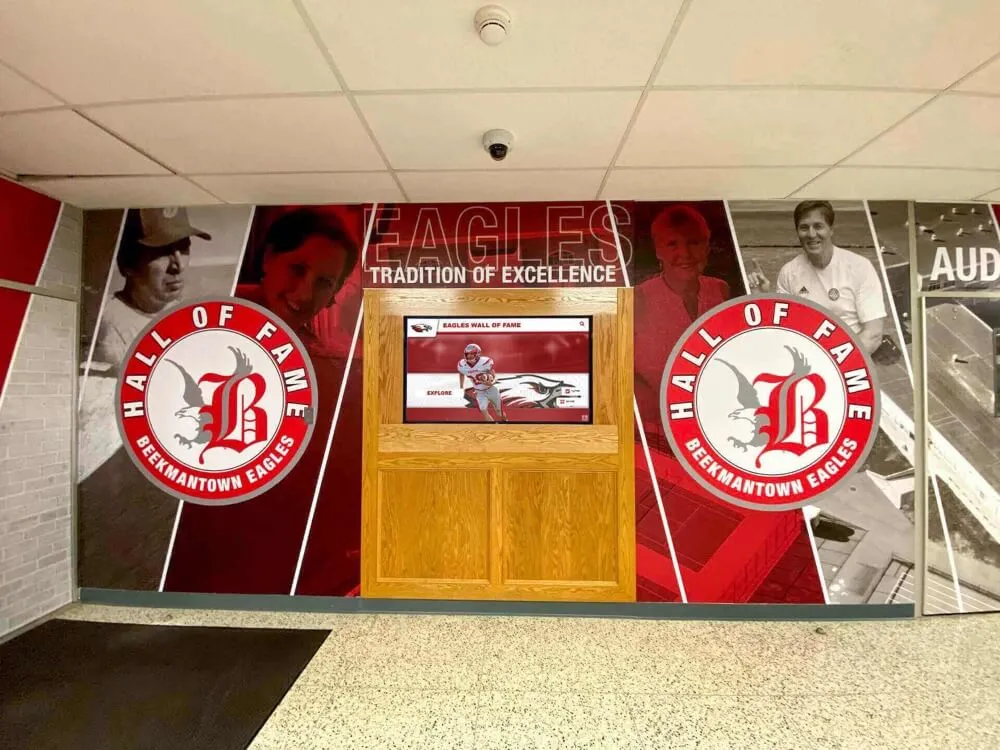
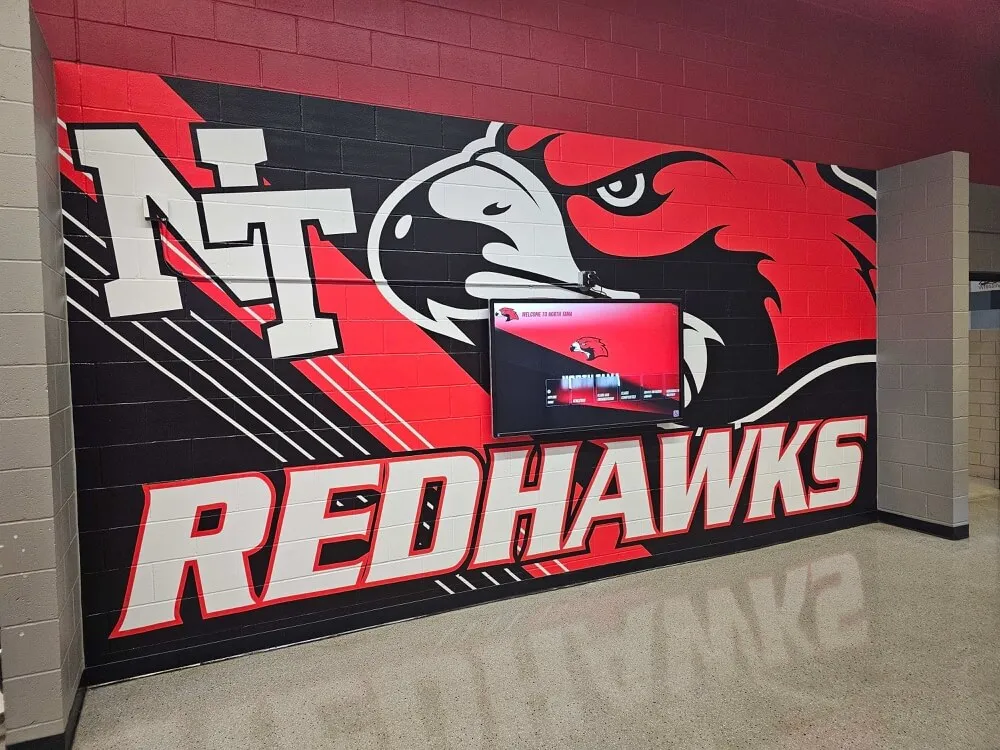
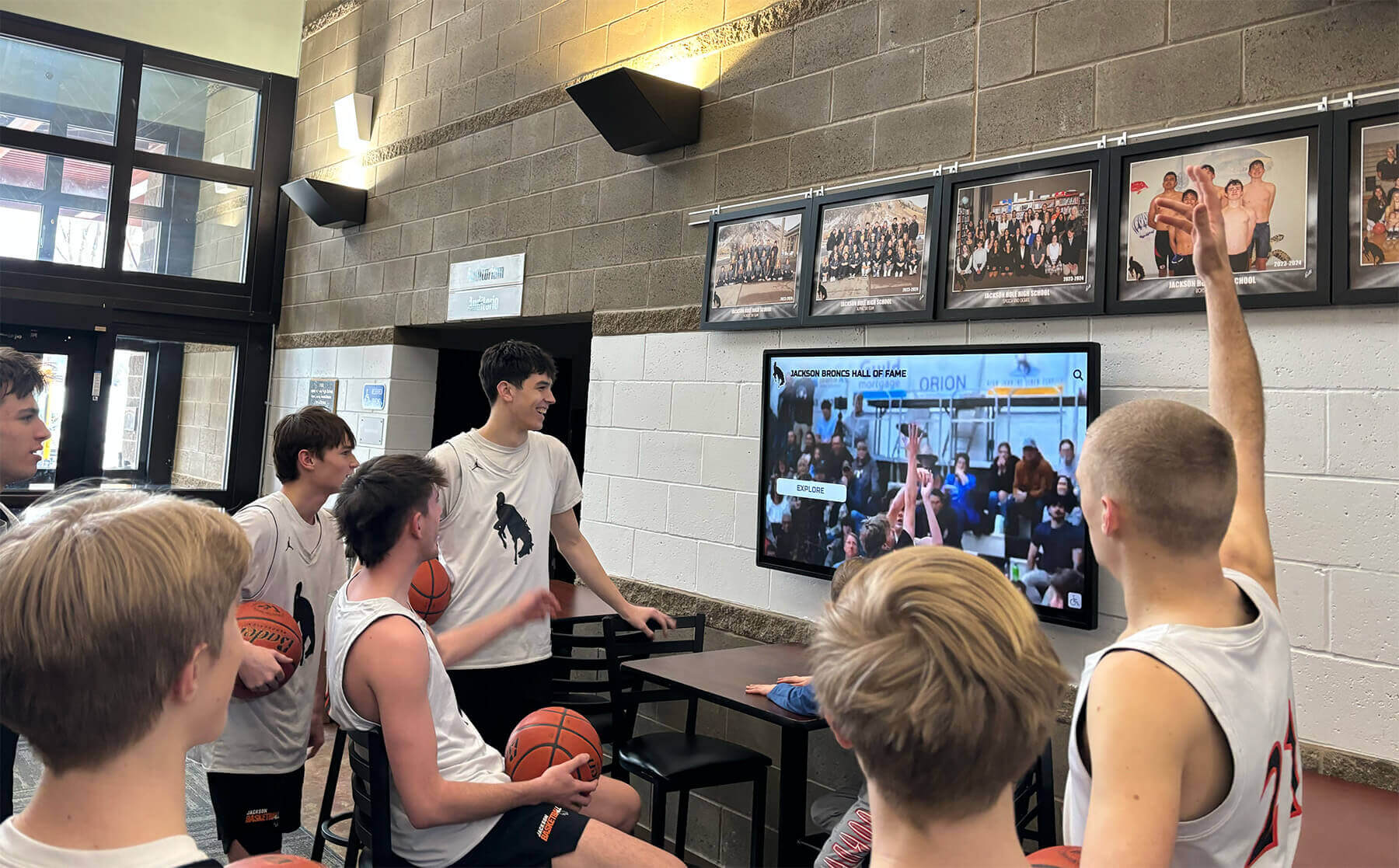
Hall-of-fame touchscreen installations draw on the speed-verified archive for every clip they present — a frame rate check at the capture interface during the capture session confirms that the capstan-speed setting is producing a correctly timed video file, not a compressed or stretched representation of the original game footage
Reading the frame rate from capture software:
Connect the VHS deck’s composite video output to the capture card or analog-to-digital converter. Before beginning a full capture, use the capture software’s preview or monitoring mode to display the incoming signal’s detected frame rate. In NTSC VHS playback at any standard speed mode, the incoming video signal should present at 29.97 frames per second. The frame rate the capture software detects reflects the VHS deck’s processed output — the deck’s internal circuitry converts the tape’s speed-dependent signal to a standard NTSC output regardless of which speed mode is active.
If the capture software reports a frame rate inconsistent with 29.97 fps during preview, the most likely causes are a faulty sync signal from the VHS deck (a control track or servo problem), a capture card input that has not fully locked to the incoming signal, or a software configuration issue with the capture card’s expected input format. A TBC inserted between the deck output and the capture card resolves the majority of sync-lock issues by regenerating the sync signal from a stable internal reference.
What the frame rate check does and does not confirm:
The frame rate check at the capture interface confirms that the VHS deck is outputting a valid NTSC signal at the correct frame rate. It does not independently confirm that the tape speed mode is correctly matched to the recording — that determination requires the audio pitch assessment in Step 4. The two checks are complementary: Step 4 confirms speed-mode accuracy through perceptual assessment, and Step 5 confirms that the deck’s output is conformant with NTSC standards for the capture system to ingest correctly.
Step 6: Apply a Time Base Corrector and Document the Confirmed Speed
A time base corrector (TBC) is the most effective hardware addition for minimizing residual capstan speed variation in the captured file. Even a correctly set, recently cleaned capstan transport in a consumer VHS deck produces some low-level timing variation that a TBC addresses before the signal reaches the capture card.
How a TBC addresses capstan speed variation:
A TBC digitizes each incoming video line independently, stores it in a frame buffer referenced to the TBC’s internal clock, and outputs each line re-timed to a stable, internally generated sync signal. This process removes the timing variation — jitter, wow, and flutter — that the capstan introduces without altering the video’s content, color values, or luminance. A TBC does not correct a speed-mode mismatch: a tape played at the wrong speed mode still plays at the wrong speed through a TBC. The TBC addresses the residual variation in an otherwise correctly set transport, not a fundamental speed-mode error.
For school athletic archive capture, a TBC between the VHS deck output and the capture card is strongly recommended for any tape that showed even mild pitch wavering during the monitored playback test, any tape captured on a consumer deck whose capstan motor age and service history are unknown, and any tape identified as a historically significant recording where the cost of re-digitization is not acceptable.
Documenting the confirmed speed:
After the monitored playback test and frame rate check have confirmed that the deck is set to the correct speed mode and operating within acceptable speed tolerance, record the following in the archive processing record before starting the full capture session:
| Processing Field | Content |
|---|---|
| Tape identifier | Accession number or unique file ID |
| Recording speed mode identified | SP / LP / EP — and how determined (label, duration, or playback pitch) |
| Deck used for capture | Make, model, capstan motor service status if known |
| Speed mode set on deck | SP / LP / EP — and whether manually set or auto-detected |
| Capstan and pinch roller cleaned | Yes / No; applicator tip condition after cleaning |
| Pinch roller condition | Supple / Glazed / Cracked / Uniform — and action taken |
| Audio pitch assessment result | Natural / Corrected to [mode] / Wow present / Flutter present |
| Frame rate confirmed at capture interface | 29.97 fps — Yes / No; TBC in use |
| TBC used | Make, model, sync mode |
| Processing operator | Name or initials |
| Date of capture | YYYY-MM-DD |
| Preservation master path | Full file path |
This record establishes a documented chain of evidence for the speed accuracy of the captured file. If a future archivist or recognition program administrator questions the audio pitch or video timing of a file in the archive, the processing record provides the specific speed mode, deck model, and verification steps applied at the time of capture — the information needed to determine whether re-capture is necessary or whether the file is authoritative.
VHS Capstan Speed Reference and Verification Table
| Speed Mode | NTSC Tape Speed | T-120 Capacity | Audio Pitch at Correct Speed | Audio Symptom if Played at SP Instead | Visual Motion If Speed Mismatched |
|---|---|---|---|---|---|
| SP (Standard Play) | 33.35 mm/s | ~2 hours | Natural; reference standard | — (SP is the reference) | Real time |
| LP (Long Play) | 16.67 mm/s | ~4 hours | Natural; announcer voice at normal rate | Pitch approximately one octave too high; voices sound rapid | 2× speed compression on monitor |
| EP / SLP (Extended Play) | 11.12 mm/s | ~6 hours | Natural; announcer voice at normal rate | Pitch approximately one octave and a fifth too high; voices sound very fast | 3× speed compression on monitor |
| SP with capstan wow | 33.35 mm/s ± variation | N/A | Periodic pitch drift at 1–2 Hz; audio “wobbles” | N/A (speed mode correct; variation is from transport) | Real time with subtle luminance banding |
| SP with capstan flutter | 33.35 mm/s ± variation | N/A | Rapid pitch instability; audio sounds unstable | N/A | Real time with minor horizontal disturbance |
The LP mode’s audio pitch error when played at SP is approximately one octave — a doubling of frequency — because SP transports the tape at twice the LP speed. The EP mode’s error when played at SP is approximately one octave and a perfect fifth, corresponding to a tripling of frequency. Both errors are large enough that no trained listener requires instrumentation to detect them in spoken content. The practical implication is that the audio pitch check in Step 4 is the fastest and most reliable single indicator of speed-mode correctness — more accessible than control track pulse counting and more immediately interpretable than any service-menu meter reading.
Connecting Speed-Verified Footage to School Recognition Programs
The capstan-speed check workflow delivers its institutional value when speed-verified, correctly timed footage flows into the recognition systems that give athletic programs their public history. A game recording from a state championship run — correctly identified as an EP recording, confirmed through audio pitch assessment, cleaned, and captured with a TBC — arrives in the digital archive at exactly the length of the original game, with the announcer’s voice at the pitch the microphone captured in the gym, and the action moving at the pace at which it actually happened.
Schools building lobby recognition displays, touchscreen hall-of-fame kiosks, and digital yearbook archives from their video collections will find that speed-verified footage integrates cleanly with the metadata structures those systems use. A game clip with a correctly timed duration can be placed at a specific historical date with confidence that an arbitrarily timed clip cannot provide. A coach interview recorded at EP speed and correctly captured at EP — rather than misidentified and captured at SP — presents that coach’s voice at its natural pitch when played through a lobby speaker, providing an authentic connection to the people and moments the recognition program is designed to honor.
Programs that have established comprehensive digital archive collections — recognizing the importance of systematic approaches to managing the full range of digital records across schools and institutions — will find that capstan-speed verification fits naturally into a broader archive intake protocol where each media type receives the specific technical checks appropriate to its format before entering the permanent collection.
The championship seasons represented in a school’s VHS athletic archive are the same seasons commemorated in lobby banner displays, trophy cases, and digital recognition walls. Schools planning championship banner programs alongside their digital archive collections ensure that the physical and digital representations of those seasons reflect the same historical record — and speed-verified archive video is the digital artifact that makes that record authoritative rather than approximate.
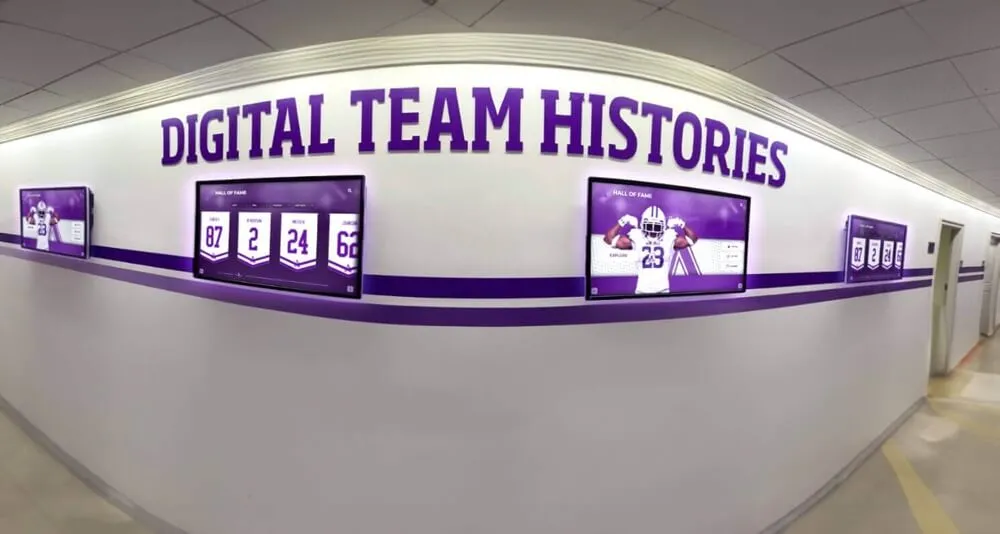
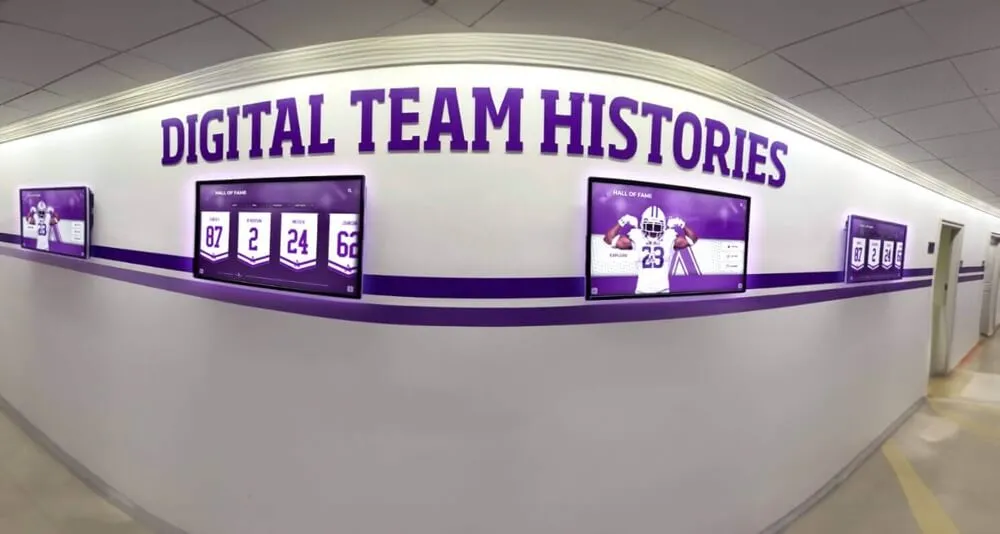
Team history recognition displays and athletic hallway installations draw on footage that reflects the correct speed of the original recording — the capstan-speed check workflow is the intake step that ensures the archive's video content plays back at the same pace and pitch as the original event
Pre-digitization inspection workflows — covering capstan speed alongside related tape conditions such as Newton rings optical interference in archive scanning and edge damage assessment — collectively form the technical foundation for an athletic archive capable of supplying high-quality content to recognition systems for decades after the original tapes are retired from active handling.
Schools that connect speed-verified game footage to searchable recognition systems — including player-of-the-week boards and searchable archive displays that give students and visitors access to decades of program history — benefit from footage whose timing metadata accurately reflects the original events, supporting chronological browsing, season-based navigation, and the kind of timestamped clip presentation that makes recognition systems engaging rather than static.
Frequently Asked Questions
Q: How can I confirm the recording speed if the tape label is missing and the content is too unfamiliar for me to identify it by listening?
Play the tape with the deck set to Standard Play and observe both the video motion and the audio character. At Standard Play, a tape recorded at Extended Play will show obvious time compression: a sequence that should show a game in real time — players moving at athletic speed, clock ticking at normal pace, crowd responding to plays at recognizable intervals — will appear to play at approximately triple real time. This visual time compression is perceptible even without recognizing the specific game content. At Long Play, the same recording played at Standard Play will appear to play at double real time. The time compression test does not require recognizing the content, the teams, or the voices — it requires only a baseline expectation of what normal game speed looks like.
Q: Does a TBC eliminate the need for a capstan-speed check, or does it correct speed-mode mismatches automatically?
A TBC does not correct speed-mode mismatches and cannot substitute for the capstan-speed check. A TBC reclocks the incoming video signal to remove timing jitter and short-term speed variation from the transport, but it operates on the signal the deck outputs. If the deck is playing an EP recording at SP speed, the TBC receives a signal with approximately three times the normal action speed and passes that incorrect timing through to the capture card — now with stable, jitter-free sync, but still at triple the correct speed. The capstan-speed check in Steps 1 through 4 must correctly identify and set the recording speed before the TBC is introduced for residual variation correction. The TBC and the speed check serve different purposes and are applied in sequence, not as alternatives.
Q: We have a large collection of tapes with no speed labels. Is there a faster way to triage the collection without playing each tape for two minutes?
For a large collection, a rapid one-minute-per-tape triage pass using audio pitch assessment is the fastest reliable method available without specialized equipment. Load each tape, play 60 seconds of content that includes voice — a game announcer, a sideline interview, or coach communication — and listen specifically to the pitch of spoken content. A naturally pitched voice requires no further investigation for that tape and can be queued for standard capture at Standard Play. A voice that sounds obviously pitched up or down requires an additional 60 seconds of investigation to find the correct speed mode. This triage approach adds no more than two minutes per tape to a large collection workflow and identifies every significant speed-mode mismatch in the collection.
Q: Can a capstan speed problem be corrected in software after capture, the way video stabilization corrects control-track errors?
Audio pitch can be adjusted after capture using pitch-shifting software, but the correction is not lossless and is not recommended for preservation-grade archive masters. Pitch-shifting algorithms that correct a speed-mode mismatch by re-pitching the audio do not recover the original recording’s timing — they alter the frequency content of the audio signal using processing that introduces its own artifacts, particularly in reverberant environments like gymnasiums and arenas where room resonances interact with the pitch-shifting algorithm. Video timing errors from a speed-mode mismatch are similarly addressable through frame-rate conversion tools, but frame-rate conversion alters the temporal relationship between frames and cannot recover the original real-time motion of game action. The correct approach is to identify and set the speed mode accurately before capture, producing a preservation master whose audio and video reflect the original recording without any processing compensation. Software pitch correction is a remediation of last resort when re-digitization from the source tape is not possible.
Q: Should the capstan-speed check be applied to all tape formats in a school athletic archive, or only to VHS?
The multi-speed recording mode problem — choosing between SP, LP, and EP with corresponding capstan speeds — is specific to VHS and S-VHS. Other formats used in school athletic archives have their own speed-related considerations: Betacam SP, U-matic, and MiniDV do not use the multi-speed recording system VHS introduced, but they may exhibit speed instability from worn capstan bearings or motors just as VHS decks do. An audio pitch assessment during supervised playback is a useful quick check for any analog format. For open-reel formats — 2-inch quadruplex or 1-inch Type C — speed accuracy is determined by the deck’s servo calibration rather than a user-selectable speed mode, and requires service-level measurement rather than the label-based and pitch-assessment approach appropriate for VHS. This guide specifically addresses the VHS speed-mode selection problem and the capstan transport checks applicable to that format.
Q: Should we prioritize the capstan-speed check over other pre-digitization checks for VHS?
Capstan speed accuracy determines whether the fundamental timing of the captured file is correct — a precondition for every downstream use of the footage. Apply the speed check before azimuth correction, color adjustment, or audio cleanup steps, because those corrections are only meaningful if the footage is running at the correct speed. In a triage workflow across a large collection, the rapid audio pitch assessment in Step 4 takes two minutes per tape and sorts the collection into correctly-matched tapes (proceed to standard capture) and mismatched or speed-unstable tapes (require additional investigation). Apply the full six-step workflow selectively to tapes that show any speed irregularity during triage.
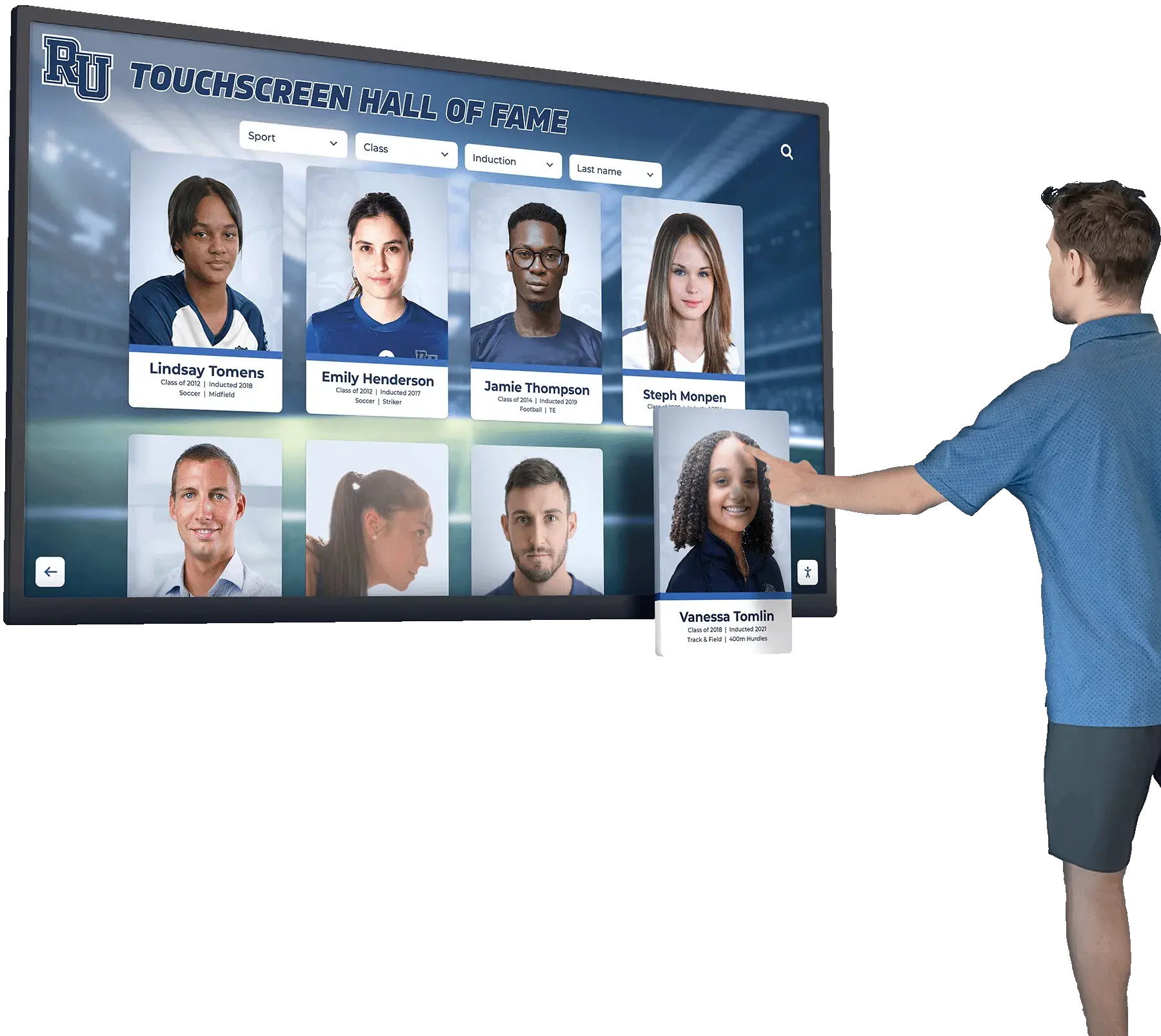
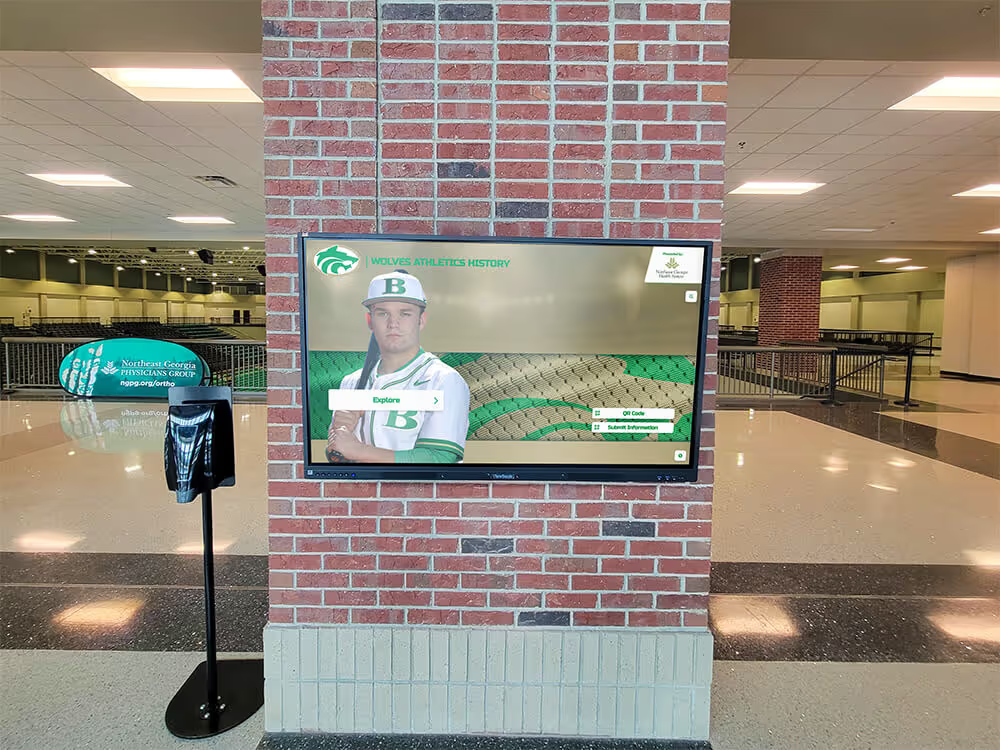
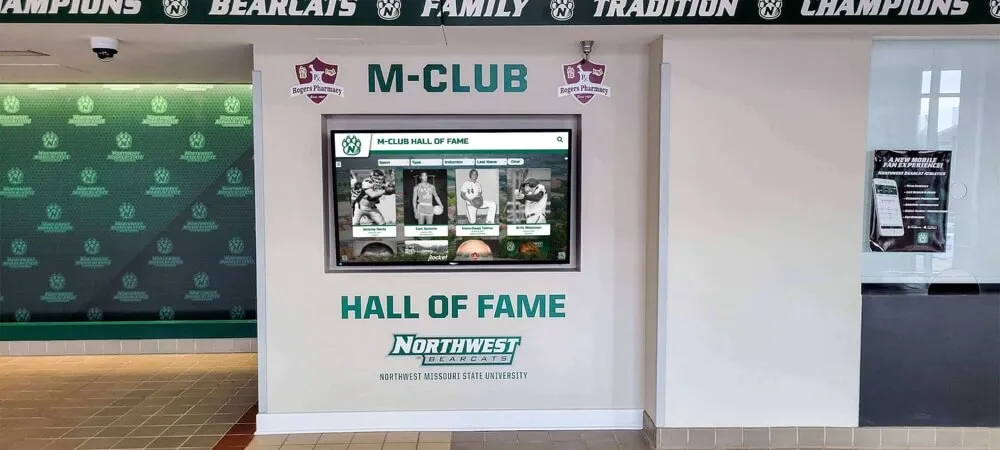
Interactive hall-of-fame touchscreens that surface athlete profiles alongside archive video and audio clips depend on correctly speed-verified source recordings — the athletic archive VHS capstan-speed check is the intake step that ensures each clip plays back at the correct pitch and pace
Building Speed Verification Into Your Archive Practice
The athletic archive VHS capstan-speed check is a practical, low-instrumentation workflow that a school archivist, AV coordinator, or athletic department volunteer can apply systematically across an entire tape collection using the deck available for capture and the listening assessment in Step 4. It requires no specialized meters, no oscilloscopes, and no service-mode access. Its primary tool is a trained ear listening for natural versus obviously wrong audio pitch during two minutes of supervised playback.
When applied at intake — before any tape enters an unmonitored capture session — the speed check prevents the most avoidable class of error in athletic archive digitization: a capture session that runs to completion and produces a file that is permanently wrong in both timing and audio pitch, requiring either re-digitization from the source tape or software remediation that cannot fully recover the original signal. The athletes whose performances are documented on those tapes deserve to be heard at the pitch and pace of the original game — not shifted by a speed-mode selection that was never verified.
Programs that have worked to give their athletic history the permanence and accessibility it deserves — through systematic digitization, controlled vocabulary cataloging, and pre-digitization inspection — are building archives capable of supplying recognition systems with the quality content those systems are designed to present. The capstan-speed check is the transport verification step that makes the audio and video in those files authoritative.
Ready to connect your speed-verified athletic video archive to a recognition display that presents your program’s history with accuracy and care?
Rocket Alumni Solutions designs digital hall-of-fame systems, lobby touchscreen kiosks, and athletic recognition walls for schools — built to showcase archive-quality footage from programs that preserved their history with care.
Request a Rocket Alumni Solutions recognition display demo →