School history, shared
Athletic Archive Transfer Manifest Template: Document Files, Carriers, and Custody
An athletic archive transfer manifest is a document that records every file, physical carrier, and custody handoff made when an athletic department moves records to an archive—before a single file is ingested, stored, or displayed. It answers the questions any future records audit, legal inquiry, or recognition project will ask: What was transferred? Where did it come from? Who handed it over, and to whom? What media carried the content? Are there access restrictions that apply?
Without a manifest, transfers happen informally—someone copies a folder, hands over a box of drives, or emails a batch of files—and the organizational memory of what was transferred, by whom, and under what conditions disappears with the people who were present. Years later, when an archive team needs to verify that a championship photo collection is complete, or when an athletic director transition requires documenting what records exist, there is no authoritative record to consult.
This guide provides a complete athletic archive transfer manifest template, explains each section’s purpose, and shows how a completed manifest supports archival ingest, recognition programs, and long-term records stewardship.

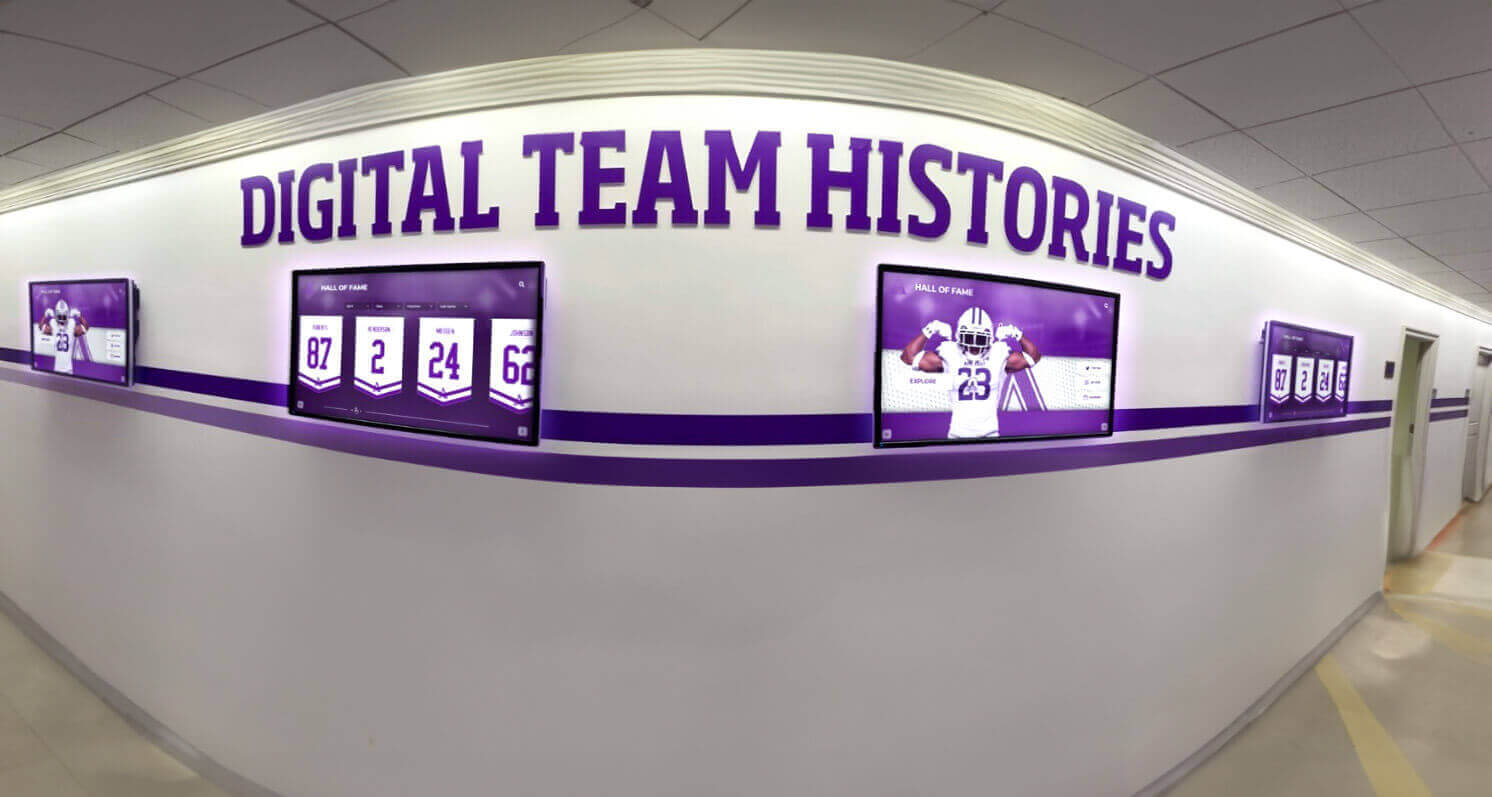
Recognition displays that draw on decades of athletic history depend on archives with documented transfer records—knowing exactly what was received, when, and from whom is what makes those archives trustworthy
What a Transfer Manifest Is and Why It Matters
A transfer manifest is not the same as a file inventory. A file inventory lists what files exist in the archive. A transfer manifest documents the act of transfer: who handed what to whom, under what conditions, and from what location. The two documents work together—the manifest records the event; the inventory records the result.
In formal archival practice, a transfer manifest supports the chain of custody—the documented sequence of possession and control that establishes that records are authentic and have not been altered or selectively removed since their creation. For school athletic programs, chain of custody matters most in three situations:
Athletic director transitions. When an athletic director leaves, responsibility for all program records transfers to a successor. A manifest created at that transition documents exactly what existed at the time of handoff—protecting both the departing and incoming director from later disputes about completeness. The athletic director transition planning process encompasses records transfer as a core responsibility alongside staffing, schedules, and vendor contracts.
Archive ingest events. When an athletic department moves records from departmental storage—shared drives, filing cabinets, removable media—to a dedicated archive, the manifest documents what was transferred and establishes baseline accountability.
Vendor or platform handoffs. When a school moves its recognition platform, display system, or digital archive vendor, a manifest of all content delivered to the new vendor protects the school’s ability to verify completeness after the transition.
A manifest is most effective when it is created before or during the transfer—not reconstructed afterward. A manifest created two weeks after files were copied is a best-effort approximation, not a chain-of-custody record.
Core Components of an Athletic Archive Transfer Manifest
Every athletic archive transfer manifest needs six functional sections. Together, they answer the who, what, where, when, and under what conditions questions that govern responsible records transfer.
| Section | What It Documents | Why It Matters |
|---|---|---|
| Administrative header | Transfer date, reference number, parties involved, program, and institution | Identifies the record and links it to a specific transfer event |
| File inventory | Every file or folder transferred, with count, format, and size | Establishes what was received and provides a baseline for ingest verification |
| Physical carriers | Every removable drive, disc, or physical item included in the transfer | Documents the media that carried digital files; links to condition and content |
| Source system documentation | Where files came from—server path, drive label, cloud location | Enables provenance tracing and identifies where gaps might exist |
| Custody chain | Names, dates, and signatures or acknowledgments for every handoff | Establishes the legal and administrative chain of possession |
| Restrictions and access conditions | Any copyright, FERPA, donor, or programmatic restrictions on transferred content | Ensures downstream use complies with applicable constraints |
The Athletic Archive Transfer Manifest Template
The template below is structured for a single transfer event. For programs that conduct multiple transfers per year—end-of-season submissions, mid-year media donations, annual archive exports—create a separate manifest for each event and maintain them in a transfer log that provides a complete historical record.
Section 1 — Administrative Header
The header anchors the manifest to a specific event with enough identifying information to locate it among other records.
Transfer Manifest — Administrative Header
| Field | Value |
|---|---|
| Manifest reference number | (e.g., ATH-XFER-2026-007) |
| Transfer date | (Date files or media were physically or electronically transferred) |
| Institution name | |
| Athletic program / sport | (e.g., “All sports” or “Football only”) |
| Content date range | (Earliest and latest dates of content transferred, e.g., “1999–2026”) |
| Transfer type | (Select: Electronic file transfer / Removable media / Mixed) |
| Transferring party — name | |
| Transferring party — title / role | |
| Transferring party — contact | |
| Receiving party — name | |
| Receiving party — title / role | |
| Receiving party — contact | |
| Archive or destination location | (Server path, cloud storage account, or physical location) |
| Purpose of transfer | (e.g., “Annual archive ingest,” “Athletic director transition,” “Vendor migration”) |
| Related manifest numbers | (Reference numbers for prior transfers in the same series, if any) |
The manifest reference number links all subsequent documentation—file inventories, condition reports, ingest receipts—to the same administrative record. Use a consistent scheme across all transfer events, such as ATH-XFER-[YEAR]-[SEQUENCE], so manifests can be sorted and searched without opening every document.
Section 2 — File and Content Inventory
The file inventory is the core of the manifest. It documents every file, folder, or content batch transferred—enough detail to verify completeness at ingest and to reconstruct the transfer if questions arise later.
For large transfers with thousands of files, a full file-by-file listing is impractical inside the manifest document itself. In those cases, attach a separate file listing (a CSV or spreadsheet generated by the operating system or a tool like DROID) and reference it in the manifest with the listing’s filename, row count, and total file size. The manifest itself records the batch-level summary; the attachment provides the granular inventory.
Section 2 — File and Content Inventory
| Content Batch | Folder / Location | File Count | Total Size | Formats Present | Date Range |
|---|---|---|---|---|---|
| Team photos — football | /football/photos/2015-2025/ | 1,847 | 22.4 GB | JPEG, PNG | 2015–2025 |
| Game video — football | /football/video/highlights/ | 84 | 189 GB | MP4, MOV | 2018–2025 |
| Season statistics | /records/stats/ | 12 | 4.2 MB | XLSX, CSV | 2010–2025 |
| Award certificates | /records/certificates/ | 63 | 840 MB | 2005–2025 | |
| Yearbook files | /yearbooks/football-sections/ | 28 | 1.1 GB | PDF, INDD | 2014–2025 |
| (Add rows as needed) |
File inventory totals:
- Total files transferred: _______
- Total size: _______
- Attached file listing: (filename) — (row count) rows
What to include in the formats column. List every file format present in that batch, even minority formats. A batch labeled “Team photos” that contains 98% JPEG files and 2% HEIC files from iPhones should list both. Format identification before transfer enables the receiving team to flag any formats that need conversion before ingest—the athletic archive file format validation checklist provides the framework for that downstream step.
Section 3 — Physical Carriers
When files are transferred on removable media—USB drives, external hard drives, DVDs, SD cards—this section documents each physical item included in the transfer. For purely electronic transfers (cloud-to-cloud, network file transfer), mark this section “Not applicable – electronic transfer only” and skip to Section 4.
Section 3 — Physical Carriers
| Carrier ID | Media Type | Capacity | Label / Markings | Contents Description | Condition | Returned to Sender? |
|---|---|---|---|---|---|---|
| CARR-001 | External hard drive (USB-A) | 2 TB | “Football Archive 2015–2022” | Football photos and video, 2015–2022 | Good — no visible damage | (Yes / No / Retained) |
| CARR-002 | USB flash drive (USB-C) | 128 GB | Handwritten: “Stats backups” | Season statistics CSVs and XLSX files | Good | |
| CARR-003 | DVD-R (disc) | 4.7 GB | “Soccer banquet 2018” | Banquet recording | Fair — minor surface scratches | |
| (Add rows as needed) |
Total physical carriers in this transfer: _______
Carrier documentation is especially important when media contains the only known copy of content. A carrier condition rating of “Fair” or “Poor” should trigger a priority extraction attempt before the media is returned or stored—the removable media intake checklist provides the step-by-step process for extracting content safely and documenting what was recovered.
The “Returned to Sender?” column matters for donor relations and legal custody. A coach who donates a hard drive expecting it back—and does not receive it—has a legitimate grievance. Document the disposition decision and date in this column before closing the manifest.
Section 4 — Source System and Provenance Documentation
Provenance—knowing where content came from—is the foundation of archival authenticity. For athletic archives, provenance answers questions like: Were these photos taken by a staff photographer or a parent volunteer? Did this video come from a school-controlled streaming platform or from a former coach’s personal account? Did these statistics come directly from the district’s SIS export or from a hand-keyed spreadsheet?
Section 4 — Source System and Provenance
| Content Batch | Original Source System | Access Path / URL / Location | Creator / Custodian | System Access Status After Transfer |
|---|---|---|---|---|
| Team photos — football | Athletic department shared drive | Google Drive: /Athletics/Football/Photos/ | Staff photographer | Remains in place; not deleted |
| Game video — football | Video coaching platform export | Platform name; export date | Athletic department | Original account remains active |
| Season statistics | District SIS export | Exported by registrar | Registrar’s office | SIS remains authoritative; this is an archive copy |
| Award certificates | Scan from paper originals | Scanned on office copier | Athletic director | Paper originals retained in athletic office filing cabinet |
The “System Access Status After Transfer” column addresses a critical question in archival transfers: does the transfer move the authoritative copy, or does it create an archive copy alongside the original? For most school athletic archive transfers, the answer should be that a copy is created—the original remains where it was, and the archive receives a copy for preservation. This distinction matters for data integrity in recognition systems and for establishing which version of a record is authoritative if the two copies ever diverge.
Section 5 — Restrictions and Access Conditions
Not all athletic archive content can be freely used or displayed. This section documents known restrictions on the transferred content, ensuring that downstream use—recognition displays, digital yearbooks, public-facing archives—complies with applicable constraints.
Section 5 — Restrictions and Access Conditions
| Restriction Type | Applies To | Condition | Source of Restriction | Review Date |
|---|---|---|---|---|
| FERPA / student privacy | Content depicting current students as minors | Requires review before public display | Federal law; district policy | Per use |
| Photographer copyright | Photos taken by contracted team photographer, 2018–2022 | Written license required before republication | Photographer contract (attached) | — |
| Donor condition | Video content from CARR-001 (donated drive) | “For archival use only; not for public broadcast” | Verbal statement at handoff | Annual |
| Embargo / pending release | Hall-of-fame inductee records for upcoming class | Not for display before official announcement | Athletic director | Per induction date |
| No restriction | Team photos from current season (staff-shot) | No restrictions; cleared for all uses | Athletic department policy | — |
Restrictions summary:
- FERPA review completed for all content depicting current or recently enrolled students
- Copyright status assessed for all third-party photographs and video
- Donor conditions documented and accessible to archive staff
- Embargo dates calendared for time-restricted content
The restrictions section of the manifest is the document that archive staff and recognition program managers reference before loading content into a hall-of-fame display, digital yearbook, or donor wall. A photo that exists in the archive is not necessarily cleared for display—the manifest’s restrictions section is what establishes the difference.
For programs building out interactive donor recognition displays or hall-of-fame systems, knowing which content is cleared for public display before an installation begins saves the revision cycles that happen when restricted content is loaded and then has to be removed.
Section 6 — Custody Chain and Acknowledgments
The custody chain is the record of who possessed the content and when. For a straightforward transfer, it may be a two-row table—the transferring party and the receiving party. For a transfer that involves multiple handoffs (a coach passes a drive to an administrator, who passes it to an archive coordinator, who hands it to a vendor), each step should be documented.
Section 6 — Custody Chain
| Step | Custodian Name | Role | Date | Handoff Method | Notes |
|---|---|---|---|---|---|
| 1 | (Originating custodian) | (Role) | (Date content created or last held) | — | Original possession |
| 2 | (Transferring party) | (Role) | (Date of transfer) | (In person / electronic / mail) | (Any relevant notes) |
| 3 | (Receiving party) | (Role) | (Date of receipt) | (As above) | (Receipt acknowledgment) |
| 4 | (Next custodian, if applicable) |
Acknowledgments:
Transferring party signature / acknowledgment: ___________________________ Date: ___________
Receiving party signature / acknowledgment: ___________________________ Date: ___________
Manifest prepared by: ___________________________ Title: ___________________ Date: ___________
For electronic transfers, email confirmations, cloud sharing event logs, or system-generated transfer receipts serve as the acknowledgment. Attach or reference these records alongside the manifest document so the chain of custody includes evidence of each handoff, not just the parties’ names.
Completed Manifest Example: End-of-Season Archive Transfer
The table below shows what a completed administrative header and content inventory look like for a typical end-of-season archive transfer.
| Field | Value |
|---|---|
| Manifest reference number | ATH-XFER-2026-004 |
| Transfer date | 2026-06-20 |
| Institution name | Jefferson Union High School |
| Athletic program / sport | All varsity and sub-varsity sports |
| Content date range | 2025–2026 season |
| Transfer type | Electronic file transfer |
| Transferring party | Jamie Torres, Athletic Director |
| Receiving party | Pat Nguyen, Archive Coordinator |
| Archive destination | Google Drive — /District-Archive/Athletics/2025-2026/ |
| Purpose | Annual end-of-season archive ingest |
| Total files transferred | 6,842 |
| Total size | 214 GB |
| Attached file listing | XFER-2026-004-file-listing.csv — 6,842 rows |
| Physical carriers | None (electronic transfer only) |
| Restrictions | Student photos subject to FERPA review before public display |
| Acknowledged by transferring party | J. Torres — 2026-06-20 |
| Acknowledged by receiving party | P. Nguyen — 2026-06-21 |
This example documents a clean, single-event transfer. More complex scenarios—an athletic director transition, a vendor migration, or a decade-scale legacy archive ingest—require the same structure applied across each content batch and carrier, with the custody chain section expanded to capture each handoff step.
How to Use the Transfer Manifest in Your Workflow
A manifest is useful only if it is completed before the transfer is considered closed. Three integration points make this practical.
Integrate the manifest into ingest workflows. The manifest should be one of the first documents the receiving archivist opens when processing an incoming transfer. The file inventory totals in Section 2 provide the expected counts that the ingest verification step confirms—if the manifest says 1,847 football photos were transferred and only 1,803 are found in the archive, the discrepancy is visible and traceable. The database export checklist and checksum verification process work alongside the manifest to verify both completeness and file integrity at ingest.
Create a manifest for every transfer, not just formal ones. Informal transfers—a coach emailing a Dropbox link, a retiring administrator dropping a USB drive at the athletic office—represent the majority of how content actually moves in most school programs. Establishing a culture where every transfer gets a manifest, even a simple one-page version, closes the documentation gap that produces unaccountable archives.
Archive the manifest alongside the transferred content. The manifest for a transfer belongs in the same canonical archive location as the content it documents. A folder structure like:
/athletic-archive/2025-2026/
  ATH-XFER-2026-004-manifest.pdf
  ATH-XFER-2026-004-file-listing.csv
  /photos/
  /video/
  /records/
…ensures that anyone accessing the archived content can immediately find the manifest that documents how it arrived there. The accession numbering system for athletic archives provides a complementary framework for assigning persistent identifiers to each ingested batch that links back to the transfer manifest.

Hall-of-fame displays that span decades of athletic history depend on archives with documented transfer records — the manifest is the chain connecting each season's content to the recognition systems that display it
Athletic Director Transitions and Transfer Manifests
Athletic director transitions are among the highest-risk moments for athletic records. A departing AD who has managed records informally for years may hand over content that has never been formally inventoried—shared drives with unclear folder structures, local backups on a personal laptop, removable media with no labels. A transfer manifest created at the moment of transition converts that informal handoff into an accountable record.
A transition manifest should document not only the digital content the departing AD transfers but also:
- Any cloud storage accounts, streaming platforms, or vendor portals the incoming AD will need to access
- Removable media held in the athletic office (drives, discs, cards)
- Any content held on personal devices that should be moved to school-controlled infrastructure
- Any vendor contracts or license agreements that govern content rights
The athletic director transition planning framework covers the administrative and program handoff context within which records transfer sits. The manifest documented here provides the records-specific structure that those broader planning processes often leave undefined.
Connecting Transfer Manifests to Recognition Programs
The transfer manifest is a records management tool, but its downstream impact reaches recognition programs directly.
Hall-of-fame content packages. When an athletic department assembles content for a hall-of-fame installation—delivering photos, athlete bios, and video clips to a display vendor—the content package is a transfer, and the manifest documents it. A vendor who receives a documented content package can verify completeness against the manifest, reducing the back-and-forth that consumes staff time before installations.
Touchscreen and interactive display systems that pull content from athletic archives depend on that content being accounted for—both what exists and what is cleared for display. A manifest with a completed restrictions section tells the recognition system administrator which photos are cleared for public kiosk display and which require review before loading.
Born-digital records preservation. The born-digital records policy that governs how newly created records are managed from creation through archive depends on transfer manifests to document the handoff point where active records become preserved archive records. Without that documentation, the line between “still in use by the athletic department” and “transferred to the archive” is ambiguous—which is exactly the ambiguity that creates compliance gaps.
Recognition program continuity. When schools update their recognition platforms—moving from one display vendor to another, or upgrading a hall-of-fame system—the transfer manifest for the content migration documents that the full archive was delivered to the new system. If questions arise later about missing content, the manifest is the document that establishes whether the content was delivered and the new system failed to ingest it, or whether it was never included in the migration package.
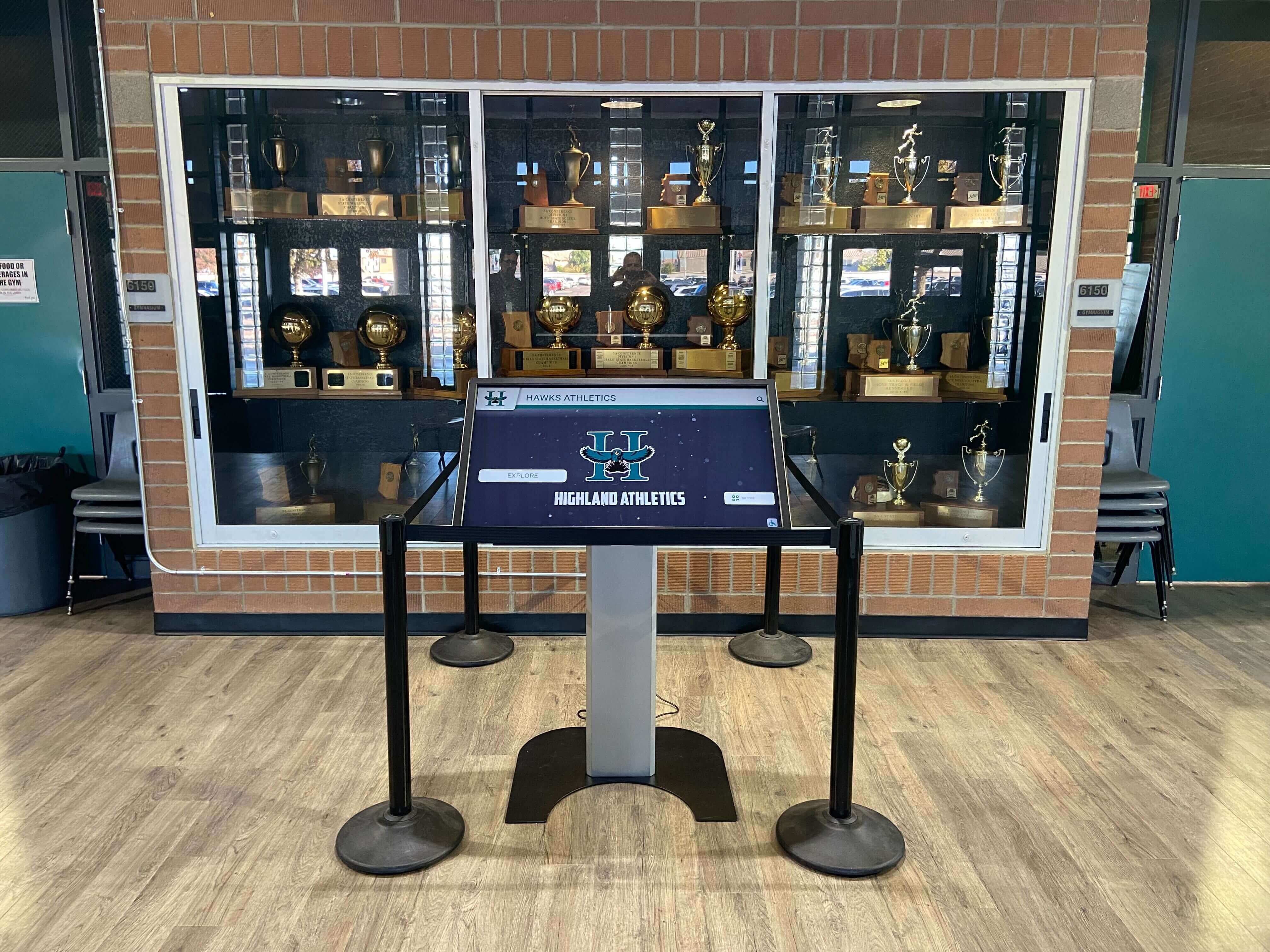
Every athlete profile on a recognition kiosk traces back to archive content that arrived through a documented transfer — the manifest is the record that makes that content's provenance traceable
Frequently Asked Questions
Q: Does every file transfer need a full six-section manifest, or is a simplified version acceptable for routine transfers?
A simplified manifest—covering the administrative header, a batch-level file count and size, the transferring and receiving parties, and a basic restrictions note—is appropriate for routine, small-volume transfers like a photographer submitting a season’s photos at year end. The full six-section template is appropriate for complex transfers: athletic director transitions, vendor migrations, large-scale legacy archive ingests, or any transfer where chain-of-custody documentation may be needed for audit or legal purposes. Establish a threshold in your archive policy—for example, “Transfers under 500 files or 50 GB use the abbreviated form; all others use the full template.”
Q: What happens if a transfer manifest reveals that content is missing—fewer files than expected?
A discrepancy between the manifest’s inventory totals and what arrives at the archive is a discovery, not a failure. It means the manifest did its job. Investigate by checking whether the expected files were included in the transfer at all (against the attached file listing), whether they were included but failed to transfer completely (a network interruption, for example), or whether the expected files never existed in the source system and the manifest counts were estimated rather than generated. Document the discrepancy and its resolution in an addendum to the manifest before closing the transfer record.
Q: How long should we keep transfer manifests?
Manifests document chain of custody for the content they cover. A manifest for an archive transfer should be retained at least as long as the content it documents—and in most cases, permanently. Records documenting how the archive was assembled have independent historical value beyond the content itself. Store manifests in a location with the same backup and access controls as the archive content.
Q: Can the manifest serve as the ingest receipt, or do we need a separate document?
A manifest documents the transfer; an ingest receipt documents the archive’s acceptance and processing of the content. These are related but distinct. The manifest records what was sent; the ingest receipt records what was verified, processed, and assigned accession numbers. In practice, many school programs use the manifest as the foundation and add an ingest acknowledgment block—verifying counts, noting any discrepancies, and recording processing dates—at the bottom of the same document. That approach is practical as long as both the transfer event and the ingest event are clearly distinguished within the record.
Q: What if content was transferred informally in the past and we have no existing manifests?
Retrospective documentation is better than none. Work from whatever evidence exists—email confirmations, folder creation dates, cloud sharing logs, notes from staff who were present—to create a retrospective manifest that documents what is known about past transfers and identifies where documentation is absent. Label retrospective manifests clearly as reconstructed documents, note the limitations of the reconstruction, and use them as the baseline for establishing prospective manifest practice going forward.
Q: Do transfer manifests apply when content moves between the athletic department and a digital display vendor?
Yes. A content delivery to a vendor—whether it’s a package of photos for a hall-of-fame installation, a batch of video clips for a recognition kiosk, or an export of athlete records for a new platform—is a transfer, and the same chain-of-custody principles apply. A vendor-delivery manifest protects the school by documenting exactly what was provided and when, which is the reference document if the vendor later reports content is missing or incomplete.
Q: How does the transfer manifest relate to checksum verification?
The manifest documents what was transferred; checksums verify that what was transferred has not been altered since the transfer occurred. A complete transfer workflow uses both: the manifest captures the event, and checksum verification confirms the integrity of each file in the transferred batch. Together they answer the two questions that matter most for archival accountability—was everything included, and is it still exactly what was sent?
Connect a Documented Archive to a Recognition Program Athletes and Alumni Can Access
A transfer manifest is the foundation of an accountable archive. The next step is connecting that archive to recognition displays—hall-of-fame systems, digital yearbooks, and interactive kiosks—that put the content in front of the athletes, alumni, and community it represents.
Rocket Alumni Solutions works with schools to build recognition programs that draw on organized, documented athletic archives and display them on touchscreen walls, digital trophy cases, and alumni engagement platforms that keep athletic history visible and searchable for generations.
Schedule a demo with Rocket Alumni Solutions to see how a documented archive becomes a recognition program your school can build on.
Ready to see this for your school?
Picture your collection in a custom mockup
Start with your yearbook collection and digitization goals, then request a custom digital mockup for your school.