Athletic archive tape azimuth alignment is the physical adjustment of the angle at which a playback deck’s read head meets the recorded tape track — and it is the single most overlooked reason that coach interviews, play-by-play commentary, and championship game crowd audio from 1980s and 1990s VHS tapes come out of the capture chain sounding thin, hollow, or nearly silent. When a tape was recorded on a deck whose head was slightly off-axis — or when a well-aligned deck reads a tape from a different machine family — the read head crosses two adjacent tracks simultaneously. The out-of-phase audio signals cancel each other out in a phenomenon called azimuth error, producing a muffled, high-frequency-stripped sound that no amount of equalization or post-processing can fully restore once the moment of capture is past.
For schools building digital athletic archives that will feed hall-of-fame inductions, recognition displays, and alumni engagement programs, azimuth error is a quiet archive killer. The picture may look acceptable — time base correction handles the visual sync — but the audio that carries a coach’s words after a state championship, a broadcaster’s call of a record-breaking play, or the crowd noise that contextualizes what the footage meant to the community may be severely degraded or unrecoverable if azimuth alignment is not addressed before capture begins.
This guide gives school AV coordinators, athletic directors, IT staff, and volunteer archivists a practical azimuth alignment workflow for VHS, S-VHS, Betacam SP, and 3/4" U-matic tapes. It covers how to recognize azimuth error, how to adjust for it using both hardware and software approaches, which tape formats are most vulnerable, and how aligned audio connects to the recognition programs and digital displays that make your athletic archive a living resource.

Capturing legacy sports video for recognition displays requires more than a deck and a capture card — azimuth alignment of the read head determines whether interview and game audio enters the archive clean or permanently degraded
What Azimuth Error Is and Why It Destroys Audio
To understand azimuth alignment, it helps to understand how audio is recorded onto analog video tape in the first place.
On a VHS tape, the linear audio tracks run along the top and bottom edges of the tape in a straight line parallel to the tape’s direction of travel. The record head deposits audio onto these tracks at a specific angle — almost exactly perpendicular to the tape edge. Azimuth is the term for that angle. On a perfectly aligned deck, the read head is also perpendicular, so it reads exactly the track that was written.
When the read head’s angle deviates even fractionally from the angle at which the track was recorded, the head begins reading a diagonal slice across two adjacent tracks. Those tracks were recorded separately and are slightly out of phase with each other. At low frequencies, the cancellation effect is mild. At high frequencies — where consonants in speech, the crack of a bat, and the detail in crowd noise live — the cancellation is severe, collapsing high-frequency audio content by 20 to 40 dB or more. The result is audio that sounds like it is coming through a heavy wool blanket: the low rumble is present but everything that makes audio intelligible or emotionally resonant is gone.
Common causes of azimuth mismatch in school athletic archives:
- Deck-to-deck manufacturing variation. Even two VHS decks of the same model from the same manufacturer may have slightly different factory-set azimuth angles. A tape recorded on one machine and played on another will have some degree of mismatch.
- Head wear over time. As a deck’s head drum rotates against tape, the head tips wear unevenly. A deck that originally recorded within specification may now play at a different effective angle.
- Mixed-format recording. Schools that recorded on professional S-VHS or 3/4" U-matic cameras and later played tapes on consumer-grade VHS decks compound format-level azimuth differences with individual deck variation.
- Tape stretch and deformation. Tapes stored in fluctuating humidity or exposed to magnetic fields may deform unevenly, causing the recorded tracks to deviate from their original position even if playback equipment is perfectly aligned.
Understanding the source of the error informs the correction strategy. Deck-to-deck variation can often be corrected by hardware adjustment; tape deformation may require more aggressive approaches.
Recognizing Azimuth Error Before and During Capture
The first step in the athletic archive tape azimuth alignment workflow is confirming that azimuth error is actually the problem before spending time on alignment. Several audio defects can cause similar symptoms, and the correction approach differs by cause.
Signs that point specifically to azimuth error:
- Audio sounds muffled, hollow, or “phase-shifted” — present in volume but lacking high-frequency content
- The problem is consistent across the entire tape rather than appearing only in certain segments (which would suggest dropout or a spliced section)
- Switching between the left and right audio channels produces noticeably different results — one channel may be stronger than the other
- Summing the stereo channels to mono makes the audio sound worse rather than better (the classic azimuth cancellation indicator)
- The same tape played on a different deck produces different audio quality
Signs that point to other causes (not azimuth):
- Audio cuts out entirely in short bursts (dropout from oxide loss)
- Audio is degraded only in one consistent location (splice or splice failure)
- Audio has a consistent hiss or hum at a fixed frequency (noise from a grounding issue or failing capacitor in the deck’s audio circuit)
- Picture and audio degrade together at the same locations (tape deformation, binder failure, or sticky shed syndrome affecting the full track)
If you are uncertain whether azimuth error is the cause, record a 60-second test capture before alignment and compare it to a capture taken after alignment. Audible improvement in the high-frequency content — the “air” in audio — confirms that azimuth was a contributing factor.
The Athletic Archive Tape Azimuth Alignment Workflow
This workflow assumes you have a VHS, S-VHS, Betacam SP, or 3/4" U-matic playback deck with accessible azimuth adjustment. Most professional-grade decks have an internal alignment control; consumer VHS decks vary by model and manufacturer.
Step 1: Assemble Your Monitoring Setup
Accurate azimuth alignment requires audio monitoring that reveals phase and frequency content, not just volume. Before adjusting anything, set up the following:
- Headphones or studio monitor speakers — consumer TV speakers compress frequency response and will not reveal the high-frequency recovery that confirms correct alignment
- A phase correlation meter or spectrum analyzer — free software tools (Audacity’s spectrum analysis, freeware VU meters) work for this purpose; a hardware audio analyzer is not required
- A reference tape of known high audio quality — if you have a tape that plays cleanly on this deck, use it first to confirm the deck’s baseline before working on problem tapes
- A tone generator or alignment tape — professional AV shops and some library archives programs stock 1 kHz alignment tapes; playing one through the deck while adjusting azimuth gives a precise frequency reference, though it is not strictly required for the school archive workflow described below
Step 2: Identify the Adjustment Point
On most professional VHS and S-VHS decks, the azimuth adjustment is a small set screw on the audio head assembly, accessible through the front loading bay (on top-load decks) or through a small access panel. The location varies by deck model; consult the service manual for your specific deck before touching any internal component.
| Format | Adjustment Location | Typical Screw Type | Notes |
|---|---|---|---|
| Consumer VHS | Audio/control head assembly, front of drum area | Phillips or flat-blade, very small | Consumer decks may be factory-sealed; professional service recommended |
| S-VHS (professional) | Audio head assembly, accessible through service panel | Phillips, small | Professional decks often have a labeled adjustment point |
| Betacam SP | Audio head block, rear of mechanism | Hex key or Torx | Betacam SP audio is on a separate longitudinal track; adjustment is precise |
| 3/4" U-matic | Audio head assembly, accessible with top cover removed | Phillips, medium | Robust adjustment; stable after alignment |
| Hi8 / Video8 | Audio head integrated with video drum; rotation adjustment | Requires specialized tooling | Factory alignment recommended; rarely user-adjustable |
If your deck is a consumer model without a service-accessible adjustment point, or if you are not comfortable working inside the deck, the software azimuth correction workflow in Step 5 is the appropriate path.
Step 3: Thread the Problem Tape and Monitor Audio
Thread the tape and begin playback at a section containing speech — a coach interview, a broadcaster’s commentary, or an announcer’s call. Speech is the best alignment reference because the human ear is highly sensitive to phase errors and frequency loss in the 2 kHz–8 kHz range where consonants and vocal clarity live.
Begin monitoring audio through headphones. Note the current high-frequency content: can you hear consonants cleanly? Does the “s” in words come through, or is everything low and muddy?
Open a software spectrum analyzer on the capture computer and observe the frequency spectrum of the playback audio in real time. Note the highest frequency at which energy is present before alignment. This is your before-alignment baseline.
Step 4: Adjust the Azimuth Screw in Small Increments
With the tape playing and audio monitoring active, use the appropriate screwdriver to turn the azimuth adjustment screw by no more than a quarter-turn at a time. Pause after each small adjustment and listen for changes in audio quality.
Directional guidance:
- One direction will make the audio sound worse (more cancellation, lower frequency content)
- The opposite direction will improve audio clarity as the head angle approaches the recorded track angle
- The improvement plateau — where further adjustment produces no additional gain — is the optimal alignment point
Practical tips for this adjustment:
- Move slowly. Azimuth adjustment on a running deck can cause momentary audio dropout while the head repositions. Wait two to three seconds after each adjustment before evaluating the sound.
- Monitor the phase correlation meter as you adjust. A meter moving toward zero or into negative correlation while you turn the screw indicates you are moving in the wrong direction.
- Stop when further adjustment in either direction produces no improvement. Over-adjusting past the optimal point begins to degrade audio again.
- Note the number of turns and direction of your final adjustment. If you are processing multiple tapes from the same source collection, the optimal setting for the first tape may also be optimal for subsequent tapes recorded on the same original deck.
Checking the spectrum analyzer after alignment typically reveals 10 to 25 dB of recovery in the 5 kHz–12 kHz range — the frequencies that carry speech clarity, crowd ambiance, and the acoustic character of a gymnasium or stadium.
Step 5: Software Azimuth Correction as a Supplement or Alternative
When hardware adjustment is not accessible or practical, software azimuth correction tools can recover a significant portion of lost high-frequency content by applying a compensating delay to one audio channel. The approach works because azimuth error introduces a time-of-arrival difference between the two channels that software can partially counteract.
Free and low-cost tools for software azimuth correction:
- Audacity (free, cross-platform) — capture audio from both channels, then use the “Change Speed” effect on one channel to shift timing by microseconds until phase coherence improves
- iZotope RX (professional audio repair suite) — includes a dedicated azimuth correction module; more precise than manual Audacity correction
- VirtualDub (Windows, free) — audio filters including channel delay that can compensate for timing differences between channels
- AviSynth/VapourSynth (scripted, free) — allows frame-accurate audio channel offset for bulk processing of multiple tapes
Software correction addresses the timing component of azimuth error but cannot restore content that was physically cancelled at the head. Hardware alignment before capture recovers the signal at source; software correction recaptures some of what hardware alignment could not address.
For school athletic archives where the priority is maximum audio intelligibility for hall-of-fame displays and recognition programs, the recommended approach is hardware alignment first, followed by software correction on the captured file for any residual phase issues.
Tape Format Vulnerability: Which School Archive Tapes Are Most at Risk
Not every format in a school’s athletic archive is equally vulnerable to azimuth error. Understanding the risk profile by format helps prioritize alignment attention.
| Format | Azimuth Risk Level | Primary Reason | Alignment Priority |
|---|---|---|---|
| Consumer VHS | High | Wide manufacturing variation; no internal TBC or alignment controls on most decks | Highest — check every deck-tape combination |
| S-VHS | Moderate | Professional variants have stable alignment; consumer S-VHS decks vary | High for consumer-recorded tapes; moderate for professional |
| Betacam SP | Low to Moderate | Professional format with factory-tight tolerances; but head wear over decades increases risk | Moderate — verify alignment at start of each session |
| 3/4" U-matic | Moderate | Robust format, but longitudinal audio tracks are sensitive to azimuth drift | Moderate — especially for older tapes or worn decks |
| Hi8 / Video8 | High | Integrated drum makes precise adjustment difficult; significant deck-to-deck variation | High — prioritize sourcing well-maintained original-manufacturer decks |
| MiniDV | Low | Digital format with error correction; azimuth less relevant | Low — audio degradation in MiniDV is typically from compression artifacts, not azimuth |
Schools with collections that span multiple decades and multiple formats — common in programs that have been recording games since the 1970s or 1980s — should expect to encounter azimuth challenges primarily in their VHS, Hi8, and early U-matic holdings. These are also the formats most likely to hold the oldest and least-duplicated game recordings: the state championship games from 30 years ago that live only on a single original tape.
Audio Recovery Connects Directly to Recognition Program Quality
The reason athletic archive tape azimuth alignment matters beyond technical preservation is the downstream use of recovered audio in school recognition programs. Interview audio and game audio that enters the archive clearly is audio that can be used — in hall-of-fame induction videos, on touchscreen recognition kiosks, in digital yearbooks, and in alumni engagement campaigns. Muffled or phase-cancelled audio is audio that must either be excluded from recognition media or presented with a quality that undermines the story it is meant to tell.
Several specific recognition program use cases depend directly on audio quality:
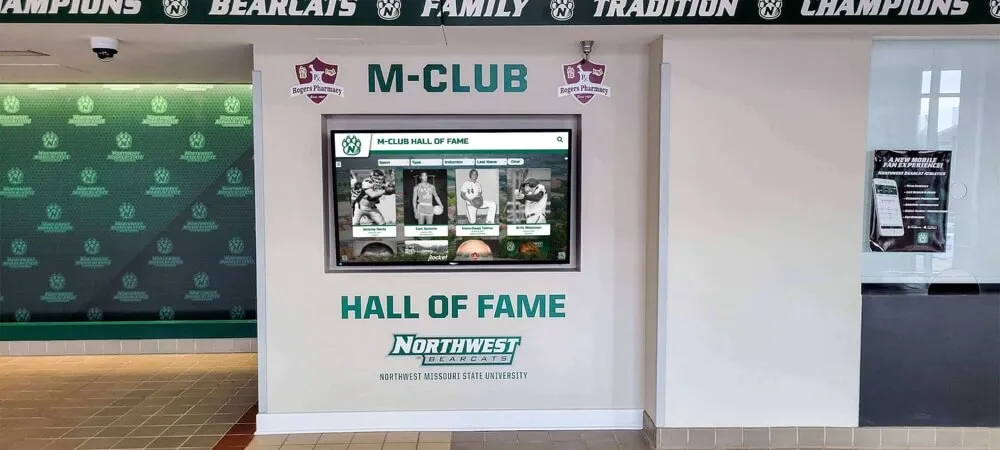
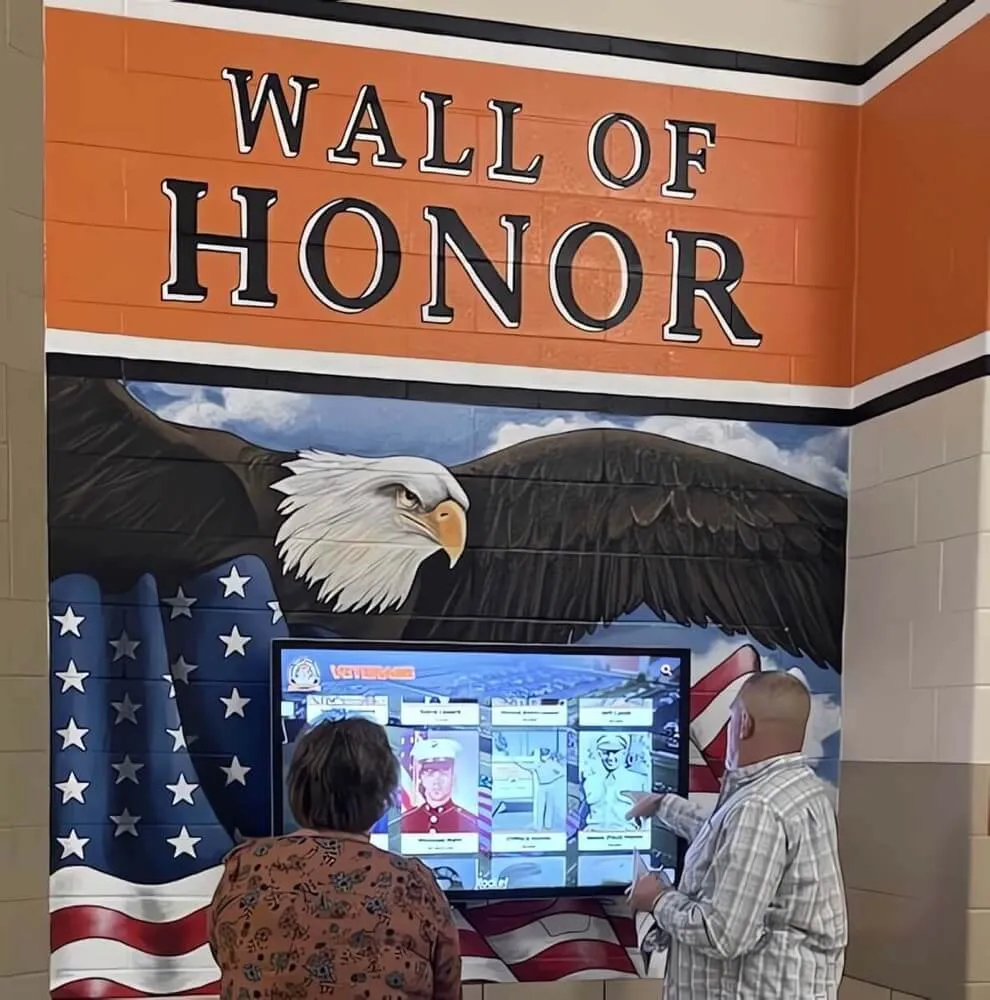
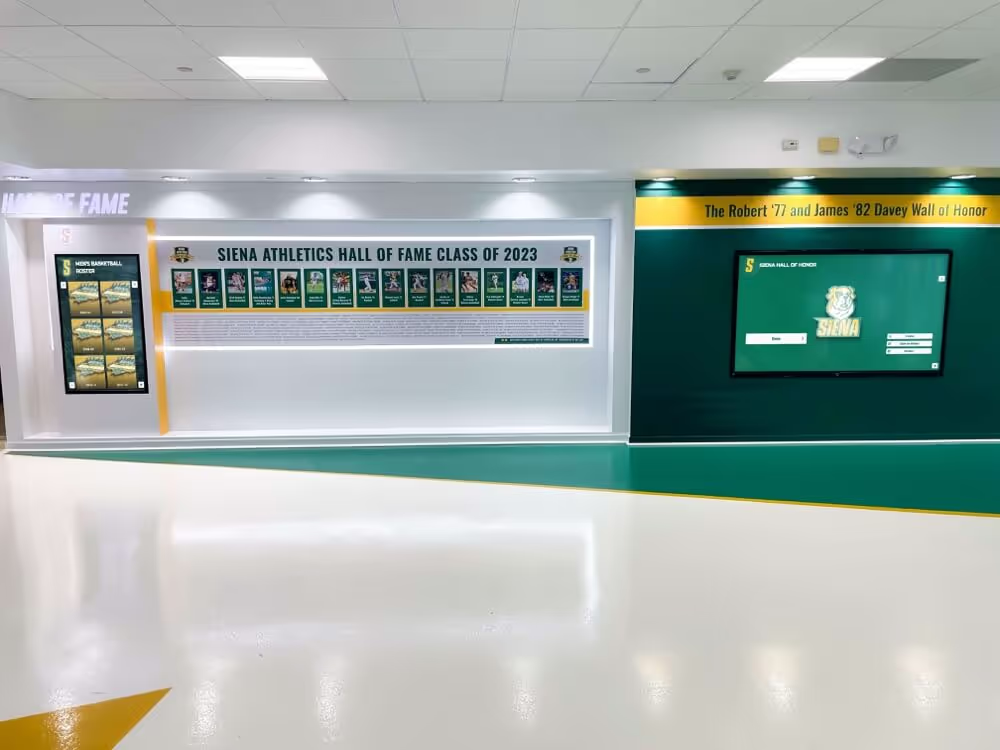
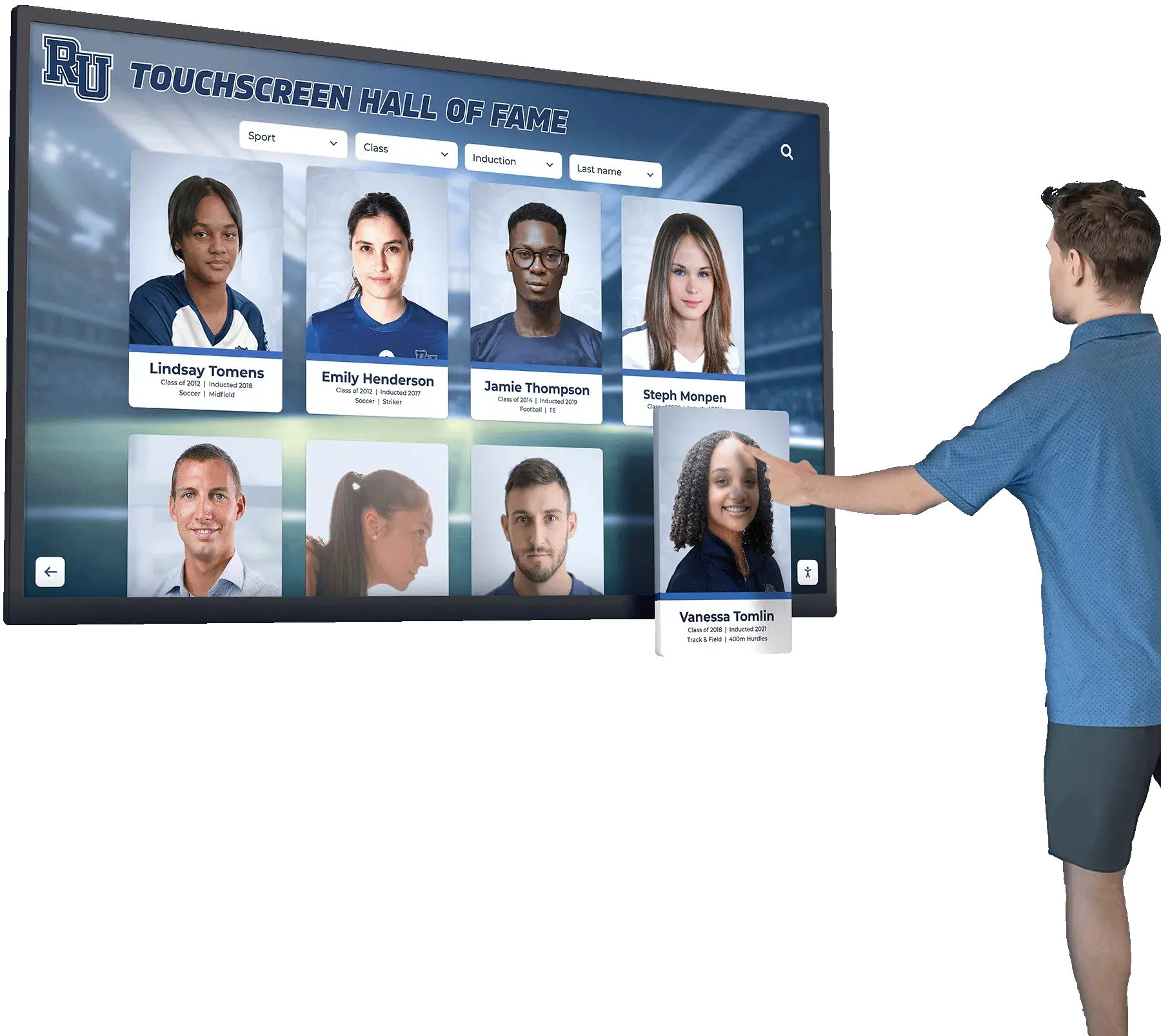
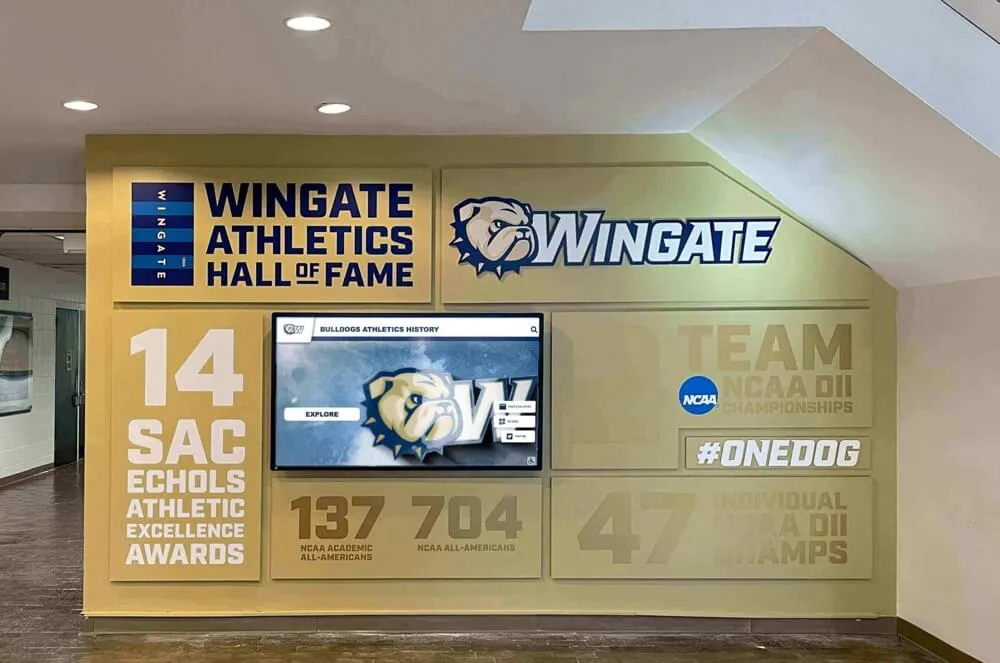
Hall-of-fame induction videos draw heavily on archival game footage and interview content. A clip of a state championship moment with clear crowd audio and clear broadcaster commentary carries emotional weight that a silent or muffled clip cannot replicate. Schools investing in digital touchscreen athletic building records displays understand that the richness of archival content — including its audio — determines how powerfully the display connects inductees to the history they represent.
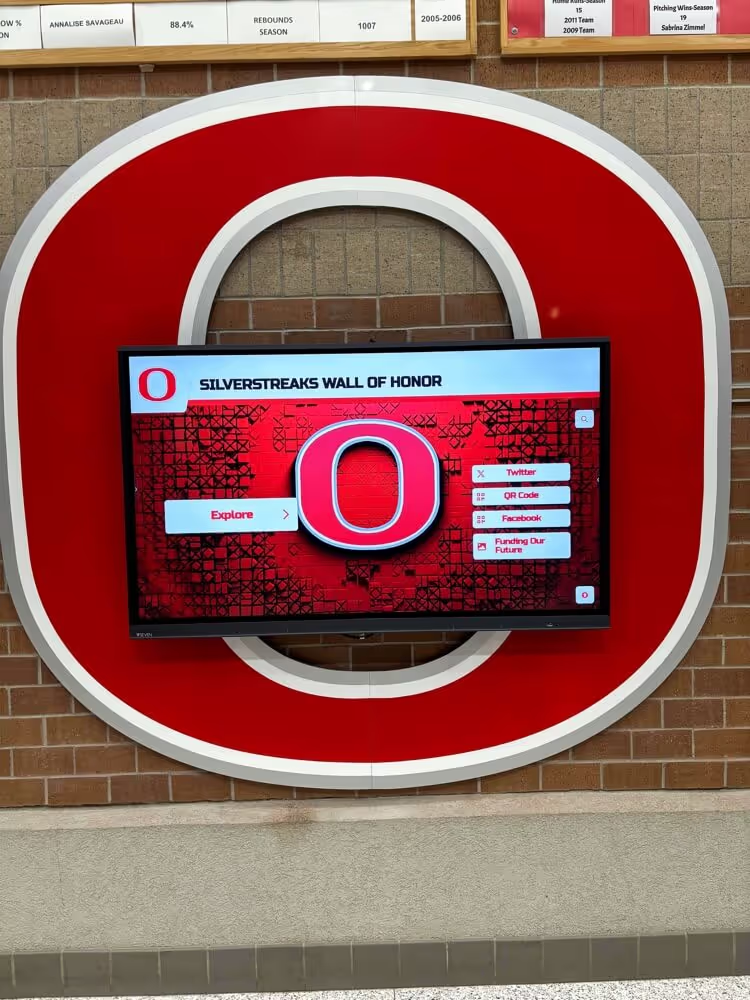
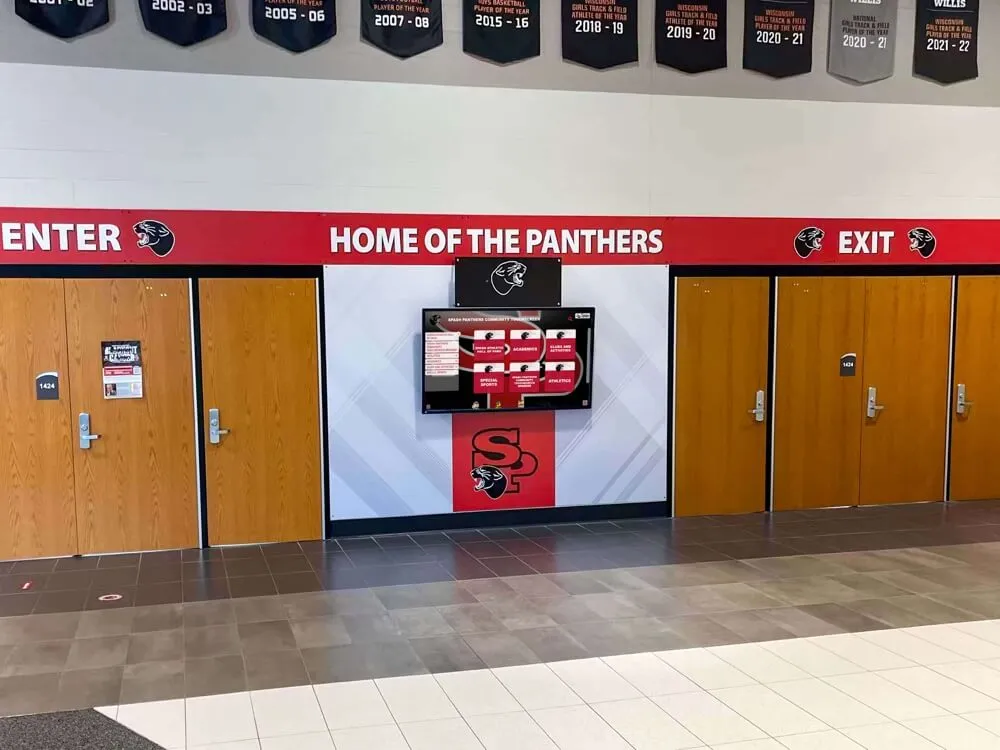
Athletic recognition kiosks and interactive displays increasingly incorporate video clips alongside photos and statistics. When screen visitors tap an athlete profile and a video clip plays with degraded audio, the technical quality undermines the recognition the display is meant to deliver. Audio clarity is not an optional refinement — it is part of the recognition experience.
Alumni engagement campaigns that surface historical game footage depend on audio quality to create the emotional resonance that drives engagement. A 30-second clip from a 1989 regional championship, played with clear crowd noise and commentary, reconnects alumni to a specific memory in a way that a still photograph cannot. Hall-of-fame application processes that incorporate archival video evidence are more compelling when that video is clearly audible and intelligible.
Digital yearbooks built from athletic archive content can incorporate video segments that let alumni and current students hear as well as see the program’s history. Audio quality determines whether those video segments are an asset or a liability in the final publication.
Coach and athlete interviews recorded on the sidelines or in locker rooms after significant games are often the most historically irreplaceable audio in a school’s archive. A coach’s remarks after a state championship — delivered in the moment, unrepeatable — exist only on whatever tape was rolling. Azimuth-corrected recovery of that audio from a degraded VHS tape may be the only way that content survives in usable form.
Building an Audio Quality Check Into the Capture Workflow
Azimuth alignment should be a documented step in your school’s standard capture workflow, not an ad hoc response to audio problems discovered after capture is complete. Discovering azimuth error after a tape has been captured and stored means the archive contains a degraded file — and unless the original tape was preserved, there may be no opportunity for a better capture.
A practical audio quality check procedure for each tape session:
Pre-capture audio quality checklist:
- Thread tape and play a 60-second segment containing speech before beginning full capture
- Monitor audio through headphones (not computer speakers) during preview
- Open a software spectrum analyzer and note the highest frequency range with clear energy
- If audio sounds muffled or spectrum shows no energy above 4 kHz, begin azimuth alignment procedure before capturing
- After any alignment adjustment, preview another 60-second segment and confirm improvement
- Note alignment adjustment in the capture log (deck ID, tape ID, adjustment direction and estimated degree)
- Begin full capture only after confirming audio quality is acceptable on a preview segment
- After capture, spot-check audio at multiple points in the captured file before confirming and storing
Logging alignment adjustments by deck and tape ID is particularly valuable when processing a large collection from a consistent source. If tapes from a specific coach’s office or a specific school building consistently require the same alignment correction, the log reveals that pattern, reducing setup time for subsequent tapes from the same source.
Coordinating Audio Recovery With Hall-of-Fame Data Integrity
Audio quality in archival video does not exist in isolation from the data structures that make an archive searchable and usable. When a tape is successfully aligned and captured with clear audio, the capture event should update the archive’s metadata record to reflect the capture quality and any alignment corrections applied.
This documentation matters because recognition program coordinators — the people who pull archival clips for induction ceremonies, donor displays, and digital yearbooks — need to know what is in each file and what its limitations are. A metadata record that notes “captured with hardware azimuth adjustment, audio quality good above 3 kHz” tells the coordinator what they can expect from the file before they invest time building a recognition sequence around it.
Schools that have connected their athletic archives to recognition platforms benefit from this data integrity — a principle that applies equally to detecting outliers and anomalies in athletic award records and to the audio quality metadata that describes what a digitized tape actually contains.
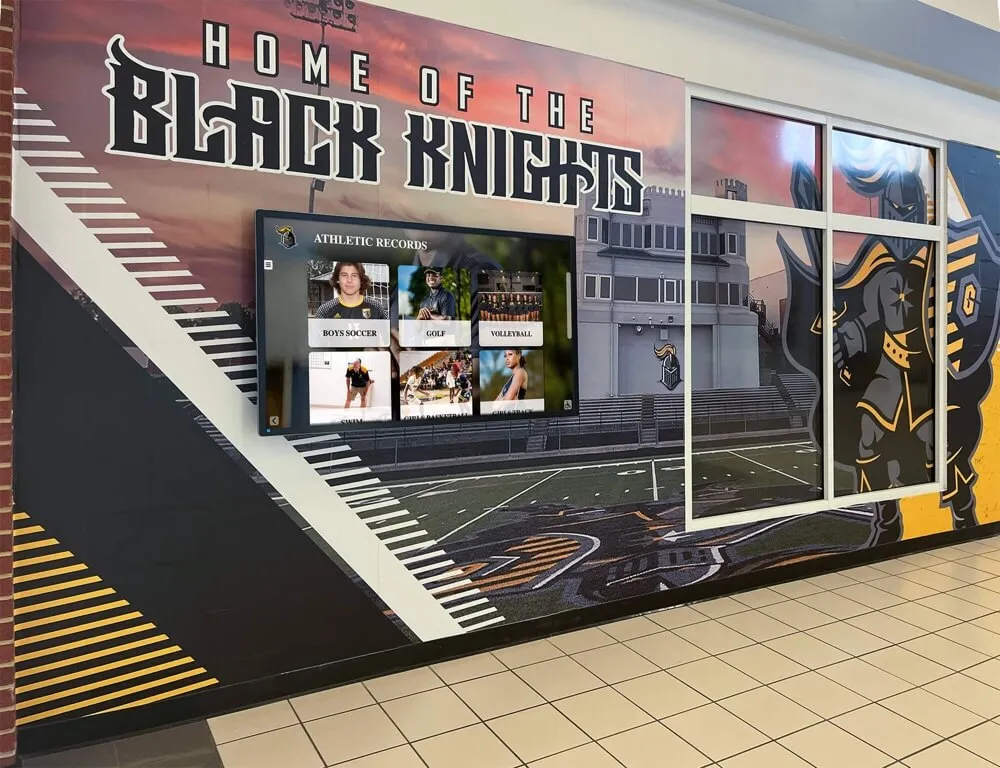
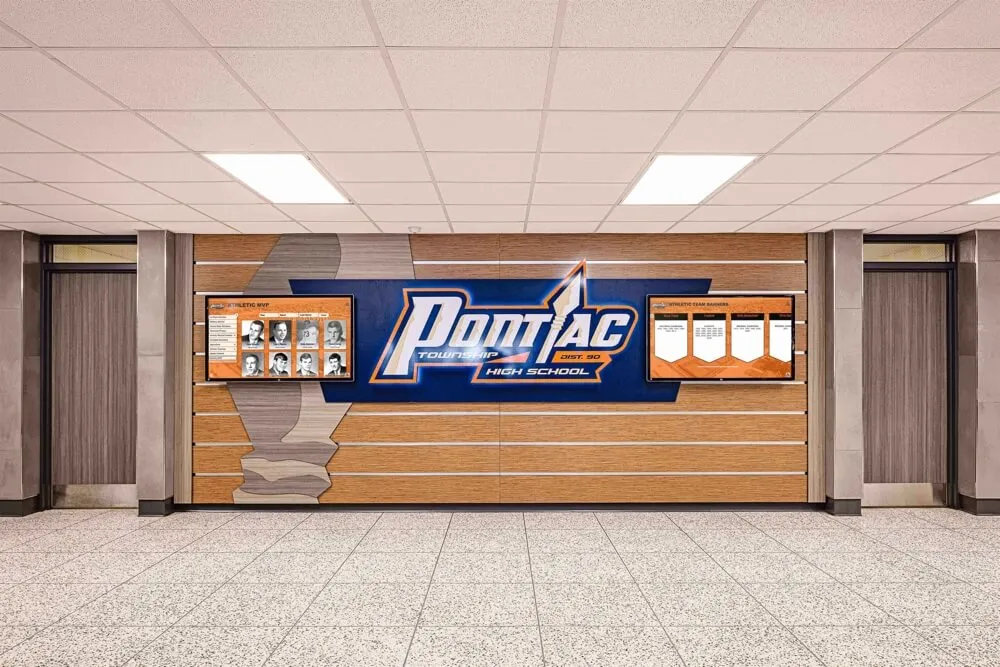
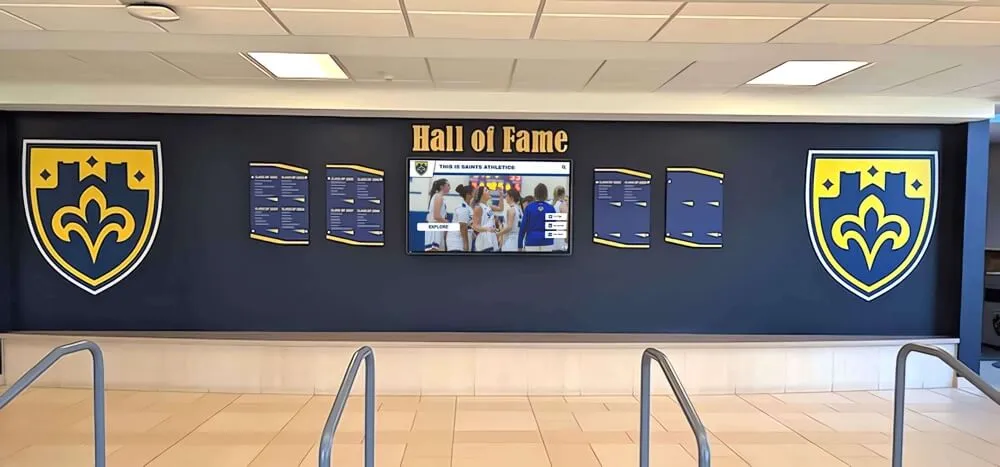
Recognition kiosks and interactive athletic displays draw their video content directly from the digitized archive — audio quality at the moment of capture, determined by azimuth alignment, sets the ceiling for every recognition program that depends on that footage
Equipment Sourcing Considerations for School Azimuth Work
Schools setting up their own azimuth alignment capability need two things: a deck with an accessible and stable adjustment, and the monitoring equipment to evaluate the result. Both can be sourced without a large budget.
Playback decks with reliable azimuth adjustment:
- JVC BR-S525 and BR-S800 series (S-VHS, professional) — widely recommended in archival communities; internal TBC and accessible azimuth
- Panasonic AG-1980 (S-VHS, professional) — another archival standard; clean azimuth adjustment and reliable transport
- Sony BVU-950 and BVU-800 series (3/4" U-matic) — professional format, stable alignment, available on the used market
- Sony UVW-1800 (Betacam SP) — standard-bearer for Betacam SP capture; internal TBC and professional alignment
Monitoring equipment:
- Any studio headphone with flat frequency response (AKG K240, Sony MDR-7506 are widely available)
- A laptop or workstation running Audacity for spectrum analysis (free, cross-platform)
- Optional: a hardware VU meter or audio interface with metering software
The used professional AV equipment market — university surplus sales, broadcast station auctions, equipment dealers specializing in legacy AV — is the primary source for professional decks in school budget ranges. Schools evaluating vendor reliability in the digital recognition market apply the same due diligence to equipment dealers that they do to display vendors: confirm that a seller has tested the deck, that the heads have been inspected, and that return or repair options are available before committing to a purchase.
When to Outsource Azimuth Alignment to a Professional
Not every school has the staff capacity, equipment access, or technical comfort to perform hardware azimuth alignment in-house. Knowing when to outsource is part of a responsible archive strategy.
Indicators that professional digitization service is the right choice:
- Your collection includes formats beyond VHS — Betacam SP, 3/4" U-matic, 1" Type C, 2" Quadruplex — that require decks your school cannot source or maintain
- The tapes showing azimuth error are also showing physical deterioration (sticky shed syndrome, oxide shedding, mold) that requires baking or cleaning before playback
- Your IT or AV staff does not have access to a service manual for the decks you are using
- The most historically significant tapes — a single tape of a historic championship game — are too valuable to risk with an untested setup
Professional analog video digitization services with archival experience can perform azimuth alignment, baking, cleaning, and capture under controlled conditions. The cost per tape is higher than in-house capture, but for irreplaceable content the quality assurance is worth the investment.
Schools using professional services should request that the service provider document the alignment corrections applied to each tape, the deck used, and the capture specifications — the same information you would log internally. That documentation belongs in the tape’s archival record alongside the capture file itself.
From Audio Recovery to Active Recognition
Once azimuth-corrected audio is captured, logged, and stored in a verified archive, it becomes a resource that recognition programs can draw on for years. The path from a muffled VHS tape in a cabinet to a clear-audio video clip on a hall-of-fame touchscreen involves azimuth alignment, capture, quality verification, metadata documentation, and integration with the recognition platform — but it begins with the alignment step.
Schools that have built recognition infrastructure connecting interactive touchscreen recognition displays to their archives find that the quality of archived video and audio content is the primary factor determining how rich and engaging those displays can be. A recognition system that has access to clearly captured interview audio from three decades of athletic history can tell stories that a photo-only archive cannot. The work of azimuth alignment is invisible in the final display — but its absence would be audible in every degraded video clip that could have been recovered and was not.
The connection between archive quality and recognition display quality also extends to the data layers above the video files. Schools building comprehensive athletic recognition programs — from academic letter awards to championship banners to hall-of-fame inductee profiles — benefit from a single source of truth for historical content that includes verified, aligned audio alongside verified photos, rosters, and statistics.
Donor recognition walls and institutional display programs face a similar asset quality challenge: the media that appears on a donor wall or recognition display reflects the quality of the organization’s archives. A school whose VHS archive has been systematically aligned, captured, and quality-checked can populate recognition displays with richer, more emotionally resonant content than a school whose archive contains only degraded, uncorrected captures.
Frequently Asked Questions
Q: Can I align azimuth without opening the deck?
For most consumer VHS decks, hardware azimuth adjustment requires access to the audio head assembly inside the deck. However, software tools can apply a compensating channel delay after capture that partially corrects azimuth-related phase error. Software correction works best when the alignment error is small and consistent across both channels. For severe azimuth misalignment — where audio sounds hollow or almost silent — hardware adjustment before capture will recover significantly more content than post-capture software correction.
Q: My school’s tapes all came from the same original deck. Does that mean azimuth alignment is less of a concern?
Not necessarily. Even if all tapes were recorded on the same deck, the playback deck you are using now is almost certainly different from the original recording deck. Manufacturing tolerances, head wear on the recording deck at different points in its life, and head wear on the current playback deck all introduce azimuth variation. Tapes recorded on the same original deck may sound cleaner than tapes from multiple sources, but alignment verification at the start of each capture session is still best practice.
Q: How do I know if I have adjusted the azimuth correctly?
The clearest indicators are audible: speech becomes clearer and more intelligible, consonants return, and the audio sounds like it is coming from a speaker rather than a pillow. Supporting this, a spectrum analyzer will show energy present at higher frequencies — typically 8 kHz to 12 kHz — that was absent or heavily attenuated before alignment. Summing the stereo channels to mono should sound the same as or better than stereo, not worse. If summing to mono makes the audio collapse, azimuth error is still present.
Q: We have tapes from multiple different original recording decks. Do we need to realign for each tape?
Yes, if the tapes show different azimuth errors. In practice, a batch of tapes from the same source (the same school’s game camera, the same coach’s recording setup) will often respond to the same alignment correction. Document your alignment setting for each batch and check a test segment from the first tape in a new batch before committing to the setting from the previous batch. For large collections with many different source decks, alignment verification at the start of each new sub-collection is the reliable approach.
Q: Will azimuth alignment fix distorted or clipped audio?
No. Azimuth alignment corrects phase cancellation and high-frequency loss caused by head misalignment. Distortion and clipping are caused by recording levels that were too high, faulty record amplifiers, or tape oxide damage — different causes requiring different responses. If audio sounds distorted on a correctly aligned deck, the issue is in the signal recorded on the tape, not in the head alignment.
Q: Should azimuth alignment be documented in the archive record?
Yes, consistently. The capture log for each tape should include: the playback deck used (by model and serial number if possible), whether any azimuth adjustment was made, the direction and approximate degree of adjustment, the audio quality assessment before and after, and any segments where audio quality remained poor despite alignment. This documentation helps future archivists and recognition program coordinators understand what to expect from each file and informs decisions about whether a second-pass capture from the original tape might be warranted.
Turn Your Recovered Athletic Archive Into a Living Recognition Program
Audio-corrected, clearly captured video from your school’s athletic history is the raw material for recognition displays that honor athletes with the full richness of their story — not just a photo and a stat line. Rocket Alumni Solutions helps schools connect verified, high-quality athletic archives to interactive hall-of-fame displays, digital yearbooks, and alumni engagement platforms that give decades of preservation work a permanent public home.
Schedule a demo with Rocket Alumni Solutions to see how your aligned, recovered athletic archive can power recognition displays that your community will engage with for years to come.
Building Azimuth Alignment Into Your Archive Culture
Azimuth alignment is not a one-time project — it is a practice that belongs in every capture session involving analog tape. The athletic archive collections that most effectively feed recognition programs share a common characteristic: they treat the capture session as a quality control event, not just a transfer. Alignment verification, test monitoring, and capture documentation are the steps that separate archives whose video segments can be used confidently in recognition programs from archives whose video content is technically present but practically difficult to deploy.
Schools that have invested in hall-of-fame infrastructure for middle and high school recognition programs understand that athletic history does not begin with varsity sports. Younger-grades game footage, recorded on consumer-grade equipment at a time when deck alignment was less consistent, is often the most azimuth-affected content in a school archive. Extending the alignment workflow to all levels of athletic recording — not just varsity championship games — ensures that the archive reflects the full scope of the program’s history.
Every state championship call, every coach interview, every crowd noise that captured a moment of community pride lives on a tape somewhere in your school’s storage. The work of azimuth alignment is the commitment to recovering that audio before the tapes deteriorate beyond the point where any alignment adjustment can help. The window for recovering analog content is narrowing; the recognition programs that will benefit from it are permanent.