Athletic departments record more captioned video than most realize — senior day tributes, hall of fame induction interviews, championship broadcast replays, coaching retirement ceremonies — and the captions accompanying this footage carry preservation and accessibility value that gets lost when programs don’t understand how subtitle files work. When captions are burned directly into a video or stored inside a proprietary player format, they disappear the moment that player is retired or a drive fails. When they exist as portable sidecar files in the right format, they remain readable, editable, searchable, and transferable for decades.
This guide explains the practical differences between the major subtitle file formats — primarily SRT and WebVTT — and walks through a repeatable workflow for storing, converting, and preserving captions alongside every video in your athletic archive. Whether you’re building a new digital recognition program, digitizing a backlog of broadcast recordings, or ensuring your hall of fame interview library stays accessible, the format decisions you make now determine whether that accessibility data survives.
Athletic video archives range from a few folders of seasonal highlights to decades of footage covering recruiting interviews, senior night ceremonies, championship broadcasts, and hall of fame inductions. The captions and subtitle tracks that accompany this footage serve dual purposes: they make content accessible to viewers with hearing impairments, and they create searchable text that becomes more valuable as archives grow.

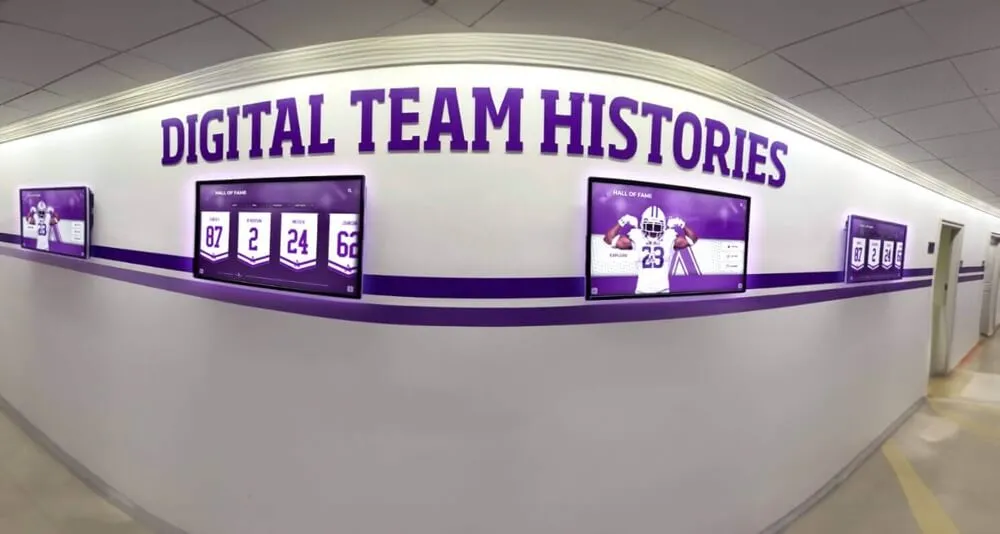
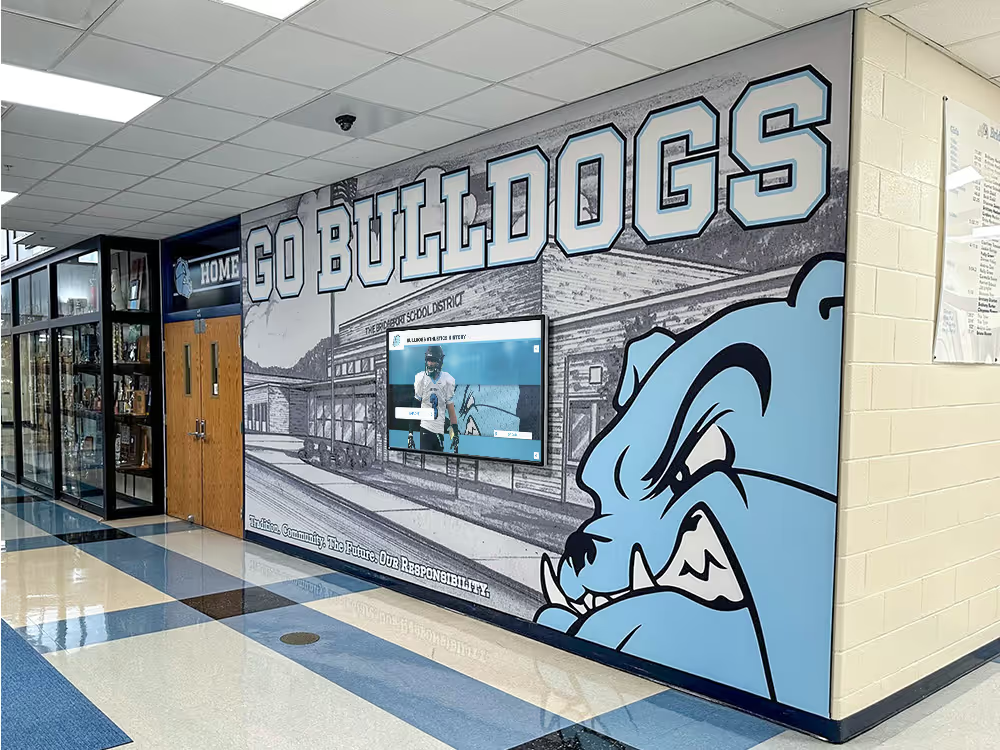
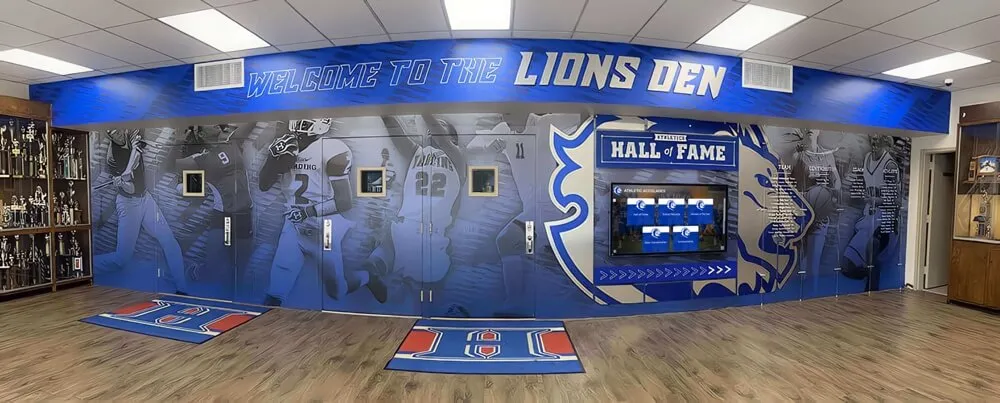
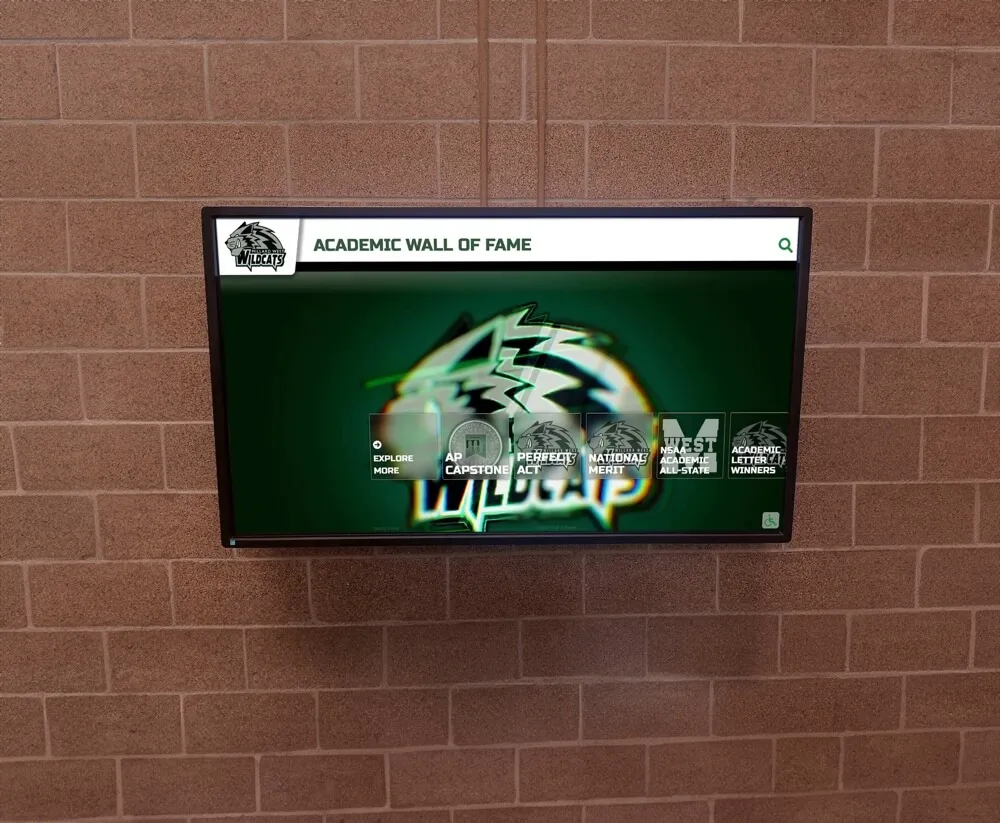
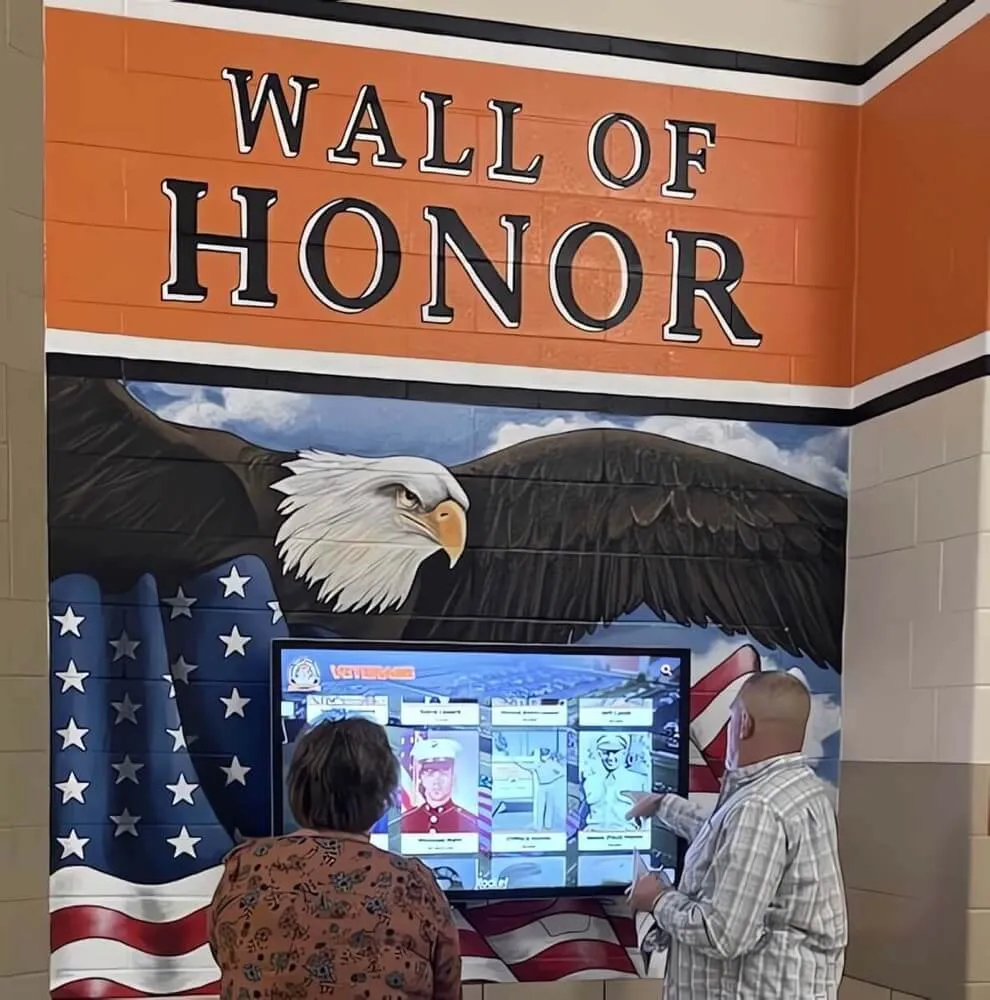
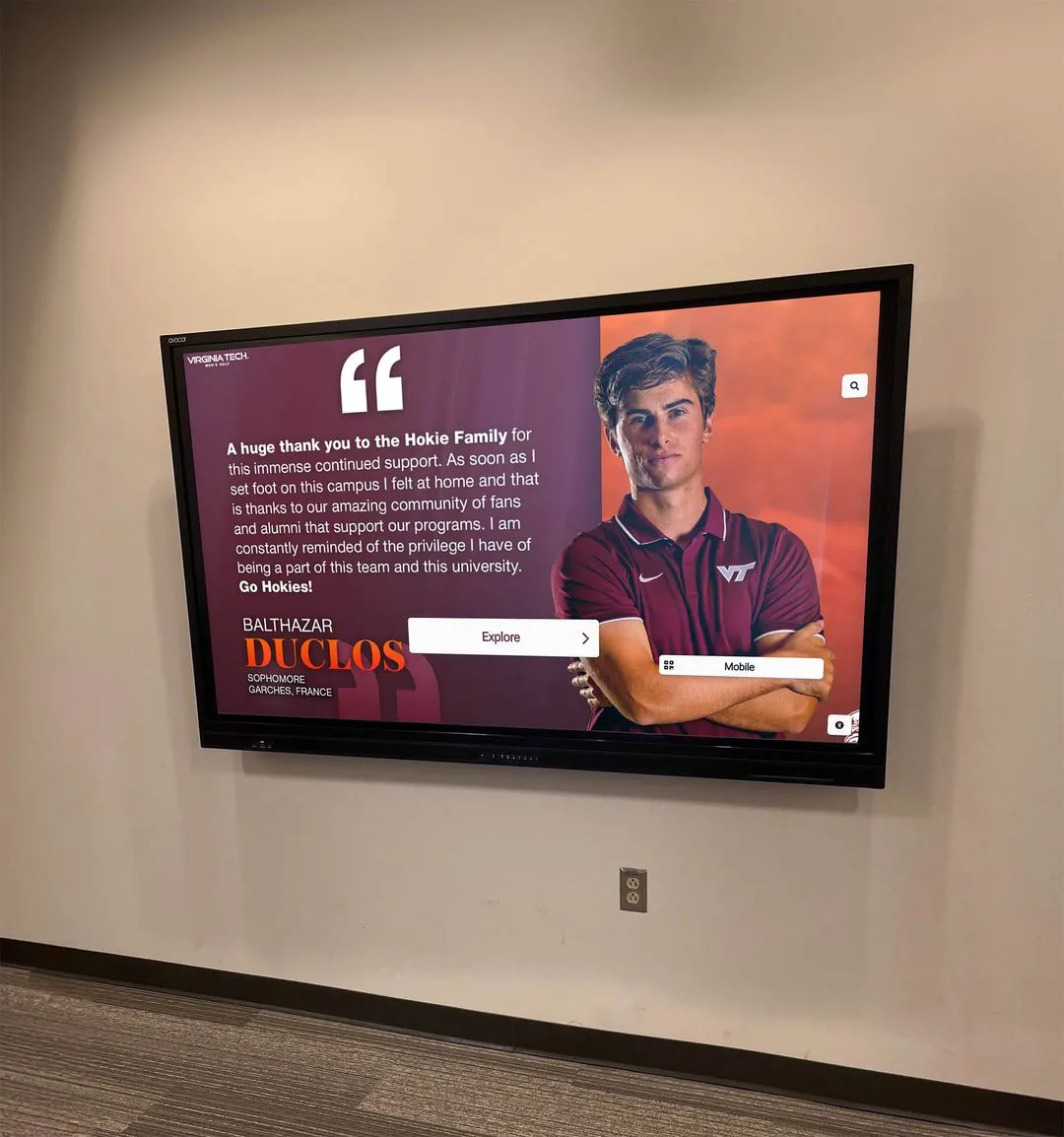
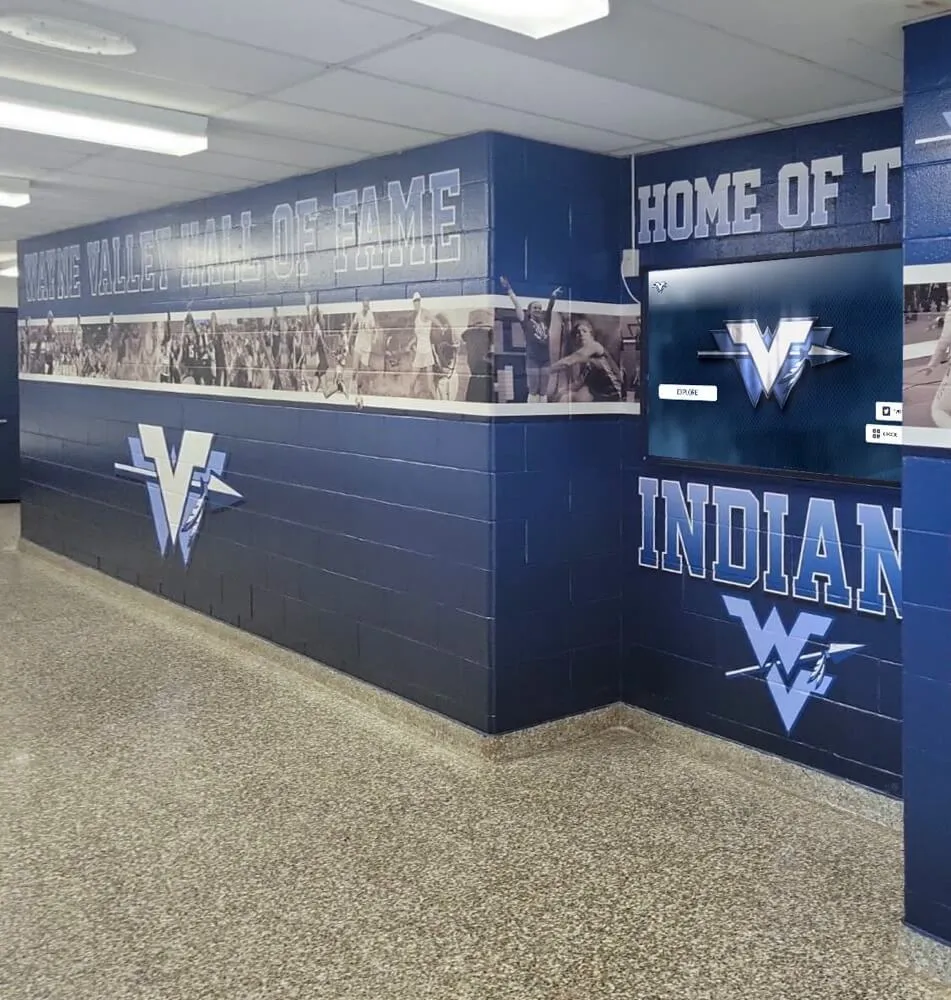
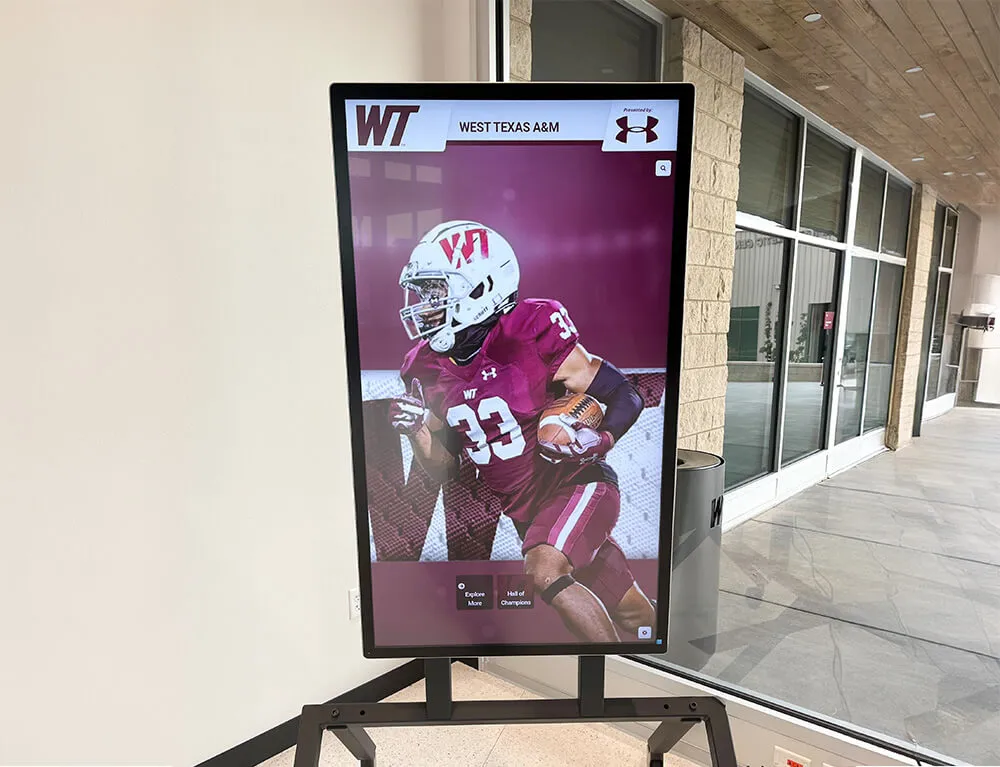
Athletic video production — from game broadcasts to hall of fame induction ceremonies — generates caption data that belongs alongside the video file in portable, format-standard sidecar files
Why Subtitle Files Matter for Athletic Archives
Most athletic video workflows focus on the video file itself: codec, resolution, bit rate, storage medium. Caption files receive less attention, but they represent a distinct category of data with their own preservation requirements.
When a school produces video of a hall of fame induction ceremony, the captions contain the spoken text of acceptance speeches, announcer commentary, and biographical information read aloud. If those captions exist only as burned-in pixels baked permanently into the video image, they cannot be:
- Edited when a name is misspelled in the original caption
- Searched by text string across a large archive
- Re-exported in different languages or formats for international alumni
- Displayed adaptively for viewers who need larger text or high-contrast styling
A portable caption sidecar file — stored alongside the video using the same base filename — keeps all of this flexibility intact. Programs that maintain their athletic video and caption archives together according to a clear athletic archive data classification policy treat caption files as first-class archival assets rather than optional add-ons.
The Two Formats That Matter Most: SRT and WebVTT
The subtitle format ecosystem includes a dozen file types, but two dominate athletic archive use cases: SRT (SubRip Text) and WebVTT (Web Video Text Tracks). Understanding the differences between them determines which belongs in your archive, which your display system supports, and when you need both.
SRT: The Universal Base Format
SRT files are plain text with a specific structure: a sequence number, a start-to-end timestamp pair, the caption text, and a blank line separating each cue. They use a comma as the decimal separator for milliseconds:
1
00:00:04,200 --> 00:00:07,800
Senior night tribute for the class of 2019

2
00:00:08,100 --> 00:00:11,500
Four-year varsity starter, two-time all-conference.
What SRT does well:
- Universally readable by virtually every video player, NLE, and captioning platform
- Human-readable in any plain text editor without special software
- Compact file size even for full-length broadcasts
- Excellent long-term archival stability as a plain text format
What SRT cannot do:
- Apply CSS-based text styling for color, font size, or screen position
- Carry chapter or navigation markers for long-form ceremony footage
- Store metadata tracks or supplementary text content
- Specify cue alignment beyond basic inline tags
For archives where future display flexibility matters, SRT’s lack of styling support is a real limitation. A recognition display showing hall of fame induction video on a lobby kiosk may need caption positioning and text size control that SRT cannot deliver. That’s where WebVTT earns its place.
WebVTT: The Modern Web Standard
WebVTT is a W3C/WHATWG specification built for HTML5 video. It shares SRT’s plain-text sidecar approach but adds capabilities that matter for web-based display systems. The key structural difference starts at the file header:
WEBVTT

NOTE Chapter markers supported for navigation

00:00:04.200 --> 00:00:07.800 align:center
Senior night tribute for the class of 2019

00:00:08.100 --> 00:00:11.500 align:left line:90%
Four-year varsity starter, two-time all-conference.
Note the period — not comma — as the millisecond separator. This is a common source of conversion errors. The WEBVTT header on line one is mandatory; a file missing that header is not a valid WebVTT document even if everything else is correct.
What WebVTT adds over SRT:
- Native support in all major browsers via the HTML5
<track>element — no JavaScript library required - Cue settings for position, alignment, line placement, and text size
- CSS styling through
::cuepseudo-elements - Chapter tracks for long-form video navigation, useful for multi-speaker ceremonies
- Metadata tracks for supplementary non-displayed data
- Named cue identifiers for programmatic access by display platforms
WebVTT limitations to know:
- Less universally supported in desktop video players (VLC handles it, but some legacy players require an SRT fallback)
- Slightly more complex to validate — the header, timestamp format, and cue settings must all be well-formed
Format Comparison at a Glance
| Feature | SRT | WebVTT |
|---|---|---|
| File extension | .srt | .vtt |
| Millisecond separator | Comma (,) | Period (.) |
| Required header | None | WEBVTT |
| Cue numbering | Required | Optional |
| Text styling | Limited inline tags | Full CSS via ::cue |
| Cue position and alignment | No | Yes (cue settings) |
| Chapter markers | No | Yes |
| Metadata tracks | No | Yes |
| HTML5 native support | No (requires JS) | Yes (<track> element) |
| Desktop player support | Near-universal | Good (VLC and modern players) |
| Plain-text readability | Excellent | Excellent |
| Long-term archive stability | Excellent | Excellent |
Both formats are stable plain-text files suitable for long-term archival storage. The decision between them turns on display context: SRT for maximum cross-platform compatibility, WebVTT for web-based video display and styling control.
A practical athletic archive approach maintains both: author in WebVTT to preserve metadata and positioning, export an SRT companion for compatibility with legacy players and third-party platforms. Accurate source data — verified athlete names, correct year references, complete biographical text — is the foundation either way. The same discipline that drives athletic award data quality audits for recognition displays applies to the caption text embedded in video archives.
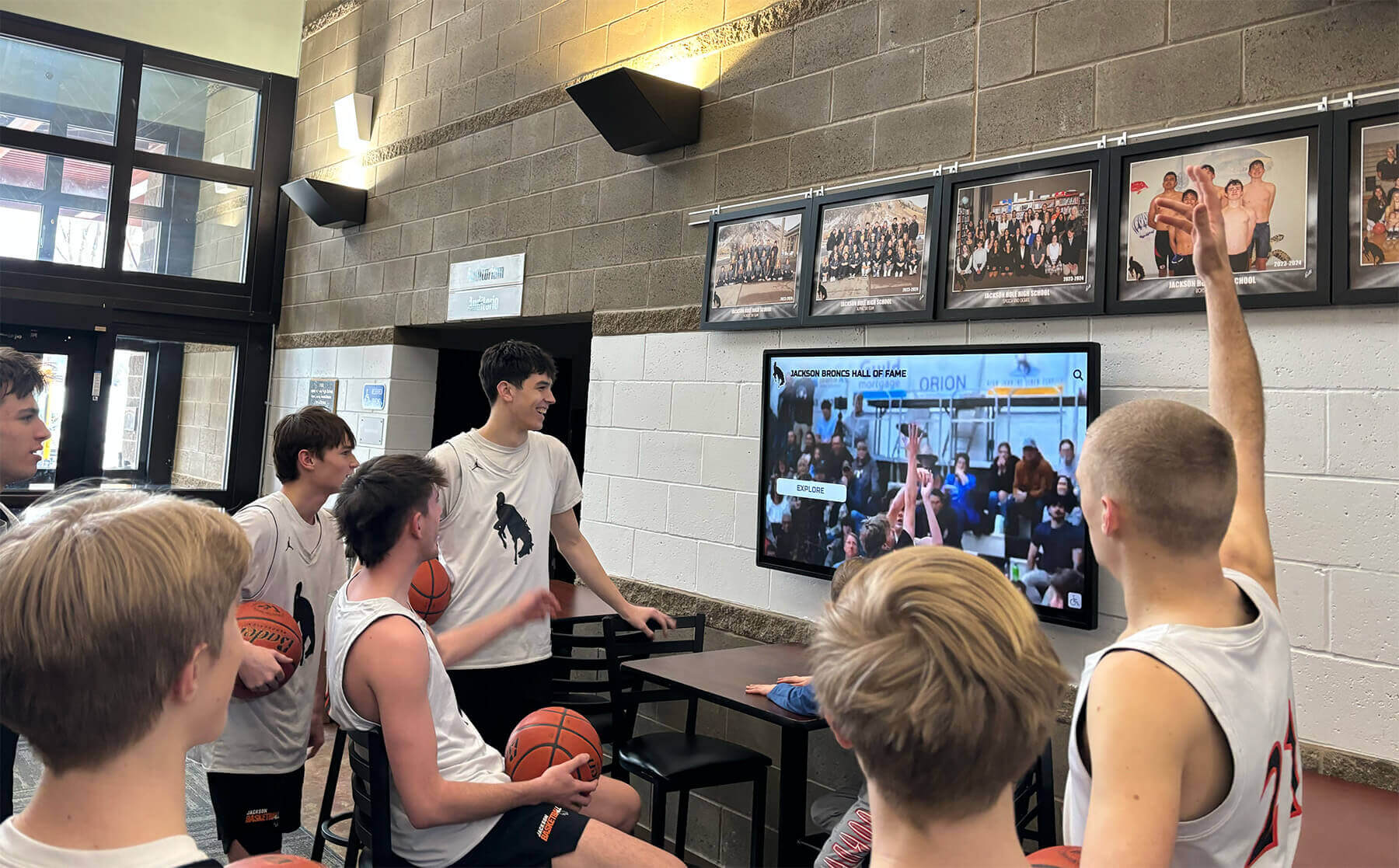
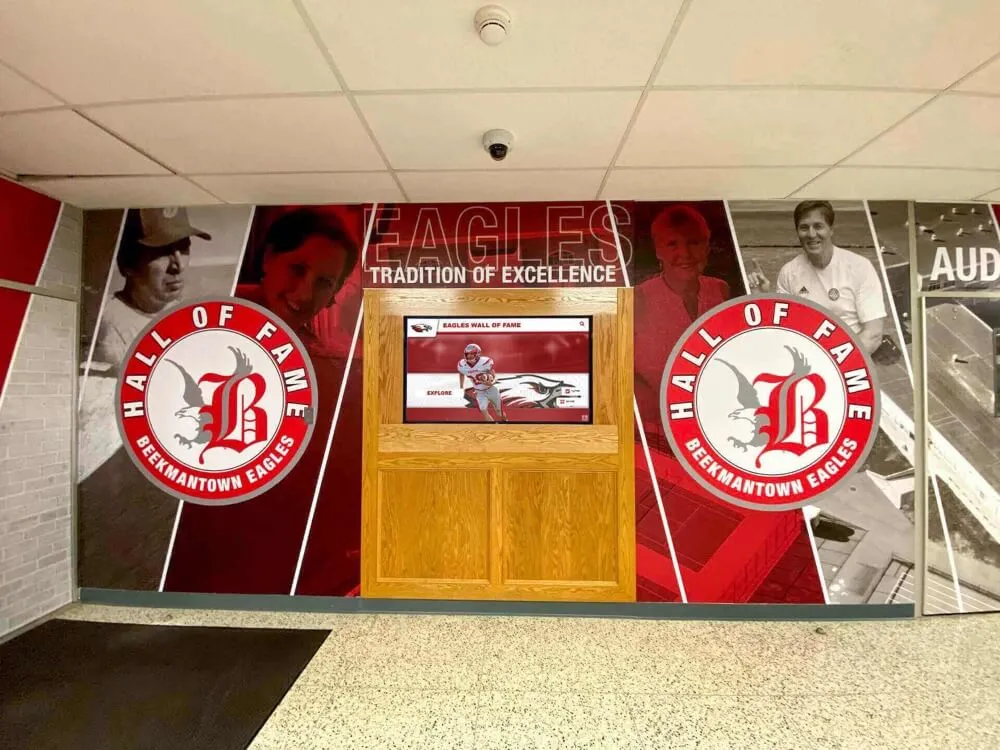
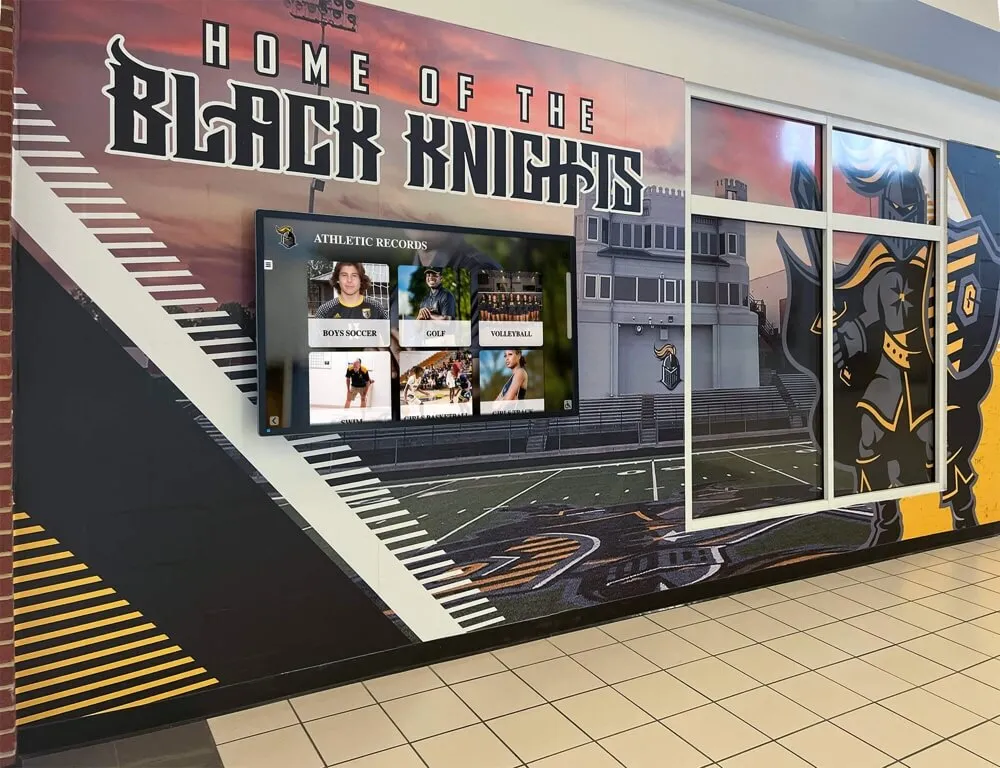
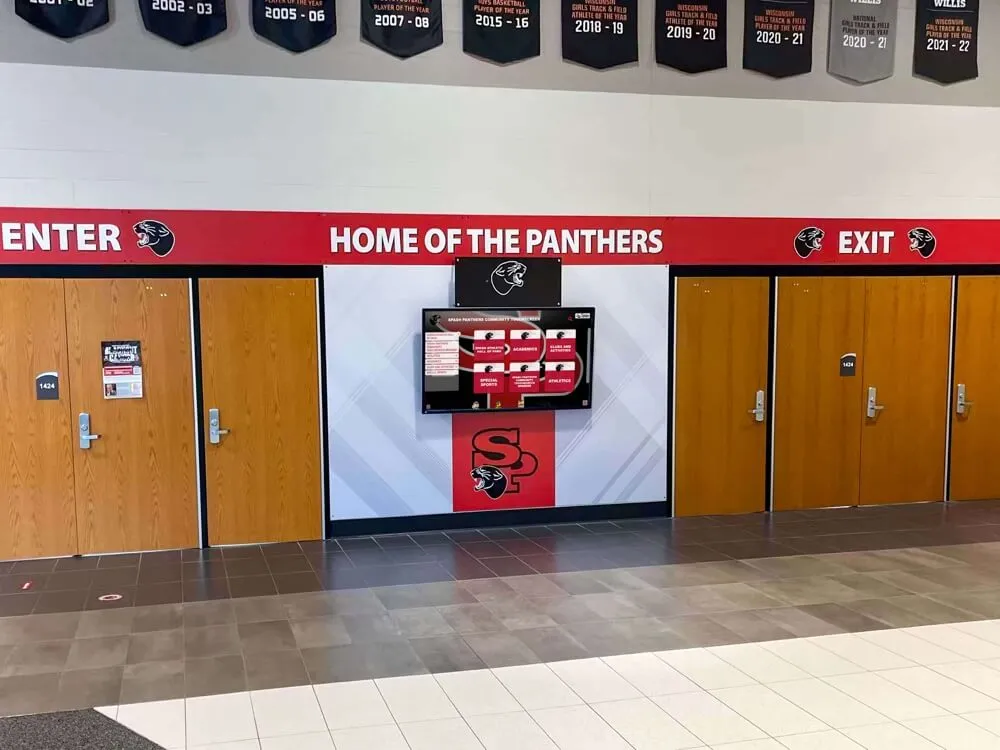
Video displayed on athletic recognition screens — from game highlights to hall of fame interviews — becomes searchable and accessible when accompanied by portable, format-correct caption sidecar files
Other Subtitle Formats You’ll Encounter
Beyond SRT and WebVTT, athletic archives may contain video with captions in these formats:
ASS / SSA (Advanced SubStation Alpha) — A rich styling format common in broadcast production. Supports complex positioning and multiple style sheets. May appear on professionally produced footage licensed from a local television station. Convert to SRT or WebVTT for archival purposes; the styling metadata doesn’t survive conversion, but the text content does.
SBV (SubViewer) — YouTube’s native subtitle export format. If your program has broadcast footage on a school YouTube channel, downloading captions produces SBV files. Most captioning tools convert SBV to SRT or WebVTT cleanly.
TTML / DFXP (Timed Text Markup Language) — An XML-based format used in broadcast distribution and streaming workflows. You’ll encounter it if your school receives broadcast footage from a television partner. Convert to WebVTT for archive storage.
Burned-in captions — Not a sidecar file format at all. Captions rendered permanently into the video image cannot be separated, edited, or reformatted. If your archive contains footage with burned-in captions from older productions, generating new accessible captions requires full re-transcription of the source audio.
The Case Against Burning Captions Into Video
Burning captions into video eliminates the portability and editability that make sidecar files valuable. An athletic archive built on burned-in captions cannot:
- Correct a misspelling in a former athlete’s name without re-encoding the entire video
- Display captions in a different language for alumni viewing content internationally
- Adjust caption size for viewers who need larger text on accessible display systems
- Index caption text for search within a recognition platform
For archival video already encoded with burned-in captions, the only recovery option is full re-transcription — a significant labor investment depending on archive size. Preventing this situation going forward requires a production policy specifying that caption sidecar files are retained at every stage of the post-production workflow.
Athletic department and booster club technology policies increasingly address media file handling — including the retention of caption sidecar files alongside video assets — as part of broader data management frameworks.
Preservation Workflow: Organizing Subtitle Files Alongside Video
A consistent file organization system makes the difference between a searchable archive and a folder of unrelated files. The following workflow applies whether you’re starting a new archive or organizing an existing one.
Step 1: Establish a Folder and Filename Convention
Store each video with its associated caption files in a shared folder, using the same base filename and differing only by extension:
/Athletic-Archive/
  /2023-24/
    /Football/
      /2023-09-15-vs-Westfield/
        2023-09-15-vs-Westfield-broadcast.mp4
        2023-09-15-vs-Westfield-broadcast.srt
        2023-09-15-vs-Westfield-broadcast.vtt
    /Hall-of-Fame/
      /2024-Induction-Ceremony/
        2024-HoF-Induction-full.mp4
        2024-HoF-Induction-full.srt
        2024-HoF-Induction-full.vtt
        2024-HoF-Induction-chapters.vtt
Chapter-specific VTT files for long-form ceremonies carry a -chapters suffix to distinguish them from the primary caption track.
Step 2: Audit Existing Caption Files
Before migrating or expanding an archive, inventory what caption files currently exist:
- Which videos have sidecar caption files in any format?
- Which have burned-in captions only?
- Which have no captions at all?
- Are existing caption files in SRT, WebVTT, or a format requiring conversion?
- Have any caption files been separated from their source video over time?
A spreadsheet tracking video ID, event name, date, video format, caption format, and accessibility status gives IT and athletic staff a shared baseline. This inventory work extends naturally into a broader athletic archive data classification policy that governs how caption files are categorized alongside video, roster data, and achievement records.
Step 3: Choose Your Primary Archive Format
For new captions and conversions, WebVTT should be the primary authoring format when content will be served through web-based display systems. Keep SRT as the compatibility export. This gives you:
- A WebVTT master with full positioning and styling metadata
- An SRT derivative for platforms that don’t handle WebVTT reliably
- A production log noting which files have been text-verified against the source audio
Step 4: Validate Caption Files Before Archiving
Validation catches common formatting errors before they compound across a large archive:
- WebVTT: Confirm the file begins with exactly
WEBVTTon the first line, timestamps use periods as millisecond separators, and cue blocks are separated by blank lines - SRT: Confirm timestamps use commas as millisecond separators and that no HTML tags remain unclosed within cue text
- Text accuracy: Spot-check caption text against the source audio, particularly for proper nouns — athlete names, school names, award titles
Step 5: Backup With Caption Files Explicitly Included
Caption files are frequently omitted from backup routines that prioritize by file size. A storage policy that explicitly names .srt and .vtt extensions — alongside your video file extensions — prevents caption files from being excluded from automated backups. After any migration, verify the backup scope covers these smaller text files alongside the larger video assets.
Athletic Archive Caption Preservation Checklist
Before production:
- Confirm captioning workflow produces a sidecar file, not burned-in captions
- Identify target format (WebVTT for web display; SRT for compatibility)
- Establish folder naming convention for the event
After production:
- Verify caption file is present alongside the video in the shared folder
- Validate file format (header, timestamp format, cue structure)
- Spot-check text accuracy for proper nouns and key names
- Export SRT companion file if WebVTT is the primary format
- Log video and caption details in the archive inventory
Ongoing:
- Include
.srtand.vttin backup scope verification - Review caption files when video files migrate to new storage
- Update the inventory when older files are discovered, transcribed, or converted
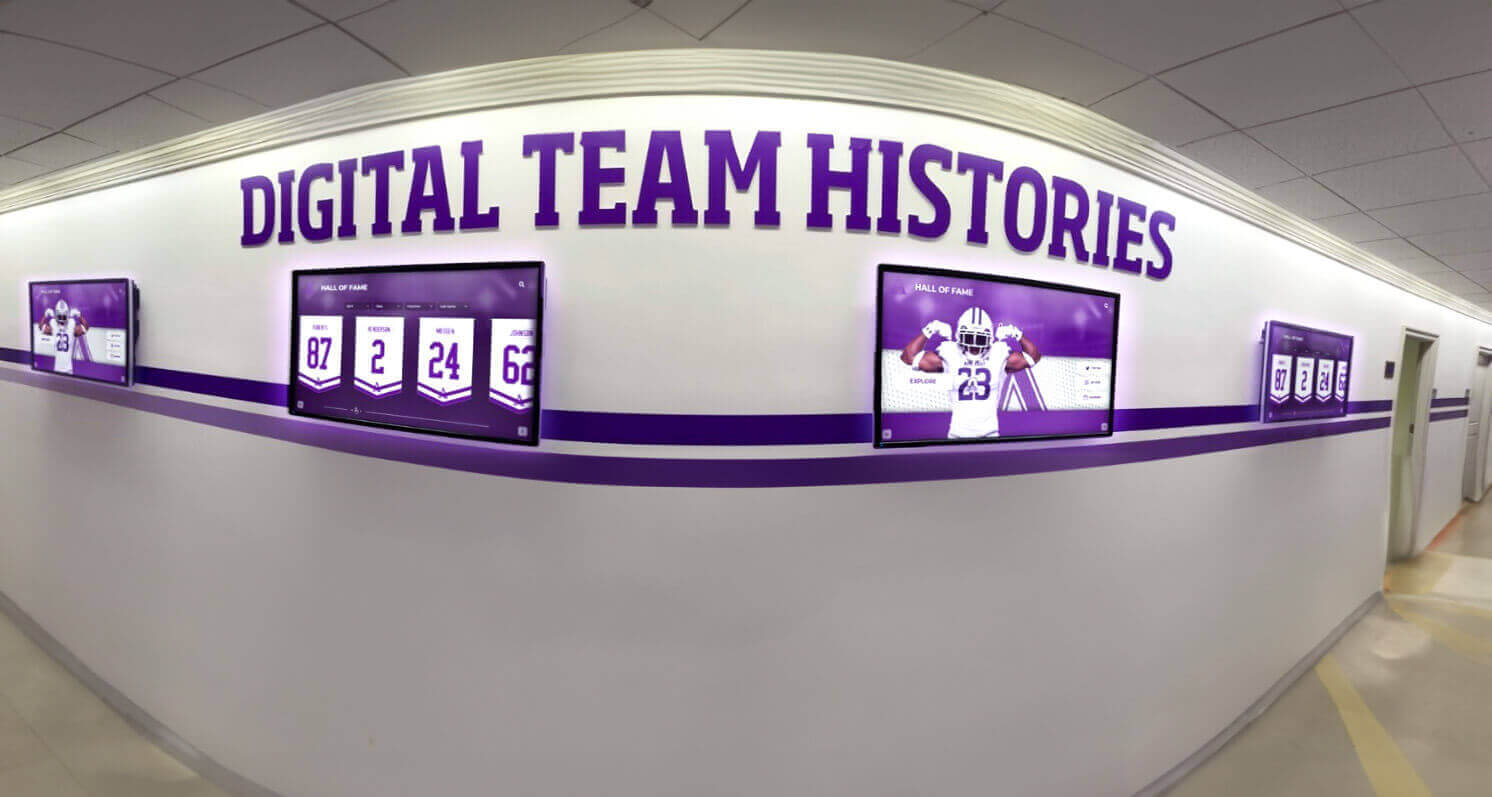
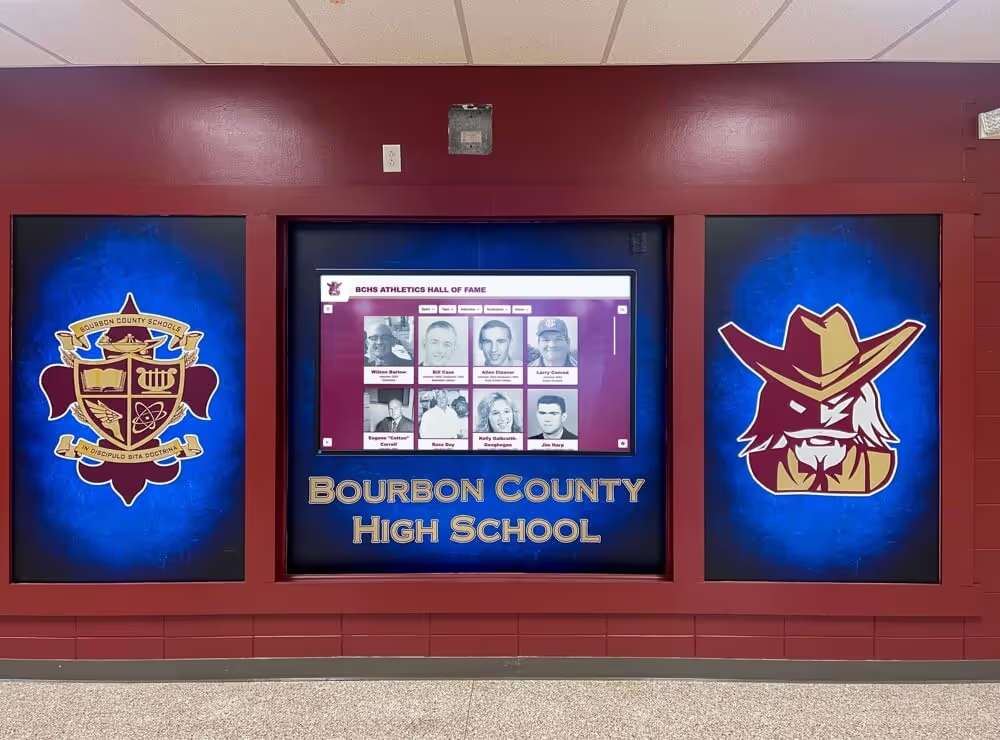
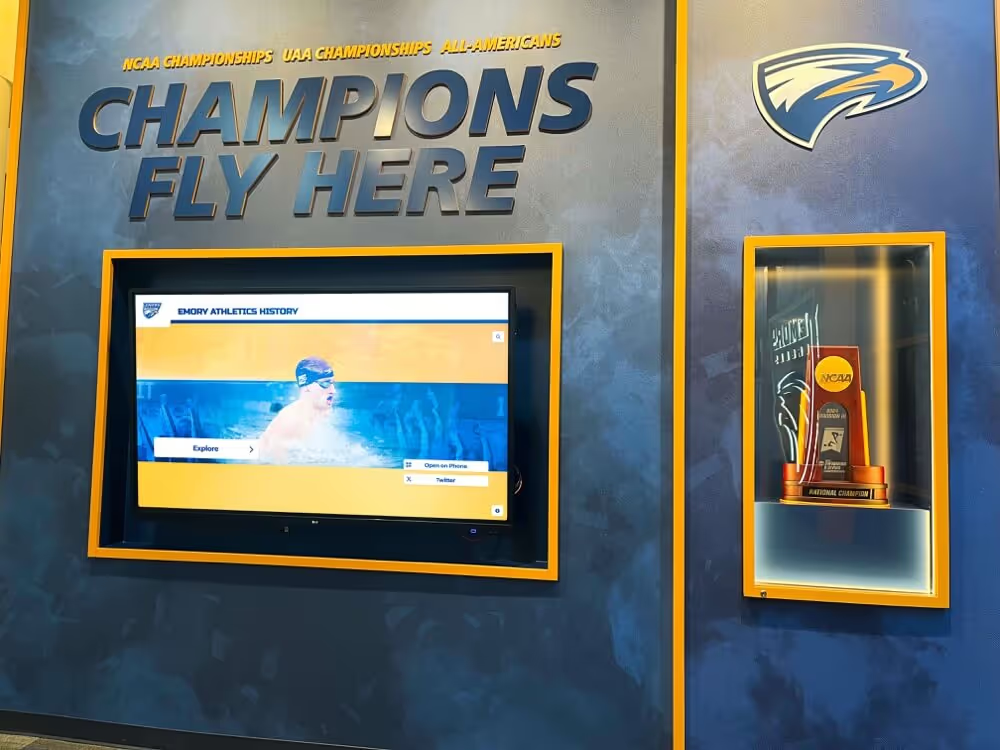
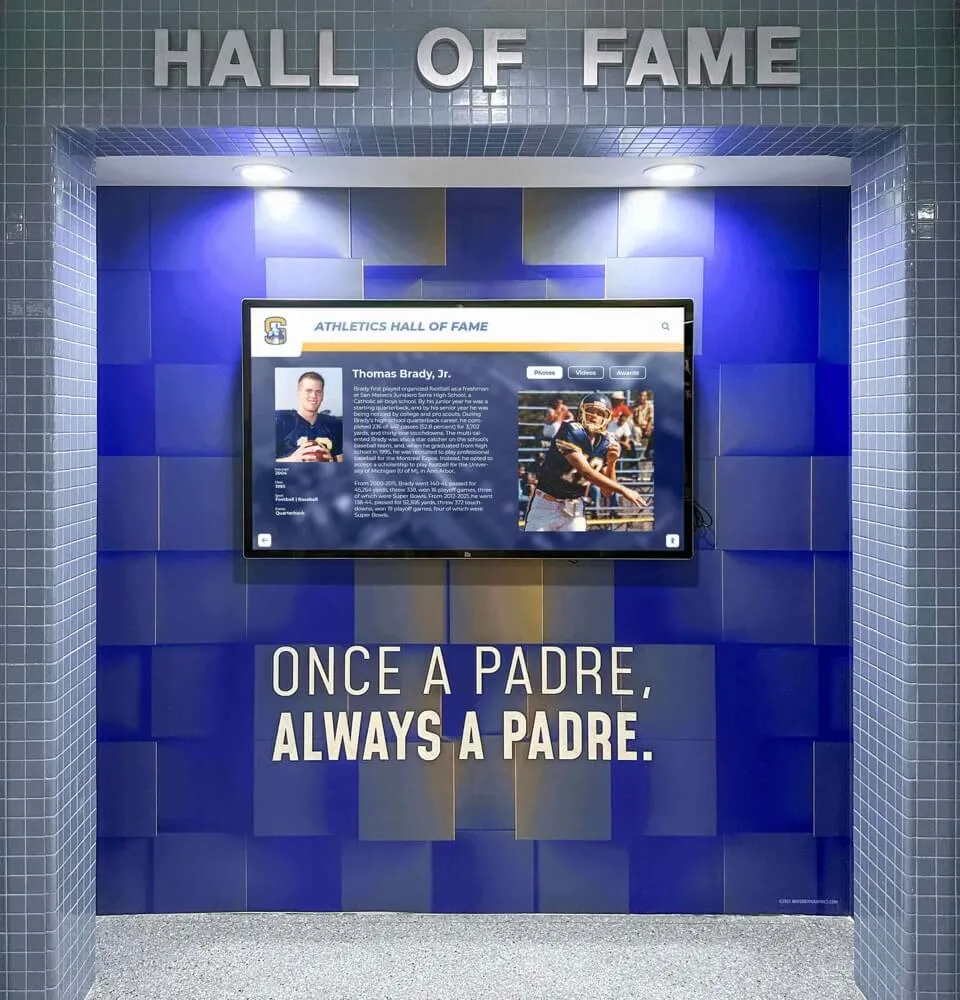
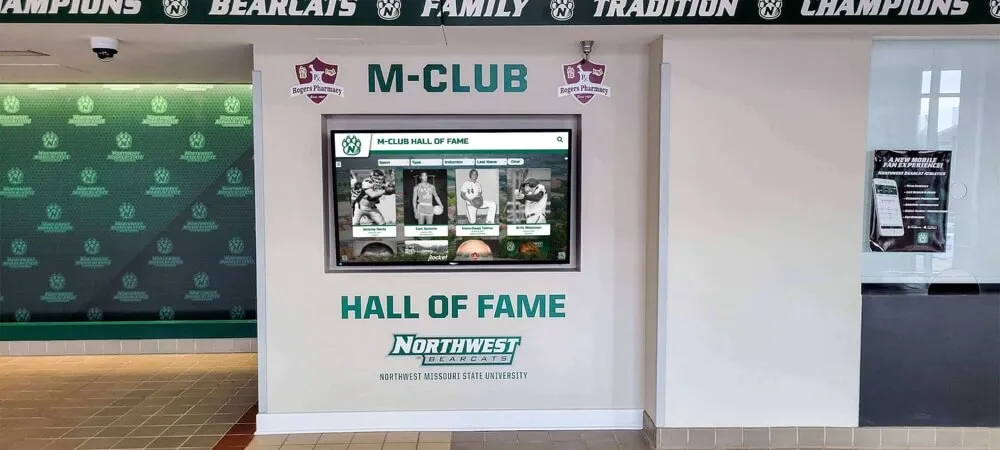
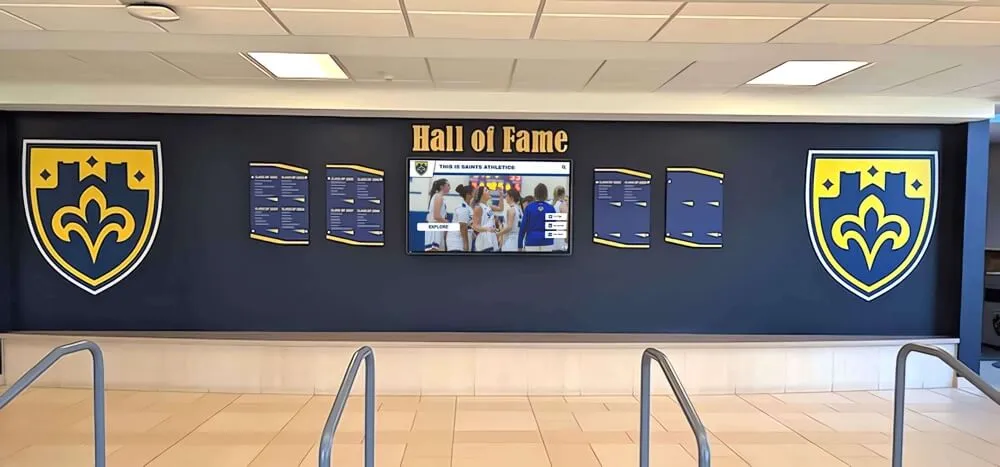
Athletic video archives with properly formatted caption sidecar files integrate cleanly into recognition display systems that make historic footage searchable and accessible for visitors
Converting Between Caption Formats
Converting between SRT and WebVTT is straightforward for the structural elements. The primary differences to manage:
SRT to WebVTT:
- Add
WEBVTTas the first line of the file - Replace all comma millisecond separators (
00:00:04,200) with periods (00:00:04.200) - Remove sequential cue numbers if desired — they are optional in WebVTT but may be retained for cross-reference
- Add any desired cue settings after the timestamp arrow
WebVTT to SRT:
- Remove the
WEBVTTheader and anyNOTEor metadata blocks - Replace all period millisecond separators (
00:00:04.200) with commas (00:00:04,200) - Add sequential cue numbers before each timestamp block if absent
- Remove cue settings from the timestamp line — SRT will display them as caption text if left in
Both conversions preserve timed text content and discard WebVTT-specific positioning and styling when going to SRT. Converting back from SRT to WebVTT cannot recover that positioning data, which is why maintaining the WebVTT master is the recommended approach.
Tools that handle these conversions include FFmpeg (command line, cross-platform), Subtitle Edit (Windows, open-source), and Aegisub (cross-platform, open-source). Most dedicated video production platforms also export to both formats directly.
Connecting Captioned Video to Athletic Recognition Displays
Athletic video archives don’t exist in isolation. Game highlights, hall of fame induction footage, senior day tributes, and championship broadcasts increasingly appear on interactive recognition displays in school lobbies, athletic halls, and trophy areas. The caption file format decisions you make in archival storage directly affect how video performs in those display contexts.
A recognition display system built around web-based video playback natively supports WebVTT via the HTML5 <track> element — no additional software required. SRT files require JavaScript-based caption rendering, which most platforms handle, but WebVTT remains the cleaner integration path. When your archive already holds WebVTT files, feeding video into a recognition display system is simpler, and caption accessibility is built in from the start.
Halls of fame and recognition programs that feature searchable video archives — where visitors can find a specific athlete’s induction interview or a championship broadcast from a particular season — depend on accurate caption text as the underlying search index. Well-formatted caption files with verified text for athlete names, sports, years, and achievements are what make this search possible.
The same recognition philosophy that motivates meaningful acknowledgment for everyone who contributes to a school community applies to video accessibility: captions ensure that athletics content is genuinely available to every visitor, including those with hearing impairments, rather than being nominally present but practically inaccessible.
Athletic programs that invest in organized video archives — and the caption infrastructure that makes those archives accessible — create a foundation for recognition programs that extend beyond physical display walls to searchable, shareable digital video libraries. The visual assets that represent a sports program’s identity — from schedule graphics to video libraries — all benefit from consistent metadata standards, and caption files are the metadata layer for video content.
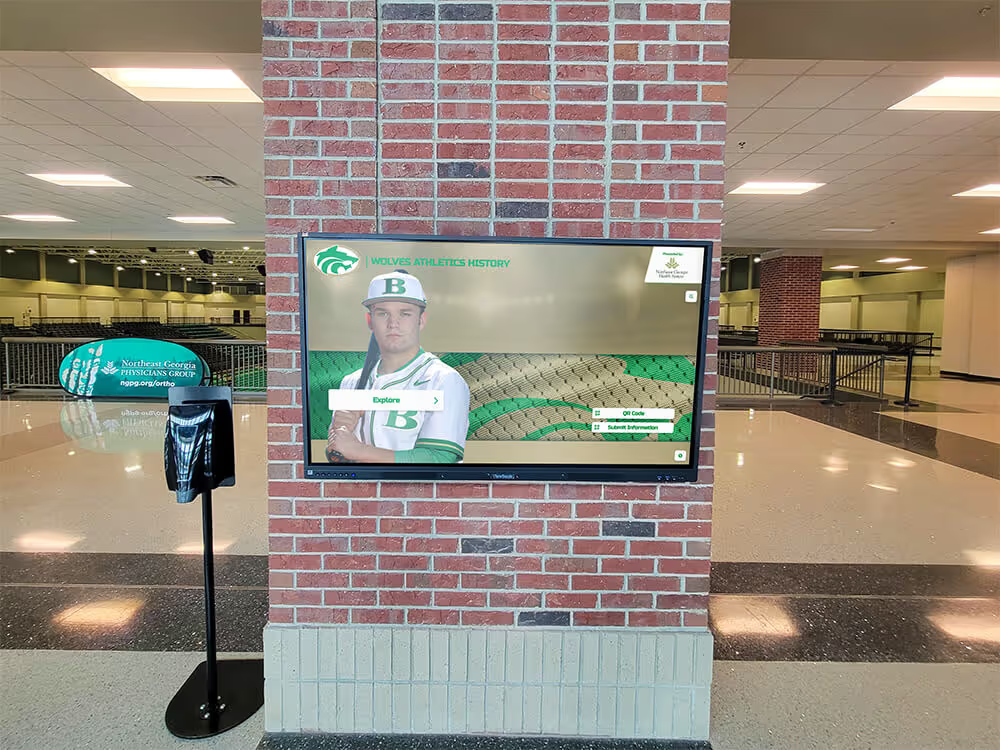
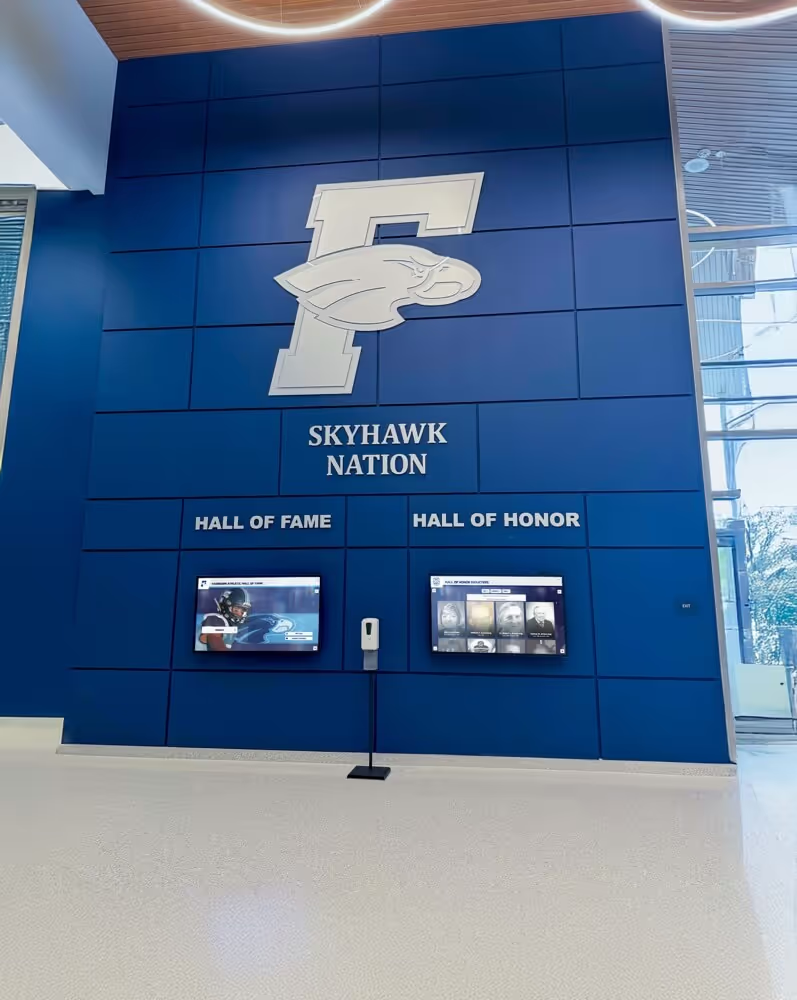
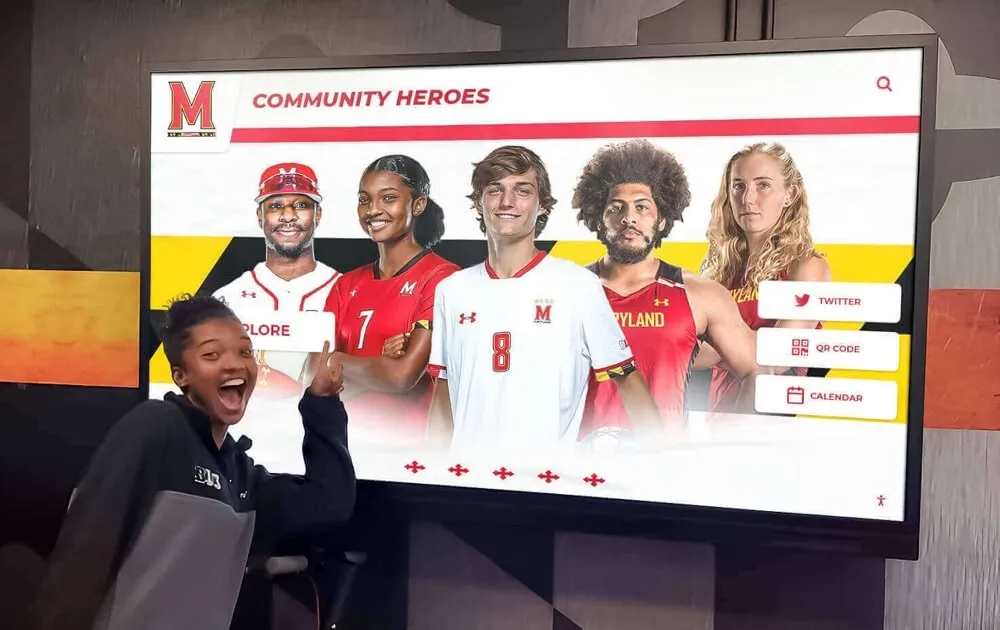
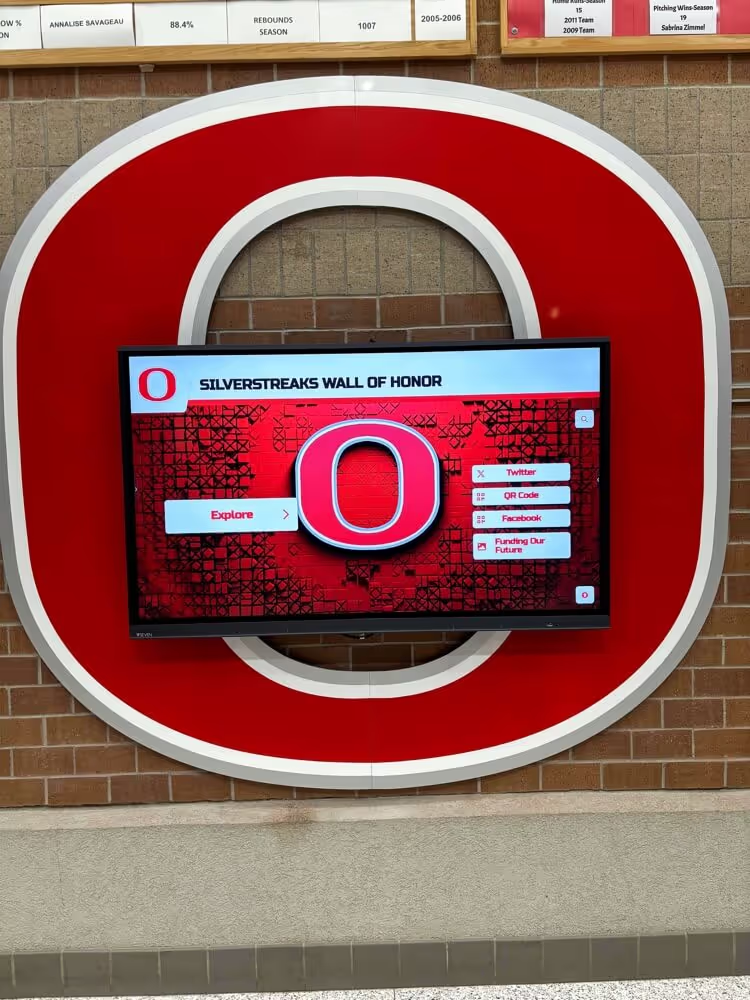
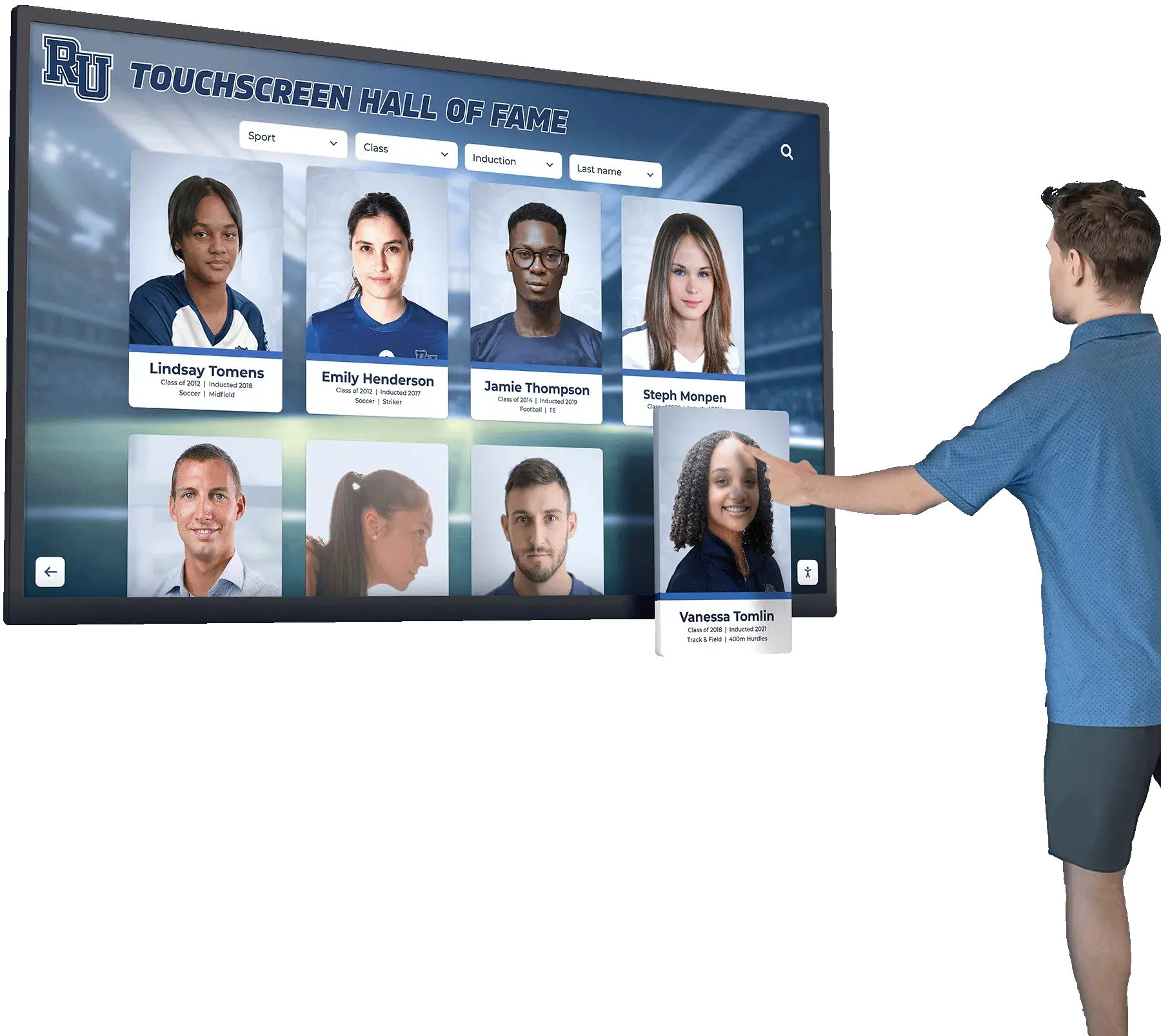
Interactive recognition displays serving athletic video require caption files in compatible formats — WebVTT for HTML5-based systems, SRT as a compatibility companion for legacy players
Accessibility Considerations and Legal Context
Caption files in athletic archives serve an accessibility function, not just a preservation function. Providing captions on video made publicly available — including on school websites, athletic recognition platforms, and lobby display kiosks — may be required under applicable accessibility regulations including Section 508 of the Rehabilitation Act and Title II of the Americans with Disabilities Act for public schools. Specific requirements vary by jurisdiction, context, and how content is published.
This guide provides format and workflow guidance. Determining which legal requirements apply to your school’s video content is a question for a qualified accessibility professional or legal counsel familiar with education law in your state.
What remains consistent across contexts: maintaining caption sidecar files in portable, standardized formats (WebVTT and SRT) is the baseline that makes accessibility compliance achievable. Schools that archive captions as burned-in pixels or inside proprietary player formats face significantly more remediation work when compliance requirements arise.
The principle that meaningful recognition should reach everyone who earns it — whether in athletics or academics — applies equally to ensuring that recognition content is actually accessible to all visitors, not just those without hearing impairments.
Common Questions About Athletic Archive Caption Files
What’s the difference between closed captions and subtitles for athletic video? In broadcast practice, closed captions include descriptions of non-speech audio — crowd noise, buzzer sounds, music — designed for viewers who are deaf or hard of hearing. Subtitles typically transcribe only spoken content and assume the viewer can hear but may not understand the language. The same SRT and WebVTT formats carry both types; the distinction is what the caption author chose to include, not the file format.
Can I use the same caption file for a web player and a broadcast platform export? A WebVTT file works natively in HTML5 web players. For broadcast or streaming platform exports, you may need to convert to TTML or another broadcast-specific format — most video production platforms handle this conversion at export time. Keep your WebVTT master and let each destination platform convert as needed rather than maintaining separate source files.
How do I handle footage digitized from VHS that has no caption file? Two options: automated speech-to-text transcription or manual transcription. Automated tools can produce SRT or WebVTT output directly but require human review for proper nouns, historical references, and audio quality issues common in older recordings. Budget for review and correction time even when using automated transcription, then store the resulting caption files alongside the digitized video immediately after review.
Do caption files need to migrate with video files when I move storage? Yes. Caption files should travel with their source video and maintain the same base filename. A post-migration audit matching video filenames against caption filenames catches any files separated during the transfer before they become orphaned in a reorganized archive.
Which format should I default to if my display system doesn’t specify? Default to WebVTT as the primary format and SRT as the companion file. WebVTT is the HTML5 standard and works correctly in any browser-based display system. SRT serves as a fallback for platforms that don’t explicitly support WebVTT. Caption text files are measured in kilobytes rather than megabytes, so maintaining both adds negligible storage overhead while maximizing compatibility.
Building an Athletic Caption Archive That Lasts
Athletic video archives are long-term assets. The footage recorded at this year’s hall of fame induction may be the primary historical record of that event decades from now. The caption files accompanying that footage carry the spoken biographical details, athletic records, and tribute text that make the video historically meaningful — not just visually present.
Choosing portable, open, standardized caption file formats (WebVTT and SRT) over burned-in captions or proprietary player formats keeps this data accessible regardless of which player, platform, or display system the archive passes through over time. Pairing that format decision with a consistent folder structure, a validation step, and a backup policy that explicitly includes caption files closes the most common gaps that cause caption data to be lost between video productions.
For schools building or expanding digital recognition programs — interactive lobby displays, online hall of fame archives, searchable athletic video libraries — captioned video in the right format is the infrastructure that makes those programs genuinely accessible rather than just visually present.
See How Athletic Video Archives Come to Life in a Recognition Display
Rocket Alumni Solutions builds interactive athletic recognition systems that integrate searchable video archives, hall of fame profiles, and team history displays — all manageable without a dedicated IT team.
Request a Demo