School history, shared
Athletic Archive Quality Assurance Report Template: Document Defects, Samples, and Acceptance

An athletic archive quality assurance report template is the structured document a school completes at the end of a digitization project to record which files were sampled, what defects were found, how severe each defect is, and whether the delivery is formally accepted, conditionally accepted, or rejected — before any scanned yearbooks, team photos, programs, or athletic-history records are loaded into a recognition display, hall-of-fame platform, or permanent archive.
Most schools complete a sampling check — reviewing a subset of delivered files for resolution, metadata completeness, and naming conventions — but never document the results in a format that can be referenced later. When a display shows a blurred team photo six months after acceptance, or when a hall-of-fame record carries the wrong athlete name, there is no QA report to trace back to: no record of who reviewed the batch, no documented defect count, and no evidence of whether the issue was identified and waived or simply missed. A fillable QA report template closes that gap. It gives school administrators, athletic directors, archive coordinators, and IT staff a repeatable, single-document record that covers every quality-relevant decision made at the time of delivery.
This template covers seven sections: report header, material inventory and sample summary, defect log, defect severity reference table, sample pass/fail summary, acceptance decision, and correction tracking. Copy the tables into a word processor or spreadsheet, complete each field at delivery, and retain the completed report alongside the digitization project contract. The result is a documented QA trail that protects the school if vendor disputes arise and that informs every future use of the archived materials.

An athletic records display in a school hallway is only as reliable as the QA process that verified each digitized file before it was accepted into the archive that powers the display
What This QA Report Template Covers
A complete athletic archive quality assurance report covers the full lifecycle of a delivery review in seven discrete parts. Each part produces a documented record that can be reviewed independently — by a different staff member, by legal counsel, or by the vendor in the event of a dispute.
The seven parts are:
- Report header — identifies the project, the school, the reviewer, the delivery date, and the vendor
- Material inventory and sample summary — records the full population of delivered items and the sample that was reviewed
- Defect log — documents every defect found during the sample review, including file ID, defect type, and severity
- Defect severity reference table — defines severity levels so every reviewer applies the same classification to the same type of defect
- Sample pass/fail summary — tallies the defect counts and calculates defect rates by material type
- Acceptance decision — records the formal go/no-go decision with rationale
- Correction tracking — lists open correction items, responsible parties, and resolution dates
Schools building programs around athletic history — from yearbook archives to hall-of-fame displays and trophy case presentations — use a completed QA report as the quality gate that separates a digitization project from the recognition programs it powers.
Part 1: Report Header
The report header establishes the administrative identity of the QA review. Complete every field before beginning the sample review; do not leave fields blank on the assumption that the information is obvious.
| Report Header Field | Value |
|---|---|
| School / Institution Name | |
| Athletic Department / Program Name | |
| QA Report Number | (assign a sequential number, e.g., QA-2026-001) |
| Project Name or Contract Reference | |
| Vendor or Digitization Team Name | |
| Delivery Date | |
| QA Review Start Date | |
| QA Review Completion Date | |
| Lead Reviewer Name and Title | |
| Secondary Reviewer Name and Title (if applicable) | |
| Approved By (name and title) | |
| Approval Date | |
| Report Status | Draft / In Review / Final |
| Notes |
The QA Report Number allows the school to maintain a sequential log of all digitization QA reviews across multiple projects and vendors. A simple format — QA-[year]-[sequence] — provides a unique identifier that can be referenced in vendor correspondence and contract documentation.
Part 2: Material Inventory and Sample Summary
Before sampling begins, document the complete inventory of the delivery batch. Then record how many items were sampled from each material type and what sampling method was used. This section establishes the statistical basis for the acceptance decision recorded later.
| Material Type | Total Items Delivered | Items Sampled | Sampling Method | Sampling Rate |
|---|---|---|---|---|
| Bound yearbook pages | Random / Systematic / Judgmental | |||
| Game programs | Random / Systematic / Judgmental | |||
| Team and portrait photographs | Random / Systematic / Judgmental | |||
| Statistical record books and rosters | Random / Systematic / Judgmental | |||
| Award certificates and plaques | Random / Systematic / Judgmental | |||
| Newspaper clippings and press materials | Random / Systematic / Judgmental | |||
| Other (specify) | ||||
| TOTAL |
Sampling method definitions:
- Random sampling — items are selected using a random number generator or random interval. Appropriate when the population is large and uniform, with no reason to suspect concentrated defects in particular areas.
- Systematic sampling — every Nth item is selected (for example, every 10th file in alphabetical order). Appropriate when the population is sorted in a meaningful order and when spread across the delivery is more important than pure randomness.
- Judgmental sampling — items are selected based on known risk factors: material types with historically high defect rates, items at the beginning and end of each sub-collection, items flagged by the vendor as difficult to scan. Appropriate when the population is heterogeneous or when targeted risk coverage is the priority.
Most school athletic archive QA reviews use a combination: systematic sampling for the bulk of each material type, supplemented by judgmental sampling that adds coverage of the first and last files in each subfolder and any items the vendor noted as exceptions.
Schools managing both physical display programs and digital archiving — for example, schools that coordinate sports banquet recognition events alongside their archiving work — often find that a stratified sample (with higher sampling rates for material types that will be displayed prominently) gives the best coverage relative to available review time.

Portrait photographs are among the most visible files in any hall-of-fame display — the QA report should document that these files received adequate sampling coverage before acceptance
Part 3: Defect Log
The defect log is the core of the QA report. Every file in the sample that does not meet a documented acceptance criterion is recorded here as a defect. Complete one row per defect — not one row per file. A single file with three separate defects generates three rows.
| Defect ID | File ID / Filename | Material Type | Defect Category | Defect Description | Severity Level | Reviewer Initials | Disposition |
|---|---|---|---|---|---|---|---|
| DEF-001 | Critical / Major / Minor / Cosmetic | Accept-as-is / Correct / Reject | |||||
| DEF-002 | |||||||
| DEF-003 | |||||||
| DEF-004 | |||||||
| DEF-005 | |||||||
| DEF-006 | |||||||
| DEF-007 | |||||||
| DEF-008 | |||||||
| DEF-009 | |||||||
| DEF-010 | |||||||
| (add rows as needed) |
Defect Category options (select the most specific category that applies):
- Resolution — file does not meet the minimum resolution specification (e.g., archival master below 300 DPI, display derivative below 96 PPI)
- Color accuracy — significant color cast, color profile mismatch, or clipped highlights/shadows that misrepresent the original
- Orientation — file is rotated, upside-down, or mirrored relative to the original
- Completeness — file is missing content visible on the original (clipped text, cut-off figures, missing pages)
- Artifacts — visible scanning artifacts including moiré patterns, dust specks, bleed-through, skew exceeding tolerance, or banding
- Filename — filename does not follow the documented convention (contains spaces, disallowed characters, incorrect structure, or duplicate)
- Metadata — required metadata field is absent, incorrectly formatted, or populated with a placeholder value
- File format — file is saved in a format that does not match the project specification
- Rights documentation — rights status field is absent, ambiguous, or inconsistent with the rights determination framework
- File count — delivered count does not match the source manifest (document at the batch level, not the individual file level)
Part 4: Defect Severity Reference Table
Consistent defect classification requires a shared reference. Use the table below to assign a severity level to every defect logged in Part 3. The severity level drives the acceptance decision in Part 6: a single Critical defect in a sampled file is typically sufficient to trigger rejection or mandatory correction of the affected sub-collection.
| Severity Level | Definition | Typical Impact | Acceptance Implication |
|---|---|---|---|
| Critical | The defect makes the file unusable for its primary purpose. A portrait scanned at screen resolution (72 DPI) that cannot be enlarged for display. A page scan so skewed that text is unreadable. A file with completely absent metadata. | File cannot be used in any recognition display, publication, or preservation context without rescanning or manual correction. | Triggers mandatory correction before acceptance. A Critical defect rate above 0% in the sampled files typically triggers rejection or conditional acceptance with a correction hold. |
| Major | The defect significantly degrades file quality or usability but does not make the file entirely unusable. A portrait with clipped highlights on a white uniform that would require color correction before display use. Metadata with incorrect date format that requires reformatting. | File can be used with caution but will require correction before publication or prominent display use. | Defect rate thresholds should be established in the project contract (e.g., no more than 2% of sampled files). Rates above threshold trigger conditional acceptance. |
| Minor | The defect is detectable but does not materially affect usability. Minor dust specks in a background area of a portrait. Metadata that uses a slightly inconsistent sport-name abbreviation. | File is usable as delivered but should be corrected in the next maintenance cycle. | Minor defects are typically documented and tracked for correction but do not block acceptance unless the rate is unusually high (e.g., above 10% of sampled files). |
| Cosmetic | The defect is barely perceptible and has no effect on usability. A very slight color variation in the border area of a certificate scan. A filename that uses an underscore where the convention specifies a hyphen, but the structure is otherwise correct. | File is fully usable as delivered. The defect may be corrected opportunistically. | Cosmetic defects are logged for completeness but do not factor into acceptance calculations unless they indicate a systemic pattern. |
Example defect severity classifications:
| Observed Defect | Recommended Severity | Rationale |
|---|---|---|
| Portrait scanned at 72 DPI (specification requires 300 DPI minimum) | Critical | File cannot be enlarged for display without visible pixelation |
| Full team photo missing the rightmost column of athletes due to scanner clipping | Critical | Substantive content is missing from the image |
| Championship certificate with a color cast that shifts the gold seal to orange | Major | File is identifiable but color correction required before display |
| Game program with moiré pattern visible in halftone areas | Major | Artifact is visible at normal viewing size and would appear on display |
| Athlete portrait metadata missing the sport field | Major | Metadata gap affects searchability and display accuracy |
| Portrait with a 1-degree skew — page edges slightly non-horizontal | Minor | Detectable only on close inspection; does not affect readability |
| Filename uses a period before the sport code instead of a hyphen | Minor | Functional but inconsistent with convention |
| Metadata date formatted as MM/DD/YYYY instead of the specified YYYY-MM-DD | Minor | Requires reformatting for system import but content is correct |
| Faint shadow in the white margin area of a certificate scan | Cosmetic | Shadow does not overlap any content area |
Schools that connect their accepted archive to recognition platforms — including touchscreen hall-of-fame displays — find that the severity classification step is the most time-efficient part of the review: reviewers who apply a consistent classification framework take roughly the same time per defect regardless of total defect count, because each defect does not require a fresh judgment call about how serious it is.
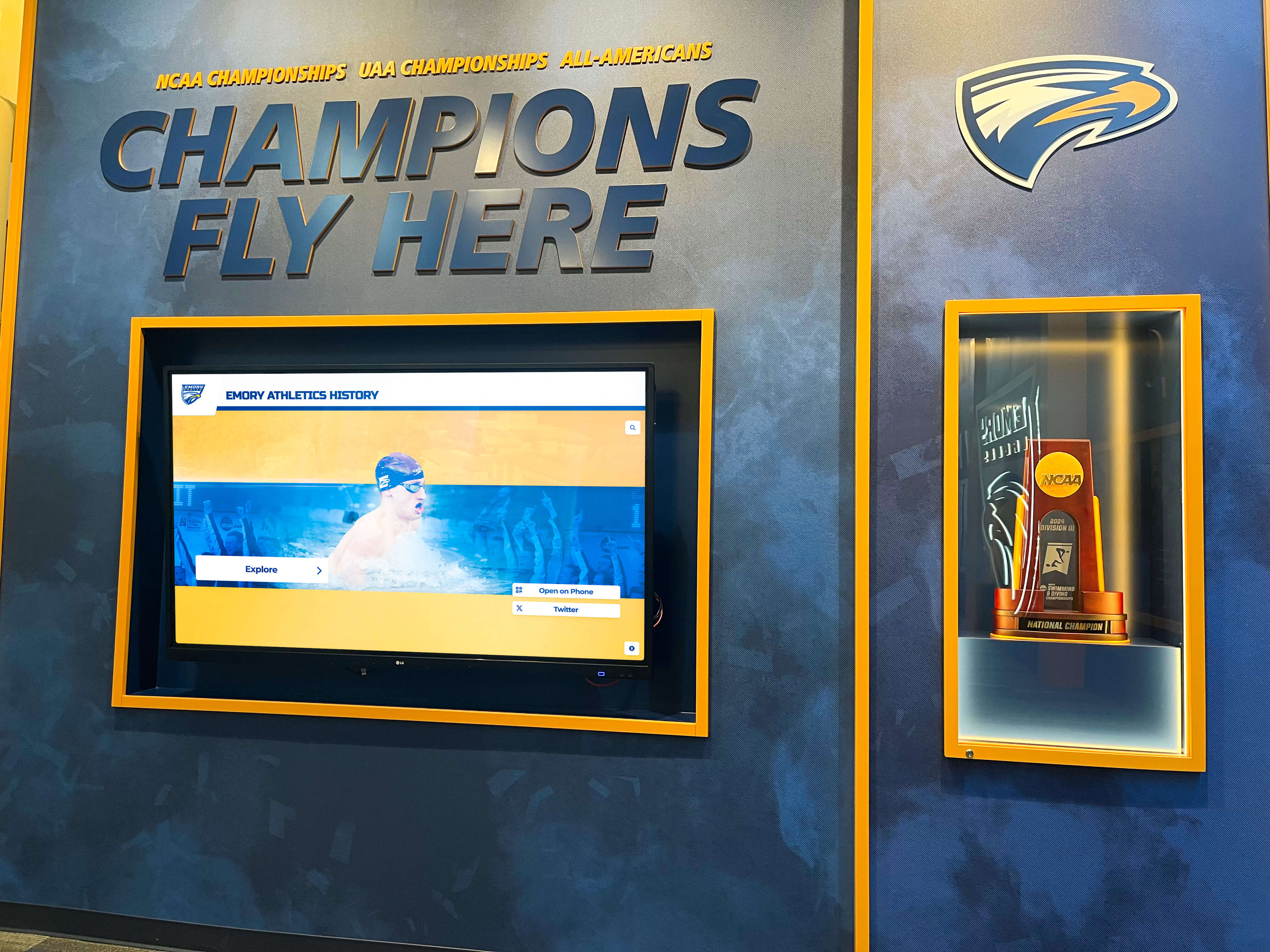
Championship display programs draw from award certificates, trophies, and historical records in the archive — Major and Critical defects in these file types directly affect what the display shows and how accurate it appears
Part 5: Sample Pass/Fail Summary
After completing the defect log, tally the results by material type and severity level. This summary table gives the acceptance decision maker a one-page view of QA results across the full sample.
| Material Type | Files Sampled | Files with Defects | Critical Defects | Major Defects | Minor Defects | Cosmetic Defects | Defect Rate (%) | Pass / Fail |
|---|---|---|---|---|---|---|---|---|
| Bound yearbook pages | ||||||||
| Game programs | ||||||||
| Team and portrait photographs | ||||||||
| Statistical record books and rosters | ||||||||
| Award certificates and plaques | ||||||||
| Newspaper clippings and press materials | ||||||||
| Other (specify) | ||||||||
| TOTAL |
Defect rate calculation: Defect Rate (%) = (Files with Defects ÷ Files Sampled) × 100
Note that a single file with multiple defects counts as one file with defects in the defect rate calculation. The separate defect counts by severity level give the acceptance decision maker additional context beyond the overall rate.
Pass/Fail threshold guidance (establish specific thresholds in the project contract before work begins; the ranges below are reference points, not universal standards):
- Critical defects: any critical defect count above 0 typically warrants conditional acceptance or rejection for the affected material type
- Major defect rate: rates above 2–5% typically warrant conditional acceptance with a documented correction list
- Minor defect rate: rates above 10–15% typically warrant documentation and a correction timeline but do not block acceptance
- Cosmetic defect rate: not typically used as a pass/fail threshold; documented for trend monitoring
Part 6: Acceptance Decision
The acceptance decision is the formal outcome of the QA review. Complete this section after the sample pass/fail summary is finished. The decision maker should be a named individual with authority to approve or reject the delivery — typically the athletic director, archive coordinator, or a designated administrator, depending on your school’s contract authority.
| Acceptance Decision Field | Value |
|---|---|
| Overall QA Result | Pass / Conditional Pass / Fail |
| Decision | Full Acceptance / Conditional Acceptance / Rejection |
| Critical Defects Found (total across all material types) | |
| Major Defects Found (total) | |
| Minor Defects Found (total) | |
| Cosmetic Defects Found (total) | |
| Material Types Accepted Without Conditions | |
| Material Types Accepted with Correction Required | |
| Material Types Rejected | |
| Rationale for Decision | |
| Correction Deadline (if Conditional Acceptance) | |
| Decision Maker Name and Title | |
| Decision Date | |
| Signature |
Acceptance decision definitions:
- Full Acceptance — all material types in the delivery meet acceptance criteria. The delivery is approved, and payment or final project sign-off may proceed. Completed QA report is filed with the project contract.
- Conditional Acceptance — one or more material types have defects that require correction before the affected files are integrated into the archive or recognition platform. The delivery is provisionally approved for the passing material types; failing material types are returned to the vendor or held pending correction. A correction deadline is recorded, and a follow-up review is scheduled.
- Rejection — one or more material types have critical defects at a rate or concentration that cannot be remedied by targeted correction. The affected material types are returned for full reprocessing. Rejected material types are excluded from payment approval until a corrected delivery passes QA.
Schools exploring how their recognition platform budget connects to multi-year digitization projects often find that a formal acceptance decision — recorded in a QA report — simplifies the budget justification process: school boards and finance committees can see that quality thresholds were defined and verified, not assumed.
Part 7: Correction Tracking
Every defect assigned a Disposition of “Correct” in Part 3 generates a correction item that must be tracked to resolution. The correction tracking table below allows the school to maintain a live record of open items through the remediation period.
| Correction Item ID | Linked Defect ID(s) | Material Type | Description of Required Correction | Assigned To | Target Completion Date | Status | Resolution Date | Verified By |
|---|---|---|---|---|---|---|---|---|
| COR-001 | Vendor / School Staff | Open / In Progress / Complete | ||||||
| COR-002 | ||||||||
| COR-003 | ||||||||
| COR-004 | ||||||||
| COR-005 | ||||||||
| (add rows as needed) |
Status definitions:
- Open — correction has been communicated to the responsible party but work has not yet begun
- In Progress — vendor or staff has confirmed the correction is underway
- Complete — corrected files have been delivered and verified against the original defect description; the correction item is closed
Every correction item that reaches Complete status requires a brief re-review against the relevant acceptance criteria in Part 3. Update the Disposition field for the linked defect from “Correct” to “Accepted” once the correction has been verified. The QA report is not final until every correction item shows a status of Complete and a Resolution Date.
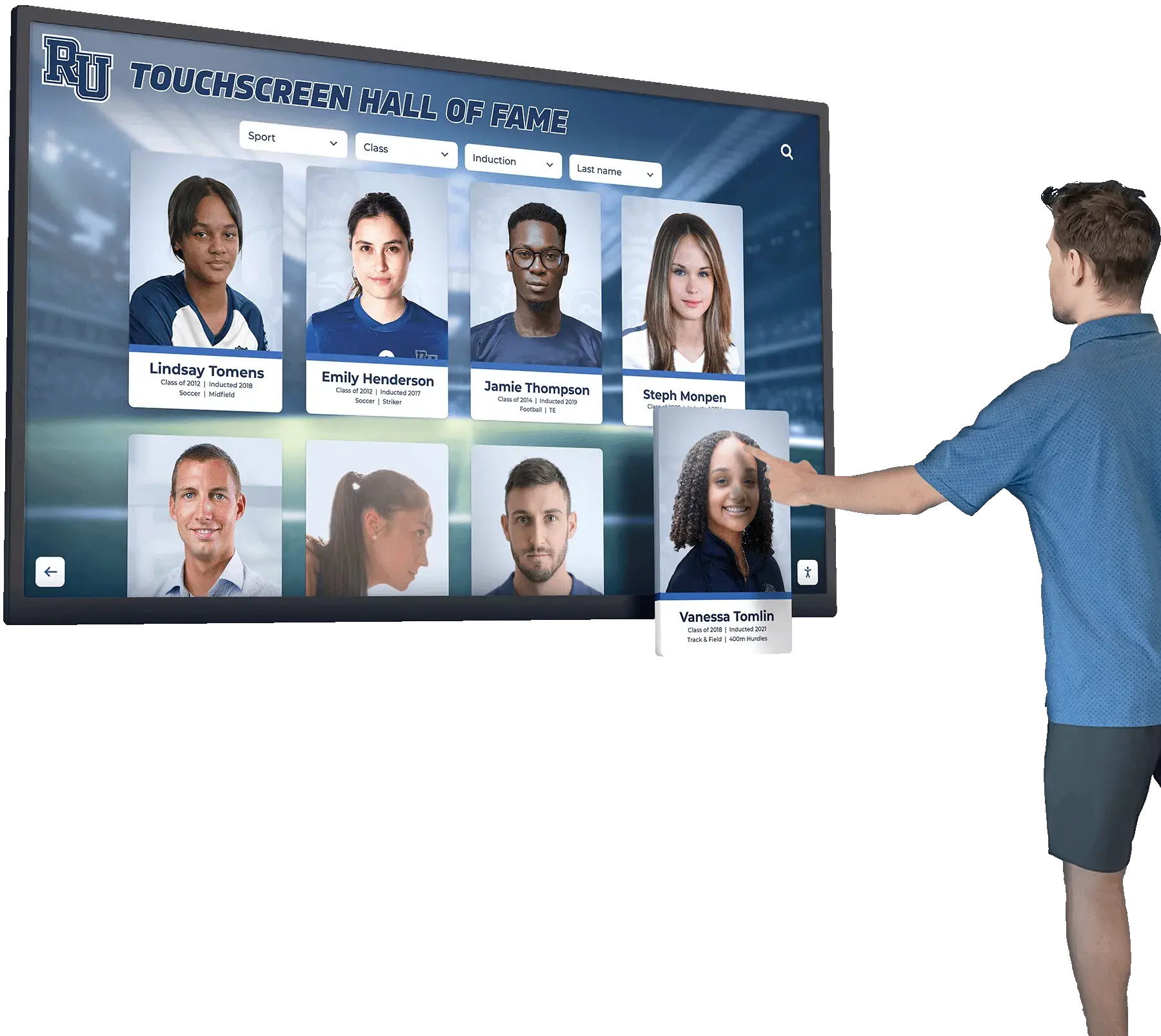
A hall-of-fame touchscreen display is a public-facing product — the correction tracking section of the QA report is what ensures that no file with an unresolved defect reaches it
Who Completes This Report
A QA report that is assigned to a single person is more likely to have gaps than one with clearly defined role assignments. The table below maps each section of the report to the roles best positioned to complete it.
| Report Section | Lead Role | Supporting Role | What They Verify |
|---|---|---|---|
| Part 1: Report Header | Archive Coordinator or Administrative Lead | Any reviewing staff member | Project identity, dates, and reviewer names are correct |
| Part 2: Material Inventory | Archive Coordinator | IT Administrator | Delivered file counts match the source manifest and vendor delivery documentation |
| Part 3: Defect Log | Archive Coordinator (for content defects) | IT Administrator (for filename, format, metadata defects) | Each sampled file is evaluated against all applicable criteria; every defect is logged |
| Part 4: Severity Classification | Archive Coordinator | Athletic Director (for content-accuracy disputes) | Defect severity reflects the reference table definitions, not subjective judgment |
| Part 5: Pass/Fail Summary | Archive Coordinator or Administrative Lead | Any reviewing staff member | Defect counts are accurate; defect rates are calculated correctly |
| Part 6: Acceptance Decision | Athletic Director or designated approver | Archive Coordinator | Decision reflects the QA results and matches the contract thresholds |
| Part 7: Correction Tracking | Archive Coordinator | Vendor liaison | Each correction item is linked to a specific defect, has a deadline, and is tracked to resolution |
For schools where the archive coordinator role does not exist as a discrete position, the responsibilities typically fall to a combination of the athletic director, the IT administrator, and the administrative assistant or records staff. The important principle is that the person completing each section has the domain knowledge to recognize defects in that area — content staff for visual quality and accuracy; IT staff for filename conventions, file formats, and checksum verification; administration for contract authority and acceptance decisions.
Roles in athletic recognition programs — from physical memorabilia displays to digital hall-of-fame platforms — all depend on the accuracy of the archive that feeds them. The QA report formalizes the handoff between the digitization project and those programs.
Connecting the Accepted Archive to Recognition Programs
A completed QA report with a Full Acceptance or Conditional Acceptance decision (all corrections resolved) marks the point at which a digitized archive is ready to power recognition programs. Schools that complete this handoff with a documented QA trail find that downstream programs launch faster and with fewer content errors, because the quality decisions that would otherwise surface during display setup were already made and recorded.
Hall-of-fame displays and touchscreen kiosks. Athletic archives that pass resolution criteria and metadata completeness checks are ready for ingestion into touchscreen hall-of-fame platforms. The QA report’s defect log identifies any portraits or team photos that require correction before they appear on a public-facing display — eliminating the embarrassing scenario of a blurred image or incorrect name appearing at a hallway kiosk during a school event.
Donor recognition and advancement programs. Development staff who use digitized athletic history for campaign materials benefit directly from the rights-documentation review embedded in the defect log. A completed QA report tells advancement staff which images are cleared for use without additional rights review — and which carry flags requiring legal review before publication.
Digital yearbooks and retrospective content. Archive files with verified metadata are searchable by sport, season, athlete name, and award type — making them directly useful for digital yearbook retrospective sections, graduation ceremony programming, and anniversary publications. Schools that manage volleyball and other sports yearbook pages as part of a broader publication program find that a QA-verified archive reduces the time spent tracking down source files and verifying that images are publication-ready.
Virtual donor walls and recognition portals. Donor recognition programs that incorporate athletic history — naming-rights acknowledgments that include a historical photo of the named facility or team — draw from the same archive that powers the hall-of-fame display. A virtual donor wall built on an accepted, QA-documented archive can surface the right image for the right honoree without a per-image quality review at publication time.
Multi-screen athletic facility displays. Schools that run recognition content across multiple screens in lobbies, gymnasiums, and athletic corridors benefit from a QA-verified archive because unlimited-screen recognition platforms pull from the same source files regardless of which display is rendering them. A Critical defect in an archived portrait would appear on every screen that displays that portrait — the QA report is the document that confirmed no such defect survived acceptance.
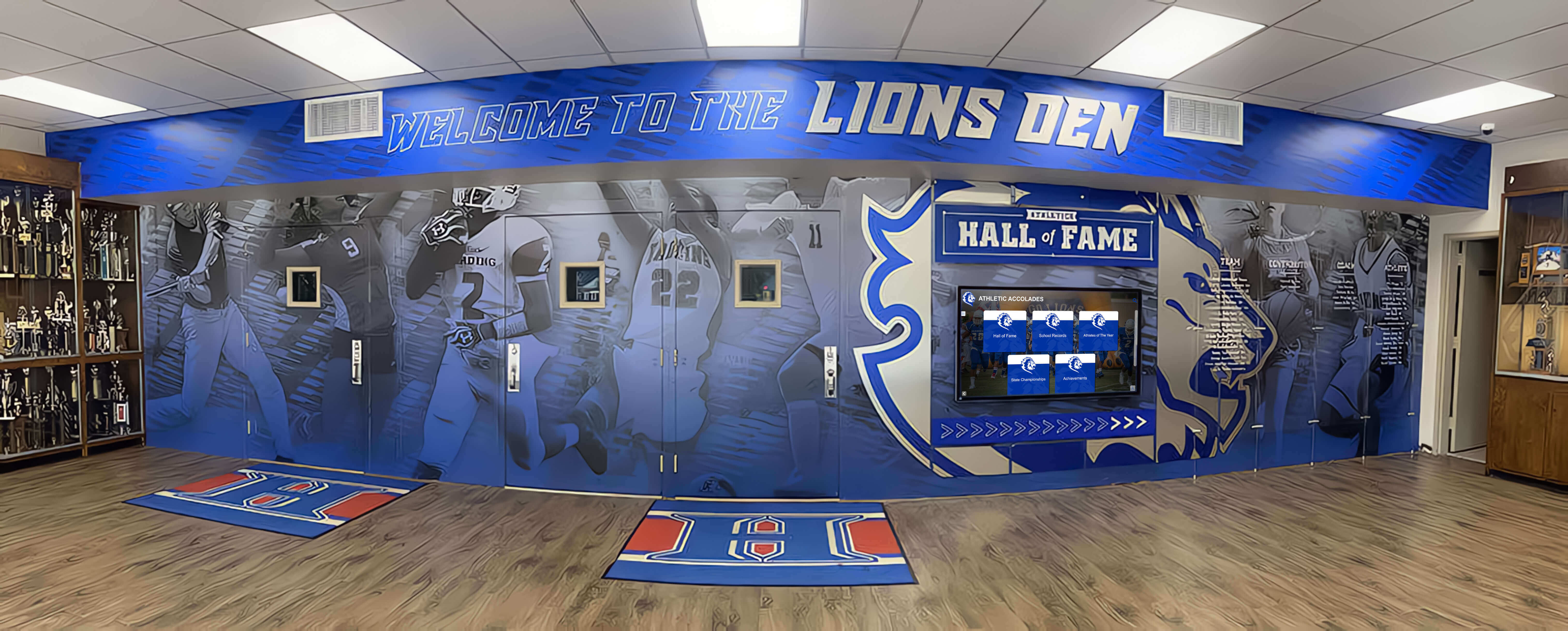
Athletic corridors and trophy areas draw from digitized archives — a QA report completed at delivery is the document that confirmed the archive behind those displays was verified before any content went live
Frequently Asked Questions
Q: Is a QA report different from the acceptance criteria checklist?
An acceptance criteria checklist defines what standards a file must meet — resolution minimums, required metadata fields, naming conventions. A QA report is the document you complete while running those checks: it records which files were sampled, what defects were found, how severe each defect is, and what the final acceptance decision was. The two documents work together: the acceptance criteria checklist tells you what to check; the QA report records what you found and what you decided. For small projects, the two can be combined into a single document; for large projects, keeping them separate makes the report easier to share with vendors without disclosing your full internal standards.
Q: How long should we keep completed QA reports?
Retain completed QA reports for the lifetime of the archive materials plus a reasonable litigation hold period. A practical guideline: keep QA reports for at least as long as you retain the project contract — typically seven to ten years for school administrative records, though your district’s records retention schedule should govern. QA reports become particularly valuable when a recognition platform is replaced or upgraded, because they document the quality baseline at which files entered the archive, helping distinguish original defects from degradation that occurred during the platform’s use.
Q: Can we use this template for QA of files donated by community members rather than professional vendors?
Yes, with adjustments. For community-donated digital files — photographs submitted by a parent volunteer, a local newspaper’s digital archive, or a former student’s personal collection — skip the scanning-quality criteria that apply only to scanned physical materials (resolution from scanning, orientation from physical placement). Focus instead on file resolution as delivered, metadata completeness, rights documentation (which is more complex for community donations than for vendor-scanned materials), and filename conventions. The defect severity table and the acceptance decision section apply without modification.
Q: Our project contract does not include specific defect rate thresholds. What should we use as a reference point?
If your contract does not specify thresholds, use the following as a starting point: reject any material type where a Critical defect appears in more than 0% of sampled files; flag for conditional acceptance any material type with a Major defect rate above 3%; accept with documentation any material type with a Minor-only defect rate below 15%. These are conservative reference points, not industry standards — establish thresholds in writing with your vendor before the next project begins, using your historical QA reports to calibrate what defect rates are actually achievable for each material type in your collection.
Q: What is the difference between a “Conditional Acceptance” and a “Rejection” in the acceptance decision?
Conditional Acceptance means the delivery is provisionally approved: the school accepts the files that passed QA immediately and holds payment or full project sign-off until the vendor corrects and redelivers the files that failed. Rejection means the delivery — or the failing material type within it — is not accepted at all: no files from that material type enter the archive until a corrected delivery has passed a new QA review. Use Rejection when the defect rate or concentration suggests that the files need to be reprocessed, not just corrected in place. Use Conditional Acceptance when the defects are concentrated in a small, identifiable subset of files that can be corrected individually without reprocessing the full batch.
Q: Does Rocket Alumni Solutions integrate with schools’ existing digital archives?
Rocket Alumni Solutions is designed to work with structured, quality-verified digital archives rather than raw digitization outputs. Schools that complete a documented QA process — using a report like this one — before integrating their archive with a recognition platform find that the setup process is faster and the content accuracy on day one is higher, because the quality decisions that would otherwise surface during platform setup were already resolved. When comparing recognition platforms — including Rocket Alumni Solutions — look for vendors that can document their ingest requirements clearly enough to be used as the acceptance criteria in your QA report.
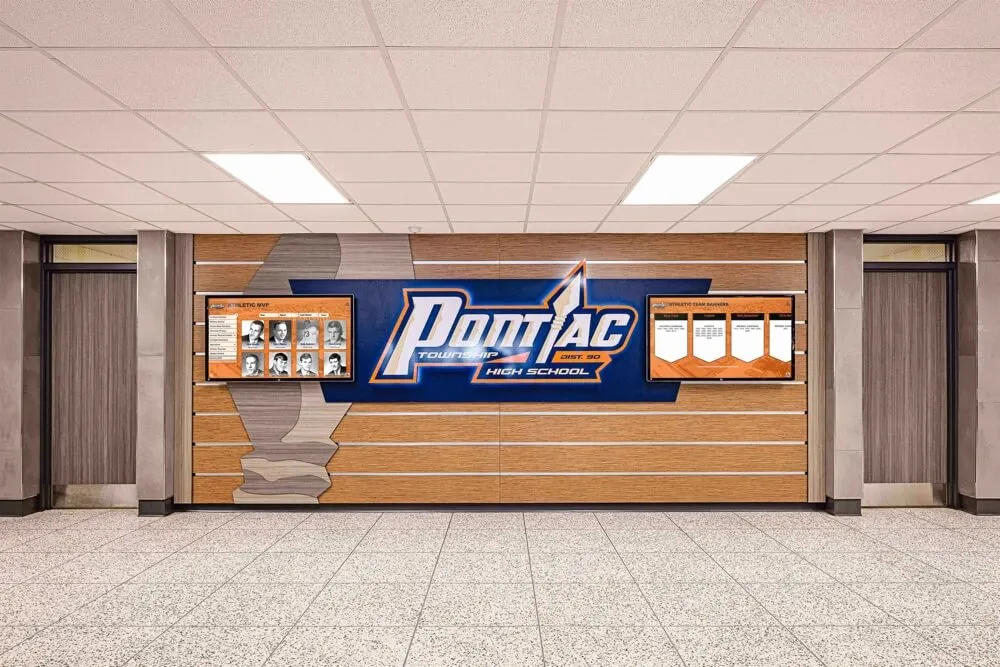
An athletic honor wall in a school hallway represents decades of program history — a completed QA report is the document that confirms the archive behind it was verified before a single record was published to the community
Ready to Connect Your Verified Archive to a Recognition Display?
A quality-assured athletic archive — documented with a completed QA report, defects resolved, acceptance decision recorded — is ready to power hall-of-fame touchscreens, digital yearbooks, and corridor recognition displays that athletes, alumni, and donors trust. Rocket Alumni Solutions works with schools to connect verified digital archives to interactive recognition platforms designed around structured, accurate data.
Schedule a demo with Rocket Alumni Solutions to see how a QA-verified archive becomes a living recognition resource for your school community.
Ready to see this for your school?
Picture your collection in a custom mockup
Start with your yearbook collection and digitization goals, then request a custom digital mockup for your school.