School history, shared
Athletic Archive PREMIS Metadata Guide: Document Preservation Events for School History
When a digitized championship photo disappears or a scanned game program opens as a corrupted file, your school needs more than a backup—it needs a record of every action that was ever taken on that file. Knowing that a file was ingested in July 2021, passed a fixity check in September 2023, migrated from TIFF to JPEG in December 2024, and had its usage rights recorded in March 2025 tells you exactly where to look when something goes wrong. Without that event history, you are left guessing whether corruption occurred before or after the last backup, whether a format conversion introduced the problem, or whether the file was ever valid in the first place.
The PREMIS standard—Preservation Metadata: Implementation Strategies, maintained by the Library of Congress—gives schools a structured vocabulary for recording exactly these kinds of preservation events. Each time your archive management workflow touches a file in a way that changes or verifies its condition, a PREMIS event record captures what happened, when, and with what result.
This athletic archive PREMIS metadata guide walks school administrators, athletic directors, archivists, and IT coordinators through the event types that matter most for school athletic and yearbook collections, the specific metadata fields each event record requires, and a practical workflow for building PREMIS documentation without enterprise-level infrastructure.

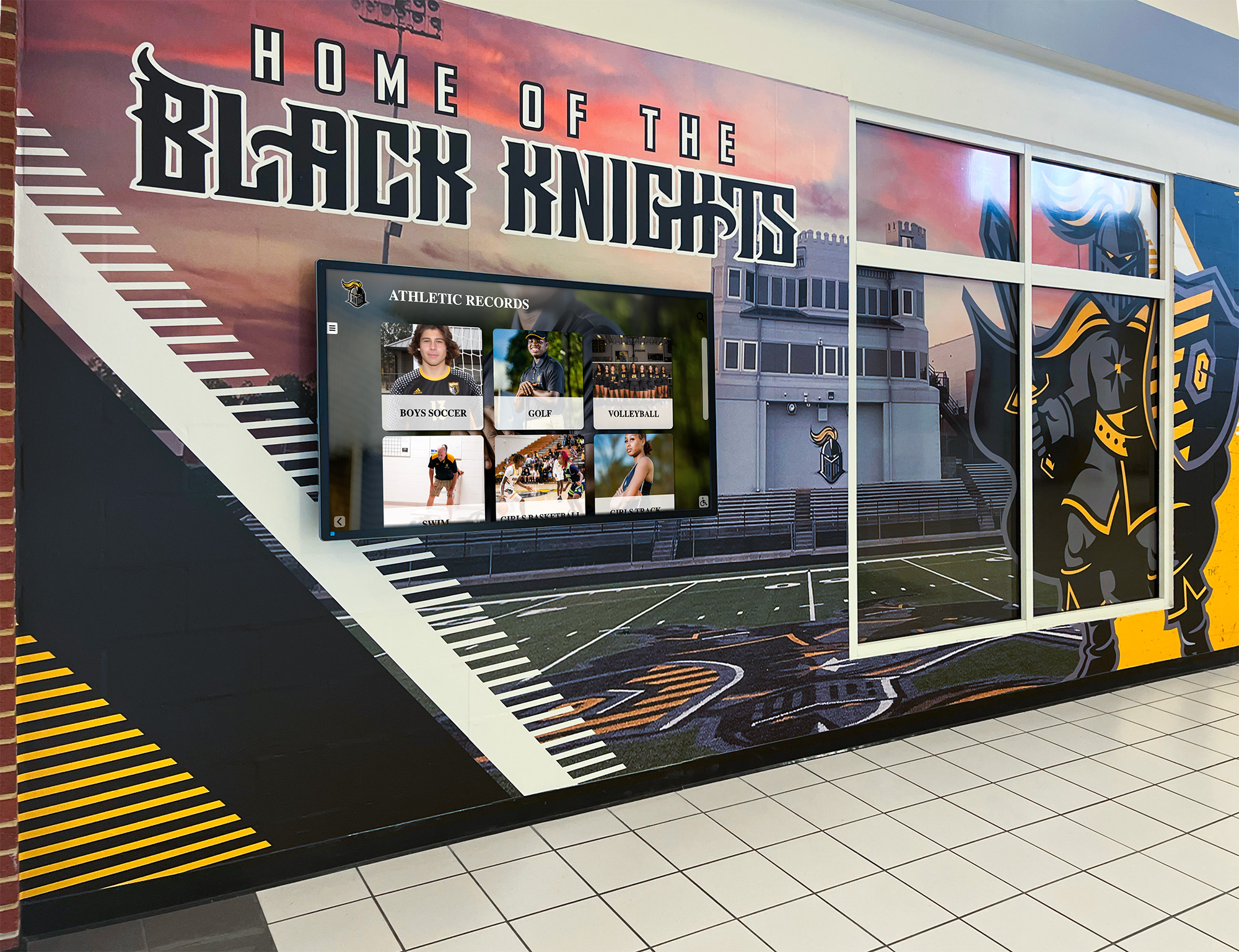
Every photo and record on a lobby display depends on a chain of documented preservation events—PREMIS makes that chain auditable and recoverable
What PREMIS Preservation Events Actually Are
PREMIS distinguishes between two categories of metadata: object-level metadata (what a file is—its format, size, checksum, and rights status) and event-level metadata (what has been done to a file over time). Most school archives that have invested in digital preservation track object-level data reasonably well. Event-level documentation is where most gaps appear.
A PREMIS preservation event is any action taken on a digital object that is worth recording for future auditing or recovery purposes. The standard defines events by type rather than by tool—the same event type applies whether your school runs a checksum verification script from the command line or uses a purpose-built archival management system.
For school athletic archives, six event types account for the vast majority of preservation actions your team will take:
- Ingestion — a file enters the archive
- Fixity check — a checksum is calculated and compared against the stored value
- Format identification — a tool confirms what format a file actually is
- Validation — a tool checks whether the file conforms to the rules of its declared format
- Migration — a file is converted from one format to another
- Rights assignment — a rights statement or license is associated with the file
Three additional event types apply when collections grow larger or are shared externally:
- Replication — a copy is created and stored in a separate location
- Virus check — the file is scanned for malware before ingestion or publication
- Deletion — a file is intentionally removed from the archive (with documentation of why)
Understanding athletic archive metadata standards that support searchable school history shows how event documentation complements the descriptive metadata schools already maintain in spreadsheets and digital asset managers—event records answer the “what happened to this file” question that descriptive metadata never addresses.
The Core PREMIS Event Record Fields
Each preservation event your archive generates should produce a record with the following fields. You do not need specialized software to store these—a well-structured spreadsheet handles athletic archive volumes at most schools, and the same field names carry over directly if you later migrate to a purpose-built archive management system.
| Field | What to Record | Example Value |
|---|---|---|
| Event Identifier | Unique ID for this event record | EVT-2025-0142 |
| Event Type | Category from the standard vocabulary | ingestion / fixity check / migration |
| Event Date and Time | ISO 8601 timestamp of when the event occurred | 2025-09-15T14:22:00Z |
| Event Detail | Free-text description of what specifically was done | “SHA-256 fixity check using sha256sum on macOS 14.4” |
| Event Outcome | Whether the event succeeded or failed | success / failure / warning |
| Event Outcome Detail | Additional detail about the outcome | “Hash matched manifest value” or “Hash mismatch — file flagged for review” |
| Linking Object Identifier | The ID of the file this event applies to | ATH-PHOTO-2003-FTBL-017 |
| Linking Agent Identifier | Who or what performed the event | “J. Alvarez, Athletic Director” or “sha256sum 6.4” |
| Related Event Identifier | Optional link to a prior event this one depends on | EVT-2025-0141 (the ingestion event for the same file) |
The Linking Object Identifier is the connective tissue that makes event records useful. It should match the Asset ID used in your rights metadata records and your general asset inventory—so that every event, every rights field, and every descriptive metadata entry for a given file can be joined together into a complete history.
For schools building asset-level histories from scratch, the digital history archive preservation guide for schools outlines how to structure an asset inventory that supports event-level documentation over time without requiring a rebuild when collections grow.
The Six Event Types Your Athletic Archive Needs
Ingestion Events
An ingestion event documents when a file officially enters the archive. It is the first event in every file’s preservation history and establishes the baseline from which every later event is measured.
When to create it: At the moment a file is moved from a staging area, a donation folder, or a digitization workstation into the managed archive directory.
What the Event Detail should capture:
- Source of the file (donor name, digitization session ID, migration batch number)
- Transfer method used (direct copy, email submission, FTP, physical media)
- Whether a pre-ingest fixity check was run (and what the result was)
- The file’s format and size at ingest
What the Event Outcome should capture:
success— file transferred and stored in correct archive locationfailure— transfer interrupted or file arrived corrupted; document disposition
Ingestion events create the legal and operational record that a specific file entered your archive on a specific date through a specific process. That record matters when a donor later asks about the status of materials they contributed, or when a rights question arises about when the school took custody.
Sample ingestion event record:
| Field | Value |
|---|---|
| Event Identifier | EVT-2025-0001 |
| Event Type | ingestion |
| Event Date/Time | 2025-03-10T09:45:00Z |
| Event Detail | “File received via email from alumni donor R. Montoya; transferred to staging, then to /football/1998-1999/photos/; no pre-ingest format issues observed” |
| Event Outcome | success |
| Event Outcome Detail | “File stored at expected path; SHA-256 hash generated and added to manifest” |
| Linking Object | ATH-PHOTO-1999-FTBL-003 |
| Linking Agent | “S. Park, Athletic Archives Coordinator” |
Fixity Check Events
A fixity check event documents each time a stored file’s checksum is recalculated and compared against the value recorded at ingestion. This is the most frequently created event type for an established archive—schools running quarterly or annual verification passes generate one fixity check event per file per run.
When to create it: After every scheduled verification run, after every storage migration, and before every file is pulled for use in a recognition display or publication.
What the Event Detail should capture:
- Algorithm used (SHA-256, MD5, SHA-512)
- Tool used to generate the hash (sha256sum, BagIt, hashdeep)
- Hash value generated during this check (to allow future comparison)
- Hash value on record from the previous event
What the Event Outcome should capture:
success— current hash matches manifest value; file is intactfailure— hash mismatch; detail should specify which copy (primary, secondary, off-site) and next steps taken
Consistent fixity check event documentation is what allows a school to reconstruct a file’s integrity history after a problem is discovered. If a hash mismatch appears in 2028, event records showing successful checks in 2025 and 2026 help narrow the corruption window to specific storage periods—which in turn points toward likely causes (a drive failure, a problematic sync, a hardware replacement).
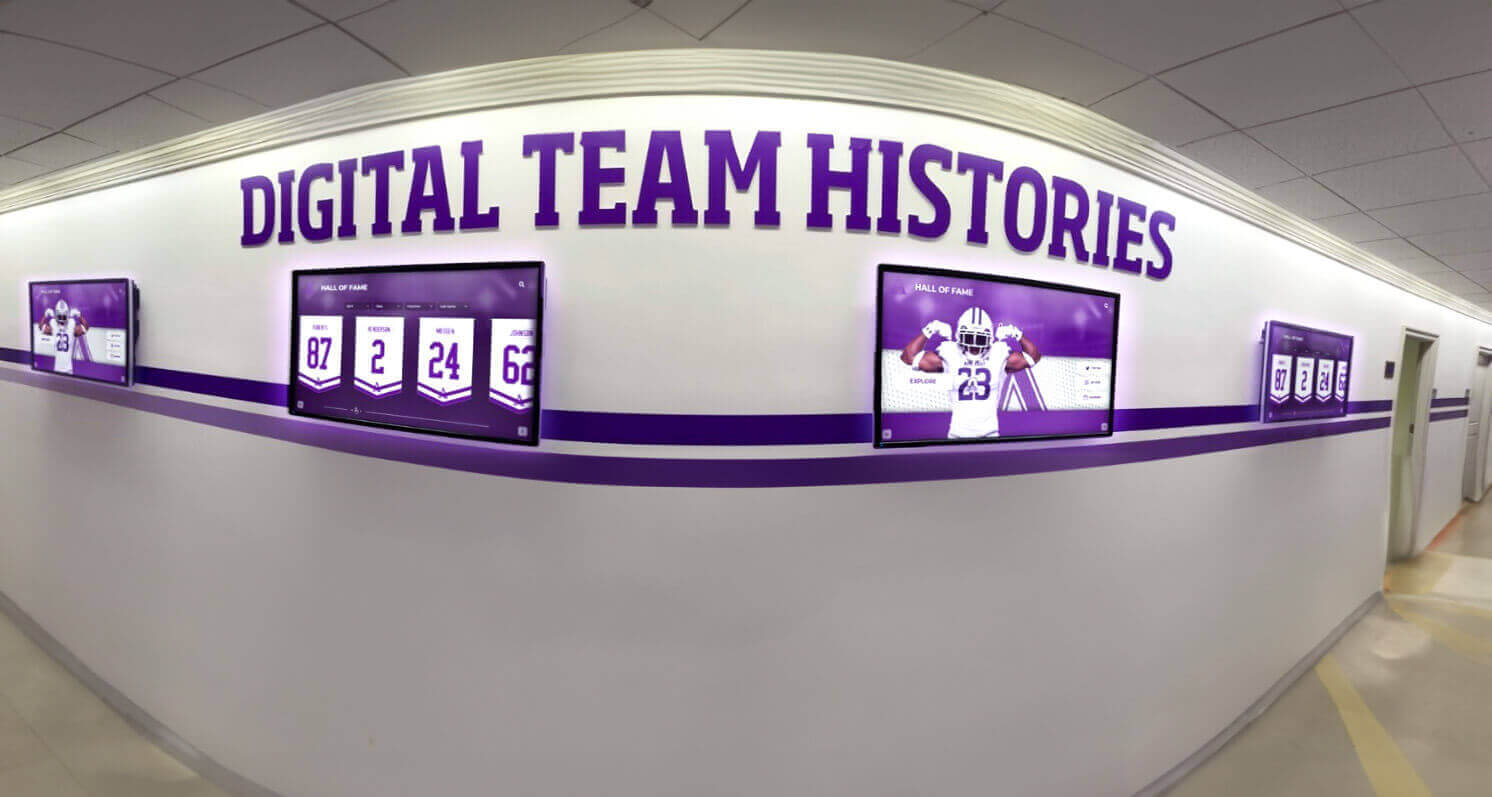
Team history displays powered by an archive with documented fixity events can trace any content question back to a specific preservation action
Format Identification Events
A format identification event records when a tool is used to inspect a file and confirm (or discover) its actual format—independently of what the file extension suggests. Format identification matters for athletic archives because decades of collected materials arrive with inconsistent naming conventions, and files renamed without format conversion are frequently misidentified.
When to create it: At ingestion for every new file, and before any format validation or migration event.
What the Event Detail should capture:
- Tool used (DROID, Siegfried, ExifTool)
- PUID (PRONOM Unique Identifier) returned by the tool, if applicable
- MIME type identified
- Any discrepancy between the file extension and the identified format
What the Event Outcome should capture:
success— format identified with confidencewarning— format identified but with caveats (partial match, ambiguous signature)failure— format could not be identified
A file named championship1987.jpg that format identification reveals is actually an uncompressed TIFF should not be treated as a JPEG in your preservation planning. The format identification event creates the record that explains why the file’s format metadata was subsequently updated.
Validation Events
A validation event records whether a file conforms to the specification of its declared format—not just that the format was identified correctly, but that the file is a well-formed, valid instance of that format. A JPEG that is identified correctly may still fail validation if its internal structure is malformed in ways that cause rendering problems on some platforms.
When to create it: After format identification at ingestion, and after any migration event (to confirm the output is valid in the target format).
What the Event Detail should capture:
- Validator tool used (JHOVE, VeraPDF for PDF/A, MediaInfo for video)
- Format specification being validated against
- Specific validation checks that were run
What the Event Outcome should capture:
success— file is well-formed and validfailure— specific validation errors, recorded in Event Outcome Detailwarning— file is parseable but has non-conformance issues that may affect long-term usability
For athletic archives, validation events are particularly important for PDF/A documents—award certificates, scanned programs, official team rosters—because PDF/A conformance determines whether documents can be opened correctly by archival viewers decades from now. Understanding how digital history archives are built to last clarifies why format validity, not just format identification, is a preservation requirement rather than a technical nicety.
Validation event record example — a scanned game program:
| Field | Value |
|---|---|
| Event Identifier | EVT-2025-0044 |
| Event Type | validation |
| Event Date/Time | 2025-06-02T11:30:00Z |
| Event Detail | “JHOVE 1.28.1 PDF/A-1b validation; document is a scanned 1974 homecoming game program converted to PDF/A at ingest” |
| Event Outcome | success |
| Event Outcome Detail | “File is well-formed and valid PDF/A-1b; no non-conformance issues detected” |
| Linking Object | ATH-DOC-1974-FTBL-PROG-001 |
| Linking Agent | “JHOVE 1.28.1 on Windows 11” |
| Related Event | EVT-2025-0043 (format identification event for same object) |
Migration Events
A migration event records when a file is converted from one format to another—whether to move it into a long-term preservation format, to produce a derivative for display use, or to rescue content from a format that is no longer supported.
When to create it: Any time a file is converted, including:
- Converting scanned slides from RAW to TIFF
- Producing access copies (web-sized JPEG from archival TIFF)
- Converting video from proprietary formats (AVI, MOV) to preservation formats (MXF, FFV1)
- Converting word processor documents to PDF/A
What the Event Detail should capture:
- Source format and target format
- Conversion tool and version used
- Whether the original file was preserved alongside the converted version or replaced
- Any lossy compression settings applied (for JPEG outputs from TIFF sources, note the compression ratio)
What the Event Outcome should capture:
success— conversion completed; output validatedfailure— conversion failed; original preserved
Migration events are the most consequential events in a file’s history from a preservation standpoint. A migration that introduced compression artifacts into an archival photo, or converted video at a resolution lower than the source, represents an irreversible quality loss—and if the event was not documented, the loss may not be discoverable until the original is gone and the derivative is the only copy.
Pairing migration events with an immediately subsequent validation event (Step 4 above) creates a documented chain of custody: the file entered in format A, was converted to format B using tool C, and the output was confirmed valid before the original was archived or disposed of.
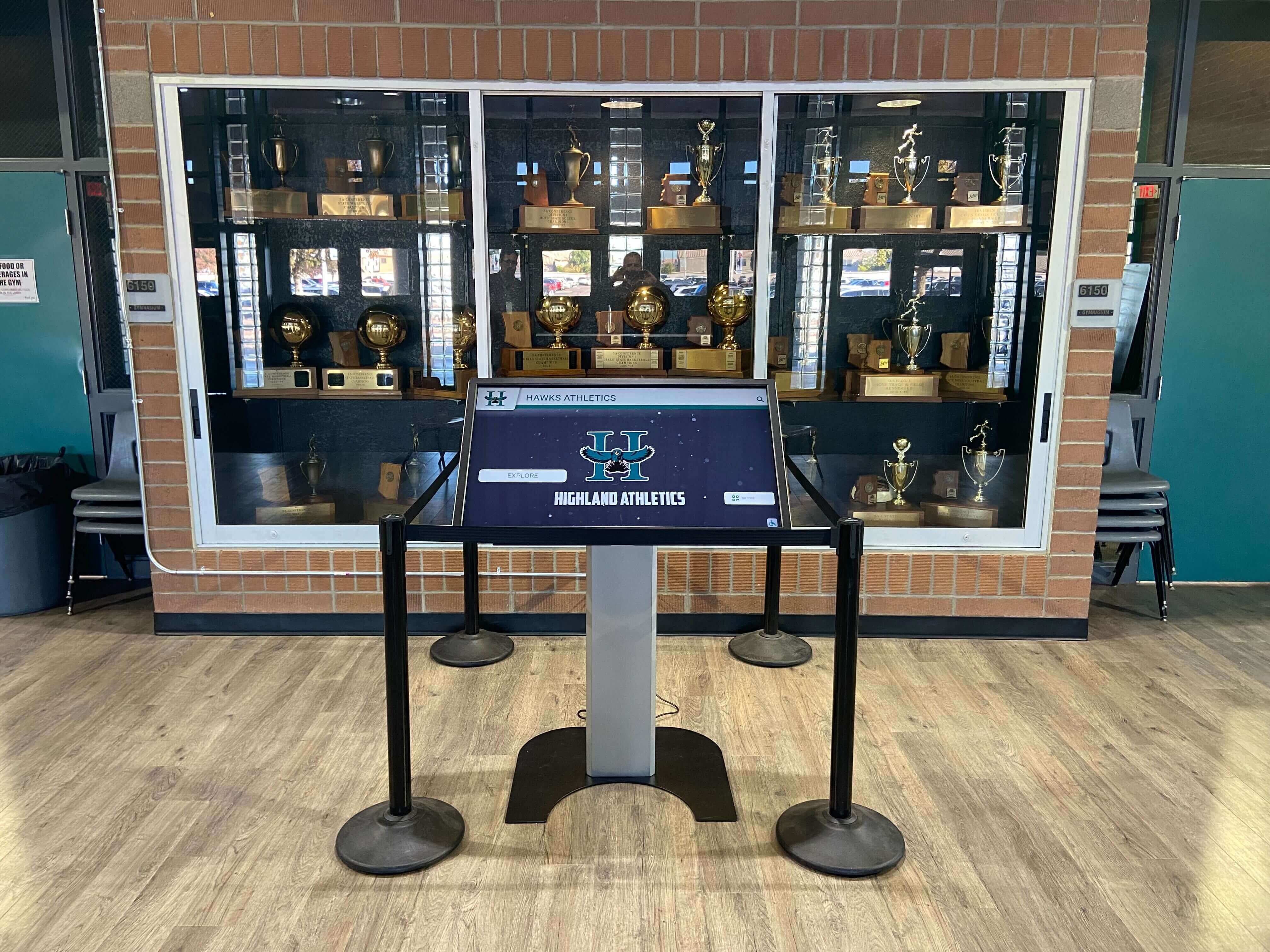
A trophy case touchscreen that pulls from a documented archive can trace every displayed asset back through its full preservation event history
Rights Assignment Events
A rights assignment event records when a rights statement, license record, or usage restriction is formally associated with a file in the archive. This event type connects PREMIS documentation to the rights metadata workflow many schools already maintain in spreadsheets or digital asset managers.
When to create it:
- When a new file is cleared for use and its Permission Status is set to “Cleared”
- When a previously restricted file receives a new license and its status changes
- When an opt-out or takedown request results in a restriction being applied
- When rights are reviewed and the existing status is confirmed (still cleared, still restricted)
What the Event Detail should capture:
- Rights statement applied (Creative Commons license identifier, school ownership statement, third-party license reference)
- Basis for the rights determination (work for hire, written license, public domain determination)
- Reference to the permission document that supports the determination
What the Event Outcome should capture:
success— rights statement associated and documentedwarning— rights status is pending or unknown; file should not be published until resolved
Documenting rights as a preservation event—rather than only in a spreadsheet—makes rights status auditable over time. When a vendor or parent asks whether a photo was cleared before it appeared in a display, the event record provides a timestamped, attributed answer. Schools managing content for digital hall-of-fame installations benefit from this audit trail in the same way that athletic history takedown request policies depend on documented rights and opt-out records to handle removal requests promptly.
Building a PREMIS Event Log Without Enterprise Software
Most schools do not need a dedicated archival management platform to implement PREMIS event documentation. A structured spreadsheet—one row per event, one column per field—handles the event volumes a typical school athletic archive generates. The key is starting the log correctly and maintaining it consistently.
Recommended spreadsheet structure for a school PREMIS event log:
| Column | Notes |
|---|---|
| Event ID | Auto-increment or date-prefixed (EVT-2025-001) |
| Event Type | Controlled vocabulary — use exact terms from the list above |
| Event Date/Time | ISO 8601 format (YYYY-MM-DDTHH:MM:SSZ) |
| Event Detail | Free text; be specific about tools and versions |
| Event Outcome | success / failure / warning |
| Event Outcome Detail | Free text; required when outcome is failure or warning |
| Object ID | Must match your Asset ID in the main archive inventory |
| Agent | Name and role of person, or tool name and version |
| Related Event ID | Optional; link dependent events (migration → validation) |
Practical setup steps:
- Create the event log in the same folder as your archive manifest — so both documents travel together in any migration or handoff.
- Define your controlled vocabulary before your first entry — choose the event type terms you will use and write them down. Inconsistent terminology (sometimes “fixity check,” sometimes “checksum verification,” sometimes “hash check”) makes filtering and auditing harder.
- Generate event IDs automatically — use a simple prefix + sequential number, or a date-based prefix (EVT-YYYY-NNNN). The format does not matter; consistency does.
- Fill in Agent every time — the most common gap in school event logs is the Agent field. Whether a person or a tool performed the action, it needs to be recorded. When staff turn over, “who set this rights status?” becomes unanswerable without it.
- Batch events when batching operations — if you run a fixity check on 500 files in one automated pass, you do not need 500 individual event rows for a success run. A single batch event record covering the full run (with the batch ID linking to the individual manifest entries) is acceptable for verification runs; individual records are needed only when outcomes vary across the batch.
Schools that want to expand beyond spreadsheets will find that open-source systems such as Archivematica generate PREMIS events automatically during ingest and processing workflows—the same field structure applies, but the logging is automated. Whether you start with a spreadsheet or a purpose-built system, the fields described in this guide translate directly. The digital history archive guide provides useful context on how schools at various resource levels have approached structured preservation documentation.
Applying PREMIS Events to the Three Main Athletic Archive Asset Types
Photos and Scanned Prints
Photos are the highest-volume asset type in most athletic archives and generate the most frequent event records. A scanned team photo from 1978 typically passes through ingestion, format identification, validation, possibly migration (RAW to TIFF, then TIFF to access JPEG), fixity check at intake, rights assignment, and periodic fixity checks thereafter.
For large photo collections—multiple seasons per sport, spanning decades—batch ingestion workflows generate events at the batch level, with individual event records reserved for assets that deviate from the expected batch outcome (a file that fails validation, a photo that cannot be identified by format tools).
Key Photo-specific considerations for Event Detail fields:
- Record scan resolution and bit depth in the ingestion event detail
- Note whether the physical original was returned to storage after digitization (provenance chain)
- Record color profile (sRGB, AdobeRGB) in format identification events for photos where display fidelity matters
Video and Game Footage
Video generates the most complex event chains because format migration is almost always necessary—tapes and older digital formats must be converted to current preservation and access formats. An archived VHS of a 1992 state championship game might pass through a dozen events: tape digitization (captured as an uncompressed AVI), format identification, virus check, fixity check, migration to MXF (preservation), validation, fixity check on the MXF, rights assignment, migration to H.264 MP4 (access copy), validation, and fixity check on the access copy.
Recording this chain as linked events—each event record referencing the prior one via Related Event ID—creates an auditable trail from the original tape through every preservation action to the file currently in use.
For schools whose historic footage could appear in recognition displays or become part of a broader school history archive, a complete event chain for video assets also provides a clear handoff document when working with external display vendors—it tells them exactly what format the file is, when it was validated, and what rights govern its use.
Documents: Programs, Rosters, Award Certificates
Scanned documents—game programs, season rosters, award certificates, press clippings—are lower volume than photos but higher in rights complexity. Many documents contain third-party content (photographs, sponsor logos, news excerpts) that requires separate rights investigation before the document can be published.
For documents, the rights assignment event is often the longest-running event in the chain because it depends on external research: finding the original contract with a photography company, confirming whether a newspaper clipping is covered by a clipping license, determining whether a public-domain analysis applies to a 1930s program.
Build a habit of creating a pending rights assignment event at ingestion—recording that the rights determination is in progress—and then updating the record (or creating a new event) when the determination is complete. This ensures that undocumented assets are tracked as open items rather than silently treated as cleared.

Every portrait in a historical alumni display represents a chain of documented preservation events from digitization through rights clearance
Connecting PREMIS Records to Recognition Programs
Preservation event documentation is operational infrastructure, not an end in itself. The purpose of building an event log is to support the athletic recognition programs, digital hall-of-fame displays, and yearbook archives that give your school’s history ongoing public life.
Several practical connection points:
Pre-publication gate check. Before any file is pulled for a recognition display, a hall-of-fame induction program, or a digital yearbook, check the event log for two things: (1) a successful fixity check within the past year, and (2) a completed rights assignment event with a success outcome. Files that lack either should not proceed to publication without those events being completed first.
Handoff packages for display vendors. When working with installation vendors for interactive hall-of-fame kiosks and touchscreen displays, a PREMIS event summary for each asset in the handoff package demonstrates that the files have been verified and cleared. Schools that have built systematic digital history archives for athletic programs and connect them to recognition hardware find that vendor onboarding goes faster when asset documentation is already in place—there is no back-and-forth about whether a file is in the right format or whether rights are cleared.
Migration planning. When a storage migration is approaching—moving from a local server to a cloud archive, upgrading a NAS, transitioning to a new file management platform—the event log tells you which files have never had a post-migration fixity check run, which assets have pending rights events, and which migrations were performed without a subsequent validation. That audit makes the migration checklist significantly more targeted than a blanket “migrate everything and hope.”
Alumni engagement and archive growth. Schools with documented archives are better positioned to invite community contributions because they can demonstrate that donated materials will be managed systematically. An alumnus considering donating a photo collection from their playing years is more likely to contribute if the school can explain its ingestion workflow, its rights documentation process, and where the materials will appear. Programs with public-facing recognition infrastructure—digital displays, online archives, touchscreen hall-of-fame installations—benefit from the same donor confidence that a documented archive builds.
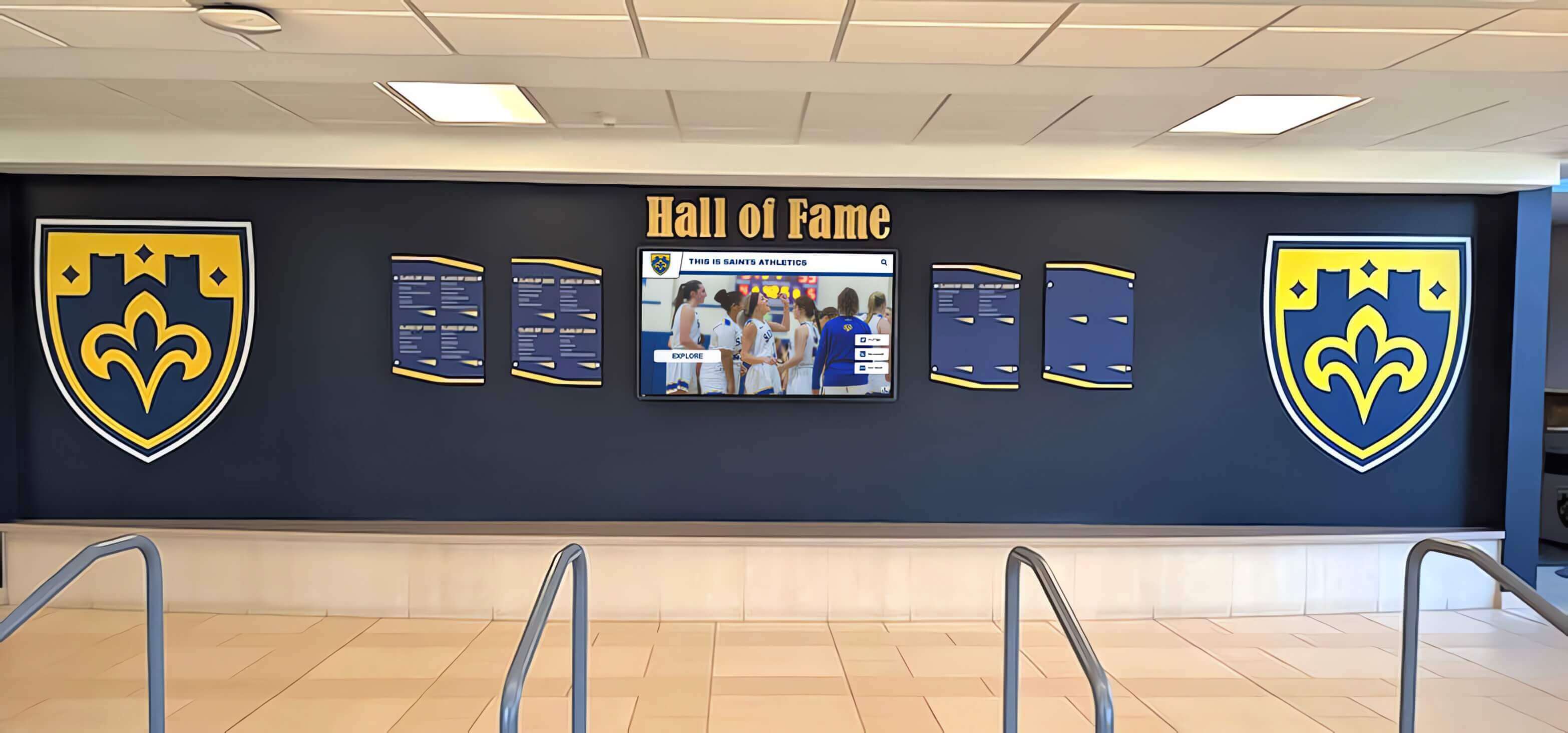
Hall of fame displays that surface from a PREMIS-documented archive carry a documented chain of custody behind every inductee photo and record
Frequently Asked Questions
Do we need PREMIS specifically, or is any event log enough?
Any systematic event log is better than none. PREMIS is valuable because its field names and event type vocabulary are recognized across archival systems—if your school ever migrates to a purpose-built archive management platform, or partners with a state digital preservation program, PREMIS-structured records translate without rebuilding. Starting with the field names used in this guide means you are already aligned with the standard even if you are using a spreadsheet.
How many events does a typical athletic archive file generate over its lifetime?
A photo ingested in 2026 and maintained through 2050 might accumulate fifteen to twenty event records: one ingestion event, one format identification, one validation, one rights assignment, one to three migration events as format standards evolve, and roughly a dozen fixity check events at annual verification intervals. Video files generate more events due to multiple format migration cycles. Documents generate fewer events if they are already in stable formats at ingest.
Does PREMIS event documentation satisfy FERPA requirements?
PREMIS is a preservation standard, not a compliance framework. FERPA requirements for protecting student records are separate and operate at the access control and disclosure level—not the preservation event level. PREMIS event documentation does not satisfy FERPA compliance requirements, but it does provide an audit trail that supports compliance by documenting when rights and access restrictions were associated with specific files.
Can we backfill PREMIS events for an existing archive?
Yes, with realistic expectations. Files that were digitized years ago will not have ingestion events for the original digitization session—that information is usually lost if it was not documented at the time. For existing archives, start the event log from the date you implement it: create a baseline fixity check event for every existing file, run format identification on any files whose format is uncertain, and create rights assignment events for assets as their rights status is confirmed. The event history will be complete from that point forward, even if earlier actions are undocumented.
Should the event log be stored with the archive or separately?
Store a copy with the archive and a copy separately. The event log is as important to preserve as the files it documents—if the log is lost in the same storage failure that corrupts archive files, the reconstruction work becomes significantly harder. The event log should also be included in your fixity manifest: generate a checksum for the log file itself and include it in the same manifest as your archive assets.
Our school uses a vendor platform for our digital hall-of-fame display. Do we need our own PREMIS log?
Yes. The vendor platform manages files on their infrastructure according to their own practices. Your PREMIS event log covers what your school did with those files before handing them to the vendor—how they were digitized, verified, migrated, and cleared for use. That record belongs to your school regardless of which platform displays the content. If you ever change vendors, change display formats, or need to audit the rights status of a specific asset, your event log answers questions that the vendor’s system cannot.
From Documented Archive to Active Recognition Program
A PREMIS-documented athletic archive is not just a preservation asset—it is the foundation that makes every future recognition project faster, more confident, and more accountable. When every file has an ingestion record, a verified fixity history, and a documented rights status, your team can move from archive to display without the delays and uncertainty that undermine recognition programs.
Rocket Alumni Solutions helps schools connect systematically documented archives to interactive hall-of-fame displays, digital trophy cases, and alumni engagement platforms that bring your athletic history into visible, lasting public life.
Schedule a demo with Rocket Alumni Solutions to see how a structured archive connects to recognition displays that honor your program’s full history.
Building Preservation Event Documentation Into Your Annual Calendar
Preservation documentation is most effective when it follows a predictable annual cycle rather than being triggered only by problems. A structured calendar approach means that your event log stays current and your archive is always in a known, verifiable state.
At every ingest event: Create ingestion, format identification, and validation events for every new file entering the archive. This is the non-negotiable baseline—files that enter the archive without these events are untracked from day one.
Quarterly: Run fixity checks on actively used files (current season photos, recently published display content) and create fixity check events for each run. Review open rights assignment events and close out any that have been resolved.
Annually: Run a full fixity check across the complete archive. Review all pending rights events and assign resources to resolve the longest-standing ones. Perform format identification on any files added since the last annual review that have not yet been formally identified. Create a summary event record documenting the annual review itself.
Before any major recognition event: Run targeted fixity checks on the specific files scheduled for use in the event—hall-of-fame induction displays, alumni reunion materials, donor stewardship reports. Create event records for each check. Confirm that every file has a completed rights assignment event before it goes to the display team.
Before any storage migration: Run complete fixity checks on all files in scope, create migration events as files are moved, and run post-migration fixity checks within the same session. Never migrate without verifying that the destination matches the source.
Schools that establish this calendar will find that the event log grows steadily and predictably, becomes a reliable operational document rather than an emergency tool, and provides the documentation foundation that makes every future recognition project more confident and every vendor handoff cleaner.
Athletic records represent your program’s permanent evidence of what your school accomplished and who contributed to it. PREMIS event documentation is the operational commitment that keeps that evidence traceable, auditable, and usable—not just for the next display installation, but for the programs and communities that will engage with your school’s history decades from now.
Ready to see this for your school?
Picture your collection in a custom mockup
Start with your yearbook collection and digitization goals, then request a custom digital mockup for your school.