When a school’s game footage or team photo is processed, cropped, or published, the descriptive information attached to it—athlete names, sport, season, event, photographer credit, usage rights—is at risk of being stripped, overwritten, or lost entirely. Embedding metadata directly inside image or video files protects it through ordinary editing and distribution workflows, but altering a master file every time metadata changes is an archival risk many schools rightly want to avoid. A metadata sidecar workflow solves both problems: descriptive and rights metadata travels alongside master files in a separate companion document that can be updated, versioned, and shared without ever touching the original.
An athletic archive metadata sidecar workflow is a structured process for creating, populating, validating, and managing sidecar files—typically XMP or JSON documents—that accompany every photo and video asset in a school’s athletic archive. The sidecar holds everything the archive needs to know about a file: what sport, what season, who is pictured, what rights apply, and whether the asset is cleared for use in a display or publication.
This guide walks school athletic directors, IT coordinators, archivists, and recognition-program administrators through a complete sidecar implementation—from choosing a format to connecting a metadata-rich archive to the hall-of-fame displays and recognition programs that give athletic history its public life.

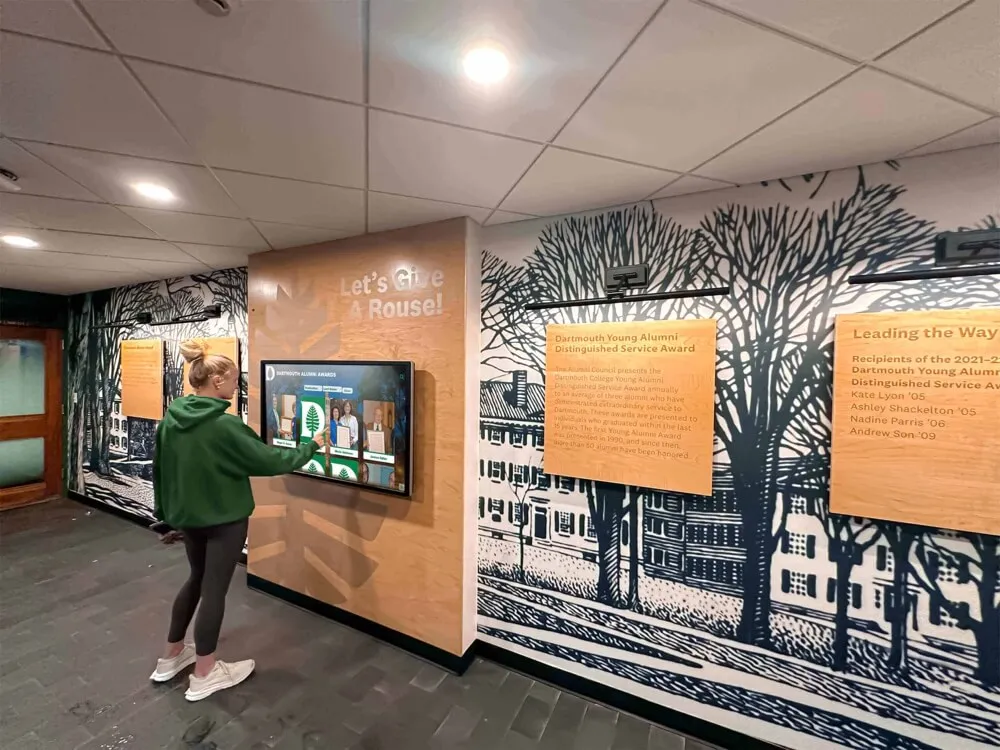
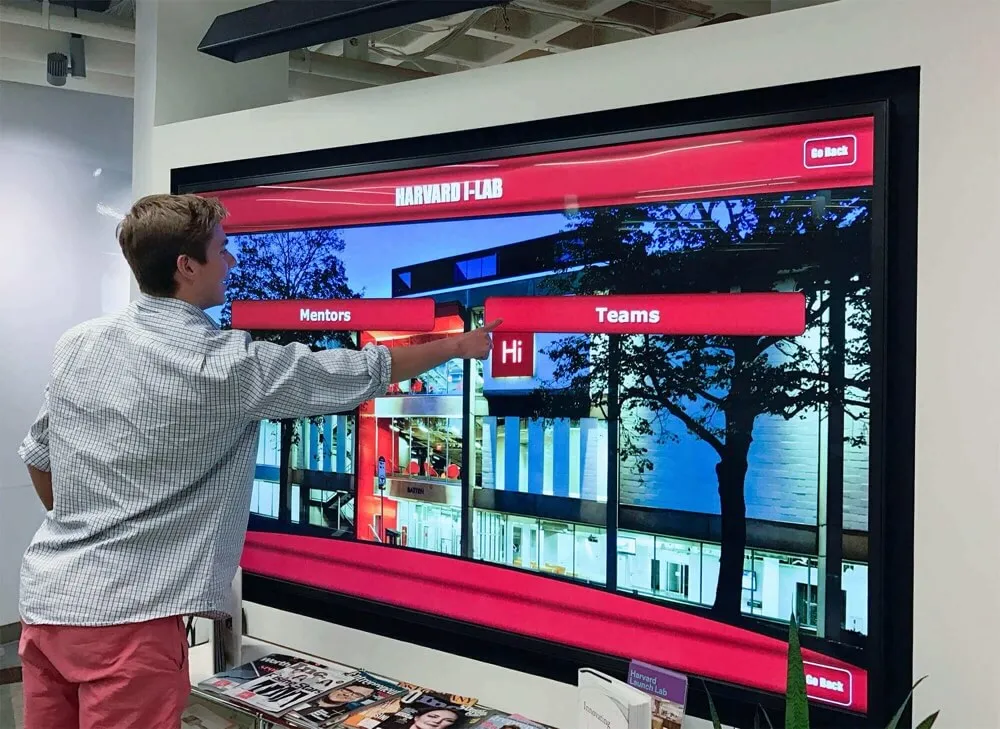
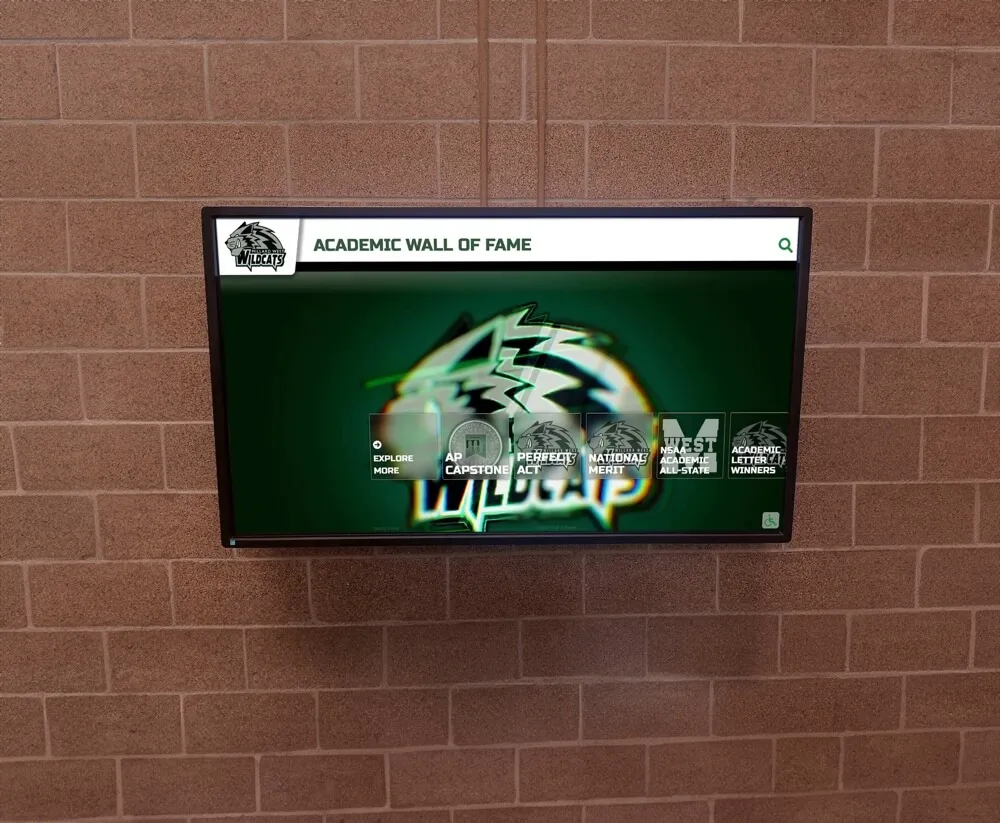
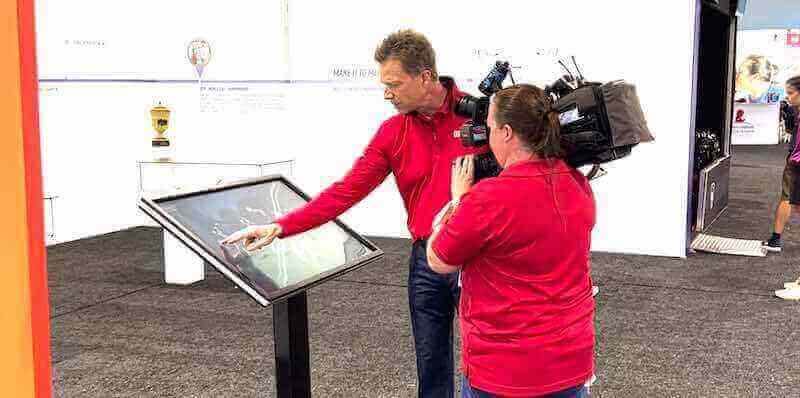
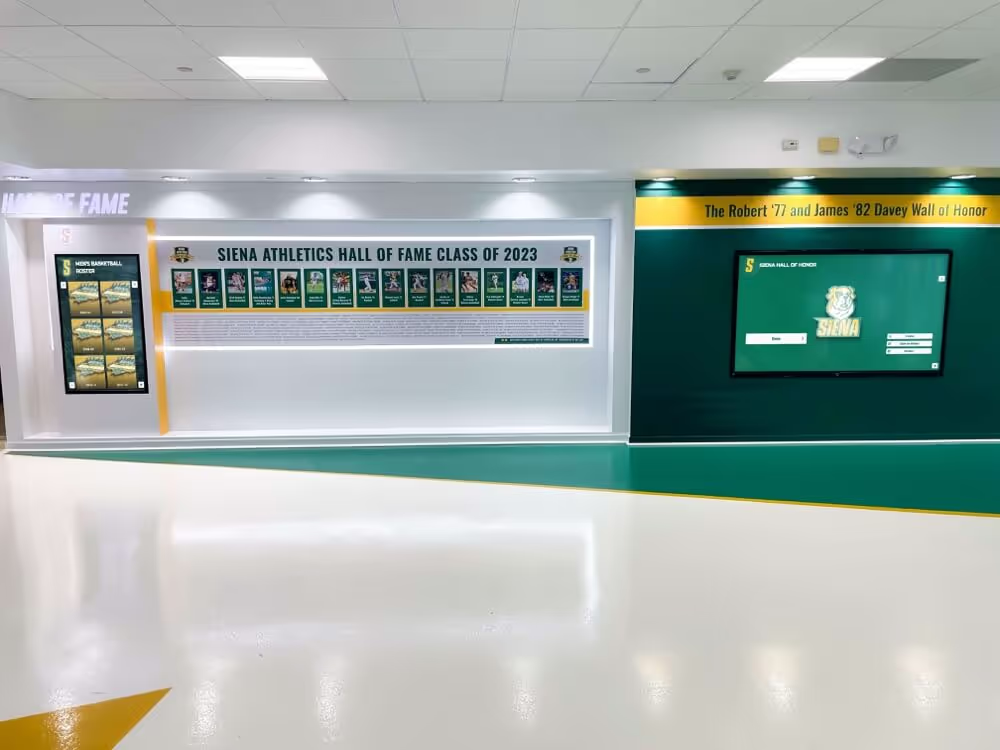
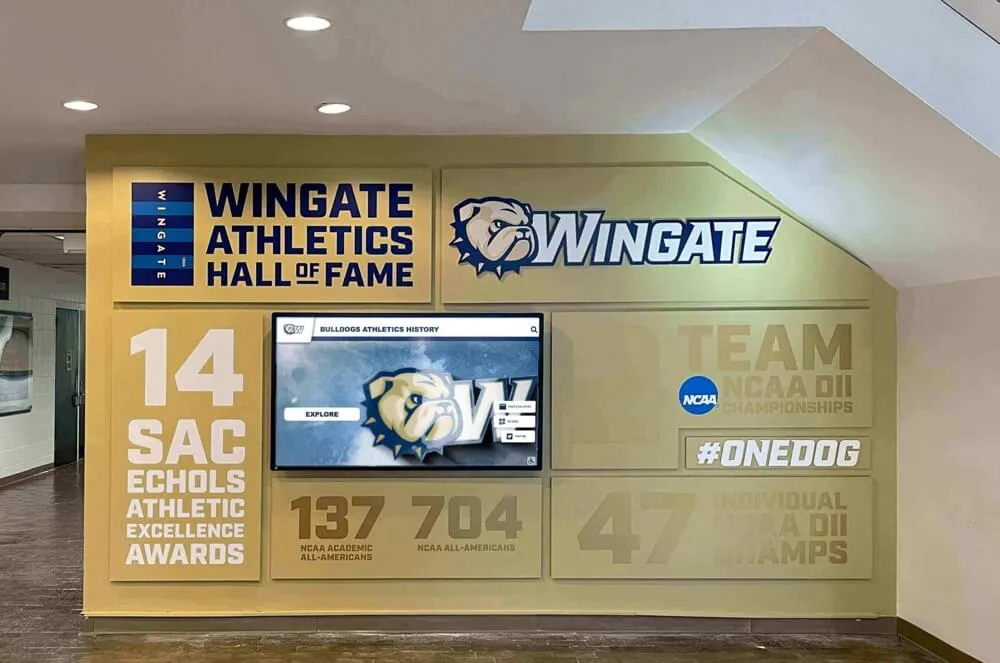
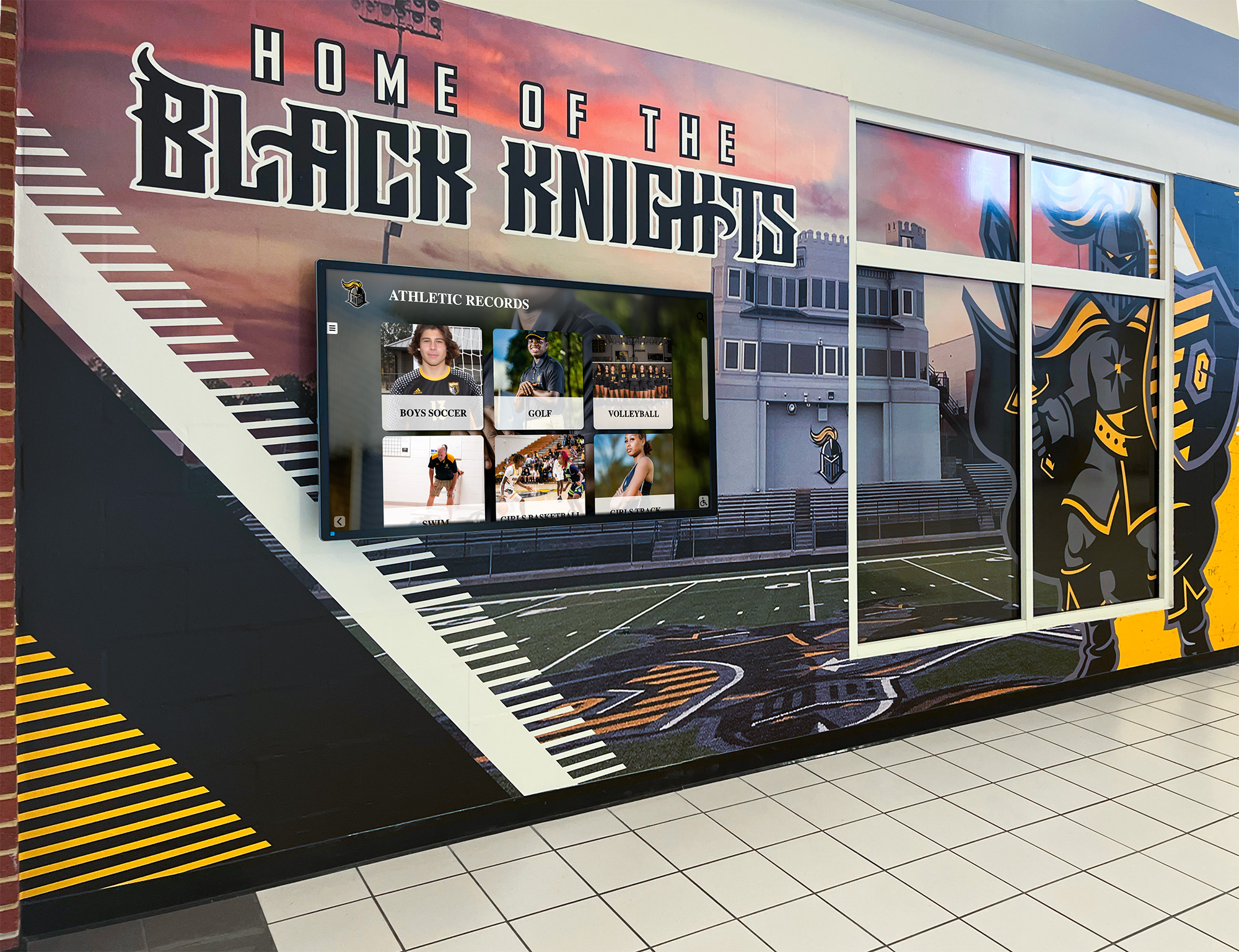
Recognition displays that surface decades of athletic history depend on structured, searchable metadata—sidecar files make that metadata portable without altering master assets
What a Metadata Sidecar Is (and Why It Matters for School Archives)
A metadata sidecar is a separate file—most commonly an XMP (Extensible Metadata Platform) document or a structured JSON file—stored in the same folder as the asset it describes, with a matching filename. A photo saved as 2019-state-championship-team-photo.jpg would have a companion sidecar named 2019-state-championship-team-photo.xmp. Every field that describes the photo—sport, season, athletes pictured, event name, photographer, usage rights, accession number—lives in the sidecar rather than embedded in the JPEG itself.
Sidecars matter for school athletic archives for three reasons:
- Master files stay unaltered. Embedding metadata inside a master TIFF or RAW file risks introducing write errors, format changes, or unintended compression. A sidecar separates the data concern from the preservation concern entirely.
- Metadata can evolve independently. Rights clearances, athlete name corrections, and accession number updates happen after digitization. A sidecar can be updated, versioned, and re-validated without regenerating the underlying image or video.
- Platform handoffs become reliable. When sending a file package to a display vendor, a yearbook platform, or a hall-of-fame installation company, a sidecar provides a machine-readable, self-contained description that receiving systems can parse without manual re-entry.
Schools building searchable athletic histories for touchscreen displays, digital yearbooks, and alumni engagement programs benefit directly from a well-implemented sidecar workflow: every asset in the archive carries its own structured description, making it findable and usable for recognition programs years after the original content was created.
The Athletic Archive Metadata Sidecar Workflow: 8 Steps
This workflow applies to photos, scanned prints, and game video. It assumes a school has an existing archive folder structure organized by sport and season—the same structure recommended for checksum verification and file naming workflows. For schools building their naming conventions from scratch, reviewing athletic archive file naming conventions for photos, rosters, and video records before implementing sidecars will ensure that asset IDs and sidecar filenames stay aligned from day one.
Step 1: Audit Your Archive and Define Asset Scope
Before generating a single sidecar, establish which assets require sidecars and in what priority order. A complete audit produces an asset inventory—a spreadsheet or database table with one row per file—that becomes the source of truth for the sidecar workflow.
Audit questions to answer for each asset category:
- Do photos already have embedded EXIF or IPTC metadata from the camera or editing software?
- Do video files have embedded metadata from the recording device, or are they bare files with only filename information?
- Are scanned archival photos stored with any provenance documentation (donor name, digitization date, original event)?
- Are rights statuses documented anywhere, or are most assets in an undetermined state?
Start with currently active collections—photos and video from the last five years—where metadata is most likely to still be recoverable from original devices or from staff who created the content. Then extend the workflow backward to historical materials, starting with assets that are already scheduled for a recognition display or hall-of-fame project.
Step 2: Choose Your Sidecar Format
Two formats are in common use for athletic archive sidecar workflows: XMP for photo-heavy collections and JSON for archives that mix photos, video, and documents managed through a digital asset manager or custom database.
| Format | Best For | Tool Support | Interoperability |
|---|---|---|---|
| XMP (.xmp) | Photo archives; assets managed in Adobe Lightroom, Bridge, or Capture One | Excellent — native in Adobe Creative Suite, ExifTool | Supported by most DAM platforms and display vendors |
| JSON (.json) | Mixed archives with photos, video, and documents; assets managed in custom or open-source DAMs | Good — native in most programming environments; requires custom reader for non-technical staff | High — easily parsed by web platforms, recognition systems, and APIs |
| Sidecar XML (.xml) | Archives integrated with institutional repository software (DSpace, Fedora) | Moderate — requires institution-specific mapping | Common in academic library systems; less common in commercial display tools |
| CSV per batch | Simple collections without a DAM; metadata managed by administrative staff | High — opens natively in Excel and Google Sheets | Lower — requires transformation before ingest by most platforms |
For most K-12 and small college athletic archives, XMP is the right starting choice: it is the format that photographers and editors already know, it is natively supported by ExifTool (the most widely used free metadata tool), and it is accepted by the digital asset managers and display platforms that recognition programs typically use. Schools managing larger collections with video as a significant asset type may benefit from JSON sidecars or a hybrid approach—XMP for photos, JSON for video—coordinated through a central asset registry.
Step 3: Define Your Metadata Schema
A sidecar is only as useful as the fields it contains. Before populating any files, define the schema: the specific fields your archive will use, their names, their data types, and the controlled vocabulary for fields that require standardized values.
Core descriptive fields for athletic archive sidecars:
| Field Name | Description | Example Value | Controlled Vocabulary? |
|---|---|---|---|
asset_id | Unique archive identifier | ATH-PHOTO-2019-FTBL-047 | Yes — follows accession numbering convention |
sport | Sport name | football | Yes — use standardized sport list |
season | Academic year of the event | 2019-2020 | Yes — four-digit academic year format |
event_name | Game, tournament, or practice event | State Championship Game | No — free text |
event_date | Date of the event (not digitization date) | 2019-11-23 | Yes — ISO 8601 date format |
subjects | Athletes or individuals pictured | ["Rodriguez, M.", "Chen, A."] | Partial — use roster-normalized names |
photographer | Name of photographer or source | J. Alvarez, Athletic Dept. | No — free text with attribution |
description | Brief narrative of the asset content | Team photo after 2019 state championship win | No — free text |
accession_date | Date the file entered the archive | 2020-02-14 | Yes — ISO 8601 |
file_format | Declared format of the master file | TIFF | Yes — use MIME type or common format names |
rights_status | Current rights determination | cleared | Yes — cleared, restricted, pending, unknown |
rights_basis | Basis for the rights determination | School work-for-hire; staff photographer | No — free text |
usage_permissions | Specific permitted uses | ["display", "yearbook", "alumni-engagement"] | Yes — defined permitted use list |
opt_out | Whether subject has opted out of display use | false | Yes — boolean |
Define the sport list, the permitted-use vocabulary, and the rights-status terms before creating any sidecars. Inconsistent terminology across sidecars—“Football” in some, “football” in others, “FB” in a few—makes filtering and bulk operations unreliable and forces manual correction later.
Step 4: Populate Sidecars for New Ingest
For assets entering the archive after the workflow is implemented, populate the sidecar at the point of ingest—before the file moves from the staging area to the managed archive directory.
Population sequence at ingest:
- Generate the asset ID following your accession numbering convention.
- Create a blank sidecar file with the matching filename (e.g.,
[asset-id].xmp). - Fill in all fields available at ingest: asset ID, sport, season, event name, event date, photographer, accession date, file format.
- Set
rights_statustopendingif rights have not yet been confirmed. - Add athlete names from the event roster if the individuals in the photo or video are identifiable.
- Store the sidecar in the same directory as the master file.
- Add the sidecar to the archive checksum manifest — generating a checksum for both the master file and its sidecar ensures that metadata changes are detected during verification runs.
For large ingest batches — a season’s worth of game photos from a single photographer — create a batch sidecar template with the sport, season, event name, and photographer pre-populated, then duplicate and customize for individual assets. Batch population is significantly faster than file-by-file entry and reduces the risk of field inconsistencies.
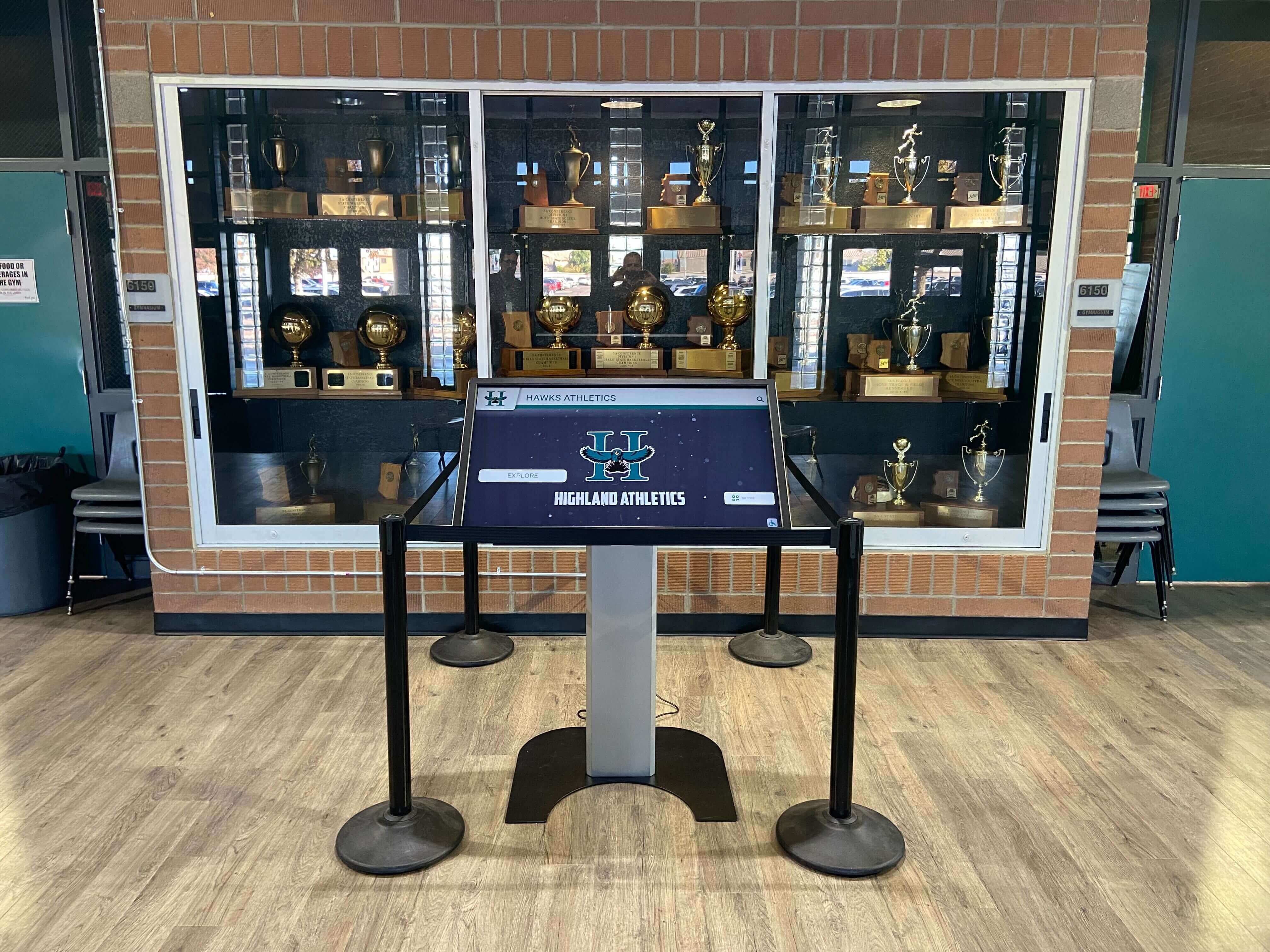
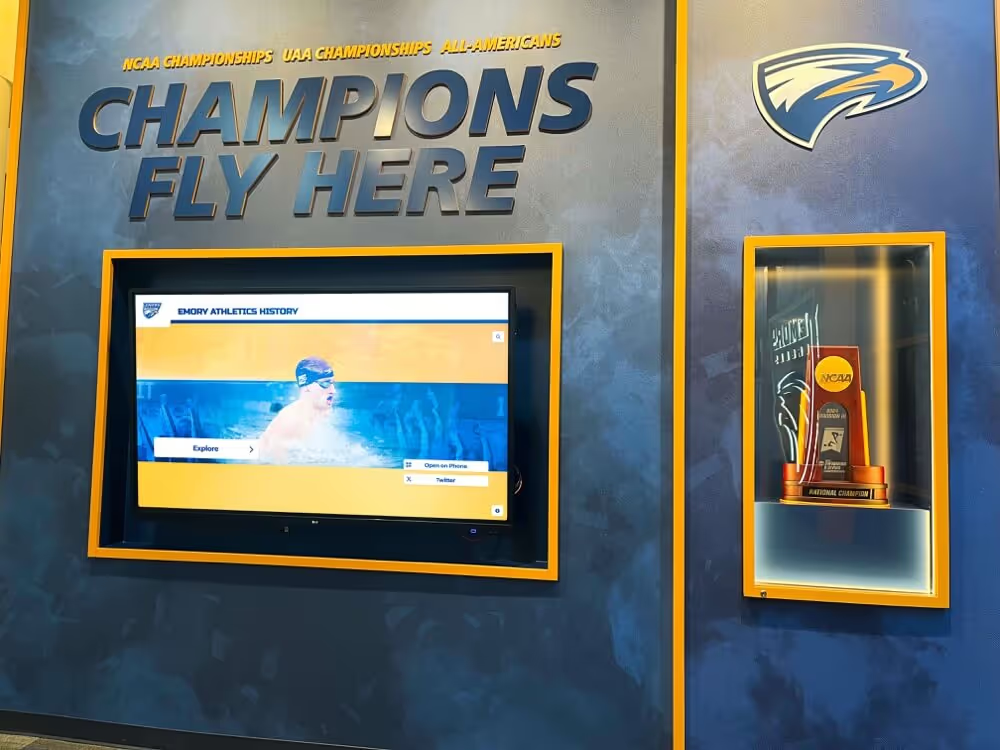
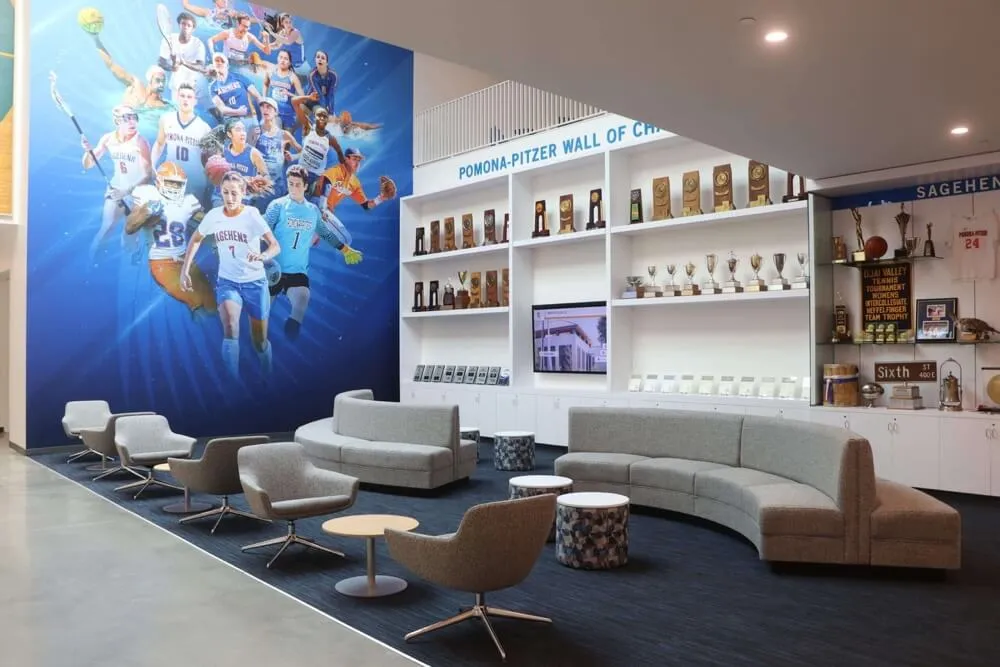
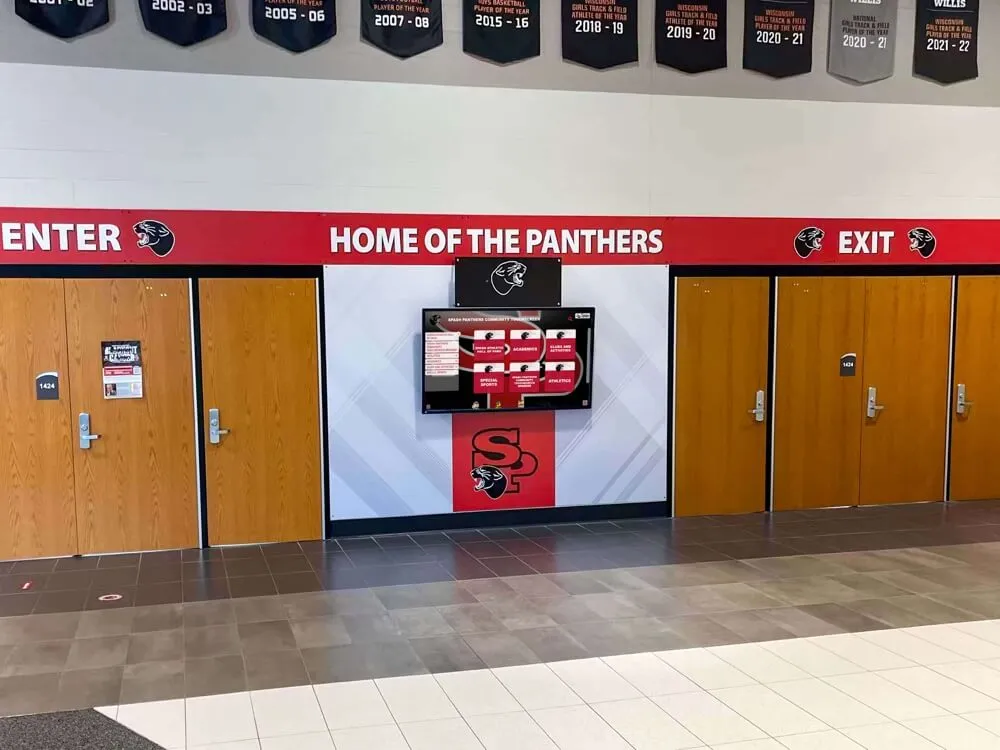
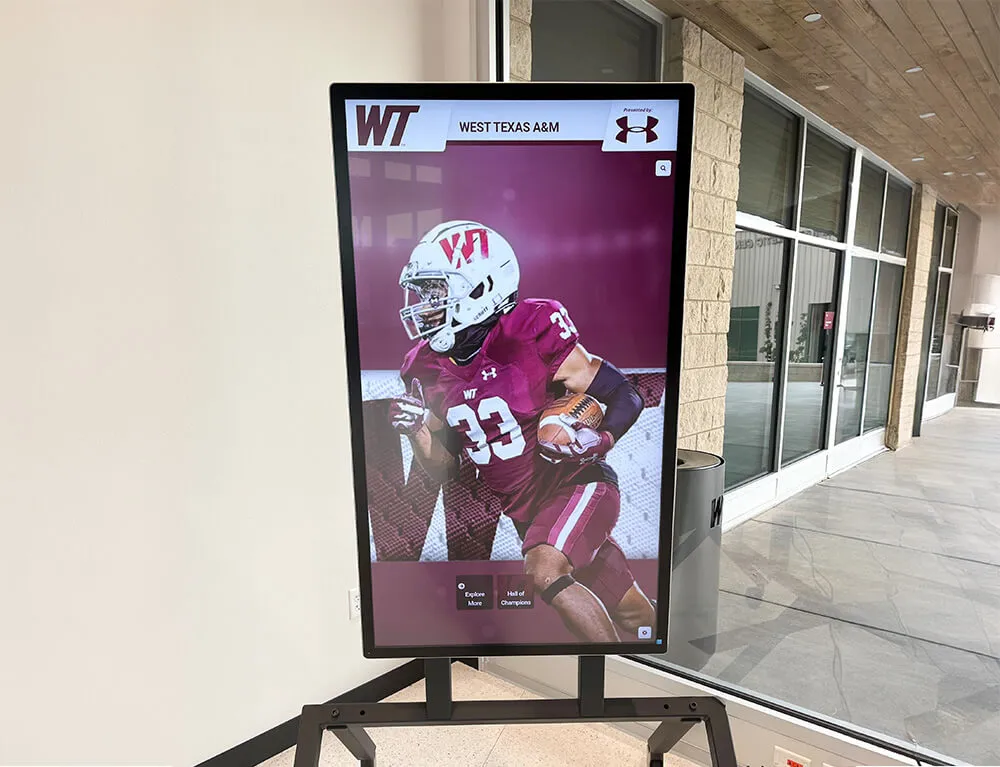
A trophy case display that surfaces athlete names, seasons, and event context depends on structured sidecar metadata traveling with every archive asset
Step 5: Add Rights and Permissions Metadata
Rights metadata is the most operationally significant section of any athletic archive sidecar. Schools that omit or defer rights fields find themselves unable to use assets for recognition displays, donor walls, or digital publications without initiating a new rights investigation—often under deadline pressure.
At ingest, set rights_status to pending for any asset where rights have not been confirmed. Then build a workflow to close out pending rights records:
- School-created content (photos taken by staff, video recorded by the athletic department): Document as
clearedwithrights_basisset to the school’s work-for-hire policy or ownership statement. - Volunteer or parent photographer content: Obtain written permission using a standard photo release form. Set to
clearedonce the signed release is on file; record the release document reference in the sidecar. - Third-party media coverage: Newspaper photos, broadcast video clips, and professional sports photography are typically restricted unless a license is obtained. Set to
restrictedand document the basis. - Donated alumni materials: Treat as
pendinguntil donor rights can be confirmed. Many donors own personal photos they can license to the school; obtaining that documentation before the asset enters active use protects the school from display liability.
The opt_out field records whether an individual pictured in the asset has requested removal from display use. Schools should have a documented opt-out or takedown process, and the sidecar is the operationally correct place to record that status — so that any system pulling assets for a display or publication can filter out opted-out individuals before publication.
For schools working to digitize older sports photography, the athletic photo archive guide for digitizing team photos covers how to approach rights documentation for historical materials where original agreements may no longer exist.
Step 6: Validate Sidecar Integrity
Sidecars are as vulnerable to corruption, accidental overwrite, and silent modification as master files. Validation runs confirm that:
- Every master file in the archive has a corresponding sidecar with a matching filename.
- Every sidecar is well-formed (parseable XML or JSON with no encoding errors).
- Required fields are populated rather than empty.
- Controlled-vocabulary fields contain only values from the defined vocabulary list.
- Checksums for both master files and sidecars match the values recorded in the archive manifest.
Schedule validation runs at the same cadence as your fixity verification schedule. For active collections, monthly. For historical collections, quarterly or annually. A simple shell script using ExifTool or a Python JSON library can batch-validate XMP or JSON sidecars across an entire archive directory in minutes.
When a sidecar fails validation, investigate before overwriting: the failed sidecar may represent a partially completed edit that contains recoverable information. Log the validation failure, preserve the failed version in a quarantine folder, and reconstruct the sidecar from the event log and original ingest records.
Step 7: Integrate Sidecars with Your Digital Asset Manager or Archive Platform
A sidecar workflow running outside any platform is better than no workflow. But the full operational value of sidecar metadata is realized when the fields flow into a searchable system — a digital asset manager (DAM), an archive management platform, or a display system that can filter and retrieve assets by sport, season, athlete name, or rights status.
Common integration paths for school archives:
- Adobe Lightroom / Bridge: Read and write XMP sidecars natively. Collections managed in Lightroom can export XMP sidecars automatically, making these tools a practical entry point for schools already using the Adobe ecosystem for photo management.
- ExifTool command line: Read and write XMP sidecars for any file type, including video. Supports batch operations across entire directory trees. Free, cross-platform, and widely used in archival workflows.
- ResourceSpace (open-source DAM): Ingests metadata from XMP and other sidecar formats. Practical for schools with IT support to deploy a self-hosted DAM. Enables web-based search and retrieval across the archive.
- Omeka / Omeka S: Open-source collection management systems used by museums and archives. Supports metadata import and can serve as a public-facing archive portal for schools that want alumni and community access to searchable athletic history.
For schools connecting archives to digital signage and recognition display systems, most modern display platforms accept asset packages with accompanying metadata files — confirming the expected format with your display vendor before finalizing the sidecar schema ensures that the fields you populate feed directly into the recognition experience without manual re-entry.
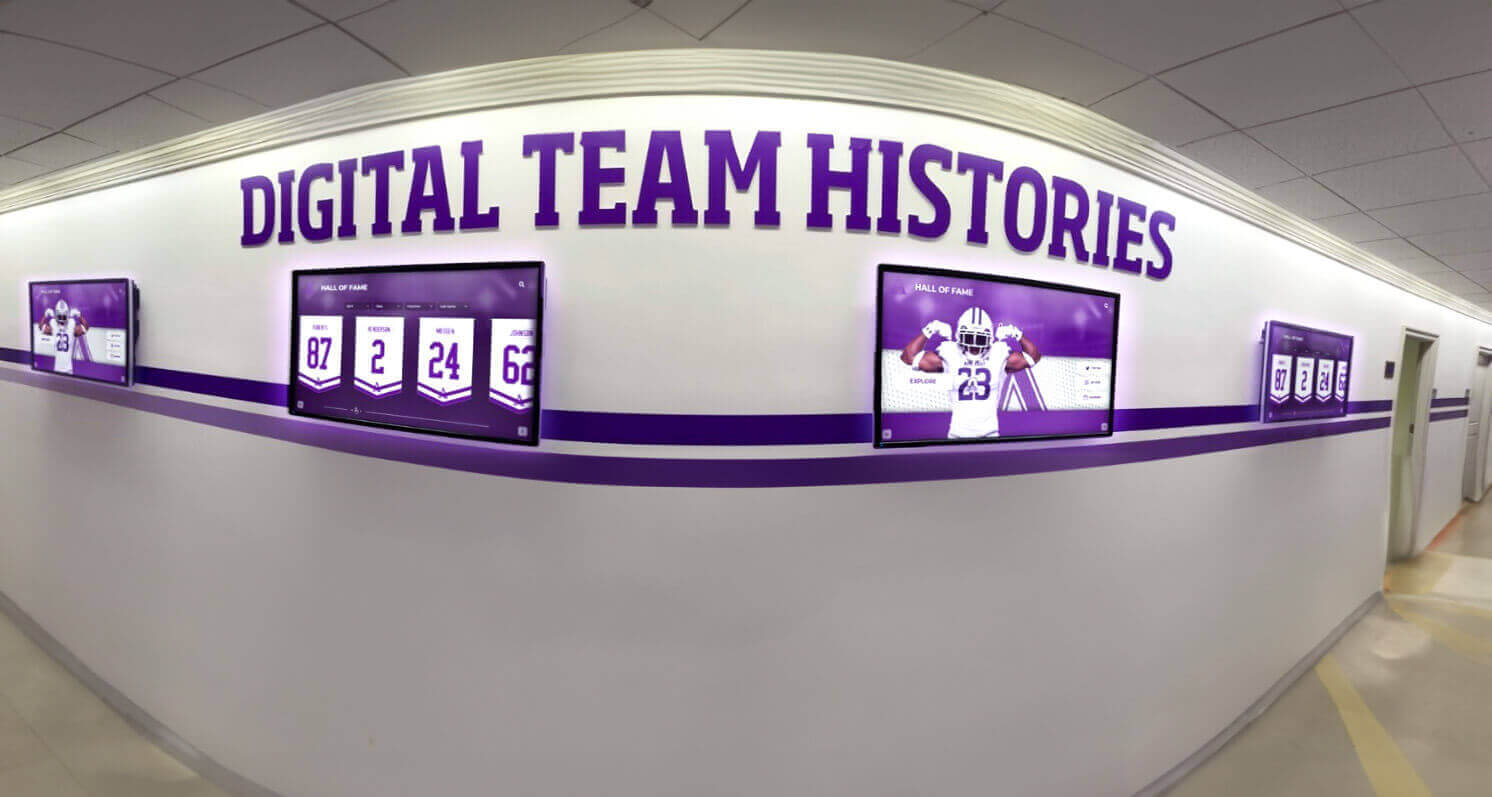
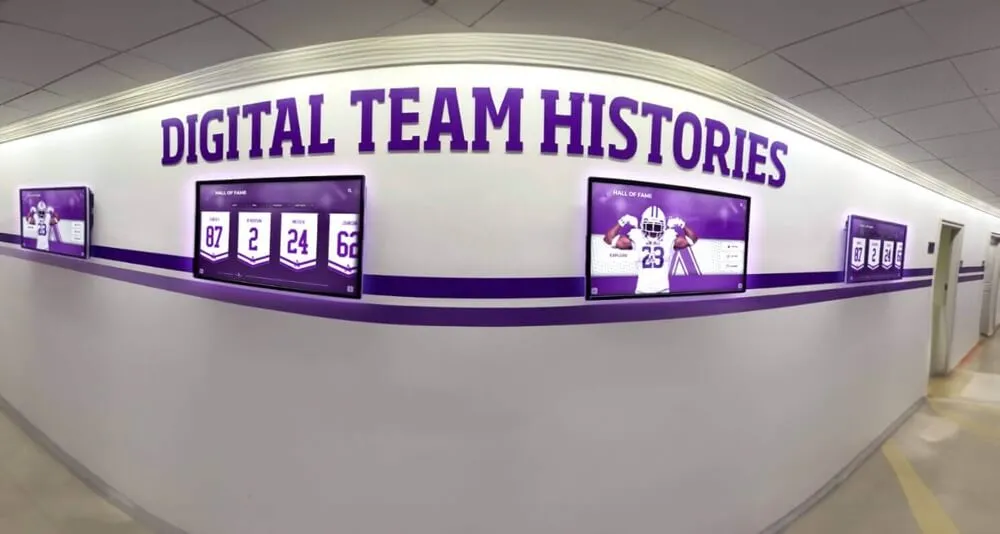
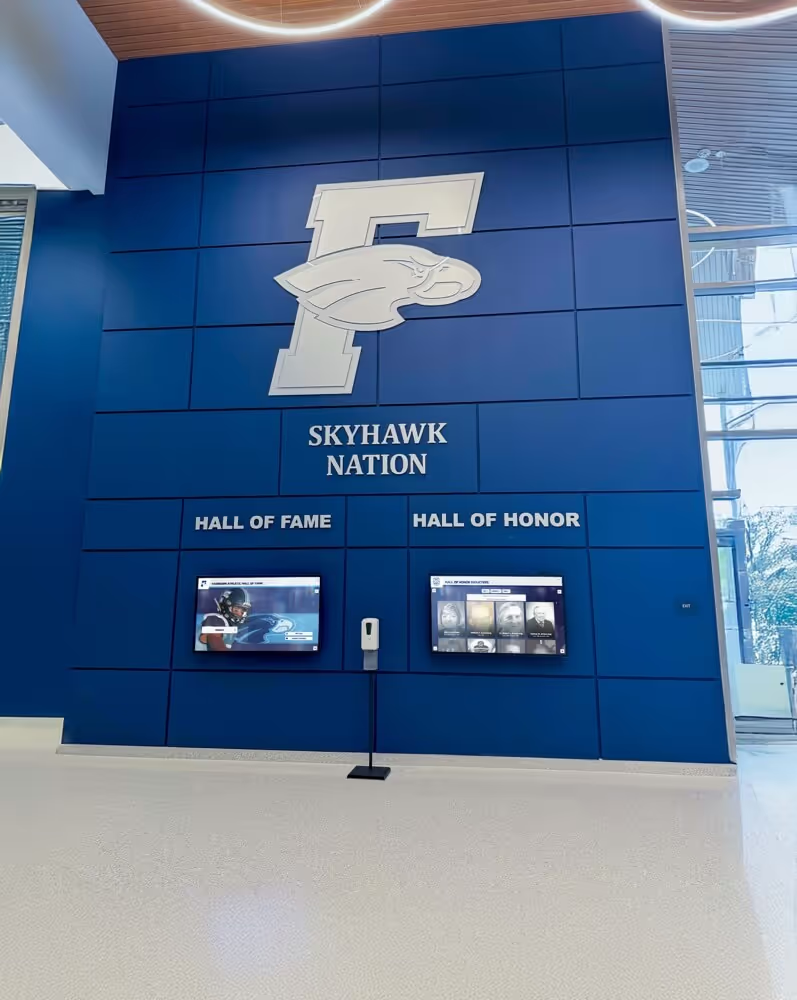
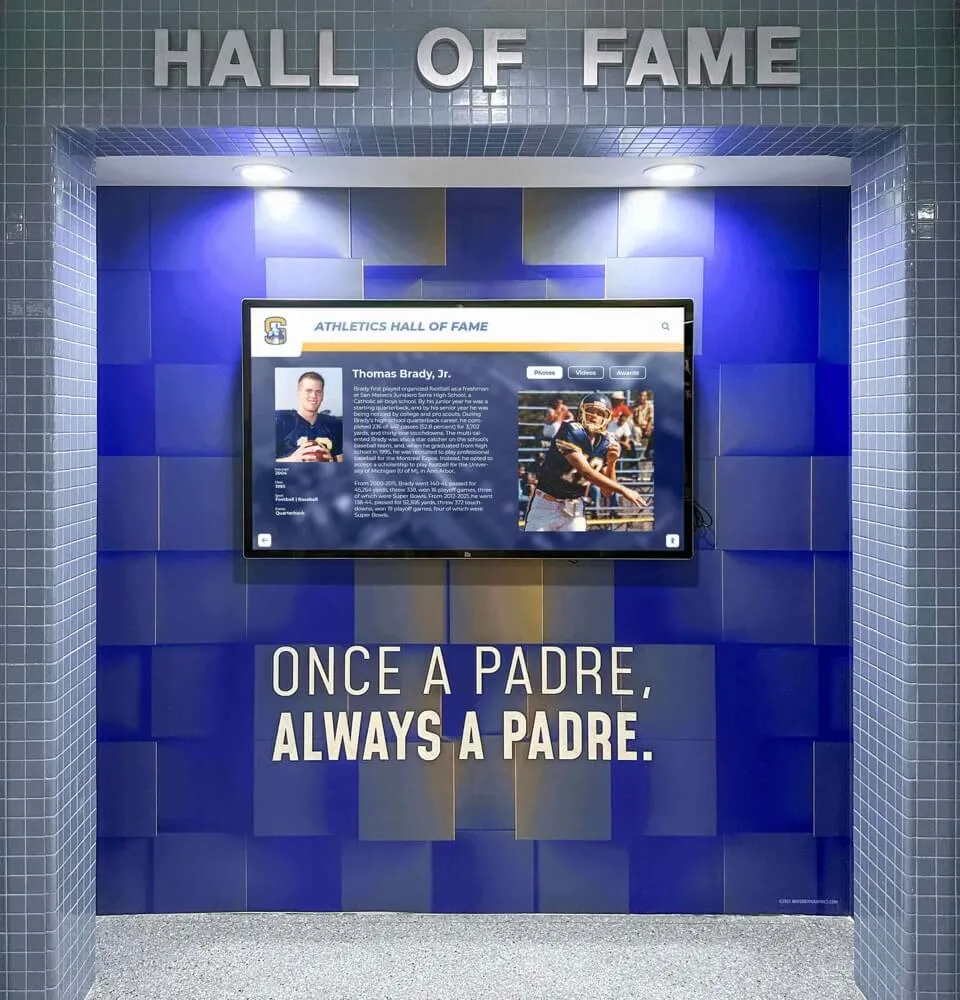
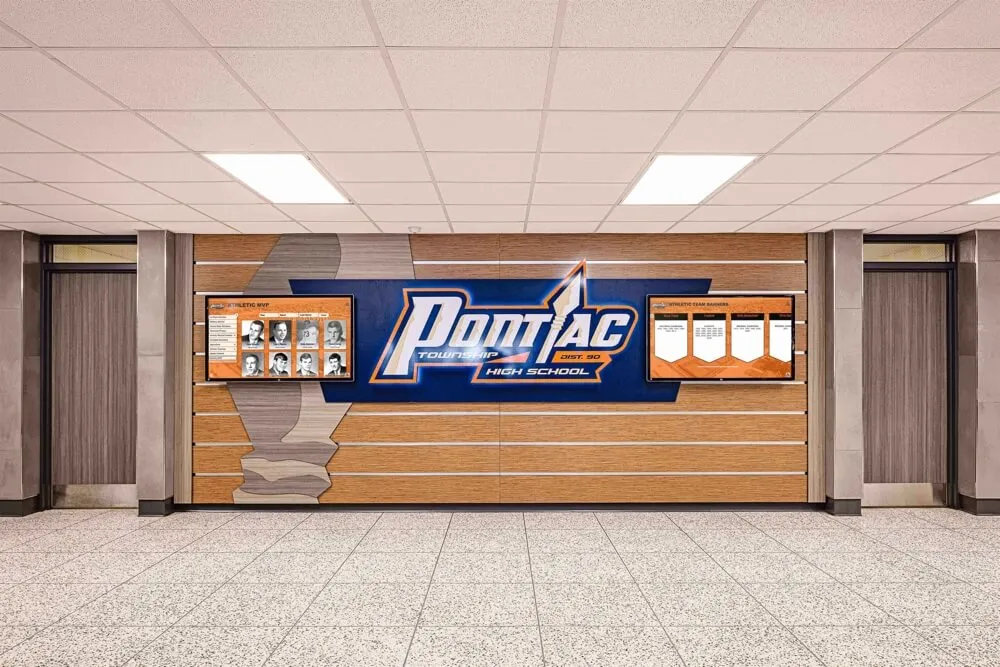
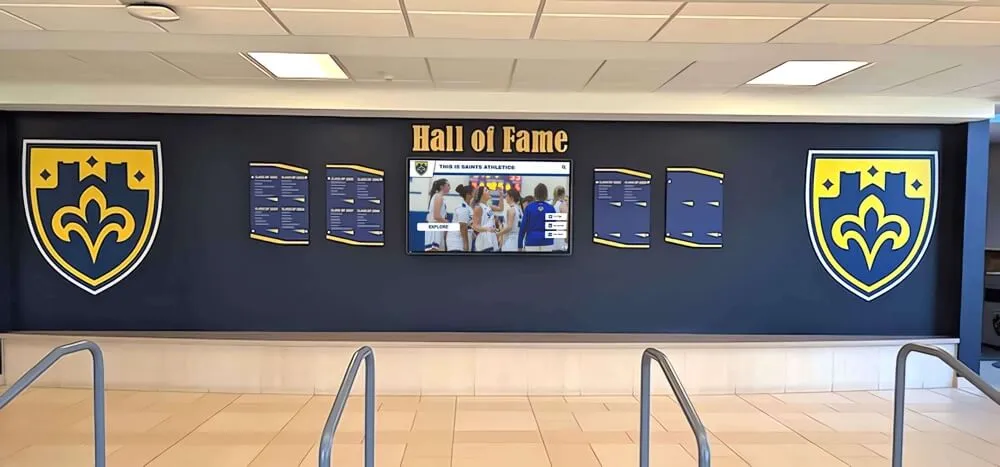
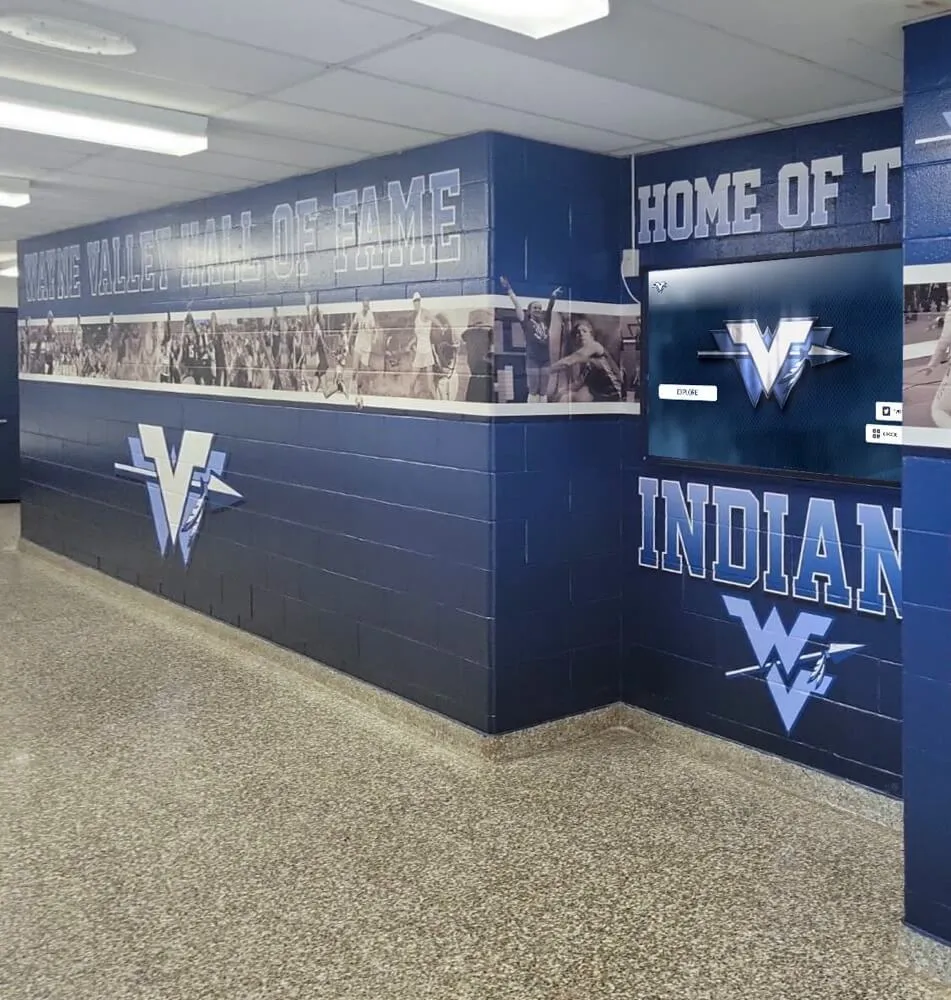
Team history panels that surface athlete names, seasons, and event context are powered by the descriptive metadata living in sidecar files alongside each archived photo and video
Step 8: Connect the Sidecar Archive to Recognition Programs
A sidecar workflow that serves only the archive staff underuses the metadata it produces. The operational goal of structured, rights-cleared, athlete-attributed sidecar records is to make recognition displays, hall-of-fame inductee profiles, yearbook pages, and alumni engagement campaigns faster and more accurate to produce.
Practical recognition program connections:
- Hall-of-fame display preparation: Filter the archive by athlete name and
rights_status: clearedto produce a verified asset package for a new inductee’s display panel. Sidecar metadata provides athlete name, season, sport, and event context that populates display fields without manual research. - Annual yearbook content pipeline: Pull current-season assets by
sportandseasonfilters. Assets withusage_permissionsincludingyearbookare ready to use without additional rights review. - Alumni engagement campaigns: Query by
subjectsto surface all photos and videos featuring a specific alumnus. Sidecar-based search makes reunion content and athletic anniversary communications significantly faster to assemble. - Donor recognition walls: Filter by
sportandseasonto support naming-rights recognition for donors who sponsored a specific program or season. Rights-cleared photos that include donor-named assets (facilities, equipment) are directly usable without additional clearance steps.
The complete guide to athletic halls of fame for school administrators covers how recognition programs use structured archive content at the operational level — the metadata fields defined in a sidecar workflow directly address the content retrieval needs described there.
Sidecar Workflow for Game Video: Additional Considerations
Game video sidecars share the same field structure as photo sidecars but require a few additional fields and a different population cadence. Video assets also present distinct rights challenges because broadcast recordings, streaming captures, and footage captured with third-party equipment carry copyright and broadcast rights that photo archives rarely encounter.
| Video-Specific Field | Purpose | Example Value |
|---|---|---|
duration | Run time of the clip | 01:32:47 (HH:MM:SS) |
recording_device | Camera or capture system used | Sony PXW-Z90; school equipment |
footage_type | Categorize the clip | full-game / highlight-clip / practice / ceremony |
broadcast_rights | Whether broadcast rights complicate use | school-only / cleared-internal / restricted |
deinterlaced | Whether legacy footage has been processed | true / false |
access_copy | Filename of the lower-resolution access copy | 2019-state-championship-game-access.mp4 |
preservation_master | Filename of the archival master file | 2019-state-championship-game-master.mxf |
The access_copy and preservation_master fields are particularly important for video because most archives maintain two versions of significant footage: a high-quality preservation master (MXF, ProRes, or FFV1) and a lower-resolution access copy suitable for streaming or display use. The sidecar for each file should reference both, so that a system retrieving assets for display use can locate the correct copy without accessing the preservation master.
For schools with legacy game footage on VHS or other tape formats, the video deinterlacing workflow for legacy game footage covers the technical processing steps that should be documented in the deinterlaced field and in the preservation event log for each digitized tape.
Video archives also benefit from audio quality documentation — sidecars for game footage should flag audio that contains crowd noise at problematic levels or that has been processed through noise reduction, both of which affect how the clip reads in a recognition display or alumni engagement context. Schools managing video audio quality will find the audio clipping detection workflow for athletic archives and the companion audio noise reduction workflow directly applicable to documentation decisions in video sidecars.

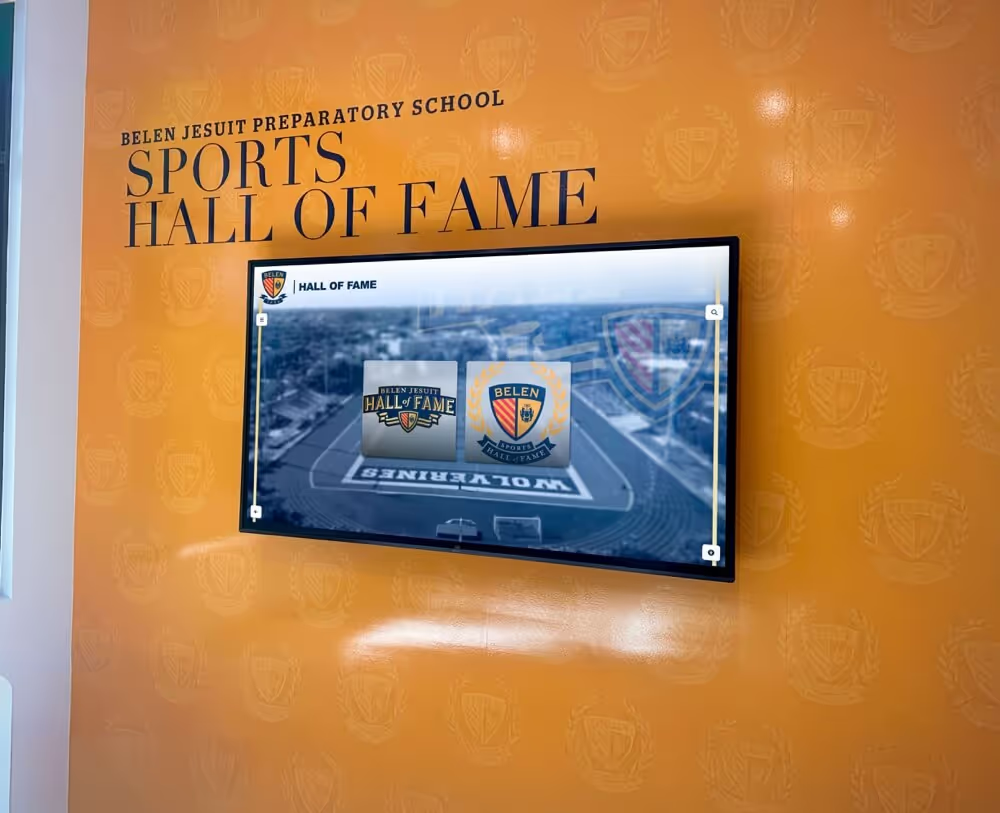
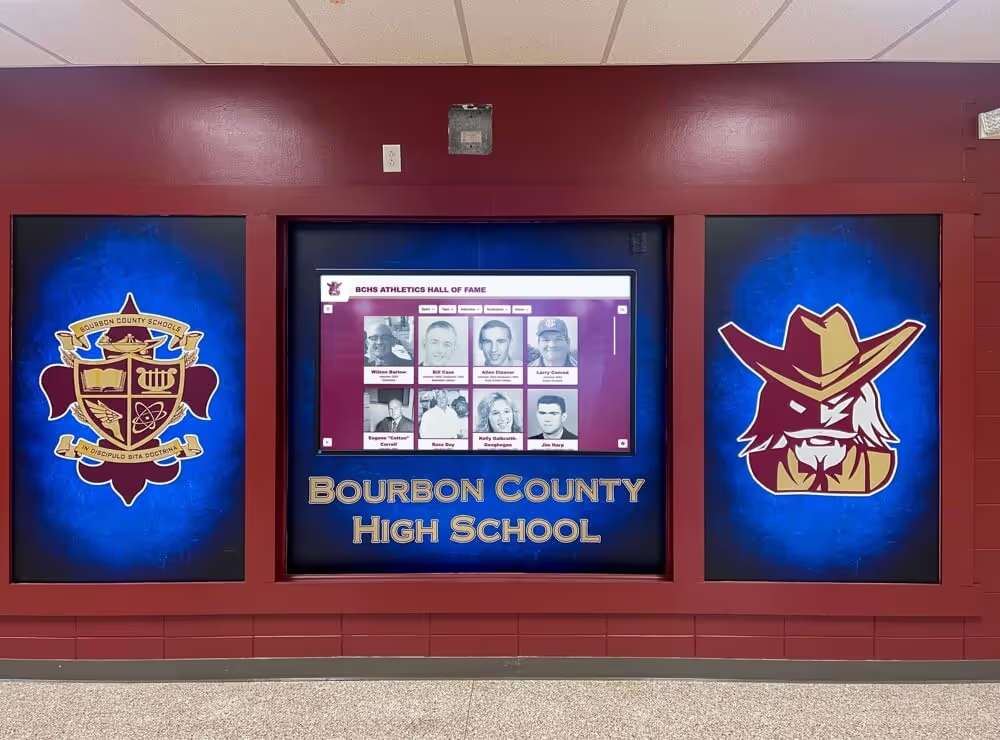
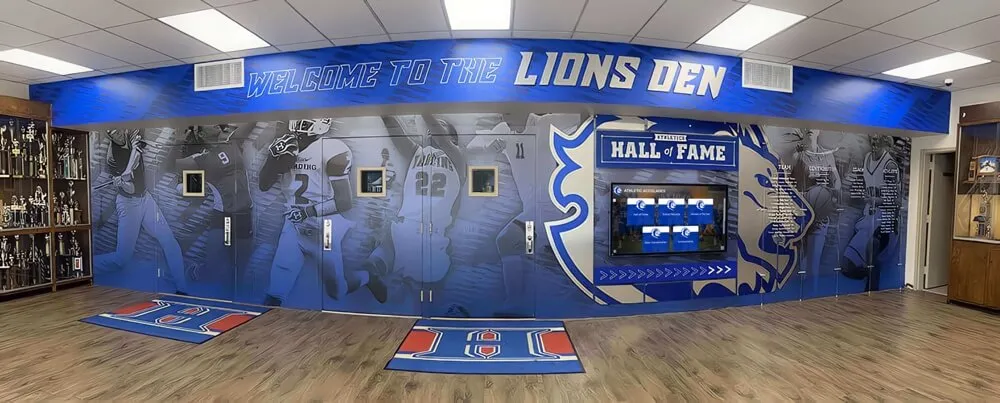
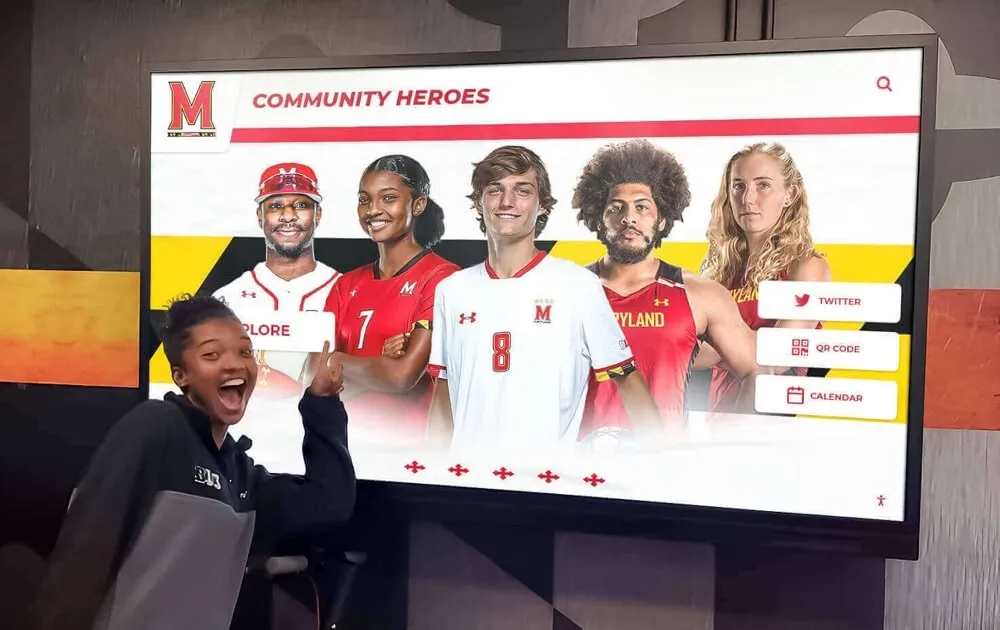
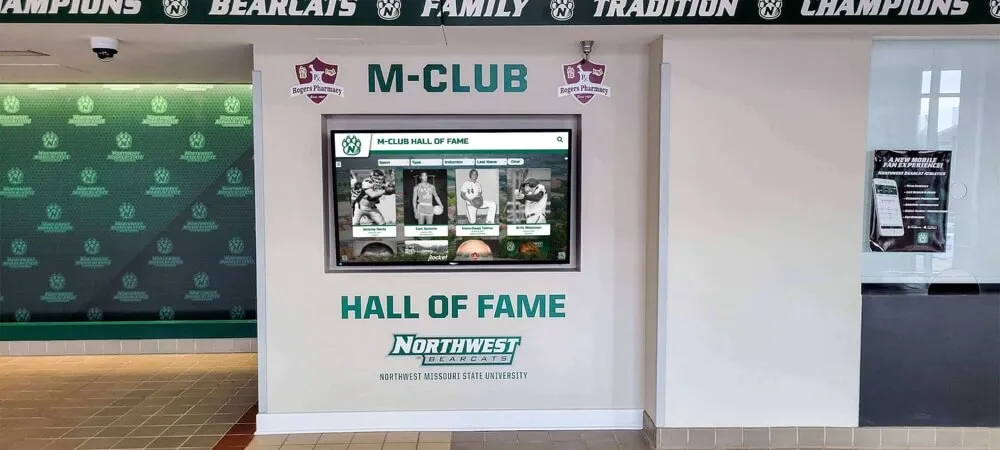
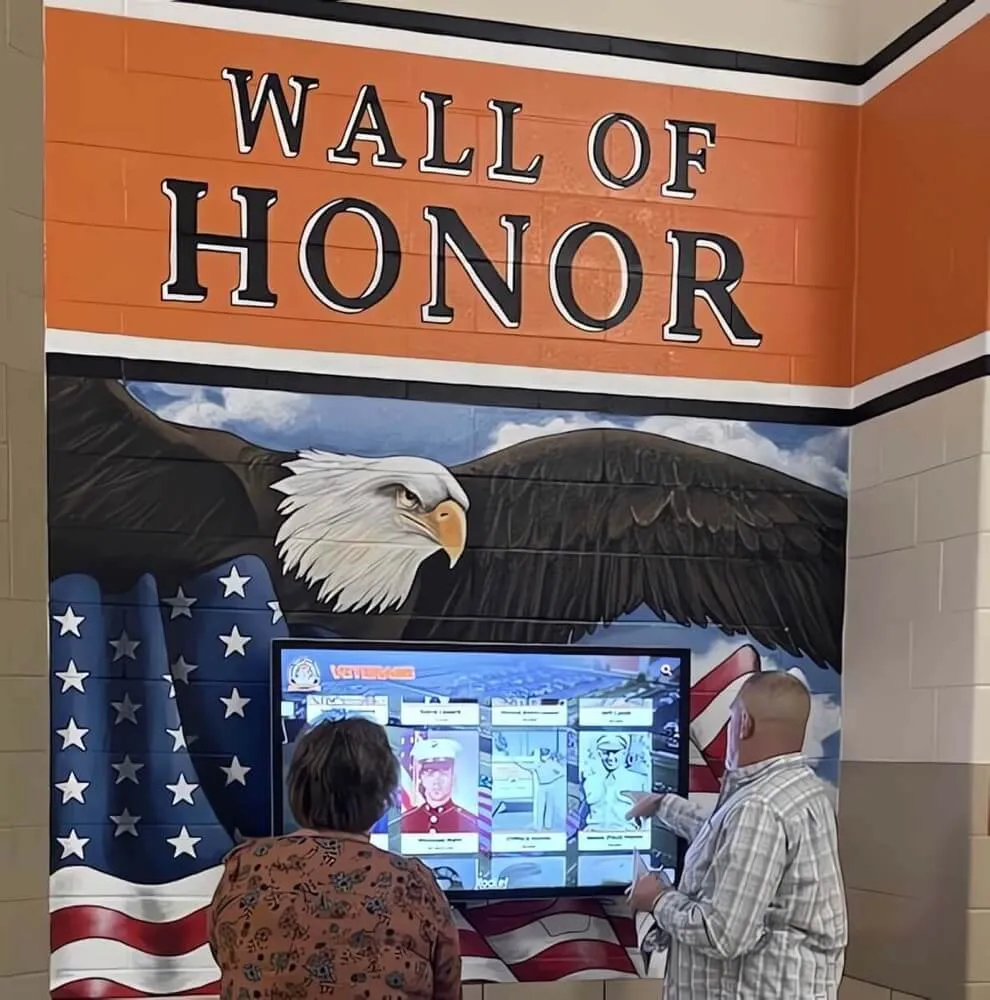
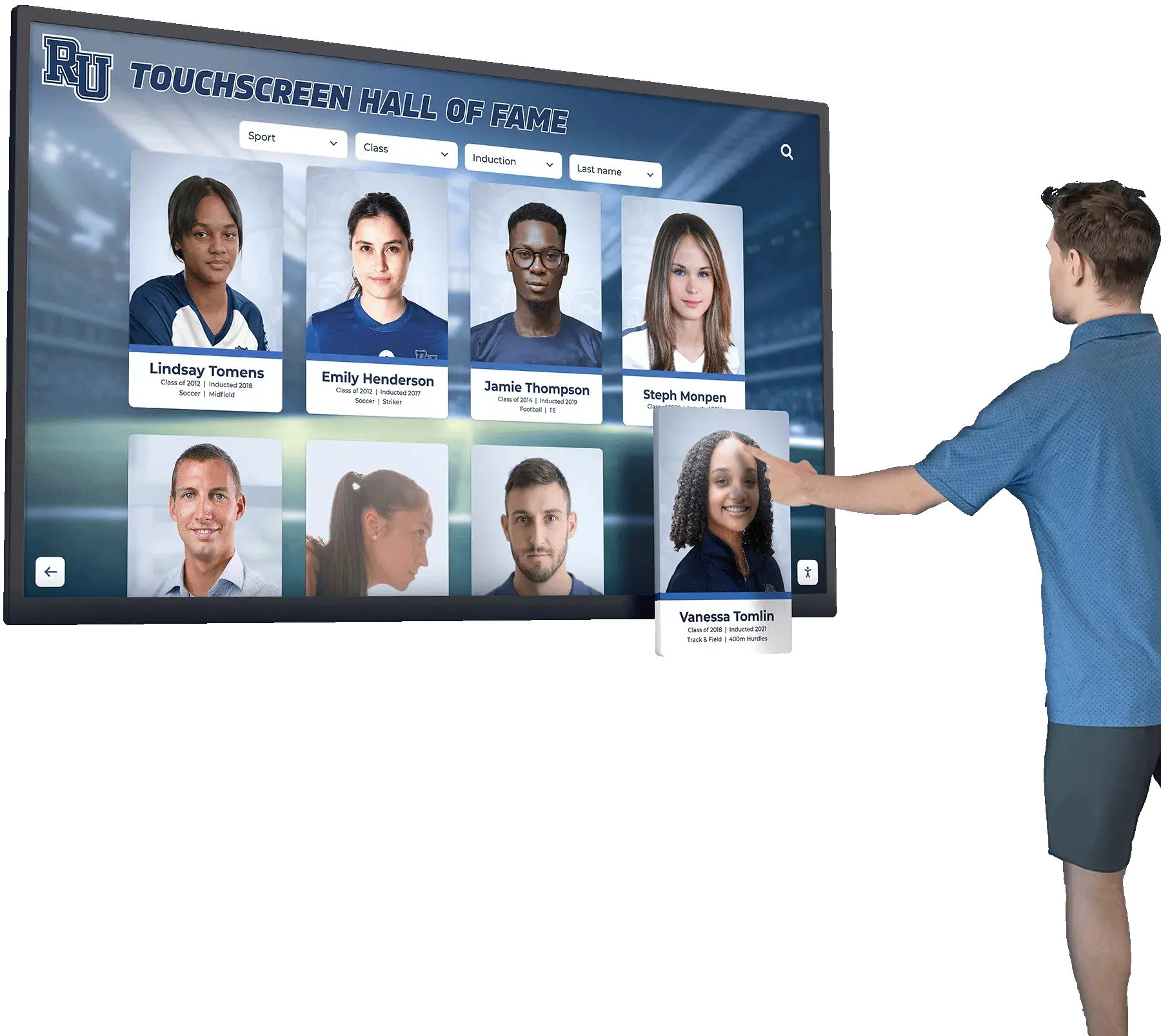
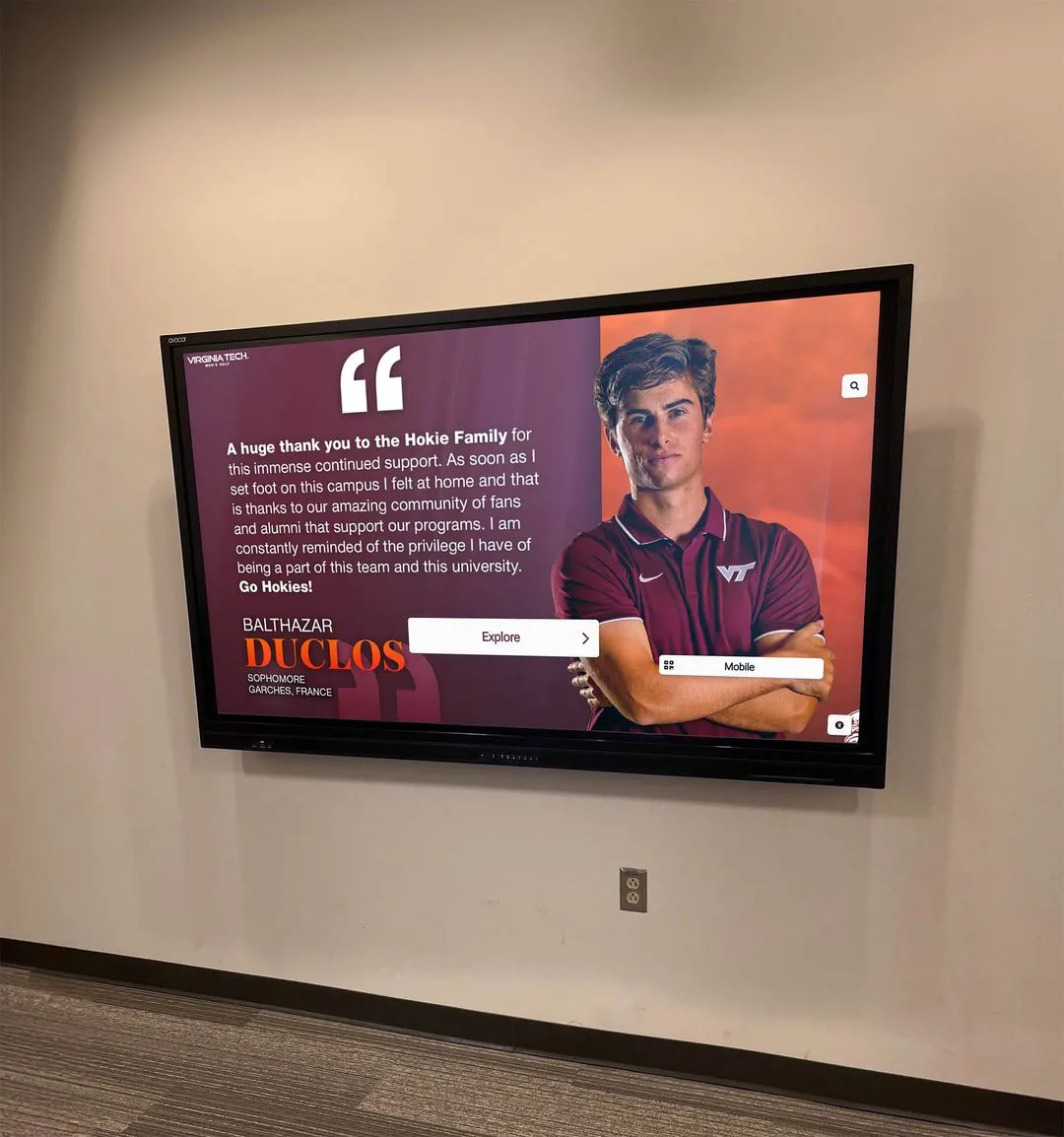
Every hall-of-fame athlete card a visitor selects is backed by sidecar metadata that defines the athlete's name, sport, season, and rights status
Metadata Sidecar Workflow Checklist
Setup (one-time):
- Define archive folder structure if not already in place
- Choose sidecar format (XMP for photo-primary archives; JSON for mixed collections)
- Define metadata schema: required fields, field names, data types
- Define controlled vocabularies: sport list, rights-status terms, permitted-use categories
- Create a blank sidecar template for each asset type (photo, video, document)
- Choose tooling: ExifTool, Lightroom, ResourceSpace, or custom scripts
- Update archive checksum manifest to include sidecar files
At every ingest event:
- Generate asset ID following accession numbering convention
- Create sidecar with matching filename in the same directory as master file
- Populate all fields available at ingest
- Set
rights_statustopendingfor unconfirmed assets - Add checksum for sidecar to archive manifest
Ongoing maintenance:
- Update
rights_statusas rights are cleared or restrictions are documented - Update
opt_outfield when takedown or opt-out requests are received - Run sidecar validation (well-formedness, required fields, vocabulary conformance) on the same schedule as fixity verification
- Review and close out
pendingrights records quarterly - Before any recognition event, filter archive by
rights_status: clearedand confirm assets
Frequently Asked Questions
Q: Do sidecars replace embedded metadata (EXIF/IPTC), or do both coexist?
They coexist, and for most school archives, both are appropriate. Embedded EXIF data from the camera — capture date, camera model, GPS coordinates if recorded — is valuable provenance information and should be preserved as-is in the master file. The XMP sidecar extends that embedded data with additional descriptive, rights, and accession fields that the camera cannot generate. When a display platform or DAM reads the asset, it typically merges embedded and sidecar metadata into a combined record.
Q: What happens to sidecars when files are moved or renamed?
Sidecar files must move and be renamed alongside their master files. A sidecar named 2019-championship-photo.xmp is linked to 2019-championship-photo.jpg by filename convention — if the JPEG is moved without the XMP, the link breaks. Building any file-management scripts or folder operations to handle master file and sidecar together is essential. Most DAMs handle this automatically; manual file operations require explicit attention to keeping pairs together.
Q: How should sidecars be versioned when metadata changes?
For fields that represent factual corrections — a misspelled athlete name, a wrong season year — update the sidecar in place and record the change in the preservation event log (a metadata modification event). For significant status changes — rights moving from pending to cleared, or an opt-out applied to a previously cleared asset — preserve the previous version of the sidecar as a dated backup before updating the live file, so the rights history is auditable.
Q: Can sidecars support recognition displays that need to surface content by athlete name?
Yes, provided the subjects field is populated using a consistent name format (typically LastName, FirstName) and the display platform ingests sidecar data. Schools that maintain a standardized athlete roster — updated each season with consistent name formatting — can use that roster as the controlled vocabulary for the subjects field, ensuring that searches for “Rodriguez, M.” return all photos and videos featuring that athlete across multiple seasons and sports.
Q: What is the minimum viable sidecar for a school just starting out?
If your team cannot implement the full schema immediately, start with four fields: asset_id, sport, season, and rights_status. These four fields alone make an archive meaningfully more searchable and allow display programs to filter by rights without reviewing every asset individually. Build out the remaining fields over time as staff bandwidth allows.
Q: Should sidecars be shared with recognition display vendors?
Yes. Sharing sidecar files alongside master assets in vendor handoff packages gives the vendor machine-readable attribution data — athlete names, event names, seasons, sport categories — that populates display fields without requiring them to re-enter or research that information. Confirm with the vendor which sidecar format and field names their platform accepts. Schools building long-term recognition infrastructure — interactive touchscreen displays, digital trophy cases, and alumni engagement platforms — benefit from consistent sidecar data that supports digital pep rally and celebration content as well as permanent historical records.
Turn Your Sidecar-Enabled Archive Into a Living Recognition Program
A metadata sidecar workflow is the infrastructure that makes your athletic archive searchable, rights-documented, and ready to power recognition programs. The next step is connecting that archive to displays that give it ongoing public life — lobby touchscreens, digital yearbooks, hall-of-fame inductee panels, and alumni engagement tools that surface your school’s athletic history for every generation that follows.
Rocket Alumni Solutions works with schools to connect structured athletic archives to interactive recognition displays that honor athletes, celebrate seasons, and build community engagement year-round.
Schedule a demo with Rocket Alumni Solutions to see how a well-organized athletic archive powers recognition that lasts.
Building the Sidecar Workflow Into Your Archive Team’s Practice
Technical workflows succeed when they are routine rather than exceptional. A sidecar implementation that runs only when a recognition event is approaching produces incomplete records and under-resourced rights documentation. Schools that sustain strong metadata sidecar workflows over time share a few organizational practices:
Assign a metadata owner. One person — the athletic director, an archivist, an IT coordinator, or a yearbook adviser — should be responsible for sidecar consistency. That person defines the schema, trains staff who ingest new content, and runs quarterly validation passes.
Train photographers and videographers on ingest. The staff or volunteers who create athletic content are often the only people who know who is in a photo or what event a clip came from. Building a brief handoff process — requiring photographers to submit a simple metadata form alongside their files — reduces the population burden on archive staff significantly.
Tie sidecar completion to the recognition calendar. Schools with annual hall-of-fame inductions, yearbook publication deadlines, or donor stewardship cycles can build sidecar completion milestones into those calendars — ensuring that the assets needed for each event are fully described and rights-cleared before the deadline, not scrambled for during it.
Document the schema. Write down the field definitions, controlled vocabularies, and population rules in a simple reference document stored with the archive. When staff turn over — and they will — a new archivist should be able to populate a sidecar correctly on their first day without tribal knowledge from a predecessor.
The athletic archive metadata sidecar workflow is operational infrastructure, not a one-time project. Schools that invest in it consistently build an archive that grows more useful every year — one where a request for “all cleared photos of our 2007 basketball team” returns a verified, display-ready asset set in minutes rather than requiring hours of manual search and rights investigation.
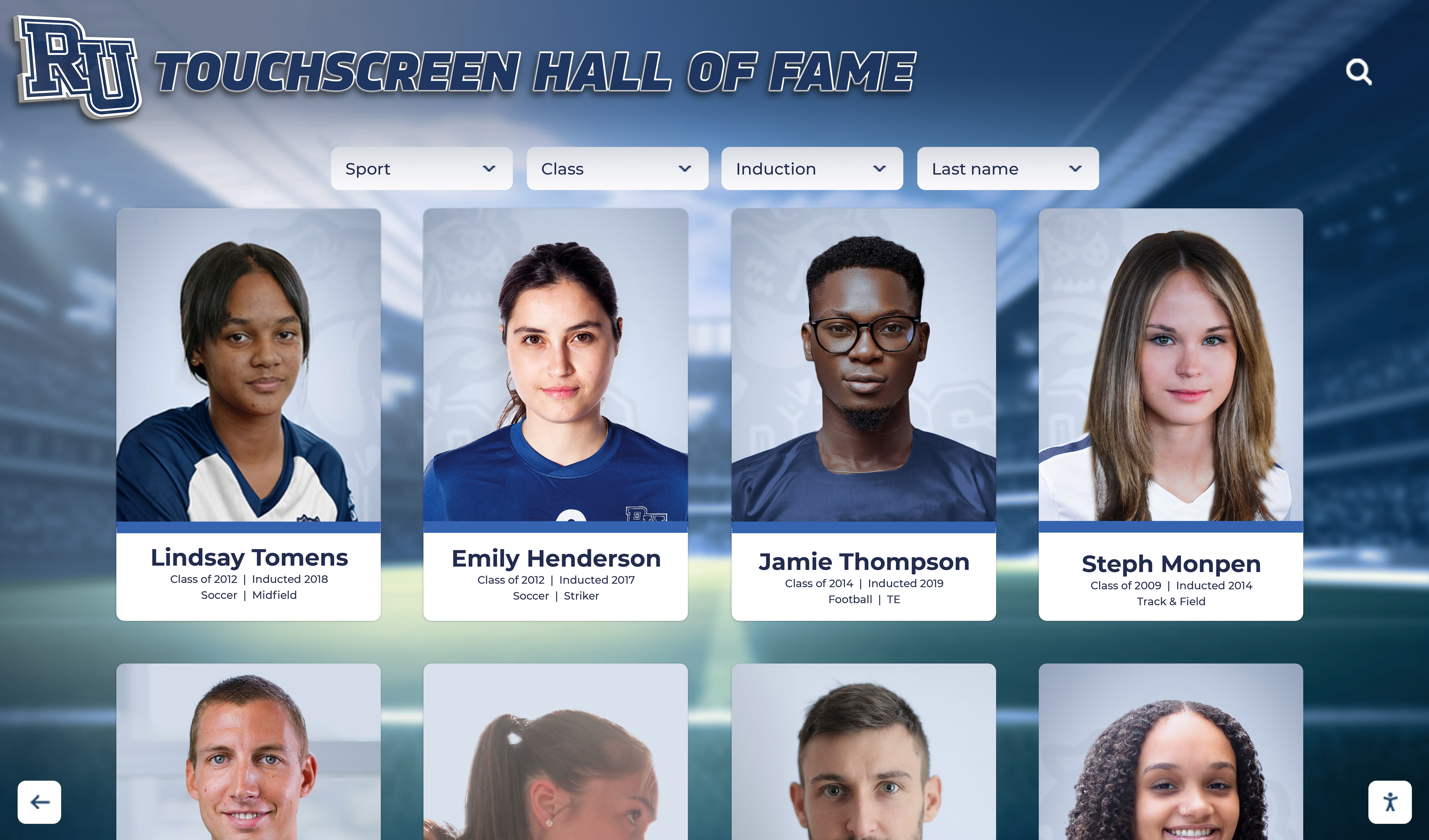
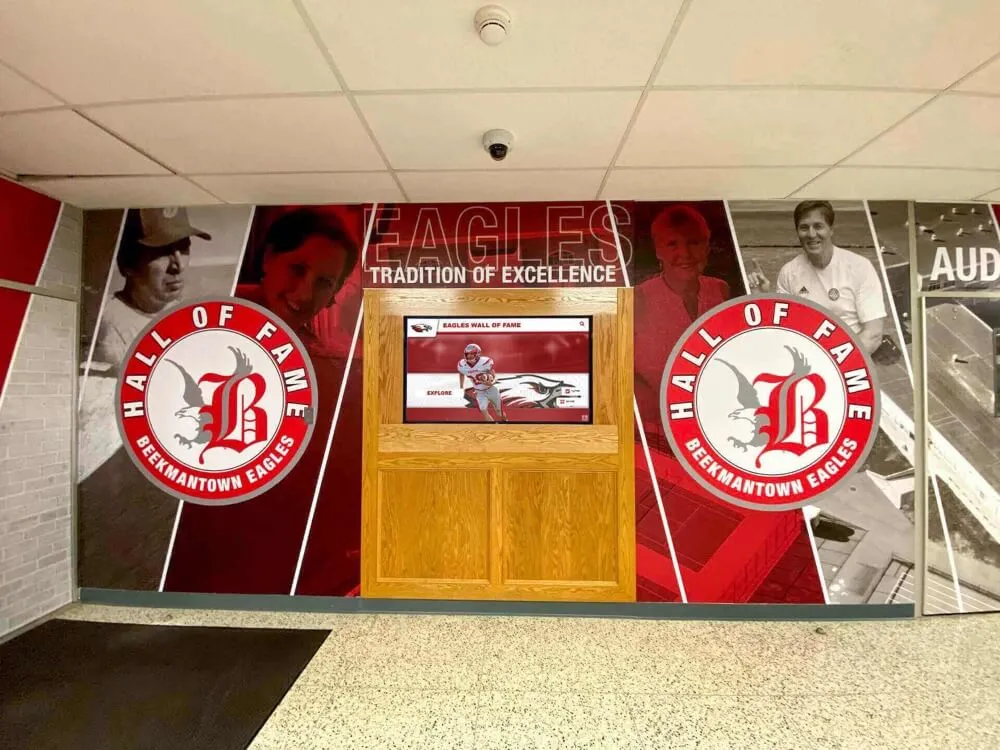
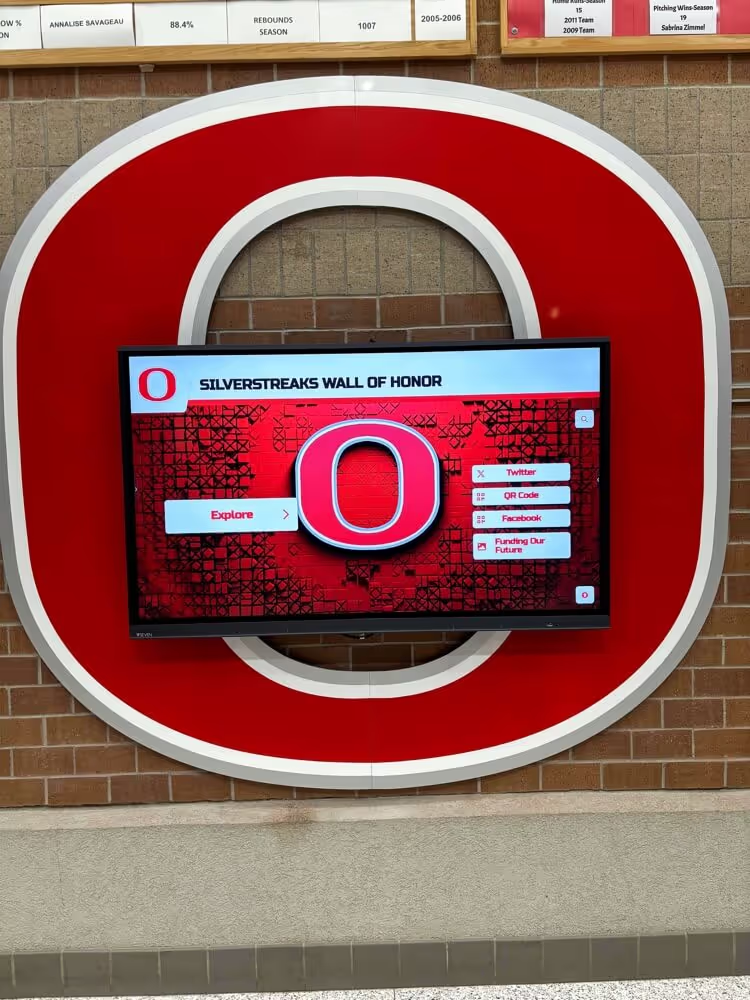
Every portrait card on a hall-of-fame touchscreen reflects a sidecar record that documents who is pictured, what season they competed, and whether their image is cleared for public display
Athletic history is made in seasons but preserved through decades of deliberate documentation. A metadata sidecar workflow is how schools ensure that the context surrounding every championship photo and every archived game video stays intact and accessible — for the recognition displays of today and the archive searches of thirty years from now.