School history, shared
Athletic Archive Legal Hold Procedure: Preserve Records During Claims and Investigations
An athletic archive legal hold procedure is a documented directive that suspends routine record deletion and requires your school to preserve all potentially relevant athletic records—photos, video, rosters, awards, and communications—when a legal claim or formal investigation is reasonably anticipated. The hold pauses your normal retention schedule for affected records only, keeps the rest of the archive accessible, and stays in effect until the matter is formally resolved.
Without a documented procedure, schools face two failure modes: staff delete records on a routine schedule while a claim is pending (destroying evidence), or they over-preserve everything indefinitely out of caution (overwhelming staff and storage). A written athletic archive legal hold procedure eliminates both problems by defining exactly which records to preserve, who is responsible for each step, and when the hold ends.
This guide gives athletic directors, school administrators, facilities staff, and IT teams a complete procedure—including a trigger checklist, custodian notification template, scope mapping table, and FAQ—that can be put into practice immediately.

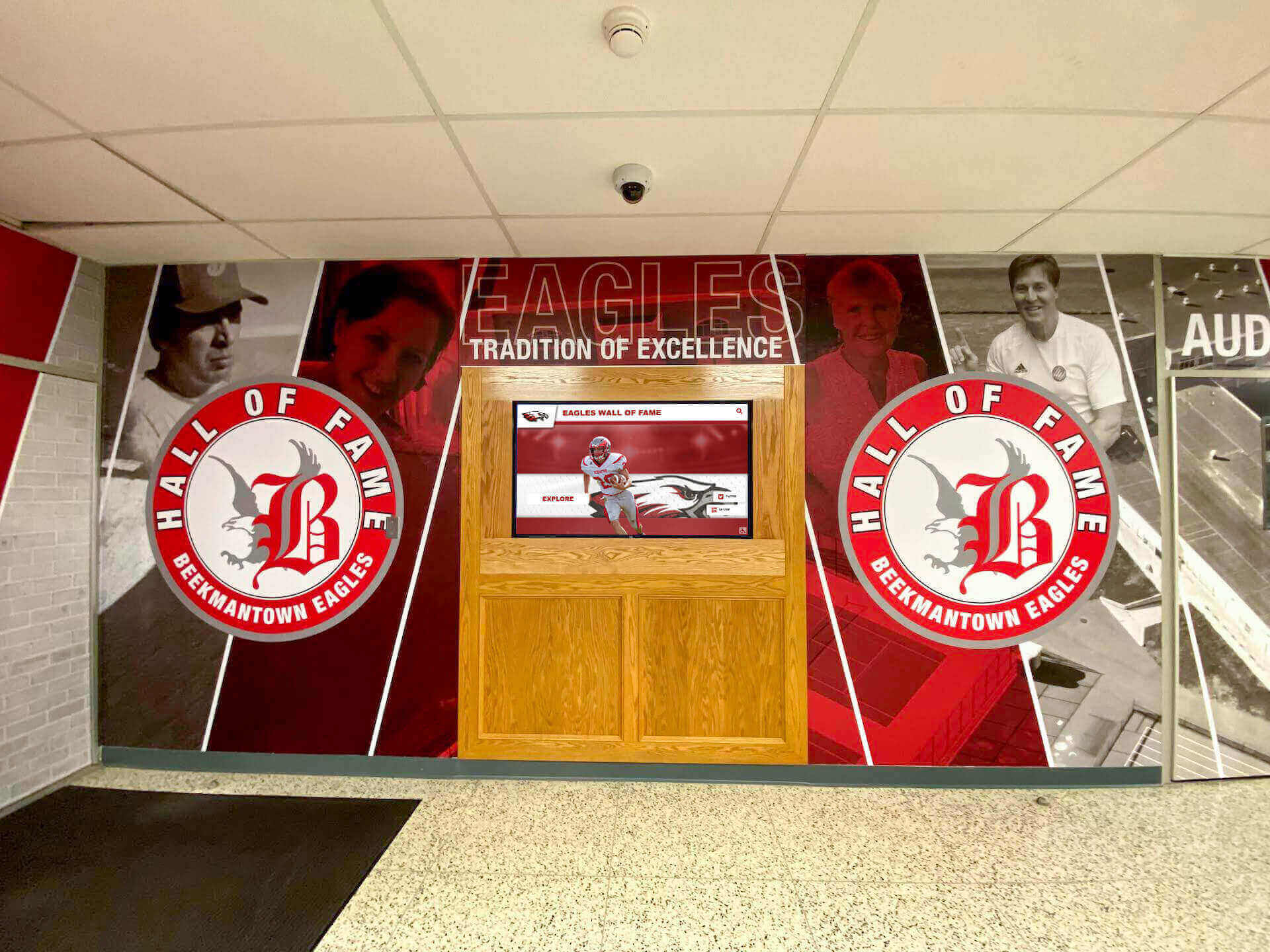
Recognition programs and hall-of-fame displays depend on archives that remain intact and well-documented — a legal hold procedure protects that integrity when claims or investigations arise
What a Legal Hold Is — and What It Is Not
A legal hold (also called a litigation hold or evidence preservation notice) is a documented administrative directive that tells specific individuals — called custodians — to stop deleting, modifying, or discarding records that may be relevant to an anticipated or active legal matter. It is not a court order; it is the school’s own internal response to the legal obligation that arises when litigation or a formal investigation is “reasonably anticipated.”
What a legal hold covers in an athletic archive context:
- Digital files: photos, video, statistics exports, design files, and scorebook exports
- Physical records: printed rosters, award certificates, game programs, and banquet records
- Communications: emails, text threads, and platform messages between coaches, administrators, staff, or families about the matter
- System records: access logs, platform audit trails, and cloud sharing histories
What a legal hold does not do:
- It does not freeze the entire archive — only records relevant to the specific matter are preserved
- It does not prevent read access to records under hold — normal display and review continues
- It does not replace legal counsel — it is the administrative step your school takes immediately, before or alongside engaging an attorney
The obligation to preserve relevant records arises as soon as a claim or investigation is “reasonably anticipated” — not when a lawsuit is actually filed. Acting too late after that threshold is crossed can expose the school to sanctions for spoliation (destruction of evidence).
When Athletic Archives Trigger a Legal Hold
Legal holds in athletic programs arise from a predictable set of circumstances. The table below maps common trigger categories to the record types most likely to be relevant.
| Trigger Category | Examples | Likely Relevant Records |
|---|---|---|
| Player injury or medical claim | On-field injury, facility accident, equipment failure | Incident reports, practice video, facility inspection logs, roster, communications |
| Title IX complaint | Inequitable treatment, harassment, misconduct allegation | Participation data, budget records, facility allocation records, communications |
| Eligibility dispute | Transfer eligibility, academic standing, age verification | Academic records, registration data, transfer documentation, communications |
| Employment dispute | Coach termination, assistant contract, volunteer misconduct | Personnel records, communications, practice video, award and recognition records |
| Concussion or head injury claim | Return-to-play dispute, unreported injury | Medical clearance records, practice and game video, communications |
| Facility liability claim | Gym or field injury, equipment malfunction | Inspection records, maintenance logs, facility photos, event schedules |
| Insurance investigation | Property loss, event cancellation, third-party liability | Policy documents, event records, facility logs, communications |
| Regulatory or agency inquiry | State athletic association investigation, district audit | Eligibility files, award records, communications, financial records |
When any of these circumstances arises — or when your school’s legal counsel, risk manager, or superintendent advises that one is foreseeable — the legal hold procedure begins.
The Eight-Step Athletic Archive Legal Hold Procedure
Step 1 — Identify the Legal Hold Trigger
The first person who learns of a potential claim or investigation — the athletic director, a school administrator, or the principal — is responsible for recognizing that a legal hold may be required and escalating immediately. Do not wait for a formal complaint or lawsuit to arrive before starting the procedure.
Trigger recognition checklist:
- Has a formal complaint, demand letter, or legal notice been received?
- Has a parent, student, coach, or attorney communicated an intent to sue or file a complaint?
- Has the school been notified of a regulatory or agency investigation?
- Has an incident occurred that is likely to lead to a claim based on past experience with similar situations?
- Has insurance counsel or the school district’s legal team advised preserving records?
If any box is checked, advance immediately to Step 2. Document the date and circumstances in a legal hold log (see the tracking template in Step 4).
Step 2 — Notify Legal Counsel
Before issuing a hold directive to staff, contact your school’s legal counsel or district-level risk manager. This step does two things:
- Establishes that the hold is issued under attorney direction, which can support attorney-client privilege protection for the communications that follow
- Ensures the scope of the hold is appropriate — neither too narrow (missing relevant records) nor too broad (preserving everything indiscriminately)
If the matter is straightforward and internal (a routine eligibility dispute, for example), legal counsel may simply confirm the scope and authorize the athletic director to proceed independently. For more complex matters — Title IX investigations, injury lawsuits, or agency inquiries — ongoing attorney involvement is standard.
Step 3 — Map the Scope of the Hold
Before notifying custodians, define exactly which records and which time periods are covered. A hold with an unclear scope produces inconsistent compliance — some custodians will preserve too little, others too much.
Scope Mapping Worksheet
| Field | Detail |
|---|---|
| Legal hold reference number | (e.g., LH-ATH-2026-001) |
| Matter description | (Brief, factual description of the claim or investigation — not legal conclusions) |
| Date range of relevant records | (Earliest and latest dates of records likely relevant to the matter) |
| Sports or programs involved | (e.g., “Varsity football only” or “All sports using Field 3”) |
| Record types to preserve | (Specific file types and categories — see the record type table below) |
| Physical locations of records | (Shared drives, local devices, filing cabinets, archive platforms) |
| Custodians | (Names and roles of individuals who hold or have access to relevant records) |
| Systems and platforms | (Email servers, cloud storage accounts, archive platforms, communication tools) |
| Hold issued by | (Name and title of person issuing the hold, ideally under attorney direction) |
| Date hold issued | |
| Date hold expires or next review | (Set a calendar reminder for 90-day review if the matter is ongoing) |
The scope mapping step is where the athletic archive’s record management infrastructure pays off. A program that maintains a record book with documented policies and standards can identify relevant records in minutes; a program with undocumented, scattered files may take days to complete this step. The digital tools available for high school athletic record books can make scope mapping significantly faster when records are organized and searchable.
Step 4 — Issue the Legal Hold Notice to Custodians
A custodian is any person who creates, receives, holds, or controls records that fall within the scope of the hold. For an athletic archive, custodians typically include:
- Athletic director(s) — current and former, if the matter spans their tenures
- Head and assistant coaches for the sport(s) involved
- Team managers or statisticians who maintained records
- IT staff who administer the archive platform, email server, or cloud storage
- Administrative assistants with access to relevant communications
- Booster club officers or parent volunteers who created or held relevant records
Send the legal hold notice in writing to every custodian. Keep a copy and a delivery confirmation (email read receipt, or signed acknowledgment).
Legal Hold Notice Template
To: [Custodian Name] From: [Athletic Director / Superintendent / Legal Counsel] Date: [Date] Re: Legal Hold Notice — [Legal Hold Reference Number LH-ATH-XXXX-XXX]
You are receiving this notice because you may possess, control, or have access to records that are relevant to [brief description of the matter without legal conclusions]. This notice requires you to immediately preserve all potentially relevant records in your possession and to suspend any routine deletion, overwriting, or destruction of such records until further notice.
Records covered by this hold include: [List specific record types from scope mapping]
Date range: [Earliest date] through [Latest date], or until further notice
What you must do immediately:
- Stop all routine deletion of the record types listed above
- Disable any auto-delete rules in your email or file storage that apply to relevant records
- Identify any relevant records on personal devices or personal cloud accounts and report them to [Contact Name]
- Return the attached acknowledgment form by [Date]
- Contact [Contact Name] with any questions about whether a specific record is covered
Do not discard, delete, overwrite, move, or alter any covered record without written authorization from this office.
Signed: _____________________________ Date: ___________
Maintain a legal hold log tracking every custodian notified, the date of notification, and the date acknowledgment was received.
Step 5 — Suspend Auto-Deletion and Routine Retention Processes
Most digital archive and communications platforms have automated deletion policies — email purge schedules, file version limits, auto-archive rules. These processes do not pause automatically when a legal hold is issued; they must be manually suspended for covered records.
Platform-by-platform suspension checklist:
| Platform Type | Action to Take | Who Is Responsible |
|---|---|---|
| Email server (Google Workspace, Microsoft 365) | Place litigation hold or in-place hold on relevant mailboxes; disable auto-purge for covered accounts | IT administrator |
| Shared cloud storage (Google Drive, OneDrive, SharePoint) | Disable trash auto-empty for relevant folders; lock folders from deletion; export and preserve a copy | IT administrator |
| Athletic archive or display platform | Disable any scheduled content removal; notify vendor if platform manages deletion; export current archive state | Athletic director + IT |
| Video hosting or coaching platforms | Disable auto-delete; export video files to school-controlled storage | IT administrator |
| Communication tools (Teams, Remind, GroupMe) | Export conversation history; notify custodians to preserve messages locally | IT administrator |
| Physical records | Move relevant paper files to a designated locked location; label “Legal Hold — Do Not Destroy” | Athletic director or designated staff |
For physical records in storage — game programs, printed rosters, award certificates — remove them to a secure, labeled location where they cannot be inadvertently discarded. A well-maintained athletic hall of fame display that draws from a documented physical archive gives you a clear starting point for identifying which physical records exist and where they are held.
Step 6 — Confirm Custodian Compliance
Within five business days of issuing the legal hold notice, follow up with any custodian who has not returned an acknowledgment. Non-response is not the same as compliance — a custodian who does not acknowledge the hold may not have received it, may not have understood it, or may not be actively preserving records.
Compliance follow-up steps:
- Send a reminder to any custodian who has not acknowledged within five business days
- Escalate non-response to legal counsel or the superintendent after ten business days
- Document all follow-up attempts and responses in the legal hold log
- If a custodian reports that potentially relevant records may have already been deleted since the triggering event, report to legal counsel immediately — do not attempt to investigate or resolve this independently
Step 7 — Maintain the Hold with Periodic Review
Legal holds can last months or years. A hold issued at the start of a complaint may still be active two years later when the matter finally resolves. Without a review process, holds become invisible — staff forget they exist, new employees are never notified, and compliance erodes.
Periodic maintenance requirements:
- 90-day review: Confirm with legal counsel whether the hold remains necessary and whether the scope should be updated
- New custodian notification: When a new staff member joins who may hold relevant records, issue the hold notice immediately
- Departing custodian procedure: Before a custodian leaves the school, ensure all records under hold in their possession are transferred to school-controlled infrastructure and documented in the legal hold log
- Updated scope notification: If new record types become relevant as the matter develops, issue an updated hold notice to all custodians
Schools that host alumni events, recognize athlete achievements, or maintain active engagement programs — like those drawing on alumni recognition program best practices — need to ensure that alumni records and communications related to an active legal hold are captured in custodian notifications, even if those records live outside the athletic archive proper.
Step 8 — Release the Hold
A legal hold should be released in writing when the triggering matter has concluded — the lawsuit is settled, dismissed, or decided; the investigation is closed; the regulatory inquiry is resolved. Do not release the hold based on verbal confirmation; require written notice from legal counsel or the relevant authority.
Hold release procedure:
- Receive written confirmation from legal counsel that the matter is concluded and the hold may be released
- Issue a written hold release notice to all custodians, referencing the original hold reference number
- Document the release date and basis in the legal hold log
- Update your archive platform and IT systems to restore normal retention policies
- Retain the legal hold log, all custodian notifications, and acknowledgments per your school’s legal records retention schedule
The hold release notice is as important as the original notice. Without it, custodians may continue applying unnecessary preservation constraints indefinitely — or may begin deleting records before the matter is truly resolved.
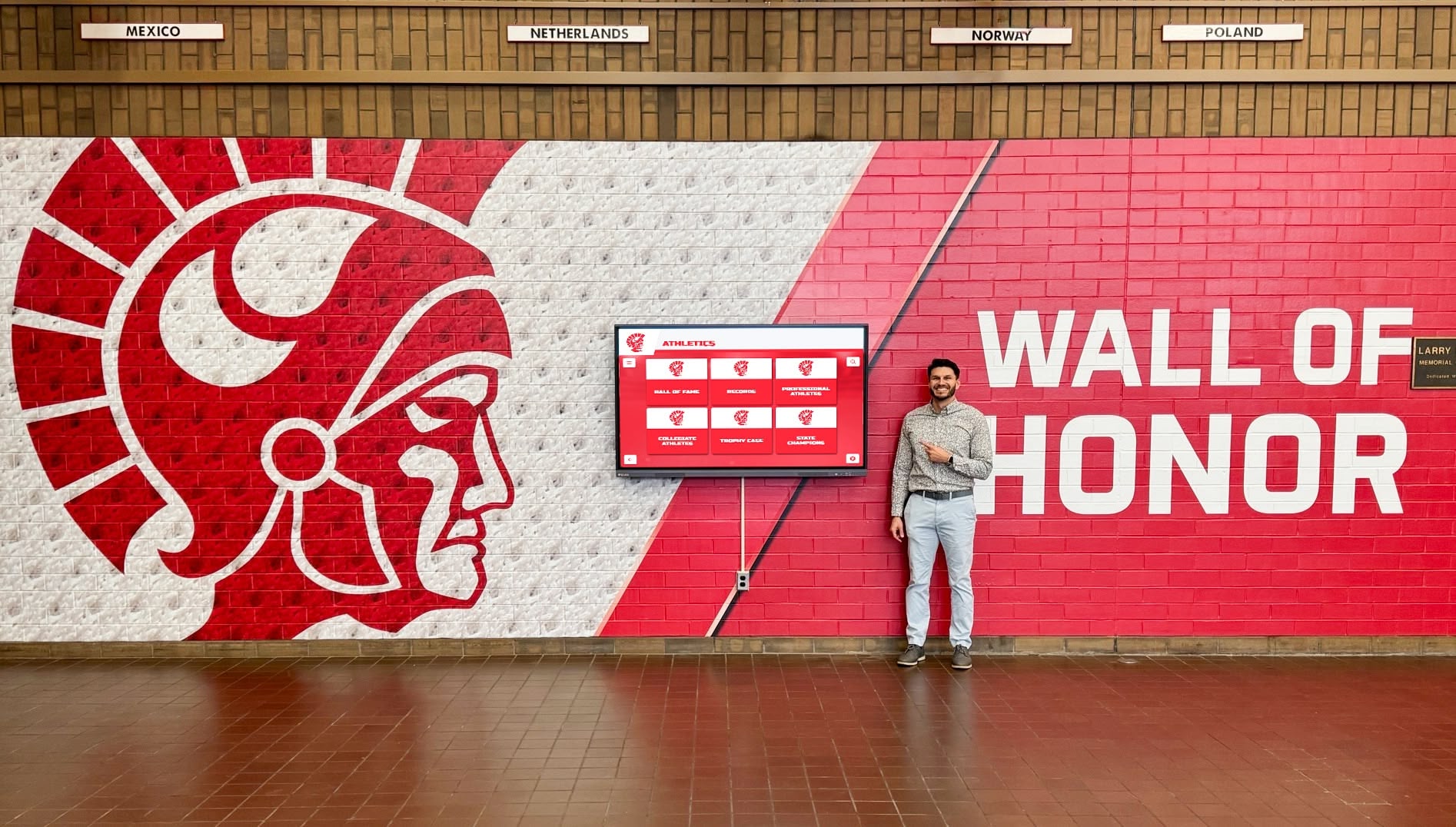
Athletic recognition walls and digital displays depend on an archive that remains intact and well-documented — a legal hold procedure protects that continuity when claims arise
Athletic Archive Record Types: What to Preserve Under a Legal Hold
Different types of athletic archive records have different preservation requirements and different levels of relevance depending on the triggering matter. This reference table maps common record types to their preservation considerations.
| Record Type | Typical Format | Preservation Priority | Notes |
|---|---|---|---|
| Game and practice video | MP4, MOV, proprietary coaching platform exports | High for injury, misconduct, or eligibility matters | Export from vendor platforms immediately — access may lapse |
| Team rosters and eligibility records | PDF, XLSX, SIS exports | High for eligibility, Title IX, and employment matters | Include historical rosters for all years in scope |
| Photos — team and individual | JPEG, PNG, RAW | Moderate to high; depends on matter | Include metadata and file creation dates |
| Communications — email | Email archives | High for most matters | Capture full thread including attachments |
| Communications — text and messaging | Platform exports, screenshots | High for misconduct and employment matters | Notify custodians to preserve on personal devices if used for school business |
| Award and recognition records | PDF, database exports | Moderate; relevant for eligibility and achievement disputes | Include hall-of-fame nomination files, banquet records |
| Statistical records | XLSX, CSV, SIS exports | Moderate to high for eligibility, concussion baseline, and eligibility matters | Include raw data files, not just published summaries |
| Medical and training records | PDF, platform exports | High for injury and concussion matters | Route through appropriate medical privacy protocols |
| Facility and inspection records | PDF, photos, maintenance logs | High for facility liability matters | Include work orders, inspection reports, and facility photos |
| Budget and financial records | XLSX, PDF, accounting exports | High for Title IX and equity matters | Include allocation records by sport and gender |
| Contract and employment records | PDF, signed agreements | High for employment matters | Include vendor contracts if relevant |
| Social media archives | Platform exports, screenshots | Situational; depends on whether school accounts are at issue | Preserve school-controlled accounts; document personal account content if relevant |
Programs that have implemented a thorough approach to digital records management — including format validation, checksum verification, and accession numbering — will find the preservation step significantly faster than programs relying on informal file storage. The organizational infrastructure that serves routine archive operations serves legal hold compliance directly.
Maintaining Normal Archive Access During a Legal Hold
A common misconception about legal holds is that they lock an archive and prevent access. They do not. A legal hold suspends deletion and modification of covered records; it does not prevent reading, displaying, or working from those records.
What continues normally during a legal hold:
- Display of athletic history on hall-of-fame kiosks, touchscreen walls, and digital yearbooks
- Staff access to review or reference archive content
- Additions of new records to the archive (the hold covers existing records, not future ones, unless the scope specifies otherwise)
- Export of records for recognition programs, award ceremonies, and reunion events
Schools that maintain alumni engagement events or campus recognition programming can continue those programs normally. The hold applies to the specific records and custodians in scope, not to the archive as a whole.
What requires care during a hold:
- Routine deletion of records that might be covered — always check the hold scope before deleting any record in the covered date range or record type
- Editing or modifying covered records — a legal hold preserves records in their current state; do not modify files that fall within the hold scope
- Migrating covered records to a new platform — platform migrations during an active hold require legal counsel review to ensure nothing is lost or altered in transit
- Vendor changes — if your archive platform vendor changes during an active hold, the hold scope and custodian notification must be updated to address the new platform
Roles and Responsibilities
| Role | Responsibility |
|---|---|
| Athletic Director | Recognizes trigger; initiates procedure; issues hold notices; maintains the legal hold log; coordinates with legal counsel |
| School Principal or Superintendent | Receives escalation for complex or high-stakes matters; authorizes hold release |
| Legal Counsel / Risk Manager | Determines scope with athletic director; authorizes hold issuance and release; engages for non-compliance issues |
| IT Administrator | Suspends automated deletion across platforms; places litigation holds on email and cloud accounts; documents suspension actions |
| Coaches and Staff (Custodians) | Acknowledge the hold notice; preserve covered records; report personal-device records; report potential prior deletions immediately |
| Archive Coordinator or Archivist | Maps covered records in the archive; coordinates with IT on platform-level suspension; maintains transfer manifests for any records moved during the hold |
| Communications or Advancement Staff | Notified if alumni-related communications are within scope; coordinates with alumni relations teams |
For schools that maintain digital athletic displays — from lobby touchscreens to interactive award archives — the digital hall of fame touchscreen tools and alumni welcome area features that draw on archive content continue operating normally. The IT administrator simply ensures deletion controls on the underlying archive are paused for covered content.
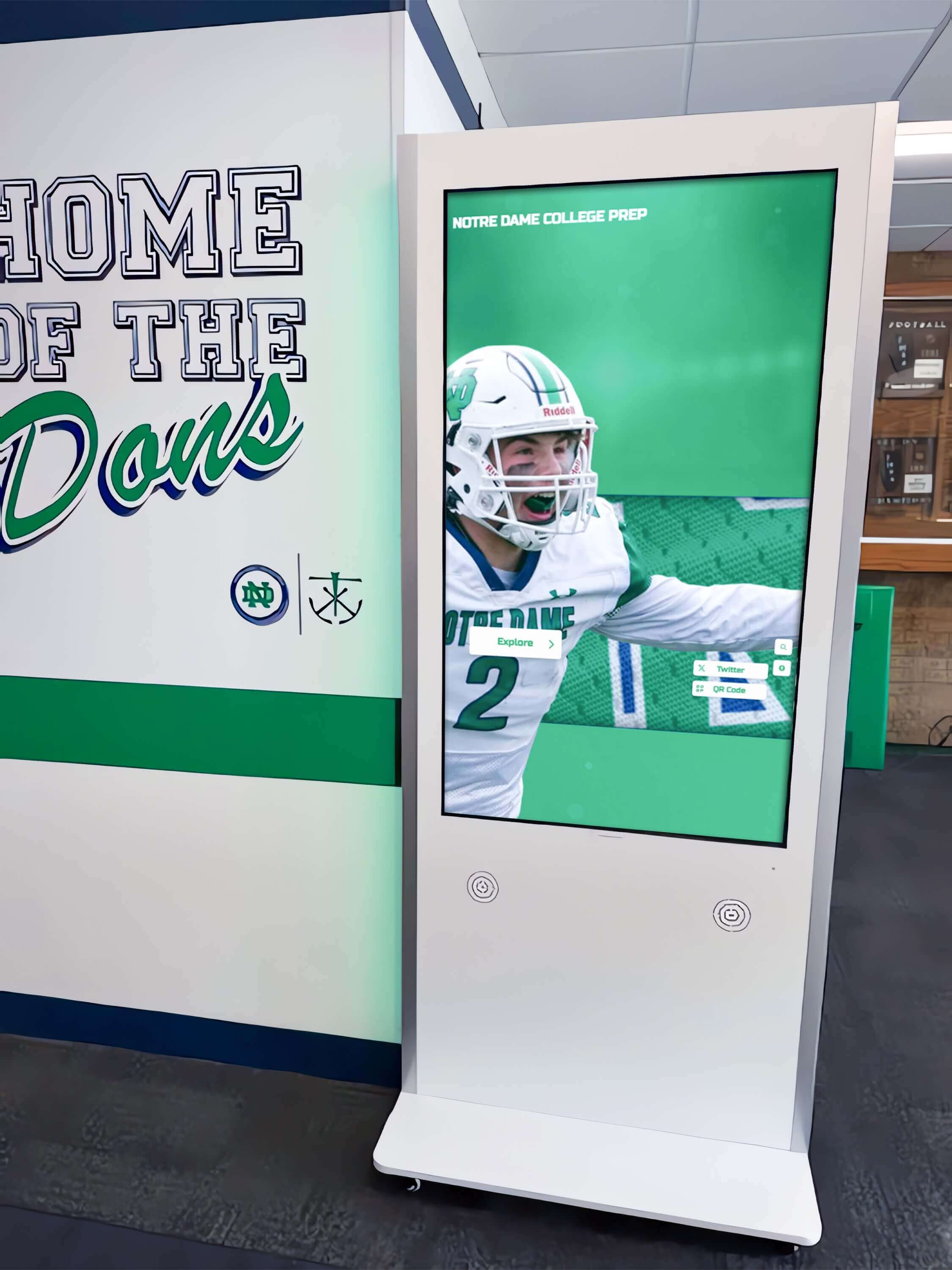
Digital recognition kiosks continue serving visitors normally during a legal hold — the procedure pauses deletion, not access
Frequently Asked Questions
Q: When exactly does the obligation to preserve records begin — when a lawsuit is filed or earlier?
The obligation to preserve begins when litigation or a formal investigation is “reasonably anticipated” — which can be well before a lawsuit is actually filed. If a parent sends a demand letter, a coach is under investigation, or an incident occurs that is likely to generate a claim based on past experience, the preservation obligation has likely already begun. Act immediately; do not wait for formal legal process.
Q: Does a legal hold apply to records on personal devices — a coach’s personal phone or home computer?
If a coach or staff member used a personal device for school-related communications or record-keeping that falls within the hold scope, those records are potentially within the hold’s coverage. The legal hold notice should instruct custodians to identify and preserve any such records and report them to the athletic director. Whether the school can compel production of personal-device records is a legal question for counsel — but the obligation to identify and preserve is clear.
Q: Our archive vendor manages deletion automatically. Does the hold apply to them?
Yes. If your archive vendor has automated deletion configured — for example, removing content after a set period — you must instruct the vendor to suspend those rules for covered records as soon as a hold is issued. Review your vendor contract to confirm whether this is included in your service agreement. If the contract does not address legal hold compliance, discuss it with your vendor and document the agreed procedure.
Q: Can we continue adding new records to the archive while a hold is active?
Yes. A legal hold preserves existing records; it does not prevent new records from being created or added to the archive. Season photos, new award records, and updated rosters can continue to be added normally. The hold applies only to records that already existed within the hold’s covered date range and record types.
Q: What if we discover that relevant records were deleted after the triggering event but before the hold notice was issued?
Report to legal counsel immediately. Do not attempt to reconstruct, restore, or explain the deletion independently. Your counsel will advise on how to document and disclose the deletion appropriately. Acting quickly and transparently is always preferable to delayed disclosure.
Q: How does a legal hold interact with FERPA?
A legal hold does not override FERPA — student education records preserved under a legal hold remain subject to FERPA’s confidentiality requirements. Preserved records should not be disclosed to third parties outside the scope of the legal proceeding without appropriate authorization. Work with your school’s privacy officer to ensure that records preserved under a legal hold are stored securely and accessed only by those with a legitimate need in the context of the matter.
Q: Do we need to notify the student or athlete whose records are being preserved?
Not automatically — and in some cases, notification could be legally problematic if the matter involves an investigation. Discuss notification with legal counsel before informing any athlete, family member, or coach that their records are subject to a hold.
Q: How does a legal hold affect our digital yearbook or recognition program?
Athletic history displayed in a digital yearbook, hall-of-fame kiosk, or touchscreen wall continues normally. The hold applies to the archive source records — preventing their deletion or modification — not to the public-facing display. Programs that use digital showcase platforms for their athletic programs can continue operating those displays without interruption. The key constraint is ensuring that the IT systems managing underlying archive storage have automated deletion suspended for covered content.
Legal Hold Log Template
Maintain a single log for every legal hold your school issues. This log is itself a legal record and should be retained per your school’s legal records schedule.
| Field | Entry |
|---|---|
| Hold reference number | (e.g., LH-ATH-2026-001) |
| Date hold issued | |
| Triggering matter | (Brief description) |
| Issuing authority | (Athletic director / legal counsel / superintendent) |
| Hold scope — record types | |
| Hold scope — date range | |
| Hold scope — sports / programs | |
| Custodians notified | (Names, dates, and acknowledgment status for each) |
| IT suspension actions taken | (Platform, action, date, responsible staff) |
| 90-day review dates | (Log each review with outcome) |
| Departing custodian notes | (Record transfer of preserved records at each departure) |
| Hold release date | |
| Basis for release | (Reference to legal counsel’s written authorization) |
| Post-release retention instructions | (Where log and related documents are filed) |
Maintain a companion folder containing all custodian notices, acknowledgments, correspondence, and legal counsel authorizations related to each hold. Reference the legal hold log entry to locate the companion folder. This two-part structure — the log for at-a-glance status, the folder for full documentation — keeps the legal hold record manageable as your school accumulates multiple holds over time.
For programs managing digital donation and recognition displays alongside athletic archives, the same log structure works across departments; the record type and scope fields simply reflect the relevant content category for each hold.
Keep Your Athletic Archive Legally Sound and Recognition-Ready
A documented legal hold procedure protects the athletic records that power your school’s recognition programs — ensuring that photos, video, rosters, and award records are preserved without interruption when claims or investigations arise, and kept accessible for hall-of-fame displays, digital yearbooks, and alumni engagement when they do not.
Rocket Alumni Solutions works with schools to build athletic archive and recognition platforms that support records management best practices — giving athletic directors and administrators the content management controls they need to maintain compliance and keep athletic history visible for athletes, alumni, and community.
Schedule a demo with Rocket Alumni Solutions to see how a structured archive platform supports both recognition programs and compliance requirements.
Ready to see this for your school?
Picture your collection in a custom mockup
Start with your yearbook collection and digitization goals, then request a custom digital mockup for your school.