Duplicate files are the silent clutter problem in every school athletic archive. The same championship photo gets uploaded by three different contributors. An athlete appears twice in the hall-of-fame nomination database with slightly different name spellings. A statistics export from 2019 exists in four folders under four different filenames. By the time a recognition committee sits down to build a display or a nomination packet, staff are sifting through hundreds of redundant files trying to figure out which version is authoritative, which one is highest resolution, and which duplicate record caused the award certificate to be printed with the wrong graduation year.
A systematic athletic archive duplicate detection checklist solves this before it becomes a display-night crisis. Working through these steps — before a hall-of-fame induction, before loading content into a digital recognition system, or as part of an annual archive cleanup — lets your team consolidate repeated entries, identify the best-quality file among duplicates, and produce a clean, authoritative archive that powers recognition programs with confidence.
This guide is written for school athletic directors, archivists, hall-of-fame committees, yearbook advisers, and booster leaders who manage digital collections of any size.

A clean athlete portrait archive — free of duplicate entries and conflicting records — is the foundation every recognition display, hall-of-fame nomination, and digital yearbook depends on
Why Duplicate Records Accumulate in Athletic Archives
Before working through the checklist, it helps to understand the most common reasons duplicates appear in school athletic archives. Knowing the source shapes where you look and what you find.
Multiple contributors uploading independently. A game photographer, the booster association, a student journalist, and the athletic department communications coordinator may all photograph the same event and upload their images to different folders — without any single point of coordination. The result is four folders with overlapping images, often including near-identical shots taken seconds apart.
Staff turnover and repeated data entry. When a new registrar, athletic secretary, or hall-of-fame coordinator takes over, they frequently add athletes they cannot find in the existing database — not realizing the record exists under a nickname, a maiden name, or a slightly misspelled surname. Over years of turnover, the same athlete can accumulate two or three profile entries.
Season-end batch imports. Statistics platforms and gradebook exports often produce files whose names reflect export date rather than content, so statistics-export-2024-03-15.csv and season-stats-final-march.csv may contain identical or nearly identical data.
Cloud sync and backup overlap. When a school migrates storage platforms — from a local server to Google Drive, or from Dropbox to SharePoint — files are often copied rather than moved, leaving the original location intact alongside the new copy.
Platform changes for recognition programs. Schools that have upgraded their digital display system or hall-of-fame platform over the years sometimes carry forward original files alongside newly digitized or reformatted versions, creating format-level duplicates of the same underlying content.
The Athletic Archive Duplicate Detection Checklist
Work through these steps in order. The checklist builds from fast, automated file-level detection toward the slower, judgment-intensive record deduplication that requires human review.
| Phase | Focus | Time Estimate |
|---|---|---|
| Phase 1 | File-level duplicate detection (photos, video, documents) | 2–4 hours |
| Phase 2 | Filename and metadata duplicate review | 1–2 hours |
| Phase 3 | Athlete profile and database record deduplication | 2–6 hours |
| Phase 4 | Award and achievement record cleanup | 1–3 hours |
| Phase 5 | Cross-platform and cloud-sync duplicate consolidation | 1–4 hours |
| Phase 6 | Prevention: naming conventions and submission controls | Ongoing |
Phase 1: File-Level Duplicate Detection for Photos, Video, and Documents
File-level duplicate detection compares the actual binary contents of files, not their names. Two files can have completely different names and folder locations but be bit-for-bit identical — a classic outcome of multi-contributor uploads and cloud sync events.
Step 1.1 — Choose a file-level duplicate scanning tool.
Several free and low-cost tools handle this reliably:
- dupeGuru (free, Windows/macOS/Linux) — compares files by content, not name; handles photos, documents, and video. Has a dedicated photo mode that finds visually similar images even when files are not bit-for-bit identical.
- AllDup (free, Windows) — fast recursive scanning across multiple drives and network locations.
- fdupes (free, Linux/macOS command line) — finds bit-for-bit identical files by comparing MD5 checksums.
- Gemini 2 (macOS, paid) — user-friendly interface for large photo and document libraries.
- Awesome Duplicate Photo Finder (free, Windows) — focused on photos, supports near-duplicate detection by visual similarity.
For school archives stored in Google Drive or SharePoint, check whether your IT department has access to administrative reporting tools that surface duplicate files across shared drives.
Step 1.2 — Scan the entire archive hierarchy, not just one folder.
Run the tool recursively across your full archive structure — including the current season’s working folder, the long-term archive, the booster association’s shared drive, and any backup or staging locations. Limiting the scan to a single folder misses cross-location duplicates, which are the most common type.
Step 1.3 — Review results in groups before deleting anything.
Duplicate scanners surface groups of identical files. For each group, confirm which copy is in the canonical archive location and which are in staging, backup, or contributor folders before marking any file for deletion. Never delete what you have not reviewed.
Step 1.4 — Apply extra scrutiny to photo duplicates.
Near-duplicate photo detection (images that are visually similar but not bit-for-bit identical) requires judgment that automated tools cannot fully supply. Two similar-looking photos of the same play may both be worth keeping if one captures the peak of the action and the other captures the crowd reaction. Near-duplicate detection surfaces these pairs for human review — the tool finds candidates, the archivist decides.
Phase 1 Checklist
- Select a file-level duplicate scanning tool appropriate for your operating system and archive size
- Configure the scan to cover all storage locations: local archive, cloud drives, booster shared folders, and backup copies
- Export the duplicate report to a spreadsheet before taking any action
- Identify the canonical (authoritative) copy in each duplicate group
- Mark non-canonical copies for deletion or archival with a clear notation — do not delete immediately
- Apply near-duplicate photo review for visually similar images flagged by the tool
Phase 2: Filename and Metadata Duplicate Review
File-level scanning catches identical files. Filename and metadata review catches a different problem: multiple versions of the same document where the content has minor differences — a watermark added, a crop applied, a resolution adjusted — that make the files technically distinct even though they represent the same underlying record.
Step 2.1 — Sort all files by subject, date, and event — not by filename.
In your archive’s folder structure or a spreadsheet, sort by sport, season, and event. This groups files by subject matter so that football-2022-state-championship-team-photo-hires.jpg, football-2022-stateChamps-team-FINAL.jpg, and FB-2022-StateChamps-TeamPhoto-v2-print.tif appear together, revealing they represent the same image in multiple versions.
Step 2.2 — Check embedded metadata (EXIF/IPTC) for identical timestamps and camera data.
Photos taken on the same camera at the same moment share identical EXIF data — shutter speed, aperture, focal length, GPS coordinates if enabled, and most usefully, the exact timestamp to the second. Free tools like ExifTool (command line) or PhotoME (Windows GUI) extract this data in bulk. Photos with identical EXIF timestamps from the same camera are the same shot, even if the files have been separately edited, resized, cropped, or renamed.
Step 2.3 — Flag format-level duplicates for consolidation.
A TIFF, a JPEG at 300 DPI, and a JPEG at 72 DPI derived from the same original scan are format-level duplicates. For archival purposes, keep the highest-quality master (the TIFF) and one web-delivery derivative (the 300 DPI JPEG). Eliminate intermediate or social-media-optimized versions from the archival collection while retaining a record of which master they derived from.
| Duplicate Type | Detection Method | Resolution |
|---|---|---|
| Bit-for-bit identical files | File hash comparison (MD5/SHA-256) | Keep one copy; delete or archive others |
| Same shot, different filenames | EXIF timestamp + camera ID comparison | Keep highest-resolution original; discard renamed copies |
| Same shot, different edits | EXIF timestamp comparison + visual review | Keep archival master + one approved derivative; delete unapproved versions |
| Same document, different formats | Sort by subject/date; compare content | Keep preservation format (TIFF/PDF-A) + one access copy |
| Same stats export, different filenames | Compare file size + open both and diff | Keep version with documented source and export date |
Phase 3: Athlete Profile and Database Record Deduplication
Photo and file deduplication is relatively mechanical. Athlete profile deduplication requires more careful judgment because the errors are semantic — two records that look different but represent the same person, or two records that look the same but represent different people.
Step 3.1 — Export your full athlete database or roster list.
Whether your records live in a spreadsheet, a digital display platform, a hall-of-fame database, or a student information system, export a complete roster that includes: full legal name, graduation year, sport(s), jersey number if applicable, and any ID numbers assigned by your platform. Bring this into a spreadsheet for the deduplication review.
Step 3.2 — Sort and scan for exact and near-exact name duplicates.
Sort the roster alphabetically by last name, then first name. Exact duplicates — same name, same graduation year — are straightforward. Near-exact duplicates require a second pass:
- Nickname vs. legal name: “Mike Sullivan” and “Michael Sullivan,” same graduation year and sport
- Name changes: maiden name and married name for female athletes, both recorded at different career stages
- Misspellings: “Katherine” vs. “Kathryn,” “O’Brien” vs. “OBrien” vs. “O Brien”
- Suffix omissions: “James Carter Jr.” recorded once with and once without the suffix, creating an apparent second athlete
A de-duplication formula in Excel or Google Sheets can flag records with identical graduation years and last names that share the first three characters of the first name — this catches most phonetic and abbreviation variants.
Step 3.3 — Cross-reference jersey numbers and sport-year combinations.
No two athletes can wear the same jersey number in the same sport in the same season. If two records share the same jersey number, sport, and season, one of them is a duplicate — or an error in the original data. Cross-referencing this data catches profile duplicates that name variations alone would miss.
Step 3.4 — Review recognition and award history for conflicting records.
If one athlete record shows a varsity letter in 2019 and a second record for the same athlete shows a different letter year, the two records need to be reconciled — not just merged mechanically. Pull the original season documentation (roster, program, statistics) to determine which record is accurate before consolidating.
Building this kind of searchable, deduplicated profile database makes athlete profile templates and recognition records far more useful because every field draws from a single, verified source rather than competing entries.
Phase 3 Checklist
- Export complete roster/athlete database with name, graduation year, sport, jersey number
- Sort alphabetically and scan for exact and near-exact name duplicates
- Run a formula or tool check for phonetic and abbreviation variants
- Cross-reference jersey numbers within sport-season combinations
- Reconcile conflicting award or achievement histories against original documentation
- Merge verified duplicates into a single canonical record
- Document which source record was used as the basis for the merged entry
- Flag records that cannot be confidently merged for a second-opinion review

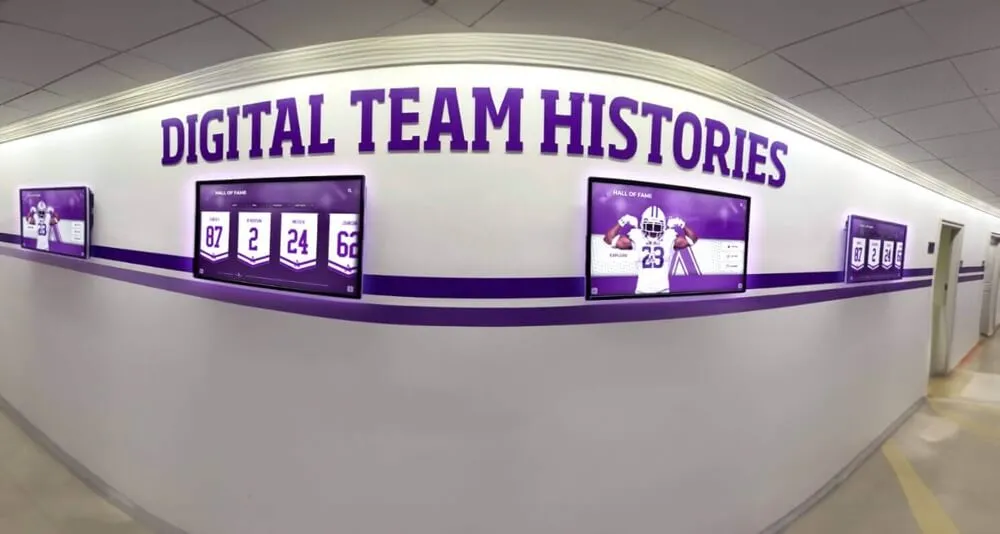
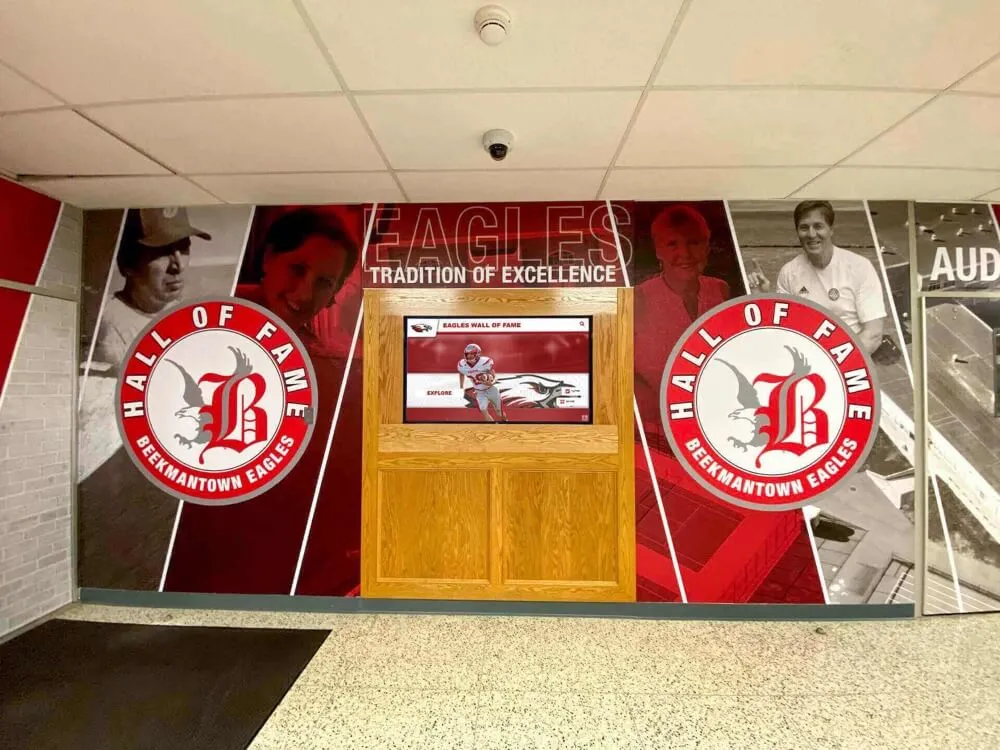
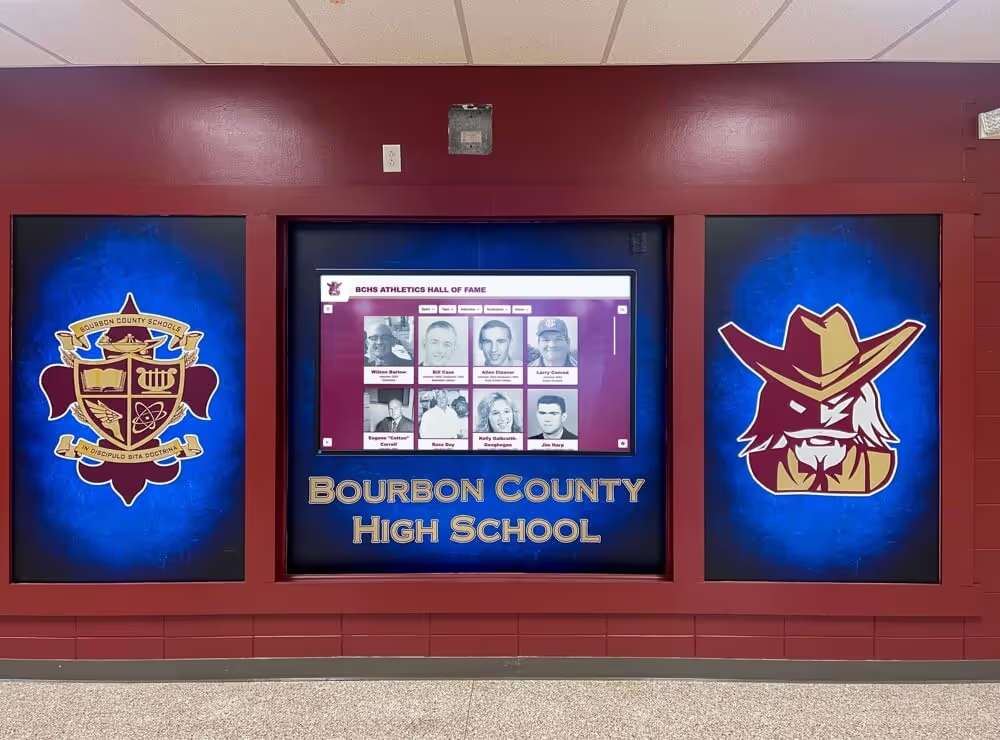
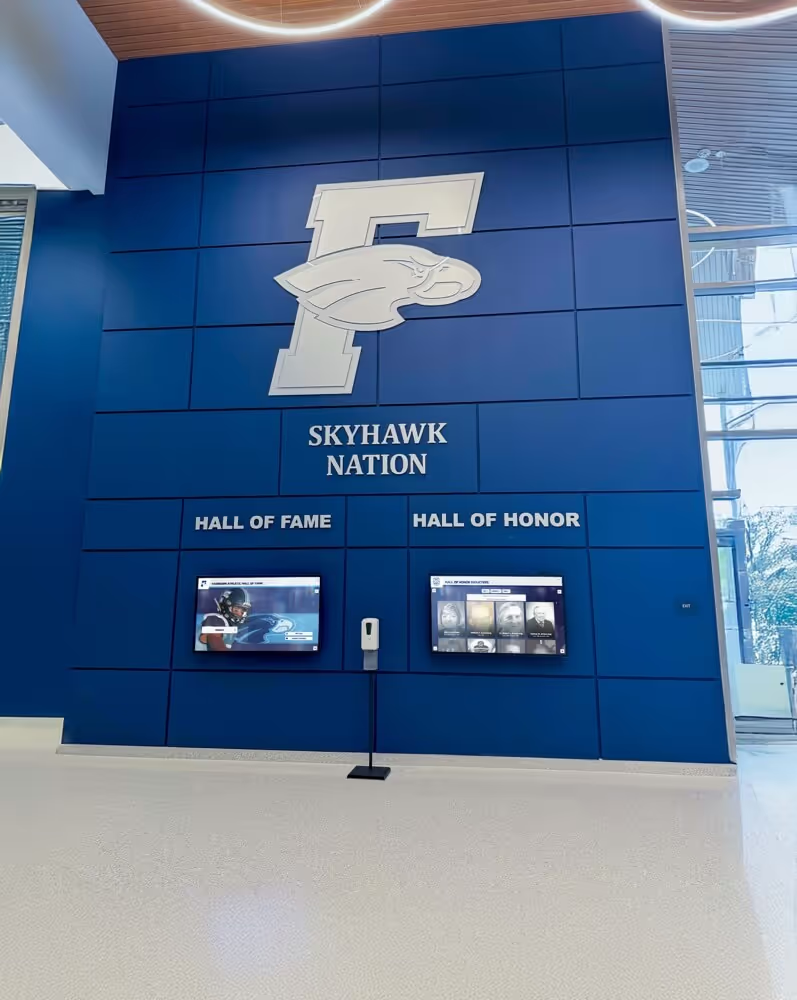
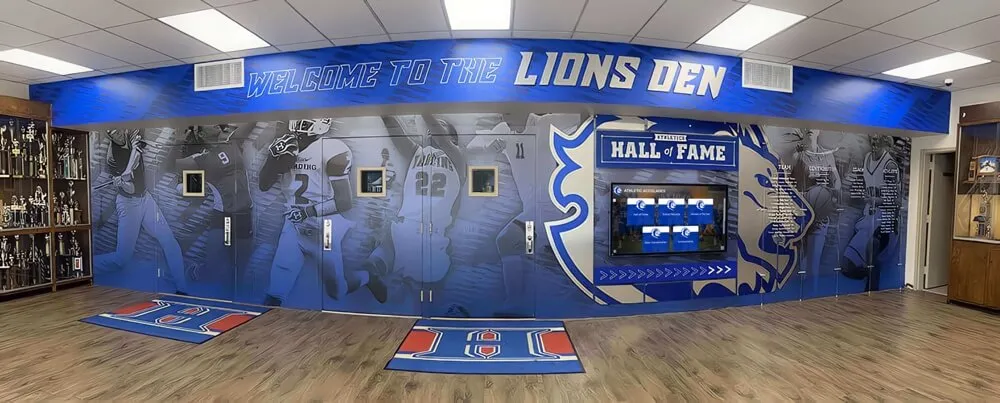
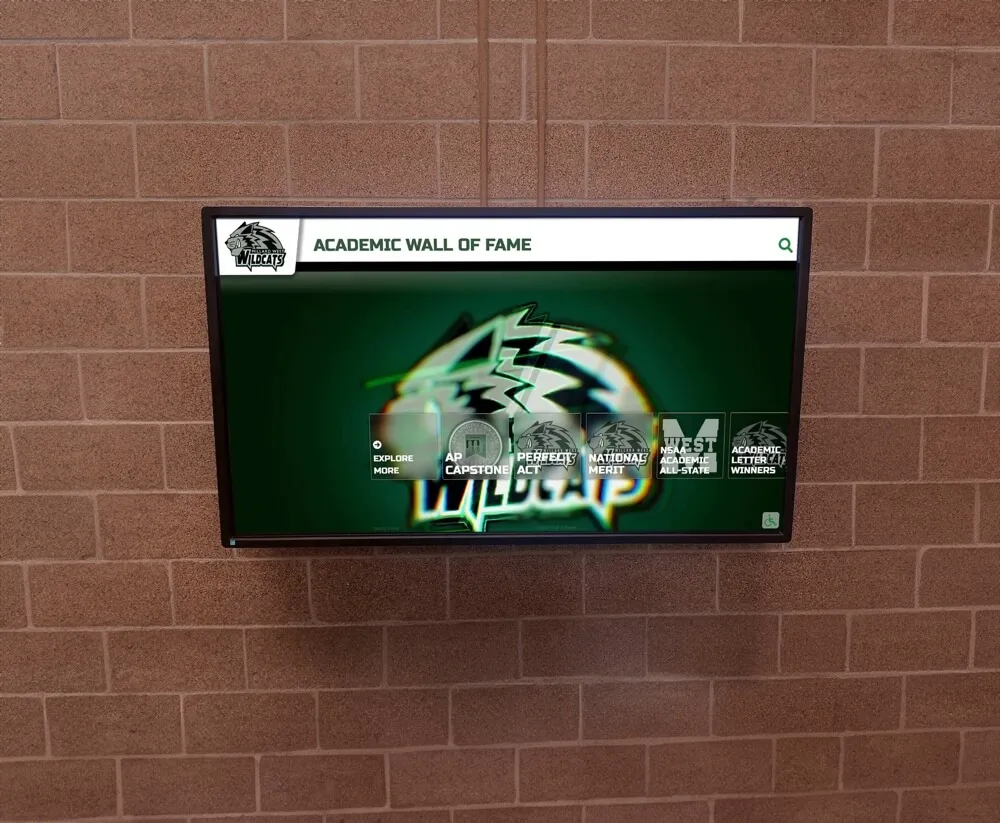
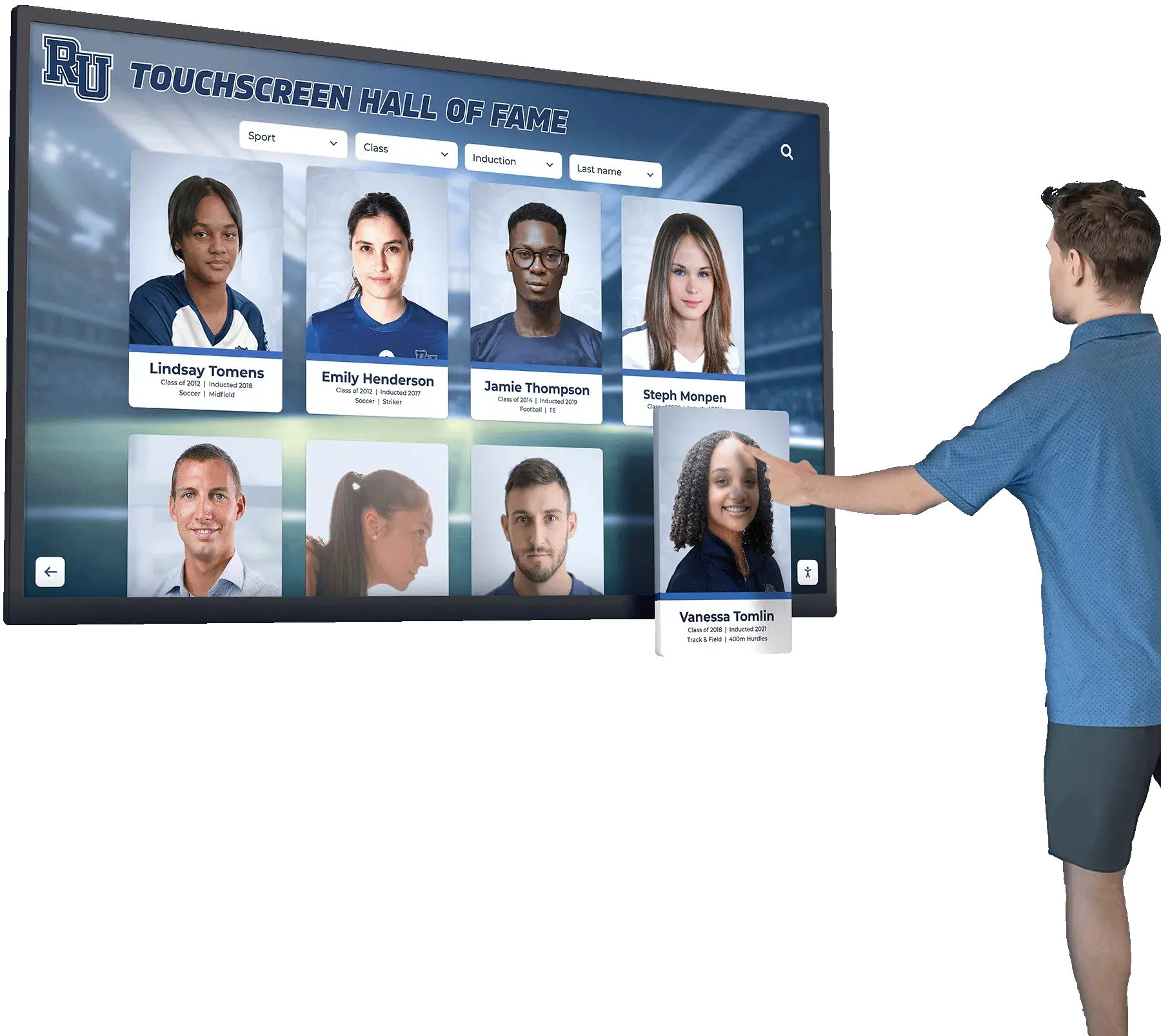
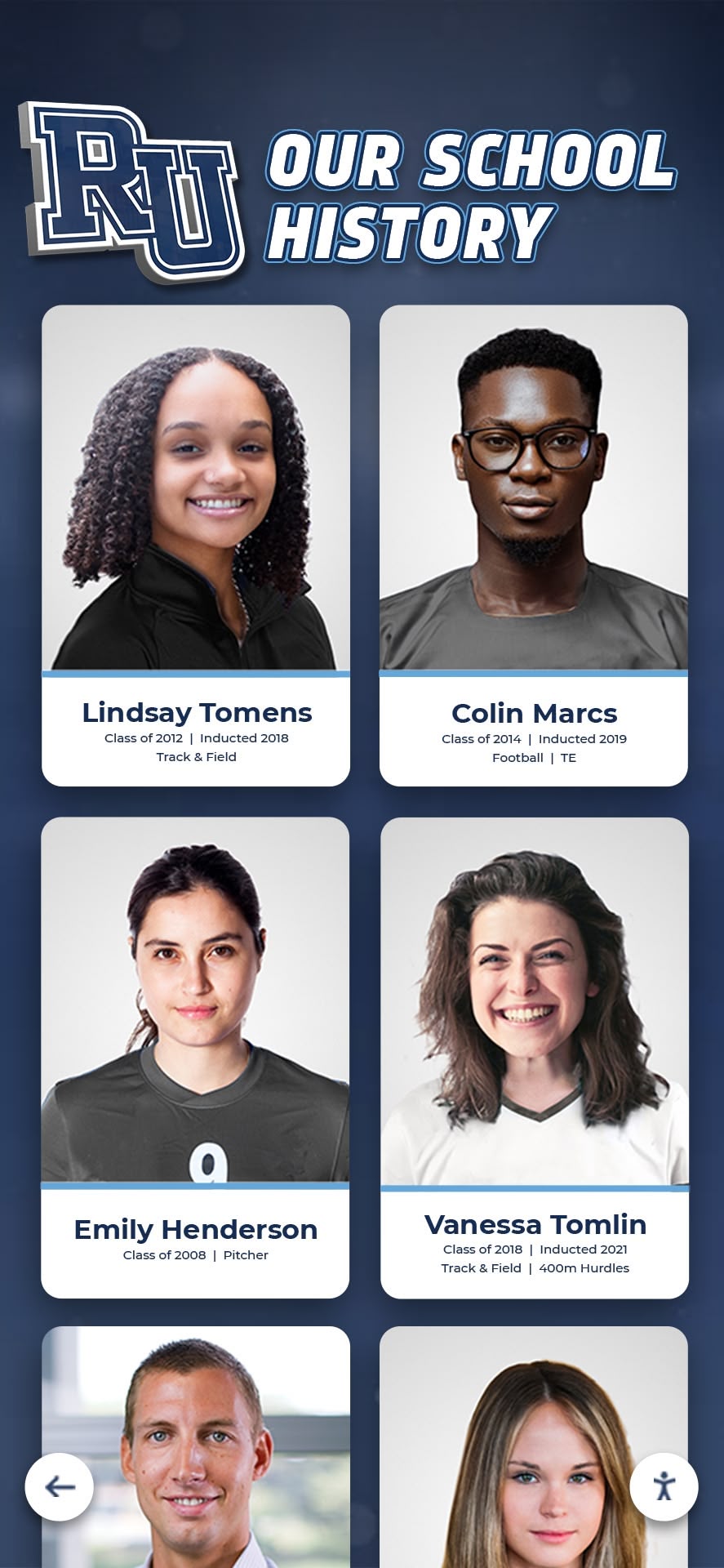
When a visitor selects an athlete on a touchscreen hall-of-fame display, they should find one authoritative profile — not competing entries or missing data caused by undetected duplicates
Phase 4: Award and Achievement Record Cleanup
Award records — varsity letters, all-state selections, record-setting performances, championship memberships — are vulnerable to their own category of duplication. Because these records are entered by different staff across different seasons, the same honor can accumulate multiple entries in different formats, locations, or levels of detail.
Step 4.1 — Create a master award registry.
Compile a single spreadsheet listing every distinct award type your program tracks: varsity letters by sport, all-conference and all-state designations, program records, championship rosters, hall-of-fame inductees. This becomes the reference document against which individual athlete records are checked.
Step 4.2 — Check for award entries duplicated across different record systems.
Many schools maintain award data in at least two places: the athletic department database and the hall-of-fame or recognition platform. These systems are rarely synchronized, creating records that exist in one platform but not the other, or exist in both with conflicting details (year, sport, award level).
Step 4.3 — Validate records against original documentation.
For high-stakes records — all-state selections, school records, championship rosters — validate each entry against the original documentation: a newspaper article, an official program, a conference standings sheet, or a signed statistics report. An award entry without documentation support is a candidate for verification before it appears on a public-facing display.
School recognition programs that involve parent and community stakeholders benefit especially from clean award records because families regularly check public displays to confirm that their athlete’s honors are represented accurately. A duplicate entry that lists an athlete twice for the same award, or an entry with the wrong year, is immediately noticed by the family — and reflects on the program’s credibility.
Step 4.4 — Reconcile program records between paper and digital systems.
Schools that have partially digitized their athletic history often have some records in a spreadsheet or database and others still in paper binders. Before deduplication is considered complete, the paper records need to be cross-checked against digital entries to confirm they match — and digitized where gaps exist.
Phase 4 Checklist
- Create a master list of all award types the program tracks
- Export award records from all digital systems holding them
- Compare entries across systems for the same athlete-award-year combination
- Flag entries that appear in multiple systems with conflicting details
- Validate flagged entries against original documentation (programs, newspaper archives, official statistics)
- Reconcile paper records against digital entries for the same time periods
- Document the resolution of every conflict with a source citation
Phase 5: Cross-Platform and Cloud-Sync Duplicate Consolidation
Modern school athletic archives live in multiple places simultaneously: a local school server, a Google Workspace shared drive, a cloud backup service, a booster association Dropbox, and possibly a recognition platform with its own file storage. Each of these locations may hold its own copy of the same files, and they are rarely synchronized against each other deliberately.
Step 5.1 — Map every storage location that holds athletic archive content.
List every platform, folder, and account where athletic archive files currently live. Include: school server directories, Google Drive or SharePoint folders, Dropbox or Box accounts maintained by the booster association, external hard drives, and the file libraries of any recognition display or digital yearbook platform you use.
Step 5.2 — Designate one canonical storage location for each asset type.
Before you can detect cross-platform duplicates systematically, you need to define where authoritative copies live. For most school archives, this is the school-controlled storage — the district’s Google Workspace shared drive or the school server — not a volunteer-maintained booster folder or a platform vendor’s cloud.
Step 5.3 — Compare each external location against the canonical archive.
Once the canonical location is defined, compare each external location against it. Files present in the canonical archive and in an external location are cross-location duplicates. Confirm which copy is more recent and higher resolution, consolidate to the canonical location, and document the decision before removing the external copy.
Step 5.4 — Check for sync artifacts and partial uploads.
Cloud sync tools sometimes create partial files when a sync is interrupted — files that are present in the directory listing but incomplete. Run a visual check (can the file open?) or a file-size sanity check (is the file size consistent with similar files of the same type?) to identify partial uploads that should be deleted and re-uploaded from the source.
Building a comprehensive history timeline for an athletic program is significantly easier when all the source files are in one verified location rather than scattered across five overlapping cloud accounts — deduplication and consolidation are prerequisites for any systematic history presentation project.
Phase 5 Checklist
- List every storage location holding athletic archive content
- Designate the canonical (authoritative) location for each asset type
- Compare each external location against the canonical archive for overlap
- Confirm which copy of each duplicated file is the most recent and highest quality
- Consolidate to canonical location; document what was removed and why
- Check for partial or incomplete files created by interrupted sync operations
- Update access controls so future uploads go to the canonical location by default
Phase 6: Prevention — Naming Conventions and Submission Controls
Deduplication is most valuable when it runs once and then the conditions that create duplicates are addressed systematically. Without prevention measures, the archive returns to a cluttered state within a few seasons.
Step 6.1 — Enforce a file naming convention at submission time.
A naming convention that encodes sport, season, event, and sequence eliminates the most common source of duplicate filenames: each contributor using their own preferred format. The convention used in other athletic archive workflows — [sport]-[YYYY-YYYY]-[event]-[sequence].[ext] — prevents multiple contributors from creating files whose names suggest they are different when they are not.
Step 6.2 — Designate a single intake point for each asset type.
Rather than allowing contributors to upload directly to the archive, route all submissions through a designated intake folder or process. The archive coordinator reviews incoming files against the existing archive before adding them, catching duplicates at ingest rather than during an annual cleanup.
Step 6.3 — Require contributors to confirm uniqueness before submitting.
A simple submission form with a field for “have you confirmed this content is not already in the archive?” creates a moment of intentional review. It does not prevent all duplicates, but it catches the most obvious cases — the photographer who uploads the same batch they shared last week.
Step 6.4 — Run a lightweight duplicate check before each major recognition event.
Rather than waiting for an annual audit, build a quick file-level scan into the pre-event workflow: before a hall-of-fame induction, before loading content into a digital display update, before publishing a digital yearbook. Catching a handful of new duplicates quarterly is far less work than clearing a backlog that has accumulated over three years.
Schools managing donor recognition walls alongside athletic archives often find that the same deduplication disciplines transfer directly to donor records — preventing duplicate donor entries or repeated recognition entries that would appear on a public-facing display.
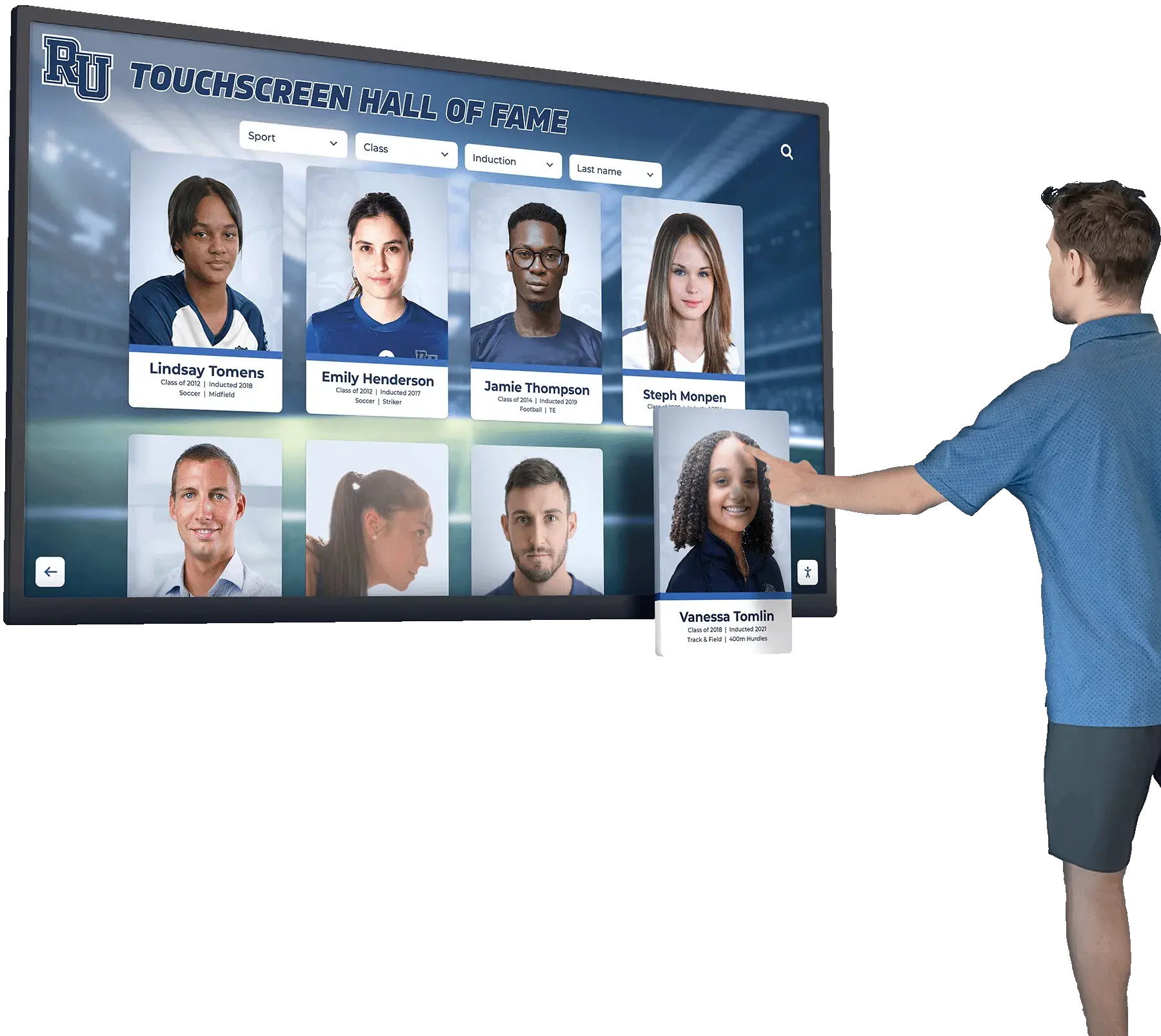
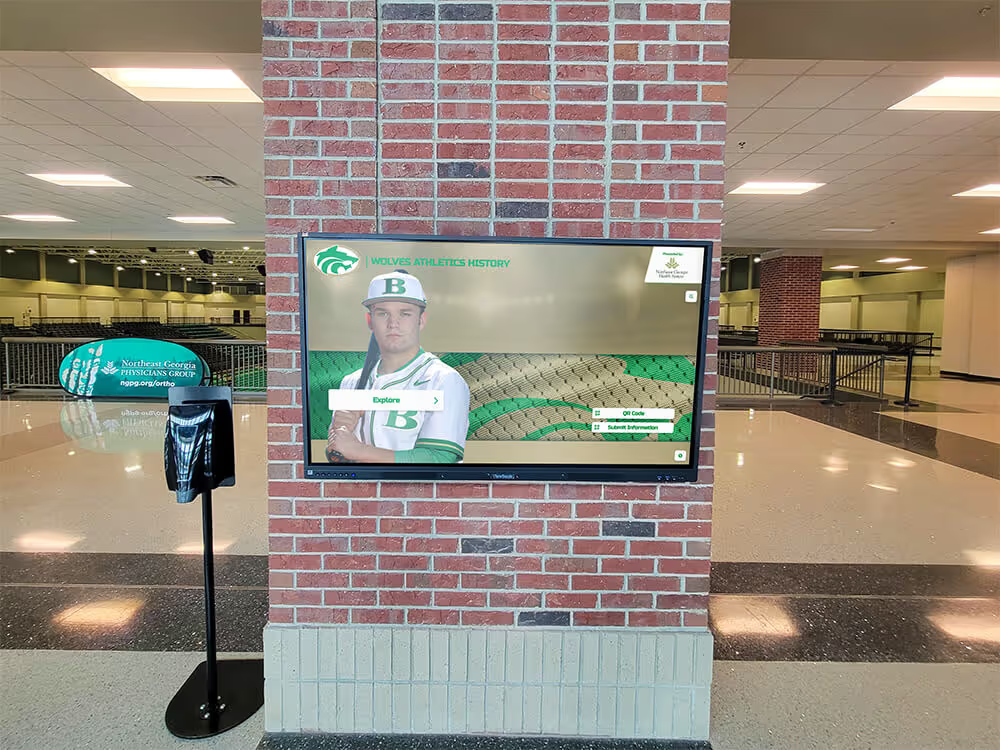
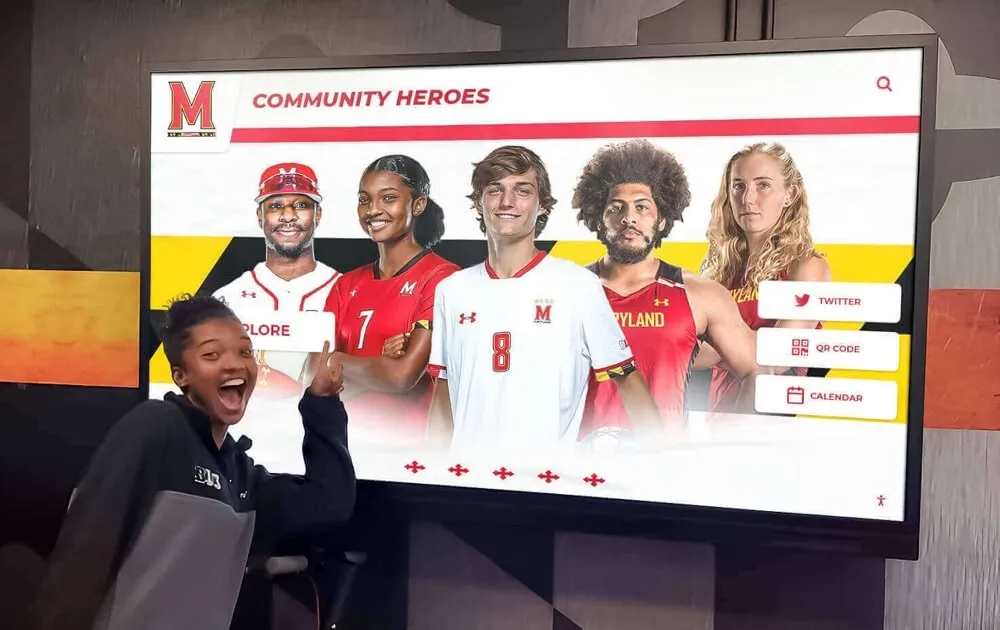
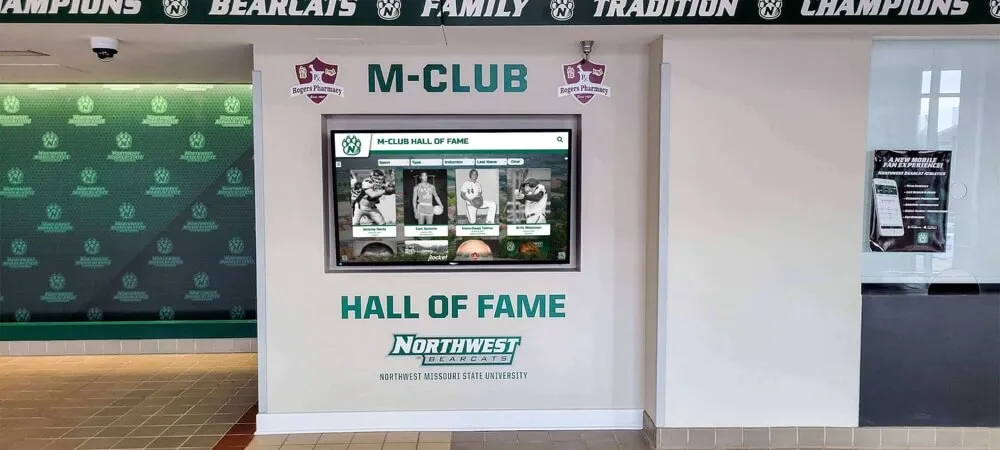
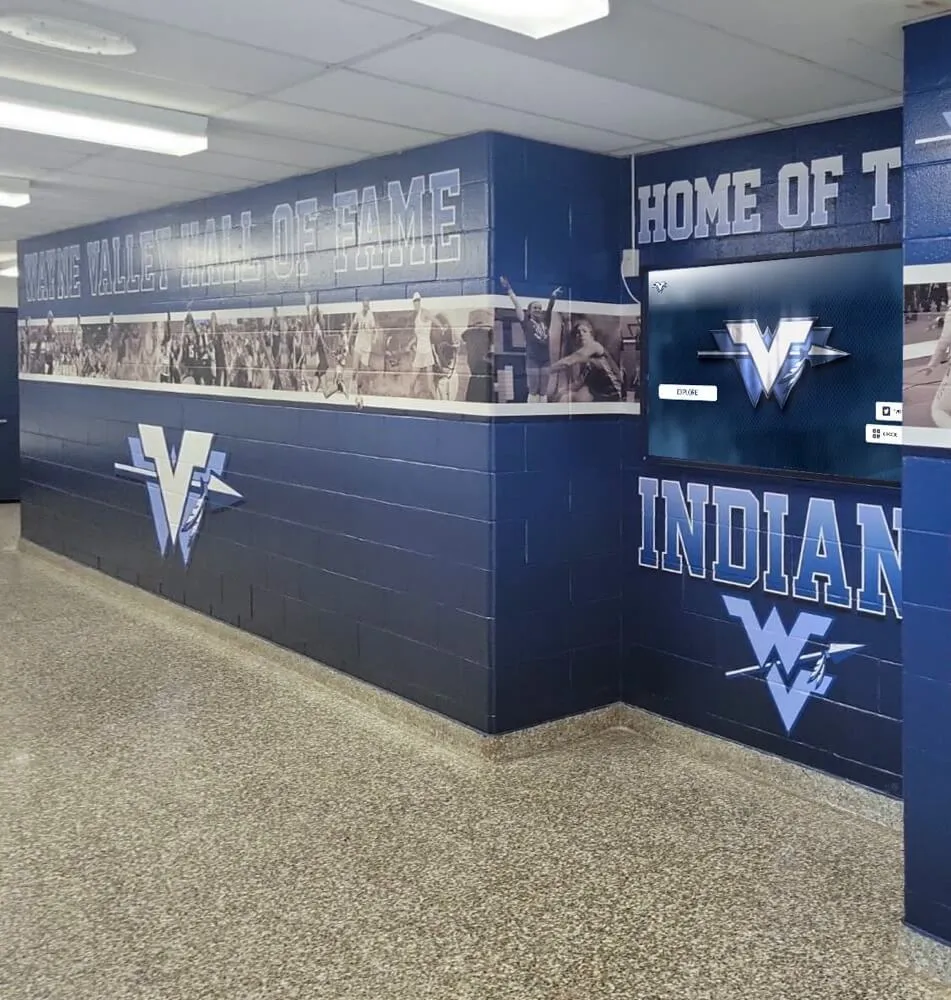
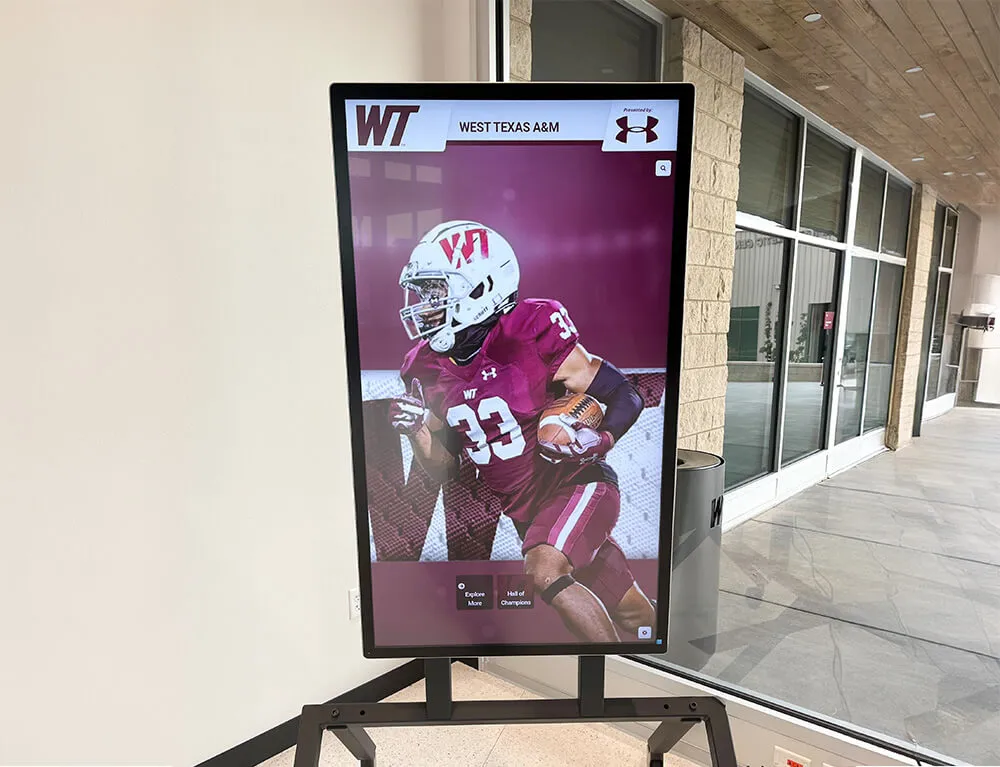
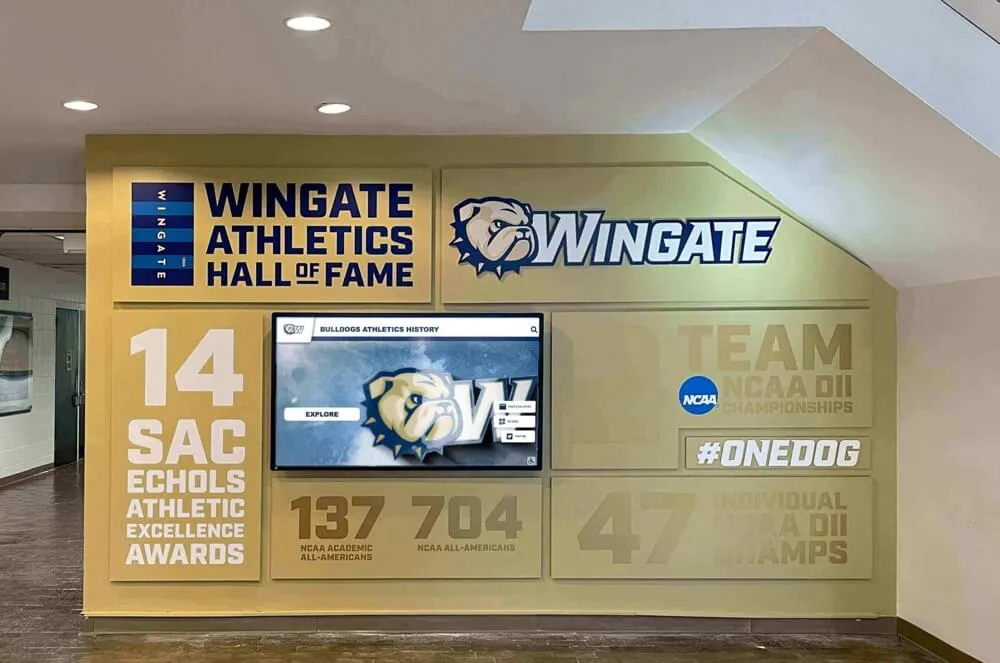
Touchscreen hall-of-fame displays make archive quality visible: when visitors browse athlete profiles, any duplicate, missing, or conflicting record is immediately apparent
Quick-Reference: Complete Athletic Archive Duplicate Detection Checklist
| Phase | Task | Status |
|---|---|---|
| File Detection | Select and run a file-level duplicate scanning tool across all storage locations | ☐ |
| File Detection | Export duplicate report; identify canonical copies for each group | ☐ |
| File Detection | Apply near-duplicate photo review for visually similar images | ☐ |
| Metadata Review | Sort files by subject and date; identify naming variants of same content | ☐ |
| Metadata Review | Compare EXIF timestamps to identify same-shot duplicates with different filenames | ☐ |
| Metadata Review | Consolidate format-level duplicates; retain archival master and one access copy | ☐ |
| Profile Records | Export complete roster from all athlete record systems | ☐ |
| Profile Records | Scan for name variants, misspellings, and suffix omissions | ☐ |
| Profile Records | Cross-reference jersey numbers within sport-season combinations | ☐ |
| Profile Records | Reconcile conflicting award histories against original documentation | ☐ |
| Award Records | Create master list of award types and compile entries from all systems | ☐ |
| Award Records | Validate high-stakes records against original documentation | ☐ |
| Award Records | Reconcile paper records against digital entries | ☐ |
| Cross-Platform | Map every storage location holding archive content | ☐ |
| Cross-Platform | Designate canonical location; compare external locations against it | ☐ |
| Cross-Platform | Remove cross-location duplicates after confirming canonical copy quality | ☐ |
| Prevention | Implement or update file naming convention for all contributors | ☐ |
| Prevention | Designate single intake point for new archive submissions | ☐ |
| Prevention | Schedule lightweight duplicate checks before each major recognition event | ☐ |
How Duplicate Detection Connects to Recognition Programs
A deduplicated archive does more than save storage space — it directly improves the quality of every recognition program your school operates.
Hall-of-fame nominations become faster and more credible. When a nomination committee requests a complete file package for a candidate, a clean archive delivers exactly one profile, one set of verified statistics, and one curated photo collection — not a folder of competing versions that must be sorted through under deadline pressure. Schools managing intramural and broader athletics recognition programs find that deduplication is the prerequisite for any systematic nomination process.
Digital displays load accurate, non-redundant content. Recognition platforms that ingest records from your archive cannot distinguish between an authoritative record and a duplicate — they display what they receive. A display populated from a deduplicated archive shows one athlete profile per person, one award entry per honor, and one photo per moment. A display populated from an uncleaned archive shows repeated entries, conflicting graduation years, and near-identical photos displayed side by side.
Donor stewardship is strengthened. Donor recognition programs that draw on athletic archive records — featuring naming-rights athletes, documenting program milestones, illustrating facility impact — depend on accurate records. A donor who contributed to an athletic scholarship program expects to see the scholar recognized once, correctly, not twice under different name spellings with conflicting graduation years.
Annual reports and anniversary publications are easier to produce. Schools celebrating program milestones — a 50th anniversary, a conference championship retrospective, a decade-end review — draw heavily from the archive for content. A clean, deduplicated archive makes these projects run on schedule rather than turning into multi-week file archaeology exercises.
Search and navigation within recognition platforms improve. Long-term historical archive projects in academic settings consistently show that search effectiveness drops sharply when duplicate records exist — users who search for an athlete and find two conflicting entries lose confidence in the system’s accuracy and stop using search as a navigation tool.
Frequently Asked Questions
Q: Our archive has over 50,000 photos from 20 years of athletics. Is deduplication realistic at that scale?
Yes — but the approach changes at scale. File-level duplicate detection using tools like fdupes or dupeGuru handles collections of 50,000 files without manual review of each file. The tool generates a report of duplicate groups; you review the groups and designate canonical copies, rather than reviewing 50,000 individual files. Expect the automated scan itself to take a few hours; reviewing the results and making deletion decisions may take a few additional sessions over several weeks. Breaking the collection into sport-by-sport batches keeps the review manageable.
Q: We found two athlete profiles for the same person with different graduation years. Which one is correct?
Do not assume either is correct without checking a primary source. Pull the original team roster from the season in question — a printed program, an official school roster, or a statistics export with a signed cover page. If neither profile matches the primary source, both may be wrong, and a third, correct record needs to be created and documented. Merge both existing entries into the verified record and document what the source was.
Q: Our duplicate scanner is flagging near-duplicate photos that are clearly different shots of the same play. Should we delete one?
Not necessarily. “Near-duplicate” in the context of visual similarity means the images look alike to the software — it does not mean both photos lack value. Review each pair. If one image is obviously superior (sharper focus, better composition, more complete action), keep the superior one and archive or delete the other. If both capture distinct, useful moments, keep both. The tool makes candidates for review; the archivist makes the decision.
Q: How do we handle duplicate records that entered the system through a vendor platform we no longer use?
Export all records from the legacy platform before discontinuing access — most platforms provide a data export in CSV or XML format. Bring the export into your deduplication review as a standalone dataset, match it against your current archive using the athlete name and graduation year approach in Phase 3, and merge verified matches. Records in the legacy export that do not match anything in your current archive represent historical data that needs to be added, not discarded.
Q: Is there a tool specifically designed for deduplicating school athletic records databases rather than generic files?
Most school athletic archives are not large enough to justify a purpose-built deduplication tool. The combination of a file-level scanner (dupeGuru, fdupes) for photos and documents, EXIF analysis (ExifTool) for photo metadata, and spreadsheet-based fuzzy matching (Excel’s VLOOKUP with wildcard comparison, or Google Sheets with approximate match functions) covers the full scope of school-scale deduplication without specialized software. Programs managing very large collections — multi-decade archives at district or university scale — may find that a digital asset management (DAM) platform with built-in deduplication detection justifies the investment.
Q: Our hall-of-fame display shows duplicate athlete entries that came from our database. How do we fix the display without breaking the database?
Fix the database first. Merge the duplicate records in your source data following the Phase 3 checklist steps, document the merge, and then re-sync or re-import from the corrected database to the display platform. Making edits directly in the display platform without fixing the underlying database creates a situation where the next import overwrites the display correction with the original duplicates. Most recognition platforms prioritize database records on import — so database cleanup is always the right first step.
Q: How often should we run duplicate detection as an ongoing practice?
A full archive deduplication pass once annually is sufficient for most school programs. Lighter-weight checks — running a file-level scan on newly ingested content before it enters the main archive, and reviewing athlete profile entries for obvious name variants at the start of each season — prevent the backlog from accumulating between annual passes. Schools building content for a new recognition display, hall-of-fame wall, or digital yearbook project should run a full deduplication pass on any collection being used as source material, regardless of when the last annual pass occurred. Recognition events and celebration days on the school calendar make natural checkpoints for a pre-event archive review.
Q: Should deduplication happen before or after digitization of physical records?
Deduplication of newly digitized content should happen immediately after digitization — before new files enter the main archive. Running a scan on a freshly digitized batch catches cases where the same physical item was scanned twice (a common occurrence when multiple volunteers work through the same box on different days), or where a newly digitized item duplicates something already in the digital archive from a previous digitization session or a community donation. Deduplication after digitization, but before archival ingestion, keeps the main collection clean from the start. Schools building digital recognition graphics from archive photos benefit from a clean, deduplicated source because design workflows are significantly faster when there is one authoritative version of each image to work from.

An athletic honor wall that accurately represents every athlete, every season, and every achievement depends on archive records that have been cleaned, deduplicated, and verified against original documentation
Connecting a Clean Archive to Your Recognition Programs
A deduplicated athletic archive is the foundation — not the ceiling. Once duplicates are cleared, repeated records reconciled, and canonical copies established, your archive is ready to power the recognition programs your school community cares about most.
Visual identity programs for school organizations, from athletic programs to performing arts groups, benefit from the same clean archive infrastructure: one authoritative photo per person, one verified record per award, one folder per event. The deduplication work your team does for athletics extends directly to every other program that draws from the school’s digital collections.
Schools that have worked through the duplicate detection checklist find that hall-of-fame nominations take less time, display content loads accurately on the first upload, and recognition events run without last-minute file searches. The archive stops being a source of uncertainty and becomes a resource the entire athletic community trusts.
If your school is ready to connect a clean, deduplicated athletic archive to a recognition system that makes every athlete’s story visible — interactive hall-of-fame displays, digital yearbooks, lobby screens, and alumni engagement platforms — Rocket Alumni Solutions can show you what that integration looks like for your specific program and collection size.
See how a deduplicated athletic archive powers recognition displays that last.