School history, shared
Athletic Archive Dot-Crawl Correction: A Preservation Workflow for Legacy Game Video
Athletic archive dot-crawl correction is the process of identifying and reducing the moving checkerboard or dot-pattern artifact that appears along color-luma boundaries in NTSC composite video—common in VHS, S-VHS, and 3/4-inch U-matic game tapes—while preserving every frame of authentic competitive detail that makes archived footage historically valuable. Dot crawl is not a defect in the tape itself; it is a crosstalk artifact baked into the composite signal at the moment of recording. That distinction matters: you cannot fix it by cleaning heads or baking the cassette, but you can dramatically reduce its visual impact through targeted software filtering applied only to the access copy, never to the archival master.
For school athletic programs with game footage spanning the 1970s through early 2000s, dot crawl is one of the most common reasons that otherwise well-preserved tapes look unwatchable on modern displays. The crawling pattern distracts viewers during close plays, obscures jersey numbers, and undermines the professional appearance that administrators and athletic directors want when displaying legacy footage in hallways, lobby kiosks, and hall-of-fame presentations.
This workflow guide is written for school administrators, athletic directors, facilities and IT staff, and anyone managing a school’s athletic archive who needs a methodical, preservation-sound approach to dot-crawl correction—one that produces a clean, publicly displayable access copy without permanently altering the archival record.
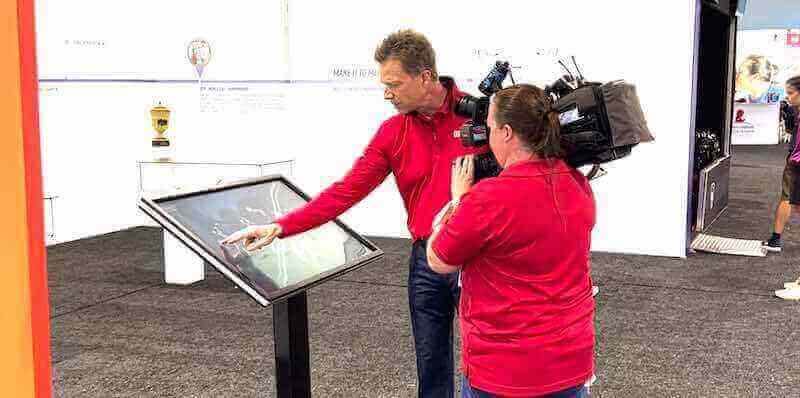
Dot-crawl correction applied to athletic archive video often rescues footage that staff assumed was simply “too old to use”—revealing clean action that can be featured in recognition displays, alumni reunions, and touchscreen installations celebrating program history.

From sideline camera to digital display—athletic archive video passes through multiple preservation steps before it is ready for the lobby screens and touchscreen kiosks that bring a program's competitive history to life
What Dot Crawl Is and Why It Affects Athletic Archives
Dot crawl is a visual artifact inherent to NTSC composite video encoding. In composite video, the color (chrominance) signal and the brightness (luminance) signal share the same channel rather than being transmitted separately as they are in S-Video or component connections. When the decoder reconstructs the image, it must separate these two signals using a process called a comb filter. Wherever the filter separates imperfectly—typically along horizontal edges where color changes sharply—the leftover chrominance energy appears in the luminance channel as a crawling diagonal dot pattern.
For athletic archives, dot crawl appears most visibly in the following situations:
- Jersey number and letter edges: The contrast between a white number on a dark jersey or a dark number on a light background is exactly the kind of sharp luminance-chrominance boundary that produces dot crawl.
- Scoreboard text: High-contrast digits on a scoreboard background exhibit persistent crawling that makes text difficult to read frame by frame.
- Field and court line markings: Painted lines on a field, court, or track surface against grass or flooring create sustained horizontal edges—a perfect trigger for crawl artifacts.
- Hair and helmet edges: The outline of a player’s helmet or hair against a bright sky or gymnasium ceiling generates crawling along the silhouette line.
Because dot crawl is encoded into the composite signal rather than caused by tape damage, it survived the original recording and is present in the video signal regardless of how well the tape itself has been stored.
Who This Workflow Serves
| Role | Primary Concern | How This Workflow Helps |
|---|---|---|
| School Administrator | Institutional record preservation | Produces displayable footage without altering the archival master |
| Athletic Director | Program legacy and recognition | Delivers clean access copies for lobby screens, inductions, and alumni events |
| Facilities / IT Staff | Workflow implementation | Provides a repeatable technical procedure with tool references |
| Librarian / Archivist | Accession and metadata standards | Embeds processing decisions into the accession record |
| Recognition-Program Owner | Content for hall-of-fame displays | Supplies access copies that look professional on modern displays |
Athletic Archive Dot-Crawl Correction: Step-by-Step Workflow
This workflow follows a preservation-first structure. The archival master is captured and locked before any dot-crawl filtering is applied to the access copy.
Step 1: Inventory and Identify At-Risk Tapes
Not every tape in your archive will show significant dot crawl. Before processing, identify which recordings are most likely to benefit from correction.
- List tapes by format and recording era. VHS and S-VHS tapes recorded between the late 1970s and early 2000s are the highest-priority candidates. Betacam SP recordings are less affected because Betacam SP uses component recording internally, even though the monitored output may have been composite.
- Assign a priority score based on content importance: championship games, record-setting performances, and award presentations that will be featured in recognition programs warrant higher processing investment.
- Screen a representative two-minute segment of each high-priority tape using the capture workstation and look for the crawling dot pattern along jersey edges, scoreboards, and field markings. Note tapes where the artifact is prominent versus tapes where it is mild.
- Flag tapes that also show physical damage (sticky shed syndrome, oxide shedding, mold) as requiring treatment before playback. Dot-crawl correction happens after a clean capture, not as a substitute for physical tape care.
Step 2: Prepare the Capture Chain for a Clean Signal
The quality of the dot-crawl correction process depends entirely on how cleanly the composite signal enters the capture chain. A cleaner capture gives the comb filter software better material to work with.
- Use a high-quality composite-to-digital interface. Budget USB capture dongles often apply their own aggressive internal processing—including lossy chrominance reduction—that makes subsequent software comb filtering less effective. A professional capture card (Blackmagic Design Intensity, AJA IO, or equivalent) that accepts composite input with minimal internal processing gives the comb filter the unprocessed signal it needs.
- Insert a time base corrector (TBC) between the deck and the capture interface. A TBC stabilizes horizontal sync, which fluctuates naturally in composite video and can make comb filter algorithms interpret sync jitter as chrominance content. Stable sync means more accurate separation.
- Set capture to 4:2:2 chroma sampling at native resolution (720×486 for NTSC SD). Downsampling chroma at the capture stage—common in 4:1:1 or 4:2:0 captures—destroys the chrominance detail that the comb filter needs to distinguish from luminance. Capture at full chroma resolution even if the final distribution file uses reduced chroma subsampling.
- Use a lossless or near-lossless codec for the master capture: FFV1 in an MKV container is widely accepted for archival video; uncompressed AVI or QuickTime is also appropriate. Avoid H.264 or H.265 at this stage—their temporal compression can interfere with frame-by-frame comb filter analysis.
- Disable any internal noise reduction or image enhancement settings on the playback deck. These circuits alter the composite signal before it reaches the capture interface and can make dot-crawl artifacts harder to separate from image content.
Step 3: Capture the Unaltered Archival Master
Before any dot-crawl filtering begins, capture and store an unaltered master file.
- Record the full tape at native quality with no post-processing applied. The master file must represent the tape’s actual signal at the moment of capture.
- Calculate and record the MD5 or SHA-256 checksum of the master file immediately after capture. This hash is the integrity reference for all future processing and copying.
- Store the master on at least two separate physical media in separate locations—one on-site and one off-site or in cloud cold storage.
- Never modify the master file. All dot-crawl correction processing occurs on a working copy derived from the master.
Step 4: Document the Dot-Crawl Severity
Before filtering, log the artifact’s characteristics in the tape’s accession record.
- Open the master file and step through segments containing the highest-contrast content: scoreboards, jersey numbers, field markings.
- Record observations in a sidecar log:
- Timecodes of segments where dot crawl is most prominent
- The types of edges most affected (horizontal lines, diagonal runs, text)
- Severity rating (Mild / Moderate / Severe) based on visual disruption
- Whether the crawl pattern is consistent throughout or concentrated in specific segments
- This log becomes the quality benchmark against which the corrected access copy is evaluated in Step 6.
Step 5: Create a Working Copy and Apply Comb Filtering
Dot-crawl correction in software works by re-applying a more sophisticated comb filter to the captured composite video—separating luminance and chrominance with greater precision than the capture hardware’s onboard filter used.
Duplicate the master file and verify the checksum of the duplicate before proceeding. Name the working copy clearly (e.g., GAME_1994_REGIONALS_access.mkv).
Comb Filter and Dot-Crawl Reduction Tool Reference
| Tool | Platform | Approach | Best For |
|---|---|---|---|
| AviSynth + EEDI3 / nnedi3 | Windows | Adaptive interpolation + comb filtering | Moderate-to-severe dot crawl on VHS footage |
| VapourSynth + knlmeanscl | Windows / macOS / Linux | Spatial-temporal filtering | Large tape libraries processed in batch |
| DaVinci Resolve (Chroma NR) | Win / Mac | Chroma noise reduction pass | Color-critical restoration with visual preview |
| FFmpeg (bwdif + hqdn3d + atadenoise) | Cross-platform | Filter chain processing | Batch automation on large collections |
| VirtualDub + Deshaker + Comb filter | Windows | Frame-by-frame visual inspection | Spot-correction of individual problem segments |
| Topaz Video AI (DeNoise + Upscale) | Win / Mac | AI-based spatial-temporal separation | High-priority tapes where quality justifies the cost |
Application Procedure
AviSynth / VapourSynth workflow (recommended for large school collections):
- Write a script that loads the working copy, applies a comb-filter stage (e.g.,
SeparateFields()/Weave()with a line-doubler on interlaced content) to restore field order, then applies a chroma-targeted noise reduction filter at a conservative strength. - Set chroma noise reduction strength in the 20–40 range on a 0–100 scale as a starting point. Higher values reduce dot crawl more aggressively but risk softening authentic color detail in jerseys, uniforms, and field markings.
- Preview the result on the highest-severity segments logged in Step 4 before rendering the full file.
- Write a script that loads the working copy, applies a comb-filter stage (e.g.,
DaVinci Resolve workflow (recommended for individual high-priority tapes):
- Import the working copy and apply a Chroma NR pass in the Color page. Set the chroma temporal radius to 2 frames and the chroma spatial smoothing to a conservative level.
- Use the highlight/qualifier tools to visually isolate the edges where dot crawl appears and preview the corrected result against the original using the split-screen viewer.
- Export with a high-bitrate H.264 or ProRes 422 codec for the access copy.
FFmpeg batch workflow (recommended for processing multiple tapes efficiently):
- Use a filter chain combining
bwdif(for deinterlacing),hqdn3d(spatial-temporal noise reduction targeting chroma), andatadenoise(adaptive temporal averaging) in sequence. - A starting filter string:
bwdif=mode=send_field,hqdn3d=0:0:3:3,atadenoise=0a=0.02:0b=0.04— adjust thehqdn3dchroma values (third and fourth parameters) based on severity. - Run a 60-second test transcode on a high-severity segment before processing the full tape to evaluate strength settings.
- Use a filter chain combining
For segments where dot crawl is concentrated at specific timecodes (a scoreboard close-up, a tight shot of jersey numbers during a key play) and the surrounding footage is less affected, apply a stronger chroma filter setting only to those segments and use lighter settings for the rest of the file. Segment-level processing avoids unnecessary smoothing on content that does not need it.
Athletic directors looking to connect preserved game footage to lobby kiosks, touchscreen installations, and hall-of-fame recognition programs can explore how digital recognition platforms handle historical video alongside championship records and athlete profiles. See how schools are bringing their athletic legacy to life.
Step 6: Quality Review Against the Severity Log
Evaluate the corrected access copy against the severity log created in Step 4.
Review checklist:
- Jersey number and scoreboard edges are visually cleaner—the checkerboard crawl pattern is reduced or eliminated
- Field and court line markings read cleanly without the crawling fringe along the edges
- Color accuracy is preserved—jersey colors, skin tones, and field colors match the master without being desaturated or blurred
- Motion in fast-action plays (fast breaks, kick returns, sprinting athletes) does not show motion smearing introduced by temporal filtering
- Audio sync remains intact from start to finish
- No new artifacts (blocking, ringing, edge halos) were introduced by the filter chain
- Segments logged as Severe in the severity log show measurable visual improvement
What acceptable correction looks like:
Dot-crawl correction succeeds when the crawling pattern along edges is reduced to the point that it is no longer the first thing a viewer notices during playback. Perfect elimination of dot crawl from composite video is often not achievable without also softening authentic image detail—the goal is a calibrated tradeoff where the artifact is suppressed enough to support professional display use without introducing new visual problems.
Document any segments where the artifact remains prominent despite correction—these represent the inherent limits of the source material and should be noted in the accession record honestly.
Step 7: Package and Archive Both Versions
- Store the corrected access copy alongside the master in your institutional media management system.
- Update the accession record to include:
- Master file location and checksum
- Access copy file location and checksum
- Dot-crawl severity log reference
- Software, filter chain, and settings used for correction
- Date of processing and name of processing technician
- Add metadata tags to both files: tape format, approximate recording date, sport, event name, school identifier, and a note that the access copy has undergone dot-crawl reduction.
- Schedule an annual or semi-annual checksum verification cycle to detect bit rot on stored files before it propagates silently.
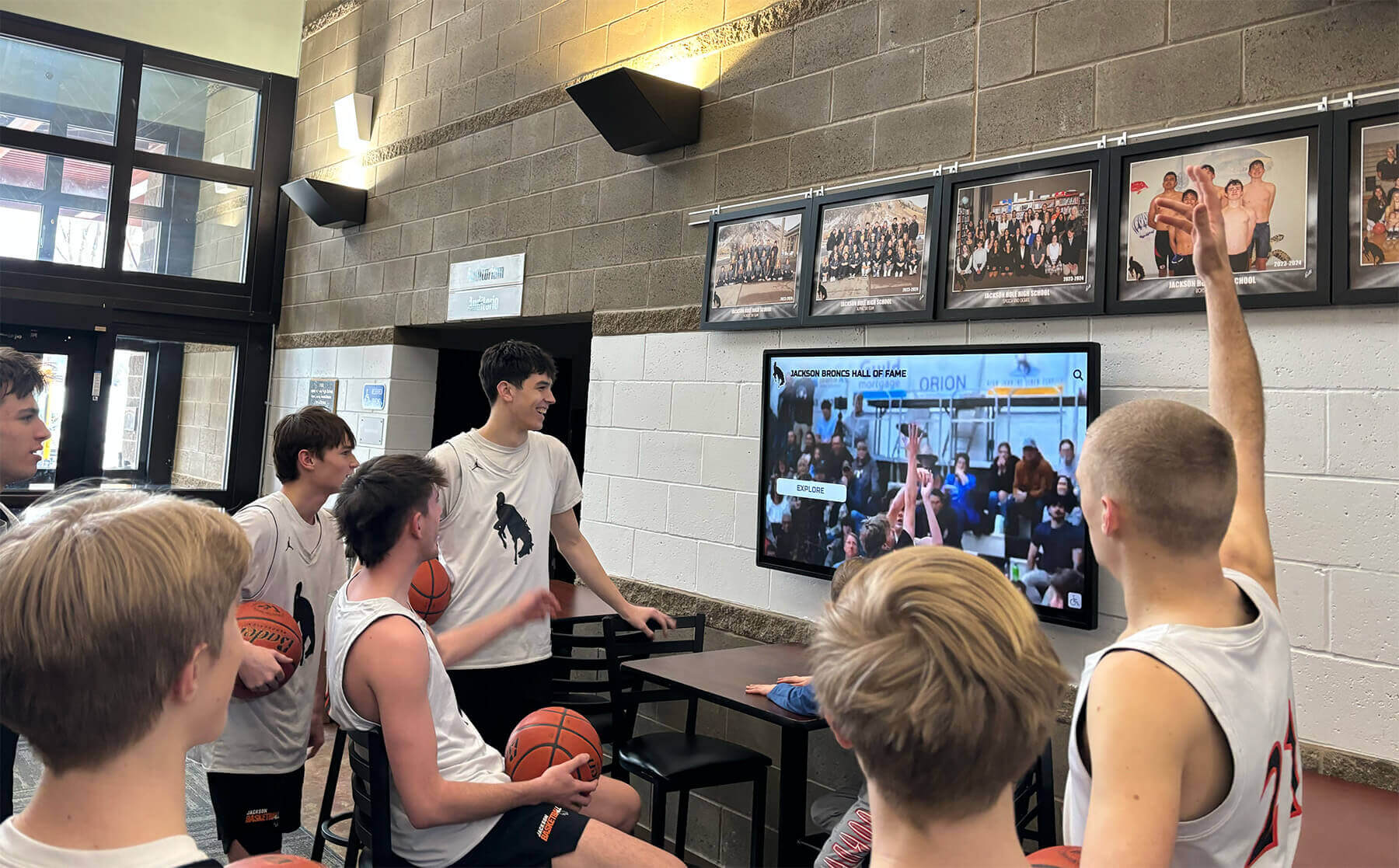
Dot-crawl-corrected access copies give students and community members a clean window into athletic history through lobby display systems—without the distracting checkerboard patterns that made the original composite footage difficult to watch
Tape Format Reference: Dot-Crawl Vulnerability by Format
Different formats carry different levels of inherent dot-crawl risk. Understanding the vulnerability profile of each format helps calibrate correction effort before processing begins.
| Tape Format | Dot-Crawl Risk | Primary Reason | Correction Priority |
|---|---|---|---|
| VHS (SP mode) | High | Composite signal encoding; consumer-grade 2D comb filters in original hardware | Highest — most school athletic archives contain large VHS holdings |
| S-VHS | High | Composite signal; higher resolution reveals crawl more clearly on modern displays | High — improved image quality makes artifact more visible |
| VHS (EP/SLP mode) | Very High | Lower head-to-tape speed reduces signal quality, worsening comb filter separation | Highest — lowest signal quality means most visible dot crawl |
| 3/4-inch U-matic | Moderate | Higher signal quality than VHS; better original comb filtering in professional decks | Moderate — evaluate per tape |
| Betacam SP | Low | Component recording internally; composite monitoring output is secondary | Low — primarily affects only composite monitoring recordings |
| 8mm / Hi8 | High | Consumer-grade composite encoding similar to VHS | High — treat with same approach as VHS |
| MiniDV | None | Digital format; dot crawl is a composite video analog artifact | N/A — MiniDV content has different artifact types (DV block errors) |
Distinguishing Dot Crawl from Other Composite Video Artifacts
Schools new to video preservation sometimes confuse dot crawl with other composite artifacts that require different treatment. The table below helps identify which problem is present before committing to a correction approach.
| Artifact | Visual Appearance | Cause | Correction Approach |
|---|---|---|---|
| Dot crawl | Moving checkerboard or diagonal dots along color edges | Luma-chroma crosstalk in composite encoding | Software comb filter / chroma NR on access copy |
| Color bleeding | Color from a saturated object “bleeds” into adjacent areas | Chrominance bandwidth limitation in composite | Chroma NR; partially addressed by comb filtering |
| Tape dropout | White or black horizontal streaks; frozen frames | Oxide shedding or head clog | Temporal substitution / spatial interpolation (separate workflow) |
| Interlacing combing | Horizontal serration along moving edges | Deinterlacing mismatch | Deinterlace filter (bwdif, yadif) applied before other processing |
| VHS tracking noise | Horizontal band of noise moving vertically | Tracking misalignment at playback | Hardware tracking adjustment before capture |
| Sticky-shed shedding | Persistent image breakup, shed residue on heads | Binder hydrolysis (requires tape baking) | Physical tape treatment before any capture attempt |
Identifying the correct artifact class before choosing a workflow prevents wasted processing time and avoids applying filters that address the wrong problem—or that make the correct problem worse.
Connecting Dot-Crawl-Corrected Footage to School Recognition Programs
Preserved and dot-crawl-corrected access copies have immediate applications across the school recognition ecosystem. The investment in correction translates directly into more compelling, more professional recognition content.
Lobby Touchscreen Kiosks: Touchscreen recognition systems can embed short video clips alongside athlete profiles and championship records. A clean 30-second clip from a state-title game—visible jersey numbers, readable scoreboards, clear action—creates a far more compelling recognition moment than the same clip marred by crawling dot patterns. For context on how touchscreen installations integrate archival content with athletic recognition programs, interactive museum guide approaches illustrate the same multi-layer content challenge schools face when mixing historical footage with current program information.
Athletic Hall-of-Fame Induction Ceremonies: Video played during induction events reflects directly on the quality of the recognition program. Dot-crawl-corrected footage looks intentional; uncorrected composite footage from the 1980s looks like it was pulled from a closet without preparation. Basketball hall of fame recognition program frameworks illustrate the content quality standards that school-level hall-of-fame programs aspire to match, and clear video is foundational to meeting those standards.
Alumni Engagement Events: Alumni returning for milestone reunions respond most strongly to media that transports them back to specific moments. A corrected clip from a championship game they played in—readable jersey numbers, clear court markings, crowd action visible without distraction—is a more powerful connection point than the same clip played with artifacts that disrupt the viewing experience.
Digital Yearbook and Annual Archive Integration: Legacy game footage embedded in digital yearbook platforms gives alumni and current families a living archive that grows more valuable over time. Dot-crawl correction applied now means footage distributed in digital yearbooks remains watchable as display technology continues to improve—higher-resolution screens make composite video artifacts more, not less, visible as years pass.
Assembly and Recognition Event Presentations: Schools that run recognition assemblies for athletic achievement benefit from a video library of historical moments that can be pulled on short notice. School assembly program ideas increasingly incorporate historical multimedia content alongside live recognition—a clean video library makes that integration practical rather than aspirational.
Donor and Award Recognition Programs: Glass trophy and award presentations paired with historical video context create a richer recognition experience at athletic banquets and fundraising events. The video component is only as strong as the archive it draws from.
Cross-Program Recognition: Athletic archive footage doesn’t serve only sports programs. Speech and debate recognition programs demonstrate that schools have an interest in documenting and displaying multiple program histories—and the video preservation workflow that applies to game footage applies equally to recorded debate competitions, drama performances, and other school events captured on VHS-era equipment.
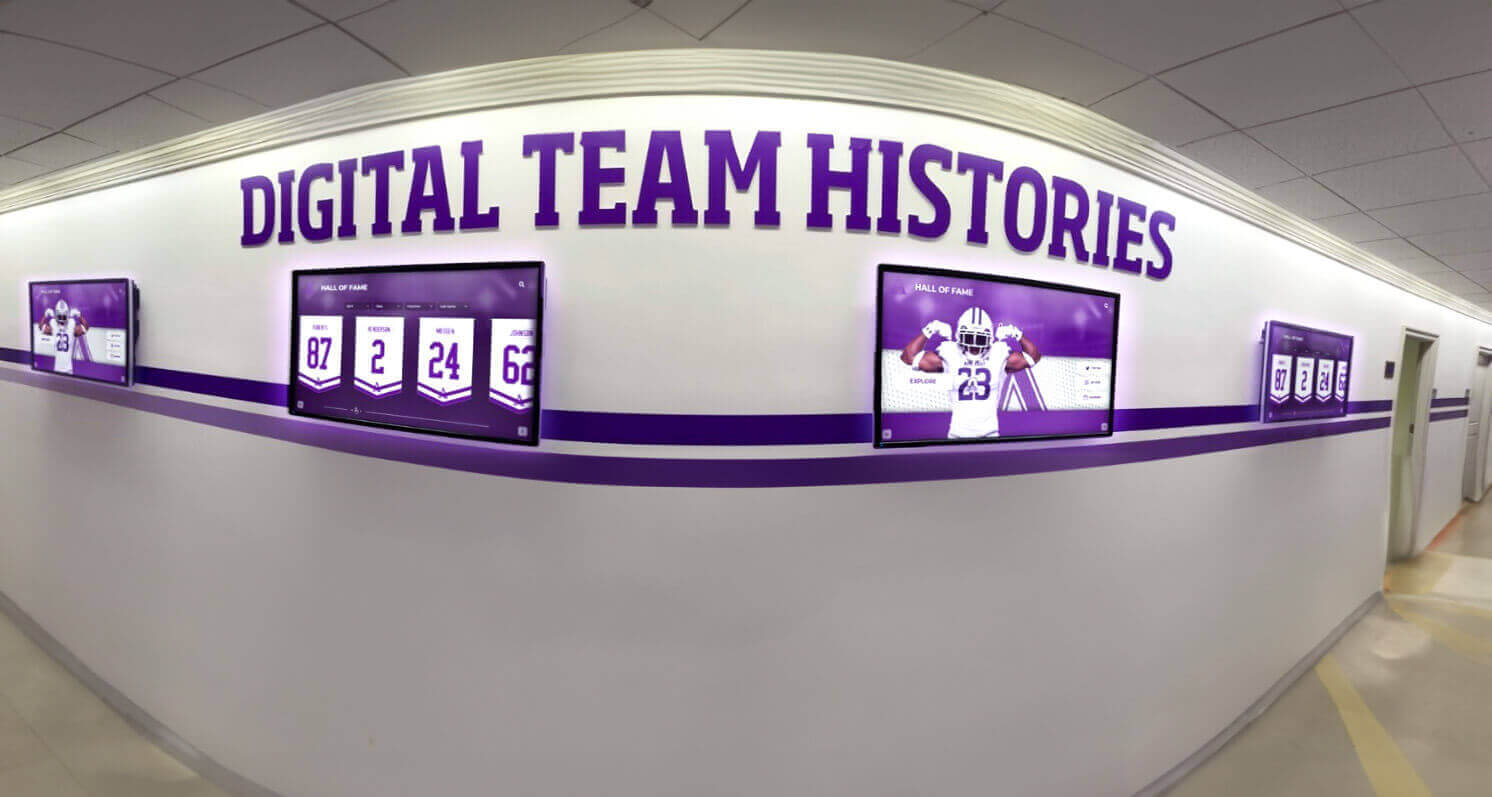
Corrected access copies from the school's video archive feed directly into team-history displays that show championship seasons in sequence—the kind of programmatic continuity that resonates with current athletes and returning alumni alike
Frequently Asked Questions
Does dot-crawl correction modify the archival master? No—provided this workflow is followed correctly. Dot-crawl filtering applies only to the working copy derived from the master. The master’s checksum remains unchanged, confirming it was never altered. Store the master on write-protected or read-only media once capture is confirmed complete and checksummed.
Can I apply dot-crawl correction during the original capture rather than in post? Some hardware capture devices include an adjustable comb filter that can be tuned during capture. This is acceptable for the access copy workflow if—and only if—a separate unfiltered capture is made first for the archival master. Applying aggressive comb filtering during the master capture bakes the processing decision into the archive permanently, removing your ability to reprocess with improved tools in the future.
How do I know whether my tapes have dot crawl versus a different artifact? Dot crawl appears specifically as a crawling, diagonal checkerboard pattern along the boundaries between regions of different color. It moves when the image moves and is most visible at horizontal edges with high color contrast. Dropout (white streaks, frozen blocks) and tracking noise (horizontal noise bands) look distinctly different. The comparison table in this guide covers the most common confounding artifacts.
Will dot-crawl correction also fix chroma bleeding and color smear? Partially. Dot crawl and chroma bleeding share a common root cause—luminance-chrominance crosstalk in the composite signal. A well-tuned comb filter that reduces dot crawl will also reduce some chroma bleeding. However, severe color bleeding caused by the composite bandwidth limitation may require additional chroma spatial noise reduction beyond what dot-crawl comb filtering alone provides.
Our tapes are labeled but no one knows exactly what is on them. Should we screen and sort before correcting? Yes. Dot-crawl correction is a time investment. A rapid screening pass—previewing two to five minutes per tape—establishes which tapes contain footage worth the correction investment and identifies tapes that may have physical damage requiring separate treatment. Schools with large collections of unlabeled tapes often discover that systematic screening reveals footage of significant historical interest that no one remembered was in storage.
Do we need to redo correction if display technology improves? Possibly. The archival master is always retained precisely to support future reprocessing with improved tools. If your access copies were made with a conservative comb filter setting and a more effective AI-based tool becomes available in five years, you can derive new access copies from the unchanged master without any loss of source quality. This is the core argument for keeping the master unmodified.
What should the accession record say about FERPA implications? Footage of student athletes may be subject to FERPA’s definition of education records in some institutional contexts. Consult your district’s privacy officer before publishing or publicly displaying footage that identifies individual current or recently enrolled students. Your accession record should note planned uses and any applicable release authorizations for footage predating the current student body.
Building Dot-Crawl Correction Into a Sustainable Archive Program
A single dot-crawl correction project benefits the tapes you process today. A sustainable program integrates the workflow into ongoing archival practice so future tape batches receive consistent treatment.
- Assign a designated archival contact in the athletics department or library who maintains accession records, processes new tape batches, and manages checksum verification schedules.
- Document filter settings per tape batch. A collection of tapes recorded in the same era, on the same equipment, in the same gymnasium typically responds to the same correction settings—document the effective settings so subsequent tapes from the same source don’t require re-tuning from scratch.
- Train IT or AV staff on the workflow so institutional knowledge is not held by one person. Batch FFmpeg workflows are particularly well-suited to documentation because the filter chain is a text file that can be shared, versioned, and rerun.
- Cross-reference tape archives with yearbook and photograph collections. Championship seasons appear in multiple archive types—video, yearbook spreads, photography—and cross-referencing strengthens the institutional record. Donor display solutions that bridge physical and digital formats illustrate the kind of multi-asset integration schools achieve when archives are connected across media types.
- Budget annually for media replacement and digital storage expansion. A collection that grows as digitization continues requires storage infrastructure that keeps pace.
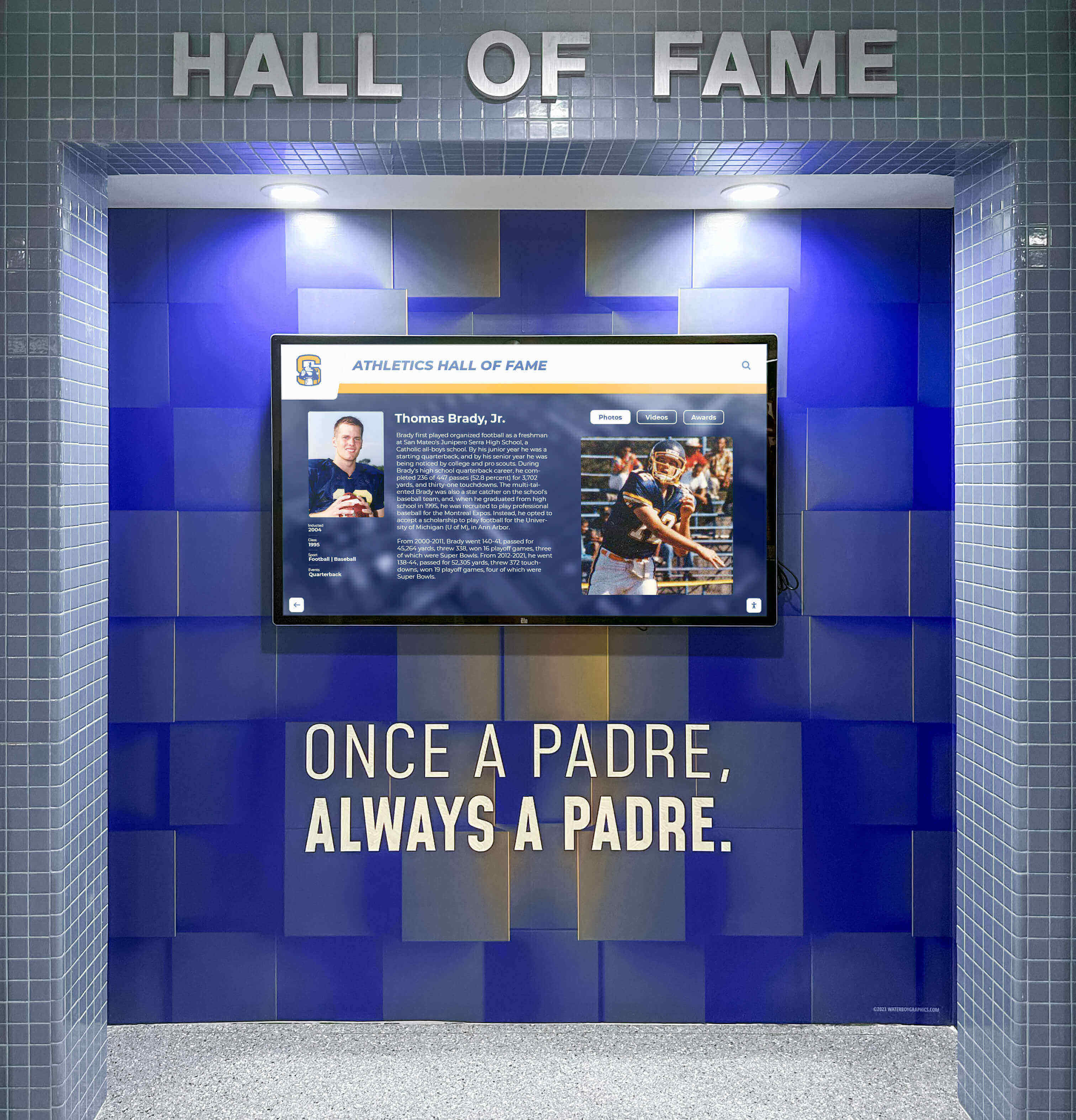
Digital hall-of-fame installations provide a permanent public home for corrected athletic archive footage—where dot-crawl reduction is the difference between footage that inspires and footage that distracts
Summary Checklist
A condensed reference for the complete athletic archive dot-crawl correction workflow:
| Phase | Key Actions | Output |
|---|---|---|
| Inventory | Screen tapes, rate dot-crawl severity, flag physical damage | Prioritized tape list with severity ratings |
| Capture Setup | Professional capture card, inline TBC, 4:2:2 sampling, lossless codec | Ready, clean capture chain |
| Master Capture | Capture unaltered (no filtering), generate checksum, store redundantly | Archival master + hash file |
| Severity Log | Step through master, document timecodes and affected edge types | Dot-crawl severity sidecar log |
| Working Copy | Duplicate master, verify checksum match, label access copy | Verified working copy |
| Comb Filtering | Apply comb filter / chroma NR at calibrated strength; segment-level where useful | Corrected access copy |
| QA Review | Compare against severity log; check color accuracy, motion, audio sync | Reviewed and confirmed access copy |
| Archive | Store both files, update accession record, schedule checksum verification | Preserved two-tier archive with processing documentation |
Athletic programs often hold decades of game footage that has never been properly displayed—not because the content lacks value, but because composite video artifacts made the footage look unprofessional on modern screens. Athletic archive dot-crawl correction addresses that gap systematically: not by altering history, but by removing an encoding artifact so that the history can be seen clearly. With a methodical workflow, appropriate tools, and a preservation-first discipline, the footage that defined your program’s competitive identity becomes usable archival content—ready for the displays, presentations, and recognition programs that honor it.
Bring Your Corrected Athletic Archive to Life
Once your legacy game footage is preserved and dot-crawl-corrected, modern digital recognition platforms make it easy to feature those moments in lobby displays, touchscreen kiosks, and hall-of-fame installations that inspire current athletes and reconnect alumni with program history.
Schedule a Recognition Display DemoReady to see this for your school?
Picture your collection in a custom mockup
Start with your yearbook collection and digitization goals, then request a custom digital mockup for your school.