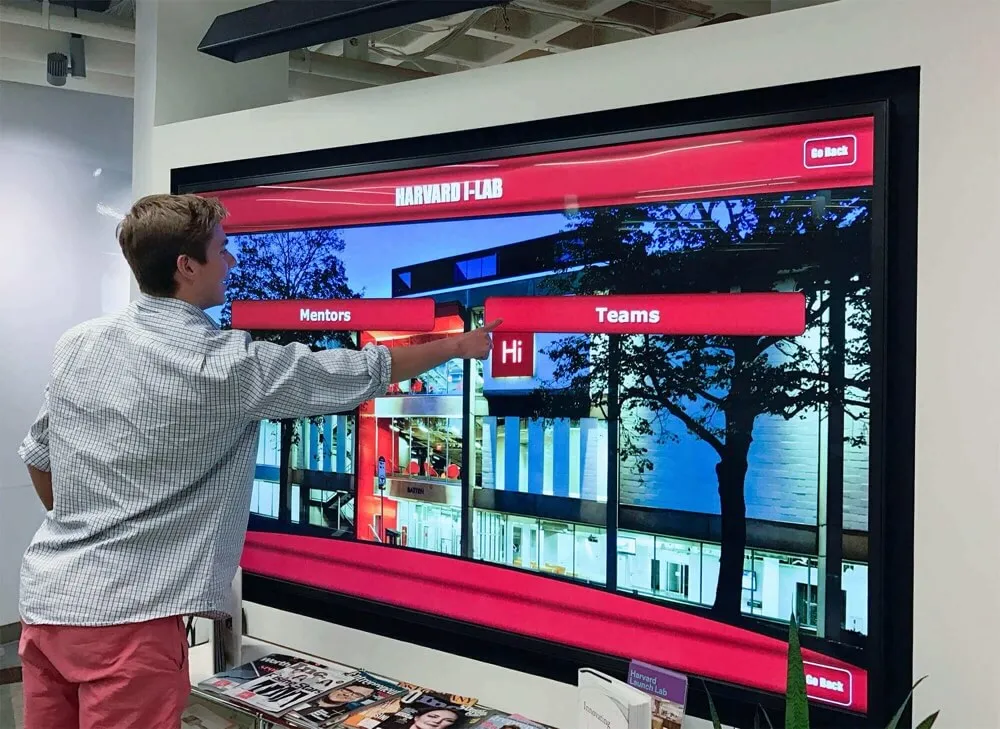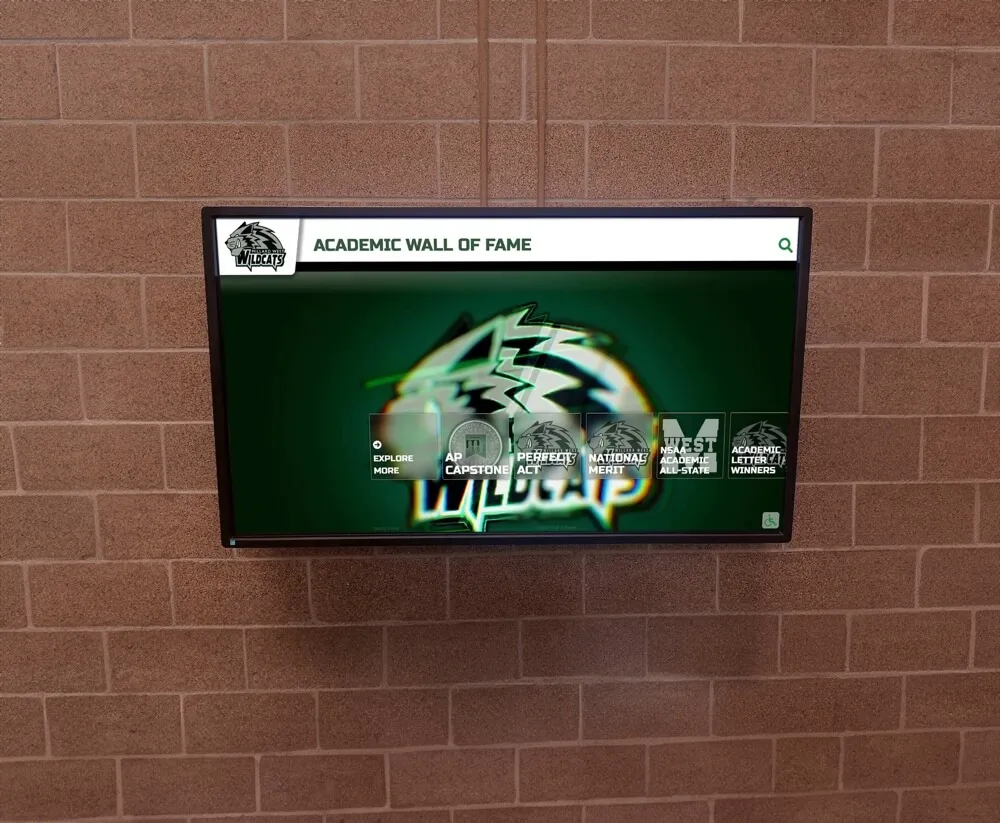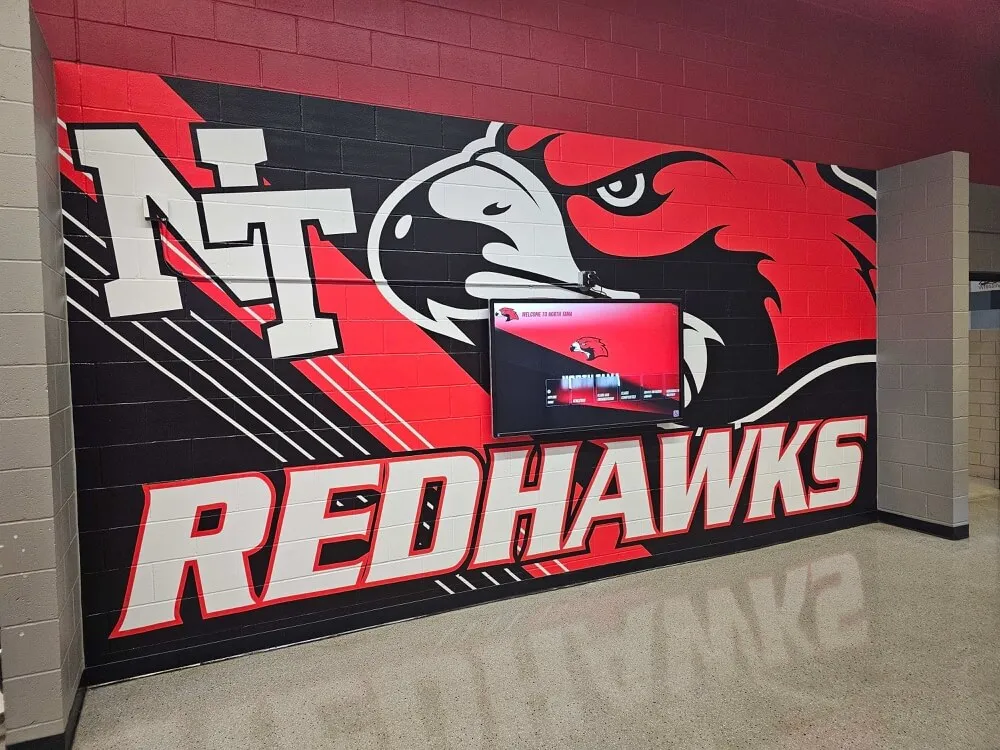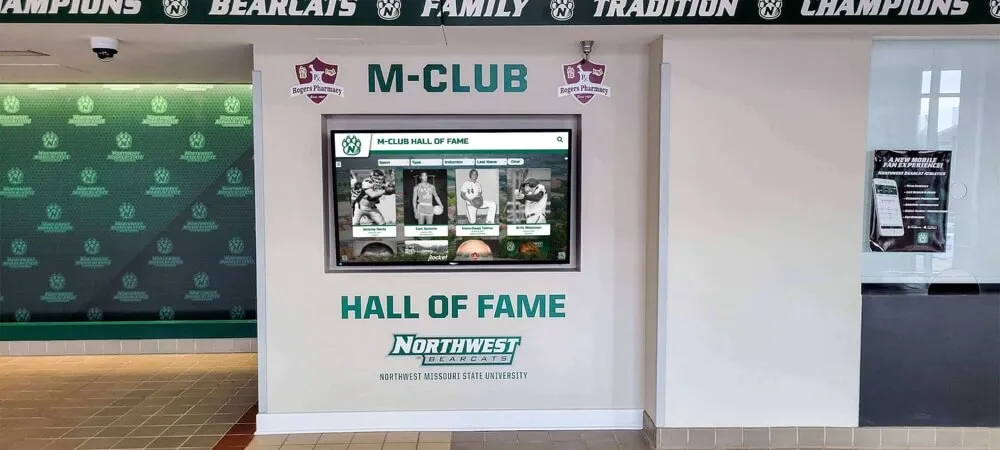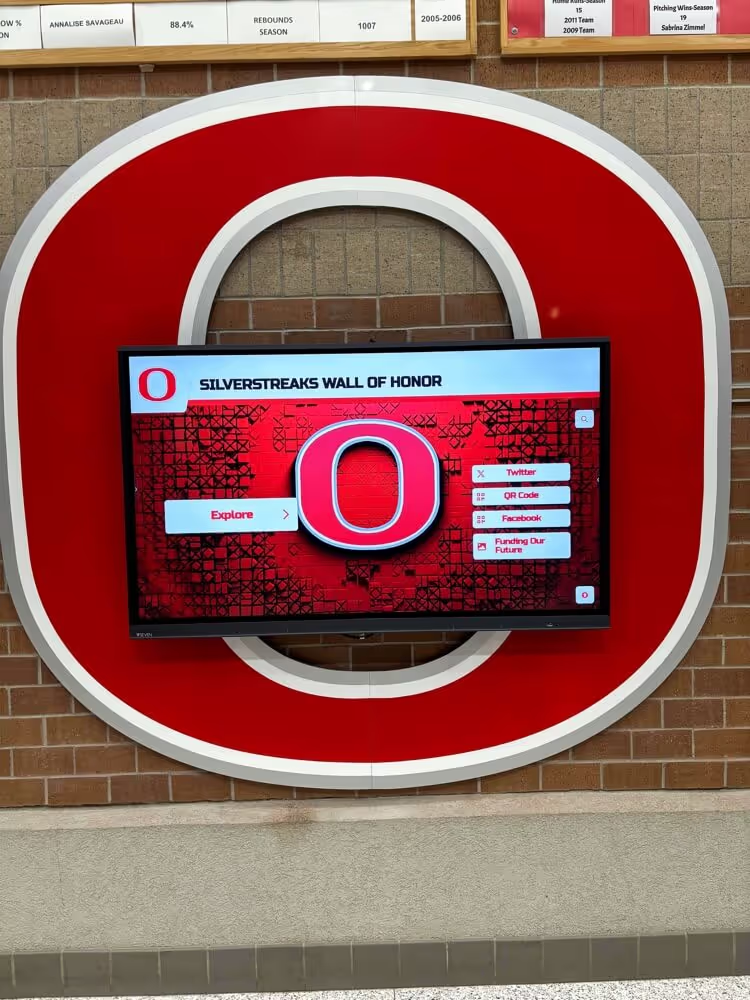
Scanned game programs, score sheets, and championship record documents are the raw material of every school’s athletic legacy—but crooked scans make that material nearly impossible to read, search, or display with pride. A dedicated athletic archive deskew workflow corrects the tilt introduced during scanning so that every document sits square, text is legible, and images are ready for permanent preservation, OCR processing, and touchscreen display without overwriting the original archival master.
The practical answer is a two-track approach: keep one untouched archival master at the highest resolution you captured, then run a separate deskew-and-clean pass to produce a display-ready derivative. That derivative is what appears on hall-of-fame walls, interactive kiosks, and digital yearbook pages. The steps below walk through the complete workflow—from raw scan intake to QA sign-off—so your team can process a season’s worth of programs in an organized batch rather than correcting files one at a time.
Who This Workflow Serves
Knowing who benefits from a structured deskew process helps teams assign the right personnel and tools:
- Athletic directors and archivists cataloging decades of game-day programs and stat sheets
- IT and facilities teams preparing scanned documents for digital display systems or cloud archives
- Yearbook advisers pulling historical game programs into digital yearbook spreads
- Alumni relations staff building searchable online hall-of-fame collections that showcase program history
- Recognition program managers supplying clean images for touchscreen kiosks and lobby displays
- Library and media center staff responsible for long-term document preservation
Any team digitizing athletic documents at scale—from a single filing cabinet of score sheets to an auditorium full of championship programs—can apply this workflow.
Why Athletic Documents Skew in the First Place
Flatbed and overhead scanners introduce tilt for predictable reasons: staff scanning in a hurry may place documents at an angle, bound programs lift on one side, and worn scanner covers create uneven pressure. Even a two-degree tilt makes text harder to parse and causes OCR software to misread names and scores. For records intended to feed a digital athletic records display or hall-of-fame kiosk, misaligned source files mean distorted final images that undercut the professionalism of the entire recognition program.
The solution is deskewing—rotating and cropping each image until horizontal lines of text and ruled borders run perfectly level—applied to a derivative copy while the archival master stays untouched.
The Athletic Archive Deskew Workflow: Step-by-Step
This numbered workflow assumes you have completed your scanning pass and are working from raw TIFF or high-resolution JPEG files.
Step 1 — Intake and Master Backup
Before touching any file, copy all raw scans to a write-protected archival folder. Name this folder clearly (e.g., MASTERS_DO_NOT_EDIT) and restrict write access at the operating system level. Every subsequent step operates on copies, never on masters. This single rule prevents the most common preservation disaster: overwriting an irreplaceable original with a processing artifact.
Recommended master file convention:
YYYY_SportName_DocumentType_SequenceNumber.tif
Example: 1987_Football_GameProgram_001.tif
Step 2 — Batch Rotate Obvious 90° Errors
Some programs are scanned in portrait orientation when the original is landscape, or vice versa. Sort through thumbnails and batch-rotate any obvious 90° or 180° errors before running the deskew algorithm. Most image-management tools allow multi-select rotation in one step. Correcting gross rotations first prevents the deskew algorithm from chasing a large angle it was never designed to handle.
Step 3 — Automated Deskew Pass
Run an automated deskew on the entire working batch. Most document-processing tools use the Hough transform or a Fourier analysis method to detect the dominant angle of horizontal text lines and rotate the image to correct it. Key settings to configure:
| Parameter | Recommended Value | Reason |
|---|---|---|
| Maximum correction angle | ±15° | Catches realistic hand-placed documents; larger values risk false corrections |
| Detection method | Text-line or border detection | Reliable on printed documents; avoid photo-only mode |
| Background fill | White (or document background color) | Prevents dark triangles appearing in cropped corners |
| Output format | TIFF for archive, JPEG 90%+ for display | Balances quality and file size |
| Overwrite source | Never | Derivatives only; masters stay intact |
Tools commonly used in school archiving environments include Adobe Acrobat batch actions, NAPS2 (free, Windows), ScanTailor Advanced (free, open-source), and IrfanView batch mode. Enterprise scanning software often includes built-in deskew that can be triggered automatically at scan time—check your device’s driver settings before running a second pass.
Step 4 — Manual Review Queue
Automated deskew occasionally misjudges images that contain dominant diagonal graphics—a team mascot, a banner, or a stylized headline—because the algorithm treats those lines as the document’s primary orientation. Flag files where the correction angle exceeded ±5° for manual review. Open each flagged file and visually confirm that:
- Ruled lines and text rows are horizontal
- Vertical borders and column rules are vertical
- No content has been cropped beyond the original document edge
Manually correct any file where automated deskew produced a wrong result. Document the correction in your batch log (see Step 7).
Step 5 — Crop to Document Edge
After deskewing, a thin white or gray triangle often appears at one or more corners where the rotation exposed scanner background. Crop these artifacts by trimming to the tightest rectangle that contains all document content without cutting into text or borders. For bound programs where the spine side is uneven, crop to a consistent margin rather than pixel-perfect content edges—consistency matters more than perfection when images will be displayed at a uniform size on a recognition wall.
Step 6 — Tone and Contrast Adjustment (Optional)
Older game programs on newsprint often scan with a yellowish or gray cast. If your team plans to display these alongside modern full-color photographs, apply a light auto-levels or white-balance correction to the display derivative only. Never apply destructive tonal edits to archival masters. Keep adjustments modest—the goal is readable legibility, not artificial brightening that removes authentic aging character from historical documents.
Step 7 — Rename and File Derivatives
Save each deskewed derivative into a parallel folder structure mirroring the master archive, with a suffix or prefix indicating derivative status:
MASTERS/1987_Football_GameProgram_001.tif
DERIVATIVES/1987_Football_GameProgram_001_deskewed.jpg
This naming convention allows any team member to immediately identify which files are safe to use for display and which are archival masters not to be distributed or altered.
Step 8 — Metadata Embedding
Embed basic metadata into each derivative file before distribution. Minimum recommended fields:
- Title: Document name and year
- Creator: School name and archive department
- Description: Sport, document type, season, and key names or scores if known
- Rights: Copyright holder and any usage restrictions
- Date Created: Original document date (not scan date)
Embedded metadata ensures that even if files are separated from their folder structure, the context travels with them. This also feeds any OCR or search indexing layer you add later.
Step 9 — Ingest to Display System or DAM
Upload approved derivatives to your digital asset management (DAM) system, digital yearbook platform, or recognition display content management system. If files will appear on a touchscreen hall-of-fame display, confirm that the display system’s expected aspect ratios and resolutions match your derivative files before batch upload—rescaling after the fact can reintroduce the softness you removed during the deskew workflow.

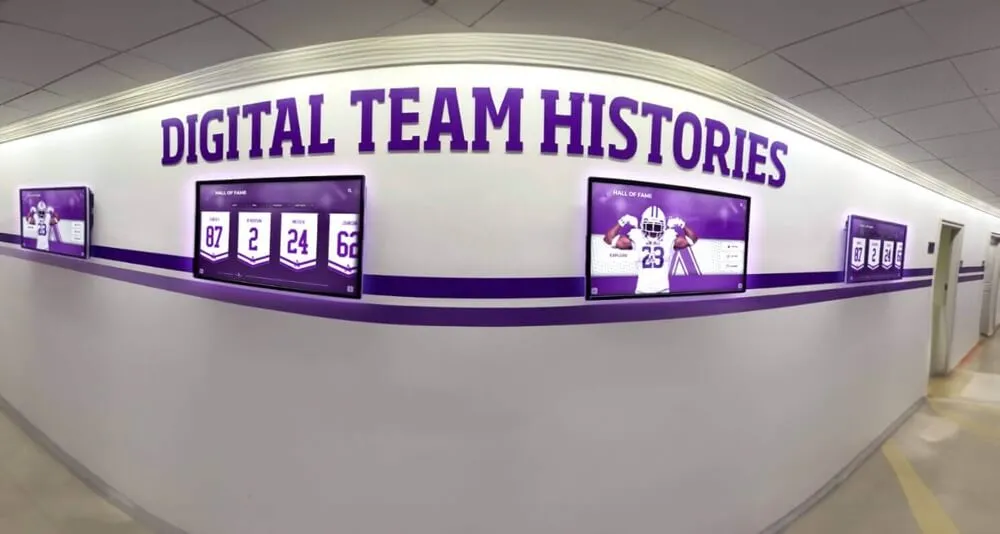
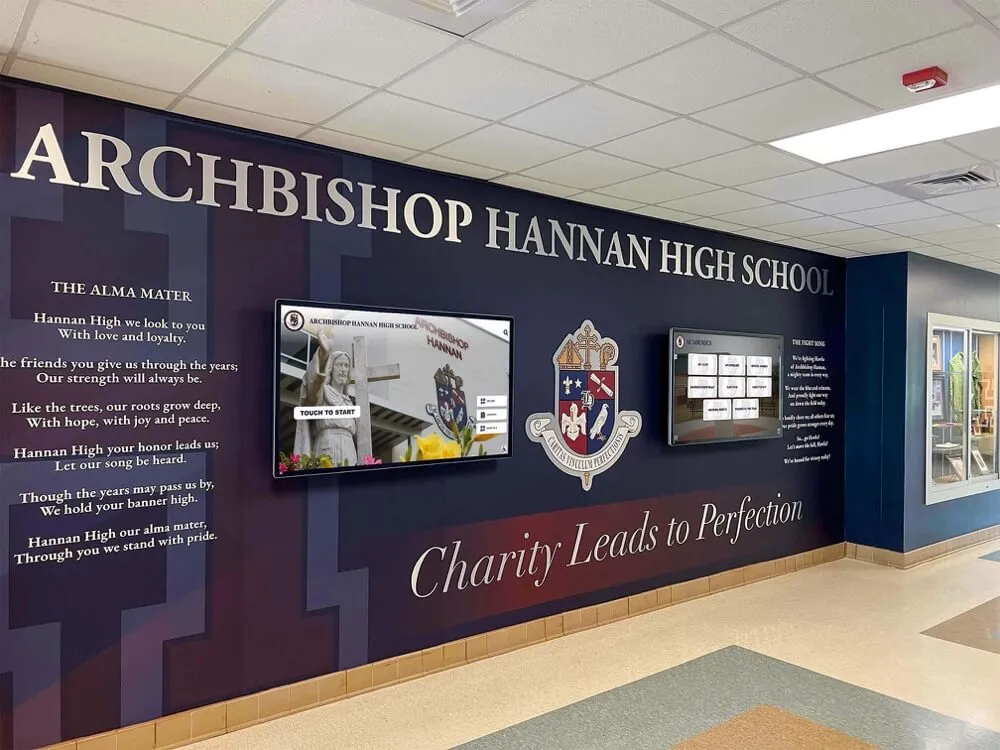
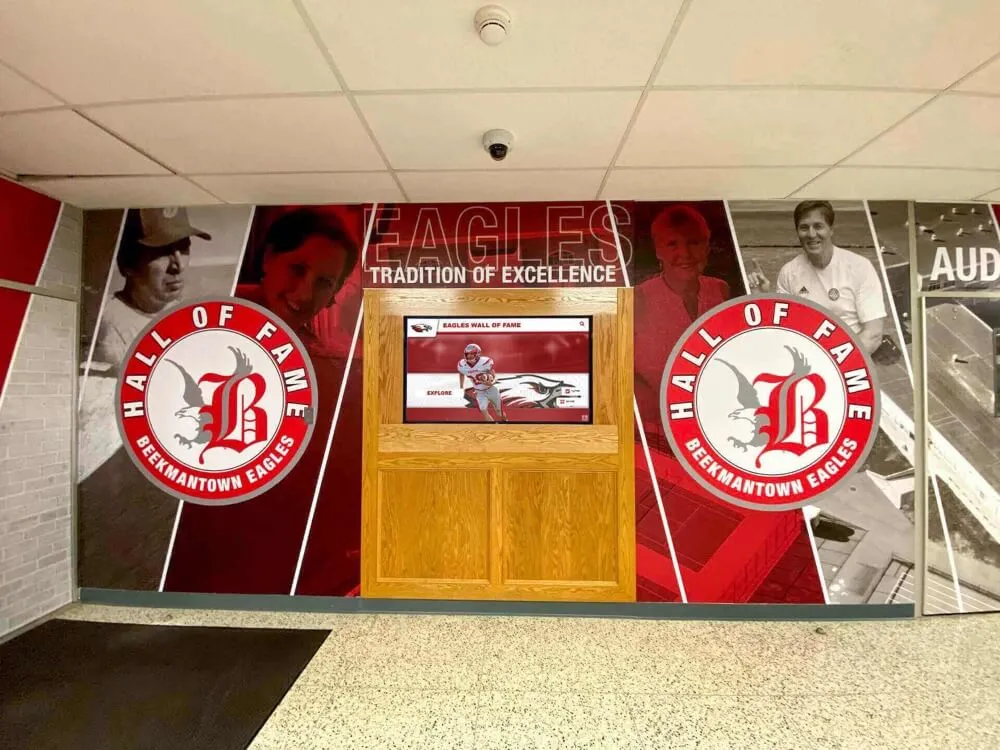
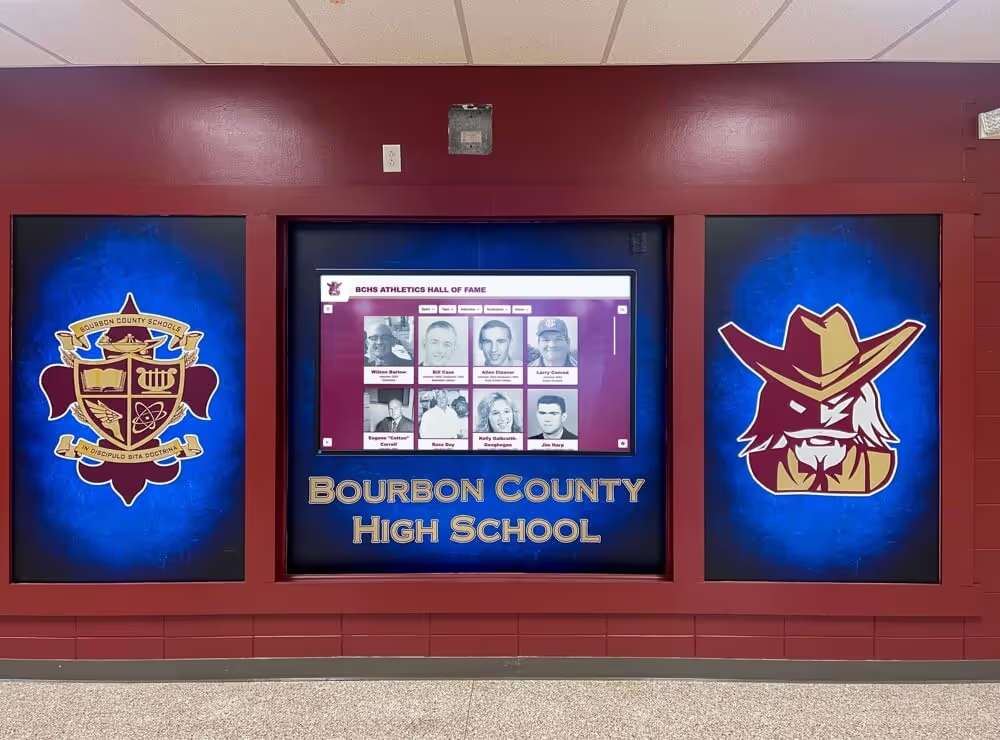
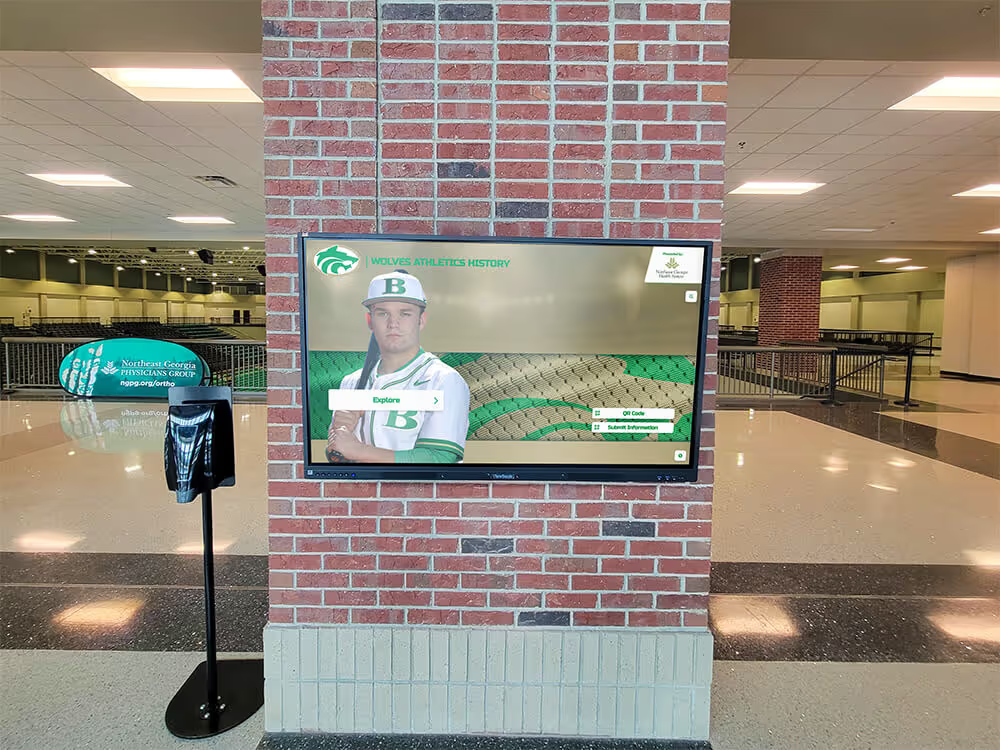
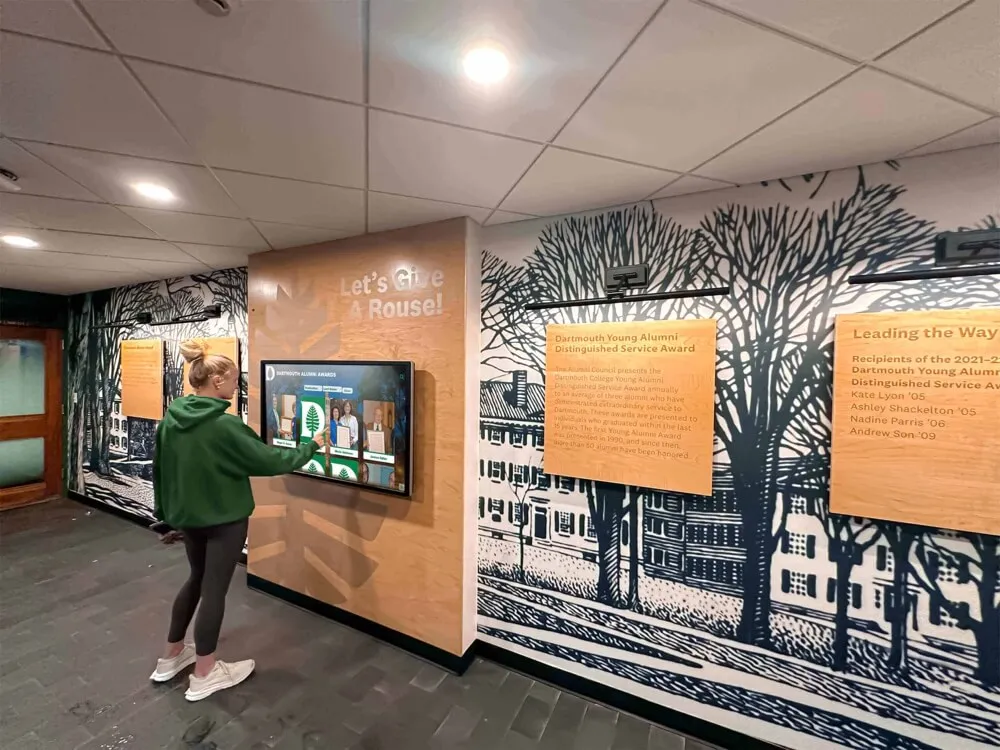
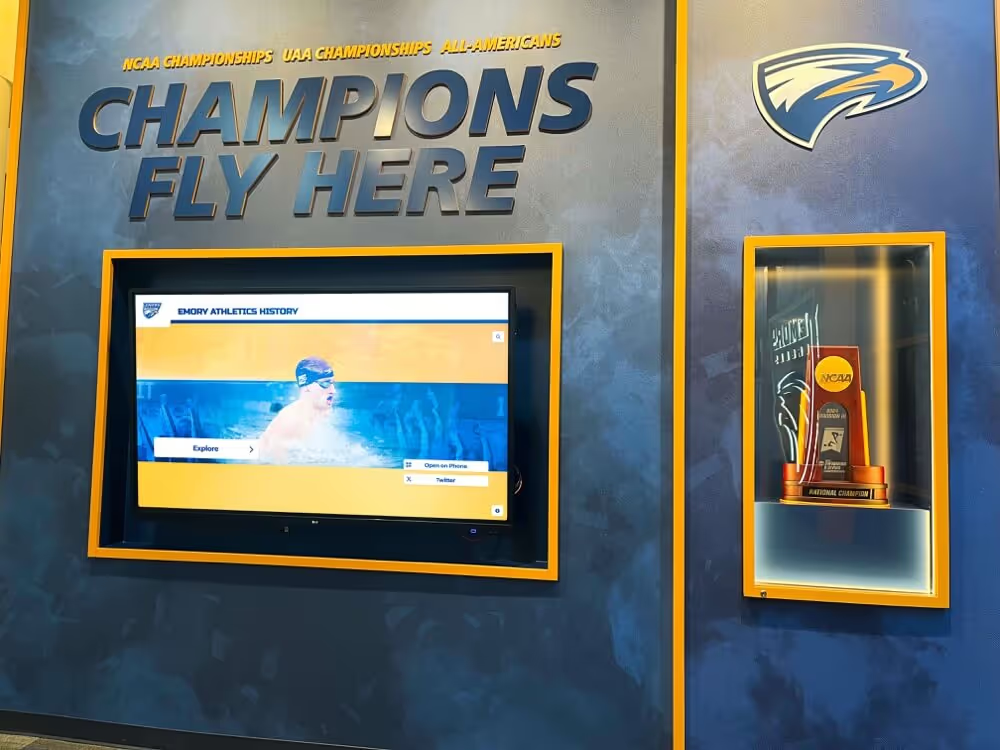
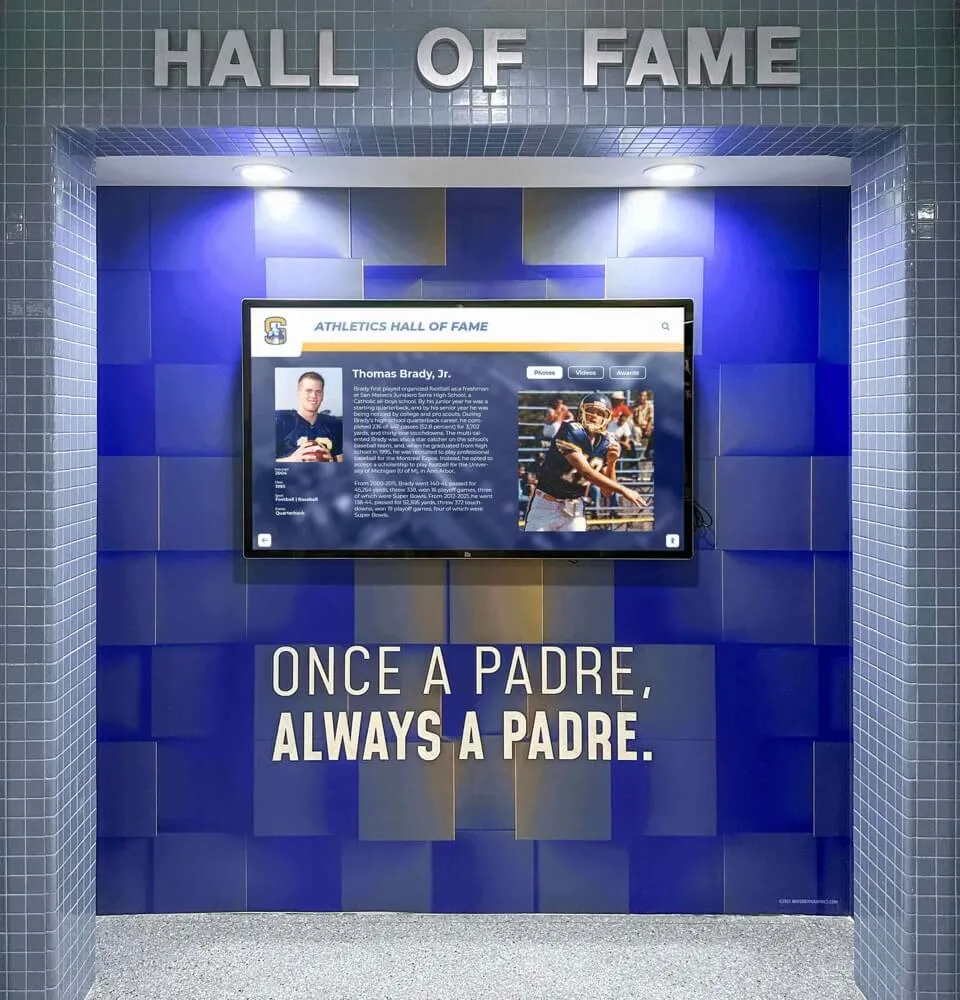
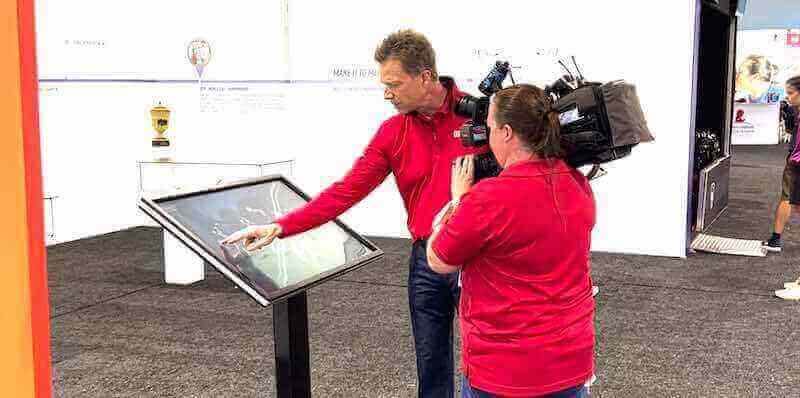
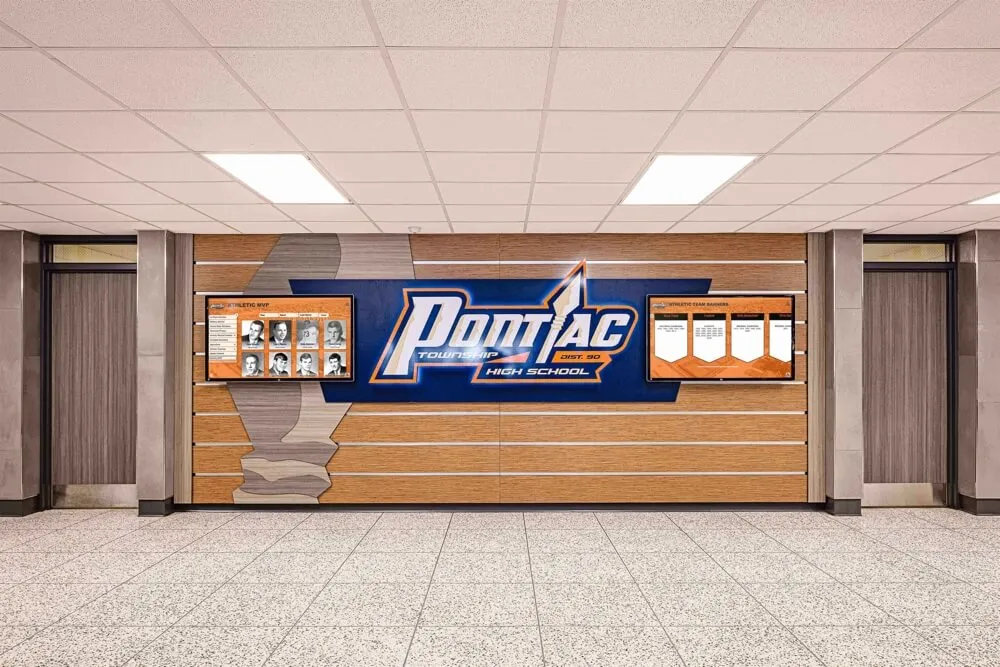
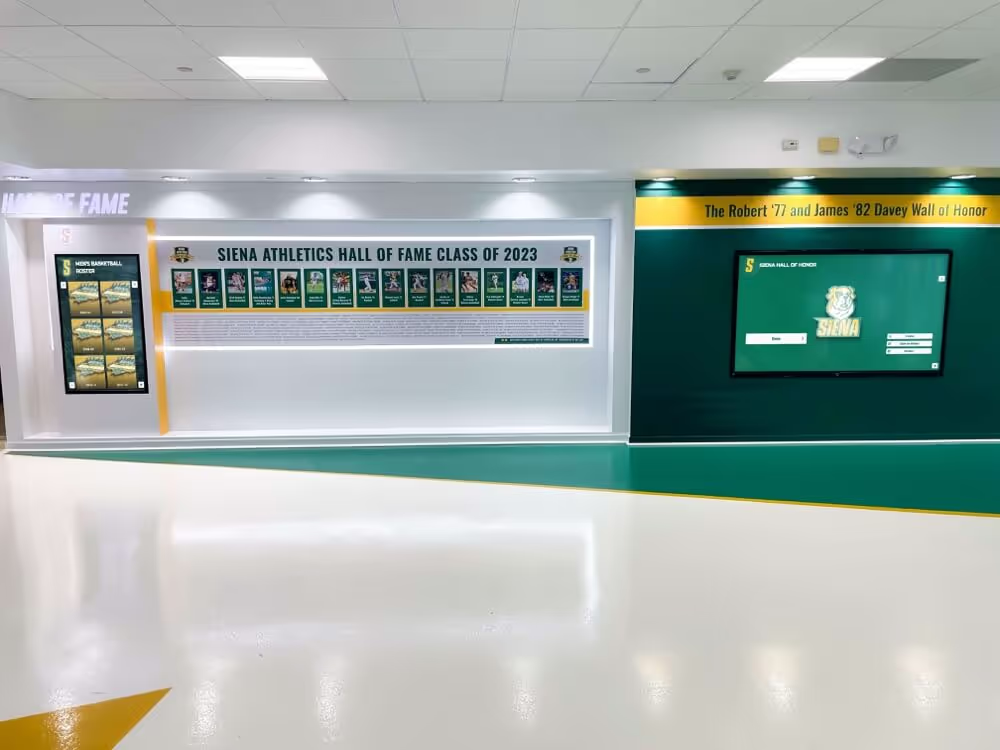
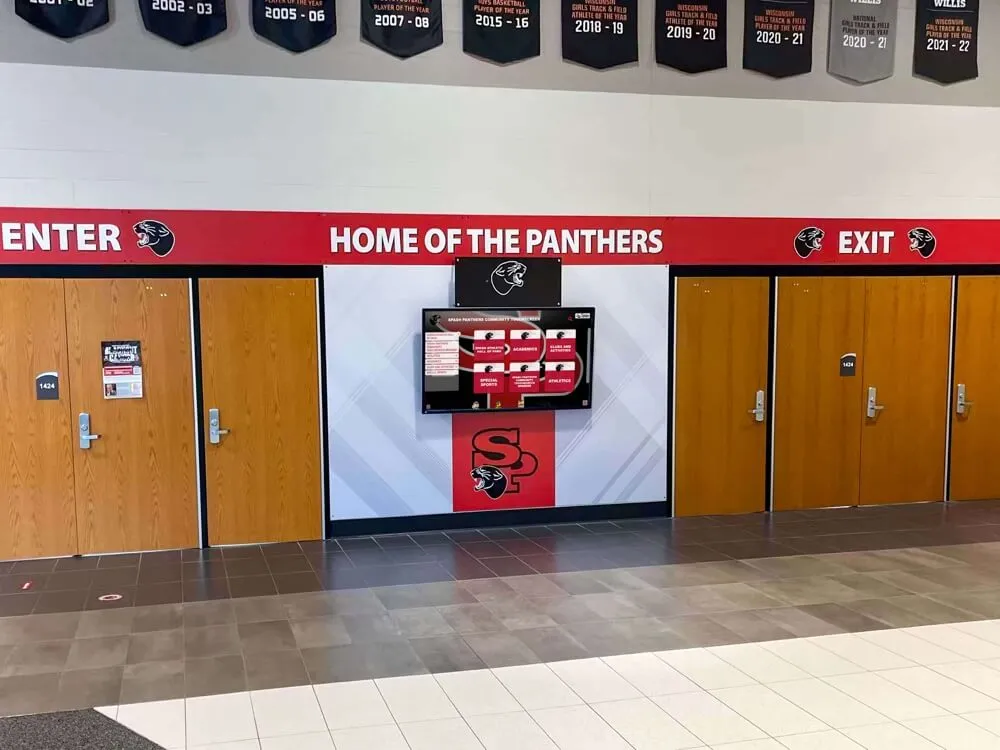
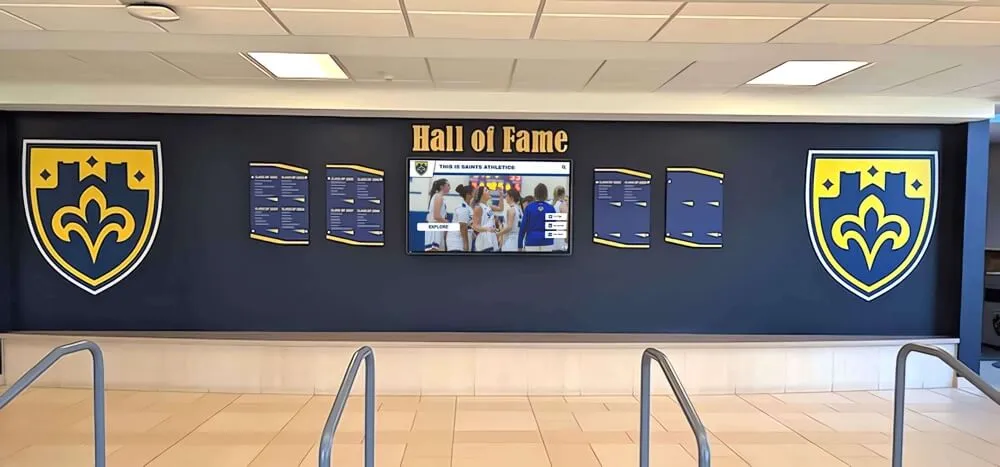
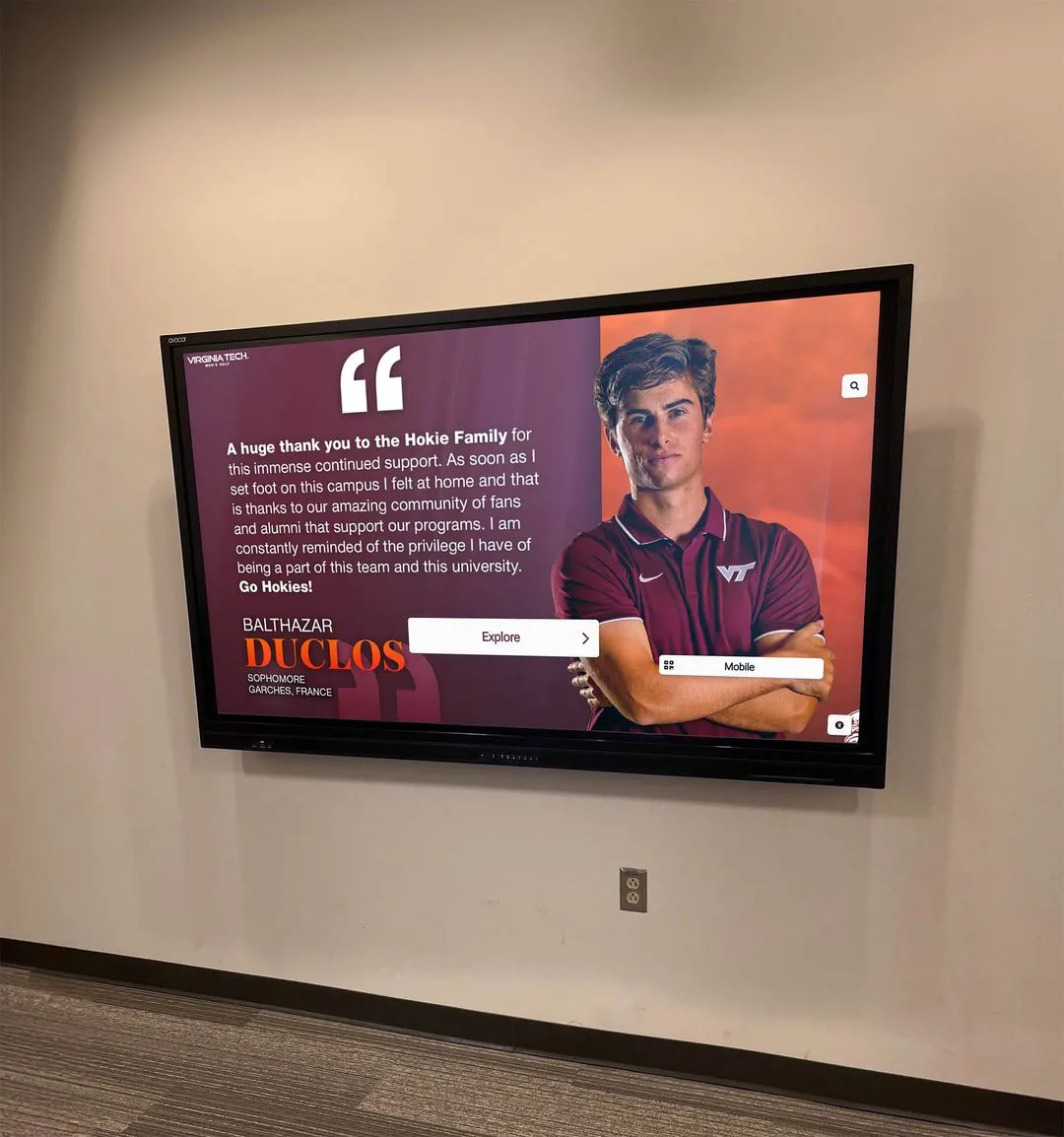
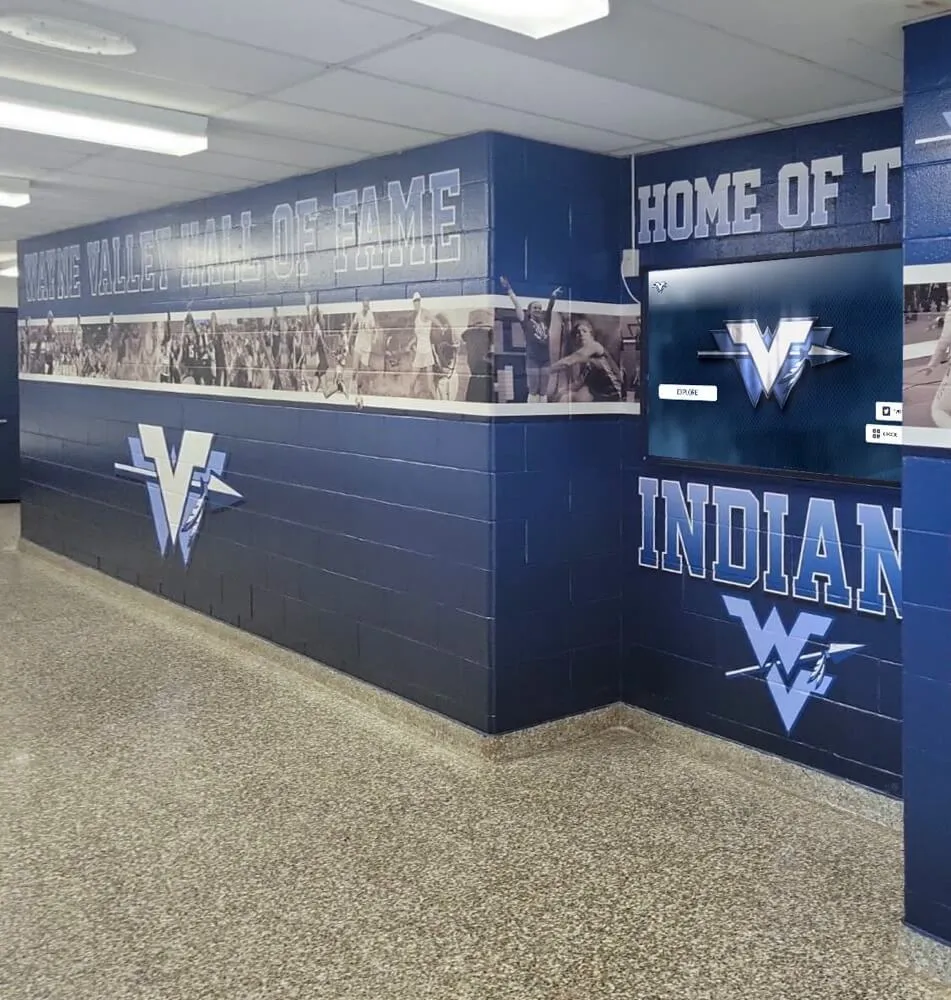
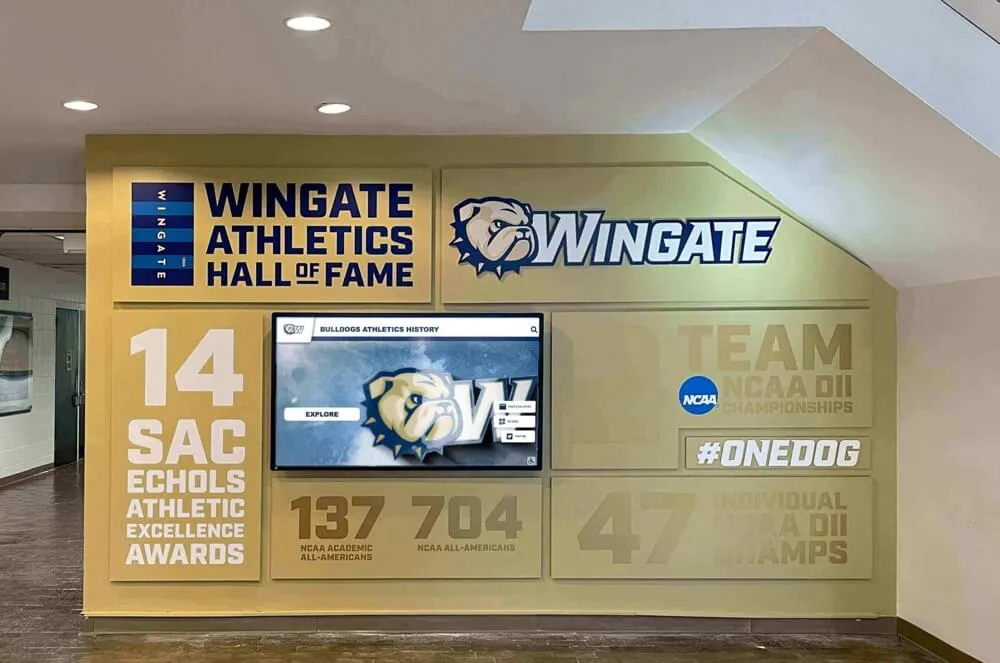
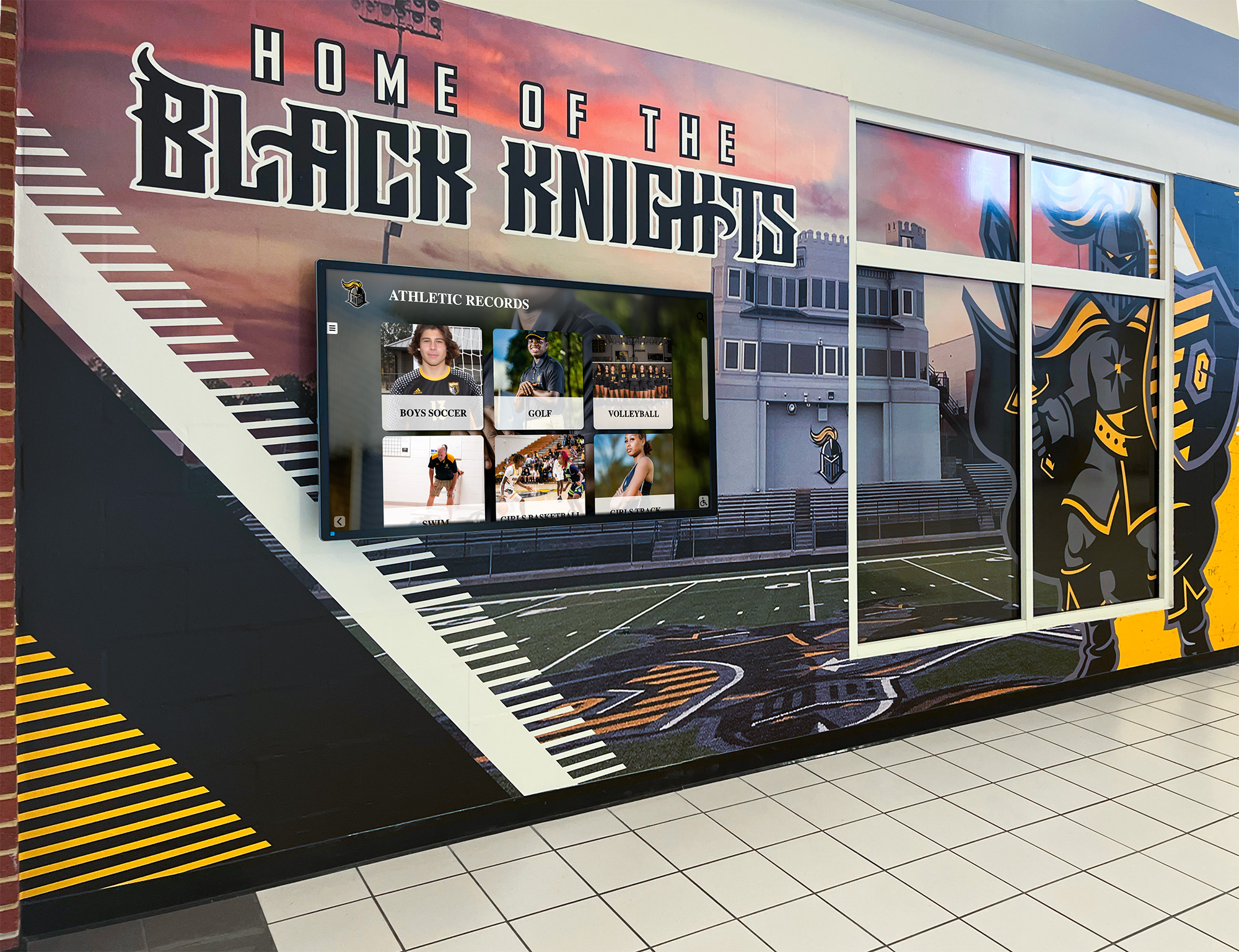
Properly deskewed and digitized athletic documents integrate cleanly with hallway recognition displays and digital hall-of-fame systems, turning archival materials into daily-use assets
Deskew QA Checklist
Use this checklist to sign off on each batch before closing out the session. A batch here is one logical group—one season’s programs, one decade of score sheets, or one document type per sport.
Pre-Processing
- Archival masters copied to write-protected folder before any edits
- All masters renamed to the agreed convention (date_sport_type_seq)
- Obvious 90° rotations corrected in batch before deskew run
Automated Deskew Pass
- Maximum correction angle set to ±15°
- Background fill set to match document background (white for printed programs)
- Output format confirmed (TIFF for archive derivatives, JPEG 90%+ for web/display)
- Overwrite-source option is OFF
- Batch completed without errors; error log reviewed and cleared
Manual Review
- All files with correction angle >±5° reviewed manually
- Files with dominant diagonal graphics confirmed visually correct
- No content cropped beyond original document border
Cropping and Cleanup
- Corner artifacts from rotation removed
- Consistent margin applied across all documents in batch
- Optional tone correction applied to derivatives only, not masters
Filing and Metadata
- Derivatives saved to parallel folder with _deskewed suffix
- Metadata embedded in all derivatives (title, creator, description, date)
- Batch log updated with file count, error count, and manual corrections
Final Delivery
- Derivatives spot-checked at full resolution on a calibrated monitor
- Files delivered to DAM, yearbook platform, or display CMS
- Receiving team confirmed successful ingest and display rendering
Batch Processing Tips for Large Athletic Archives
Work sport by sport, not year by year. Grouping documents by sport type keeps the automated deskew algorithm consistent—football programs from different decades share more layout characteristics than mixed documents from a single year, which reduces false corrections.
Scan at 400 DPI minimum, 600 DPI for records with fine print. Deskewing a low-resolution scan produces a blurry result because the algorithm must interpolate new pixels during rotation. Starting at 400 DPI or higher ensures the derivative retains readable text after rotation.
Run a pilot batch of 20–30 files before committing your full archive. Verify settings, check corner artifacts, and review one manually corrected file before scaling to hundreds of documents. Problems discovered in a pilot batch take minutes to fix; the same problems in a 2,000-file batch take hours.
Separate newsprint programs from glossy programs. Newsprint typically needs heavier tone correction than glossy stock and may require slightly different deskew thresholds. Processing them in separate passes gives you per-batch control over settings without compromising either document type.
Log everything. A simple spreadsheet noting file names, original condition, correction angles applied, and any manual interventions creates a chain of custody that matters if files are challenged for historical accuracy.
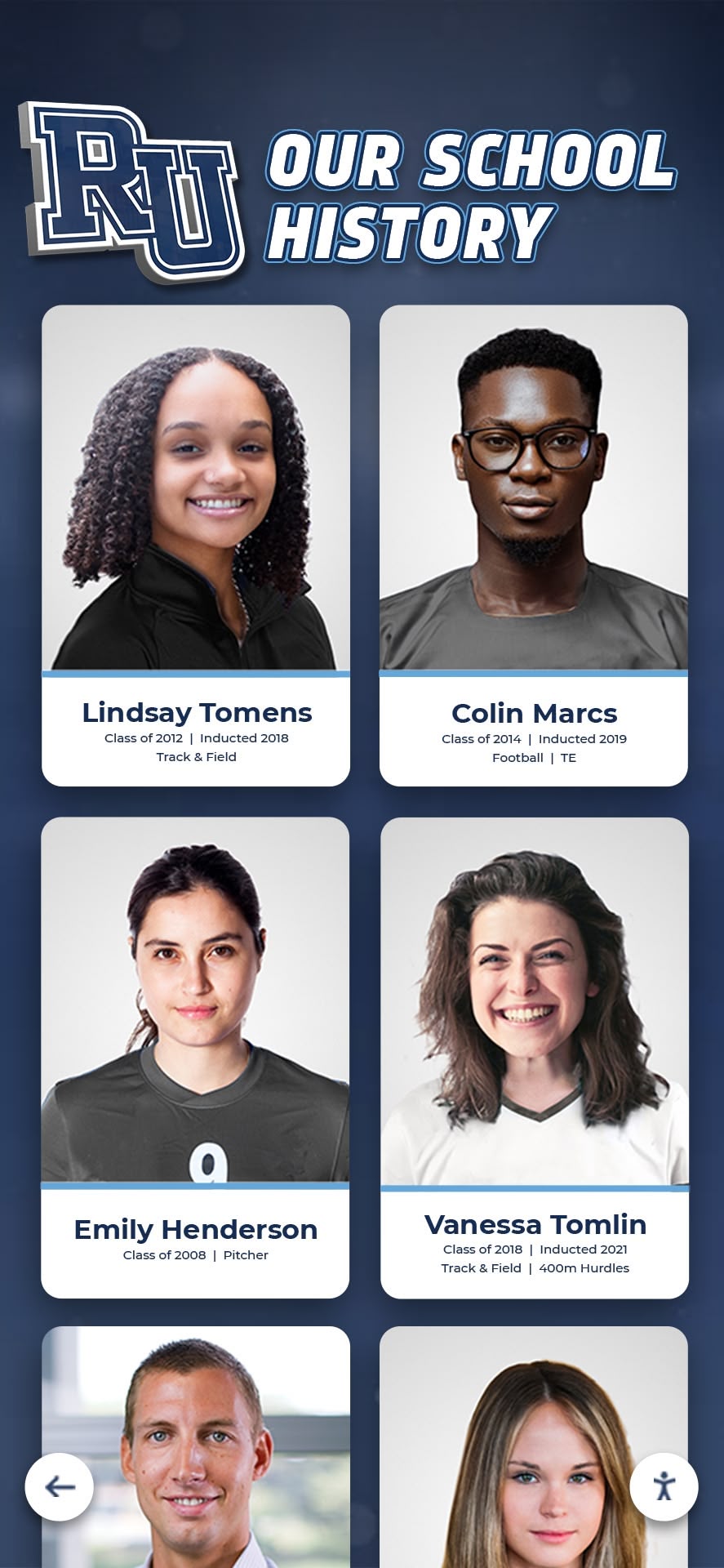
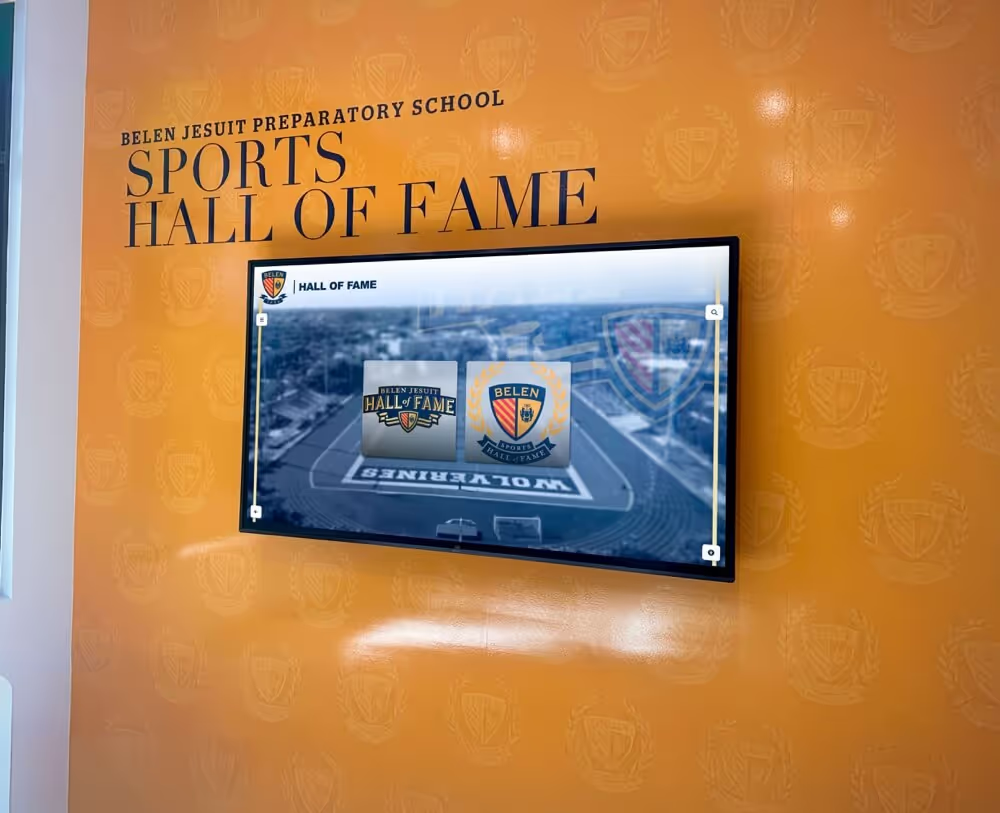
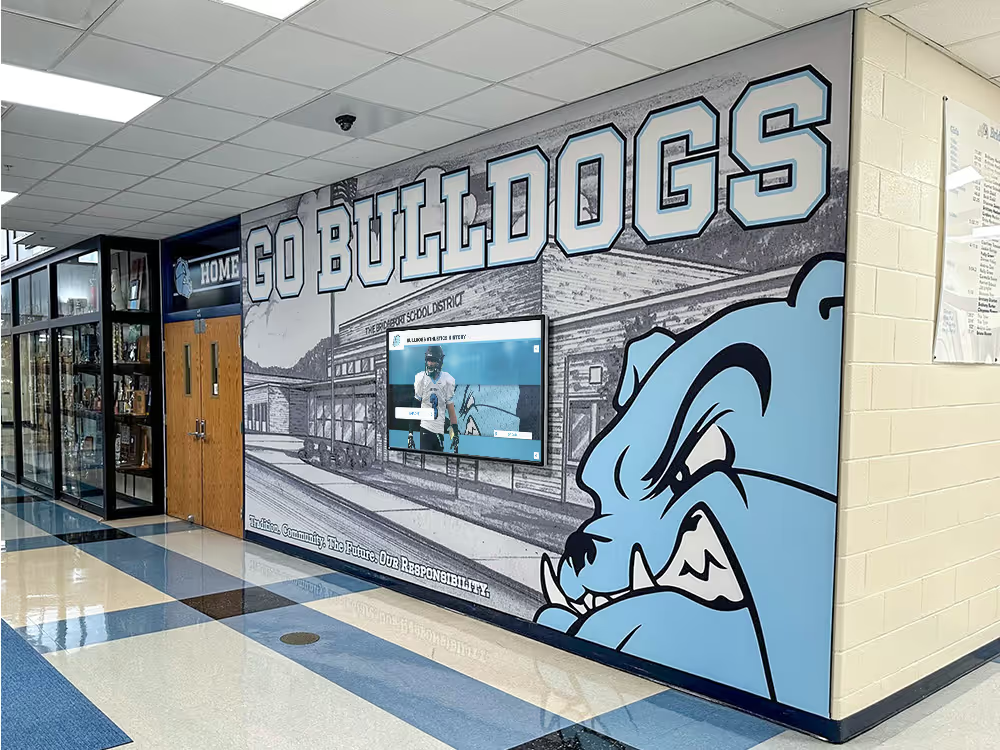
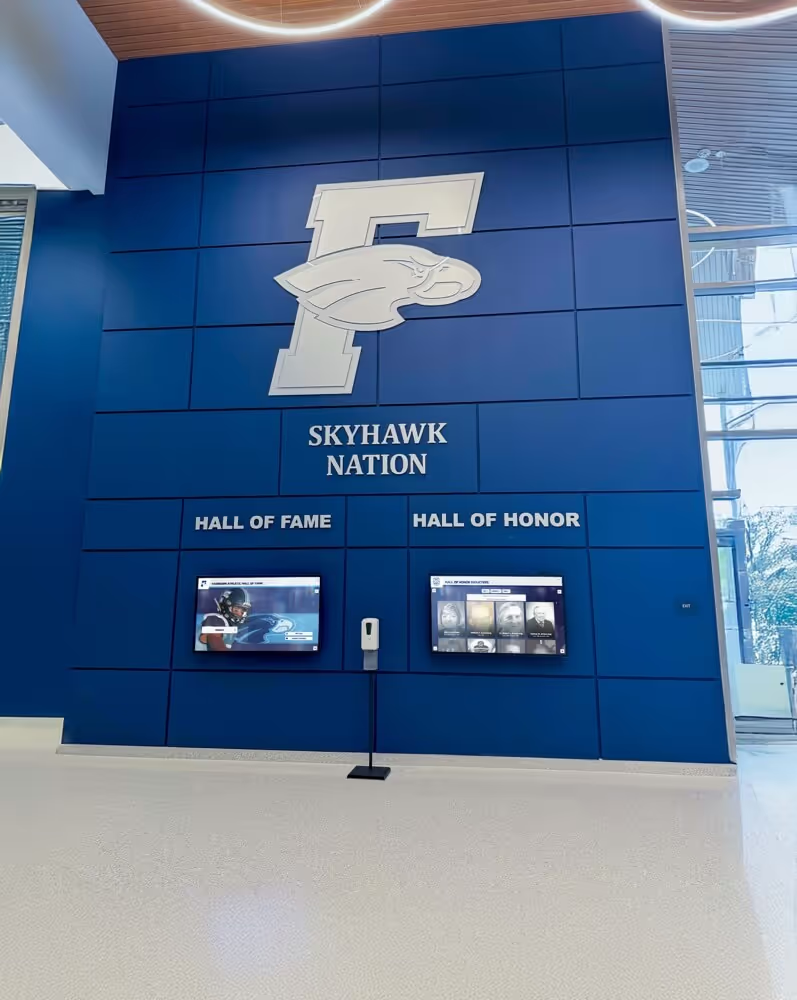
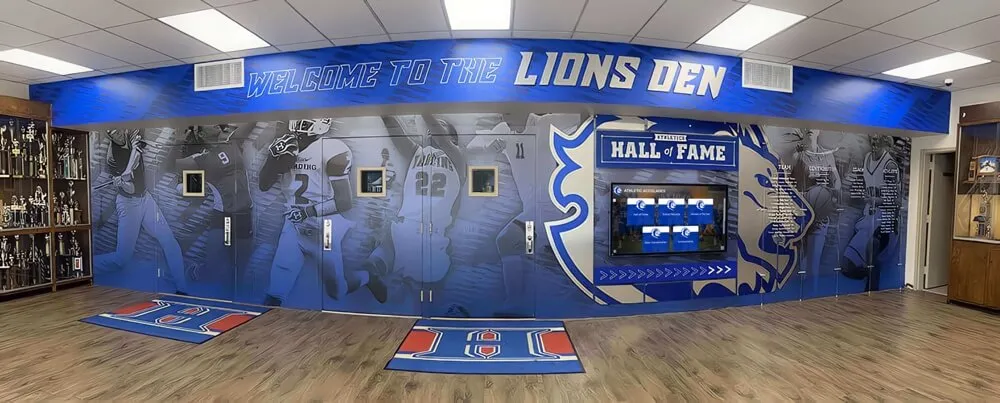
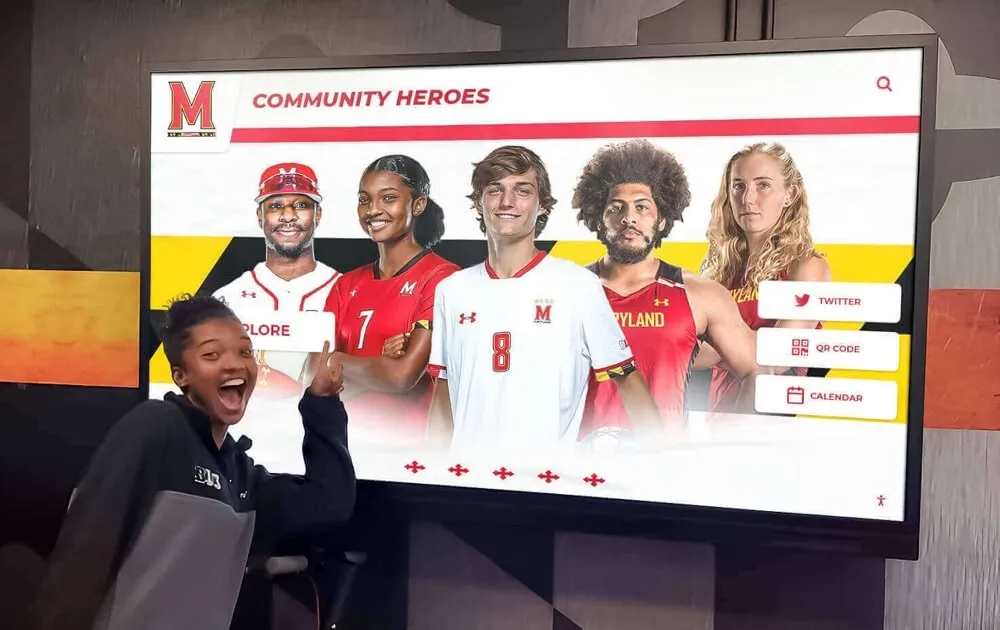
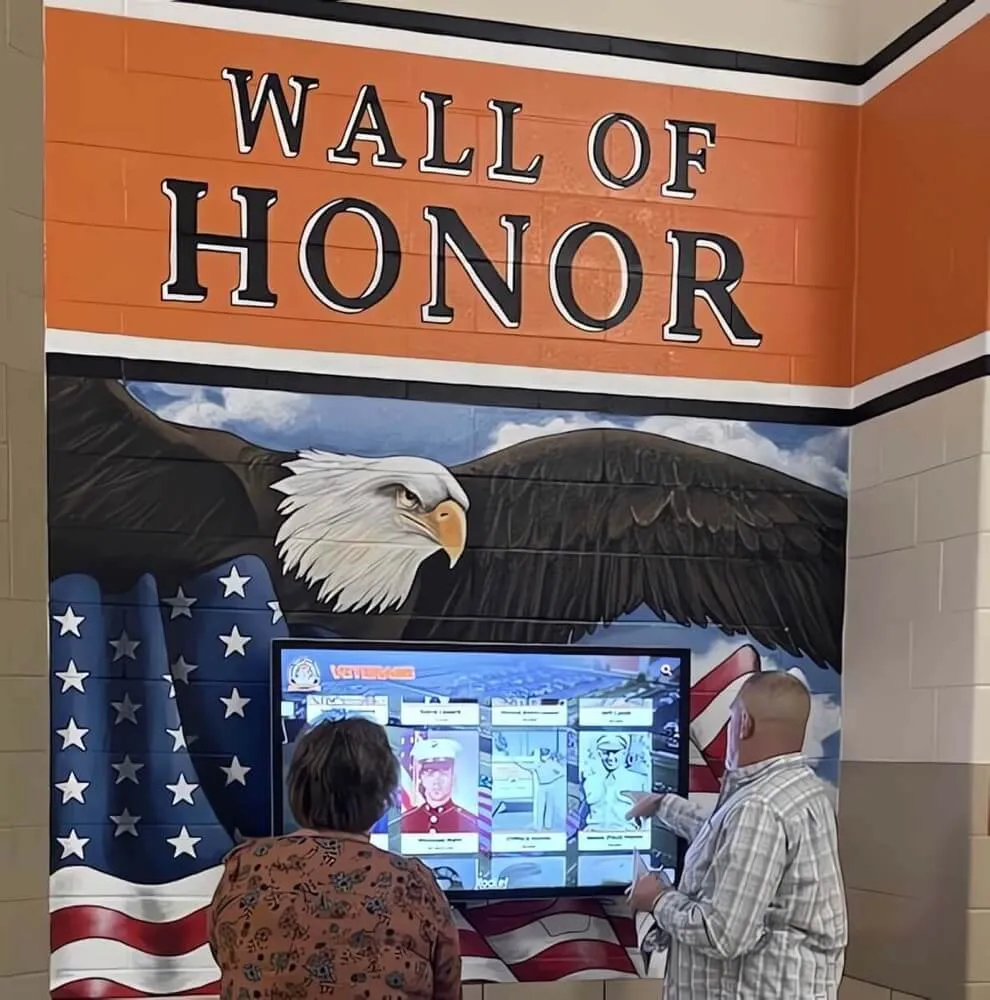
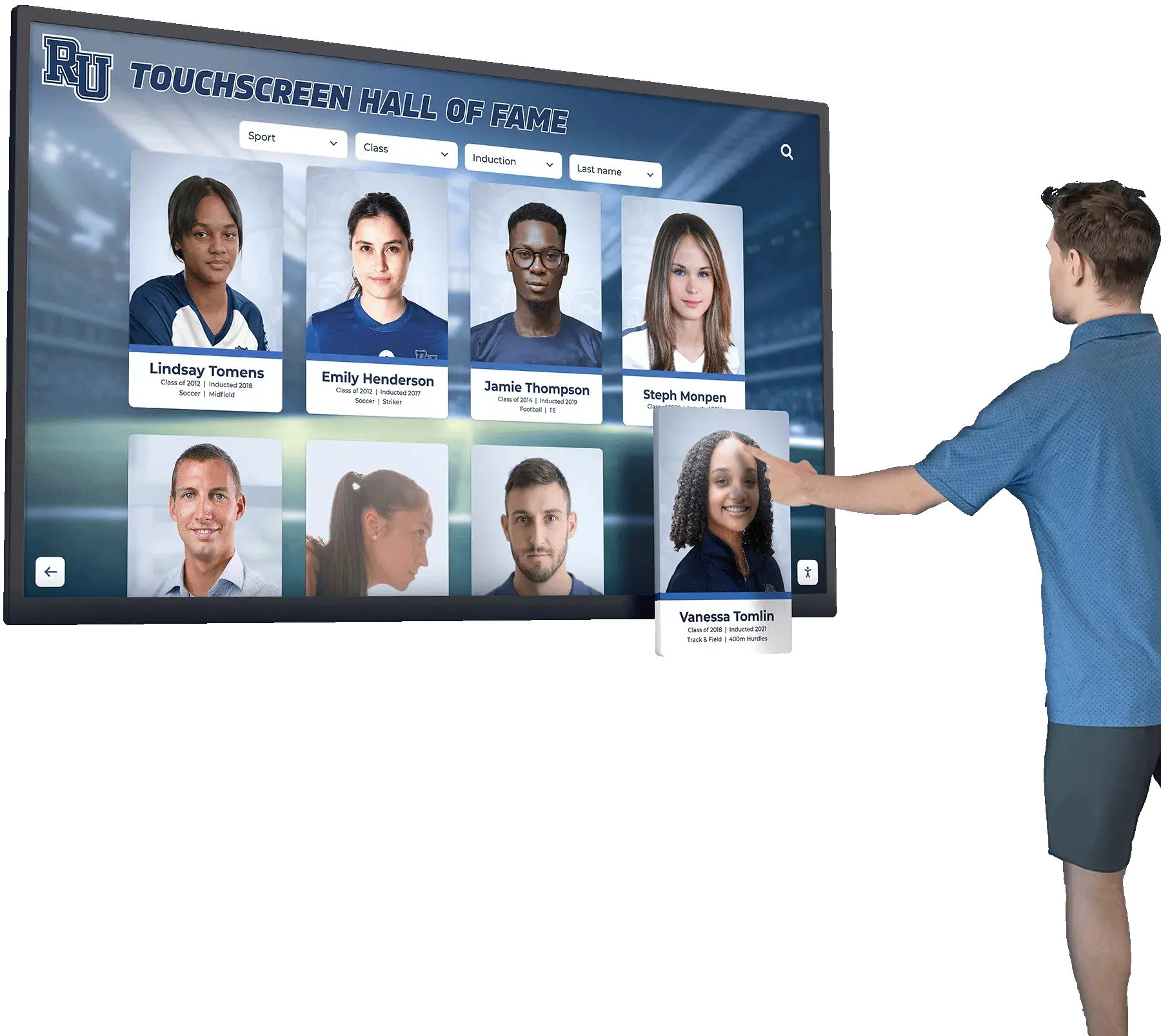
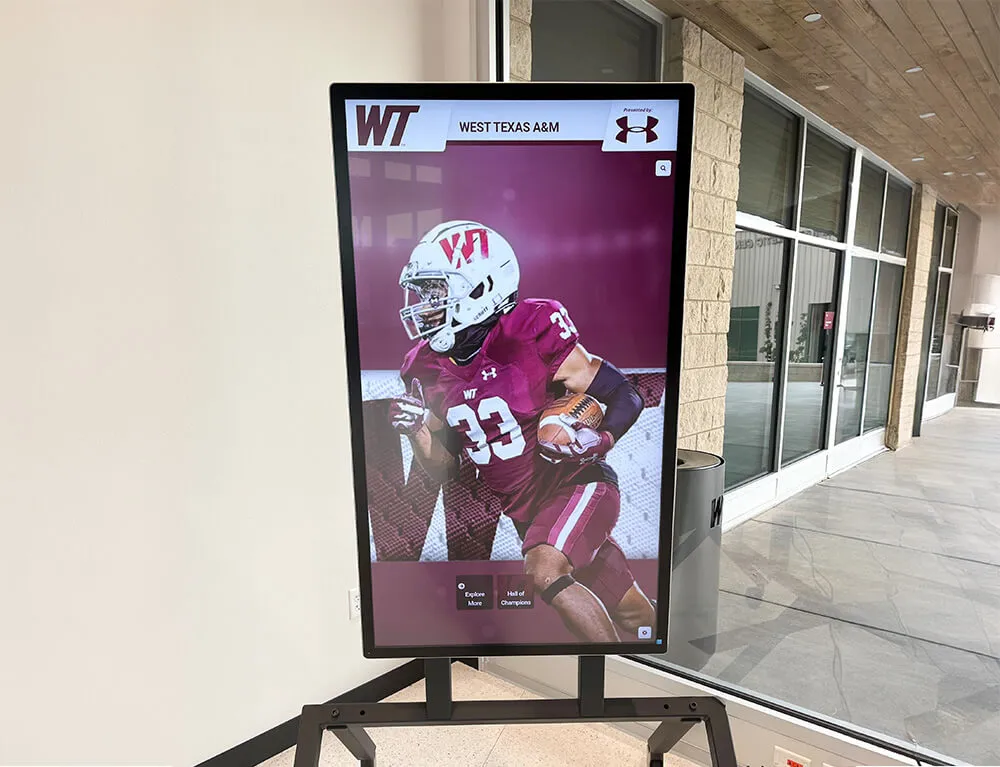
Historical athlete portraits and program documents processed through a structured deskew workflow become immediately usable for recognition walls, digital yearbooks, and hall-of-fame kiosks
Connecting Deskewed Archives to School Recognition Programs
A deskewed scan is a starting point, not a finish line. Schools that invest in structured deskew workflows unlock capabilities that go far beyond storage:
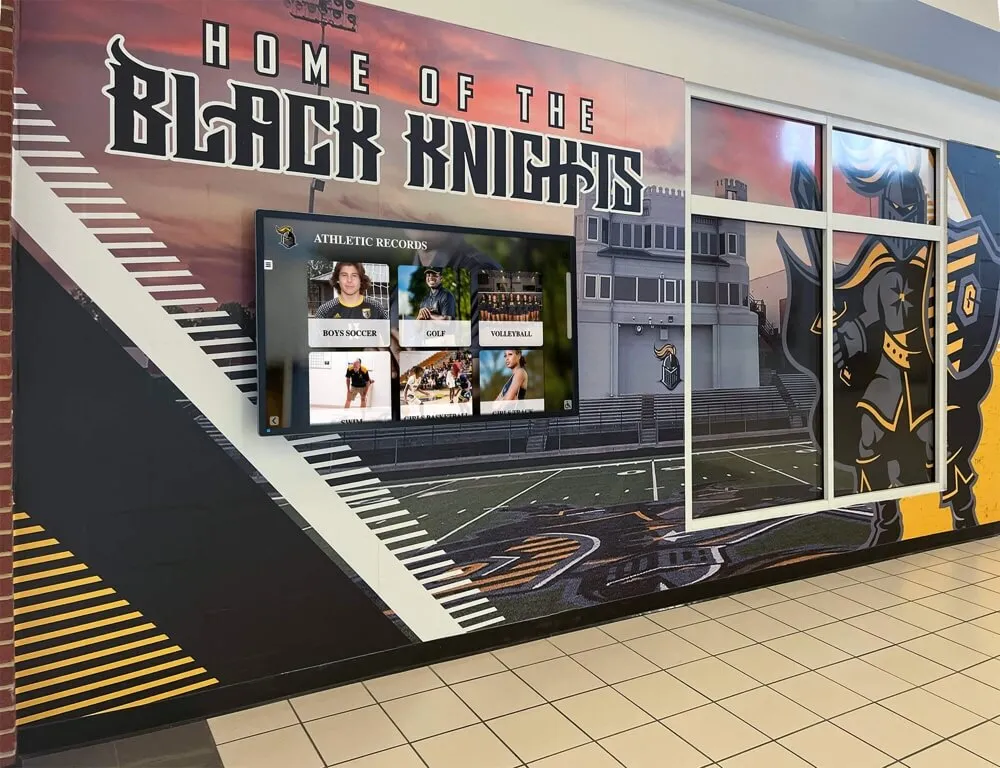
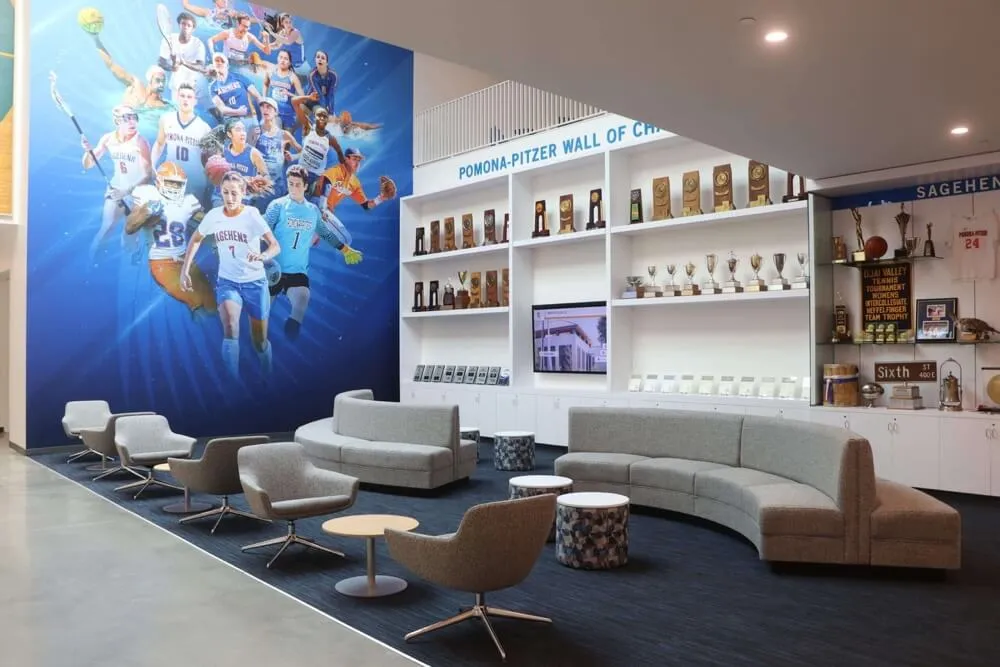
Hall-of-fame displays: Clean program scans showing the game summary from a state championship season add narrative depth to athlete profiles on interactive kiosks. Visitors can browse the actual program from the night a record was set, not just a photo. Schools that combine portrait cards with deskewed historical documents on sports recognition displays create a richer, more compelling experience than portrait grids alone.
Digital yearbooks: Athletic archive pages in digital yearbooks can embed deskewed score sheets and program covers as visual evidence of seasons being documented, strengthening credibility and historical context for current students who were not yet born when those records were set.
Awards programs and banquets: Projected or printed deskewed documents from the era when an honoree competed add personal authenticity to sports banquet recognition ceremonies that flat slideshows cannot replicate.
OCR and search indexing: A properly deskewed document dramatically improves OCR accuracy, making it possible to build a searchable index of athlete names, scores, dates, and sports across your entire archive. That index becomes a research tool for alumni, historians, and college recruiters reviewing a school’s athletic legacy.
For schools managing large recognition programs, the connection between a well-maintained physical archive and a modern digital hall-of-fame display is the deskew workflow itself—it is the bridge that turns paper history into a living, searchable, displayable asset.
Frequently Asked Questions
What is deskewing in document scanning? Deskewing is the process of digitally rotating a scanned image so that its text lines and borders become perfectly horizontal and vertical. Documents placed at a slight angle during scanning appear tilted in the resulting file; deskewing corrects that tilt in the digital copy without altering the original physical document.
Should I deskew my archival master files? No. Deskewing should always be applied to a working copy, not the archival master. The master is your source of truth; any processing—deskew, cropping, tonal adjustment—belongs in a clearly labeled derivative copy. This two-track approach is the foundation of responsible digital preservation.
How much tilt can an automated deskew algorithm correct? Most document-processing tools can reliably correct tilts up to ±15 degrees. Beyond that range, corrections become inaccurate and you risk cropping content or introducing distortion. Set your maximum correction angle to ±15° and flag anything outside that range for manual review.
What resolution should I use when scanning athletic programs for deskew? Scan at a minimum of 400 DPI for general program pages and 600 DPI for fine-print documents like score sheets or statistical records. Higher resolution gives the deskew algorithm more pixel data to work with, producing sharper derivatives after rotation.
Does deskewing affect image quality? A small amount of interpolation occurs during rotation, which can introduce very slight softness at high magnification. Scanning at sufficient resolution minimizes this effect to the point where it is invisible at normal display sizes. Starting at 400 DPI or higher, the quality loss from deskewing is negligible for any practical archival or display use.
How do deskewed athletic records connect to hall-of-fame recognition programs? Deskewed records can be embedded directly into digital hall-of-fame displays, touchscreen kiosks, and interactive yearbook platforms as supporting historical documents. They add documentary depth to athlete profiles and team histories that portrait photographs alone cannot provide. A well-organized deskew workflow is the production step that makes archival content display-ready for modern recognition systems.
Can I automate the entire workflow without manual review? You can automate the deskew pass itself, but manual review of files with large correction angles remains important—particularly for documents containing strong diagonal graphics. A fully automated workflow without any quality gate will occasionally produce misjudged corrections that are not caught until the documents are already displayed publicly. The QA checklist above is designed to minimize manual effort while catching the errors that automation misses.
Build a Recognition Program That Honors Athletic History
Athletic archives are most valuable when they are accessible—not sitting in archival boxes or locked inside inconsistently formatted digital folders. A structured athletic archive deskew workflow transforms decades of game programs and record sheets into clean, searchable, display-ready documents that can anchor a hall-of-fame wall, enrich a digital yearbook, or bring a school sports banquet to life with authentic historical context.
When your team is ready to move from processed archive files to a fully realized digital recognition program—interactive kiosk displays, searchable athlete databases, and hall-of-fame walls that connect the school’s past to its present—the next step is a platform built to bring that content to life.
Request a demo of Rocket Alumni Solutions to see how a structured digital recognition platform can display your deskewed athletic archives, preserve school history, and create an engaging experience for students, alumni, and visitors.