School history, shared
Athletic Archive Cross-Color Artifact Correction for Composite Game Video

Athletic archive cross-color artifact correction is the process of identifying and reducing rainbow-like false color patterns that appear in fine-texture areas of composite game video — jersey mesh fabric, referee striped shirts, scoreboard character rows, crowd clothing, and painted court markings — where the chrominance decoder in the original capture chain could not distinguish high-frequency brightness detail from the color subcarrier, encoding the luminance content as shimmering, iridescent color interference instead. Composite video formats — NTSC and PAL signals on VHS, S-VHS, Hi8, Betamax, and 3/4-inch U-matic tape — carry luminance and chrominance information together on a single signal path. The color subcarrier (3.579545 MHz in NTSC) sits within the luminance bandwidth, and any luminance detail at or near that frequency is indistinguishable to a simple chroma demodulator from actual color information. The result is cross-color: fine texture renders not as neutral gray or white detail, but as repeating bands of magenta, green, cyan, and orange that shift frame by frame as the camera angle, athlete movement, and compression change the spatial frequency content of the scene.
Cross-color artifacts are among the most visually disruptive defects in VHS-era athletic archives. They are also one of the few composite video artifacts where the correction strategy depends critically on whether correction happens at the point of capture or afterward — the two approaches produce different results under different constraints, and neither fully replaces the other. This guide gives school administrators, athletic directors, AV coordinators, and IT staff a complete workflow for identifying cross-color artifacts across an existing game footage collection, selecting the right correction approach for each stage of the workflow, applying hardware comb-filter correction at capture and software correction in post, validating corrected files, and setting intake standards that reduce cross-color contamination in all new digitization work.

Recognition displays and hall-of-fame installations surface historic game footage at large scale — cross-color artifacts that appear minor on a small monitor become distracting iridescent color bands on a lobby screen or touchscreen kiosk, making correction before archive ingest the most efficient path to display-ready quality
What Cross-Color Artifacts Are and Why Athletic Archives Are Vulnerable
In composite analog video, the luminance signal (Y) and the chrominance signal (C) are encoded together on a single carrier. NTSC accomplishes this by placing the color subcarrier at 3.579545 MHz — a frequency chosen specifically because it interleaves with luminance harmonics in a way that, under ideal conditions, allows a comb filter to separate them. The separation is never perfect. When luminance detail in the scene contains significant spatial frequency energy near the subcarrier frequency — which happens whenever fine repetitive texture appears in the camera’s field of view — the chroma demodulator cannot reliably distinguish that detail from actual color information.
The result is cross-color: the decoder assigns a color value to what should be a neutral luminance pattern, producing a false-color interference pattern that overlies the fine detail. The color is not random; it follows the geometry of the spatial frequency that triggered it, producing bands or rows of alternating complementary hues — typically magenta and green, or cyan and red — that repeat at the spatial period of the triggering detail. The pattern changes as the subject moves because the spatial frequency changes, causing the colors to ripple and shimmer in motion footage.
Why school athletic archives are particularly vulnerable to cross-color:
- Jersey and uniform texture. Basketball uniforms with mesh fabric, football jerseys with moisture-wicking perforations, and baseball uniforms with pinstripes all present spatial frequencies that fall directly in the cross-color risk zone. Close-up shots of athletes in action — the highest-value frames for any recognition program — are also the highest-risk frames for cross-color.
- Referee and official uniforms. The black-and-white striped shirts worn by referees and officials in nearly every team sport generate strong luminance oscillations at exactly the spatial frequencies that composite decoders misread as chroma. Any shot that includes an official near the camera creates significant cross-color on and around the striped fabric.
- Scoreboard and graphic overlays. Score display characters, team name text, and clock readouts on physical scoreboards from the 1980s and 1990s were typically high-contrast black or white figures on a contrasting background. The sharp character edges and fine pixel-level dot matrices of LED scoreboards from this era produce concentrated spatial frequencies that trigger cross-color in any composite capture that lacks a frame-accurate comb filter.
- Crowd clothing. Wide shots of stands filled with spectators wearing varied clothing — plaid, stripes, small patterns — create a field of moderate-frequency luminance content that drives cross-color across large areas of the frame simultaneously.
- Simple capture hardware without comb filtering. Consumer USB capture cards and early prosumer digitizers relied on simple notch filters to separate Y and C — an approach that trades luminance bandwidth for separation accuracy and never fully isolates chroma. Any tape digitized on this hardware between approximately 1995 and 2010 carries cross-color at every point where fine texture appeared in the original scene.
The cumulative effect in an athletic archive is that the footage categories most valuable for recognition displays — the close-up game action, the sideline moments, the championship locker room celebration — are the categories most likely to contain visible cross-color on exactly the uniforms, numbers, and institutional graphics that communicate team identity.
Cross-Color Risk by Source Format and Capture Equipment
| Source Format | Era in School Archives | Cross-Color Risk | Primary Visual Symptom | Correction Priority |
|---|---|---|---|---|
| VHS captured with notch filter only | 1995–2010 | Very high | Rainbow bands on jersey mesh and referee stripes in every close-up | Highest — hardware re-capture with comb filter or software correction required |
| VHS (standard play) | 1982–2005 | High | Iridescent shimmer on fine fabric and scoreboard text; worse in fast-motion scenes | High — prioritize for comb-filter capture workflow |
| S-VHS | 1987–2005 | High | Higher luma bandwidth makes fine texture more accurately encoded but chroma separation still notch-filter limited on consumer decks | High — same approach as VHS |
| Hi8 / Video8 | 1989–2005 | High | Color shimmer on crowd clothing; severe on horizontal striped patterns | High |
| Betamax | 1975–1988 | High | Cross-color on fine text and striped uniforms; slightly different subcarrier frequency (NTSC) | High |
| 3/4" U-matic | 1970s–1990s | Moderate | Better deck electronics reduce cross-color; still present in fine-texture areas | Moderate |
| Betacam SP | 1986–2000s | Low | Component Y/C recording eliminates composite cross-color mechanism | Verify at capture — no cross-color correction needed |
| MiniDV / Digital8 | 1995–2010 | None | Digital encoding; composite cross-color does not apply | Not applicable |
| VHS captured with 3D comb filter TBC | Any era | Low to none | Frame-based Y/C separation eliminates most cross-color at capture | Validate output; usually no post-correction needed |
The critical variable is not only the source tape format but the capture chain used to digitize it. A VHS tape digitized through a professional TBC with a 3D frame comb filter contains far less cross-color than the same tape digitized through a consumer USB capture card, regardless of how well the tape itself has been preserved. For archives reviewing existing digital files, the capture equipment used — not just the tape format — is the primary predictor of cross-color severity.
Step 1: Identify Cross-Color Artifacts in Existing Footage
The first step is determining which files in the archive contain cross-color at a level visible enough to justify correction. Cross-color is a visual artifact that requires visual inspection — no metadata field or codec parameter records its presence, because the defect was baked into the video signal at the point of composite encoding and capture.
What to look for during playback review:
Open each candidate file in a full-screen video player (VLC on Windows or macOS is suitable) and seek to sequences that are high-risk for cross-color:
- Close-up shots of athletes wearing mesh or perforated jersey fabric
- Any frame that includes a referee or linesman with a striped black-and-white shirt
- Scoreboard sequences, particularly those showing LED or incandescent dot-matrix character displays
- Wide crowd shots with spectators wearing varied clothing
- On-screen text graphics from the original broadcast — score bars, player names, quarter indicators
Pause on these frames and look carefully at the texture areas. Cross-color appears as narrow bands of saturated color — magenta, green, cyan, orange — that overlay the fine luminance texture without corresponding to the actual colors of the subject. A white mesh jersey may show bands of green and magenta running through the mesh holes. A referee’s striped shirt may show an iridescent shimmer of multiple hues along the stripe boundaries. A scoreboard character may show rainbow-color fringing within the character body rather than a clean white or yellow figure.
Advance frame by frame through a motion sequence and observe whether the color pattern shifts position as the subject moves. Cross-color shifts with the spatial frequency content of the scene — a characteristic that distinguishes it from static artifacts like dirt or scratches.
Grading severity for triage:
A rapid severity classification during the initial review helps prioritize correction resources across a large collection:
- Severe: Cross-color visible on every jersey and uniform in the frame; shimmer apparent at normal viewing distance on a standard display
- Moderate: Cross-color visible in close-up frames but not in wider establishing shots; detectable with attention but not immediately apparent to casual viewers
- Mild: Cross-color present but reduced in intensity; visible only in the finest texture areas; not likely to distract a viewer focused on the game action
For a recognition archive supplying footage to lobby displays and hall-of-fame touchscreens, all severe and moderate files warrant correction before display. Mild files may be acceptable for thumbnail or low-resolution preview use but should be flagged for hardware re-capture if the original tape is still accessible.
Step 2: Distinguish Cross-Color from Related Composite Defects
Several composite video artifacts produce color anomalies in fine-detail areas. Correct identification before applying correction prevents mismatched treatment — applying a cross-color correction to a chroma phase error, for example, will not improve the color and may introduce new problems.
Cross-color (false color in luminance detail):
- Appears in areas of fine texture where luminance spatial frequency is high
- Color pattern shifts and ripples as the scene content changes
- Distinct colors appear within and overlying what should be neutral-colored fine texture
- Present throughout all fine-texture areas in the frame simultaneously
Dot crawl (cross-luminance — the inverse problem):
- Appears as a crawling pattern of brightness fluctuations along the edges of saturated color areas — for example, along the edge of a brightly colored team logo or uniform panel
- The crawling dots are luminance variations caused by chroma leaking into the Y channel
- Localized to color-edge boundaries rather than distributed across fine-texture areas
- Both cross-color and dot crawl are present simultaneously when composite Y/C separation is poor; a comb filter correction addresses both together
Chroma phase error:
- All colors in the frame shift uniformly toward the wrong hue — reds become orange, blues become purple — without producing spatial shimmer or fine-texture color patterns
- The entire image looks incorrectly hued, not just fine-texture areas
- Correct with TBC chroma phase adjustment, not with a comb filter
Chroma delay:
- Color information is spatially offset from the luminance edge — a colored fringe appears consistently to one side of high-contrast edges throughout the frame
- No iridescent shimmer pattern; a fixed directional offset
- Correct with TBC chroma delay control or software offset correction
Video compression artifacts:
- Blocky patterns in 8×8 or 16×16 pixel regions, typically in areas of high motion
- Not associated with fine texture or spatial frequency content
- Present in files encoded at low bitrate, not in the original composite signal
If the artifact produces iridescent, shifting color in fine-texture areas and changes as the scene content moves, it is cross-color. If both cross-color and dot crawl are present — which is common in captures made without any comb filter — the comb-filter workflow addresses both simultaneously.
Schools building digital hall-of-fame content management systems that pull directly from archived game footage will encounter cross-color most prominently at the large display scales used in lobby installations, where a two-pixel shimmer pattern on a 720-pixel-wide capture expands to visible width on a 1920-pixel-wide display.
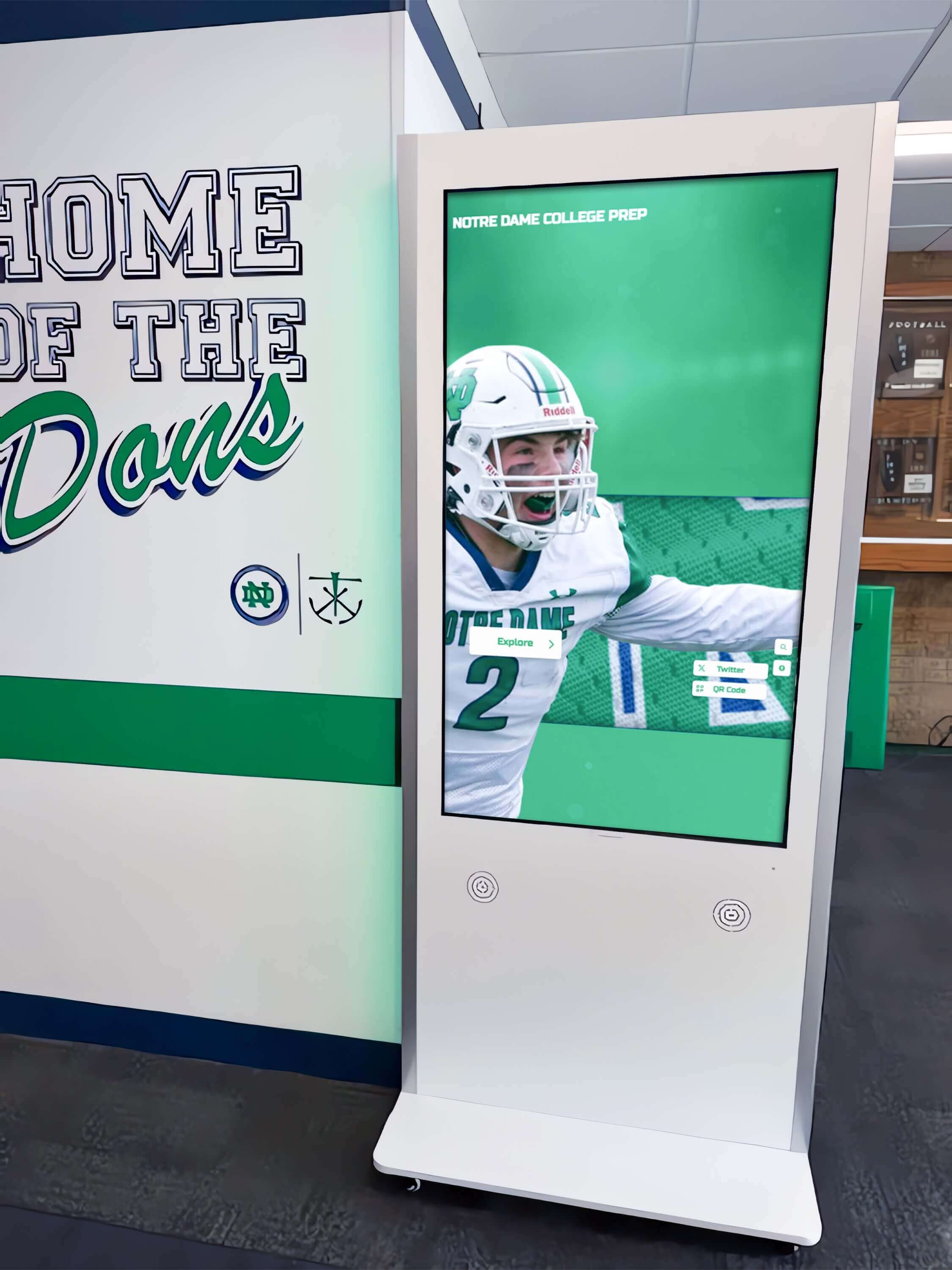
Hall-of-fame kiosks and recognition touchscreens display archived game footage at resolutions and screen sizes that expose composite artifacts not visible on the small monitors used during original recording — cross-color correction applied before the file enters the archive determines the quality ceiling for every display that sources from that file
Step 3: Apply Hardware Correction with a Comb-Filter TBC During Capture
Hardware correction at the point of capture is the most effective intervention in the cross-color correction workflow. A comb filter that operates on the composite signal before encoding separates Y and C components using spatial correlation across adjacent scan lines (2D comb) or adjacent frames (3D comb), allowing each component to be isolated with far greater accuracy than a notch filter.
Understanding comb filter types and their trade-offs:
A notch filter is the simplest chroma separation approach: it removes the frequency band occupied by the chroma subcarrier from the luminance signal, producing a Y signal free of chroma at the cost of all luminance detail in that frequency range. Fine texture in the cross-color risk zone is eliminated from the luma channel along with the chroma — the result is a softer image with less cross-color but also less detail.
A 2D line comb filter uses the fact that adjacent scan lines in a static frame contain nearly identical content to cancel the chroma subcarrier from one line using the inverted chroma component of the adjacent line. Cross-color is substantially reduced, and luminance bandwidth is better preserved than with a notch filter. In areas of vertical motion, where adjacent lines contain different content, the 2D comb produces some residual cross-color or motion artifacts — visible in fast-action sequences as momentary color fringing during rapid vertical movement.
A 3D frame comb filter extends the correlation to adjacent video frames. Because the chroma subcarrier is designed to be 180 degrees out of phase on alternating frames in NTSC, adjacent-frame cancellation separates Y and C with high accuracy even in areas of motion — provided the motion is not so fast that adjacent-frame scene content differs completely. A 3D comb filter in a quality TBC produces the cleanest Y/C separation available without digital re-processing of the captured signal, and it is the preferred hardware approach for any game footage that includes fast athletic movement.
Capture workflow with a comb-filter TBC:
- Connect the VHS or S-VHS deck output (composite or S-Video) to the TBC input; connect the TBC output to the capture card.
- Confirm the TBC’s comb filter is enabled. Many TBC units default to comb filter on, but verify in the unit’s control menu. If the TBC provides a choice between 2D and 3D comb modes, select 3D for athletic footage with significant motion.
- Start playback and open the capture preview in the digitization software. Seek to a sequence with jersey mesh or referee striped fabric visible in the frame.
- Observe the preview at full resolution. Cross-color will be substantially reduced or absent compared to a notch-filter capture of the same source material.
- If the TBC includes a chroma noise reduction control, set it conservatively — at 30 to 40 percent rather than maximum — to preserve authentic fine color detail while reducing composite color noise.
- Capture at the highest practical quality setting. For lossless or near-lossless capture, use Huffyuv or a lossless codec at the digitization stage; transcode to the archive master format (ProRes 422, DNxHD) after capture.
- Document the TBC model, comb filter mode, and chroma noise reduction setting in the capture log for each tape.
What to do when a comb-filter TBC is not available:
If neither a TBC with comb filter capability nor a capture card with onboard comb filtering is available, capture the footage using the best available hardware and apply software correction afterward (Step 4). A high-quality capture through a clean notch-filter path is the starting point for effective software correction; a low-quality consumer USB capture introduces additional signal degradation that limits what software tools can recover.
Programs comparing investments in athletic facility infrastructure — gym wall displays, hallway murals, and school gym wall decals and recognition artwork — alongside digitization equipment will find that a quality TBC with 3D comb filter frequently costs less than a single display installation component, and its impact on archive quality is permanent and cumulative across every tape digitized through it.
Step 4: Apply Software Correction After Capture
When footage has already been captured without comb filtering — or when a residual cross-color pattern remains after hardware correction — software processing can reduce the artifact in the stored digital file. Software cross-color correction operates differently from hardware comb filtering: rather than separating Y and C before encoding, it works on the already-encoded video to identify and reduce false color in high-frequency luminance regions.
Software correction cannot fully recover detail lost to a notch-filter capture, but it can substantially reduce the visual distraction of the artifact and produce a file suitable for display use.
Approach 1: Selective chroma reduction on fine-texture areas using VirtualDub2
VirtualDub2 (a free, open-source Windows video tool) supports filter chains that can apply chroma reduction selectively to areas of high luminance frequency — the spatial regions where cross-color is most severe.
- Open the source file in VirtualDub2 (File → Open video file).
- Navigate to Video → Filters → Add. Install and add a chroma smearing or chroma noise reduction filter. The Smart Deinterlacer plugin suite includes a chroma noise filter; the ColorMill plugin provides selective color reduction by luminance frequency. Use whichever is available in your VirtualDub2 installation.
- Set the filter to reduce chroma intensity in high-frequency luminance areas. In practice, this means setting the “chroma threshold” or “luma frequency threshold” control so that color reduction activates only in areas where the luminance content changes rapidly — the fine-texture zones — while leaving color accurate in areas of uniform hue like open floor, crowd banners, and large uniform panels.
- Enable the preview and verify the filter’s effect on a paused frame containing jersey mesh or a referee uniform. Cross-color should be visibly reduced; saturated colors in other areas of the frame should be unchanged.
- Set the output codec to a high-quality intermediate (ProRes or high-bitrate H.264 at CRF 15 or lower) to minimize re-encode quality loss.
Approach 2: AviSynth or VapourSynth script-based composite artifact reduction
AviSynth and VapourSynth are scriptable video processing frameworks that support fine-grained composite artifact correction through community-developed filter sets. The QTGMC deinterlacer includes chroma processing options that reduce cross-color as a secondary effect of its motion-adaptive interpolation. The DeGrainMedian and TemporalDegrain filters reduce chroma noise across frames using temporal correlation — an approach similar to a software 3D comb filter applied after capture.
A basic AviSynth script for composite artifact reduction on an interlaced NTSC capture:
AVISource("source_captured.avi")
AssumeTFF()
QTGMC(Preset="Slower", EZDenoise=1.5, EZKeepGrain=0.5, ChromaMotion=true)
The EZDenoise and EZKeepGrain parameters balance chroma smoothing against authentic grain retention — critical for athletic archive footage where real film grain or tape grain in wide crowd shots should be preserved as part of the authentic visual record. Set EZDenoise between 1.0 and 2.0 for moderate cross-color; increase toward 3.0 only for severe cases where the visual distraction outweighs the risk of over-smoothing.
Approach 3: FFmpeg frequency-domain chroma filtering
FFmpeg’s hqdn3d filter applies a three-dimensional spatial and temporal noise reduction that reduces high-frequency chroma noise — including cross-color — across both the spatial domain within each frame and the temporal domain across adjacent frames.
ffmpeg -i source_captured.mp4 -vf "hqdn3d=0:0:3:3" -c:v libx264 -crf 15 -c:a copy corrected_output.mp4
The first two parameters set spatial luma and chroma strength (set to 0 here to preserve spatial detail); the last two set temporal luma and chroma strength. A temporal chroma value of 3 reduces cross-color shimmer across frames while preserving spatial chroma accuracy. Adjust upward to 5 or 6 for severe cases and monitor the output for over-smoothing of legitimate color motion.
Re-encode quality considerations:
All software cross-color correction requires a re-encode of the video track. Use a high-quality intermediate codec for the corrected master file — not a delivery H.264 or H.265 at moderate bitrate — and designate the corrected intermediate as the new archive master from which all display derivatives are generated. Document both the original capture file path and the corrected master file path in the archive metadata record.
Schools developing community hall-of-fame recognition programs that draw on archived game footage for induction ceremony presentations benefit from having a corrected archival master, because the ceremony display context — a large projection screen or multiple lobby monitors — is precisely the context that reveals cross-color most visibly to the alumni and community members in attendance.
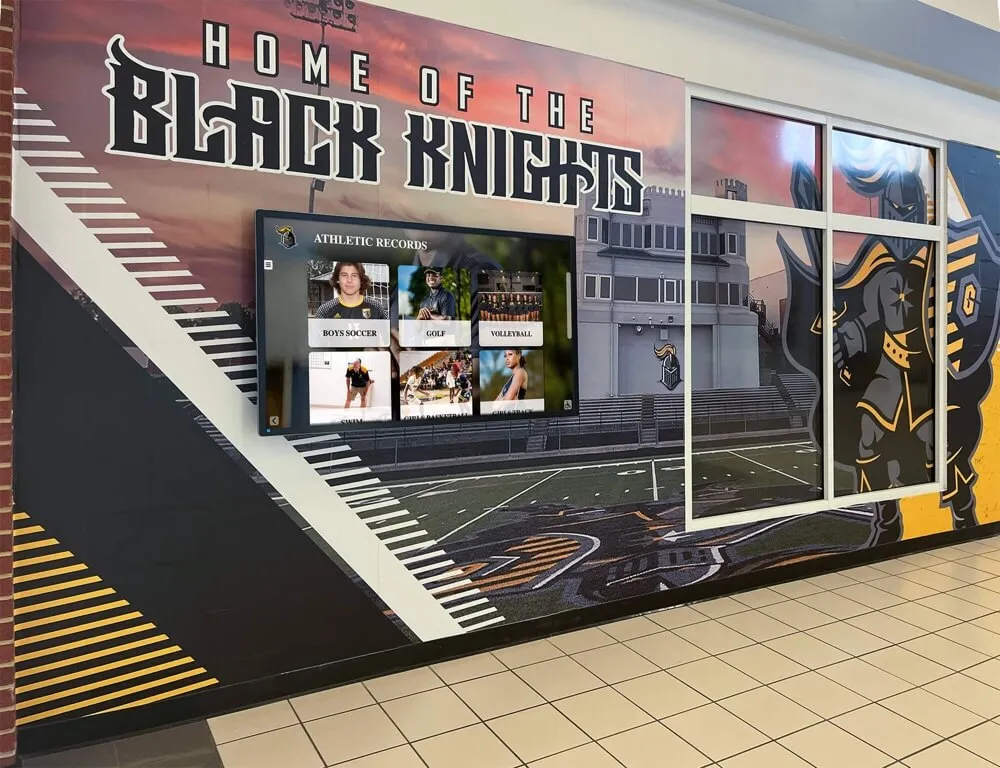
Athletic program murals and hallway displays that incorporate archived game footage present that footage to the full school community — cross-color correction ensures that fine uniform detail, jersey numbers, and institutional graphics appear cleanly rather than with rainbow shimmer at display resolution
Step 5: Validate Corrected Output
Validation confirms that the correction achieved meaningful improvement, that the correction process did not over-smooth authentic visual detail, and that the corrected file is suitable for archive commitment and display use.
Frame-level visual comparison:
- Export a still frame from the corrected file at the same timecode as the highest-severity cross-color frame identified during assessment:
ffmpeg -i corrected_output.mp4 -ss 00:03:15 -vframes 1 corrected_sample.png
ffmpeg -i source_captured.mp4 -ss 00:03:15 -vframes 1 original_sample.png
- Open both frames side by side in an image editor at 200 to 400 percent zoom.
- In the fine-texture areas that showed the most severe cross-color — jersey mesh, referee stripes, scoreboard characters — confirm that the rainbow-color bands are substantially reduced or absent in the corrected frame.
- In areas that should show accurate saturated color — a team-colored uniform panel, a school banner, a painted court logo — confirm that the correction has not reduced or shifted the legitimate color content. Over-aggressive chroma smoothing produces a desaturated or washed-out appearance in areas that should show rich color; if you observe this, reduce the filter strength and re-process.
- Check a fine-texture area in an area of the frame with neutral intended color — white jersey fabric away from texture zones, gymnasium floor — to confirm the corrected file shows neutral gray without residual color cast.
Playback review for motion behavior:
Cross-color is a temporal artifact in motion sequences — the shimmer shifts as scene content moves. Play the corrected file at full screen and observe several sequences of fast athletic movement: a breakaway run, a basketball fast break, a gymnastics routine. The corrected file should show stable color in texture areas even during motion, with the shimmer pattern absent or substantially reduced. If residual shimmer is present during motion but absent in static frames, the software correction parameters are handling static frames well but not fully addressing temporal cross-color variation — increase the temporal dimension of the filter (hqdn3d’s temporal parameters, or QTGMC’s frame rate and motion sensitivity settings) and re-validate.
Grain and authentic detail preservation check:
Fine texture areas in VHS athletic footage — particularly footage shot in low-light gymnasium conditions — contain a mixture of cross-color (an artifact to be reduced) and tape grain and natural camera noise (authentic characteristics of the recording era that should be preserved). Over-aggressive cross-color correction eliminates both, producing a smooth, plasticky appearance that reads as digitally processed rather than historically authentic.
Compare a large uniform panel in the original and corrected frames. In the original, this area shows natural grain texture with some cross-color scattered across it. In the corrected frame, it should show similar grain texture — perhaps slightly reduced — but without the systematic color banding of cross-color. If the corrected frame shows a completely smooth, grain-free texture, reduce the correction strength. Authentic grain preservation matters for recognition archive quality: hall-of-fame displays and yearbook highlight reels that present heavily over-processed footage look recent rather than historic, reducing the visual authenticity that makes archive footage meaningful.
Programs that have implemented touch display systems with calibrated interaction standards for their recognition walls understand this principle: the display experience depends on every layer of the pipeline being calibrated to appropriate tolerances, and archival video quality is one of those layers.
Step 6: Set Intake Standards for New Acquisitions
Cross-color artifact correction is most efficient when it is prevented at intake rather than applied as a retrospective pass across an existing collection. Establishing technical standards for all new digitization work — both in-house captures and externally contracted digitization — controls the problem before it enters the archive.
For in-house digitization:
- Require a TBC with comb filter capability for all composite video captures (VHS, S-VHS, Hi8, Betamax, U-matic). Document the TBC model and comb filter mode for every capture session.
- Perform a cross-color screening check on the first minute of every new capture before committing the full digitization. A sequence containing jersey fabric or a referee uniform visible in the frame provides the test content needed for a reliable screening assessment.
- Set a maximum acceptable cross-color severity threshold: no severe cross-color in close-up sequences, and moderate cross-color corrected before the file is committed to the archive master tier.
- Maintain and clean the TBC and capture card hardware on a schedule matched to the volume of digitization work — a TBC with a dirty composite input connector or a degraded internal filter component introduces artifacts it is supposed to prevent.
For external digitization vendors:
Include cross-color correction in the scope of work for any vendor engagement. A clause specifying “composite Y/C separation performed using 2D or 3D comb filter during capture; cross-color artifacts in jersey texture and referee uniform sequences reduced to below visible threshold; comb filter type and TBC model documented in the capture log” gives the vendor a testable technical requirement and gives your acceptance review a measurable standard. Request a sample digitization of a ten-minute segment before committing the full collection — assess the sample specifically for cross-color in motion sequences.
For incoming donations from alumni and community members:
Community donors often provide game footage as consumer video files exported from phones, computers, or social media platforms — files that have been compressed multiple times and show the compounding effects of cross-color from the original composite capture alongside modern compression artifacts. For donated files, request the original tape or the highest-generation digital file available, not a re-export from a phone or a social media download. The earlier the generation of the donated file, the more effective cross-color correction will be — later-generation files have mixed the composite artifact with compression artifacts in ways that software correction cannot fully separate.
Schools that use game footage in jersey retirement ceremonies and recognition events — events where archived video plays to athletes, families, and alumni who remember the original — find that the visual quality of source footage directly affects the emotional impact of the presentation. Programs that have built jersey retirement and athlete recognition programs around high-quality archive video understand that intake standards determine the quality ceiling for every ceremonial display the program will ever produce.
Cross-Color Artifact Correction Workflow Checklist
Use this checklist for each composite video digitization project and when reviewing existing archive files.
Pre-Capture Assessment
- Source format identified (VHS, S-VHS, Hi8, Betamax, U-matic, other)
- Playback deck inspected; heads cleaned within last 25 hours of use
- TBC connected between deck and capture card; comb filter mode confirmed (2D or 3D)
- Test capture of 2 minutes performed including a sequence with jersey fabric visible
- Test capture reviewed for cross-color severity; severity classified as severe / moderate / mild / none
Hardware Correction (at capture)
- TBC comb filter enabled and mode set to 3D for motion-heavy athletic content
- Chroma noise reduction set conservatively (30–40%) to preserve authentic color detail
- Capture codec set to lossless or near-lossless (Huffyuv, ProRes) for archival master
- First full-resolution frame from test capture reviewed for cross-color and dot crawl
Software Correction (post-capture, if needed)
- Correction approach selected (VirtualDub2 chroma filter / AviSynth QTGMC / FFmpeg hqdn3d)
- Filter parameters set conservatively; preview frame reviewed before full encode
- Output codec set to high-quality intermediate (ProRes 422 or H.264 CRF ≤ 15)
- Audio stream preserved with -c:a copy or equivalent pass-through setting
Validation
- Corrected frame exported and compared to original at 200–400% zoom
- Cross-color reduced in jersey mesh and fine-texture areas
- Legitimate saturated color (uniform panels, banners, logos) unchanged or minimally affected
- Authentic grain texture preserved in large uniform areas; no over-smoothing
- Motion sequence played full-screen; shimmer absent or substantially reduced during fast action
Archive Documentation
- TBC model, comb filter mode, and chroma settings recorded in capture log
- Software correction tool, version, and parameters recorded in archive metadata
- Original capture file (pre-correction) retained as preservation master
- Corrected intermediate committed to archive as access master
- Cross-color severity level before and after correction documented
Connecting Cross-Color–Corrected Video to Recognition Programs
Cross-color artifact correction is a technical workflow step, but its effect is visible at every display context where the corrected footage is shown. A hall-of-fame induction ceremony that plays a 1989 championship highlight on a lobby screen, a sports banquet montage drawn from the decade-by-decade game archive, a touchscreen kiosk that lets students browse championship seasons — every one of these presentations reveals the quality of the source archive at exactly the moments that matter most to the athletes and alumni watching.
Schools connecting corrected game footage to athletic recognition programs that track records by sport and season find that video quality supports the credibility of the entire recognition program — accurate color in game footage reinforces the authenticity of the records, statistics, and athlete profiles displayed alongside it. A cross-color shimmer on a jersey in a championship highlight undercuts the professional presentation that a hall-of-fame installation requires.
Programs that use corrected athletic archives for events beyond the immediate athletic community — academic recognition displays, alumni events, graduation recognition ceremonies — benefit from the same quality standard. Schools that recognize AP Scholar award recipients and other academic milestones alongside athletic achievement in shared recognition spaces require the same visual quality from their archival sources regardless of the program category.
Cross-Color Artifact Correction: Quick Reference
Identify the defect:
- Rainbow bands in fine-texture areas (jersey mesh, referee stripes, scoreboard text)
- Pattern shifts and ripples as scene content changes
- Distinct from chroma delay (directional spatial offset) and chroma phase (global hue shift)
Hardware correction (preferred — at capture):
- TBC with 2D line comb filter (good for static content)
- TBC with 3D frame comb filter (best for athletic motion footage)
- Set chroma noise reduction conservatively to preserve authentic color detail
Software correction (post-capture):
- VirtualDub2: chroma noise filter with luma-frequency threshold
- AviSynth / VapourSynth: QTGMC with EZDenoise 1.0–2.0
- FFmpeg:
hqdn3d=0:0:3:3for temporal chroma smoothing
Validate before archiving:
- Frame comparison at 200–400% zoom in fine-texture areas
- Full-screen motion sequence playback
- Confirm grain and legitimate color preserved; no over-smoothing
Document everything:
- TBC model and comb filter mode; software tool and parameters; severity before and after
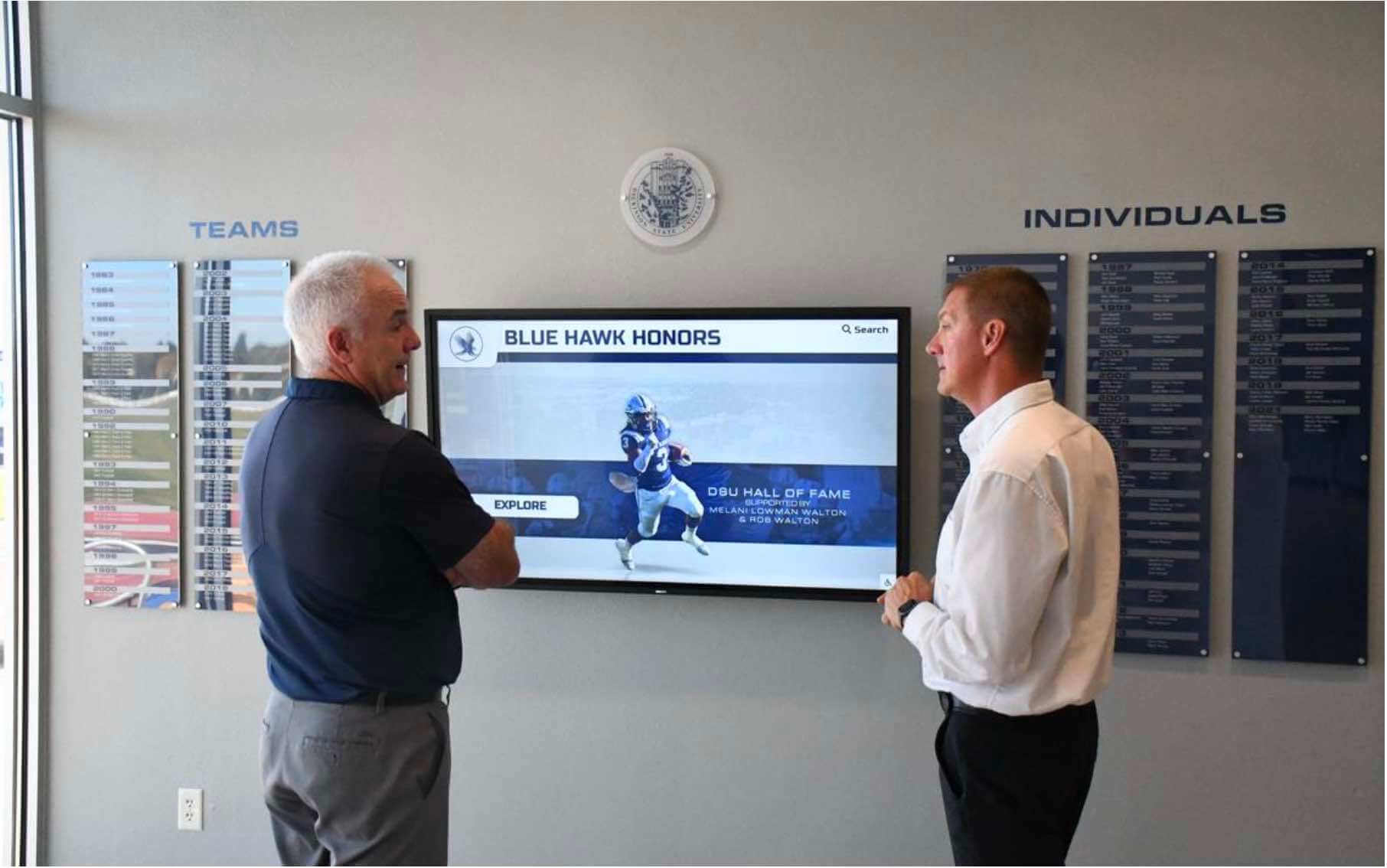
Hall-of-fame recognition displays source their most significant visual content from the game footage archive — cross-color correction performed before that footage enters the archive determines whether athletes appear in clean, authentic-looking video or in footage that reads as visually degraded against the high-resolution context of a modern display installation
Frequently Asked Questions
Q: How do I tell the difference between cross-color and genuine color detail that should be preserved in a frame?
Cross-color has two reliable identifying characteristics: it appears only in areas of fine luminance texture (not in areas of uniform tone), and it changes position or intensity as scene content moves. Genuine color in the scene — a team-colored uniform panel, a painted court logo, a school banner — stays fixed in position as the camera and athletes move. If you observe saturated color in a fine-texture area that shifts its pattern between adjacent frames, that is cross-color. If the color stays constant and corresponds to the actual hue of the object at the correct location, it is authentic. During frame-by-frame advance through a motion sequence, cross-color appears to crawl or ripple through the texture; real color moves only as the physical object it belongs to moves.
Q: Our archive contains both VHS captures from 2005 (USB capture card, no TBC) and more recent captures from 2019 (professional TBC with 3D comb filter). Do we need to treat these differently?
Yes. The 2005 USB captures have a high probability of containing significant cross-color throughout any sequence with fine texture, because consumer USB capture cards of that era used notch filter separation. Apply software cross-color correction to every file from that capture era, beginning with the severe-severity examples from the visual screening step. The 2019 TBC captures with 3D comb filter should have substantially less cross-color; screen a representative sample from this era and apply software correction only to files where residual shimmer is visible at moderate to severe levels.
Q: Can we re-capture original tapes to eliminate cross-color at the source, and is that worth doing for files already in the archive?
Re-capture from the original tape through a comb-filter TBC is the highest-quality path and is worth doing for the highest-value recordings in the collection — championship game footage, playoff sequences, induction ceremony recordings that will be featured prominently in recognition displays. For the bulk of the archive, software correction applied to existing files is more practical and produces acceptable display quality. If the original tapes still exist and are in playable condition, stage the re-capture workflow for high-priority items first and proceed through the remainder based on displayed value and tape condition.
Q: Does cross-color correction affect the accuracy of school colors in the corrected file?
A well-calibrated software correction reduces cross-color in fine-texture areas without affecting legitimate color accuracy elsewhere in the frame — the filter’s effect should be limited to high-frequency luminance regions where cross-color appears, not to the large uniform-color areas where team colors are most clearly represented. Over-aggressive correction reduces chroma throughout the entire frame, which does desaturate school colors alongside the artifact. Always validate the correction by examining large uniform panels and school color areas in a corrected frame and comparing them to the original — if school colors appear less saturated after correction, reduce the filter strength.
Q: Is it possible to have both cross-color and chroma delay in the same file?
Yes. Both defects can appear together in a single file, and both are common in VHS-era captures made without a high-quality TBC. Cross-color (false color in fine texture) and chroma delay (spatial offset of the entire color channel relative to luminance) have different mechanisms and different visual presentations. Correct them independently: address chroma delay first by measuring and applying the Y/C timing correction, then assess for residual cross-color in fine-texture areas and apply the comb-filter or software chroma correction. Applying cross-color correction before addressing chroma delay does not correct the delay and will not affect its measurement.
Q: How does cross-color appear differently on modern 4K displays compared to the CRT monitors on which the original footage was viewed?
CRT monitors used in original playback of VHS-era footage had scan line structure and phosphor persistence that naturally averaged adjacent lines — an effect that partially masked cross-color by blending it with surrounding content across the scan line and over time. Modern LCD and OLED displays render each pixel discretely at full precision, without any natural temporal or spatial averaging. Cross-color that was marginally visible on a 1990s CRT is often clearly visible on a 2020s 4K display, particularly when the video is upscaled to display resolution. Schools installing hockey rink and ice arena touchscreen recognition systems and other large-format athletic recognition displays will find that historic footage reviewed and accepted at SD resolution on older monitors may require correction when displayed at the resolutions their new recognition infrastructure uses.
Common Cross-Color Correction Mistakes to Avoid
Applying maximum chroma smoothing without previewing the result on fine-texture content. Maximum chroma noise reduction settings eliminate cross-color completely but also remove legitimate fine color detail and flatten the natural texture of the video, producing an artificial, over-processed appearance. Always preview the correction on a frame with jersey mesh or similar fine texture and dial back the filter strength to the minimum level that achieves acceptable cross-color reduction.
Treating cross-color correction as a substitute for proper comb filter TBC at capture. Software correction applied to a notch-filter capture improves the artifact but cannot recover the luminance bandwidth that the notch filter removed from the Y channel during encoding. The frequency range that the notch filter suppressed is gone from the stored file. Hardware comb filter correction during capture preserves that luminance bandwidth and produces a fundamentally better file — software correction of an existing capture is an improvement within the constraints of what was captured, not an equivalent to having captured correctly.
Confusing cross-color reduction with upscaling or AI enhancement. Several commercial AI video upscaling tools include chroma artifact reduction as a component of their processing pipeline. These tools can reduce cross-color while upscaling, but they also introduce AI-generated detail that may not correspond to the original scene content. For athletic archives where authenticity matters — footage that documents actual historic events and actual team performances — AI-generated detail in upscaled video is not archivally appropriate for the preservation master. Use conventional correction tools for the archive master; consider AI upscaling only for derived display copies when clearly labeled as AI-enhanced.
Discarding the pre-correction capture before validating the corrected file. Keep the pre-correction digital capture as the preservation master until the corrected file has been fully validated and accepted into the archive. If the correction introduced over-smoothing or a residual artifact that requires adjustment, the preservation master is the recovery point. Once the corrected file passes validation, the original capture can be evaluated for retention or deletion according to the archive’s retention policy.
Skipping cross-color assessment for wide establishing shots. Cross-color in wide crowd shots — where the entire spectator section of a gymnasium or stadium shows shimmer across varied clothing patterns — is often less severe per individual area than close-up jersey sequences, but it affects a large portion of the frame simultaneously and is clearly visible to any viewer. Include wide crowd shots in the cross-color screening step alongside the close-up jersey and referee sequences.
Turn Corrected Game Footage Into a Living Athletic Recognition Program
Cross-color artifact correction gives your school’s historic game footage the clarity it needs to stand alongside professional-quality recognition content — clean jersey detail, accurate school colors, and authentic game action without the rainbow shimmer that undermines archive quality at display scale.
Rocket Alumni Solutions helps schools connect color-accurate, preservation-quality athletic archives to interactive hall-of-fame installations, lobby touchscreen kiosks, and digital recognition walls designed to surface every athlete, every championship season, and every program milestone your school has earned.
Schedule a demo with Rocket Alumni Solutions to see how your corrected archive can power recognition infrastructure that honors your school’s athletic history with the visual quality it deserves.
Sources
- Library of Congress — Sustainability of Digital Formats: Video — Authoritative format and preservation guidance for long-term video archiving in educational and institutional contexts
- FFmpeg Documentation — Video Filters — Reference documentation for FFmpeg filter options including
hqdn3dand related temporal/spatial noise reduction filters - AviSynth+ Documentation — Community documentation for AviSynth scripting framework including QTGMC and composite artifact reduction filters
- MediaInfo — Open-Source Video Analysis Tool — Free cross-platform tool for reading video encoding metadata including color format, chroma subsampling, and codec parameters
Ready to see this for your school?
Picture your collection in a custom mockup
Start with your yearbook collection and digitization goals, then request a custom digital mockup for your school.