School history, shared
Athletic Archive Copyright Takedown Policy: A School Workflow for Rights Complaints
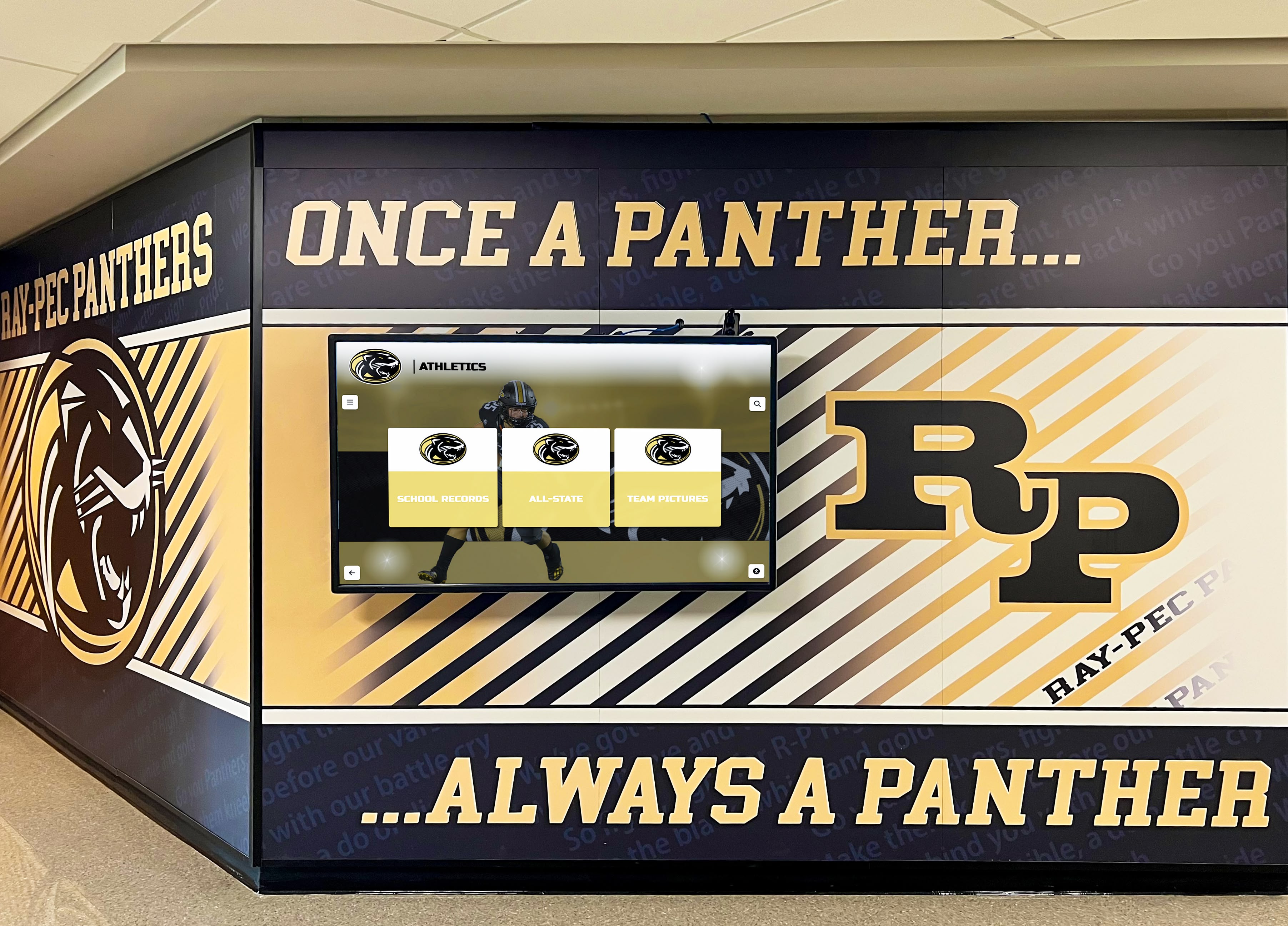
When a photographer, news organization, or former student contacts your school claiming rights over content in your athletic archive, how you respond in the first 48 hours matters as much as the underlying legal question. A documented athletic archive copyright takedown policy gives your school a repeatable, defensible process—one that protects the school from escalation while treating rights holders fairly and keeping your display or archive operational with minimal disruption.
This guide provides a complete workflow: from the moment a complaint arrives to final resolution. It covers who handles each step, what to document, how to temporarily restrict access without dismantling an archive, and how to close complaints with a written record. School administrators, athletic directors, alumni and advancement staff, facilities managers, and IT teams will each find their role defined here.
What a School Copyright Takedown Policy Actually Covers
An athletic archive copyright takedown policy is not a full legal document—it is an internal operating procedure that tells staff what to do when someone asserts rights over content your school has published. The policy applies to:
- Historic team and individual athletic photographs in searchable archives, digital halls of fame, or lobby displays
- Game programs, schedules, and press guides your school scanned and uploaded
- Video clips and highlight footage from historical games or award ceremonies
- Yearbook pages reproduced in digital archives, whether embedded or downloadable
- Statistical write-ups and narrative profiles sourced from third-party publications
The policy does not replace legal counsel—it is the structured response that happens before (and while) you consult legal counsel, so nothing falls through the cracks.
For context on what rights each asset type carries before a complaint arrives, see the related guide on athletic archive metadata standards for searchable school history, which covers how to document ownership proactively at the asset level.

Searchable digital athletic archives—whether touchscreen displays or web portals—require a formal rights-complaint workflow before they go live
Core Principles of a School Takedown Policy
Before the step-by-step workflow, four principles should shape how your school approaches every complaint:
- Respond promptly. A response within two business days signals good faith. Silence or slow responses increase the chance a complainant escalates to legal action.
- Restrict before you investigate, not after. Temporarily removing content from public view costs almost nothing and eliminates ongoing harm to any legitimate rights holder while you gather facts.
- Document everything. A written record of every step—receipt, restriction, investigation, decision, communication—protects your school if the dispute escalates.
- Separate the legal question from the operational response. Most complaints resolve without involving attorneys. Your workflow should be designed so staff can complete the core steps independently, with legal counsel engaged only when genuinely needed.
The Five-Stage Takedown Workflow
Stage 1 — Receive and Acknowledge
Who handles it: Designated complaint intake contact (recommended: athletic director’s office or communications staff, with a single shared inbox such as archivecomplaint@school.edu)
What to do within 2 business days:
- Confirm receipt of the complaint in writing (email is sufficient).
- Assign a complaint tracking number using a consistent format—for example,
TAKE-2026-001. - Log the complaint in your tracking register (see Stage 2 fields table below).
- Do not make admissions or promises about outcomes in the acknowledgment.
Sample acknowledgment language:
“Thank you for contacting [School Name] regarding content in our athletic archive. We have received your message and assigned it tracking number [TAKE-2026-XXX]. A member of our team will follow up within five business days with a status update. We take rights concerns seriously and will review your claim carefully.”
Stage 2 — Log the Complaint
Record every complaint in a central register before taking any other action. The register is your audit trail if the matter escalates.
| Field | What to Record |
|---|---|
| Complaint ID | Unique tracking number (e.g., TAKE-2026-001) |
| Date Received | Full date and time |
| Received Via | Email / phone / certified mail / online form |
| Complainant Name | Full name as provided |
| Complainant Contact | Email and/or mailing address |
| Claimed Relationship to Content | Photographer / publisher / subject / estate / other |
| Content Described | Specific asset(s) identified by the complainant |
| Location in Archive | URL, display name, or asset ID where content appears |
| Nature of Claim | Copyright infringement / privacy violation / unauthorized use / other |
| Relief Requested | Removal / credit / license fee / other |
| Assigned Reviewer | Staff member responsible for investigation |
| Current Status | Received / Under Review / Temporarily Restricted / Resolved / Closed |
| Resolution Date | Date complaint was formally closed |
| Notes | Any context not captured in other fields |
Maintain this register in a shared location accessible to the athletic director, communications lead, and any IT staff who manage the archive platform.
Stage 3 — Temporarily Restrict Access
Who handles it: IT staff or whoever administers your archive platform
Deadline: Within 1–3 business days of logging the complaint, regardless of whether you have investigated the merits
Restricting access does not mean deleting the content. It means making the specific asset inaccessible to the public while your school reviews the complaint. Practical approaches:
- For digital displays: Remove the asset from the active playlist or gallery; move it to an unpublished folder.
- For web archives: Set the page or file to private or unlisted, or password-protect the relevant section.
- For searchable databases: Flag the asset record so it does not return in search results; do not delete the database entry.
- For embedded yearbook pages: Remove the embed from the public-facing page while retaining the original scan in your archive storage.
Document the restriction action in your complaint register: date, method used, and the staff member who performed it.
Why restrict before you know if the complaint is valid? Ongoing public availability of contested content accumulates harm if the claim turns out to be legitimate. Temporary restriction is reversible in minutes; a court order requiring removal is not.
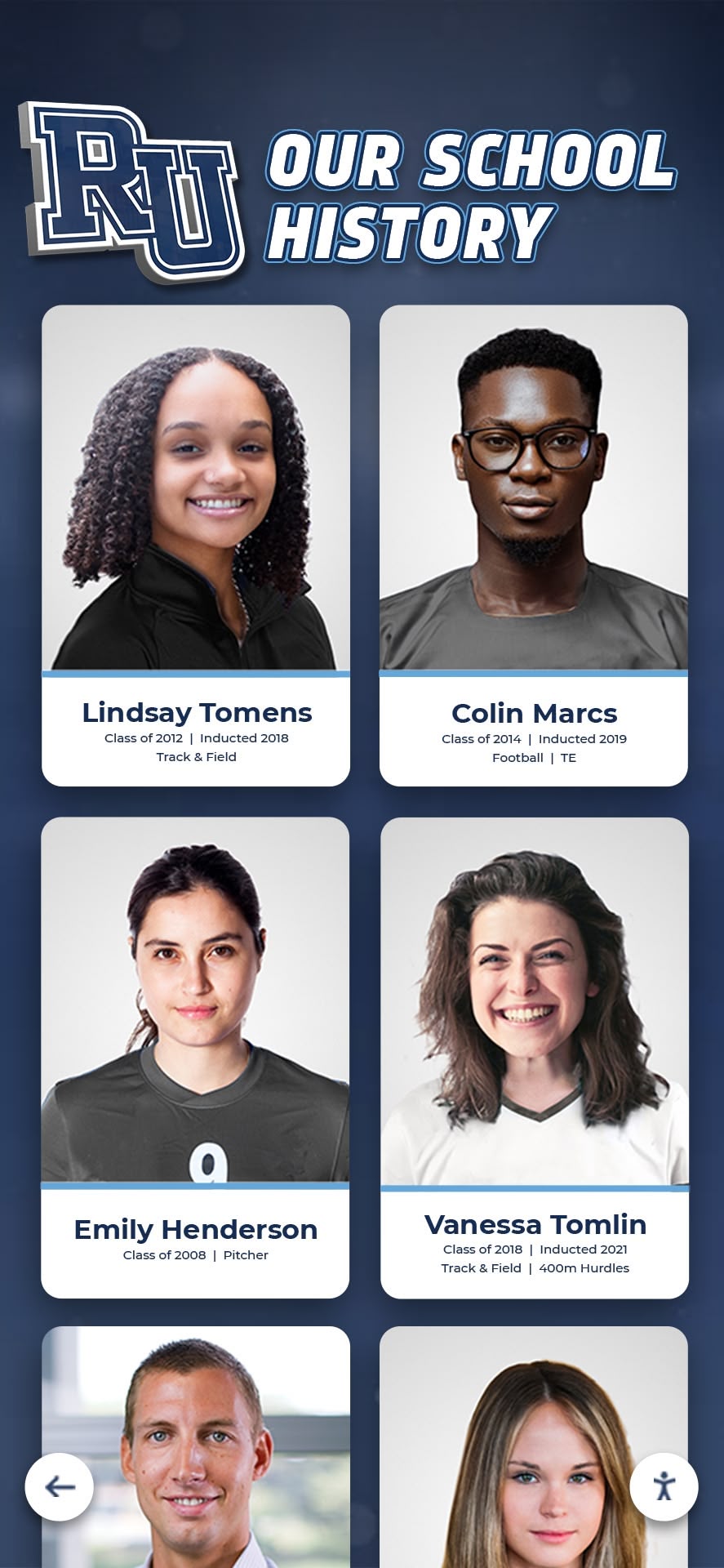
Temporarily restricting a single asset during review is a reversible action that demonstrates good faith without dismantling the display
Stage 4 — Investigate the Claim
Who handles it: Athletic director or designated archivist, with IT support for access to asset metadata
Timeline: Complete within 10 business days of restriction
The investigation answers three questions:
1. What rights does the school actually hold for this asset?
Pull the rights metadata record for the asset. If your archive has documented ownership fields already attached to each file—following the practices covered in the guide on building rights metadata for searchable school history—this step is fast. If not, research the asset’s origin:
- Check contracts with yearbook photographers, production companies, or news outlets from the relevant era
- Review employment records to determine if the creator was a school employee at the time (work for hire)
- Search the archive for photo credits, program credits, or bylines naming a specific creator
2. Does the complainant’s claim appear credible?
Assess whether the complainant has plausibly identified themselves as a rights holder:
- A photographer claiming ownership of their own work is credible by default until evidence contradicts it
- A third party claiming rights on behalf of an estate should provide documentation
- A news organization claiming rights over a clipping is credible; assess whether your use falls within any license your school holds
3. What resolution is proportionate?
Use this decision table:
| Finding | Recommended Next Step |
|---|---|
| School clearly owns the rights | Notify complainant; restore asset with documentation |
| School holds a valid license covering the use | Notify complainant with license reference; restore asset |
| Rights holder confirmed; school lacks documented rights | Negotiate license or remove permanently; notify complainant |
| Rights genuinely unclear; complainant credible | Escalate to legal counsel; maintain restriction |
| Complaint lacks credible basis | Document determination; notify complainant; restore asset |
| Privacy concern (not copyright) | Route to student records / privacy officer workflow |
Stage 5 — Resolve and Close
Who handles it: Athletic director or designated staff member
What to do:
- Send a written resolution notice to the complainant explaining the outcome.
- Take the corresponding action in your archive: restore the asset, remove it permanently, or maintain the restriction while a license is negotiated.
- Update the complaint register with the resolution date, action taken, and any conditions—for example, “removed permanently,” “restored with photographer credit added,” or “license fee paid per attached agreement.”
- File any correspondence, contracts, or release documents in your rights documentation folder, linked from the complaint register entry.
- Formally close the complaint in your register.
If the complaint was upheld and content was removed permanently, flag the asset in your archive database as “Do Not Republish” with a note referencing the complaint ID, so no future staff member inadvertently restores it.
Roles and Responsibilities at a Glance
| Role | Responsibility in Complaint Process |
|---|---|
| Complaint Intake Contact | First point of contact; sends acknowledgment; logs complaint |
| Athletic Director | Oversees investigation; makes resolution decisions; signs off on outcomes |
| IT / Archive Administrator | Executes temporary restrictions and restorations in the platform |
| Communications / Advancement | Manages complainant communication; coordinates with alumni relations when complainant is a former student or donor |
| School Legal Counsel | Engaged when rights are genuinely disputed or complainant threatens litigation |
| Privacy / Records Officer | Engaged when complaint involves student privacy or FERPA rather than copyright |
For complaints involving alumni who are also donors or active community members, loop in advancement staff early—the relationship context matters for how communication is handled. Schools building out their athletic hall of fame recognition systems should define these roles in their platform governance documents before launch, not after the first complaint arrives.
Complaint Register: Quick-Reference Status Codes
| Status Code | Meaning | Typical Next Action |
|---|---|---|
| RECV | Received; not yet logged | Log within 24 hours |
| REVW | Under review; restriction in place | Complete investigation within 10 business days |
| PEND | Escalated to legal counsel | Await counsel guidance; keep complainant updated |
| RESL-R | Resolved — content restored | Update register; send resolution notice |
| RESL-X | Resolved — content permanently removed | Flag asset Do Not Republish; update register |
| RESL-L | Resolved — license obtained | File license; restore content; update register |
| CLOS | Closed | No further action required |
When to Escalate to Legal Counsel
Not every complaint requires an attorney. Escalate when:
- The complainant explicitly threatens litigation or references an attorney
- The disputed content has high visibility (a homepage feature, a lobby display, or a widely-shared social post)
- The rights investigation reveals genuine uncertainty about ownership, not just missing documentation
- The complainant requests a license fee and you are unsure whether payment is appropriate
- The same complainant has submitted multiple complaints, suggesting a broader dispute
- The complaint involves news media, wire service images, or broadcast footage that carries complex licensing terms
For complaints clearly resolvable at the staff level—a photographer requesting credit, a former student asking for their photo to be removed for personal privacy reasons—attorney involvement is rarely necessary and can slow resolution unnecessarily. The goal is proportionate response, not escalation by default.
For a parallel workflow structure in a closely related area, the athletic record correction and verification workflow shows how schools route and document contested factual claims about athletic history through a structured review process.
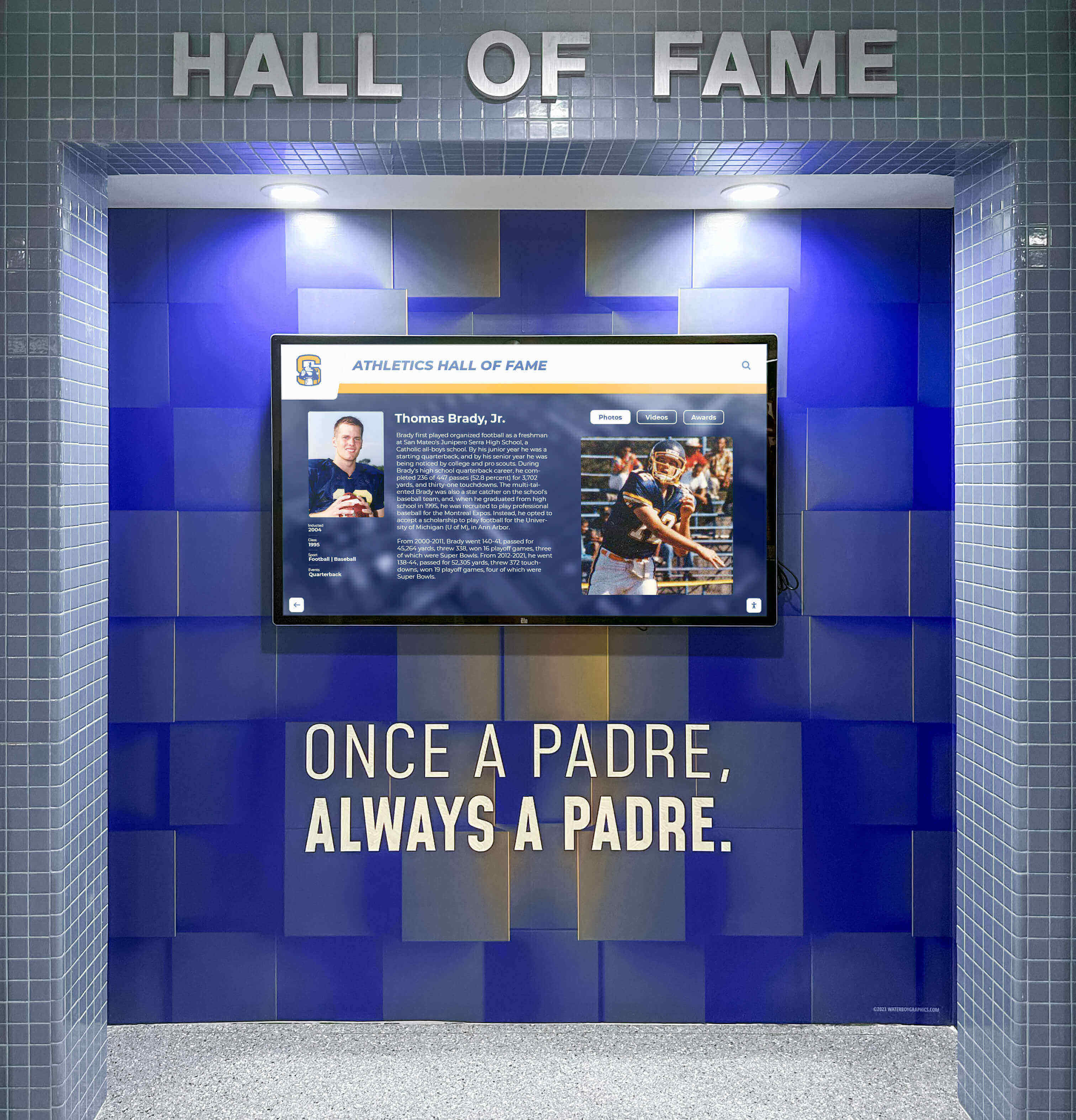
A clear takedown workflow keeps your archive display operational during review—content stays available to visitors while a specific disputed asset is quietly restricted
Building the Policy Document Itself
Your internal workflow should be supported by a brief written policy—typically one to two pages—that formalizes the process described above. Include:
- Scope — What types of content and archive platforms the policy covers
- Definitions — Copyright complaint, privacy complaint, takedown request, temporary restriction
- Designated complaint channel — Email address, mailing address, or online form
- Response timelines — Acknowledgment within 2 business days; status update within 5 business days; resolution within 30 business days
- Roles — Named positions (not individual names) responsible for each stage
- Appeals — How a complainant can request reconsideration if they disagree with the resolution
- Counter-notice — If content was removed and your school believes the claim was unfounded, how you restore the content and notify the complainant
- Policy review schedule — Annual review recommended; more frequent if complaint volume is high
Publish the complaint channel and general timelines publicly—on the archive platform itself, in your athletic hall of fame’s contact section, and in any terms of use documentation. Making the process visible reduces the chance a legitimate rights holder feels ignored and escalates unnecessarily.
The athletic award appeals process framework offers a comparable model for how schools structure formal review and reconsideration steps in recognition contexts—the same transparency principles apply.
Special Situations
Complaints About Yearbook-Sourced Photos
Yearbook photos are the most common source of athletic archive copyright complaints because rights ownership is often undocumented for older material. When a yearbook photography company, a freelance photographer, or a parent contributor objects to a photo appearing in a digital archive:
- Check whether the original yearbook contract granted the school rights beyond print publication
- If the contract is unavailable, document your search effort in the complaint register
- Contact the complainant directly to discuss a retroactive license—most professional school photography vendors will provide one for educational archive use at low or no cost when approached with a specific, documented request
Complaints about athletic history content in digital displays follow the same core workflow regardless of whether the underlying content came from a yearbook, a game program, or a scanned press guide.
Complaints From Former Students or Their Families
Privacy-based requests—a former athlete asking to have their photo removed from a public archive—are not copyright complaints, but they deserve equally prompt attention. Route these to your privacy or records officer, document them in a separate opt-out log, and honor them without requiring the person to establish a legal basis. The goodwill preserved by honoring a reasonable privacy request far outweighs the value of any single image.
News Media Clippings and Broadcast Footage
Scanned newspaper articles, wire service photos, or broadcast highlights carry rights that almost never transferred to the school. Restrict this category of content proactively while you investigate rather than waiting for a complaint. A comprehensive approach to managing your athletic hall of fame includes establishing default content policies by asset type before building a public archive—rather than after the first complaint.
Complaints About Athlete Bios and Statistical Records
Factual records—a player’s statistics, a team’s win-loss record, a championship date—are generally not copyrightable on their own. However, narrative write-ups, composed bios, or profiles originally created by a third-party publisher may carry copyright. If a complaint targets narrative content rather than a photo or document, assess whether your school created the text or reproduced it from a third-party source.
Frequently Asked Questions
Do we need a formal policy if our archive is only on campus touchscreens?
Yes, though the risk profile is lower than a public website. Limited-access displays reduce exposure, but rights holders can still encounter and object to content displayed on school property. A formal intake process—even a simple one—ensures complaints from visitors, alumni attending events, or donors on tours are handled consistently.
What if the complainant cannot prove they own the rights?
You are not required to remove content solely because someone claims ownership without supporting evidence. Document your request for documentation, maintain the restriction while the complainant responds, and set a reasonable deadline (10–15 business days). If no documentation arrives, you may restore the content—but retain the full complaint record in case the claim resurfaces.
Can we use this same workflow for DMCA takedown notices?
If your archive is hosted on a platform covered by the Digital Millennium Copyright Act—typically any U.S.-based web host—you may receive formal DMCA notices that carry specific legal requirements separate from your internal workflow. Your operational response process above is a sound starting point; have your school’s legal counsel review whether your school qualifies for DMCA safe harbor protections and what your formal counter-notice obligations are. This article provides practical education only and is not legal advice—review requirements with your school’s qualified legal staff.
How long should we retain complaint records?
Retain resolved complaint records for a minimum of three years after closure. Complaints that involved legal counsel, formal license negotiations, or monetary settlements should be retained per your school’s general legal records retention schedule, which is typically longer.
What if the same asset generates complaints from multiple parties?
Restrict the asset immediately and escalate to legal counsel. Competing claims over the same asset suggest a chain-of-title question that staff cannot resolve independently. Do not attempt to mediate between complainants.
Our archive vendor manages the platform—who handles restriction requests?
Define this in your vendor contract or service agreement before launch. Your vendor should be able to restrict or unpublish specific assets on your instruction within one business day. If your current agreement does not address this, discuss it and document the agreed procedure. A well-designed athletic history archive platform should support asset-level content management as a standard feature.
Summary Checklist: Policy Components to Verify Before Going Live
| Component | In Place? |
|---|---|
| Single designated complaint intake channel | ☐ |
| Complaint register template with required fields | ☐ |
| Acknowledgment template targeting 2-business-day response | ☐ |
| Temporary restriction procedure for each platform type | ☐ |
| Investigation checklist tied to rights metadata records | ☐ |
| Decision table for common resolution outcomes | ☐ |
| Roles and responsibilities assigned to named positions | ☐ |
| Escalation criteria for legal counsel engagement | ☐ |
| Counter-notice procedure for unfounded complaints | ☐ |
| Appeals process for complainant reconsideration requests | ☐ |
| Complaint register retention policy (minimum 3 years) | ☐ |
| Policy published or referenced on the archive platform | ☐ |
Build Your Athletic Archive on a Platform Designed for Rights Management
Purpose-built digital recognition platforms give athletic directors and archive teams the content management controls they need—unpublish a single asset without disrupting an entire display, manage metadata at the asset level, and maintain the documentation trail that a sound takedown policy requires. See how a structured platform supports every stage of your rights-complaint workflow.
Request a DemoReady to see this for your school?
Picture your collection in a custom mockup
Start with your yearbook collection and digitization goals, then request a custom digital mockup for your school.