Every school athletic department sits on decades of team photographs — some organized in labeled binders, others stacked in file boxes, and many now scattered across shared drives in folders named by year, sport, or photographer. An athletic archive contact sheet workflow brings order to that accumulation by generating thumbnail overview sheets that let reviewers evaluate large photo sets at a glance, mark selection status, and record file references — all without opening, editing, or risking the archival masters that represent the school’s irreplaceable visual history.
The practical result is faster decision-making: an athletic director reviewing five hundred scanned prints for a hall-of-fame wall installation can work through a contact sheet set in a fraction of the time required to open each image individually. The numbered workflow and review-status table below give school staff, archivists, and recognition program managers a repeatable process for producing, reviewing, and acting on contact sheets across any size collection.
Who This Workflow Serves
A structured contact sheet review process directly benefits several groups involved in athletic photo archives:
- Athletic directors selecting photos for hall-of-fame walls, trophy cases, and championship recognition displays
- Archivists and media center staff cataloging donated or inherited photo collections covering multiple decades
- Yearbook advisers pulling historical sports photos into digital yearbook spreads and alumni sections
- IT and facilities teams preparing digitized photo batches for upload to recognition display platforms
- Booster-club leaders organizing photo submissions for donor recognition programs and sports banquet materials
- Alumni relations staff building interactive recognition systems that surface historical team images alongside current athlete profiles
Any team managing athletic photos at scale — from a single season’s game-day images to a multi-decade archive of scanned prints and slides — will find contact sheet review significantly faster than file-by-file evaluation.
What a Contact Sheet Does in an Athletic Photo Archive
In film photography, a contact sheet is a printed index of every frame on a roll — small, same-size reproductions laid out in rows so a photographer can scan the entire roll at once, mark selects with a grease pencil, and pull only the frames worth printing. The same concept translates directly to digital athletic archives: a contact sheet is a page of thumbnail images representing a folder or batch of files, accompanied by file names and sequence numbers so every selection can be traced back to its source.
For athletic archives, contact sheets solve three specific problems:
Volume. A single football season may produce hundreds of game-day photographs. Reviewing them individually, opening each file to evaluate composition, subject clarity, and historical significance, takes hours. A contact sheet reduces that to minutes — a reviewer scans rows of thumbnails, marks selections, and moves to the next batch.
Master file protection. The most common damage to archival photo collections comes from accidental edits: a cropped original that cannot be restored, a resaved JPEG that has lost quality through repeated compression, a renamed file that loses its connection to catalog records. Contact sheet review keeps all decisions at the thumbnail level — no archival master is opened, modified, or at risk during the selection process.
File reference retention. A contact sheet that records file names alongside thumbnails becomes a permanent selection record. If a display project is paused and resumed six months later, the selection record tells the team exactly which files were chosen and why — without relying on anyone’s memory or unreliable folder-naming conventions.

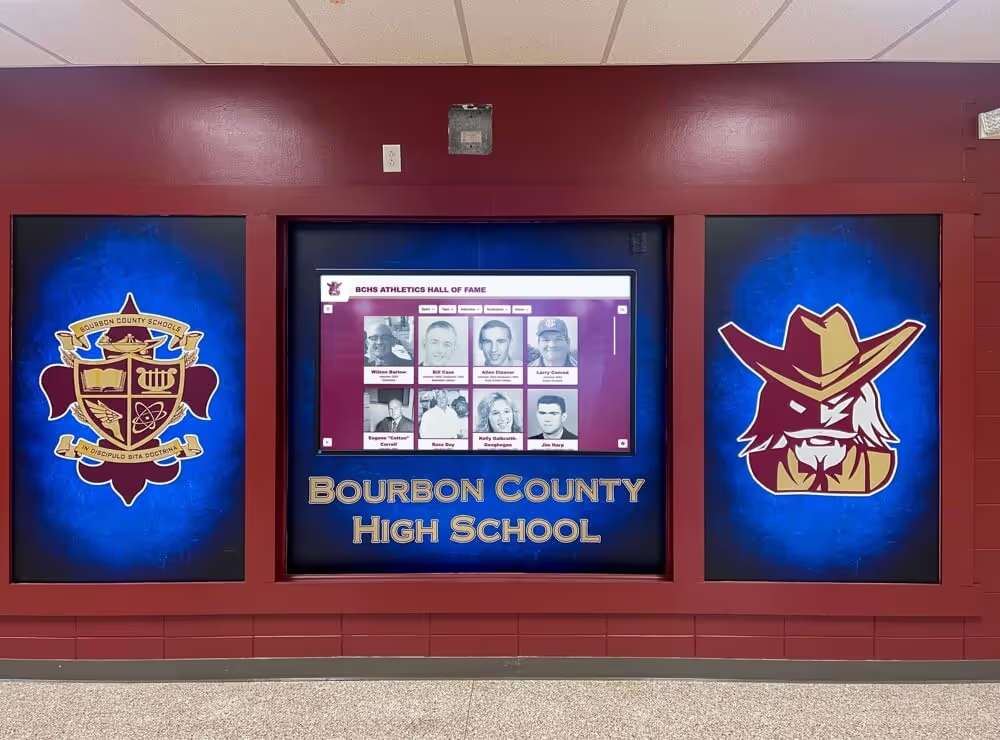
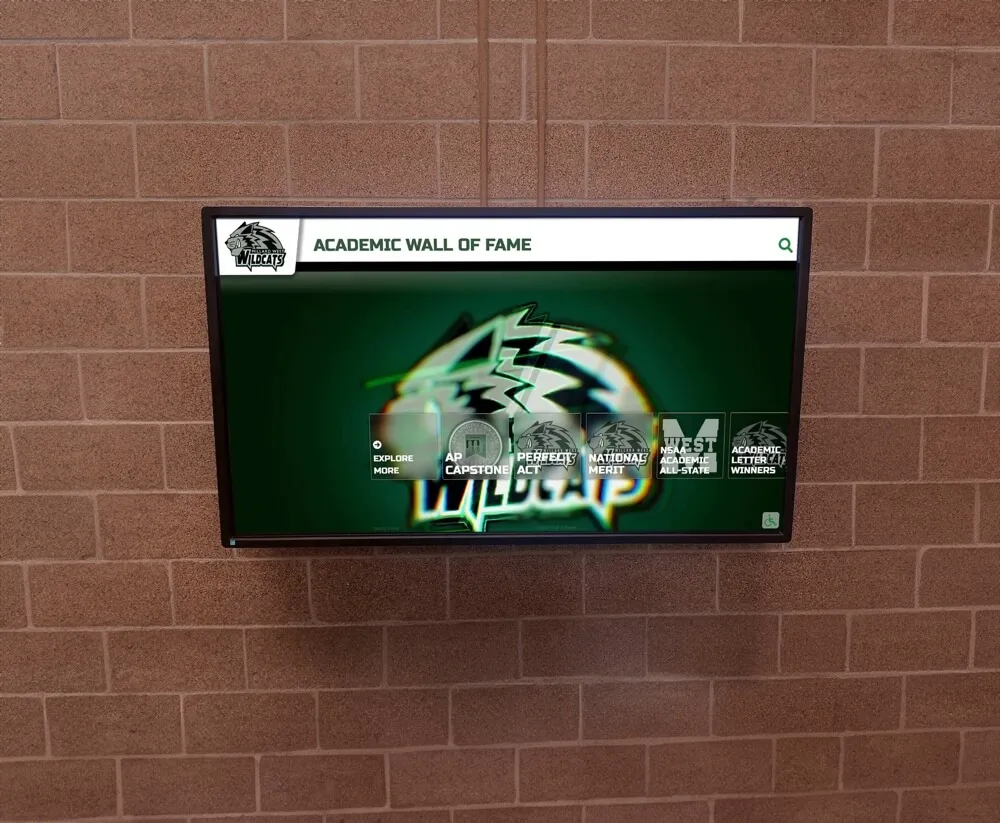
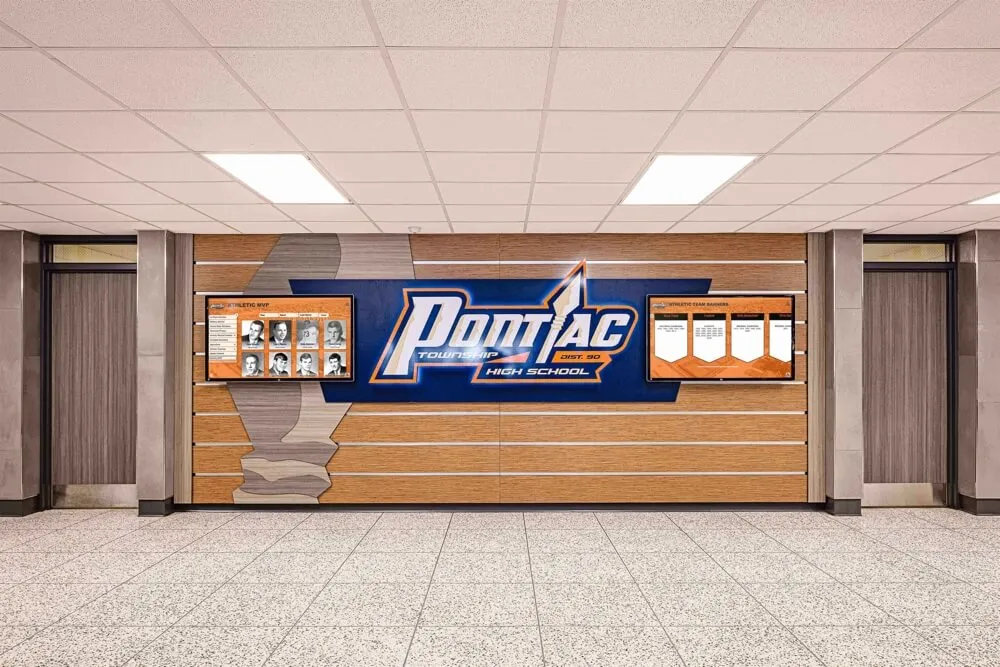
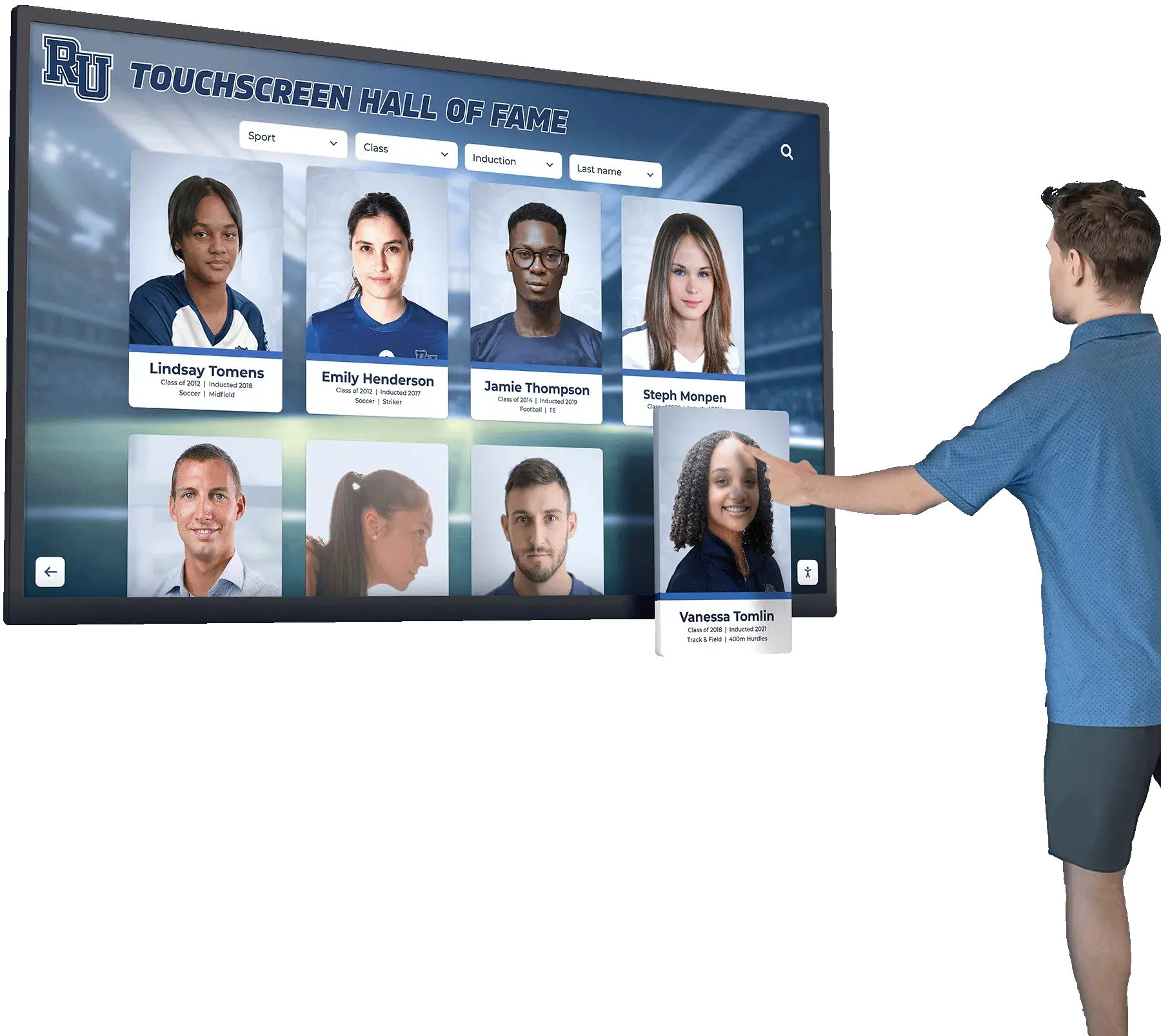
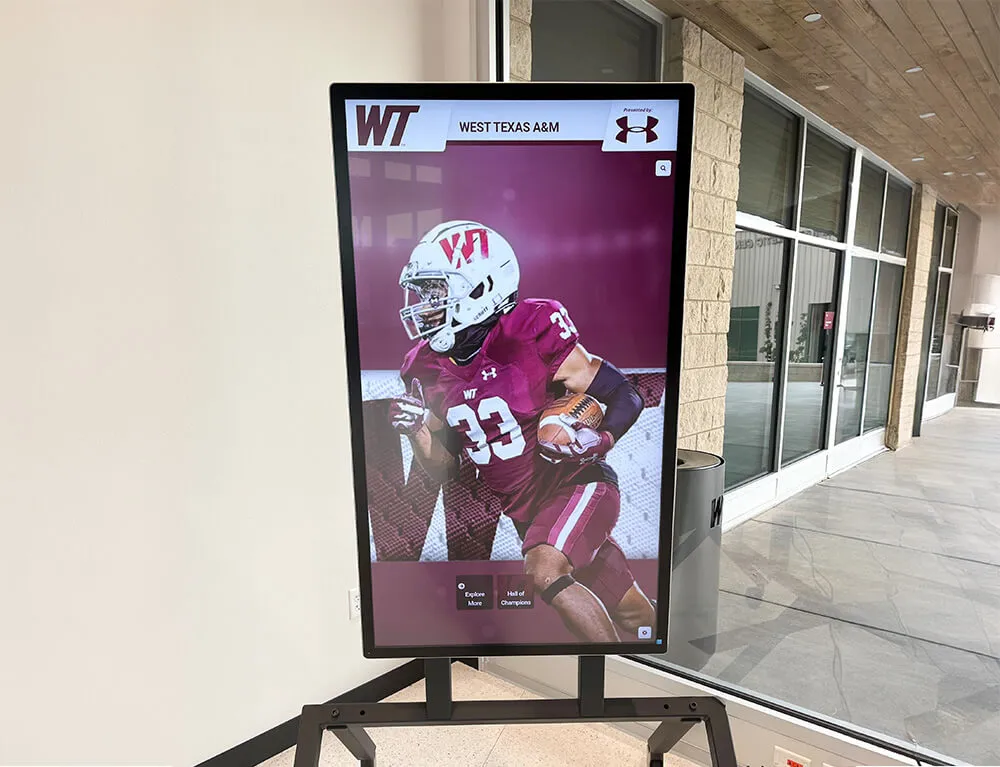
Historical athlete portrait cards are among the most common subjects reviewed in athletic photo archives — a contact sheet workflow lets selection teams work through large sets efficiently while keeping originals protected
The Athletic Archive Contact Sheet Workflow: Step by Step
This numbered workflow assumes you have a batch of digitized or digital-native athletic photographs organized by folder. Each folder represents one logical grouping — one sport, one season, one event, or one donated collection.
Step 1 — Organize Source Files Before Generating Sheets
Contact sheets are only useful if file names appear alongside thumbnails in a consistent, interpretable format. Before generating any sheets, confirm that source files follow a naming convention that identifies sport, year, and sequence at a glance:
YYYY_SportName_EventOrContext_SequenceNumber.ext
Example: 1994_Basketball_StateChampionship_047.tif
If existing files use inconsistent or opaque names (e.g., IMG_4471.jpg, scan001.tif, photo.jpeg), rename them in batch before generating contact sheets. Batch renaming tools — Adobe Bridge, ExifTool, or a free utility like Bulk Rename Utility — can apply a consistent template to an entire folder in minutes. The investment pays back immediately: reviewers can mark “select 1994_Basketball_StateChampionship_047” on a contact sheet and retrieve that exact file without ambiguity.
Write-protect or lock the source folder at the operating system level before continuing. Every subsequent step works from copies or reads thumbnails only — the source files should not be writable during the review process.
Step 2 — Generate Contact Sheets by Batch
Create contact sheets for each folder or logical batch. The goal is one contact sheet PDF or printed page per logical grouping, with thumbnails large enough to evaluate composition, subject clarity, and overall image quality. Recommended thumbnail size: 1.5–2 inches at 150 DPI on a letter-size page, which typically yields 20–35 thumbnails per sheet depending on image aspect ratio.
Tools commonly used in school archiving environments to generate contact sheets:
| Tool | Platform | Cost | Notes |
|---|---|---|---|
| Adobe Bridge (Contact Sheet II) | Windows, Mac | Subscription | Highly configurable; outputs PDF or JPEG with embedded file names |
| Adobe Lightroom (Print module) | Windows, Mac | Subscription | Contact sheet layout with caption fields; exports directly to PDF |
| IrfanView (Thumbnails view → Print) | Windows | Free | Quick batch output; limited layout configuration |
| ImageMagick (montage command) | Windows, Mac, Linux | Free | Scriptable for large batches; requires command-line comfort |
| ExifTool + ImageMagick pipeline | Any | Free | Fully automatable; embeds EXIF data captions under each thumbnail |
For archives larger than a few hundred files, a scriptable tool like ImageMagick allows the entire contact sheet generation pass to run overnight without staff time. For smaller batches or one-time review projects, Adobe Bridge or Lightroom’s print module produces cleanly formatted sheets in a few minutes per folder.
Each contact sheet should display, at minimum: the file name, the sequence number, and the folder or batch identifier. Optional but useful: date created, file size, and any embedded caption metadata that survived from the original digitization workflow.
Step 3 — Print or Export Sheets for Review
Print contact sheets if the reviewing team works best with physical materials — many athletic directors and archivists prefer paper for the flexibility of marking directly on the sheet with a pen. Export to PDF if the review team is distributed, working remotely, or using a digital annotation tool.
For printed sheets:
- Print at 150–300 DPI on letter or tabloid paper depending on thumbnail size
- Use a monochrome laser printer for review drafts (saves cost) and a color inkjet for final selection records that will be filed
- Leave a margin column on the right side for handwritten notes and selection marks
For digital PDF sheets:
- Use Adobe Acrobat’s comment and markup tools to add selection checkmarks and notes
- Save the annotated PDF alongside the source batch folder using a naming convention that links them:
1994_Basketball_StateChampionship_ContactSheet_Annotated.pdf
Step 4 — Conduct the Selection Review
Distribute printed or PDF contact sheets to the reviewing party — typically the athletic director, a senior archivist, or a designated subject-matter expert who can identify individuals and events in historical photographs.
Instruct reviewers to mark one of three statuses for each thumbnail using a consistent notation. A three-status system keeps decisions unambiguous and prevents fence-sitting that stalls downstream work:
- S = Select — this image is approved for the display, yearbook, or recognition use case being reviewed
- H = Hold — the image has potential but needs additional context, a higher-resolution scan, or further review before a final decision
- R = Reject — the image is out of focus, duplicated by a better frame, or otherwise unsuitable for the current use case (but remains in the archive; reject means “not for this project,” not “delete”)
Ask reviewers to add brief notes for any Hold or unusual Select — for example, “confirm this is the 1994 championship roster, not 1995” or “needs cropping to remove background clutter.” Notes at the review stage prevent downstream confusion when production staff are working from the selection record without the reviewer present.
Step 5 — Compile the Review-Status Table
After collecting marked contact sheets, transcribe selections into a centralized review-status table. This table is the working document that connects every thumbnail decision to its source file and communicates the complete selection set to whoever prepares derivatives for display.
A minimal review-status table contains the following columns:
| File Name | Sport | Year | Event | Status | Reviewer Note | Derivative Ready |
|---|---|---|---|---|---|---|
| 1994_Basketball_StateChampionship_047.tif | Basketball | 1994 | State Championship | Select | Crop to three-quarter frame | No |
| 1994_Basketball_StateChampionship_112.tif | Basketball | 1994 | State Championship | Hold | Confirm player identity with AD | No |
| 1994_Basketball_StateChampionship_203.tif | Basketball | 1994 | State Championship | Reject | Out of focus; duplicate of 204 | No |
| 1994_Basketball_StateChampionship_204.tif | Basketball | 1994 | State Championship | Select | — | No |
| 1987_Football_HomecomingGame_033.tif | Football | 1987 | Homecoming | Select | Strong action; use for HOF wall | No |
| 1987_Football_HomecomingGame_071.tif | Football | 1987 | Homecoming | Hold | Check for higher-res version in box 4 | No |
Maintain the table in a shared spreadsheet accessible to everyone involved in the archive and display project. Update the “Derivative Ready” column as selected files are processed and cleared for use. This table becomes a permanent record connecting the selection decision to the contact sheet review session.
Step 6 — Process Selected Files Into Display Derivatives
For each file marked Select in the review-status table, create a display derivative — a copy sized, formatted, and adjusted for its intended display use — without modifying the archival master.
Standard derivative specifications for common athletic display uses:
| Display Use | Recommended Format | Longest Edge | Color Space | Notes |
|---|---|---|---|---|
| Touchscreen hall-of-fame kiosk | JPEG, quality 85–90 | 3000–4000 px | sRGB | Match kiosk platform’s aspect ratio |
| Digital yearbook spread | JPEG or PNG | 2000–3000 px | sRGB | Check yearbook platform’s upload specs |
| Print recognition booklet | TIFF or JPEG 95+ | 300 DPI at print size | CMYK or sRGB | Confirm with print vendor |
| Lobby display screen | JPEG, quality 85 | 1920–3840 px | sRGB | Match screen native resolution |
| Web-published archive | JPEG, quality 75–80 | 1200–1600 px | sRGB | Balance quality and page load speed |
Save each derivative into a parallel folder structure that mirrors the master archive, with a clear suffix:
MASTERS/1994_Basketball_StateChampionship_047.tif
DERIVATIVES/1994_Basketball_StateChampionship_047_display.jpg
Update the “Derivative Ready” column in the review-status table to “Yes” when the derivative file is created and verified. The table is complete only when every Selected file has a corresponding verified derivative.
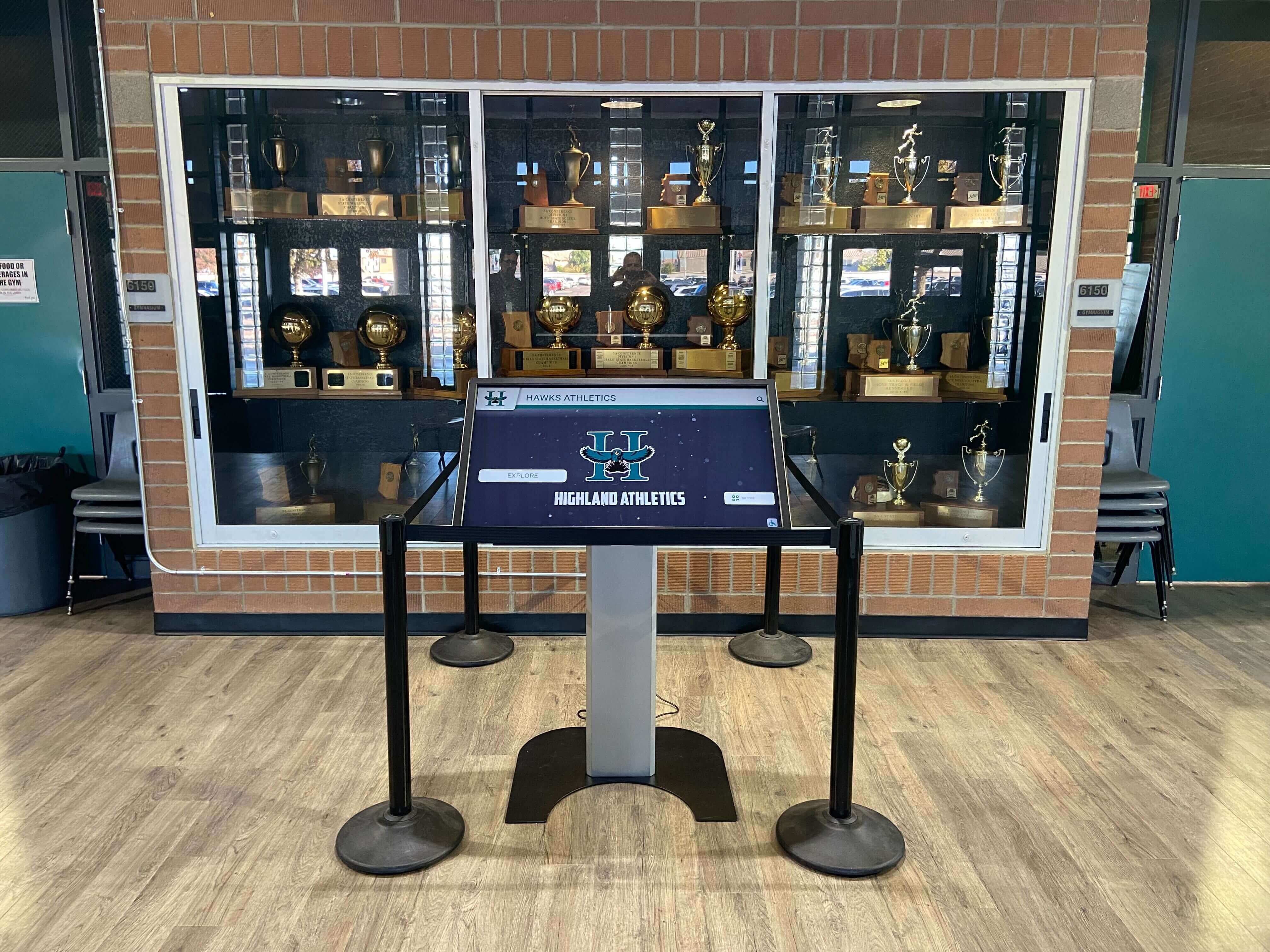
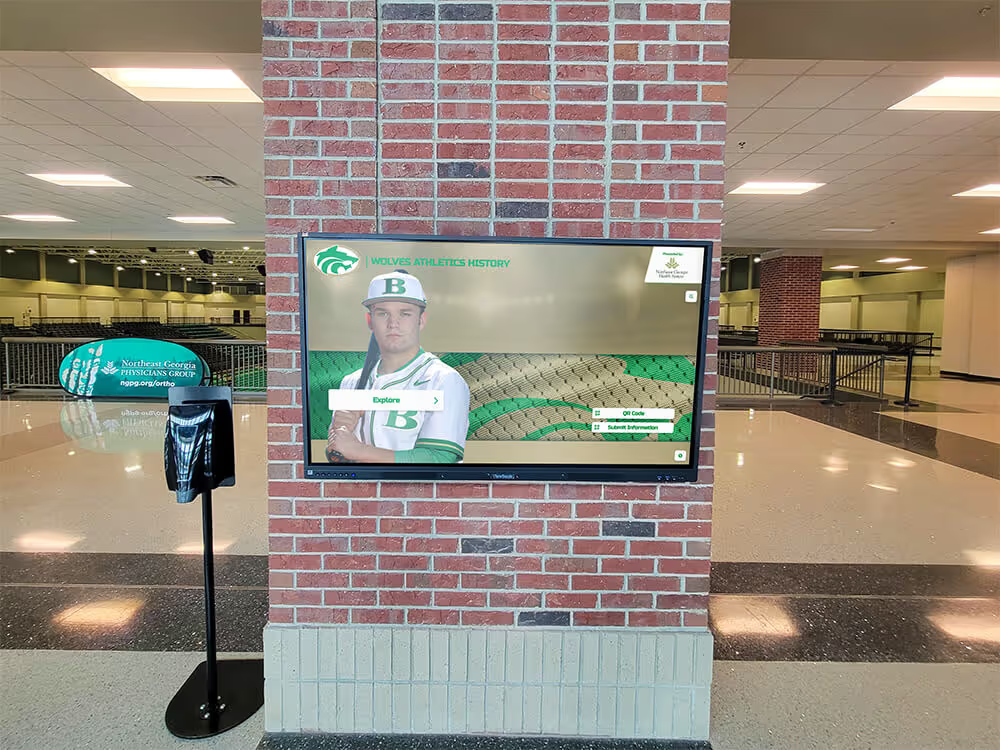
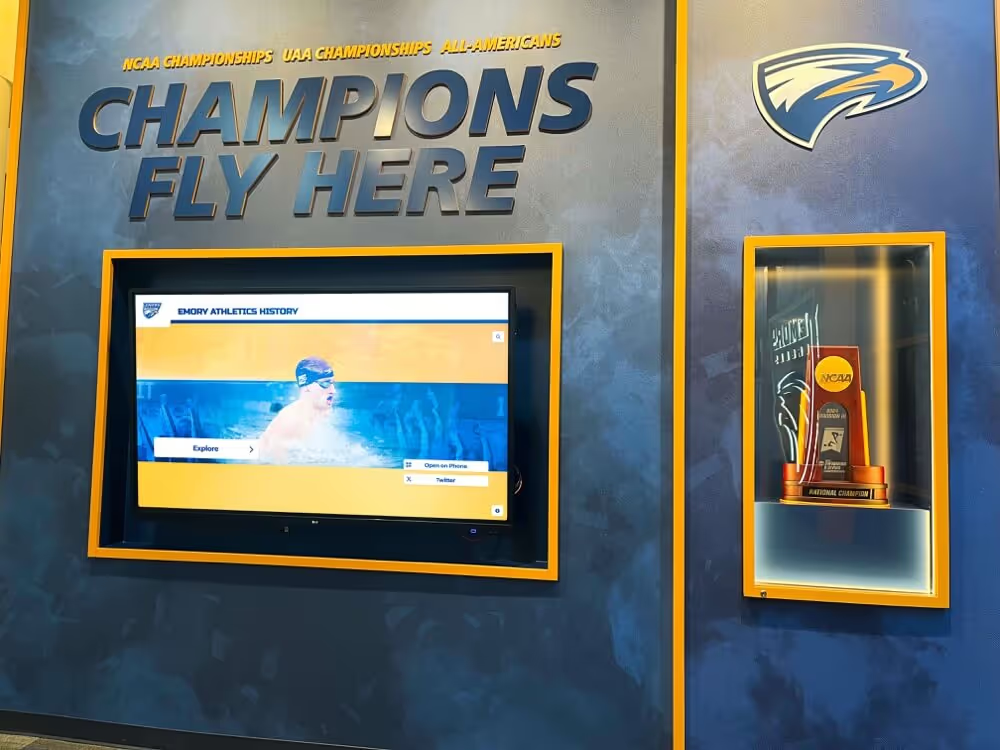
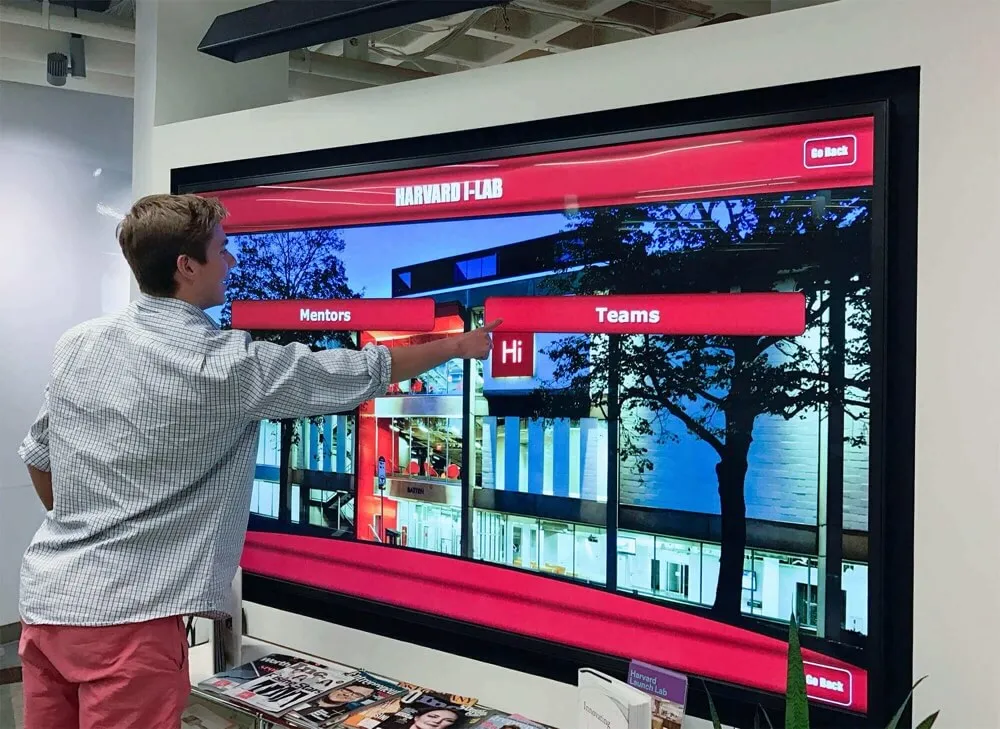
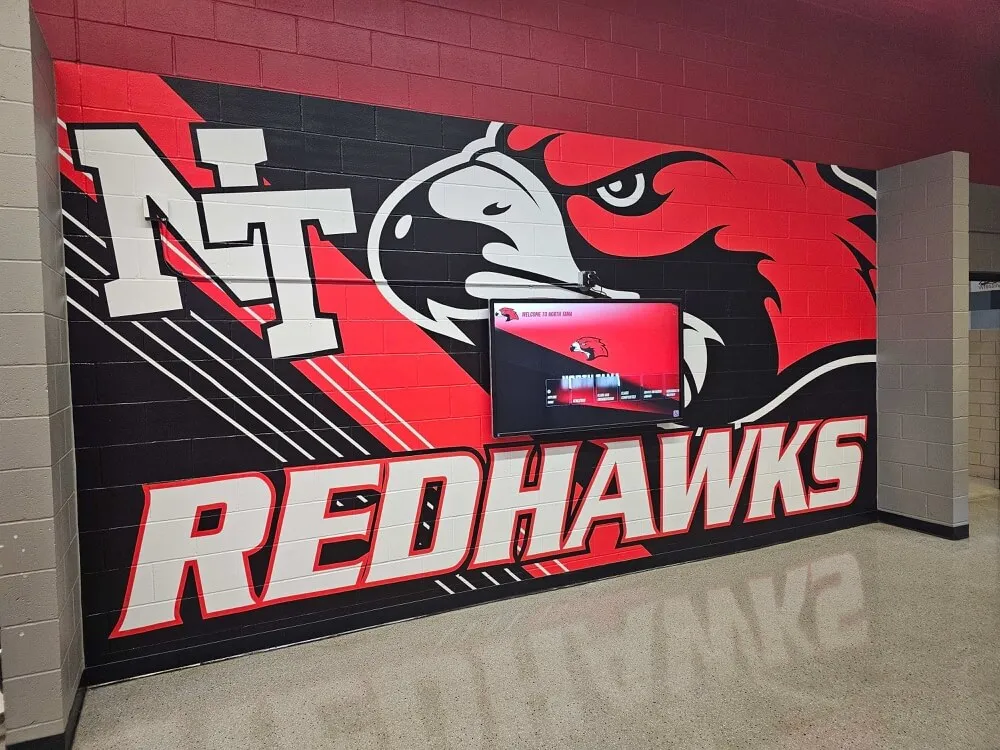
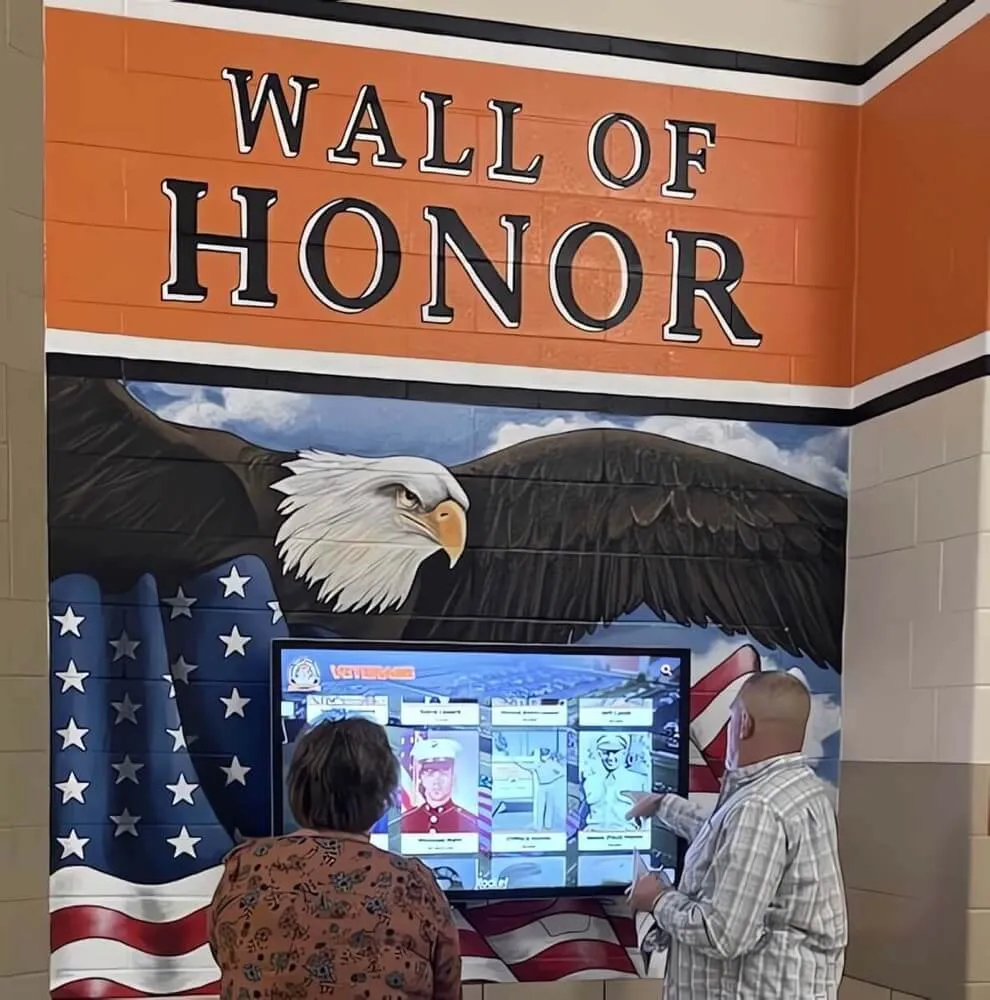
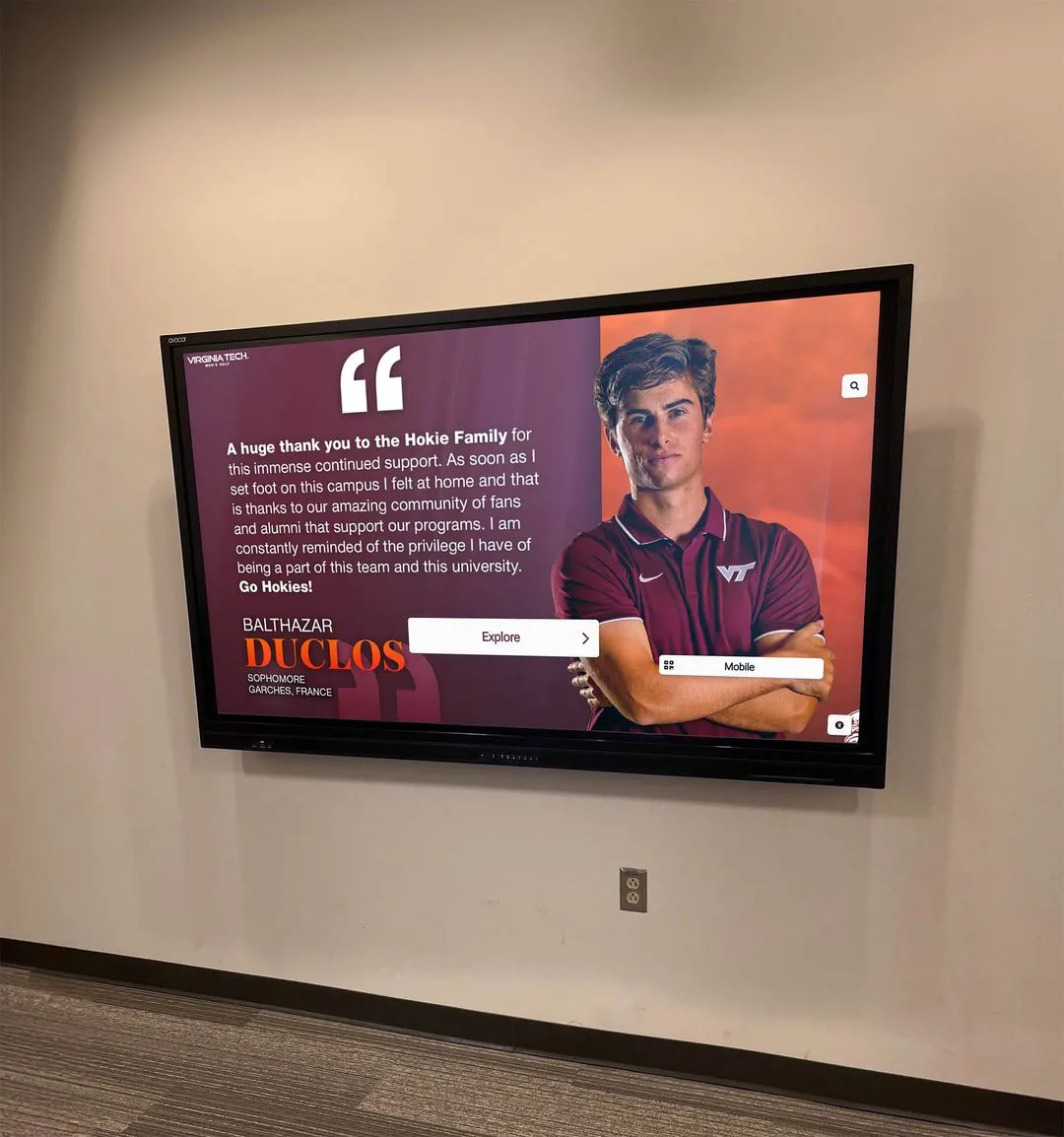
Touchscreen kiosks in trophy cases and athletic lobbies surface contact-sheet-selected photos as the visible face of your school's athletic legacy — proper derivative preparation at the workflow stage makes display integration straightforward
Step 7 — Resolve Holds and Update the Status Table
Holds represent deferred decisions, not permanent uncertainty. Schedule a follow-up review for all Hold items within two weeks of the initial review session — long enough to gather additional context (consult rosters, check physical archives for higher-resolution originals, ask alumni for identification) but short enough that the project does not stall.
For each Hold, one of three outcomes closes the item:
- Promote to Select with any additional notes added to the status table
- Demote to Reject with a brief reason noted
- Re-categorize as Pending-Research with a specific action item and a deadline assigned to a named team member
A Hold that remains unresolved at the end of the project is effectively a Reject for that project — note it as such in the table, but preserve the file in the archive in case a future project can make use of it.
Step 8 — Archive the Contact Sheets Themselves
Printed and annotated contact sheets are part of the archive’s chain of custody. File physical contact sheets in acid-free folders alongside the batch records for the collections they represent. Store digital PDFs (annotated) in the same folder as the batch’s review-status table.
These records answer future questions that no catalog system can anticipate: Why was this photo not selected for the 2026 hall-of-fame wall? The annotated contact sheet shows the reviewer’s “R” and a note reading “partial image, player ID uncertain.” That context is irreproducible after the fact and protects against repeated rework on the same decision.
Batch Review Tips for Large Athletic Archives
Review by sport and era, not by folder. A reviewer who specializes in basketball history can evaluate all basketball contact sheets in a single focused session rather than alternating between sports. This reduces the cognitive context-switching that slows decisions and increases error rates when identifying individuals or events.
Limit each review session to 15–25 contact sheets. Photo fatigue — the tendency to make faster, less careful decisions as review sessions extend — is a real phenomenon in archival work. Breaking large collections into timed sessions with clear stopping points produces more consistent quality decisions than marathon reviews.
Use a second reviewer for ambiguous decades. Historical photos from decades before current staff joined the school benefit from a second set of eyes — a retired coach, a long-serving alumni volunteer, or a local historian who can identify individuals, confirm event dates, and validate context notes. Build this into the Hold resolution process rather than treating it as an exception.
Generate a “reject overview” sheet before finalizing. Before closing a batch, generate one additional contact sheet showing only the Rejected thumbnails. A quick scan of the reject set catches any cases where a good image was inadvertently marked Reject — an error that is easy to make when reviewing large sets quickly.
Number every contact sheet page. Multi-page contact sheets should be numbered clearly (Sheet 3 of 7, for example) so that reviewer marks can be transcribed into the status table without ambiguity about which page a selection came from.

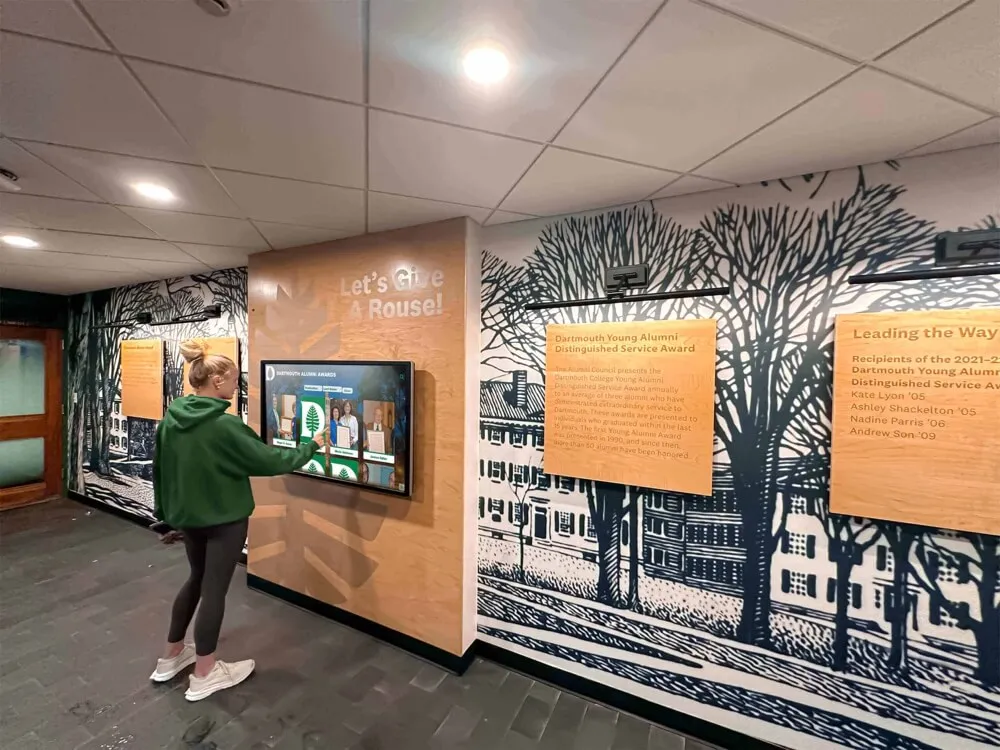
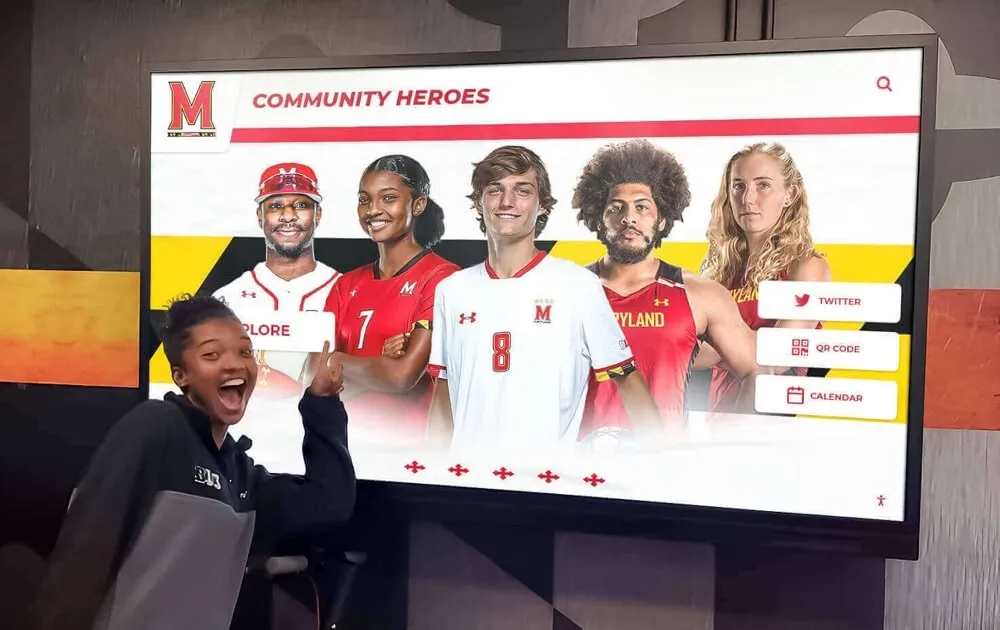
Contact sheet selections become the content that drives hall-of-fame touchscreen displays — a well-documented review-status table makes uploading and tagging photos in a recognition platform efficient and error-free
Contact Sheet Review-Status Table: Complete Template
Use this expanded table structure for any athletic photo review project. Copy it into a shared spreadsheet and adapt columns to the specific requirements of your display or archiving project.
| Column | Purpose | Example Value |
|---|---|---|
| File Name | Exact filename of the archival master | 1978_Soccer_RegionalFinal_019.tif |
| Sport | Sport category for filtering and grouping | Soccer |
| Season Year | Academic year or calendar year of the event | 1978 |
| Event or Context | Game, ceremony, team portrait, season highlight | Regional Final |
| Reviewer Status | Select / Hold / Reject / Pending-Research | Select |
| Reviewer Initials | Tracks who made the decision | JMT |
| Review Date | Date the decision was made | 2026-08-25 |
| Reviewer Note | Crop instructions, identity questions, context flags | Confirm jersey numbers match roster |
| Hold Action Item | Specific research task if status is Hold | Ask Coach Daniels to confirm player IDs |
| Hold Due Date | Deadline for resolving a Hold | 2026-09-05 |
| Derivative Filename | Exact filename of the prepared display derivative | 1978_Soccer_RegionalFinal_019_display.jpg |
| Derivative Location | Path or URL to the derivative file | /DERIVATIVES/Soccer/1978/ |
| Derivative Ready | Boolean flag for display team | Yes / No |
| Display Use | Where this image will be used | HOF Kiosk — Soccer Panel |
| Rights Note | Any known copyright or usage restriction | Donated by Smith Family; unrestricted |
A complete table with this structure serves as both a production tracker and a permanent archive record. When the display project is complete, archive the final version of the table alongside the annotated contact sheets for the same batch.
Connecting Contact Sheet Selections to School Recognition Programs
A contact sheet workflow produces a verified, documented set of selected images — and that set is exactly what a school recognition platform needs to build a compelling display.
Hall-of-fame walls and kiosks: Selected derivatives from the contact sheet review process map directly to athlete profile pages, team history panels, and championship timeline displays. Interactive hall-of-fame tools designed for schools are built to receive this kind of documented, organized photo set — uploads are faster, tagging is cleaner, and the resulting display is more historically accurate than collections assembled without a structured review.
Digital trophy cases: A digital trophy case display showing championship hardware alongside game-day photographs from the winning season becomes substantially more powerful when the photographs were selected by someone who was there — a reviewer who identified the precise moment a record was broken or a coach’s last home game. The contact sheet review process is how that human judgment gets encoded into the display system’s content.
Digital yearbooks: Athletic archive pages in digital yearbooks can draw directly from contact-sheet-selected photos. When the review-status table notes which images were selected for yearbook use versus hall-of-fame display versus print materials, the yearbook production team works from a clear, pre-approved set rather than re-reviewing the full archive.
Searchable archives: The review-status table, combined with embedded metadata in derivatives, creates the foundation for a searchable photo archive. Names, sports, years, and event contexts recorded during contact sheet review become the search index that lets alumni find themselves or their era in the collection. Schools that invest in searchable recognition displays report that alumni engagement increases substantially when historical photos are findable rather than buried in an uncatalogued folder structure.
Recognition ceremonies and sports banquets: Historical photographs selected through a documented review process can be used in awards presentations and banquet slideshows with confidence that the images are identified, rights-noted, and formatted correctly — details that become last-minute problems when archives lack a structured workflow.
The connection between a well-run contact sheet review and a modern digital recognition program is direct: the review workflow determines which images exist in the recognition system and how accurately they represent the school’s athletic history.
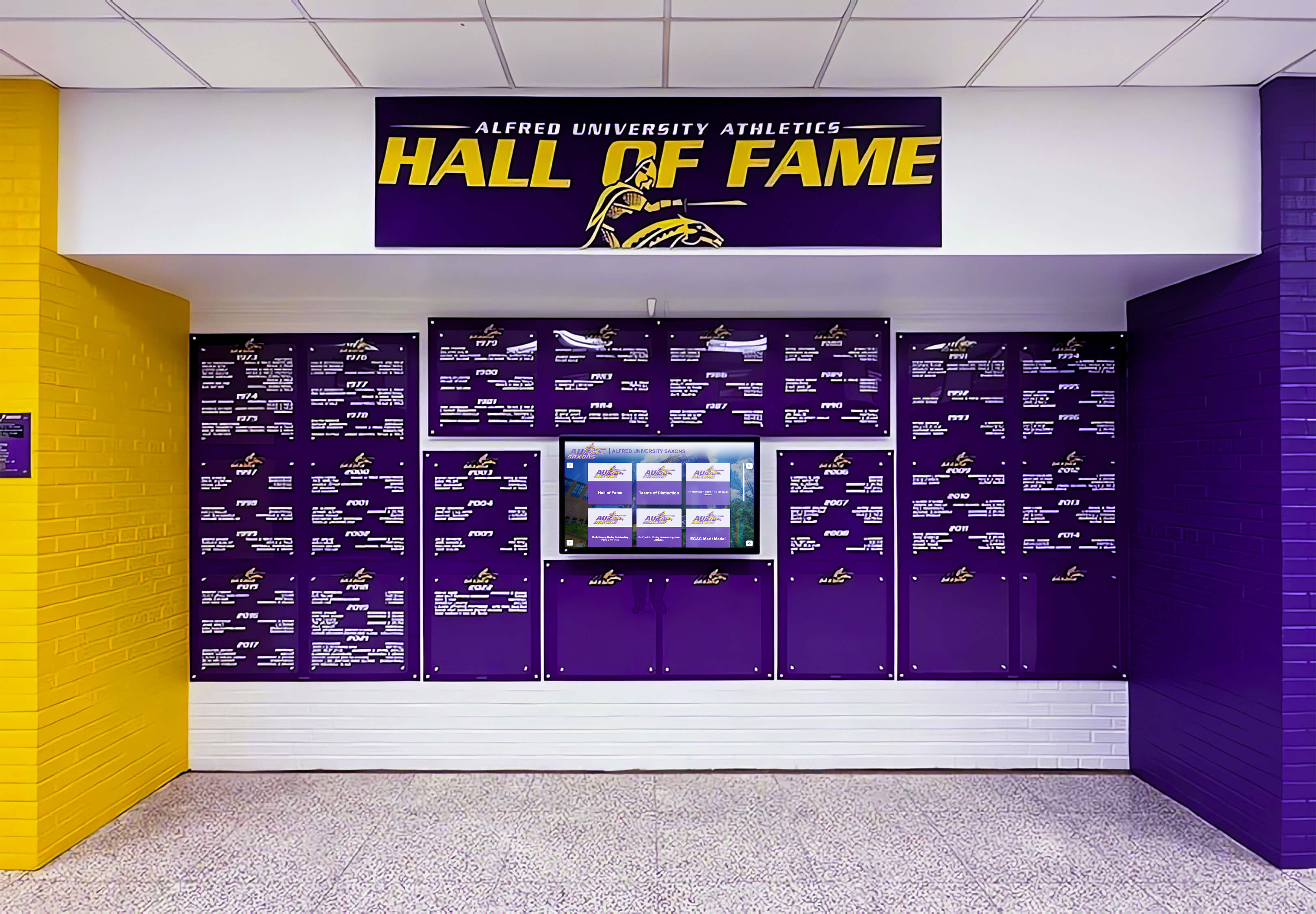
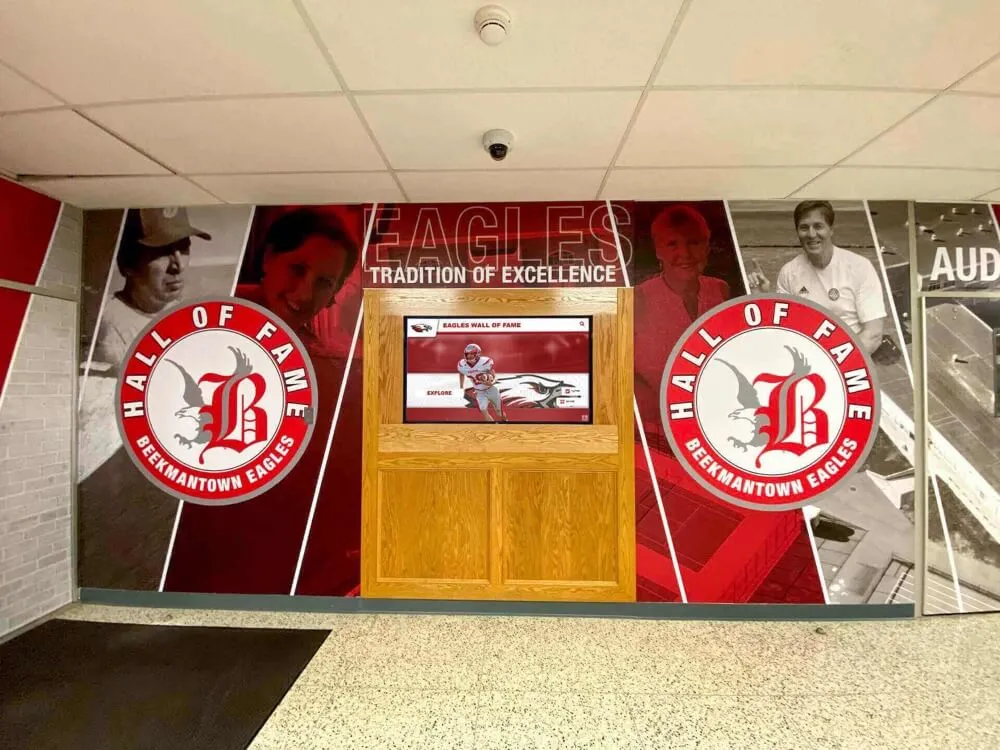
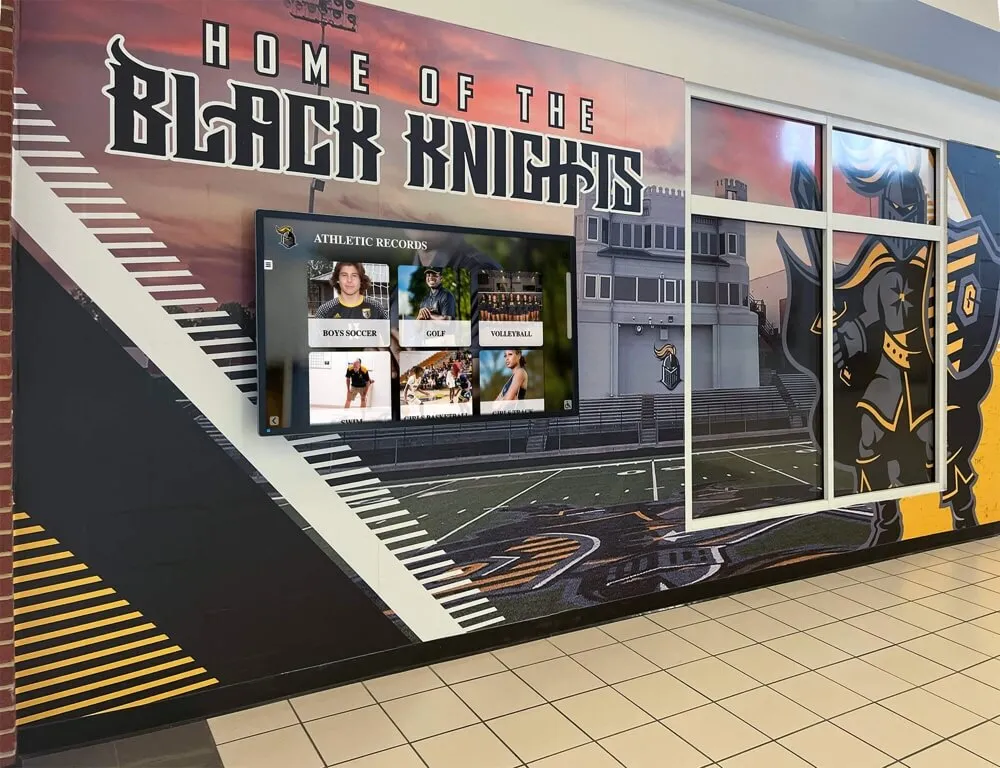
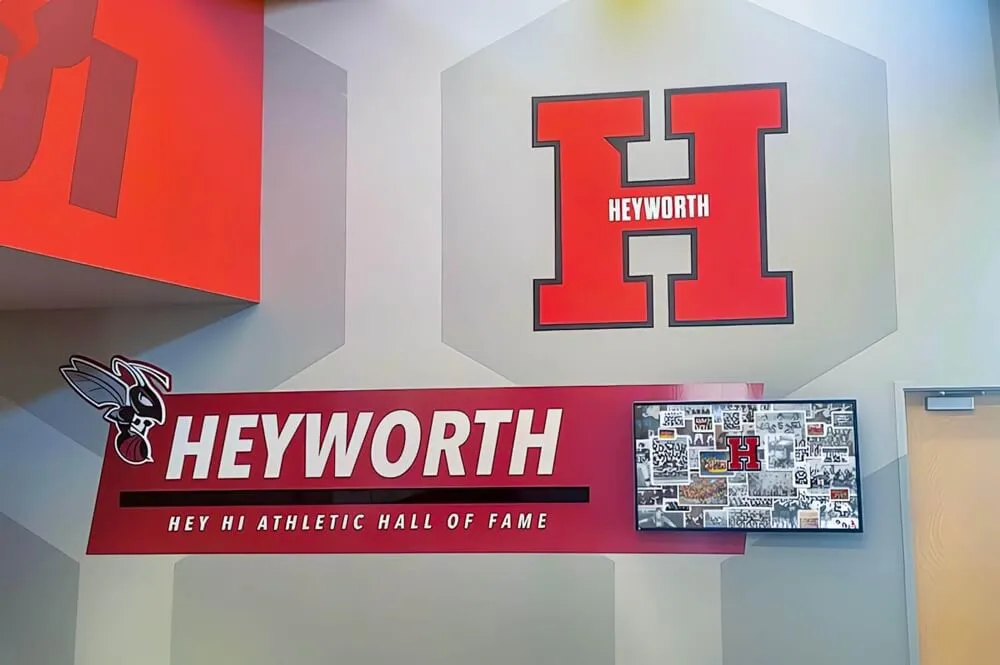
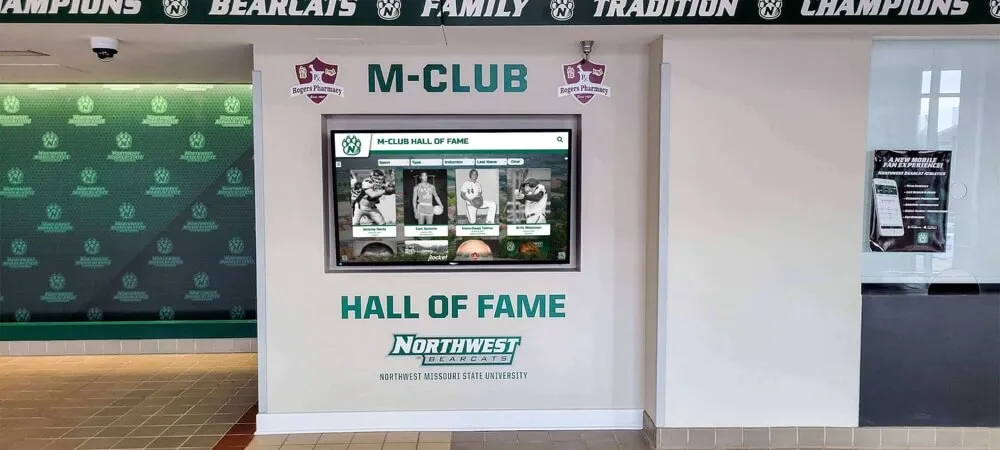
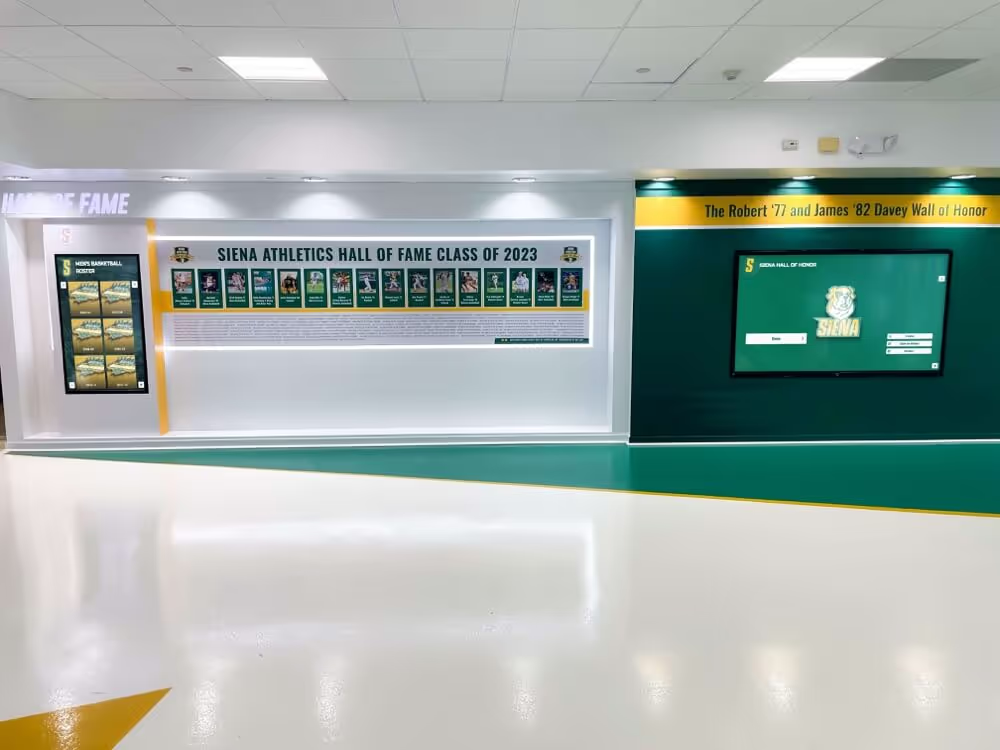
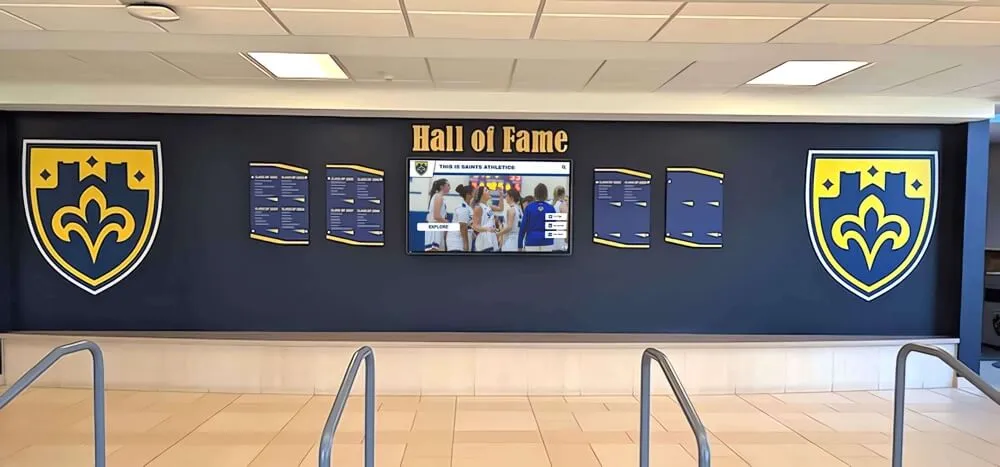
Recognition displays like this one are built from carefully selected photos — the contact sheet review workflow is the process that determines which images appear and which remain in the archive for future projects
Frequently Asked Questions
What is a contact sheet in the context of athletic photo archives? A contact sheet is a page of thumbnail images representing a batch of photographs, with file names displayed alongside each thumbnail. In athletic archives, contact sheets allow reviewers to evaluate large photo sets quickly, mark selection status (select, hold, or reject) for each image, and record file references without opening or risking the archival master files.
How many photos should appear on a single contact sheet? Twenty to thirty-five thumbnails per letter-size page is the practical range for most review purposes. At this density, thumbnails are large enough to evaluate composition and basic image quality while keeping the total sheet count manageable for large collections. For very detailed review — identifying individuals or reading text in an image — a smaller contact sheet with 12–16 thumbnails may be appropriate.
Should rejected photos be deleted from the archive? No. Reject status means “not suitable for the current project,” not “permanently unwanted.” A photo rejected for a hall-of-fame wall installation may be exactly right for a future yearbook spread, a local history project, or a donor recognition context that does not yet exist. Keep all archival masters regardless of contact sheet review status. Only delete a file if it is a confirmed duplicate with no unique content and the decision is explicitly documented.
How does a contact sheet workflow protect archival masters? By keeping all review decisions at the thumbnail level. Reviewers mark contact sheets — paper or PDF — without ever opening, editing, or resaving the source files. The archival master is never at risk during the review process. Only after a selection decision has been made and documented does the production team create a derivative, working from a copy rather than the master.
Can the contact sheet review be conducted remotely? Yes. PDF contact sheets exported from tools like Adobe Bridge or Lightroom can be annotated digitally using free tools including Adobe Acrobat Reader (desktop), Preview (Mac), or any PDF viewer that supports comment markup. A remote reviewer marks selections and returns the annotated PDF by email or shared drive. The workflow is unchanged — only the delivery method for the sheets differs.
How does the review-status table connect to a hall-of-fame display platform? The status table records the file name, sport, year, event context, and display use for every selected image. When that information is entered into a recognition display platform — whether as manual uploads with metadata fields or as an import file — the table eliminates duplicate data entry. Schools that connect a well-maintained status table to their upload workflow report significantly faster content management than those relying on ad hoc selection processes.
How often should contact sheet reviews be scheduled for ongoing athletic photo collections? Once the historical archive backlog is cleared, schedule a seasonal review — one per sport season, or one per academic semester — to evaluate new photos before they accumulate into a backlog. Seasonal reviews of fifty to two hundred photos take a fraction of the time required for multi-decade backlogs, and they maintain a current, accurate display without a multi-year archiving project every decade.
What is the difference between a contact sheet workflow and a digital asset management system? A contact sheet workflow is a review and selection process; a DAM system is a storage and retrieval infrastructure. They complement each other: the contact sheet workflow produces selection decisions and status records, while the DAM system stores the files and metadata that those decisions generate. Schools without a formal DAM system can run a contact sheet workflow using shared spreadsheets and organized folders — the workflow does not require enterprise software to function.
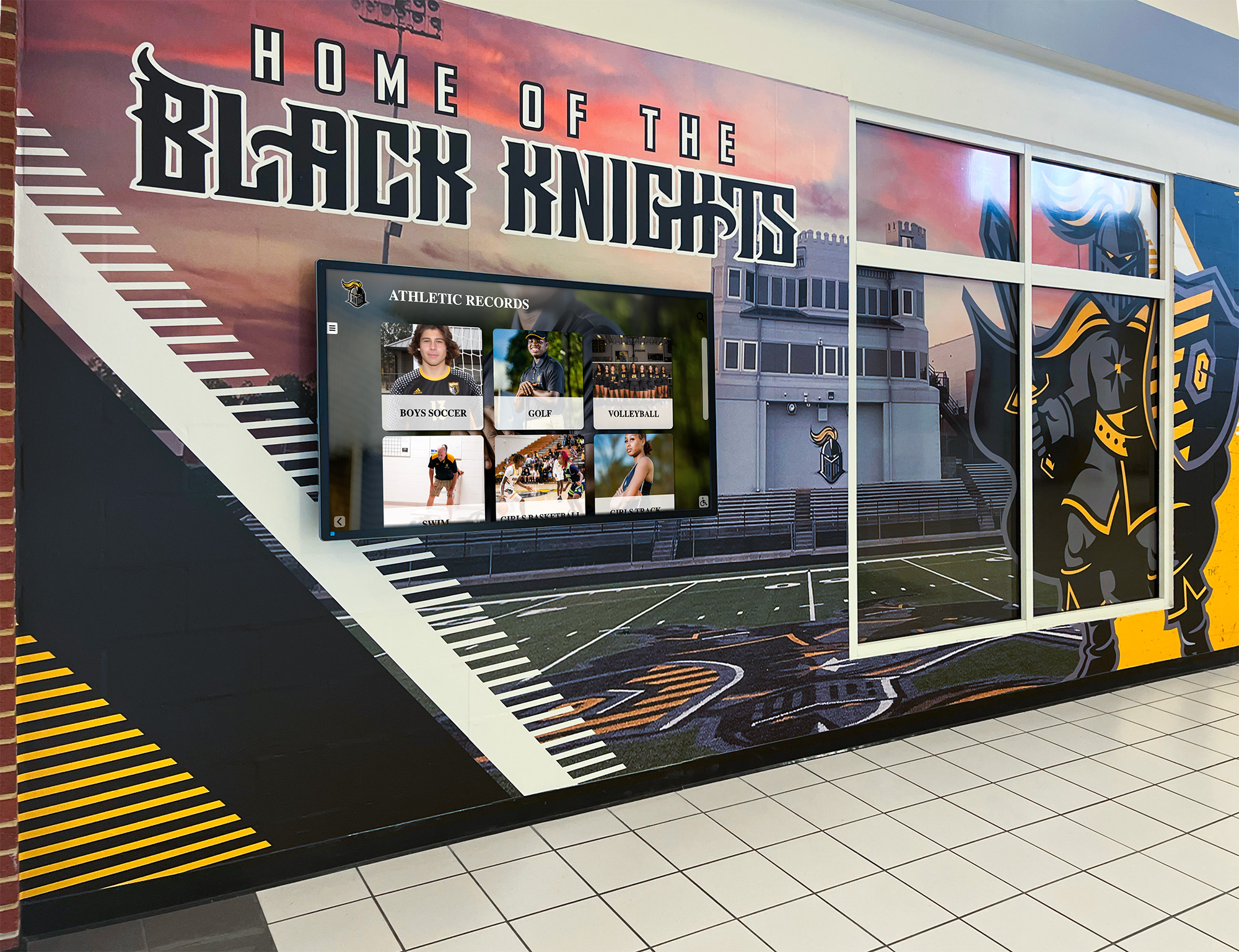
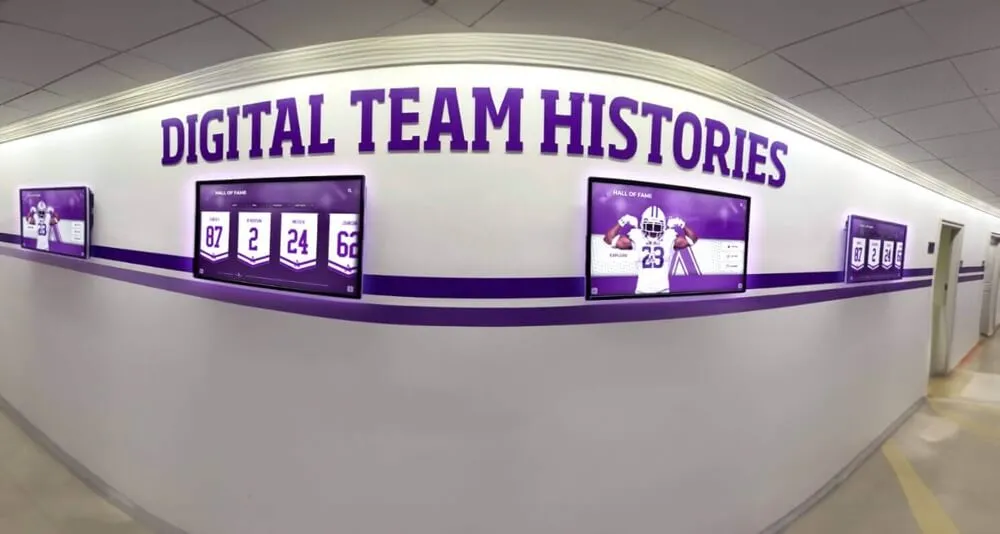
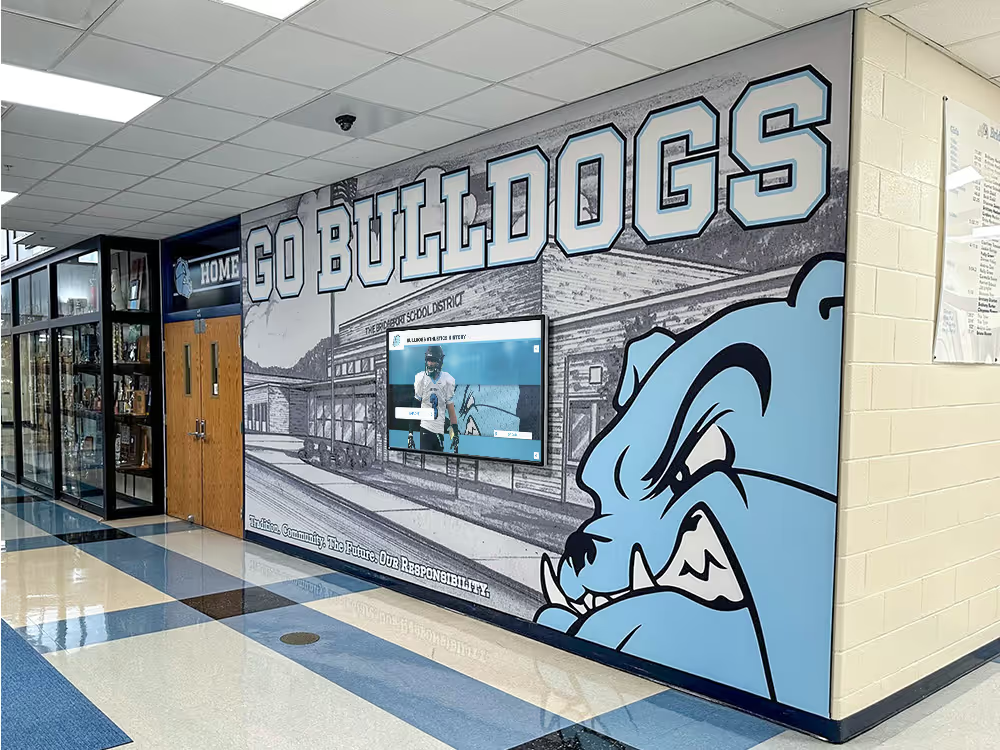
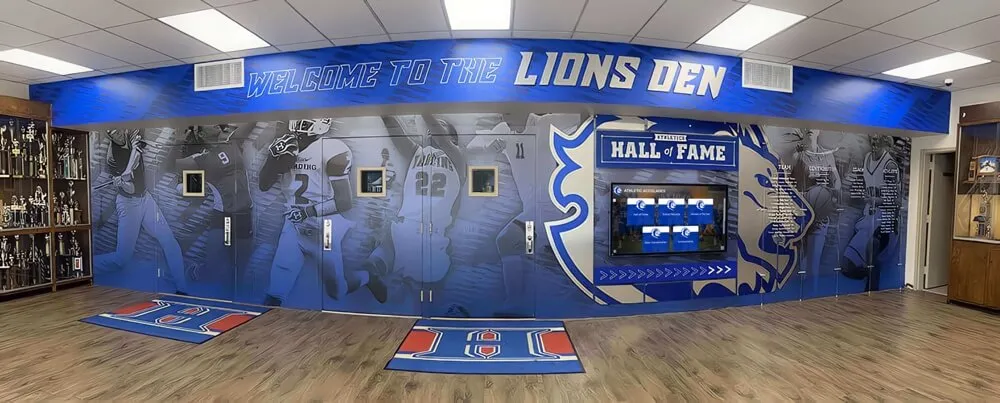
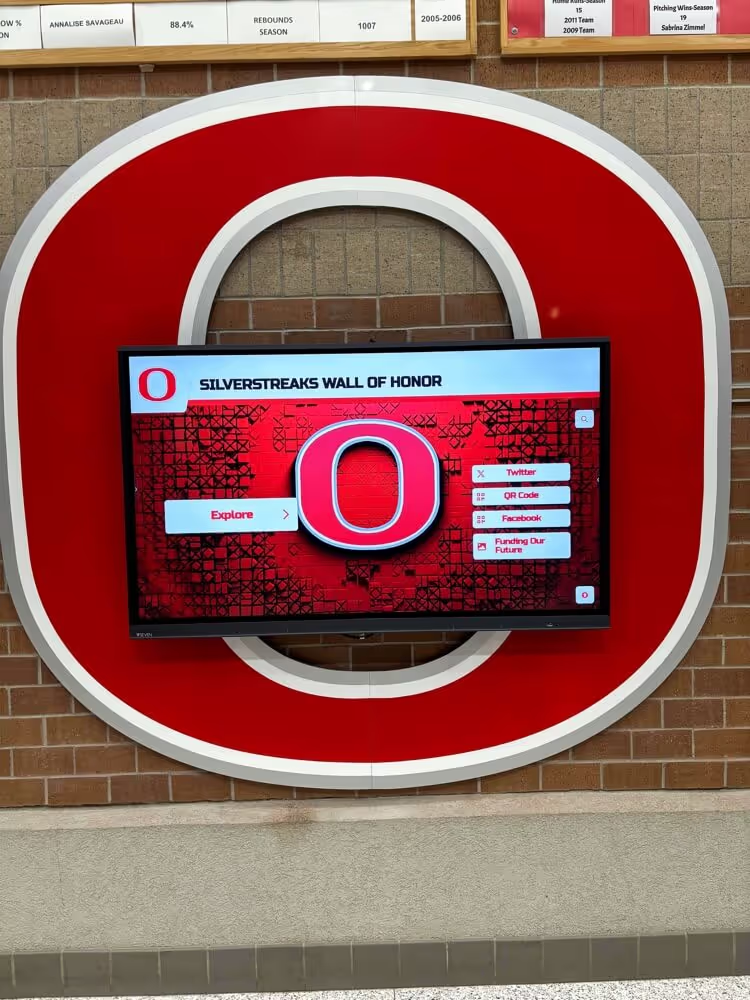
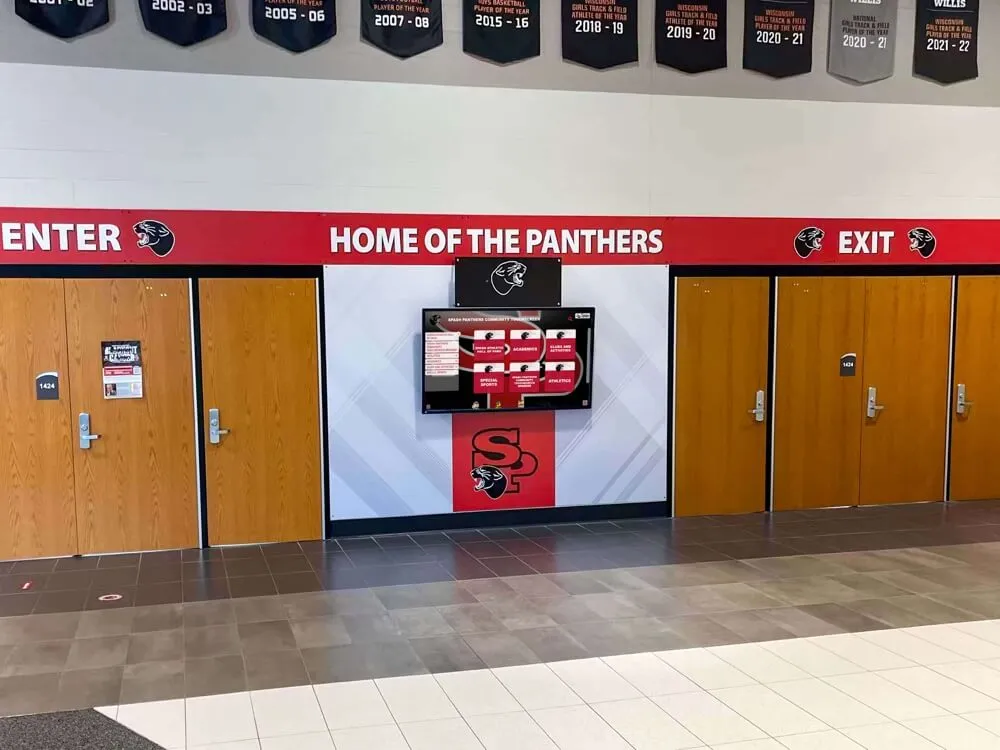
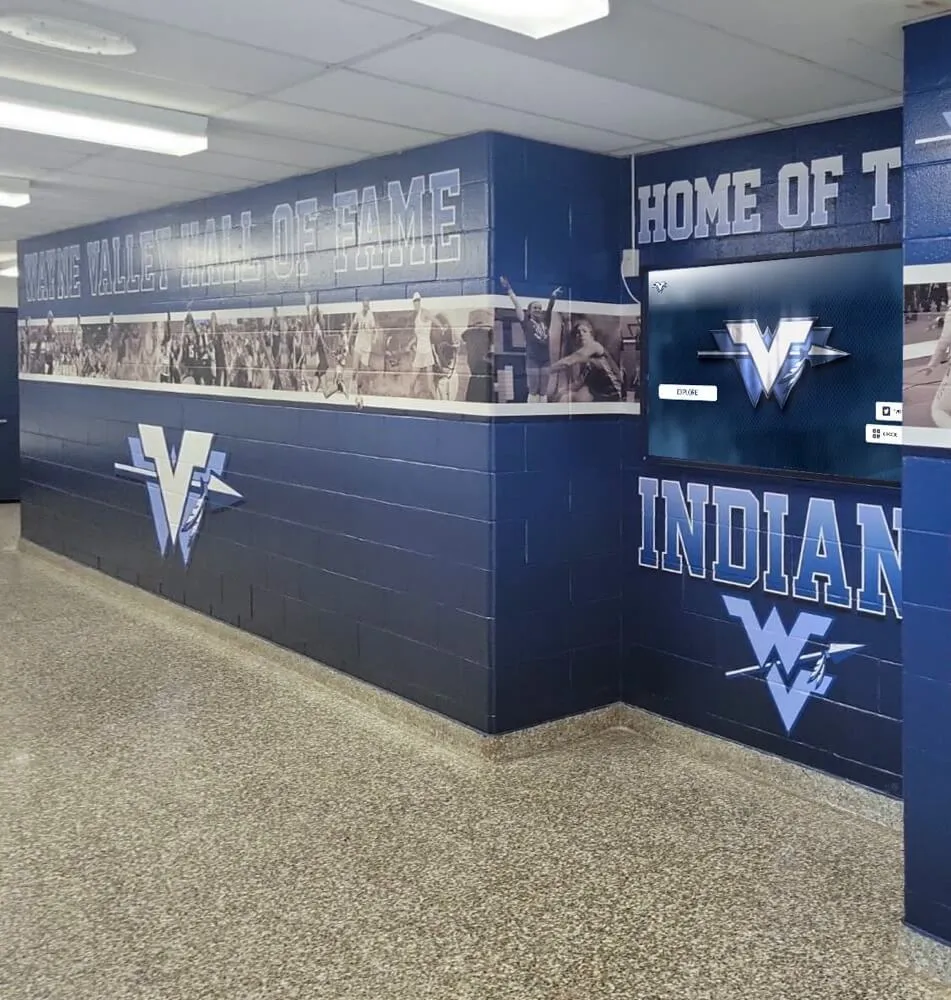
Hallway athletic displays build school pride by surfacing verified, selected archive photos — a structured contact sheet review is what separates a display that looks authoritative from one that feels assembled at random
Turn a Reviewed Archive Into a Living Recognition Program
A completed athletic archive contact sheet workflow leaves your team with something valuable: a verified, documented set of selected photos with clear file references and known display-readiness status. The next step is putting that content into a recognition platform built to surface it — interactive hall-of-fame displays, searchable athlete databases, digital trophy cases, and touchscreen yearbook archives that connect the school’s past to its current community.
Rocket Alumni Solutions helps schools move from organized archives to fully realized recognition programs that honor every athlete, every season, and every milestone your program has earned.
Request a demo of Rocket Alumni Solutions to see how a structured digital recognition platform can display your contact-sheet-selected athletic archive photos and create an engaging experience for students, alumni, and visitors.