An athletic archive chroma subsampling guide is a practical reference for school staff who are digitizing, transcoding, or storing historic sports video — and who need to understand why color detail in uniforms, banners, and school logos degrades during video encoding, and how to prevent it. Chroma subsampling is the compression mechanism that determines how much color information a video encoder retains at each pixel. At the standard delivery setting used by most consumer tools — 4:2:0 — the encoder discards three-quarters of the color samples in every frame. For general content, that trade-off is invisible. For athletic archive video where the cardinal red on a 1989 state championship jersey or the gold lettering on a gymnasium banner carries real institutional meaning, the chroma loss is visible, measurable, and preventable.
This guide explains how chroma subsampling works, which school video sources are most affected, and how to choose encode settings that preserve color detail for the recognition displays, digital yearbooks, hall-of-fame kiosks, and alumni programs that depend on athletic archive footage. It is written for school administrators, athletic directors, archivists, and IT teams managing video from VHS transfers, MiniDV camcorders, early HD systems, and current digital capture.

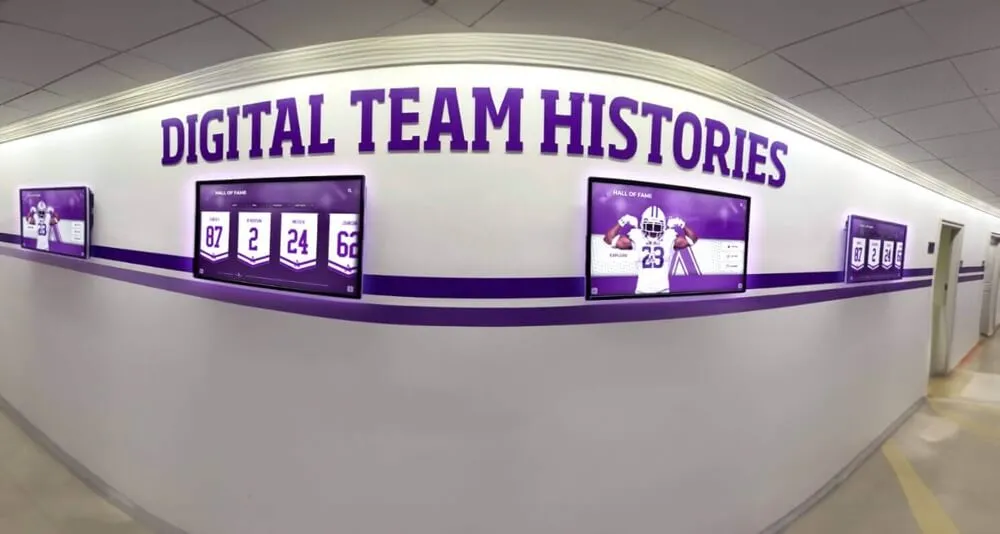
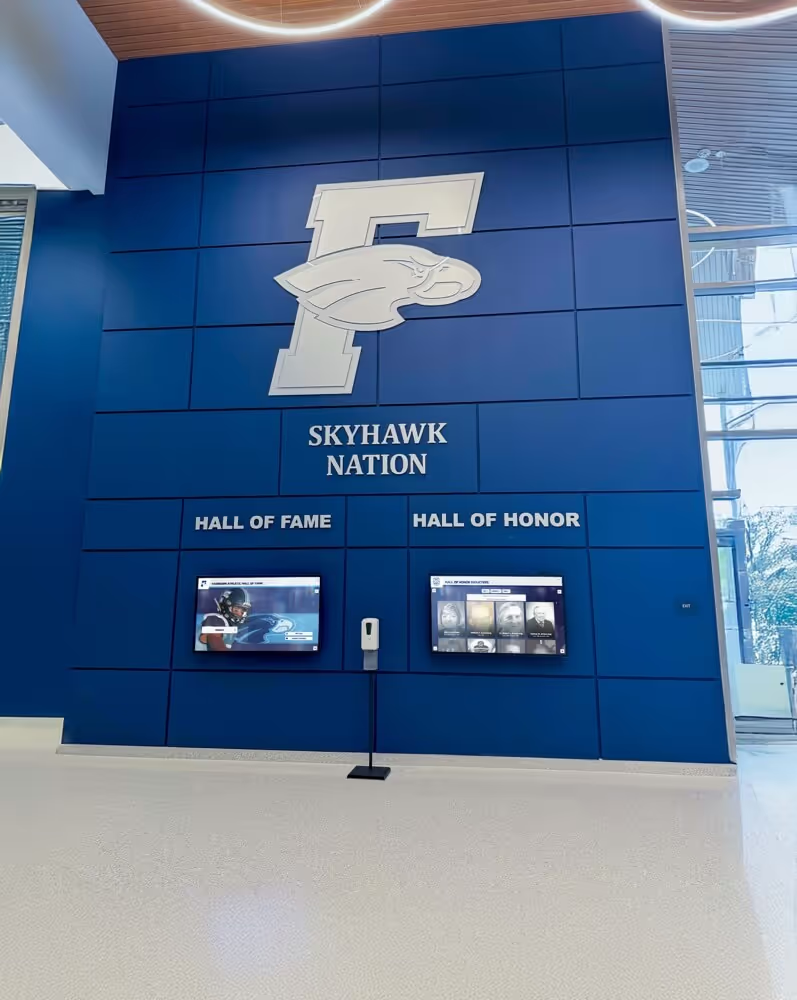
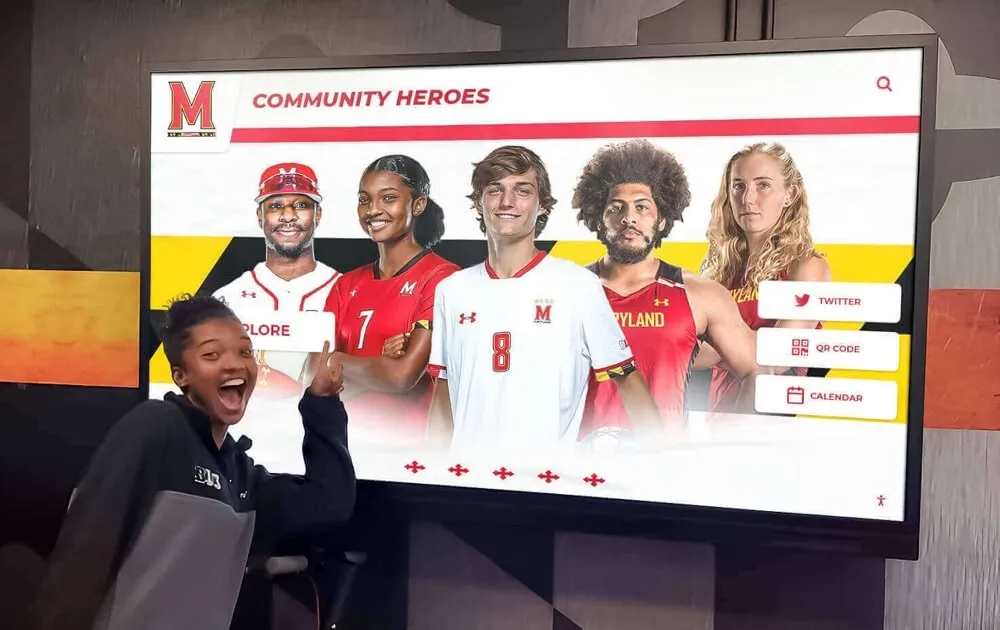
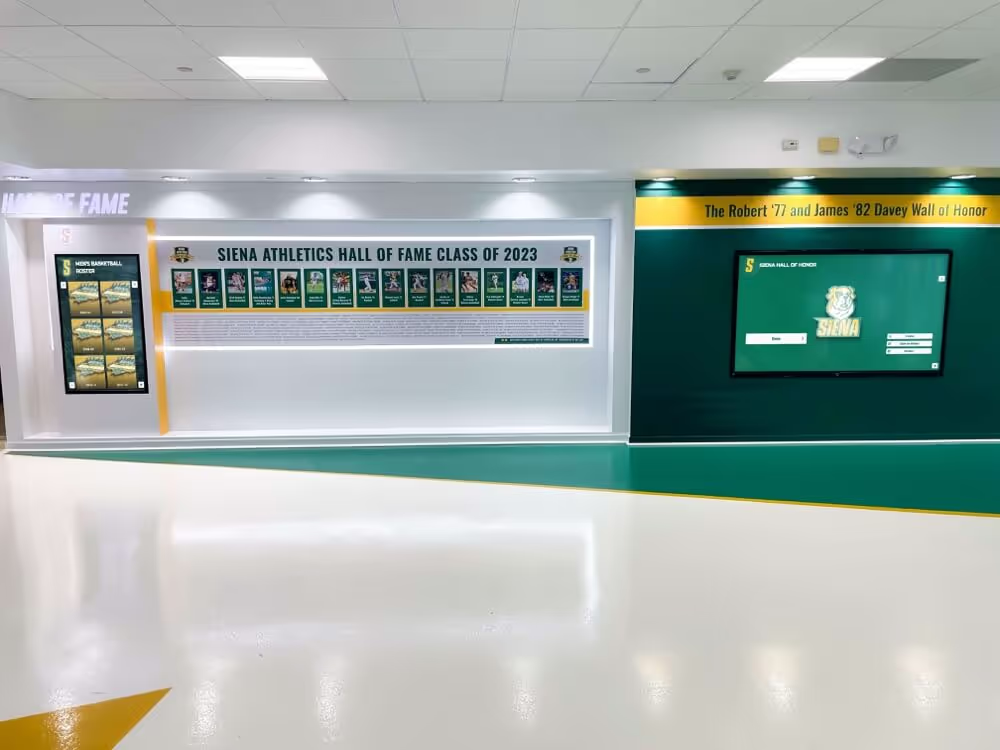
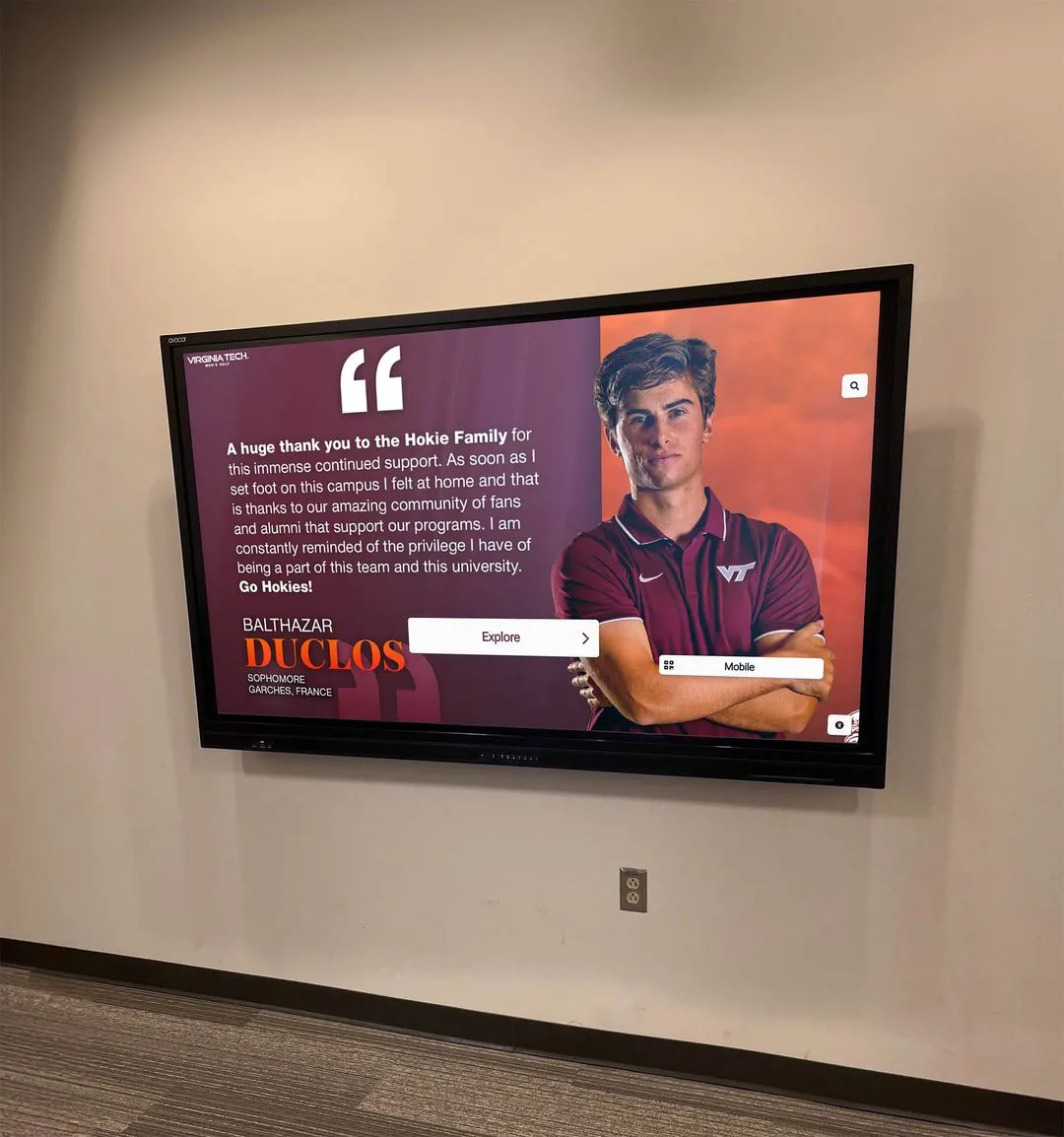
Team history screens surface historic sports video to students and visitors at display scale — chroma subsampling decisions made during digitization or archiving determine whether uniform colors and school logos appear accurate or degraded on every screen that plays them
What Chroma Subsampling Is and Why It Matters in Athletic Archives
Video stores color information in two separate channels: luminance (Y — the brightness of each pixel) and chrominance (Cb and Cr — the color difference signals). Human vision is more sensitive to brightness detail than to color detail, so most video codecs apply higher compression to the chrominance channels than to the luminance channel. Chroma subsampling notation — 4:4:4, 4:2:2, 4:2:0 — describes the ratio at which chrominance samples are collected relative to luminance samples.
- 4:4:4 — Every pixel has its own full color sample. Chrominance is not subsampled at all. Maximum color fidelity; used in cinema production, high-end broadcast, and professional camera RAW workflows.
- 4:2:2 — Chrominance is sampled at half the horizontal rate. For every two pixels, one chrominance sample is shared. Color detail in horizontal edges is halved but vertical color resolution is preserved. The standard for broadcast masters, professional archival encoding, and display-quality derivatives.
- 4:2:0 — Chrominance is sampled at half the horizontal and half the vertical rate. For every four pixels in a 2×2 block, one chrominance sample is shared. Color detail is reduced to one-quarter of the full-resolution value. The default setting for H.264, H.265, MPEG-4, and most consumer encoding tools; acceptable for streaming delivery but not for archival masters.
For most consumer content — a travel video, a recorded lecture, a documentary — the difference between 4:2:2 and 4:2:0 is not perceptible in normal playback. For athletic archive video, the difference is visible in exactly the areas that matter most: the saturated reds and blues of team uniforms, the high-contrast borders of jersey numbers, the vivid color blocks of school banners, and the hard-edged team logos on gymnasium floors and court surfaces.
At 4:2:0, the chrominance blur at color boundaries causes uniform colors to bleed softly into adjacent areas and makes number edges look soft or fringed. At 4:2:2, those boundaries remain sharp, and the measured color values for school colors stay closer to the correct reference — relevant both for display quality and for institutional color accuracy in recognition programs.
The Three Subsampling Formats: A Reference Table
| Subsampling | Color Sample Ratio | Chrominance Loss | Typical Use Case | Archival Suitability |
|---|---|---|---|---|
| 4:4:4 | 1:1 (full color at every pixel) | None | Cinema, professional RAW, color grading | Excellent — use for highest-value masters |
| 4:2:2 | 2:1 horizontal chroma reduction | 50% horizontal | Broadcast masters, archival encoding, pro cameras | Excellent — minimum for athletic archive masters |
| 4:2:0 | 2:1 horizontal, 2:1 vertical | 75% overall | H.264/H.265 delivery, streaming, consumer recording | Delivery derivatives only — not archival masters |
| 4:1:1 | 4:1 horizontal chroma reduction | 75% horizontal | DV / MiniDV recording format | Legacy source format — re-encode at 4:2:2 on ingest |
| 4:2:0 (MPEG-2) | Same as 4:2:0 above | 75% overall | DVD, VHS digitization, broadcast delivery | Delivery derivatives only; not recommended for masters |
The key distinction for athletic archives: 4:2:0 is a delivery format, not an archival format. When school archivists use HandBrake, Adobe Media Encoder, or a consumer video converter to save a “smaller” file from a VHS transfer, those tools default to H.264 with 4:2:0 chroma subsampling — and the color detail in the original transfer is permanently discarded. Re-encoding a 4:2:0 derivative back to 4:2:2 does not recover the lost color data; it only produces a larger file with the same degraded color.
Which Athletic Archive Sources Are Most Affected
Not all video sources respond equally to chroma subsampling. Sources with high color saturation at sharp boundaries — exactly what is common in athletic photography and game video — show the most visible degradation at 4:2:0.
| Video Source | Native Chroma Format | Risk at 4:2:0 Re-encode | Primary Affected Content |
|---|---|---|---|
| VHS digitization (SD, pre-2000) | 4:2:0 native (limited color bandwidth) | High — already chroma-limited; any re-encode should be at highest quality setting | Uniform colors, jersey numbers, scoreboard text |
| MiniDV / Digital8 (1998–2010) | 4:1:1 (NTSC) / 4:2:0 (PAL) | High — 4:1:1 chroma already horizontally compressed; re-encode at 4:2:2 on ingest | Sideline color, banner lettering, logo areas |
| HDV (720p/1080i, 2004–2012) | 4:2:0 native | Moderate — HD resolution partially compensates for chroma loss; re-encode at 4:2:2 for masters | Jersey numbers, team logo detail |
| AVCHD / consumer HD (2007–present) | 4:2:0 native | Moderate — same as HDV above; use 4:2:2 masters for archival copies | School color accuracy in well-lit sequences |
| Broadcast / pro camera (various) | 4:2:2 or 4:4:4 | Low if stored losslessly — preserve original subsampling; do not downgrade for archive | All color areas |
| 16mm / 8mm film transfer | Transfer vendor-dependent | Depends on vendor encode settings — request 4:2:2 minimum in scope of work | Full-frame color, title cards, team uniforms |
MiniDV footage from school sideline cameras — a common source of 2000s-era game film in school archives — used 4:1:1 chroma subsampling in NTSC markets. This format preserves vertical color resolution but aggressively reduces horizontal color detail, making vertical stripe patterns on uniforms appear accurate while horizontal stripes and letter forms look soft. When this footage is re-encoded for archive storage at 4:2:0, both dimensions are reduced and the result is a measurably worse representation of the original.
Step 1: Audit Your Existing Video Collection for Subsampling Settings
Before adjusting any encode settings, determine what chroma formats your current archive files are actually using. MediaInfo — a free, cross-platform tool — reports this in the “Chroma subsampling” field of any video track.
- Install MediaInfo (available at mediaarea.net, free for all platforms)
- Open a representative video file from each source era in your archive
- Navigate to the “Video” track details and locate the “Chroma subsampling” field
- Note the codec alongside the chroma subsampling: H.264 at 4:2:2 and H.264 at 4:2:0 are encoded differently even if both display as H.264 in a file directory
Run this audit across at least five to ten files per source era. A 1990s VHS digitization done by one vendor may use 4:2:0 while a second vendor’s deliverables from the same era use DV25 (which has its own chroma structure). Knowing what you have is the prerequisite for correcting it.
For archives with hundreds of video files, FFprobe (part of the free FFmpeg package) can batch-report chroma subsampling across all files in a folder:
ffprobe -v error -select_streams v:0 -show_entries stream=pix_fmt -of default=noprint_wrappers=1 "filename.mp4"
A result of pix_fmt=yuv420p indicates 4:2:0. A result of pix_fmt=yuv422p indicates 4:2:2. A result of pix_fmt=yuv444p indicates 4:4:4. Running this command across a full folder with a shell loop produces an inventory that can be sorted to identify every 4:2:0 file in the collection.
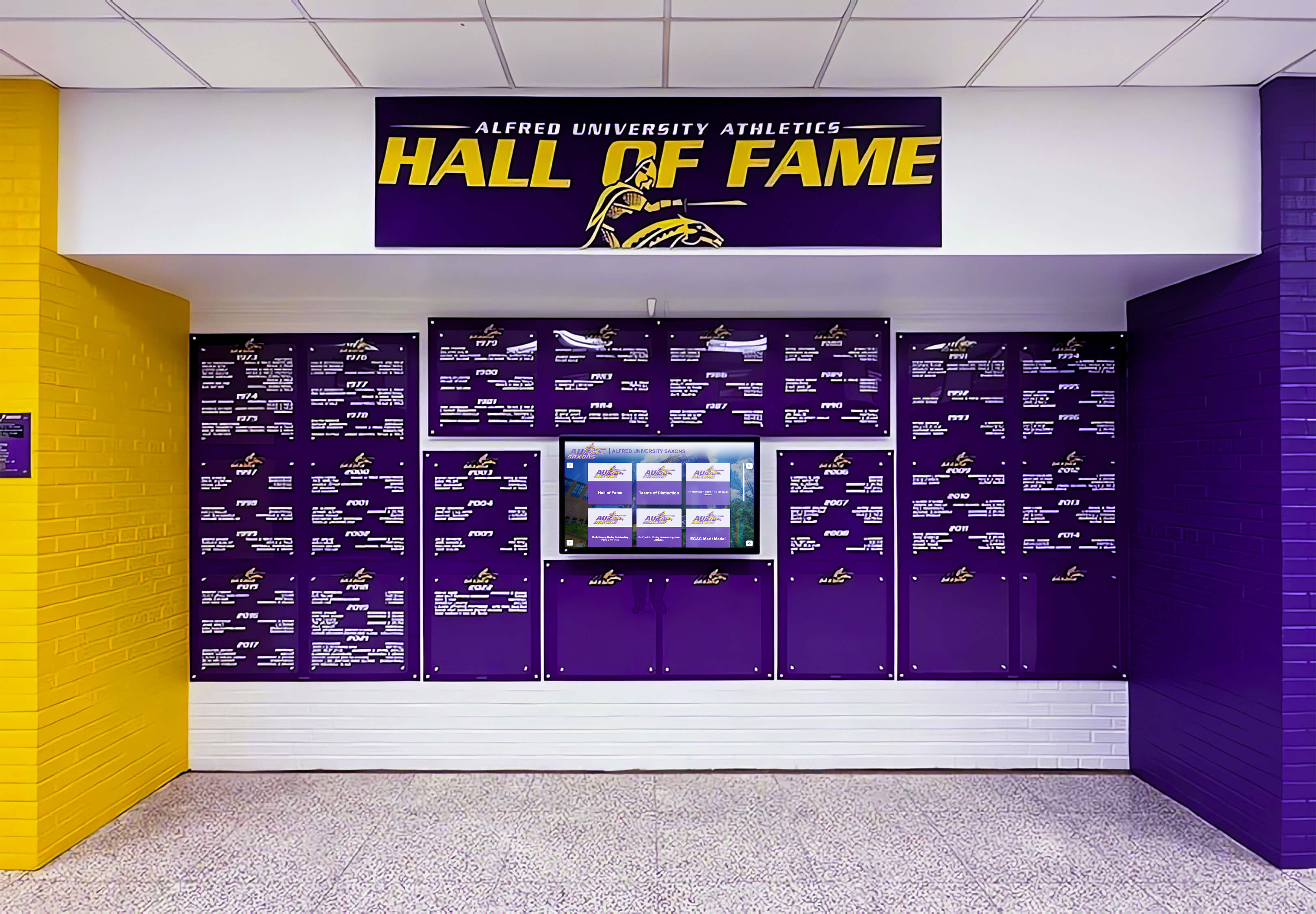
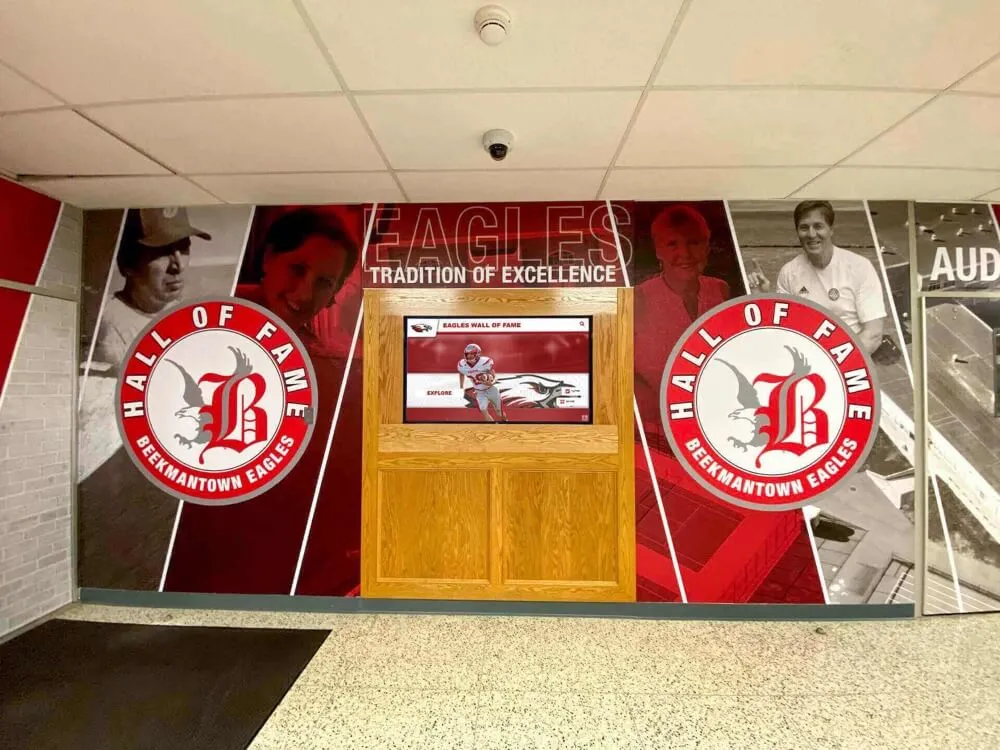
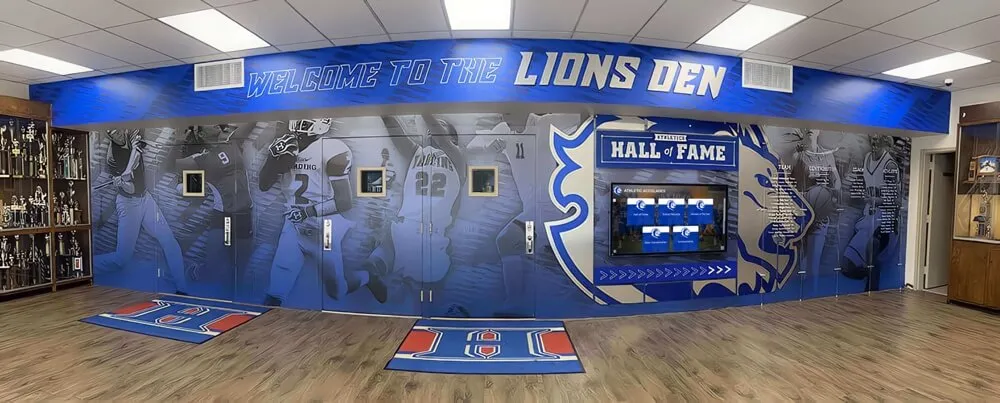
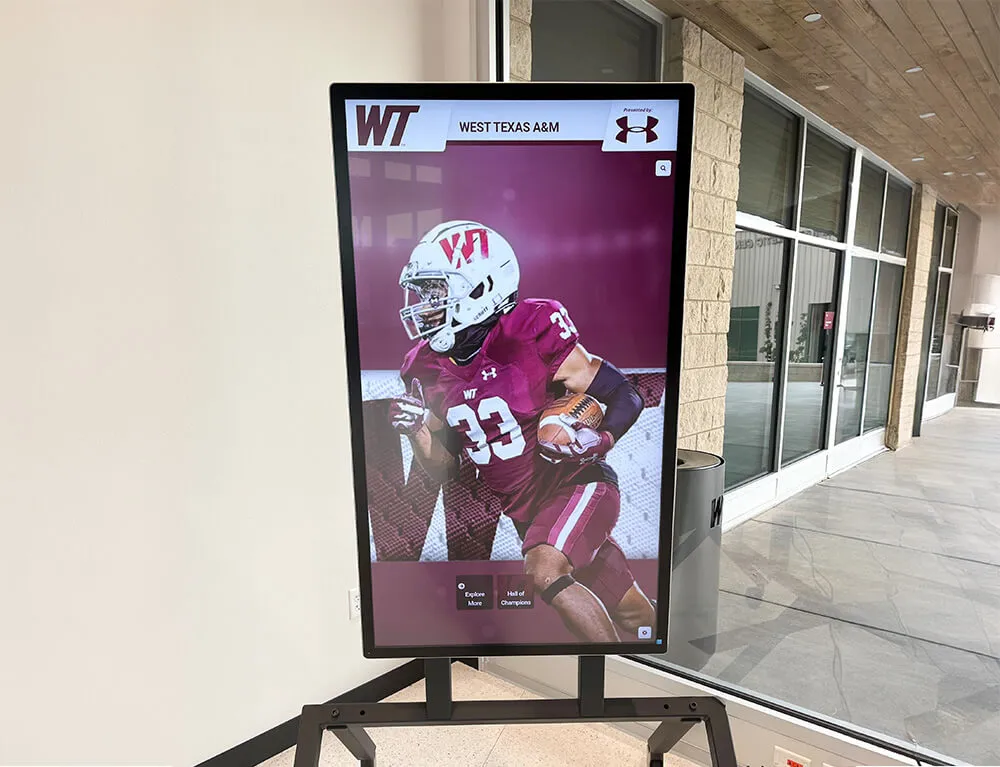
Recognition walls and hall-of-fame displays depend on color-accurate archive media — choosing 4:2:2 chroma subsampling for archival masters is what ensures school colors appear correctly in every context where archive video is displayed
Step 2: Set Archival Master vs. Display Derivative Standards
The chroma subsampling decision applies differently depending on whether you are encoding an archival master — the highest-quality file retained for long-term storage — or a display derivative — the file actually served to a lobby kiosk, digital yearbook platform, or alumni display.
Archival masters should use 4:2:2 at minimum. If the source video was recorded or transferred at 4:4:4, the archival master should preserve that. For most school athletic archives, 4:2:2 in a ProRes 422, DNxHD/DNxHR, or H.264/H.265 High 4:2:2 profile container is the practical archival standard:
- ProRes 422 HQ: the most practical high-quality option for Mac-based workflows; large file sizes (approximately 1.5 GB per minute) but visually lossless and widely supported by editing applications
- DNxHD 185x or DNxHR HQ: the Avid equivalent of ProRes 422, well-suited for Windows workflows; similar file sizes
- H.265 Main 10 4:2:2 at 30+ Mbps for 1080p: a modern, efficient option that preserves 4:2:2 chroma at a fraction of the file size of ProRes, while sacrificing some editability
Display derivatives can use 4:2:0 because display platforms — web browsers, kiosk software, mobile apps, streaming video services — typically expect and are optimized for H.264 or H.265 at 4:2:0. The derivative trade-off is acceptable at the display stage because the archival master retains full color fidelity for future re-derivation:
- H.264 (yuv420p) at 8–15 Mbps for 1080p: the most compatible delivery format; appropriate for digital yearbook platforms, lobby displays, and web streaming
- H.265 (HEVC, yuv420p) at 4–8 Mbps for 1080p: more efficient than H.264 at equivalent visual quality; appropriate where compatibility with the display platform is confirmed
Schools building basketball hall-of-fame recognition displays or similar interactive systems should confirm with their display platform vendor what chroma subsampling format the system expects — some platforms impose their own transcoding on ingest that may further reduce color fidelity if the source file is already at 4:2:0.
Step 3: Re-encode or Transcode with the Correct Chroma Settings
Once you have identified which files in the archive are stored at inadequate chroma subsampling settings — and which source files are available to re-encode from — use the following process to produce corrected archival masters.
For VHS transfers delivered at 4:2:0 where no better source exists:
The original VHS tape carries limited color bandwidth regardless of the digitization format, so a re-encode to 4:2:2 will not recover true 4:2:2 color information — but it will prevent further chroma loss from any future re-encoding. Re-encode the current 4:2:0 deliverable to ProRes 422 or DNxHD at the highest quality setting your storage allows, noting in the archive manifest that the file was re-encoded from a 4:2:0 source. The file will be larger and technically labeled 4:2:2, but its actual color resolution will reflect the original 4:2:0 source.
For MiniDV or Digital8 footage where the original tape is still available:
MiniDV and Digital8 tapes can be captured directly from the tape deck via FireWire (IEEE 1394) as DV-format video — a lightly compressed format that preserves the original 4:1:1 (NTSC) or 4:2:0 (PAL) chroma structure from the tape without introducing additional loss. From the DV capture, transcode to ProRes 422 or DNxHD for the archival master. This produces a better archive file than re-encoding from a previously compressed deliverable.
For video already in the archive that does not have an accessible source:
Accept the current chroma structure and encode a lossless or near-lossless copy in a container that preserves it. FFmpeg can re-wrap a video in a new container without re-encoding (stream copy), which produces a file with the same codec and chroma values in a different container format — useful for format normalization without quality change:
ffmpeg -i source.mp4 -c copy output.mkv
This is not a quality improvement, but it does stabilize the file in a container format better suited to archival use and prevents any further encoding loss.
For new acquisitions and vendor deliverables going forward:
Document chroma subsampling requirements in the scope of work for any digitization vendor, game video service, or media transfer contract. Requiring 4:2:2 at minimum for archival masters and specifying the acceptable codec options (ProRes 422, DNxHD, H.264 High 4:2:2 profile) ensures that the first-generation deliverable preserves the color detail from the source.
Step 4: Validate Color Accuracy After Transcode
A transcode that runs without errors does not guarantee accurate color output. Validate a sample of files after each major batch to confirm that the chroma subsampling setting produced the expected result.
Check the output file’s metadata:
Run MediaInfo or FFprobe on the output file and confirm that the “Chroma subsampling” field shows the target value (4:2:2 or 4:4:4). A file labeled 4:2:2 that was encoded by a tool defaulting to 4:2:0 despite the setting is a common error — the encode command may require an explicit pixel format flag rather than relying on a profile-level default.
In FFmpeg, an explicit 4:2:2 flag for an H.264 output looks like:
ffmpeg -i source_file.mp4 -c:v libx264 -profile:v high422 -pix_fmt yuv422p -crf 18 output_master.mp4
Without the -pix_fmt yuv422p flag, FFmpeg may default to yuv420p even when a High 4:2:2 profile is specified.
Visual validation against school color reference:
Pause the encoded video on a frame containing prominent school colors — a jersey cluster in a team photo sequence, a court logo shot, a banner close-up — and use a color picker in VLC (Video → Take Snapshot, then open the snapshot in an image editor) or ffmpeg’s frame export to measure the chroma of a uniform color area. Compare the measured value to the reference sRGB values for the school’s Pantone colors. A 4:2:2 encode should produce measured values within ±5 per channel of the reference; a 4:2:0 encode with visible chroma loss will typically measure 10–25 points off target in the most saturated color areas.
Schools coordinating sports award certificates or printed recognition materials alongside digital archive displays benefit from this validation because it confirms that the color values in the video archive and the color values in print production materials are consistent — reinforcing institutional identity across all formats where athletic history appears.

New video produced for athletic programs — induction ceremonies, hall-of-fame tours, coach interviews — should be recorded and archived at 4:2:2 or higher from the point of capture, establishing a quality standard that protects future archives from the chroma loss problems that affect historic footage
Step 5: Establish Submission Standards for New Video Acquisitions
The most effective time to address chroma subsampling is before a file enters the archive, not after. Establishing and communicating clear technical standards for video submissions — from donors, game video services, and staff — reduces the volume of 4:2:0 files arriving without archival-quality alternatives.
For alumni and community donors:
Include a short technical brief in your donation request materials. A one-page document specifying “please provide the original camera file rather than a compressed copy” catches the most common donor-submission problem — a community photographer who has the original camera card at home but sends a compressed social-media export because that is what they have immediately accessible. Booster clubs that manage financial records and outreach communications can include the technical submission brief alongside their regular donor correspondence.
For game video and production services:
Contract language that specifies deliverable format, chroma subsampling, and bitrate prevents vendor ambiguity. A clause requiring “archival master deliverables in ProRes 422 or H.264 High 4:2:2 profile at minimum 15 Mbps for 1080p content, with 4:2:2 chroma subsampling confirmed by MediaInfo report” gives the vendor a clear technical target and gives your acceptance review a verifiable standard.
For in-house recording at athletic events:
If staff or volunteers record game video, induction ceremonies, or recognition events on school cameras, document the camera’s chroma output format and recording settings in a one-page equipment guide. Most consumer cameras record at 4:2:0 in their standard quality modes; many offer a 4:2:2 or All-Intra recording mode in higher-quality settings that may be accessible without purchasing additional equipment. Enabling that mode before recording events where color accuracy matters — championship celebrations, hall-of-fame inductions, ceremony footage — costs nothing and preserves the original color fidelity from the point of capture. Schools that produce game day graphics alongside video content benefit from the same color consistency that 4:2:2 recording provides when those graphics are later overlaid on archive footage.
Common Chroma Subsampling Mistakes in Athletic Archives
Assuming the archive format is “lossless” when it is not. A file stored as a large H.264 .mp4 is not an archival master if the codec is H.264 at 4:2:0, regardless of its file size or bitrate. File size alone is not a reliable indicator of chroma quality. Always confirm the pixel format via MediaInfo or FFprobe rather than assuming that a large file preserves full color fidelity.
Re-encoding from a 4:2:0 derivative rather than the original source. When a digitization vendor delivers a 4:2:0 H.264 file and the original tape is still available, re-encode from the tape — not from the H.264 deliverable. Re-encoding a 4:2:0 file to 4:2:2 produces a 4:2:2 container with 4:2:0-quality color data. The original tape, re-digitized at 4:2:2 from the start, produces a genuinely better archival master.
Using the wrong FFmpeg flag for chroma subsampling.
The FFmpeg flag -profile:v high422 sets the H.264 encoding profile but does not guarantee 4:2:2 output — some FFmpeg builds default to yuv420p even within the High 4:2:2 profile unless -pix_fmt yuv422p is specified explicitly. Always confirm the output pixel format in the transcode log and verify with MediaInfo before accepting the file into the archive.
Serving archival masters directly to display platforms. Archival masters in ProRes 422 or uncompressed formats are too large and too codec-incompatible for direct streaming to lobby kiosks, yearbook platforms, or web players. Always generate a display derivative (H.264 or H.265 at 4:2:0, appropriate bitrate) from the archival master for each display context. Never serve the archival master directly to a platform that may transcode it internally — platform-side transcoding at unknown settings can degrade the archival master if the platform stores a processed copy.
Ignoring audio when re-encoding video. Chroma subsampling decisions focus on the video track, but audio quality in ceremony recordings, induction speeches, and coach interview footage is also part of the archive’s value. When re-encoding for archival masters, retain audio at its original bitrate or re-encode to a lossless codec (FLAC, PCM) rather than accepting a lossy audio downgrade during the chroma correction process.
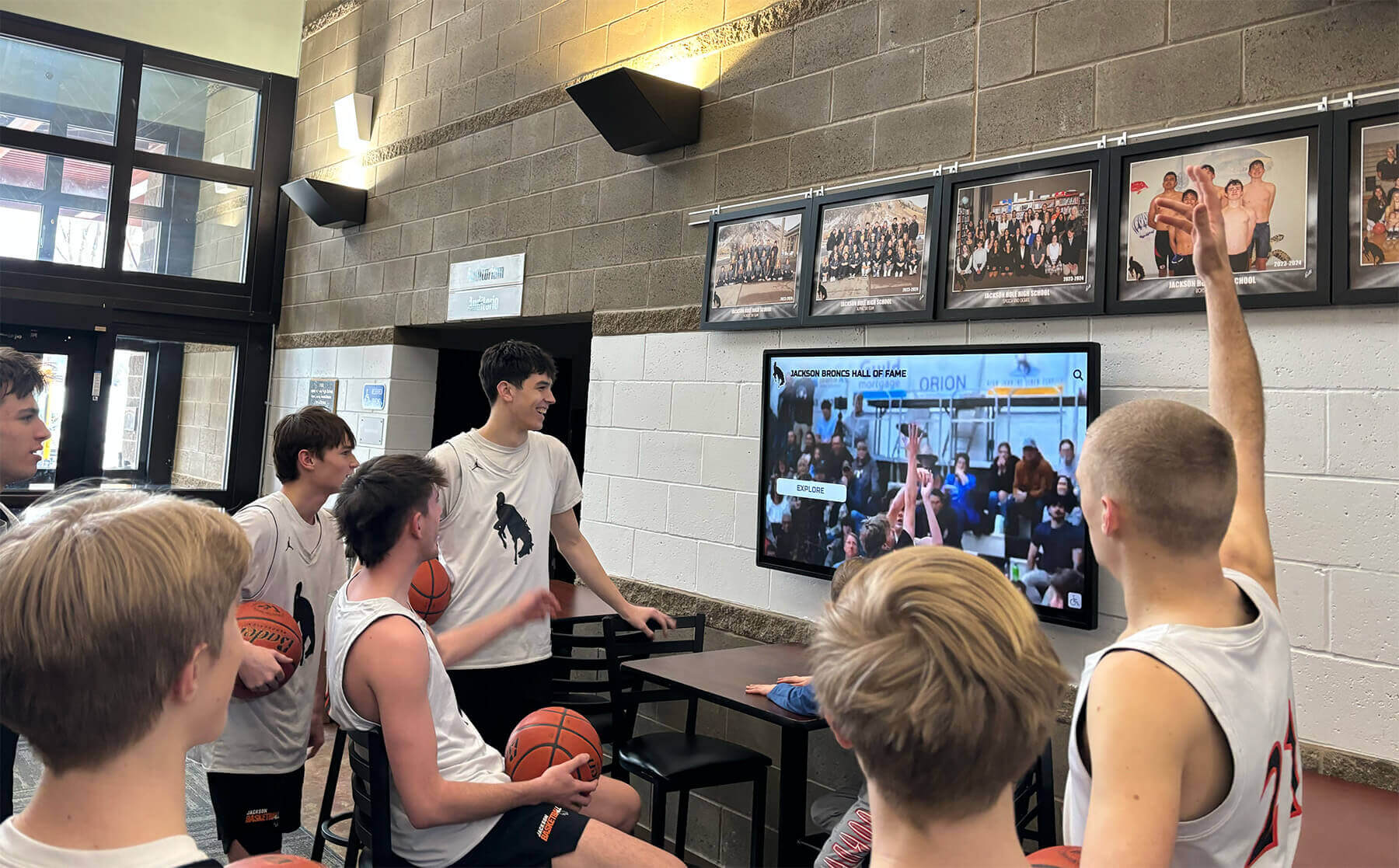
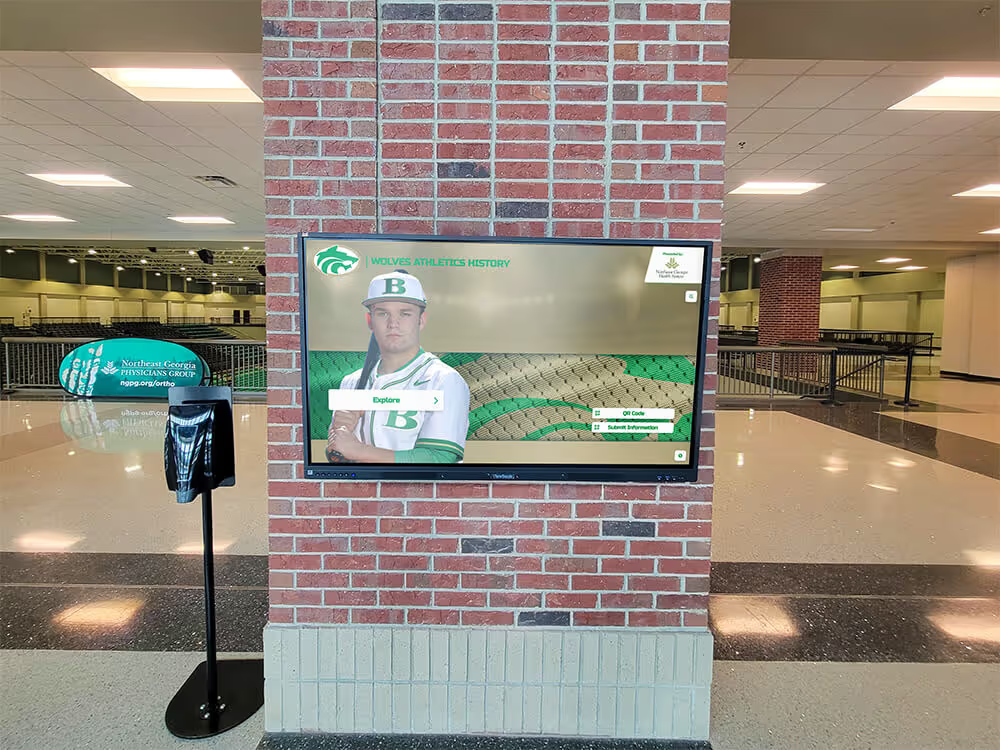
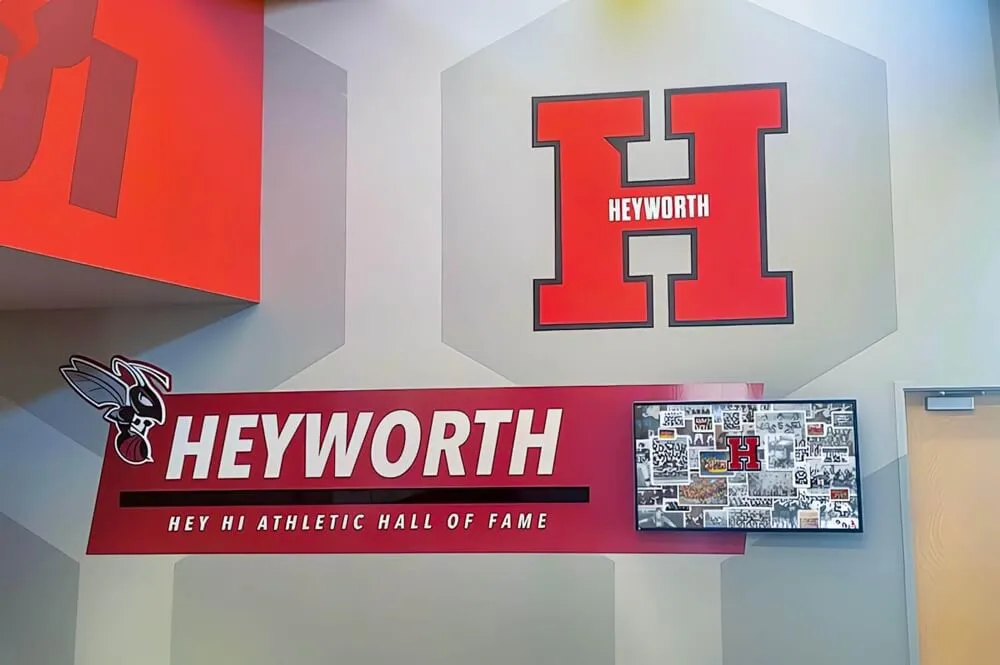
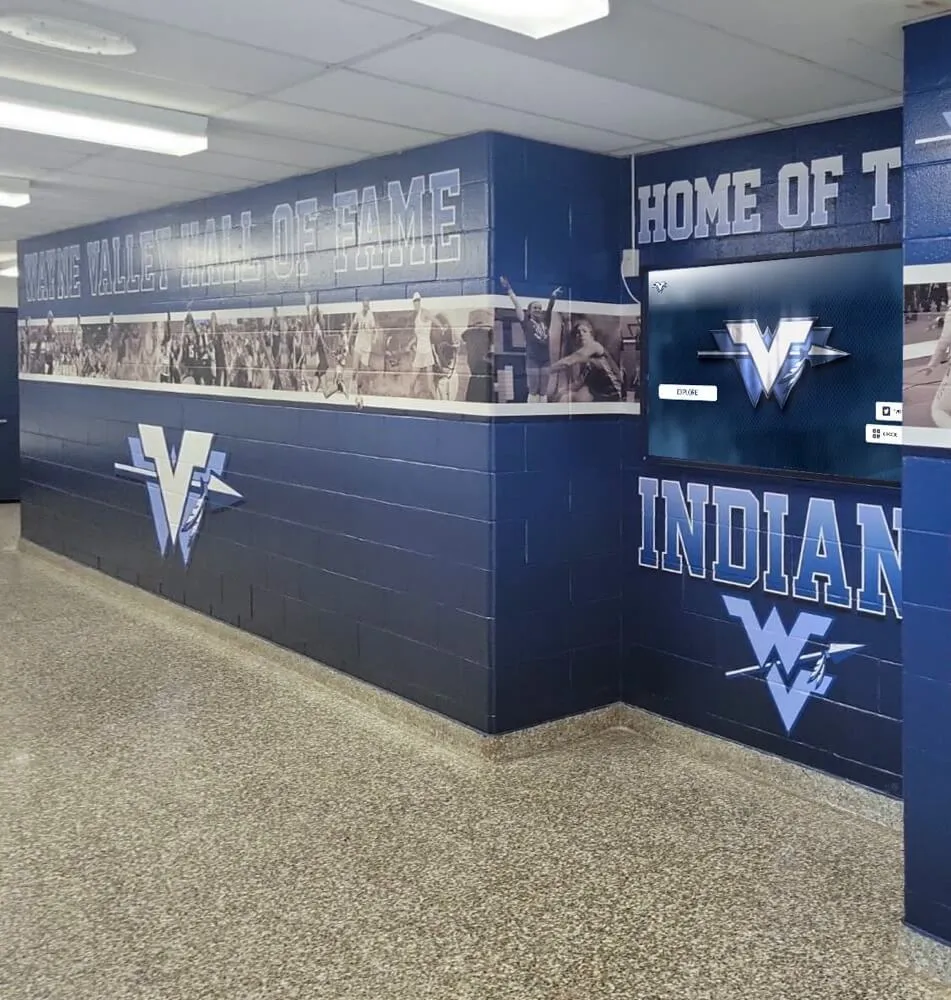
Athletic video displayed in school lobbies and common areas is viewed by students, families, and visitors who recognize team colors and school identity — chroma subsampling decisions determine whether those colors appear accurate or washed out at every display scale
Connecting Chroma-Accurate Video to Recognition Programs
Chroma subsampling quality is most visible in the contexts that also matter most to school recognition programs: a game highlight reel playing on a lobby display, an archived induction ceremony shown at a hall-of-fame event, a video montage on a digital showcase wall or touchscreen kiosk. When chroma loss causes the 1993 state champions’ navy jerseys to look purple, or bleeds the yellow of a banner logo into the surrounding white, the display communicates inaccuracy about the school’s history to every viewer who encounters it.
Building a chroma subsampling policy as part of a broader athletic archive standard protects the integrity of every recognition event and display that sources video from the archive. Schools that have also worked through basketball award certificate and recognition program development recognize that color consistency across print materials and digital media reinforces institutional identity — and that the video archive is one of the most visible places where color accuracy is tested at scale.
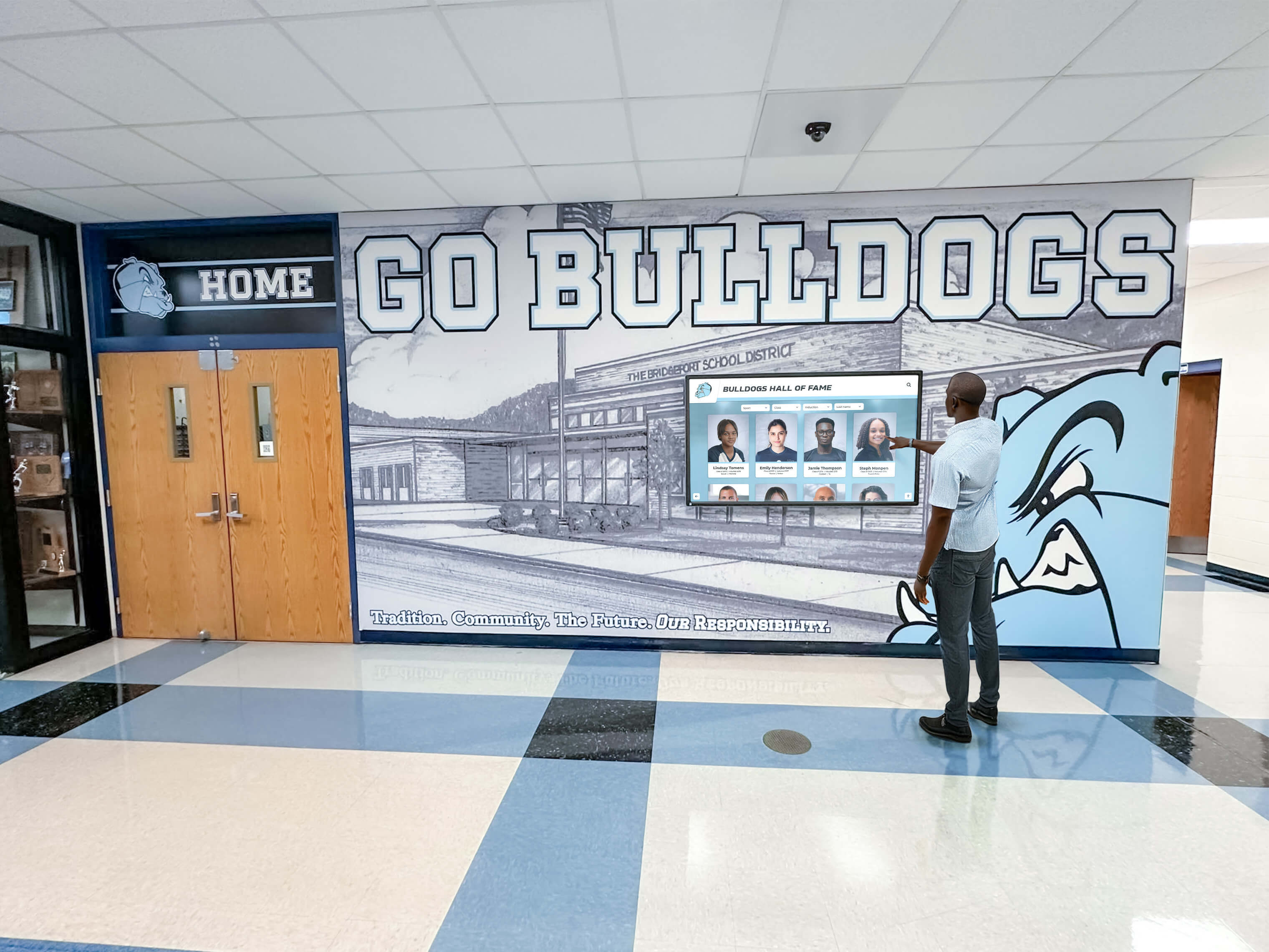
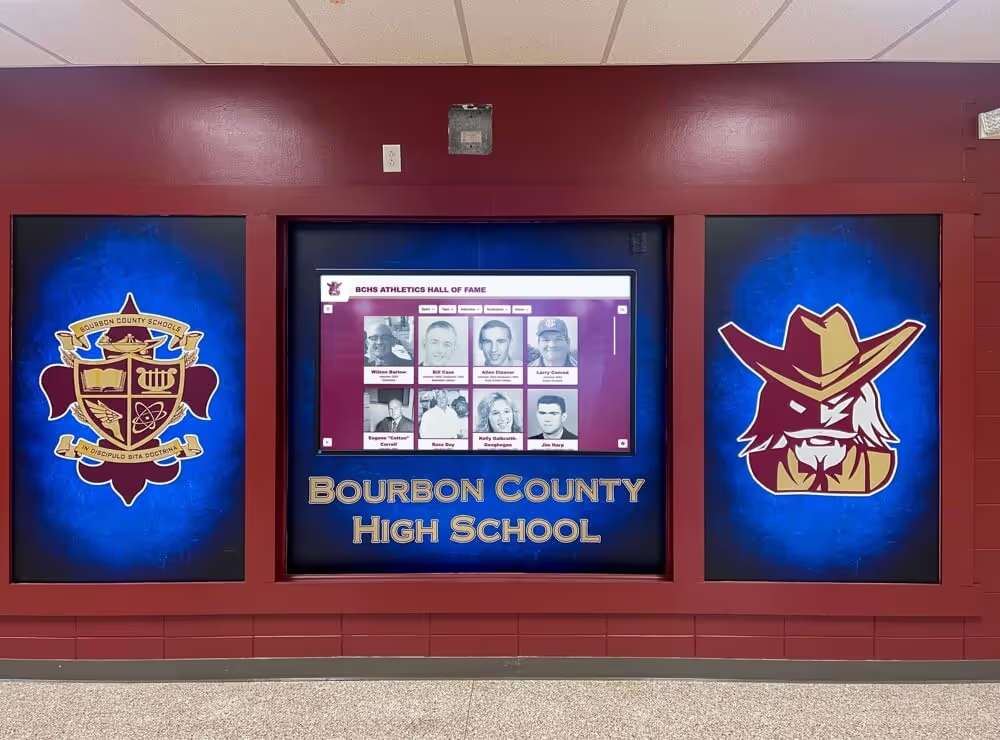
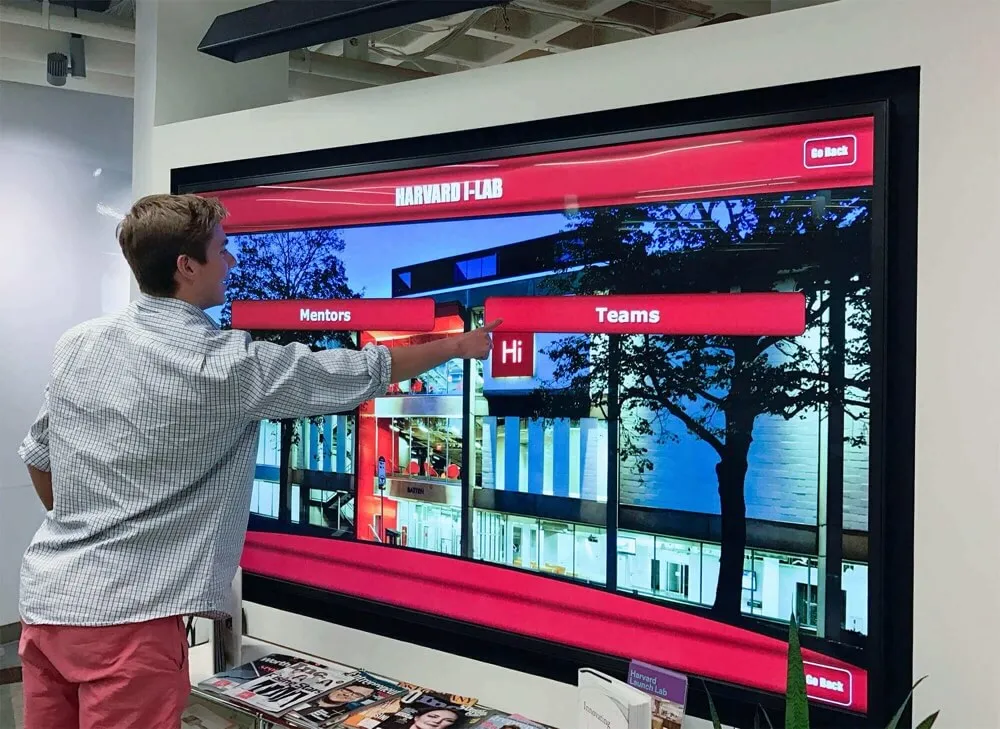
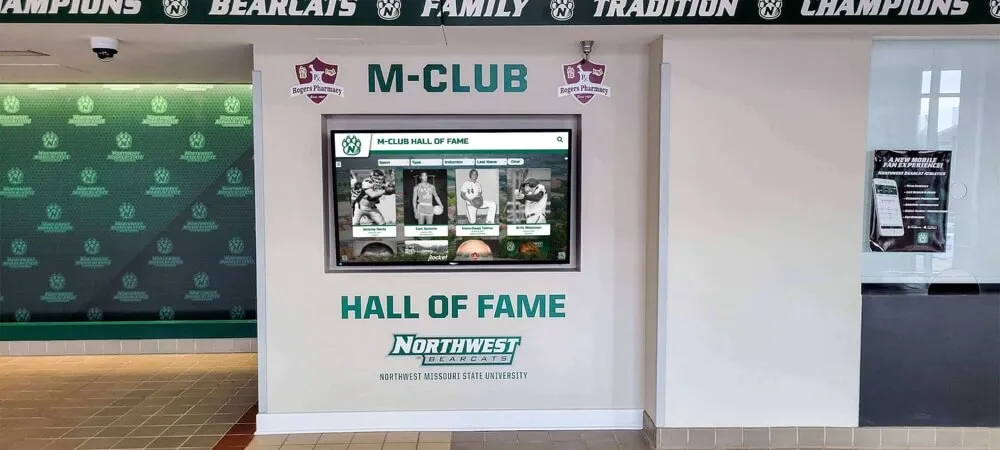
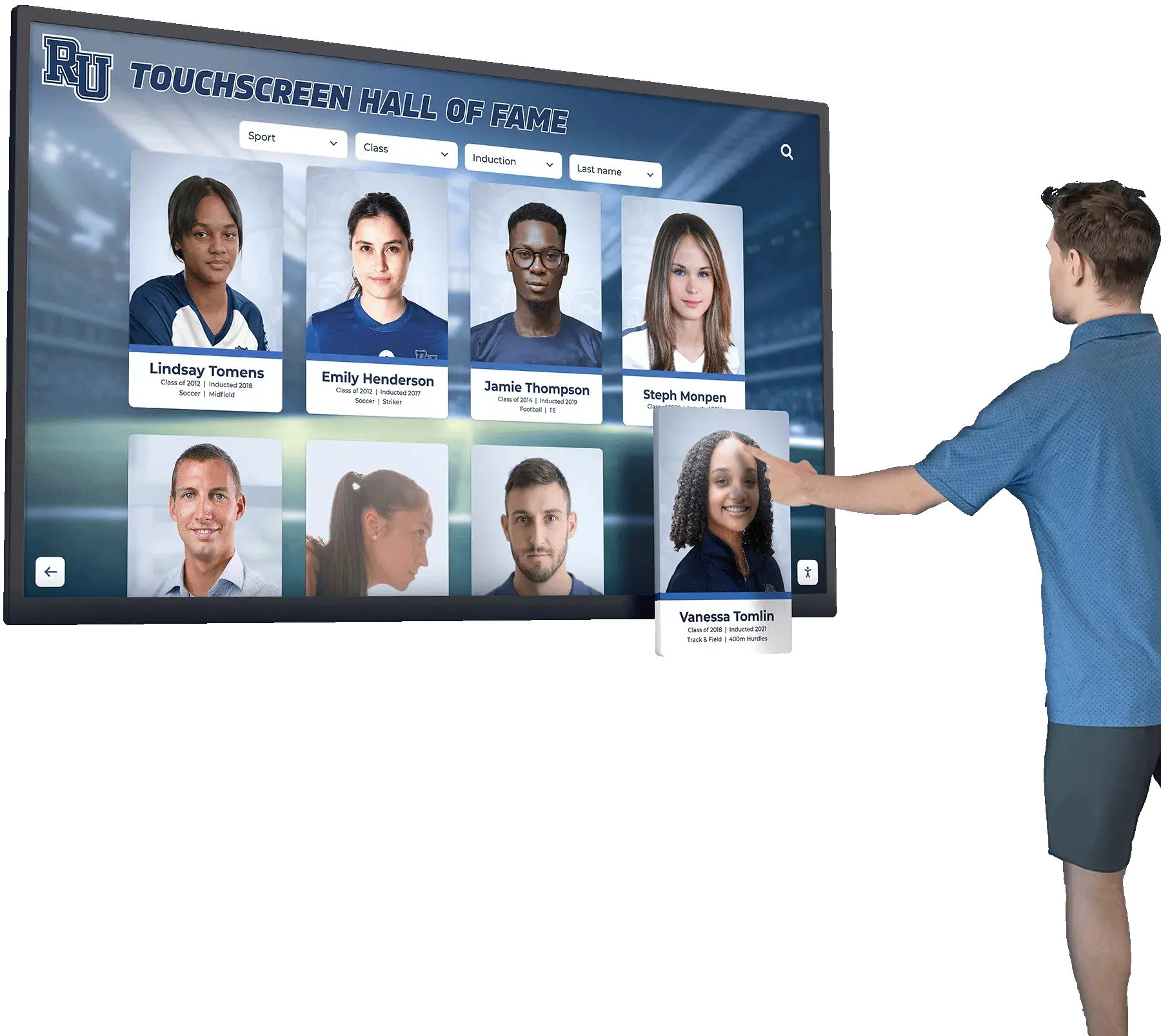
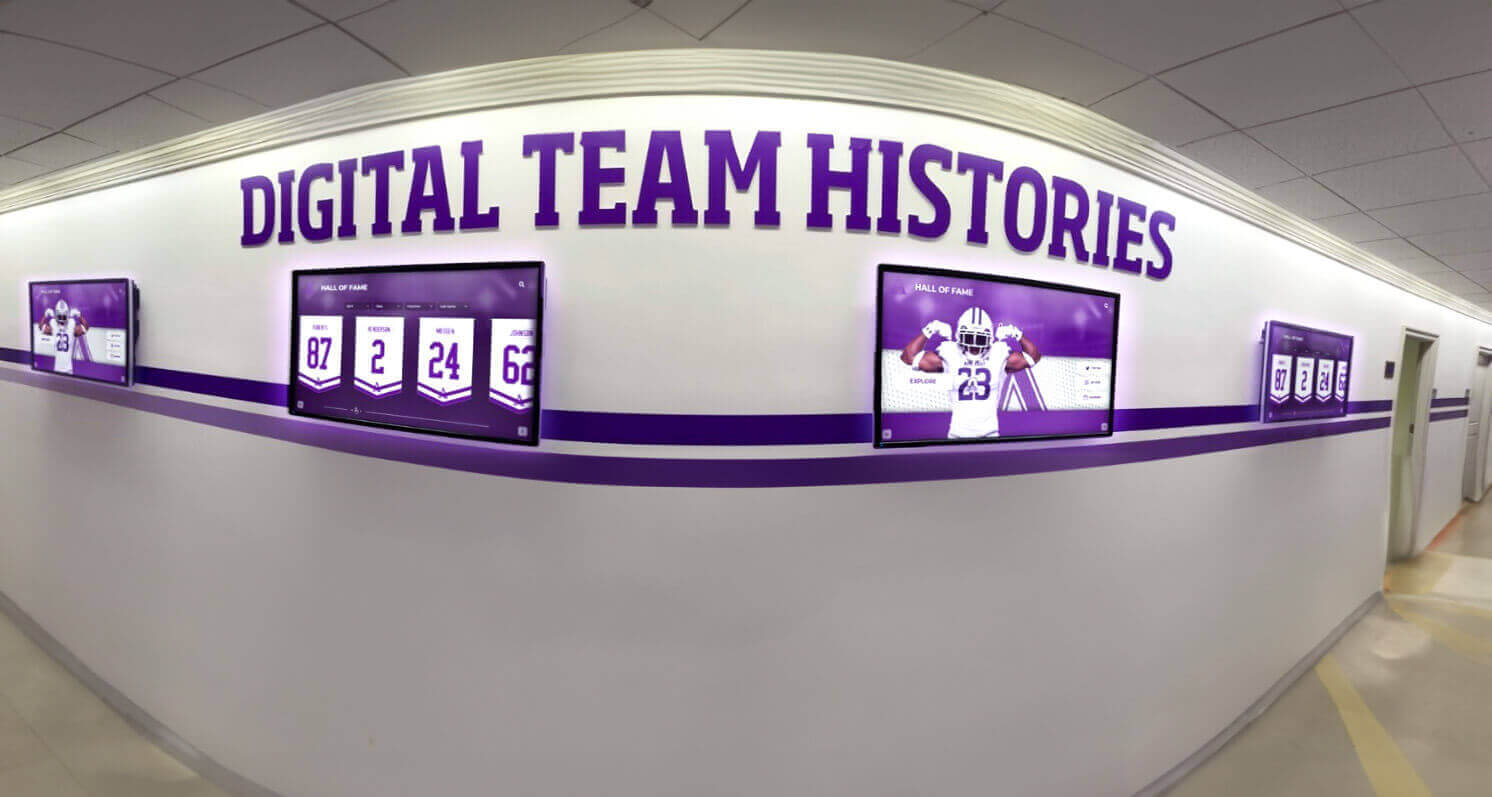
Touchscreen hall-of-fame kiosks draw from the video archive at display scale — chroma-accurate encoding is what allows the athletic program's historic identity to appear correctly on the screen in front of every student, alumni, and visitor who interacts with it
Frequently Asked Questions
Q: Our video archive is almost entirely 4:2:0 H.264 files. Is a full re-encode to 4:2:2 worth the effort?
For files where the original capture source — tape, camera card, original transfer — no longer exists, re-encoding from the 4:2:0 deliverable to a 4:2:2 container does not recover lost color information and is generally not worth the effort or the storage cost. The priority is to prevent further degradation: avoid any further lossy re-encodes, store the current files losslessly if possible (stream copy to MKV or MOV without re-encoding), and apply the 4:2:2 standard to all future acquisitions and captures. For files where the original source is still available — tapes that have not been discarded, camera cards that are still archived — re-ingest from the source at 4:2:2 is worth doing, particularly for highest-value content (championship footage, induction ceremonies, milestone events).
Q: Our lobby kiosk displays H.264 video. Do we need 4:2:2 if the display platform converts everything to 4:2:0 anyway?
Yes, for two reasons. First, the archival master should be maintained at 4:2:2 regardless of the display platform’s format requirements — when display technology changes (and it will), you re-derive from the archival master rather than from the lossy derivative. Second, even if the display platform re-encodes to 4:2:0, the quality of that re-encode is higher if the source it is re-encoding from is 4:2:2 rather than a double-compressed 4:2:0. Derive the display file from the 4:2:2 master specifically for the kiosk platform rather than serving the master directly.
Q: We have MiniDV tapes from the late 1990s and early 2000s. Should we capture them as DV or transcode directly to ProRes?
Capture as DV first if your capture hardware supports it. The DV capture preserves the tape’s native 4:1:1 (NTSC) or 4:2:0 (PAL) chroma structure in a lightly compressed form, which is the highest fidelity representation of what is on the tape. From the DV file, transcode to ProRes 422 for the archival master — do not discard the intermediate DV file until you have confirmed the ProRes transcode is complete and validated. The DV file is larger than a re-encoded H.264 but is the most faithful representation of the original tape content.
Q: Is there a practical reason to use 4:4:4 for athletic archive video rather than 4:2:2?
For most school athletic archives, 4:2:2 provides sufficient color fidelity and is dramatically more storage-efficient than 4:4:4. The practical case for 4:4:4 is strongest for footage that will be used in professional color grading, very large format projection, or green-screen compositing — workflows that are uncommon in school archive contexts. If a film or broadcast transfer vendor offers 4:4:4 capture at no additional cost (some do for film transfers), accepting it is worthwhile. But spending additional storage and processing budget to pursue 4:4:4 over 4:2:2 is generally not justified for school athletic archives.
Q: How does chroma subsampling interact with color space tagging for video?
They are separate concerns that are both important. Chroma subsampling determines how much color data is stored per pixel. Color space tagging (BT.601 for SD, BT.709 for HD) determines how a player interprets the stored color values during display. A video file can be correctly tagged for color space but use 4:2:0 chroma (losing color detail), or it can use 4:2:2 chroma but be incorrectly tagged for color space (displaying inaccurate colors despite having full color data). A complete archival video workflow addresses both: set the correct chroma subsampling at encode, and verify the correct color space tag in MediaInfo.
Q: We’re building a hall-of-fame recognition program that will include historic video clips. What technical standard should we give the display vendor?
Request that the display platform accept H.264 High 4:2:2 profile or H.265 Main 10 4:2:2 as the primary input format, even if the platform re-encodes to 4:2:0 for final display. Providing display derivatives encoded from 4:2:2 archival masters rather than from 4:2:0 compressed deliverables gives the platform the best possible source for its internal processing. Additionally, confirm that the platform preserves the color space tag (BT.709 for HD content) and does not apply a color space conversion that shifts school colors. Schools developing comprehensive recognition programs can benefit from reviewing a basketball hall-of-fame recognition guide to understand how display platform selection and technical media standards interact.
Turn a Color-Accurate Video Archive Into an Active Recognition Program
A well-managed chroma subsampling workflow protects the color fidelity of every historic sports video in your athletic archive. The recognition infrastructure built on top of that archive — hall-of-fame touchscreen kiosks, digital yearbooks, lobby display systems, alumni engagement programs — is where the careful encoding decisions made during ingest become visible to students, families, and the communities your program has served for decades.
Rocket Alumni Solutions helps schools connect verified, color-accurate athletic archives to interactive recognition displays designed to surface every athlete, every championship, and every milestone your program has earned.
Schedule a demo with Rocket Alumni Solutions to see how your archive can power recognition infrastructure that honors your school’s history accurately.