A corrupted photo discovered the week before a hall-of-fame induction is not just an inconvenience—it is a gap in your athletic program’s permanent record that may never be filled. When digitized game programs, scanned championship rosters, athlete profile photos, and video highlights sit on school servers or cloud drives without a systematic integrity check, file corruption can go undetected for months or years. By the time a staff member notices that a file opens incorrectly—or does not open at all—the original may be gone and the backup equally damaged.
Athletic archive checksum verification is the process of generating a mathematical fingerprint for every digital file in your archive at the moment it is created or ingested, then periodically re-running that calculation to confirm the file has not changed. If a file’s checksum no longer matches its original value, the archive management system flags it for review before the damage propagates or a donor asks why a 2001 state championship photo is missing from the recognition display.
This guide walks school administrators, athletic directors, archivists, and booster leaders through a complete checksum verification workflow—from first principles to practical implementation—covering which tools to use, how to schedule verification runs, and how to connect a verified archive to the recognition programs and digital displays that give your athletic history ongoing public life.

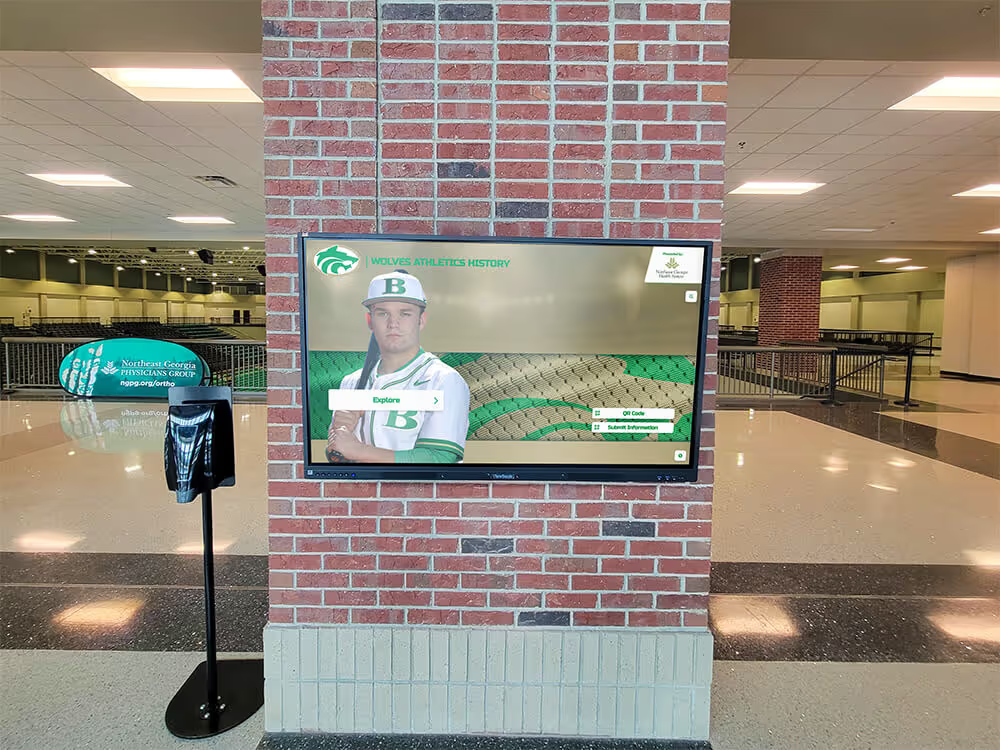
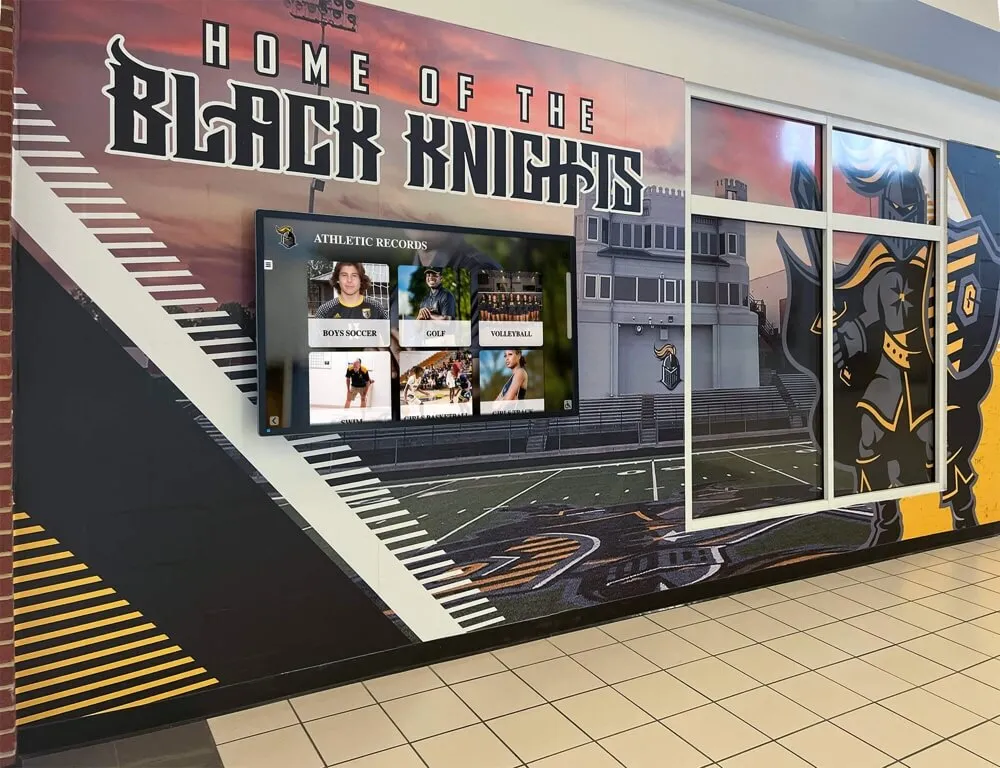
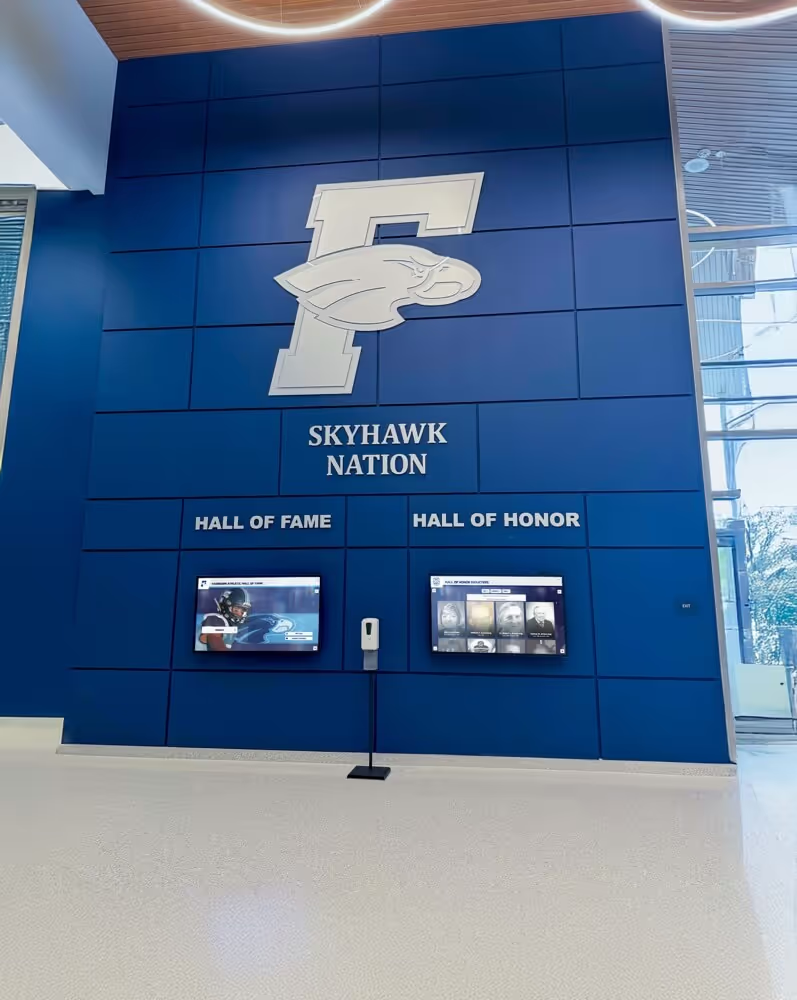
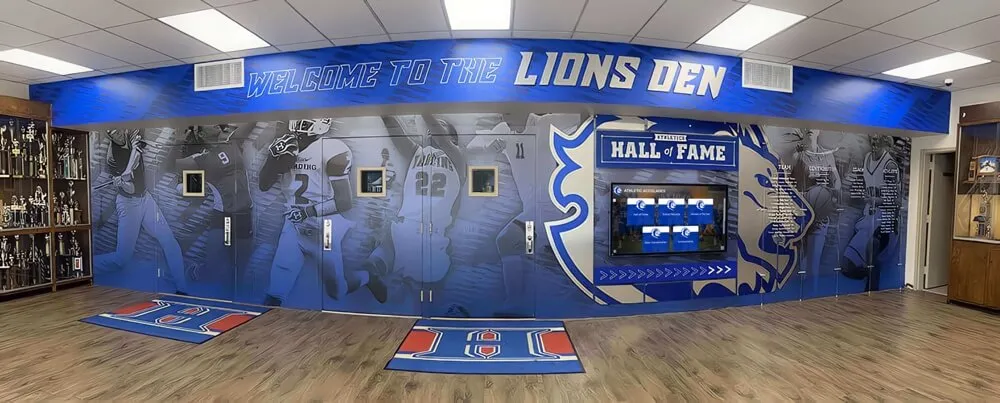
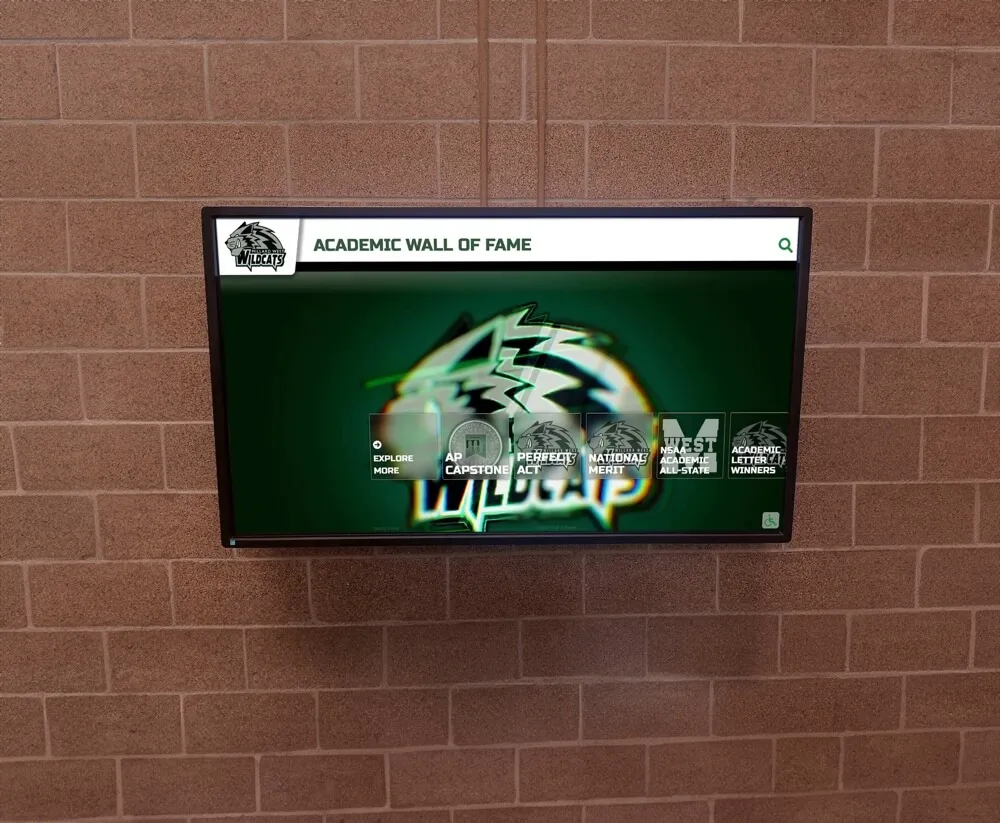
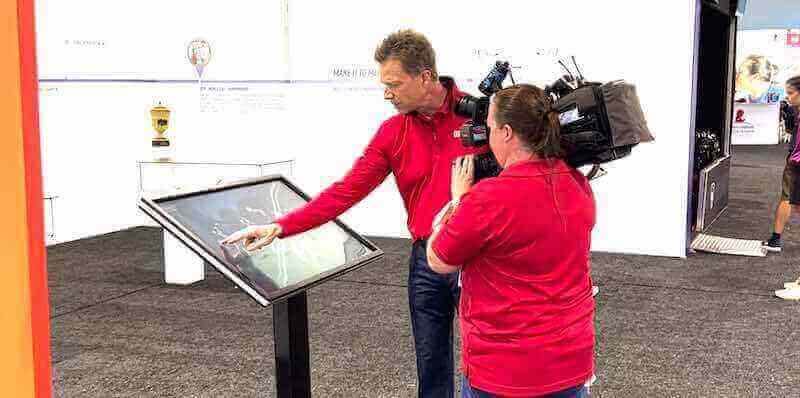
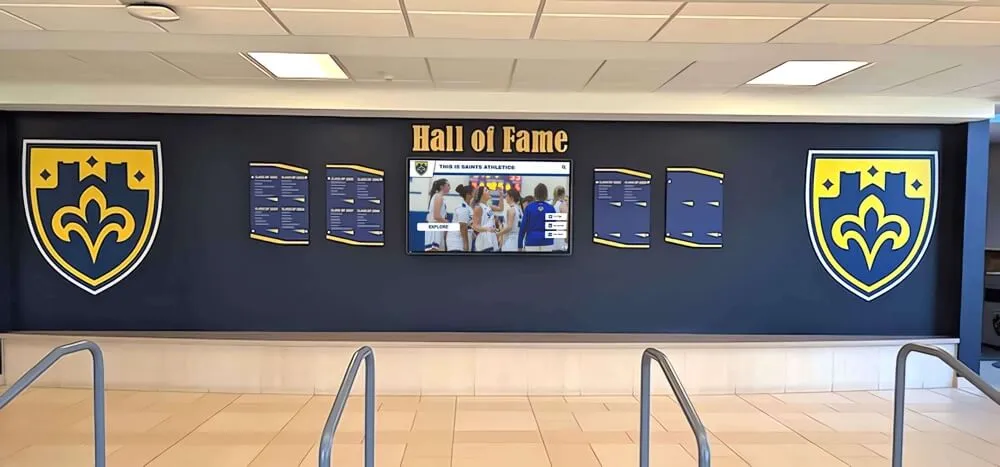
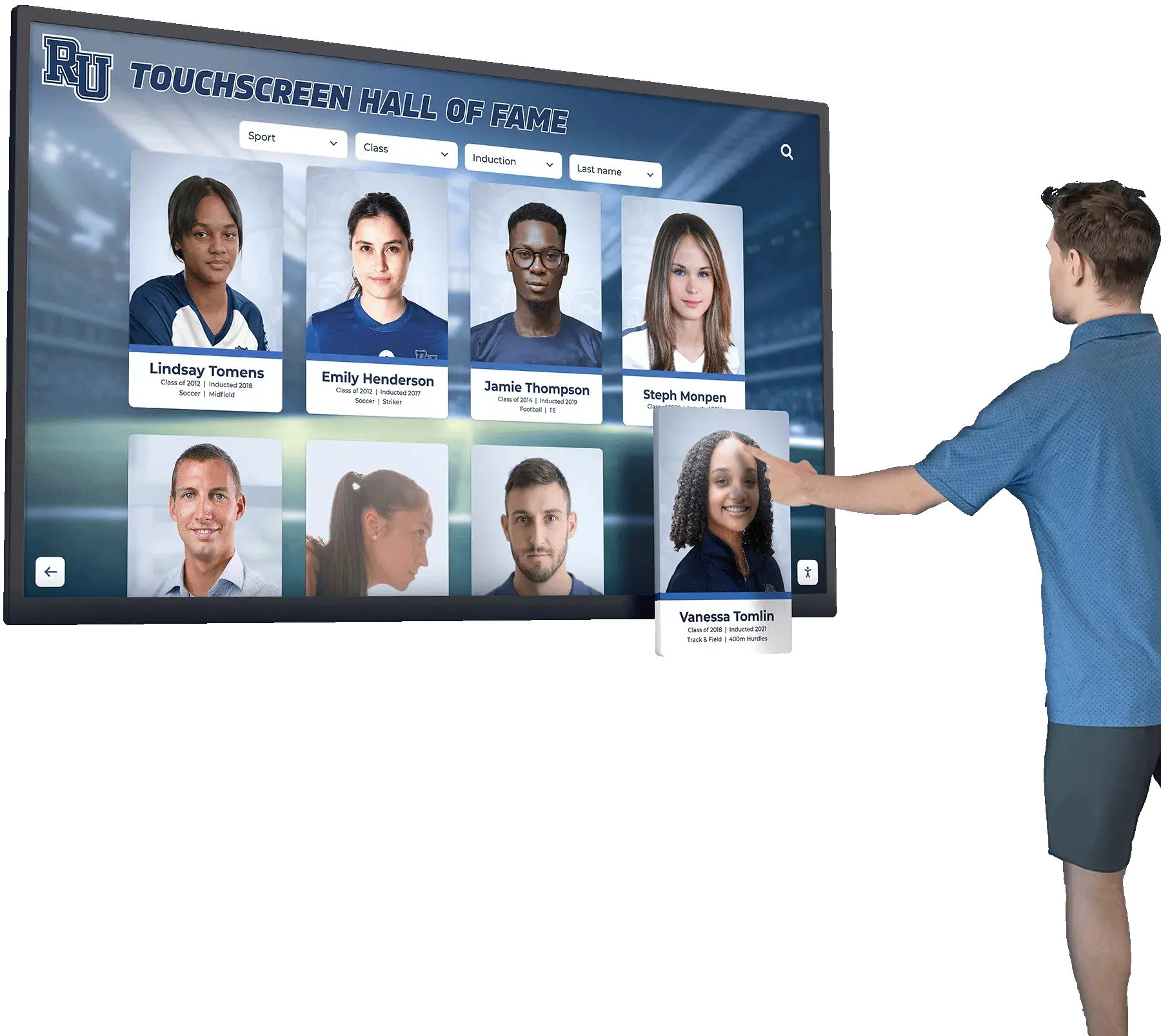
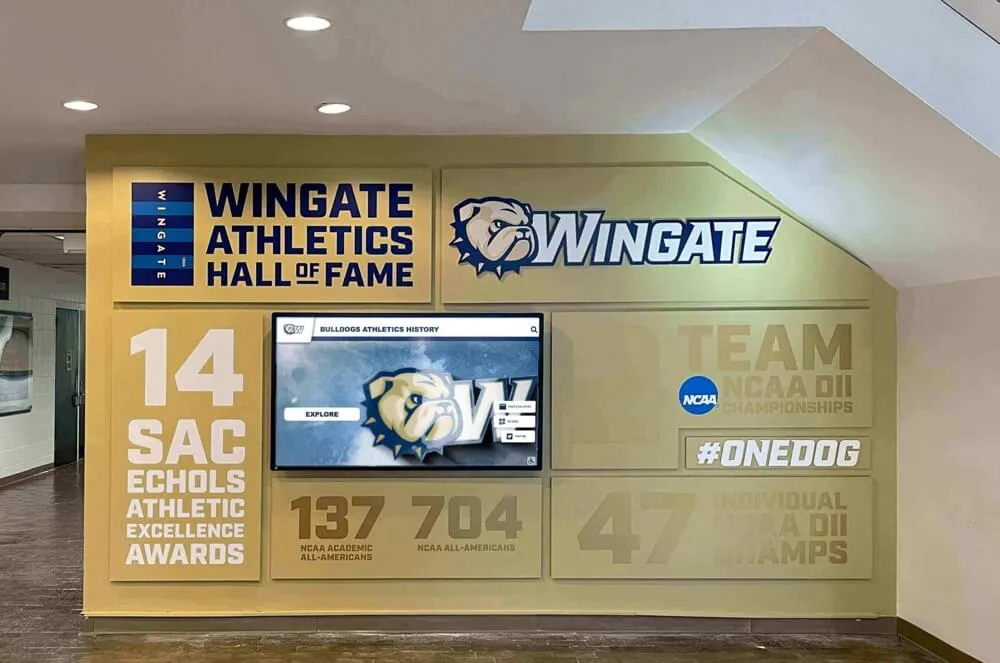
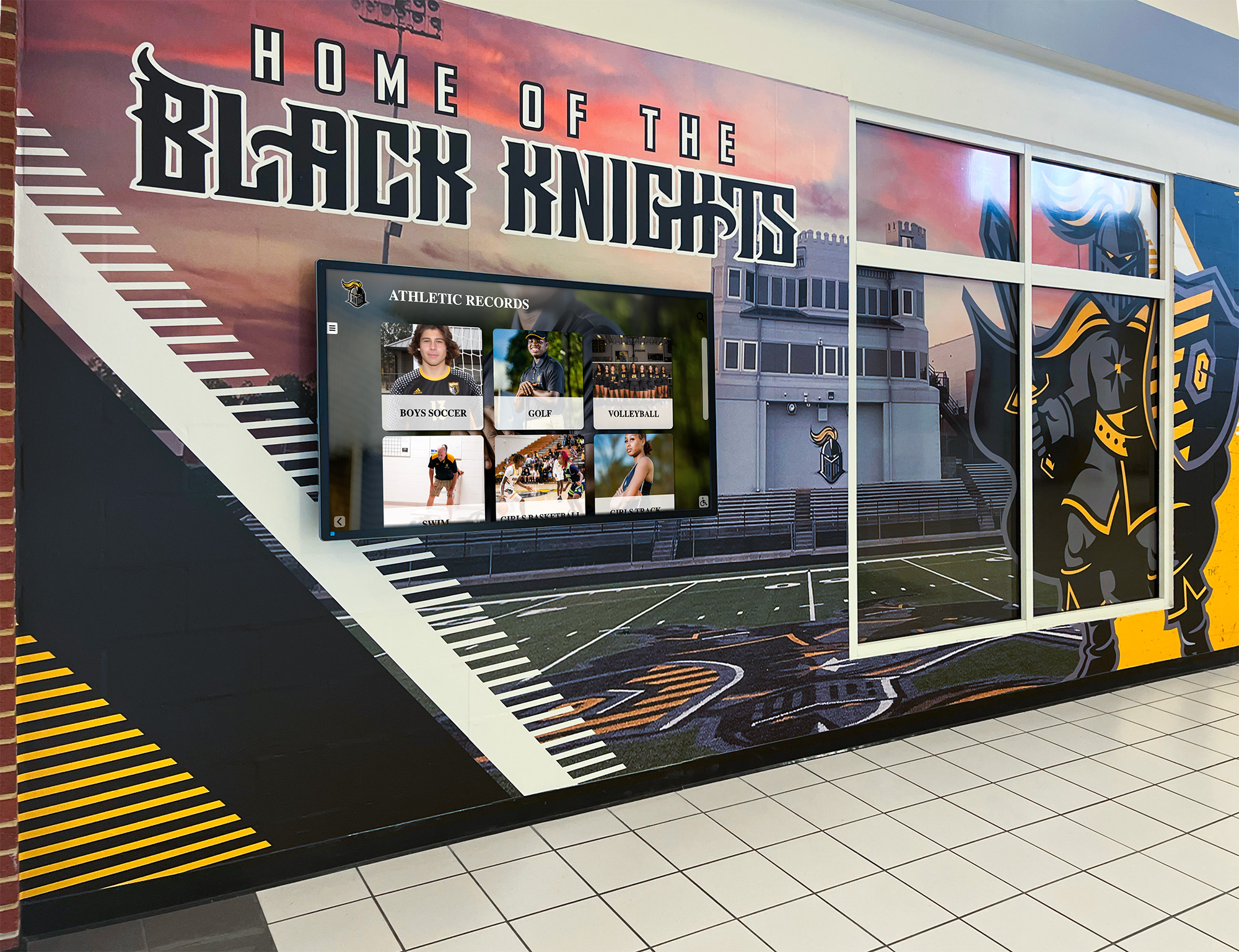
Digital athletic records displays depend on an intact, verified archive — a corrupted file discovered during a recognition event can disrupt years of preservation work
What Checksum Verification Does (and Does Not Do)
Before committing to a verification workflow, it helps to understand exactly what checksums protect you against and where other preservation practices are still needed.
Checksums detect:
- Silent bit rot — gradual data degradation caused by storage media aging, hardware errors, or cosmic-ray interference in RAM
- File corruption from interrupted transfers, failed storage migrations, or incomplete backups
- Accidental overwrites or unintended edits made to archival files
- File format degradation discovered during periodic migration to newer formats
Checksums do not prevent:
- Intentional deletions or overwrites — a checksum tells you a file changed, not why
- Hardware failure that destroys both the file and its checksum record simultaneously (which is why offsite copies matter)
- Metadata loss — file names, folder structures, and descriptive records are separate from file-level checksums
Understanding this boundary shapes where checksum verification fits in a broader preservation strategy. It is one essential layer — not a complete solution on its own.
The Core Workflow: Athletic Archive Checksum Verification in 8 Steps
This workflow applies to any collection of digitized athletic records: team photos, yearbook exports, scanned game programs, award certificates, video highlights, hall-of-fame profile packages, and donor stewardship materials.
Step 1: Audit and Organize Your Existing Archive
Checksum verification is only as useful as the archive structure it monitors. Before generating any checksums, organize your files into a logical hierarchy that mirrors how your team retrieves them for recognition projects.
A recommended folder structure for athletic archives:
| Folder Level | Example | Notes |
|---|---|---|
| Sport | /football/, /basketball/, /track/ | One folder per sport |
| Season or Year | /football/2019-2020/ | Use four-digit years for sorting |
| Asset Type | /football/2019-2020/photos/, /programs/, /rosters/ | Separate by file type |
| Event | /football/2019-2020/photos/state-championship/ | Optional sub-level for major events |
Files outside a predictable hierarchy are harder to verify systematically and harder to connect to the recognition displays, donor walls, and digital yearbooks that depend on them.
Naming convention matters here: use descriptive, lowercase, hyphen-separated filenames with no spaces (2019-state-championship-team-photo.jpg rather than IMG_7832 FINAL.jpg). Once checksums are generated, renaming files invalidates their original checksum record — so establish your naming convention before running the first verification pass.
Step 2: Choose a Checksum Algorithm
The most common algorithms for archival use are MD5, SHA-1, SHA-256, and SHA-512. For new archives, SHA-256 is the current standard recommendation among digital preservation practitioners — it is fast enough for large collections, produces a short enough hash to store conveniently, and has no known practical collision vulnerabilities for file integrity use.
| Algorithm | Hash Length | Speed | Use Case |
|---|---|---|---|
| MD5 | 128-bit | Very fast | Legacy systems; not recommended for new workflows |
| SHA-1 | 160-bit | Fast | Legacy workflows; being phased out |
| SHA-256 | 256-bit | Fast | Recommended standard for school archives |
| SHA-512 | 512-bit | Moderate | Large video collections; maximum collision resistance |
If your school’s records management or IT policy already specifies an algorithm, use that. Consistency matters more than algorithm choice for most school archives.
Step 3: Generate Initial Checksums for Your Archive
On the initial pass, generate a checksum for every file in the archive and save the results to a manifest file — a plain-text or CSV document that pairs each filename (including its full path) with its checksum value.
Common tools for generating manifests:
- BagIt (free, Library of Congress standard) — wraps an archive folder with a manifest, tag files, and validation logic. Widely used in libraries and archives. Command-line and GUI versions available.
- md5deep / sha256deep (free, cross-platform) — command-line tools that generate recursive checksums across entire directory trees and output results in a standard format.
- HashCheck (Windows, free) — GUI tool for generating and verifying checksums on individual files or folders.
- sha256sum / md5sum (Linux/macOS, built-in) — command-line utilities available without installation on Unix-based systems.
- Exact Audio Copy, dBpoweramp — for audio collections (band recordings, fight song archives) where format-level verification is also needed.
A BagIt-structured archive is particularly well-suited to schools that share files with vendors, display installation companies, or yearbook platforms, because the bag structure makes it easy for a receiving party to verify that the files they received match the files that were sent.
Store the manifest file in the same root directory as the archive, not inside any individual sport folder — and back it up separately from the archive itself.
Step 4: Create Redundant, Geographically Distributed Copies
Checksums verify file integrity, but they cannot restore a corrupted file. For restoration to be possible, you need intact copies. The standard preservation framework calls for the 3-2-1 rule: at least three copies, on at least two different storage media types, with at least one copy stored off-site.
| Copy | Storage Type | Location | Example |
|---|---|---|---|
| Primary | School server or NAS | On-site (main building) | IT server room RAID array |
| Secondary | External hard drive or institutional storage | On-site (separate building or cabinet) | Athletic department office external drive |
| Tertiary | Cloud storage or institutional cloud archive | Off-site | Google Workspace, AWS, Internet Archive) |
Each copy should have its own copy of the checksum manifest. When you run verification, you run it against all three copies — not just the primary — because corruption can appear in a backup copy while the primary remains intact.
Schools managing larger collections — multi-decade video archives, comprehensive scanned yearbook sets, or hall-of-fame photo libraries — may benefit from consulting with a regional digital preservation cooperative or state archives program for guidance on storage infrastructure appropriate to their volume.
Step 5: Schedule Regular Verification Runs
Generating checksums once and never re-running them misses the entire point: the value is in periodic comparison. Establish a verification schedule based on the size and criticality of your collection.
| Collection Type | Recommended Verification Frequency | Notes |
|---|---|---|
| Active working files (current season) | Monthly | Catch corruption early in frequently accessed files |
| Recent archive (last 5 years) | Quarterly | Balance thoroughness with staff time |
| Historical archive (6+ years) | Annually | Less frequently accessed; full verification once per year |
| Pre-ingest check (new acquisitions) | At every ingest event | Verify before files enter the archive |
| Post-migration check | Immediately after every migration | Confirm files survived the transfer intact |
Build verification runs into your school’s existing academic calendar. Running the annual historical archive check during summer when IT staff have more availability is more realistic than scheduling it during the height of a sports season. Schools with strong donor and alumni recognition programs — the kind featured in hall-of-fame installation resources — often tie their annual archive review to a specific event like a hall-of-fame induction weekend, which also serves as a natural prompt to surface and verify the files that will appear in recognition displays.
Step 6: Investigate and Respond to Failed Verifications
When a verification run returns a mismatch — a file’s current checksum differs from its manifest value — the workflow should treat it as a preservation event, not an inconvenience.
Response protocol for a failed checksum:
- Do not overwrite or delete the flagged file. Preserve the current (possibly corrupted) version while investigation continues.
- Check all copies. Compare the flagged file across the primary, secondary, and tertiary copies. If one copy is intact and matches the original manifest, you have a restoration source.
- Restore from the intact copy. Replace the corrupted version with the verified intact copy, then run verification on the restored file to confirm the copy transferred cleanly.
- Update the manifest. If the restoration involved any file movement or format change, regenerate the checksum and update the manifest entry.
- Document the event. Record what failed, when, which copy was used for restoration, and any suspected cause. This log informs future storage decisions and helps identify patterns (a specific drive failing, a particular cloud sync issue recurring).
- Escalate unresolvable cases. If corruption appears in all copies simultaneously, consult your IT department and consider engaging a data recovery service before the window for recovery closes.
Schools with access to state archives or regional preservation networks can also submit unresolvable cases for consultation — professional archivists encounter format-level corruption scenarios that require specialized recovery tools.
Step 7: Extend Verification to Incoming Donations and Submissions
The most common gap in school archive verification workflows is the ingest process for donated materials: community photographers submitting high-res prints, alumni sending scanned documents, former coaches donating video collections.
Every file entering the archive from an external source should receive a checksum before it is moved into the main collection — this is called a pre-ingest verification. Pre-ingest checking catches files that arrived damaged, establishes a baseline for newly acquired items, and prevents introducing corruption into an otherwise clean collection.
For schools actively building out athletic archives from community submissions — a common workflow for school recognition and hall-of-fame programs — a simple ingest checklist keeps the process consistent regardless of which staff member is processing a donation.
Pre-ingest checklist for donated athletic materials:
- Generate checksum for each file immediately upon receipt
- Record checksum in a staging manifest (separate from the main archive manifest)
- Open and visually inspect each file to confirm it renders correctly
- Confirm file format is appropriate for long-term preservation (TIFF or high-res JPEG for images; MXF or ProRes for video; PDF/A for documents)
- Convert non-archival formats to preservation formats before ingest (e.g., RAW to TIFF, .docx to PDF/A)
- Regenerate checksum after any format conversion
- Move file to correct folder in archive hierarchy
- Add checksum to main archive manifest
- Record provenance information (donor name, submission date, original source, rights statement)
Provenance records — documenting who submitted a file and under what rights claim — are as important as the checksum itself for long-term use of donated materials. A checksum confirms the file arrived intact; provenance documentation determines whether your school can use it in a recognition display or donor stewardship program years later.
Step 8: Connect Verified Archive Files to Recognition Workflows
A verified archive that exists in isolation — accessible only to IT staff, with no pathway to the recognition programs that give it public purpose — underinvests in the preservation work your team has done. The final step in the checksum workflow is establishing a clear connection between the verified archive and the displays, digital yearbooks, and alumni engagement tools that draw from it.
Several practical integration points:
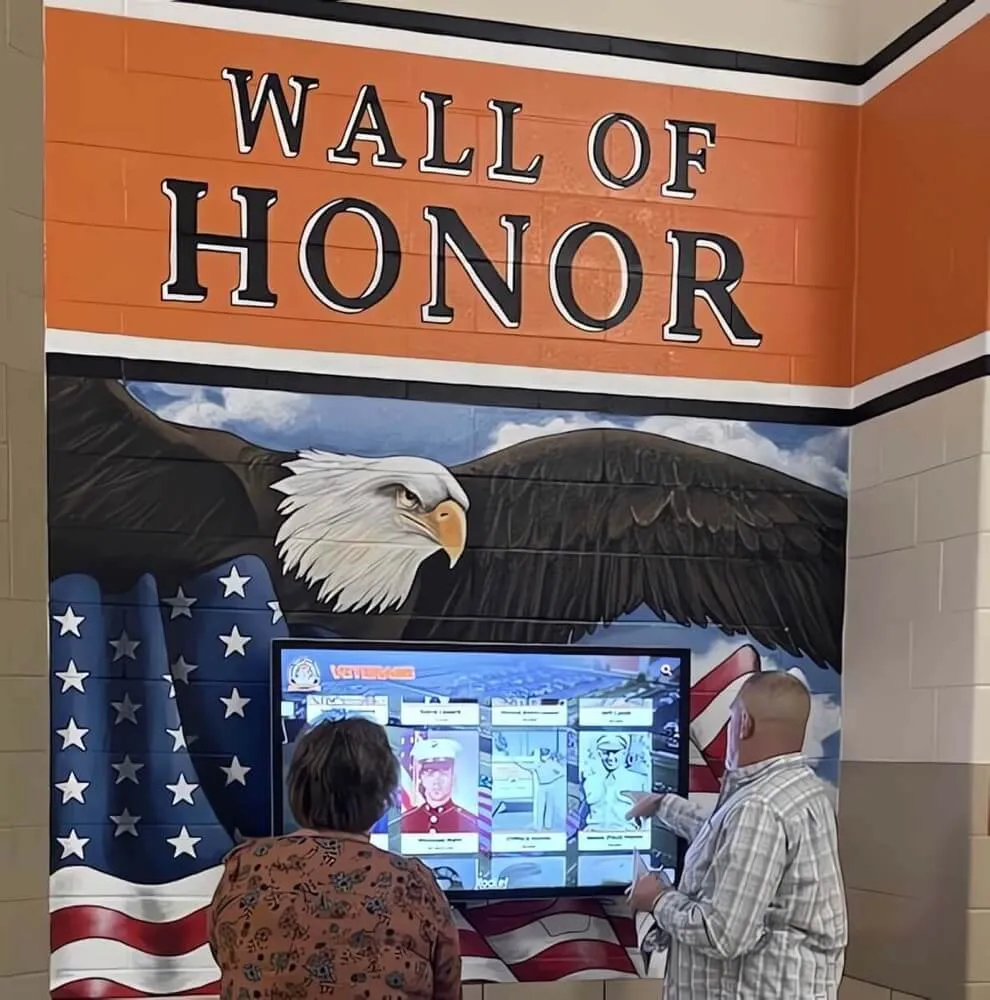
Hall-of-fame display installations draw directly from photo and video archives. Schools that have completed a verification workflow can confidently hand verified file packages to display vendors, knowing the assets are intact. Resources like the overview of hall-of-fame tools for athletics and donors describe the file format and resolution requirements that display platforms expect — matching those requirements during the ingest phase (Step 7) rather than at display time saves significant rework.
Digital yearbook platforms ingest photo and video content that needs to render correctly across devices. A corrupted image that passes visual inspection on a desktop monitor may render incorrectly on a mobile screen or touchscreen kiosk. Checksum verification catches low-level corruption that visual spot-checking misses.
Donor recognition programs often feature athlete imagery as part of naming-rights announcements, campaign progress updates, and stewardship reports. A verified, organized archive makes it possible to locate the right image quickly when the development office calls with a 48-hour deadline. The academic recognition programs guide notes that recognition program effectiveness depends heavily on reliable access to accurate, high-quality historical content — which is exactly what a verified archive provides.
Alumni engagement campaigns surface historical records — championship photos, team rosters, milestone moments — to reconnect graduates with their school experiences. When alumni receive a digital communication featuring a corrupted or missing image, it diminishes both the recognition being offered and confidence in the program managing those records.
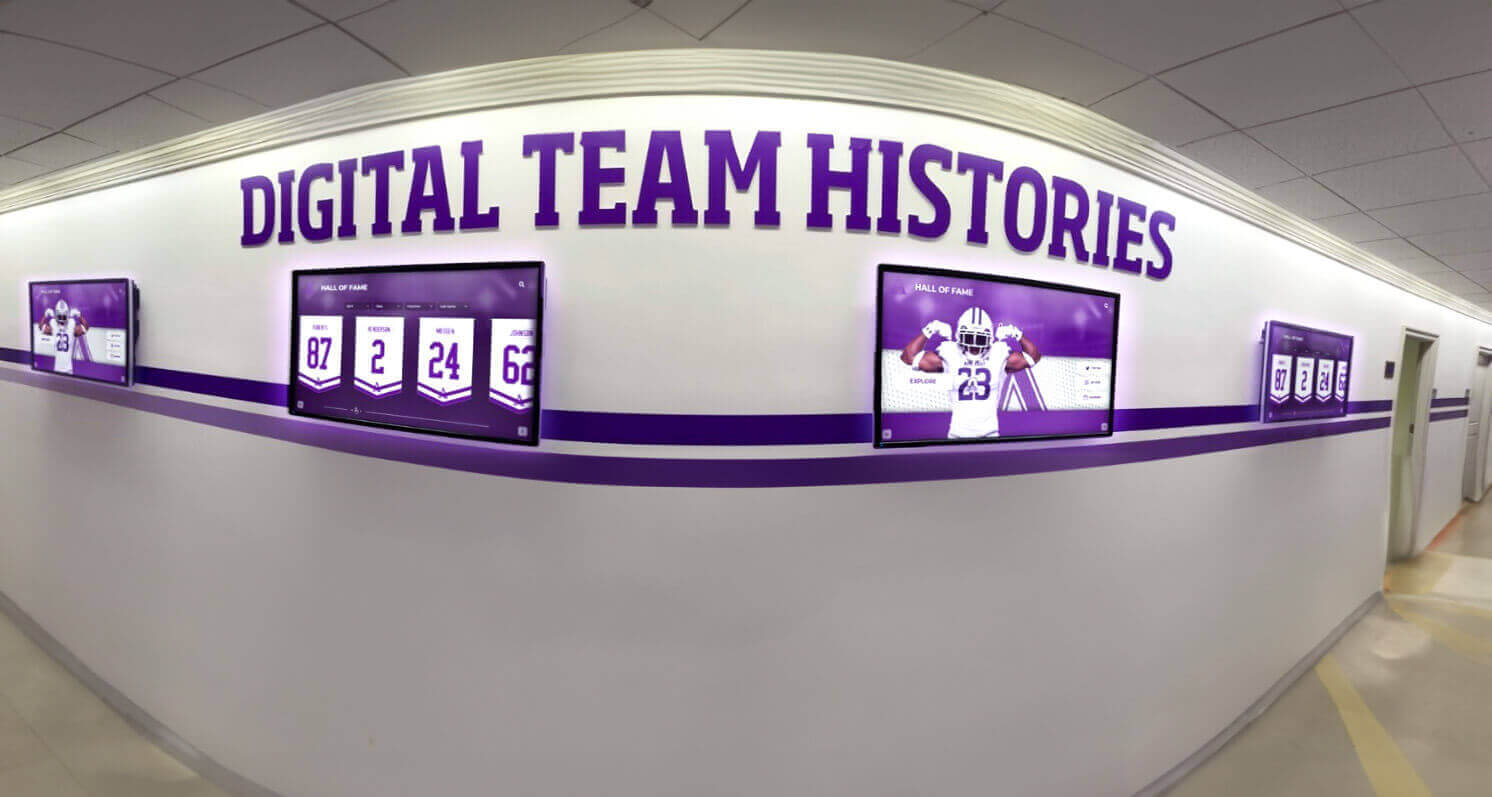
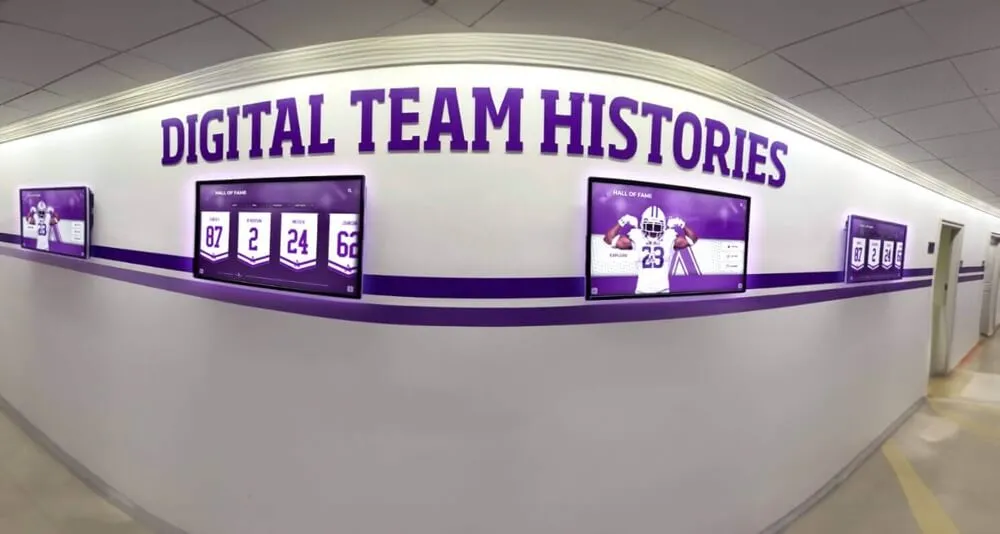
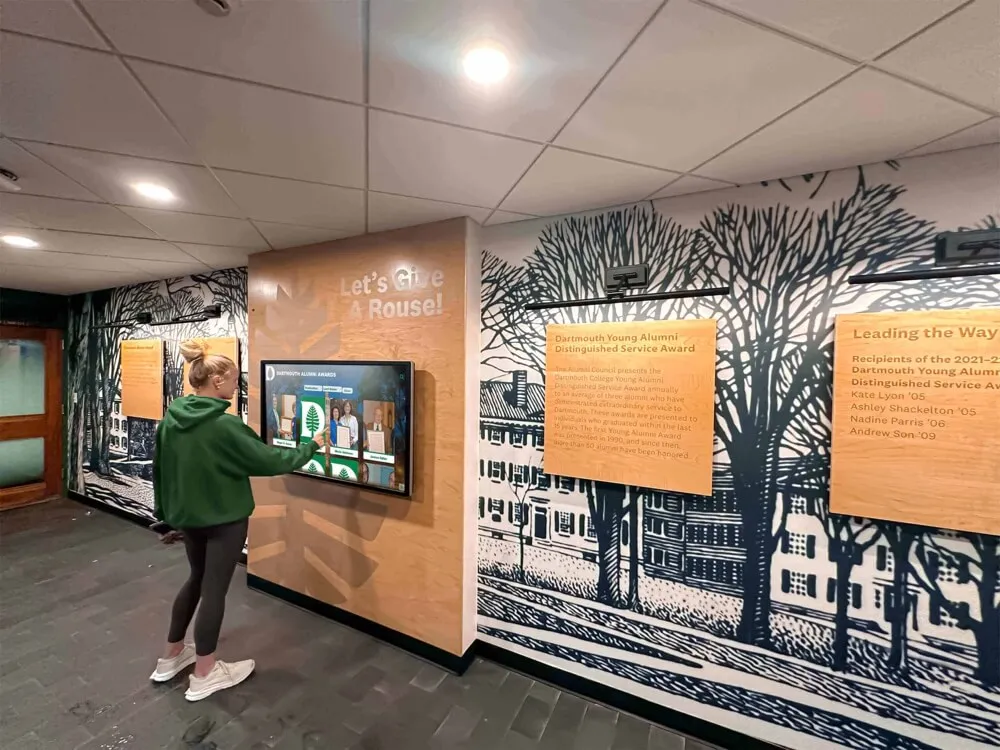
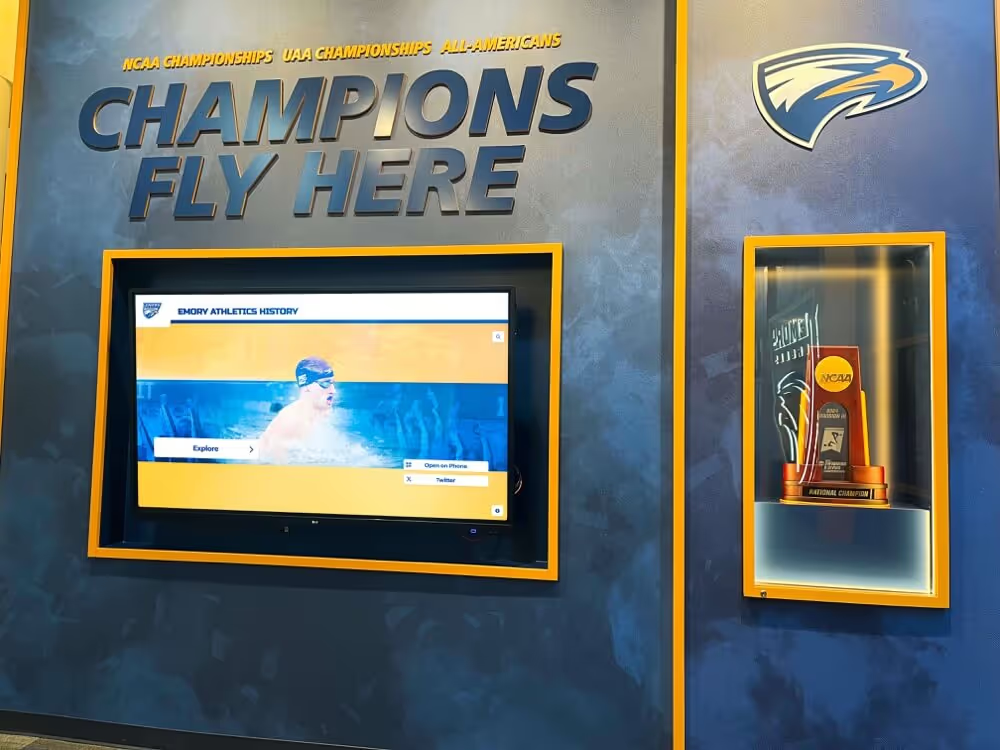
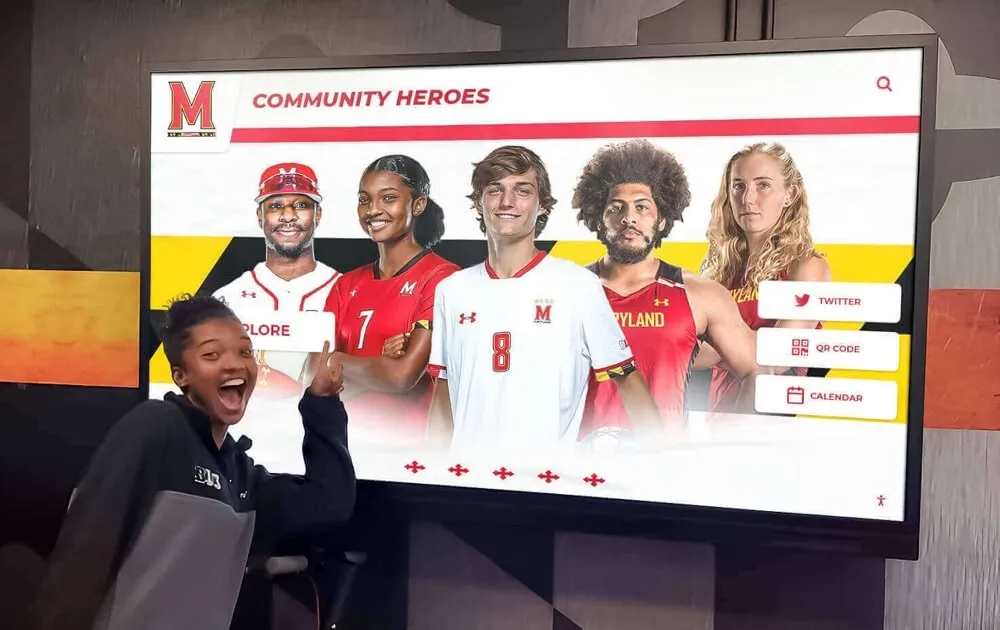
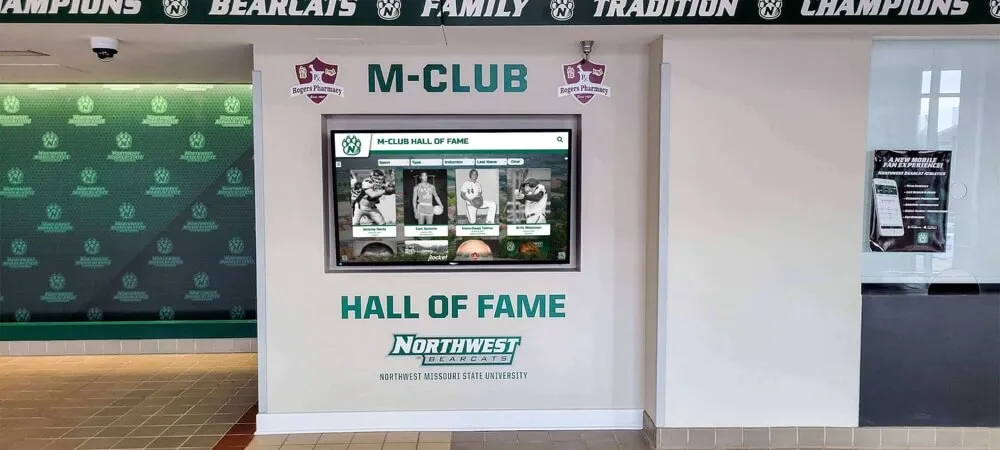
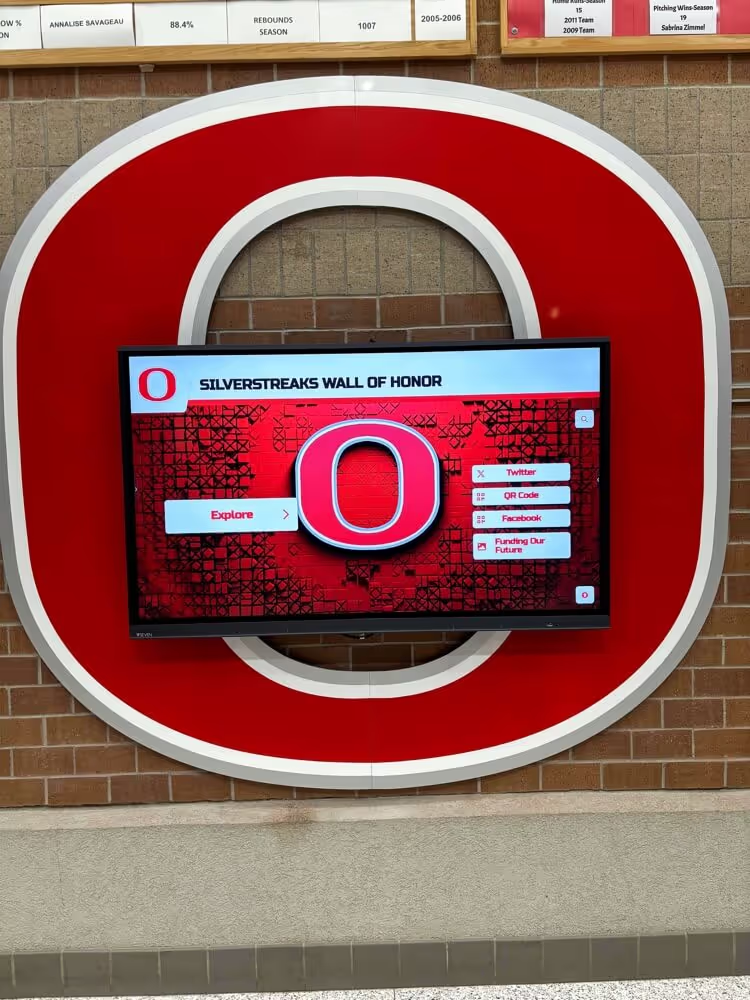
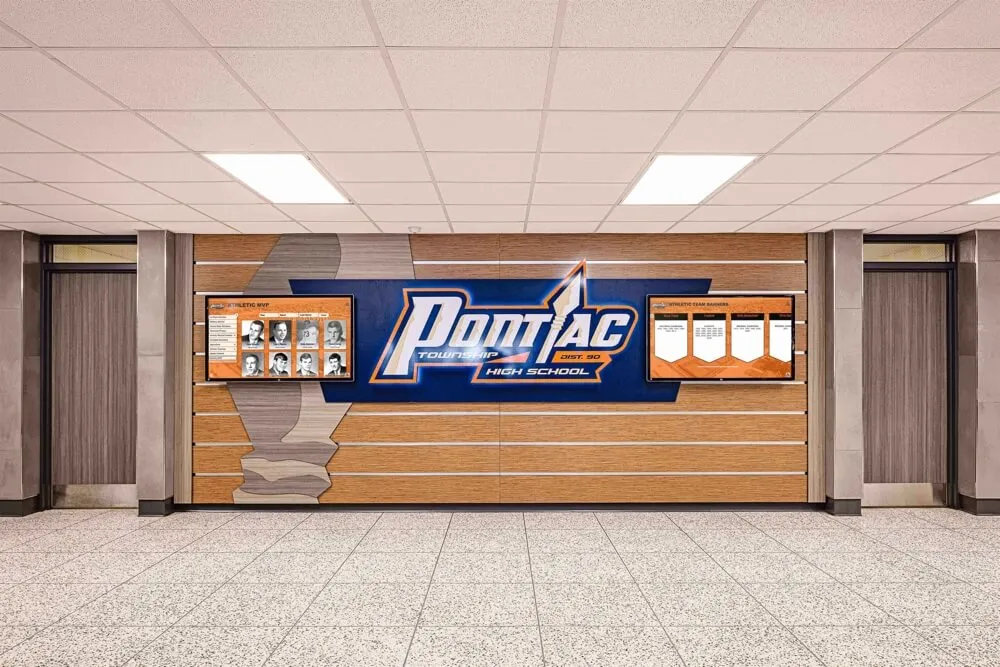
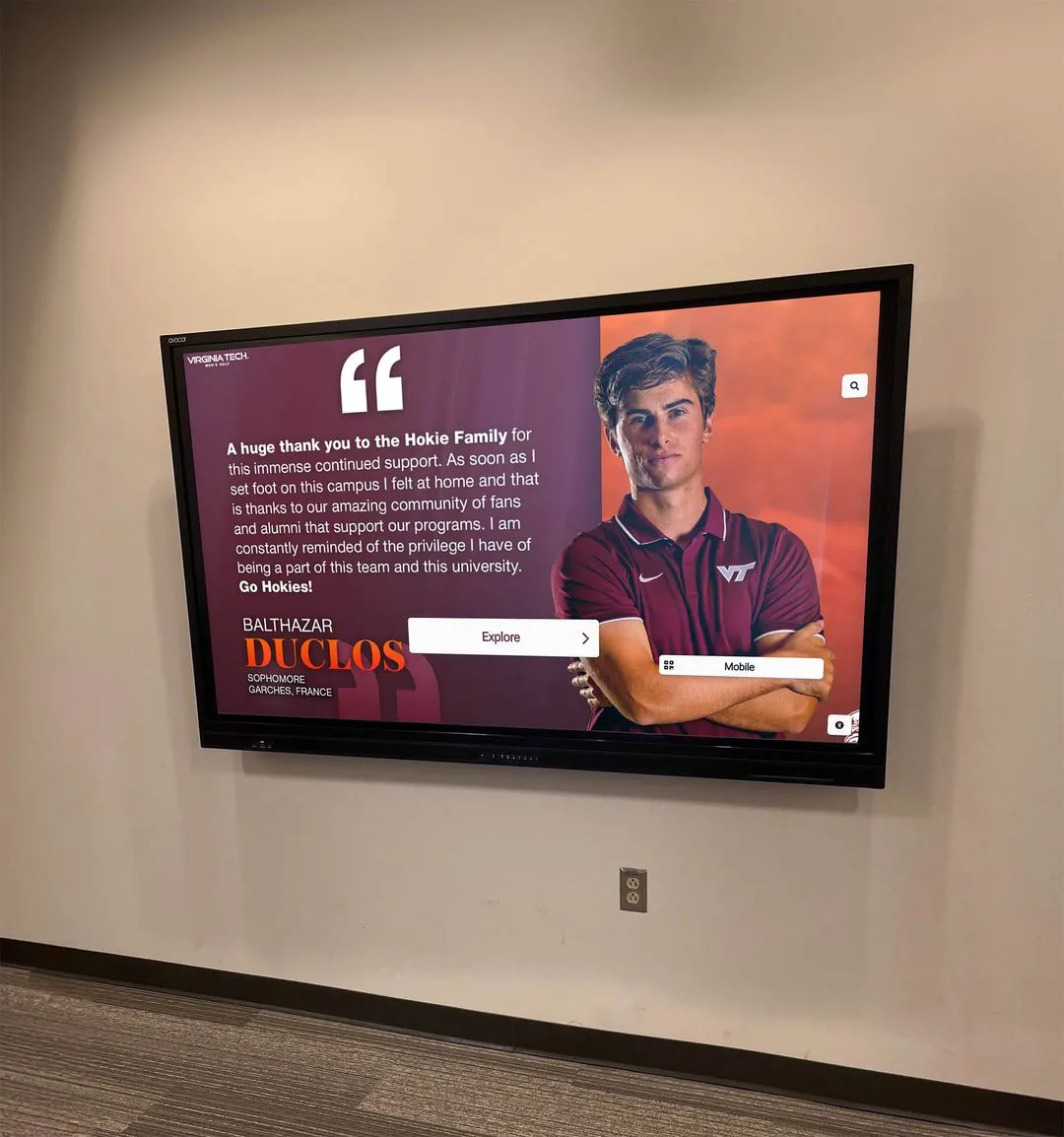
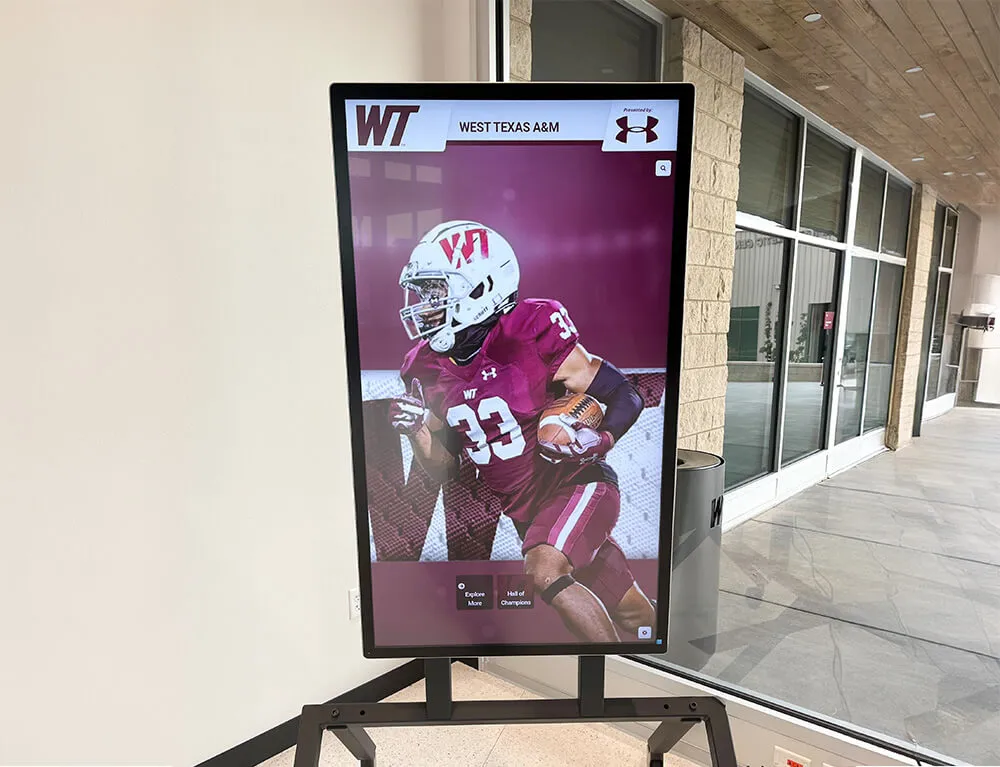
Team history displays powered by verified archives deliver accurate, visually intact content for alumni recognition and program storytelling
Tools and Resources by Use Case
| Use Case | Recommended Tools | Notes |
|---|---|---|
| Generating checksums | sha256sum (Linux/macOS), CertUtil (Windows), BagIt | BagIt is preferred for collections shared externally |
| Managing BagIt bags | Bagger (Library of Congress GUI), bagit-python | GUI is easier for non-technical staff |
| Scheduling verification runs | Cron jobs (Linux/macOS), Windows Task Scheduler | Automate monthly/quarterly runs |
| Storing manifests | Spreadsheet or database (CSV, SQLite) | Keep a copy separate from the archive |
| Format validation | DROID (National Archives UK), JHOVE | Confirms files are not just intact but valid for their format |
| Monitoring storage health | SMART monitoring tools for drives | Predicts hardware failure before data loss occurs |
| Offsite cloud storage | AWS S3, Google Cloud Storage, Internet Archive | Internet Archive accepts institutional uploads at no cost |
For schools without dedicated IT staff, several state library and archives programs offer free or low-cost consulting to help institutions establish preservation workflows. The Digital Preservation Coalition and Library of Congress both publish freely available guidance documents for institutional digital preservation at any scale.
Integrating Checksum Verification with Broader Recognition Programs
Checksum verification is most valuable when it is one component of an integrated recognition infrastructure rather than a standalone IT task. Schools building programs that span donor recognition walls, digital hall-of-fame displays, and annual athletic recognition events benefit from aligning their archive workflow with the publication calendar that drives those programs.
A practical alignment approach:
- Before each induction or recognition event: Run a targeted verification pass on all files scheduled for use in the event’s displays, programs, and communications. This is a lighter check than a full archive audit and can be completed by administrative staff in a few hours using the tools described above.
- Annually, after the major recognition season: Run a full archive verification pass, process any flagged files, update manifests, and confirm that all three copies are synchronized.
- Before any storage migration: Run verification on source files before migration and on destination files immediately after. Storage migrations — moving from an aging server to cloud storage, upgrading to a new NAS — are high-risk moments for data loss.
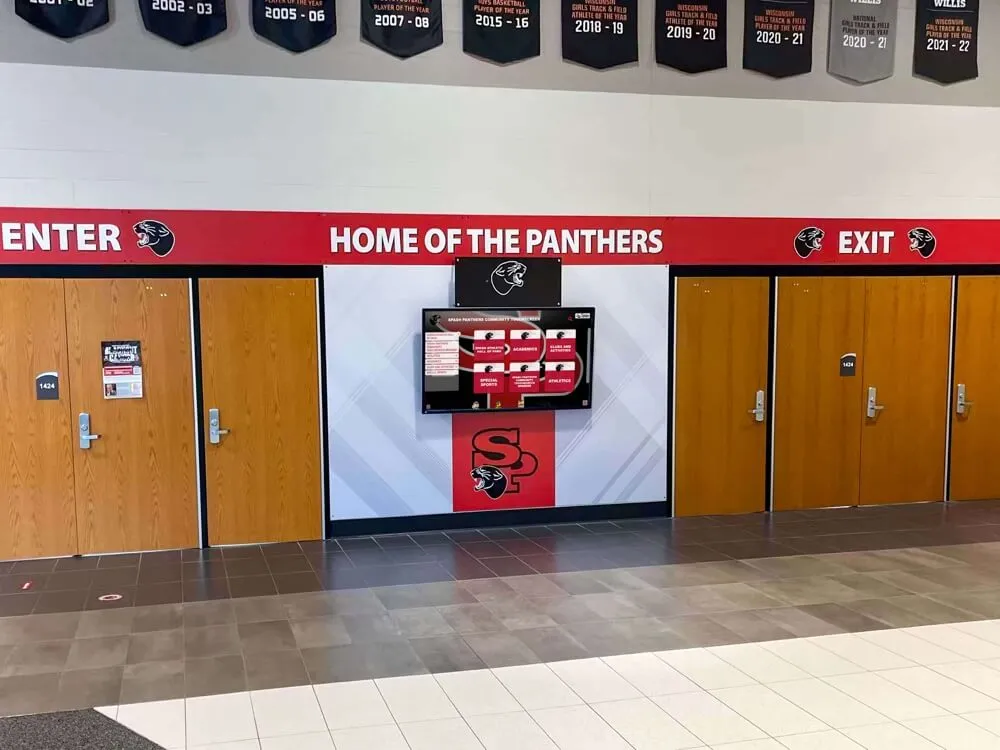
Schools that have connected their archives to interactive touchscreen displays and recognition kiosks — as profiled in hall-of-fame digital display resources — find that a documented archive verification process also builds confidence with display vendors, simplifying handoff of asset packages for installation and update projects.
For schools using third-party recognition platforms, it is worth confirming how the vendor handles file integrity on their end: whether they run their own verification on uploaded content, how they manage file versions, and what their retention and backup policies are. Your internal verification workflow documents what you handed them; their policies determine what happens to files once they are on the platform.
Frequently Asked Questions
Q: Does checksum verification require dedicated IT staff, or can administrative staff run it?
Most verification tasks — running a scheduled script, reviewing a flagged file report, restoring from a backup copy — can be performed by administrative staff following documented procedures. The initial setup (choosing tools, writing the verification script, establishing the backup architecture) typically benefits from IT involvement. Once the workflow is running, day-to-day verification is a routine administrative task.
Q: How large a collection is too large to verify manually?
Manual file-by-file verification is impractical for any collection larger than a few hundred files. Automated tools like BagIt, sha256deep, or scripted sha256sum runs handle collections of any size — tens of thousands of files — without manual intervention. The verification run takes longer for larger collections, but the process itself does not require additional staff time once it is automated.
Q: Our school’s athletic archive includes VHS tapes and film that have not been digitized. Should we digitize before implementing checksum verification?
Digitization and checksum verification are complementary. Digitization converts physical media to digital files; checksum verification protects those digital files after conversion. If your collection includes undigitized media, prioritize digitization of the most fragile and historically significant items first. Generate checksums for every file at the point of digitization — before the original media is returned to storage or disposed of. This ensures that the digital copy, which becomes the preservation copy, starts life with a documented baseline.
Q: Can checksum verification detect if someone has intentionally altered a file?
Yes. A checksum mismatch tells you that a file’s content has changed since the manifest was created — regardless of whether the change was caused by hardware failure, accidental overwrite, or intentional modification. For schools with concerns about unauthorized access to sensitive historical records, checksum verification should be combined with access controls and audit logging to distinguish accidental from intentional changes.
Q: What should we do with files that cannot be restored after a failed verification?
Document the loss in your preservation records: file name, original path, date of last known integrity, and the circumstances of the failure. If the file appears in any recognition display or digital publication, flag it for review. In some cases, community members — alumni, former coaches, local newspapers — may have duplicate copies of historically significant materials. A targeted outreach effort to the athletic community, framed as a preservation project rather than a data recovery request, often surfaces copies that schools did not know existed. For programs with robust alumni engagement — including those using the best-practice touchscreen and interactive recognition tools — the alumni network is a legitimate recovery resource.
Q: Is there a difference between checksum verification and backup verification?
They are related but distinct. Backup verification confirms that a backup copy exists and is accessible. Checksum verification confirms that a copy’s contents match the original at a bit-for-bit level. A backup can exist and be accessible while still containing a corrupted version of the original file — particularly if the backup was made after corruption had already occurred. Both practices are necessary: backup verification confirms you have a copy; checksum verification confirms the copy is intact.
Q: How do we handle checksums for files that are legitimately updated over time — like a profile that gets a new photo?
Files that are intentionally updated should have their manifest entries updated at the time of the change. The workflow is: make the intended edit, save the new version under a new filename (preserving the original in the archive), generate a new checksum for the new version, and add the new entry to the manifest. If the original version has historical value — an older athlete photo before a major career update — preserve it with its original checksum. Versioning both files, rather than overwriting, protects the historical record while allowing the display to use the most current version.
Q: Does the platform we use for recognition displays need to support checksums, or is that handled entirely on our end?
Checksum verification of the files you manage is entirely your responsibility — it happens in your local or school-managed storage environment before files are uploaded to any platform. The platform’s own internal file integrity practices are separate and govern what happens to files once they are on the platform. Running verification on your side before upload protects you against handing a vendor corrupted files; what the vendor does with them after that is governed by their own infrastructure.
Connect Your Verified Archive to Recognition Displays That Last
Preserving your athletic archive is the foundational work. Turning that archive into an active recognition resource — visible on lobby displays, searchable by alumni, featured at induction ceremonies — is where the decades of preservation effort pay off in community value.
Rocket Alumni Solutions helps schools connect verified digital archives to interactive hall-of-fame displays, digital yearbooks, and alumni engagement platforms designed to make athletic history visible and lasting.
Schedule a demo with Rocket Alumni Solutions to see how your verified athletic archive can power recognition displays that honor every athlete, every season, and every milestone your program has earned.
Building a Preservation Culture Around Athletic Records
The technical steps in this workflow matter, but the preservation decisions that protect athletic records over the long term are organizational as much as technical. Schools that sustain strong athletic archives share a few common practices beyond the checksum workflow itself.
Designate a preservation owner. Someone in the school — whether the athletic director, the yearbook adviser, the school archivist, or an IT coordinator — should be explicitly responsible for the archive verification workflow. When responsibility is diffuse, verification runs get skipped during busy seasons.
Document your workflow. Write down what tools you use, where manifests are stored, what the restoration procedure is, and who is responsible for each step. Documentation makes the workflow transferable when staff turn over — and athletic departments experience significant staff turnover over the decades that a preservation program needs to remain active.
Treat recognition events as preservation audits. Every time you pull files for a hall-of-fame display, a donor wall update, or a digital yearbook publication, you are effectively running a spot check on archive quality. Build a habit of noting when files do not look right and routing them through the formal verification and restoration process rather than working around them.
Engage the community as a preservation partner. Alumni, former athletes, retired coaches, and local media hold copies of materials that schools do not. A published preservation program — one that explains what you are protecting and why — invites community members to contribute materials and report gaps. Programs that have built recognition infrastructure connecting touchscreen hall-of-fame tools to community engagement find that the same infrastructure that surfaces historical records for recognition also generates new donations and submissions that strengthen the archive.
Athletic records are not just administrative files. They are the primary evidence of what your program accomplished, who competed, and what those years meant to the people who lived them. A checksum verification workflow is the operational commitment that keeps that evidence intact — not just for the next display project, but for the generations of students, alumni, and community members who will want to engage with it decades from now.