Modern athletic history often begins—and ends—on a device. A photographer uploads game photos to a shared cloud folder, a student journalist posts a season-recap video to the school YouTube channel, the statistician exports final standings to a spreadsheet on a personal laptop, and the graphic designer sends jersey mockups from a home computer. When staff members leave, accounts expire, or hardware is replaced, those files disappear with them—and the institutional record of an entire season becomes unrecoverable.
An athletic archive born-digital records policy changes that equation. It defines which digital assets the program owns, where those files must be deposited, which formats must be preserved, and who is responsible for each step. The result is a complete, accessible digital archive that supports recognition displays, hall-of-fame nominations, donor stewardship, anniversary events, and community engagement for years after the original devices are long gone.
This guide gives school administrators, athletic directors, booster leaders, archivists, and recognition-program owners a concrete framework for building that policy, including a step-by-step implementation plan, a format-and-resolution reference table, and answers to the most common questions programs face when they start collecting born-digital records.

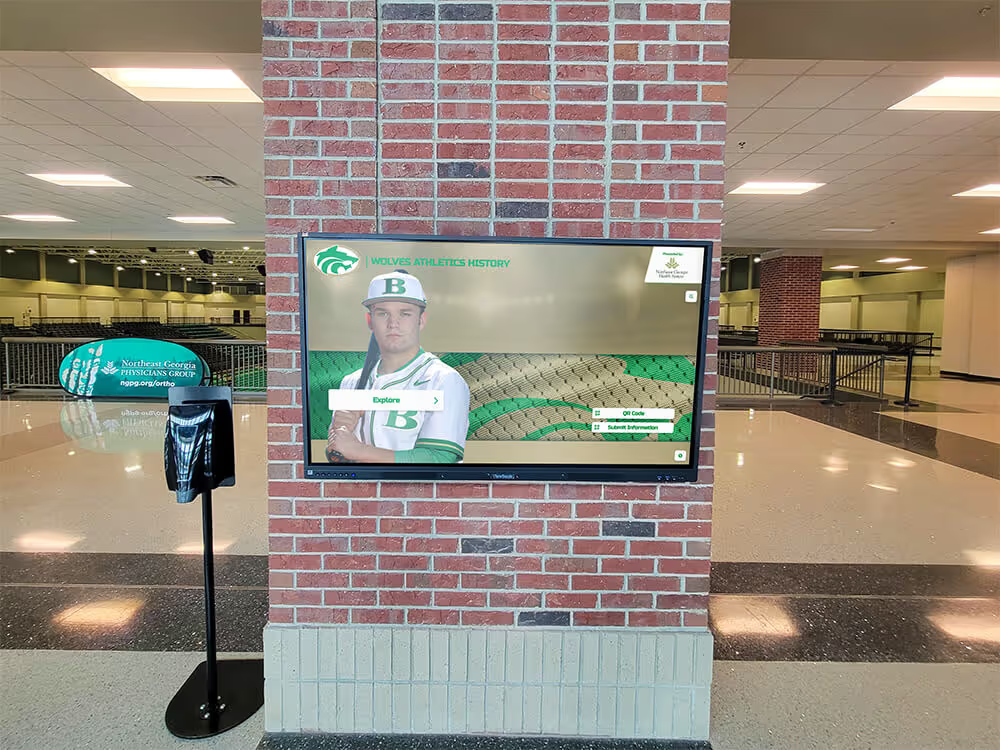
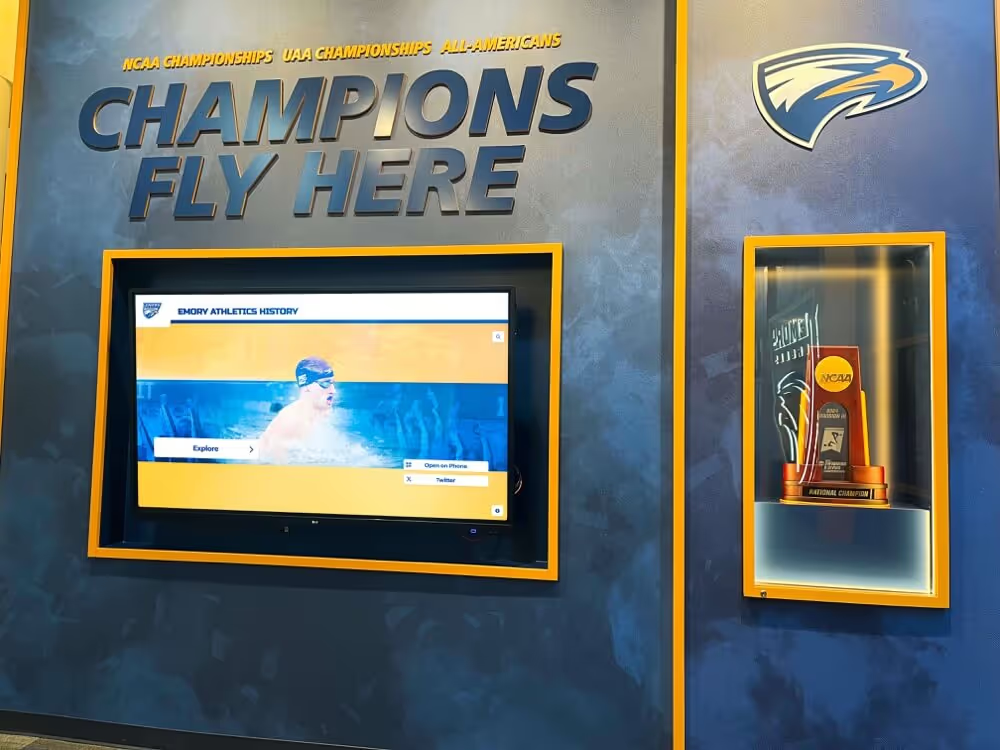
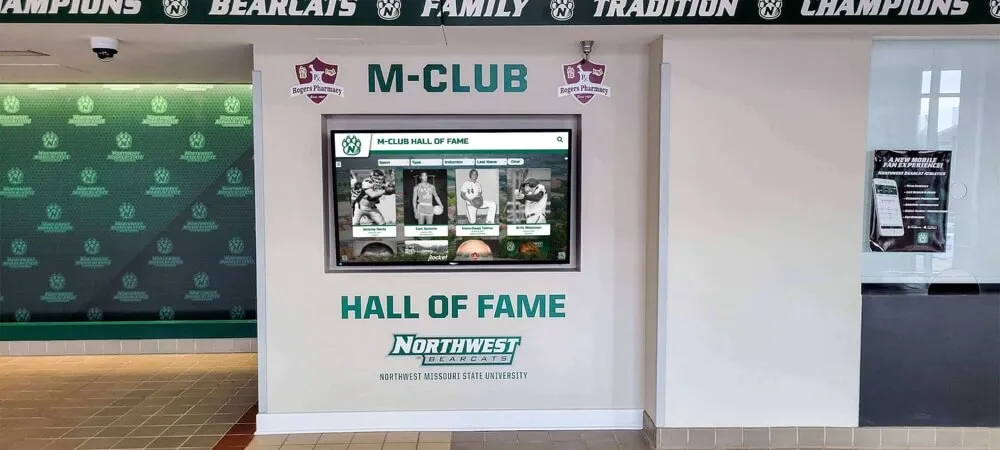
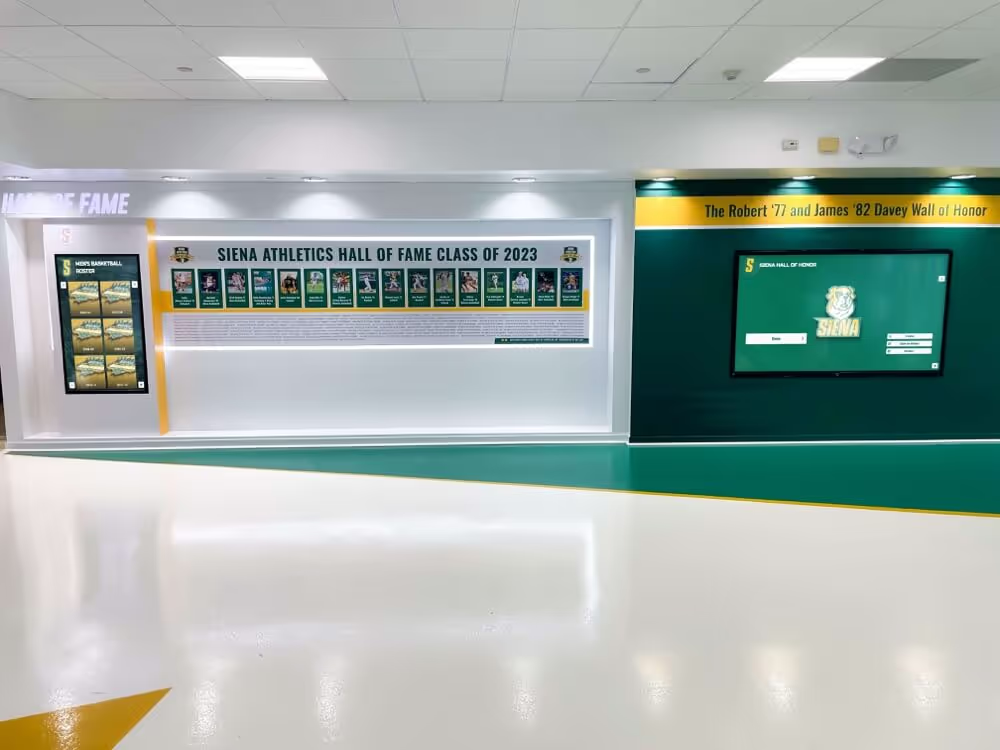
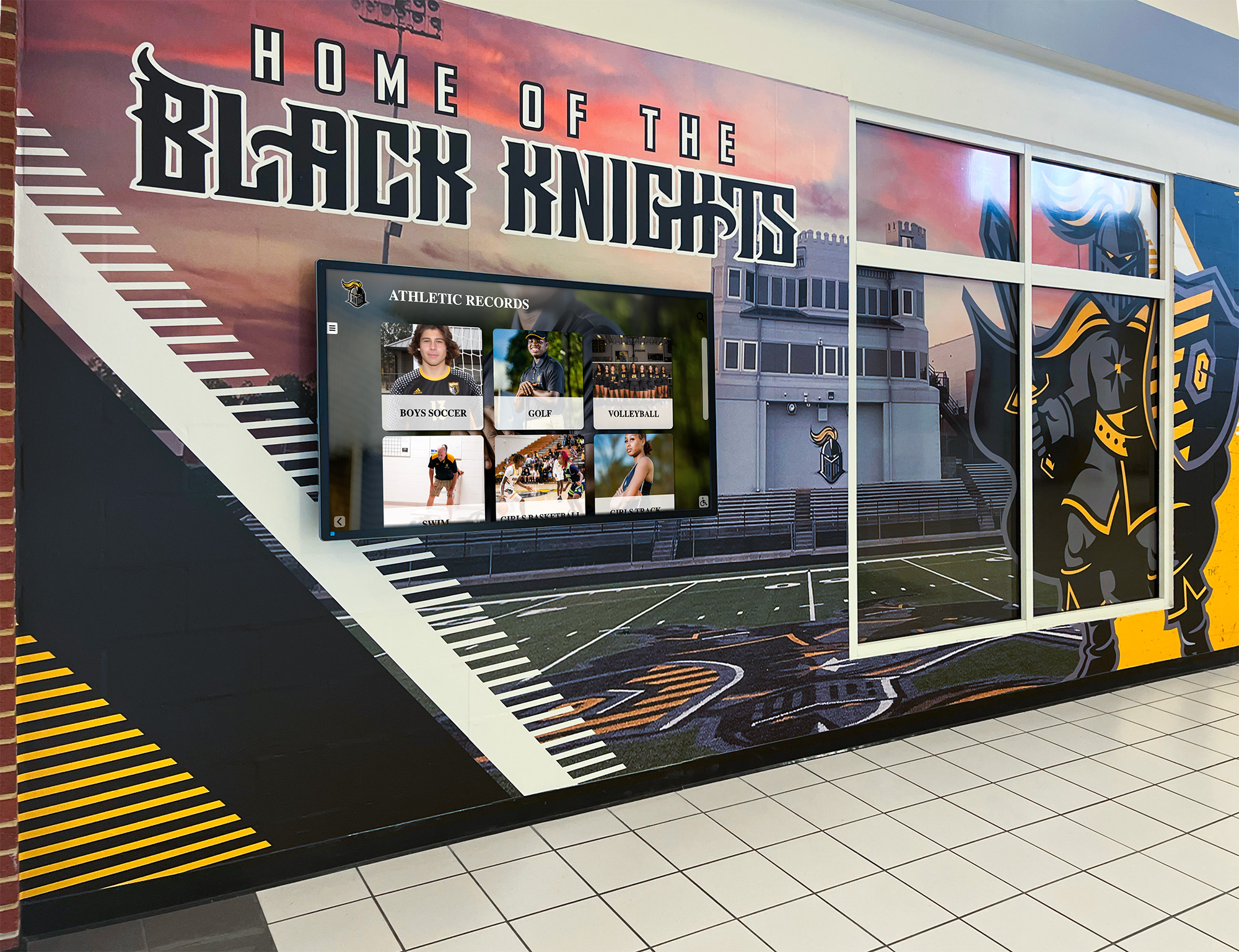
A hallway recognition display is only as strong as the archive behind it — born-digital records that are never formally collected cannot power future recognition programs
Why Born-Digital Athletic Records Need a Formal Policy
Most athletic departments have an informal understanding of physical preservation: trophies go in the case, plaques go on the wall, and printed programs go in the storage room. Born-digital assets rarely receive the same clarity.
The problem compounds quickly:
- Device turnover: A departing coach who shot three seasons of game footage on a personal phone leaves with that footage unless the program has a policy requiring deposit before departure.
- Account expiration: School-issued email addresses and cloud storage accounts are often deactivated when staff leave, taking associated files with them.
- Format obsolescence: A video exported in a proprietary editing format in 2018 may no longer open in 2026 if the software subscription lapsed.
- Unclear ownership: When a booster association hires a freelance photographer for a banquet, who owns the resulting files—the booster club, the school, or the photographer?
- Uneven collection: Some sports have robust digital documentation; others, particularly non-revenue or lower-visibility programs, may have almost none.
A formal athletic archive born-digital records policy addresses each of these gaps by establishing rules before events—rather than attempting to recover assets after the fact.
What a Born-Digital Records Policy Should Cover
A useful policy is specific enough to guide day-to-day decisions but concise enough that coaches and volunteers will actually read it. The core document typically runs three to five pages and addresses six areas.
| Policy Area | What to Define | Why It Matters |
|---|---|---|
| Asset scope | Which file types are covered: photos, video, statistics exports, design files, social media archives, livestream recordings, scorebook exports | Prevents staff from assuming certain file types are excluded |
| Ownership | Who holds copyright for school-produced and contractor-produced assets | Avoids disputes when using files in recognition displays or donor communications |
| Collection triggers | When files must be submitted: end of season, end of employment, after each event | Ensures consistent ingest rather than annual scrambles |
| Deposit location | The single authorized destination: a shared drive folder, DAM platform, or records management system | Prevents files from living only on personal devices |
| Format requirements | Minimum resolution for photos, export codec for video, file format for statistics | Ensures files remain usable across future software environments |
| Retention schedule | How long each asset type is kept and when review occurs | Aligns with district records retention policies and state law |
Athletic Archive Born-Digital Records Policy: 8 Implementation Steps
Step 1: Inventory What You Already Have
Before writing a single policy line, conduct a brief audit. Ask each sport’s head coach, team manager, and associated booster or parent volunteer group to list where game photos, video, and statistics currently live. A simple spreadsheet with columns for sport, asset type, current location, and file owner surfaces the gaps immediately.
Pay particular attention to non-obvious sources: the student newspaper’s shared drive, the spirit squad’s Canva account, the press box operator’s personal hard drive, and the livestream platform’s cloud library. Recognizing these sources in the audit ensures the policy addresses them explicitly.
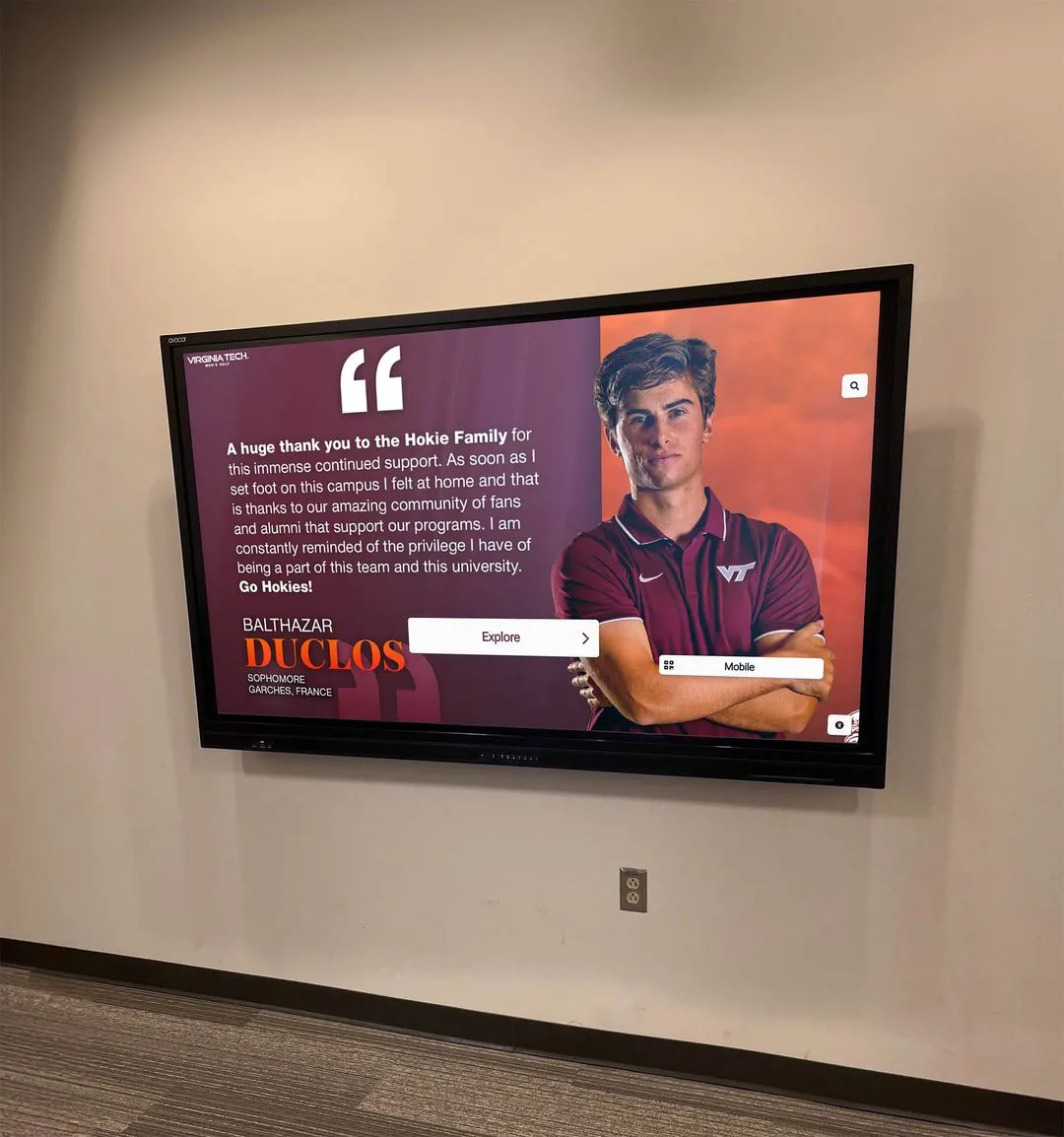
Digital displays that celebrate school athletic traditions—like the interactive photo galleries and history timelines used in school lobbies—rely entirely on the files surfaced in this audit. If the audit reveals gaps, the policy can prioritize closing the most historically significant ones first.
Step 2: Define Asset Categories and Priority Tiers
Not all born-digital records carry equal historical significance or are equally difficult to recover if lost. Sorting assets into tiers guides both the policy language and the resource allocation needed to implement it.
Tier 1 — Irreplaceable documentary records:
- Original unedited game and action photography (RAW or high-resolution JPEG)
- Video recordings of championship games, record-setting performances, and senior days
- Official statistics exports signed off by a scorer or official
- Roster PDFs and athlete profile photos used for hall-of-fame or recognition purposes
Tier 2 — Program documentation:
- Designed game programs and media guides (print-ready PDF and source files)
- Social media graphics, sponsor recognition banners, and booster event materials
- Season highlight reels and coach interview recordings
- Livestream archives at full resolution
Tier 3 — Supporting materials:
- Draft graphics, working files, and replaced versions of game programs
- Social media post images at social-optimized resolution
- Practice video and non-event photography
Tier 1 assets trigger immediate deposit requirements with no exceptions. Tier 2 assets follow seasonal collection windows. Tier 3 assets are collected opportunistically and may be subject to shorter retention periods.
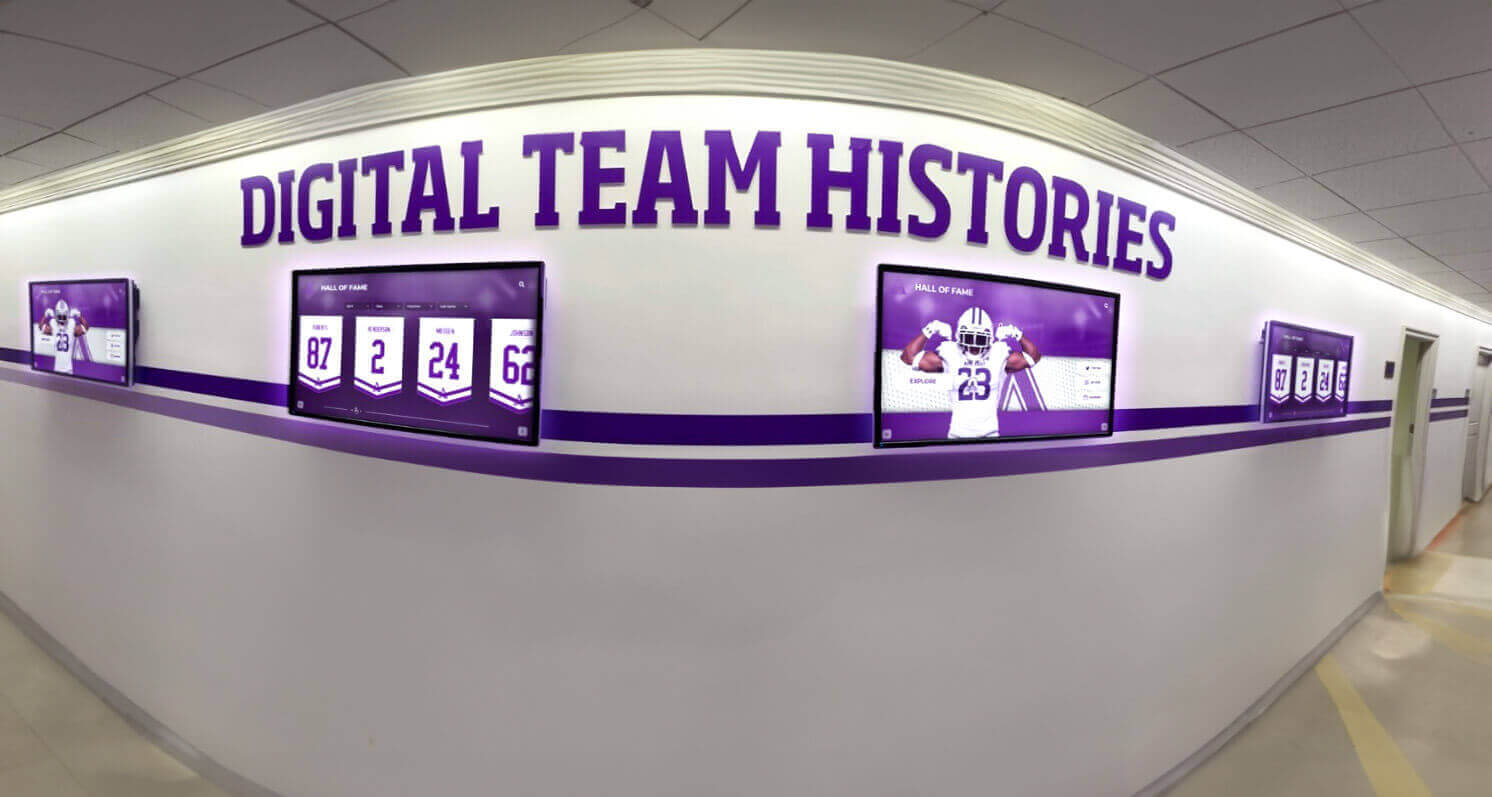
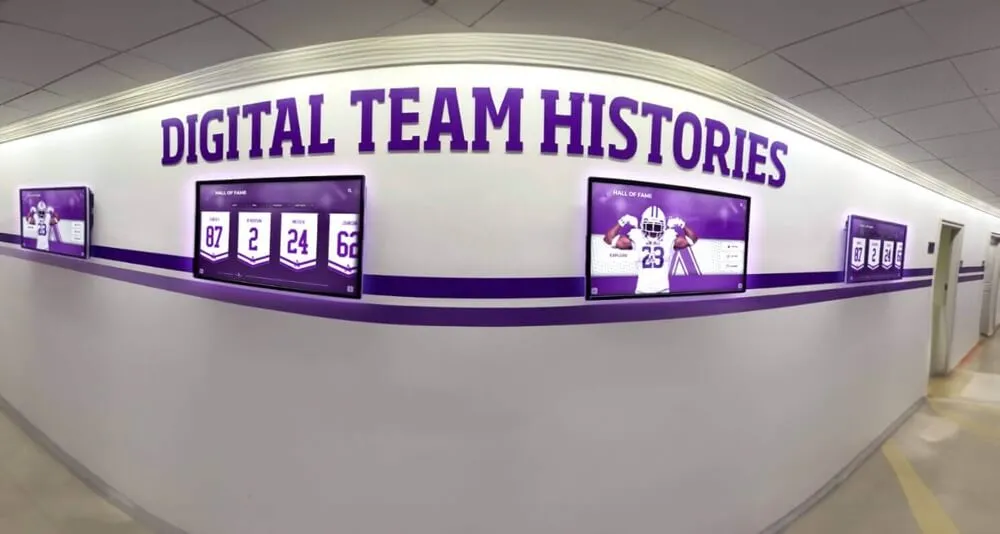
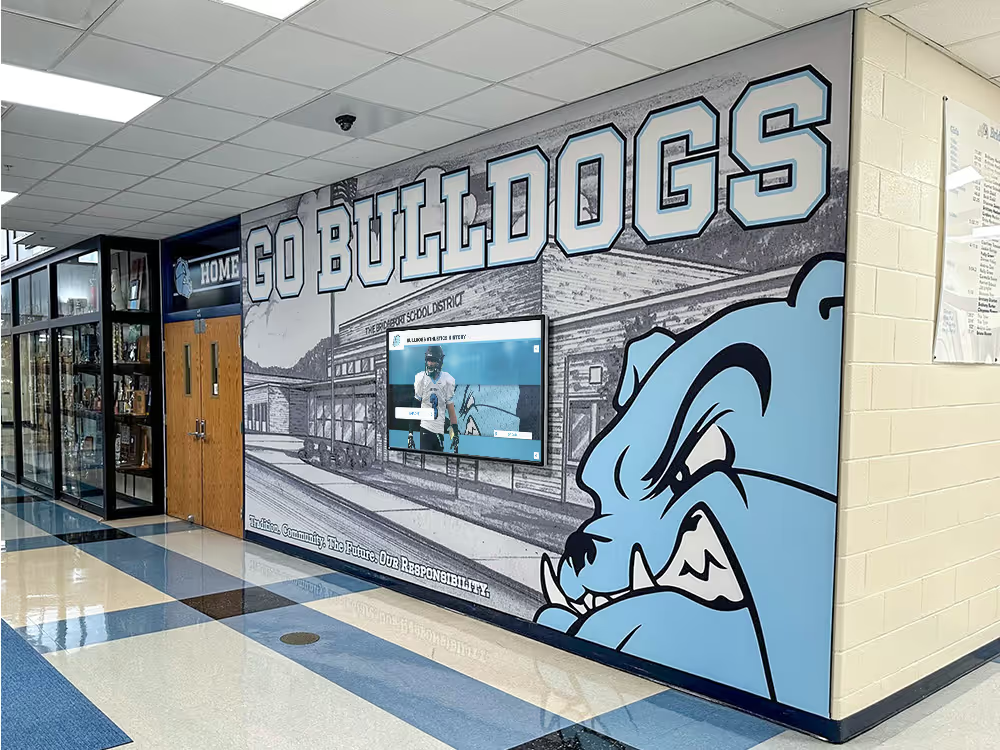
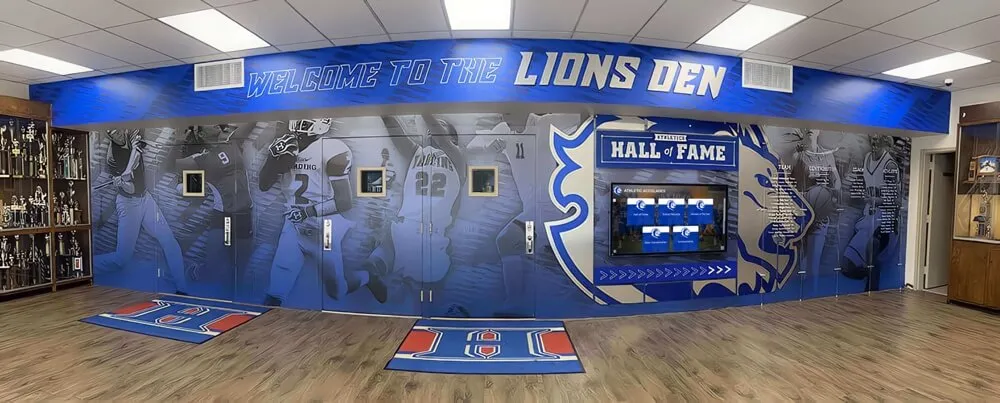
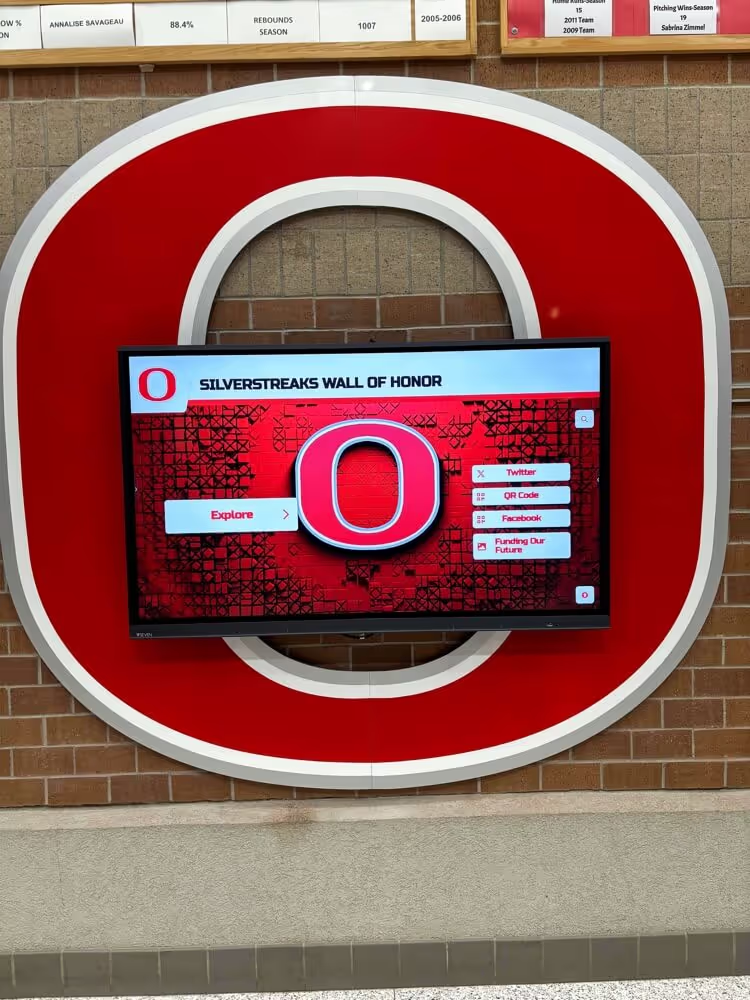
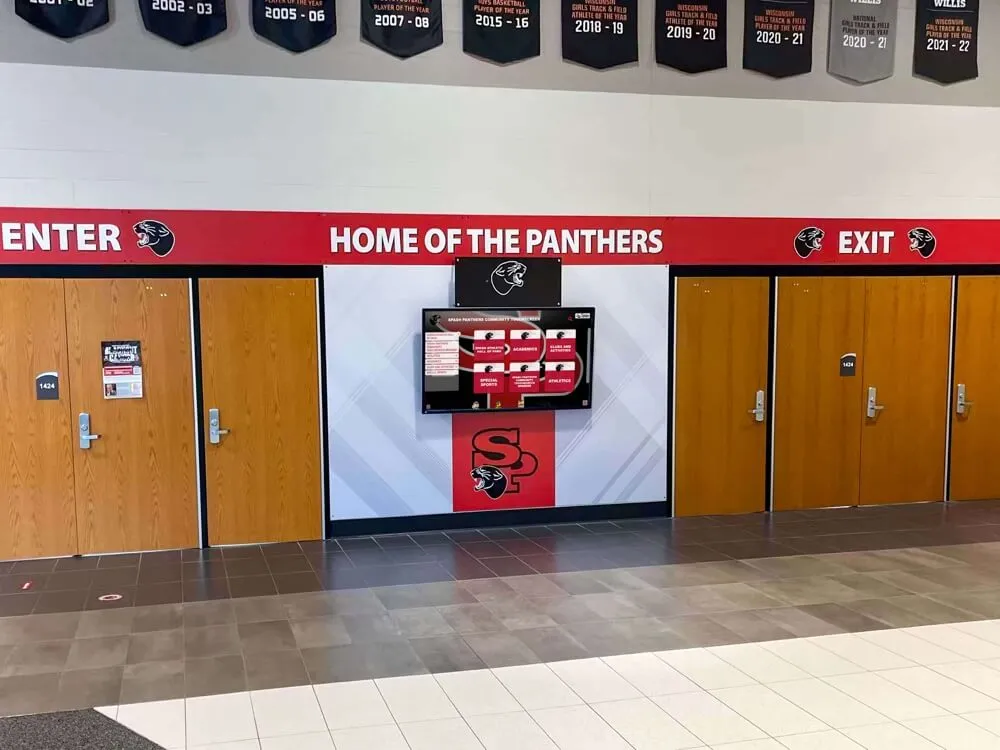
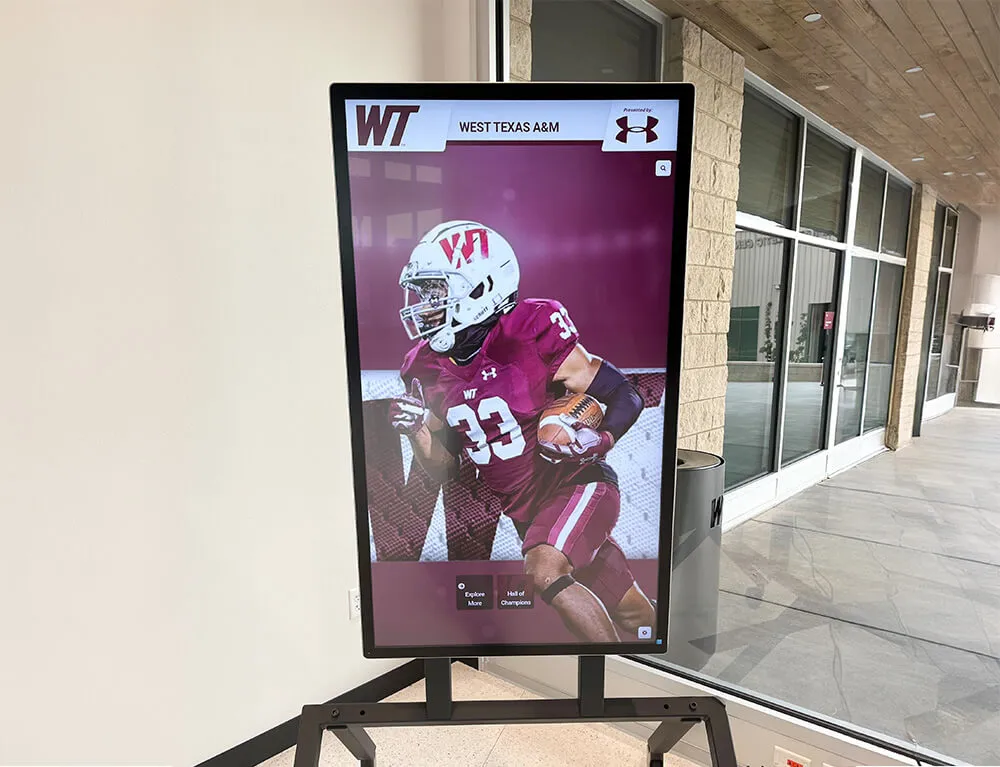
Multi-sport team history displays depend on consistent record collection across every sport and season — gaps in one program become visible gaps on the display
Step 3: Establish Ownership and Rights Language
Many schools operate under an assumption that any asset created during school activities is school property. That assumption is often correct for staff photographers and student journalists working within the scope of their roles—but it does not automatically apply to freelance photographers, booster-hired videographers, or parent volunteers.
The policy should specify:
- Work-made-for-hire language in any photography or videography contracts entered by the school or associated booster organization, assigning copyright to the school upon delivery and payment
- Volunteer contribution agreements for parent photographers and student journalists, confirming that files submitted to the archive may be used for educational, recognition, and institutional purposes
- Social media platform terms acknowledgment noting that files downloaded from social platforms are often compressed versions—and that original-resolution source files must still be deposited separately
When a recognition program later uses a photo in a volleyball team display or a hall-of-fame wall tribute, clear ownership documentation ensures the school can use that image without tracking down a photographer who left the program five years ago.
Step 4: Specify Format and Resolution Requirements
File format requirements are the technical backbone of any born-digital preservation policy. Files saved in unsupported proprietary formats become unreadable when software is discontinued. Compressed files saved at social-media resolution lack the detail needed for large-format print or display use.
| Asset Type | Required Format | Minimum Specification | Notes |
|---|---|---|---|
| Action and event photography | JPEG or TIFF | 300 DPI at intended print size; minimum 2400 × 1600 px | RAW preferred for Tier 1 assets |
| Athlete portrait and profile photos | JPEG | 600 × 800 px minimum at 300 DPI | Higher resolution for hall-of-fame nominees |
| Game and highlight video | MP4 (H.264 or H.265) | 1080p minimum; 4K preferred for Tier 1 events | Do not deposit platform-compressed downloads |
| Livestream archives | MP4 or MKV | Original platform export; do not re-encode | Archive full broadcast, not clip packages |
| Statistics exports | CSV or PDF/A | Complete season data; include source system name and export date | PDF/A for signed official records |
| Design files (programs, banners) | PDF/A for final; source files (AI, INDD, SVG) also required | Fonts embedded; no missing links | Store source and final together |
| Scorebook and official records | PDF/A | Signed and dated digital original or certified scan | See records retention schedule |
The PDF/A format (an ISO-standardized archival subset of PDF) deserves particular emphasis. Unlike standard PDFs, PDF/A embeds all fonts and color profiles within the file, ensuring it remains readable without the original software or font library. Any born-digital document intended for permanent retention—signed rosters, official scorebooks, award citations—should be saved in PDF/A before deposit.
Step 5: Designate Collection Windows and Triggers
A policy that says “submit files at the end of the season” without defining what that means will be interpreted differently by every coach. Collection windows should be tied to specific, known events.
Recommended collection triggers:
- Post-season close: Within 14 days of the program’s final game or event, head coaches submit all Tier 1 and Tier 2 assets to the designated deposit location
- Staff separation: Upon notice of resignation or non-renewal, outgoing staff complete an asset transfer checklist before the final working day
- Account deactivation: IT notifies the archive coordinator at least 30 days before any school account holding athletic content is deactivated
- Contractor final payment: No final payment is released to photography or videography contractors until file delivery is confirmed and checksummed by the archive coordinator
Tying collection to payment and HR processes ensures compliance without requiring the archivist to chase contributors manually after each season.

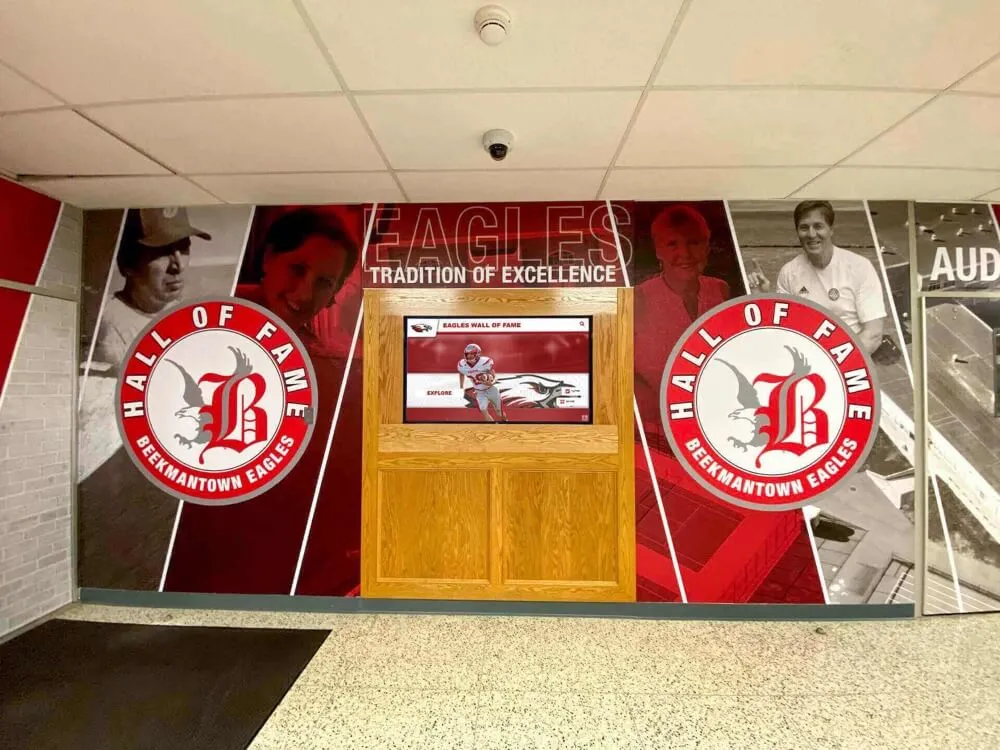
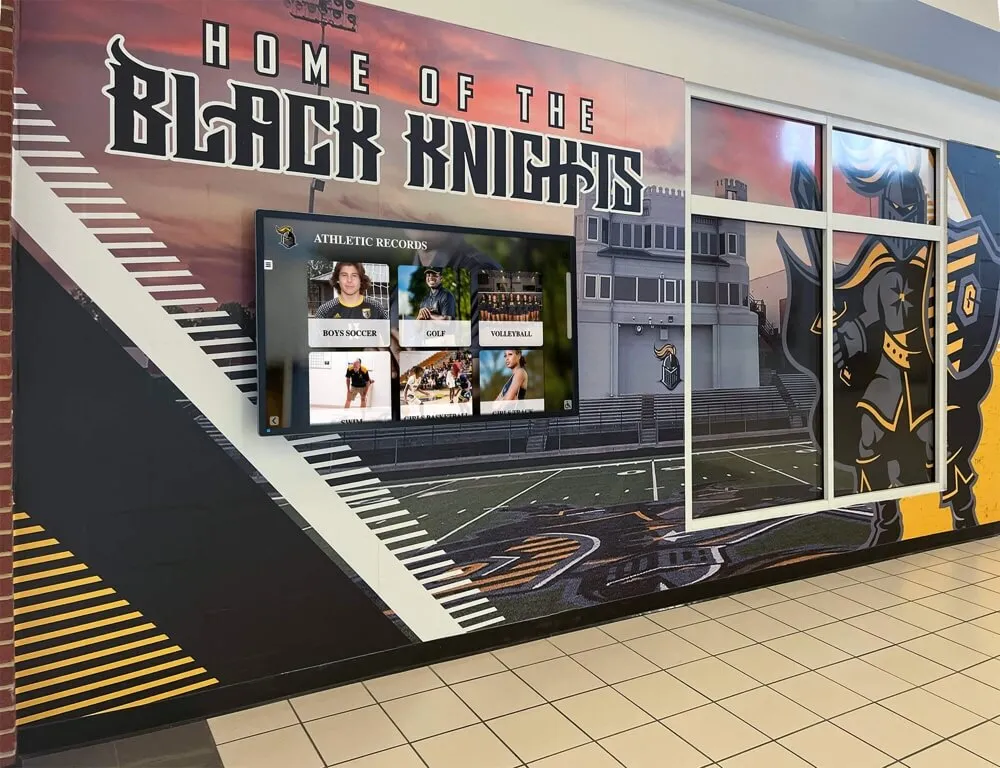
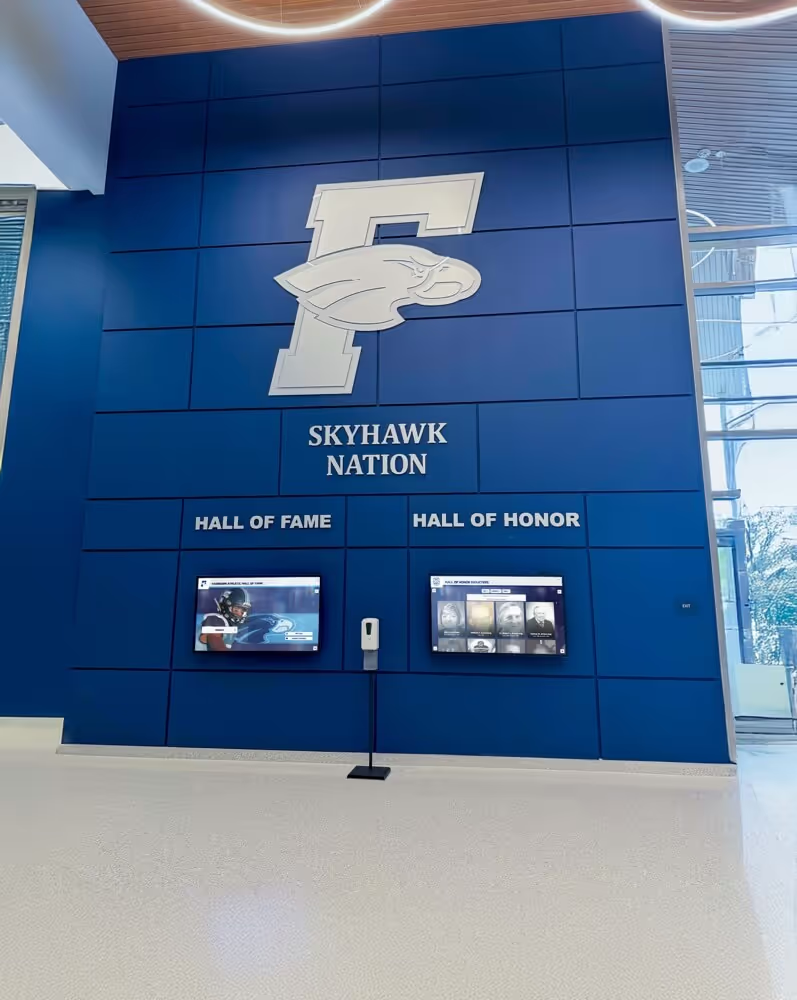
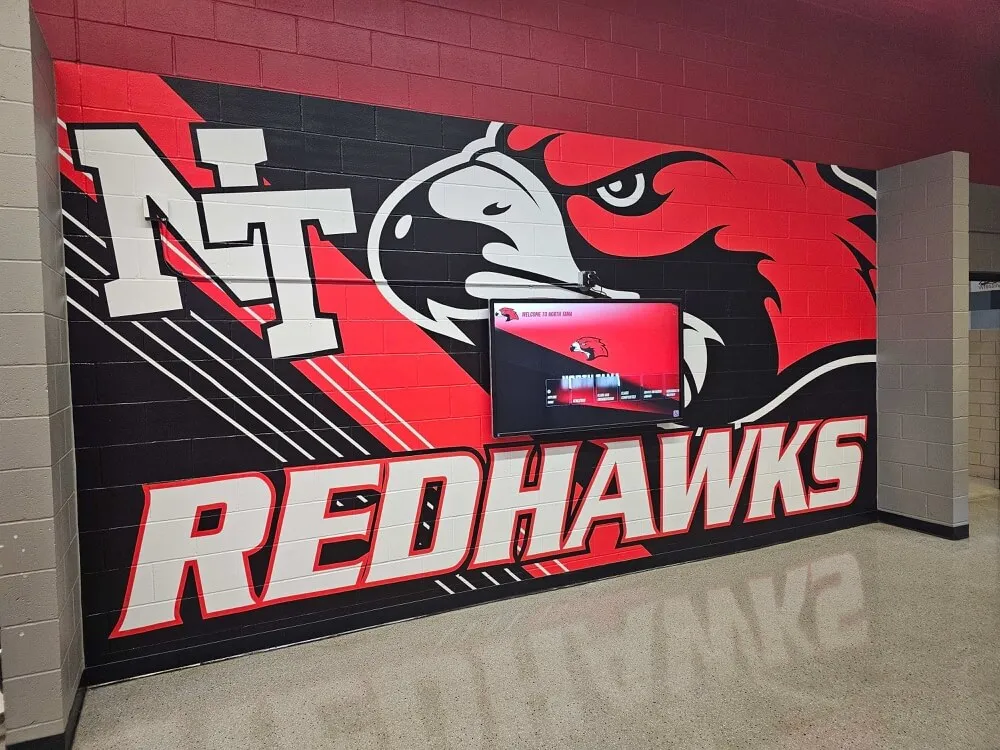
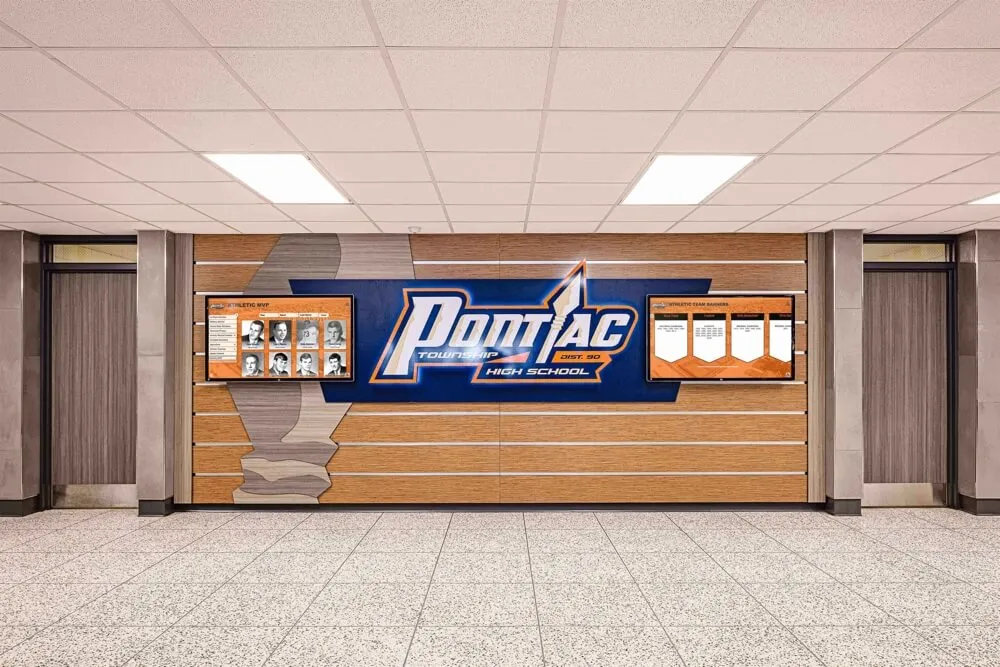
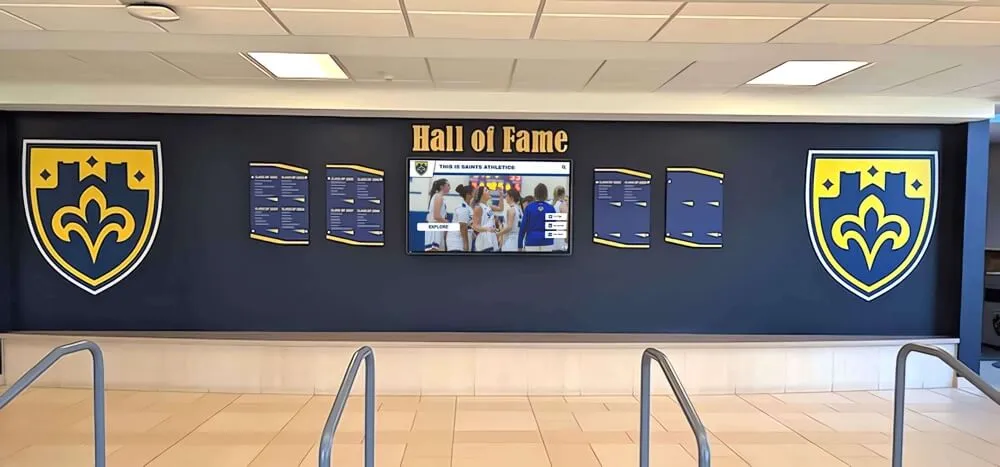
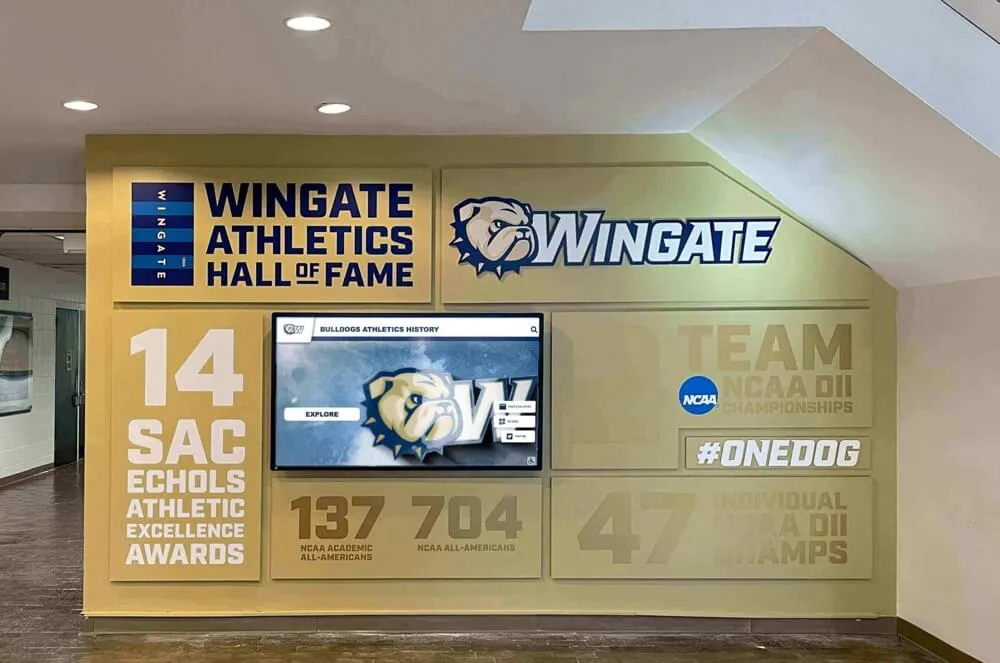
Hall-of-fame displays that celebrate every era of school athletics rely on born-digital policies that began collecting records long before any induction decision was made
Step 6: Set Up the Deposit Location and Naming Convention
A well-designed deposit location removes friction from the submission process. The goal is one place, clearly labelled, accessible to all contributors, with enough structure that files are self-organizing on arrival.
A practical folder hierarchy for a school athletic archive:
/athletic-archive/
  /[sport]/
    /[YYYY-YYYY-season]/
      /photos/
      /video/
      /statistics/
      /design-files/
      /programs/
Naming convention for individual files: [sport]-[YYYY-YYYY]-[event-description]-[sequence].[ext]
Examples:
basketball-2025-2026-state-semifinal-team-001.jpgtrack-2025-2026-regional-championship-highlights.mp4football-2025-2026-season-stats-final.csv
Consistent naming means a future archivist, a hall-of-fame committee, or a vendor building a recognition display can locate and identify files without needing institutional memory. Schools that maintain this structure find it far easier to populate sport-specific record boards and award displays because the relevant assets are already organized by sport and season.
Step 7: Write the Retention Schedule
State and district records retention requirements vary, but most athletic records fall into predictable categories. Cross-reference your state’s records retention schedule before finalizing this section—many states publish official retention codes for school records.
| Record Category | Recommended Minimum Retention | Trigger for Review |
|---|---|---|
| Official statistics and scorebooks | Permanent | Annual review; promote to permanent record after 5 years of inactivity |
| Championship and playoff documentation | Permanent | No disposition without athletic director approval |
| Athlete records and profiles | 7 years after athlete’s graduation | FERPA compliance review before any access change |
| Game photography — Tier 1 | Permanent | Review at 25-year mark for deaccession of duplicates only |
| Game photography — Tier 2 | 10 years | Review at 5-year intervals |
| Highlight and event video | 10 years minimum; permanent for championships | Annual review |
| Design files and programs | 7 years | Review for disposition after program redesigns |
| Livestream archives | 3 years (non-championship); permanent (championship) | Disposition review by athletic director |
| Social media graphics | 3 years | No review required; auto-delete after schedule |
A shorter retention period does not mean the school must delete files at expiration—it means the school reviews those files and makes an active decision. Championship footage from a decade ago may earn permanent status on review; routine practice clips may not.
Step 8: Assign Roles and Establish Annual Review
Every policy element described above requires a responsible owner. Without named roles, tasks fall through the gaps at exactly the moment of staff transition when they matter most.
Recommended role assignments:
- Archive Coordinator: Primary owner of the deposit location, naming convention enforcement, and annual audit. Often the school librarian, district archivist, or a designated athletic department staff member.
- Athletic Director: Approves exceptions to collection windows, signs off on disposition decisions for championship records, and ensures contractor agreements include rights language.
- Head Coaches: Responsible for seasonal collection of their sport’s Tier 1 and Tier 2 assets; complete the asset transfer checklist upon departure.
- IT Department: Notifies Archive Coordinator before deactivating any account that may hold athletic content; maintains cloud storage access controls.
- Booster Association President: Ensures booster-commissioned photography and videography contracts include deposit and rights language matching the school policy.
Build in an annual policy review at the start of each academic year. Technology, staff, and state regulations all change—a policy that is not reviewed grows stale and stops being followed.
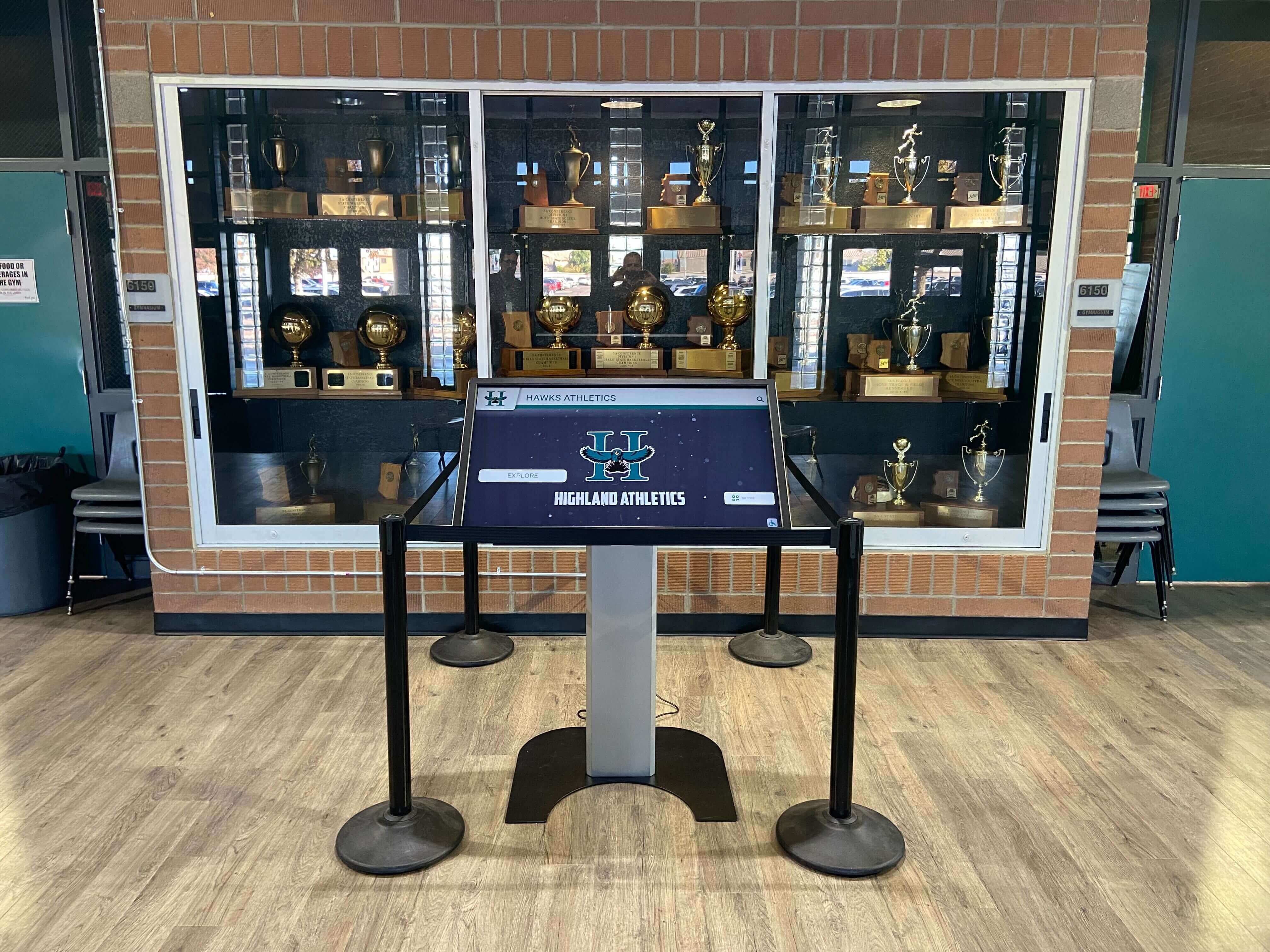
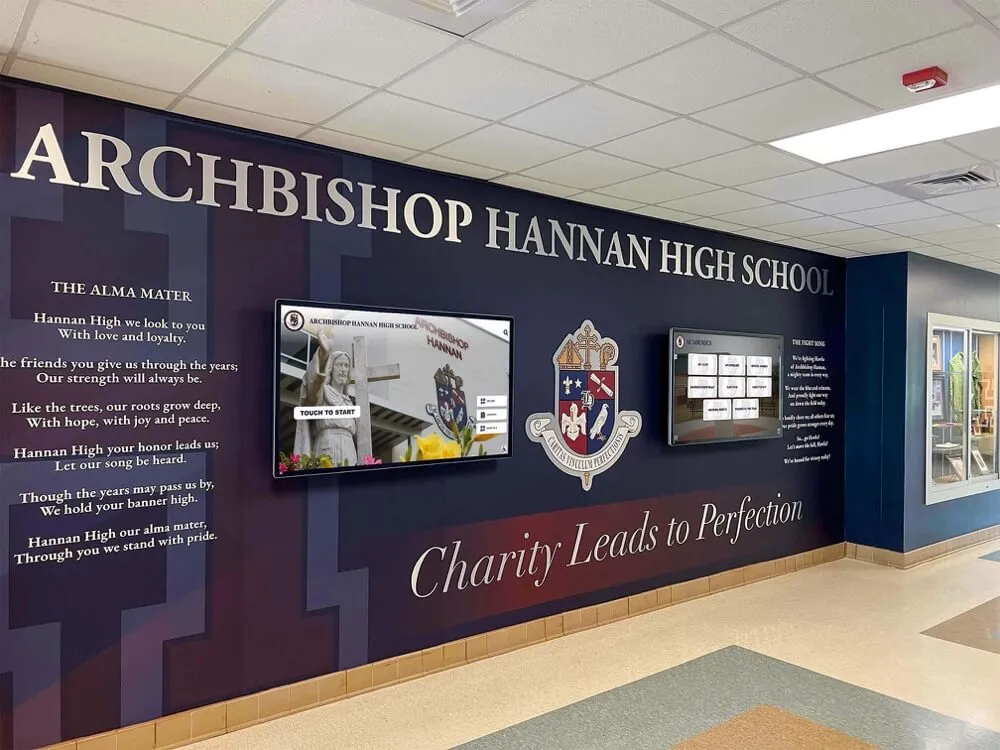
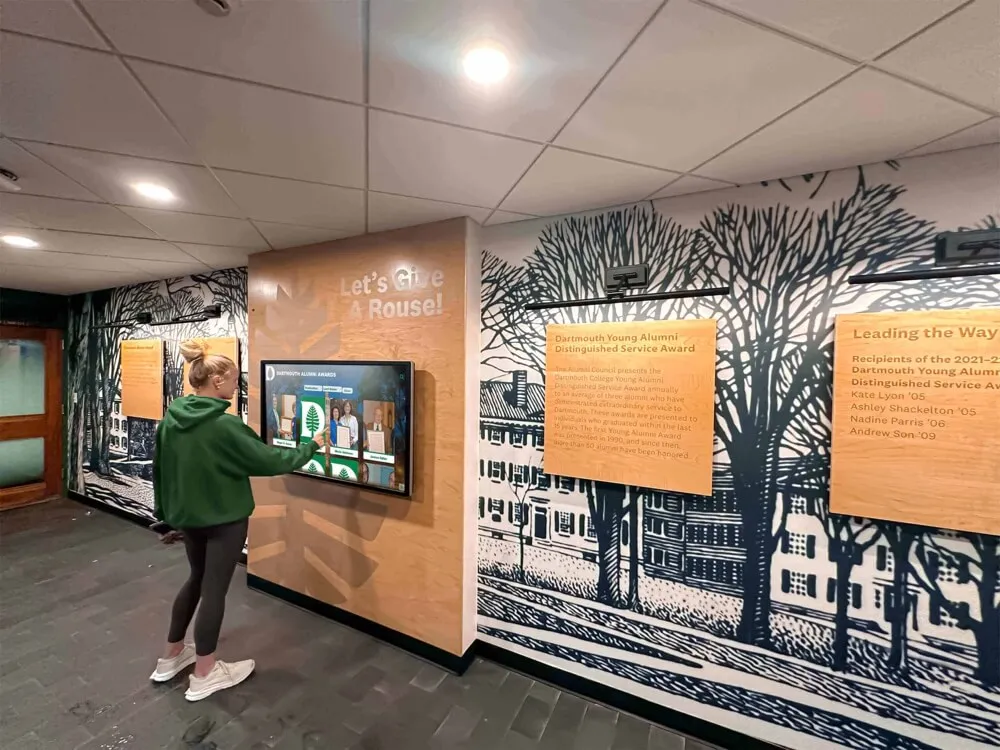
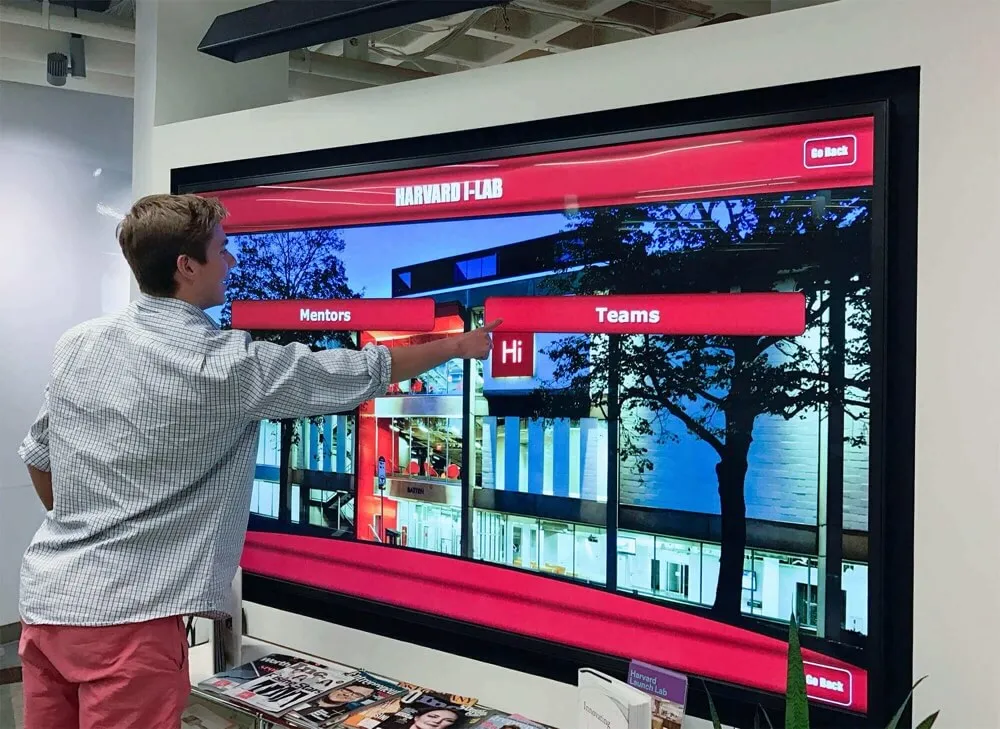
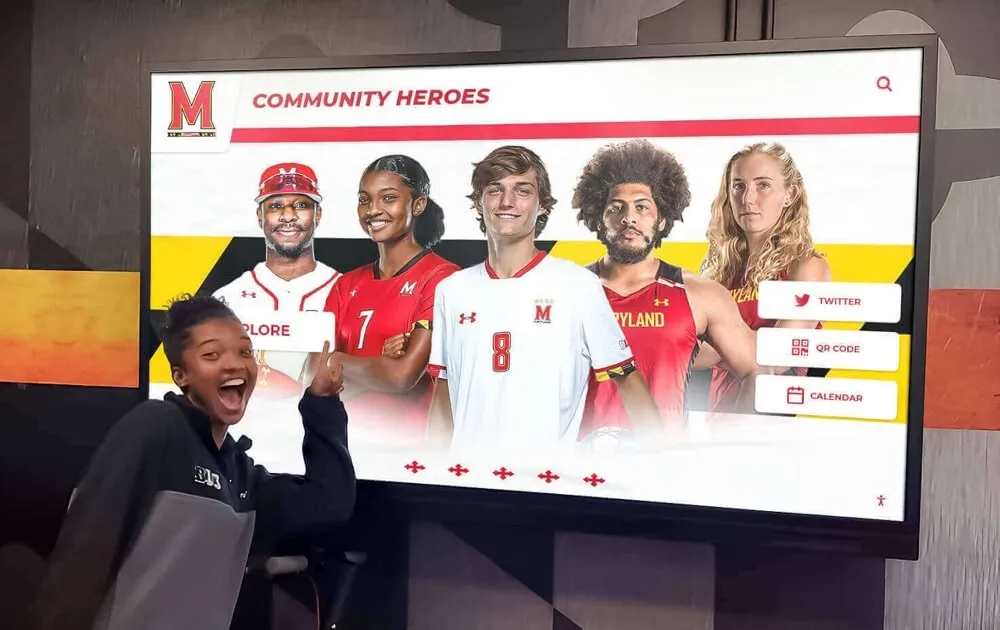
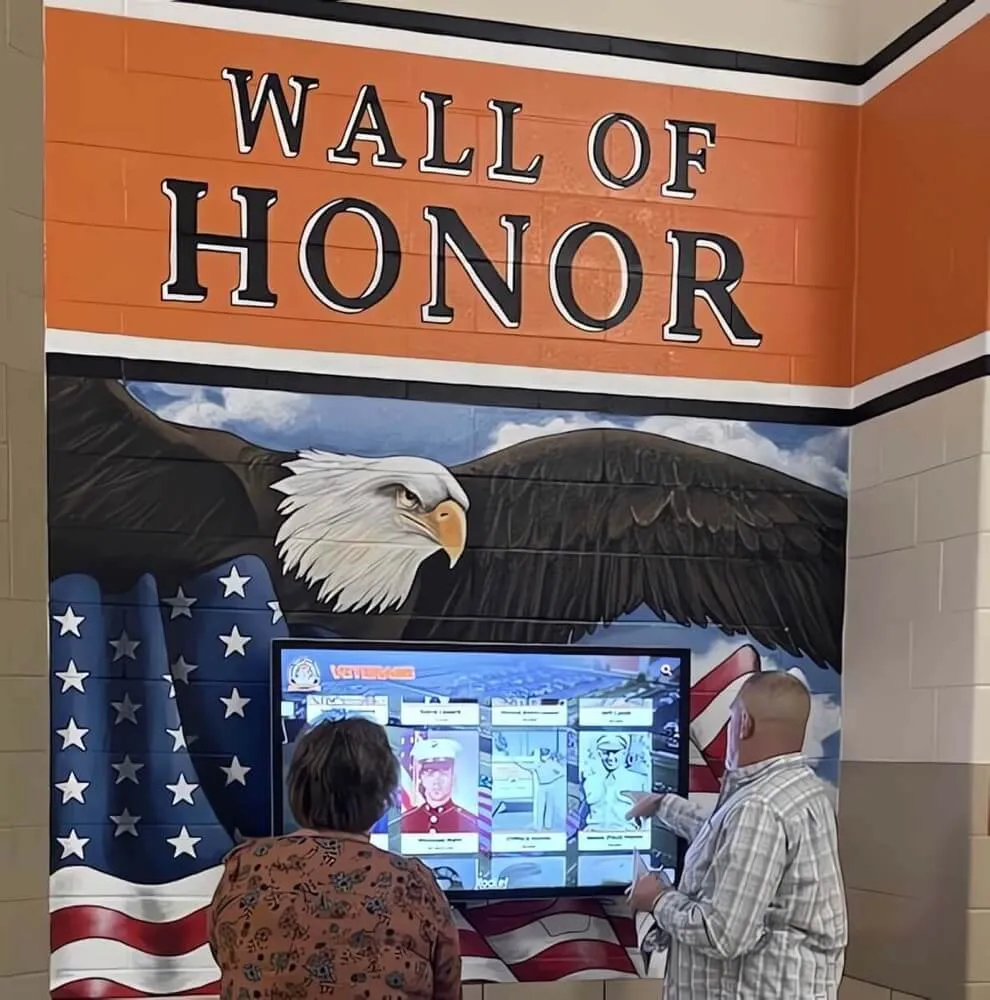
Interactive recognition kiosks inside trophy cases transform born-digital archives into accessible, browsable institutional histories for students, alumni, and visitors
Connecting Your Born-Digital Archive to Recognition Programs
A well-implemented born-digital records policy does more than protect files—it creates the raw material for every recognition program your school operates or plans to build.
Hall-of-fame nominations become easier when nominators can request a complete digital package for any candidate: profile photos, statistical records, championship documentation, and design-quality assets for plaques or displays.
Athletic banquets and awards ceremonies benefit from high-resolution images and video highlights that can be projected or displayed without last-minute scrambles to find something “good enough.” Schools whose recognition programs draw on clean, well-organized archives make a noticeably stronger impression when presenting season awards like most-improved recognition alongside genuine visual documentation of the athlete’s journey.
Donor and sponsor stewardship is strengthened when the development office can pull high-quality imagery and video documenting the facilities, programs, and athletes their gifts support—without depending on whoever happened to be on the sideline with a camera.
Digital recognition displays running in lobbies, gymnasiums, and hallways draw continuously from the archive. Programs that have implemented a consistent deposit process for three or four years find those displays rich with specific, dated content. Programs that have not find their displays either empty or populated with compressed social media images that look blurry at display size.
Connecting athletes’ achievements to compelling visuals also enriches sport-specific recognition: a drill team or spirit squad display capturing uniforms and traditions depends on the same organized archive as the football or basketball program—consistent collection across all sports builds the most complete institutional record.
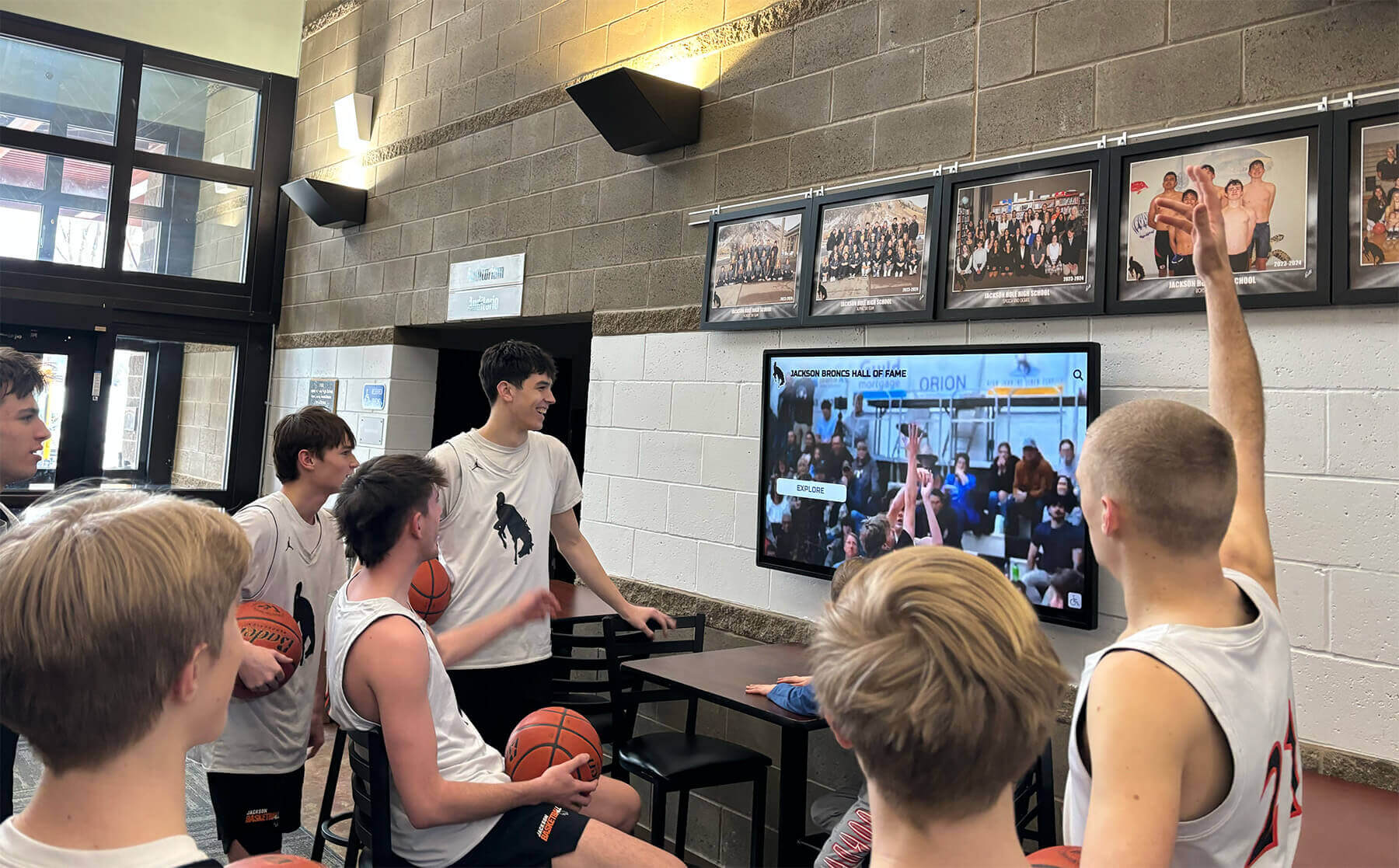
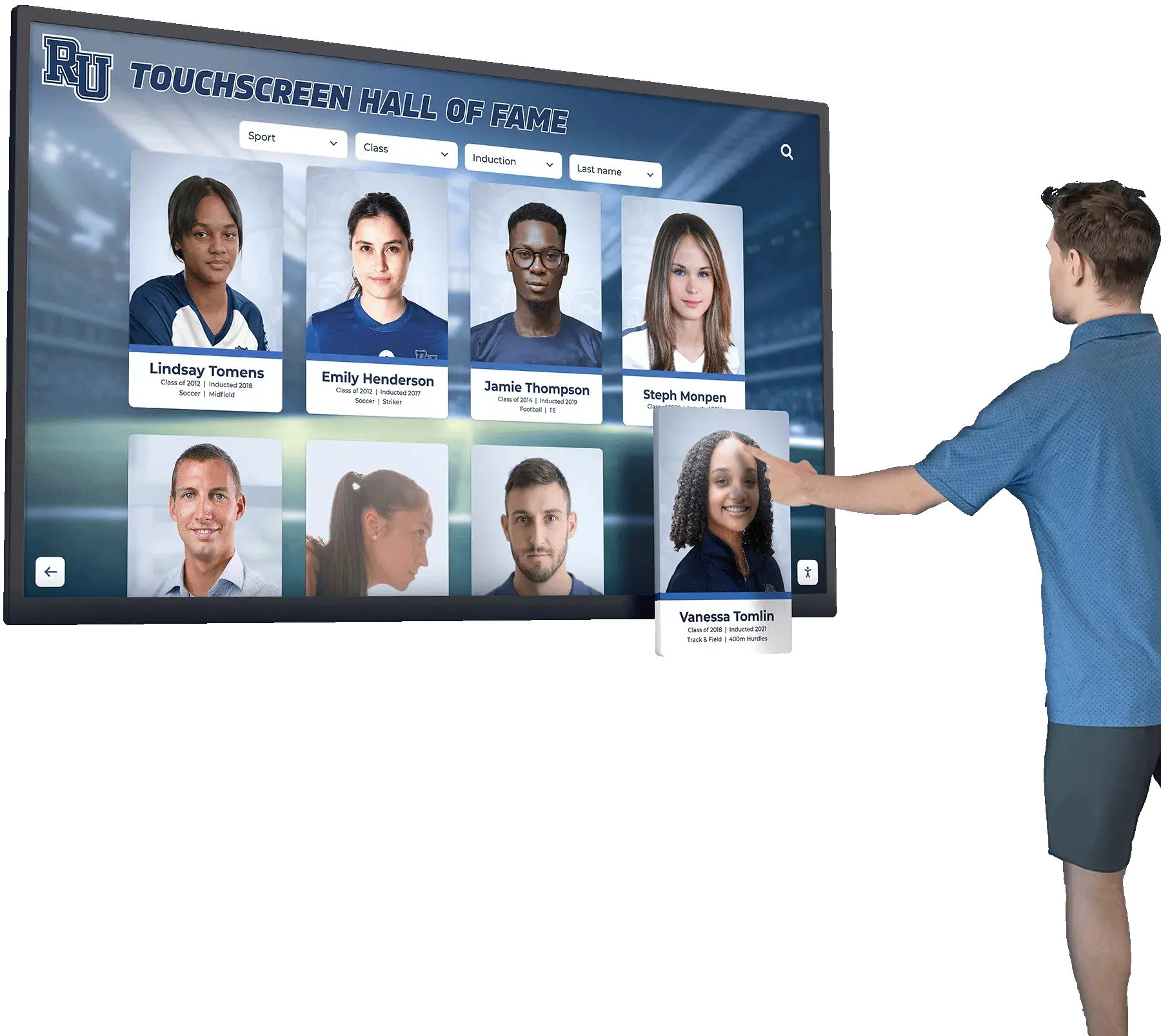
When born-digital video assets are collected and preserved at source quality, they can be repurposed for lobby highlight displays, banquet presentations, and long-term archival access
Born-Digital Policy Quick-Reference Checklist
Use this checklist when drafting or auditing your school’s policy:
| Policy Element | Completed |
|---|---|
| Asset categories defined (photos, video, stats, design, social) | ☐ |
| Tier 1 / Tier 2 / Tier 3 priorities assigned | ☐ |
| Ownership and rights language drafted for contracts and volunteers | ☐ |
| Format and resolution minimums specified for each asset type | ☐ |
| Collection window triggers tied to season close, staff separation, and contractor payment | ☐ |
| Deposit location established with folder hierarchy and naming convention | ☐ |
| Retention schedule cross-referenced with state records requirements | ☐ |
| Roles assigned: Archive Coordinator, Athletic Director, Coaches, IT, Boosters | ☐ |
| Annual review scheduled | ☐ |
| Policy distributed to all named roles and booster leadership | ☐ |
Frequently Asked Questions
Q: Our school uses a cloud storage service that automatically backs up files. Do we still need a formal policy?
Automatic cloud backup prevents loss from a single device failure, but it does not address the other problems a policy solves: unclear ownership, missing format requirements, staff-departure gaps, and the disorganized state of files that makes them difficult to use for recognition programs. A backup is a safety net; a policy is the system that ensures the right files reach the safety net in the first place.
Q: We have staff members who shoot on personal phones and have years of athletic photos stored there. How do we handle that?
Start by making deposit easy and low-friction. Provide a shared drive link or a designated upload folder, and ask coaches and volunteers to transfer files at the end of each season. For historical gaps, a one-time collection drive—announced through the athletic director and booster association—often surfaces significant assets. Going forward, the policy’s collection trigger and contractor rights language prevents the same gap from accumulating again.
Q: Should the born-digital policy cover social media posts and stories?
Social media posts are not a substitute for archival deposit—the compressed files stored on platforms are lower quality than originals, and platform terms and data retention policies can change. The policy should require that source files be deposited before or simultaneously with social publishing. Platform-downloaded copies can serve as a secondary reference but should not be treated as the archival master.
Q: How does a born-digital policy interact with FERPA?
Athlete images and performance records tied to individual students are subject to FERPA protections while the student is enrolled and for some period after. The policy’s access controls and retention schedule should specify that records containing personally identifiable student information follow the school’s existing FERPA procedures. Consult your district’s legal counsel when drafting the access and disposition language for athlete-specific records.
Q: What does a good born-digital policy do for a small school with limited staff?
A simple two-page policy—covering ownership, format requirements, one deposit location, and a post-season submission deadline—delivers most of the benefit even without a dedicated archivist. The key is making the policy actionable rather than comprehensive: one folder, one naming convention, one annual deadline. Schools that start small and build incrementally end up with far more complete archives than schools that plan a perfect system and never implement it. Effective collection of records also amplifies every other recognition investment the school makes—from sport-specific recognition displays and individual athlete achievement profiles to multi-decade hall-of-fame retrospectives.
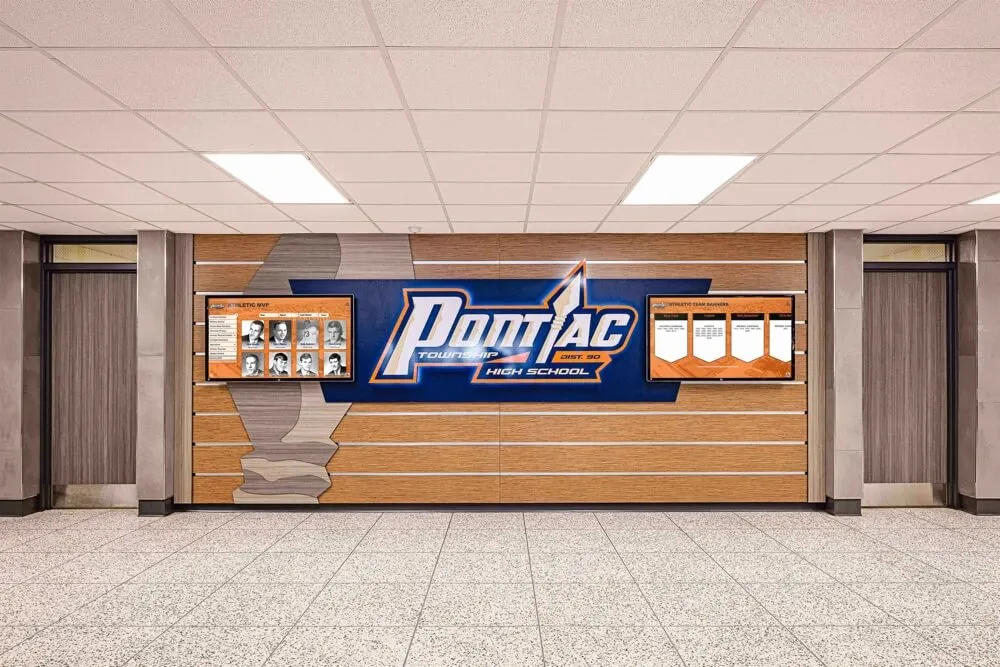
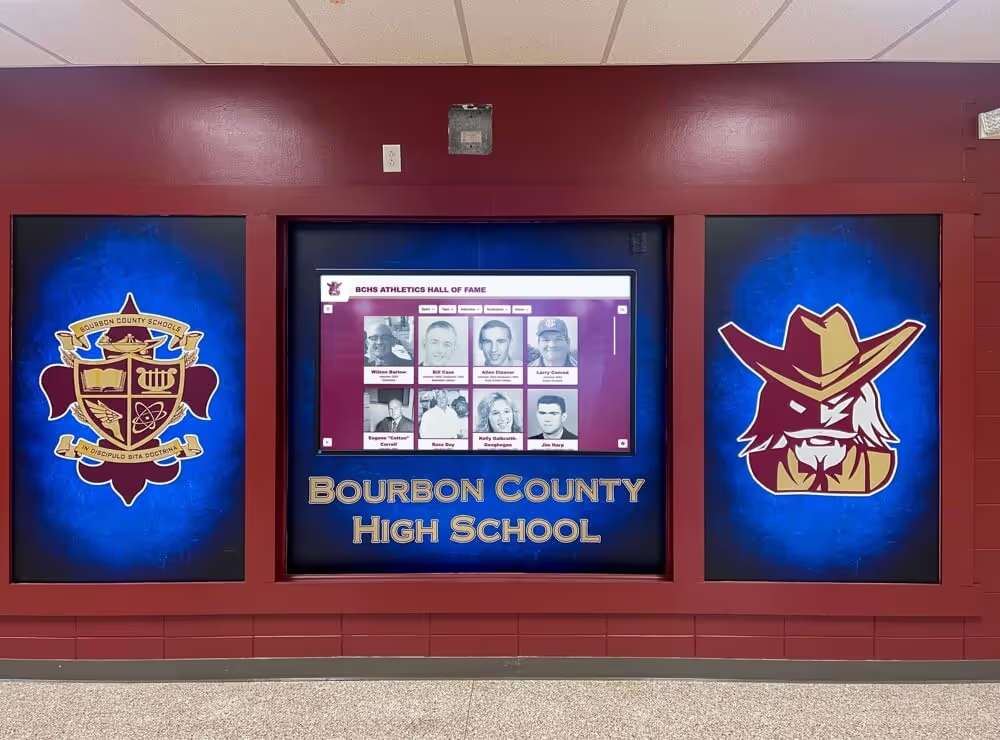
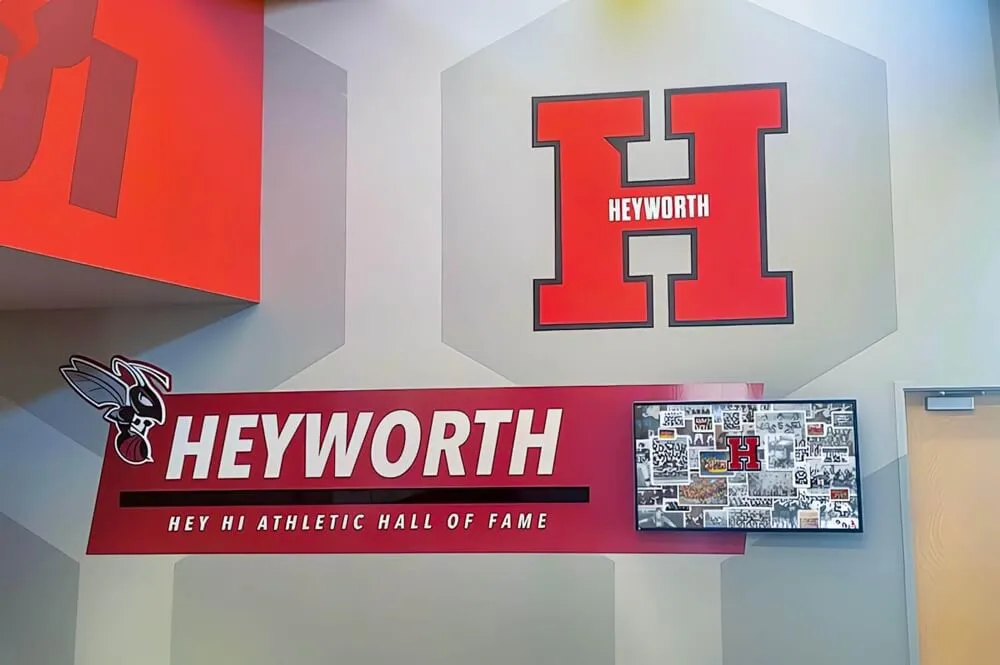
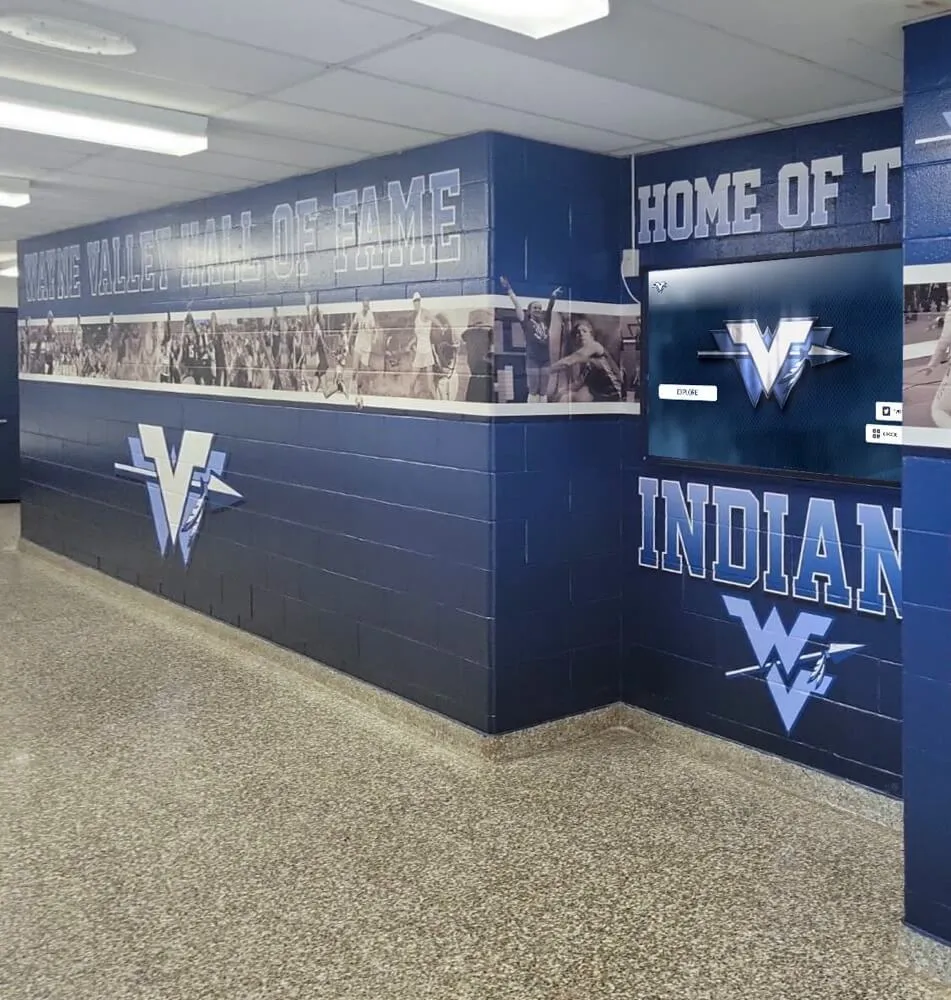
A hallway athletic honor wall draws on decades of consistent record collection — a born-digital policy ensures the next generation of achievements is documented at the same level of care as the records on display today
Take the Next Step
A born-digital records policy is a foundational investment that pays dividends every time a hall-of-fame committee needs a photo, a donor asks for documentation of program impact, or a new coach wants to show recruits what the program has achieved. The files already exist—on phones, hard drives, cloud folders, and platform libraries across your school community. A policy brings them under institutional control before the next staff transition, account expiration, or device failure makes them unavailable.
If your school is ready to connect a well-preserved athletic archive to a recognition system that makes those records visible—interactive hall-of-fame displays, lobby highlight screens, donor walls, and digital yearbook collections—Rocket Alumni Solutions can show you what that looks like for your specific program.
See what a connected athletic archive looks like in action.