Bit rot is the slow, silent corruption of digital files — and it is one of the least visible threats to a school’s athletic archive. A high-resolution scan of a 1987 state championship game program, a folder of athlete headshots from a decade-old hall-of-fame induction, a video of a 50th-anniversary reunion ceremony: any of these files can degrade at the bit level over months or years without producing a single error message. Staff simply assume the files are intact until someone tries to open them for a recognition event and discovers an image that will not render or a video that plays as noise.
Athletic archive bit rot detection is the practice of regularly verifying digital file integrity using cryptographic checksums — called fixity values — and comparing those values against a known-good baseline to identify corruption before it becomes unrecoverable. For schools managing born-digital photographs, scanned yearbooks, video highlight reels, award citation documents, and hall-of-fame profile packages, fixity checking is the only reliable way to catch silent corruption early.
This guide delivers a numbered detection workflow, a practical fixity checklist, and a step-by-step recovery protocol so that school administrators, athletic directors, IT staff, and archivists can protect the records powering recognition programs, digital displays, and institutional memory for decades to come.

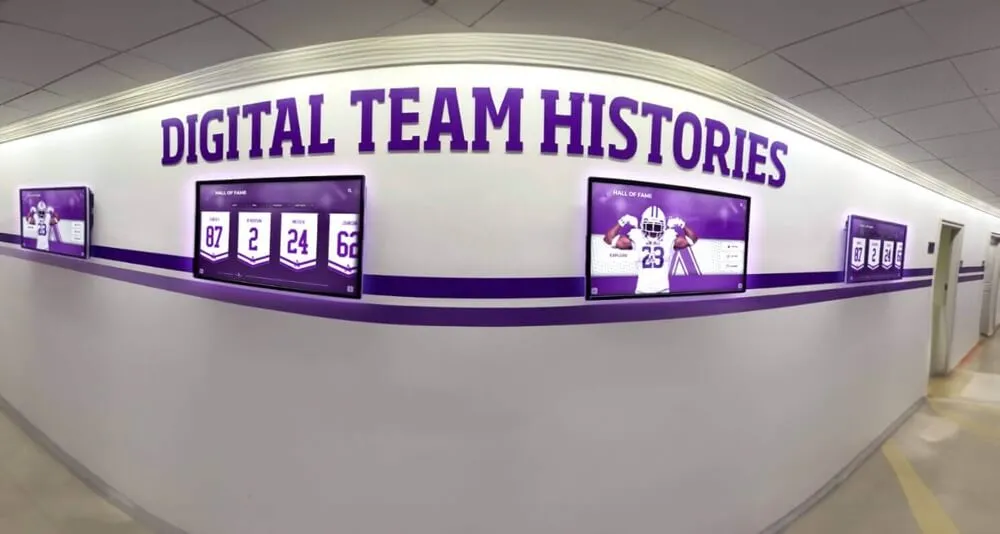
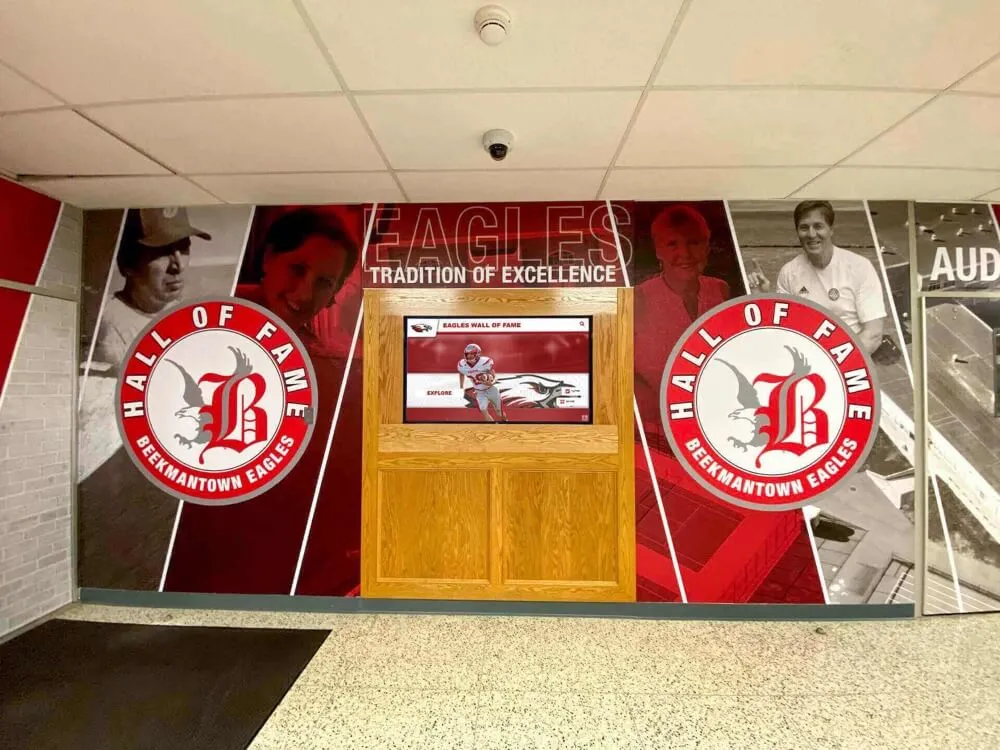
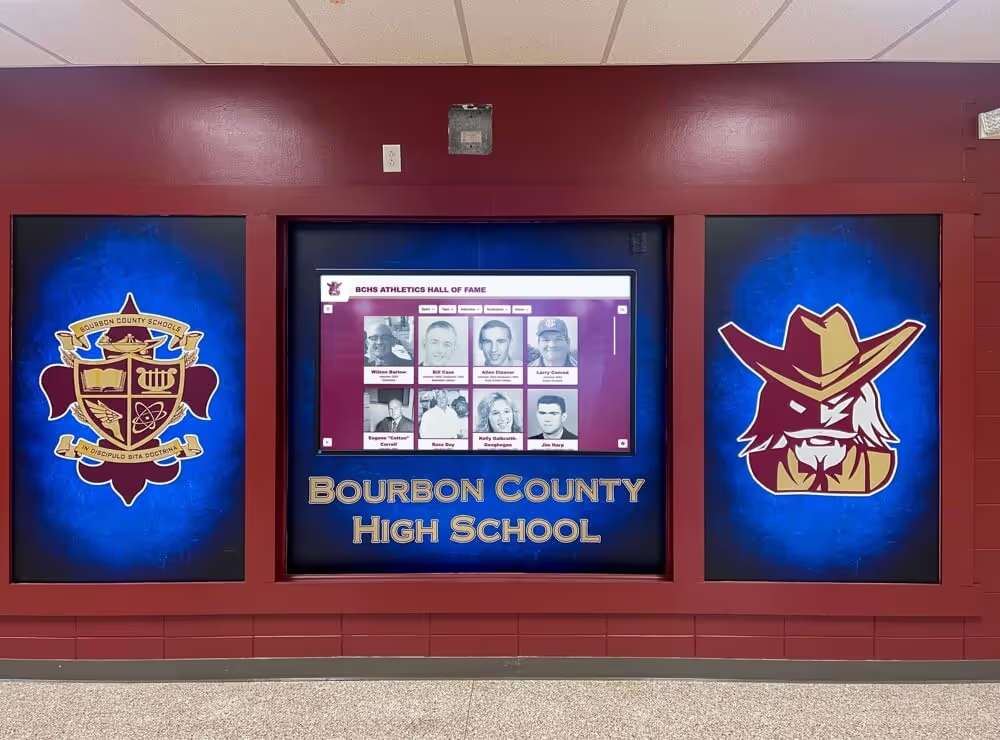
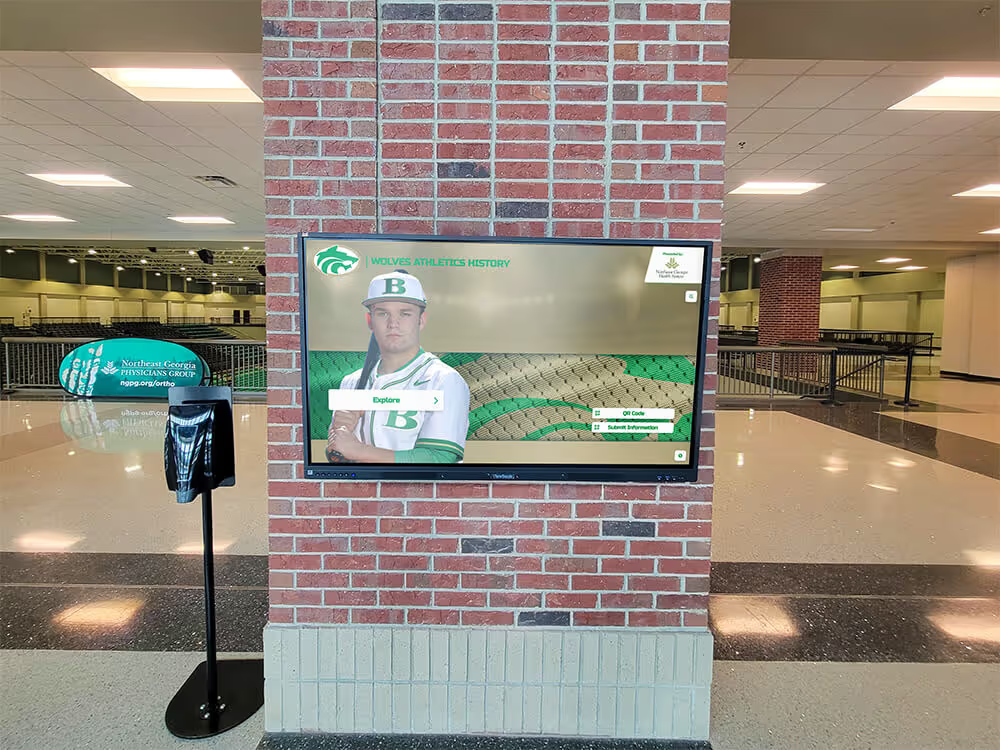
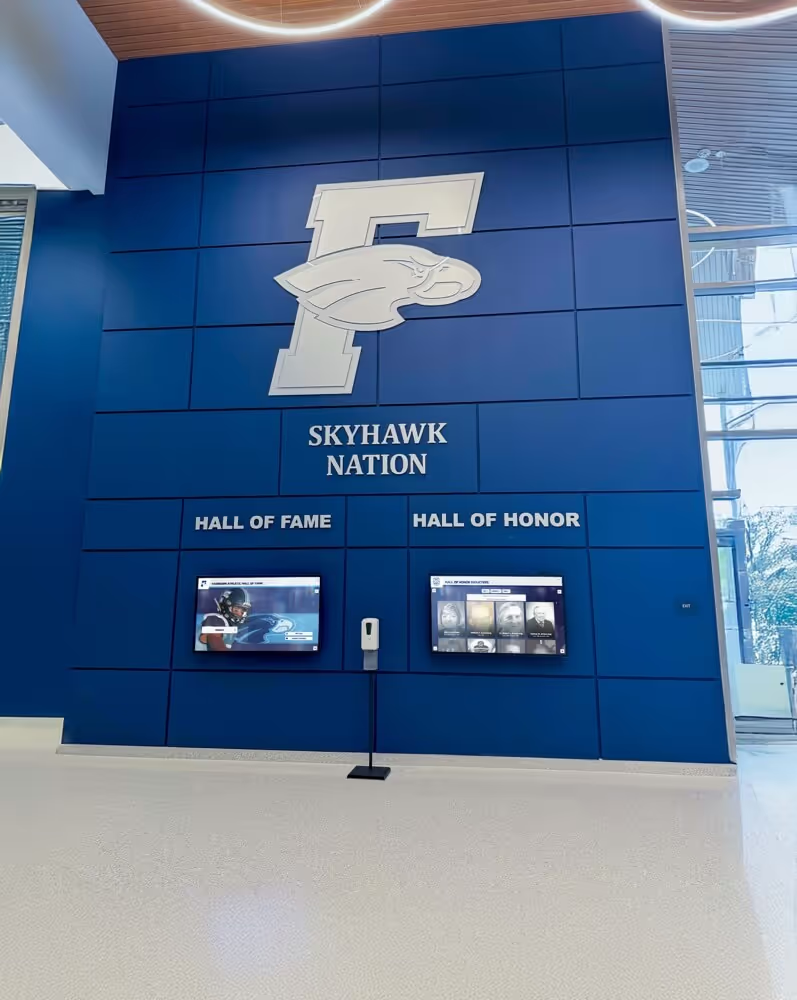
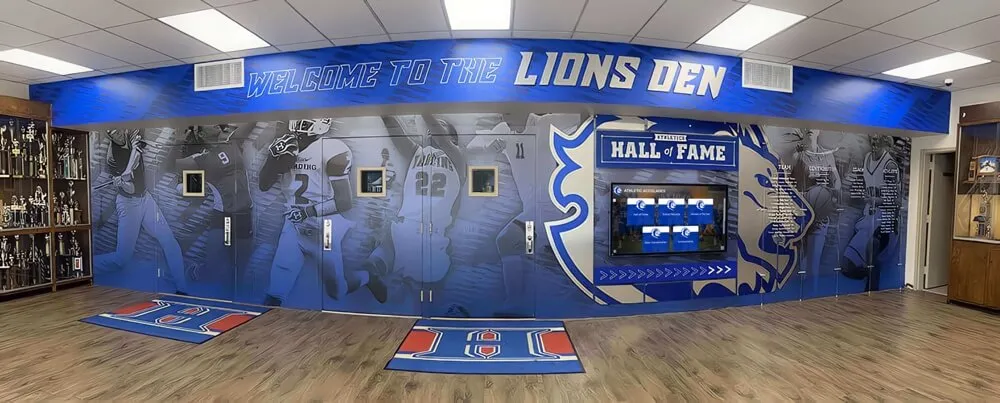
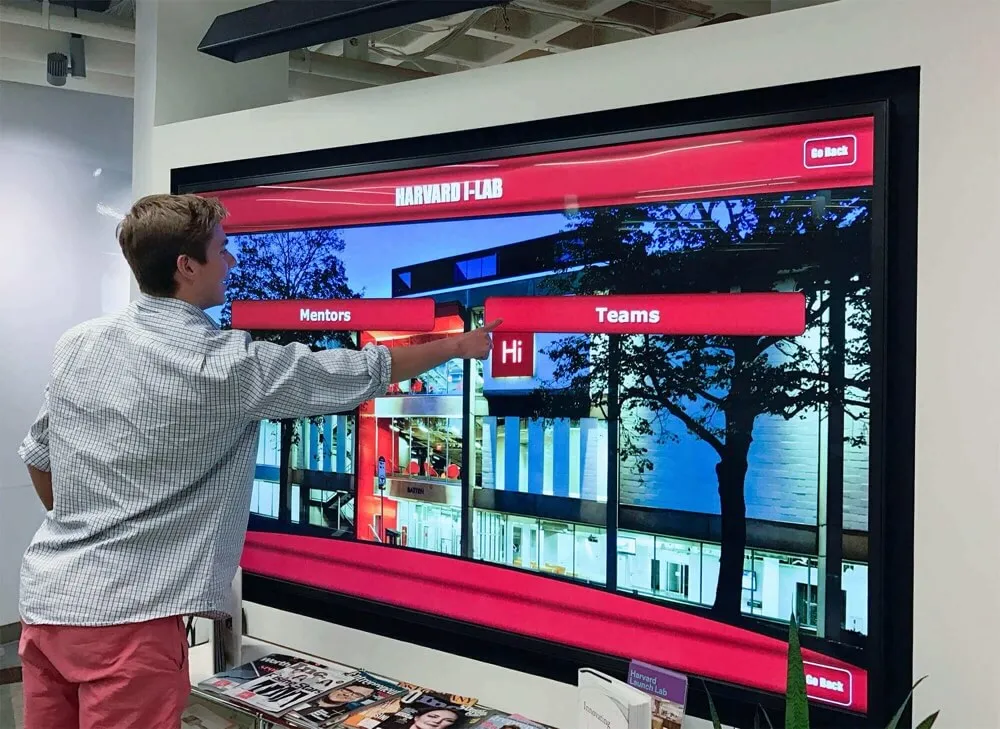
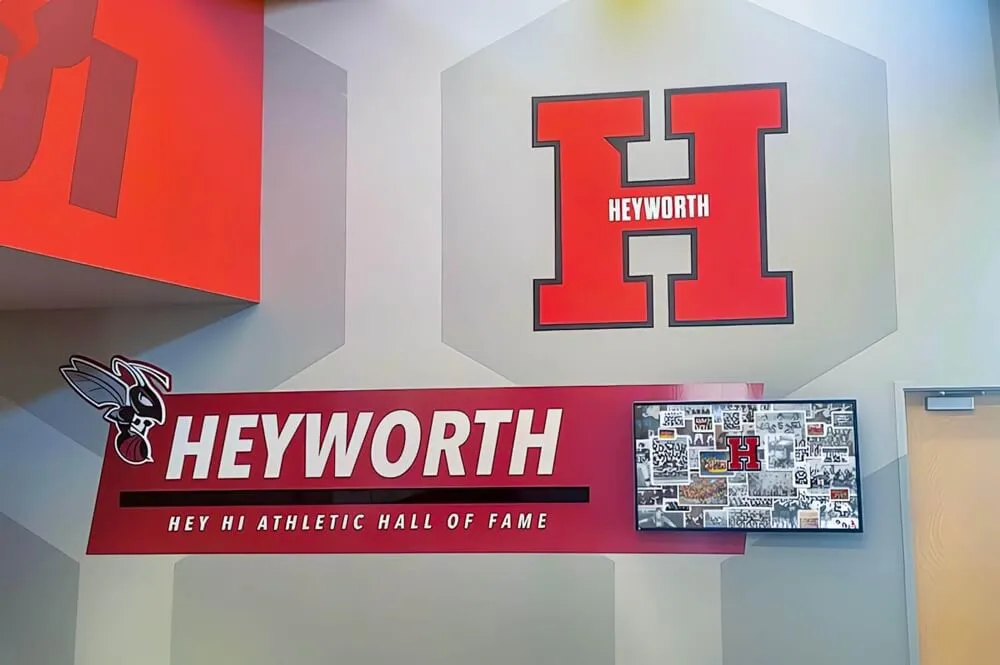
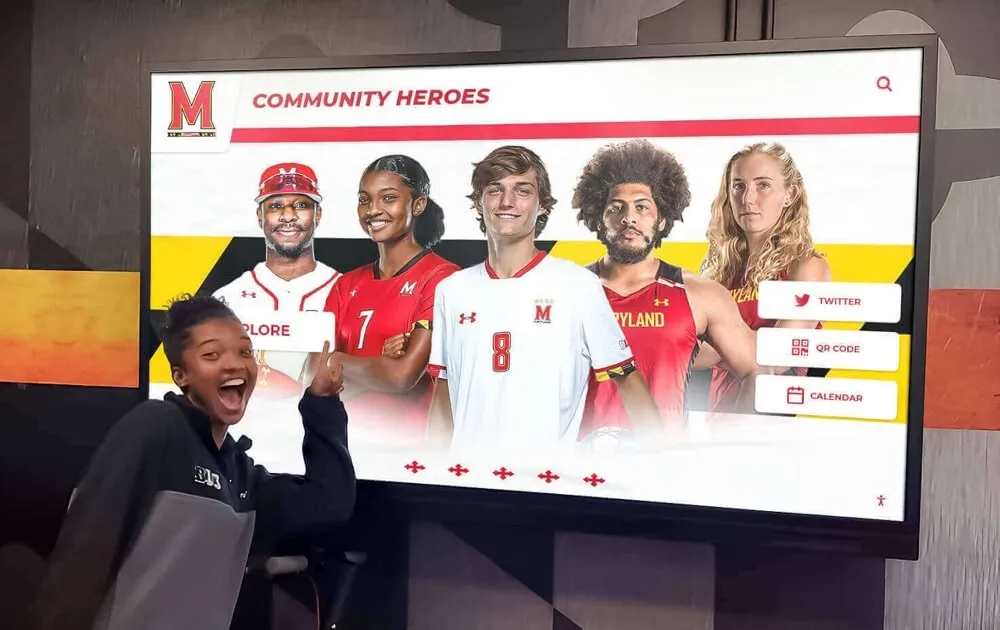
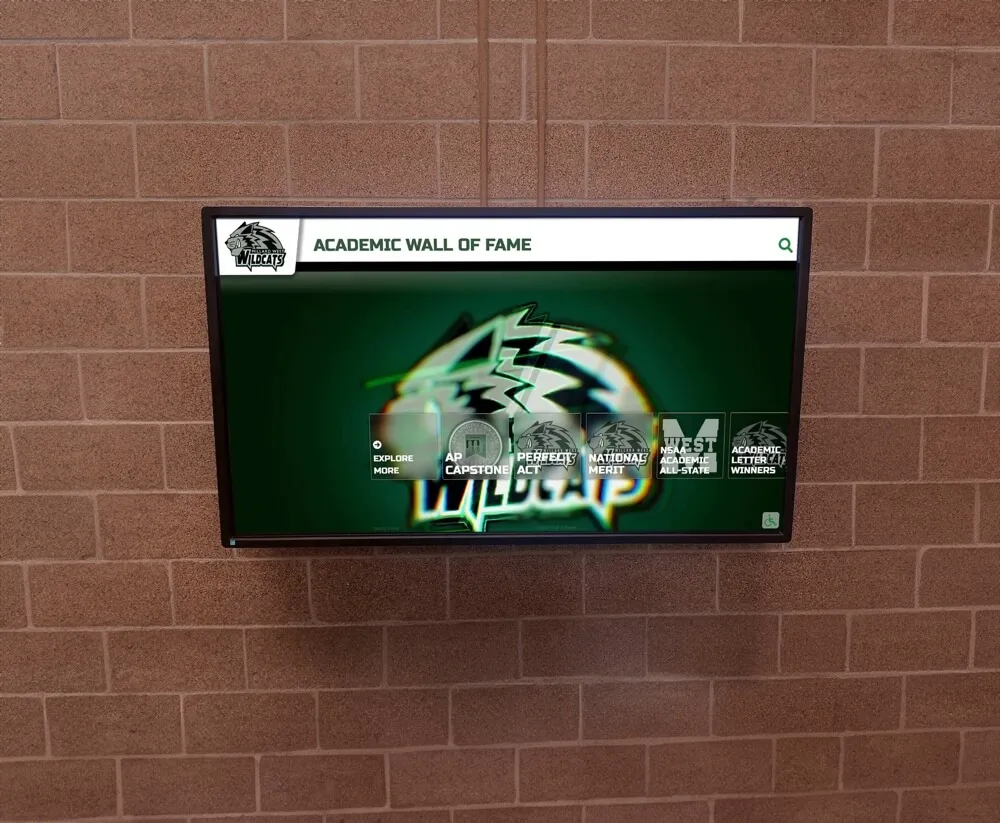
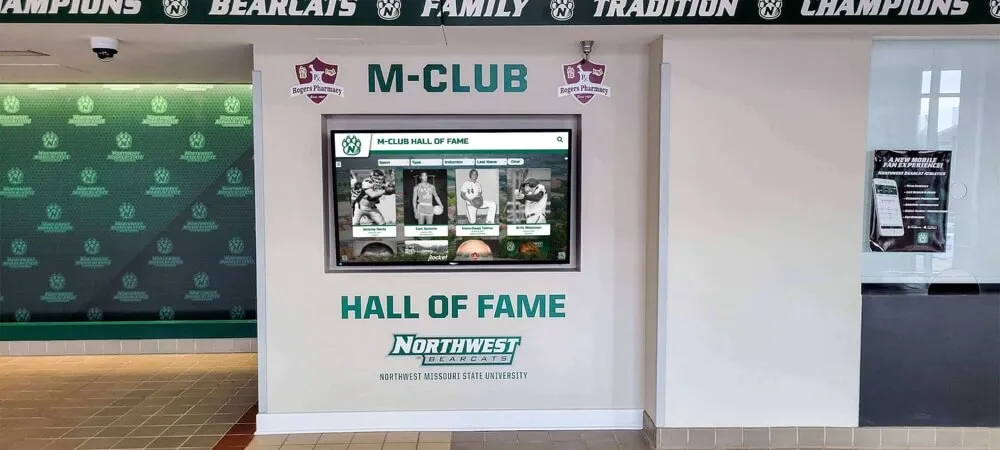
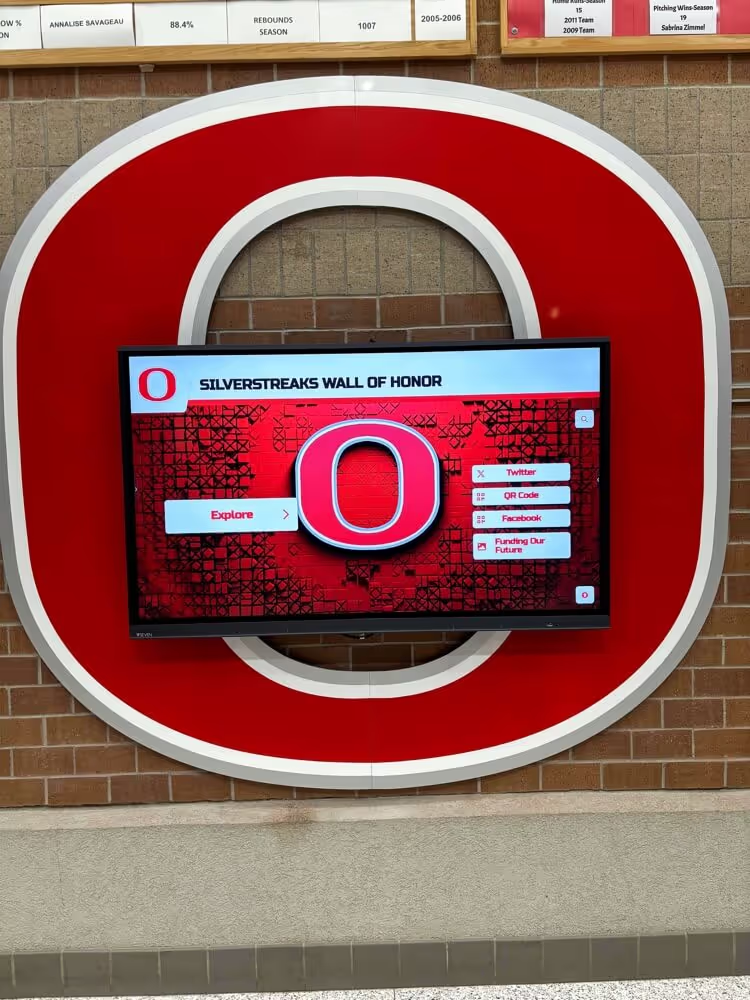
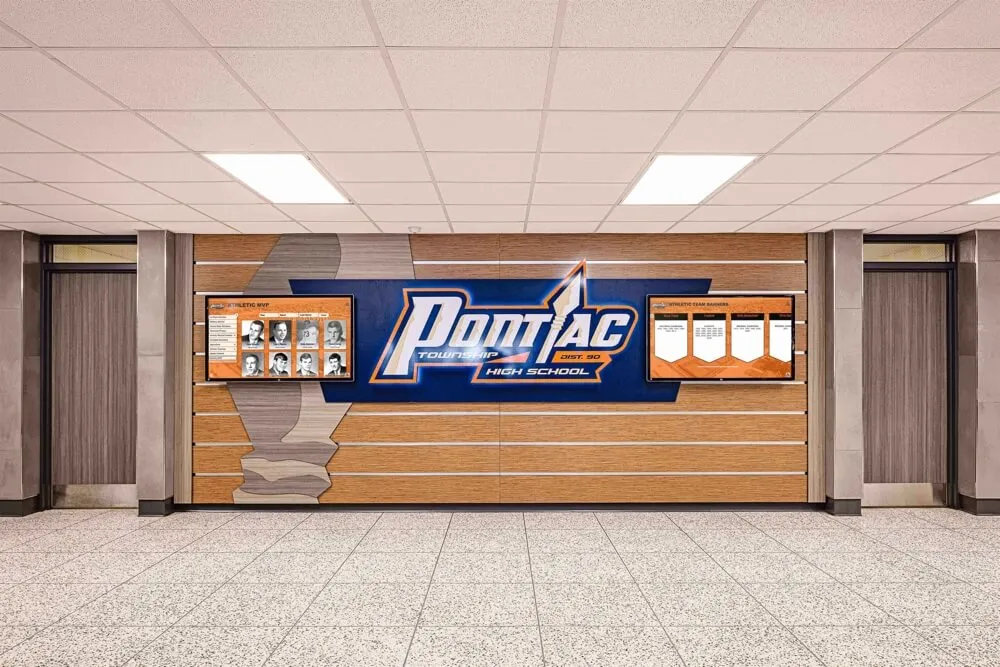
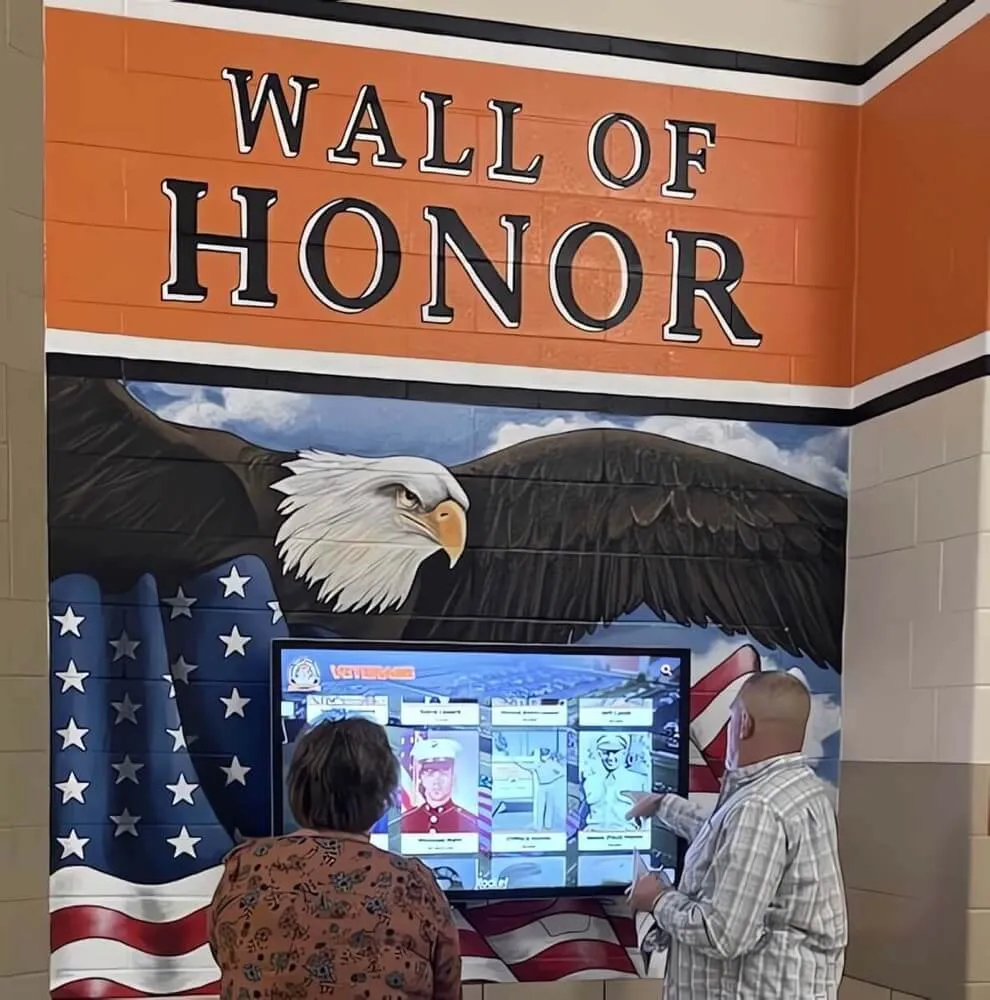
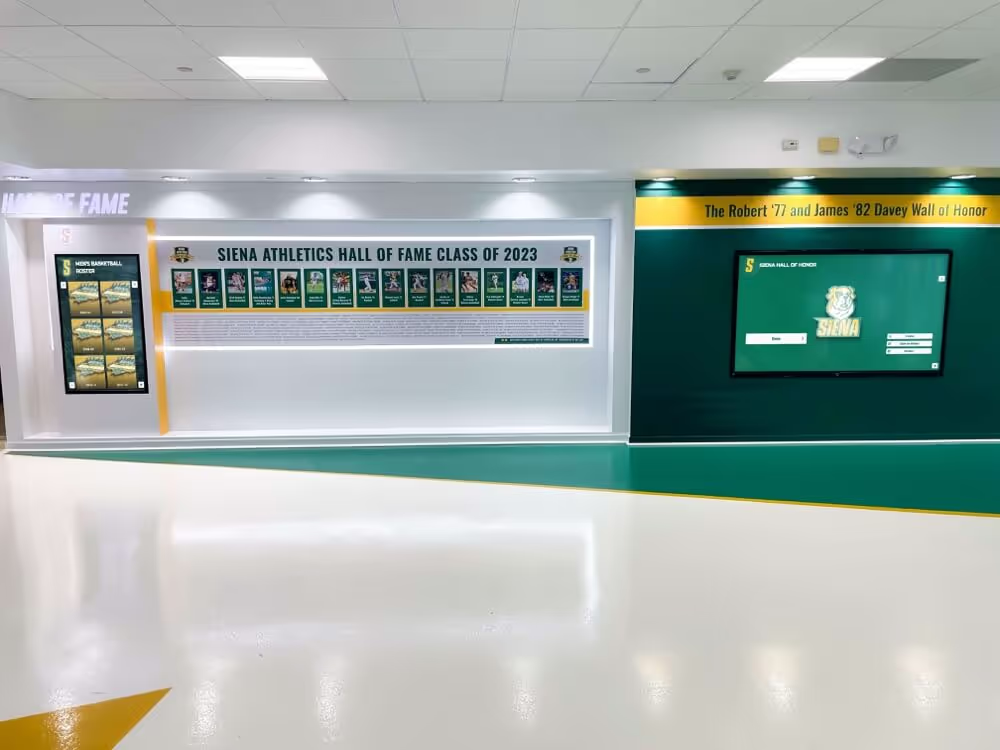
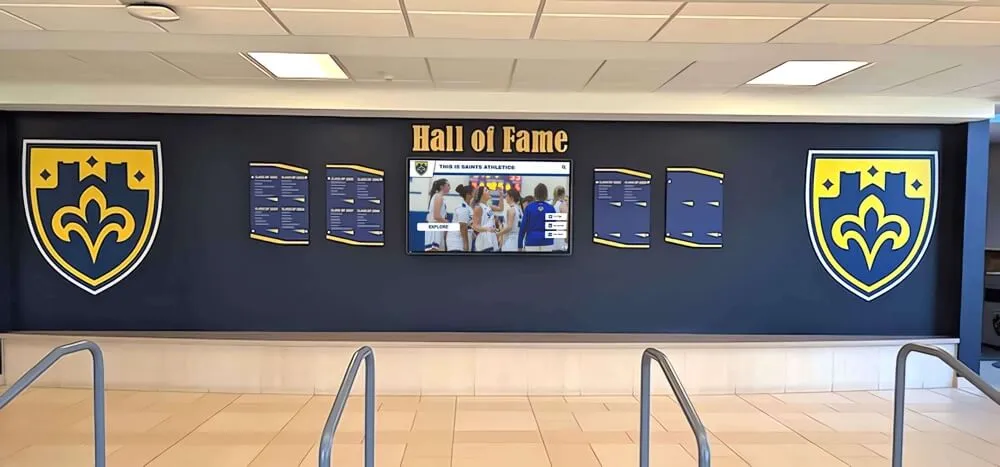
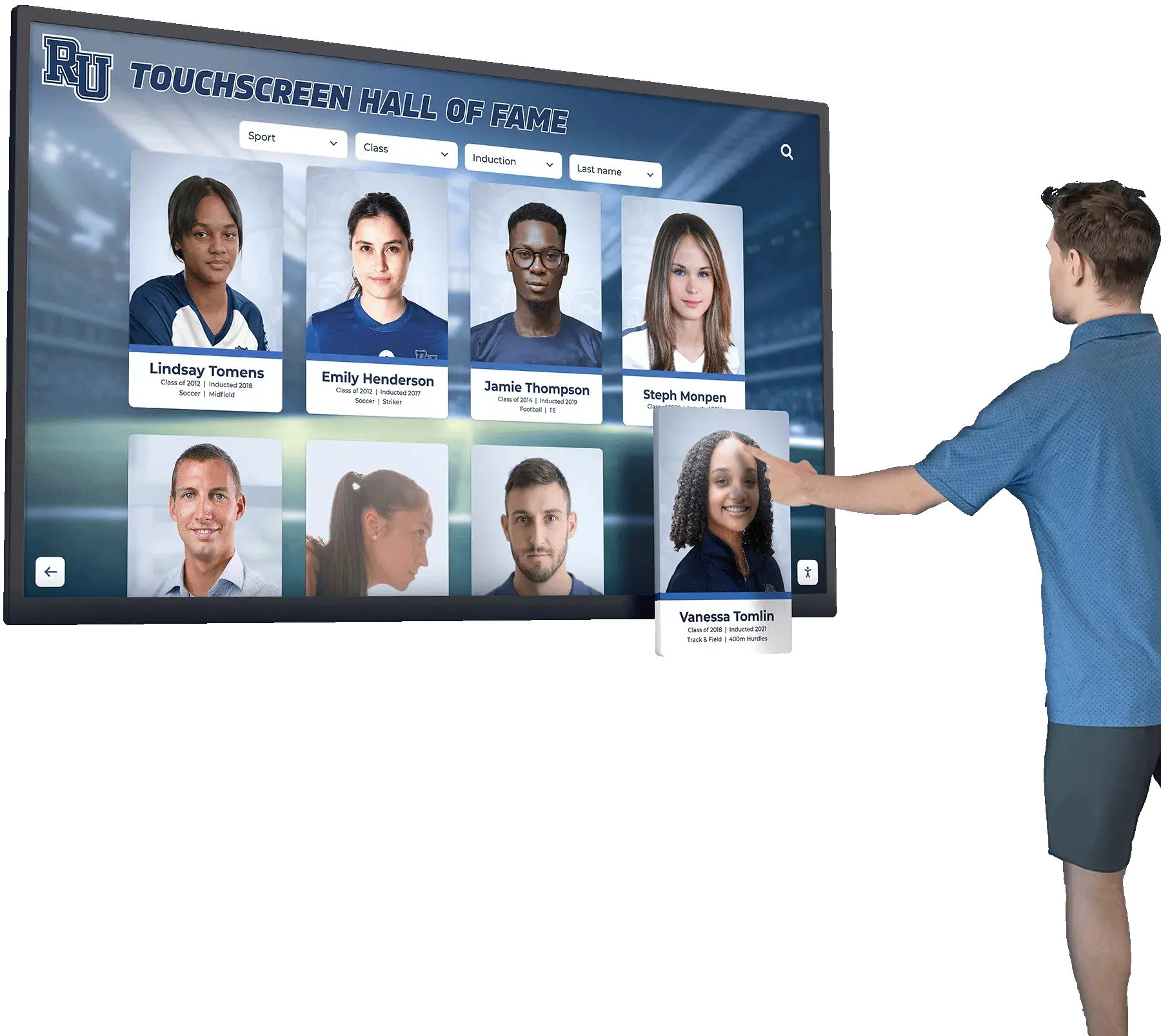
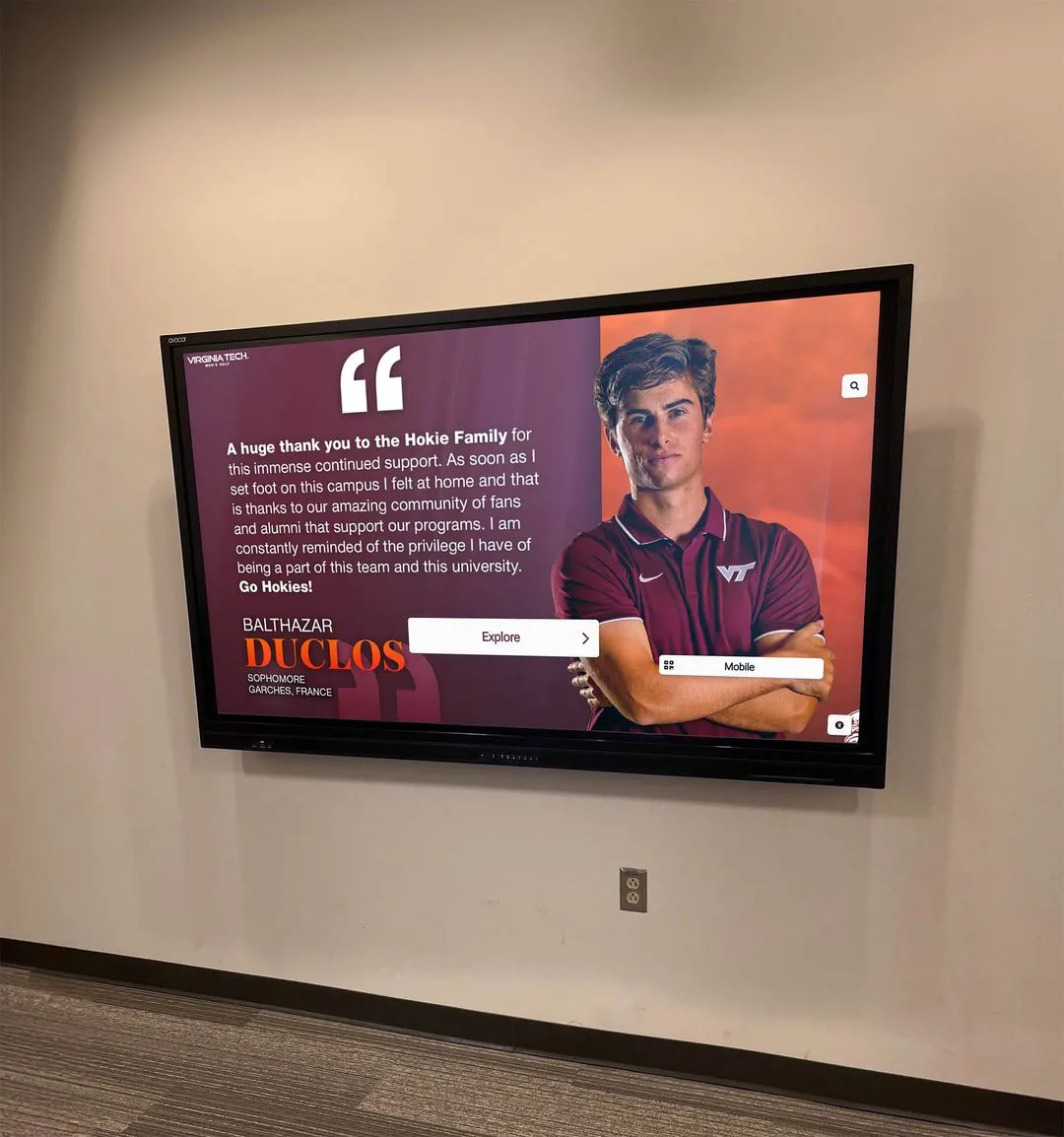
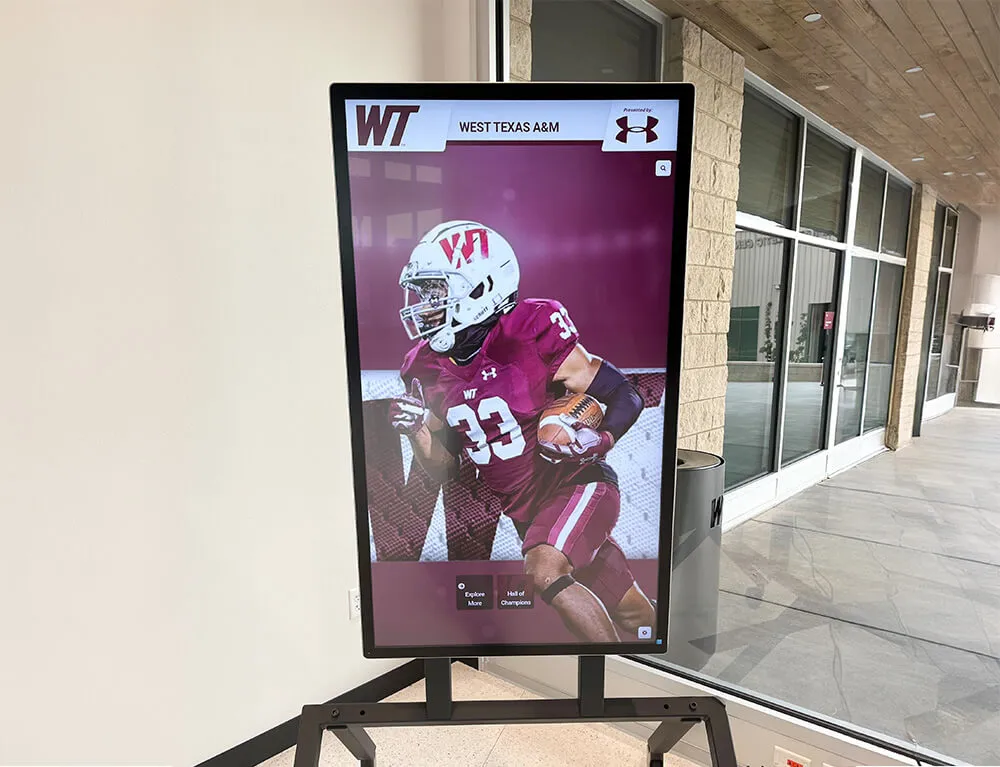
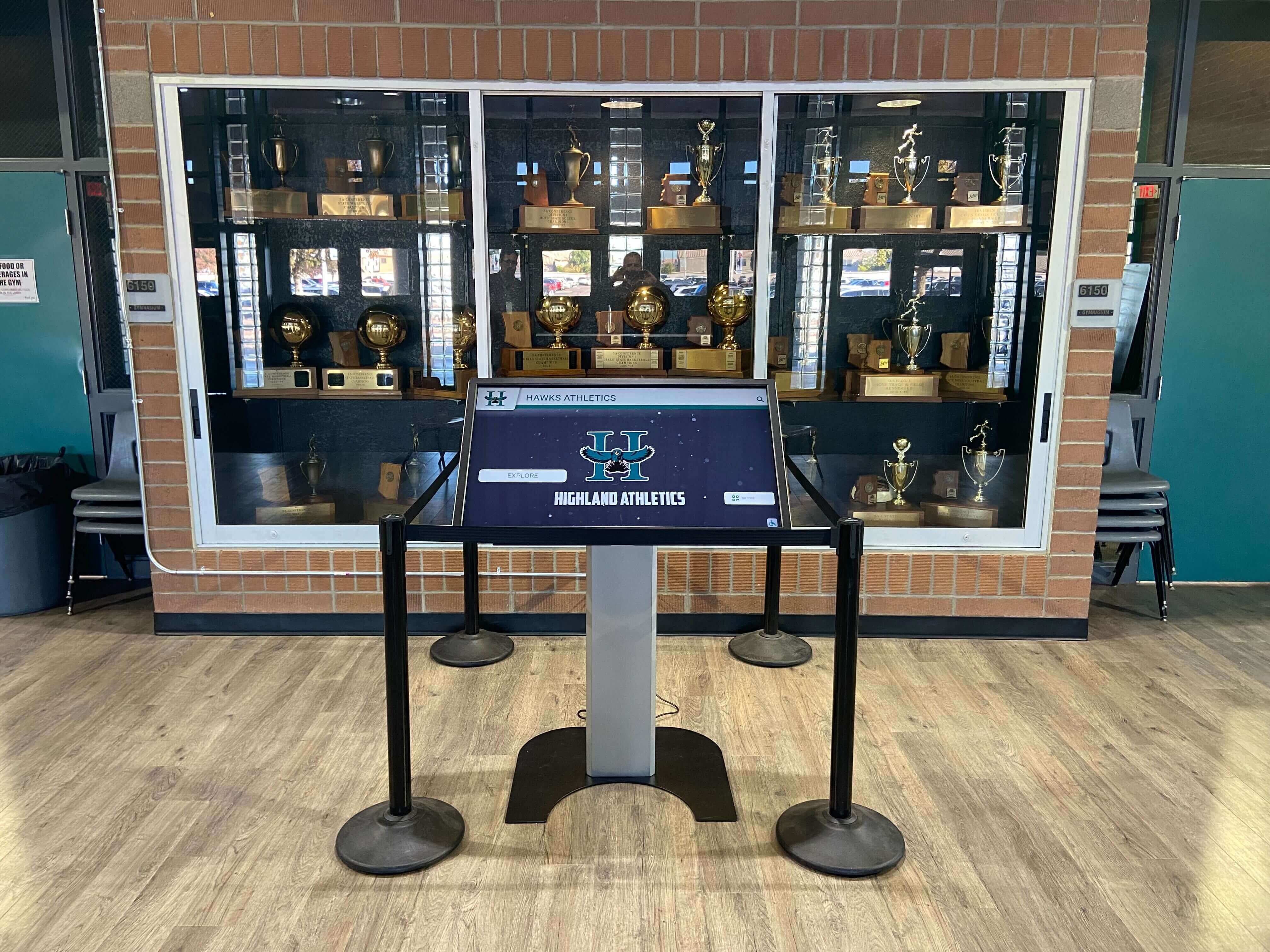
Recognition displays, touchscreen kiosks, and digital trophy cases depend on an intact archive — bit rot discovered during a hall-of-fame event can permanently erase a record that took decades to build
What Bit Rot Is — and Why Athletic Archives Are Vulnerable
Bit rot (also called data rot, data degradation, or silent data corruption) refers to the gradual, spontaneous corruption of stored digital data. Individual bits — the 0s and 1s that make up every digital file — can flip values due to physical phenomena including:
- Storage media aging — magnetic domains on hard drives shift over time; flash memory cells lose charge; optical discs develop read errors from oxidation or physical stress
- Cosmic-ray interference — high-energy particles passing through RAM or storage chips can flip individual bits; this is not theoretical, it is a measured phenomenon in large data centers
- Incomplete writes — power interruptions, system crashes, or failed cloud sync operations can leave files partially written, with the original data partially overwritten and the new data incomplete
- RAID controller errors — storage arrays can silently write incorrect data during a rebuild, producing a file that passes a directory listing but fails on deeper inspection
- Filesystem bugs — bugs in filesystem drivers or journaling code can cause metadata or file content to be miswritten
What makes bit rot particularly dangerous for school athletic archives is that corrupted files typically produce no visible symptoms until they are opened. A directory listing shows the file at full expected size. A backup system copies the corrupted version faithfully. A file manager thumbnail may still display an approximation. The corruption only becomes apparent when someone tries to display the file at a recognition event, export it for a yearbook spread, or submit it to a hall-of-fame installation — often at the worst possible time.
Athletic archives face elevated risk for several reasons:
Long storage durations. Schools reasonably expect to preserve records for 25, 50, or 100 years. Storage media — including external hard drives, server RAID arrays, and optical media — has documented failure rates that compound over those timelines. According to data published by Backblaze, consumer hard drives have annual failure rates that increase significantly after three years of operation.
Born-digital file accumulation. Modern athletic programs generate large volumes of born-digital content: digital camera photos, video captured on smartphones, scoreboard feeds exported as data files, graphic design files for programs and banners. These files exist only in digital form with no physical original to fall back on if corruption occurs.
Infrequent access patterns. Historical athletic records are accessed intensively for specific events — a 25-year reunion, a hall-of-fame induction weekend, a 50th-anniversary celebration — and rarely touched between those events. Files that sit unaccessed for years are never opened for inspection, meaning corruption can accumulate silently for a long time before discovery.
Backup-without-verification habits. Many school IT environments back up files automatically but rarely verify that backup copies are bit-for-bit identical to the originals. A corrupted primary file gets faithfully copied to backup media, producing multiple corrupted copies of a single record.
Athletic Archive Bit Rot Detection: A 10-Step Fixity and Recovery Checklist
This numbered workflow applies to any born-digital athletic archive — team and individual athlete photos, scanned game programs, yearbook exports, video highlight reels, award certificates, hall-of-fame profile packages, donor recognition materials, and championship memorabilia scans.
Step 1: Complete an Archive Inventory
Fixity checking begins with knowing exactly what you have. Before generating any checksums, conduct a complete inventory of all digital files in your athletic archive.
Document the following for each collection area:
| Collection Area | File Types | Estimated File Count | Storage Location(s) |
|---|---|---|---|
| Athlete photos | JPEG, TIFF, RAW | Varies | School server, external drive |
| Team photos | JPEG, TIFF | Varies | School server, cloud storage |
| Game programs | PDF, TIFF | Varies | School server, optical media |
| Video highlights | MP4, MOV, AVI | Varies | NAS, cloud storage |
| Scanned yearbooks | PDF, TIFF | Varies | School server, vendor storage |
| Award documents | PDF, DOCX | Varies | School server, email archives |
| Hall-of-fame packages | Mixed | Varies | Varies |
Files that exist in multiple locations (primary server, backup drive, cloud storage) should all be inventoried — you will later verify each copy independently. Files discovered only in email attachments or personal staff drives should be migrated to the institutional archive before proceeding.
Step 2: Establish a Logical Folder Hierarchy
Fixity manifests map checksum values to file paths. A disorganized folder structure — files named IMG_4523.jpg scattered across undated folders — produces manifests that are difficult to interpret and difficult to act on when a mismatch appears.
Organize your archive into a predictable hierarchy before generating initial checksums:
| Folder Level | Example | Notes |
|---|---|---|
| Sport | /football/, /swimming/, /track-field/ | One folder per sport, lowercase, hyphenated |
| Season or Year | /football/2019-2020/ | Four-digit years for consistent sort order |
| Asset Type | /football/2019-2020/photos/, /programs/, /rosters/ | Separate file types for easier format migration |
| Event (optional) | /football/2019-2020/photos/state-championship/ | Sub-level for major events |
Use descriptive, lowercase, hyphen-separated filenames with no spaces — 2019-state-championship-team-photo.tiff rather than IMG_7832 FINAL.jpg. Establishing your naming convention before the first checksum run matters because renaming files after checksums are generated invalidates their original manifest entries.
Step 3: Choose a Fixity Algorithm
A fixity algorithm is a mathematical function that takes a file as input and produces a short, fixed-length hash value — the fixity value or checksum — as output. Even a single flipped bit changes the hash value dramatically, making it easy to detect corruption by comparing a file’s current hash against the value recorded at ingest.
| Algorithm | Hash Length | Speed | Recommendation |
|---|---|---|---|
| MD5 | 128-bit | Very fast | Legacy workflows only; not recommended for new archives |
| SHA-1 | 160-bit | Fast | Being phased out; use SHA-256 for new collections |
| SHA-256 | 256-bit | Fast | Recommended standard for school athletic archives |
| SHA-512 | 512-bit | Moderate | Large video libraries requiring maximum collision resistance |
| BLAKE3 | 256-bit | Very fast | Emerging standard; suitable for large video collections |
For most school athletic archives, SHA-256 is the right choice: it is fast enough for large photo collections, produces a hash short enough to store conveniently in a spreadsheet or database, and has no known practical collision vulnerabilities for file integrity use. If your school’s IT policy already specifies an algorithm, use it — consistency matters more than algorithm selection for most educational archives.
Step 4: Generate Initial Fixity Manifests
On the initial pass, generate a checksum for every file and save the results to a fixity manifest — a plain-text or CSV document pairing each filename (including its full path) with its hash value and the date the hash was generated.
Tools suitable for school environments:
- BagIt (free, Library of Congress standard) — wraps an archive folder with a manifest, tag files, and validation logic. Widely used in libraries, archives, and digital preservation programs. Available as both command-line and GUI tools.
- sha256sum / md5sum (Linux and macOS, built-in) — command-line utilities requiring no installation. Output can be piped to a text file for storage.
- Exactly (free, Archives New Zealand) — a GUI application designed specifically for archivists that generates BagIt-structured fixity manifests without requiring command-line knowledge.
- HashCheck (Windows, free) — GUI tool for generating and verifying checksums on individual files or folder trees.
- Bagger (free, Library of Congress) — desktop application for creating BagIt bags with manifests, particularly useful for packaging collections before sending to vendors or display installation partners.
Store the manifest file in the archive root directory — not inside any individual sport folder — and back it up separately from the archive files themselves. A manifest that is corrupted alongside the archive it monitors is useless for verification.
Step 5: Implement the 3-2-1 Backup Rule
Fixity checking can detect corruption but cannot restore a corrupted file. For restoration to be possible, intact copies must exist. The digital preservation community’s standard framework — the 3-2-1 rule — calls for at least three copies of every file, on at least two different storage media types, with at least one copy stored off-site.
| Copy | Storage Type | Location | Example |
|---|---|---|---|
| Primary | School server or NAS | On-site (main building) | IT server room RAID array |
| Secondary | External hard drive | On-site (separate building or office) | Athletic department external drive, stored in fireproof cabinet |
| Tertiary | Cloud or institutional cloud archive | Off-site | Google Workspace, AWS S3, Internet Archive) |
Each copy should have its own copy of the fixity manifest. When you run verification, run it against all three copies — not just the primary — because corruption can appear in a backup while the primary remains intact. Cloud sync errors in particular can silently produce corrupted tertiary copies that pass a directory listing but fail fixity verification.
Step 6: Schedule Regular Fixity Verification Runs
Generating checksums once and never re-running them provides no ongoing protection. The value of fixity checking is in periodic re-verification — comparing each file’s current hash against its manifest value on a defined schedule.
| Collection Type | Recommended Frequency | Notes |
|---|---|---|
| Active working files (current season) | Monthly | Catch corruption early in frequently accessed files |
| Recent archive (last 5 years) | Quarterly | Balance thoroughness with available staff time |
| Historical archive (6+ years) | Annually | Full verification once per year; schedule during summer |
| New acquisitions | At every ingest event | Verify before files enter the archive |
| Post-migration | Immediately after every storage migration | Confirm files survived the transfer intact |
| Pre-event check | 2–4 weeks before major recognition events | Verify files before hall-of-fame inductions, reunions, or banquets |
Build verification runs into your academic calendar. Running the annual historical archive check during summer when IT staff have more capacity is more realistic than scheduling it during the height of a sports season. Schools that align archive verification with recognition program planning — completing a fixity run two to four weeks before a hall-of-fame induction weekend or a school digital display update — have a natural opportunity to surface and verify the specific files that will appear publicly.
Step 7: Monitor for Bit Rot Symptoms Between Scheduled Runs
Scheduled fixity runs provide systematic coverage, but certain observable symptoms can indicate bit rot between verification cycles. Train staff who regularly work with athletic archive files to flag the following:
Image file symptoms:
- Photos that open with corrupted regions — blocks of incorrect color, scrambled pixel patterns, or truncated images that appear cut off
- JPEG files that generate “invalid JPEG data” or “unexpected end of file” errors in image editing software
- TIFF files that open in reduced quality or with missing layers
- RAW files (CR2, NEF, ARW) that fail to open in the camera’s native software or produce rendering errors
Video file symptoms:
- Video files that begin playback and then freeze, pixelate, or produce audio-without-video at a consistent timestamp
- Files that report an incorrect duration in media player software
- MP4 or MOV files that fail to open with a “file not supported” or “moov atom not found” error — often indicating corruption at the beginning or end of the file container
PDF and document symptoms:
- PDFs that open to blank pages despite a nonzero file size
- Documents that generate “file is damaged and cannot be repaired” errors
- Scanned-document PDFs that open but display only partial pages
General filesystem symptoms:
- Files whose modification date is unexpectedly recent despite no intentional editing
- Files that show the correct file size but produce checksum values that do not match the manifest
- Folders that appear in the directory listing but cannot be opened
Any of these symptoms should trigger an immediate manual fixity check on the affected file and its backup copies, rather than waiting for the next scheduled run.
Step 8: Run Automated Fixity Verification and Review Results
When a scheduled fixity run completes, the verification tool compares each file’s current hash against its manifest value and reports matches and mismatches. Review the output before concluding the run:
What a clean verification looks like: All files report a match between their current hash and the manifest value. The number of files verified equals the number of files in the manifest — any discrepancy indicates files that have been added, moved, or deleted without updating the manifest.
What a failed verification looks like: One or more files report a hash mismatch. A failed verification can mean:
- The file’s content has changed — either through corruption or through an unintended edit
- The file has been moved, renamed, or replaced — in which case the manifest path no longer resolves correctly
- The manifest entry itself is corrupt — a rare case, but verifiable by checking whether the manifest file’s own hash matches
False positives to rule out: Some tools generate false positives if the operating system modifies files during access — for example, if antivirus software scans a file and writes metadata in the process, or if a video editing application writes a thumbnail cache back to the source directory. Establishing a verification environment that minimizes automated filesystem writes reduces false positives.
Step 9: Execute Recovery Actions When Corruption Is Found
A fixity mismatch triggers a defined recovery protocol. Follow these steps in order:
Recovery Protocol for a Failed Fixity Check
- Do not overwrite or delete the flagged file. Preserve the current (possibly corrupted) version while investigation continues — it may still contain recoverable data.
- Check all copies. Run fixity verification on the secondary and tertiary copies of the same file. If one copy passes verification and matches the original manifest value, that copy is your restoration source.
- Restore from the verified intact copy. Copy the intact file to replace the corrupted version, then run fixity verification on the restored copy to confirm it transferred cleanly.
- Regenerate the manifest entry. Update the manifest with the new checksum value and the restoration date.
- Document the event. Record which file failed, when the failure was detected, which copy was used for restoration, and any suspected cause. This documentation supports storage decisions and helps identify patterns.
- Escalate unresolvable cases. If corruption appears in all copies simultaneously — primary, secondary, and tertiary — consult your IT department immediately. A professional data recovery service may be able to recover partial data from corrupted files before the recovery window closes.
Step 10: Document, Report, and Improve
Every fixity verification run — whether it finds corruption or confirms a clean archive — should produce a brief written record. This documentation serves multiple purposes: it demonstrates stewardship to administration, provides an audit trail if a records dispute arises, and creates a pattern-detection resource that helps identify failing storage media before catastrophic failure occurs.
A minimal verification log should capture:
| Field | Example |
|---|---|
| Date of verification run | 2026-08-15 |
| Collection(s) verified | Football 2015–2020, Swimming 2015–2020 |
| Total files verified | 3,847 |
| Mismatches detected | 2 |
| Files restored | 2 |
| Restoration source | Tertiary (cloud) copy |
| Suspected cause | Secondary drive read error (drive flagged for replacement) |
| Next scheduled run | 2026-11-15 |
| Staff member completing run | J. Martinez, IT department |
Share an annual summary of fixity verification activity with school administration and the athletic director. Schools that demonstrate systematic digital preservation practices are better positioned for accreditation reviews, records audits, and grant applications supporting archive infrastructure.
Common Bit Rot Detection Tools for School Athletic Archives
| Tool | Platform | Cost | Best For |
|---|---|---|---|
| BagIt / Bagger | Windows, Mac, Linux | Free | Full archive packaging and manifest management |
| Exactly | Windows, Mac | Free | Archivist-friendly GUI without command-line requirements |
| sha256sum | Linux, macOS | Free (built-in) | Scripted verification on server-hosted archives |
| CertUtil | Windows | Free (built-in) | Quick hash checks on Windows without additional software |
| Fixity (AVPreserve) | Windows, Mac | Free | Scheduled, automated fixity monitoring with email alerts |
| DuraCloud | Cloud | Subscription | Institutional-scale preservation with built-in fixity monitoring |
| Arkivum Perpetua | Cloud | Subscription | Long-term preservation with guaranteed fixity SLA |
For most K-12 and small college athletic archives, BagIt + SHA-256 + a scheduled calendar reminder is sufficient. Schools managing large video collections or multi-decade digitized yearbook sets may benefit from a dedicated fixity monitoring application that runs automatically and sends alerts when mismatches occur.
Bit Rot and Born-Digital Athletic Records: Special Considerations
Video Files Require Extra Attention
Video files are among the most corruption-sensitive assets in an athletic archive. A single corrupted keyframe in an MP4 file can make all subsequent frames undecodable until the next keyframe — meaning a brief moment of bit rot can render minutes of footage unwatchable. Schools archiving game highlight reels, documentary footage, or recognition event recordings should:
- Store video in open, well-documented container formats (MP4, MKV) rather than proprietary formats (WMV, RealMedia) that may become unsupported
- Maintain a lossless or near-lossless preservation copy alongside the access copy — do not rely solely on a compressed streaming version
- Include video files in the fixity manifest and verify them on the same schedule as still images
Scanned Yearbooks and Game Programs
Multi-page PDF scans are particularly vulnerable to incomplete-write corruption, which can truncate the file at a page boundary and leave later pages inaccessible. For scanned publications:
- Archive the source TIFF files used to create the PDF, not only the PDF itself — TIFFs provide page-level recovery options that a truncated PDF does not
- Generate fixity values for both the TIFF source files and the derived PDF
- Test-open every multi-page PDF during annual verification rather than relying solely on file-size checks
Born-Digital Photos from Athletic Events
Athletic event photography often produces large volumes of JPEG files and, where photographers use professional equipment, RAW files (CR2, NEF, ARW formats). RAW files are particularly significant because they preserve the original sensor data and cannot be faithfully recreated from JPEG derivatives. Schools that acquire RAW files from photographers should:
- Store the RAW originals in the archive alongside any JPEG exports
- Generate separate fixity values for RAW and JPEG versions
- Maintain RAW files even if they are not currently used in recognition displays — they represent the highest-fidelity version of a moment that cannot be recaptured
Connecting a Verified Archive to Recognition Programs and Displays
Athletic archive bit rot detection is not an isolated technical exercise — it is the foundation that makes every other recognition activity reliable. The schools with the most compelling hall-of-fame tools and displays are also the schools with systematic preservation practices ensuring that the photos, videos, and documents powering those displays are intact and trustworthy.
Consider how fixity checking connects to specific recognition workflows:
Hall-of-fame inductions. Inductee profile photos, career highlight videos, and scanned achievement documents are typically uploaded to a digital display platform weeks before an induction event. A pre-event fixity check — run two to four weeks before the ceremony — ensures that files are intact before they are exported for display or uploaded to a vendor platform. Discovering corruption at that point leaves time for restoration from backup copies.
Athletic awards programs. Schools that recognize outstanding athletic achievement awards at end-of-season banquets often pull historical photos of past award recipients for presentation materials. A fixity-verified archive means that a 15-year-old photo of a program’s first award recipient opens correctly rather than displaying as a corrupted file during a banquet slideshow.
Scholar-athlete recognition. Programs honoring scholar-athletes often span multiple departments — athletics, academics, and administration all contribute records. A shared fixity workflow that covers all three asset pools ensures that a scholar-athlete’s complete record — academic transcripts, athletic photos, award citations — is preserved in an internally consistent, verified state.
Youth sports awards programs often rely on photos and records accumulated across multiple seasons and stored by different coaches or volunteers. A fixity manifest generated at the end of each season, stored alongside the season’s files, makes it possible to verify years later that the collection is intact — even if the original staff members who collected the files have moved on.
Reunion events. Schools planning anniversary celebrations and reunion events pull historical athletic records that may have been dormant for a decade. Connecting fixity verification to reunion planning — particularly for events like 50th-anniversary programs where archived photos are displayed publicly — ensures that vintage athletic records are in displayable condition before the event, not after.
Bit Rot Detection Checklist: Quick Reference
Use this checklist to confirm that your athletic archive bit rot detection program covers all essential elements:
Archive Foundation
- Complete inventory of all digital athletic files across all storage locations
- Logical folder hierarchy with consistent naming conventions established
- Fixity algorithm selected (SHA-256 recommended for new archives)
- Initial fixity manifests generated for all files
- Manifests stored separately from the archive files they describe
Backup and Redundancy
- Three copies of the archive maintained (primary, secondary, tertiary)
- Copies stored on at least two different media types
- At least one copy stored off-site or in cloud storage
- Each copy has its own fixity manifest
Verification Schedule
- Monthly verification scheduled for active working files
- Quarterly verification scheduled for recent archive (last 5 years)
- Annual verification scheduled for historical archive
- Pre-event verification built into recognition program planning calendar
- Post-migration verification performed after every storage move
Detection and Response
- Staff trained to recognize and report visible bit rot symptoms
- Fixity verification tool installed and tested
- Recovery protocol documented and accessible to IT staff
- Escalation path defined for cases where all copies are corrupted
- Verification log template created and in use
Documentation
- Verification run records kept for each completed check
- Annual fixity summary shared with administration and athletic director
- Incident log maintained for any corruption events and resolutions
Why Documentation Alone Is Not Enough
Schools sometimes treat archival preservation as a documentation and policy problem — draft a records retention schedule, designate a file server, and assume that the files will remain intact. Athletic archive bit rot detection requires going beyond policy to active, scheduled technical verification.
The gap between a documented policy and an actively maintained fixity program is where most school archives fail. Files migrate to new servers without verification runs. Staff turnover breaks the chain of custody for manifest files. Cloud storage providers change their infrastructure and silently corrupt a small percentage of stored files. Backup drives age past their rated lifespan without replacement.
A fixity and recovery checklist — implemented, scheduled, and reported on — closes that gap. It converts a policy commitment to preserve athletic history into a technical guarantee, backed by evidence, that the records are actually intact.
For schools managing award programs, hall-of-fame displays, and recognition systems that depend on the integrity of decades of archived athletic content, that guarantee is not a technical nicety. It is the difference between a recognition program built on a verified foundation and one that discovers a corrupted record at the worst possible moment.
Ready to connect your preserved athletic archive to recognition displays that bring it to life?
Rocket Alumni Solutions builds digital hall-of-fame displays, touchscreen kiosks, and interactive recognition platforms specifically for schools — designed to work with the verified, well-organized athletic archives that fixity programs protect.