School history, shared
Athletic Archive Accession Numbering System: A Practical Format for School Collections
A consistent athletic archive accession numbering system assigns every item in your school’s collection—trophy, jersey, photo, program, or digital file—a unique, durable identifier that survives staff turnover, software migrations, and storage room reorganizations. That identifier becomes the anchor for recognition profiles, hall-of-fame nominations, digital display records, and donor stewardship for decades.
The recommended format for school athletic archives is a five-segment alphanumeric code:
[SCHOOL]-[SPORT]-[TYPE]-[YEAR]-[SEQ]
Example: RHS-FB-PHO-2023-0042 identifies item 42 in Riverside High School’s 2023 football photo collection.
This guide walks athletic directors, school administrators, booster leaders, and archivists through every segment of that format—with worked examples for the most common asset types, a register template, and guidance on linking accession numbers to recognition programs and digital displays.
Why Athletic Archives Need a Formal Accession Numbering System
A trophy cabinet full of unlabeled plaques, a shared drive folder named “Old Photos,” and a storage room with jerseys in unmarked bins are common starting points for school athletic archives. They create three problems that compound over time:
- Duplicate investigation: When a hall-of-fame committee wants to nominate a 1994 state champion, staff spend hours cross-referencing yearbooks, newspaper clippings, and coaching memories to reconstruct a record that should already exist.
- Broken provenance: A photo that has been copied, renamed, and re-uploaded three times loses its connection to the original event, the photographer, and the rights documentation attached to it.
- Stranded recognition assets: Athletes and teams that earned meaningful achievements go unrecognized on digital displays simply because no one can locate the corresponding photos or statistics.
An accession numbering system solves all three by creating a persistent link between the physical or digital object and its descriptive record—regardless of where the object lives or which staff member manages it.

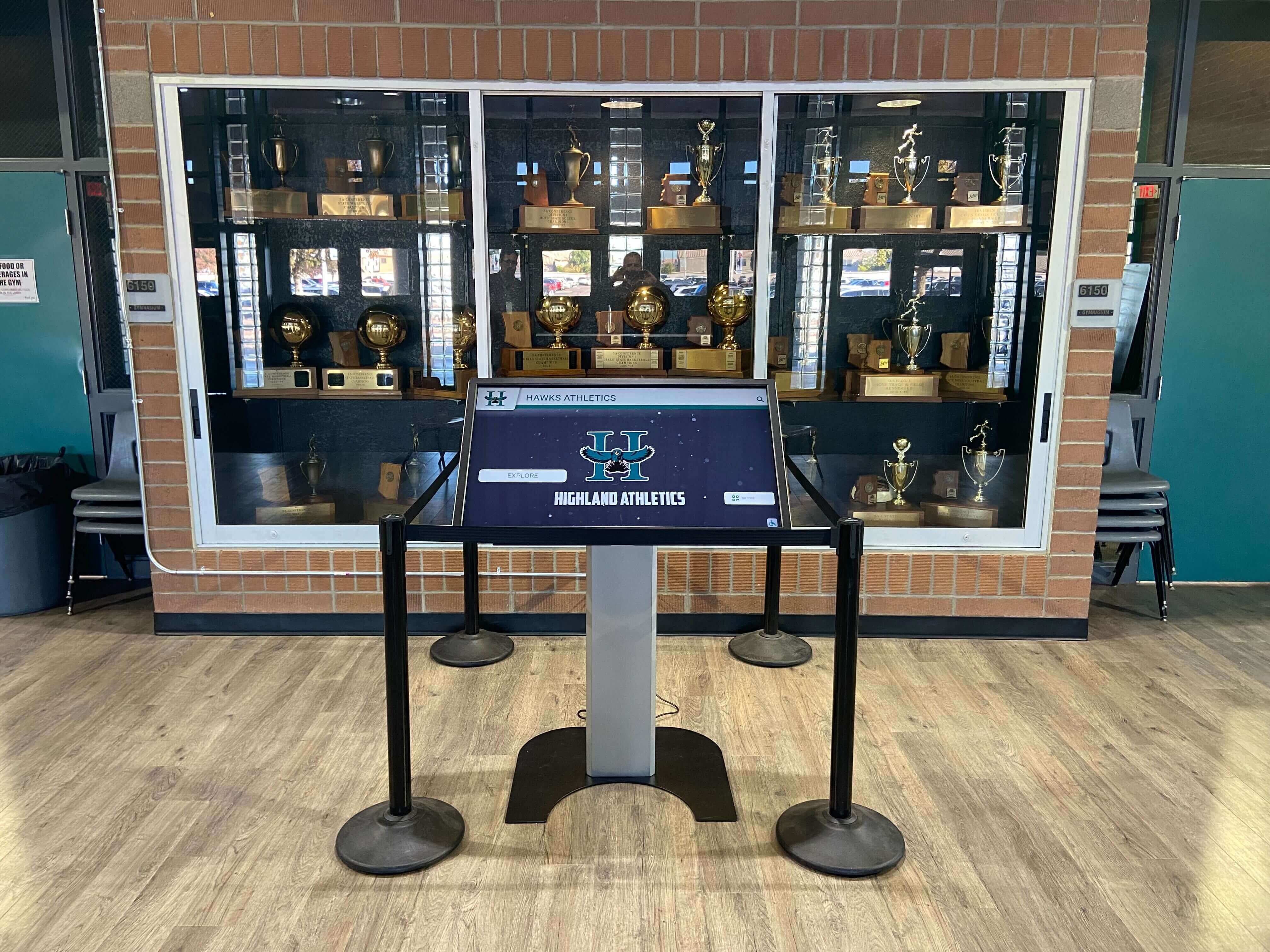
A trophy case touchscreen is only as useful as the underlying accession records that link physical items to their searchable digital profiles
The Five-Segment Accession Number Format
The format below is designed to be readable by humans, sortable by machines, and stable across any software your program uses now or in the future. Each segment is separated by a hyphen.
| Segment | Purpose | Format Rule | Example |
|---|---|---|---|
| SCHOOL | Identifies the institution | 2–4 uppercase letters from the school name or initials | RHS (Riverside High School) |
| SPORT | Identifies the sport or program | 2–4 uppercase letters from a standardized code list | FB (Football), BSK (Basketball), ATH (all-athletics) |
| TYPE | Identifies the asset category | 3 uppercase letters from a standardized type list | PHO (Photo), TRP (Trophy), JRS (Jersey) |
| YEAR | Identifies the season or creation year | 4-digit calendar year when the item originates | 2023 |
| SEQ | Unique sequence within that school/sport/type/year combination | Zero-padded 4-digit integer | 0042 |
A complete accession number always has all five segments. Never abbreviate or drop a segment—partial numbers create the same ambiguity the system is designed to eliminate.
Segment-by-Segment Reference Guide
Segment 1: School Code
Choose an abbreviation that is unique to your institution and unlikely to conflict with other schools in your district. Two to four characters is the practical range.
| School Name | Recommended Code |
|---|---|
| Jefferson High School | JHS |
| Lincoln-Douglas Academy | LDA |
| St. Catherine Preparatory | SCP |
| Westfield Community College | WCC |
If your district manages archives for multiple campuses, prefix a one-letter district code (e.g., D3-JHS) to keep records from different schools sortable in a shared system.
Segment 2: Sport Code
Standardize sport codes across your entire archive from day one. A short internal reference list prevents staff from using BBALL, BB, and BSK interchangeably for basketball.
| Sport | Code | Sport | Code |
|---|---|---|---|
| Football | FB | Baseball | BSB |
| Basketball (M) | MBK | Baseball (W — Softball) | SB |
| Basketball (W) | WBK | Track & Field | TF |
| Soccer (M) | MSC | Cross Country | CC |
| Soccer (W) | WSC | Swimming & Diving | SW |
| Volleyball | VB | Wrestling | WR |
| Tennis | TN | Golf | GL |
| Lacrosse | LAX | All-athletics / Multi-sport | ATH |
| Gymnastics | GYM | Spirit / Cheer | CHR |
Keep this list in your accession register header so every staff member references the same codes.
Segment 3: Asset Type Code
| Asset Category | Code | What It Covers |
|---|---|---|
| Photo | PHO | Action shots, team portraits, banquet photos, facility images |
| Video | VID | Game recordings, highlight reels, ceremony footage, oral histories |
| Trophy | TRP | Physical trophies, plaques, championship hardware |
| Jersey / Uniform | JRS | Retired jerseys, display-quality uniforms, warm-up gear |
| Program | PRG | Game programs, media guides, booster publications |
| Certificate / Award | CRT | Individual awards, certificates, letters of commendation |
| Statistics / Data | STA | Score books, season stat exports, record sheets |
| Correspondence | COR | Letters, contracts, permission forms, newspaper clippings |
| Digital Design | DES | Logo files, graphic templates, digital signage assets |
| Artifact / Memorabilia | ART | Equipment, pennants, scrapbooks, miscellaneous memorabilia |
Segment 4: Year
Use the calendar year in which the item was created or awarded, not the year you catalogued it. For a season that spans two calendar years, use the year the season concludes: a 2022–23 basketball season produces items dated 2023.
Segment 5: Sequence Number
Start at 0001 for each unique combination of school + sport + type + year. Use four digits so your numbers sort correctly up to 9,999 items per category per year. If a single category genuinely exceeds 9,999 (rare, but possible for photo archives), expand to six digits (000001) in that category only.
Worked Examples by Asset Type
The following examples show how the format applies across the most common items in a school athletic archive.
Trophies
A 2019 state championship football trophy at Jefferson High School:
JHS-FB-TRP-2019-0001
A regional runner-up basketball plaque from the same year:
JHS-MBK-TRP-2019-0001
Because trophies are physical objects, attach the accession number on a small adhesive label to the base or inside the case. Use archival-grade label stock so the number survives decades in a display case.
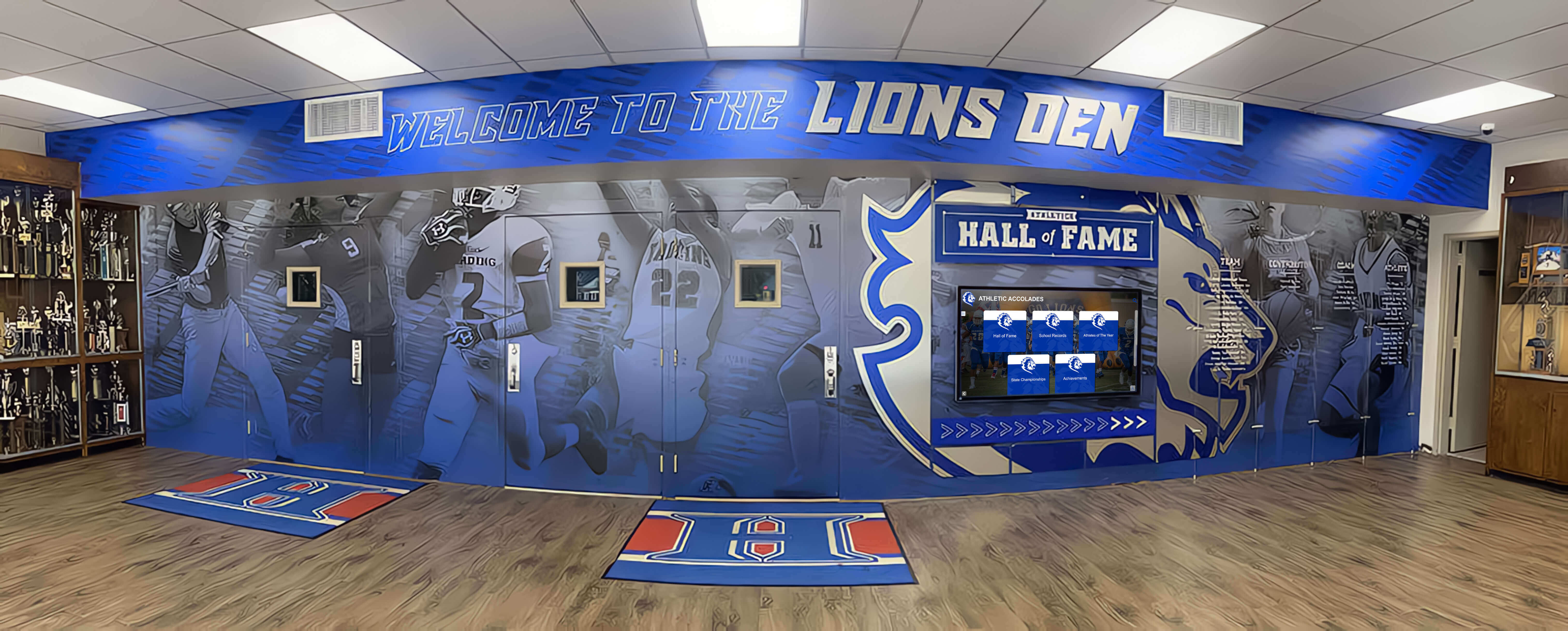
Trophy cases hold irreplaceable institutional history — each item should carry a visible accession number linking it to its catalog record
Retired Jerseys
The retired number-12 jersey of a 2015 varsity soccer standout at St. Catherine Preparatory:
SCP-MSC-JRS-2015-0001
The corresponding letter of recognition issued at the retirement ceremony:
SCP-MSC-CRT-2015-0001
Linking both accession numbers in the catalog record connects the physical jersey to the award documentation—useful when the hall-of-fame committee reviews the nomination years later.
Photographs
The 42nd photo ingested from a 2023 football season at Riverside High School:
RHS-FB-PHO-2023-0042
Embed the accession number in the image file’s IPTC “Title” or “Instructions” field at ingest time. Most DAM platforms and photo management tools can write IPTC metadata in bulk, so you can assign numbers to an entire season’s shoot without renaming files manually.

Portrait cards and action photos on digital displays are easiest to source and update when every image carries an embedded accession number
Game Programs and Printed Publications
The third game program from the 2022 Lincoln-Douglas Academy football season:
LDA-FB-PRG-2022-0003
Scan the program at a minimum of 300 DPI and store the PDF alongside an entry in the catalog that records the opponent, the date, and the game result. Programs become primary sources for reconstructing season histories when digital statistics are unavailable.
Digital Statistics and Data Files
A season-end statistics export from the 2024 women’s basketball program at Westfield Community College:
WCC-WBK-STA-2024-0001
Export statistics in an open format (CSV or PDF) rather than a proprietary software format. Proprietary formats can become unreadable when software subscriptions lapse. A guidance framework for archiving digital records in school athletic programs can help you establish format standards alongside the numbering system.
Building Your Accession Register
The accession register is the master index that connects every number to its descriptive record. A spreadsheet works for collections under a few thousand items; a dedicated digital asset management platform scales better beyond that.
Minimum fields for every accession record:
| Field | Description | Example |
|---|---|---|
| Accession Number | The five-segment identifier | RHS-FB-PHO-2023-0042 |
| Title / Description | Short descriptive label | “Varsity football state semifinal, action shot #42” |
| Creator | Person or organization that made or donated the item | “J. Rivera, staff photographer” |
| Date | Year or full date of creation | 2023-11-04 |
| Location | Where the physical item or digital file is stored | Cabinet 3, Box 12 or /archive/FB/2023/PHO/ |
| Rights Status | Current clearance for display and publication | Cleared / Pending / Restricted |
| Condition / Format | Physical condition or digital file format | Good / Fair / Poor; JPEG 300 DPI |
| Related Numbers | Accession numbers of directly related items | RHS-FB-TRP-2023-0001 |
| Notes | Any contextual information not captured above | “Donated by booster club, March 2024” |
Consistency is more important than comprehensiveness when you start. A register with nine reliable fields for every item is far more useful than one with thirty fields filled in inconsistently.
Applying Accession Numbers to Recognition Programs and Digital Displays
The most direct payoff of a well-maintained accession numbering system is the speed it creates for recognition workflows. When a hall-of-fame committee convenes, staff can locate the relevant photos (-PHO-), trophies (-TRP-), and award certificates (-CRT-) for a nominee by querying a single field rather than searching across three separate storage locations.
Recognition programs that surface historical records—whether on a digital hall of fame display or a physical trophy wall—benefit from this structure in several specific ways:
Linking physical and digital records: When you photograph a trophy for a digital display, assign the photo its own PHO accession number and add the trophy’s TRP number to the “Related Numbers” field. Anyone updating the digital profile in the future immediately knows where the physical item lives.
Supporting hall-of-fame nominations: A nomination form that includes a field for “relevant accession numbers” gives the reviewing committee direct access to primary source materials without requiring staff to conduct a new search for each application cycle.
Enabling accurate award records: When award data, photo files, and physical artifacts all share a common identifier, youth sports awards programs and recognition events can pull accurate historical records quickly—even for honorees from decades past.
Powering digital signage: Schools installing lobby kiosks, hallway digital signage displays, or interactive touchscreens benefit when the content management workflow references accession numbers directly. Staff updating a player profile can query the archive by accession number rather than searching by name across an unstructured file system.
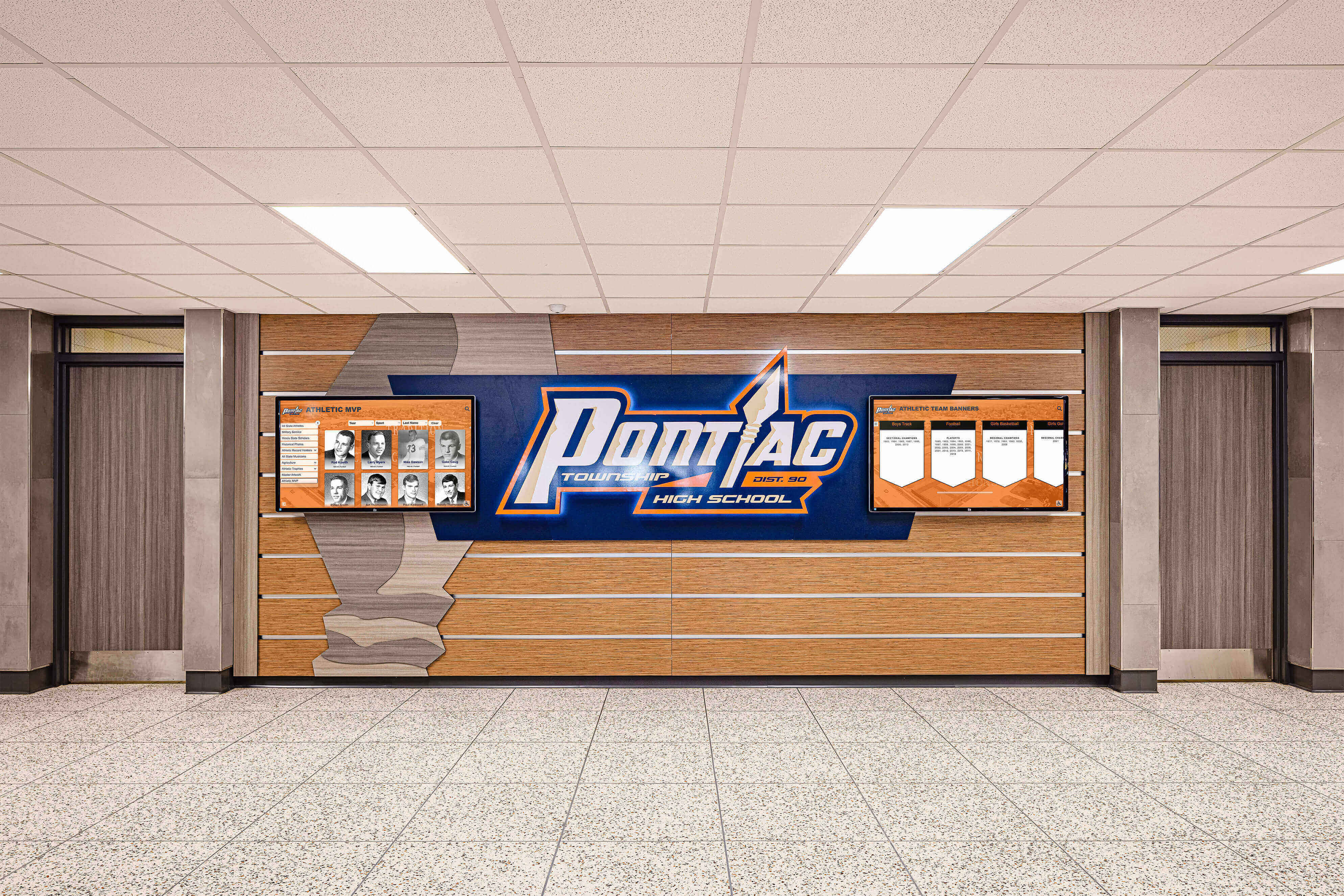
Honor boards and hallway displays are easier to keep accurate and current when every displayed item traces back to a catalogued accession record
Numbering Existing Collections: A Retroactive Approach
Most programs starting a formal accession numbering system face an existing collection—sometimes decades deep—that has never been numbered. Retroactive cataloging is feasible, but prioritization prevents the project from stalling.
Four-Tier Priority Order
Tier 1 — Items already on display: Trophies in cases, jerseys on walls, framed photos in hallways. These are the items the public already sees, so accurate records matter immediately. Number and catalog these first.
Tier 2 — Items linked to active recognition programs: Photos, statistics, and awards for athletes who are hall-of-fame eligible, recently nominated, or connected to anniversary events in the next two years.
Tier 3 — Items from high-profile seasons: State championships, undefeated seasons, record-setting performances, and seasons with significant community memory. These generate the most recognition traffic.
Tier 4 — General archive backfill: Everything else, worked through systematically by sport and by decade. Assign student archivist volunteers or off-season staff time to this tier.
Set a realistic catalog rate. A single staff member working part-time can typically process 20–30 items per session once the workflow is established. For large collections, breaking the project into sport-specific sprints—catalog all football items one month, all basketball the next—maintains momentum without overwhelming a single staffer.
Integrating the Accession System with Digital Archive Platforms
Whether your program stores files on a shared drive, a cloud DAM platform, or a purpose-built records system, the five-segment accession number works as a universal key that operates independently of any specific software.
Folder structure: Mirror the accession segments in your folder hierarchy: /ARCHIVE/[SCHOOL]/[SPORT]/[TYPE]/[YEAR]/. Files inside each folder carry their accession number in the “Title” IPTC field or the spreadsheet row—not necessarily in the filename itself, which can conflict with operating system sorting conventions.
Spreadsheet setup: One row per item. Sort by the Accession Number column to browse by sport and year. Filter by the Rights Status column before any publishing project. The register becomes a pre-publication checklist, not just an inventory.
Digital recognition platforms: When your program uses an online recognition platform or alumni-facing portal, map accession numbers in the platform’s “external ID” or “reference” field. That mapping lets staff pull catalog records without leaving the platform, and it provides a fallback if you ever need to migrate to a different tool.
Academic recognition program guides often note that programs fail to maintain recognition continuity not because of missing records but because records are stored in formats that become inaccessible when staff or software changes. A numbering system that exists independently of any single tool is the structural answer to that problem.
Connecting Accession Numbers to Hall-of-Fame Workflows
Halls of fame represent the highest-stakes recognition use case for an accession numbering system. A nomination process that draws on verifiable, linked archive records produces decisions the program can defend publicly.
The workflow is straightforward once the register exists:
- Nomination form: Include a field where nominators list relevant accession numbers for photos, trophies, or awards that support the nomination.
- Staff review: Cross-reference the listed accession numbers against the register to verify the items exist and that rights are cleared for display.
- Induction record: Create a new accession record (
-CRT-) for the induction certificate and link it to every asset displayed as part of the inductee’s hall-of-fame profile. - Digital profile build: Pull photos (
-PHO-) and statistics (-STA-) from the register to populate the inductee’s digital profile. Every asset used is already catalogued, rights-checked, and permanently traceable.
This approach is consistent with how well-maintained institutional sports archives preserve milestone records—connecting the physical artifact (a jersey, a trophy, a program) to the documented story the recognition program tells.
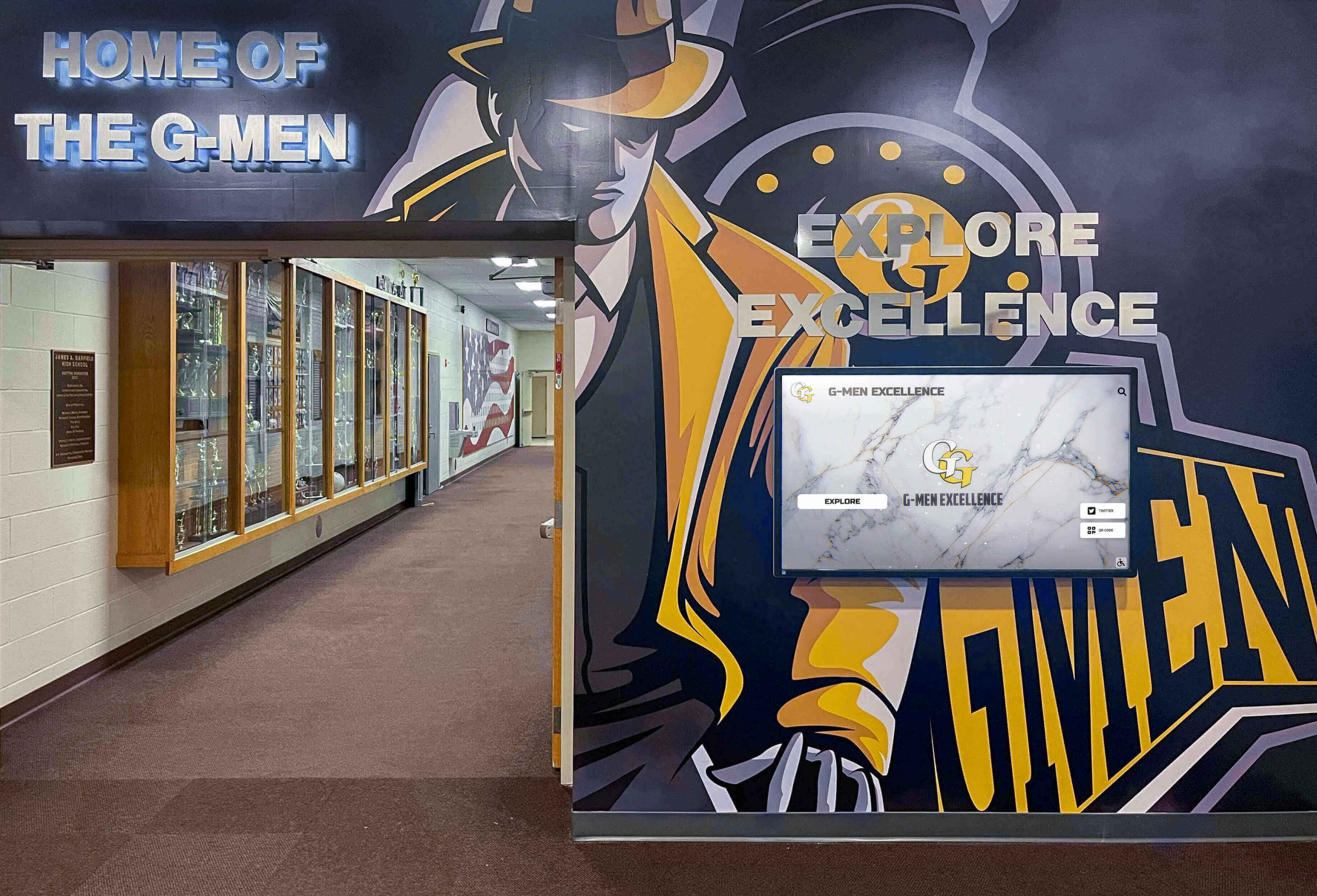
Digital displays alongside physical trophy cases create compelling recognition environments — accession numbers keep both layers synchronized
Data integrity in digital hall-of-fame systems depends on the same principle: each displayed record should trace back to a verifiable source. Accession numbers are the mechanism that makes that traceability concrete rather than theoretical.
Implementation Checklist
Use this checklist when rolling out an accession numbering system for the first time.
Pre-launch (one-time setup)
- Choose and document your school code (2–4 characters)
- Finalize your sport code list and store it in the register header
- Confirm your asset type codes and their definitions
- Create or designate the master accession register (spreadsheet or DAM platform)
- Establish the folder structure that mirrors the accession segments
- Brief all staff, coaches, and booster leaders who handle archive materials
Ongoing (per item or per season)
- Assign accession numbers at ingest, not retroactively
- Record all nine minimum fields in the register at time of assignment
- Embed accession numbers in digital file metadata (IPTC Title field for images)
- Label physical items with archival-quality labels at the point of cataloging
- Link related accession numbers (e.g., connecting a jersey to its retirement certificate)
- Review rights status before any item is published or displayed
Annual review
- Audit physical labels for legibility; replace any that have faded
- Confirm digital file locations match the register (files should not have moved without a register update)
- Update rights status fields for any items whose clearance status has changed
- Back up the master register to at least two separate locations
A Rocket Alumni Solutions platform can host completed recognition profiles—hall-of-fame inductees, retired jerseys, championship histories—that draw directly from your accession register. Request a demo to see how accession-linked archive records connect to searchable digital recognition displays.
Frequently Asked Questions
Do I need specialized software to implement this system?
No. A shared spreadsheet is sufficient for collections under a few thousand items. The five-segment format is software-agnostic—it works in Excel, Google Sheets, Airtable, or any dedicated DAM platform. The value is in the consistent format, not the tool that stores it.
What if our school already uses a numbering system?
Map your existing numbers to the new format rather than renumbering everything. Add a “Legacy Number” column to the register and record both identifiers for items that carry old numbers. Over time, new items enter the system under the standard format while legacy numbers remain searchable.
How do we handle items donated by alumni or booster organizations?
Assign accession numbers to donated items exactly as you would to items the school created. Add a “Donor” field to the register and note the donation date and any conditions attached to the gift. If a donor retains any rights to the item, record that in the Rights Status and Rights Notes fields.
What about digital-only assets that have no physical counterpart?
Digital-only assets use the same format. A social media graphic file is RHS-FB-DES-2023-0001; a season highlight video is RHS-FB-VID-2023-0001. The accession number lives in the file’s metadata and in the register row—not in the filename, unless your workflow makes filename-based numbering practical.
Should we include items from before the school was founded at its current location?
Yes, if the school claims historical continuity with a predecessor institution (a merged school, a renamed program). Use the current school code and note the predecessor context in the record’s Notes field. Maintaining a single continuous register is more valuable than creating a separate system for pre-merger materials.
Next Steps
A complete athletic archive accession numbering system transforms decades of scattered trophies, photos, jerseys, and programs into a searchable, citable collection that supports every recognition workflow your program runs—from hall-of-fame nominations to digital lobby displays to anniversary events.
Start with the items already on display, build the register in a shared spreadsheet, and assign accession numbers consistently from the first day of every new season. Within one to two years, your archive will have enough structure to power recognition programs that would otherwise require weeks of manual research each time they run.
Schedule a demo with Rocket Alumni Solutions to see how a properly numbered archive connects to interactive digital recognition displays, athlete profiles, and hall-of-fame nomination workflows—all searchable from a single platform.
Ready to see this for your school?
Picture your collection in a custom mockup
Start with your yearbook collection and digitization goals, then request a custom digital mockup for your school.