Most schools lose track of their former athletes the moment the final buzzer sounds at the last senior game. Contact information ages out. Career achievements go undocumented. Photos are forgotten on personal hard drives. Years later, when the athletic director wants to nominate an alumna for the hall of fame or the advancement team is building a recognition display for the fieldhouse lobby, the data simply isn’t there—and what should be a celebration becomes a weeks-long research project.
An athletic alumni update form solves this problem at the source. By collecting structured information directly from former athletes—contact details, playing history, post-graduation achievements, photo releases, and recognition preferences—schools build a data pipeline that feeds hall-of-fame programs, digital displays, reunion events, donor cultivation, and digital yearbook archives for years to come.
This guide breaks down every field your athletic alumni update form should include, explains how each field connects to downstream recognition workflows, and offers practical guidance on form delivery, data management, and how to turn responses into compelling displays that alumni will want to see on their next visit back.
Former athletes who feel seen by their school stay connected to it—and connected alumni give time, money, mentorship, and credibility to current programs. A well-designed alumni update form is the first step in making that connection systematic rather than accidental.

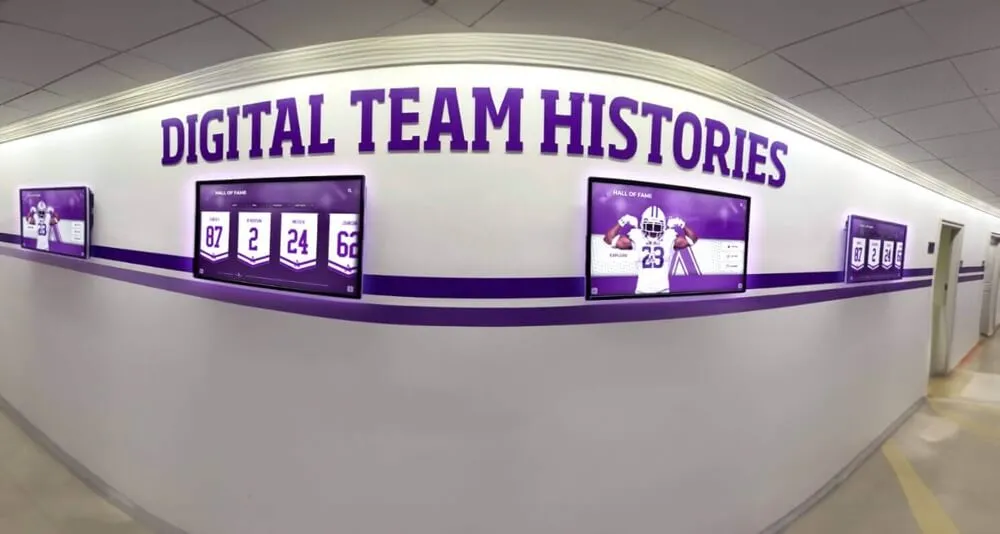
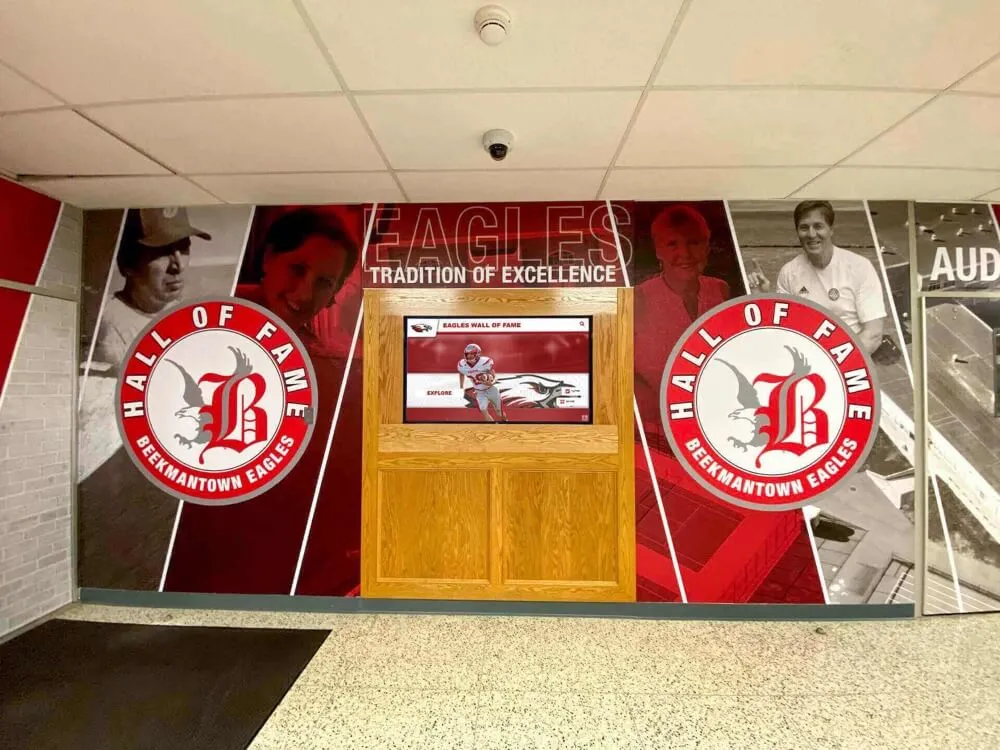
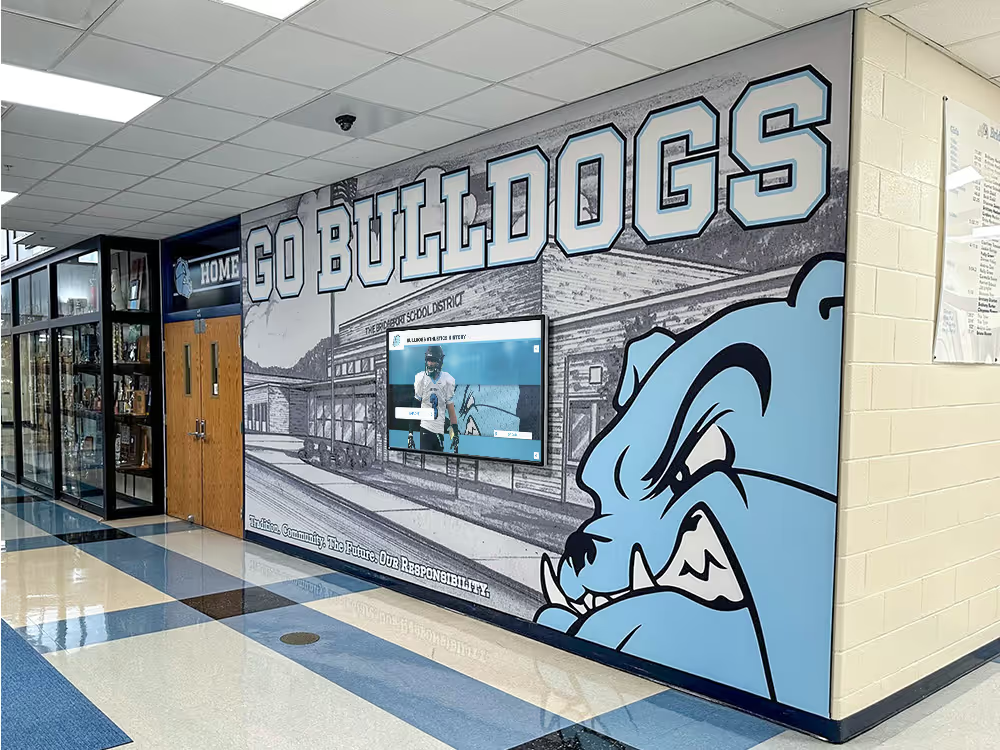
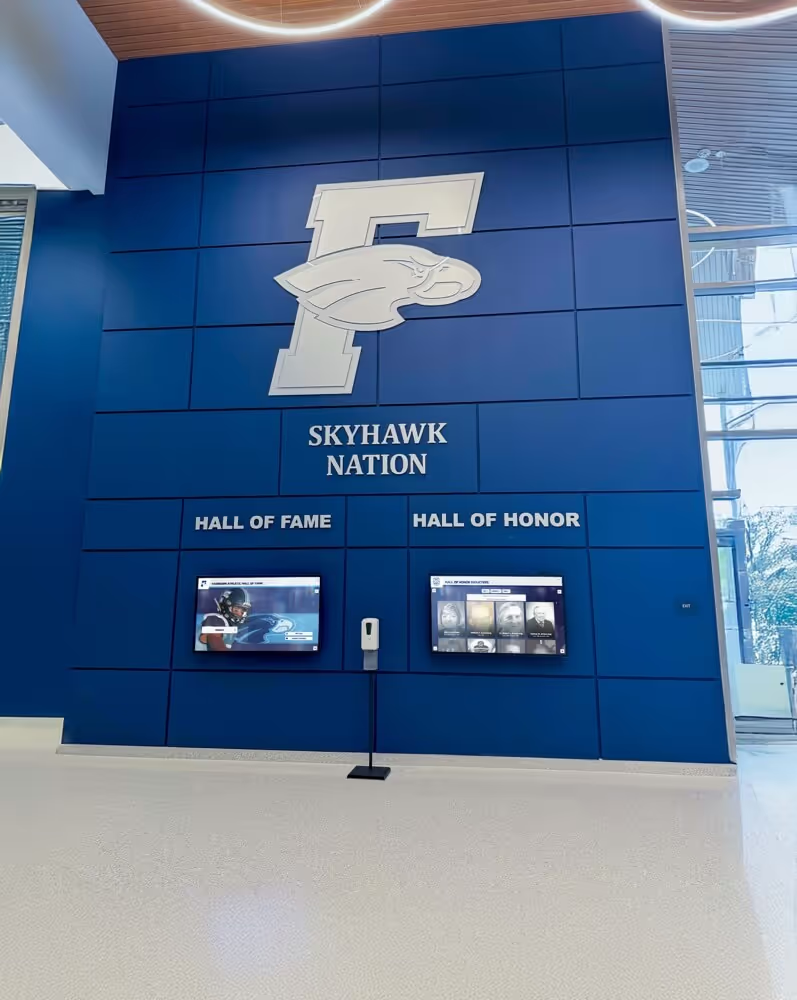
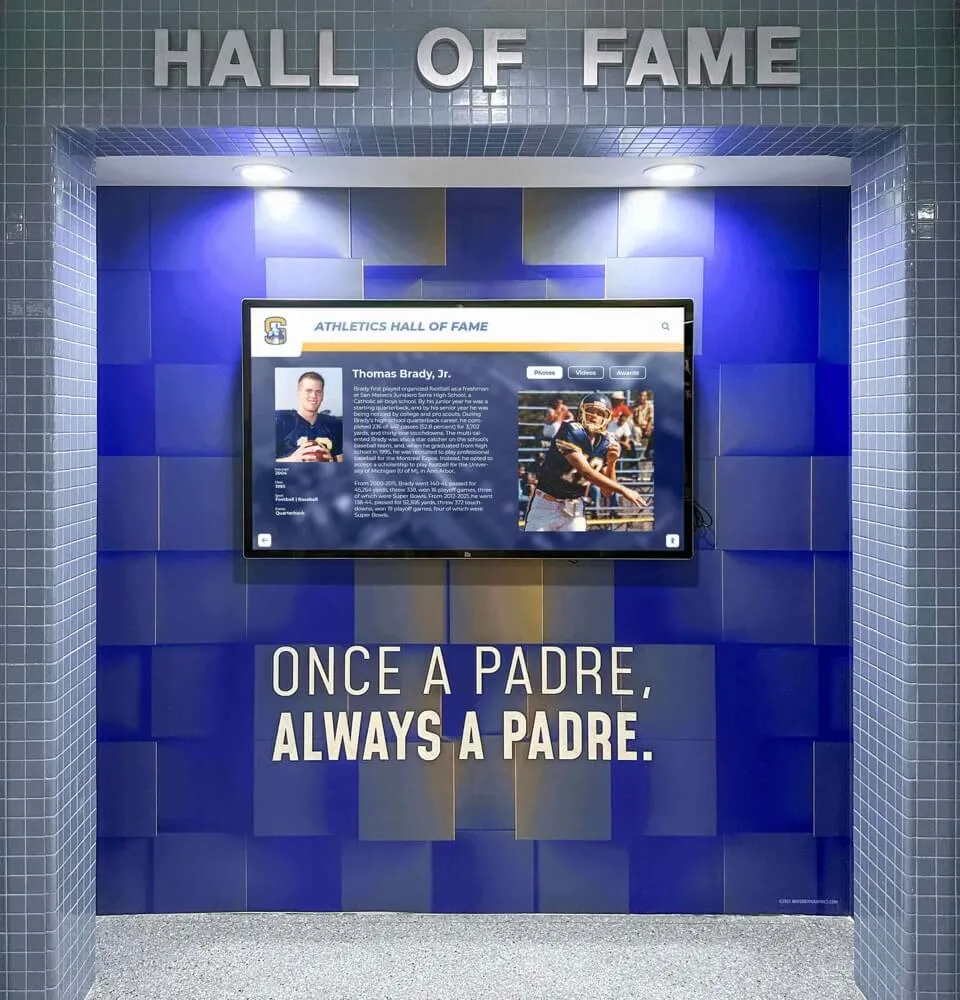
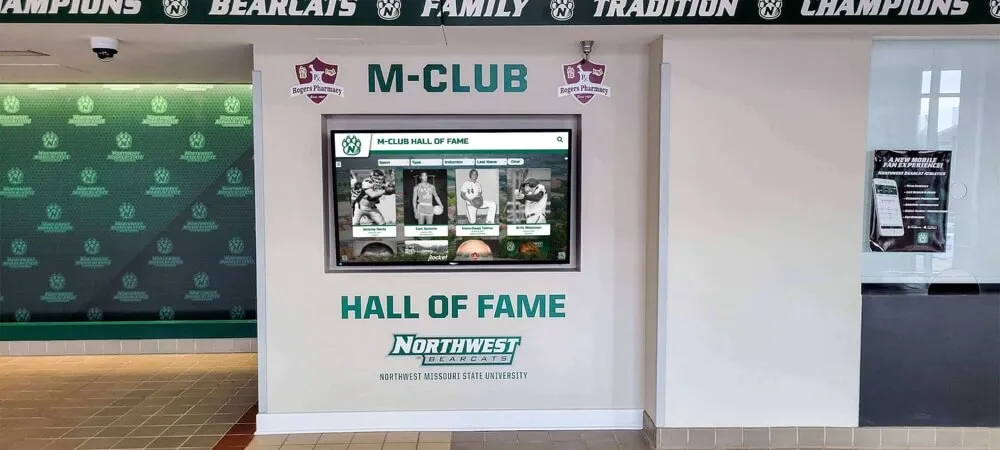
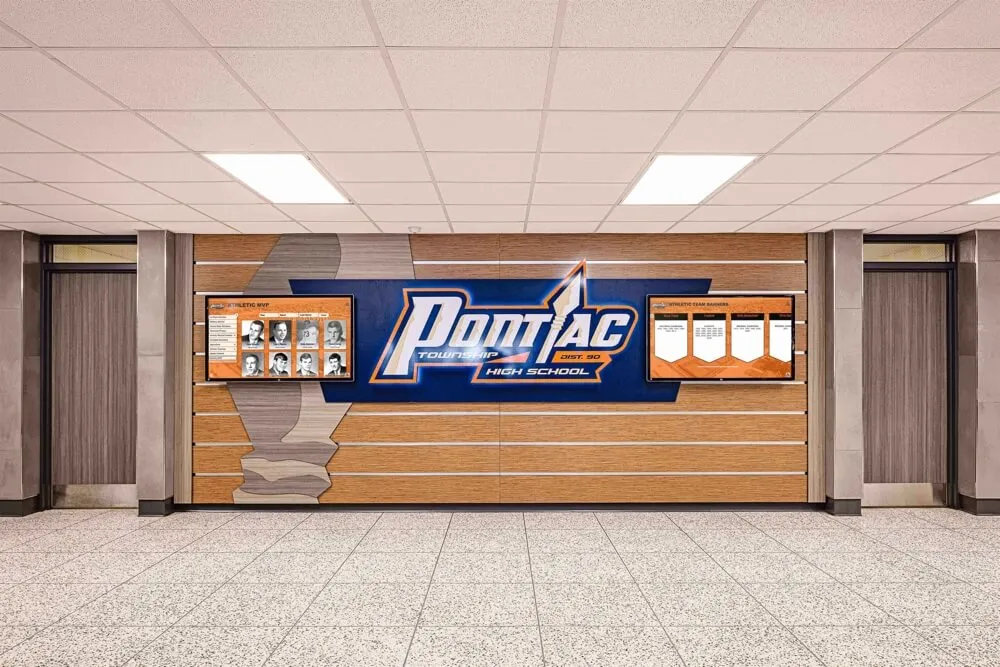
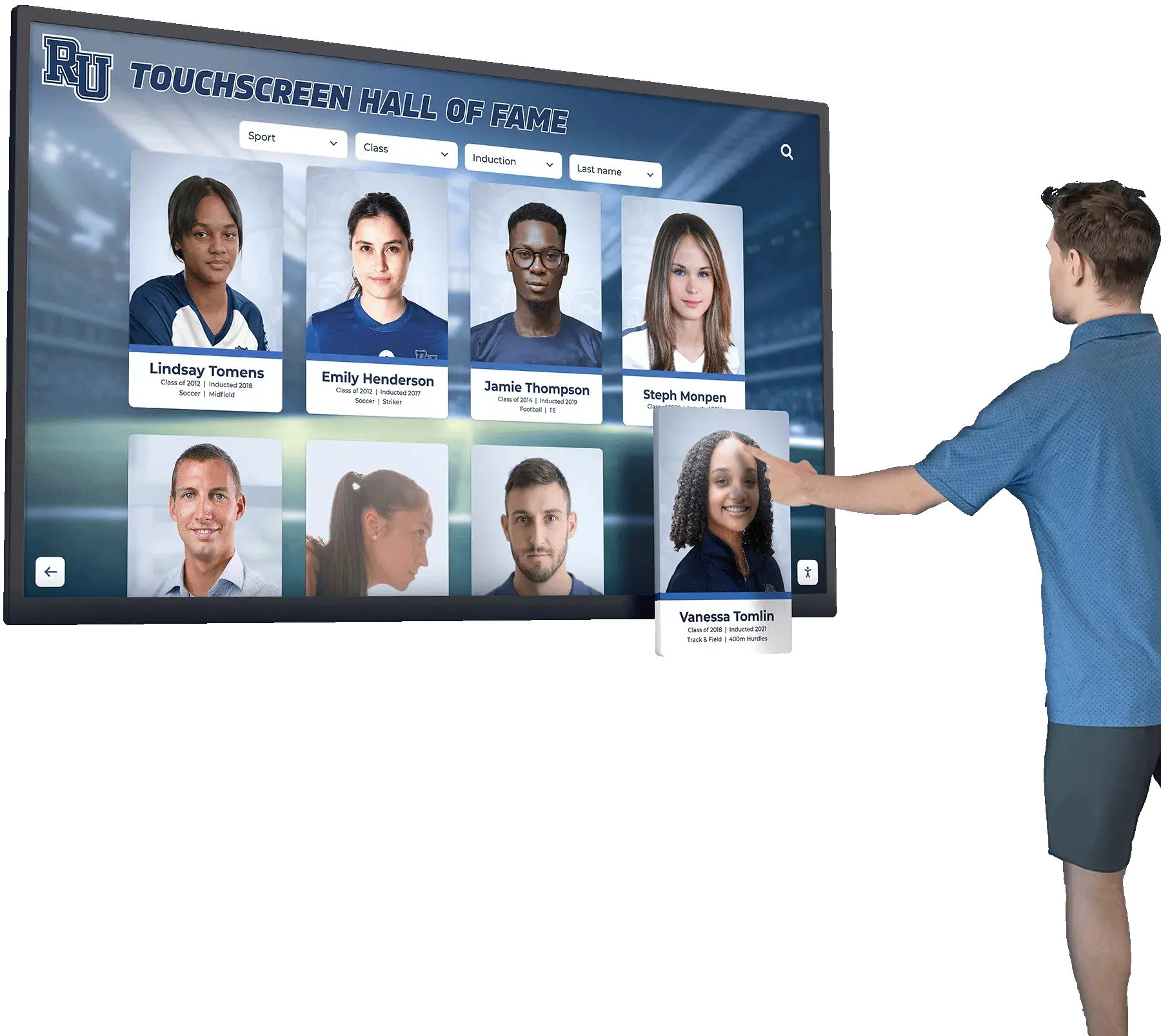
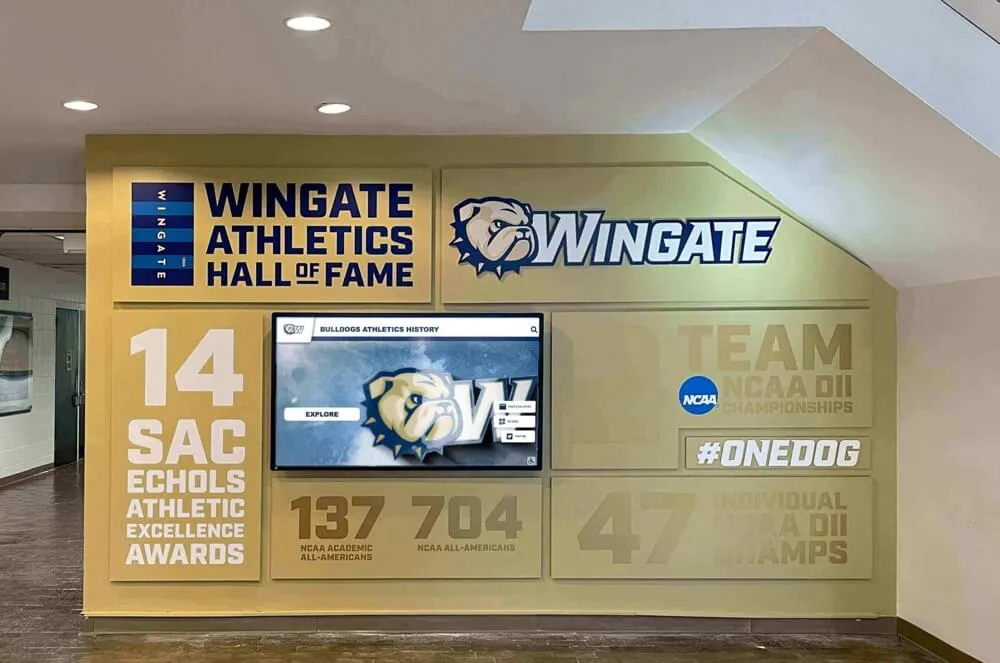
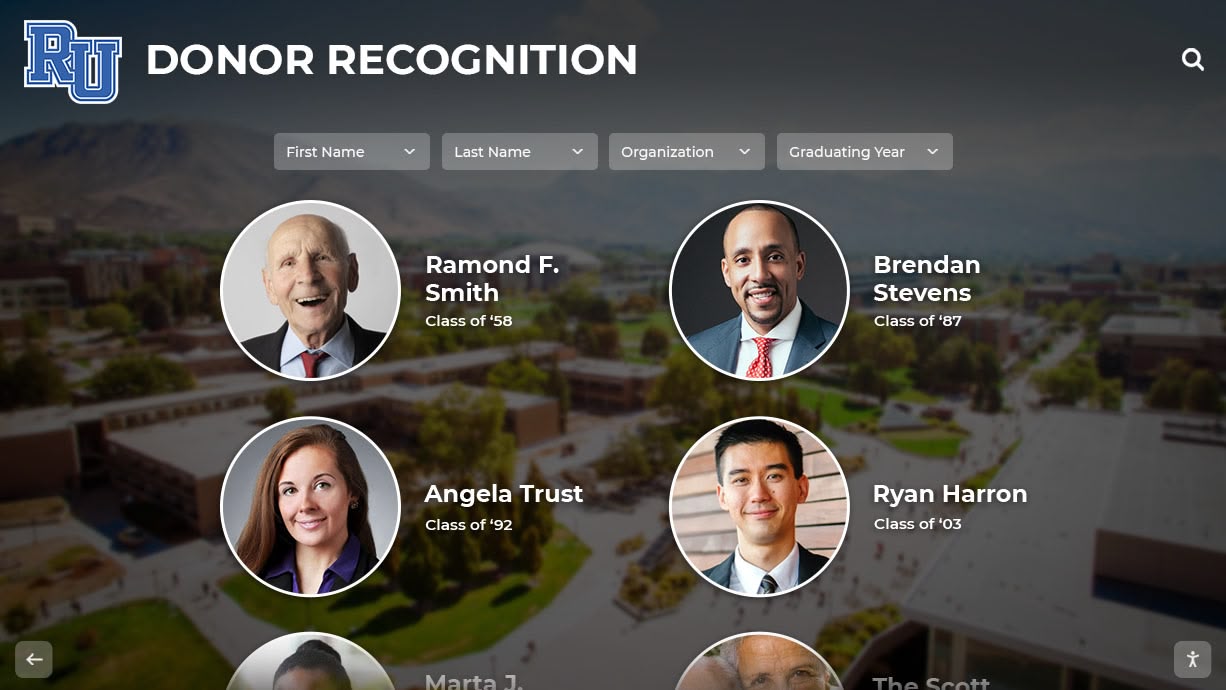
Recognition displays built on rich alumni data—photos, athletic history, career highlights—create the kind of visible acknowledgment that keeps former athletes engaged with their school community
Why Athletic Programs Need a Dedicated Alumni Update Form
General alumni forms managed by a school’s advancement or registrar office typically capture graduation year, current employer, and a mailing address. That’s enough for a class reunion mailing. It is nowhere near enough to support athletic recognition programs.
Athletic recognition requires sport-specific data: what teams the athlete competed on, what records they set, what honors they earned, what level they played at after graduation, and what they’ve achieved in career and community since leaving campus. This data lives in the athlete’s memory—not in enrollment records, not in coaching files, and certainly not in advancement databases.
A dedicated athletic alumni update form creates a direct, structured intake channel from the source. It signals to former athletes that their story matters specifically as athletes, not just as graduates—a distinction that dramatically increases response rates compared to generic alumni surveys.
Schools that maintain active alumni update pipelines gain measurable advantages:
- Hall-of-fame programs with complete data can evaluate nominees against clear criteria and produce professionally written citations without weeks of background research
- Recognition displays stay current as alumni achieve new milestones, rather than locking in a frozen snapshot from graduation day
- Reunion events become richer experiences when organizers can share updates and highlights from the whole class of athletes
- Fundraising and sponsorship conversations are more compelling when backed by documented program impact and alumni success stories
- Media and community relations respond faster to milestones when contact information and career summaries are already on file
For a look at the full ecosystem of recognition tools these updates can feed, the 10 best hall-of-fame tools for athletics, donors, arts, and history provides a useful overview of what’s possible once alumni data is in place.
Section 1: Contact Information
The most time-sensitive part of any alumni update form is contact information. People move, change employers, and cycle through email addresses—but they stay connected to their athletic identity for life. Capture enough channels to reach them reliably.
Recommended contact fields:
| Field | Notes |
|---|---|
| Full legal name | Match to existing records for data merging |
| Preferred name or nickname | Used on displays and in outreach |
| Graduation year | Essential index field for all downstream queries |
| Primary email address | Opt-in consent checkbox required |
| Secondary email address | Optional; useful for alumni who change employers |
| Mobile phone number | For text-based outreach campaigns |
| Mailing address | City and state minimum; full address optional |
| LinkedIn profile URL | Low-friction way to capture career updates passively |
| Social media handles | Optional; useful for tagging in recognition posts |
| Best contact method preference | Email / Phone / Mail / Social media |
Collect at least email and city/state as required fields. Everything else optional—but frame optional fields as opportunities to ensure recognition reaches the alumni at the right address rather than as administrative overhead.
Include an explicit opt-in checkbox for each communication type: email updates, postal mailings, event invitations, and media mentions. Consent tracking protects the school legally and signals respect for alumni preferences from the first touchpoint.
Section 2: Athletic History at Your School
This section is the heart of the athletic alumni update form. Former athletes remember their playing career with remarkable precision—what years they competed, which coaches they played for, what records they broke—but that knowledge exists only in their heads unless you ask for it explicitly.
Athletic history fields:
| Field | Notes |
|---|---|
| Sports played | Multi-select; include all varsity and JV levels |
| Years active (start and end) | Academic years, e.g., “2008–2012” |
| Jersey numbers worn | Multiple if changed; critical for display matching |
| Positions played | Sport-specific; use consistent vocabulary in form |
| Team captaincy years | Flag separately; feeds captain recognition displays |
| Career highlights | Free text; 3–5 sentences on best memories |
| School records held or broken | Include record type, mark, and year |
| Team championships | Year, level (league, district, state), and sport |
| Individual awards at your school | All-conference, MVP, sportsmanship, etc. |
| Coaching staff during their career | Helps with coach recognition and reunion planning |
For schools managing a formal hall of fame, every field in this section maps directly to nomination evaluation criteria. Clean data here means the difference between a nomination packet assembled in two hours and one that takes two weeks.
See how leading programs structure their inductee profiles in 100 youth sports award ideas for inspiration on how athletic history data translates into compelling recognition content.
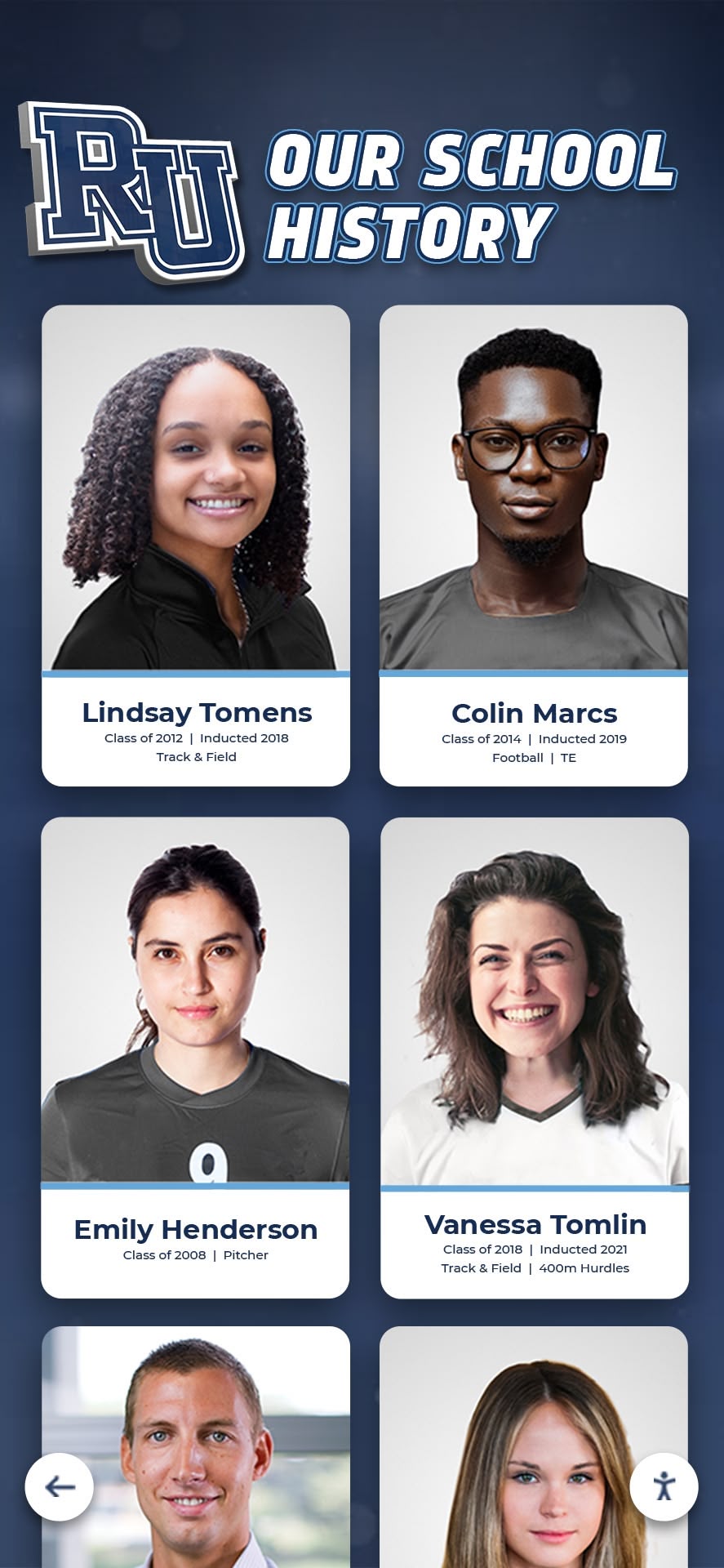
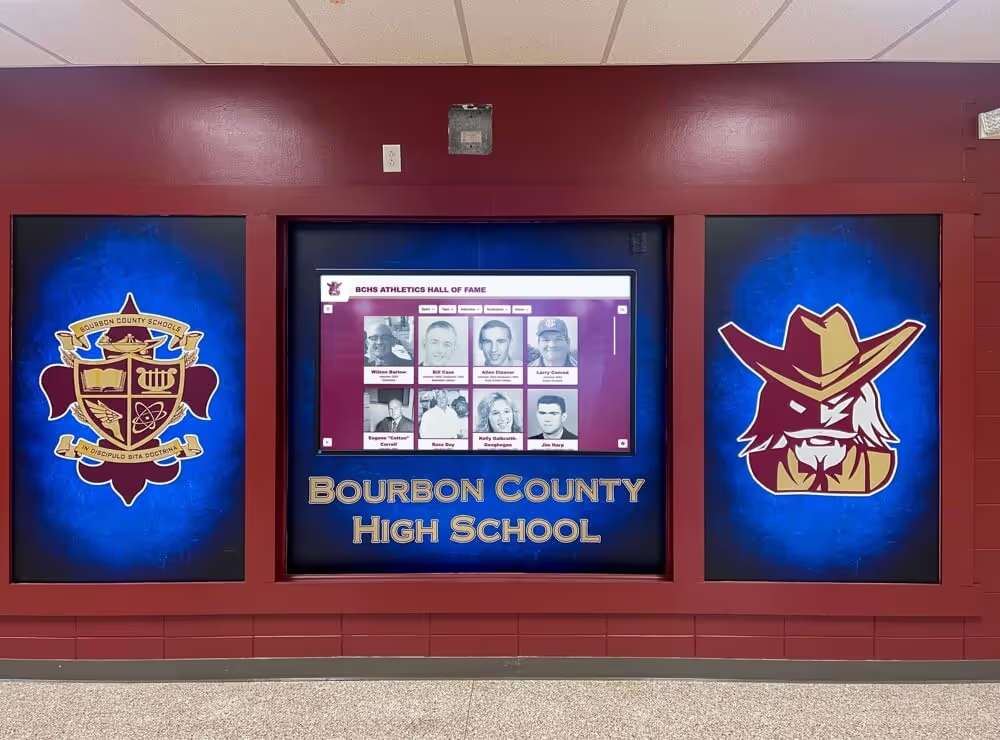
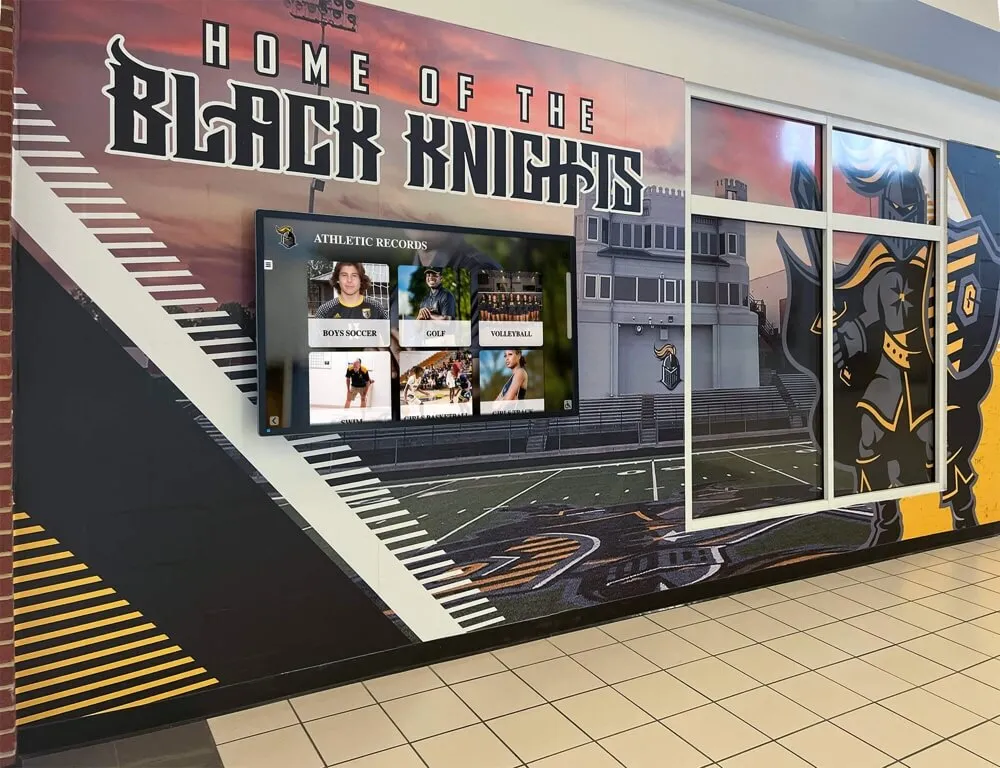
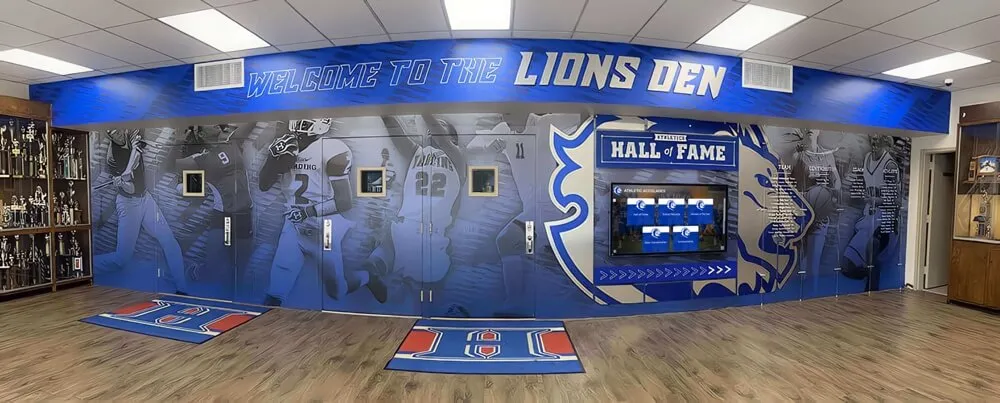
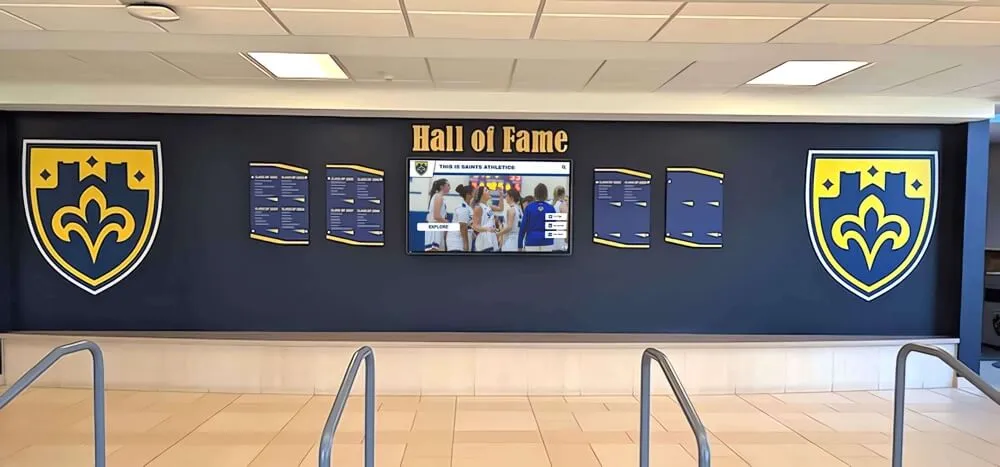
Clean athletic history data collected through alumni update forms becomes the foundation for portrait card displays, hall-of-fame profiles, and anniversary retrospectives
Section 3: Post-Graduation Athletic Career
Many high school and college athletes continue competing after graduation—in college, in semi-professional leagues, in masters or adult recreational programs. This data is genuinely impressive to current students and makes for compelling recognition display content.
Post-graduation athletic career fields:
| Field | Notes |
|---|---|
| College or university attended | Name and location |
| Collegiate sport(s) | Division level (NCAA I/II/III, NAIA, NJCAA) |
| Collegiate athletic achievements | All-conference, All-American, championships |
| Professional or semi-professional play | League, team, years |
| Coaching or officiating career | School level, years, sport |
| Athletic hall-of-fame inductions elsewhere | Institution, year, sport |
| Current athletic involvement | Adult leagues, masters sports, coaching youth |
A former athlete who played Division I college basketball and now coaches a youth travel team has a story worth telling in three parts: their high school career, their college career, and their ongoing role in the sport. All three pieces of that story can appear on a recognition display or digital archive profile when the form collects the full picture.
Section 4: Professional and Life Updates
Athletic alumni recognition at its best acknowledges the whole person, not just the athlete. Career achievements, community leadership, military service, and life milestones demonstrate the character development that athletics claims to foster—and make for recognition content that resonates beyond sports fans.
Professional and life update fields:
| Field | Notes |
|---|---|
| Current occupation and job title | Displayed on profiles with permission |
| Employer or organization | Company, nonprofit, government agency, military |
| Industry or field | Drop-down list; allows demographic analysis |
| Notable professional achievements | Free text; 2–4 sentences |
| Advanced degrees or certifications | Institution and year |
| Military service | Branch, years served, honors |
| Community leadership | Board positions, civic organizations, volunteerism |
| Entrepreneurial ventures | Business founded, role, brief description |
| Athletic-adjacent career | Sports medicine, athletic administration, coaching |
| “Where are you now” summary | 100–150 words for display use |
The “where are you now” summary field deserves special attention. Asking alumni directly to write 100–150 words about their current life gives you display-ready copy that requires minimal editing. Most former athletes are happy to write it when they understand it will appear on a recognition display or digital archive profile.
For reunion planning contexts, these life update fields power the “then and now” features that make events memorable. Explore comprehensive ideas in 100 alumni event ideas that showcase how updated alumni profiles enhance reunion programming.
Section 5: Photo Submissions
Photos are the most powerful element of any recognition display, and they are also the most difficult to source after the fact. An athletic alumni update form that collects current photos alongside historical ones gives displays the before-and-after narrative that makes alumni recognition genuinely moving.
Photo fields and file guidelines:
| Photo Type | Recommended Specs | Notes |
|---|---|---|
| Current headshot or portrait | Minimum 1000px wide, JPG or PNG | For display profiles and hall-of-fame pages |
| Action photo from playing career | Minimum 1500px wide, JPG | Team photos also accepted |
| “Then and now” composite pair | Both individual images submitted separately | Powerful for anniversary displays |
| Photo with current family | Optional; minimum 800px wide | For broader alumni profile pages |
| Award ceremony or milestone photo | Any reasonable resolution | Documents achievements visually |
Photo release language to include on the form:
By submitting photos, I grant [School Name] permission to use these images in recognition displays, digital archives, yearbook publications, and alumni outreach materials. Images may appear in print, on digital screens in school facilities, and on school-affiliated websites.
Building rights into the intake form prevents the awkward retroactive conversation when staff want to use an image and cannot reach the alumnus for permission. A checkbox confirmation is sufficient; extended legal language is unnecessary and discourages submission.
Section 6: Hall-of-Fame and Recognition Preferences
Not every former athlete wants to be nominated for a hall of fame or featured prominently in a lobby display. Some are deeply private. Others would be honored. Asking directly respects autonomy and helps athletic departments prioritize outreach.
Recognition preference fields:
| Field | Type | Notes |
|---|---|---|
| Interest in hall-of-fame nomination | Yes / No / Not sure | Opens follow-up conversation |
| Willing to nominate a fellow alum | Yes / No | Expands nomination pipeline |
| Permission to feature on digital displays | Yes / No / With approval | Consent for display use |
| Permission to feature on social media | Yes / No | Separate from display consent |
| Permission to contact for media requests | Yes / No | Coaches, journalists, documentarians |
| Willing to speak to current athletes | Yes / No / Maybe | Mentorship and motivation |
| Preferred recognition name | Full name / Nickname / Name with maiden name | Display-ready preference |
| Any privacy restrictions | Free text | Flags unusual situations for staff review |
The hall-of-fame interest field alone is worth the effort of building the form. Programs that ask directly—rather than waiting for someone to submit a nomination—consistently discover eligible athletes who never would have been nominated through the standard process because they assumed someone else would do it.
Review how leading programs approach their hall-of-fame selection and recognition processes in this guide to the 10 best hall-of-fame tools to understand how updated alumni data powers every stage of the induction workflow.
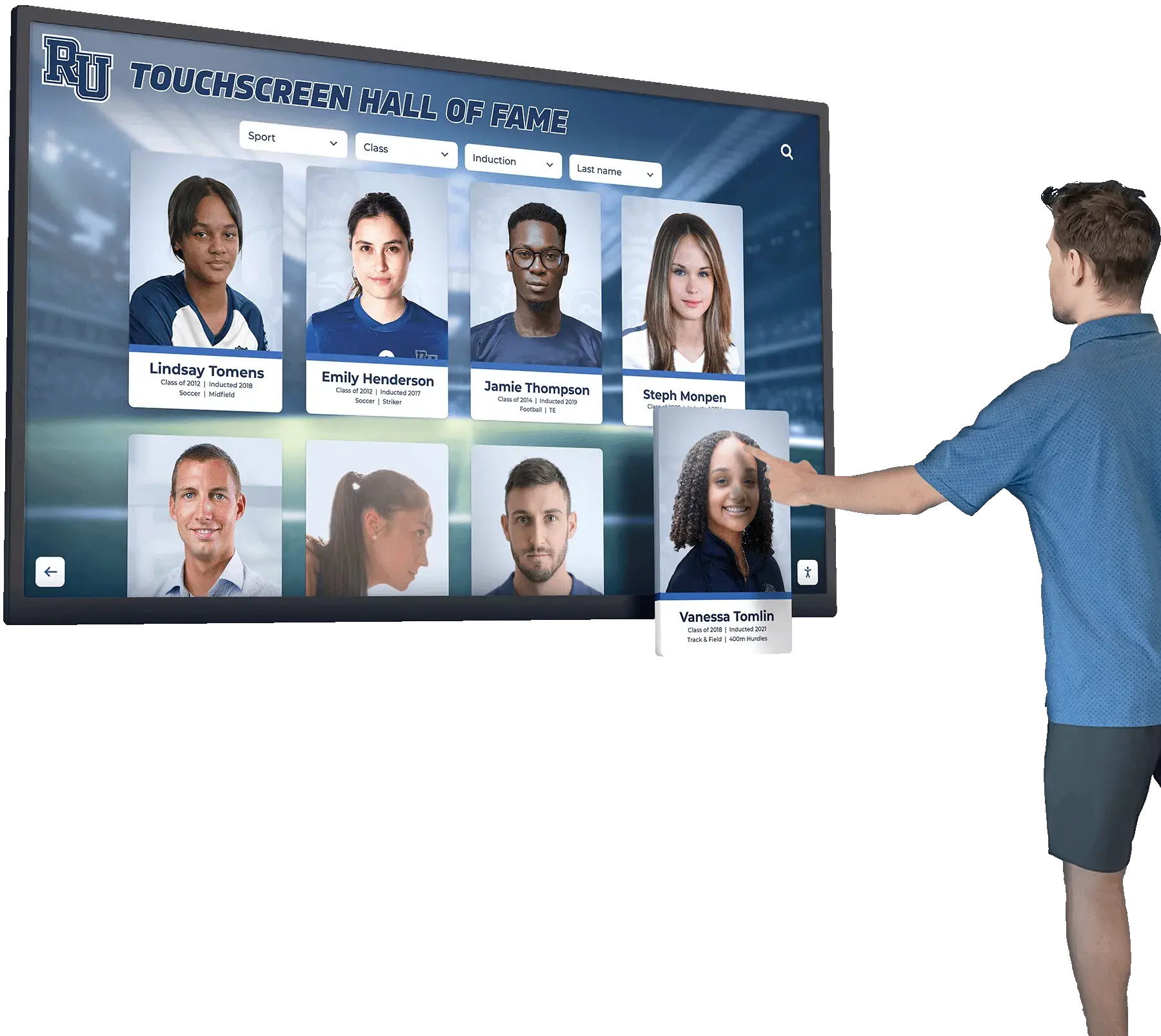
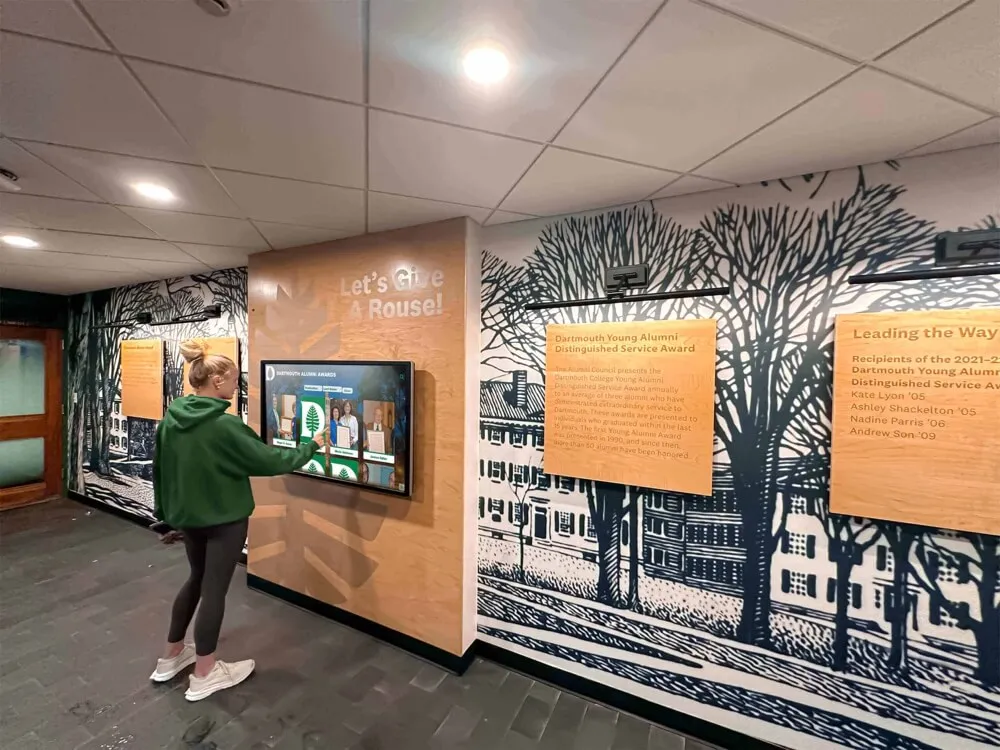
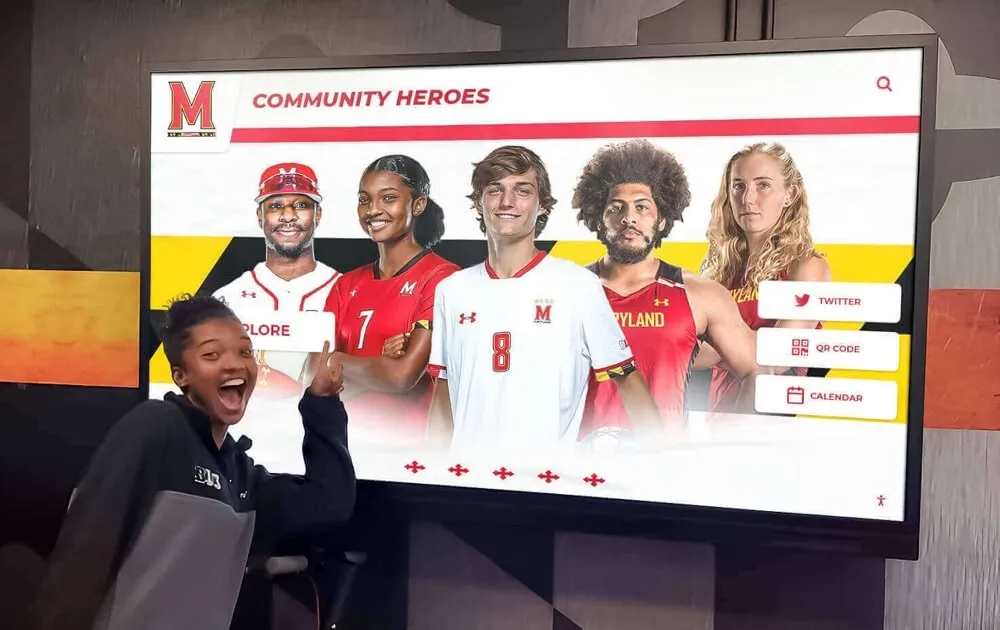
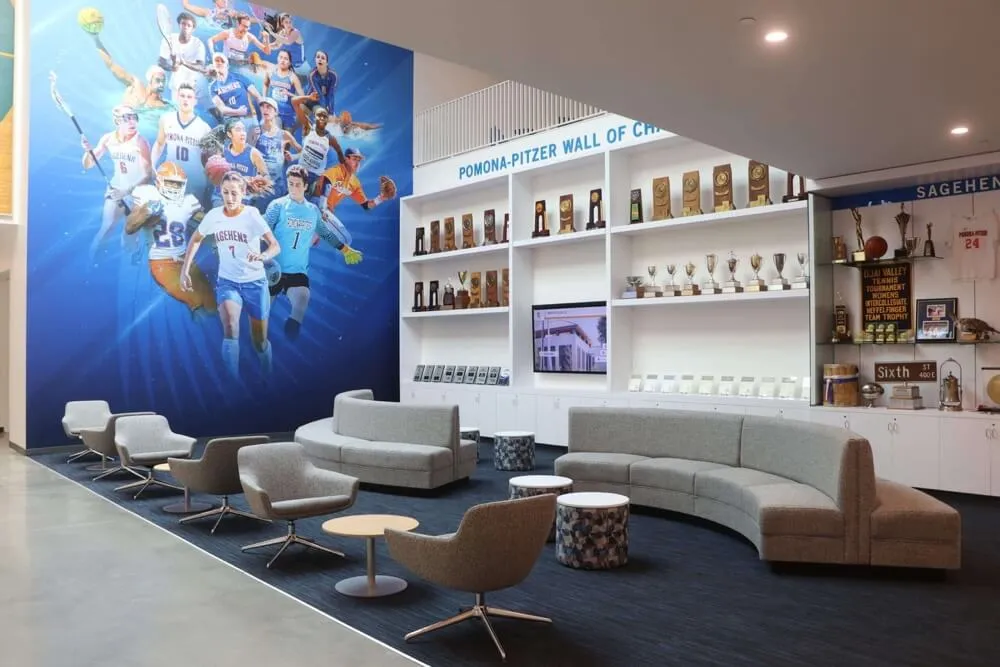
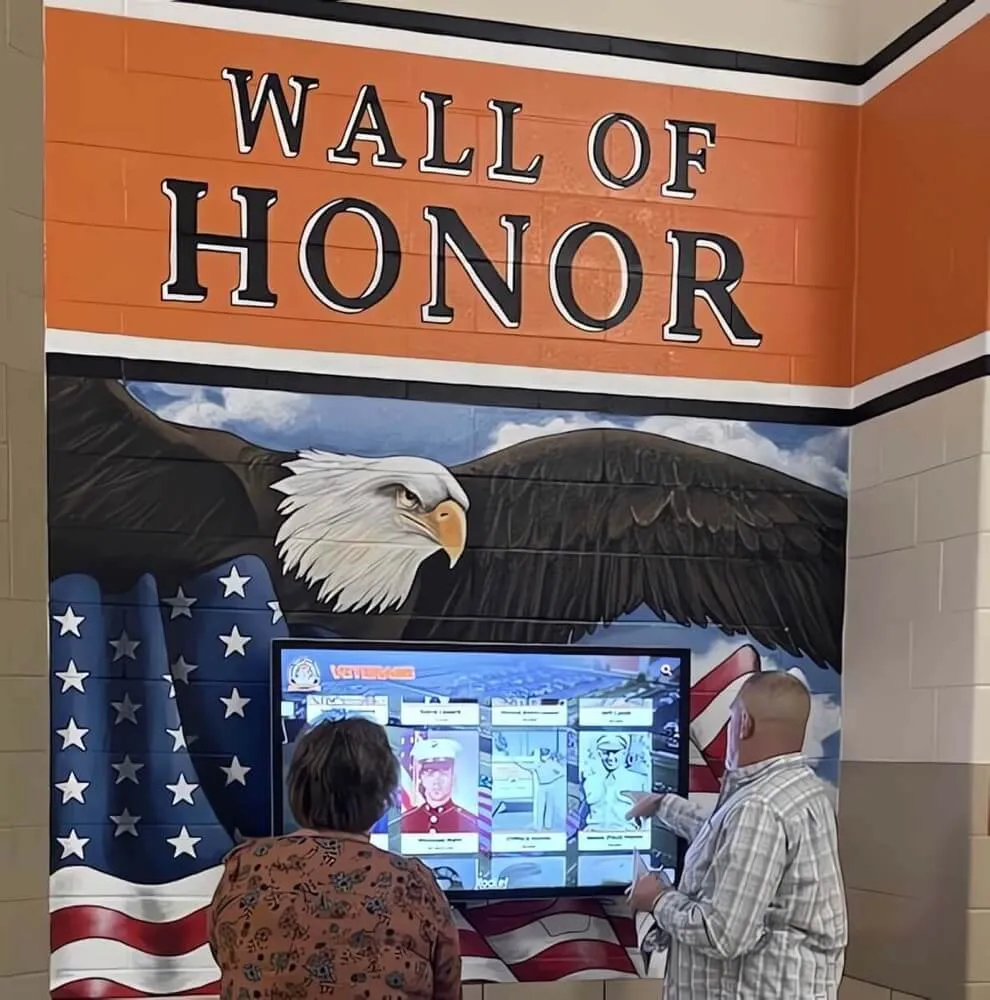
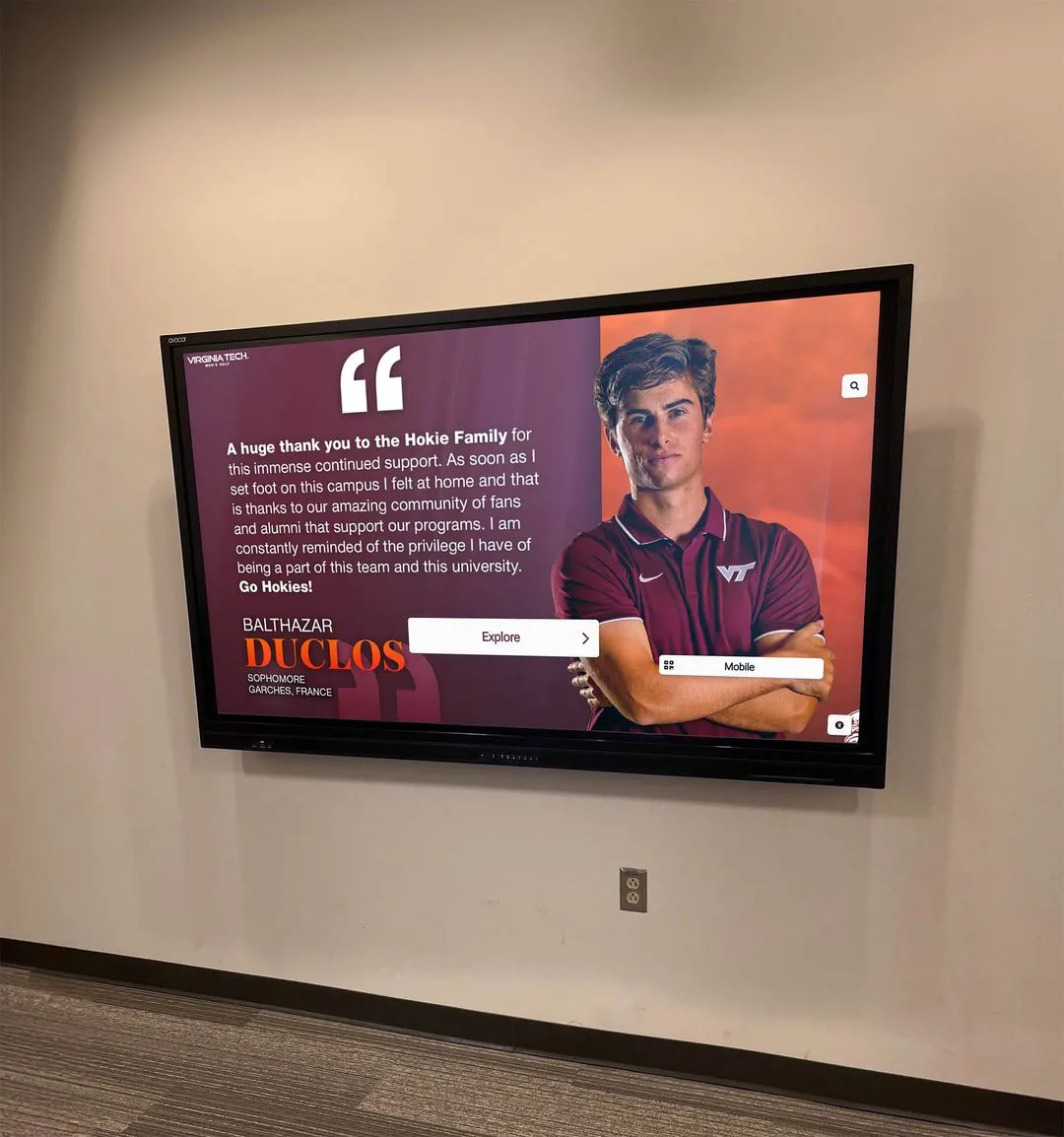
When alumni update forms capture recognition preferences and consent, staff can build displays with confidence that every featured athlete chose to be celebrated
Section 7: Engagement and Connection Preferences
Beyond recognition, athletic alumni programs benefit from knowing which former athletes want to stay involved in the program’s ongoing life—as mentors, donors, event volunteers, or simply as interested community members who show up to games.
Engagement preference fields:
| Field | Type |
|---|---|
| Interest in mentoring current athletes | Yes / No / Maybe |
| Interest in alumni fundraising events | Yes / No |
| Interest in reunion events | Yes / Notify me / No |
| Willing to make a program donation | Yes / Tell me more / No |
| Interested in being a sponsor | Yes / Tell me more / No |
| Geographic location for event planning | City, State |
| Communication frequency preference | Monthly / Quarterly / Events only / None |
| Preferred newsletter or update format | Email digest / Print / App / None |
Engagement data is gold for advancement teams and athletic boosters. An alumni update form response that indicates willingness to donate and a preference for quarterly email updates is worth far more than a generic mailing list entry—it segments the audience before the first outreach even happens.
Section 8: Legacy and Memory Fields
This optional final section captures the emotional and narrative content that makes recognition displays genuinely compelling—the personal recollections, the mentors alumni credit, the moments they carry with them decades later.
Legacy fields:
| Field | Character Limit | Notes |
|---|---|---|
| Most memorable game or athletic moment | 300 characters | Quotable; fits display profiles |
| Coach or teammate who most influenced you | 200 characters | Supports coach recognition programs |
| What athletics taught you about life | 300 characters | Perfect for anniversary displays |
| Message to current athletes | 200 characters | Can appear on motivational displays |
| Favorite tradition from your era | 200 characters | Rich material for anniversary content |
Short-form quote fields are more likely to be completed than open-ended essays. A 300-character limit matches what fits on a recognition display card, which means submitted responses often require no editing before use—saving staff time and producing more authentic content than staff-written summaries.
How to Deliver and Promote Your Athletic Alumni Update Form
Designing the right fields is only half the challenge. Getting former athletes to complete the form requires intentional outreach across multiple channels over multiple years.
Digital Delivery
A permanent, mobile-optimized online form (Google Forms, Typeform, or a custom form on your school website) should be the primary delivery vehicle. Include the URL or a printed QR code in:
- All alumni email newsletters
- Event invitations and reunion mailings
- Social media profiles for the athletic department and booster club
- Hall-of-fame nomination announcement posts
- Athletic department website footer and lobby signage
Event-Based Collection
Reunion events, hall-of-fame ceremonies, alumni games, and homecoming weekends are ideal collection moments. Set up a tablet station at check-in tables where alumni can update their information on the spot. For larger events, send the form link in pre-event communications so attendees can complete it before arriving.
For planning inspiration on how to structure alumni athletic events around these data collection moments, review 10-year high school reunion planning tips and traditions for a practical event framework.
Peer-to-Peer Outreach
Former athletes respond to outreach from their teammates more readily than to institutional emails. Identify engaged alumni class representatives for each graduation year and ask them to personally invite peers to complete the form. A text or social media message from a former teammate is worth more than five emails from an athletic department address.
Annual Update Requests
An athletic alumni update form should not be a one-time submission. Send annual “please update your information” reminders that ask for new achievements, changed contact details, and updated photos. Frame these as opportunities to keep the recognition display current rather than as administrative burden.
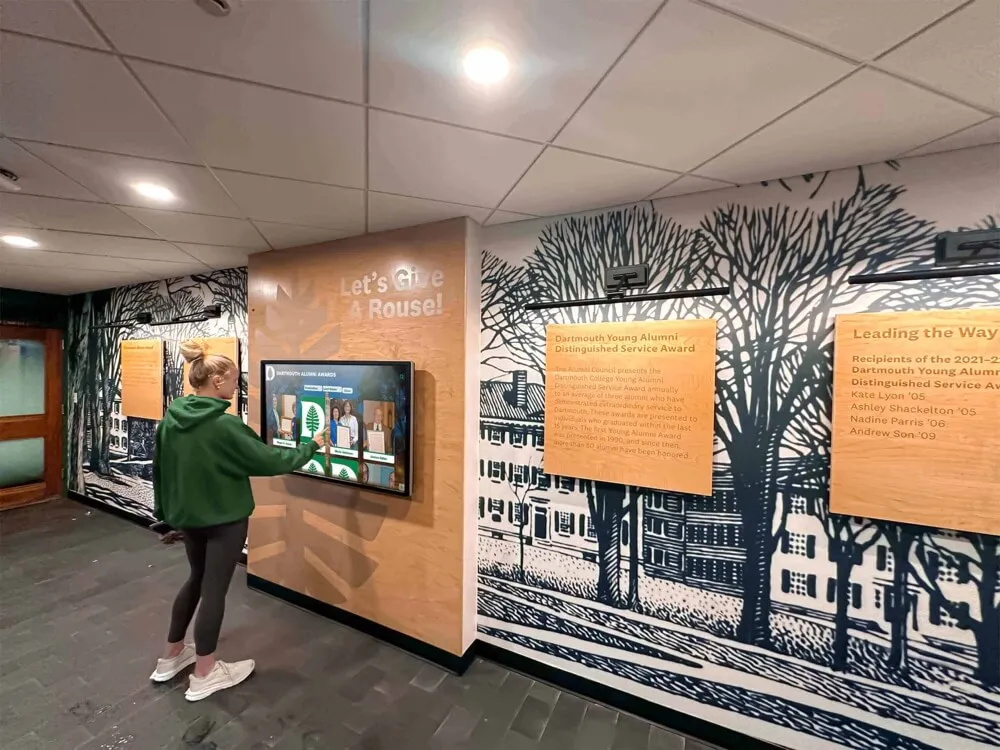
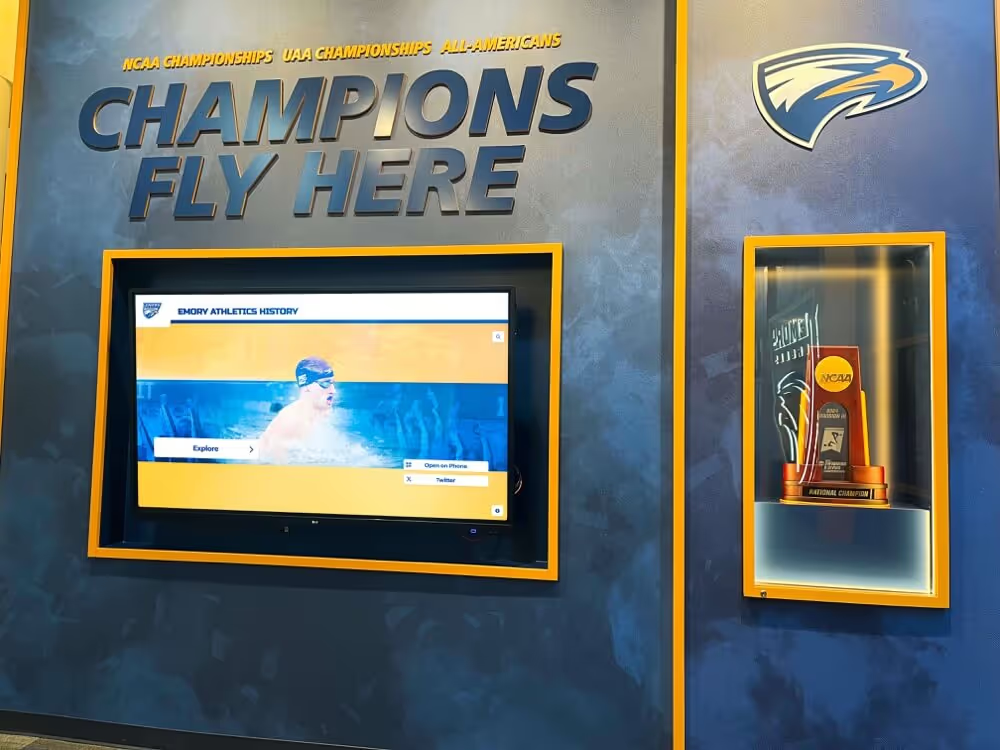
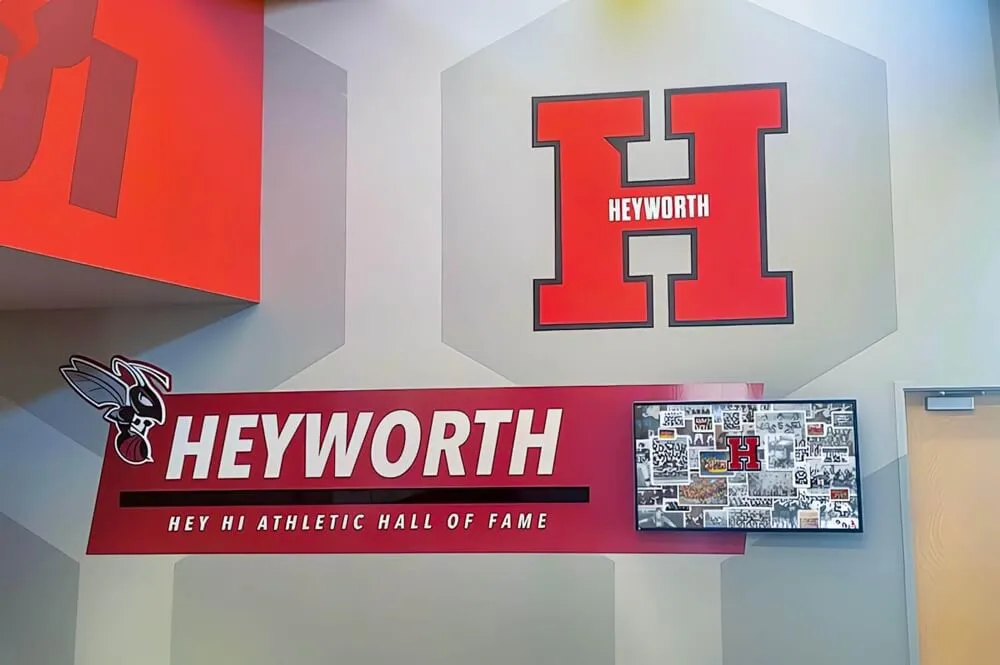
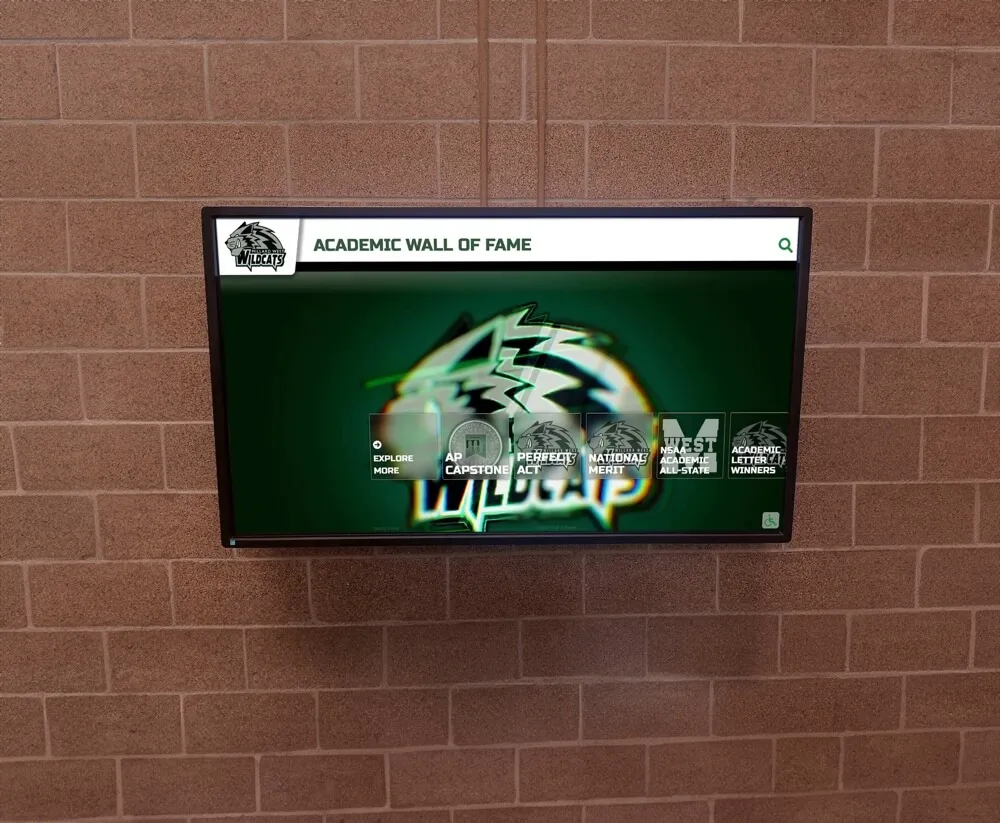
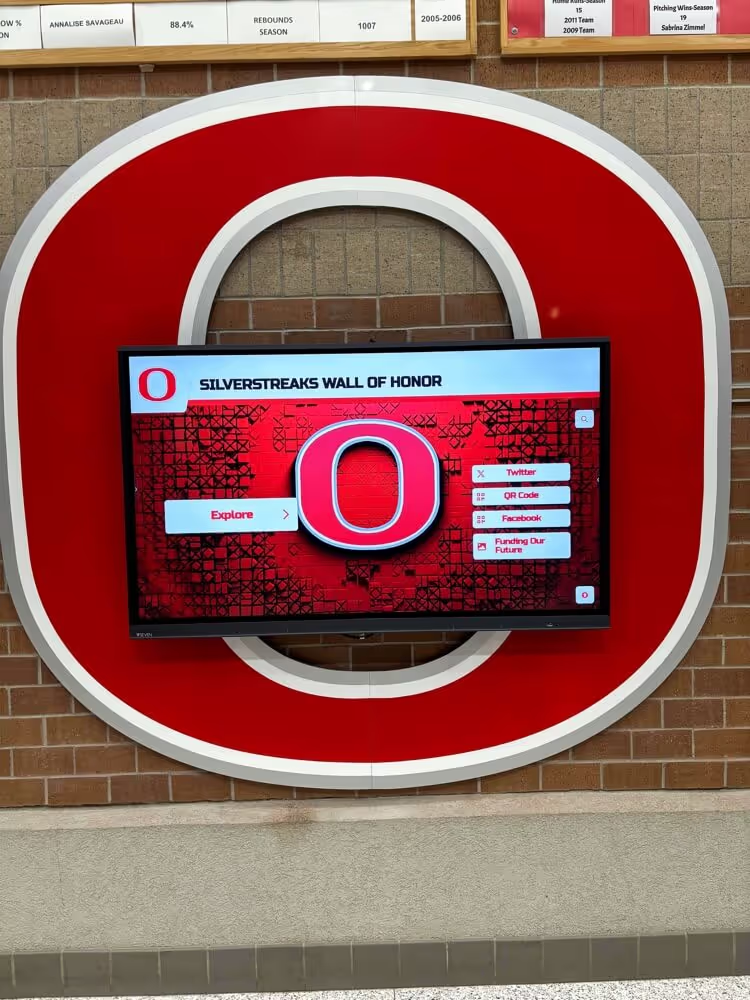
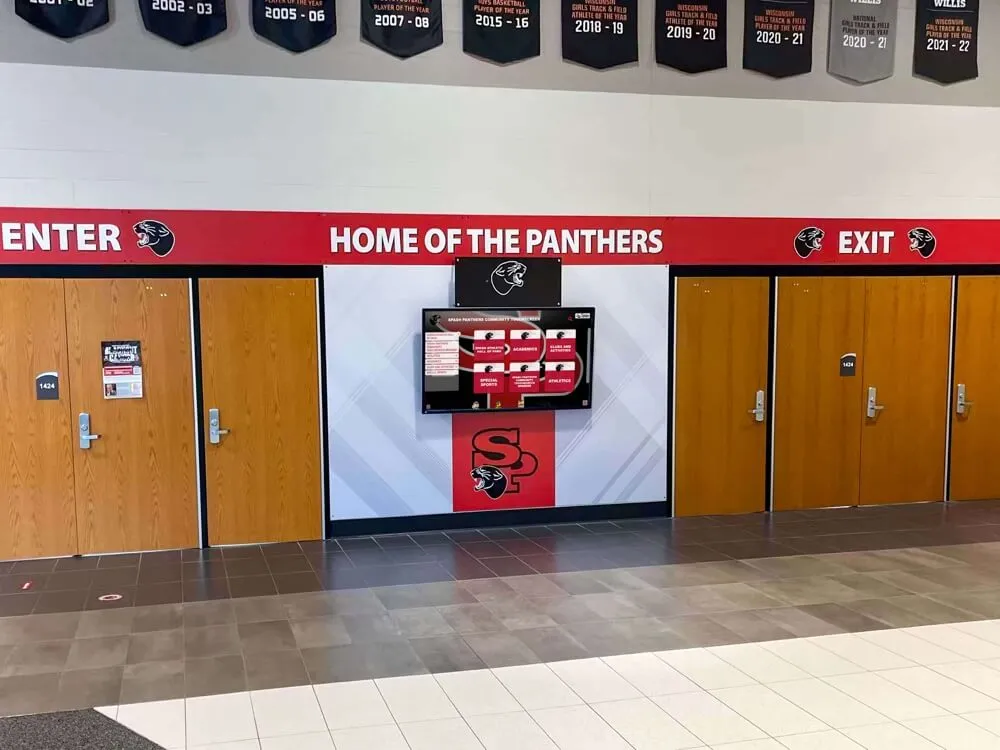
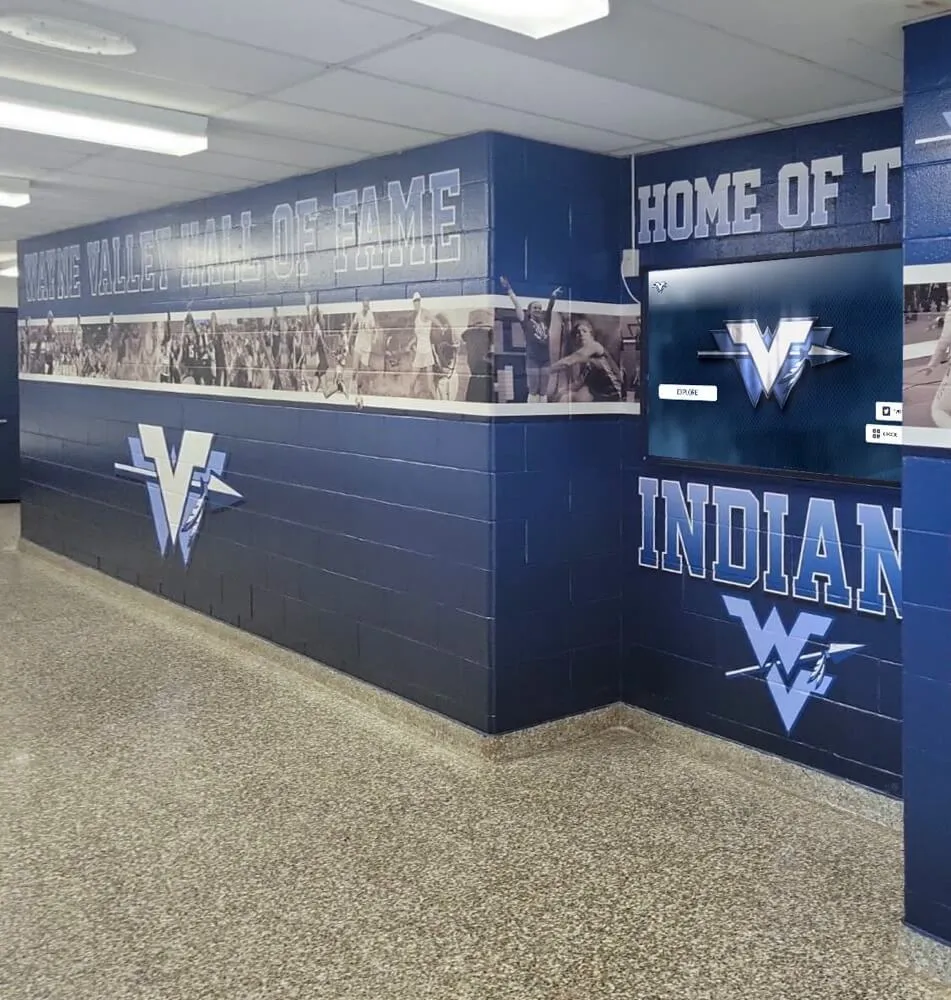
Digital hallway displays that pull from live alumni databases stay relevant year after year—recognizing recent achievements rather than freezing alumni profiles at graduation
How Alumni Update Data Feeds Recognition Displays
Data collected through an athletic alumni update form becomes genuinely valuable when it connects to recognition systems. Here is how each data category flows downstream:
Data to display connections:
| Form Data | Powers |
|---|---|
| Athletic history and records | Hall-of-fame profile panels |
| Career highlights | Recognition display bios |
| Current headshot | Portrait displays, touchscreen profiles |
| Quote fields | Inspirational hallway graphics |
| Post-graduation career | “Where are they now” digital boards |
| Awards and honors | Record boards and honor displays |
| Photo permissions | All visual recognition media |
Clean, structured data transforms the production cycle for recognition displays from a weeks-long research process into a same-day publishing workflow. Staff query the database, pull the relevant fields, apply the school’s display template, and publish—without hunting for information that should have been collected years ago.
The schools that do this best treat their alumni update form as a living database, not a one-time survey. New achievements get added as alumni submit them. Contact information gets updated. Photos get refreshed. The result is a recognition system that stays relevant and drives alumni engagement year after year.
For a deeper look at the technology that makes this data-to-display pipeline possible, explore the 10 best hall-of-fame tools for athletics, donors, arts, and history that schools use to power recognition programs backed by structured alumni data.
Frequently Asked Questions
How often should we send an athletic alumni update form? Send a comprehensive form once at graduation or shortly after, then send a shorter annual update request covering contact changes, new achievements, and photo updates. Major milestones—a 10-year anniversary, a hall-of-fame induction cycle opening, or a major facility renovation—warrant additional targeted outreach.
What’s the best tool to build an athletic alumni update form? Google Forms works well for smaller programs with limited technical resources and integrates directly with Google Sheets for data storage. Typeform offers a better mobile experience and conditional logic that can show or hide sport-specific fields based on earlier answers. Programs using a dedicated alumni management platform benefit from forms that feed directly into display and recognition workflows without manual data transfer.
How do we handle alumni who complete the form but don’t want public recognition? Include a clear “private record only — do not use for public displays or publications” checkbox. Honor it immediately and flag the record in your database so future staff don’t accidentally include the person in displays. Privacy preferences can change over time, so include an update option in annual outreach.
Should we include a section for deceased alumni? Yes. Including a “reporting on behalf of a former athlete” field with a next-of-kin or estate contact option allows families to submit information and photos for memorial recognition. This is especially meaningful for programs honoring athletes lost too soon.
How do we get alumni to actually submit the form? Response rates increase significantly when (1) the request comes from a person rather than an institution, (2) the form can be completed in under five minutes, (3) alumni understand exactly what their information will be used for, and (4) there is a visible, tangible example of what the recognition display looks like. A short video or photo gallery showing existing displays alongside the form request converts well.
Can the same form work for all sports? Yes, with conditional logic. Use a sport-selection question early in the form that reveals sport-specific fields—position names, statistical categories, record types—relevant to the selected sport. A swimmer doesn’t need to see batting average fields; a basketball player doesn’t need stroke fields. Most form platforms support this branching without custom development.
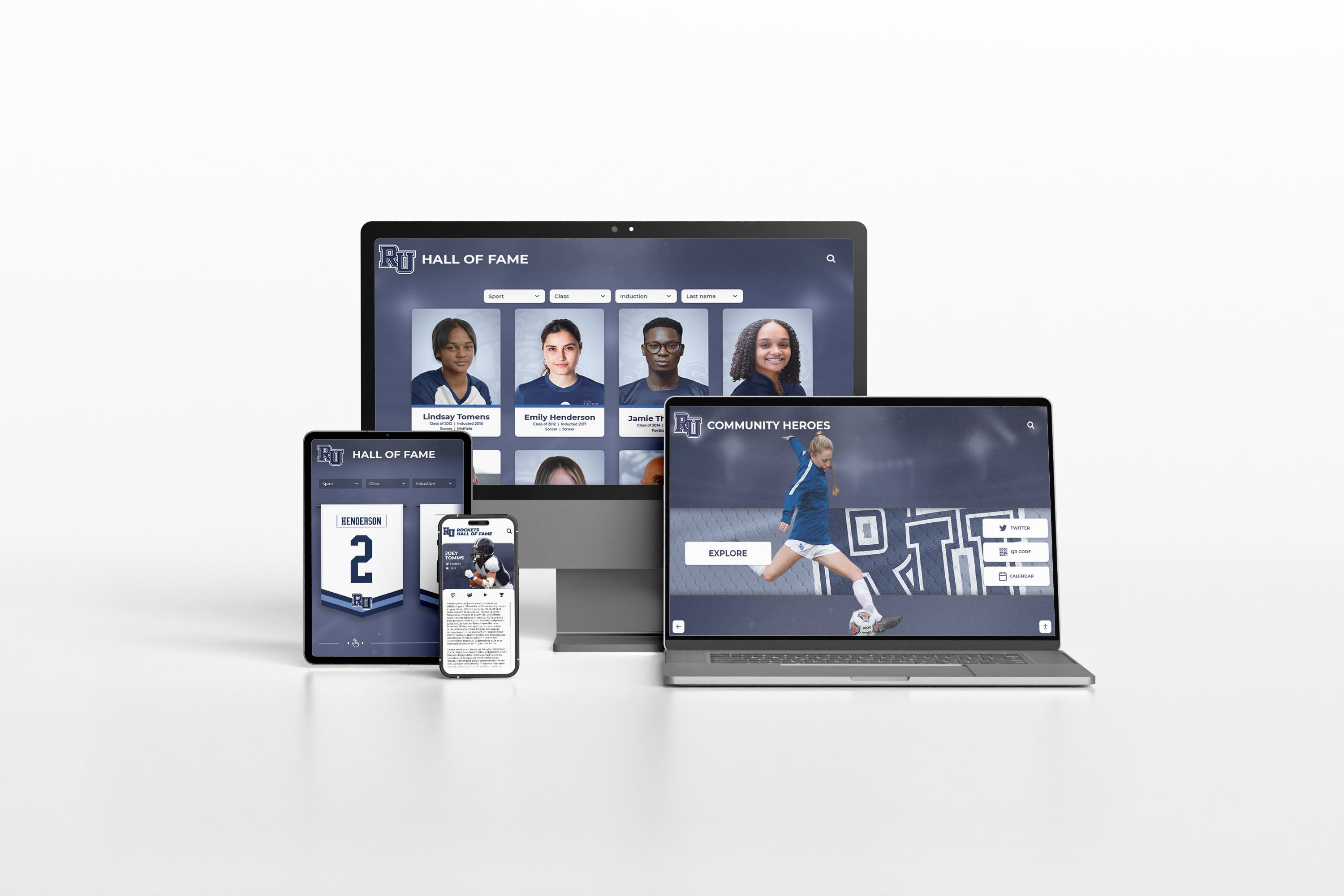
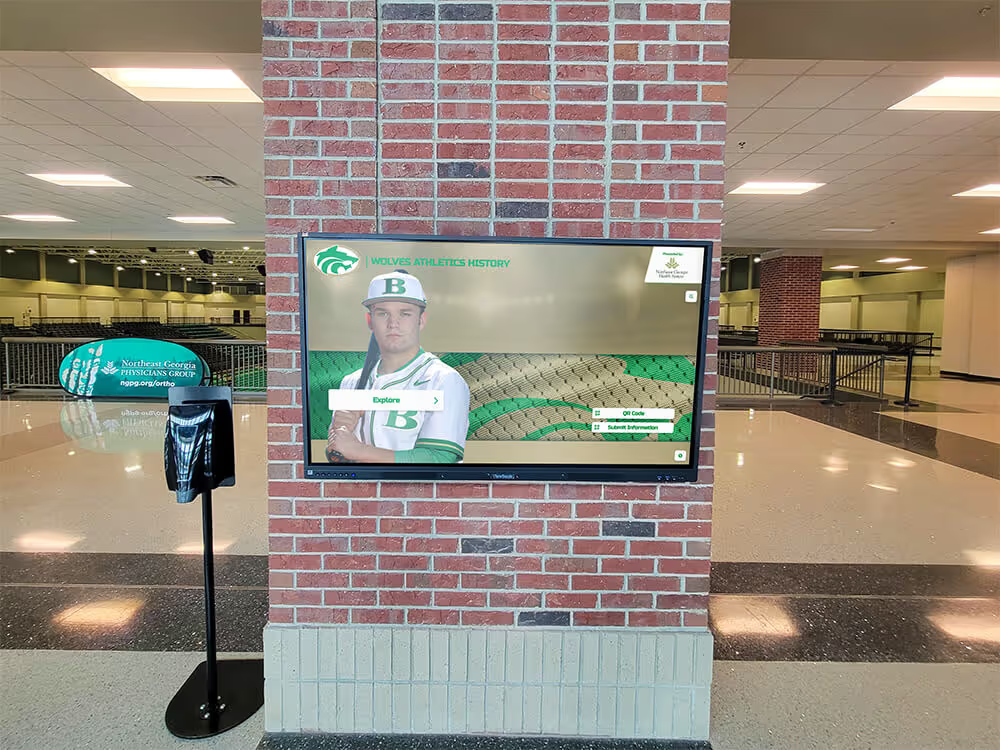
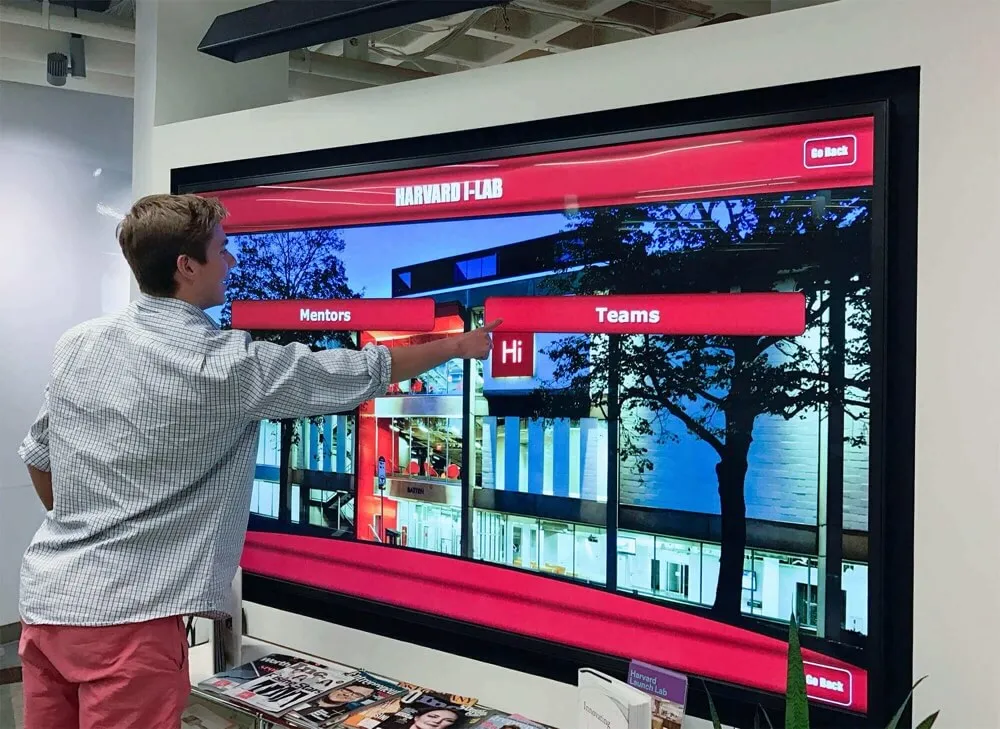
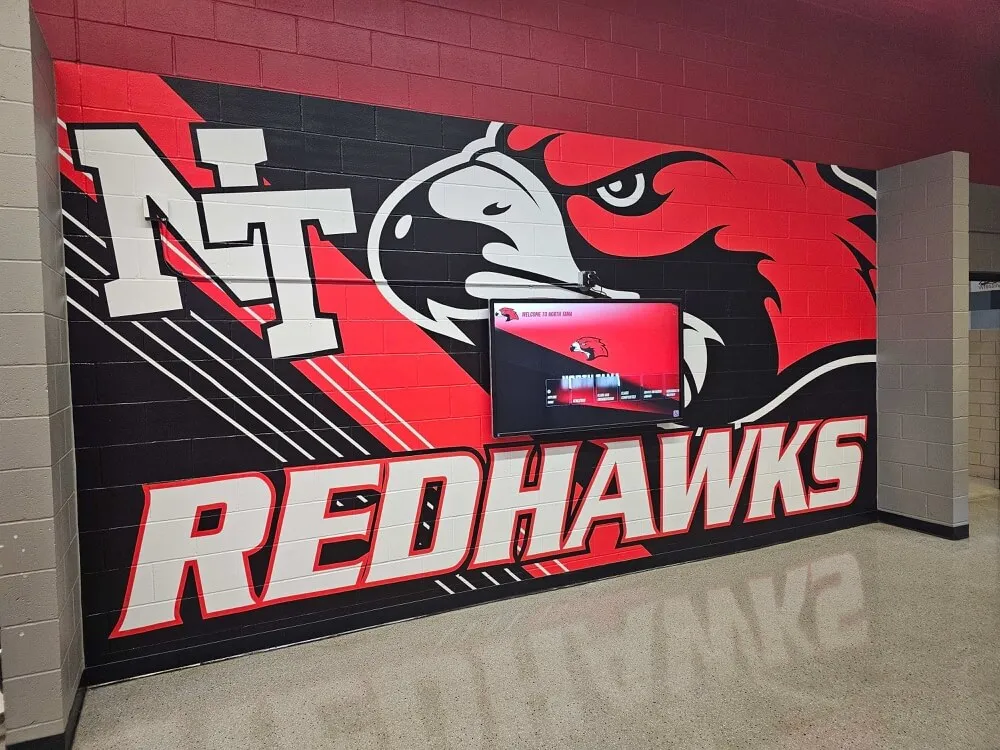
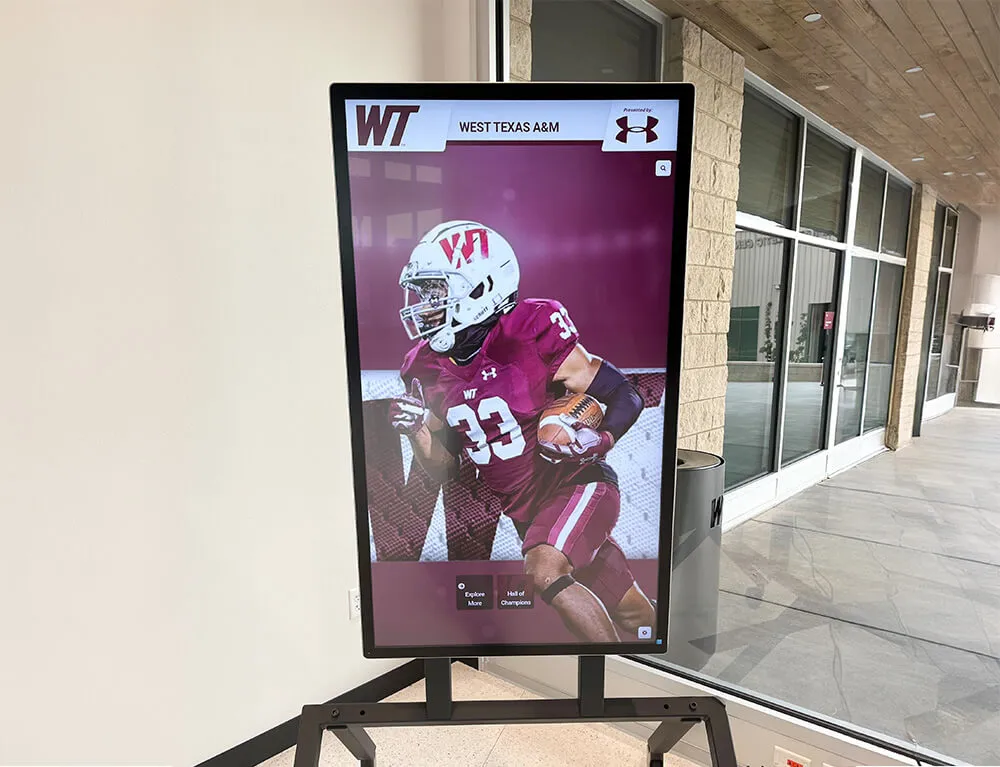
Recognition systems powered by structured alumni data work across every device and display format—from mobile phones to lobby touchscreens to printed induction ceremony programs
Complete Field Checklist: Athletic Alumni Update Form
Use this checklist to audit your existing form or build a new one from scratch:
Section 1 — Contact Information
- Full legal name
- Preferred display name
- Graduation year
- Primary email with opt-in consent
- Mobile phone with opt-in consent
- Mailing address (city and state minimum)
- LinkedIn URL
- Best contact method preference
Section 2 — Athletic History at Your School
- Sports played (multi-select)
- Years active
- Jersey numbers
- Positions played
- Captain years
- Career highlights (free text)
- Records held or broken
- Team championships
- Individual awards
Section 3 — Post-Graduation Athletic Career
- College or university attended
- Collegiate sport and division
- Collegiate achievements
- Professional or semi-professional play
- Coaching or officiating career
- Hall-of-fame inductions elsewhere
Section 4 — Professional and Life Updates
- Current occupation and employer
- Notable professional achievements
- Advanced degrees
- Military service
- Community leadership
- “Where are you now” summary (100–150 words)
Section 5 — Photo Submissions
- Current headshot (minimum 1000px)
- Action or team photo from playing career
- Photo release consent checkbox
Section 6 — Recognition Preferences
- Hall-of-fame interest
- Display permission
- Social media permission
- Preferred recognition name
- Privacy restrictions (free text)
Section 7 — Engagement Preferences
- Mentorship interest
- Event interest
- Donation or sponsorship interest
- Communication frequency preference
Section 8 — Legacy Fields
- Most memorable moment (300 characters)
- Influential coach or teammate (200 characters)
- Message to current athletes (200 characters)
For award naming inspiration that connects to alumni recognition ceremonies, explore 100 youth sports award ideas that can be incorporated into your recognition program alongside the profiles your update form will build.
Turn Alumni Updates into Recognition Displays
Collecting alumni data through a well-designed form is the first step. The second is connecting that data to recognition displays, digital yearbooks, hall-of-fame platforms, and alumni engagement tools that make the information visible and meaningful.
Rocket Alumni Solutions gives schools a platform that does exactly this—structured alumni intake, interactive touchscreen displays, hall-of-fame management, and digital archive tools built specifically for athletic programs.
Schedule a demo with Rocket Alumni Solutions to see how your alumni update form can feed a recognition system that keeps your program’s history alive, your alumni engaged, and your community proud.
Conclusion: The Form Is the Foundation
Every hall-of-fame induction, every recognition display update, every powerful “where are they now” story begins with data that someone, at some point, took the time to collect. An athletic alumni update form is how schools do that collecting systematically—reaching every graduate rather than just the ones who show up at events, capturing the full story rather than just the highlights that happen to surface in coaching records.
The fields outlined in this guide cover the full lifecycle of an athletic alumnus: the years they competed, the achievements they earned, the career they built, the person they became, and the legacy they want to leave for the athletes who come after them. A form that captures all of it becomes an institutional asset worth far more than its construction cost.
Start with a core version—contact information, athletic history, photo submission, and consent fields—and expand from there as your recognition program matures. Every completed form adds another story to the program’s archive. Over time, those stories become the foundation of a recognition culture that current athletes aspire to join and former athletes remain proud to be part of.