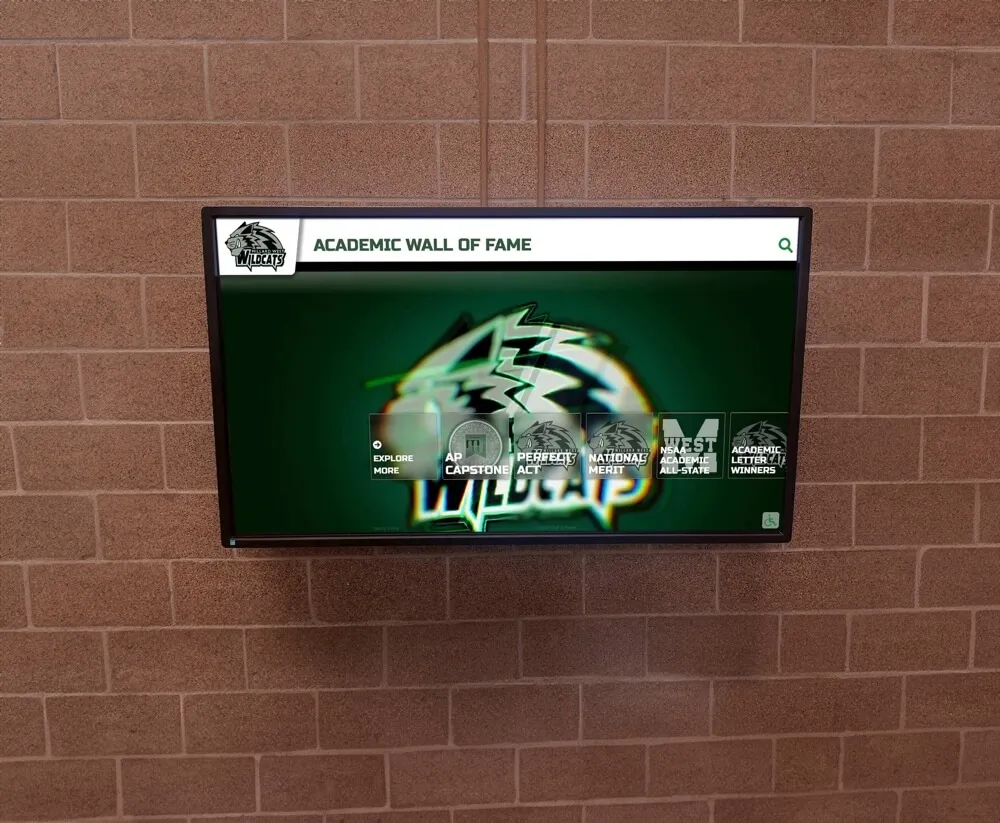
Every spring, state athletic associations publish academic all state award lists—and every spring, athletic offices scramble to turn those announcements into something worth displaying. The award gets posted to a website, someone sends a congratulatory tweet, and then the moment passes. Six months later, when a new lobby display goes up or a digital record board gets updated, staff discover they have the recipient’s name but nothing else: no verified GPA, no action photo, no award letter URL, no preferred display name, no consent for public recognition.
The problem is not the award. It is the intake workflow. Schools that collect structured recipient data at the moment the honor is earned—or within a few weeks of the announcement—spend twenty minutes updating a display. Schools that wait discover they are reconstructing records from memory, yearbook scans, and unanswered email threads.
This guide provides a complete field checklist for academic all state award recipient profiles, explains what each field powers downstream, and includes a sample filled-in profile you can use as a template. Whether you are building your first digital awards display, updating a hallway record board, or feeding a touchscreen recognition kiosk, the fields below give your team everything needed to publish the honor professionally and keep it current for years.
Academic all state awards vary by state and sport—some are administered by state high school athletic associations, others by independent academic recognition bodies—but the recipient profile data required for recognition displays is consistent regardless of which organization issues the honor.

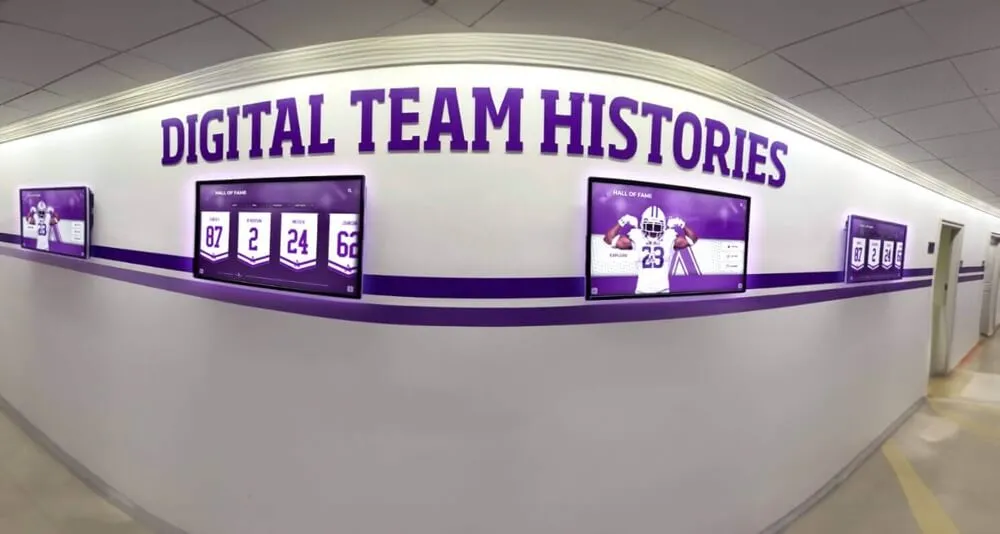
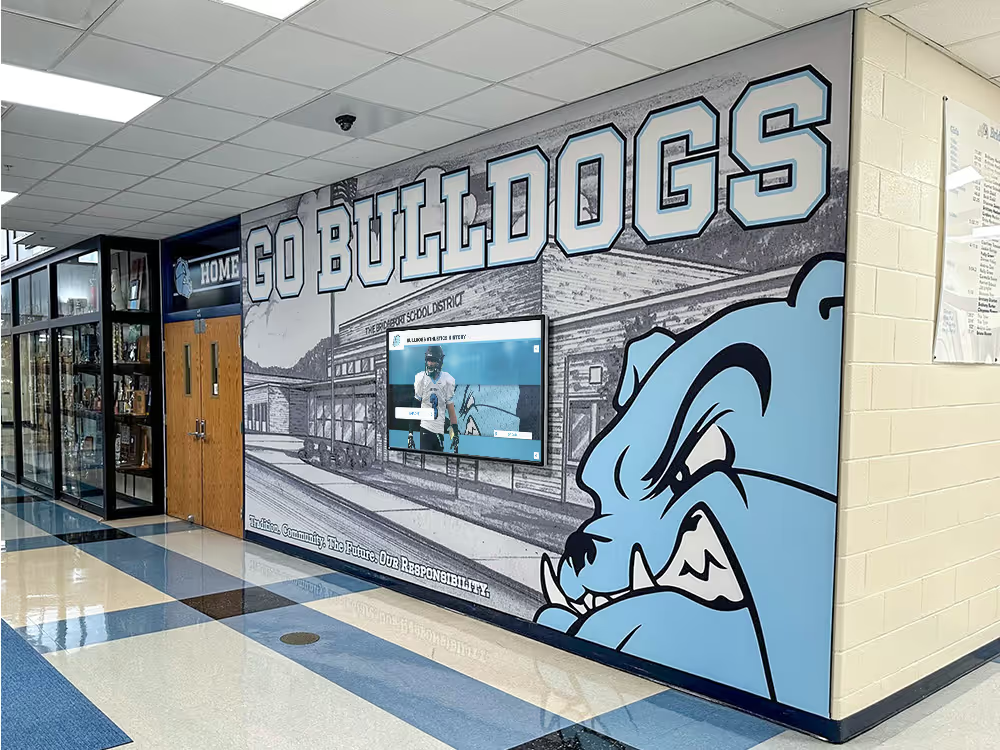
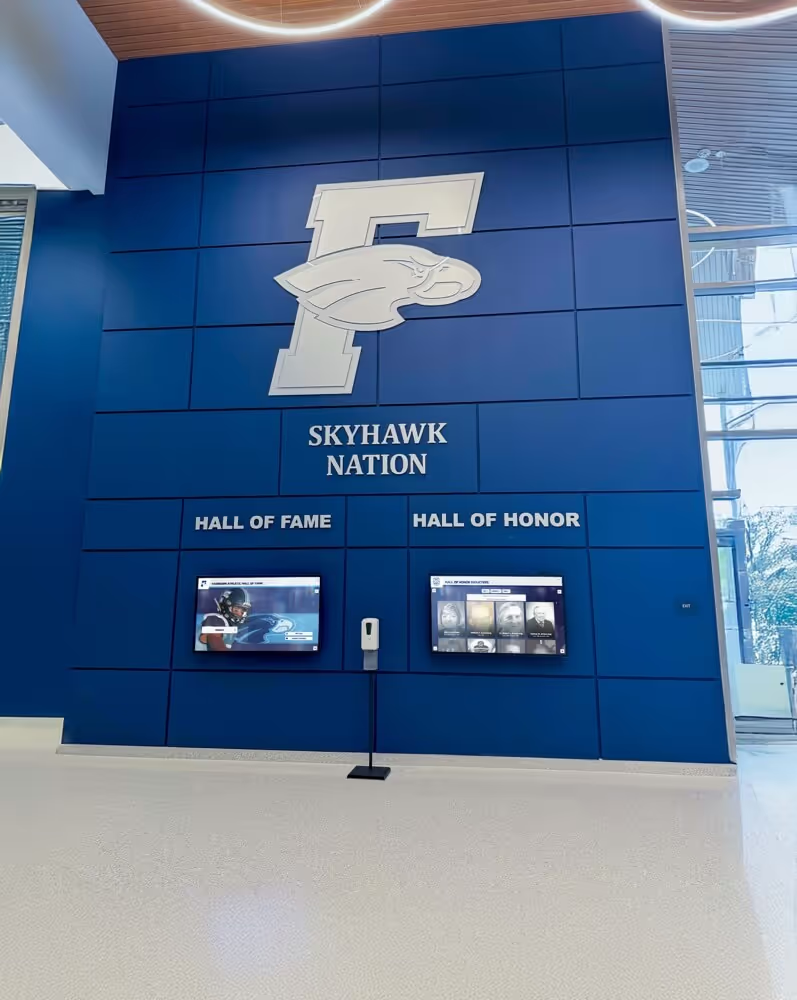
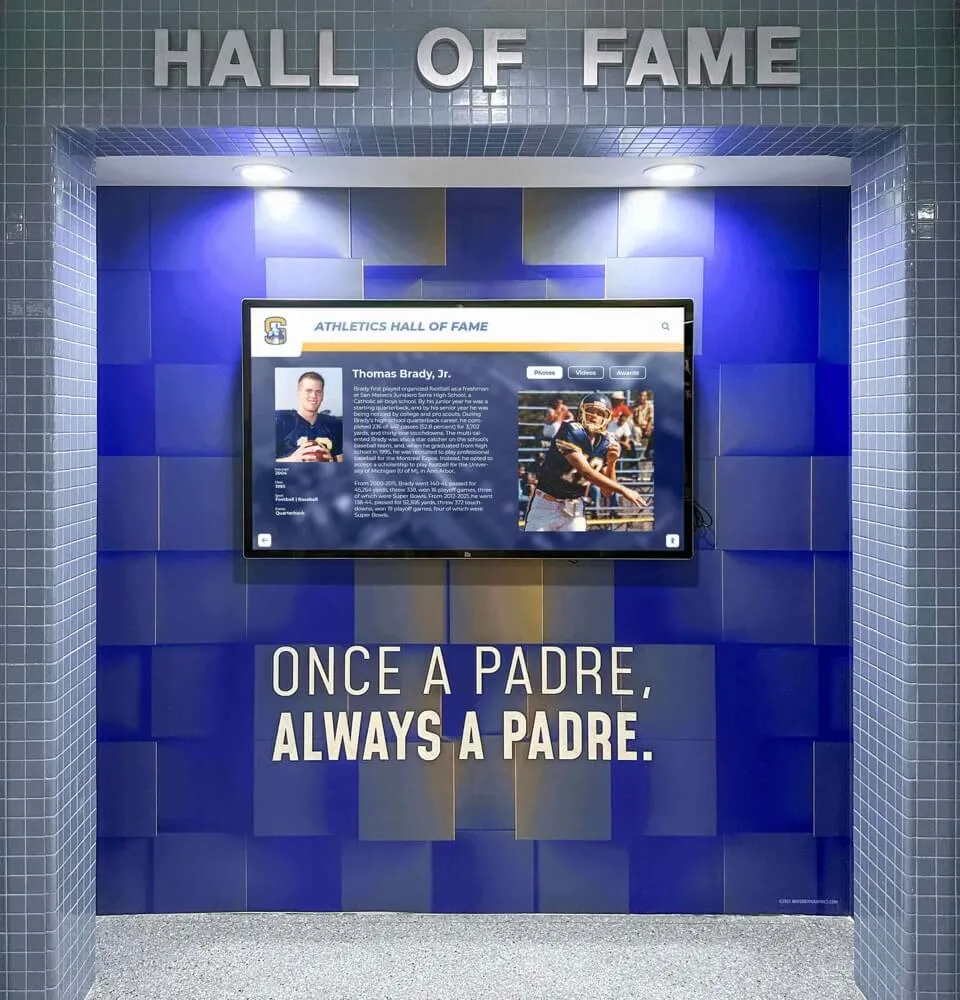
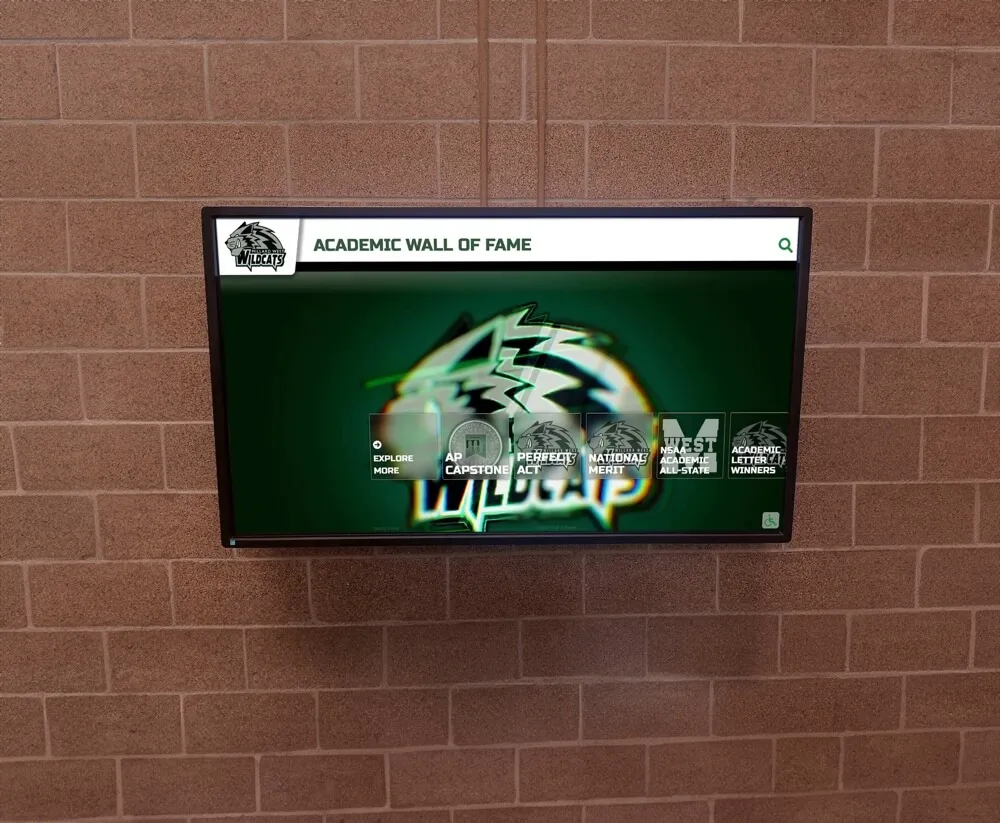
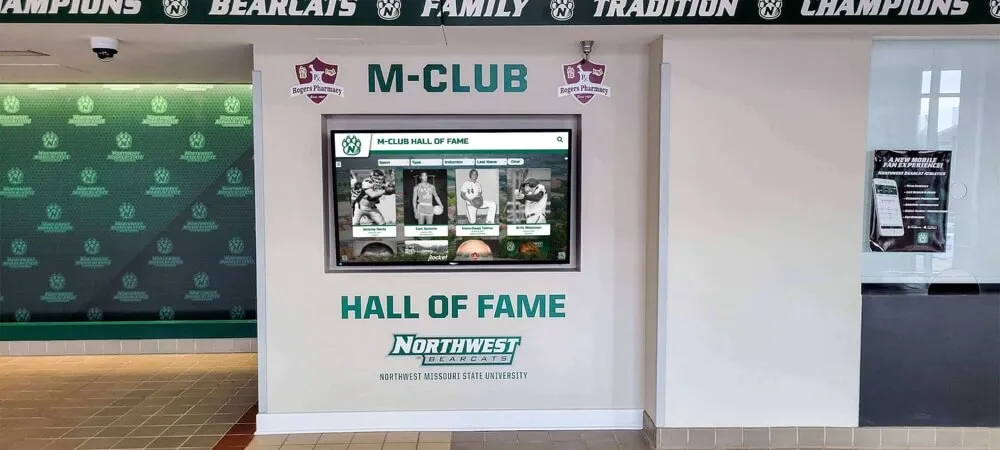
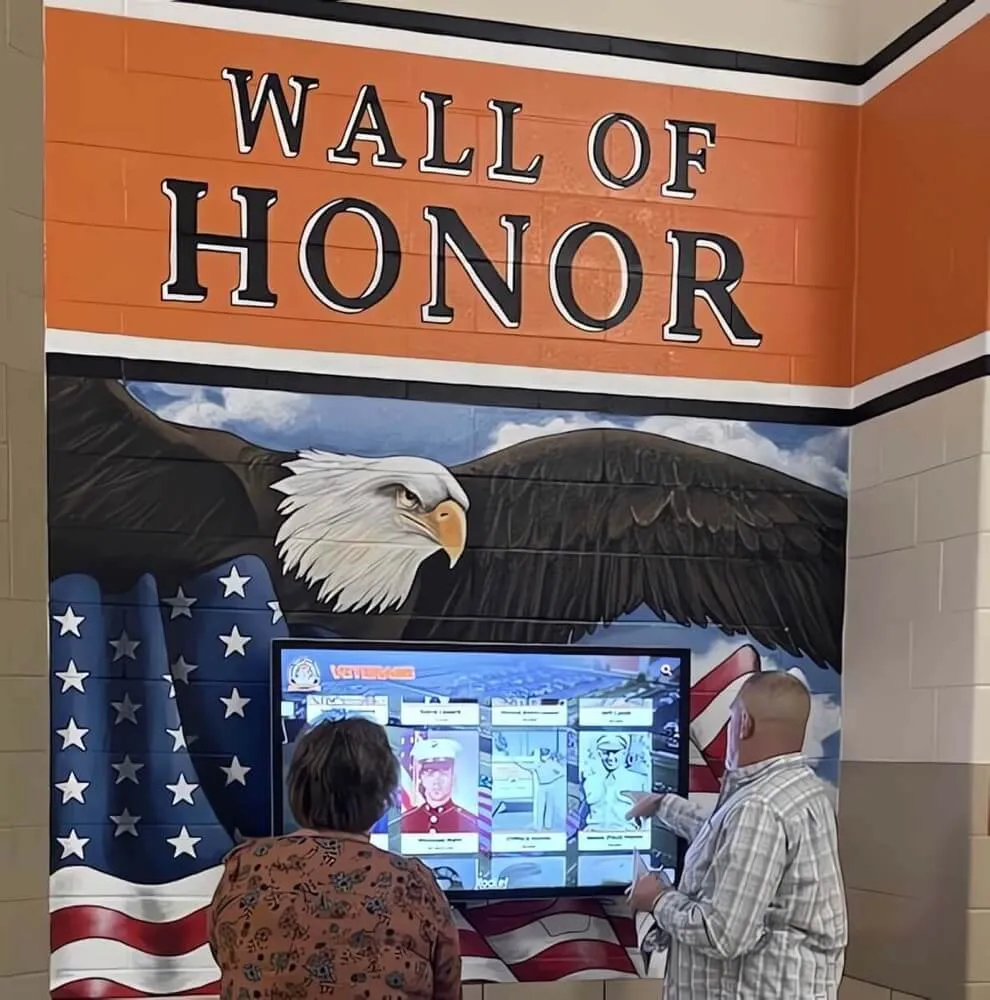
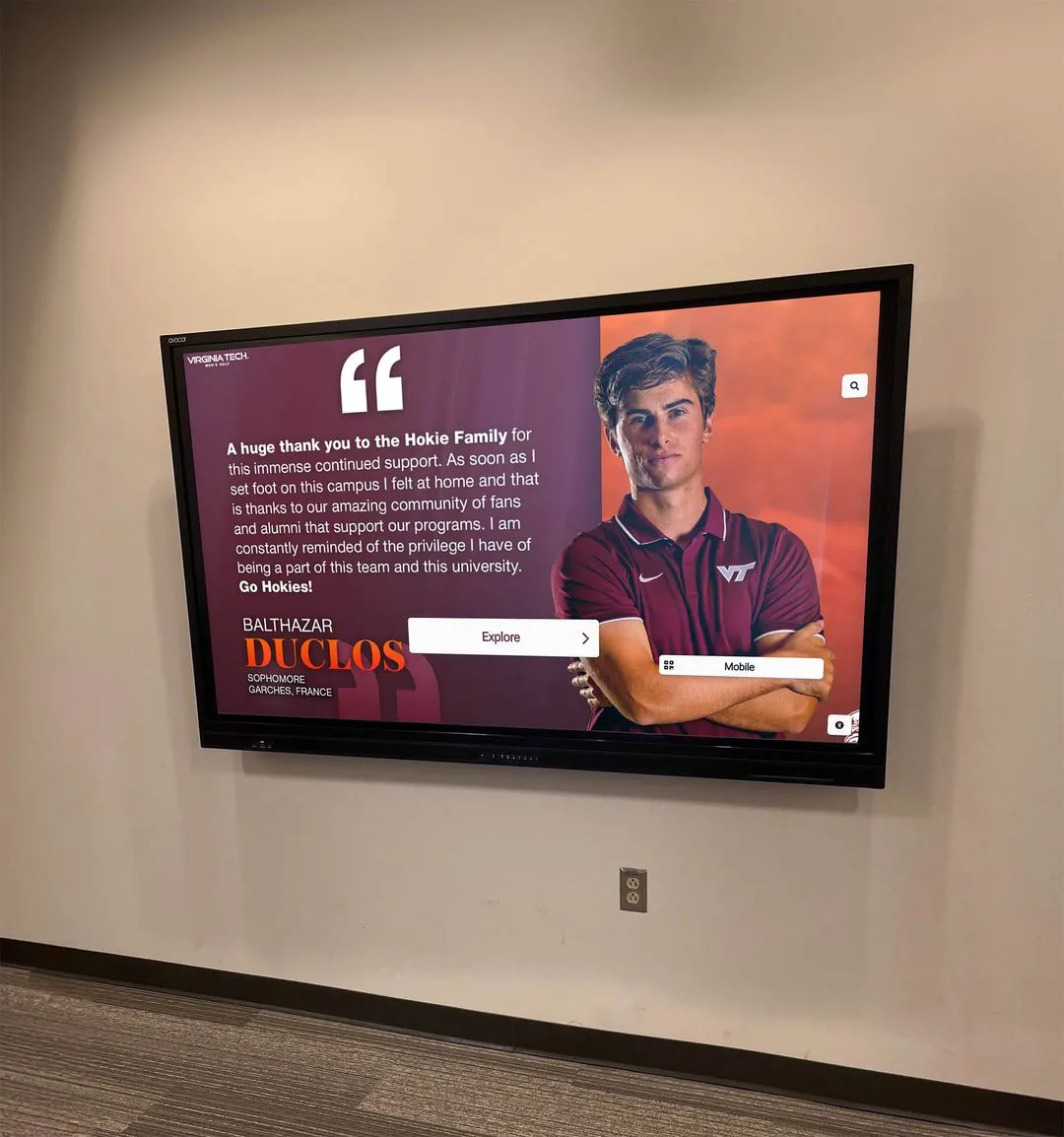
A dedicated academic wall of fame powered by structured recipient data keeps honors visible year-round—not just during the week of the announcement
Why Recipient Profile Data Is the Bottleneck
State associations announce academic all state selections by publishing a list of names, sports, and schools. That list is a starting point, not a profile. Turning a name on a list into a compelling display entry requires seven to twelve additional data points that the association never collects and that coaches, registrars, and communications staff each hold in pieces.
The result is a predictable gap: awards get announced, displays don’t get updated. In a study of high school athletic recognition workflows described in how schools define, display, and preserve student honors, the most common failure point was not technology—it was missing source data at the moment staff tried to build a profile.
Structured intake solves this at the source. When a student is notified of their academic all state selection, a brief data collection form captures every field needed for every downstream use: lobby display, digital record board, touchscreen kiosk, social media graphic, and athletic department website. The work happens once. Every use of the data that follows costs almost nothing.
Section 1: Core Recipient Identity Fields
These fields anchor every downstream record. Collecting them correctly at intake prevents the most common errors: misspelled names on displays, wrong graduation years in archive searches, and students who have legally changed names since high school.
Core identity fields:
| Field | Notes |
|---|---|
| Full legal name | Must match school enrollment records for data merging |
| Preferred display name | The name to use on physical and digital displays |
| Graduation year | Required index field for all archive and display queries |
| Grade level at time of award | 9th–12th; relevant when recipients earn the award in multiple years |
| School name | Important for multi-campus districts or consortium programs |
| Student ID (internal only) | Links record to enrollment system; never displayed publicly |
The preferred display name field prevents a recurring problem: a student named Katherine who has gone by Kate since elementary school sees “Katherine” on the lobby display and feels like the school doesn’t know her. A single extra field eliminates that friction entirely.
Section 2: Academic Qualification Fields
The academic all state award is an academic honor. Displays that list only a name and sport miss the entire point. Capturing the GPA and academic context transforms a credential line into a story about a student who balanced athletic demands with genuine classroom excellence.
Academic qualification fields:
| Field | Notes |
|---|---|
| Cumulative GPA at time of award | Required; primary qualification criterion |
| GPA scale | 4.0 unweighted / 4.0 weighted / 5.0 weighted — specify clearly |
| Class rank | Optional but powerful for display context |
| Academic honors held | NHS, valedictorian track, honor roll, dean’s list |
| Intended or declared major | For college-bound seniors; useful on display profiles |
| Academic department or concentration | AP, IB, dual enrollment program participation |
Most state academic all state programs require a minimum GPA—commonly 3.50 on a 4.0 scale—but many recipients significantly exceed the minimum. Displaying “3.94 GPA” alongside a sport and award level communicates the achievement far more effectively than “academic all state” alone. See how leading high school programs contextualize these credentials in academic achievement award frameworks for high schools.
Section 3: Athletic Profile Fields
The award bridges academics and athletics. The athletic side of the profile answers the question that parents, current students, and alumni actually ask: what did this person do on the field or court?
Athletic profile fields:
| Field | Notes |
|---|---|
| Sport(s) for which award was earned | Use official sport names from state association |
| Varsity letter years | Number of varsity letters earned through senior year |
| Position(s) played | Sport-specific; use consistent vocabulary |
| Athletic classification or division | Class A/B/C/D or similar state classification |
| Season record or context | Optional; useful for championship years |
| All-conference or all-region honors | Documents athletic recognition alongside academic |
| Post-graduation athletic plans | College commitment, club sport, coaching |
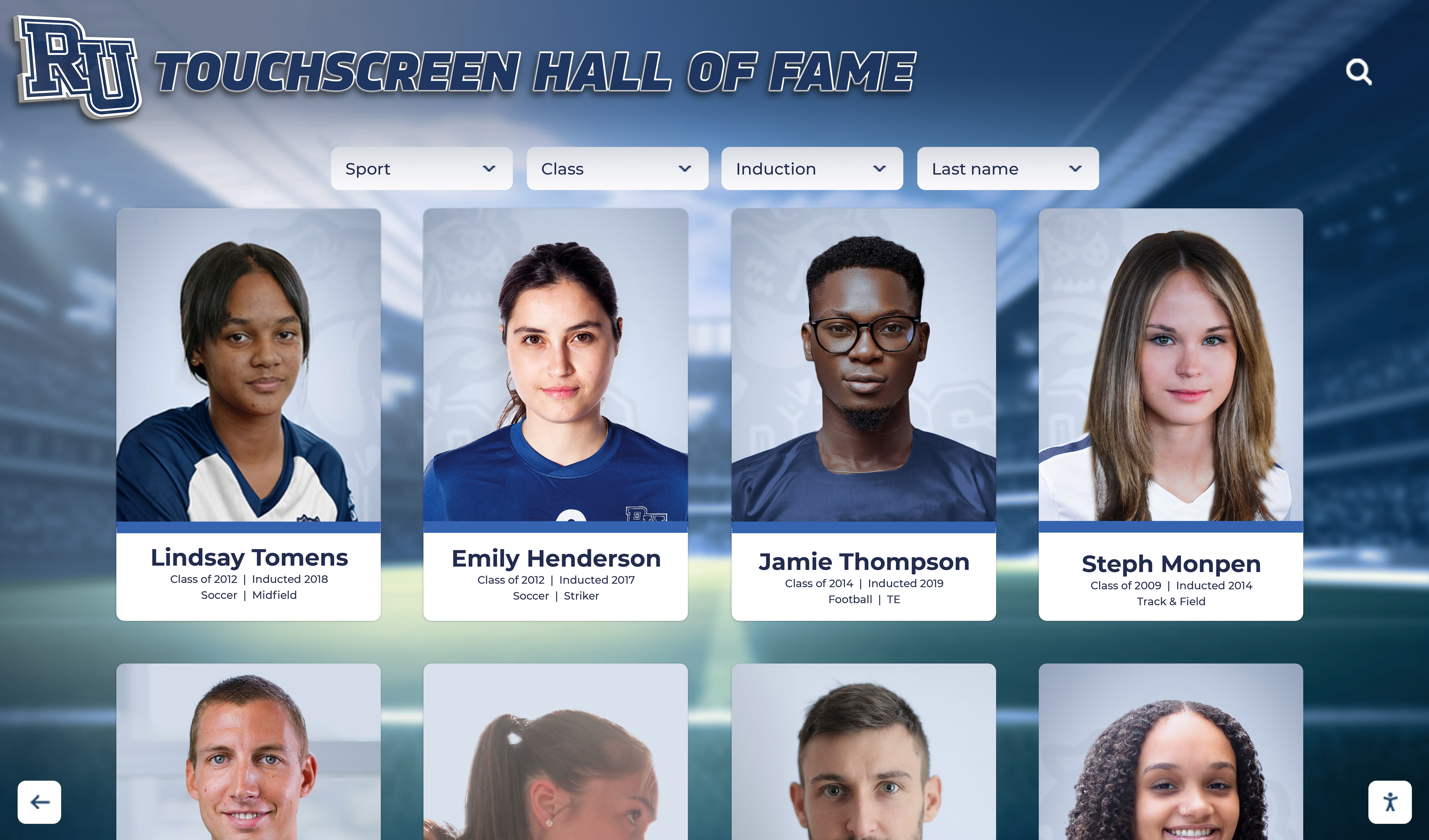
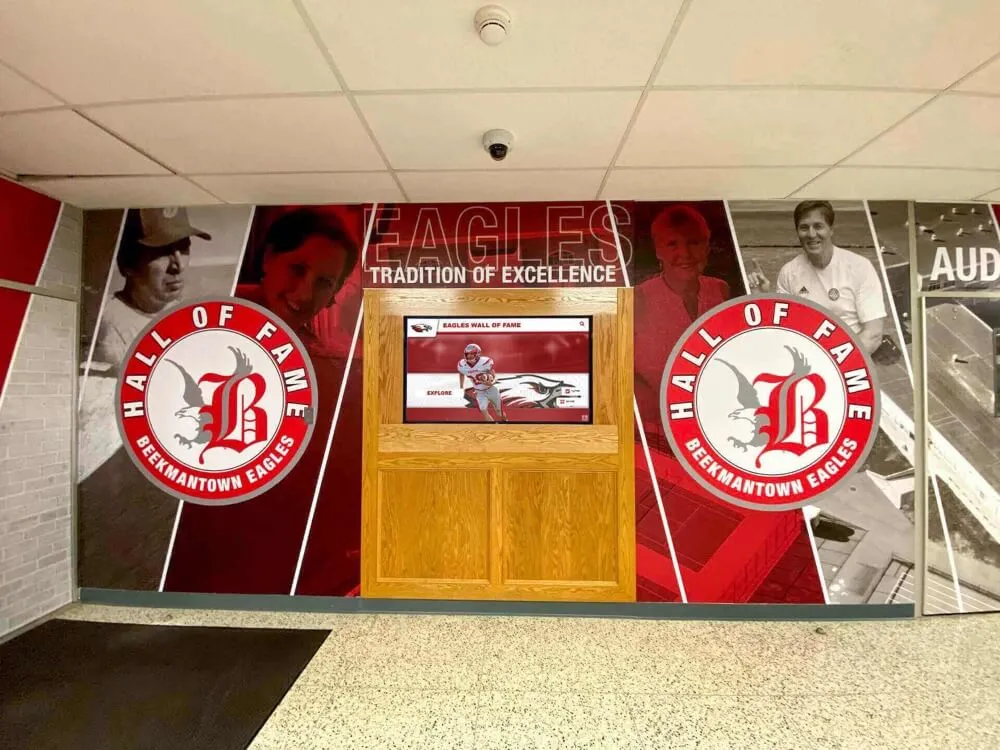
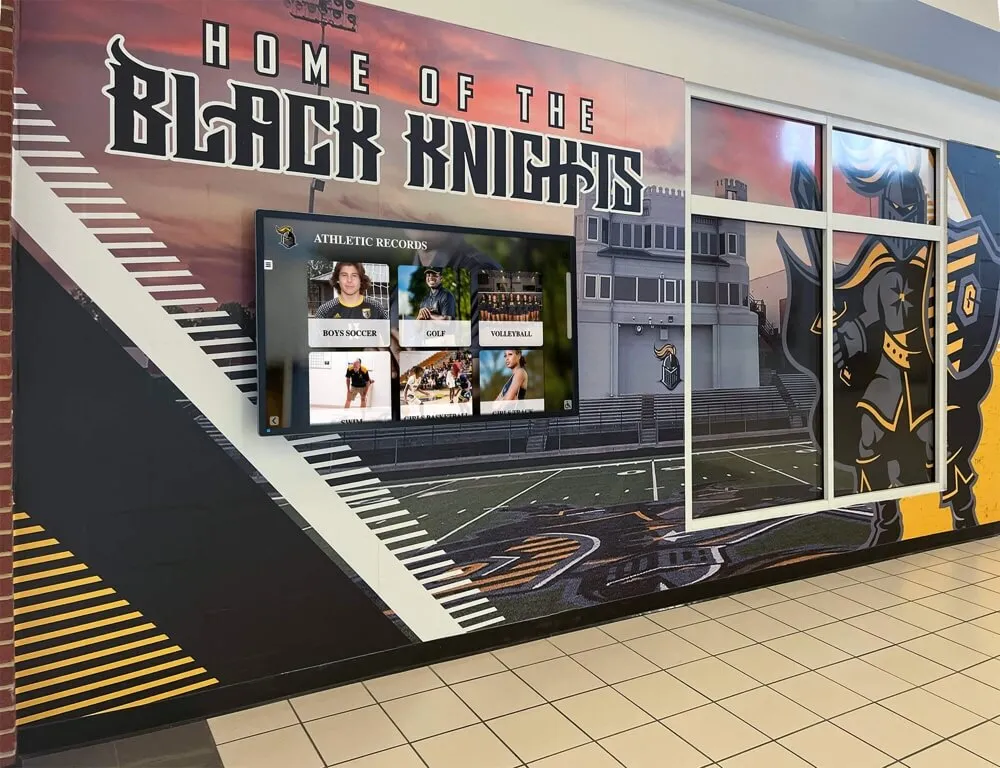
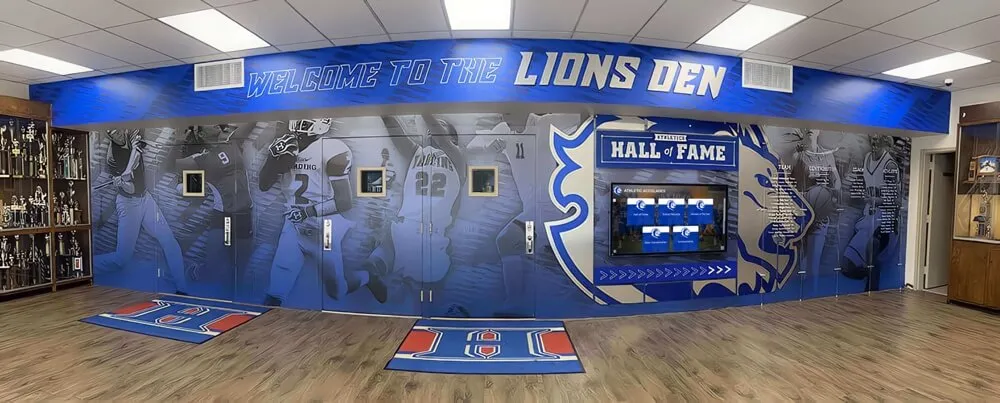
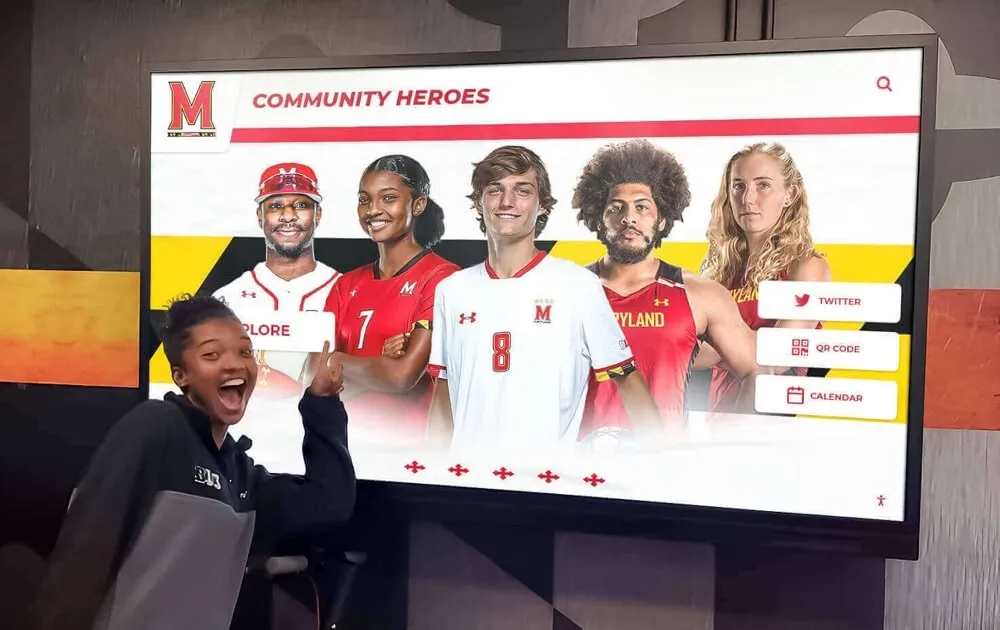
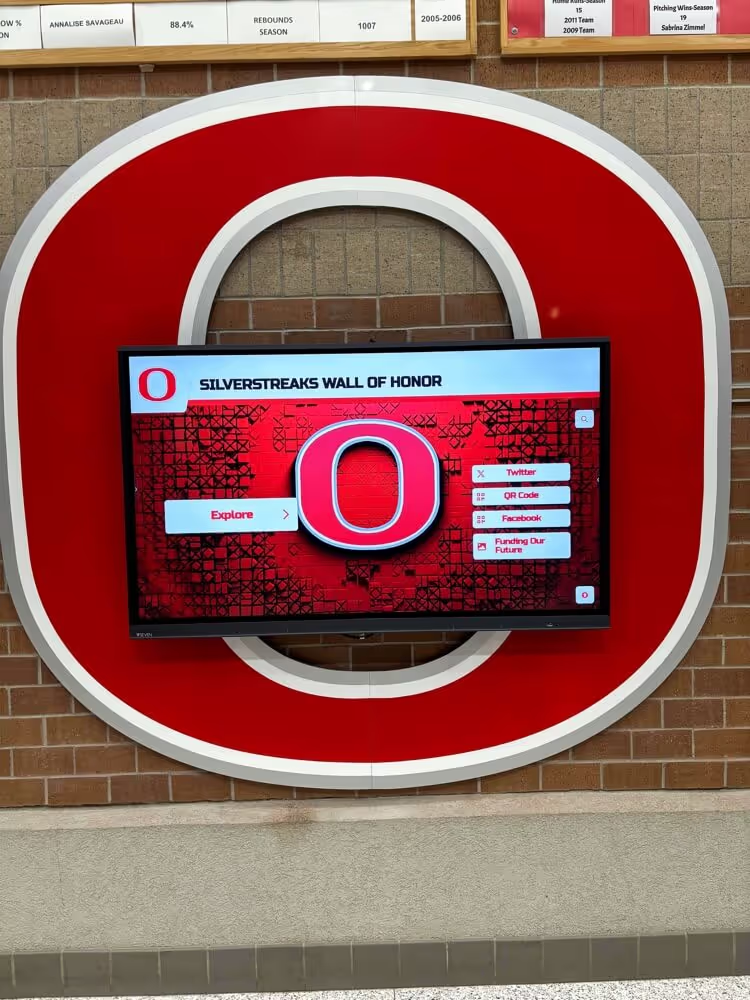
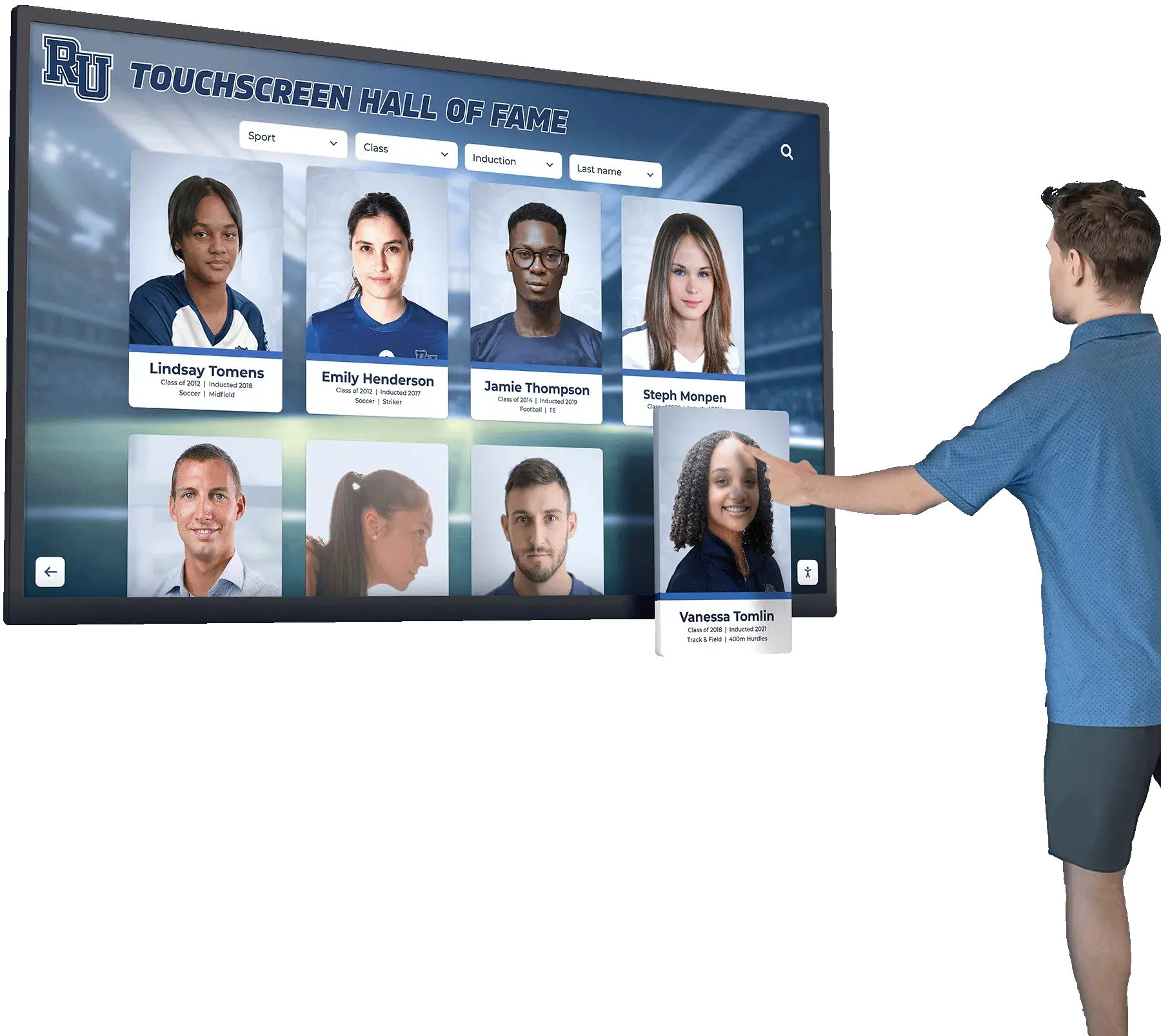
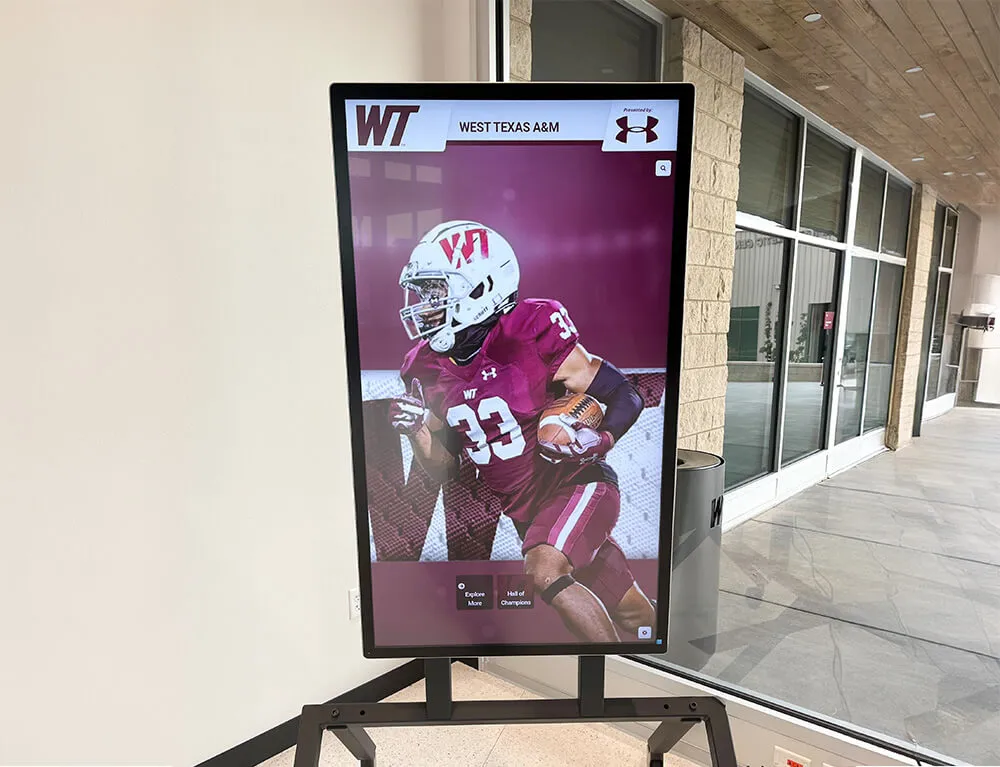
Profile cards that combine athletic history with academic credentials give academic all state displays the depth that name-only lists lack
A student who earned four varsity letters, captained the team as a senior, and maintained a 3.91 GPA while doing so has a compelling story. The athletic profile fields make that story tellable without requiring a staff member to dig through coaching records six months after graduation.
Section 4: Award Documentation and Source Proof
This section is the one most often skipped—and the one that creates the most downstream problems. Displaying an award without documented proof of the award puts the athletic office in an awkward position if a record is ever questioned. It also prevents accurate entry into official record systems, hall-of-fame nomination workflows, and digital archives.
Award documentation fields:
| Field | Notes |
|---|---|
| Awarding body name | Full official name of the state association or organization |
| Award name (exact) | Use the official award title, not informal shorthand |
| Award tier or level | First team / Second team / Honorable mention |
| Sport category | Some states have sport-specific programs |
| Award season or school year | e.g., “2025–2026 season” |
| Official announcement URL | Link to state association release; archive the page |
| Award letter or certificate on file | PDF or scan; store in school records system |
| Nominating coach name | Coach who submitted nomination or verified eligibility |
The official announcement URL is worth the thirty seconds it takes to copy and paste. State association websites occasionally reorganize, but having the original URL—even if it eventually breaks—establishes a paper trail. Archive a PDF copy of the announcement page alongside the URL for permanent documentation.
Academic all state honors are distinct from collegiate-level recognition; for context on how schools position these state-level awards relative to higher-tier national programs, the academic all-American award criteria overview explains the tiering clearly.
Section 5: Photo and Media Fields
Photos are the difference between a profile that visitors engage with and a profile they walk past. An academic all state display with headshots and action photos draws attention; one without is indistinguishable from a printed list.
Photo and media fields:
| Photo Type | Recommended Specs | Notes |
|---|---|---|
| Current headshot or senior portrait | Minimum 1000px wide, JPG or PNG | Primary display image |
| Athletic action photo | Minimum 1500px wide, JPG | Shows student in sport context |
| Award or recognition ceremony photo | Any reasonable resolution | Documents the moment |
| “Then and now” comparison pair | Both images submitted separately | Useful for anniversary displays |
Photo release language to include on your intake form:
By submitting photos, I grant [School Name] permission to use these images in recognition displays, digital archives, yearbook publications, and school-affiliated communications. Images may appear on digital screens in school facilities, on the school website, and in school publications.
Collecting this release at intake is far easier than tracking down graduates three years later to get permission before a lobby display goes up. A simple checkbox on a digital form is sufficient—no extended legal language required.

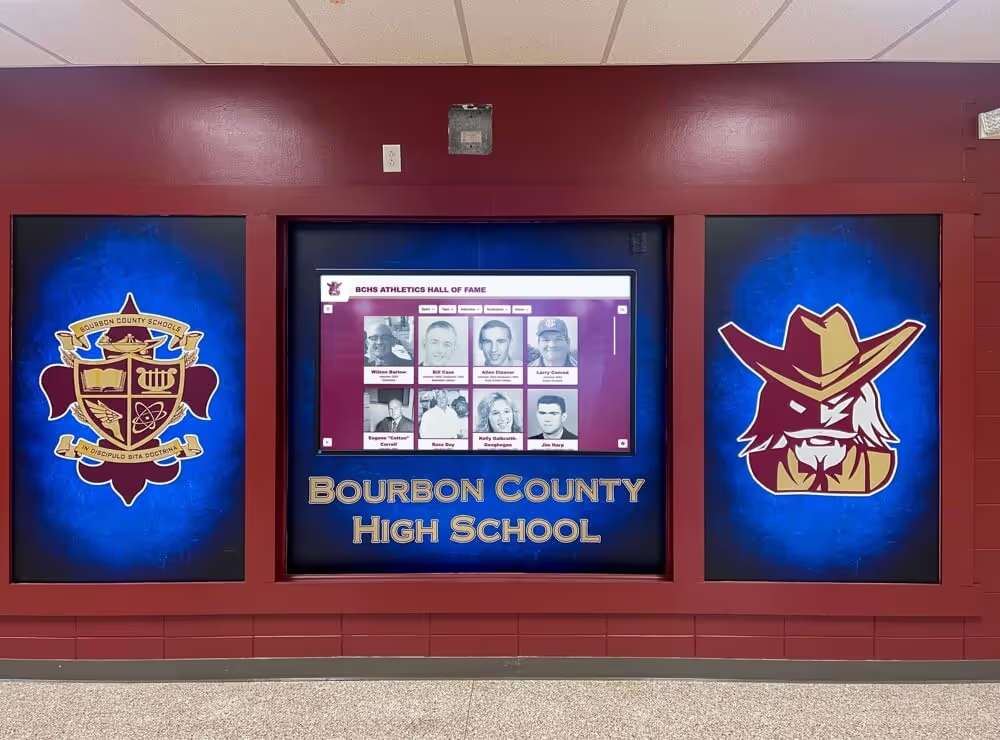
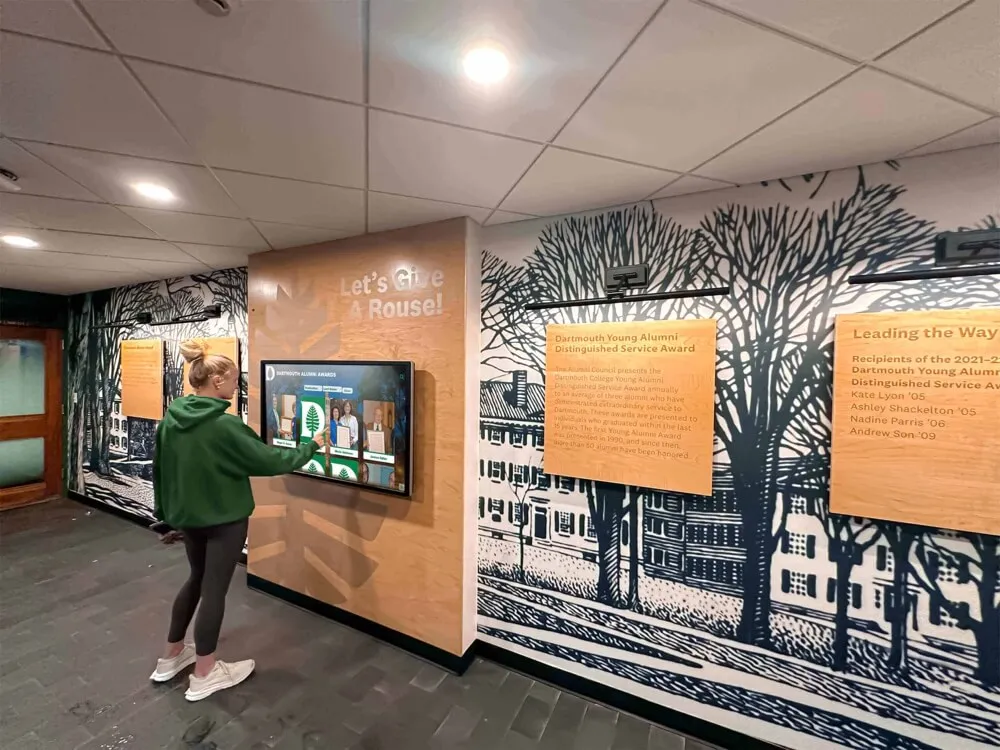
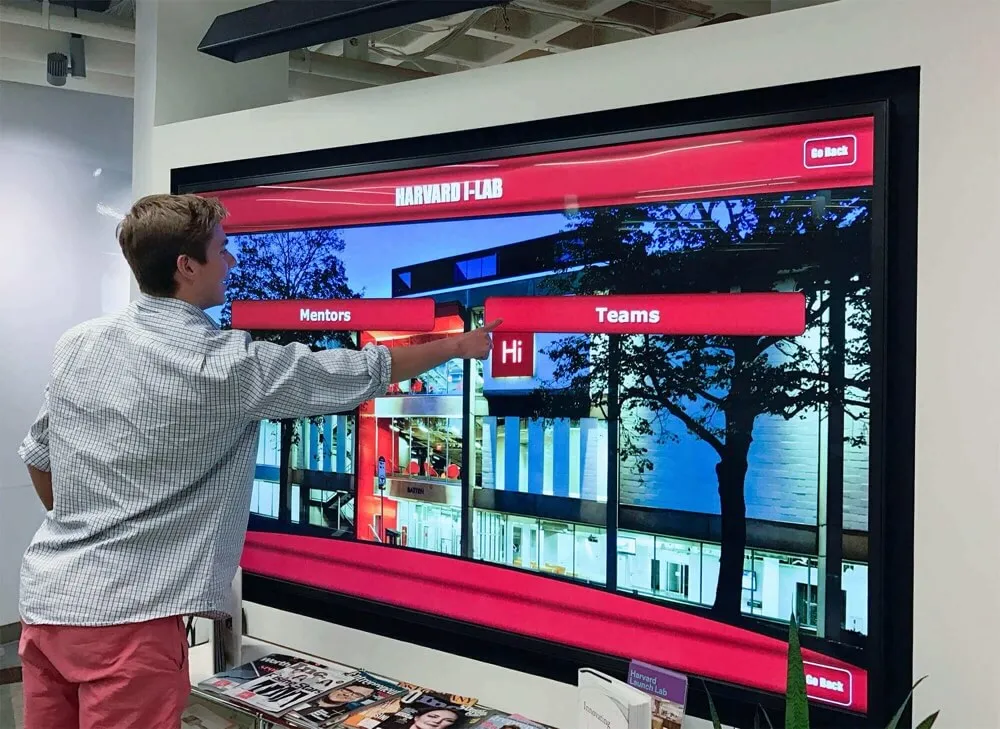
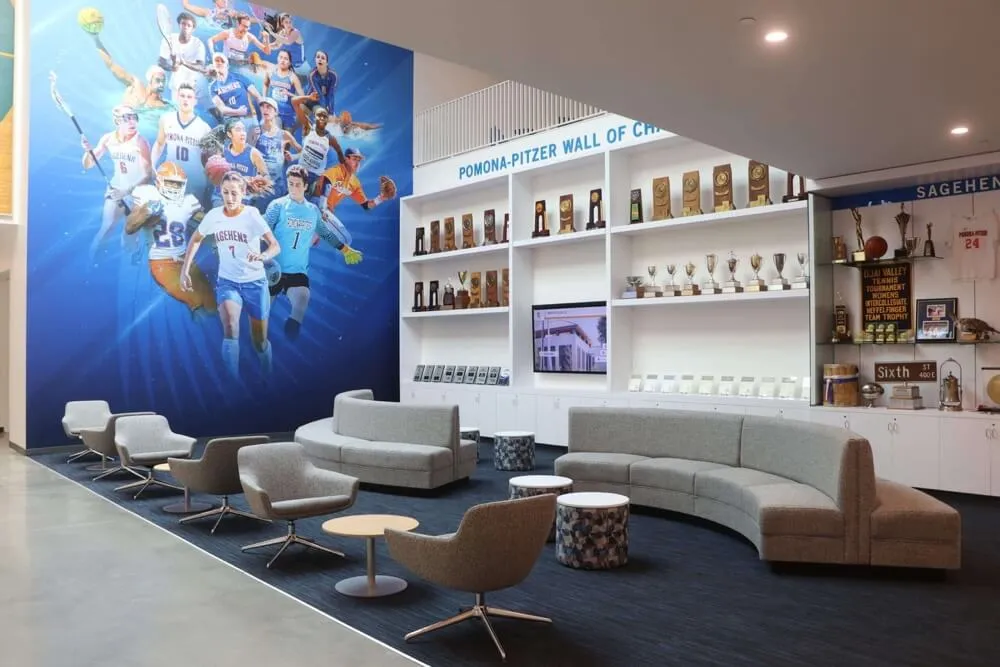
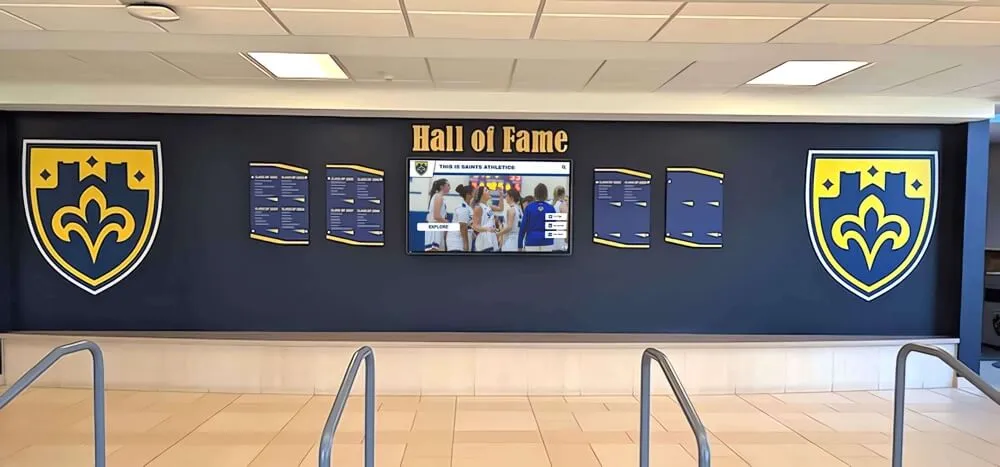
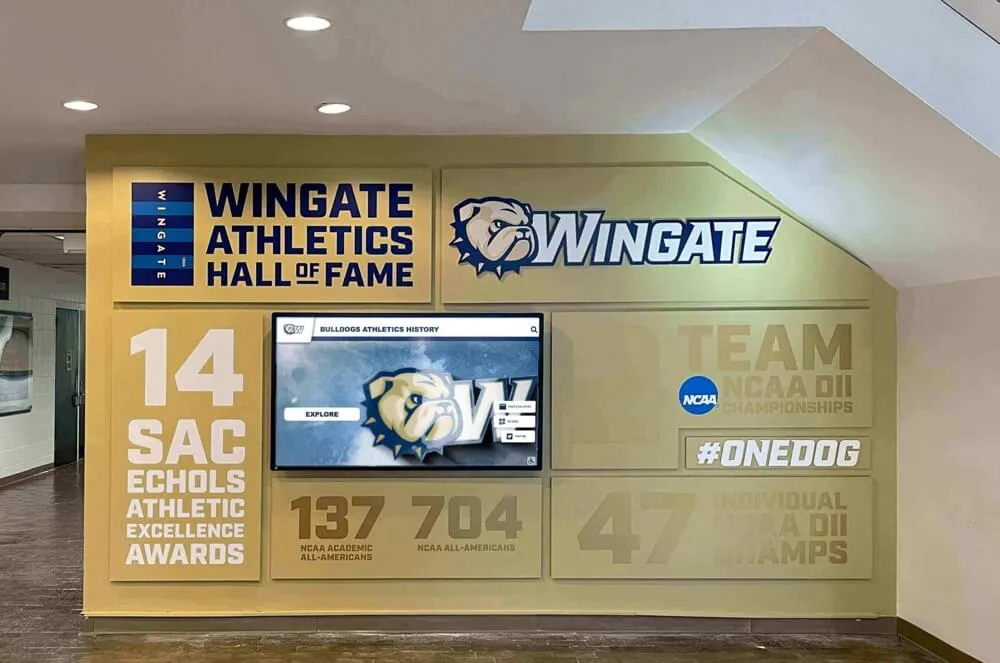
Profiles with headshots and action photos generate significantly more engagement than name-only displays—collecting photos at intake makes rich profiles possible without follow-up research
Section 6: Display and Consent Preferences
Not every recipient wants full public recognition. Some students and families prefer limited visibility. Asking directly—and documenting the answer—protects the school and respects recipient autonomy.
Display and consent preference fields:
| Field | Type | Notes |
|---|---|---|
| Permission for lobby and hallway displays | Yes / No / With approval | Controls physical display use |
| Permission for school website | Yes / No | Controls web publication |
| Permission for social media posts | Yes / No | Separate from other digital use |
| Permission for future alumni recognition | Yes / No | Covers hall-of-fame use years later |
| Preferred recognition name | Full name / First name only / Nickname | Display-ready preference |
| Any restrictions or notes | Free text | Flags unusual situations for staff |
Documenting consent at the time of the award also protects against a scenario that catches schools off guard: a former student who was recognized as a minor reaches adulthood and requests removal from public displays. Having a signed release on file—along with their original consent preferences—simplifies every future conversation about their profile.
For a broader look at how recognition display programs handle consent, profile content, and ongoing updates, a day in the life of school digital displays walks through the full operational cycle from intake to publication.
Sample Recipient Metadata
Here is a complete filled-in example demonstrating what a well-structured academic all state award recipient record looks like before it hits a display template:
Sample recipient profile — Jordan Vasquez, Class of 2026:
| Field | Value |
|---|---|
| Full legal name | Jordan Maria Vasquez |
| Preferred display name | Jordan Vasquez |
| Graduation year | 2026 |
| Grade at time of award | 12th |
| Sport | Women’s Soccer |
| Award | Academic All State — First Team |
| Awarding body | State High School Athletic Association |
| Award season | 2025–2026 |
| Cumulative GPA | 3.94 (4.0 unweighted scale) |
| Class rank | 8 of 312 |
| Academic honors | National Honor Society, AP Scholar with Distinction |
| Varsity letter years | 4 |
| Position | Midfielder |
| Additional athletic honors | All-Conference, Team Captain (senior year) |
| Post-graduation plans | College soccer, pre-medicine program |
| Award verification | State association announcement (PDF on file, URL archived) |
| Nominating coach | Coach Sarah Linfield |
| Headshot on file | vasquez-jordan-2026-headshot.jpg (1240px wide) |
| Action photo on file | vasquez-jordan-soccer-action-2025.jpg |
| Display permission | Granted — all uses |
| Preferred recognition name | Jordan Vasquez |
A record this complete takes approximately fifteen minutes to assemble when collected immediately after the award announcement. The same record assembled from fragments eighteen months later typically takes several hours and still ends up incomplete.
How This Data Feeds Downstream Displays
Structured recipient data does not live in a spreadsheet—it flows into the recognition systems your school already uses or is building toward. Here is how each field category connects to downstream use:
Data-to-display connections:
| Form Data | Powers |
|---|---|
| Name, GPA, sport, award level | Lobby display panel and hallway graphics |
| Academic honors, class rank | Profile bio and “scholar-athlete” narrative |
| Athletic history, position, years | Digital record board and hall-of-fame profile |
| Action photo + headshot | Portrait card and touchscreen profile |
| Award documentation URL | Archive verification and citation reference |
| Quote or message fields | Inspirational hallway graphics |
| Consent and permissions | All public-facing media—physical and digital |
When every field is in place, publishing a new academic all state honoree to a digital display takes minutes rather than days. Staff select a template, pull the structured record, and the profile populates automatically. No hunting for photos. No emailing coaches for stats. No guessing about preferred names. The intake workflow does the heavy lifting so the publication workflow stays fast.
Schools exploring the full range of recognition technology options that can be powered by structured award data will find the 10 best hall-of-fame tools for athletics, donors, arts, and history a useful reference for what is possible once profiles are consistently structured.
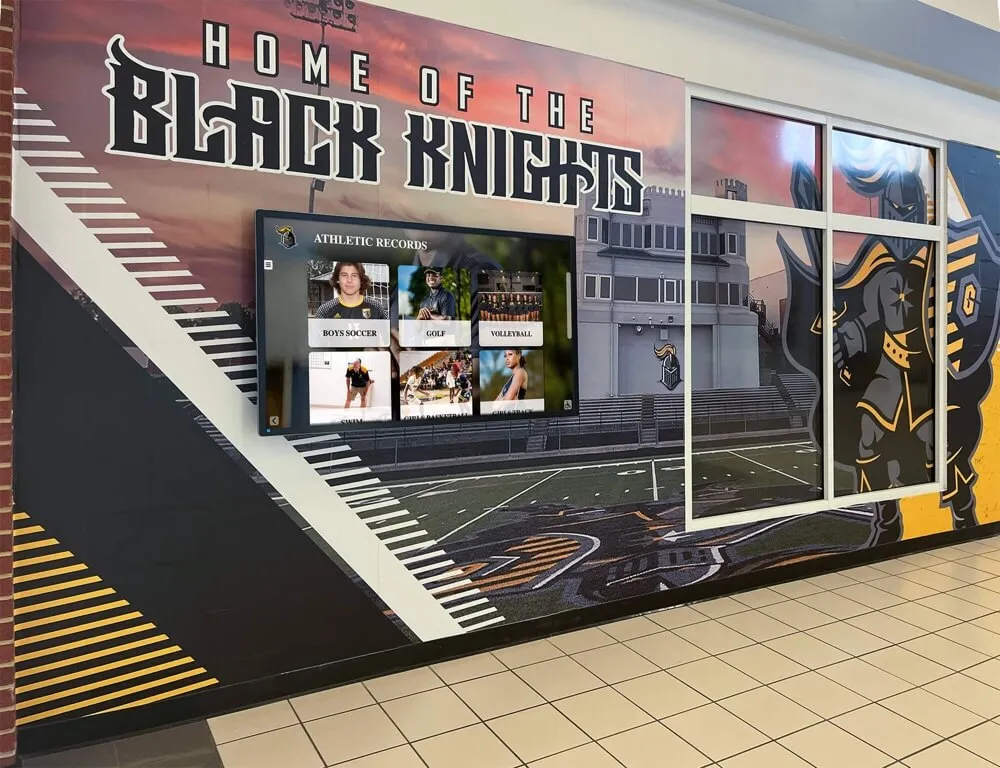
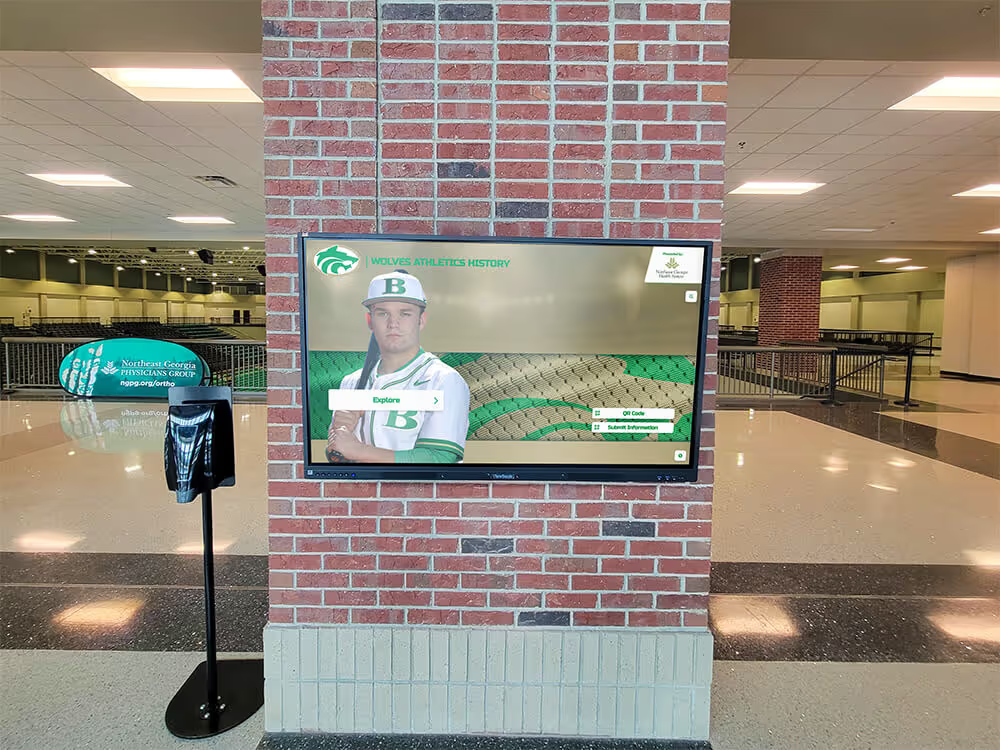
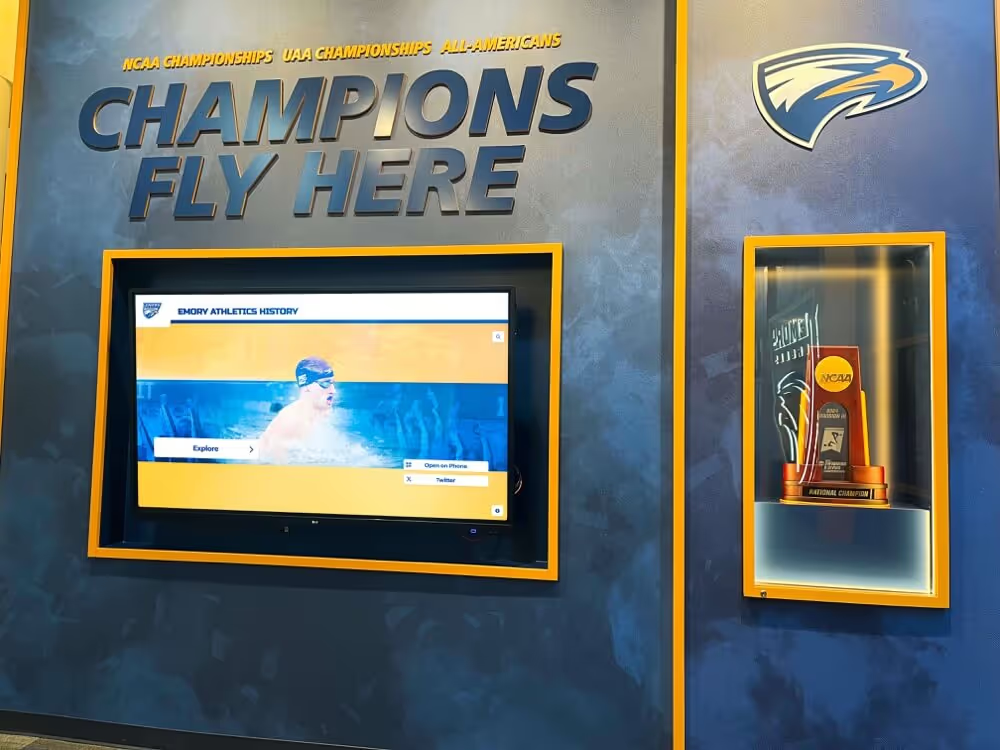
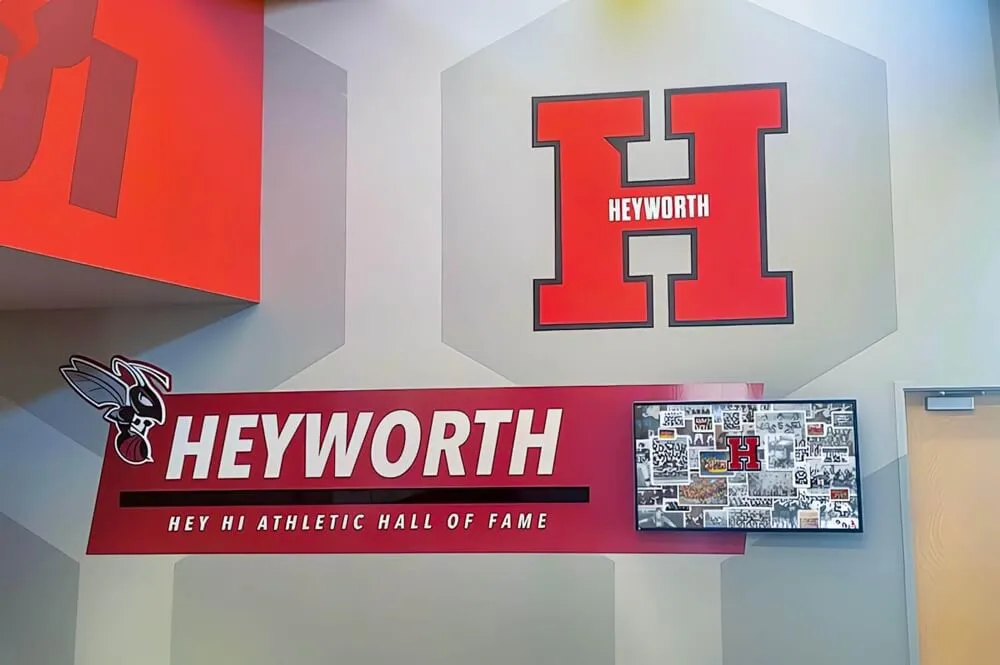
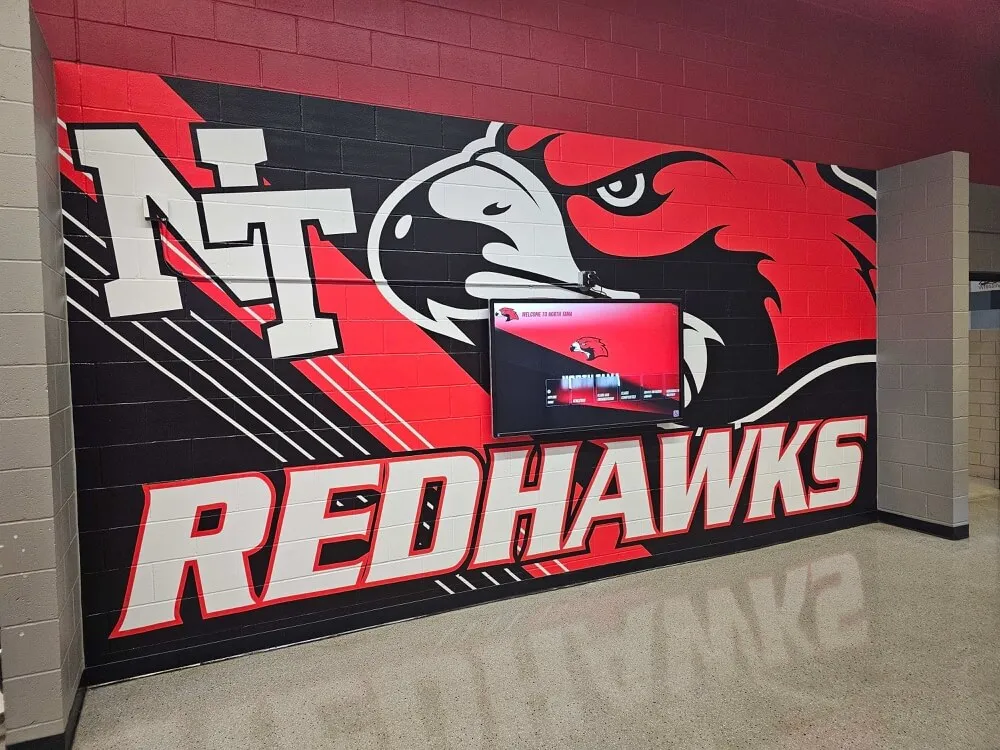
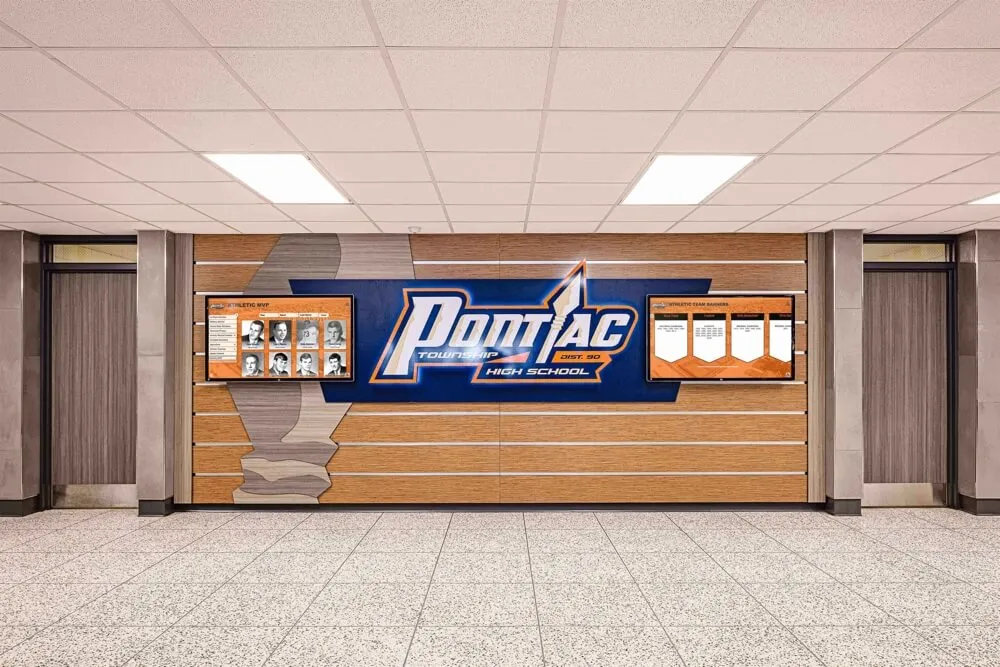
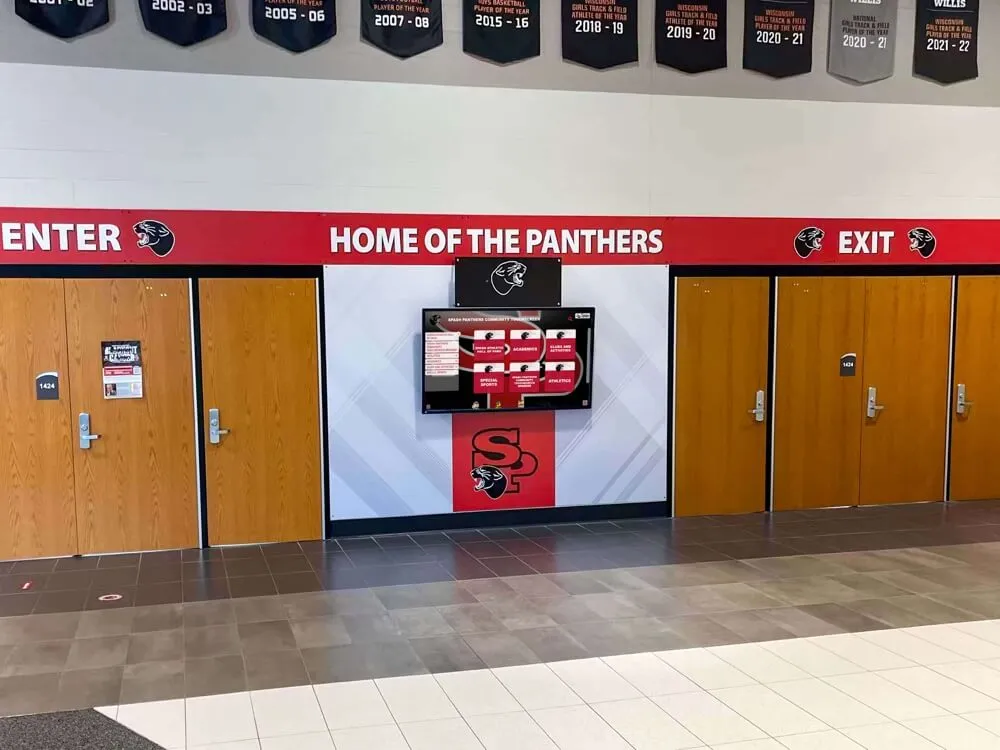
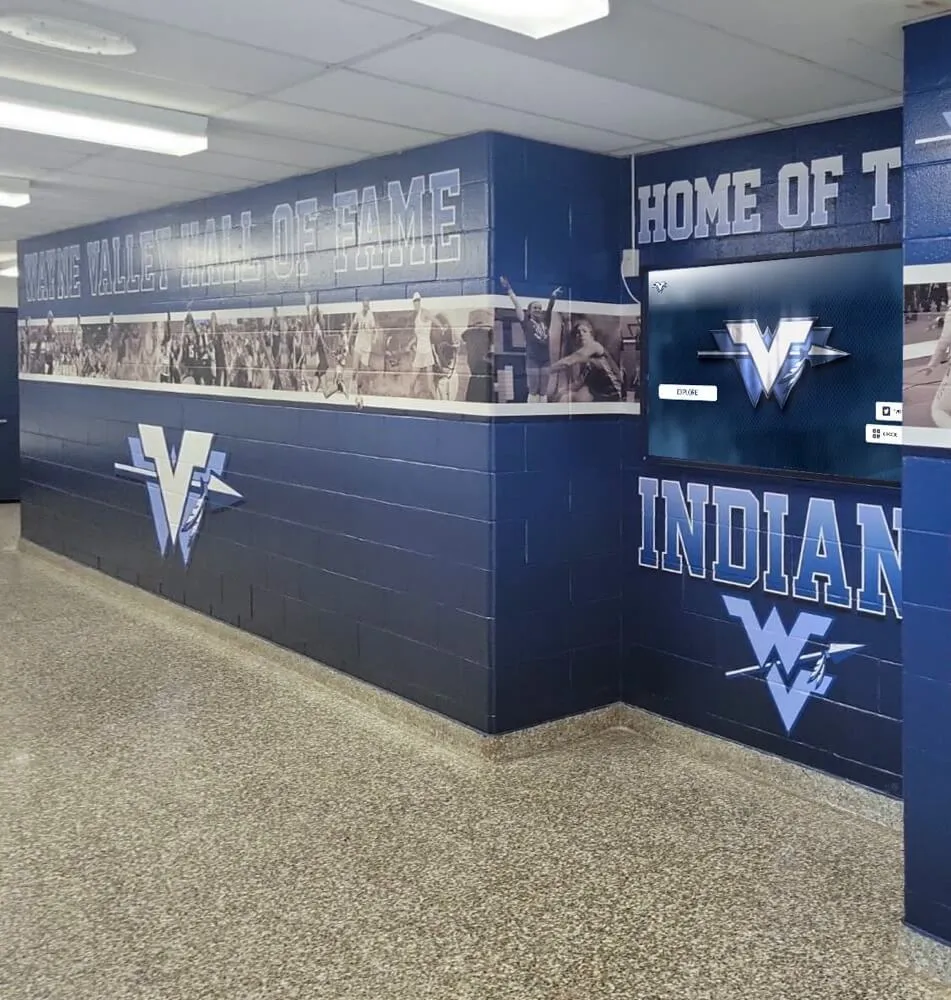
Hallway record boards and digital displays update in minutes when underlying recipient data is structured, complete, and stored in a queryable format
Building the Intake Workflow
Collecting these fields works best through a short digital form sent to the student and their coach within one week of the state association announcement. Forms built in Google Forms or Typeform can be completed on a phone in under ten minutes and feed directly into a spreadsheet or database without manual transcription.
Recommended delivery channels:
- Direct email to the student from the athletic director or academic recognition coordinator
- Copy to nominating coach with a request to encourage completion
- QR code posted near the athletic office and in team communications
- Reminder at the end-of-year athletic banquet for students who have not yet responded
Combine the intake form with your annual athletic alumni update process so that recipients who graduated before you built this workflow have a path to submit retrospective data. Academic recognition program frameworks often include guidance on retroactive data collection for exactly this scenario.
For schools that also recognize a broader set of athletic achievement awards alongside the academic all state honor, 100 youth sports award ideas provides a useful framework for structuring parallel recognition programs with consistent data collection behind each one.
Frequently Asked Questions
What is the academic all state award at the high school level? State athletic or activities associations grant academic all state recognition to high school student-athletes who meet a combination of GPA and athletic participation requirements. Criteria vary by state and sport—typical GPA minimums range from 3.50 to 3.75 on a 4.0 scale, and students must be active varsity participants in the named sport. The award is distinct from collegiate Academic All-American programs, which are administered separately at the university level.
How many fields does a school realistically need to collect? A minimum viable profile—sufficient to publish a display entry—requires ten fields: preferred display name, graduation year, sport, award level, awarding body, GPA, one headshot, one action photo, and display consent. Every additional field from the checklist above increases the depth and longevity of the profile. Schools with active digital display programs benefit from collecting all sections; schools maintaining basic hallway boards can start with the minimum and expand over time.
Should the athletic office or the academic office own this data collection? Either can own the process, but the athletic office typically has the most direct relationship with the nominating coach and the fastest path to the student. The key is that one office owns the workflow—split responsibility usually means no one completes it. Designate a single coordinator, build the form, and make submission part of the award notification process.
How do we handle recipients who earned the award in multiple years? Create a separate profile record for each year the honor was earned rather than updating a single record. This preserves the GPA, sport context, and award documentation for each individual year, which matters for long-term archive accuracy. Display templates can link multiple year records to a single student profile if your platform supports it.
What if a student does not want to be featured on a display? Honor the preference immediately and flag the record in your database so future staff do not inadvertently publish the profile. Include a “private record only” option on your intake form and document the response. Privacy preferences can change—include an update option in annual outreach so former students can revise their consent as their circumstances and preferences evolve.
How does academic all state recognition connect to hall-of-fame eligibility? Academic all state selections often appear in hall-of-fame nomination criteria as supporting evidence of balanced achievement. A structured recipient record—with verified GPA, award documentation, and athletic history—can be submitted directly as part of a nomination packet without additional research. Schools that maintain clean intake records consistently report faster, more confident hall-of-fame selection processes.
Complete Field Checklist: Academic All State Award Recipient Profile
Use this checklist to audit your current intake form or build a new one from scratch:
Section 1 — Core Identity
- Full legal name
- Preferred display name
- Graduation year
- Grade level at time of award
- School name (for multi-campus programs)
Section 2 — Academic Qualification
- Cumulative GPA and scale (4.0 unweighted / weighted / 5.0)
- Class rank (optional)
- Academic honors held (NHS, AP Scholar, honor roll)
- Intended major or academic concentration
Section 3 — Athletic Profile
- Sport(s) for which award was earned
- Varsity letter years
- Position(s) played
- Athletic classification or division
- Additional athletic honors (all-conference, all-region, etc.)
- Post-graduation athletic plans
Section 4 — Award Documentation
- Awarding body (full official name)
- Award name (exact official title)
- Award tier (First Team / Second Team / Honorable Mention)
- Award season or school year
- Official announcement URL (archived)
- Award letter or certificate (PDF on file)
- Nominating coach name
Section 5 — Photos
- Current headshot (minimum 1000px wide)
- Athletic action photo (minimum 1500px wide)
- Award or ceremony photo (any resolution)
- Photo release consent (checkbox with release language)
Section 6 — Display and Consent
- Permission for physical displays
- Permission for school website
- Permission for social media
- Permission for future alumni recognition
- Preferred recognition name
- Privacy restrictions or notes (free text)
Turn Recipient Data into Recognition Displays
Collecting structured academic all state award data is the first step. The second is connecting that data to the recognition systems—digital displays, touchscreen kiosks, record boards, and digital yearbook archives—that make the honor visible to students, families, and community members year after year.
Rocket Alumni Solutions gives schools a platform that does exactly this: structured intake, interactive touchscreen displays, academic and athletic recognition tools, and digital archive management built specifically for school programs.
Schedule a demo with Rocket Alumni Solutions to see how your academic all state award data can feed a recognition system that keeps your program’s history alive and your honorees celebrated long after the announcement week passes.
Conclusion: The Profile Is as Important as the Award
An academic all state award without a complete profile is a credential that exists on a state association website and nowhere else. A well-documented recipient profile is a permanent institutional asset: a record that populates displays, feeds hall-of-fame nominations, appears in anniversary retrospectives, and inspires current students who walk past a lobby display wondering whether they could earn the same honor.
The fields in this checklist take fifteen minutes to collect when gathered immediately after the award announcement. They take hours—or become permanently incomplete—when assembled retroactively. The intake workflow is a small investment that pays forward every time a display gets updated, a nomination packet gets assembled, or a graduating senior’s achievement gets recognized with the depth it deserves.
Start with the minimum viable profile—name, graduation year, sport, award level, GPA, one photo, and display consent—and build toward the full checklist as your recognition program matures. Every complete record you add today becomes the foundation for a recognition culture that honors academic and athletic excellence in equal measure, and that current student-athletes can see themselves aspiring to reach.