Inventory the collection
Record publication years, missing volumes, and duplicate copies. Note who holds the originals and which years your community asks for most.
A practical starting point for school librarians
Give students and alumni a way to reconnect with your school’s history. Find practical guidance for preparing, scanning, and organizing your yearbook collection, then preview how those memories could appear in a digital experience tailored to your school.
Request a Custom MockupStart with the collection you have. Plan the next chapter together.
Scanning guide
Before you digitize the whole shelf, choose a few representative volumes and agree on what a usable scan should look like.
Record publication years, missing volumes, and duplicate copies. Note who holds the originals and which years your community asks for most.
Identify fragile bindings, loose pages, and damage before choosing equipment or a scanning partner. Never force a book flat; seek preservation advice when handling could harm it.
Read the smallest names, inspect faces, and check page edges and two-page spreads. Review the actual files at full size before committing to the full collection.
Use consistent school, year, and page labels. Keep the original master scans separate from access copies, and maintain a backup in another location.
Review reproduction permissions and your school’s privacy requirements. Decide what can be public, what needs review, and who approves each volume.
A preparation checklist helps you make informed decisions; it is not a guarantee of scanning quality or text-search accuracy.
Explore more yearbook digitization guidesYearbook example
Give each volume a clear path: prepare the original, review complete page scans, and organize the digital files by year.

Choose equipment and handling methods that suit the binding and condition of each volume. Keep your school name, publication year, and page order with the digital files.
Collection checklist
Use this working checklist with your library team. Your selections stay on this page and are not sent with a mockup request.
A collection that keeps growing
A clear year-by-year structure helps the next librarian pick up where you left off. Keep publication year, school name, source files, review status, and access decisions together.
Choose who checks scans, maintains labels, and approves a new volume. Record those decisions alongside your collection inventory.
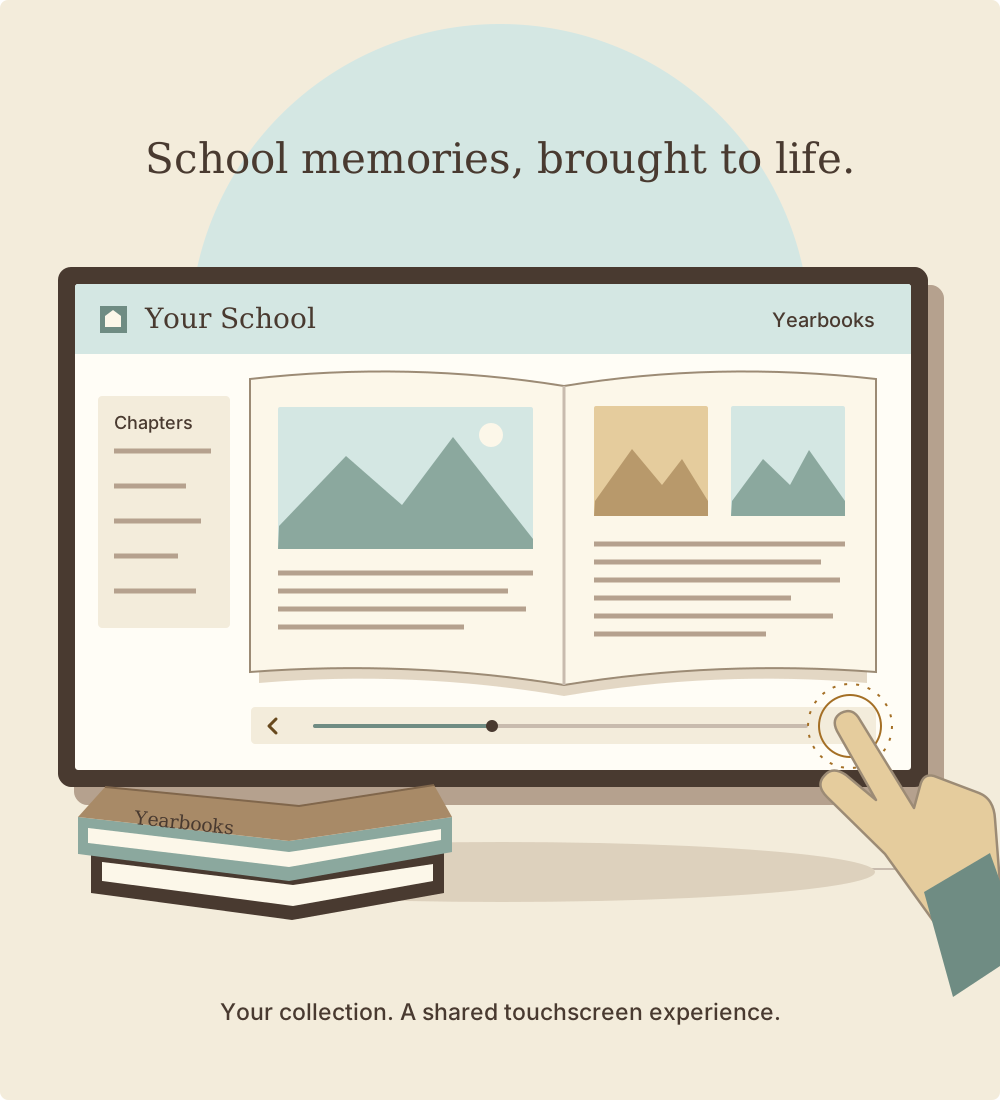
Decide how your community should move between years and pages, at home or on a school touchscreen. Include those goals in your custom mockup conversation.
Your digital presentation is one part of the collection. Continue looking after physical volumes and keeping independent copies of master scans.
Explore the existing digital yearbook software guide, archive planning guide, and touchscreen access guide. Confirm editing, storage, and access details for your project before choosing a setup.
Your school’s next chapter
Start with a scanning plan that respects the originals and keeps your collection organized. Then see how your school’s yearbooks could come together in a custom digital mockup.
Choose a demo time on our booking page. Bring the years you want to include, what you have already scanned, and how you hope people will use the collection so we can discuss a custom mockup for your school.
Your next step takes you to Rocket Alumni Solutions’ demo-booking page.
Help the next generation discover the people and stories already on your shelves.
Request a Custom Mockup